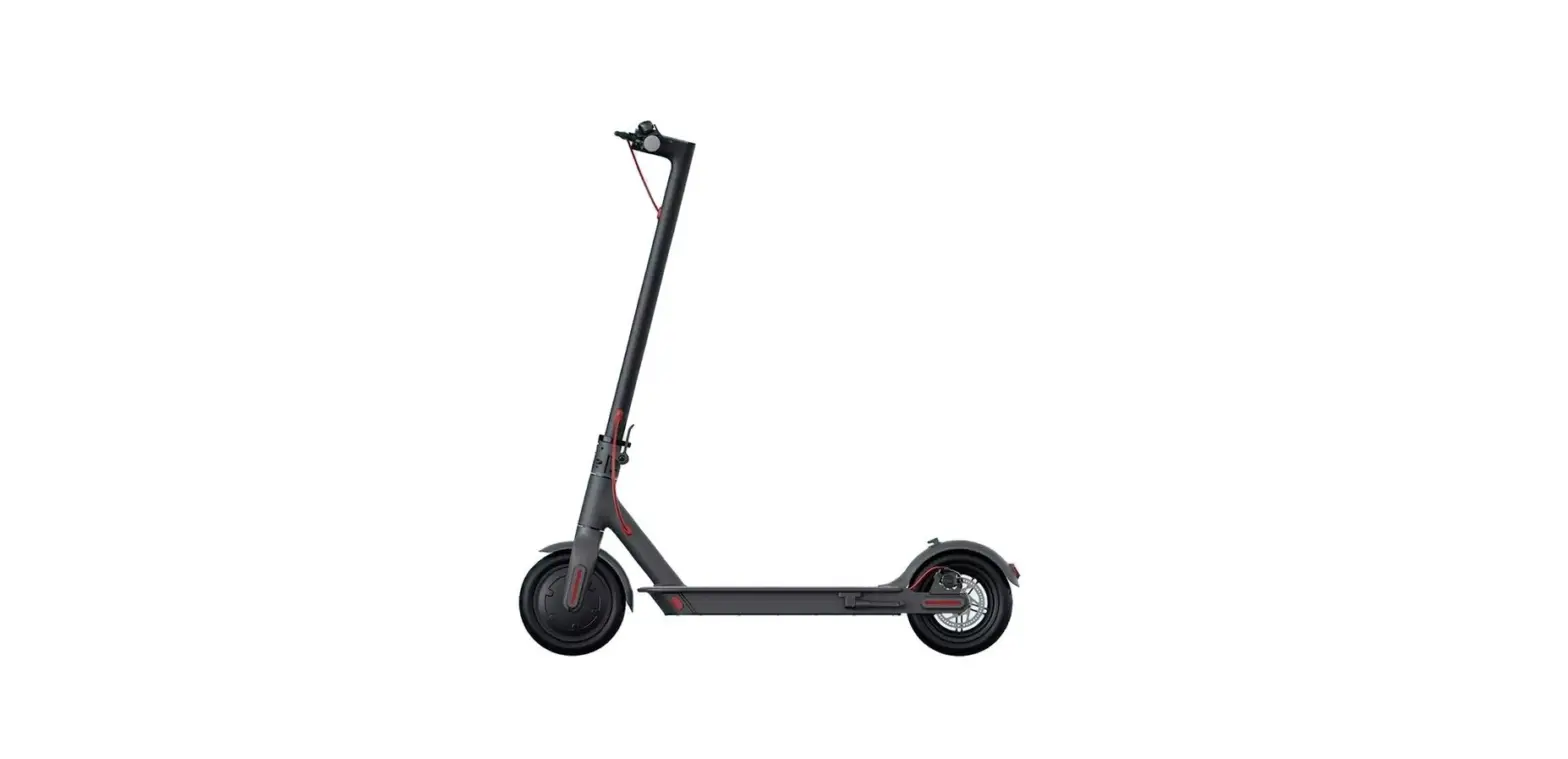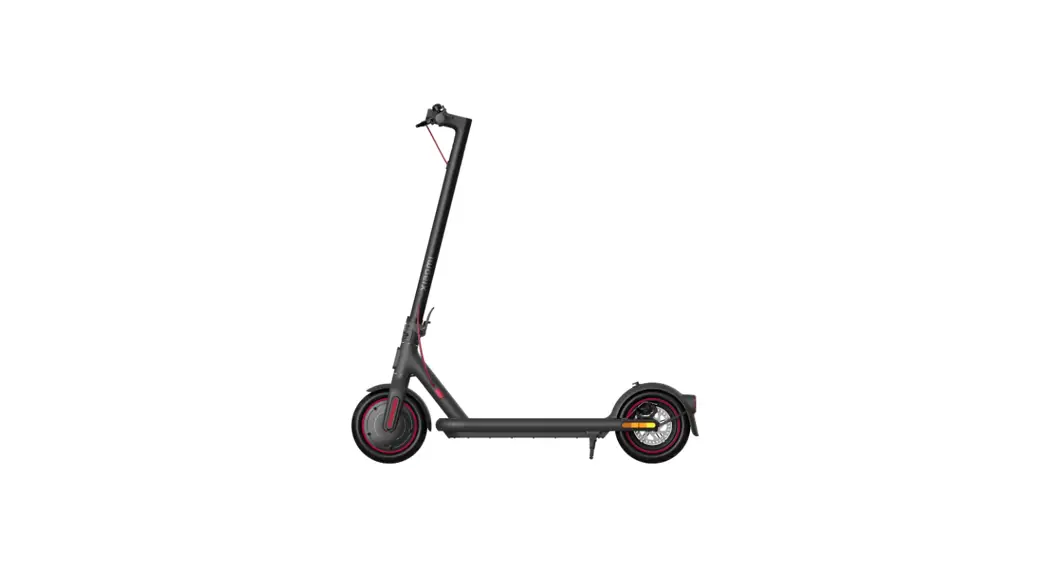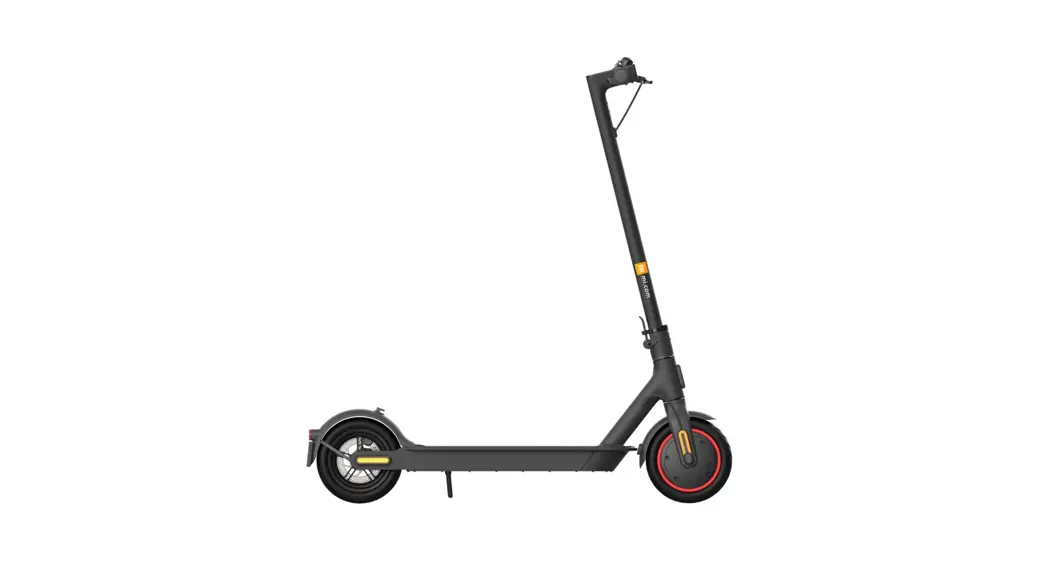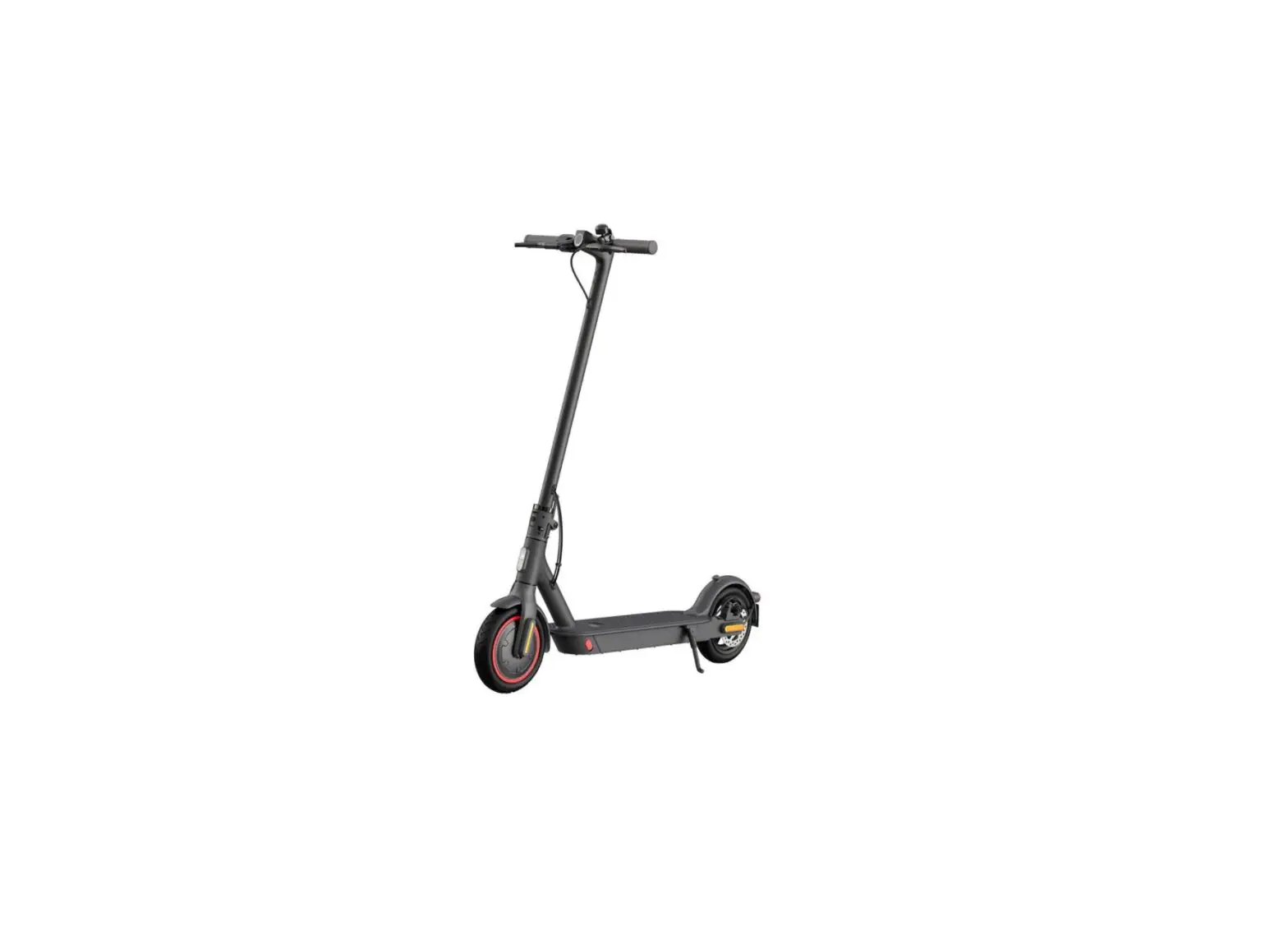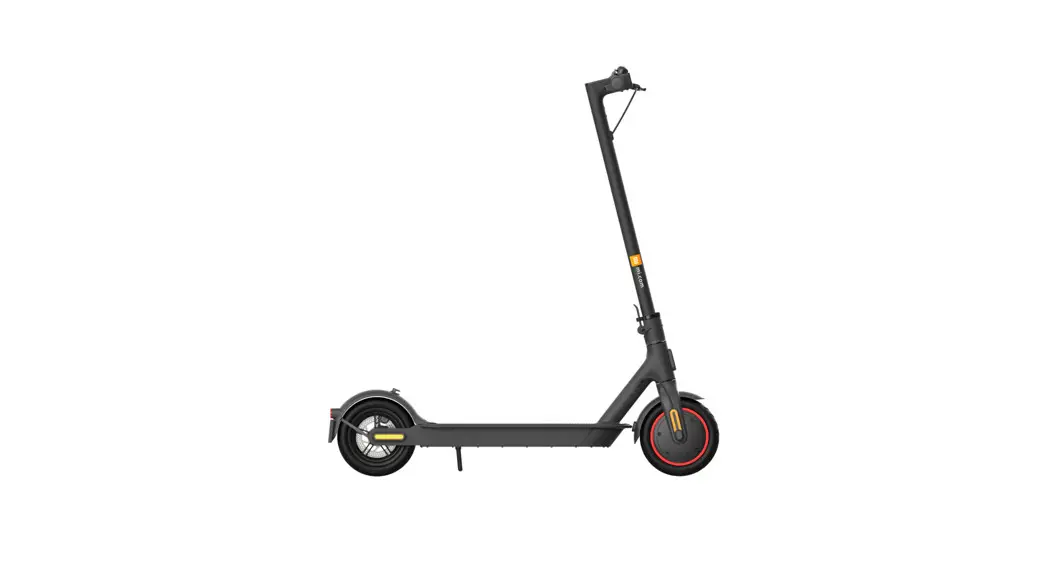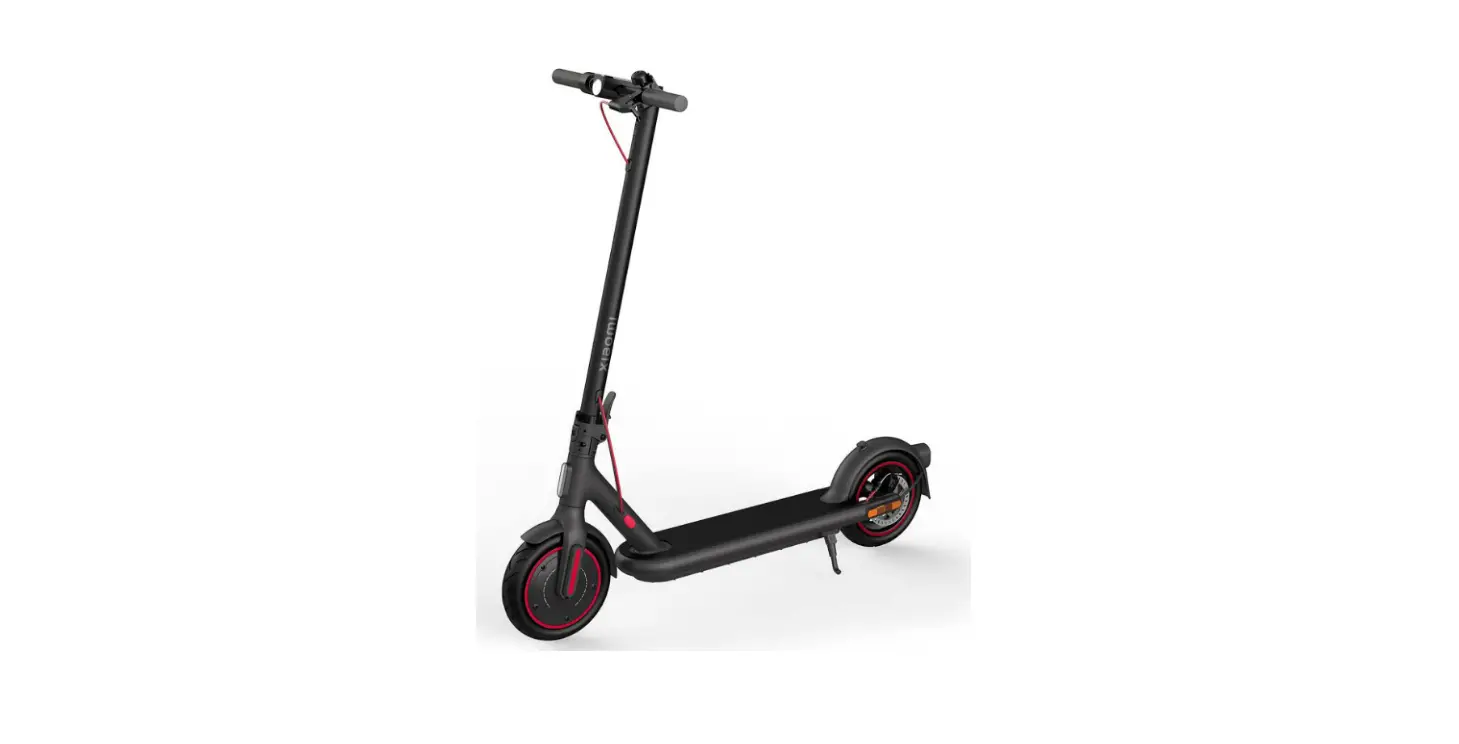
xiaomi 1S Mi Electric Scooter User Manual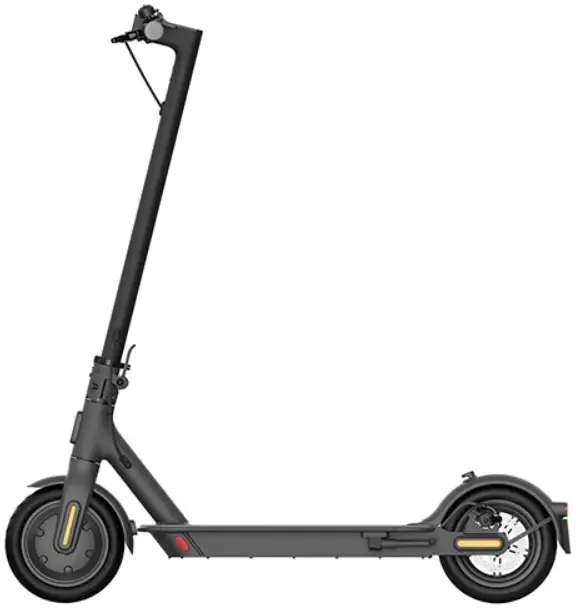
Package Contents
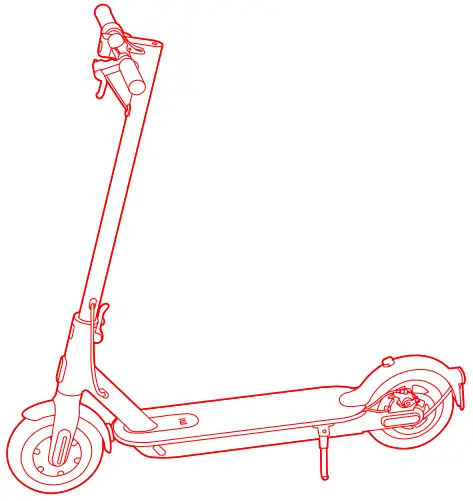
- User Manual

- Important Information

- Specifications

- Extension Nozzle

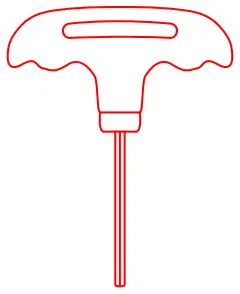
- T-shape Allen Key

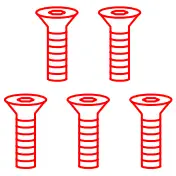
- Screw

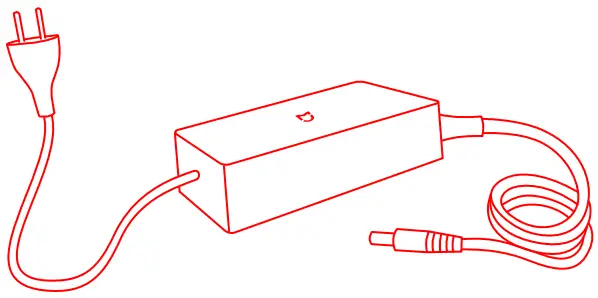
- Power Adapter

- Tire






Assembly and Set-Up
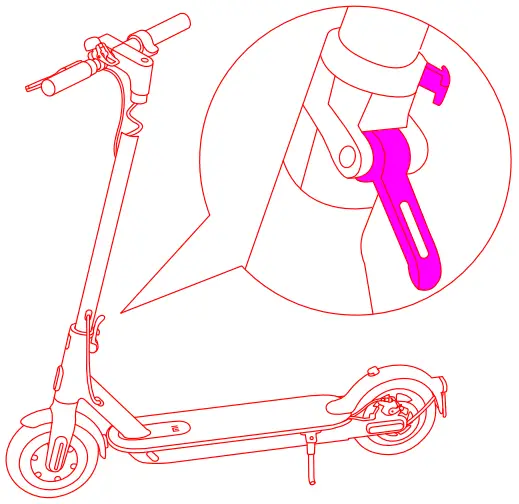
- Fold the handlebar stem up, fasten it, and put down the kickstand.

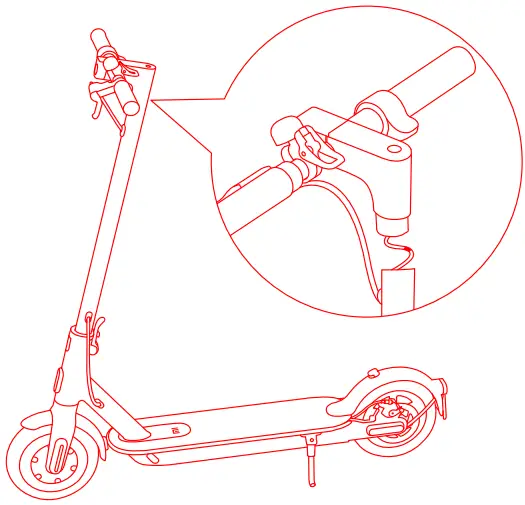
- Install the handlebar onto the stem.

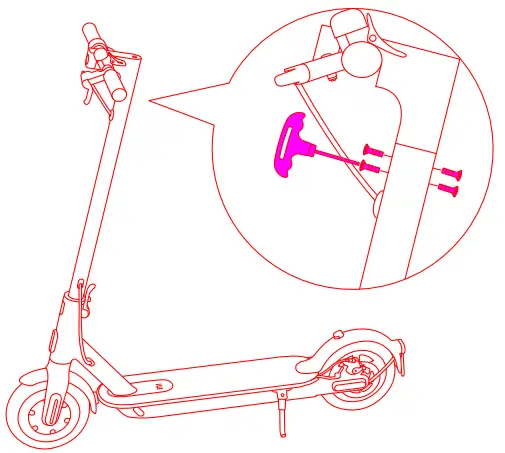
- Tighten the screws onto both sides of the stem with the Tshaped Allen key

Charge Your Scooter
The scooter is fully charged when the LED on the charger changes from red (charging) to green (trickle charge).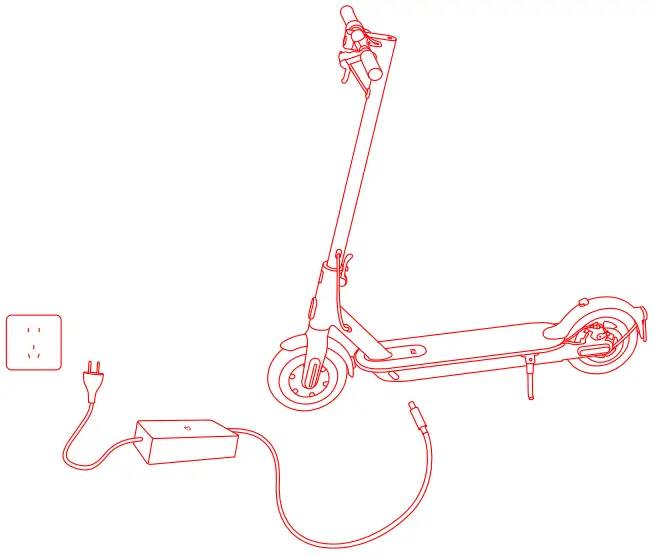
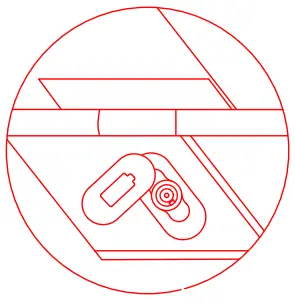
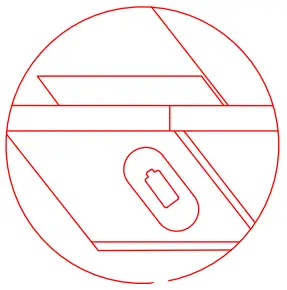
- Lift up the rubber flap

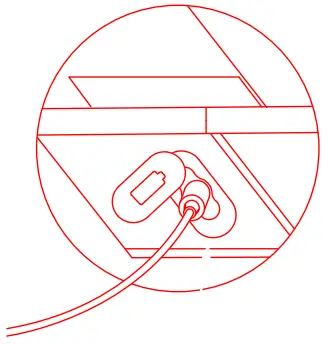
- Plug the power adapter into the charging port.

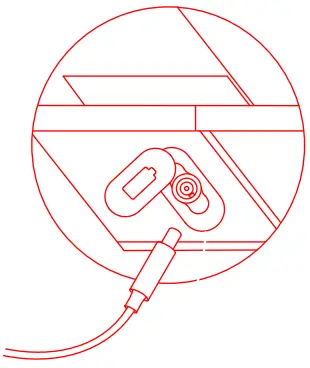
- Unplug when charging is completed.

- Put back the rubber flap.

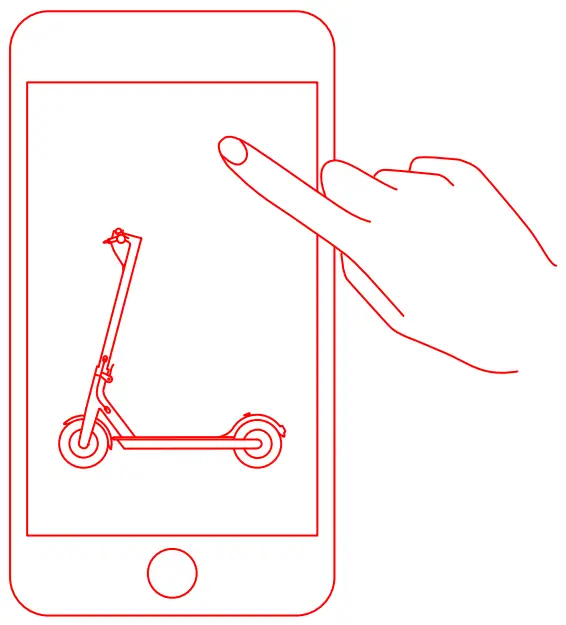
Connect with Mi Home / Xiaomi Home Ap
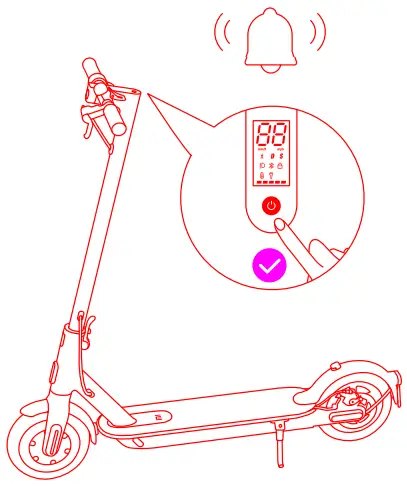
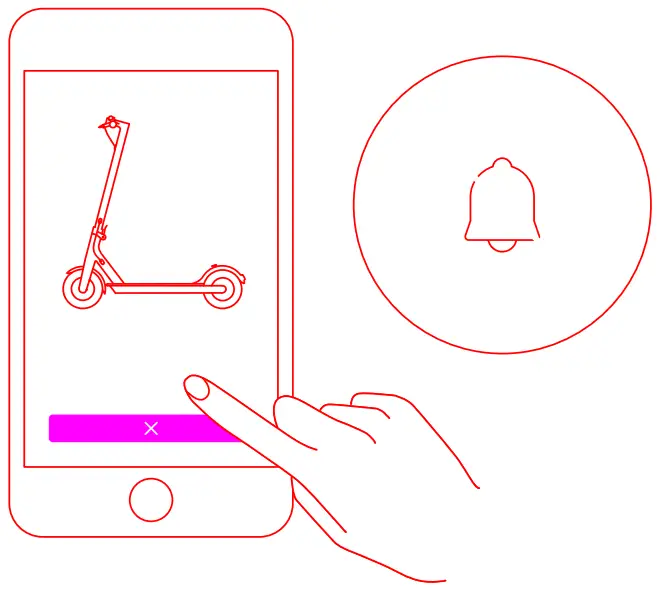
- The scooter without being activated will keep beeping when turned on, and its speed is limited to 10 km/h.

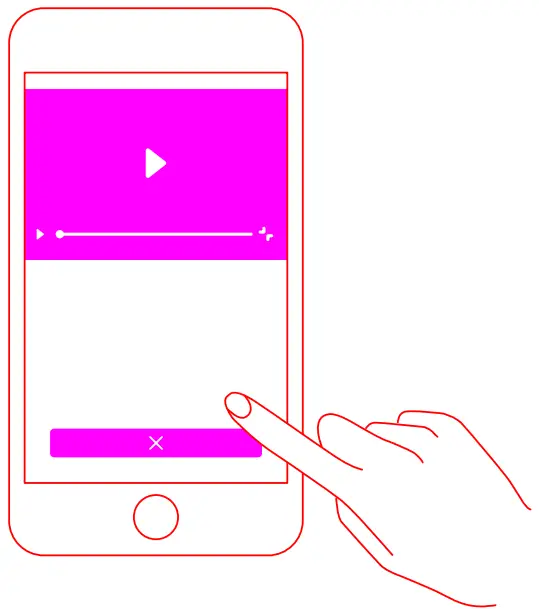
- Scan the QR code to download and install the app.


- Open Mi Home / Xiaomi Home app.

- Tap “+” on the upper right, and then follow prompts to add your device

- Follow the on-screen instructions in the app to activate our scooter for the first use.

- The beeping sound will not stop until the scooter is activated.


How To Ride
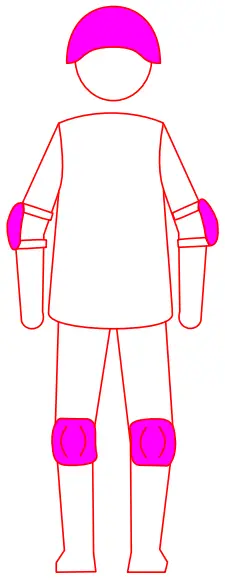
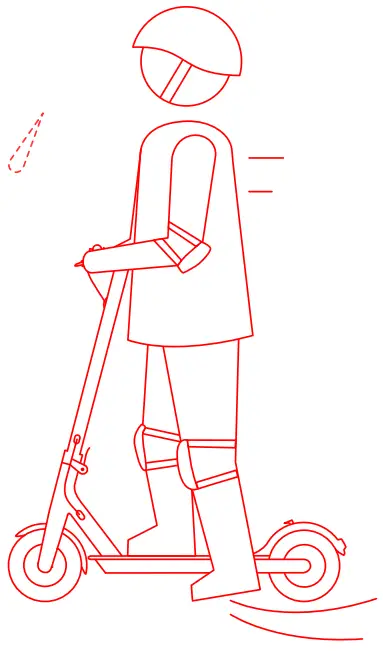
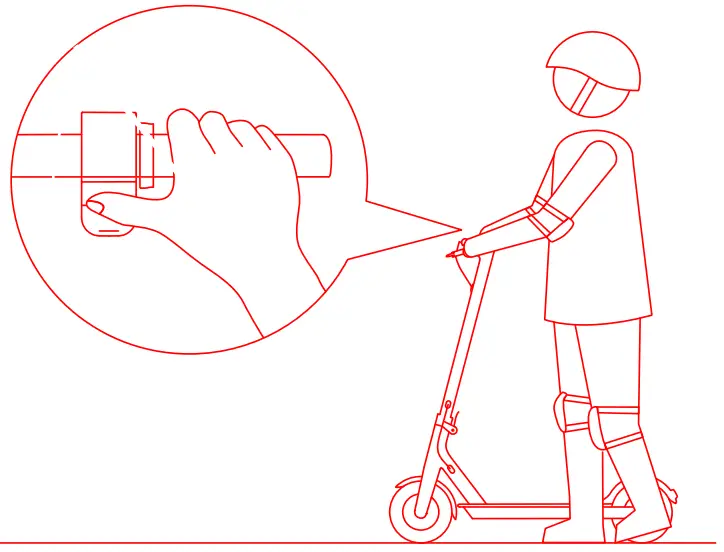
- Warning: Wear a helmet, elbow pads and knee pads.

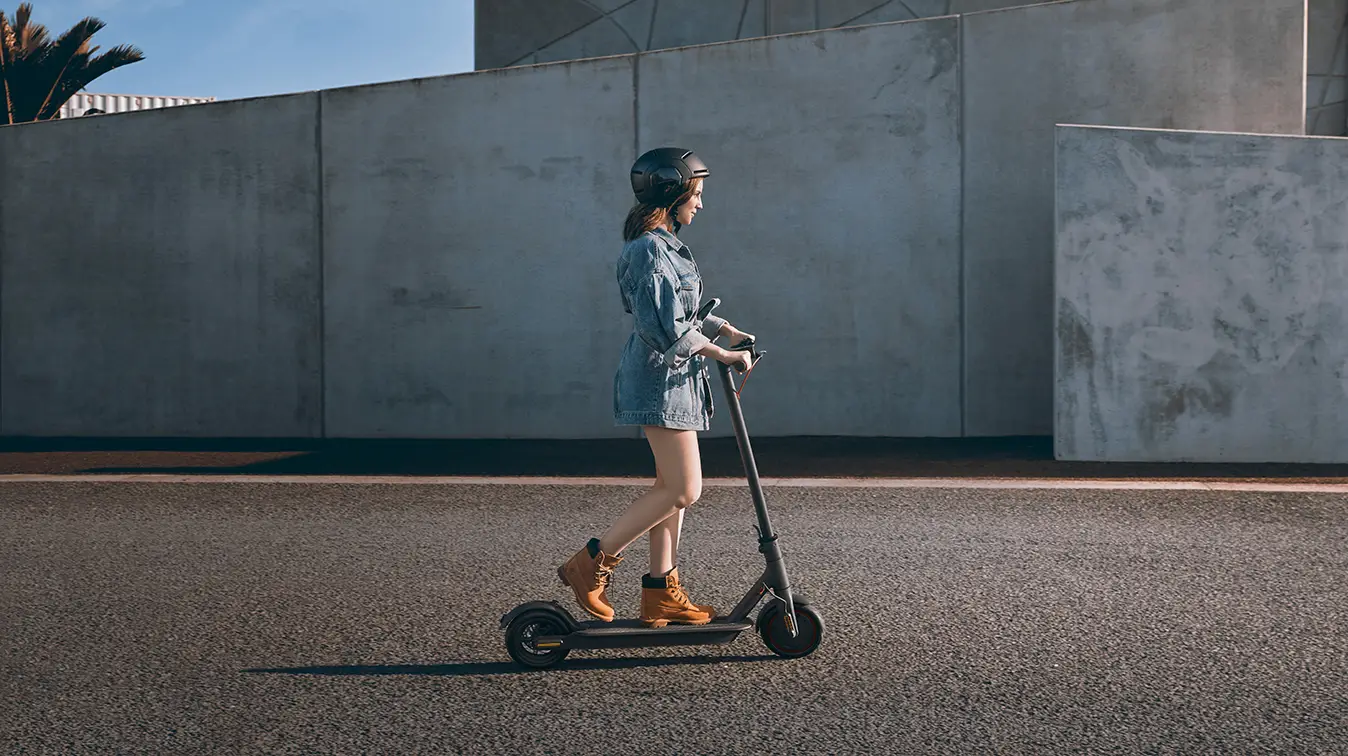
- Step on the deck with one foot, and slowly kicks off the 2 EN other on the ground.

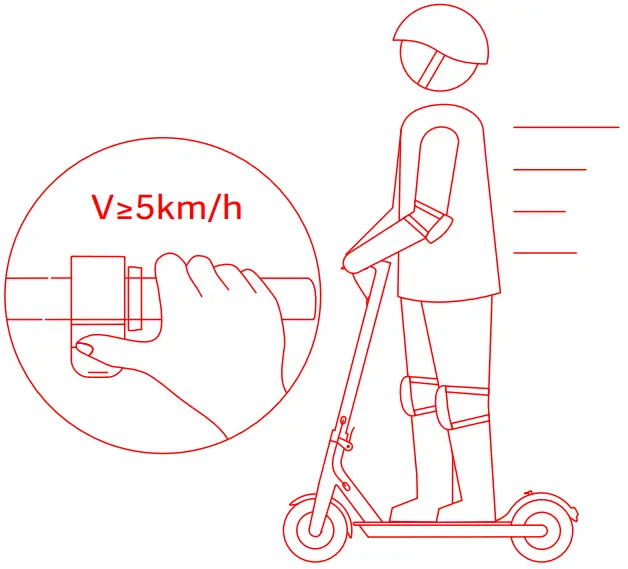
- The accelerator initiates once the coasting speed exceeds 5 km/h.

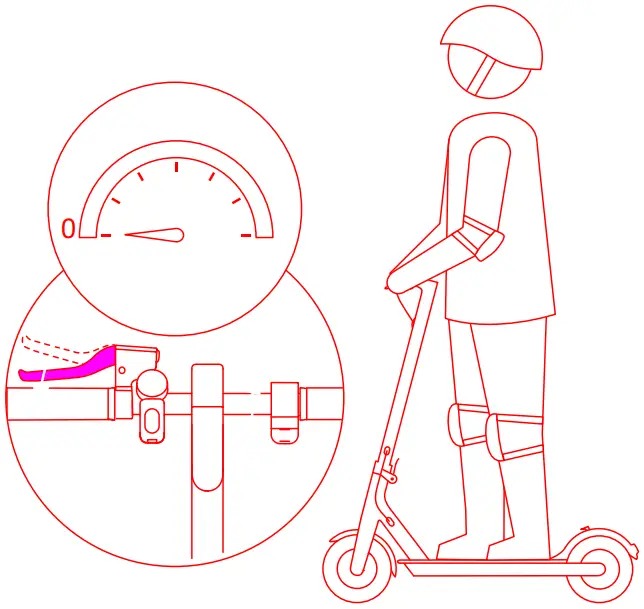
- Release the accelerator and squeeze the brake lever for a sudden brake.

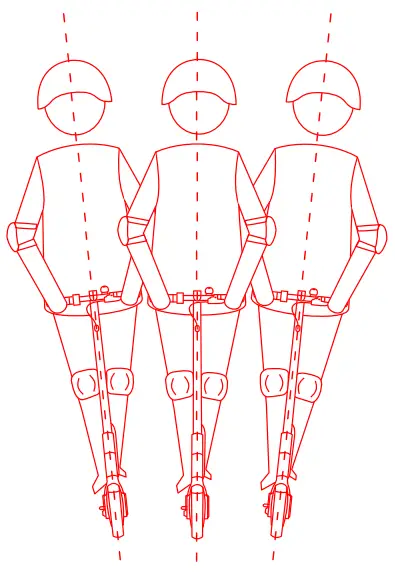
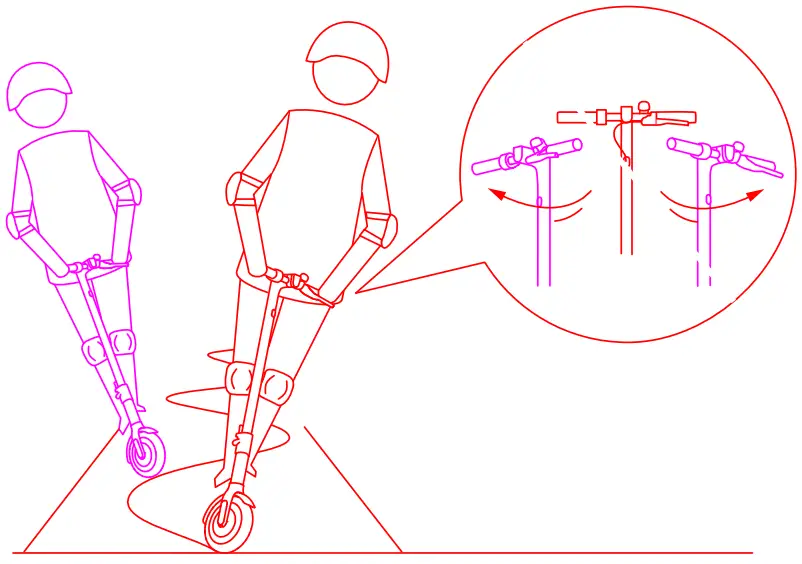
- Tilt your body to the steering direction as you turn, and slowly turn the handlebar.

- Put down the kickstand when parking.

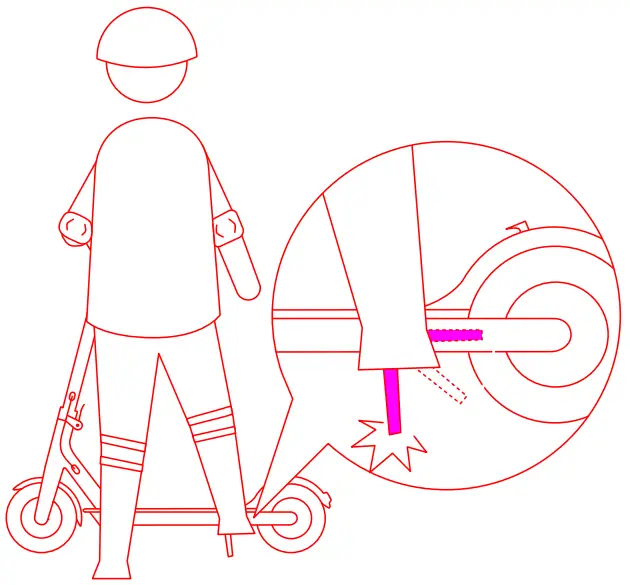
Safety Reminder
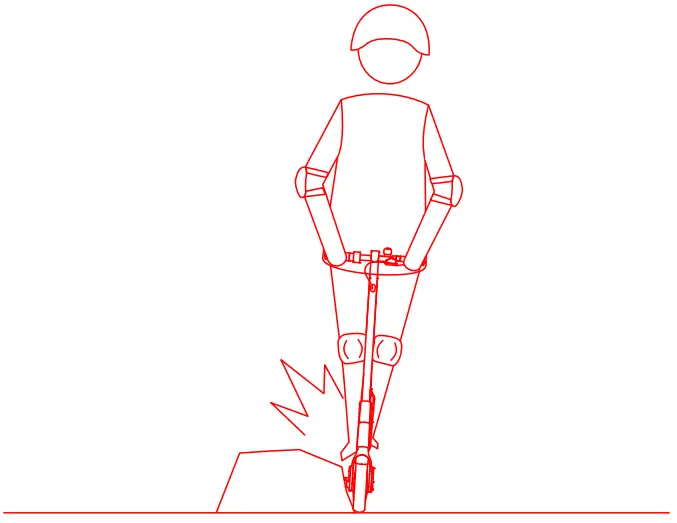
- Always steer clear of obstacles

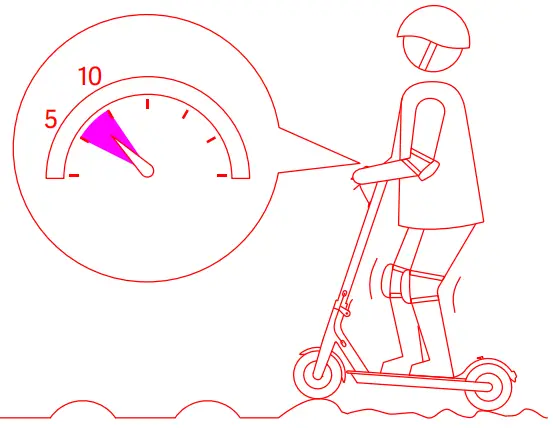
- Keep your speed between 5-10 km/h when you ride through speed bumps, elevator door stills, bumpy roads or other uneven surfaces Slightly bend your knee to better adjust mentioned surface.

- Avoid hitting your head on door frames, elevator and other overhead obstancles.

- Do not press the accelerator when you’re walking alongside the scooter.

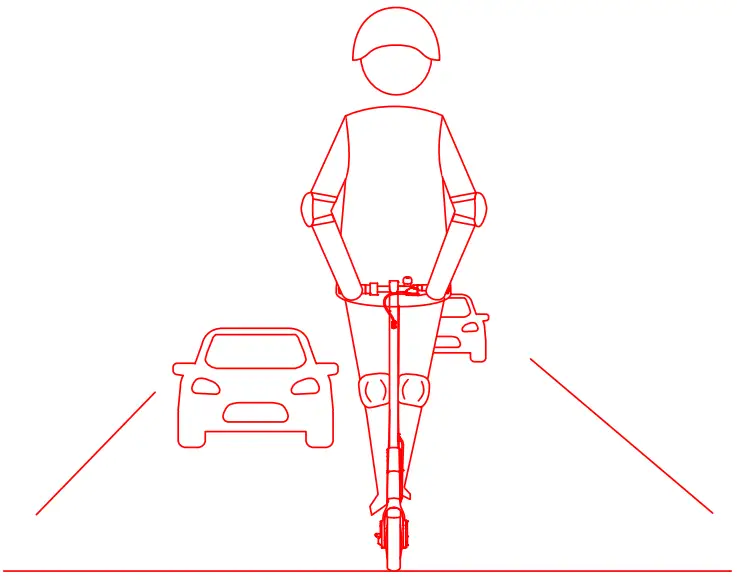
- Do not ride in traffic lanes or residential areas where vehicles and pedestrians are both allowed.

- Do not abruptly change the steering direction at high speed.

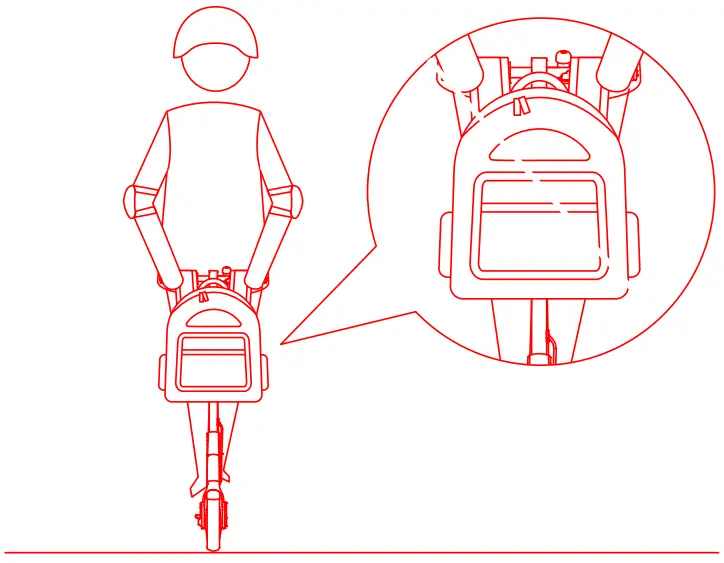
- Do not hang bags or other heavy stuff on the handlebar.

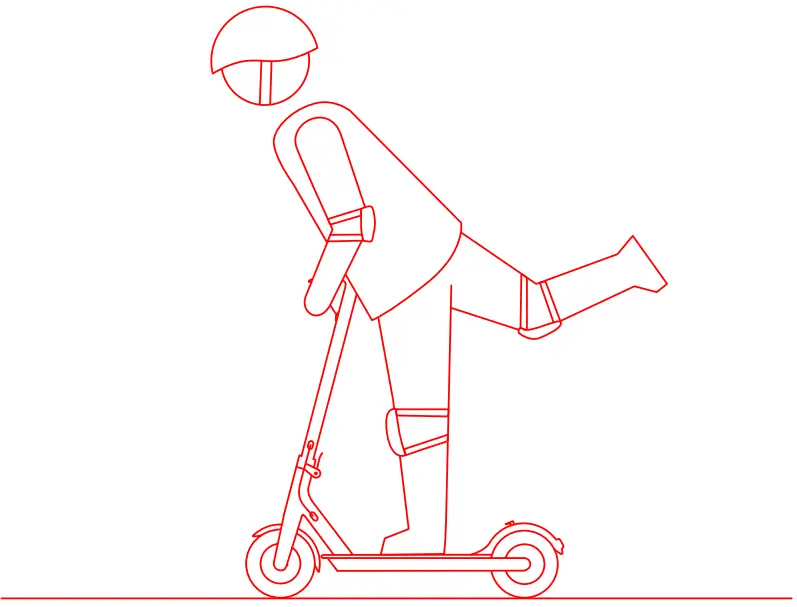
- Do not ride on one foot.

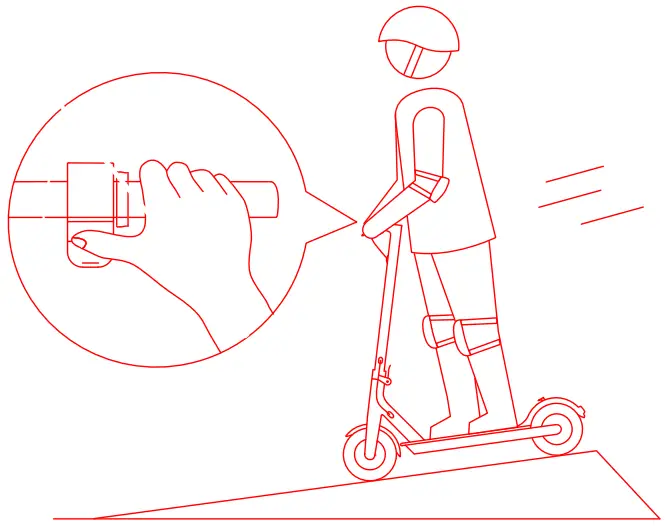
- Do not accelerate when going downhill, and brake in time to slow down. When encountering a steep incline, you need to step off the scooter and push.

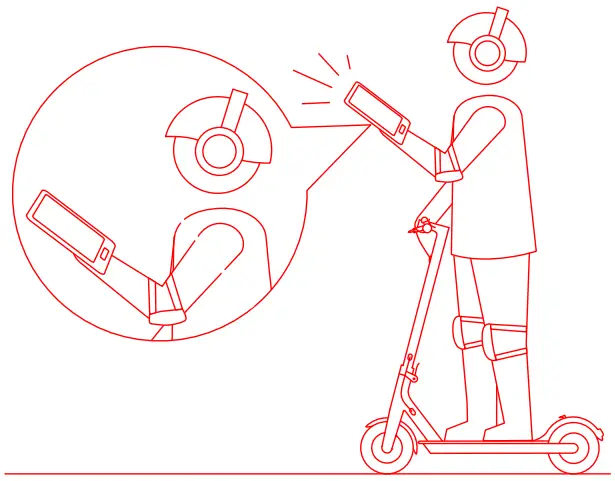
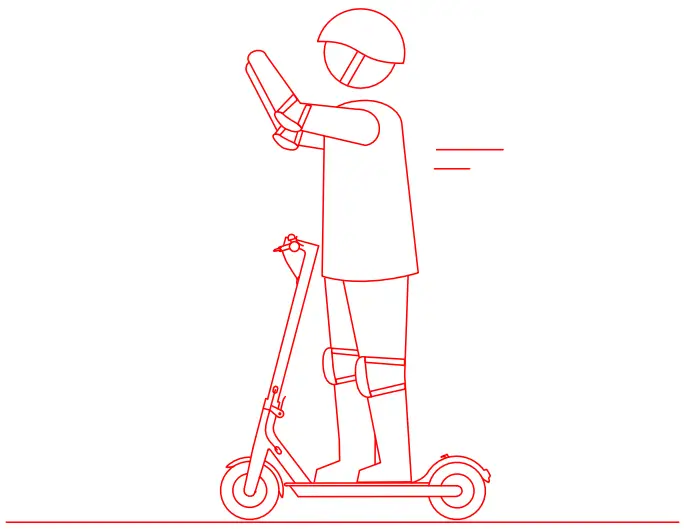
- Do not use mobile phone or wear earphones when operating the scooter.

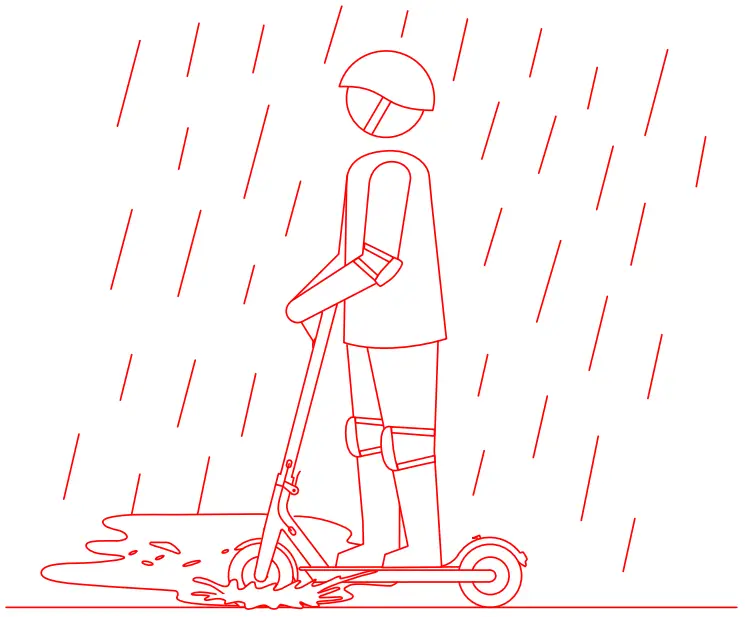
- Do not ride in the rain. Do not ride through puddles or any other (water) obstacles.

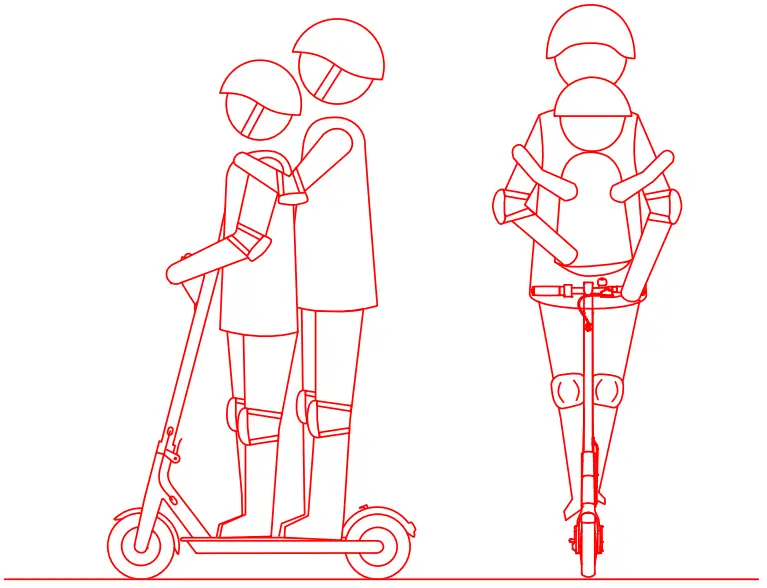
- Do not ride with anyone else, including children.

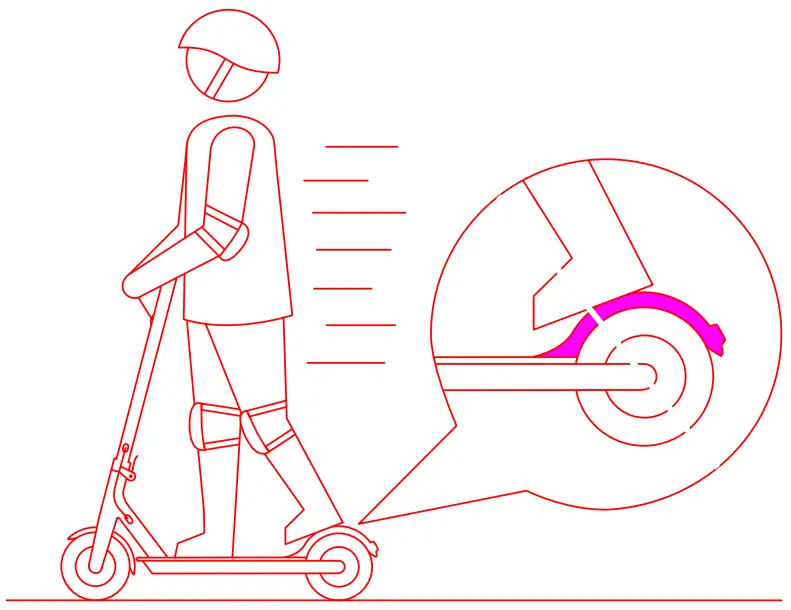
- Do not keep your feet on the rear mudguard.

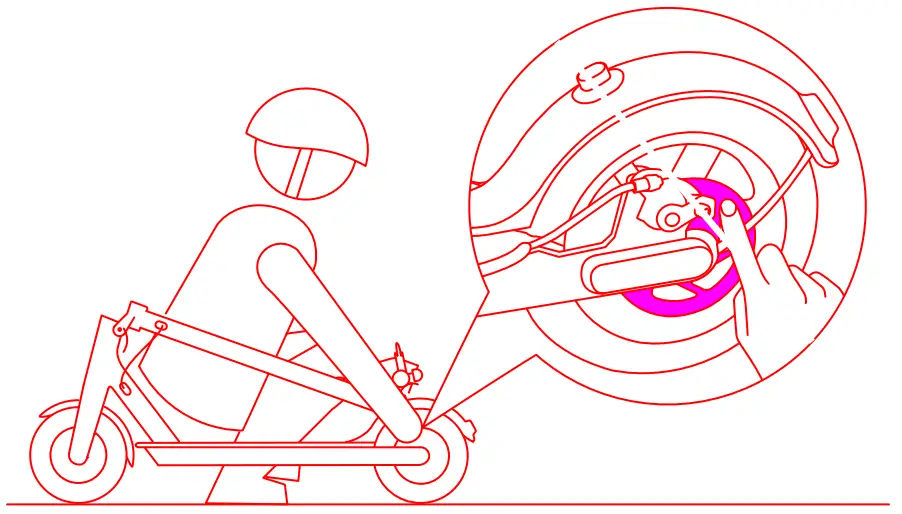
- Do not touch the disc brake.

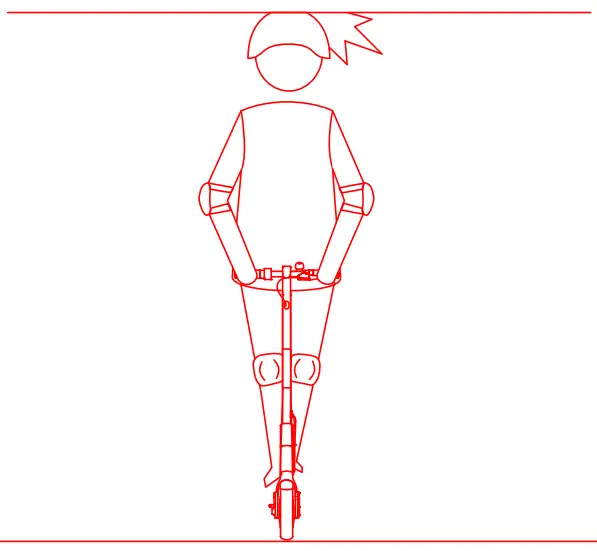
- Do not let go of the handlebar while riding.

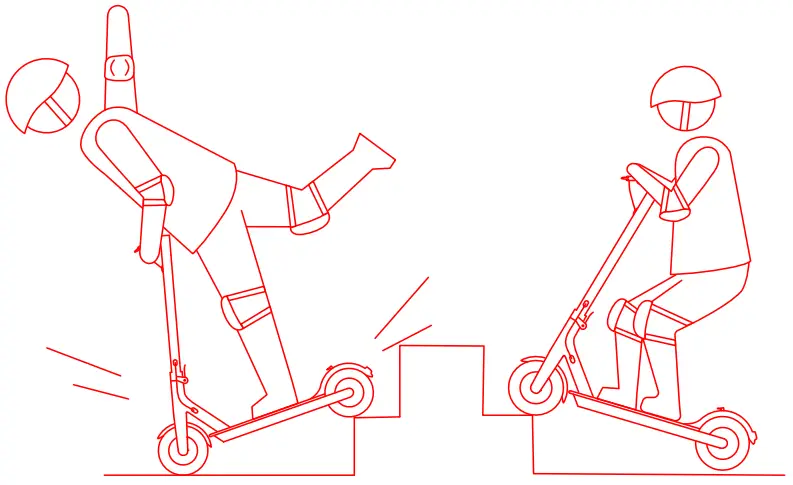
- Do not try riding up or down stairs, nor try jumping over obstacles.

Folding and Carrying
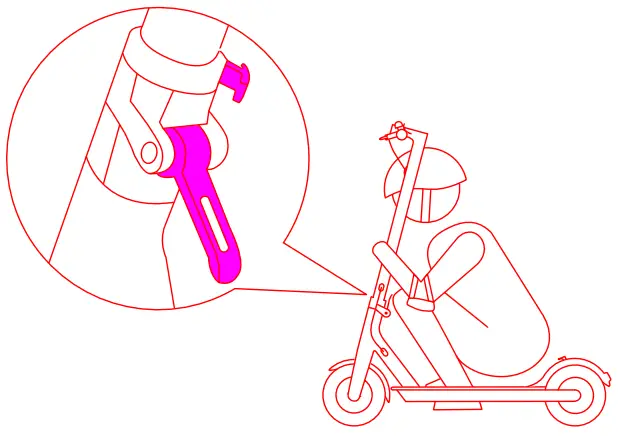
- Hold the handlebar stem, turn it counterclockwise to open the safety hook and open the quick release lever.

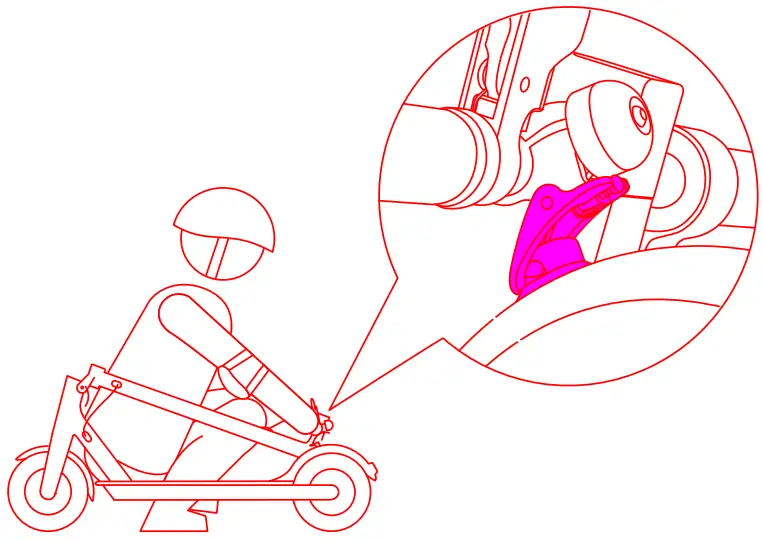
- Align the bell and the buckle and hook them

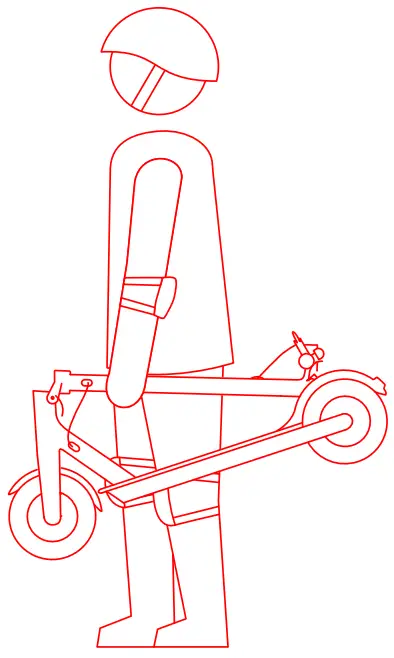
- Hold the handlebar stem with either one hand or both hands to carry.

- Disengage the bell lever from the buckle on the mudguard.

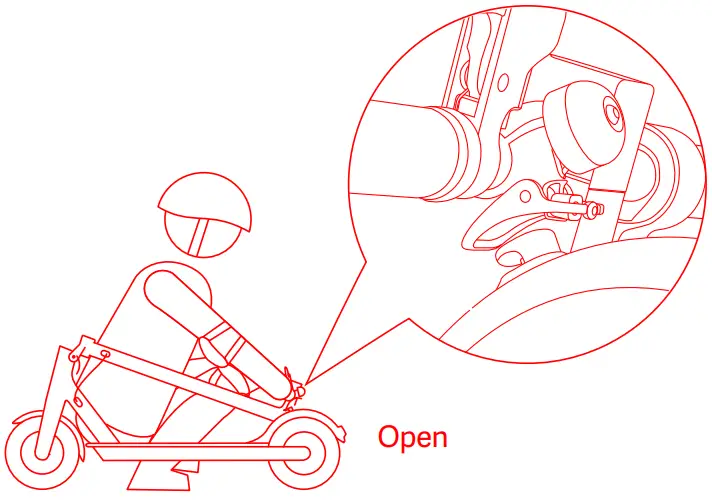
Adjusting the Disc Brake
- Before adjustment, make sure the scooter is powered off and not charging.
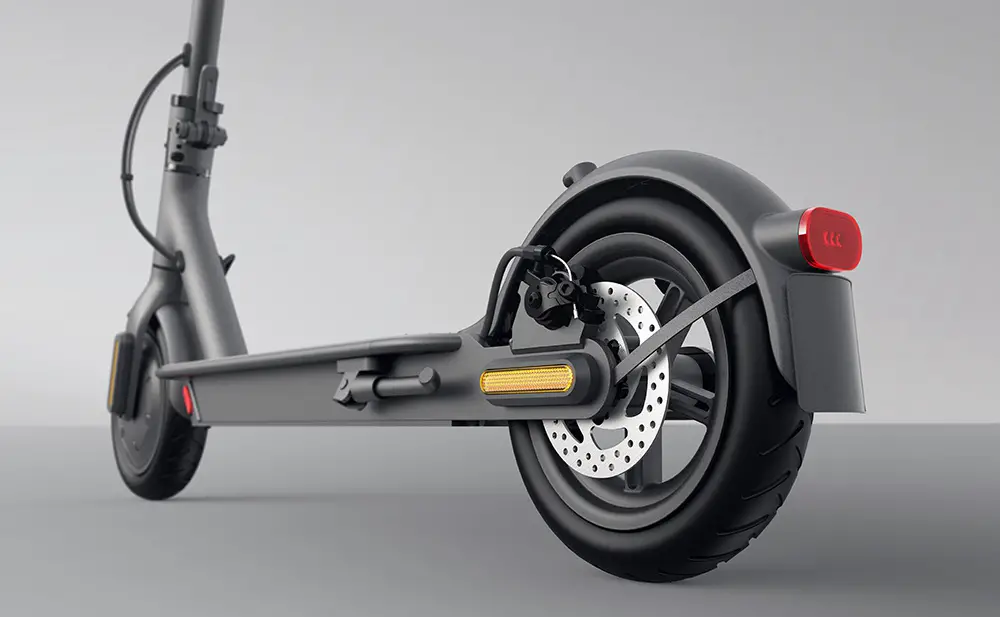
If the brake is too tight/loose, use the 4 mm Allen key to loosen the screw on the caliper. Then slightly adjust the brake line (decrease/increase the exposed lenght), and tighten the screw again.
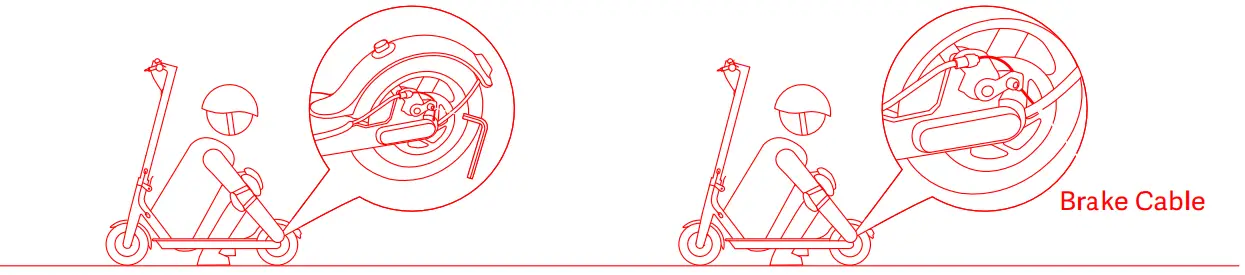
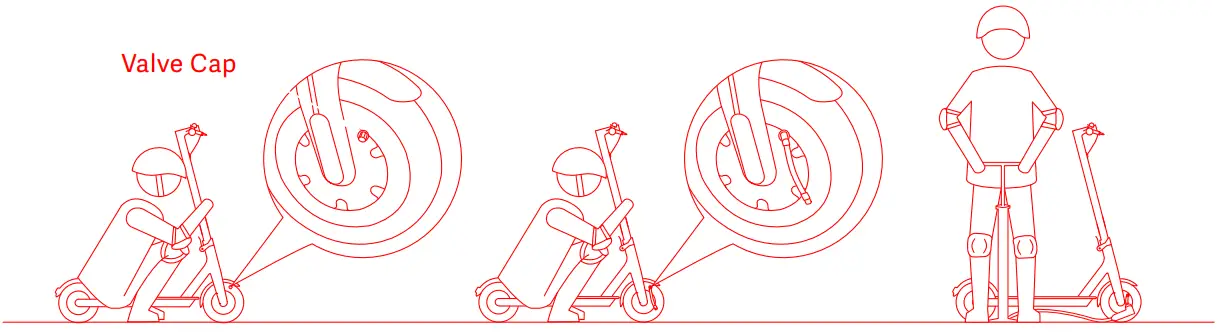
Tire Valve Stem
- Unscrew the valve cap.
- Connect the extension nozzle to the tire valve stem.
- Connect the pump to inflate the tire

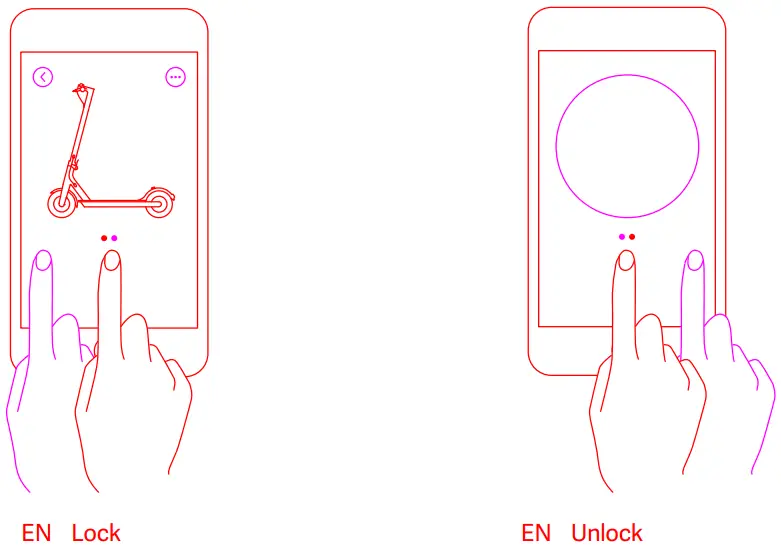
Lock Your Scooter
- Once the scooter is locked, the motor will be locked and the headlight will be turned off automatically, and there will be an icon displayed in the control panel.

Set Password
- Tap here>”More Settings”>”Set password”

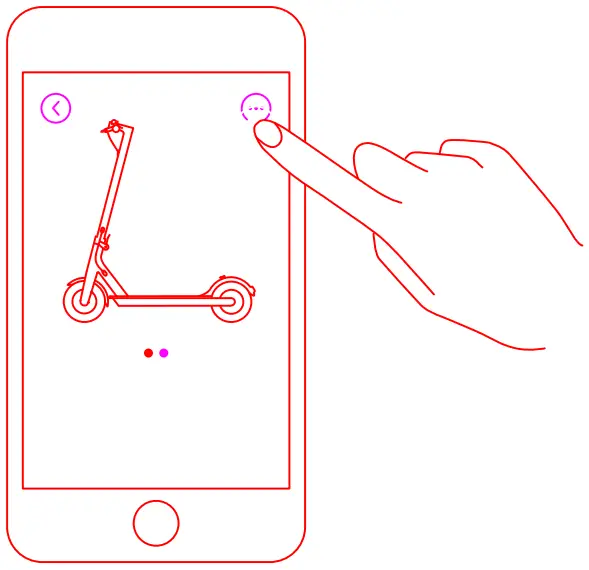
Note: If no password is set, the scooter can be unlocked by the Mi Home/Xiaomi Home app from any of the phones. Make sure you set the password in the app as soon as possible once you get the scooter. In case you forget the password, please go to www.mi.com or contact the after-sales department for help.
 Beryko.cz
 Mi United States