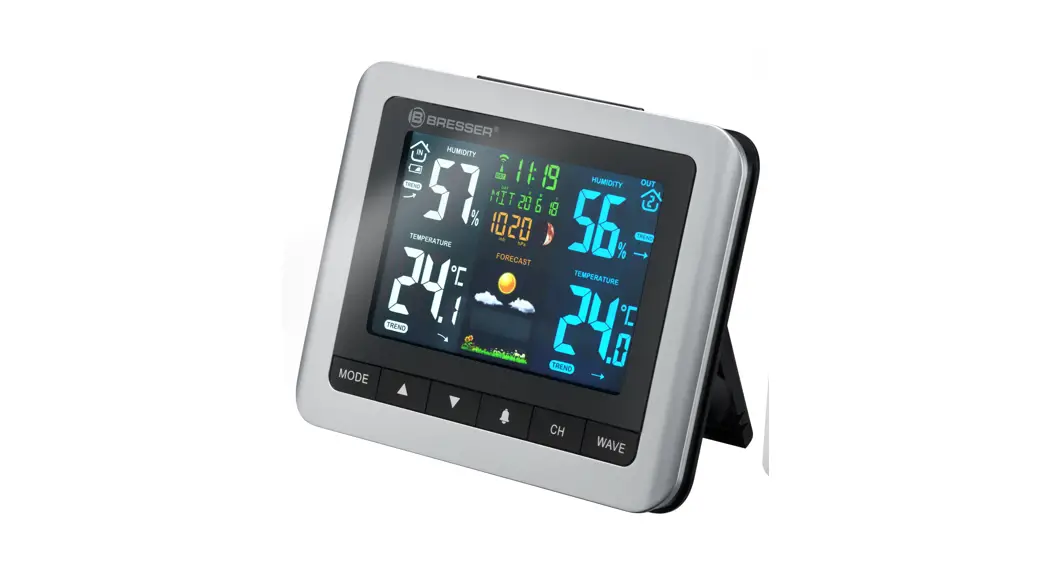
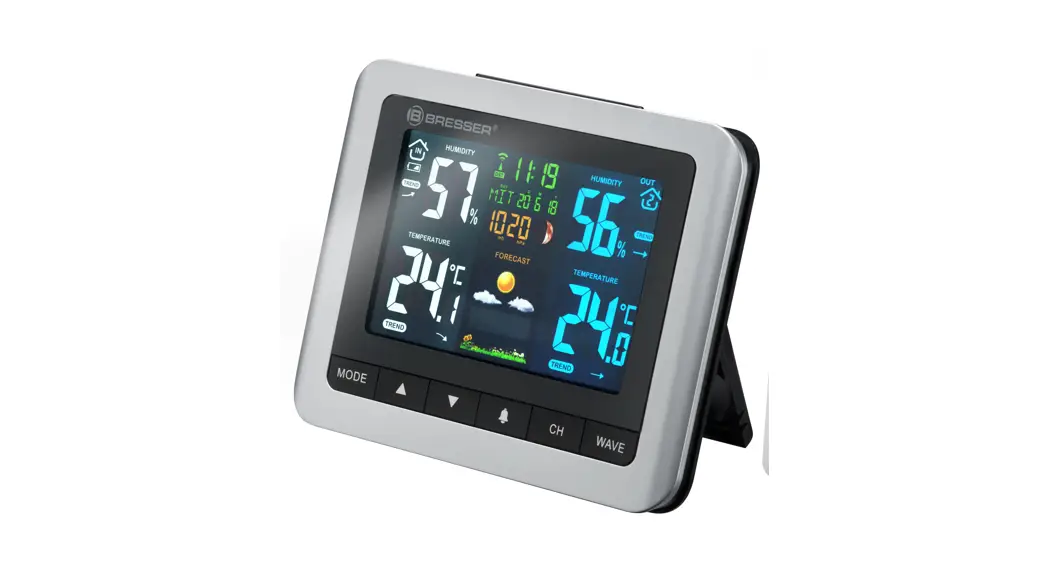
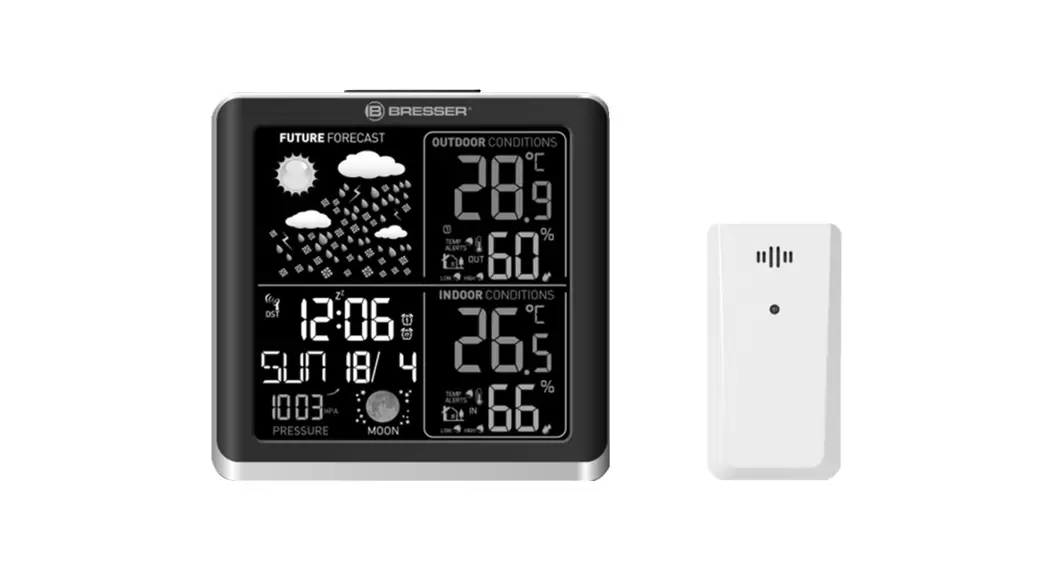
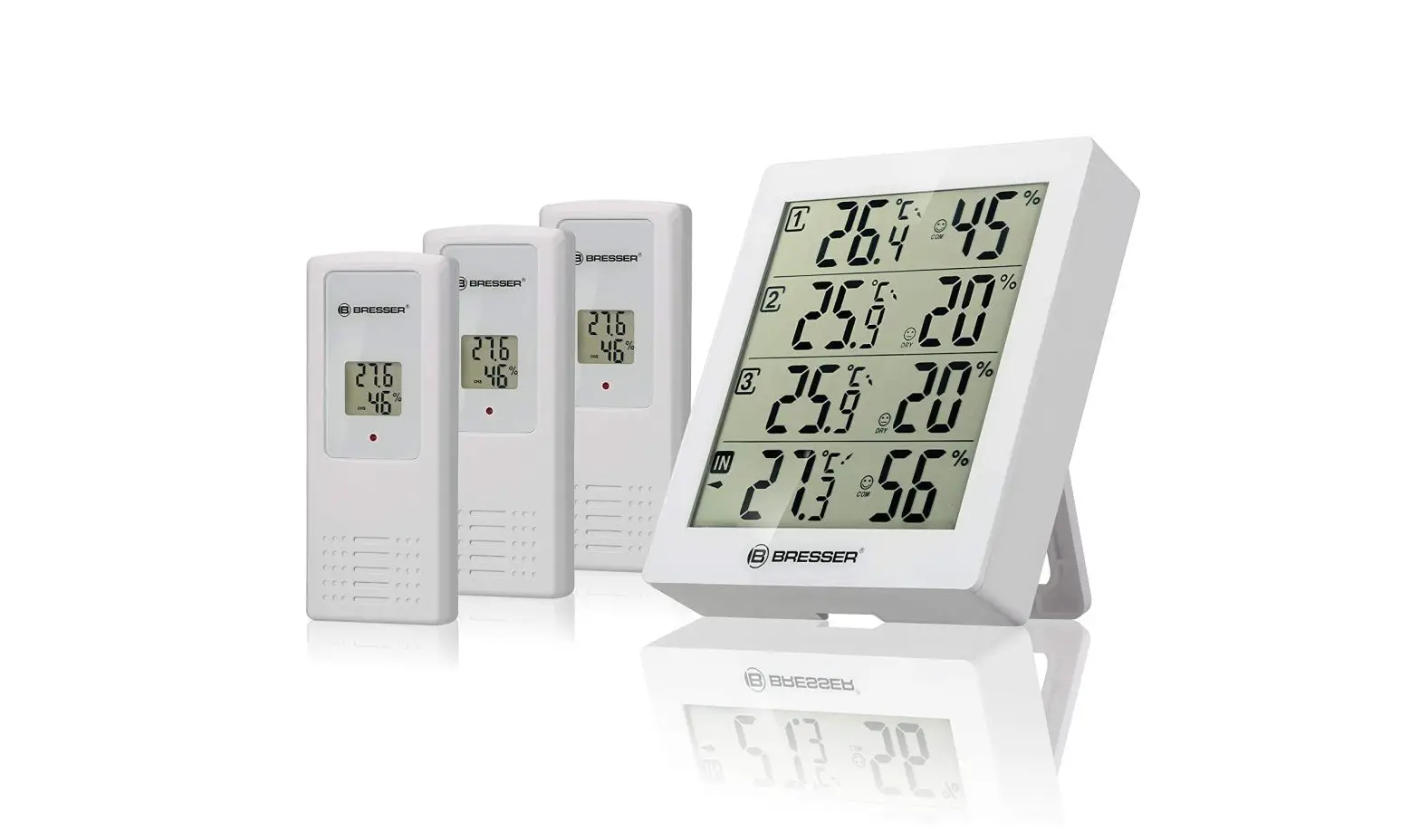
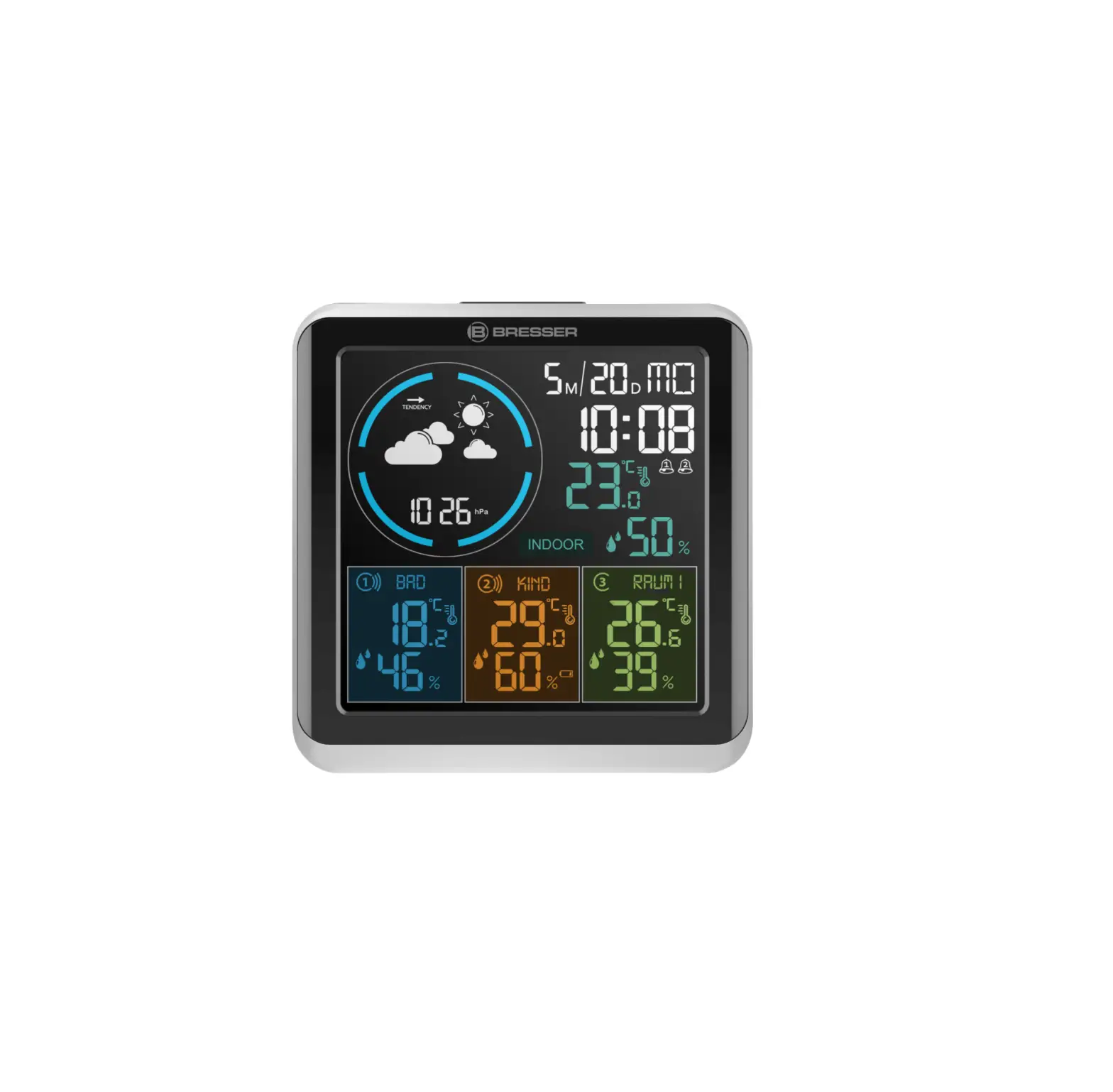
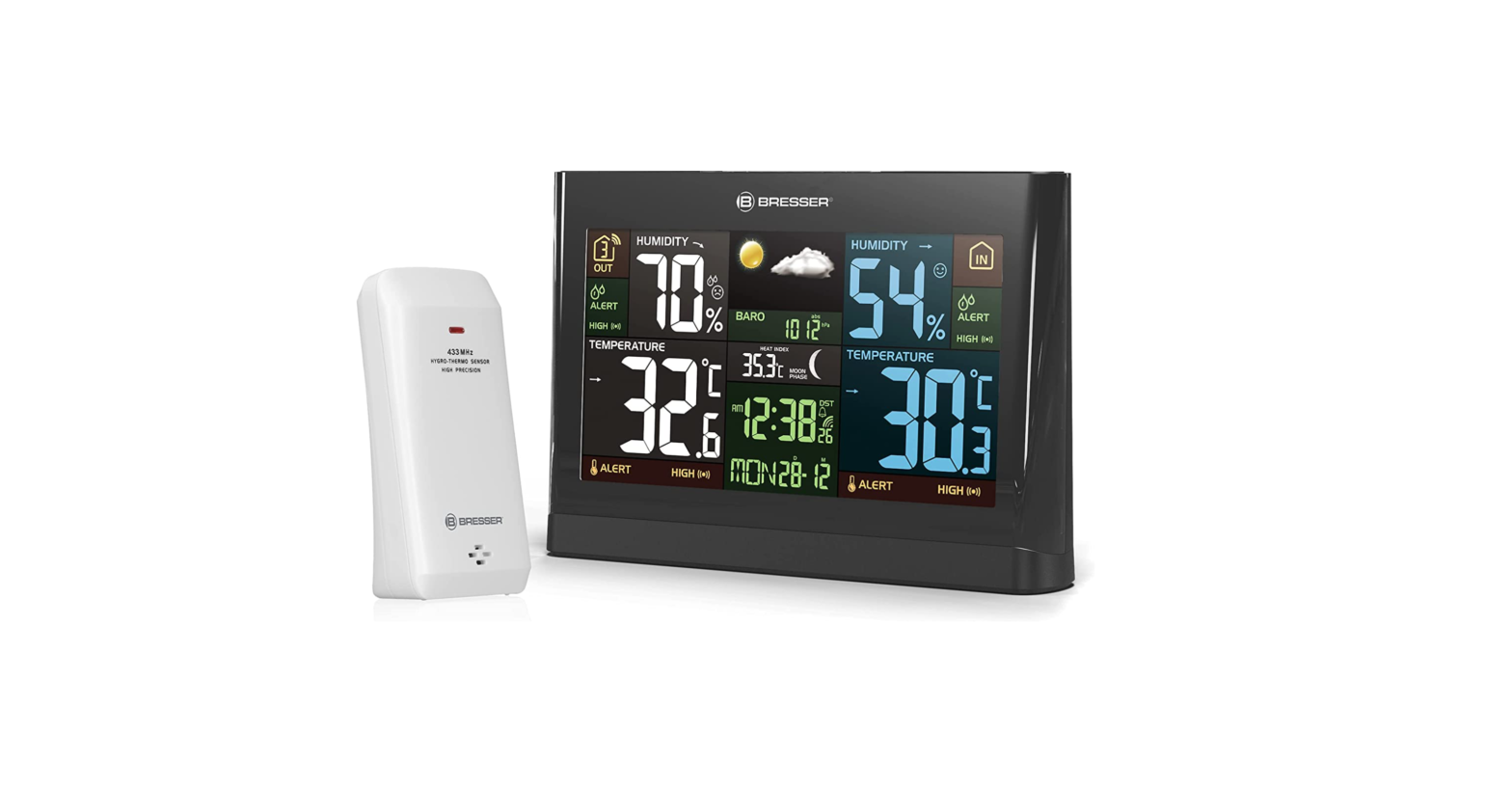
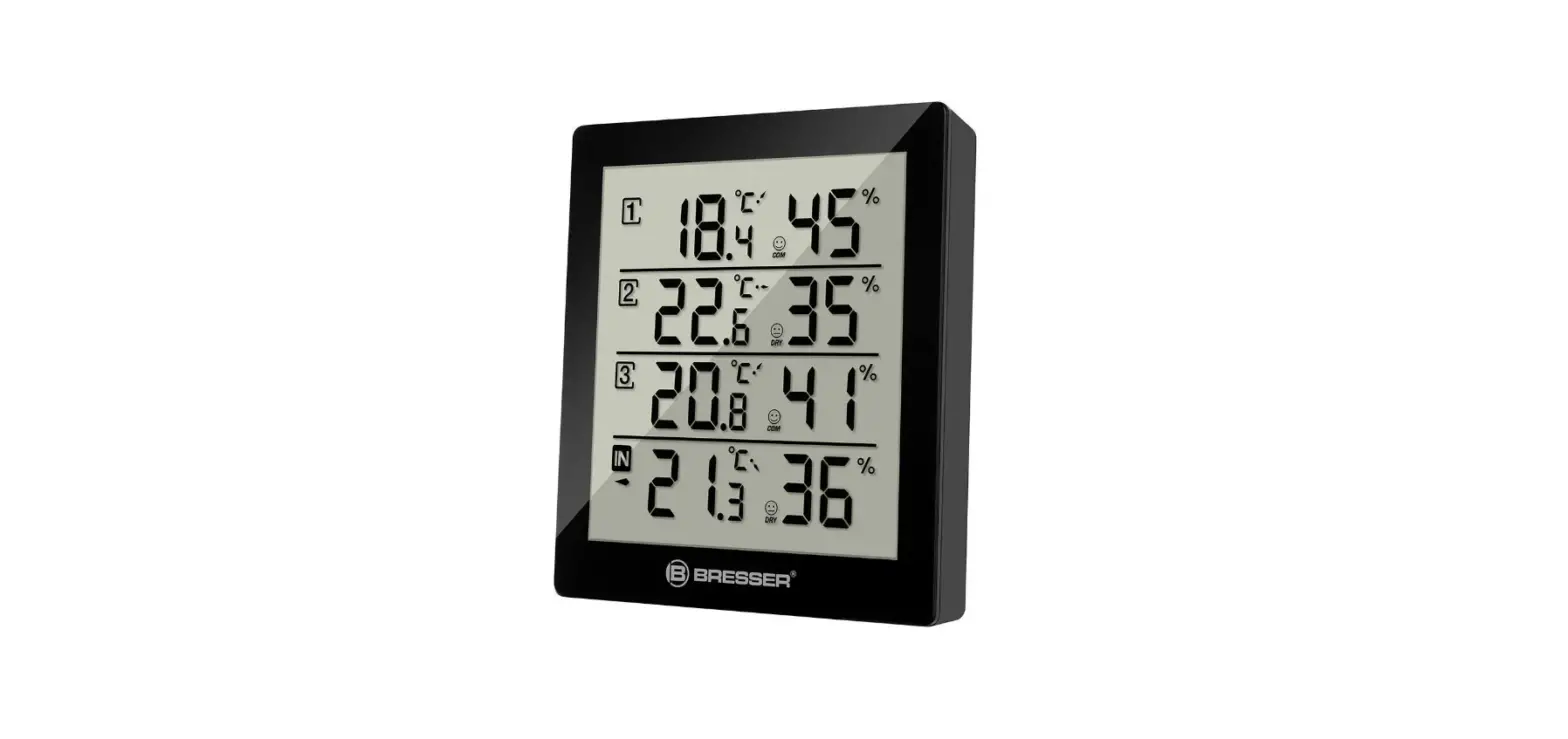
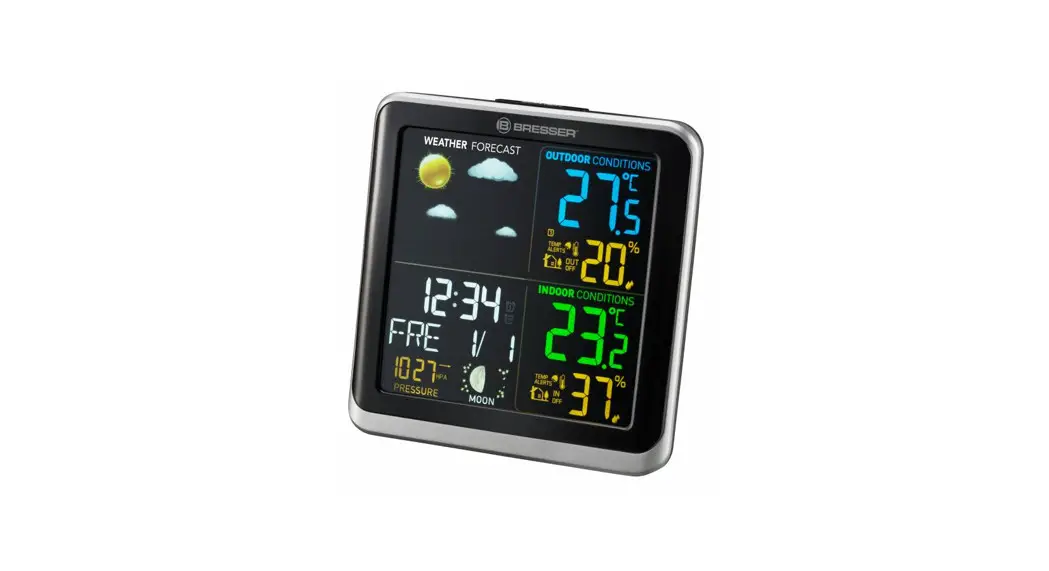
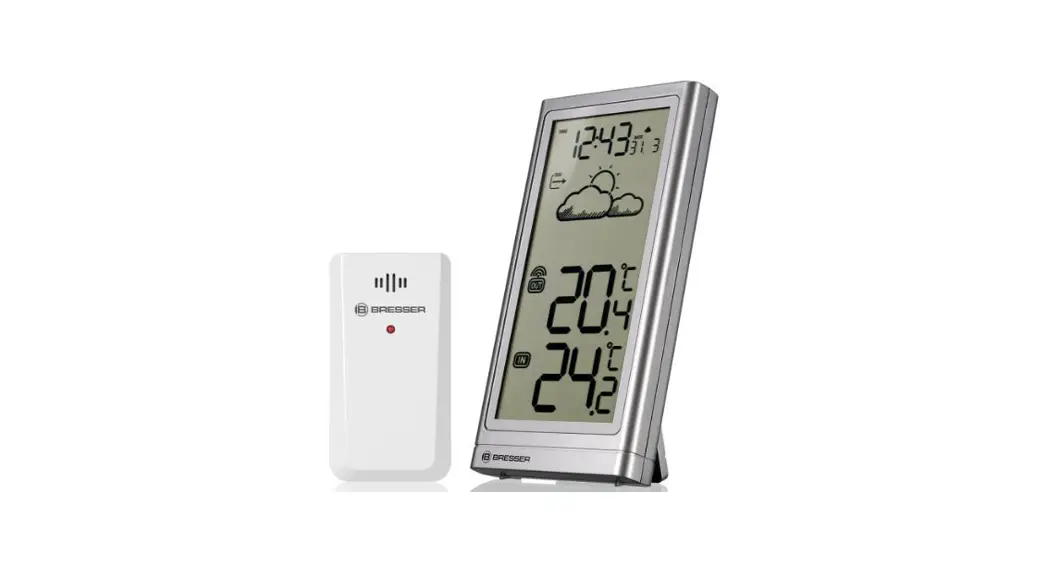
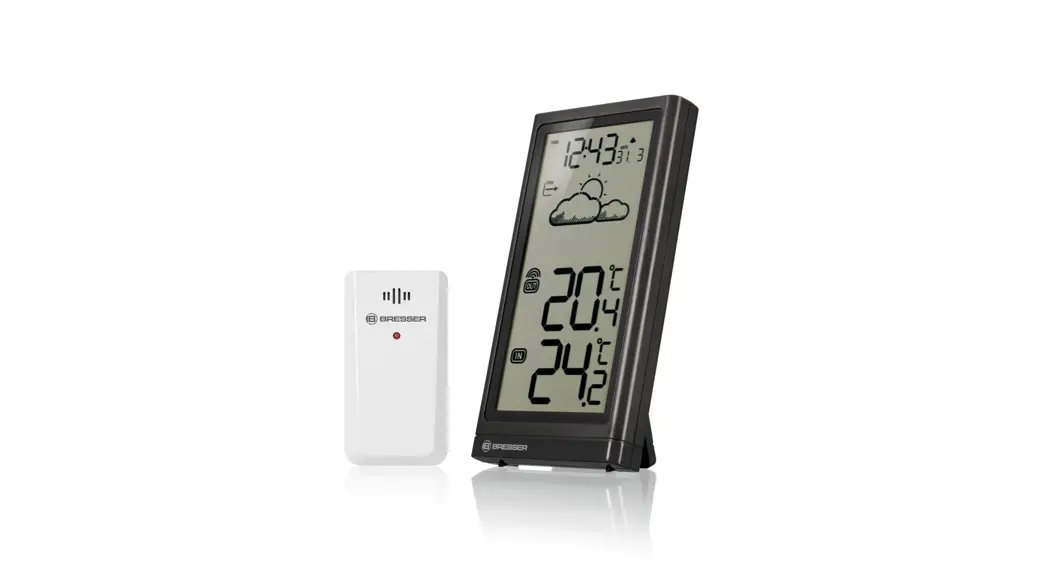
ClimateTemp NBF Weather Station
Product Information: Product Name: ClimateTemp NBF Manufacturer:
Bresser Model Number: 7006500 Manual Version: 0423 Manual
Designation: Manual_7006500_ClimateTemp-NBF_en-de_BRESSER_v042023a
Product Usage Instructions: 1. Safety Instructions: – This device
contains electronic parts that are powered by a power source (AC
adapter and/or batteries). Improper use may result in electric
shock, which can cause serious or fatal injuries. – Keep the device
away from damp body parts. – Improper use of the product may result
in suffocation, especially for children. Keep it out of reach of
children. – Improper use may result in fire. Follow the safety
instructions to avoid fires. – Improper handling may result in
damage to the unit and/or accessories. Use the device only in
accordance with the safety information provided. – Make sure to
insert batteries correctly and use a suitable mains adapter to
avoid voltage damage. The manufacturer does not accept liability
for voltage damage caused by incorrect battery insertion or the use
of an unsuitable mains adapter. 2. Parts Overview: – A:
[Description not provided] – 1: [Description not provided] – 2:
[Description not provided] – D: [Description not provided] – M:
[Description not provided] – 3: [Description not provided] –
hPa/mb: [Description not provided] – HUMI GOOD DRY: [Description
not provided] – 4: [Description not provided] – 5: [Description not
provided] – 6: [Description not provided] – 7: [Description not
provided] – CH: [Description not provided] – 8: [Description not
provided] – SIZE AA 1.5V: [Description not provided] – 9:
[Description not provided] – 10: [Description not provided] – DC
5.0V: [Description not provided] – 12: [Description not provided] –
B: [Description not provided] – 14: [Description not provided] –
11: [Description not provided] – 13: [Description not provided] –
20: [Description not provided] – 19: [Description not provided] –
C: [Description not provided] – 18: [Description not provided] –
15: [Description not provided] – 21: [Description not provided] –
D: [Description not provided] – 16: [Description not provided] –
17: [Description not provided] – 22: [Description not provided]
Please refer to the complete user manual for detailed instructions
on using the ClimateTemp NBF.
Weather Station · Wetterstation ·
ClimateTemp NBF
EN Instruction manual DE Bedienungsanleitung
DE
Besuchen Sie unsere Website über den folgenden QR Code oder Weblink um weitere Informationen zu diesem Produkt oder die verfügbaren Übersetzungen dieser Anleitung zu finden.
EN
Visit our website via the following QR Code or web link to find further information on this product or the available translations of these instructions.
FR
Si vous souhaitez obtenir plus d’informations concernant ce produit ou rechercher ce mode d’emploi en d’autres langues, rendez-vous sur notre site Internet en utilisant le code QR ou le lien correspondant.
NL
Bezoek onze internetpagina via de volgende QR-code of weblink, voor meer informatie over dit product of de beschikbare vertalingen van deze gebruiksaanwijzing.
ES
¿Desearía recibir unas instrucciones de uso completas sobre este producto en un idioma determinado? Entonces visite nuestra página web utilizando el siguiente enlace (código QR) para ver las versiones
disponibles.
IT
Desidera ricevere informazioni esaustive su questo prodotto in una lingua specifica? Venga a visitare il nostro sito Web al seguente link (codice QR Code) per conoscere le versioni disponibili.
www.bresser.de/P7006500
GARANTIE · WARRANTY · GARANTÍA · GARANZIA
www.bresser.de/warranty_terms
RECYCLAGE (TRIMAN/FRANCE)
English ……………………………………………………………………………………………………. 4 Deutsch …………………………………………………………………………………………………… 18
Table of contents
1 Imprint …………………………………………………………………………………………………………………………………………. 5 2 Validity note …………………………………………………………………………………………………………………………………. 5 3 Features ………………………………………………………………………………………………………………………………………. 5 4 About this Instruction Manual……………………………………………………………………………………………………….. 6 5 General safety instructions …………………………………………………………………………………………………………… 6 6 Parts overview and scope of delivery ……………………………………………………………………………………………. 8 7 Screen display ……………………………………………………………………………………………………………………………. 10 8 Before commissioning………………………………………………………………………………………………………………… 11 9 Automatic time setting………………………………………………………………………………………………………………… 11 10 Manual time setting…………………………………………………………………………………………………………………….. 11 11 Time zone setting ……………………………………………………………………………………………………………………….. 12 12 Setting Daylight Saving Time (DST) …………………………………………………………………………………………….. 12 13 Alarm setting ……………………………………………………………………………………………………………………………… 12 14 Snooze function …………………………………………………………………………………………………………………………. 12 15 Display change °C/°F ………………………………………………………………………………………………………………….. 13 16 Clima indicator …………………………………………………………………………………………………………………………… 13 17 Weather Trend ……………………………………………………………………………………………………………………………. 13 18 Trend arrow indicators ……………………………………………………………………………………………………………….. 13 19 Barometric / Atmospheric Pressure …………………………………………………………………………………………….. 14 20 Connecting remote sensors………………………………………………………………………………………………………… 14 21 Mould alert …………………………………………………………………………………………………………………………………. 14 22 Ice pre-alert ………………………………………………………………………………………………………………………………… 15 23 MAX/MIN weather data………………………………………………………………………………………………………………… 15 24 Adjust brightness of the display and night mode…………………………………………………………………………. 15 25 Disposal …………………………………………………………………………………………………………………………………….. 16 26 Technical data ……………………………………………………………………………………………………………………………. 16 27 Warranty…………………………………………………………………………………………………………………………………….. 17 28 EC declaration of conformity ………………………………………………………………………………………………………. 17 29 UKCA declaration of conformity………………………………………………………………………………………………….. 17
4
1 Imprint
Bresser GmbH Gutenbergstr. 2 46414 Rhede Germany www.bresser.de For any warranty claims or service inquiries, please refer to the information on “Warranty” and “Service” in this documentation. We ask for your understanding that unsolicited returns cannot be processed. Errors and technical changes excepted. © 2023 Bresser GmbH All rights reserved. The reproduction of this documentation – even in extracts – in any form (e.g. photocopy, print, etc.) as well as the use and distribution by means of electronic systems (e.g. image file, website, etc.) without the prior written permission of the manufacturer is prohibited. The designations and brand names of the respective companies used in this documentation are generally protected by trade, trademark and/or patent law in Germany, the European Union and/or other countries.
2 Validity note
This documentation is valid for the products with the following article numbers: 7006500 Manual version: 0423 Manual designation: Manual_7006500_ClimateTemp-NBF_en-de_BRESSER_v042023a Always provide information when requesting service.
3 Features
· Colour display with graphical weather trend indicator · Brightness setting (5 levels in mains operation) · Night mode (Automatic brightness adjustment in 3 steps according to set time) · Display of time, date, weekday · Time information via DCF radio transmission · Temperature alarm for maximum and minimum outdoor temperature limit · Dual alarm clock with snooze function · Outdoor temperature (in °C or °F) · Indoor temperature (in °C or °F) · Relative humidity (indoor and outdoor) in % · Atmospheric pressure (hPa) · Trend arrows for humidity and temperature · 3 thermo/hygro outdoor sensors can be connected (1 sensor included) · Comfort indicator (climate) · Outdoor temperature alarm (frost warning) · Max-/Min-values storage
5 / 36
4 About this Instruction Manual
NOTICE
These operating instructions are to be considered a component of the device. Read the safety instructions and the instruction manual carefully before using this device. Keep these instruction manual in a safe place for future reference. If the device is sold or passed on, the instruction manual must be passed on to any subsequent owner/user of the product.
5 General safety instructions
DANGER
Risk of an electric shock! This device contains electronic parts that are powered by a power source (AC adapter and/or batteries). Improper use of this product may result in electric shock. Electric shock can cause serious or fatal injuries. It is therefore imperative that you observe the following safety information.
· Never leave children unattended when handling the device! Follow the instructions carefully and do not attempt to power this device with anything other than power sources recommended in this instruction manual, otherwise there is a danger of an electric shock!
· Disconnect the power supply by pulling the mains plug when the appliance is not in use, in case of a longer interruption of operation and before any maintenance and cleaning work.
· Place your device so that it can be disconnected from the power supply at any time. The power outlet should always be near your appliance and should be easily accessible, as the plug of the power cord serves as a disconnect device from the mains supply.
· To disconnect the unit from the mains, always pull the mains plug and never pull the cable! · Check this device, cables and connections for damage before use. · Never attempt to operate a damaged device, or a device with damaged electrical parts! Damaged
parts must be replaced immediately by an authorized service agent. · Operate the device only in a completely dry environment and do not touch the device with wet or
damp body parts.
DANGER
Danger of suffocation! Improper use of this product may result in suffocation, especially for children. It is therefore imperative that you observe the following safety information.
· Keep packaging materials (plastic bags, rubber bands, etc.) away from children! There is a danger of choking!
· This product contains small parts that can be swallowed by children! Choking hazard!
DANGER
Explosion hazard! Improper use of this product may result in fire. It is essential that you observe the following safety information in order to avoid fires.
6 / 36
· Do not expose the device to high temperatures. Use only the supplied AC adapter or the recommended batteries. Do not short-circuit the device or batteries or dispose of in fire! Excessive heat and improper handling can cause short circuits, fires and even explosions!
NOTICE
Danger of material damage! Improper handling may result in damage to the unit and/or accessories. Therefore, use the device only in accordance with the following safety information.
· Do not disassemble the device! In the event of a defect, please contact your dealer. They will contact the Service Center and can arrange the return of this device for repair if necessary.
· Do not expose the device to high temperatures and protect it from water and high humidity. · Do not immerse the unit in water! · Do not subject the device to excessive vibrations. · Only use accessories and spare parts for this device that comply with the technical specifications. · Use only the recommended batteries. Always replace weak or empty batteries with a new, com-
plete set of batteries at full capacity. Do not use batteries from different brands or types or with different capacities. Remove batteries from the device if it is not to be used for a longer period of time! · Do not use rechargeable batteries (accumulators).
NOTICE
Danger of voltage damage! The manufacturer accepts no liability for voltage damage as a result of incorrectly inserted batteries, or the use of an unsuitable mains adapter!
7 / 36
6 Parts overview and scope of delivery
A 1
2
D
M
3
hPa/mb
HUMI GOOD DRY
HUMI GOOD DRY
4 5
6
7
CH
8
SIZE AA 1.5V SIZE AA 1.5V SIZE AA 1.5V
9 10
DC 5.0V
12 B
14 11
13
20
19 C
18
15 21
D
16
17
22
Illustration 1: All parts of the base station (top), sensor (bottom left) and AC power adapter (bottom right) in overview.
1 Display
3 SET button 5 UP button 7 Channel button 9 Battery compartment cover 11 Display (wireless sensor) 13 Wall mount fixture 15 Slide control for channel selection 17 Battery compartment (wireless sensor)
2 SNOOZE/LIGHT (temporary backlight and snooze function)
4 ALARM button 6 DOWN buttons 8 Battery compartment 10 DC connection socket for barrel connector 12 Function indicator 14 Battery compartment cover (wireless sensor) 16 RESET button (rest all settings) 18 Euro plug adapter
8 / 36
19 UK plug adapter 21 Locking knob
20 Adapter fixture 22 DC barrel connector
Scope of delivery:
1 x base station (A), 1 x outdoor sensor (B), 1 x AC power adapter (C) with 2 x plug adapters (D)
Also required (not included):
3 pcs. Batteries type AA/LR6 (base station, optional)
2 pcs. Batteries type AAA/LR03 (sensor)
9 / 36
7 Screen display
24
1
2
3
25 4 5
DST
M-F S-S
M-F S-S
D
M
15
16
6
hPa/mb
8
18 inHg
17
7
19
HUM GOOD DRY
20 9
10
21
MAX MIN14
MAX MIN
11
12
HI ME LO
HUM GOOD DRY
22
13
23
MAX MIN
MAX MIN
Illustration 2: Screen display of the base unit
1 Current time 3 Weekday 5 Graphical weather forecast display (24 hours) 7 Signal reception symbol (remote sensor) 9 Outdoor temperature alarm enabled
2 Display night mode active 4 Alarm icon (wake-up call active) 6 Symbol for channel cycle 8 Current channel of remote sensor 10 Outdoor temperature (in °C or °F)
10 / 36
11 Symbol for highest (MAX) or lowest (MIN) value
13 Indoor temperature (in °C or °F) 15 Current date 17 Trend arrow (rising, constant or falling) 19 Battery level indicator (remote sensor) 21 Outdoor humidity (in %) 23 Indoor humidity (in %) 25 Symbol for active daylight saving time (DST)
12 Symbol Indoor
14 Mould indicator 16 Air pressure (hPa/inHg) 18 Comfort indicator (climate) 20 Ice alert 22 Battery level indicator (base station) 24 Symbol for the RCC signal
8 Before commissioning
NOTICE
Avoid connection faults! In order to avoid connection problems between the devices, the following points must be observed during commissioning.
1. Place the base unit (receiver) and sensor (transmitter) as close together as possible. 2. Connect the power supply to the base unit and wait until the indoor temperature is displayed. 3. Establish power supply for the sensor. 4. Set up/operate the base unit and sensor within the effective transmission range. 5. Make sure that the base unit and the radio sensor are set to the same channel. When changing the batteries, always remove the batteries from both the base unit and the sensor and reinsert them in the correct order so that the radio link can be re-established. If one of the two devices is operated via a mains power connection, the power connection must also be briefly disconnected for this device when the batteries are changed. If, for example, only the batteries in the sensor are replaced, the signal may subsequently not be received at all or not be received correctly. Note that the actual range depends on the respective construction materials used for the buildings as well as the respective position of the base unit and the outdoor sensor. External influences (various radio transmitters and other sources of interference) can greatly reduce the possible range. In such cases, we recommend finding other locations for both the base unit and the outdoor sensor. Sometimes moving the sensor by just a few centimeters is enough!
9 Automatic time setting
After the power supply was established, the clock will automatically search for the radio signal. This will take approximately 3 to 8 minutes to finish this process. If the radio signal is received correctly, the date and time will be set automatically and the radio control signal icon turns on. If the clock fails to receive the time signal, go ahead with the following steps: 1. Press and hold the UP button for 2 seconds to re-initialize RC signal receiving. 2. Is the device still not receiving the signal, the time must be set manually.
10 Manual time setting
1. Press the SET button for approx. 3 seconds to enter the time setting mode. 2. Digits to be set are flashing. 3. Press UP or DOWN button to change the value. 4. Press the SET button to confirm and switch to the next setting.
11 / 36
5. Settings sequence: DCF on/off > DST on/off > Time offset > 12/24-hour mode > Hours > Minutes > DD/MM or MM/DD > Year > Month > Day > Week Language > Barometer unit > Barometer value
6. Finally, press the SET button to save the settings and exit settings mode.
11 Time zone setting
The time zone is set as part of the manual time setting. You can also find more detailed information in the chapter “Manual time setting”. 1. Press the SET button for approx. 3 seconds to enter the time setting mode. 2. Press the SET button several times until the display shows the setting for the time offset (the fact-
ory setting is ’00’). 3. Press UP or DOWN button to select the desired time deviation in hours (-23 up to +23 hours). 4. Press the SET button for approx. 3 seconds to confirm the selected time deviation.
12 Setting Daylight Saving Time (DST)
The DST function is switched on by default. If the current date on the display is within daylight saving time, the time is automatically advanced by +1 hour and the DST symbol appears on the display. 1. Press the SET button for approx. 3 seconds to enter the time setting mode. 2. Press the UP or DOWN button to select between ON (daylight saving time on) and OFF (daylight
saving time off). 3. Press the SET button for about 3 seconds to confirm the setting.
13 Alarm setting
1. Press the ALARM button several times to select the desired alarm function: Alarm 1, Alarm 2, Outdoor temperature HI alarm, Outdoor temperature LOW alarm. The display changes to the set alarm time.
2. Press the ALARM button for about 3 seconds to switch to the setting mode for the corresponding alarm time.
3. The value to be set flashes. 4. Press the UP or DOWN button to change the value. 5. Press the ALARM button to confirm and switch to the next setting. 6. Sequence of the settings: Alarm 1 hours > Alarm 1 minutes > Alarm 1 MF/SS/MS (Monday to Fri-
day or Saturday to Sunday or Monday to Sunday) > Alarm 1 snooze > Alarm 2 hours > Alarm 2 minutes > Alarm 2 MF/SS/MS (Monday to Friday or Saturday to Sunday or Monday to Sunday) > Alarm 2 snooze > Outdoor temperature HI alarm > Outdoor temperature LOW alarm 7. Finally, press the ALARM button to save the settings and exit settings mode. 8. In normal display mode, press the ALARM button several times to display the set alarm time or temperature alarm. 9. To activate the alarm, press the UP button in the respective alarm function until the corresponding alarm symbol (alarm clock) is displayed. 10. To deactivate the alarm, press the UP button in the respective alarm function until the corresponding alarm symbol (alarm clock) is no longer displayed.
14 Snooze function
1. When the alarm sounds, press the SNOOZE/LIGHT button to activate the snooze function. The alarm sounds again after the set snooze interval has elapsed (see “Alarm setting”).
12 / 36
15 Display change °C/°F
In normal display mode, press the UP button to toggle between °C and °F.
16 Clima indicator
HUM GOOD DRY
1 HUM: Humid (humidity >70%) 3 DRY: dry (humidity <40%)
2 GOOD: Optimal (Temperature between 20-25°C and humidity between 40% and 70%)
The climate indicator is a visual display based on air temperature and humidity to determine the level of comfort.
Note: · The comfort display may vary at the same temperature, depending on the humidity.
17 Weather Trend
A weather trend for the next 12 hours is calculated from the measured values and displayed graphically as follows:
1
2
3
4
5
6
Illustration 3: Symbols of the weather trend display
1 Sunny 3 Cloudy 5 Stormy
2 Partly Cloudy 4 Rainy 6 Snowy
18 Trend arrow indicators
1
2
3
1 Rising 3 Falling
2 Steady
13 / 36
The temperature and humidity trend indicator shows the trends of changes in the forthcoming few minutes. Arrows indicate a rising, steady or falling trend.
19 Barometric / Atmospheric Pressure
Atmospheric pressure (hereinafter referred to as “air pressure”) is the pressure at any place on earth caused by the weight of the layer of air above it. Air pressure is proportional to average pressure and decreases gradually with altitude. Meteorologists use barometers to measure air pressure. Because the weather is highly dependent on changes in air pressure, it is possible to make a weather forecast from the measured changes in air pressure.
To obtain a generally valid air pressure, this is converted to sea level. This calculated value is then the generally known barometric air pressure.
1. In normal display mode, press the SET button for about 3 seconds to enter the time settings mode. 2. Press the SET button several times until the barometer unit setting flashes. 3. Press the UP or DOWN button to toggle between hPa/mb and inHg. 4. Press the SET button to confirm and switch to the next setting. 5. Press the UP or DOWN button to set the barometer value. 6. Finally, press the SET button to save the settings and exit settings mode.
NOTE · The built-in barometer registers changes in absolute air pressure caused by the environment. Based on the collected data, a forecast for the weather conditions in the next 12 hours can be made. The weather indicators change according to the determined absolute air pressure after only one hour of operation. · High air pressure is always associated with nice weather, while low air pressure indicates rainy weather.
20 Connecting remote sensors
The Weather Station can display the readings from up to 3 wireless sensors of the same type. Each radio sensor must be set to a separate channel. Proceed as follows to set the channel: 1. Remove the battery compartment cover of the wireless sensor. 2. Set the channel selection switch to the desired channel (CH1, CH2, CH3). 3. Re-attach the battery compartment cover. 4. NOTICE! Each connected wireless sensor must be set to a different channel. If only one wire-
less sensor is connected, it should be set to CH1. 5. Press CHANNEL button for about 3 seconds to reset the values and search for a wireless sensor
(RF signal). 6. Press the CHANNEL button on the base station to display the desired channel (CH1, CH2, CH3,
channel cycle).
21 Mould alert
The Mould Indicator is an indicator based on indoor and outdoor temperature and humidity to determine the risk of mould growth. It allows you to monitor areas in the home that can lead to mould, dust mites and bacteria.
14 / 36
HI ME LO
Temperature range
Display
No risk
Without any display
<11.0°C
At any humidity value
11.0°C to 25.9°C Humidity 48%
26.0°C to 30.9°C
31.0°C to 40.9°C
> 41.0°C
At any humidity value
Low risk LO
49% Humidity 78% Humidity 78% Humidity 48%
Medium risk ME
79% Humidity 79% Humidity 87% 49% Humidity 87%
High risk HI (flashes every second)
88% Humidity 88% Humidity
Note:
The mould alarm is just a reference for you to monitor your living environment and remind you about the risk of mould.
22 Ice pre-alert
1. When the outdoor temperature hits the range of -1 ° C to +2,9 ° C (30,2 ° F to 37,22 ° F) the ice
pre-alert symbol
will appear on the display, flashing continuously.
2. The ice pre-alert symbol range again.
will disappear as soon as the outdoor temperature leaves this
23 MAX/MIN weather data
The maximum and minimum readings for indoor and outdoor temperature as well as for the humidity are stored by the base station over a period of 24 hours: 1. Press the [DOWN] key several times to display the stored values one after the other. 2. Display sequence: Maximum values (MAX) > Minimum values (MIN) > Current values 3. When the maximum or minimum values are displayed, press the DOWN key for approx. 2 seconds
to irrevocably delete all stored values.
24 Adjust brightness of the display and night mode
· In battery-powered operation, press the LIGHT/SNOOZE button to enable full display brightness for about 15 seconds.
· In mains operation (DC 5V), press the SET button several times to set the desired display brightness in 5 steps.
15 / 36
1. In normal display mode, press the LIGHT/SNOOZE button for about 3 seconds to enter the settings mode.
2. Press the UP or DOWN key to activate the night mode. 3. Press the SET button to confirm and switch to the next setting. 4. Sequence of settings: Night mode on/off > Backlight level for night mode > Hour for night mode
start time > Minute for night mode start time > Hour for night mode end time > Minute for night mode end time. 5. Finally, press the SET button to save the settings and exit settings mode.
In night mode, the backlight intensity of L1-L3 can be set. When the night mode is switched on, the
symbol is displayed.
NOTICE! In battery-powered operation, display brightness adjustment is not possible.
25 Disposal
Dispose of the packaging materials according to its type. Information on proper disposal can be obtained from the municipal waste disposal service provider or environmental agency.
Do not dispose of electronic devices in the household garbage! According to the European Directive 2012/19/EU on Waste Electrical and Electronic Equipment and its transposition into national law, used electrical equipment must be collected separately and recycled in an environmentally sound manner.
Batteries and rechargeable batteries must not be disposed of with household waste. You are legally obliged to return used batteries and accumulators and can return them after use either at our sales outlet or in the immediate vicinity (e.g. in the trade or in municipal collection points) free of charge. Batteries and accumulators are marked with a crossed-out dustbin and the chemical symbol of the pollutant, “Cd” stands for cadmium, “Hg” stands for mercury and “Pb” stands for lead.
26 Technical data
Base station Power supply
Radio controlled signal Maximum number of sensors Temperature unit Temperature display range Temperature tolerance
Humidity measuring range Humidity resolution Humidity tolerance
16 / 36
DC 5V / 150 mA mains power adapter
3x 1.5V batteries, type AA/LR6 DCF 3 °C/°F -9.9°C to 50°C ±4°C from -40°C to -20°C
±2°C from -20°C to 0°C
±1°C from 0°C to +50°C 20% to 95% 1% ±5% from 35% to 75%
Air pressure measuring range Time format Dimensions (WxHxD)
±10% from 20% to 35% & 75% to 95%. 540 to 1100 hPa / 15.95 to 32.49 inHg 12 or 24 hours 94 x 172 x 50 mm
Wireless sensor
Batteries Transmission frequency Transmission range Temperature unit Temperature measuring range Dimensions (W x H x D)
2x 1.5V batteries, type AAA/LR03 433 MHz 80 m °C -40°C to 60°C (23°F to 122°F) 40 x 120 x 21 mm
27 Warranty
The regular warranty period is 2 years and starts on the day of purchase. To benefit from an extended voluntary warranty period as indicated on the gift box, registration on our website is required. You can consult the full guarantee terms as well as information on extending the guarantee period and details of our services at www.bresser.de/warranty_terms.
28 EC declaration of conformity
Bresser GmbH hereby declares that the radio equipment type with item number 7006500 is in compliance with Directive 2014/53/EU. The full text of the EC Declaration of Conformity is available at the following web address: www.bresser.de/download/7006500/ CE/7006500_CE.pdf
29 UKCA declaration of conformity
A “Declaration of Conformity” in accordance with the applicable directives and relevant standards has been issued by Bresser GmbH The full text of the UKCA Declaration of Conformity is available at the following web address: www.bresser.de/download/7006500/ UKCA/7006500_UKCA.pdf
Bresser UK Ltd. · Suite 3G, Eden House, Enterprise Way, Edenbridge, Kent TN8 6HF, Great Britain
17 / 36
Inhaltsverzeichnis
1 Impressum …………………………………………………………………………………………………………………………………. 19 2 Gültigkeitshinweis………………………………………………………………………………………………………………………. 19 3 Eigenschaften…………………………………………………………………………………………………………………………….. 19 4 Zu dieser Anleitung…………………………………………………………………………………………………………………….. 20 5 Allgemeine Sicherheitshinweise………………………………………………………………………………………………….. 20 6 Teileübersicht und Lieferumfang…………………………………………………………………………………………………. 22 7 Display-Anzeigen ……………………………………………………………………………………………………………………….. 24 8 Vor der Inbetriebnahme ………………………………………………………………………………………………………………. 25 9 Automatische Zeiteinstellung ……………………………………………………………………………………………………… 25 10 Manuelle Zeiteinstellung……………………………………………………………………………………………………………… 25 11 Zeitzone einstellen ……………………………………………………………………………………………………………………… 26 12 Sommerzeit (DST) einstellen……………………………………………………………………………………………………….. 26 13 Weckrufeinstellung …………………………………………………………………………………………………………………….. 26 14 Schlummerfunktion…………………………………………………………………………………………………………………….. 27 15 Anzeigenwechsel °C/°F……………………………………………………………………………………………………………….. 27 16 Klimaindikator ……………………………………………………………………………………………………………………………. 27 17 Wettertrend ………………………………………………………………………………………………………………………………… 27 18 Trendpfeile …………………………………………………………………………………………………………………………………. 28 19 Barometrischer / Atmosphärischer Luftdruck………………………………………………………………………………. 28 20 Anschluss von Funksensoren …………………………………………………………………………………………………….. 28 21 Schimmelalarm…………………………………………………………………………………………………………………………… 29 22 Frostwarnung …………………………………………………………………………………………………………………………….. 29 23 MAX/MIN-Wetterdaten…………………………………………………………………………………………………………………. 29 24 Helligkeit der Displayanzeige regulieren und Nachtmodus …………………………………………………………… 30 25 Entsorgung ………………………………………………………………………………………………………………………………… 30 26 Technische Daten……………………………………………………………………………………………………………………….. 31 27 Garantie……………………………………………………………………………………………………………………………………… 31 28 EG-Konformitätserklärung ………………………………………………………………………………………………………….. 31
18
1 Impressum
Bresser GmbH Gutenbergstr. 2 46414 Rhede Germany www.bresser.de Für etwaige Gewährleistungsansprüche oder Serviceanfragen verweisen wir auf die Informationen zu ,,Garantie” und ,,Service” in dieser Dokumentation. Wir bitten um Verständnis, dass unaufgeforderte Rücksendungen nicht bearbeitet werden können. Irrtümer und technische Änderungen vorbehalten. © 2023 Bresser GmbH Alle Rechte vorbehalten. Die Reproduktion dieser Dokumentation auch auszugsweise in irgendeiner Form (z.B. Fotokopie, Druck, etc.) sowie die Verwendung und Verbreitung mittels elektronischer Systeme (z.B. Bilddatei, Website, etc.) ohne eine vorherige schriftliche Genehmigung des Herstellers ist nicht gestattet. Die in dieser Dokumentation verwendeten Bezeichnungen und Markennamen der jeweiligen Firmen sind im Allgemeinen in Deutschland, der Europäischen Union und/oder weiteren Ländern waren-, marken- und/oder patentrechtlich geschützt.
2 Gültigkeitshinweis
Diese Dokumentation ist gültig für die Produkte mit den nachfolgend aufgeführten Artikelnummern: 7006500 Anleitungsversion: 0423 Bezeichnung dieser Anleitung: Manual_7006500_ClimateTemp-NBF_en-de_BRESSER_v042023a Informationen bei Serviceanfragen stets angeben.
3 Eigenschaften
· Farbiges Display mit grafischer Wettertrendanzeige · Helligkeitseinstellung (5 Stufen im Netzbetrieb) · Nachtmodus (Automatische Helligkeitsanpassung in 3 Stufen nach Uhrzeit) · Anzeige von Uhrzeit, Datum, Wochentag · Uhrzeit per DCF-Funkübertragung · Temperaturalarm für maximale und minimale Außentemperaturgrenze · Doppelalarm mit Schlummerfunktion (Snooze) · Außentemperatur (in °C oder °F) · Innentemperatur (in °C oder °F) · Relative Luftfeuchtigkeit (innen und außen) in % · Luftdruck (hPa) · Trendpfeile für Luftfeuchtigkeit und Temperatur · 3 Thermo-/Hygro-Außensensoren anschließbar (1 Sensor inkl.) · Komfortindikator · Außentemperaturalarm (Frostwarnung) · Max-/Min-Werte Speicherung
19 / 36
4 Zu dieser Anleitung
HINWEIS
Diese Bedienungsanleitung ist als Teil des Gerätes zu betrachten! Lesen Sie vor der Benutzung des Geräts aufmerksam die Sicherheitshinweise und die Bedienungsanleitung. Bewahren Sie diese Bedienungsanleitung für die erneute Verwendung zu einem späteren Zeitpunkt auf. Bei Verkauf oder Weitergabe des Gerätes ist die Bedienungsanleitung an jeden nachfolgenden Besitzer/Benutzer des Produkts weiterzugeben.
5 Allgemeine Sicherheitshinweise
GEFAHR
Gefahr eines Stromschlags! Dieses Gerät beinhaltet Elektronikteile, die über eine Stromquelle (Netzteil und/oder Batterien) betrieben werden. Bei unsachgemäßer Verwendung dieses Produkts besteht die Gefahr eines Stromschlags. Ein Stromschlag kann zu schweren bis tödlichen Verletzungen führen. Beachten Sie daher unbedingt die nachfolgenden Sicherheitsinformationen.
· Lassen Sie Kinder beim Umgang mit dem Gerät nie unbeaufsichtigt! Die Nutzung darf nur, wie in der Anleitung beschrieben, erfolgen, andernfalls besteht die Gefahr eines Stromschlags!
· Unterbrechen Sie die Stromzufuhr, wenn Sie das Gerät nicht benutzen, im Falle einer längeren Betriebsunterbrechung sowie vor allen Wartungs- und Reinigungsarbeiten, indem Sie den Netzstecker ziehen.
· Platzieren Sie Ihr Gerät so, dass es jederzeit vom Stromnetz getrennt werden kann. Die Netzsteckdose sollte sich immer in der Nähe Ihres Geräts befinden und gut zugänglich sein, da der Stecker des Netzkabels als Trennvorrichtung zum Stromnetz dient.
· Um das Gerät vom Stromnetz zu trennen, ziehen Sie immer am Netzstecker und niemals am Kabel!
· Überprüfen Sie das Gerät, die Kabel und Anschlüsse vor Inbetriebnahme auf Beschädigungen. · Beschädigtes Gerät oder ein Gerät mit beschädigten stromführenden Teilen niemals in Betrieb
nehmen! Beschädigte Teile müssen umgehend von einem autorisierten Service-Betrieb ausgetauscht werden. · Betreiben Sie das Gerät nur in vollkommen trockener Umgebung und berühren Sie das Gerät nicht mit nassen oder feuchten Körperteilen.
GEFAHR
Erstickungsgefahr! Bei unsachgemäßer Verwendung dieses Produkts besteht Erstickungsgefahr, insbesondere für Kinder. Beachten Sie deshalb unbedingt die nachfolgenden Sicherheitsinformationen.
· Verpackungsmaterialien (Plastiktüten, Gummibänder, etc.) von Kindern fernhalten! Es besteht Erstickungsgefahr!
· Dieses Produkt beinhaltet Kleinteile, die von Kindern verschluckt werden können! Es besteht Erstickungsgefahr!
20 / 36
GEFAHR
Explosionsgefahr! Bei unsachgemäßer Verwendung dieses Produkts besteht Explosionsgefahr. Beachten Sie unbedingt die nachfolgenden Sicherheitsinformationen, um eine Explosion zu vermeiden.
· Setzen Sie das Gerät keinen hohen Temperaturen aus. Benutzen Sie nur das mitgelieferte Netzteil oder die empfohlenen Batterien. Gerät und Batterien nicht kurzschließen oder ins Feuer werfen! Durch übermäßige Hitze und unsachgemäße Handhabung können Kurzschlüsse, Brände und sogar Explosionen ausgelöst werden!
HINWEIS
Gefahr von Sachschäden! Bei unsachgemäßer Handhabung können das Gerät und/oder die Zubehörteile beschädigt werden. Verwenden Sie das Gerät deshalb nur entsprechend den nachfolgenden Sicherheitsinformationen.
· Bauen Sie das Gerät nicht auseinander! Wenden Sie sich im Falle eines Defekts an Ihren Fachhändler. Er nimmt mit dem Service-Center Kontakt auf und kann das Gerät ggf. zwecks Reparatur einschicken.
· Setzen Sie das Gerät keinen hohen Temperaturen aus und schützen Sie es vor Wasser und hoher Luftfeuchtigkeit.
· Gerät nicht in Wasser tauchen! · Setzen Sie das Gerät keinen Erschütterungen aus. · Verwenden Sie für dieses Gerät nur Zubehör- und Ersatzteile die den technischen Angaben ent-
sprechen. · Nur die empfohlenen Batterien verwenden. Schwache oder verbrauchte Batterien immer durch
einen komplett neuen Satz Batterien mit voller Kapazität ersetzen. Keine Batterien unterschiedlicher Marken, Typen oder mit unterschiedlich hoher Kapazität verwenden. Batterien aus dem Gerät entfernen wenn es längere Zeit nicht benutzt wird. · Verwenden Sie keine wieder aufladbaren Batterien (Akkus).
HINWEIS
Gefahr von Spannungsschäden! Für Spannungsschäden in Folge falsch eingelegter Batterien oder durch die Nutzung eines nicht geeigneten Netzteils übernimmt der Hersteller keine Haftung!
21 / 36
6 Teileübersicht und Lieferumfang
A 1
2
D
M
3
hPa/mb
HUMI GOOD DRY
HUMI GOOD DRY
4 5
6
7
CH
8
SIZE AA 1.5V SIZE AA 1.5V SIZE AA 1.5V
9 10
DC 5.0V
12 B
14 11
13
20
19 C
18
15 21
D
16
17
22
Abb. 1: Alle Teile der Basisstation (oben), Sensor (unten links) und des AC-Netzadapters (unten rechts) in der Übersicht.
1 Display
3 SET-Taste 5 UP-Taste 7 Kanal-Taste 9 Batteriefachabdeckung 11 Display (Funksensor) 13 Vorrichtung für die Wandmontage 15 Schieberegler für die Kanalwahl
2 SNOOZE/LIGHT (Temporäre Hintergrundbeleuchtung und Schlummerfunktion)
4 ALARM-Taste 6 DOWN-Taste 8 Batteriefach 10 DC-Anschlussbuchse für Hohlstecker 12 Funktionsleuchte 14 Batteriefachabdeckung (Funksensor) 16 RESET-Knopf (alle Einstellungen zurückset-
zen)
22 / 36
17 Batteriefach (Funksensor) 19 UK-Steckeradapter 21 Arretierungsknopf
18 Euro-Steckeradapter 20 Adapteraufnahme 22 DC-Hohlstecker
Lieferumfang: 1 x Basisstation (A), 1 x Außensensor (B), 1 x AC-Netzadapter (C) mit 2 x Stecker-Adapter (D) Außerdem erforderlich (nicht im Lieferumfang erhalten): 3 Stck. Batterien Typ AA/LR6 (Basisstation, optional) 2 Stck. Batterien Typ AAA/LR03 (Sensor)
23 / 36
7 Display-Anzeigen
24
1
2
3
25 4 5
DST
M-F S-S
M-F S-S
D
M
15
16
6
hPa/mb
8
18 inHg
17
7
19
HUM GOOD DRY
20 9
10
21
MAX MIN14
MAX MIN
11
12
HI ME LO
HUM GOOD DRY
22
13
23
MAX MIN
MAX MIN
Abb. 2: Display-Anzeigen für die Basisstation
1 Aktuelle Uhrzeit 3 Wochentag 5 Grafische Anzeige Wettervorhersage 7 Empfangssymbol Funksensor 9 Temperaturalarm Außenbereich aktiv 11 Symbol Höchst- (MAX) oder Tiefstwert (MIN)
2 Display-Night-Mode aktiv 4 Alarm-Symbol (Weckruf aktiv) 6 Symbol für Kanaldurchlauf 8 Aktueller Kanal vom Funksensor 10 Außentemperatur (in °C oder °F) 12 Symbol Innenbereich
24 / 36
13 Innentemperatur (in °C oder °F) 15 Aktuelles Datum 17 Trendpfeil (steigend, gleichbleibend oder fal-
lend) 19 Batteriestandanzeige (Funksensor) 21 Luftfeuchtigkeit außen (in %) 23 Luftfeuchtigkeit innen (in %) 25 Sommerzeit (DST) ein
14 Schimmel-Indikator 16 Luftdruck (hPa/inHg) 18 Komfortindikator (Klima)
20 Frostwarnung 22 Batteriestandanzeige (Basisstation) 24 Symbol für das Funksignal
8 Vor der Inbetriebnahme
HINWEIS
Vermeidung von Verbindungsstörungen! Um Verbindungsstörungen zwischen den Geräten zu vermeiden, sind die folgenden Punkte bei der Inbetriebnahme zu beachten.
1. Basisgerät (Empfänger) und Sensor (Sender) so nah wie möglich nebeneinander stellen/legen. 2. Stromversorgung für das Basisgerät herstellen und warten bis die Innentemperatur angezeigt wird. 3. Stromversorgung für den Sensor herstellen. 4. Basisgerät und Sensor innerhalb des effektiven Übertragungsbereichs aufstellen/betreiben. 5. Sicherstellen, dass Basisgerät und Funksensor auf den gleichen Kanal eingestellt sind. Bei einem Batteriewechsel stets die Batterien sowohl im Basisgerät als auch im Sensor entfernen und in richtiger Reihenfolge wieder neu einsetzen, damit die Funkverbindung erneut aufgebaut werden kann. Wird eines der beiden Geräte über einen Netzstromanschluss betrieben, so muss auch für dieses bei einem Batteriewechsel kurzzeitig die Stromverbindung getrennt werden. Werden z.B. nur die Batterien im Sensor ausgetauscht, kann das Signal anschließend gar nicht oder nicht mehr korrekt empfangen werden. Beachten Sie, dass die tatsächliche Reichweite von den jeweils verwendeten Baumaterialien der Gebäude sowie der jeweiligen Position der Basiseinheit und des Außensensors abhängt. Durch externe Einflüsse (diverse Funksender und andere Störquellen) kann sich die mögliche Reichweite stark verringern. In solchen Fällen empfehlen wir, sowohl für das Basisgerät als auch den Außensensor andere Standorte zu suchen. Manchmal reicht schon ein Verschieben um wenige Zentimeter!
9 Automatische Zeiteinstellung
Nachdem die Stromversorgung hergestellt wurde, sucht das Gerät automatisch nach dem Funksignal. Es dauert etwa 3-8 Minuten bis dieser Prozess abgeschlossen ist. Bei korrektem Empfang des Funksignals werden Datum und Uhrzeit automatisch eingestellt und das Empfangssymbol wird angezeigt. Wird kein Funksignal empfangen, folgendermaßen vorgehen: 1. UP-Taste ca. 2 Sekunden drücken, um den Empfang des Funksignals erneut zu initiieren. 2. Wird weiterhin kein Funksignal empfangen, muss die Zeiteinstellung manuell vorgenommen wer-
den.
10 Manuelle Zeiteinstellung
1. SET-Taste ca. 3 Sekunden drücken um in den Zeiteinstellungsmodus zu gelangen. 2. Die einzustellenden Ziffern blinken. 3. UP- oder DOWN-Taste drücken, um den Wert zu verändern.
25 / 36
4. SET-Taste drücken, um die Eingabe zu bestätigen und zur nächsten Einstellung zu wechseln. 5. Reihenfolge der Einstellungen: DCF ein/aus > DST ein/aus > Zeitversatz > 12-/24-Stunden-Modus
> Stunden > Minuten > Tag/Monat oder Monat/Tag > Jahr > Monat > Tag > Sprache > BarometerEinheit > Barometerwert 6. SET-Taste abschließend drücken, um Einstellungen zu speichern und den Einstellungsmodus zu verlassen.
11 Zeitzone einstellen
Die Einstellung der Zeitzone erfolgt im Rahmen der manuellen Zeiteinstellung. Nähere Informationen finden Sie auch im Kapitel ,,Manuelle Zeiteinstellung”. 1. SET-Taste ca. 3 Sekunden drücken um in den Zeiteinstellungsmodus zu gelangen. 2. SET-Taste mehrmals drücken bis im Display die Einstellung für den Zeitversatz angezeigt wird
(werkseitig ist der Wert ,00` eingestellt). 3. UP- oder DOWN-Taste drücken, um die gewünschte Zeitabweichung in Stunden (-23 bis +23
Stunden) zu wählen. 4. SET-Taste ca.3 Sekunden drücken, um die eingestellte Zeitabweichung zu bestätigen.
12 Sommerzeit (DST) einstellen
Die DST-Funktion ist standardmäßig eingeschaltet. Wenn das aktuelle Datum auf dem Display innerhalb der Sommerzeit liegt, wird die Zeit automatisch um +1 Stunde vorwärts gestellt, und das DSTSymbol wird auf dem Display angezeigt. 1. SET-Taste ca. 3 Sekunden drücken um in den Zeiteinstellungsmodus zu gelangen. 2. UP- oder DOWN-Taste drücken, um zwischen ON (Sommerzeit ein) und OFF (Sommerzeit aus)
zu wählen. 3. SET-Taste ca.3 Sekunden drücken, um die Einstellung zu bestätigen.
13 Weckrufeinstellung
1. ALARM-Taste mehrmals drücken, um die gewünschte Alarmfunktion auszuwählen: Alarm 1, Alarm 2, Außentemperatur HI-Alarm, Außentemperatur LOW-Alarm. Die Anzeige wechselt zur eingestellten Weckzeit.
2. ALARM-Taste etwa 3 Sekunden drücken, um in den Einstellmodus für die entsprechende Weckzeit zu wechseln.
3. Der einzustellende Wert blinkt. 4. UP oder DOWN Taste drücken, um den Wert zu ändern. 5. ALARM-Taste drücken, um die Eingabe zu bestätigen und zur nächsten Einstellung zu wechseln. 6. Reihenfolge der Einstellungen: Alarm 1 Stunden > Alarm 1 Minuten > Alarm 1 MF/SS/MS (Montag
bis Freitag oder Samstag bis Sonntag oder Montag bis Sonntag) > Alarm 1 Schlummerzeit > Alarm 2 Stunden > Alarm 2 Minuten > Alarm 2 MF/SS/MS (Montag bis Freitag oder Samstag bis Sonntag oder Montag bis Sonntag) > Alarm 2 Schlummerzeit > Außentemperatur HI-Alarm > Außentemperatur LOW-Alarm 7. ALARM-Taste abschließend drücken, um die Einstellungen zu speichern und den Einstellmodus zu verlassen. 8. Im normalen Anzeigemodus die ALARM-Taste mehrmals drücken, um die eingestellte Weckzeit oder Temperaturalarm anzuzeigen. 9. Um den Alarm zu aktivieren, in der jeweiligen Alarmfunktion die UP-Taste drücken, bis das entsprechende Wecksymbol (Wecker) angezeigt wird. 10. Um den Alarm zu deaktivieren, in der jeweiligen Alarmfunktion die UP-Taste drücken, bis das entsprechende Wecksymbol (Wecker) nicht mehr angezeigt wird.
26 / 36
14 Schlummerfunktion
1. Beim Ertönen des Weckrufs die SNOOZE/LIGHT-Taste drücken, um die Schlummerfunktion zu aktivieren. Der Weckruf ertönt erneut nach Ablauf der eingestellten Schlummerzeit (siehe ,,Weckrufeinstellung”).
15 Anzeigenwechsel °C/°F
Im normalen Anzeigemodus die UP-Taste drücken, um zwischen °C und °F zu wechseln.
16 Klimaindikator
HUM GOOD DRY
1 HUM: Feucht (Luftfeuchtigkeit >70%) 3 DRY: Trocken (Luftfeuchtigkeit <40%)
2 GOOD: Optimal (Temperatur zwischen 20-25°C und Luftfeuchtigkeit zwischen 40% und 70%
Der Klimaindikator ist eine bildliche Anzeige, die auf der Lufttemperatur und Luftfeuchtigkeit basiert, um das Komfortniveau zu bestimmen.
Hinweis:
· Die Komfortanzeige kann bei gleicher Temperatur unterschiedlich ausfallen, abhängig von der Luftfeuchtigkeit.
17 Wettertrend
Aus den gemessenen Werten wird ein Wettertrend für die nächsten 12 Stunden errechnet und folgendermaßen grafisch dargestellt:
1
2
3
4
5
6
Abb. 3: Symbole der Wettertrendanzeige
1 Sonnig 3 Bewölkt 5 Stürmisch
2 Teilweise bewölkt 4 Regen 6 Schnee
27 / 36
18 Trendpfeile
1
2
3
1 steigend 3 fallend
2 stabil
Der Temperatur- und Luftfeuchtigkeits-Trendindikator zeigt die Trends der Wetterveränderung für die kommenden Minuten an. Pfeile zeigen einen steigenden, gleichbleibenden oder fallenden Trend an.
19 Barometrischer / Atmosphärischer Luftdruck
Der atmosphärische Druck (nachfolgend ,,Luftdruck” genannt) ist der Druck an jedem Ort der Erde, der durch das Gewicht der Luftschicht darüber begründet ist. Der Luftdruck steht im Verhältnis zum durchschnittlichen Druck und fällt mit steigender Höhe allmählich ab. Meteorologen benutzen Barometer zur Messung des Luftdrucks. Weil das Wetter in hohem Maße von der Veränderung des Luftdrucks abhängt, ist es möglich, aus den gemessenen Luftdruckveränderungen eine Wetterprognose zu erstellen.
Um einen generell gültigen Luftdruck zu erhalten, wird dieser auf Meereshöhe umgerechnet. Dieser berechnete Wert ist dann der allgemein bekannte barometrische Luftdruck.
1. Im normalen Anzeigemodus die SET-Taste ca. 3 Sekunden drücken um in den Zeiteinstellungsmodus zu gelangen.
2. Die SET-Taste mehrmals drücken bis die Barometer-Einheit Einstellung blinkt.
3. Die UP- oder DOWN-Taste drücken, um zwischen hPa/mb und inHg zu wechseln.
4. SET-Taste drücken, um die Eingabe zu bestätigen und zur nächsten Einstellung zu wechseln.
5. Die UP- oder DOWN-Taste drücken, um den Barometerwert einzustellen.
6. SET-Taste abschließend drücken, um die Einstellungen zu speichern und den Einstellungsmodus zu verlassen.
HINWEIS · Der eingebaute Barometer registriert umgebungsbedingte Veränderungen des absoluten Luftdrucks. Basierend auf den gesammelten Daten kann so eine Prognose für die Wetterbedingungen in den kommenden 12 Stunden erstellt werden. Hierzu wechseln die Wetterindikatoren entsprechend dem ermittelten absoluten Luftdruck bereits nach einer Stunde Betriebszeit.
· Hoher Luftdruck steht immer in Verbindung mit schönem Wetter, während tiefer Luftdruck auf regnerisches Wetter hindeutet.
20 Anschluss von Funksensoren
Die Wetterstation kann die Messwerte von bis zu 3 Funksensoren des gleichen Typs anzeigen. Dabei muss jeder Funksensor auf einen separaten Kanal eingestellt sein. Zur Kanaleinstellung folgendermaßen vorgehen:
1. Batteriefachabdeckung des Funksensors entfernen.
28 / 36
2. Kanalwahl-Schalter auf den gewünschten Kanal einstellen (CH1, CH2, CH3). 3. Batteriefachabdeckung wieder aufsetzen. 4. HINWEIS! Jeder angeschlossene Funksensor muss auf einen anderen Kanal eingestellt wer-
den. Ist nur ein Funksensor angeschlossen, sollte dieser auf CH1 eingestellt werden. 5. CHANNEL-Taste ca. 3 Sekunden drücken, um die Werte zurückzusetzen und nach einem Funk-
sensor (RF-Signal) zu suchen. 6. CHANNEL-Taste an der Basisstation drücken, um den gewünschten Kanal anzuzeigen (CH1,
CH2, CH3, Kanaldurchlauf).
21 Schimmelalarm
Der Schimmel-Indikator ist eine Anzeige, die auf der Innen- und Außentemperatur und -Luftfeuchtigkeit basiert, um das Risiko von Schimmelbildung zu ermitteln. Es erlaubt Ihnen, Bereiche im Haus zu überwachen, die zu Schimmel, Hausstaubmilben und Bakterien führen können.
HI ME LO
Temperaturbereich Anzeige
<11.0°C
11.0°C bis 25.9°C 26.0°C bis 30.9°C 31.0°C bis 40.9°C > 41.0°C
Kein Risiko
Geringes Risiko
Mittleres Risiko Hohes Risiko
Ohne Anzeige LO
ME
HI
(blinkt jede Sekunde)
Bei jeder Luftfeuchtigkeit
Luftfeuchtigkeit 49% Luftfeuchtigkeit 79% Luftfeuchtig-
48%
78%
keit
Luftfeuchtigkeit 78% 79% Luftfeuchtig- 88% Luftfeuch-
keit 87%
tigkeit
Luftfeuchtigkeit 48% 49% Luftfeuchtig- 88% Luftfeuch-
keit 87%
tigkeit
Bei jeder Luftfeuchtigkeit
Hinweis:
Der Schimmelalarm ist nur eine Referenz für Sie, um Ihre Lebensumgebung zu überwachen und Sie an das Risiko von Schimmel zu erinnern.
22 Frostwarnung
1. Wenn die Außentemperatur im Bereich von -1 ° C bis +2,9 ° C (30,2 ° F bis 37,22 ° F) fällt, er-
scheint das Symbol für die Frostwarnung
auf dem Display und blinkt kontinuierlich.
2. Das Symbol für die Frostwarnung wieder verlässt.
verschwindet sobald die Temperatur diesen Bereich
23 MAX/MIN-Wetterdaten
Die Basisstation speichert die Höchst- und Tiefstwerte für die Innen- und Außentemperatur sowie die Luftfeuchtigkeit über einen Zeitraum von 24 Stunden:
29 / 36
1. Die DOWN-Taste mehrmals drücken, um nacheinander die gespeicherten Werte anzuzeigen. 2. Reihenfolge der Anzeige: Höchstwerte (MAX) > Tiefstwerte (MIN) > Aktuelle Werte 3. Bei Anzeige der Höchst- oder Tiefstwerte die DOWN-Taste ca. 2 Sekunden drücken, um alle ge-
speicherten Werte unwiderruflich zu löschen.
24 Helligkeit der Displayanzeige regulieren und Nachtmodus
· Bei Batteriebetrieb die LIGHT/SNOOZE-Taste drücken, um die volle Displayhelligkeit für etwa 15 Sekunden zu aktivieren.
· Im Netzbetrieb (DC 5V) die SET-Taste mehrmals drücken, um die gewünschte Displayhelligkeit in 5 Stufen einzustellen.
1. Im normalen Anzeigemodus die LIGHT/SNOOZE-Taste ca. 3 Sekunden drücken, um in den Einstellungsmodus zu gelangen.
2. Die UP- oder DOWN-Taste drücken, um den Nachtmodus zu aktivieren. 3. SET-Taste drücken, um die Eingabe zu bestätigen und zur nächsten Einstellung zu wechseln. 4. Reihenfolge der Einstellungen: Nachtmodus ein/aus > Beleuchtungsstärke für Nachtmodus >
Stunde für Startzeit des Nachtmodus > Minute für Startzeit des Nachtmodus > Stunde für Endzeit des Nachtmodus > Minute für Endzeit des Nachtmodus 5. SET-Taste abschließend drücken, um die Einstellungen zu speichern und den Einstellungsmodus zu verlassen.
Im Nachtmodus kann die Beleuchtungsstärke von L1-L3 eingestellt werden. Wenn der Nachtmodus
eingeschaltet ist, wird das Symbol angezeigt.
HINWEIS! Im Batteriebetrieb ist keine Regulierung der Displayhelligkeit möglich.
25 Entsorgung
Entsorgen Sie die Verpackungsmaterialien sortenrein. Informationen zur ordnungsgemäßen Entsorgung erhalten Sie beim kommunalen Entsorgungsdienstleister oder Umweltamt.
Werfen Sie Elektrogeräte nicht in den Hausmüll! Gemäß der Europäischen Richtlinie 2012/19/EG über Elektro- und Elektronik-Altgeräte und deren Umsetzung in nationales Recht müssen verbrauchte Elektrogeräte getrennt gesammelt und einer umweltgerechten Wiederverwertung zugeführt werden. Batterien und Akkus dürfen nicht im Hausmüll entsorgt werden. Sie sind zur Rückgabe gebrauchter Batterien und Akkus gesetzlich verpflichtet und können die Batterien nach Gebrauch entweder in unserer Verkaufsstelle oder in unmittelbarer Nähe (z.B. im Handel oder in kommunalen Sammelstellen) unentgeltlich zurückgeben. Batterien und Akkus sind mit einer durchgekreuzten Mülltonne sowie dem chemischen Symbol des Schadstoffes bezeichnet, “Cd” steht für Cadmium, “Hg” steht für Quecksilber und “Pb” steht für Blei.
30 / 36
26 Technische Daten
Basisstation Stromversorgung
Funksignal Maximale Anzahl der Sender Temperatur-Maßeinheit Temperatur-Anzeigebereich Temperaturtoleranz
Luftfeuchtigkeits-Messbereich Luftfeuchtigkeits-Auflösung Luftfeuchtigkeitstoleranz
Luftdruck-Messbereich Zeitformate Maße (BxHxT)
DC 5V / 150 mA Netzteil
3x 1.5V Batterien, Typ AA/LR6 DCF 3 °C / °F -9,9°C bis 50°C ±4°C von -40°C bis -20°C
±2°C von -20°C bis 0°C
±1°C von 0°C bis +50°C 20% bis 95% 1% ±5% von 35% bis 75%
±10% von 20% bis 35% & 75% bis 95%. 540 bis 1100 hPa / 15,95 bis 32,49 inHg 12 oder 24 Stunden 94 x 172 x 50 mm
Funksensor
Batterien Übertragungsfrequenz Übertragungsreichweite Temperatur-Maßeinheit Temperatur-Messbereich Maße (B x H x T)
2x 1.5V Batterien, Typ AAA/LR03 433 MHz 80 m °C -40°C bis 60°C (23°F bis 122°F) 40 x 120 x 21 mm
27 Garantie
Die reguläre Garantiezeit beträgt 2 Jahre und beginnt am Tag des Kaufs. Um von einer verlängerten, freiwilligen Garantiezeit wie auf dem Geschenkkarton angegeben zu profitieren, ist eine Registrierung auf unserer Website erforderlich.
Die vollständigen Garantiebedingungen sowie Informationen zu Garantiezeitverlängerung und Serviceleistungen können Sie unter www.bresser.de/garantiebedingungen einsehen.
28 EG-Konformitätserklärung
Hiermit erklärt Bresser GmbH, dass der Funkanlagentyp mit Artikelnummer 7006500 der Richtlinie 2014/53/EU entspricht. Der vollständige Text der EG-Konformitätserklärung ist unter der folgenden Internetadresse verfügbar: www.bresser.de/download/7006500/ CE/7006500_CE.pdf
31 / 36
Service
DE AT CH BE
Bei Fragen zum Produkt und eventuellen Reklamationen nehmen Sie bitte zunächst mit dem Service-Center Kontakt auf, vorzugsweise per E-Mail.
E-Mail:
Telefon*: +49 28 72 80 74 210
BRESSER GmbH
Kundenservice Gutenbergstr. 2 46414 Rhede Deutschland
*Lokale Rufnummer in Deutschland (Die Höhe der Gebühren je Telefonat ist abhängig vom Tarif Ihres Telefonanbieters); Anrufe aus dem Ausland sind mit höheren Kosten verbunden.
NL BE
Als u met betrekking tot het product vragen of eventuele klachten heeft kunt u contact opnemen met het service centrum (bij voorkeur per e-mail).
E-Mail:
Telefoon*: +31 528 23 24 76
BRESSER Benelux
Smirnoffstraat 8 7903 AX Hoogeveen The Netherlands
*Het telefoonnummer wordt in het Nederland tegen lokaal tarief in rekening gebracht. Het bedrag dat u per gesprek in rekening gebracht zal worden, is afhankelijk van het tarief van uw telefoon provider; gesprekken vanuit het buitenland zullen hogere kosten met zich meebrengen.
GB IE
Please contact the service centre first for any questions regarding the product or claims,
preferably by e-mail.
E-Mail:
Telephone*: +44 1342 837 098
BRESSER UK Ltd.
Suite 3G, Eden House Enterprise Way Edenbridge, Kent TN8 6HF Great Britain
*Number charged at local rates in the UK (the amount you will be charged per phone call will depend on the tariff of your phone provider); calls from abroad will involve higher costs.
FR BE
Si vous avez des questions concernant ce produit ou en cas de réclamations, veuillez prendre contact avec notre centre de services (de préférence via e-mail).
E-Mail:
Téléphone*: 00 800 6343 7000
BRESSER France SARL Pôle d’Activités de Nicopolis 314 Avenue des Chênes Verts 83170 Brignoles France
*Prix d’un appel local depuis la France ou Belgique
ES PT
Si desea formular alguna pregunta sobre el producto o alguna eventual reclamación, le rogamos que se ponga en contacto con el centro de servicio técnico (de preferencia por e-mail).
E-Mail:
Teléfono*: +34 91 67972 69
BRESSER Iberia SLU
c/Valdemorillo,1 Nave B P.I. Ventorro del Cano 28925 Alcorcón Madrid España
*Número local de España (el importe de cada llamada telefónica dependen de las tarifas de los distribuidores); Las llamadas des del extranjero están ligadas a costes suplementarios..
Bresser GmbH Gutenbergstraße 2 46414 Rhede · Germany www.bresser.de
@BresserEurope
 disponibles.IT
 konsoleH :: Login
 IBERIA.COM en United States - the best prices for Iberia flights - Iberia USA
 Bresser | Startseite | Expand Your Horizon mit BRESSER