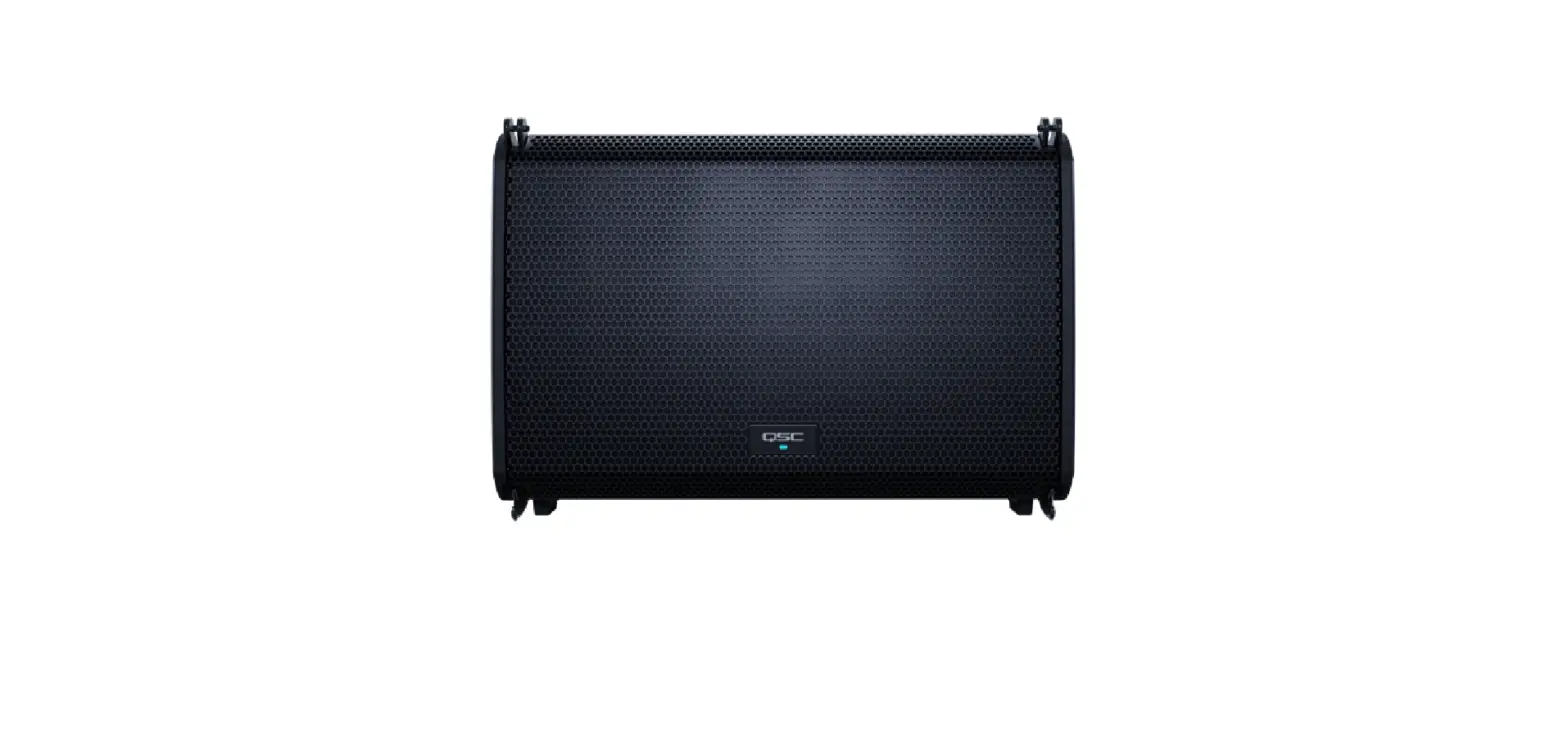
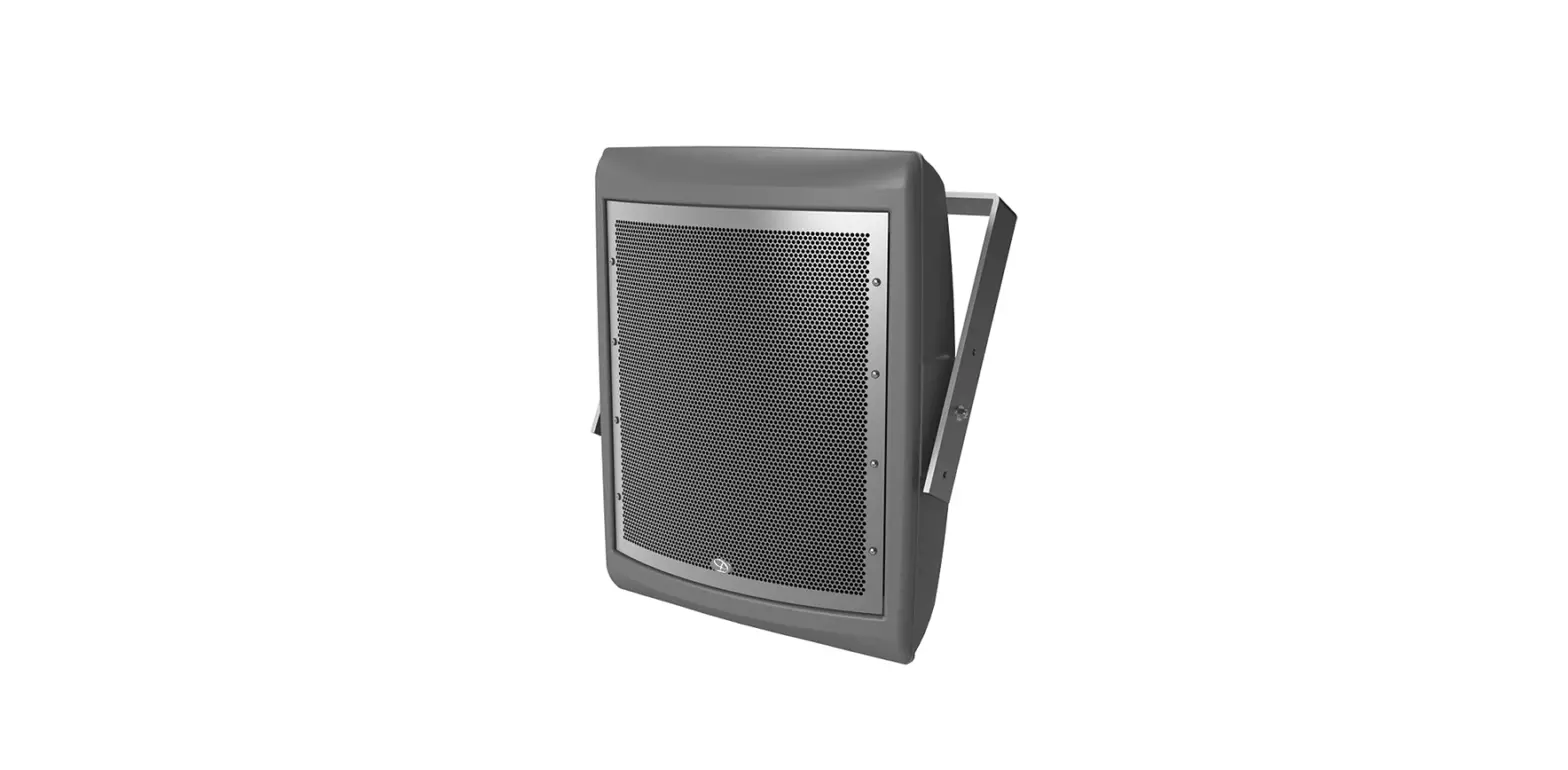
AD-DWL.180 AcousticDesign Series Direct Weather Landscape Loudspeakers
Product Information:
The AcousticDesignTM Series Direct Weather Landscape
Loudspeakers are outdoor speakers designed for use in various
weather conditions. The series includes the following models:
AD-DWL.180, AD-DWL.360, AD-DWL.SUB, and AD-DWL.BASE. These
loudspeakers provide high-quality audio performance in outdoor
environments.
The product is compliant with the European RoHS Directive and
China RoHS directives, ensuring that it meets the necessary
environmental standards.
Product Usage Instructions:
Installation on Concrete or Other Hard Surfaces:
For hard surface installation, you will need four M10 or 3/8
drop-in anchor bolts, eight nuts, and eight washers (not included).
Follow these steps:
- Prepare the surface by using the supplied installation template
to mark the location for the four drop-in anchor bolts. Place them
as close to the center of each arc as possible. - Install the anchor bolts into the mounting surface.
- Mount the collar by placing it on the bottom washers. Use a
bubble level to adjust the nuts so that the collar is horizontal
and all washers are in contact with the collar flange. - Rotate the collar to the desired position, ensuring it is
level, and then secure it by attaching a top washer and nut for
each bolt. - Tighten all top nuts to a recommended torque of 81 kgf.cm (70
lbf.in).
Wiring the Loudspeaker:
To wire the loudspeaker, follow these steps:
- Lay the loudspeaker on the ground with its open base near the
installed collar. - Make a solid and waterproof connection between the
loudspeaker’s wire pig- (continues in the user manual)
Hardware User Manual
AcousticDesignTM Series Direct Weather Landscape Loudspeakers AD-DWL.180 AD-DWL.360 AD-DWL.SUB AD-DWL.BASE
TD-001650-01-A
*TD-001650-01*
EXPLANATION OF TERMS AND SYMBOLS
The term “WARNING!” indicates instructions regarding personal safety. If the instructions are not followed the result may be bodily injury or death. The term “CAUTION!” indicates instructions regarding possible damage to physical equipment. If these instructions are not followed, it may result in damage to the equipment that may not be covered under the warranty. The term “IMPORTANT!” indicates instructions or information that are vital to the successful completion of the procedure. The term “NOTE” is used to indicate additional useful information.
The lightning flash with arrowhead symbol in a triangle alerts the user to the presence of uninsulated dangerous voltage within the product’s enclosure that may constitute a risk of electric shock to humans. The exclamation point within a triangle alerts the user to important safety, operating, and maintenance instructions in this manual.
IMPORTANT SAFETY INSTRUCTIONS
WARNING!: While it is possible for one person to lift a loudspeaker, it is important to use proper lifting techniques. Suggested reading: OSHA Technical Manual (OTM) > Back Disorders and Injuries: https://www.osha.gov/otm/ 1. Keep these instructions. 2. Heed all warnings. 3. Follow all instructions. 4. Clean only with a damp cloth. 5. Do not install near any heat sources such as radiators, heat registers, stoves, or other apparatus (including amplifiers) that produce heat. 6. Only use attachments/accessories specified by the manufacturer. 7. Refer all servicing to qualified service personnel. 8. Adhere to all applicable, local codes. 9. Consult a licensed, professional engineer when any doubt or questions arise regarding a physical equipment installation.
Environmental
· Operating Temperature Range: -30°C to 50°C · Relative Humidity: 0 to 100% RH, non-condensing
Specifications and Dimensions
Product specifications and dimension drawings for the AD-DWL Series can be found online at qsys.com.
2
RoHS Statements
The QSC AD-DWL loudspeakers are in compliance with European RoHS Directive.
The QSC AD-DWL loudspeakers are in compliance with “China RoHS” directives. The following table is provided for product use in China and its territories.
QSC AD-DWL Loudspeakers
(Part Name)
(Hazardous Substances)
(Pb)
(Hg)
(Cd)
(Cr(vi))
(PBB)
(PBDE)
X
O
O
O
O
O
(PCB Assemblies)
X
O
O
O
O
O
(Chassis Assemblies)
SJ/T 11364
O: GB/T 26572
X: GB/T 26572
This table is prepared following the requirement of SJ/T 11364. O: Indicates that the concentration of the substance in all homogeneous materials of the part is below the relevant threshold specified in GB/T 26572. X: Indicates that the concentration of the substance in at least one of all homogeneous materials of the part is above the relevant threshold specified in GB/T 26572. (Replacement and reduction of content cannot be achieved currently because of the technical or economic reason.)
3
What’s in the Box
· (1) AD-DWL.180, AD-DWL.360, or AD-DWL.SUB · (1) collar · (4) collar Torx M6 screws · (1) Torx bit
· (1) installation template
· (1) paint mask for AD-DWL.180, (2) paint masks for AD-DWL.360*
* Paint mask not required for AD-DWL.SUB. For painting instructions, see the Self Help Portal.
Installation on Concrete or Other Hard Surfaces
Hard surface installation requires four M10 or 3/8″ drop-in anchor bolts, eight nuts, and eight washers (not supplied). The bolts must be long enough to provide 65mm (2.5″) of usable thread above the surface level.
Prepare the surface
NOTE: Before proceeding, be aware of the location of conduit under the loudspeaker location and the intended orientation of the loudspeaker for example, facing parallel to another hard surface, such as a sidewalk or patio.
1. Use the supplied installation template to mark the location for the four drop-in anchor bolts as close to the center of each arc as possible, as shown in Figure 1.
2. Install the anchor bolts (not supplied) into the mounting surface.
— Figure 2 —
Flange Nut
Washer Hard Surface
Four M10 or 3/8″ bolts on 120mm (4.72″) diameter circle
— Figure 1 —
Mount the collar
The rotational orientation of the collar determines the aim of the loudspeaker. The collar can rotate ± 26° from the arc center. 1. On each anchor bolt, place a bottom nut and
washer. These are used to level the collar. 2. Place the collar on the bottom washers. Using a
bubble level, adjust the nuts so that the collar is horizontal and that all washers are in contact with the collar flange. See Figure 2.
Nut Flange
Washer
Hard Surface
NOTE: There must be no gap between the washers and the collar flange.
3. Rotate the collar to the exact desired position, verify levelness, and then secure the collar by attaching a top washer and nut for each bolt. See Figure 3.
4. Tighten all top nuts to a recommended torque of 81 kgf.cm (70 lbf.in).
— Figure 3 —
4
Concrete/Surface Installation Continued
Wire the loudspeaker
1. Lay the loudspeaker on the ground with its open base near the installed collar.
— Figure 4 —
2. Make a solid and waterproof connection between the loudspeaker’s wire pig-
tail and the output from your amplifier, with red being positive (+) and black
being negative (-). Wire in parallel to other AD-DWL Series loudspeakers as
++ + +
needed. See Figure 4.
Amplifier
NOTE: Gel-filled wire nuts, WAGO gel boxes, or equivalent are
__ _ _
recommended for wire connections.
3. Adjust the Transformer Settings dial to the desired setting for your installation, depending on your AD-DWL Series model: AD-DWL.180 and AD-DWL.360 (Figure 5), AD-DWL.SUB (Figure 6).
— Figure 5 —
— Figure 6 —
Attach the loudspeaker
1. Tuck the wires into the hollow loudspeaker base.
2. Lower the loudspeaker onto the collar and attach them together with the four supplied M6 Torx screws. See Figure 7.
3. Tighten the screws to a recommended torque of 23 kgf.cm (20 lbf.in).
5
Four M6 Torx screws
— Figure 7 —
In-Ground Installation
In-ground installation requires the AD-DWL.BASE* accessory, which comes with all the hardware needed (bolts, nuts, and washers) to mount the loudspeaker collar to the BASE.
Prepare the BASE
Remove the side knockouts as needed to allow for attaching conduit for the speaker wiring between the loudspeakers and amplifier. Refer to Figure 8 for an example.
NOTE: Conduit knockouts in the AD-DWL.BASE accommodate standard 12mm (3/8″) conduit clamps.
Grade Level
From Amplifier
Install the BASE
3/8″ Conduit — Figure 8 —
NOTE: Keep the disposable round lid attached to the top of the BASE during installation to prevent debris from entering the cavity.
1. For each BASE unit, dig a hole at least 275mm (11″) deep and 200mm (8″) in diameter.
2. Run conduit and wiring as needed.
3. Place the BASE into the hole, ensuring that the top of the BASE is flush with grade level. To assist with stabilizing the BASE in soft or unstable soil, you can optionally attach an auger stake (not supplied) through the bottom knockout, as shown in Figure 9.
NOTE: Before proceeding, ensure that the BASE is oriented such that a pair of bolts is parallel with the intended aim of the loudspeaker tweeter for example, facing a surface such as a sidewalk or patio. See Figure 10.
4. Fill the hole surrounding the base with soil or concrete. Compress the soil to help prevent movement of the BASE and loudspeaker. (Adding water to the backfill can help with this.) For a more secure installation, optionally anchor the BASE by pouring concrete around its body up to 90% of the BASE’s overall height.
To Other Speakers
Auger Stake (optional, not supplied) — Figure 9 —
Tweeter
BASE
Tweeter
— Figure 10 —
*AD-DWL.BASE accessory has not been evaluated by UL.
6
In-Ground Installation Continued
Mount the collar
The rotational orientation of the collar (Figure 11) determines the aim of the loudspeaker. The collar can rotate ± 26° from the arc center.
NOTE: Refer to Figure 12 for proper placement of the nuts and washers described in the following steps.
1. Remove the top nuts and washers from each of the four BASE bolts and set them aside.
2. Discard the protective lid.
3. Thread the bottom nuts and washers all the way down to the Nyloc nuts. (Do not loosen the Nyloc nuts at the base of the bolts, as these secure the bolts in place.)
4. Place the collar on the bottom washers of the BASE. Using a bubble level, adjust the nuts so that the collar is horizontal and that all washers are in contact with the collar flange. See Figure 13.
NOTE: There must be no gap between the washers and the collar flange.
5. Rotate the collar to the exact desired position, verify levelness, and then secure the collar by attaching a top washer and nut for each bolt.
6. Tighten all top nuts to a recommended torque of 81 kgf.cm (70 lbf.in).
Top Nuts and Washers Bottom Nuts and Washers
Grade Level
BASE
— Figure 13 —
7
Collar
— Figure 11 —
Top Nuts and Washers Collar Bottom Nuts and Washers
BASE
— Figure 12 —
Flange Nyloc Nuts (Do not loosen)
In-Ground Installation Continued
Wire the loudspeaker
— Figure 14 —
1. Lay the loudspeaker on the ground with its open base near the installed collar.
2. Make a solid and waterproof connection between the loudspeaker’s wire
pig-tail and the output from your amplifier, with red being positive (+) and black being negative (-). Wire in parallel to other AD-DWL Series
++ + +
loudspeakers as needed. See Figure 14.
Amplifier
__ _ _
NOTE: Gel-filled wire nuts, WAGO gel boxes, or equivalent are
recommended for wire connections.
3. Adjust the Transformer Settings dial to the desired setting for your installation, depending on your AD-DWL Series model: AD-DWL.180 and AD-DWL.360 (Figure 15), AD-DWL.SUB (Figure 16).
— Figure 15 —
Attach the loudspeaker
1. Tuck the wires into the hollow loudspeaker base. 2. Lower the loudspeaker onto the collar and attach them together
with the four supplied M6 Torx screws. See Figure 17. 3. Tighten the screws to a recommended torque of 23 kgf.cm (20
lbf.in).
— Figure 16 —
Four M6 Torx screws
— Figure 17 —
8
®
Self Help Portal
Read knowledge base articles and discussions, download software and firmware, view product documents and training videos, and create support cases. qscprod.force.com/selfhelpportal/s/
Customer Support
Refer to the Contact Us page on the Q-SYS website for Technical Support and Customer Care, including their phone numbers and hours of operation. qsys.com/contact-us/
Warranty
For a copy of the QSC Limited Warranty, go to: qsys.com/support/warranty-statement
© 2023 QSC, LLC. All rights reserved. QSC and the QSC logo, Q-SYS, and the Q-SYS logo are registered trademarks of QSC, LLC in the U.S. Patent and Trademark Office and other countries. Patents may apply or be pending. All other trademarks are the property of their respective owners. qsc.com/patents qsys.com/patents
9
 kgf.cm
 lbf – Learn by fun
 QSC Patents
 qscprod.force.com/selfhelpportal/s/
 Q-SYS - Cloud-manageable Audio, Video and Control
 OSHA Technical Manual (OTM) | Occupational Safety and Health Administration
 Contact Us