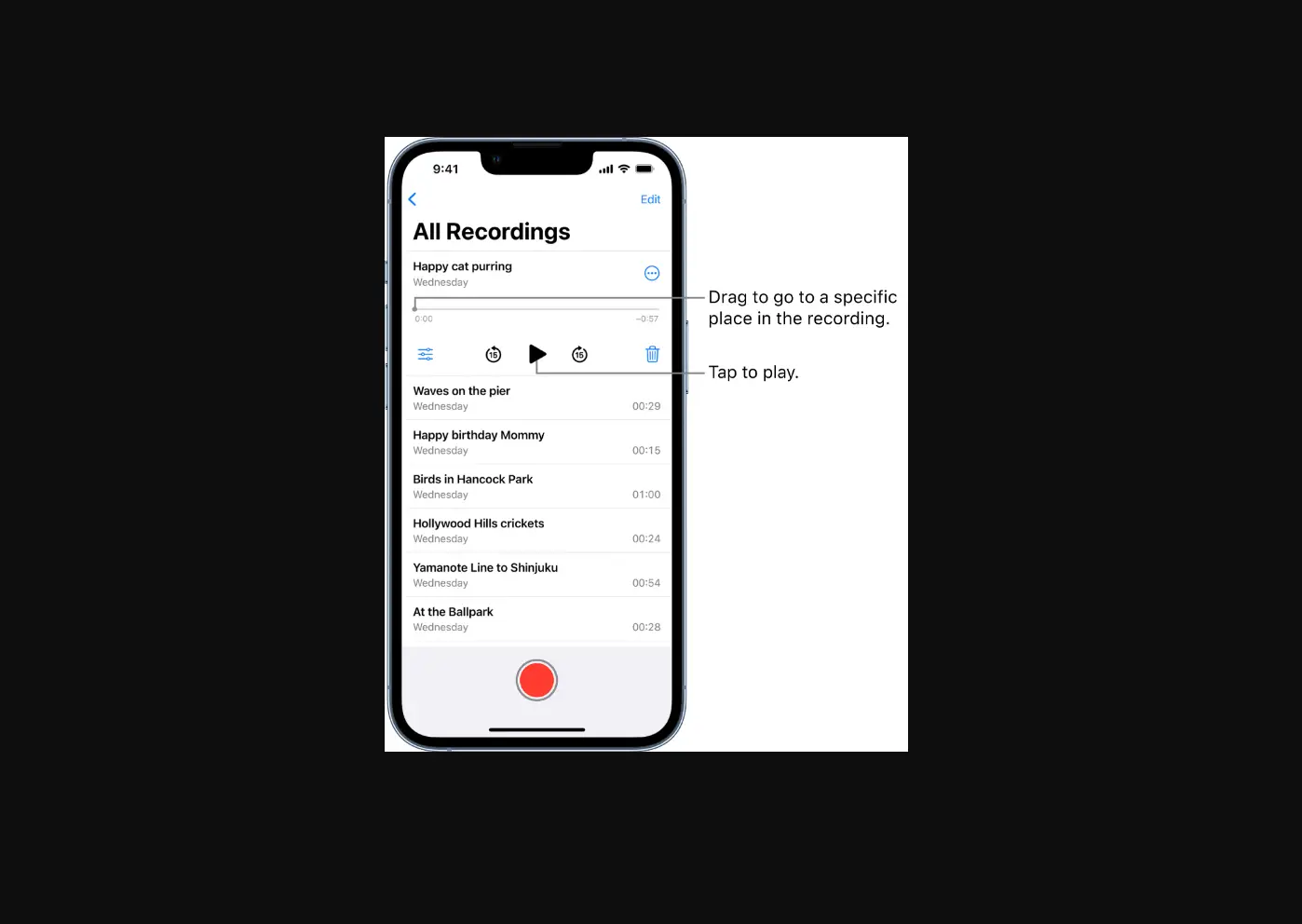
Do one of the following:
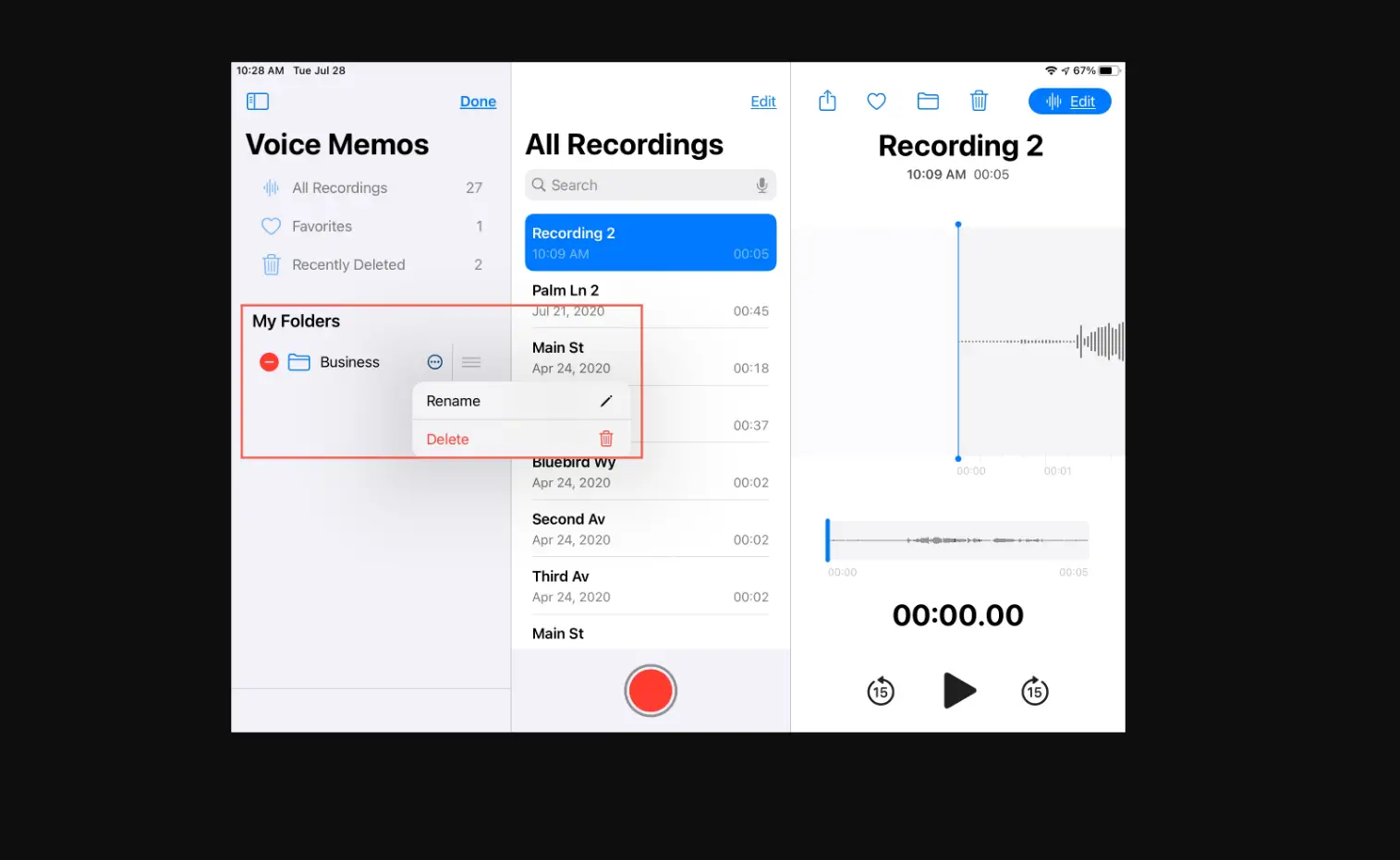
- In the list of recordings, tap the recording you want to delete, then tap
 .
. - Tap Edit above the list of recordings, select one or more recordings, then tap Delete.
 .
.Deleted recordings move to the Recently Deleted folder, where they’re kept for 30 days by default. To change how long deleted recordings are kept, go to Settings  > Voice Memos > Clear Deleted, then select an option.