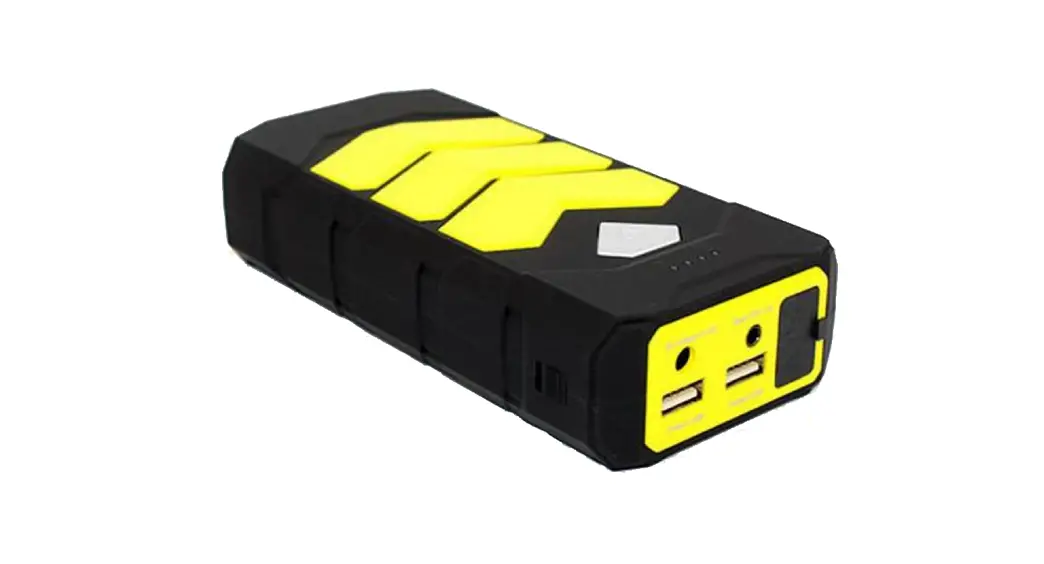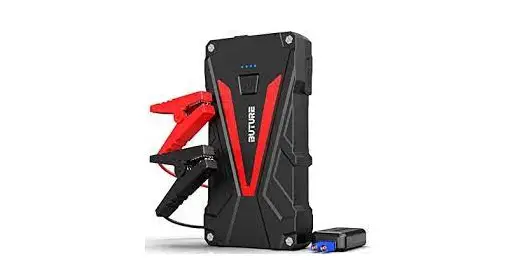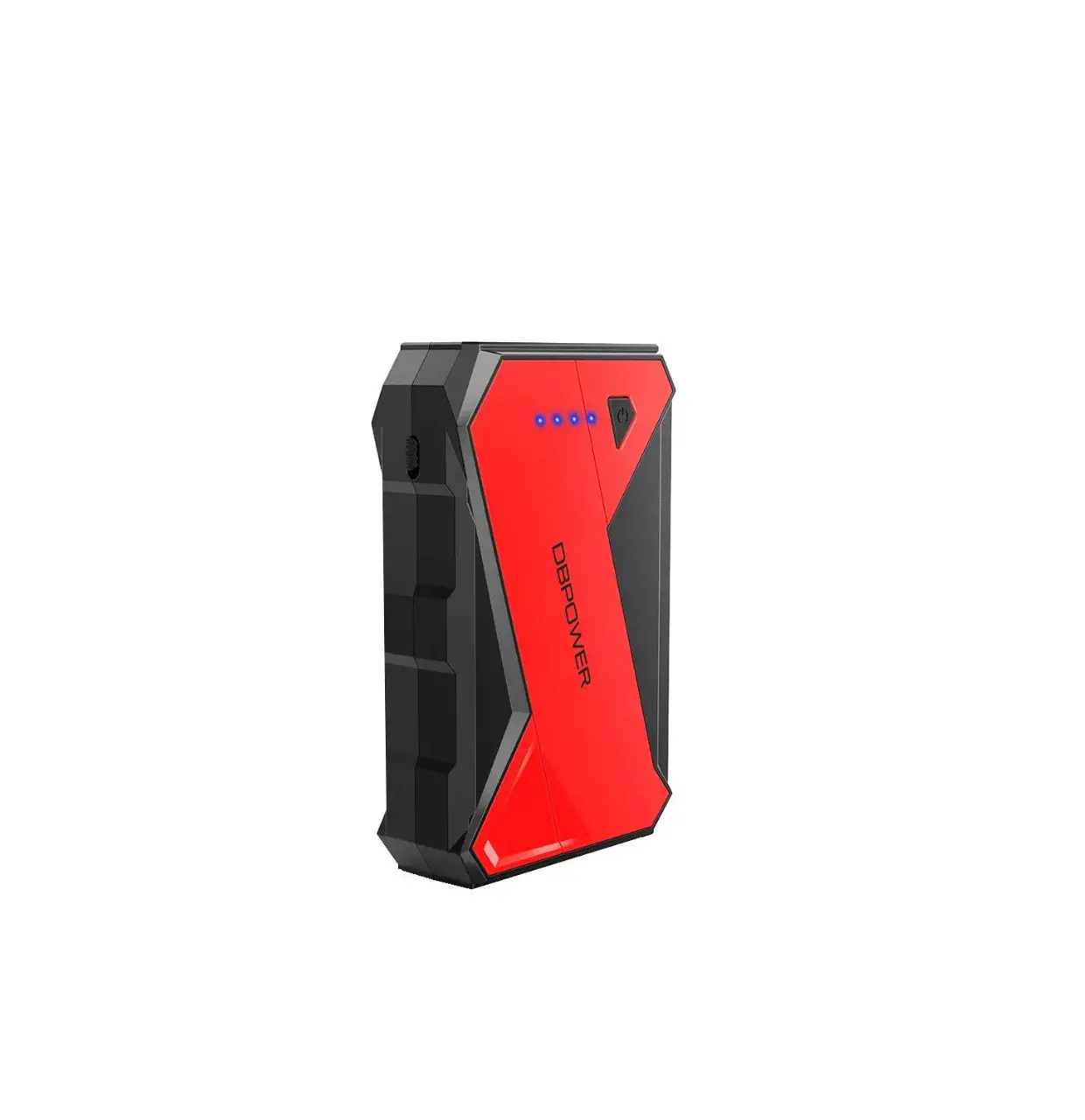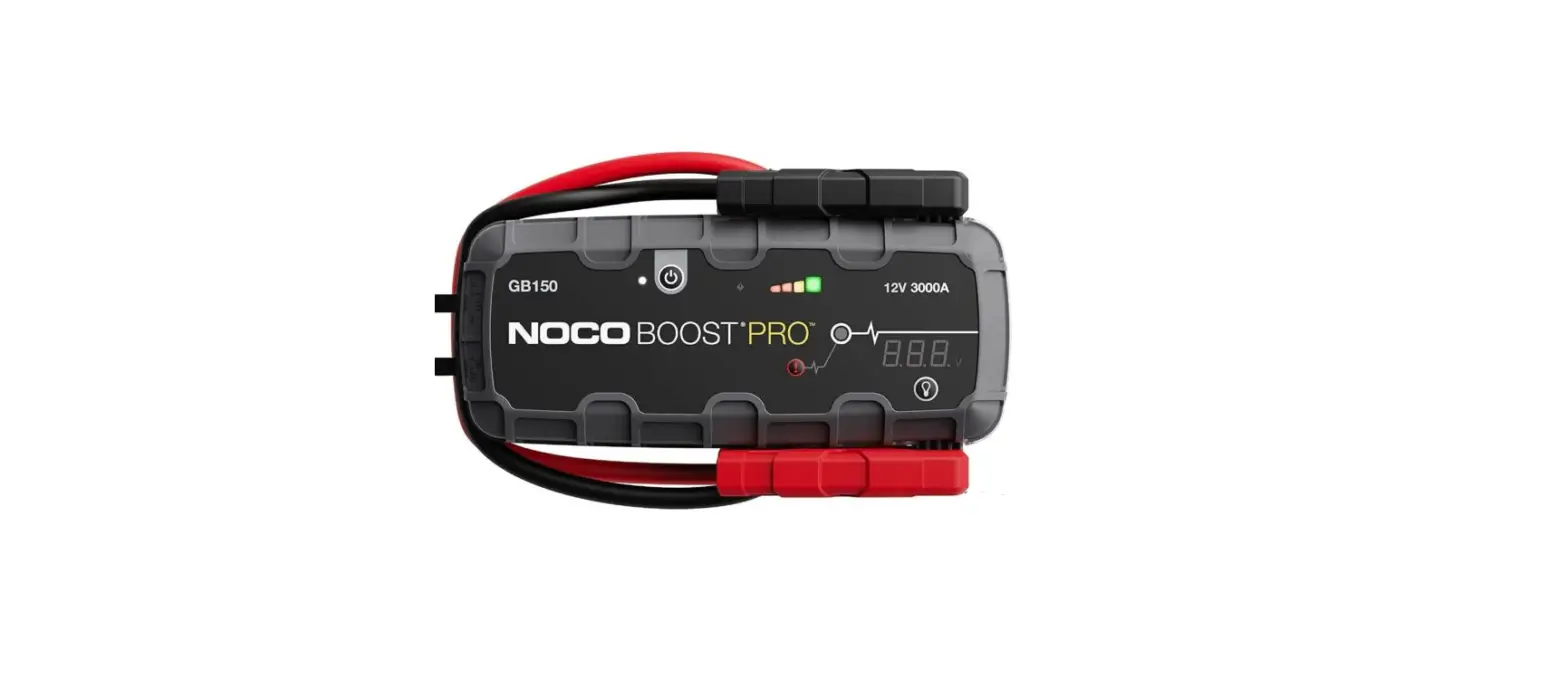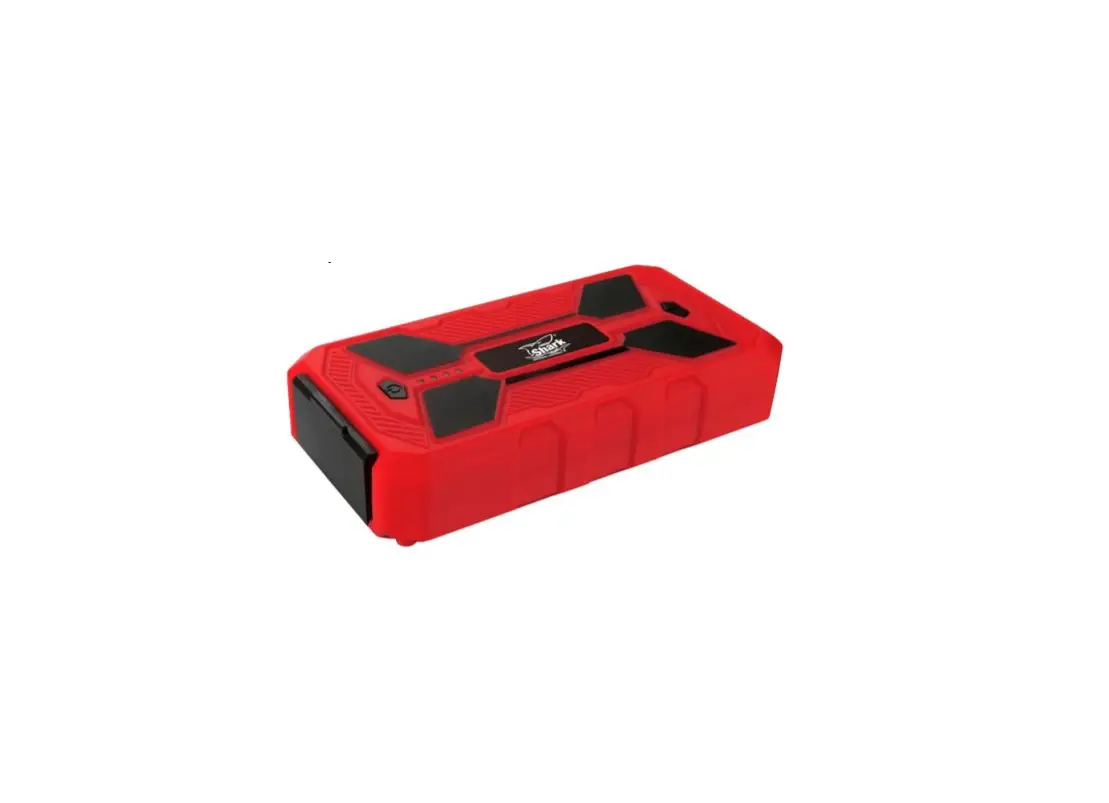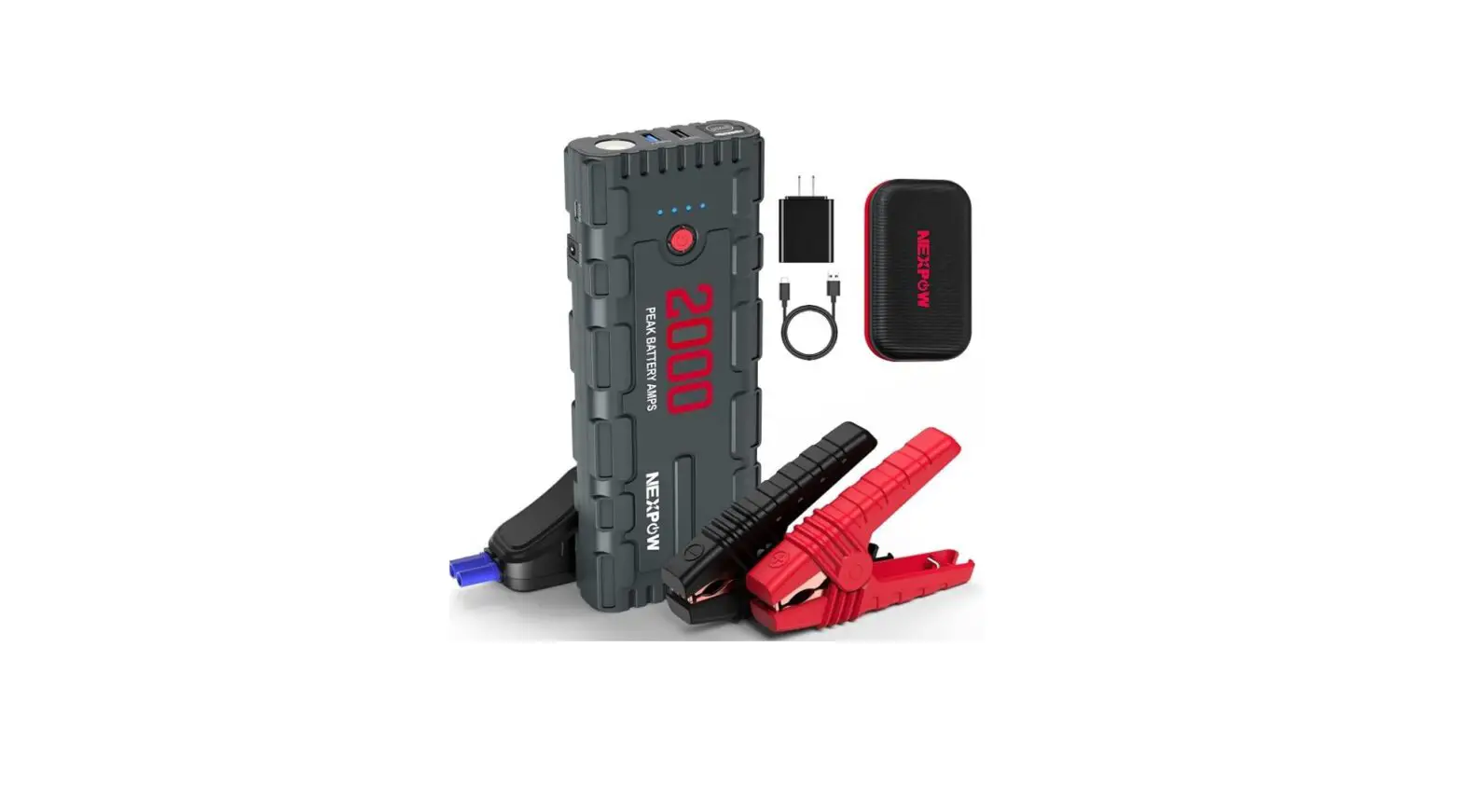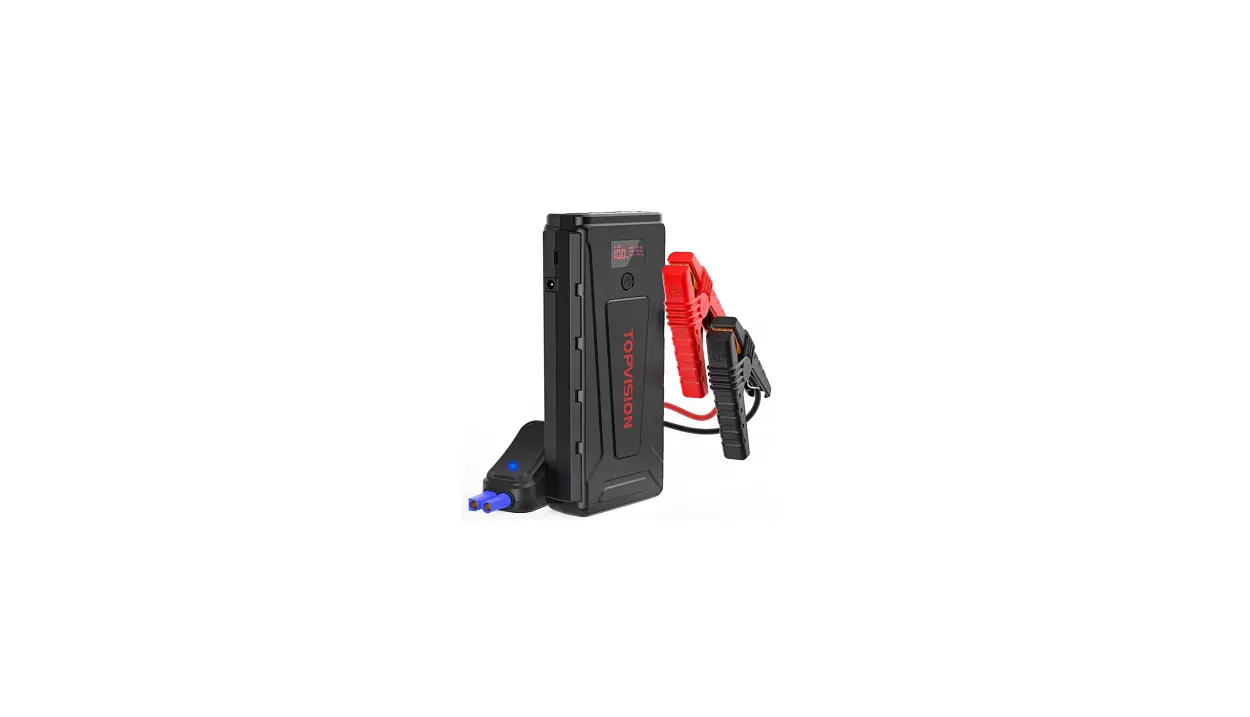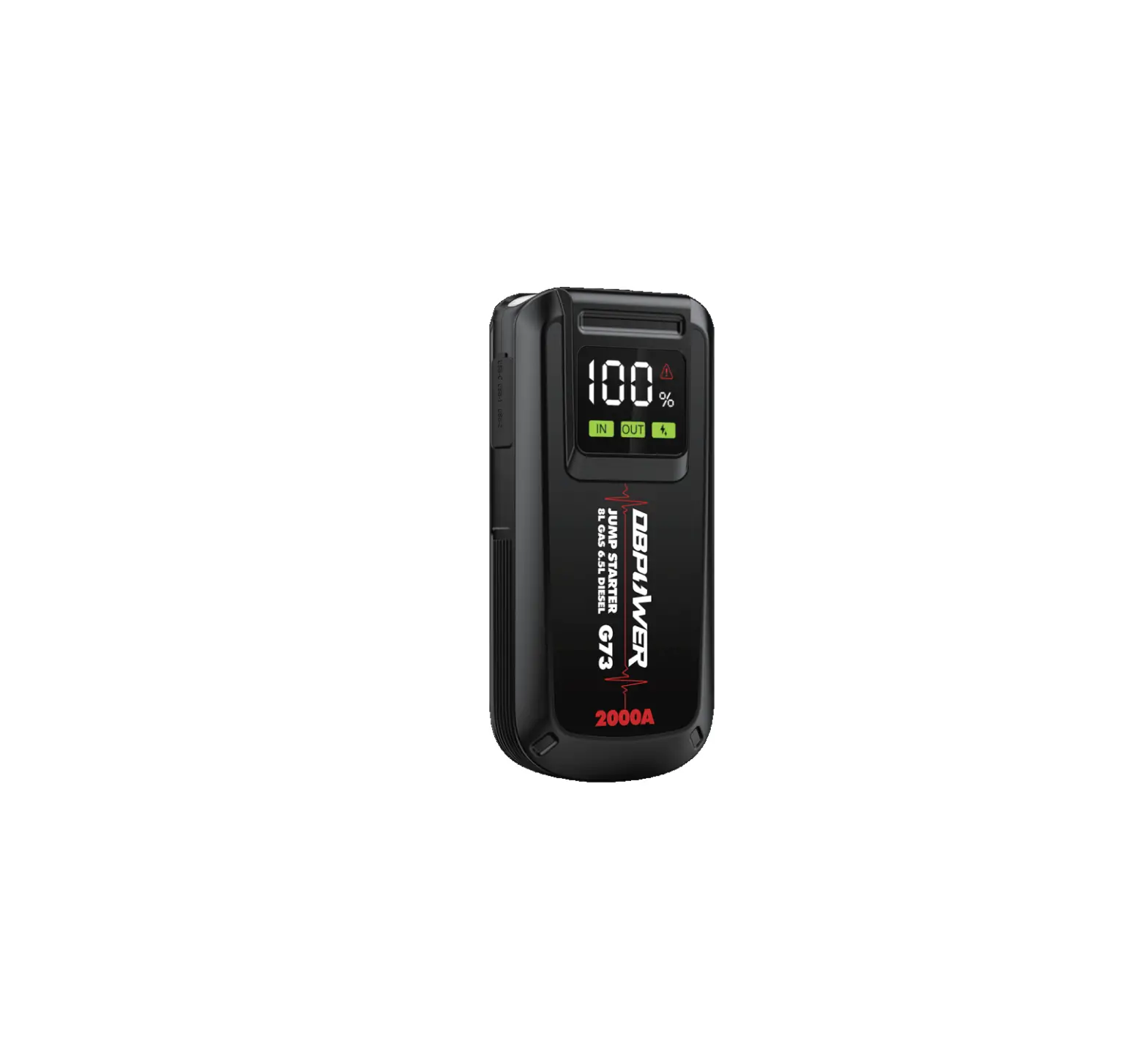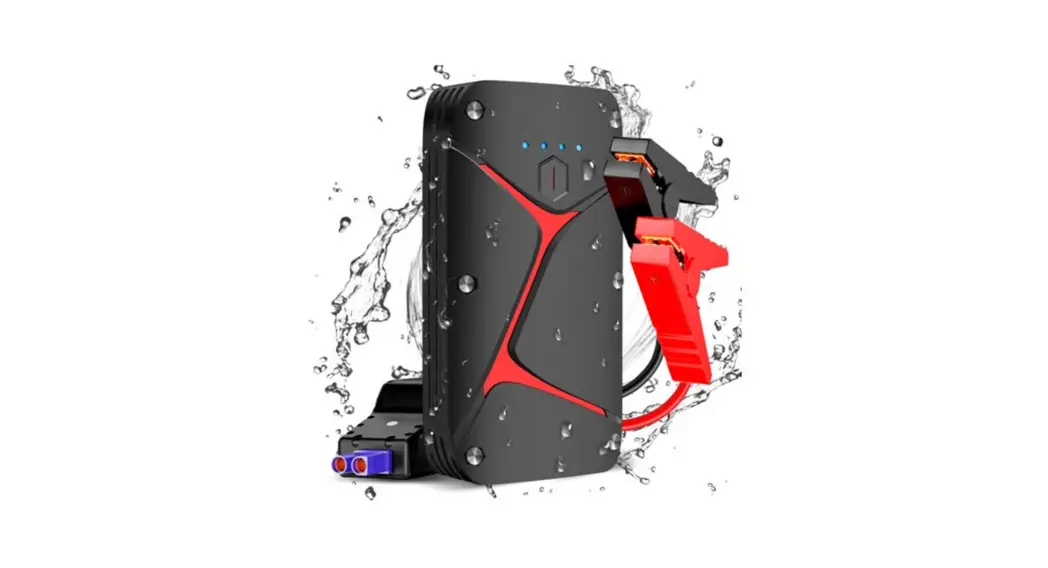
 CTJMPSTW16B 16000mAh Water Resistant Portable Jump Starter
User Guide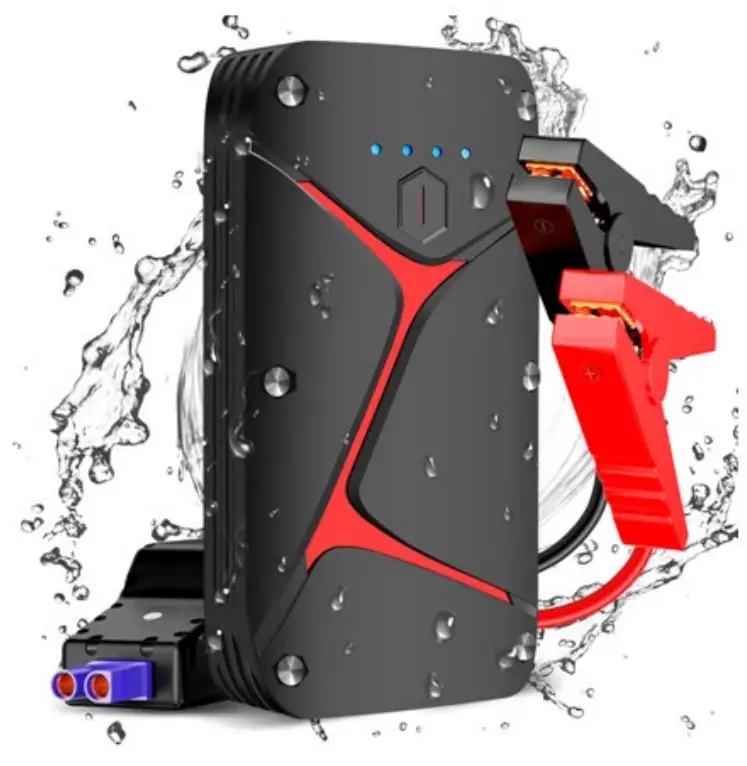
SAFETY & WARNINGS
- Use only the included battery clamp to start the car.
- Do not use this unit if any part of the cable, clamp or cord is damaged.
- Never connect both clamps together when the product is turned ON.
- Do not connect both cable clamps to the same piece of metal, or the jump starter will be damaged.
COMPONENTS LIST
- 1 x 16000mAh Jump Starter
- 1 x Smart Battery Clamp
- 1 x USB-C to USB-A Cable
- 1 x USB-C to USB-C Cable
- 1 x User Guide
- 1 x Carry Pouch
OVERVIEW
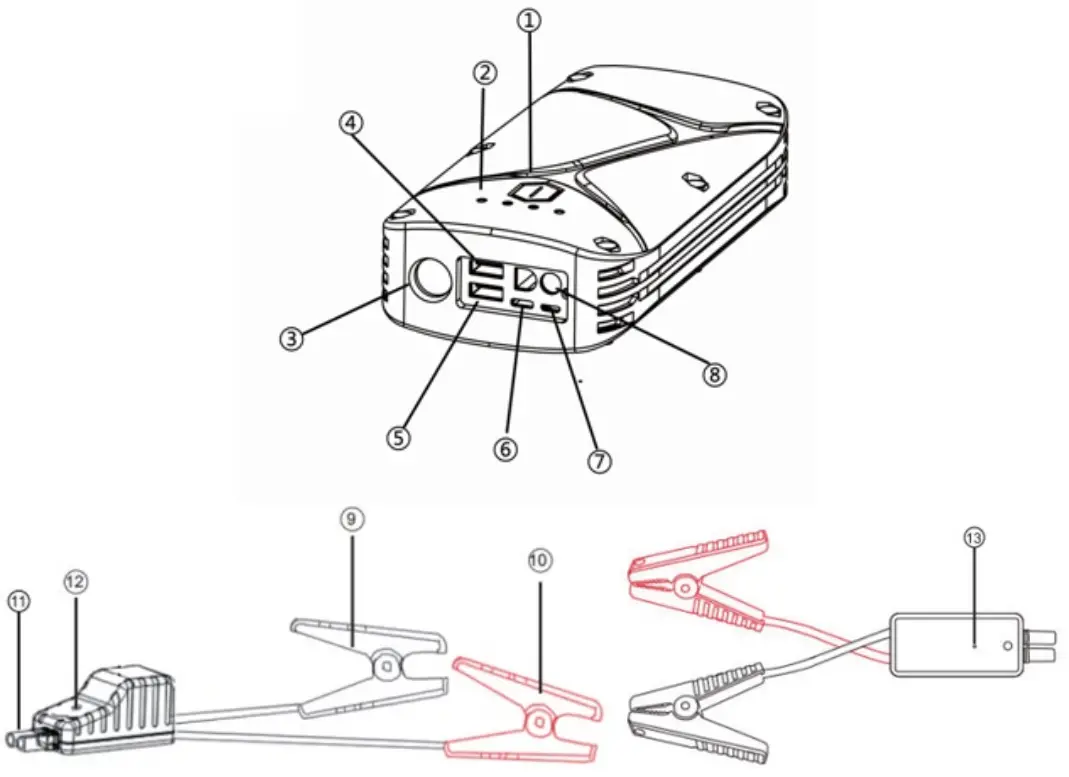
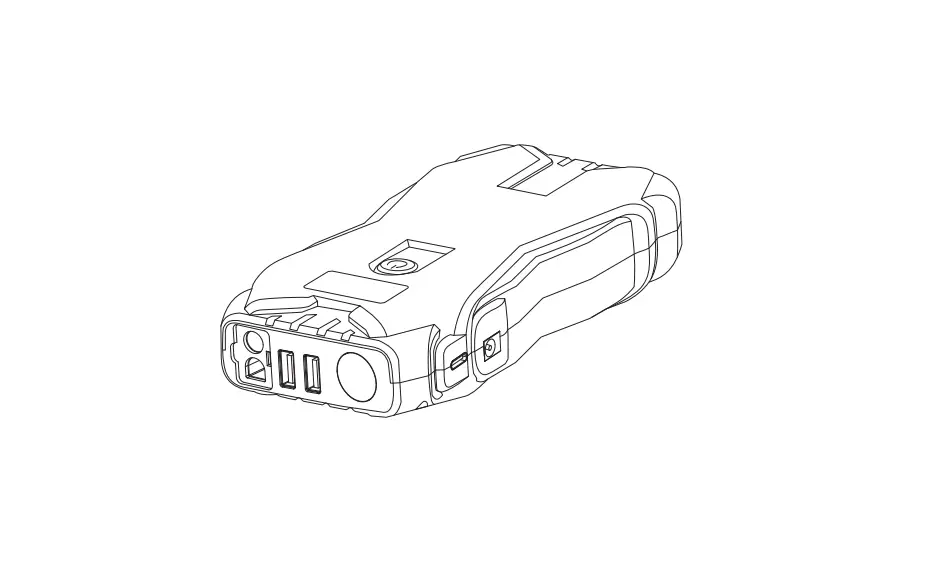
| 1 | On/Off Button (Multifunctional) | Press the button to charge your devices. Press the button to see the remaining capacity. Long press the button to turn the flashlight on or off. |
| 2 | Charging Indicator Lights | Shows the charging progress: 25%, 50%, 75% and 100%. |
| 3 | LED Flashlight | Flashlight modes: Solid, SOS, Flash and Off |
| 4 | USB-A Output Port 1 (QC 3.0) | Charge QC 3.0 compatible devices. |
| 5 | USB-A Output Port 2 (QC 3.0) | Charge QC 3.0 compatible devices. |
| 6 | USB-C Input/Output (PD3OW) | Charge the jump starter via USB-A to USB-C cable. Charge PD3OW compatible devices via USB-C to USB-C cable. |
| 7 | Micro USB Input Port | Charge the jump starter via the Micro USB cable. |
| 8 | Jump-Starting Port | Insert the plug into the jump-starting port. |
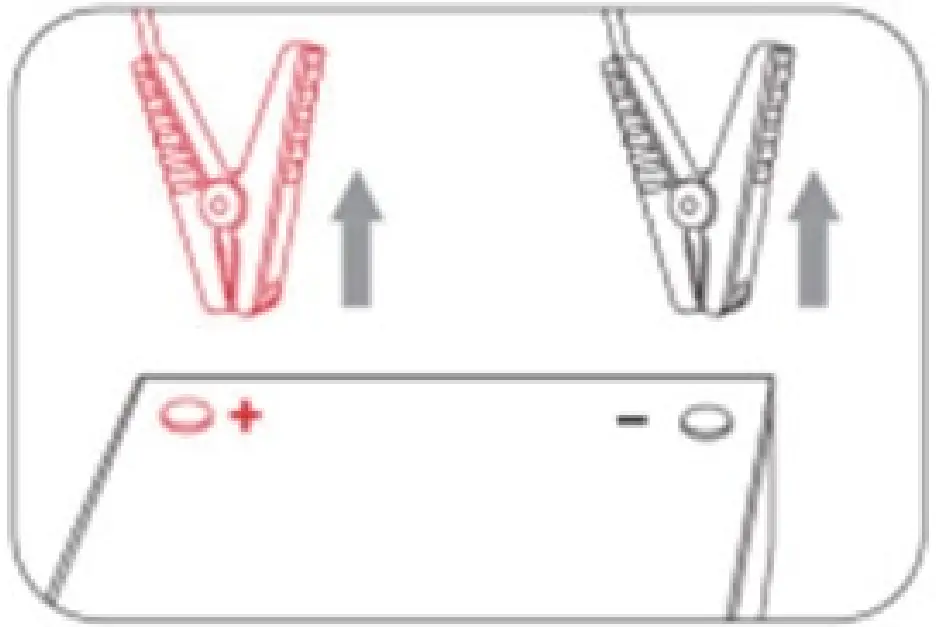
| 9 | Black Clamp | Connect the black clamp to the negative terminal of the car battery. |
| 10 | Red Clamp | Connect the red clamp to the positive terminal of the car battery. |
| 11 | Plug | To be inserted into the jump-starting port for use. |
| 12 | Battery Clamp Indicator Lights | Show the status of the smart battery clamp. |
| 13 | Force Start Button | Press this button if the car battery voltage is too low. |
OPERATION
Charging the product
- Connect the jump starter and the power source via the USB-C cable or Micro USB cable.
- Short press the on/off button to turn on the product. While charging the jump starter, the battery level indicator light will flash. Once it is fully charged, all 4 battery level indicator lights will be on.
- Unplug the cable when no charge is required.
Note:
- When using the product for the first time, make sure that the jump starter is fully charged.
- A wall adapter is not included in the package.
Power bank
- Connect the product and the device to be charged via a USB cable.
- Press the on/off button to turn on the product.
- Unplug the cable when no charge is required.
LED flashlight
Long press the on/off button for 3 seconds to turn on the light. Short press the on/off button to switch modes among Solid, SOS and Flash. Long press the on/off button for 3 seconds to turn off the light.
Jumpstart your car
Note:
- This product is for 12V car (all petrol or up to 6.0L diesel engines) only.
‘Ensure that 3 to 4 indicator lights are illuminated (battery level is above 50%) before you use it to jump-start your car.
Step 1: Insert the plug of the smart battery clamp completely into the jump starter. If the green and red-light indicators on the battery clamp are flashing alternately, you are safe to move on to the next step.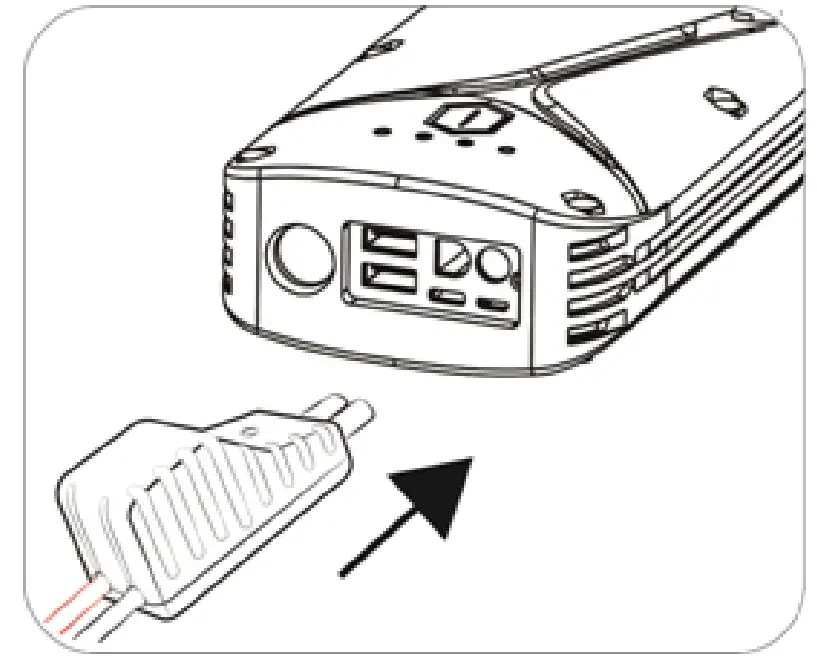
Step 2: Connect the red clamp to the positive terminal (+) of the car battery and connect the black clamp to the negative terminal (-) of the car battery. If the green and red-light indicators on the battery clamp are flashing alternately, you are safe to move on to the next step.
However, if the red indicator light is on:
- The battery clamp may be connected in reverse. If so, disconnect the battery clamp from the vehicle and the jump starter.
- Adjust the clamps for maximum contact with battery terminals.
Step 3-a: Start the car as normal.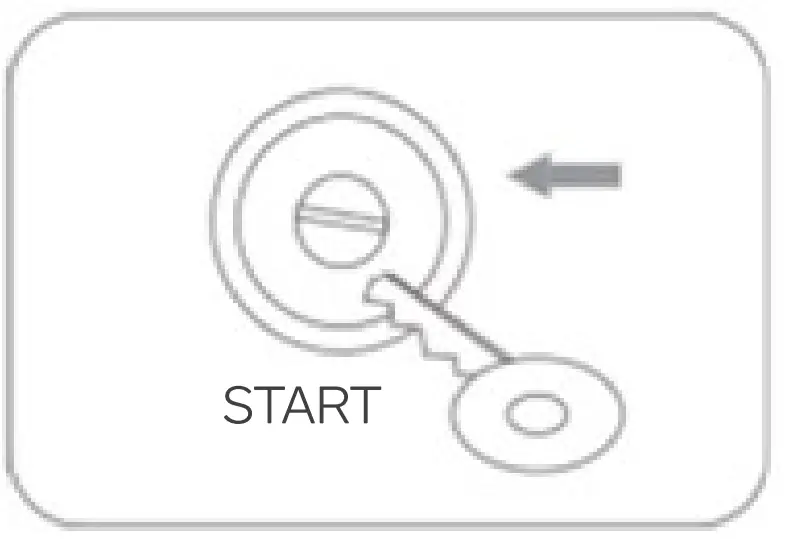
- If the car fails to start, disconnect the battery clamp from the vehicle and the jump starter. Wait for at least 30 seconds before trying again.
- If the car still fails to start after 3 attempts, use the force start function as per step 3b.
Step 3-b (optional): Force starts function.
- Make sure that the clamps are connected to the correct polarity battery terminal.
- Hold the force start button for 3 seconds to enable the force start function.
- When the indicator light of the smart clamp is solid green, the vehicle will need to be started within 30s.
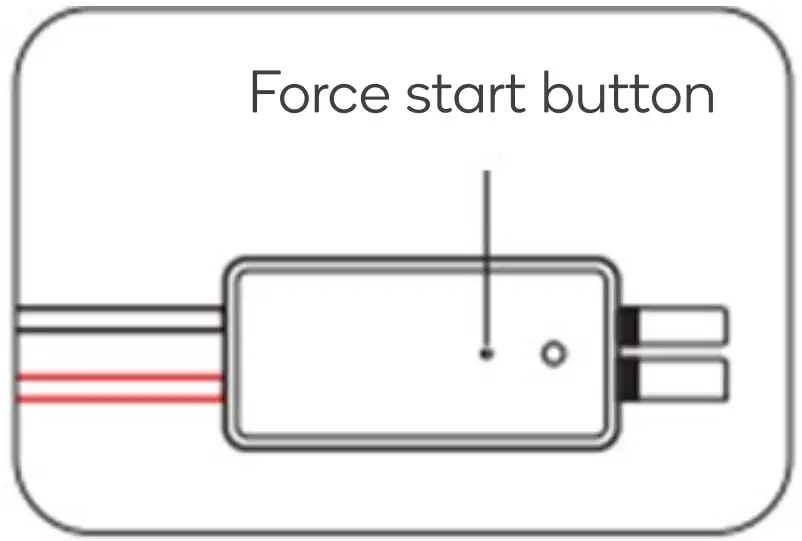 Step 4: Once your car is started, remove the battery clamp from the car battery and the jump starter within 30 seconds.
| LED Indicator | Situations |
| Flashing between red/green | Ready to work/operational status |
| Solid red | 1. Battery clamp is connected in reverse: o Check the orientation of the clamps on the battery terminals 2. The clamp is short-circuited: a Check whether the clamps are contacting one another or are connected to the same piece of metal. 3. Reverse charging protection: the voltage of the car the battery is higher than 12.6V: o No jump-starting is needed to start the car. |
| Rapidly flashing red | The temperature of the clamp exceeds 65 (+/-5) degrees. Remove the clamp until the lights flash red and green. |
| Slowly flashing green | The voltage of the jump starter is too low. Charge the jump starter |
CARE & MAINTENANCE
- Never use the product to start a bulging or damaged car battery.
- Store the product in a shaded, well-ventilated area.
- Handle the product with care. Avoid dropping or striking the product heavily and repeatedly.
- Do not attempt to disassemble or modify the product.
- Do not use detergents to clean the product.
- Do not place or use the product in a high-temperature environment for an extended period. The operating temperature of this product is -20-60° C. The storage temperature of the product should not exceed 50°C.
- Check the battery level of the product at least once every three months and charge the product in time.
- Keep the product away from children and pets.
SPECIFICATIONS
| Capacity | 16000mAh |
| Micro USB input | 5V/2.1A |
| USB-C input & output | PD3OW: 5V/3A, 9V/3A, 12V/2.5A, 20V/1.5A QC18W: 5V/3A, 9V/2A, 12V/1.5A |
| USB-A outputs | 5V/3A, 9V/2A, 12V/1.5A |
| Note: When using x2 USB outputs (x2 USB-A, or x1 USB-A and x1 USB-C) at the same time, the unit outputs voltage will reset to 5V. | |
| Jump-start current | 600A (last for 1 second) |
| Peak current | 1200A (last for 0.2 second) |
| Short circuit protection | Effective |
| Over-discharge protection | 13v±0.3v |
| Overheating protection | > 65°C ± 5°C |
| Reverse polarity protection | Effective |
| Reverse charging protection | (12.6v±0.3v) |
| Dimensions (L x W x H) | 185 x 100 x 45mm |
FAQ
Q: How is the product turned off?
A: This product will power off automatically when no load is detected or when charging is complete.
Q: How long does it take to fully charge the jump starter?
A: Approximately 3-9 hours through the Micro USB input port or USB-C input port.
Q: How many times can this product start a vehicle at full capacity?
A: Approximately 20 times.
Q: How many times can this product fully charge a mobile phone?
A: This will depend largely on the battery capacity of the mobile phone being used. For example, an iPhone 8 can be fully charged ~4-5 times.
Need more information?
We hope that this user guide has given you the assistance needed for a simple setup.
For the most up-to-date guide for your product, as well as any additional assistance you may require, head online to help.kogan.com