 QUICKSTART GUIDE
PLEASE CONSIDER THE
ENVIRONMENT BEFORE PRINTING
User manual
www.tcl.com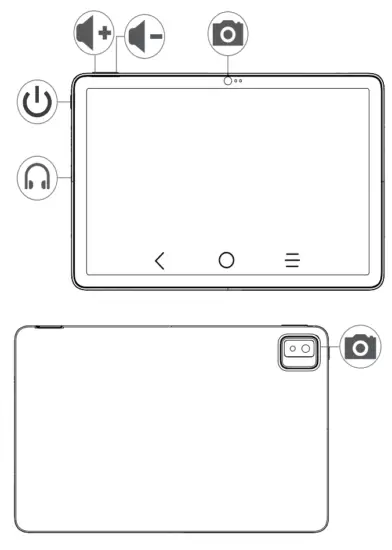
 Power key
 Back
Back Home Start
 Recent apps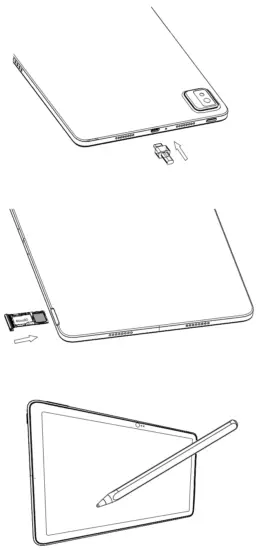
Tips:
- In order to protect your eyesight, please do not use the tablet when the ambient light is too strong or too weak.
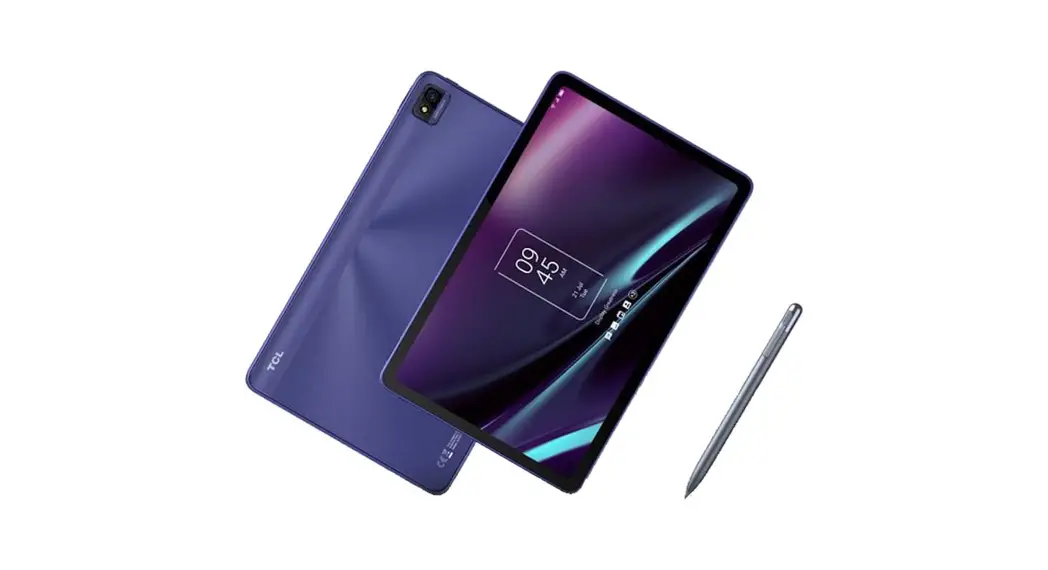
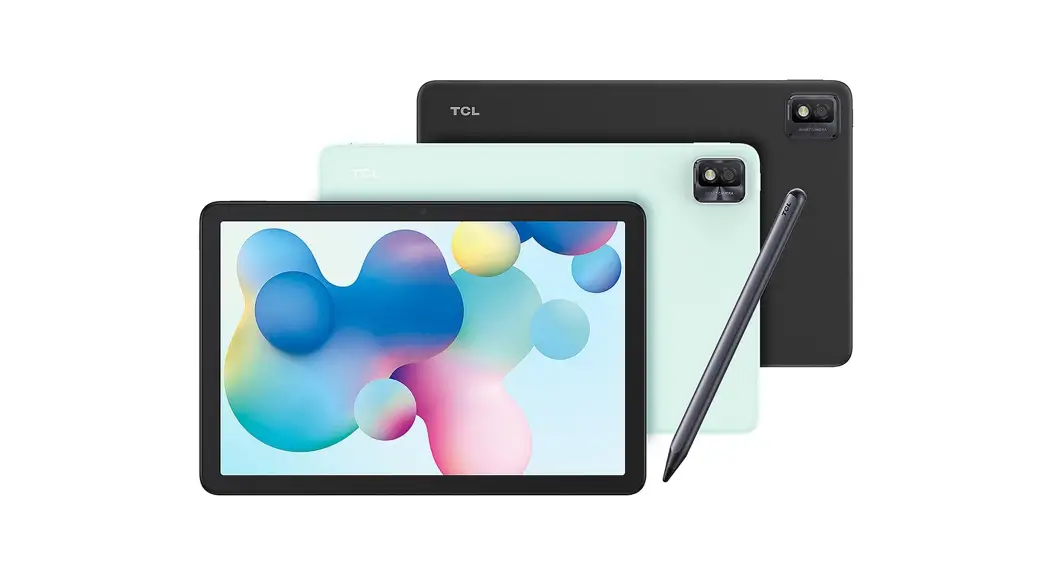
- The P-Pen in the package only provides the basic interactive experience. If you want a premium experience and explore more features, please purchase TCL A-Pen.
 TCL USA | Enjoy More