Sunveytech
W IRELESS BACKUP CAMERA SYSTEM
User Manual / Installation Instructions
SWD-MY101V607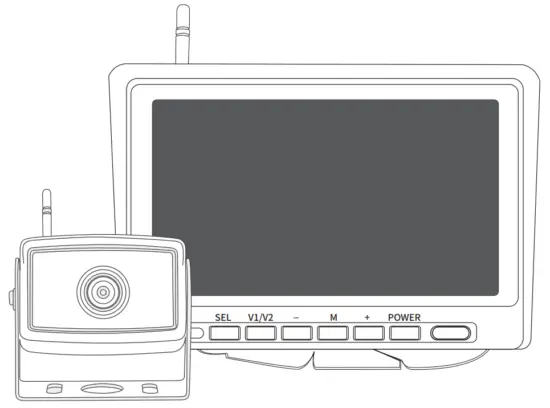 VEHICLE SAFETY SOLUTIONS
Before installation please read the manual
What’s in the Box?
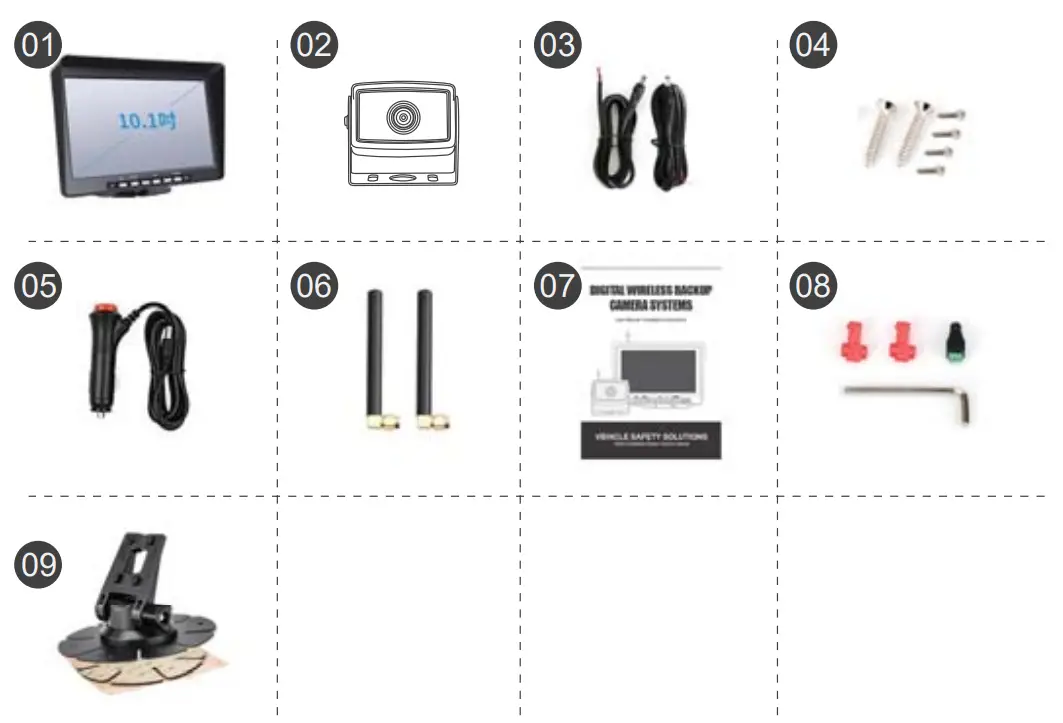
NOTE: The contents included may be different based on the kit you purchased. Please take the actual product as standard.
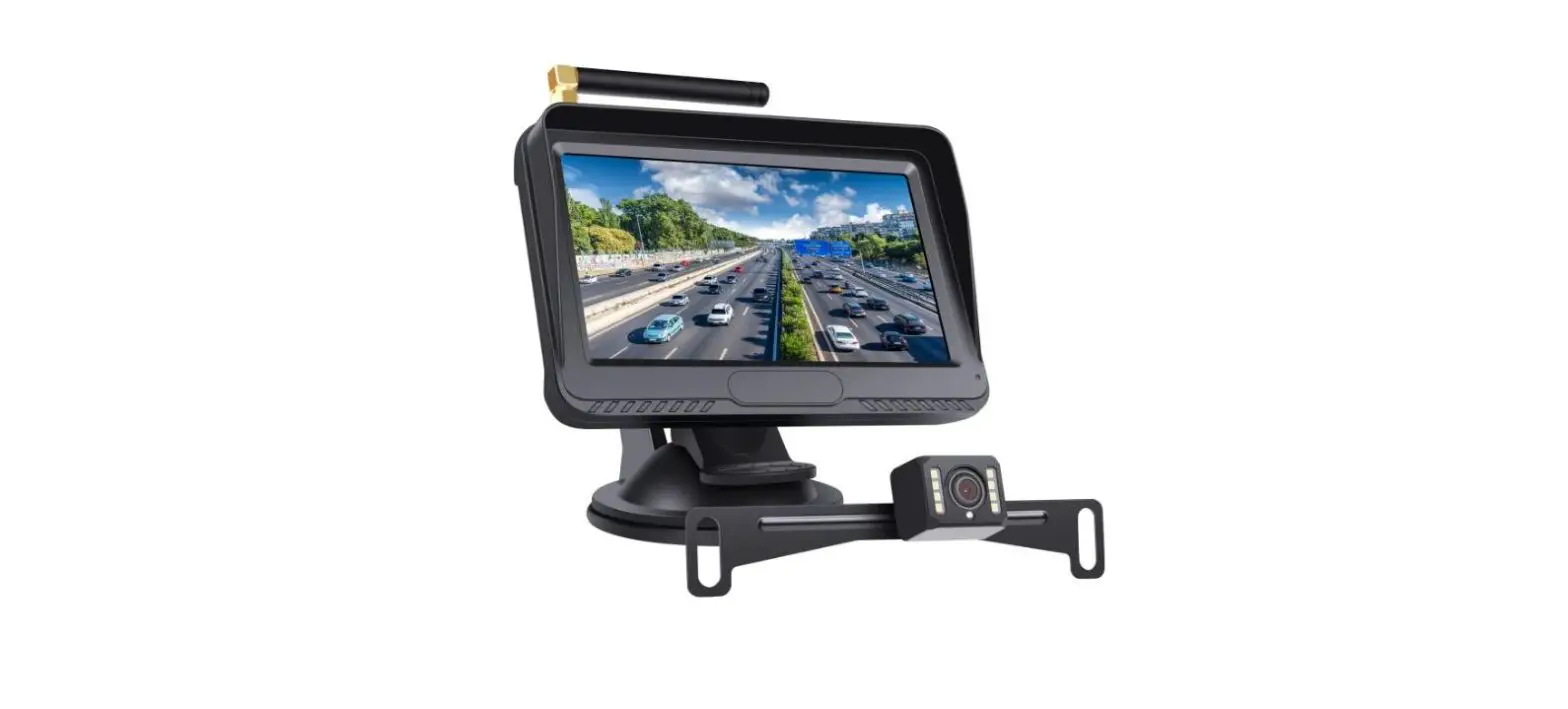
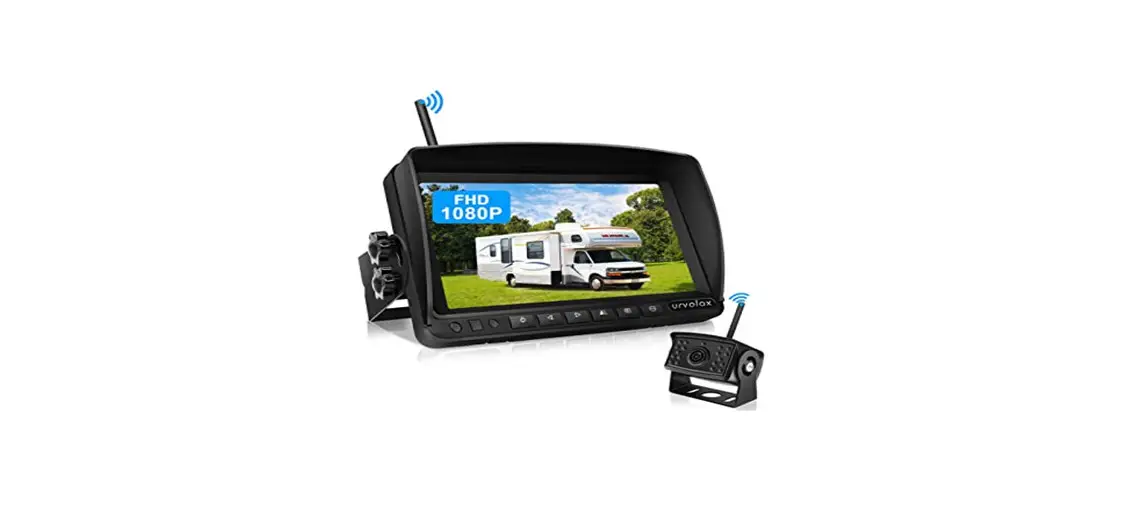
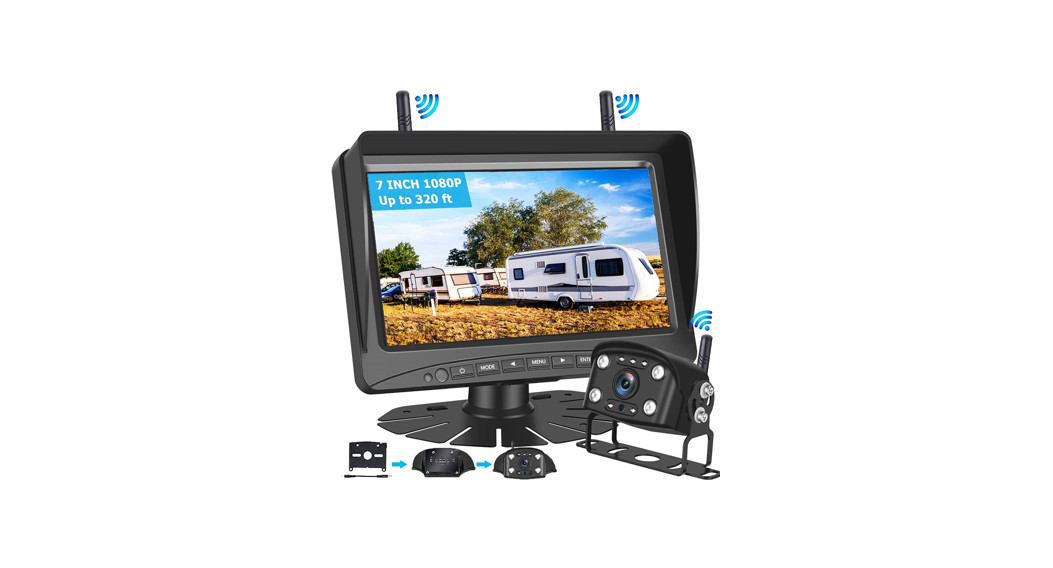
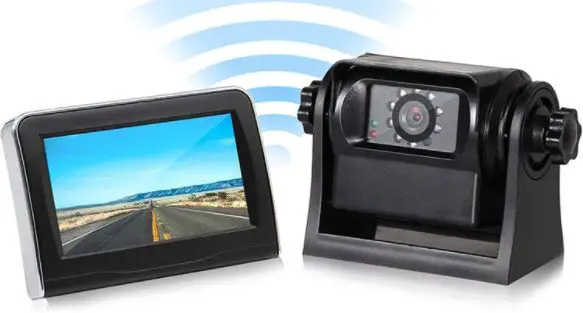
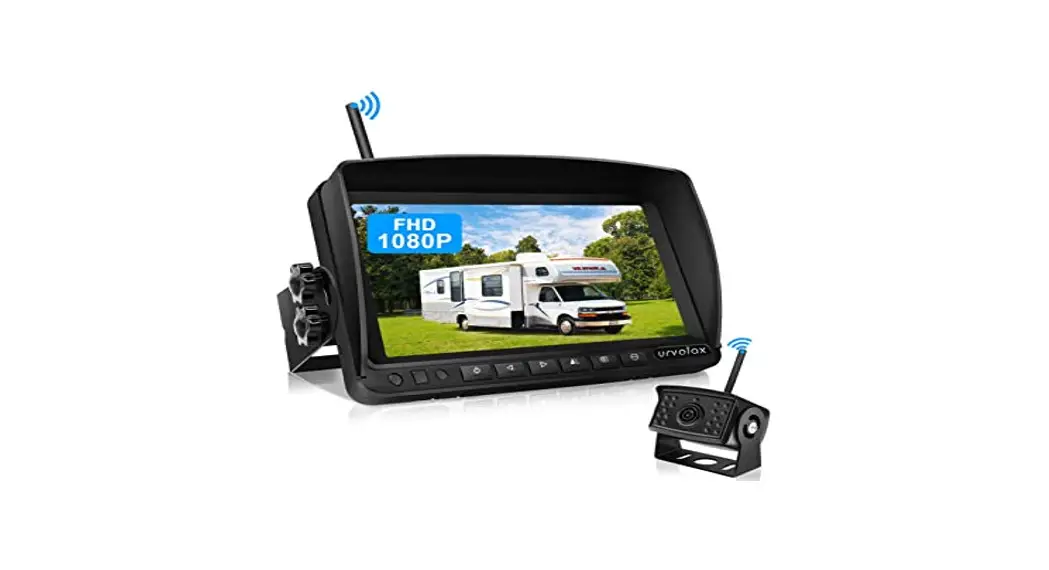
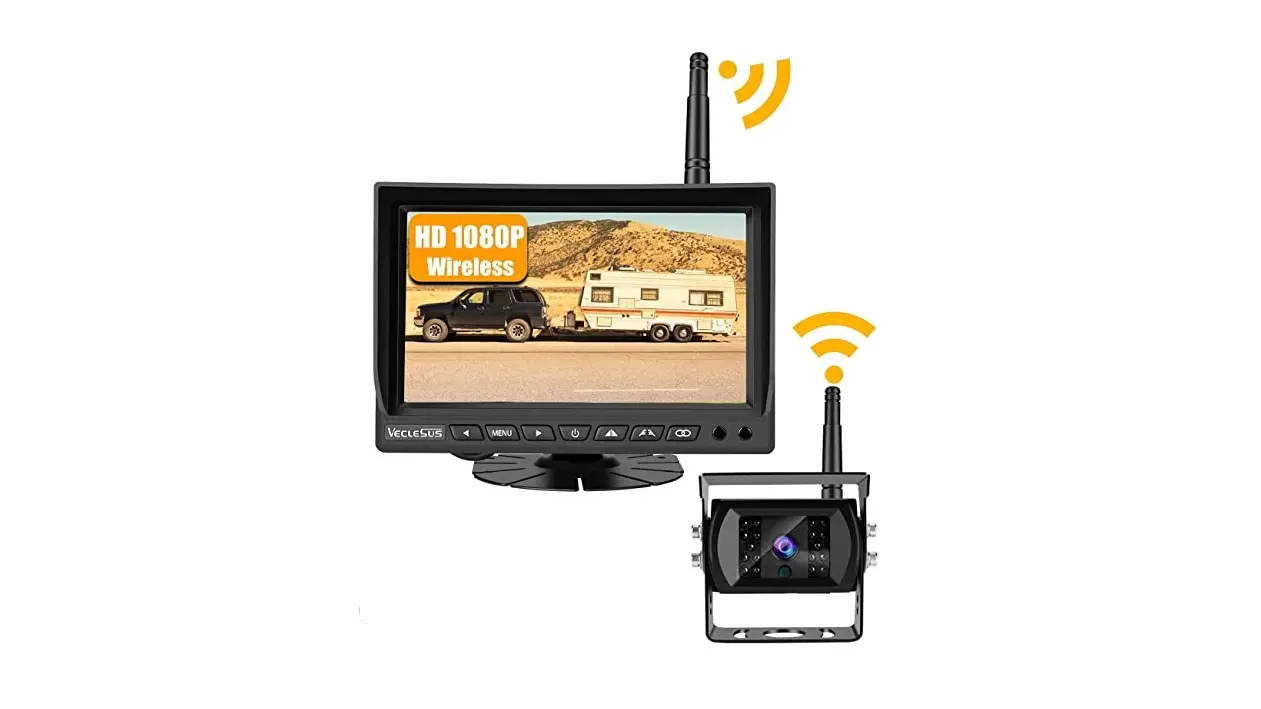
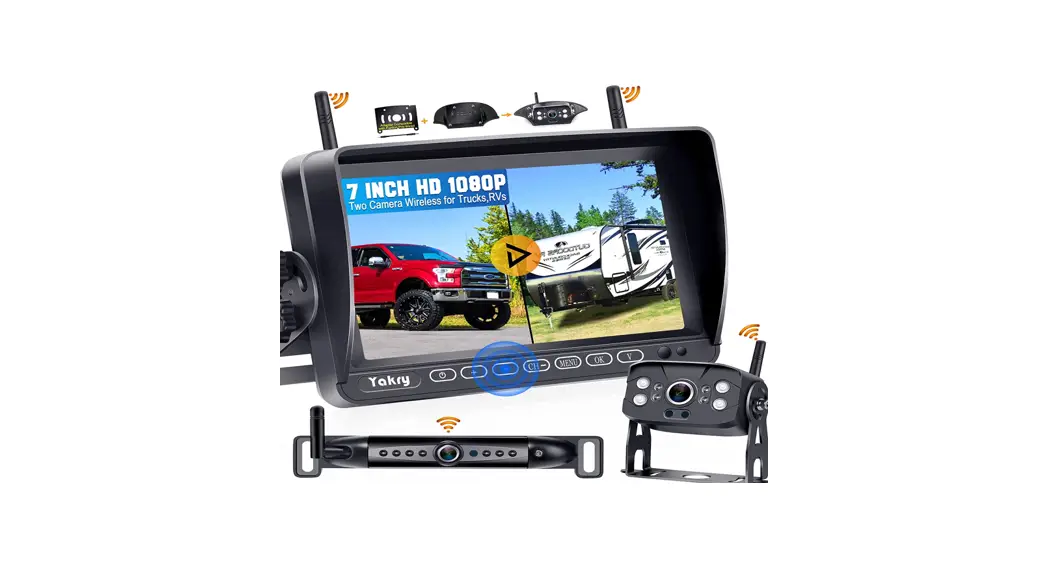
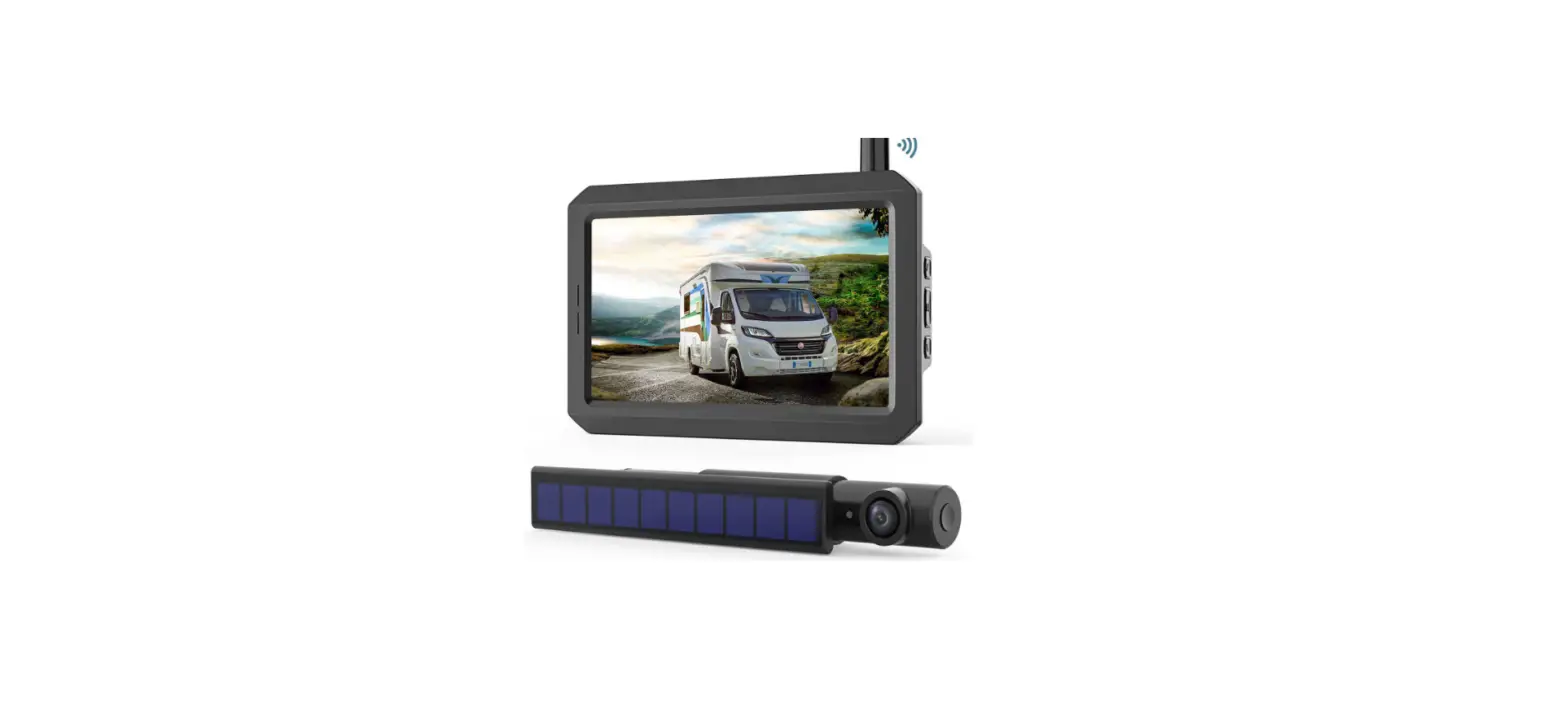
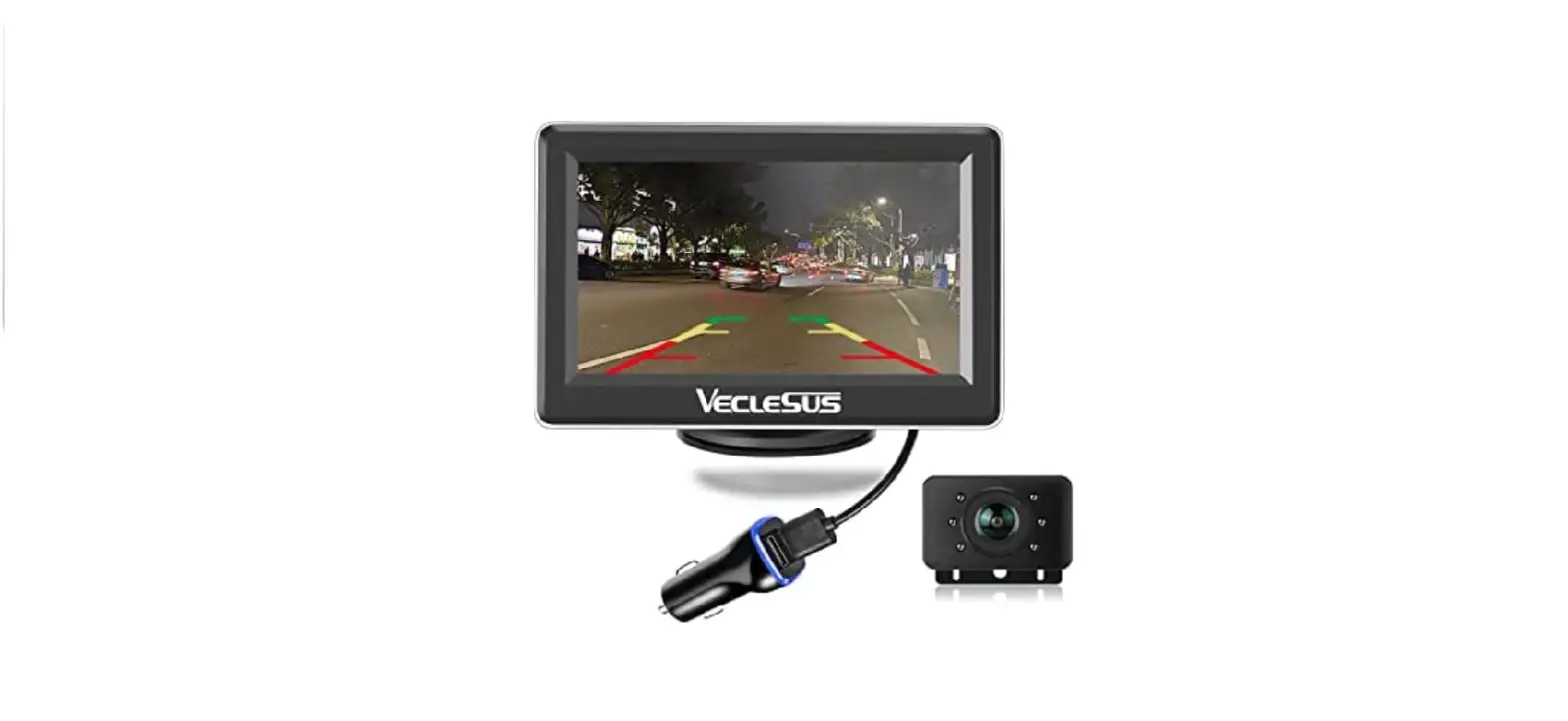
- 10.1’’ monitor
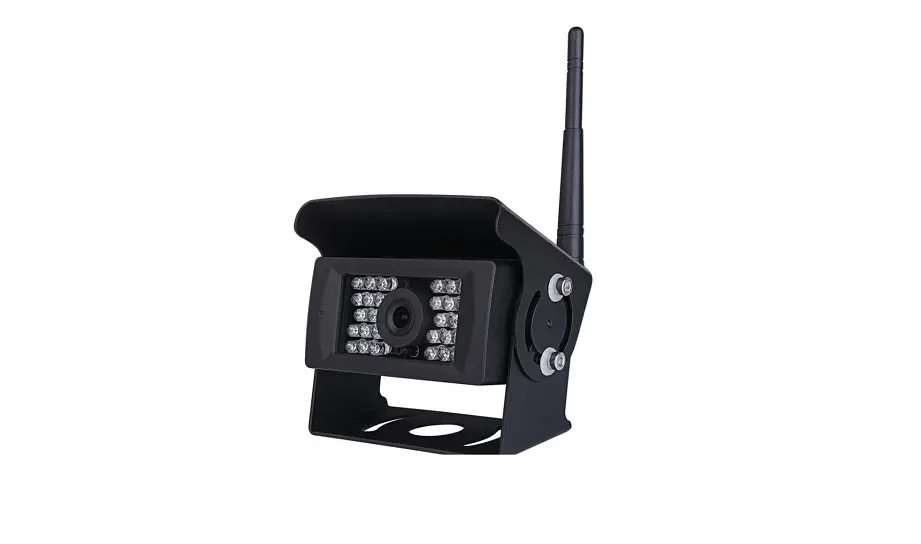
- HD camera
- Power Cable
- Screw
- Car charger
- Antenna
- Manual
- Accessories
- Bracket
Introduction
Please read all of the installation instructions carefully before installing the product. Improper installation will void the manufacturer’s warranty.
Thank you very much for purchasing a Rear View Backup Camera System. With this manual, you will be able to properly install and operate the unit.
The Backup Camera System is intended to be installed as a supplement aid to your standard rearview mirror that already exists in your vehicle. The Backup Camera System should not be used as a substitute for the standard rearview mirror or for any other mirror that exists in your vehicle. In some jurisdictions, it is unlawful for a person to drive a motor vehicle equipped with a TV viewer or screen located forward of the back of the driver’s seat or in any location that is visible, directly or indirectly, to the driver while operating the vehicle.
Monitor Operation=
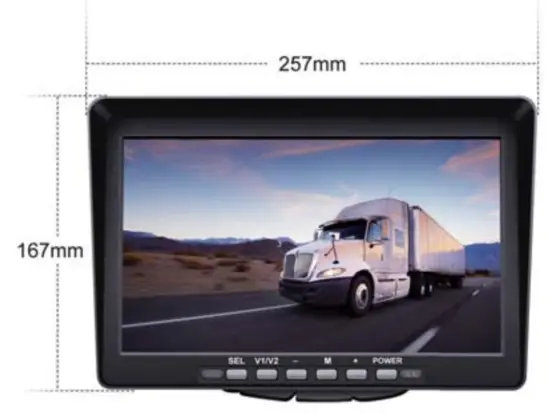
| Button | Function |
| SEL | 1)Enter 2)After inserting the card, start/pause the recording 3)Long press to bring up the car ruler mode “V/H/M” |
| V1/V2 | Switch screen |
| _ | 1) Brightness “-” 2) Enter the menu and select left 3)- 4) Press and hold for 8 seconds to flip the menu |
| M | 1)Menu 2) Cancel button 3) Long press to zoom X1 X1.5X2 X3 |
| + | 1) Brightness “+” 2) Enter the menu and select right 3)+ |
| POWER | Power switch |
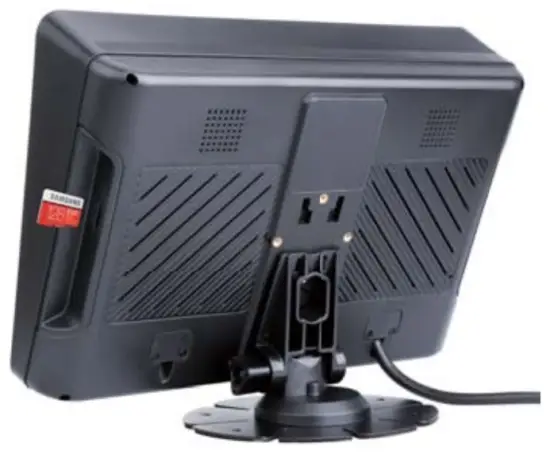
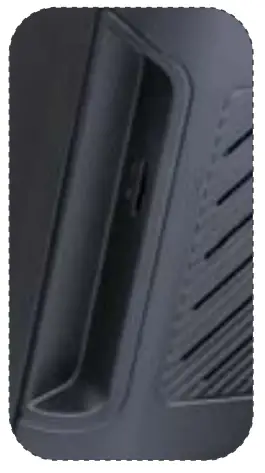 On the back of the monitor, you can insert a TF card
It is recommended to use a high-speed TF card of class 10 or above.(Less than 128G)
Plugin the card to start recording(“SEL” to turn on/off recording)
Recording: REC
Video playback: Close recording -” Menu” to find Play
Installation Diagram
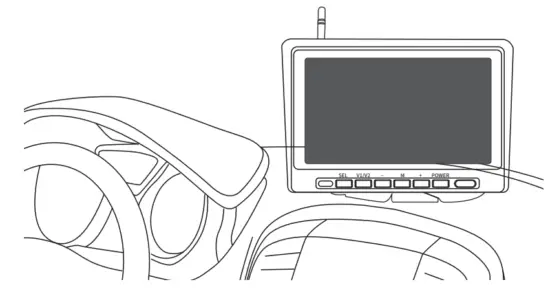
Monitor Installation
Choose a monitor location in your vehicle that does not block your view and complies with local laws for safe driving. Do not place in an area where it might interfere with driving.
Camera Installation
Suitable Installation Position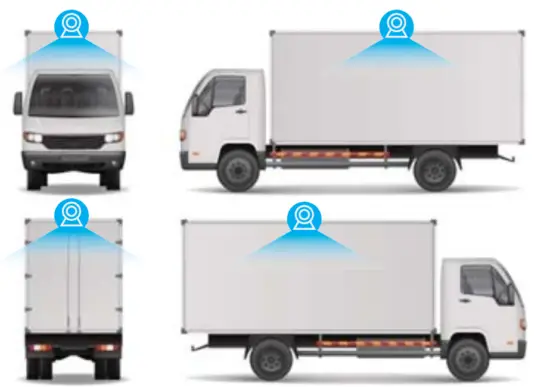
Connection method
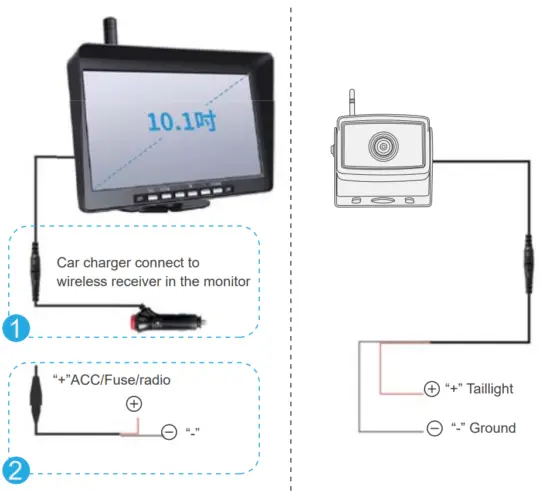
Note: Of connecting power directly to the battery, the cameras are always ON and therefore can drain the battery. Therefore it is recommended to connect power to an ignition switched accessory power source.
Pairing the Camera and Monitor
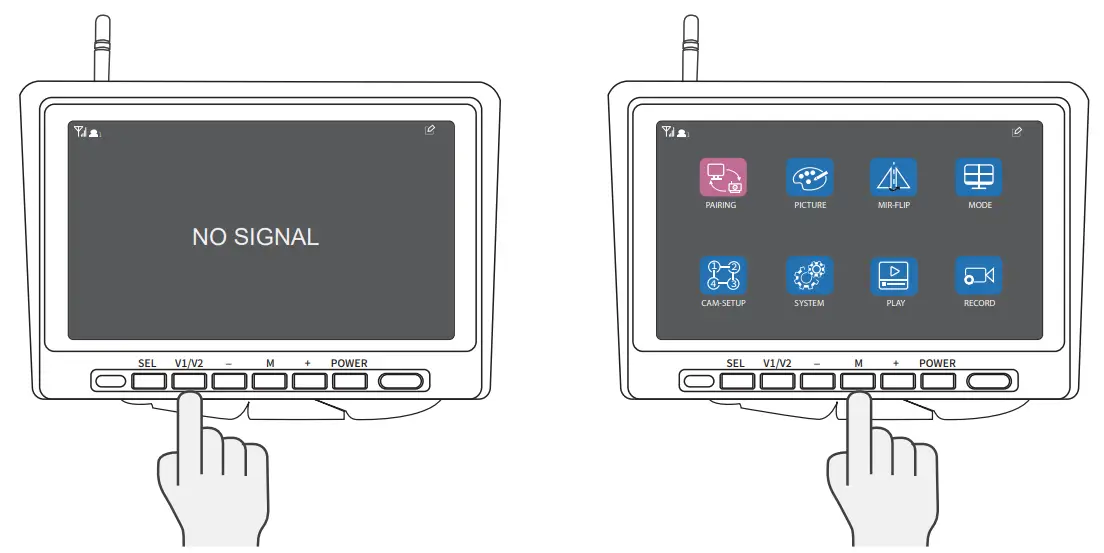 | |
| . Select the channel to be pairing | 2. Then press “M” ,then select PAIRING |
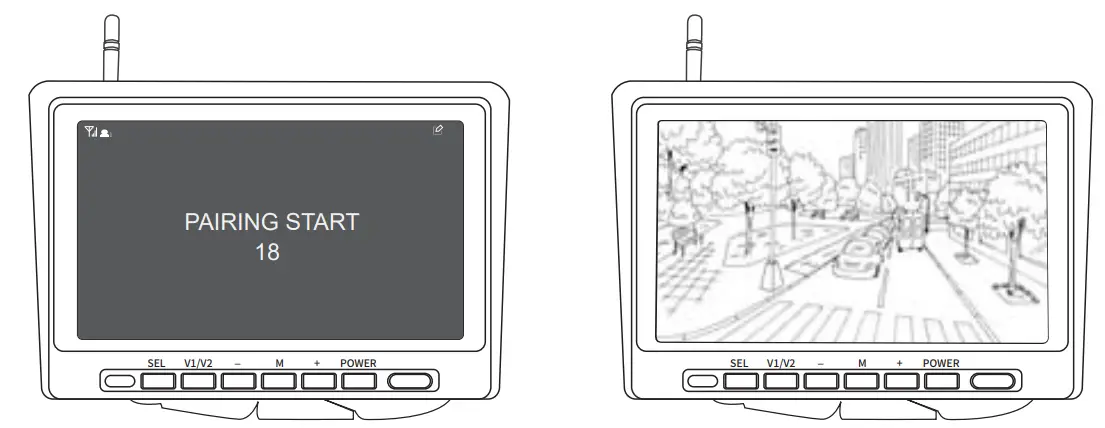 | |
| 3. Press the “SEL” confirmation key to check the code | 4. Waiting for matching and drawing successfully |
NOTE: when you need pairing, please confirm the circuit is properly connected and powered.If you need to pairing multiple cameras, please switch to the corresponding channel.
Specifications
| Power Supply | DC12 to 36V | |
| Wireless Frequency | 2.4 GHz | |
| 2.4G Wireless network range | 2406-2478MHz | |
| Wireless Range | 300m(open area) | |
| Delaying Time | <200ms | |
| Operating temperature | -20°C — 80°C | |
| CAMERA | ||
| Image Sensor | 1/3 inch | |
| Waterproof Rating | IP68 | |
| View Angle | 105°[H] 130°[D] | |
| Camera Pixel | 1000TVL | |
| LCD Size | 10.1 inch IPS | |
| Resolution | 1024(H) x 600(V) | |
| Contrast | 500:1 | |
| Brightness | 500cd/rrf | |
| Response Time | 25ms | |
| Power Consumption | <500mA | |
Troubleshooting
| Problem | Solution |
| Monitor Won’t turn on | Check the cigarette lighter has 12-36V DC Output |
| Check the fuse in the Cigarette socket adapter | |
| The camera and Monitor won’t pair | Check if the camera is receiving power |
| Make sure to follow the instructions to operate the Pairing | |
| Weak Signal | Check if the camera and monitor antennas are installed |
| The distance between the camera and monitor is too great. Reduce the distance between camera and monitor | |
| Large dense objects could be obscuring the signal. If possible, move the objects | |
| Interference from overheard power lines may be affecting the signal | |
| Try unpairing and pairing | |
| Night Vision is poor | The night sensor on the camera may be dirty or obstructed |
| Ensure the camera is installed at least 2 inches away from the rear lights | |
| Dark Picture | Check whether brightness and contrast are adjusted correctly |
FCC Warning Statement
Changes or modifications not expressly approved by the party responsible for compliance could void the user’s authority to operate the equipment. This equipment has been tested and found to comply with the limits for a Class B digital device, pursuant to Part 15 of the FCC Rules. These limits are designed to provide reasonable protection against harmful interference in a residential installation. This equipment generates uses and can radiate radio frequency energy and, if not installed and used in accordance with the instructions, may cause harmful interference to radio communications. However, there is no guarantee that interference will not occur in a particular installation. If this equipment does cause harmful interference to radio or television reception, which can be determined by turning the equipment off and on, the user is encouraged to try to correct the interference by one or more of the following measures:
- Reorient or relocate the receiving antenna.
- Increase the separation between the equipment and receiver.
- Connect the equipment into an outlet on a circuit different from that to which the receiver is connected.
- Consult the dealer or an experienced radio/TV technician for help.
This device complies with part 15 of the FCC Rules. Operation is subject to the following two conditions: (1) This device may not cause harmful interference, and (2) this device must accept any interference received, including interference that may cause undesired operation.