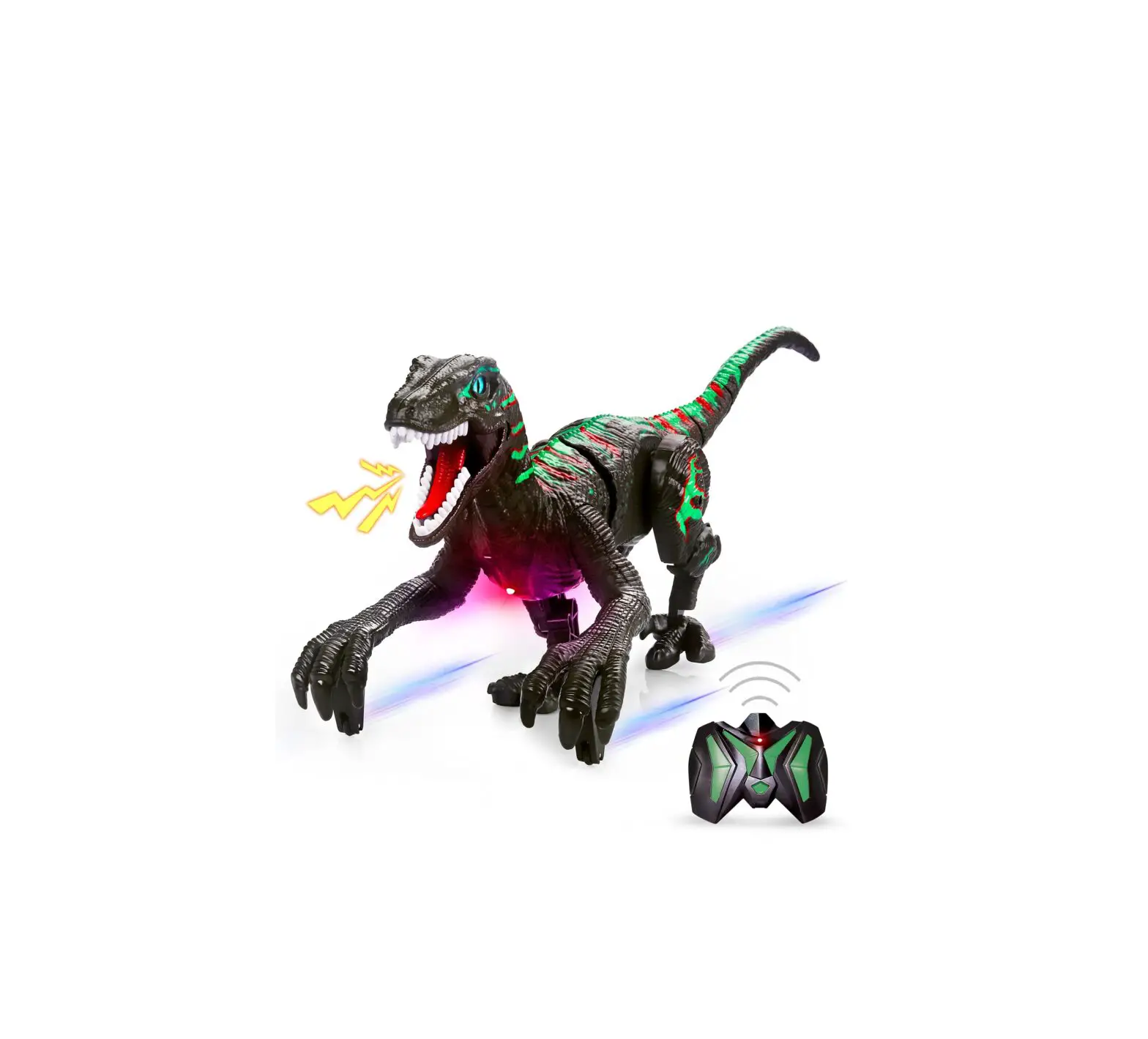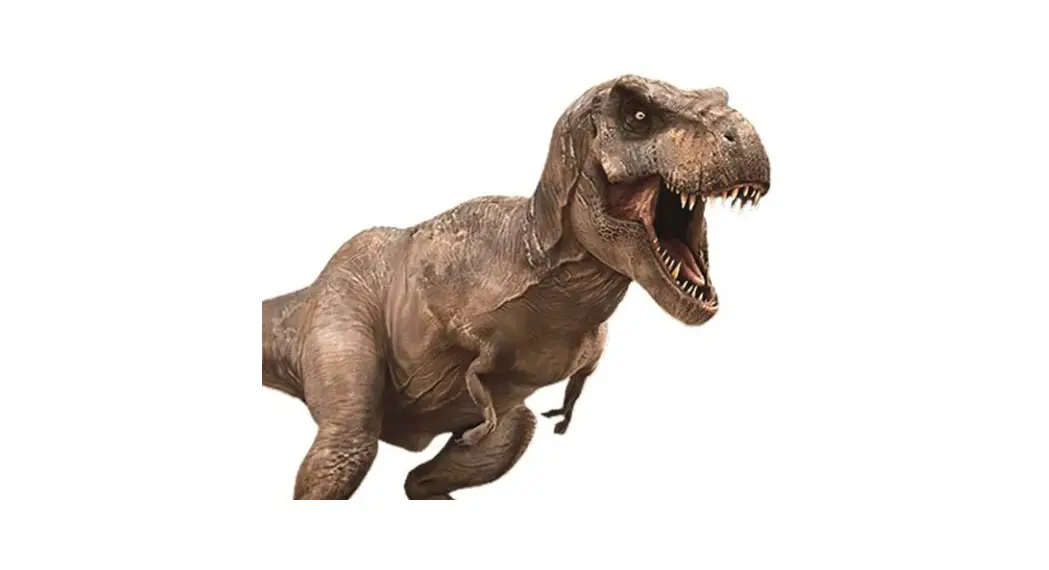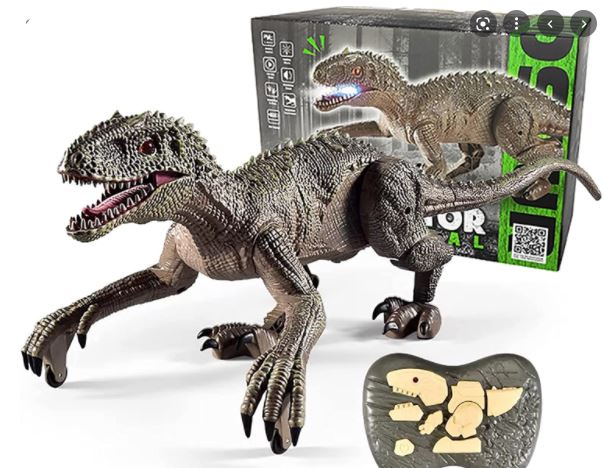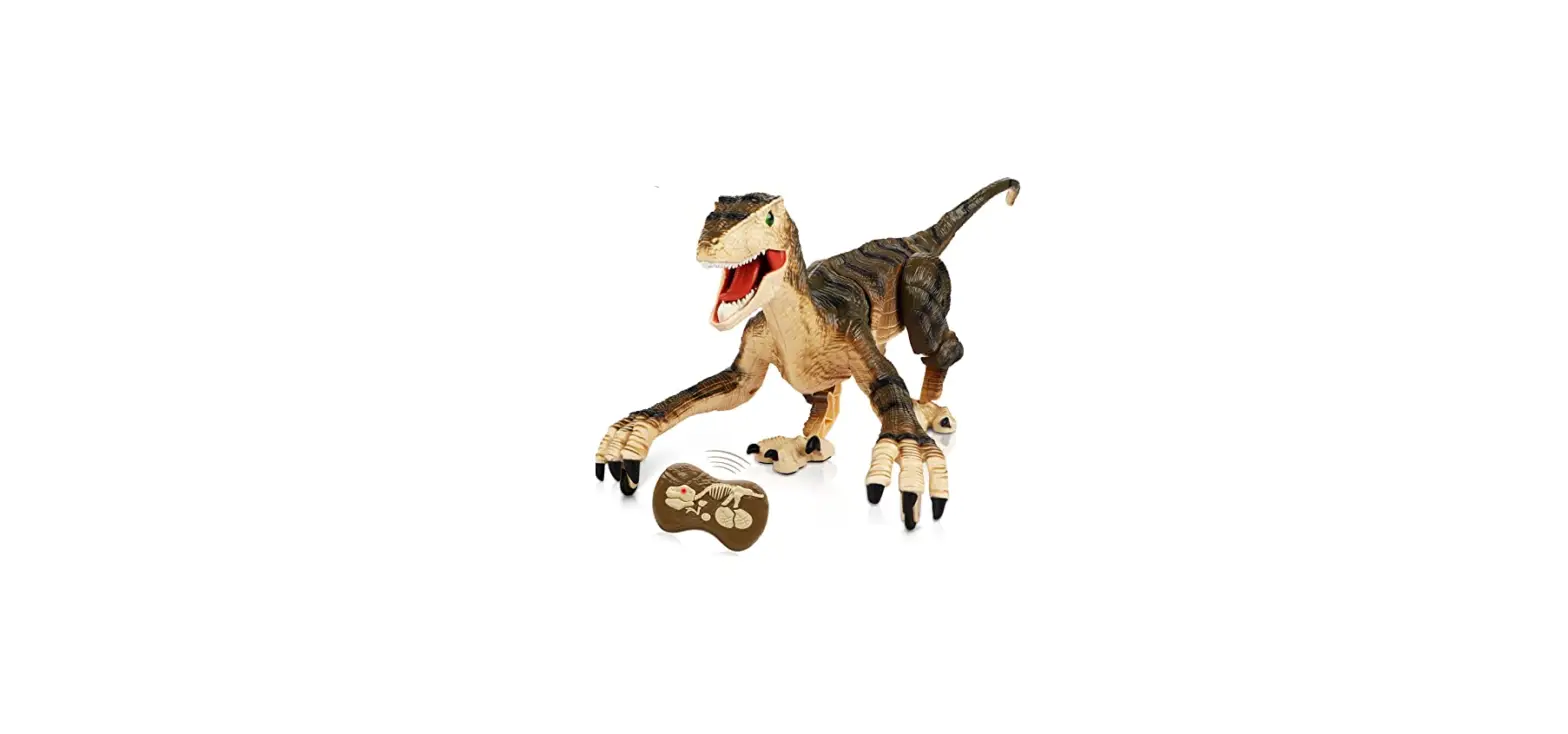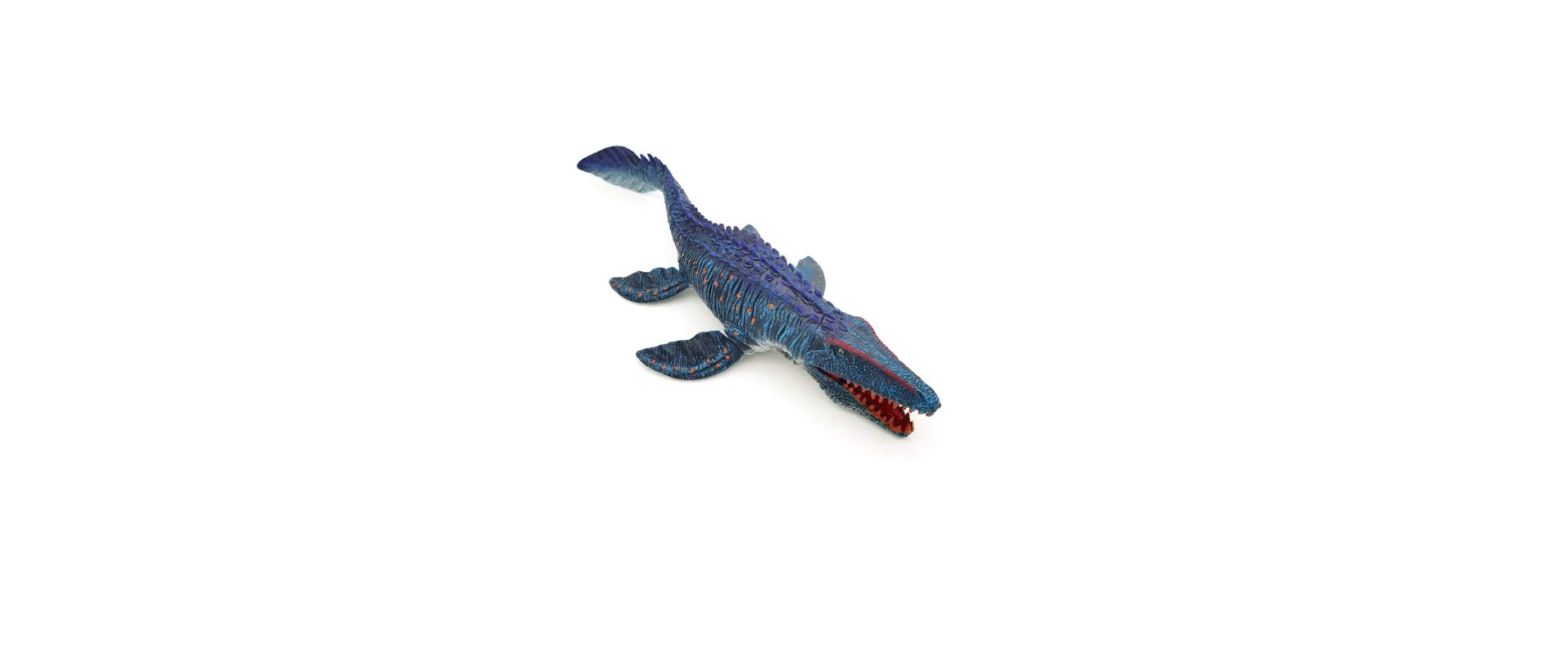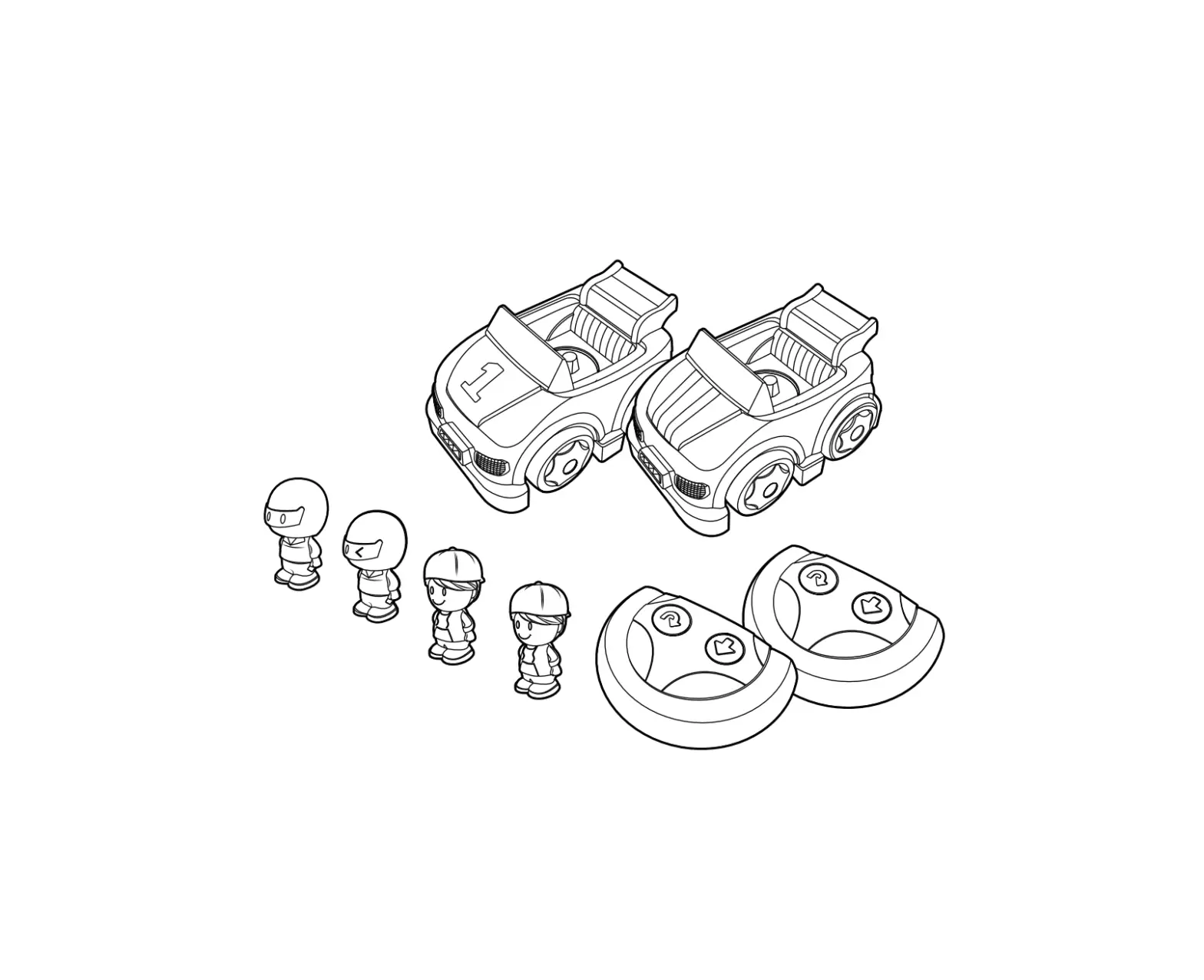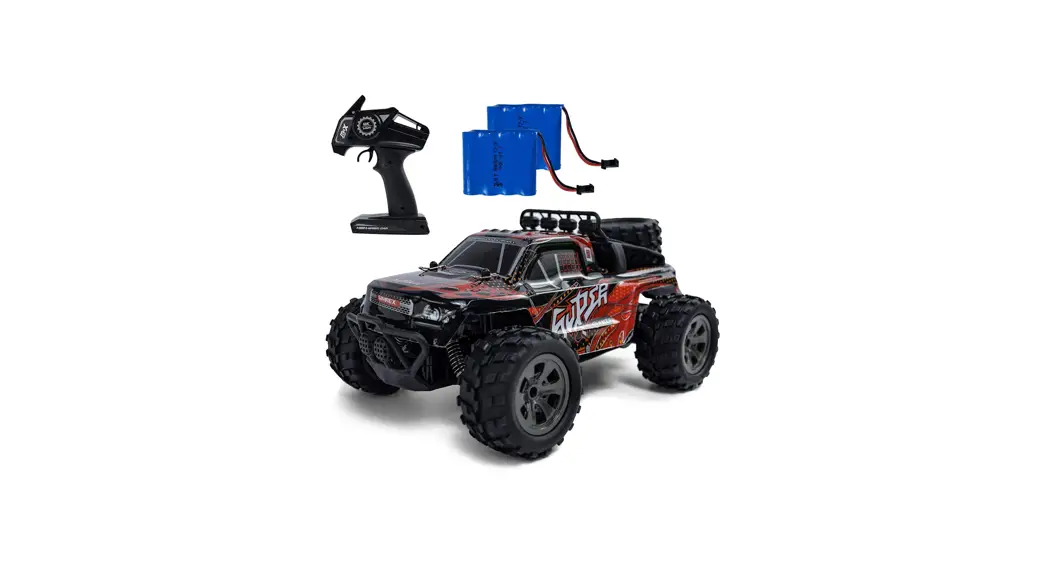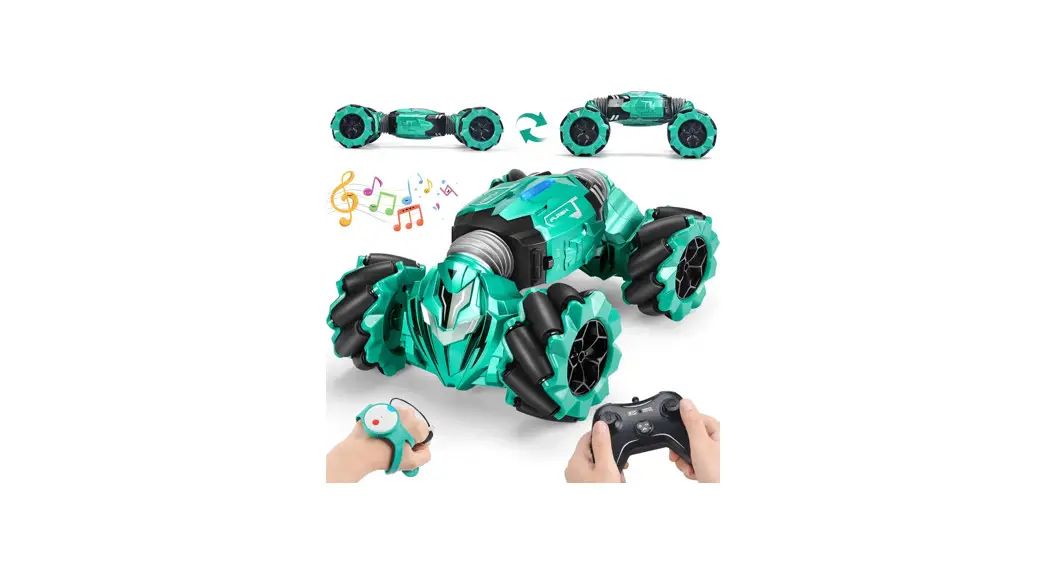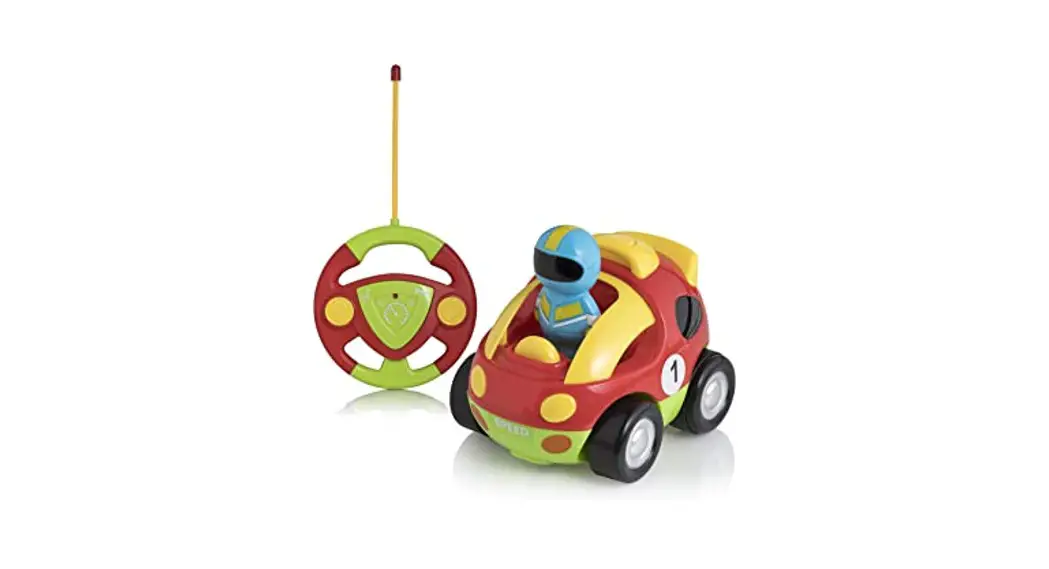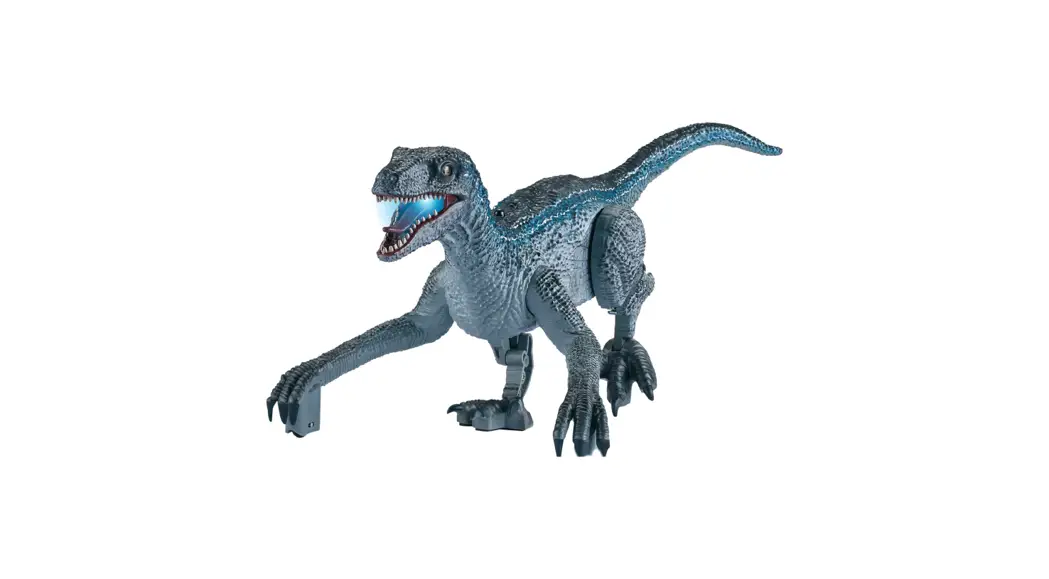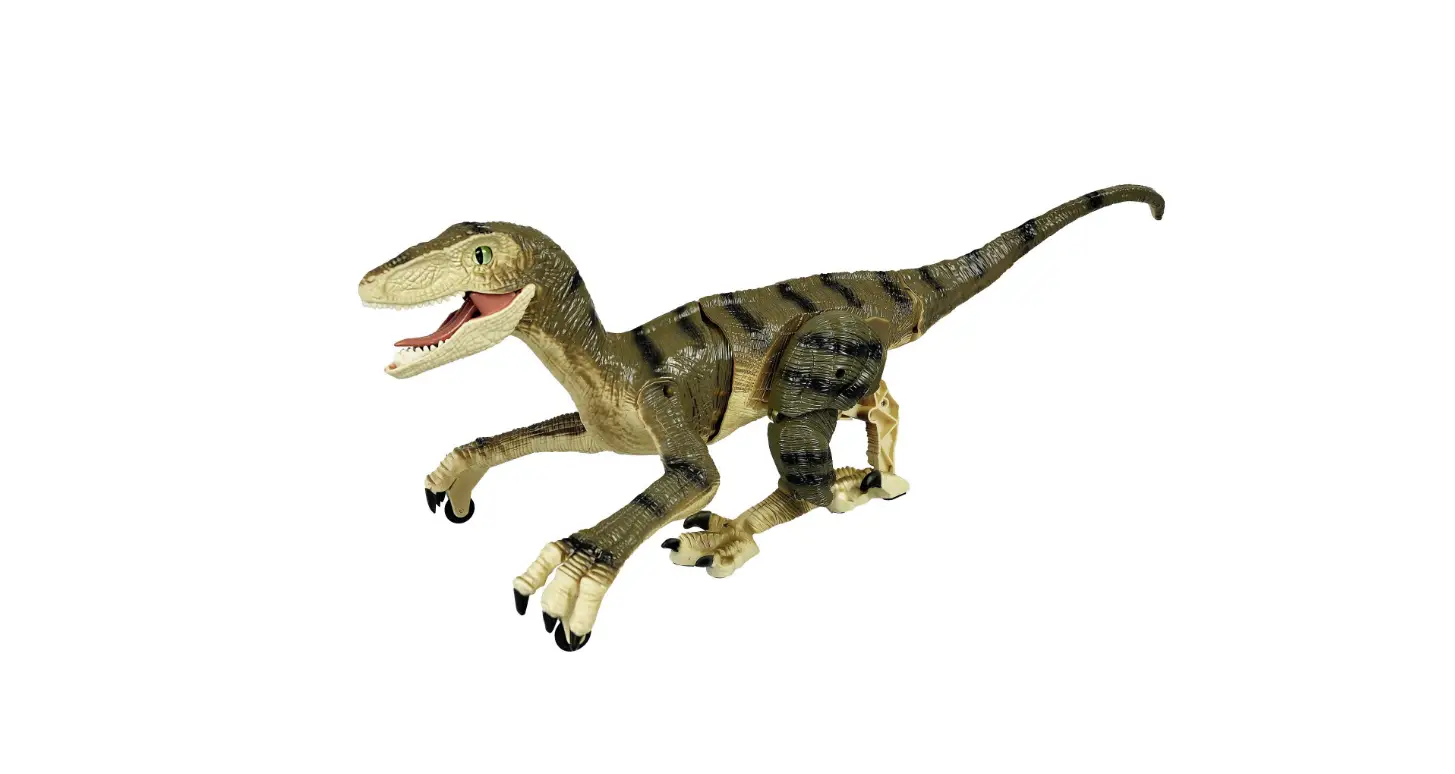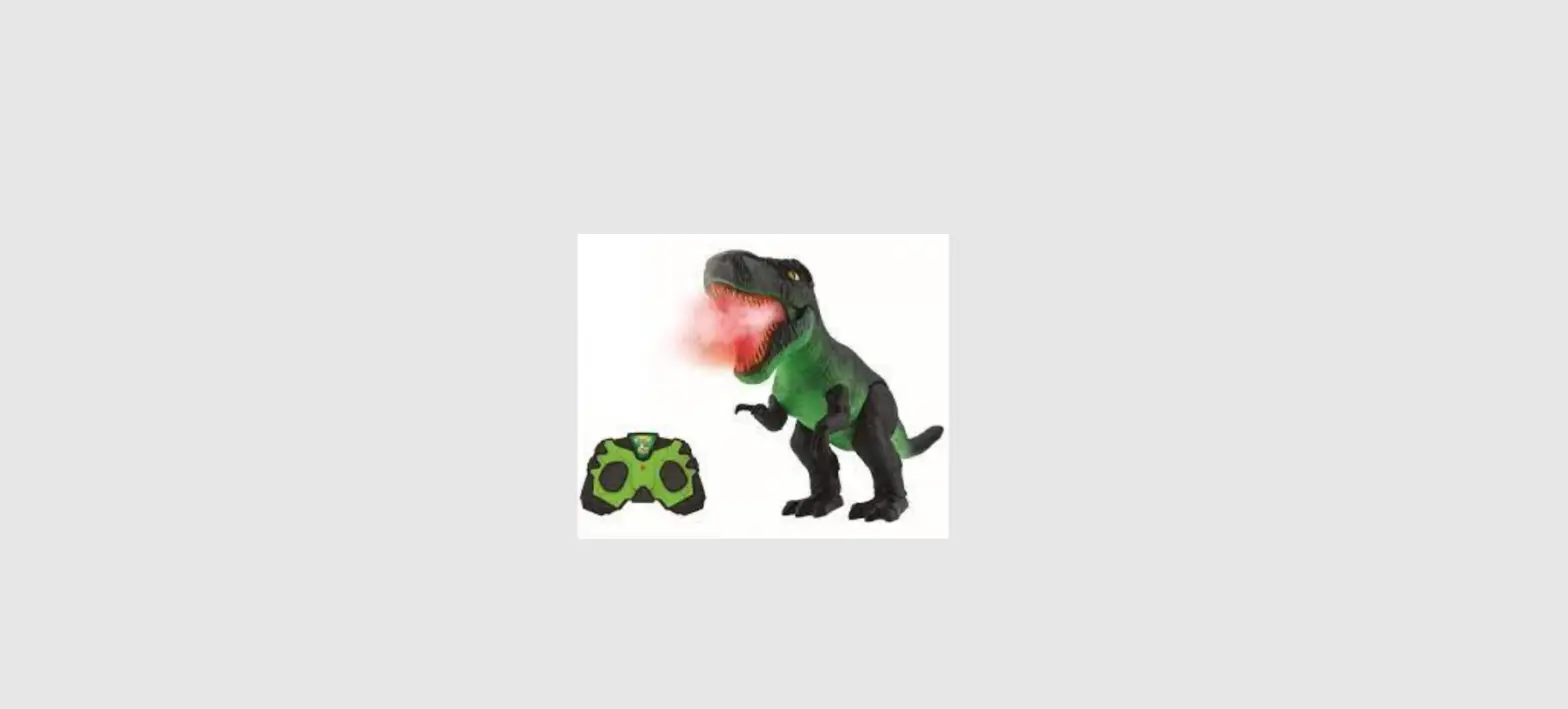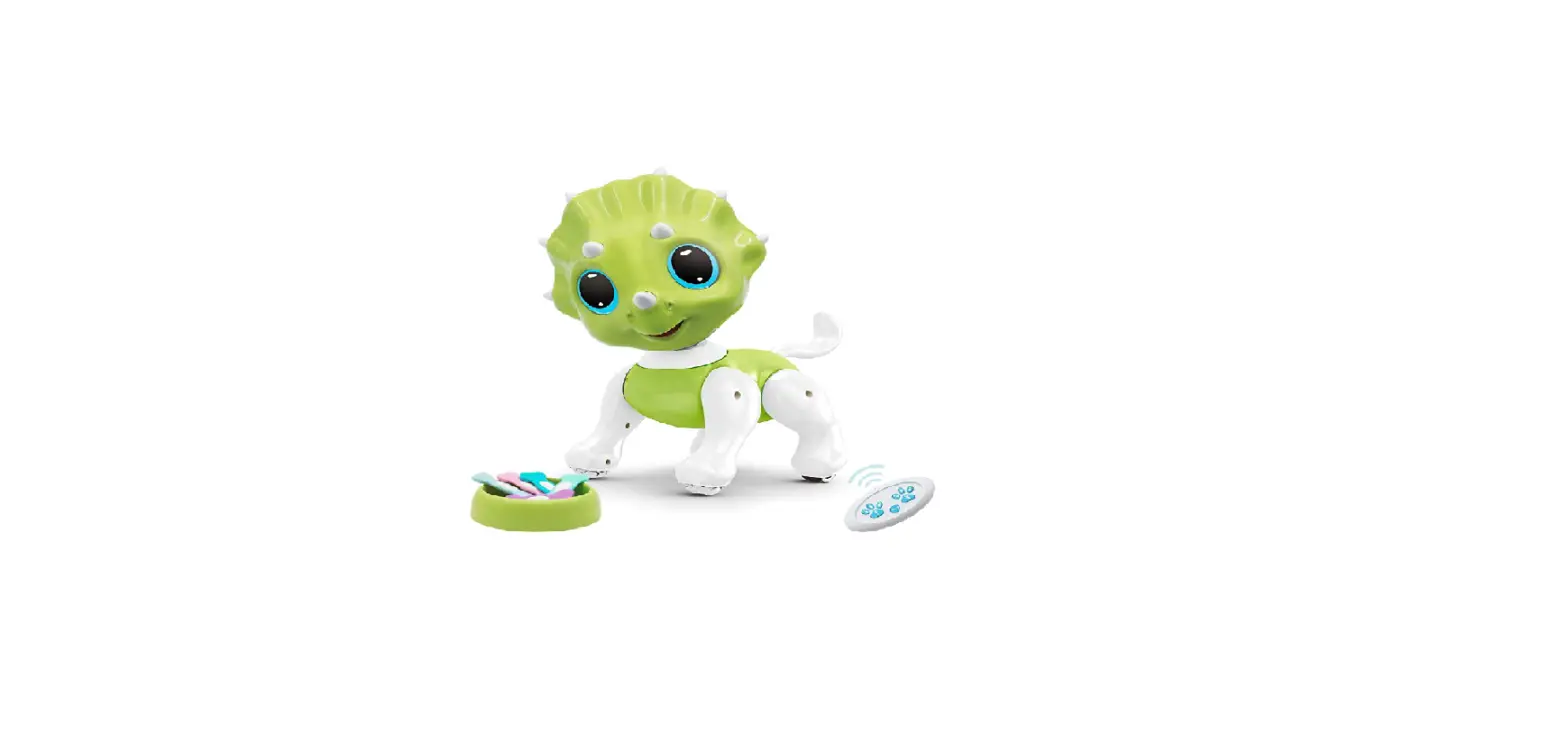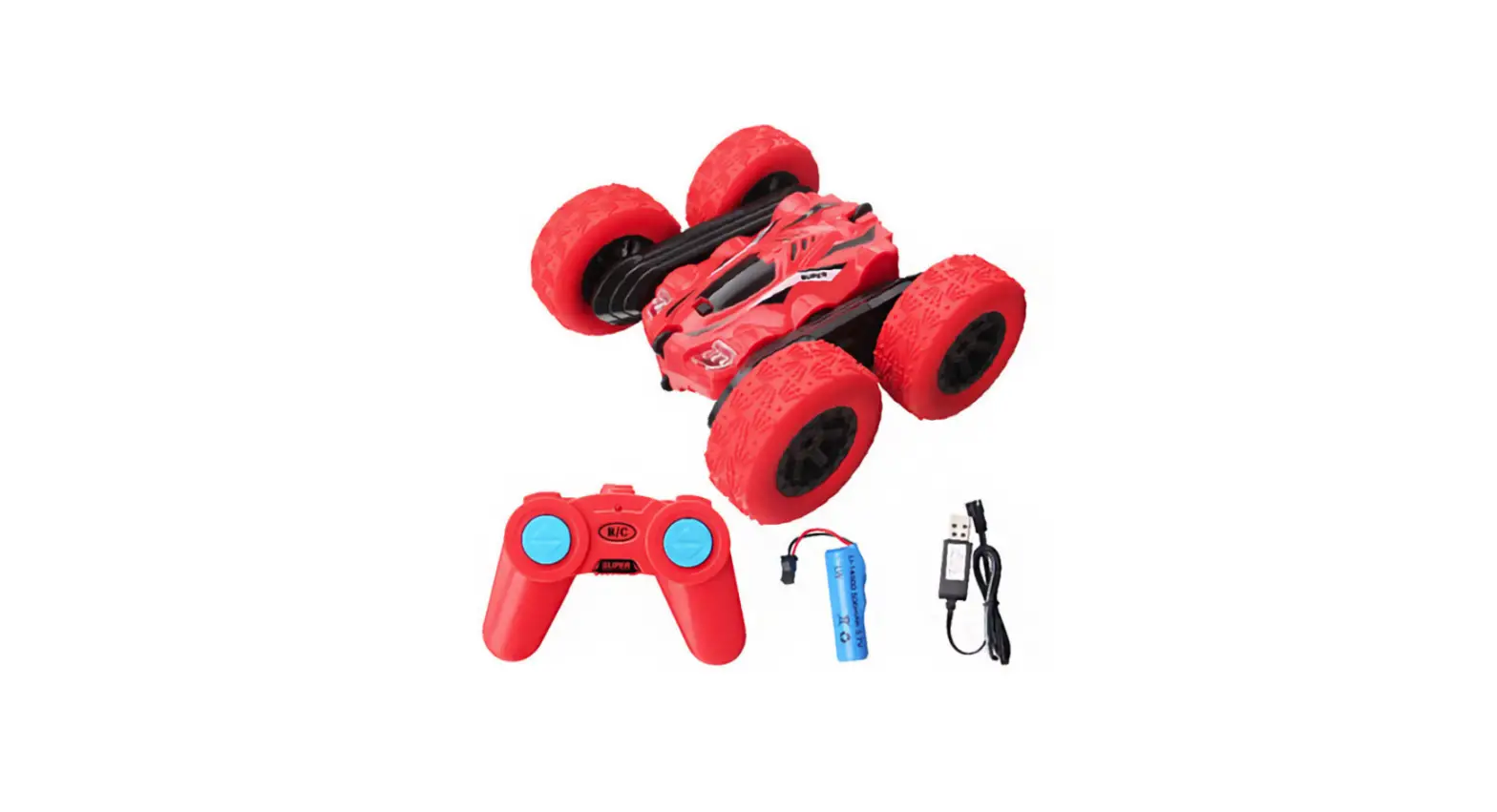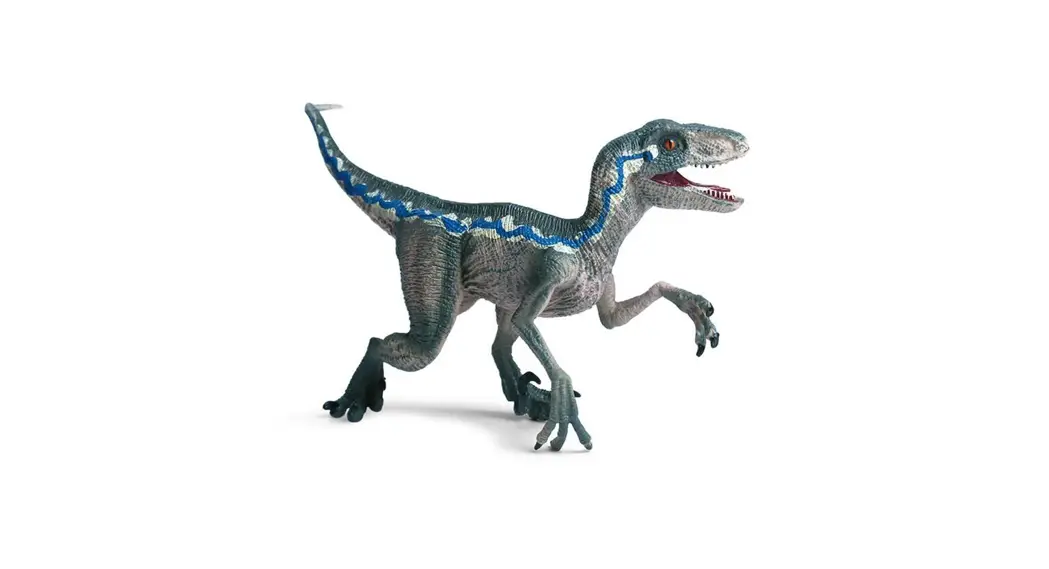
 BT001 Dinosaur Toys
User Manual
Dinosaur Toys
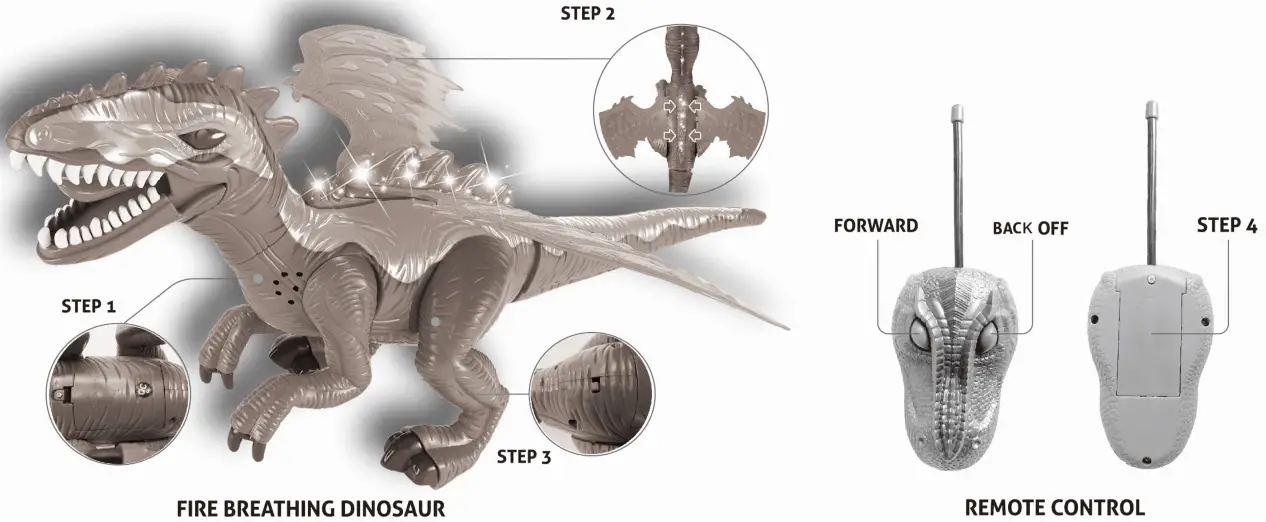
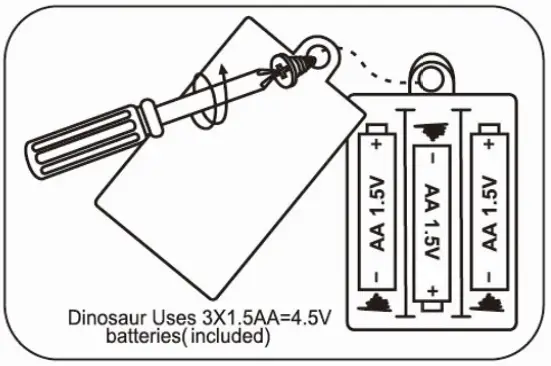
Step 1: Install Batteries in Dinosaur
- Use a small Phillips screwdriver to unscrew Set Screw (counterclockwise).
- Remove cover and install 3 x AA batteries.
- Re-attach cover and tighten Set Screw (clockwise).

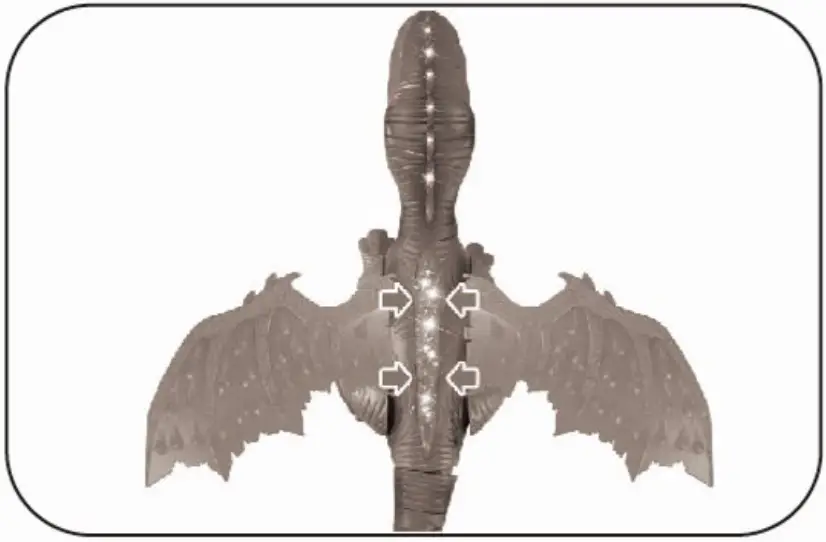
Step 2: Insert Wings
- Remove the wings from the package.
- Align the button of the middle plug plate and press it in.
WARNING: It will not be easy to remove the wing after installation. It may damage the wing if it is pulled intentionally.
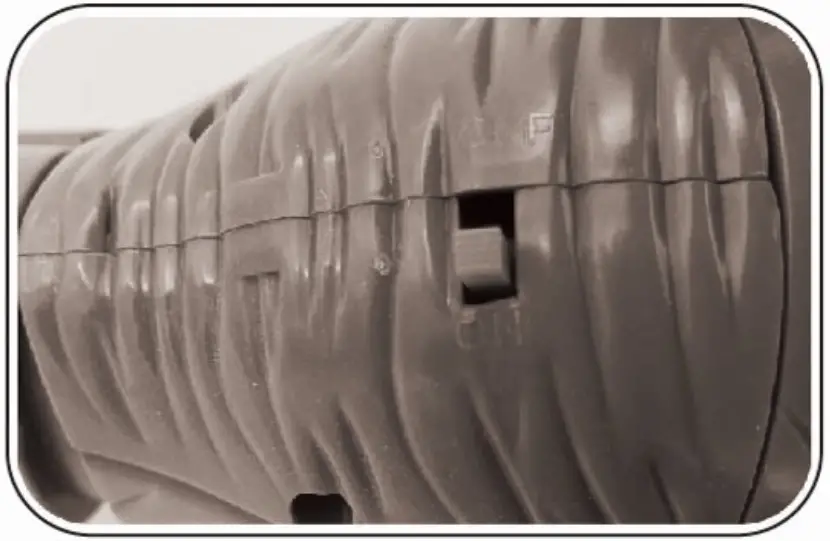
Step 3: Turn On Dinosaur
- Use the switch underneath the tail to power on your remote control dinosaur.

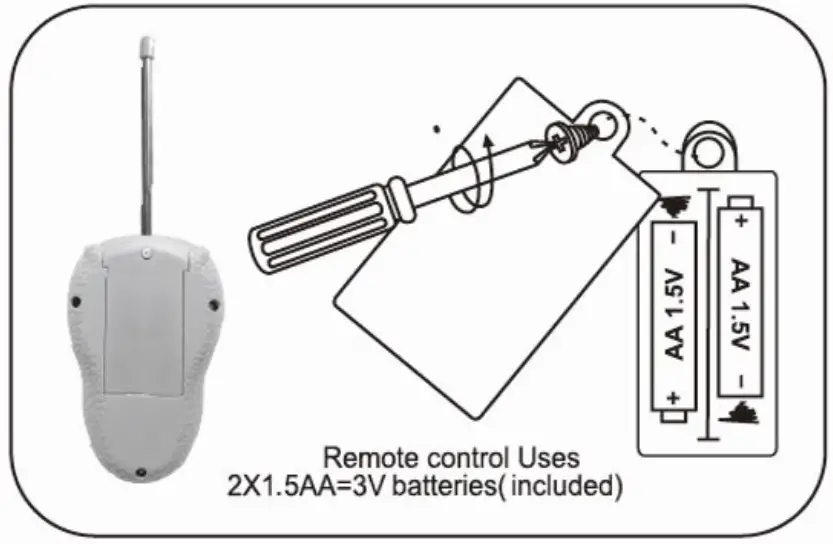
Step 4: Install Batteries in Remote Control
- Use a small Phillips screwdriver to unscrew Set Screw (counterclockwise).
- Remove cover and install 2 x AA batteries.
- Re-attach cover and tighten Set Screw (clockwise).

OPERATION:
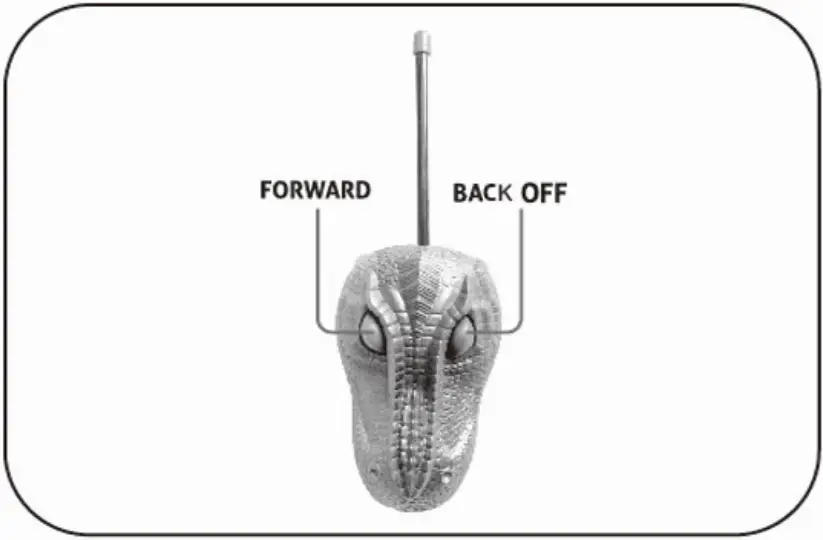
- Press and hold the left button to move the dinosaur forward.
- Press and hold the right button and the dinosaur moves backward.

FCC COMPLIANCE STATEMENT:
This device complies with part 15 of the FCC Rules. Operation is subject to the following two conditions:
- This device may not cause harmful interference, and
- This device must accept any interference received, including interference that may cause undesired operation.
Caution: Changes or modifications not expressly approved by the party responsible for compliance could void the user’s authority to operate the equipment.
Radiation Exposure Statement
The device has been evaluated to meet general RF exposure requirements.
The device can be used in portable exposure conditions without restriction.