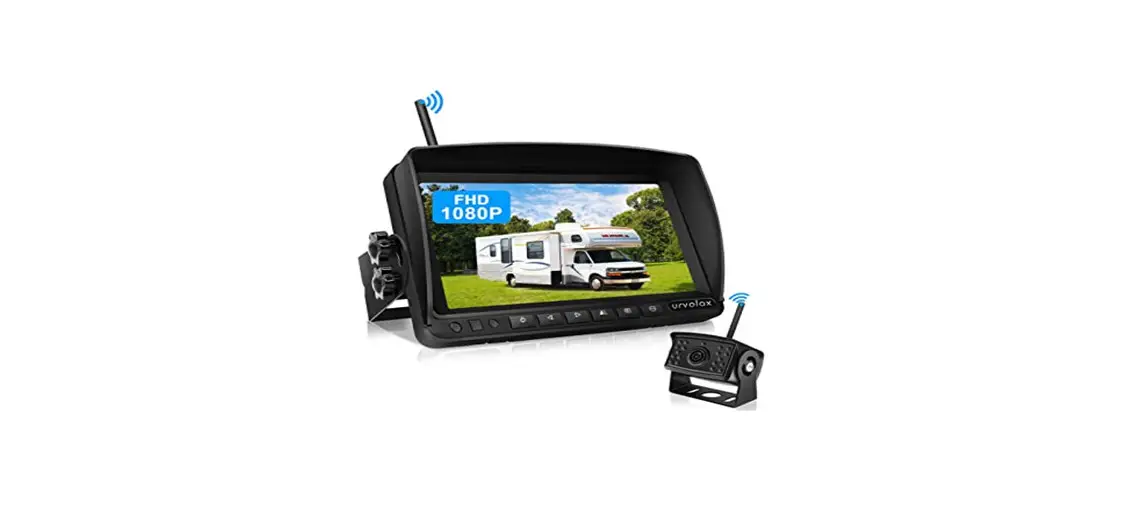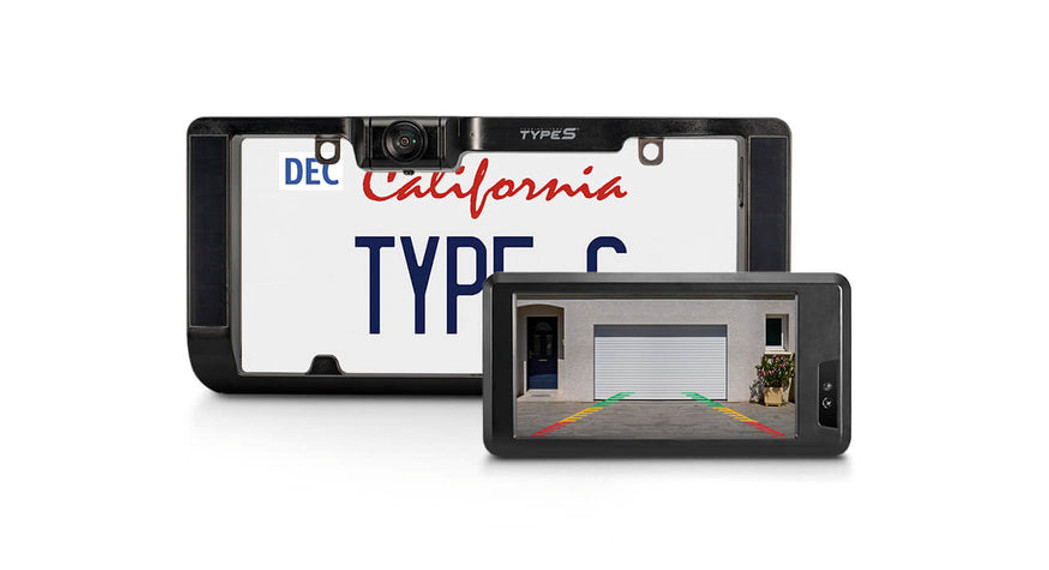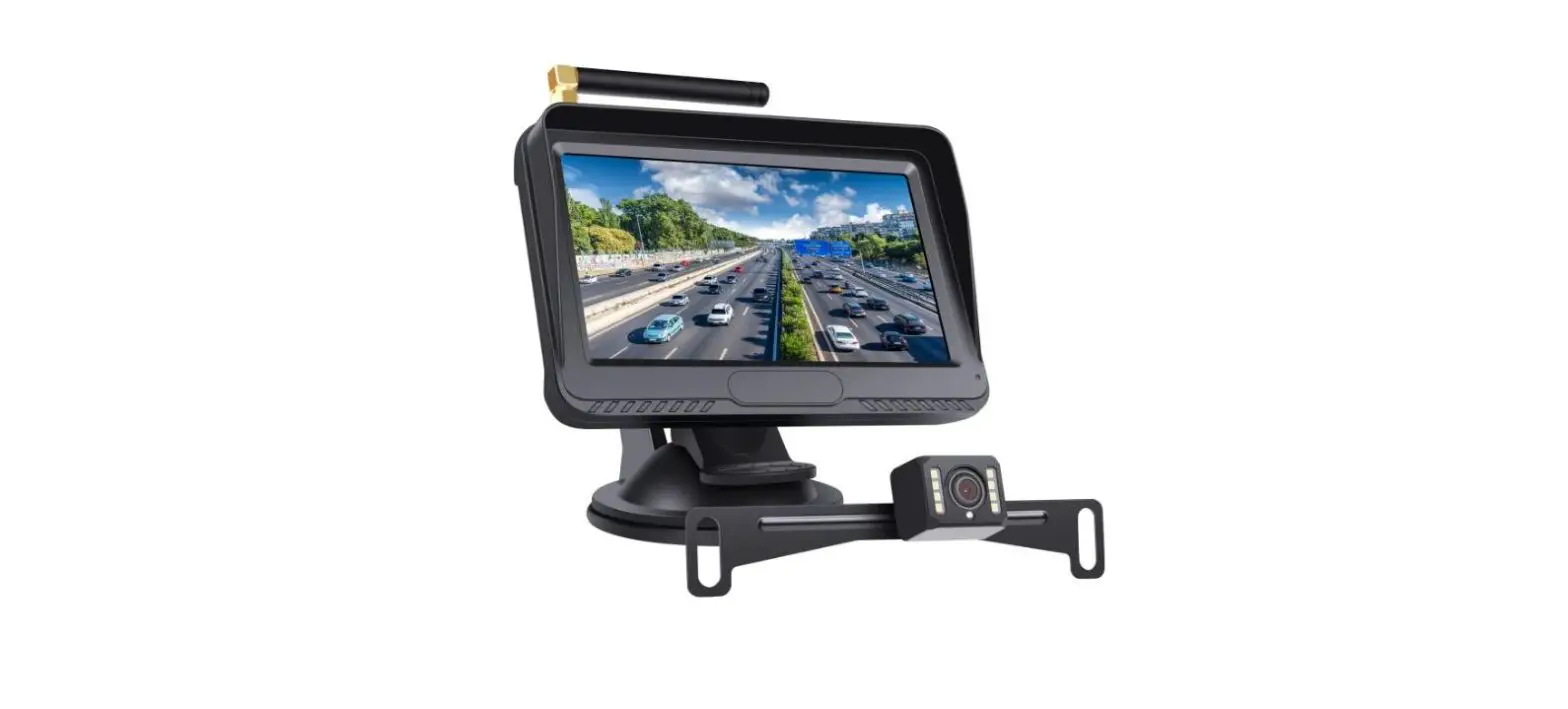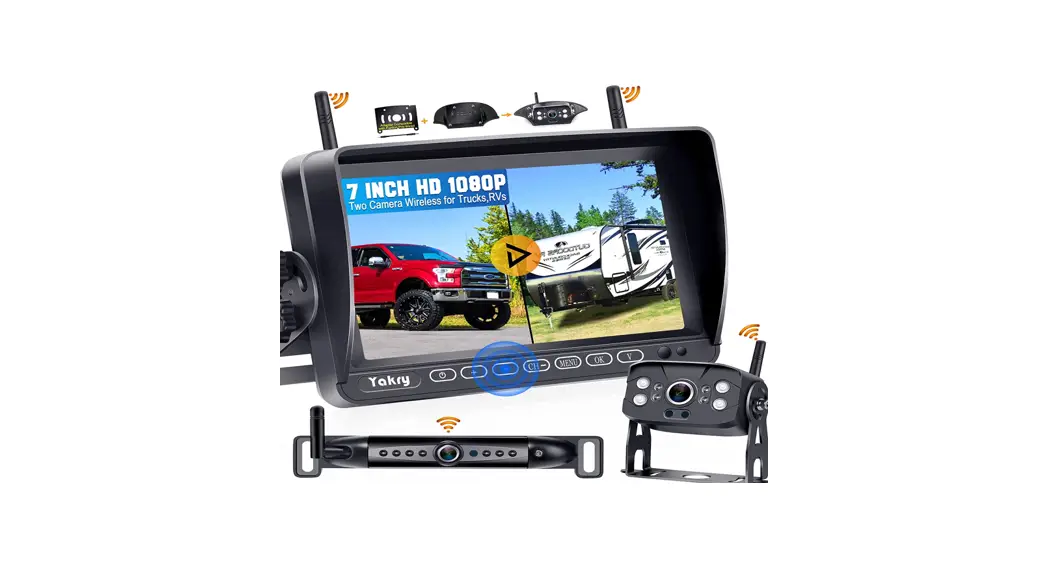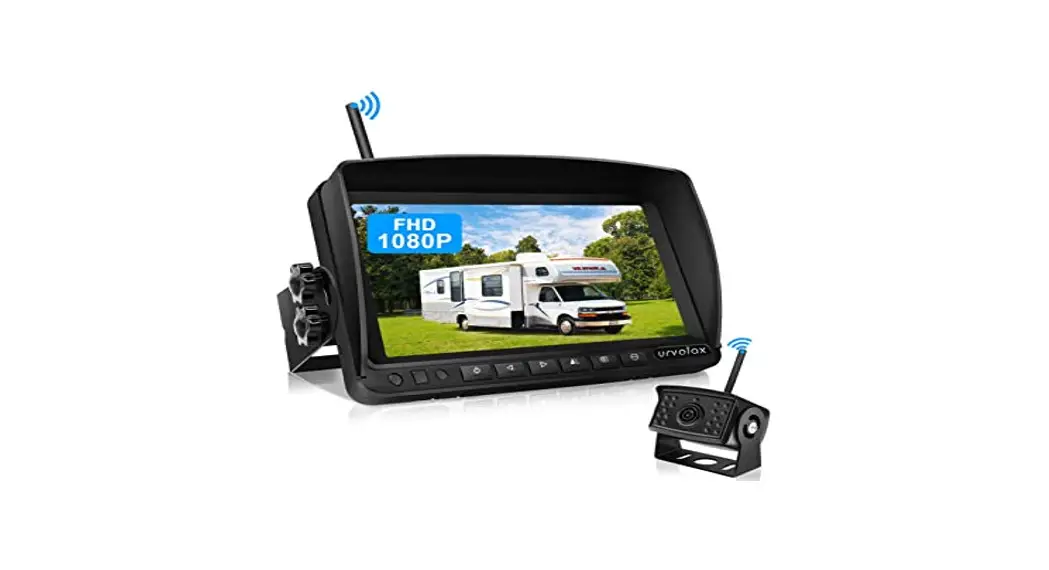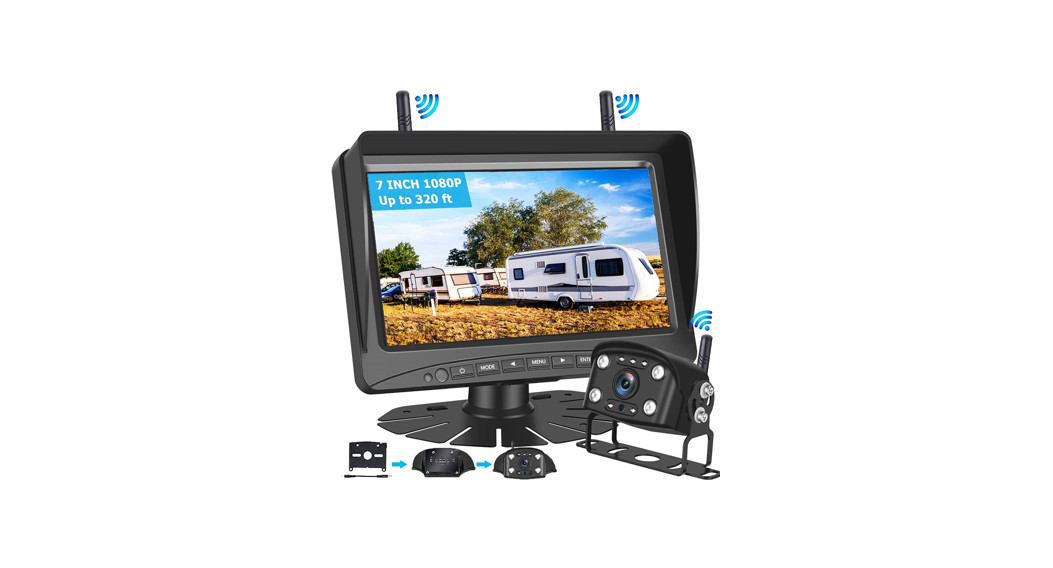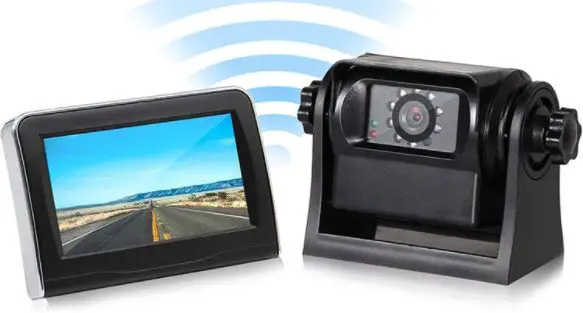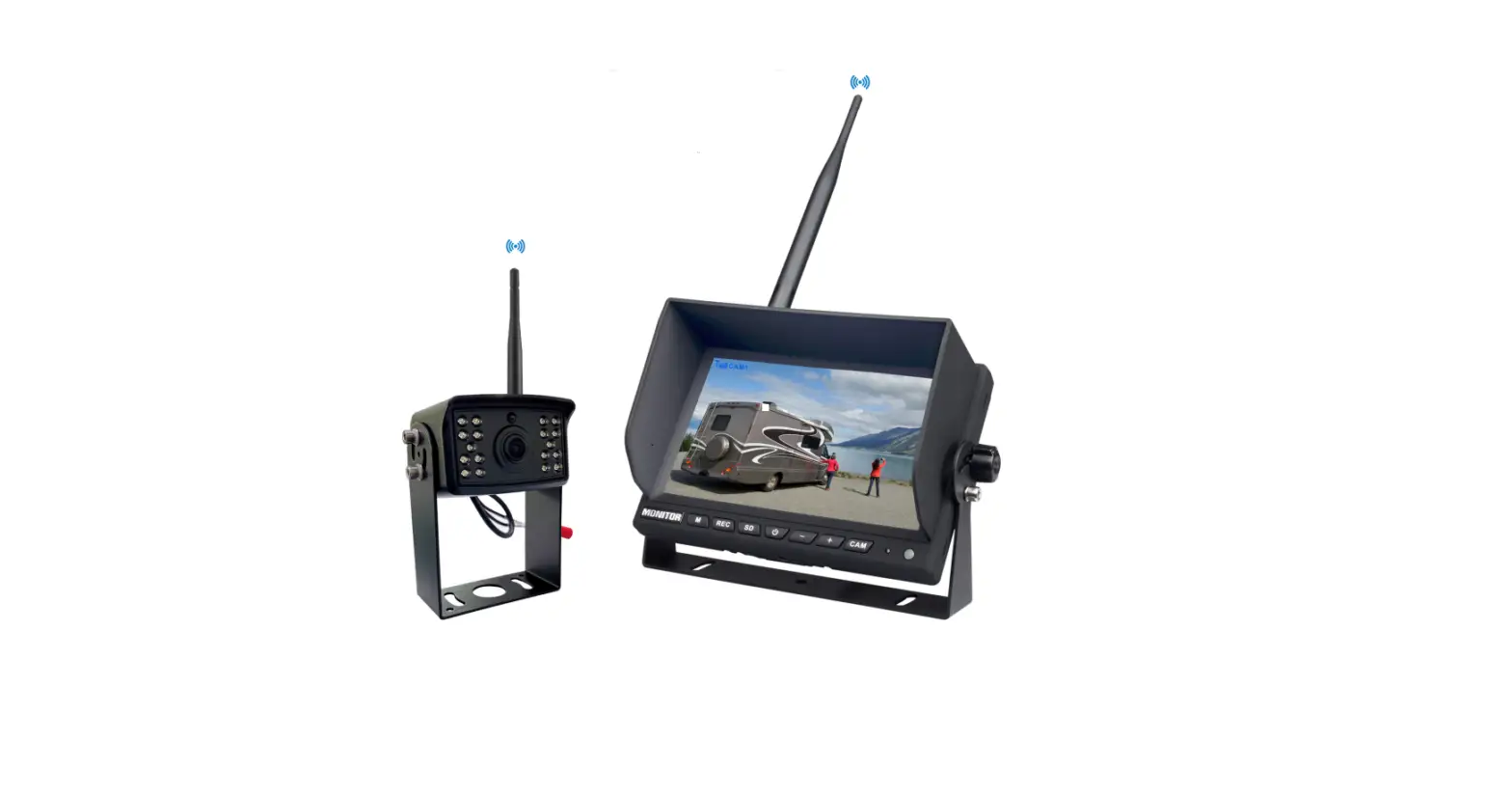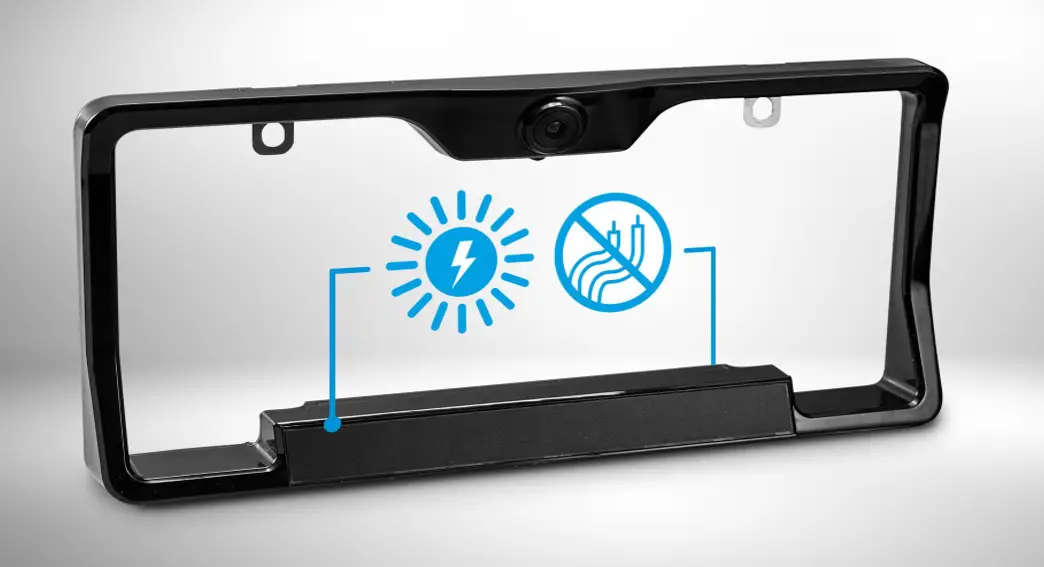
 WIRELESS BACKUP CAMERA
With Extended Battery Life
QUICK INSTALLATION GUIDE
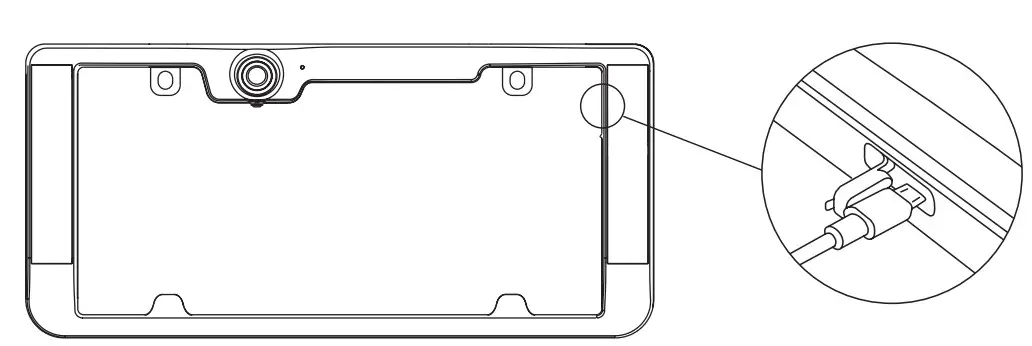
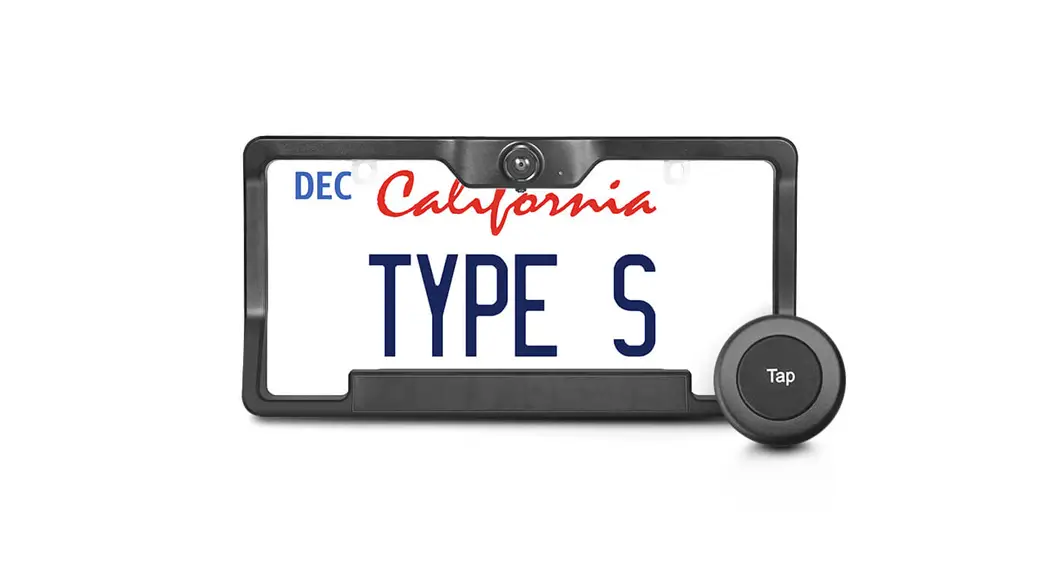
- Fully charge the camera. Fold back camera power port plug and insert included charging cable. Most AC wall adapters will work with the USB charging cable.
NOTE: Fully charge and test the camera before installation
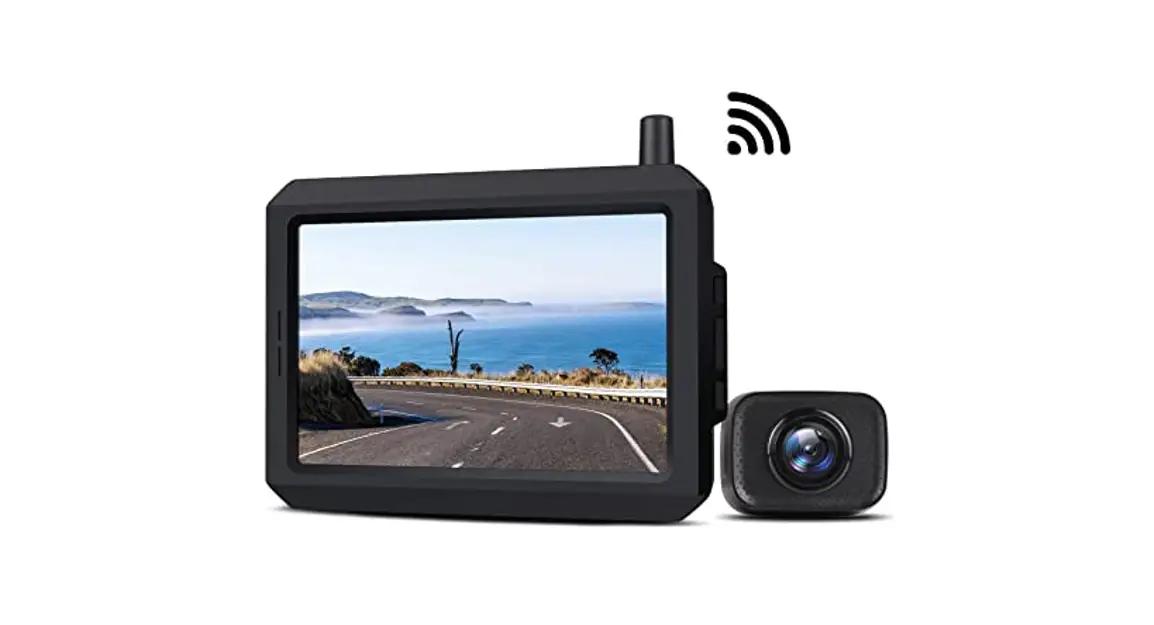
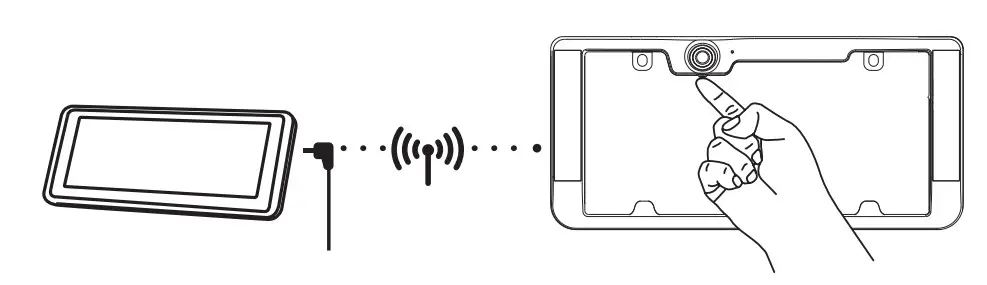
- Plug-in 12V/24V power adapter to turn on the monitor. Turn on the camera by pressing the silver power button beneath the lens for 1 second. The blue LED status indicator will flash 2 times and an image should appear on the monitor.

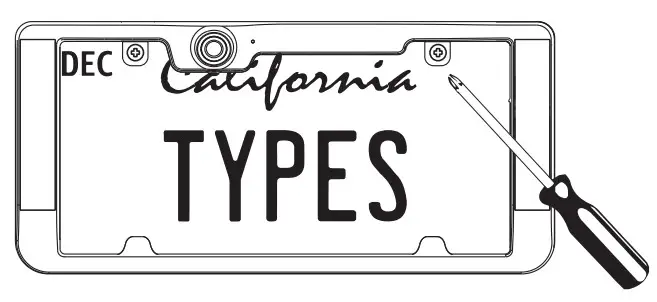
- Unscrew your license plate.

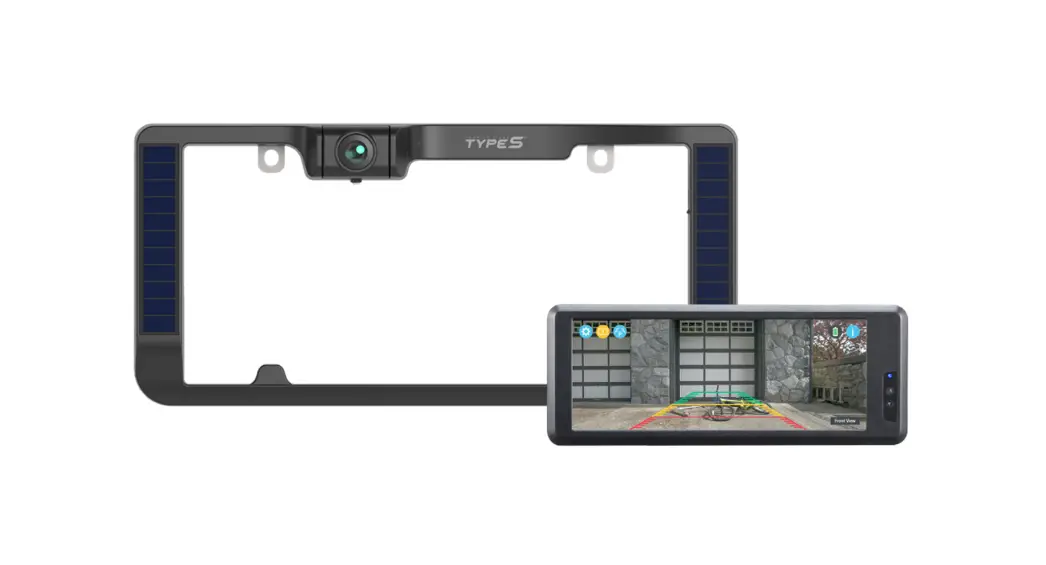
- Align the camera with a license plate and secure it to the vehicle. See Manual for additional mounting guidance.

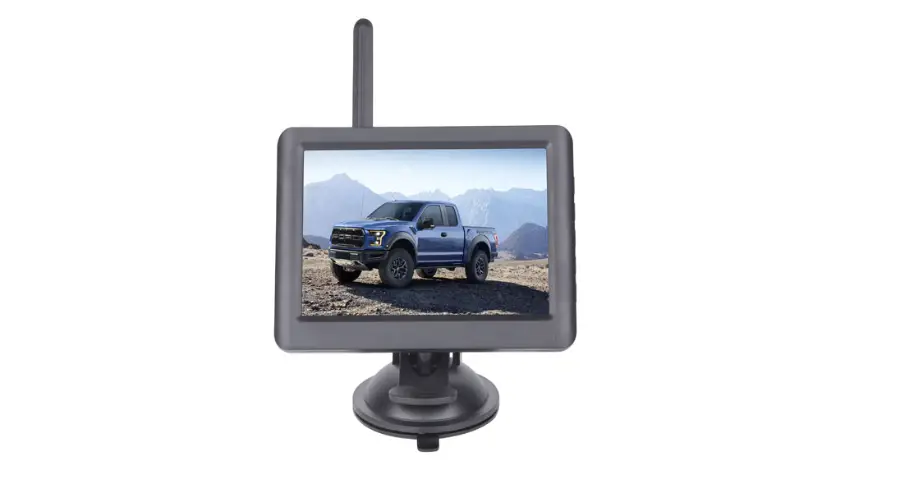
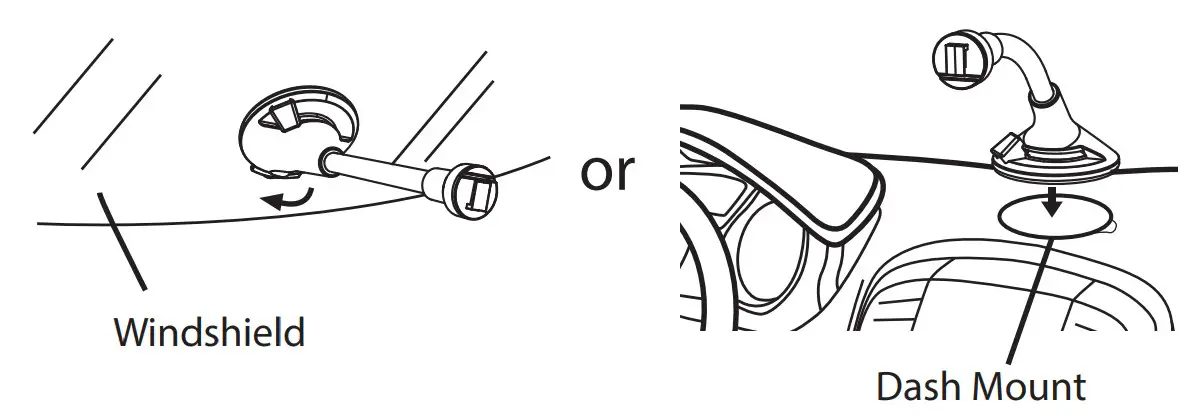
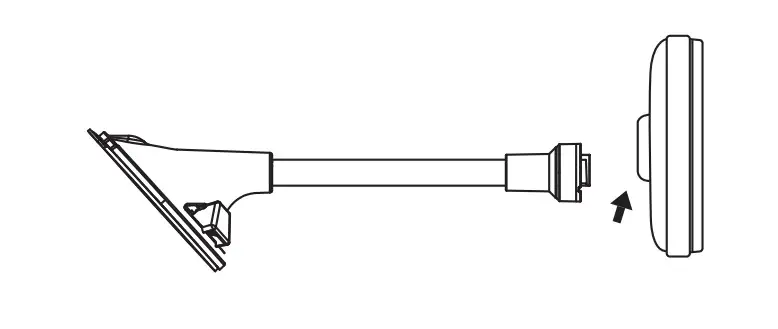
- Place Windshield Mount on the windshield or Dash Mount and lower the lever to secure. Attach Dash Monitor onto the Windshield Mount and adjust to your desired position.

- Mount and power the monitor. Power using the 12V/24V adapter provided. Remove overlay and adjust the angle as need.

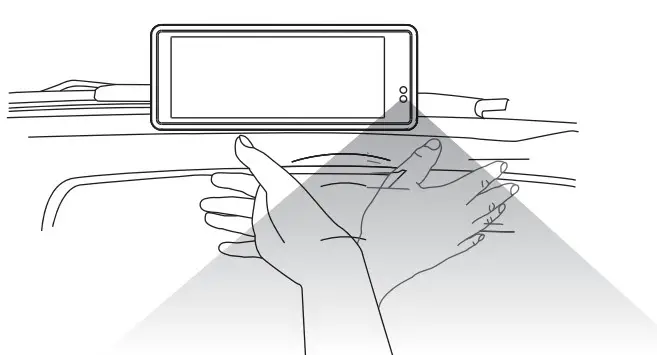
- After the monitor has been connected to power, wake up the monitor and camera by waving your hand in front of the monitor, or tapping once on the screen.

A Horizon Brands Company
2975 Red Hill Ave., Ste. 100, Costa Mesa, CA 92626
1.866.294.9244
[email protected]
©2020 Type S. All rights reserved.
www.typesauto.com
CONNECT WITH US
@TypeSAuto
The Facebook logo is a trademark of Facebook, Inc.
The Instagram logo is a trademark of Instagram, Inc.
YouTube and the YouTube logo are registered trademarks of Google Inc.
QIG-530033_V1