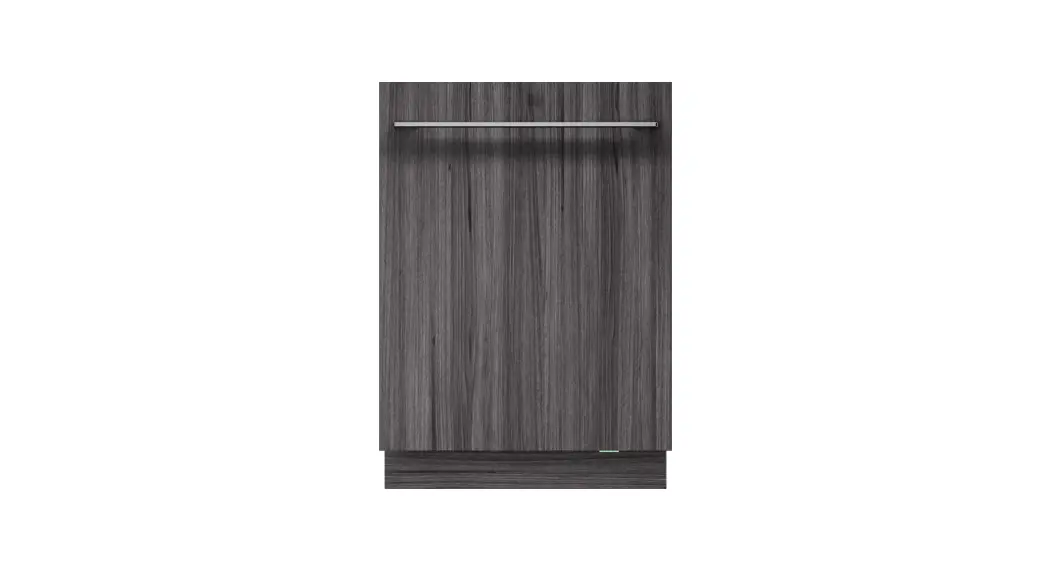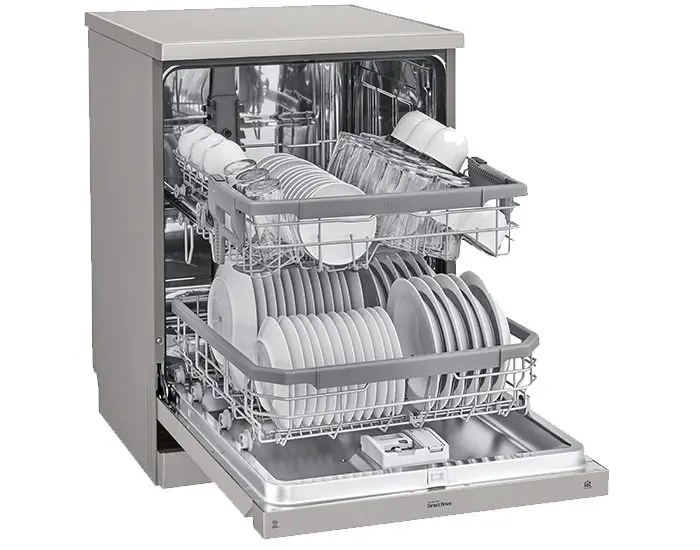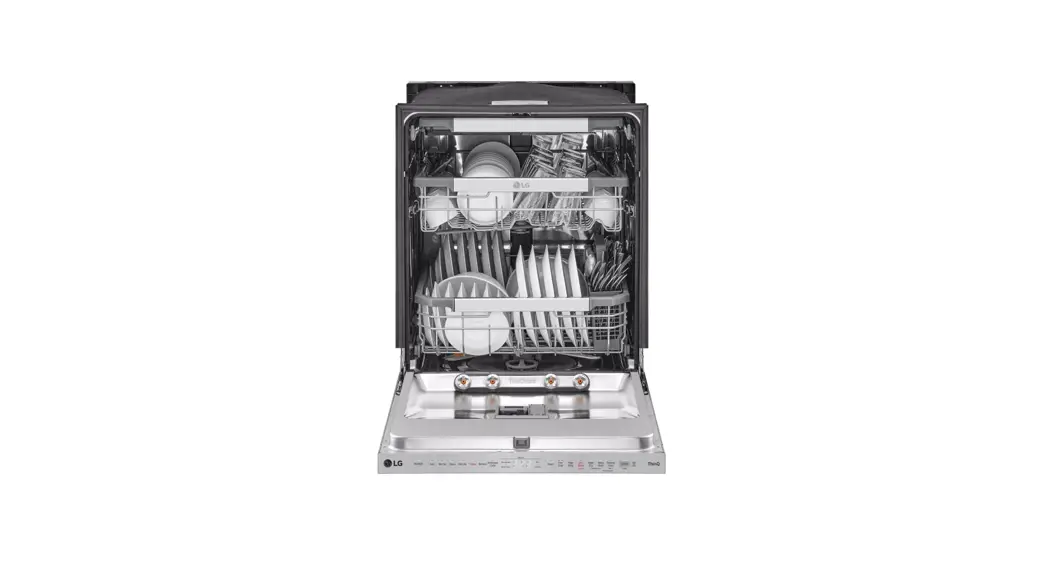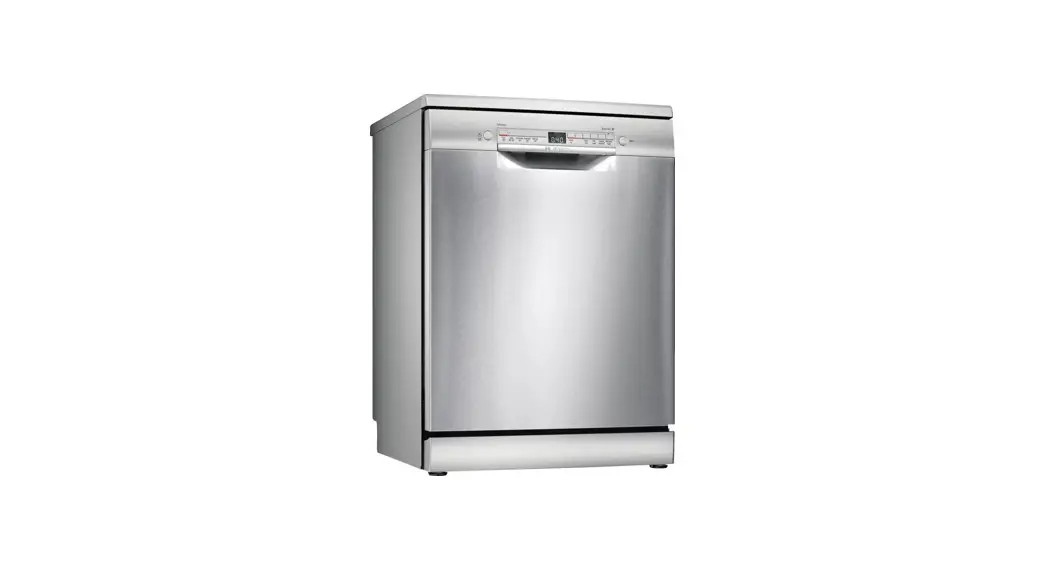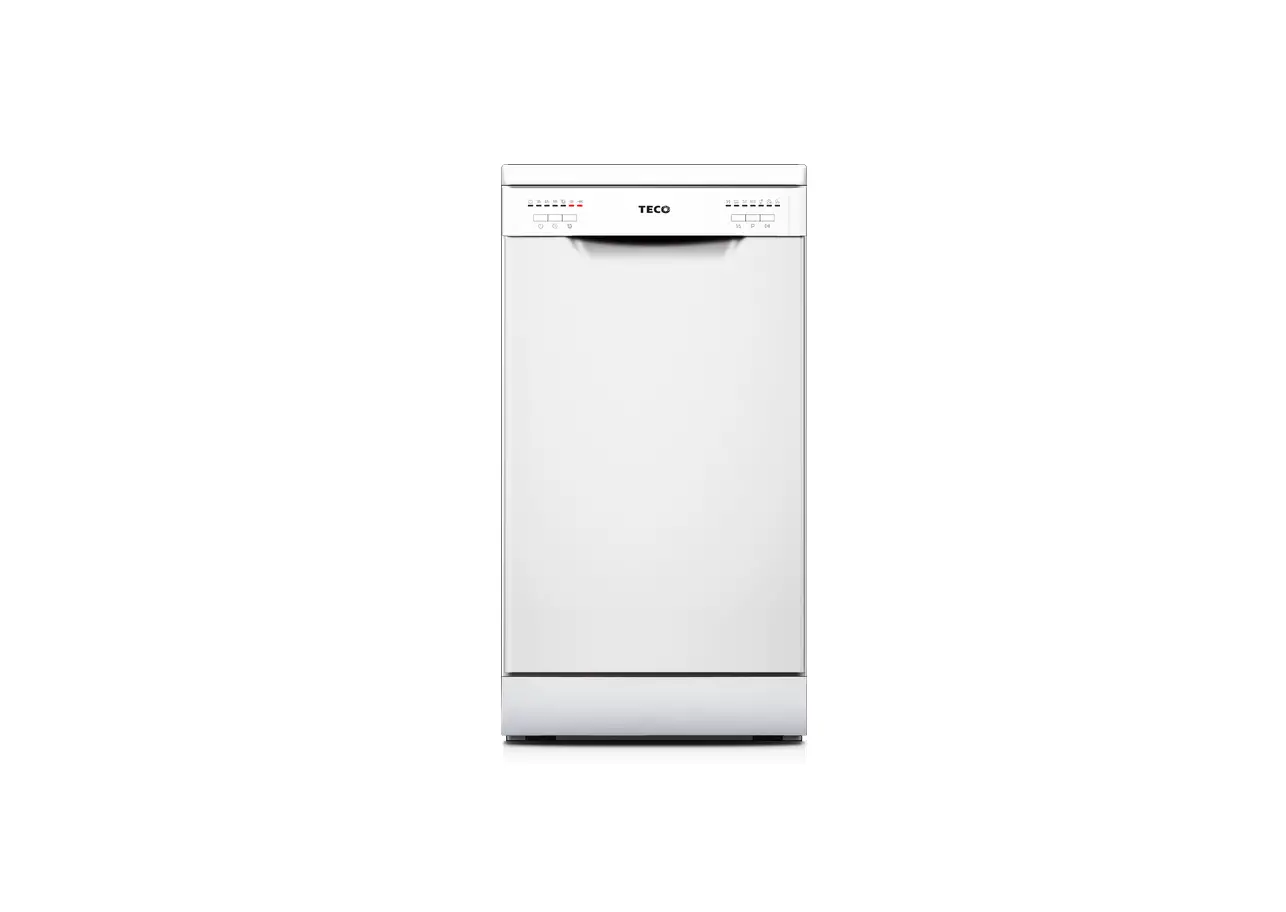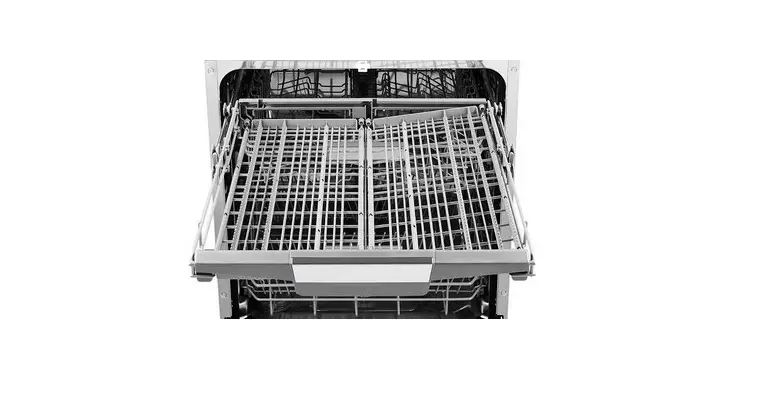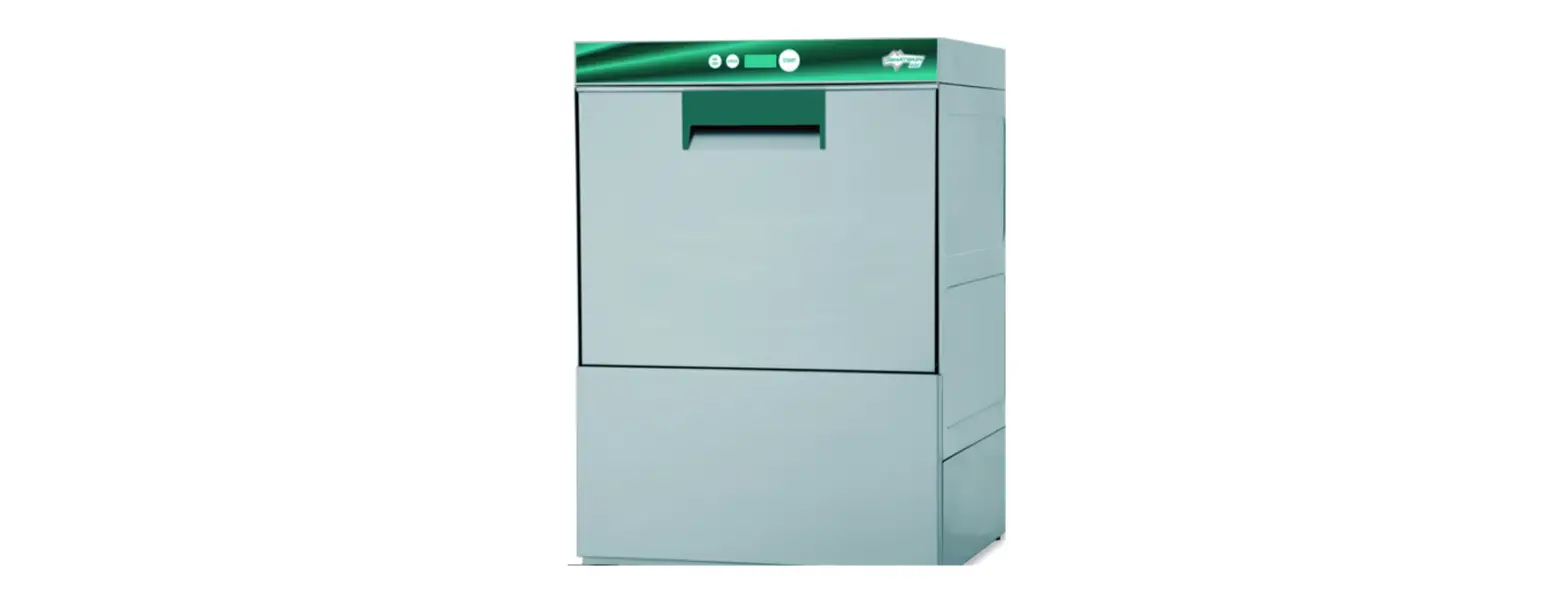

WAREWASHING SMARTWASH 500 DISHWASHER
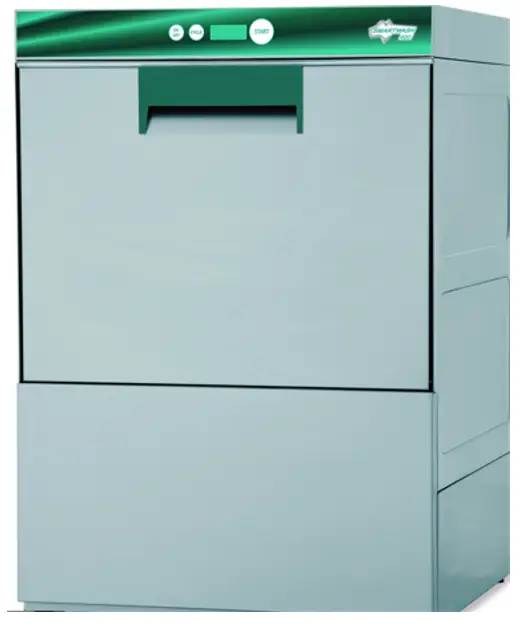
INSTRUCTIONS FOR ESWOOD SMARTWASH 500 DISHWASHER

Detergent
DETERGENT & RINSE AID IS CONNECT check the tubes / weights are sitting in the det detergent
Operation
- Press the ON / OFF button to turn on the machine
- Wait for the machine to fill & heat (approx. 20 minutes) to operating temperature (all lights will turn GREEN
- Press the P button & scroll to select wash time (set for P2 – 2 minute cycle)
- The SP button is only required for special cycles, e.g. glass-washing or long cycle (approx. 6 minutes
- Press START: the STATUS BAR will flash ORANGE, indicating operating
- End of cycle is displayed by word END
- The machine is ready for another load when temp ready
End of day procedures
- Drain, Empty & Clean Dishwasher
- Remove 2 side filters then close the door
- Press the CYCLE button until “dr” shows
- Press START
- When machine turns off – remove bottom filter & clean filter & also wipe the bottom of machine
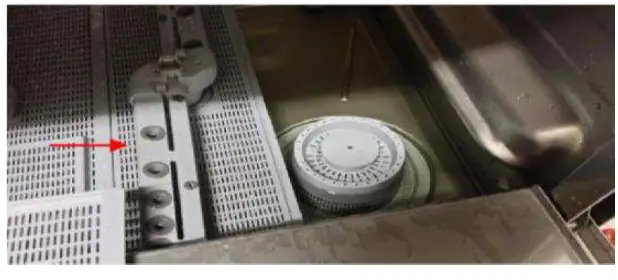
Regularly clean the wash / rinse arms
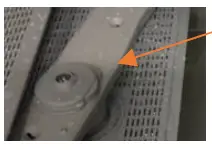
- Squeeze wash/rinse arm attachment to remove –
- then clean and replace. This should be done
- regularly to both top and bottom arms
The dishwasher will turn off once draining is complete – then replace all filters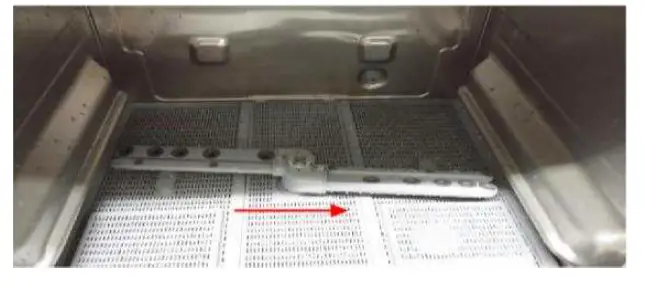
- These instructions MUST be adhered to as stated in the food act
- “PREVENTION OF CONTAMINATION OF FOOD AND FOOD PRODUCTS
Contacts
[email protected] 1300 217 411