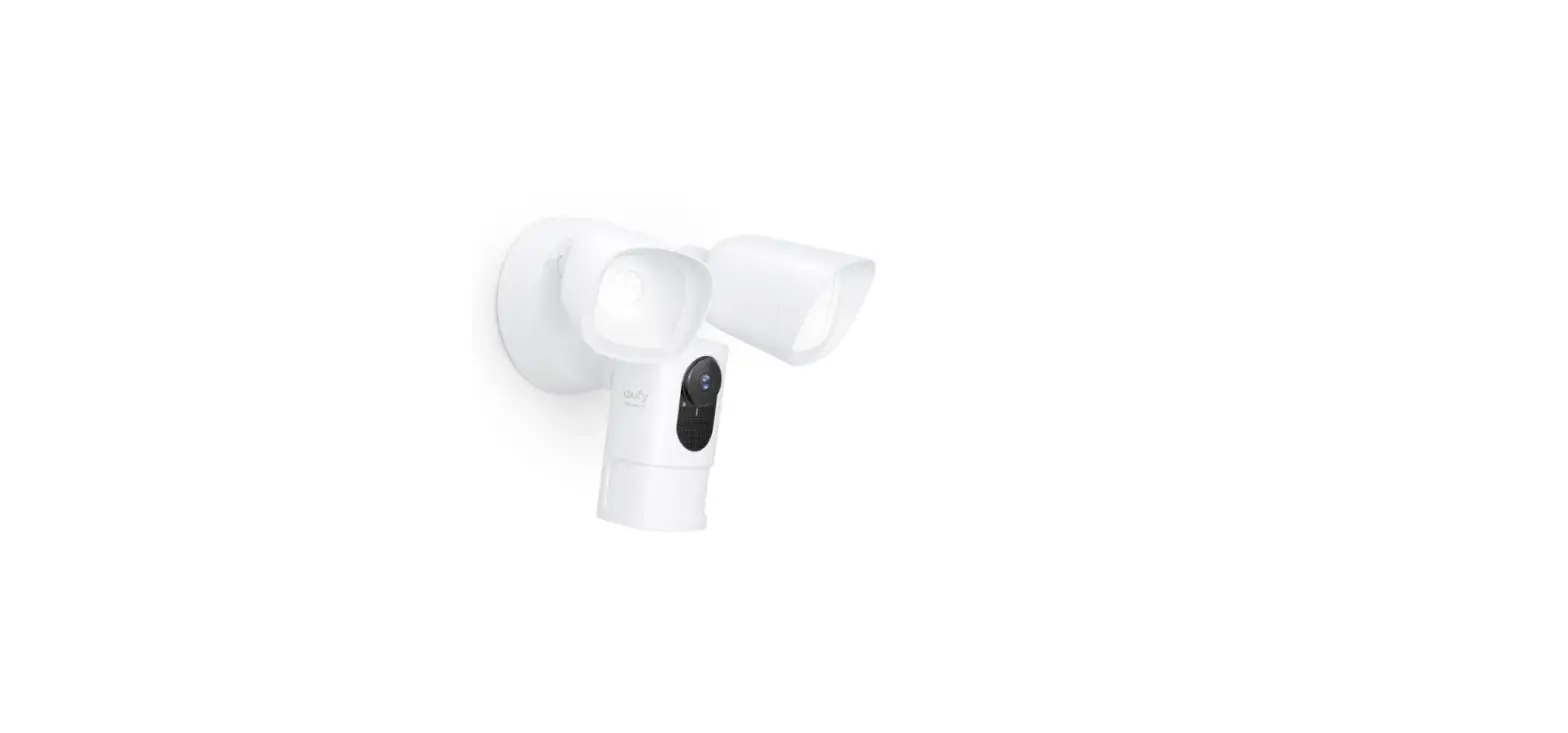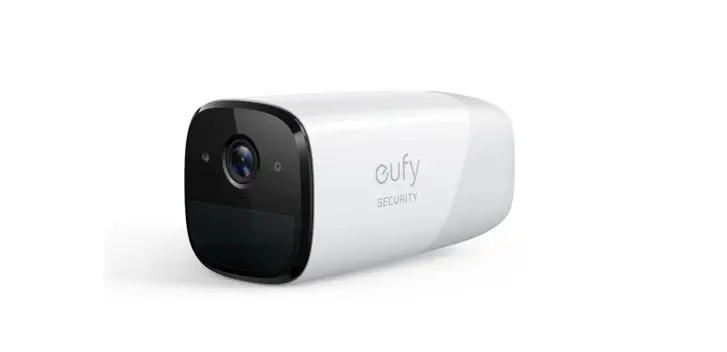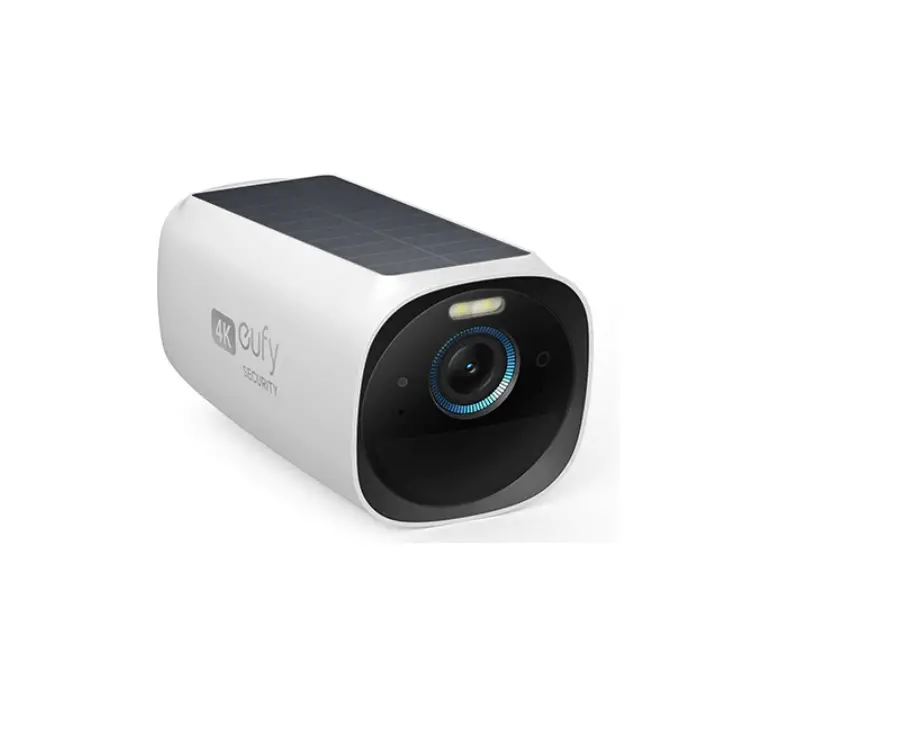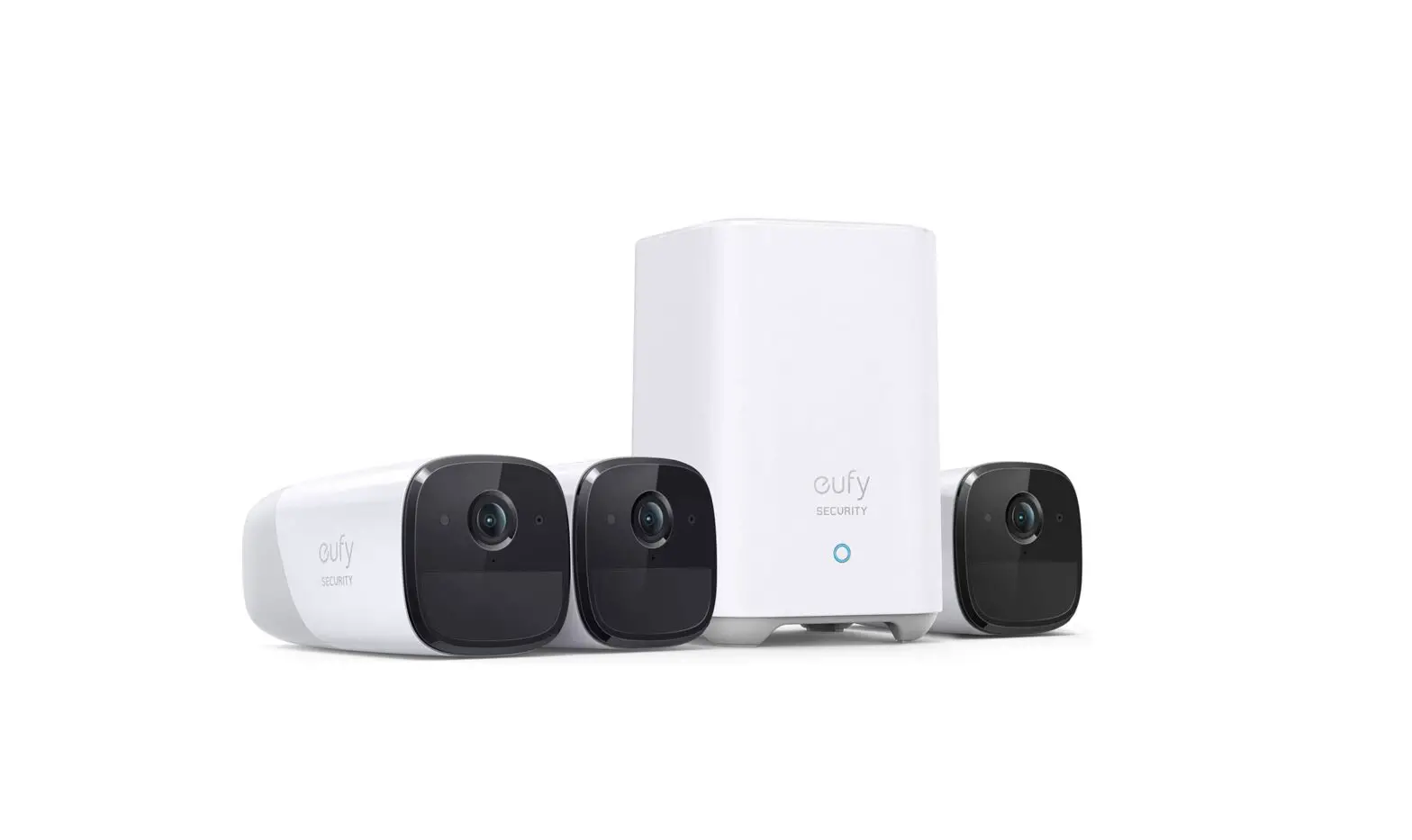
 QUICK START GUIDE
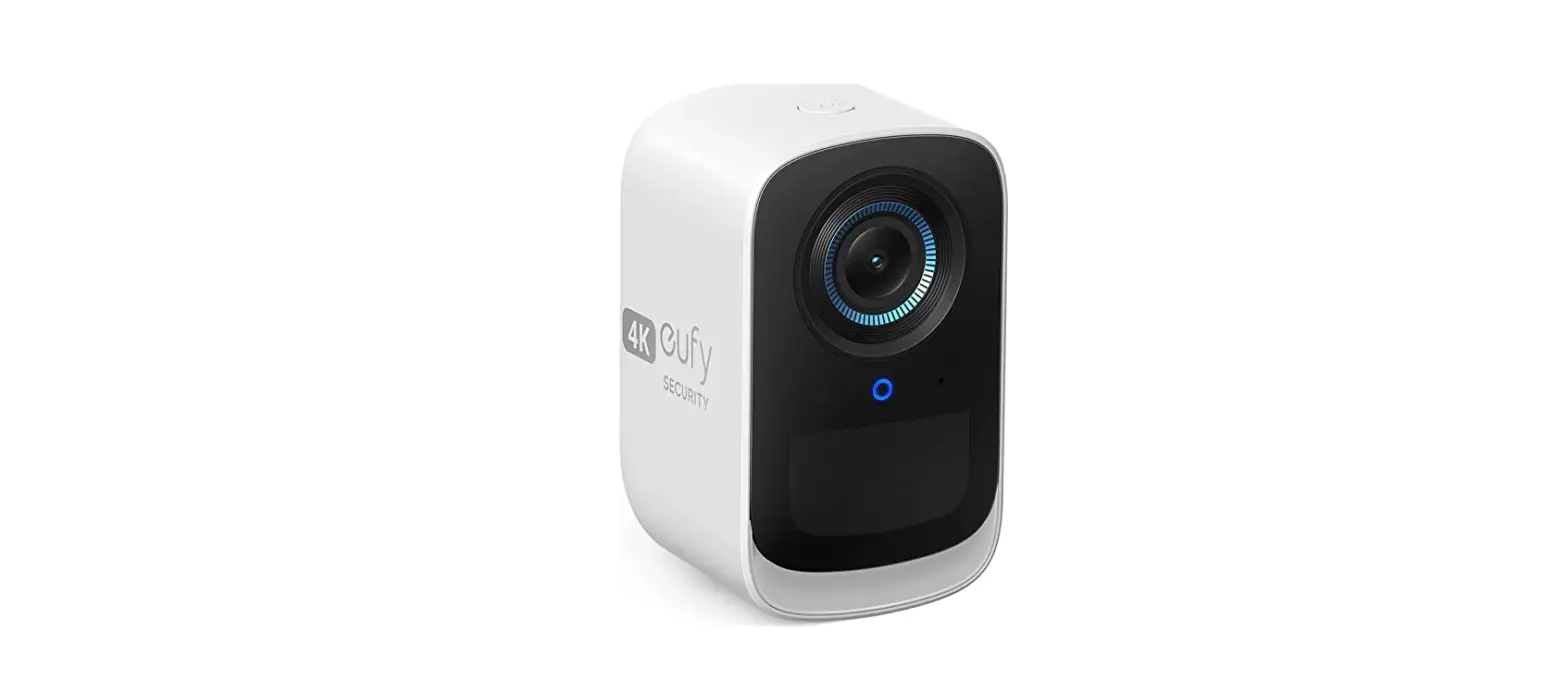
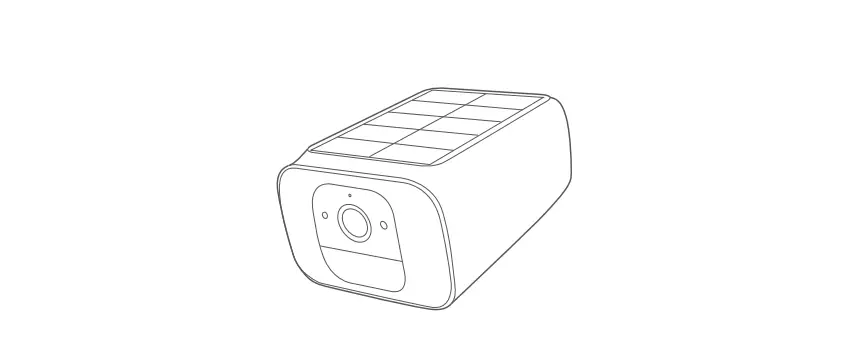
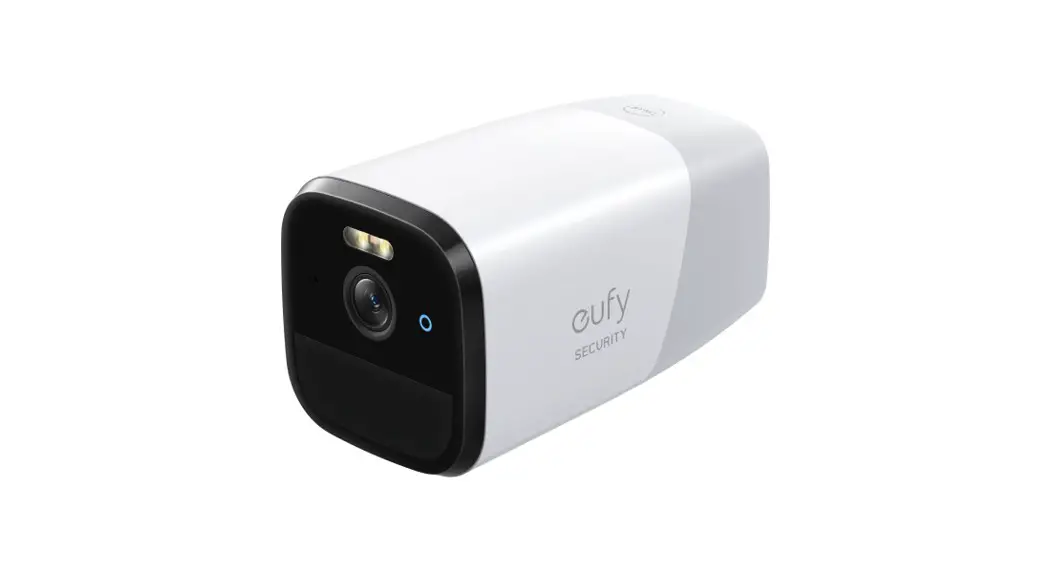
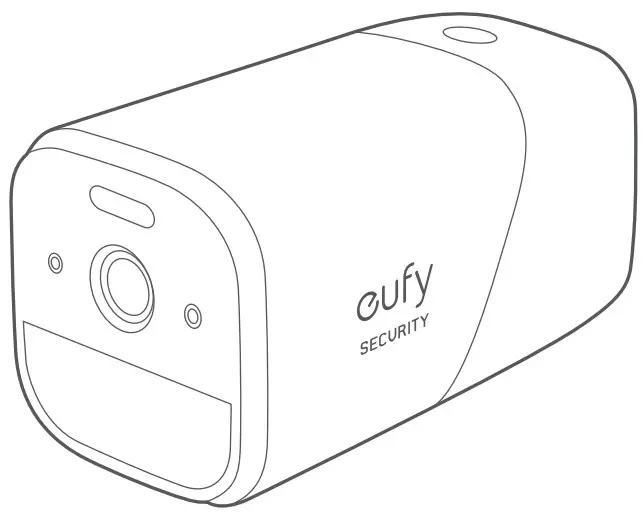 deify SECURITY 4G Starlight Camera
OVERVIEW
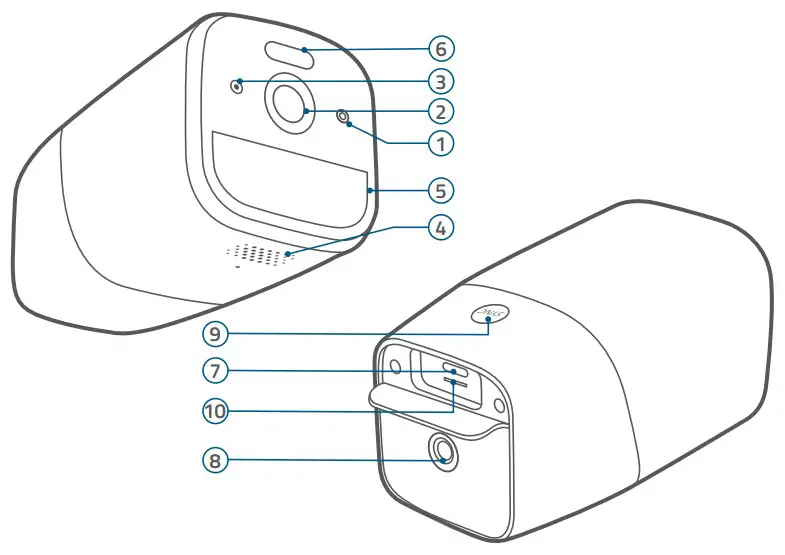
Model: T8151
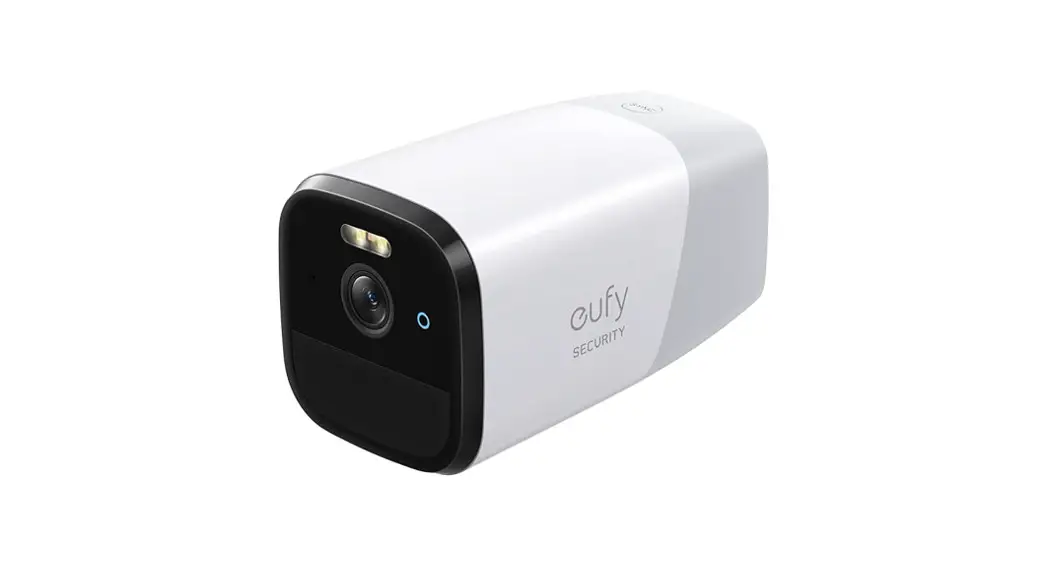
- LED Indicator
- Camera Lens
- Microphone
- Speaker
- Motion Sensor
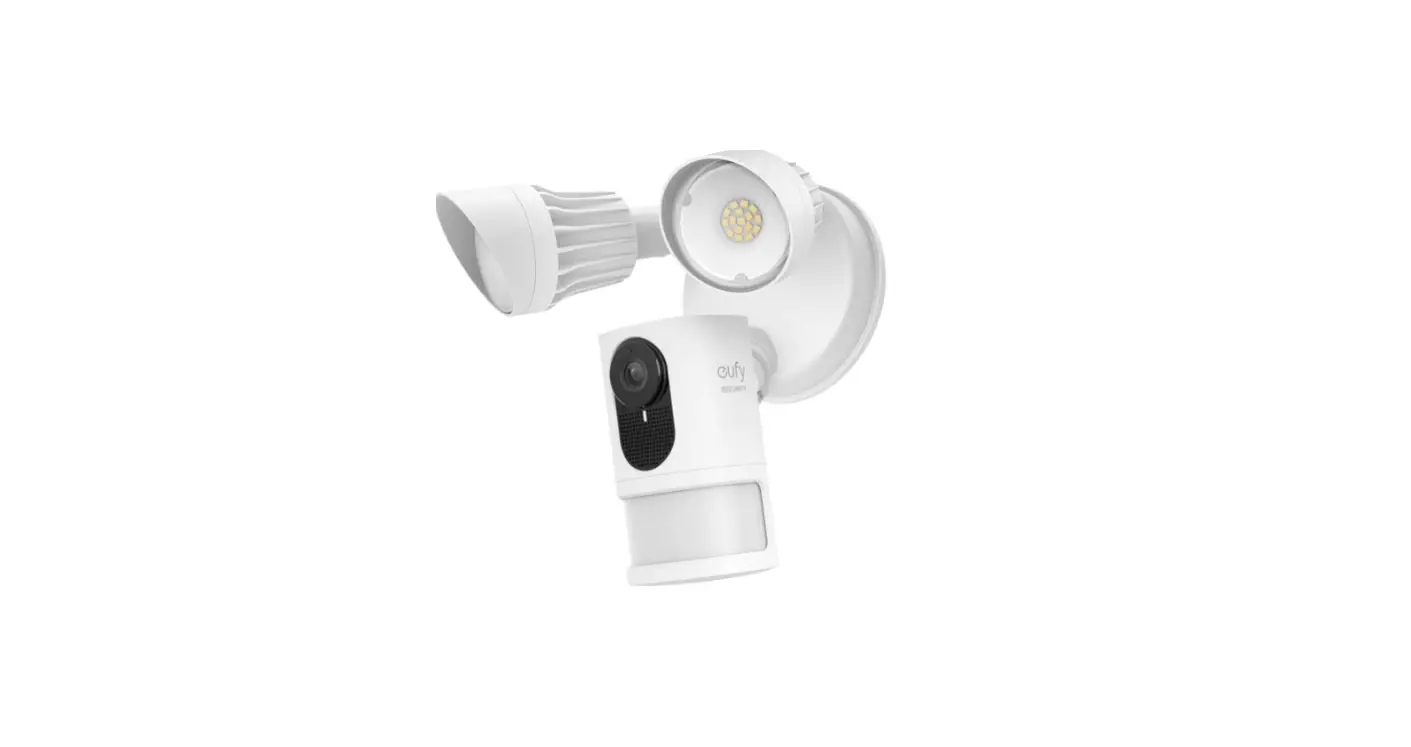
- Spotlight
- Charging Port
- Mounting Hole
- SYNC Button
Press and hold for 2 seconds to enter setup mode
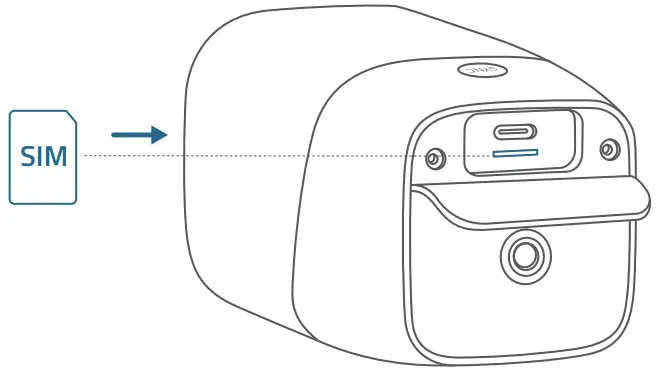
Press and hold for 8 seconds to reset - Nano SIM Card Tray Slot
CHARGING
| LED Indicator | Description |
| Blue | Charging |
| OFF | Fully charged |
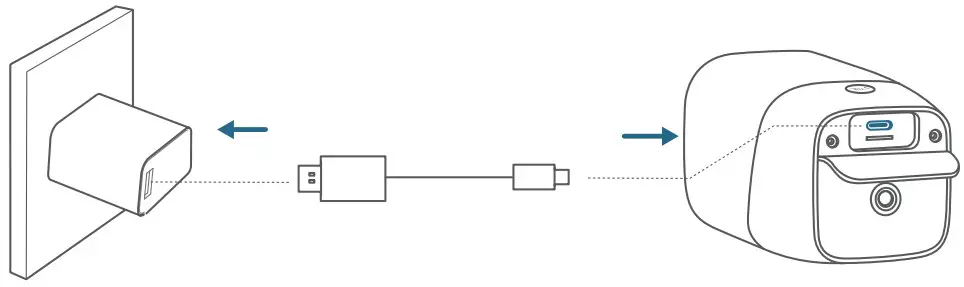
Option 1. Wall Charger
Connect the camera to a wall charger (not provided).
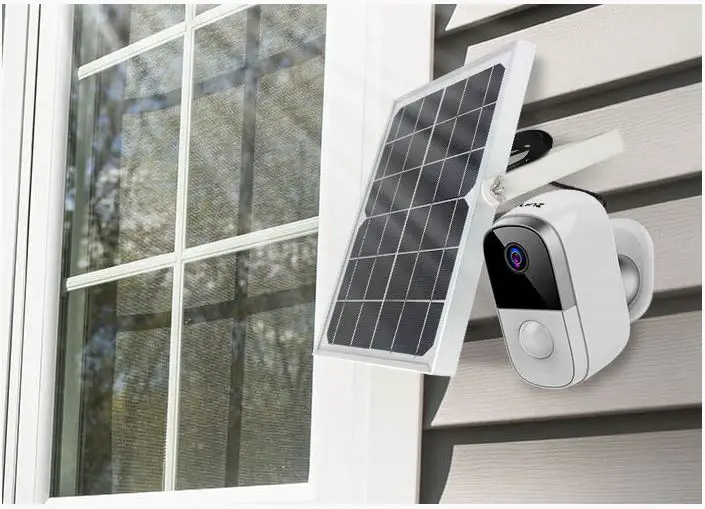
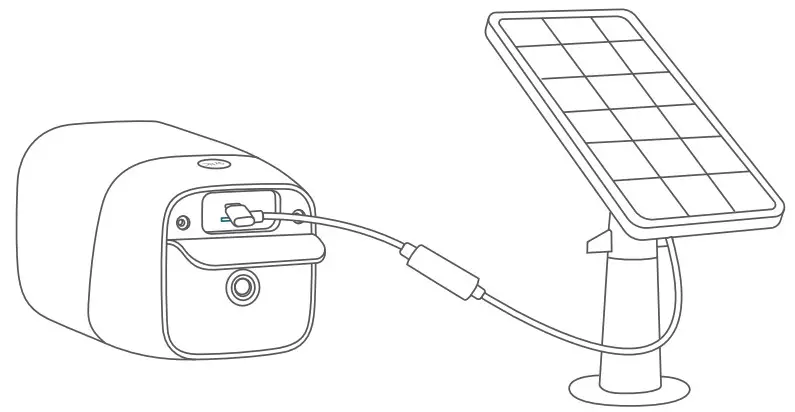
Option 2. eufy Solar Panel Charger
Follow the deify Solar Panel Charger’s user manual to install the solar panel (not provided).
SETTING UP
- Insert your Nano SIM card into the camera.
4G Band: B1/B3/B7/B8/B20/B28A/B38/B40 3G Band: I,VIII.
- Download and install the eufy Security app, then sign up for an account.

- Follow on-screen instructions to complete the setup.

| LED Indicator | Description |
| Flashing blue | Ready for setup |
| OFF | Successfully added to the eufy Security app |
| Red | Live streaming or recording |
| Flashing red | Alarm triggered |
| Flashing blue and red | Updating firmware |
MOUNTING
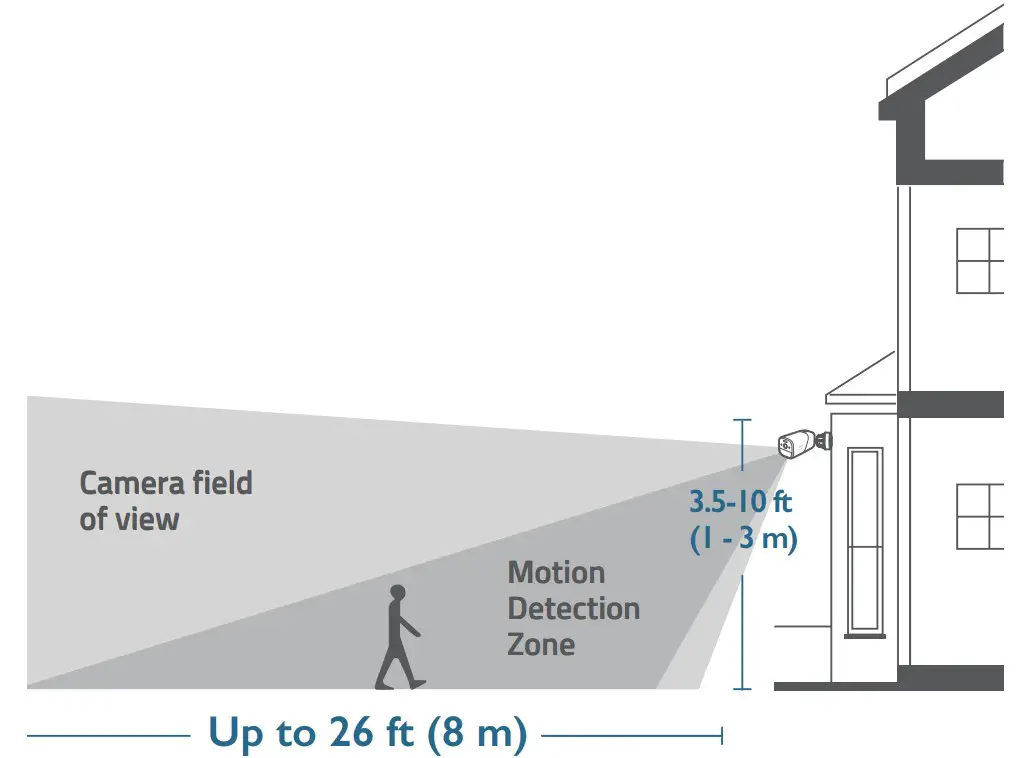
Select a location
You can mount the camera in the areas without power supply or Wi-Fi, such as outdoors, holiday homes, small construction sites, small farms, and small warehouses. For best results, hang it 3.5-10 ft (1-3 m) above the ground.
Mount the camera
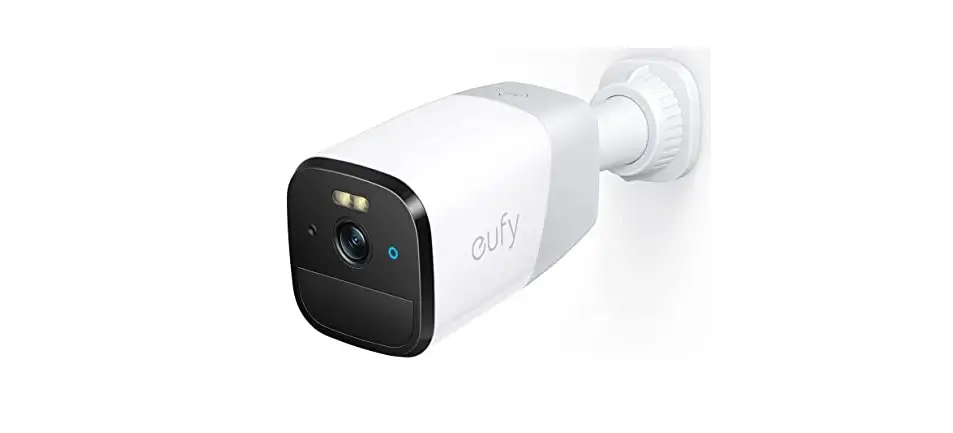
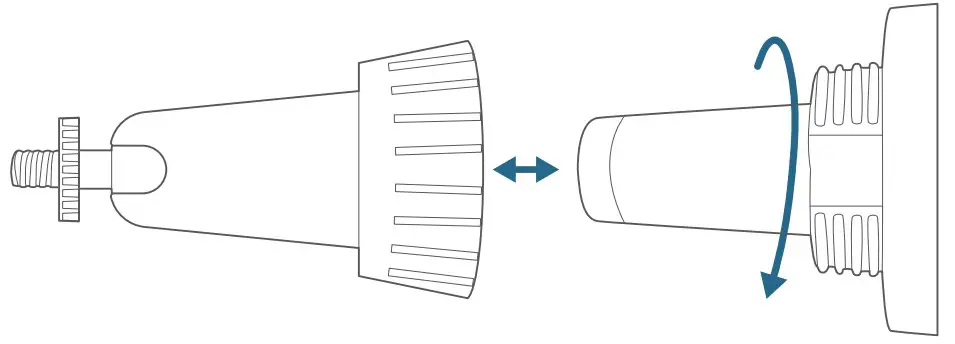
- Turn the knob of the mounting bracket counterclockwise to loosen and disassemble it.

- Place the mounting bracket against the wall. Drill holes with a 15/64″ (6 mm) drill bit, then insert the anchors into the holes; anchors are necessary for walls that are made out of hard materials such as concrete, brick, or stucco.

- Firmly screw the knob of the mounting bracket into the mounting hole.

- Hold and screw the camera to the mounting bracket. Rotate the camera to adjust the view and check it using the live stream, which you can access in the eufy Security app.
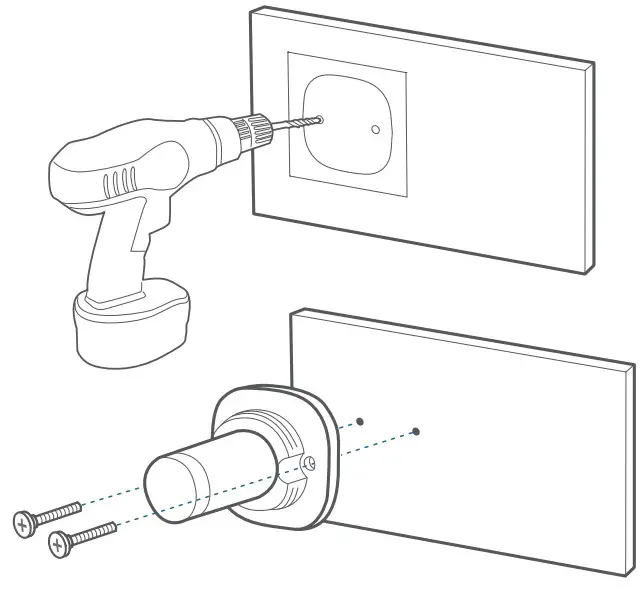
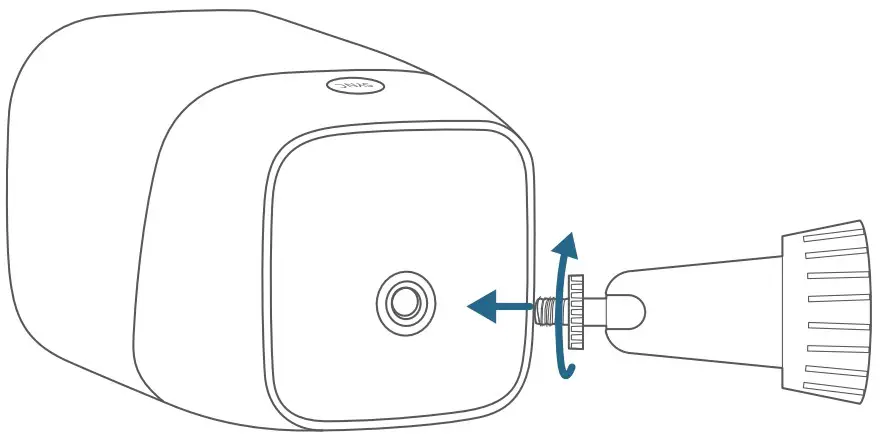
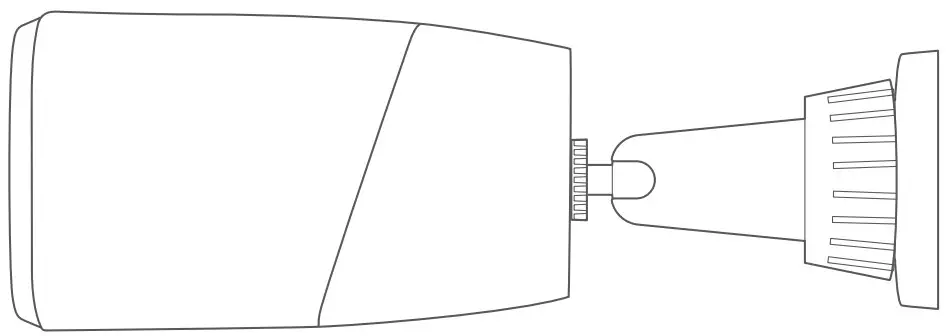
The camera can be also installed on the ceiling. Follow the steps above to install it.
NOTICE
This product complies with the radio interference requirements of the European Community.
Declaration of Conformity
Hereby, Anker Innovations Limited declares that this device is in compliance with the essential requirements and other relevant provisions of Directive 2014/53/EU. For the declaration of conformity, visit the Web site: https://uk.eufylife.com This product complies with the radio interference requirements of the United Kingdom
Declaration of Conformity
Hereby, Anker Innovations Limited declares that this device is in compliance with Radio Equipment Regulations 2017(SI 2017/1206). The full text of the UK declaration of conformity is available at the following internet address: https://uk.eufylife.com
The adapter shall be installed near the equipment and shall be easily accessible. Do not use the Device in the environment at too high or too low temperature, never expose the Device under strong sunshine or too wet environment. The suitable temperature for the device and accessories is -20°C to 50°C (Charging temperature is 0°C to 40°C).
When supplying, please place the device in an environment that has a normal room temperature and good ventilation.
It is recommended to supply the device in an environment with a temperature that ranges from 5°C~25°C.
Warning:
- replacement of a battery with an incorrect type that can defeat a safeguard;
- disposal of a battery into fire or a hot oven, or mechanically crushing or cutting of a battery, that can result in an explosion;
- leaving a battery in an extremely high temperature surrounding environment that can result in an explosion or the leakage of flammable liquid or gas; and
- a battery subjected to extremely low air pressure that may result in an explosion or the leakage of flammable liquid or gas.
CAUTION RISK OF EXPLOSION IF BATTERY IS REPLACED BY AN INCORRECT TYPE.
DISPOSE OF USED BATTERIES ACCORDING TO THE INSTRUCTIONS
RF exposure information:
The Maximum Permissible Exposure (MPE) level has been calculated based on a distance of d=20 cm between the device and the human body. To maintain compliance with RF exposure requirement, use product that maintain a 20cm distance between the device and human body.
LTE Frequency bands and power as below:
| Function | Bands | Operation Frequency | Max. Power | |
| WCDMA | I | 1920-1980MHz | 25.7 dBm | |
| VIII | 880-915MHz | 25.7 dBm | ||
| LTE | 1 | 1920-1980MHz | 25.7 dBm | |
| 3 | 1710-1785MHz | 25.7 dBm | ||
| 7 | 2500-2570MHz | 25.7 dBm | ||
| 8 | 880-915MHz | 25.7 dBm | ||
| 20 | 832-862MHz | 25.7 dBm | ||
| 28A | 703-733MHz | 25.7 dBm | ||
| 38 | 2570-2620MHz | 25.7 dBm | ||
| 40 | 2300-2400MHz | 25.7 dBm | ||
The following importer is the responsible party (contract for EU matters)
Anker Innovations Deutschland GmbH I Georg-Muche-Strasse 3, 80807 Munich, Germany
The following importer is the responsible party (contract for UK matters)
Anker Technology (UK) Limited I GNR8, 49 Clarendon Road, Watford, Hertfordshire, WD17 1HP, United Kingdom Your product is designed and manufactured with high quality materials and components, which can be recycled and reused.
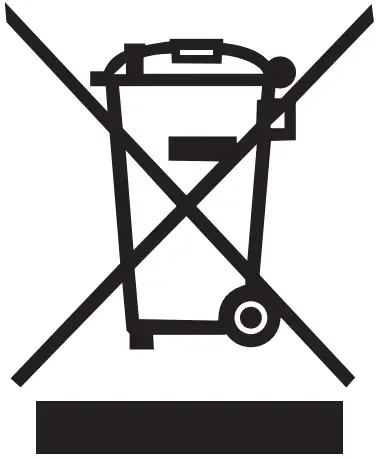 This symbol means the product must not be discarded as household waste, and should be delivered to an appropriate collection facility for recycling. Proper disposal and recycling helps protect natural resources, human health and the environment. For more information on disposal and recycling of this product, contact your local municipality, disposal service, or the shop where you bought this product.
Customer Service
Warranty
12-month limited warranty
United States +1 (800) 988 7973 Mon-Fri 6:15-17:00(PT) Sat-Sun 6:30-16:30(PT)
United Kingdom +44 (0) 1604 936 200 Mon-Fri 6:00-17:00 Sat-Sun 6:00-14:00
Germany +49 (0) 69 9579 7960 Mo-Fr 8:00-16:00
Anker Innovations Limited
Room 1318-19, Hollywood Plaza, 610 Nathan Road, Songkok, Kowloon, Hong Kong
 @EufyOfficial
 @EufyOfficial
 @EufyOfficial
 eufy | Smart Home Simplified