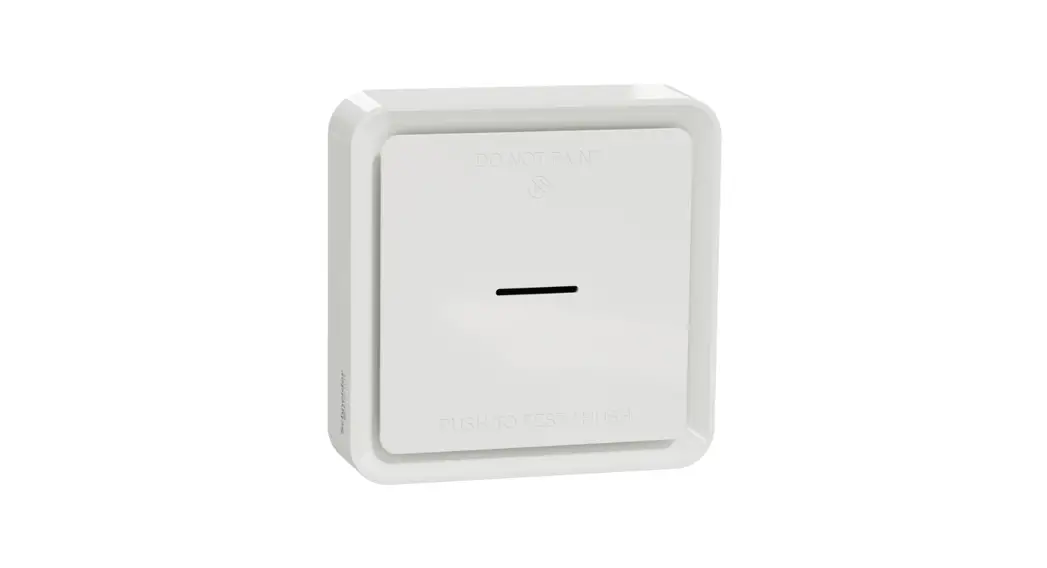
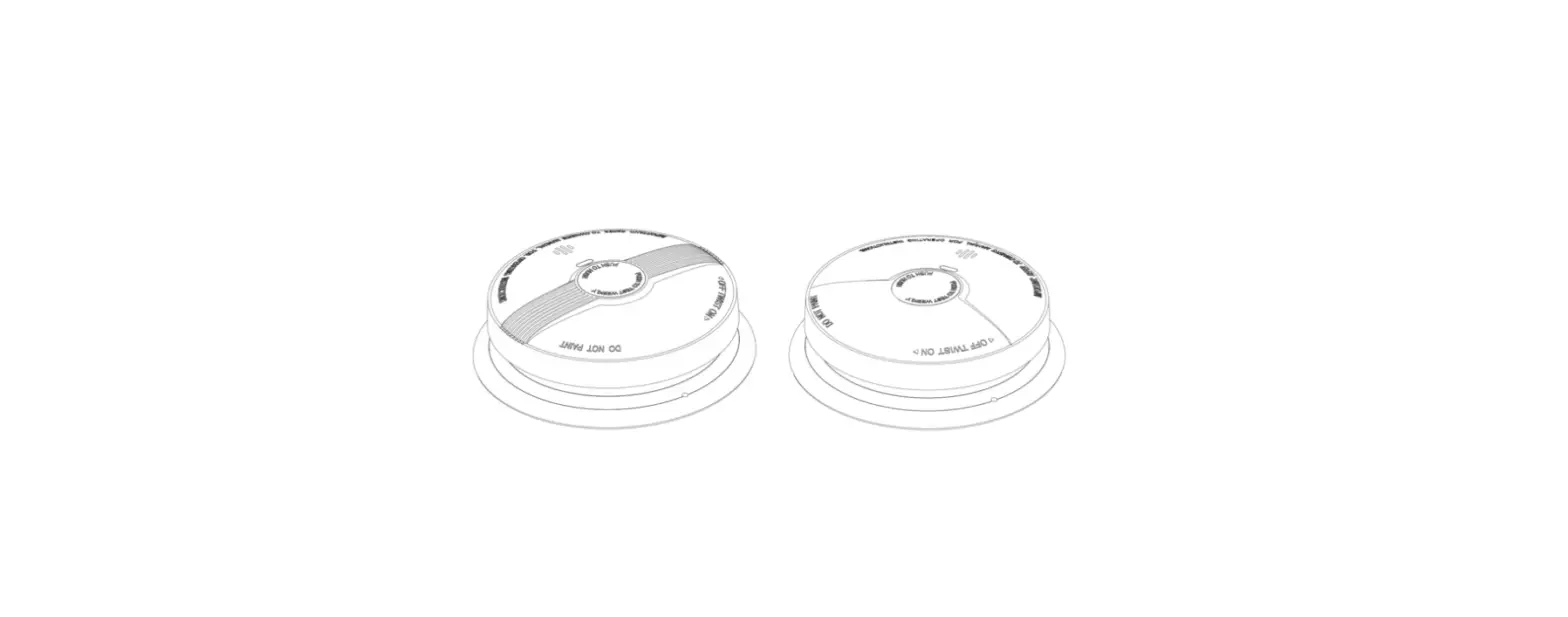
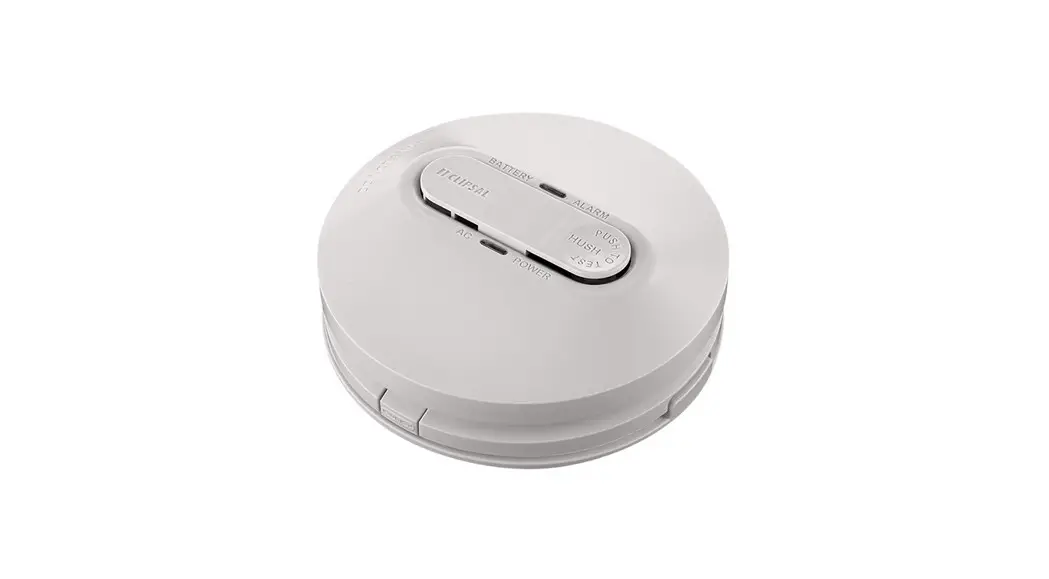
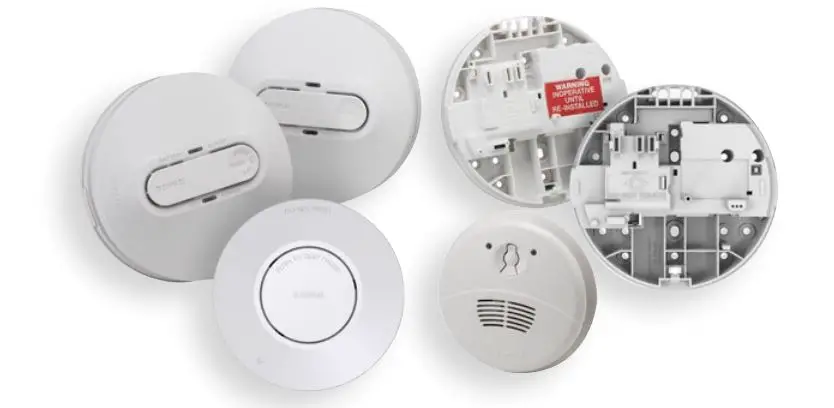
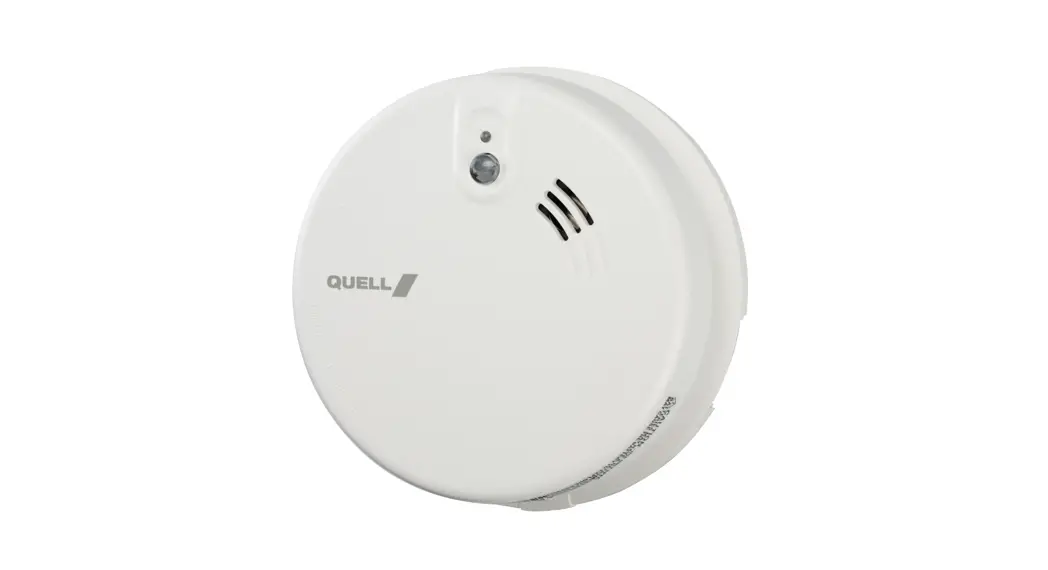
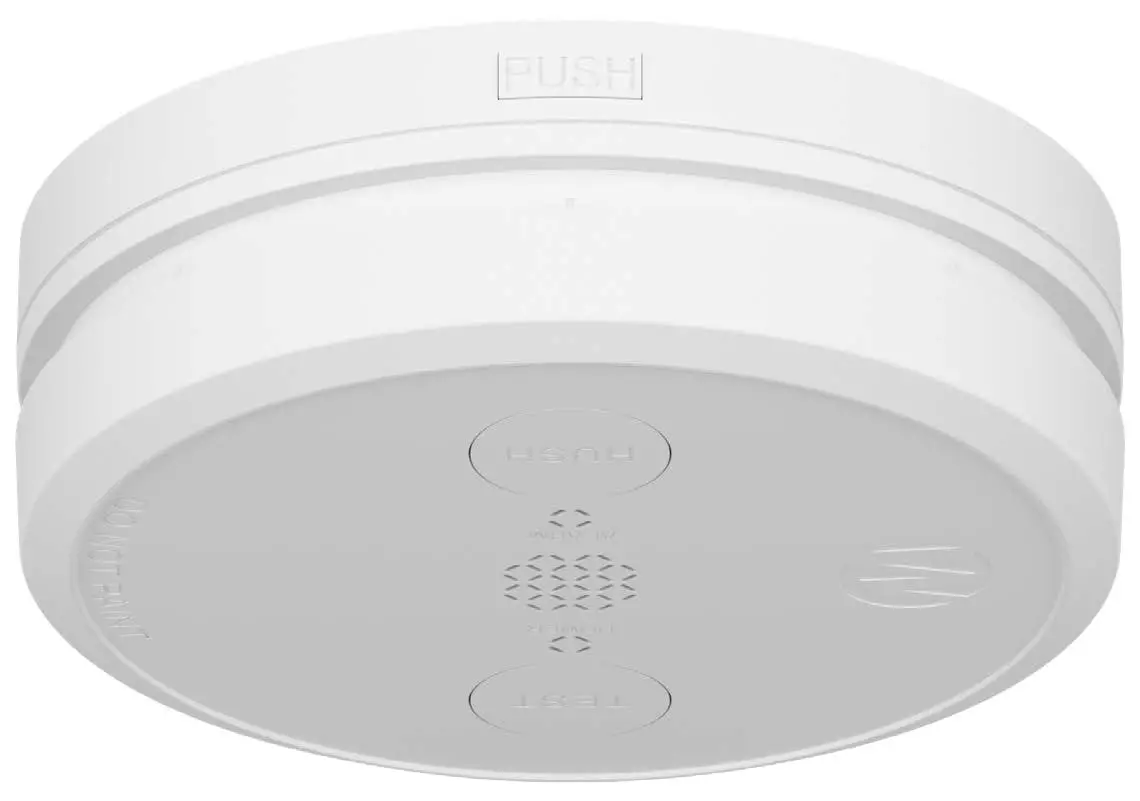
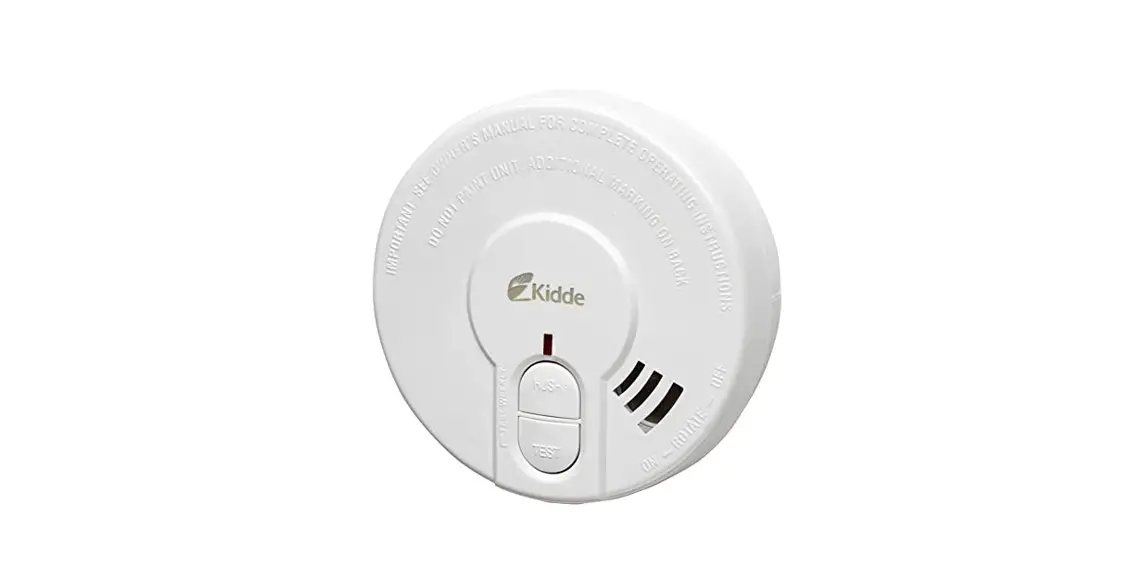
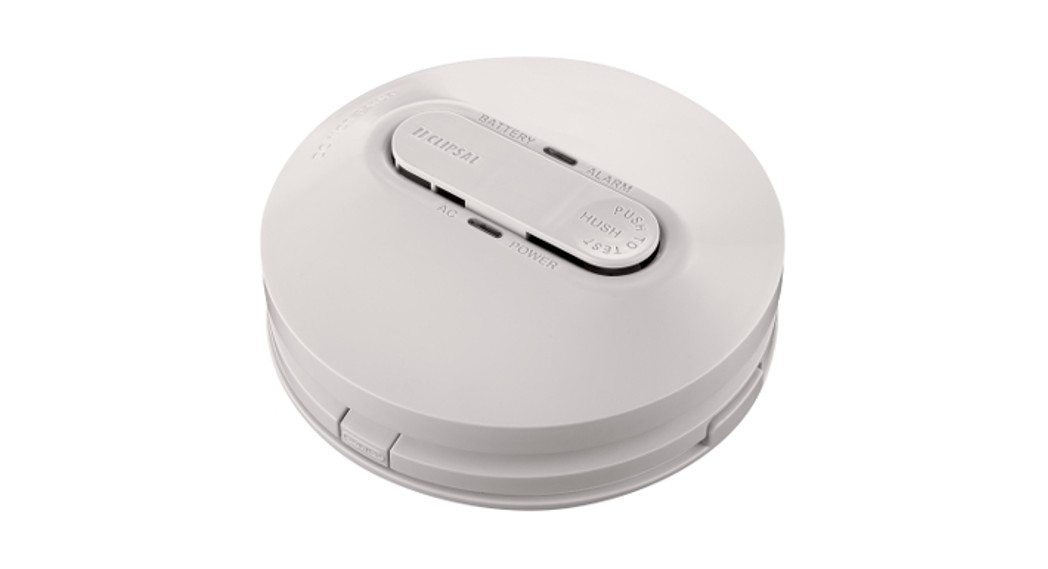
755LPSMA4 Lithium Battery Powered Photoelectric Smoke Alarm
Product Information:
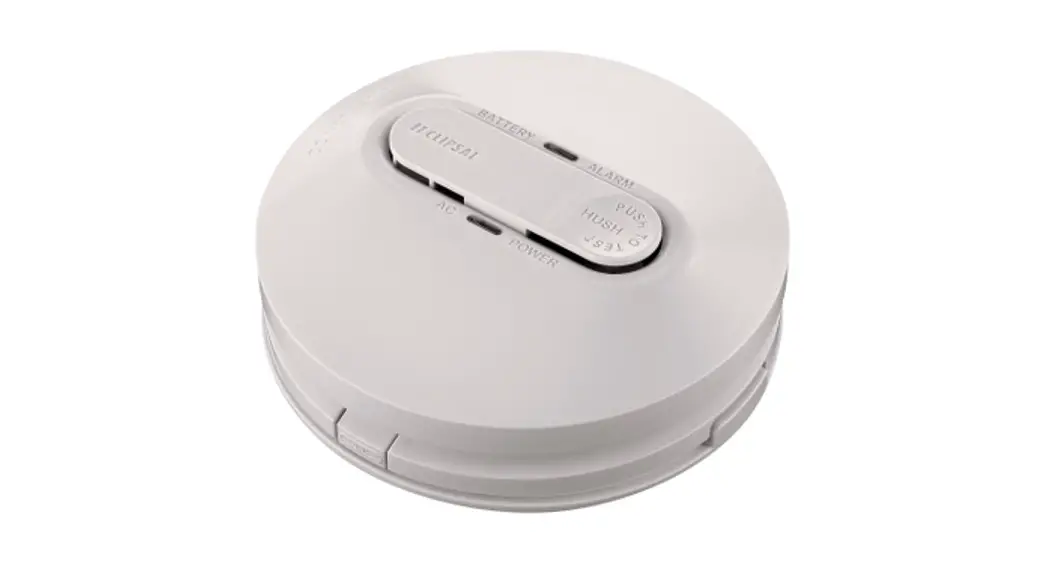
The Smoke Alarm 755LPSMA4 is a lithium battery powered
photoelectric smoke alarm with wireless interconnect. It features
an ON/OFF switch, a test/hush button, a red LED indicator, and a
network LED indicator. The smoke alarm is designed for installation
in various locations, excluding garages, kitchens, bathrooms, or
areas with high levels of moisture, dirt, or insects. It can be
interconnected with other alarms to provide a network of smoke
detection throughout the building.
Product Usage Instructions:
Installation:
- Install the mounting bracket using the supplied fasteners.
- Align the smoke alarm with the bracket clips and turn clockwise
to snap into place. This will turn the alarm ON. - To remove the alarm from the bracket, use a flat-bladed
screwdriver to press and hold the locking clip upwards, then turn
the alarm counter-clockwise and remove.
Interconnected Alarms:
Before mounting the alarms, follow these steps to interconnect
them:
- Choose one smoke alarm as the MASTER and apply the “Master”
label. Treat all other alarms as SLAVE. - Use a flat-bladed screwdriver to carefully switch ON all Master
and Slave alarms. - Press the MASTER Test/Hush button three times in two seconds.
The Network LED B will flash blue for 30 seconds. - Press and hold the Test/Hush button on the MASTER alarm and use
a flat-bladed screwdriver to switch ON the Slave alarm. Keep
holding the Test/Hush button until the red LED stops flashing. - Press the SLAVE Test/Hush button three times in two seconds
while the MASTER blue LED is ON. The Network LED will flash red or
green for three seconds. Then, both Master and Slave Network LEDs
will flash green for an additional three seconds, indicating
successful interconnection. - Repeat step 4 on all SLAVE alarms.
- To test the interconnection, perform the test on one unit after
the MASTER network LED has turned off.
Operating the Smoke Alarm:
To operate the smoke alarm, follow these instructions:
- To send an RF signal and sound the alarm on all interconnected
units, press and hold the Test/Hush button for three seconds. All
units will sound for 10 seconds with the LED flashing for 5
minutes. - If the alarm is sounding, press and hold the Test/Hush button
for three seconds to silence it for 10 minutes. - If there is a low battery (1 beep) or an alarm fault (2 beeps),
press and hold the Test/Hush button for three seconds to silence it
for 10 hours.
Note: For more detailed information and guidelines, please
refer to the user manual provided at
https://download.schneiderelectric.com/files?p_Doc_
Ref=EAV8159103
Smoke alarm
755LPSMA4 Lithium Battery Powered Photoelectric Smoke Alarm with Wireless Interconnect
More information is available
https://download.schneiderelectric.com/files?p_Doc_ Ref=EAV8159103
Scan the QR code for more information about your Clipsal smoke alarm: · What smoke alarms can and cannot do · Developing and practising a plan of escape · What to do if an alarm sounds.
Operating elements
ON/OFF switch
ON OFF
37.5 mm Locking clip Network LED
130.3 mm
Red LED
Test/Hush button
Installation location
Install more than 1 m away
from air conditioner/heater
>1 m: vents and fans, electrical
sources, appliances
and fittings.
M
Ceiling line
Do not install in garages, kitchens, bathrooms or any area with high levels of moisture, dirt or insects. For garages: A heat alarm is more suitable as it is not affected by particulates.
Dead air space (do not install in these locations) Suitable alarm location
Exposed joists
max. 1500 mm
500 mmmin.
300 mm min.
Flat ceiling
Side wall
500 mm max.
300 mm min.
Example: Class 1a building
Smoke alarm
Recommended additional alarms (or as required by legislation)
Lounge
Bed
Bed
Hallway
Kitchen
Ldy Bath
Bed
Dining / Family
Example: Class 1b building
Smoke alarm
Smoke alarm with evacuation lighting
Dining Kitchen Ldy Bath
Bed
Lounge
Hallway
Bed
Bed
Bed Bed
Storeys with bedrooms:
Alarm in hallway connecting bedrooms
Recommended
additional alarms (or as
Bed
Bed
required by legislation)
Storeys with no bedrooms:
Alarms located in the area of the stairway.
Living
Dining
Basement
Installation
2
3
1
Install mounting bracket using supplied fasteners
Align smoke alarm with bracket clips…
…and turn clockwise to snap into place. (This will turn the alarm On)
Removing alarm from bracket
Use a flat-bladed screwdriver to press and hold locking clip upwards…
…then turn alarm counter-clockwise…
Test alarm
…and remove.
Interconnected alarms (do this before mounting alarms)
Preparing the MASTER alarm
Adding SLAVE alarms
1
3
ON OFF
Removing SLAVE alarms
Notes: 1. Never remove the MASTER alarm. 2. Remove slave alarm from bracket
before performing the steps below.
1
MASTER
Choose a smoke alarm as MASTER and apply `Master’ label. Treat all other alarms as SLAVE.
2
Use a flat-bladed screwdriver to carefully switch Master and all Slave alarms ON. Note: Take care when inserting screwdriver.
Press MASTER Test/Hush 3 times in 2 seconds. (Network LED B flashes blue for 30 s.)
4
Press and hold Test/Hush…
…and use a flat-bladed screwdriver to switch Slave alarm ON.
Note: Keep holding Test/Hush until red LED stops flashing.
2
Press SLAVE Test/Hush 3 times in 2 seconds while MASTER blue LED is On.
Network LED flashes red or green for 3 seconds.
Then, both Master and Slave
Network LEDs flash green for 3
a further 3 seconds indicating successful interconnection.
5 Repeat step 4 on all SLAVE alarms.
6 Test on one unit after MASTER network LED has turned off. Refer to Testing the smoke alarm.
Release Test/Hush.
Red LED flashes 3 s
While LED flashing, short press Test/Hush.
Red LED flashes 5 s
Operating the smoke alarm
Press and hold 3 s…
All interconnected units will receive RF signal and
sound for 10 s with 5 min LED flashing
Alarm sounding
Press and hold 3 s…
10 min
Low battery (1 beep), or alarm fault (2 beeps)
Press and hold 3 s…
10 hrs
General information
· Leave these instructions with the occupant, to be retained for the life of the alarm.
· It is recommended that this smoke alarm be installed by a licenced electrician.
· Do not remove dust cover until 24 hours after all construction has been completed. Construction dust and chemicals can cause contamination and false alarms.
· Important: Dust cover must be removed before smoke alarm will operate correctly.
For your safety
CAUTION
EQUIPMENT INSTALLATION HAZARD · This product must only be used for the purpose
described in these instructions and must be installed in accordance with the wiring rules and regulations in that location. · Ensure the product has been correctly installed and tested for safe operation. · Only install indoors. · The 755LPSMA4 is wirelessly compatible with wireless base 755RFB2. · The 755LPSMA4 is NOT compatible with wireless base 755RFB. · Check the function and wireless interconnection on each smoke alarm. · Test each wireless interconnected unit 1 by 1. Press and hold the Test button until second burst of 3 beeps has finished. If any unit fails to alarm, check all wireless connections. · Press and hold the Test/Hush button on one smoke alarm until it sounds, then check that the red LED is flashing on all interconnected smoke alarms. Failure to follow these instructions may result in injury or equipment damage.
Operating elements
· Network LED (wireless pairing indication: yellow/blue and green: master and slave pairing modes).
· Red LED (low battery, alarm, test and hush indicator). The LED is located within the smoke alarm casing and is visible when On.
Choosing the installation location
NOTICE
EQUIPMENT INSTALLATION COMPLIANCE This smoke alarm must be installed in accordance with the National Construction Code and any local state legislation requirements. Failure to follow these instructions may result in a non-compliant installation.
Prior to installing, ensure there are no obstructions in ceiling mounting locations, such as pipes or cables.
Installing the smoke alarm
· Only install smoke alarm indoors in a stand-alone or wireless interconnected set up (see Interconnected alarms).
· Set up wireless interconnection before installing the alarms (see Interconnected alarms).
· Do not remove the dust cover until you are ready to test the unit. See
Interconnecting smoke alarms (see Interconnected alarms)
Wireless interconnection on the 755LPSMA4 smoke alarm is designed for easy installation and no wiring is required. An optional wireless base (Catalogue No. 755RFB2) can be purchased separately to wirelessly interconnect with Gen 2 and Gen 4 surface mount mains powered Clipsal smoke alarms.
Always test alarm system operation after interconnected smoke alarms are added or removed.
NOTICE
EQUIPMENT INSTALLATION HAZARD · Maximum of 40 interconnected smoke alarms. · Only Clipsal 755LPSMA4 smoke alarms and Clipsal
smoke alarms connected to the 755RFB2 base are compatible for interconnection with this alarm. Failure to follow these instructions may result in injury or equipment damage.
Mounting the smoke alarm
Operating the smoke alarm
Testing the smoke alarm
CAUTION
DO NOT USE OPEN FLAME
Never use an open flame of any type to test your alarm.
Failure to follow this instruction may result in injury or equipment damage.
· Test the smoke alarm once per month to ensure proper operation.
· Press the Test/Hush button on each alarm for three seconds until the alarm sounds. If no alarm sounds, there is a defective battery or other failure. Refer to Troubleshooting.
· If the smoke alarm is installed in a mobile home, test weekly and before every journey.
· Check that all interconnected smoke alarms operate during the test.
Testing interconnected smoke alarms
· The smoke alarm will send out a wireless signal once the Test/Hush button is released. All interconnected alarms will sound for 10 seconds and flash the front red LED twice a second for 5 minutes. If this does not happen, check the wireless interconnection setup and that the distance between alarms is within the specification.
· After the first alarm has been tested, briefly press the Test/Hush button on the next interconnected alarm to stop the flashing Red LED, then press and hold the Test/Hush button again until the alarm sounds. Repeat this on all alarms.
Silencing the smoke alarm (Hush feature)
· When the Test/Hush button is pressed during an alarm event, the smoke alarm is not sensitive to smoke for 10 minutes, after which the alarm resumes normal operation. During this hush time, the red LED flashes once every 8 seconds.
· To silence an unwanted alarm, press the Test/Hush button until the alarm sound stops.
· If more than one alarm is interconnected, identify the alarm with the red flashing LED, as this will be only alarm that can be hushed. All interconnected alarms will stop sounding within 5 to 10 seconds after the initial alarm is hushed.
· If more than one alarm has a flashing red LED and sounding, the Test/Hush button on all alarms will all need to be pressed.
· Wait 10 minutes before performing any additional testing to avoid any abnormal alarm responses.
Snoozing smoke alarm alerts
Low battery
When the backup battery gets low, the red LED flashes once every 40 seconds, together with a beep sound. You can snooze the low battery indication for 10 hours by pressing the Test/ Hush button for 3 seconds.
Alarm fault
When an alarm fault is detected 1 beep will sound every 40 seconds without LED flashing. You can snooze the alarm fault indication for 10 hours by pressing the Test/Hush button for 3 seconds.
LED and sound indications
Red LED/Sound
ALARM MODE
Operating mode
Red LED Sound
Duration
Normal mode / Standby mode
Local alarm
Interconnected alarm
Test mode
1 flash every 40 s
1 flash every 1 s
OFF
1 flash every 1 s
OFF
Continuous 3 beeps every 4 s
Continuous 2 beeps every 1 s
3 beeps every 4 s
—
—
— Until Test/Hush
released
Wireless Interconnection Test
2 flashes every second
Continuous 2 beeps every 1 s
5 minutes for LED
10 seconds for alarm
Hush mode Low battery mode Fault mode
Low battery
1 flash every 8 s
1 flash every 40 s
OFF
1 flash every 40 s
OFF
1 beep every 40 s
1 beep every 40 s
OFF
10 min
End of life: replace smoke
alarm Until fault has been cleared
10 hrs
Fault
OFF
OFF
10 hrs
SNOOZE MODE
INTERCONNECTION
Network LED
Operating mode
Master alarm in pairing mode
Slave alarm in pairing mode (first time) Slave alarm in pairing mode (previously paired) Master and slave alarm pairing successful
Master alarm after pairing completed
Slave alarm pairing unsuccessful
Network LED Blue, flashing Red, flashing Green, flashing
Green, flashing Blue, flashing Green, flashing
Duration 30 s max. or until pairing successful
3 s
3 s
3 s
30 s 30 s or more beyond pairing
time
Troubleshooting
Problem
Resolution/Action
Smoke alarm does not sound when tested
Smoke alarm beeps and red LED flashing once every 40 seconds
1. Make sure POWER is ON. Fit the smoke alarm on the bracket and turn the alarm body clockwise until a click is heard.
2. Press Test/Hush button until it sounds. Do not quick press.
3. If problem persists, refer to Warranty section, and replace smoke alarm. If out of warranty, replace with new smoke alarm.
Battery is in low voltage condition. Replace the smoke alarm.
Smoke alarm beeps once without red LED flashing
1. Clean smoke alarm. Refer to Maintenance, Repairs and Service.
2. If problem persists refer to Warranty section, and replace smoke alarm. If out of warranty, replace with new smoke alarm.
Smoke alarm sounds unexpectedly when smoke or steam is present
1. Identify the smoke alarm that has initiated the alarm indicated by a flashing red LED and sound warning of three beeps every seconds.
2. Press Test/Hush button on the smoke alarm to pause the alarm. Interconnected alarms will stop sounding in 5 to 10 seconds.
3. To clean smoke alarm refer to Maintenance, Repairs and Service.
4. Move smoke alarm to a new location and test.
Nuisance/false alarm (Smoke alarm sounds without any smoke present)
1. Identify the smoke alarm that has initiated the alarm indicated by a flashing red LED and sound warning of three beeps every seconds.
2. Press Test/Hush button on the smoke alarm to pause the alarm. Interconnected alarms will stop sounding in 5 to 10 seconds.
3. Clean smoke alarm. Refer to Maintenance, Repairs and Service.
4. If problem persists refer to Warranty section, and replace smoke alarm. If out of warranty, replace this alarm only.
False Alarm
In the event of a false alarm in an interconnected group, it is important to identify the triggering alarm(s). These alarms may need to be cleaned, serviced or replaced if necessary. When alarms are sounding without any smoke present: · Identify which smoke alarm/s are being triggered
Look for the alarm/s with sound and red LED flashing. · Unclip all identified smoke alarms, then all
interconnected alarms will stop alarming in 1 minute. · Clean smoke alarms in accordance with the
Maintenance, Repairs and Service section. · Re-install and test all the smoke alarms. If all of the above fails, contact a licenced electrician for replacement.
Maintenance, Repairs and Service
Maintenance
It is recommended that the smoke alarm is inspected monthly to ensure it is free from dirt, dust and insects. The alarm can be vacuumed or brushed with a soft brush to remove dust, dirt or kitchen grease that has accumulated. Apply a small amount of insect surface spray to a cloth and wipe around alarm/s every 36 months to mitigate insect ingress.
ALWAYS TEST THE SMOKE ALARM AFTER CLEANING
Repairs and Service
NOTICE
EQUIPMENT MAINTENANCE INSTRUCTIONS
· Test this smoke alarm regularly to ensure the unit is functional and that the battery is in good condition.
· Replace the smoke alarm 10 years after date of manufacture.
· Do not open the smoke alarm casing or repair the smoke alarm yourself. There are no user-serviceable parts inside.
Failure to follow these instructions may result in equipment malfunction or failure.
Disposal
As the smoke alarm does not contain any radioactive material, disposal with normal rubbish is permitted in Australia and New Zealand.
Before disposal, move the battery disconnect switch to the disconnect position. This will prevent the low battery warning beep when the battery eventually discharges.
Technical data
Battery Life
10 years
Operating Current Sensing Type
70 mA
Photoelectric. This alarm contains NO radioactive material.
Operating Temperature
0 °C to 45 °C
Ambient Humidity Interconnecting
5% to 95% Wireless, 40 alarms maximum
Transmit Frequency RF Range
433.42 MHz
140 m free air, 50 m indoor line of sight
Wireless Response Time
Within 30 seconds
Horn Level Mounting Type
85 dB at three metres minimum Ceiling and wall mount only
Approvals
Activfire SAI Global RCM
Complies with
AS 3786 AS/NZS 60065
It is recommended to dispose of this device at an authorised electronic waste collection point. Professional recycling protects people and the environment against potential negative effects.
Trademarks and certifications
Schneider Electric acknowledges that the Australian Standard Certified Product logo is a trademark of SAI Global, and that the Activfire Certified logo is a trademark of CSIRO.
Warranty
We warrant this product to be free from defects in materials and workmanship for a period of 5 (five) years from the date of installation.
Customer care
If you have technical questions, please contact the Customer Care Centre in your country.
Australia
Schneider Electric (Australia) Pty Ltd Customer Care Australia: 13 73 28 e: [email protected] www.schneider-electric.com.au
New Zealand
Schneider Electric (NZ) Ltd After hours service: 0800 735 4357 (NZ only) Customer Care NZ: 0800 652 999 e: [email protected] www.schneider-electric.com
PHA7373102_01
References
 Electric | The Largest Consumer Energy & Renewables Platform
 Schneider Electric Global | Global Specialist in Energy Management and Automation
-
Schneider Electric Global | Global Specialist in Energy Management and Automation
-
Schneider Electric Australia | Global Specialist in Energy Management and Automation
 Electric | The Largest Consumer Energy & Renewables Platform
 Schneider Electric Global | Global Specialist in Energy Management and Automation
 Schneider Electric Global | Global Specialist in Energy Management and Automation
 Schneider Electric Australia | Global Specialist in Energy Management and Automation