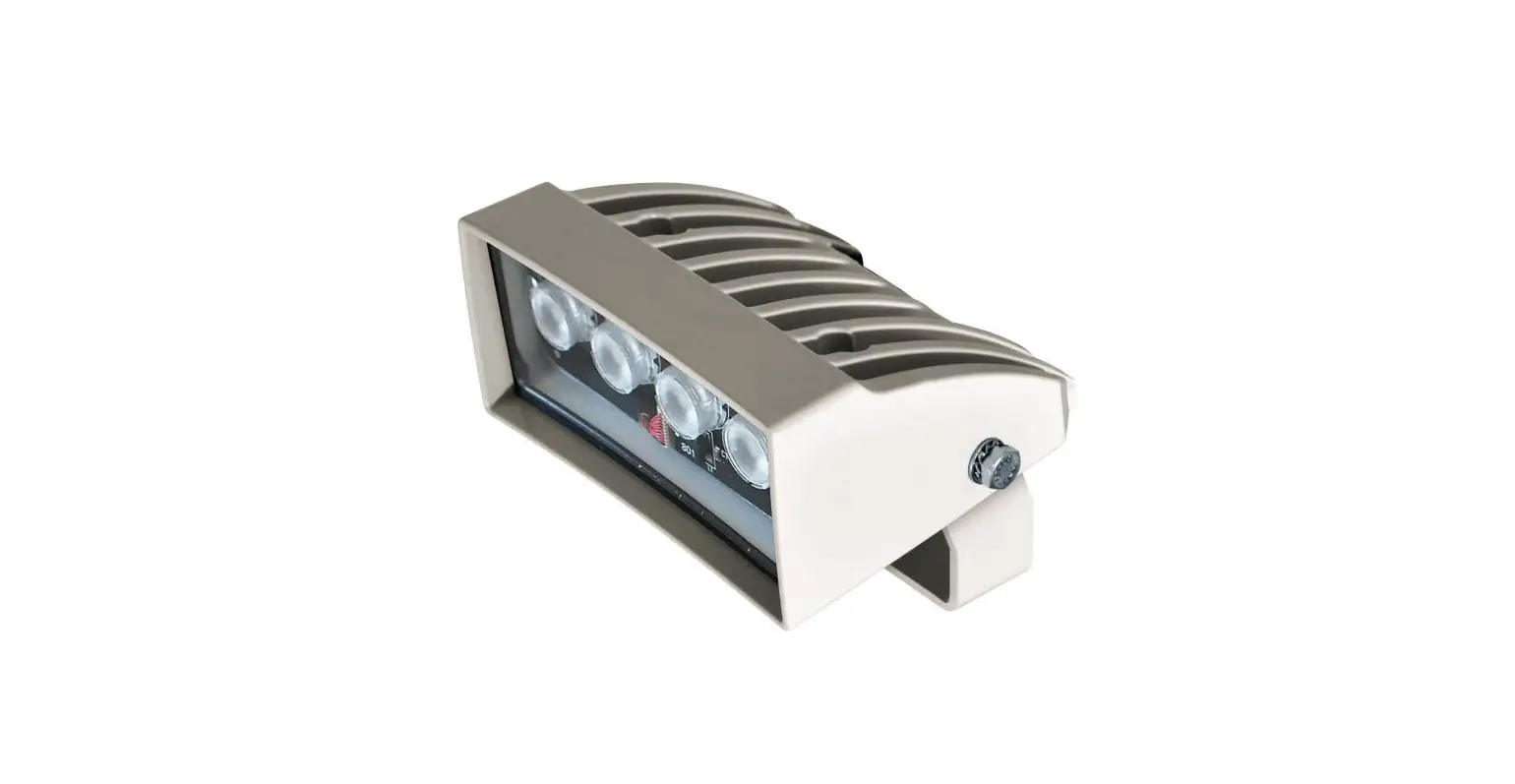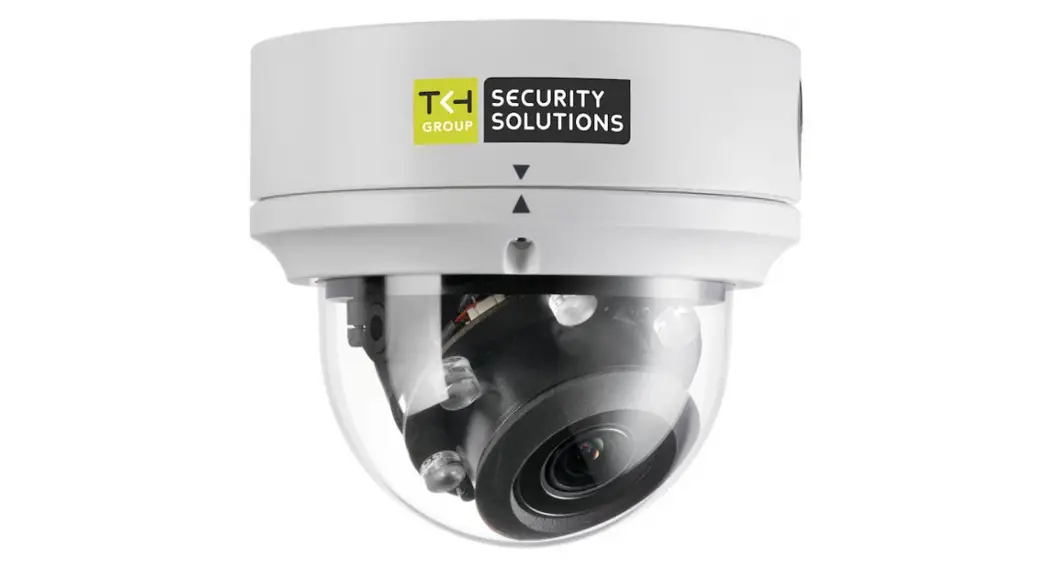

UP-IR200
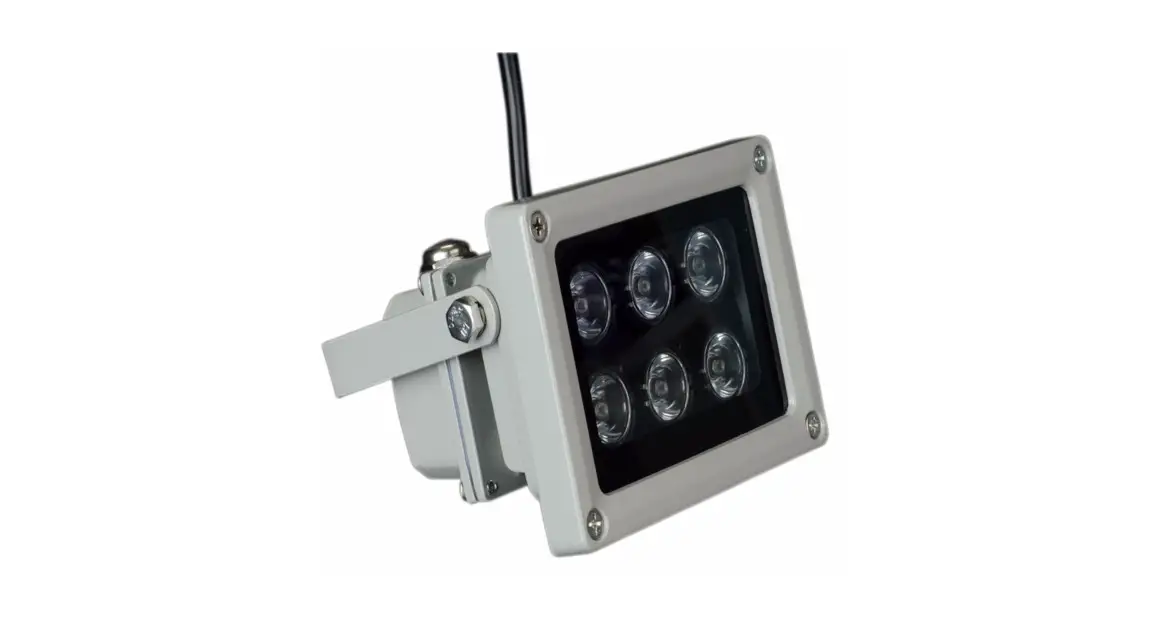
IR Illumination kit for UPxx(D)
Quick Start Guide
Unpack
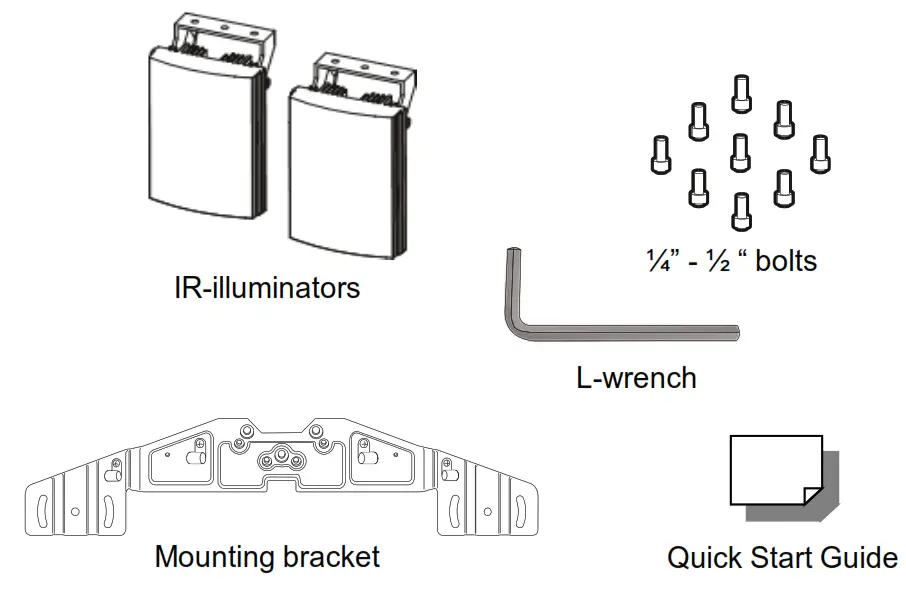
Subject to modification. Actual products and accessories may differ in appearance.
Fix the IR illuminators and wiring
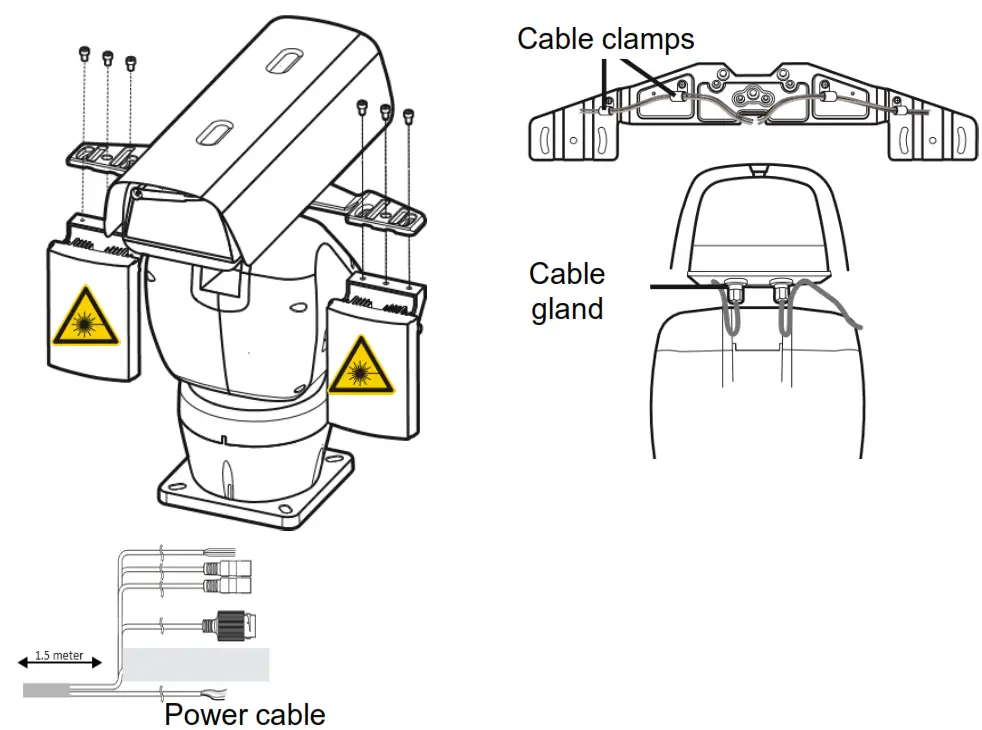
| Power Cable | Color |
| Illuminator 24Vac (L) | Black |
| Illuminator 24Vac (N) | Yellow/Green |
| Main power 24Vac (L) | Red |
| Main power 24Vac (L) | Yellow |
 Find additional manuals, the datasheet, the EU Declaration of Conformity, and the latest firmware for this product at: tkhsecurity.com

Installation Notices
 CAUTION! IR EMITTED FROM THIS PRODUCT. AVOID EYE EXPOSURE, USE APPROPRIATE SHIELDING OR EYE PROTECTION
 CAUTION INSTALLATION SHALL BE PERFORMED BY QUALIFIED PERSONNEL ONLY. INSTALLATION SHALL BE IN ACCORDANCE WITH LOCAL
PROCEDURES.
IF YOU USE AN EXTERNAL POWER SUPPLY, CONTACT TKH SECURITY TO MAKE SURE THAT THE POWER SUPPLY COMPLIES WITH LPS
REQUIREMENTS.
WHEN INSTALLING THE CAMERA, MAKE SURE TO USE APPROPRIATE ANCHOR BOLTS M10 OR BETTER. THE ANCHOR BOLTS SHOULD HOLD A
LOAD OF AT LEAST 100KG
 DISPOSE OF THE CAMERA IN ACCORDANCE WITH LOCAL REGULATIONS..
FOR MORE INFORMATION, CONTACT TKH SECURITY.
Connect and configure the PT-housing
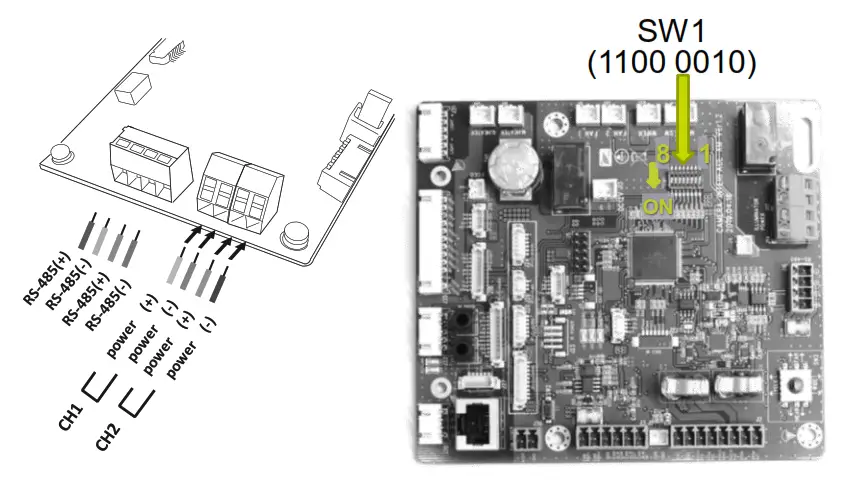
| Switch | Desired Setting |
| 1 | On |
| 2 | On |
| 3 | Off |
| 4 | Off |
| Switch | Desired Setting |
| 5 | Off |
| 6 | Off |
| 7 | On |
| 8 | Off |
Mount the bracket to the PT housing
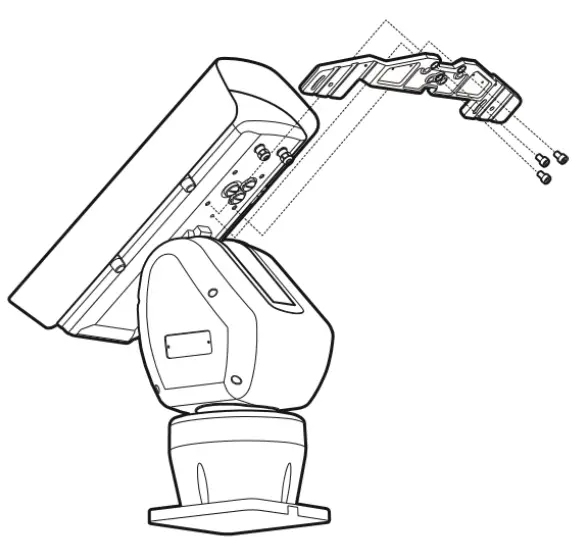
Configure the IR-Illuminators
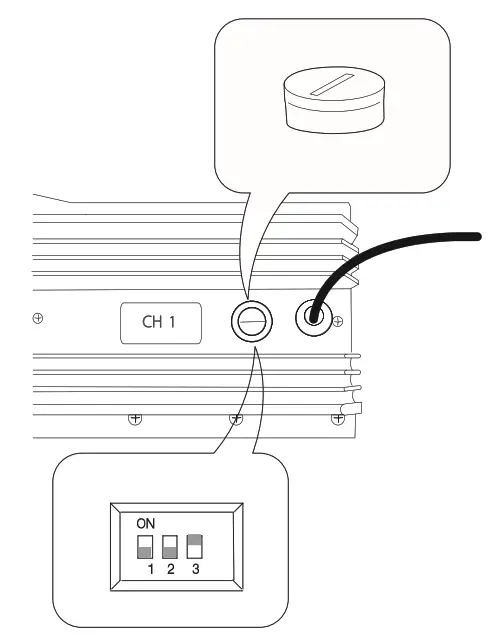
| Switch | Desired Setting |
| 1 | Off |
| 2 | Don’t care |
| 3 | On |
© TKH Security B.V. 2021 | Version 2.0 (20210719) | UP-IR200 QSG