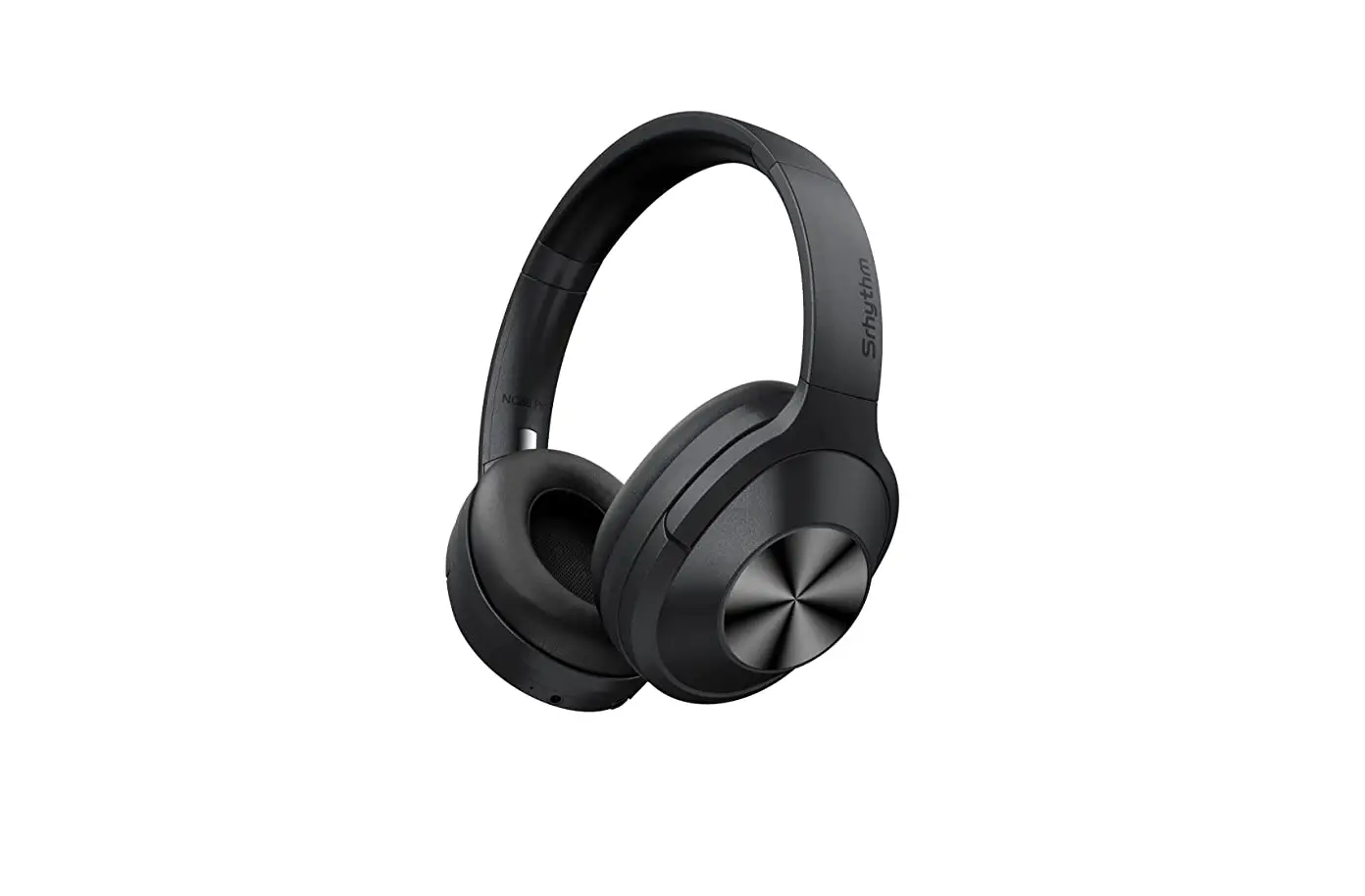

Srhythm Nc75 Pro Noise Cancelling Wireless Headphones User Guide

Srhythm Nc75 Pro Noise Cancelling Wireless Headphones User Guide

Srhythm-LOGO

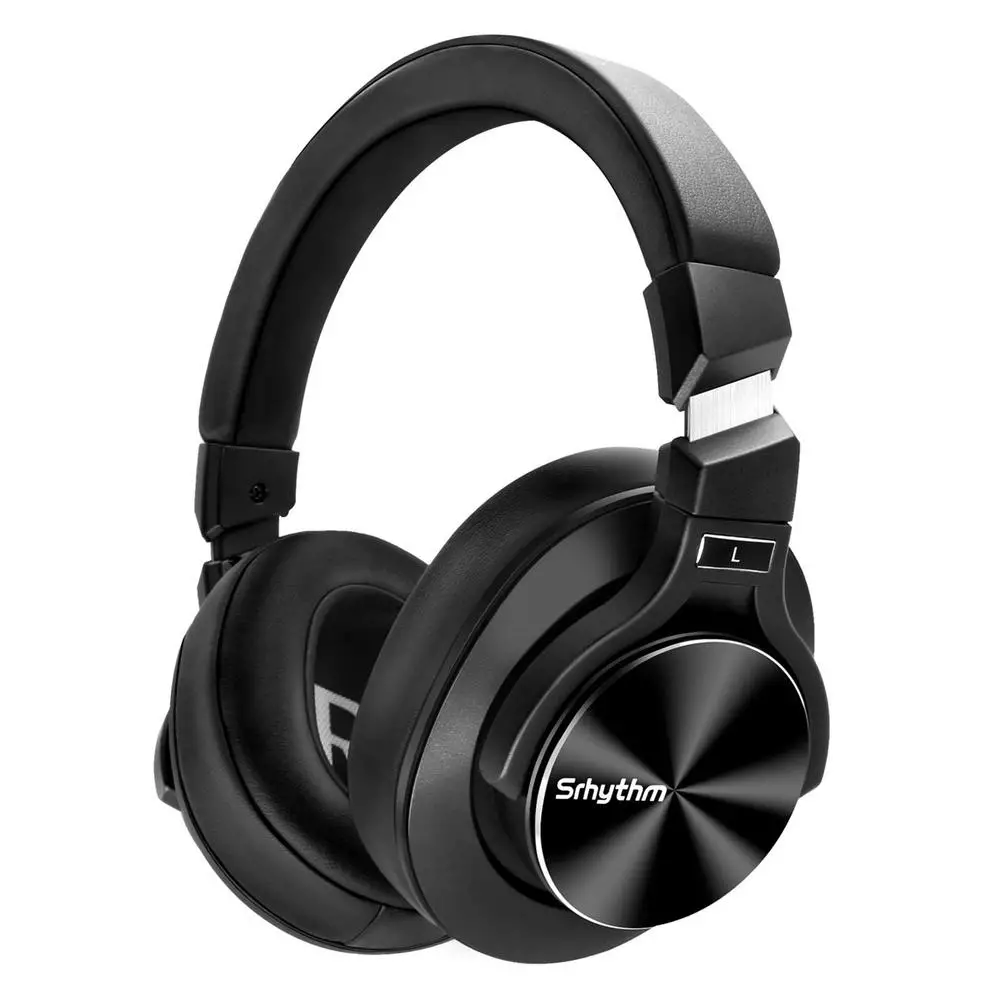
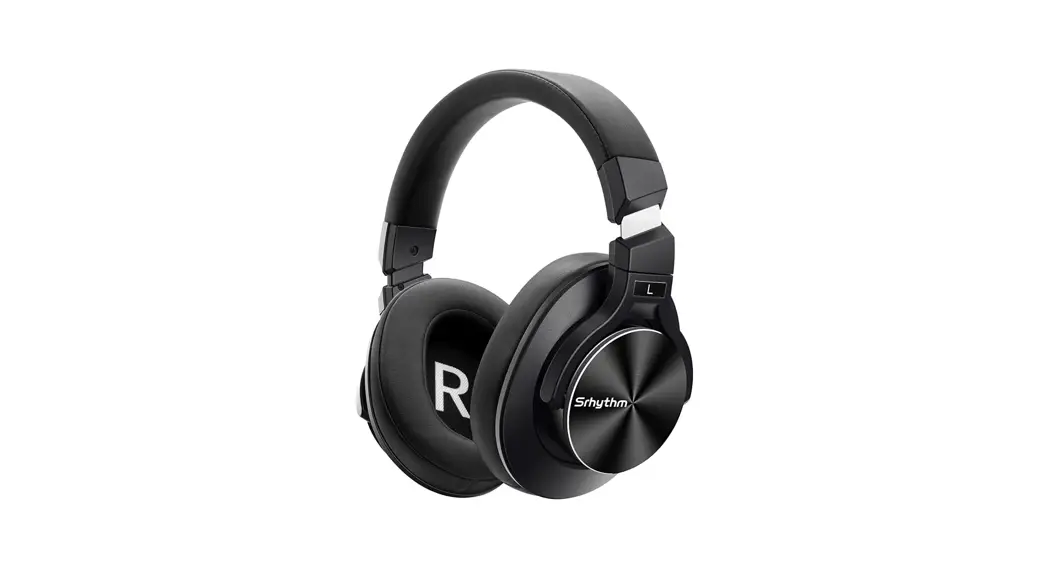
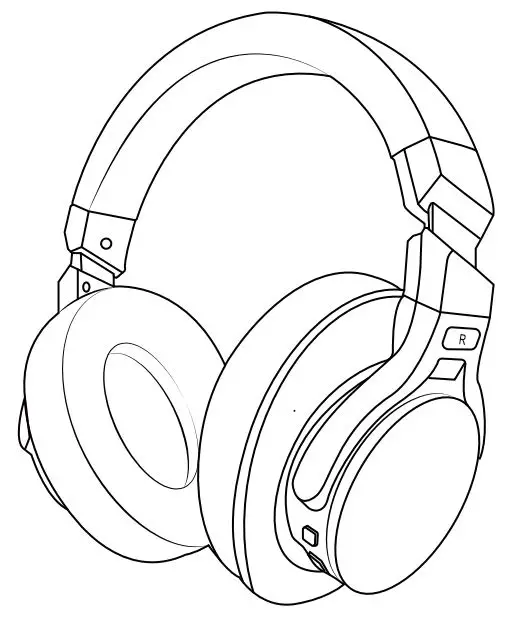
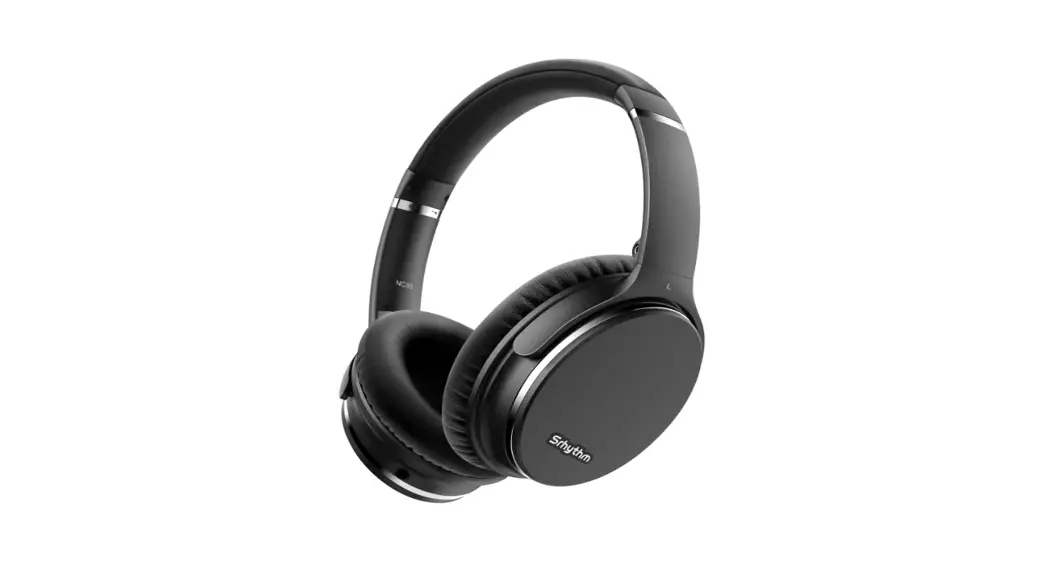
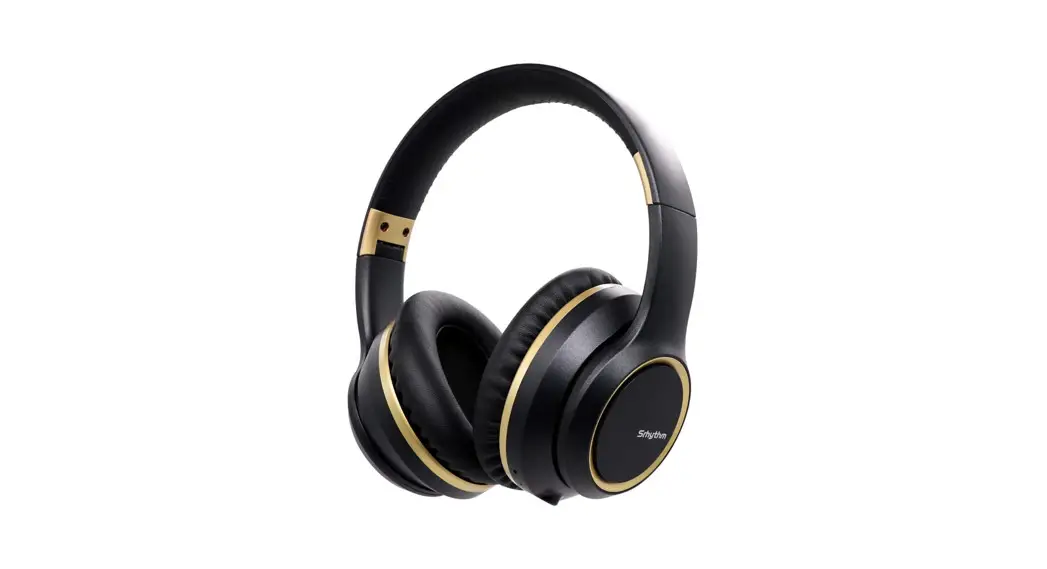
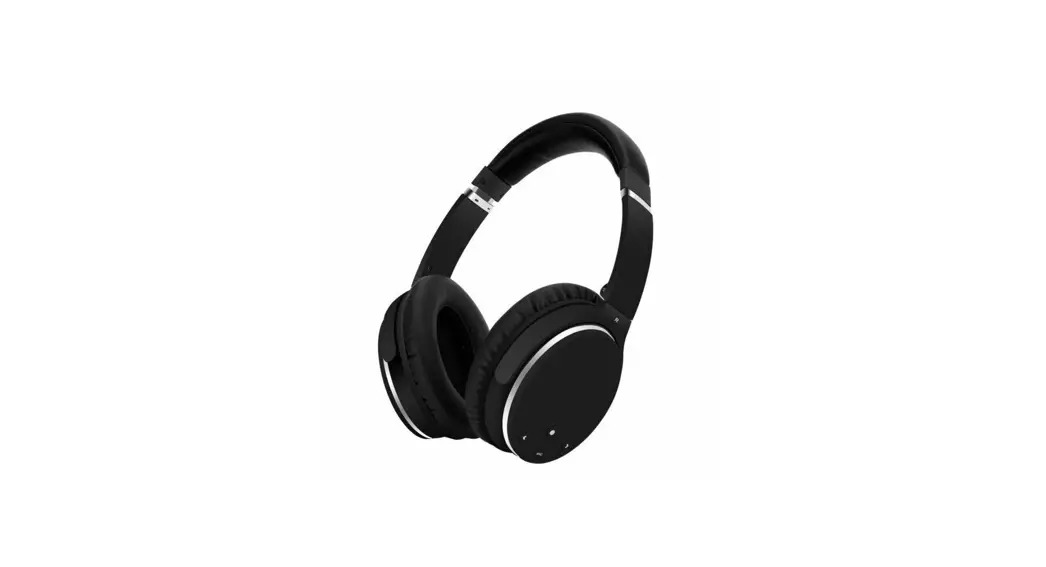
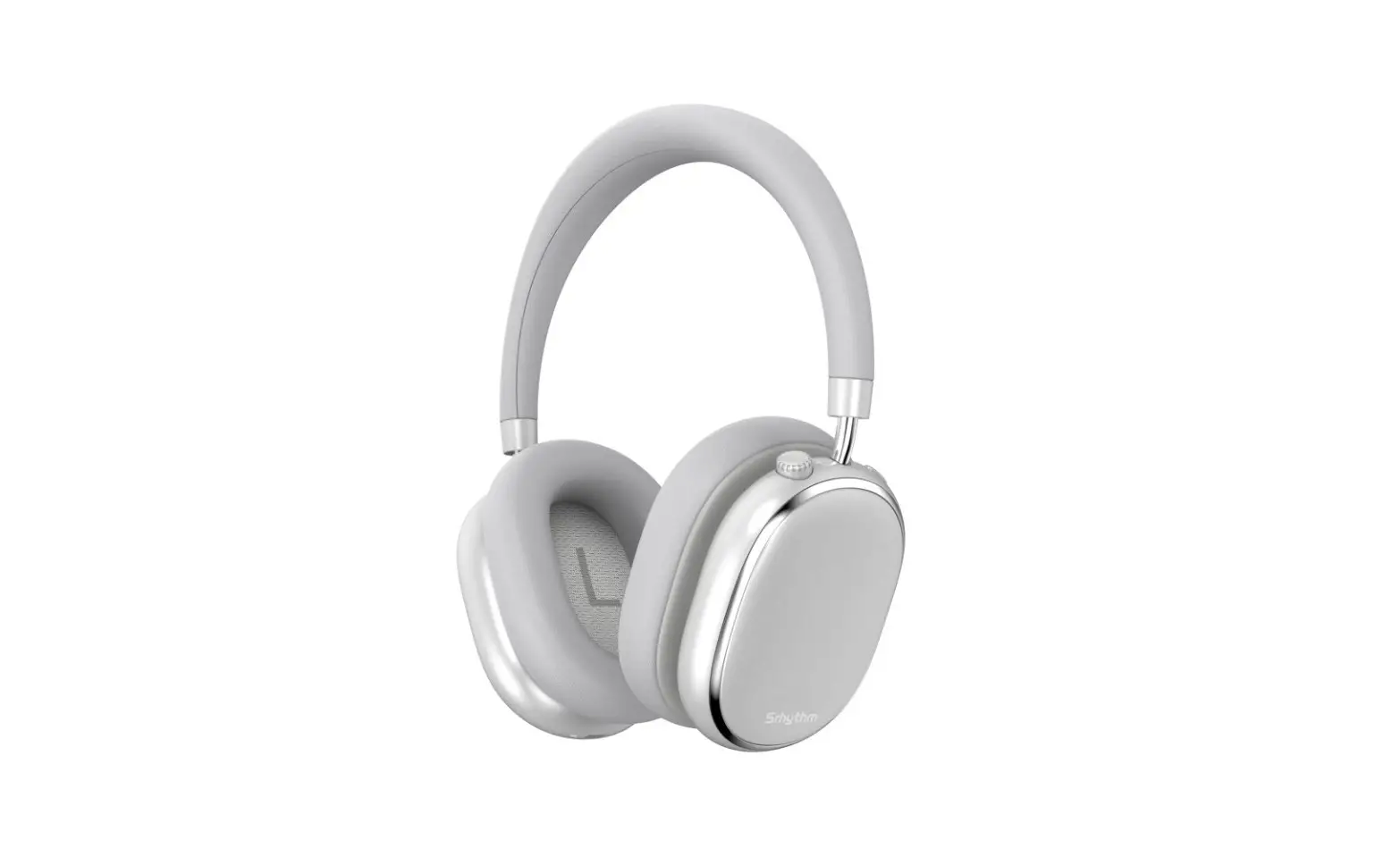
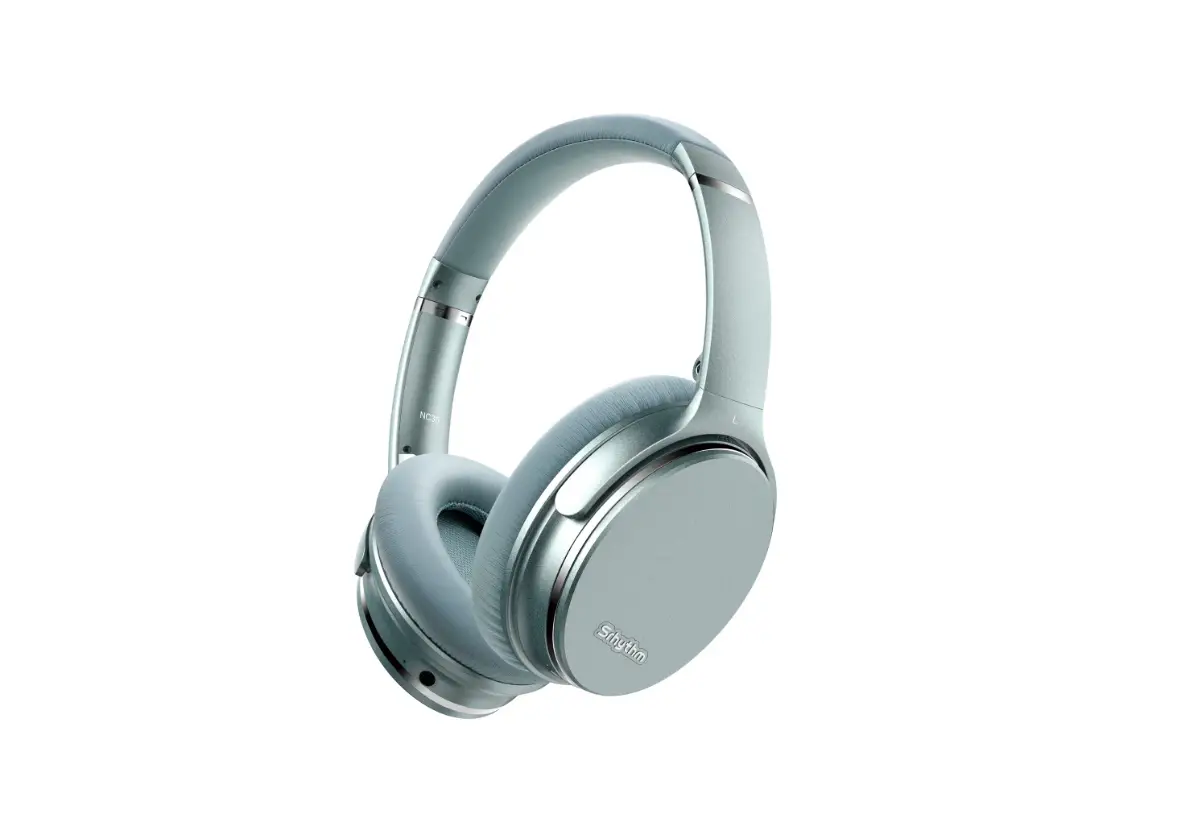
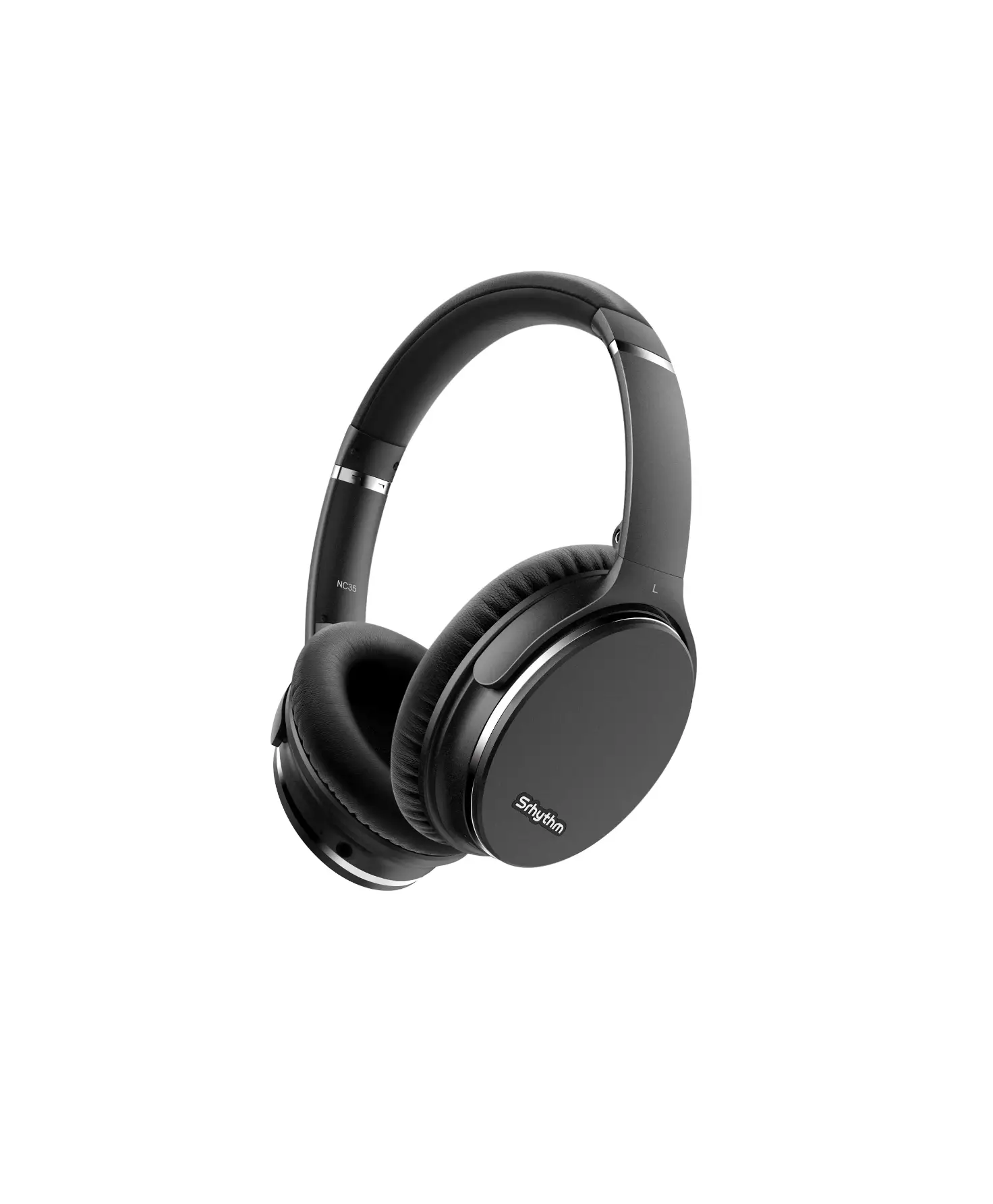
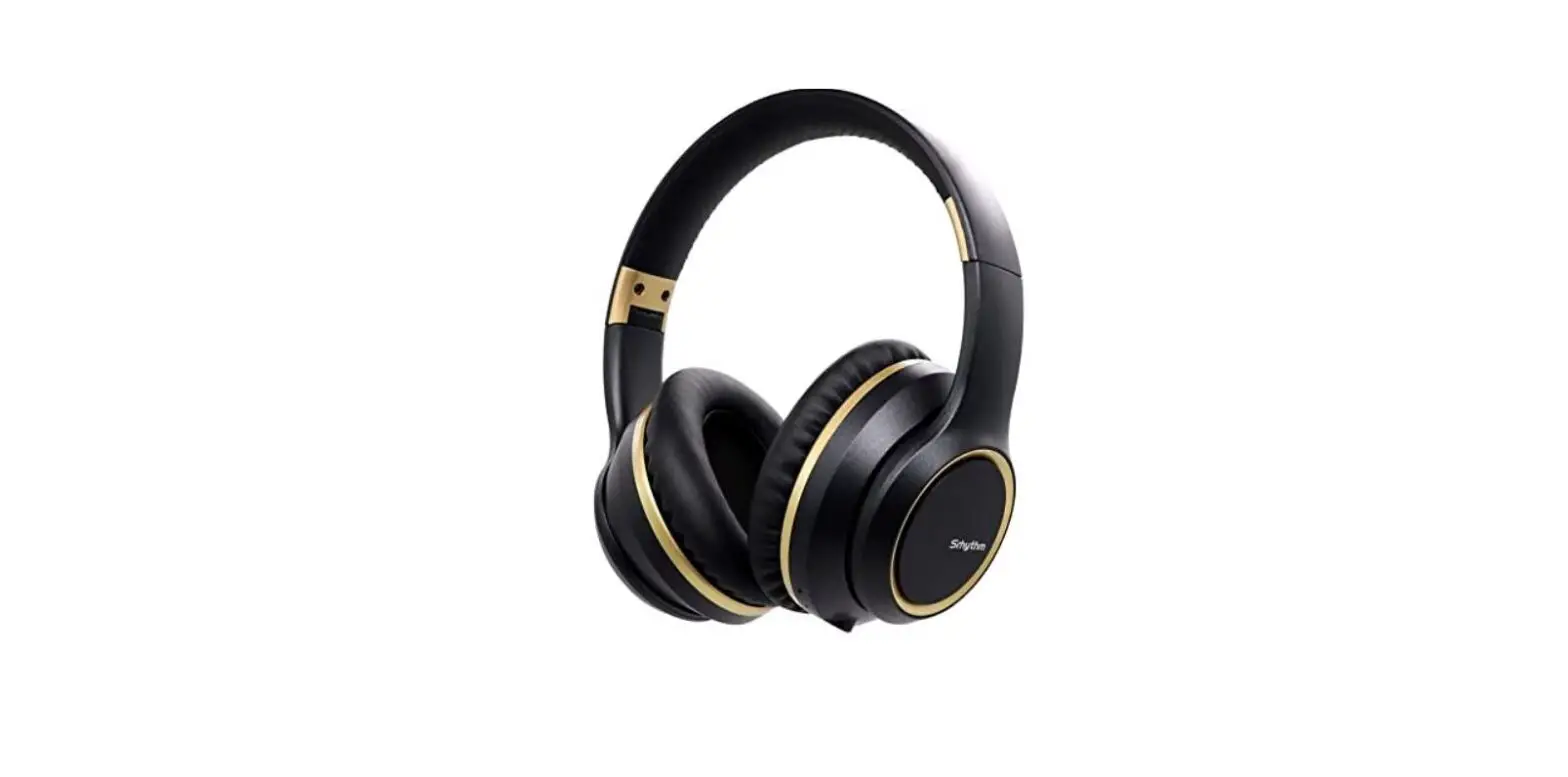
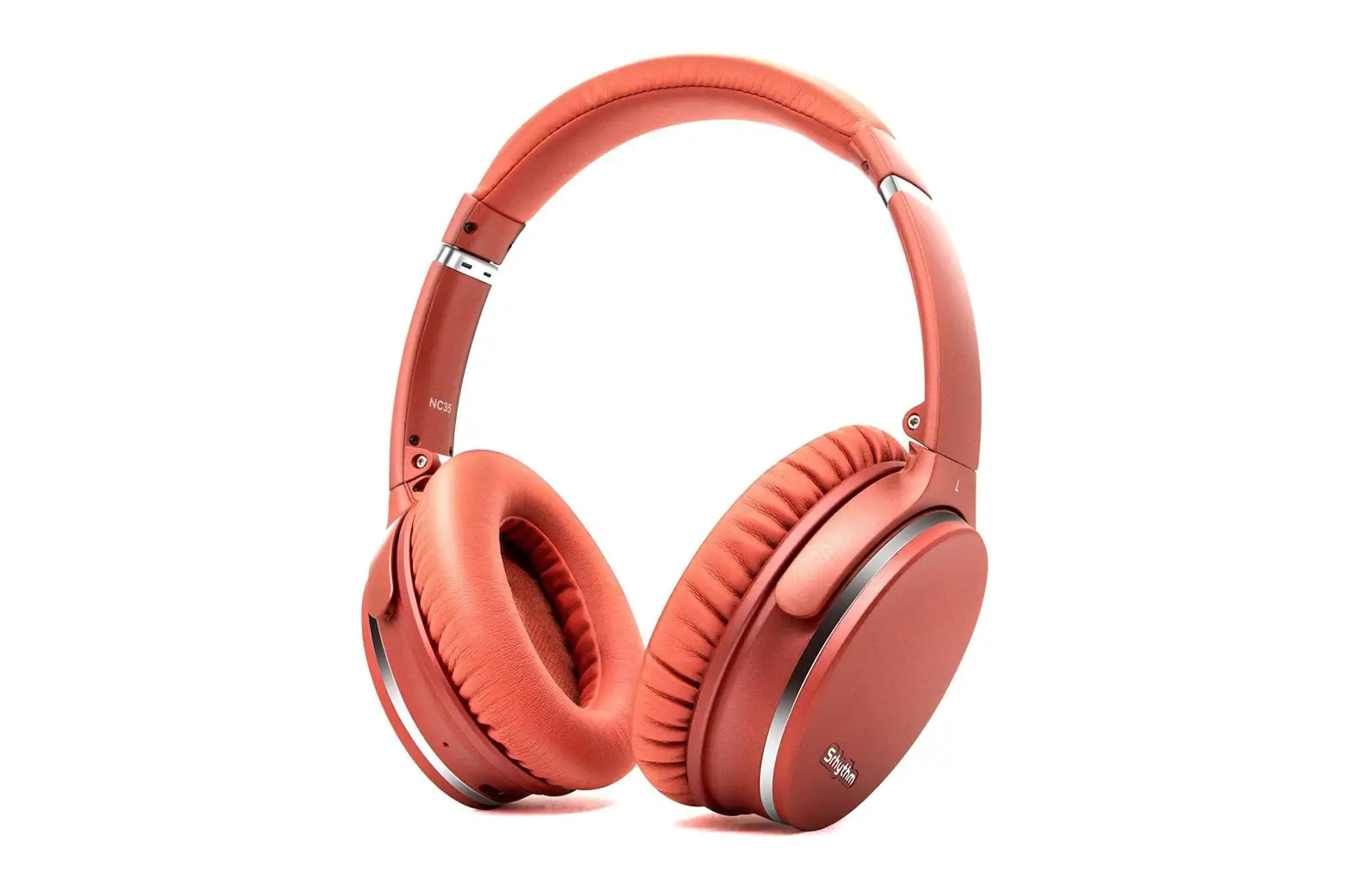
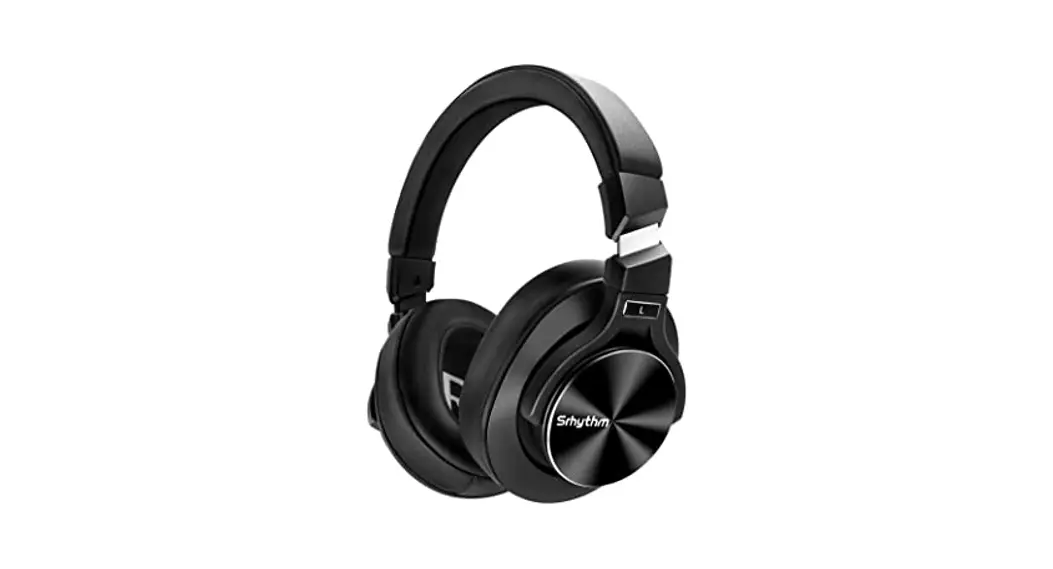
Srhythm NC75 Pro Noise Cancelling Wireless Headphones
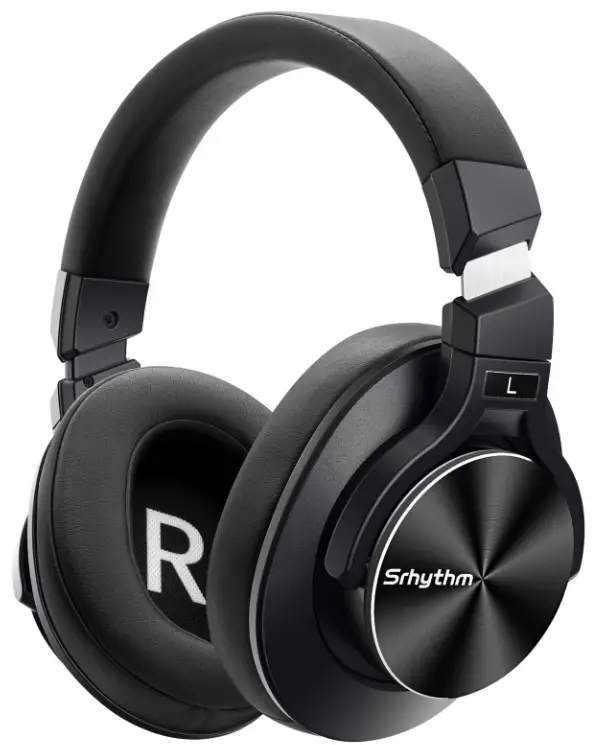
Srhythm-NC75-Pro-Noise-Cancelling-Wireless-Headphones-PRODUCT

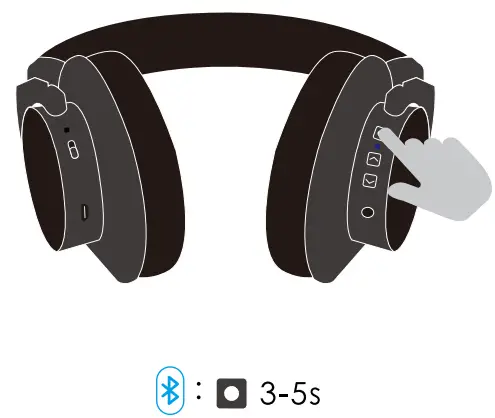
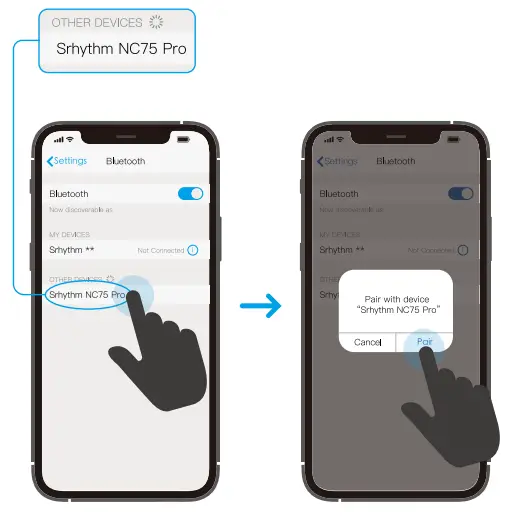
BLUETOOTH PAIRING

Srhythm-NC75-Pro-Noise-Cancelling-Wireless-Headphones-FIG-1

Srhythm-NC75-Pro-Noise-Cancelling-Wireless-Headphones-FIG-2

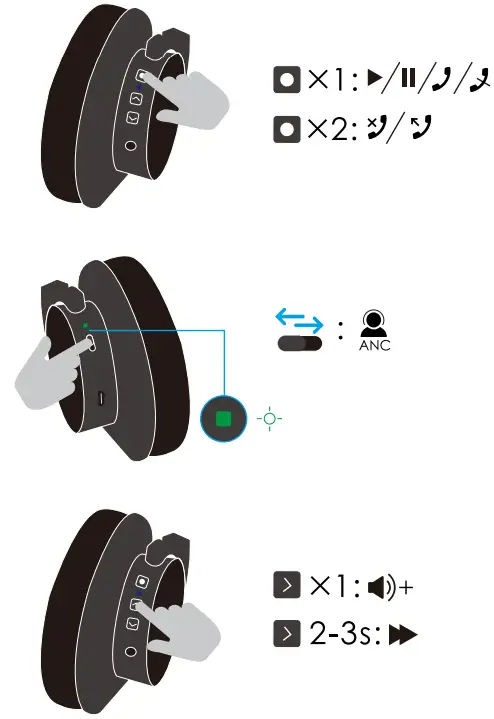
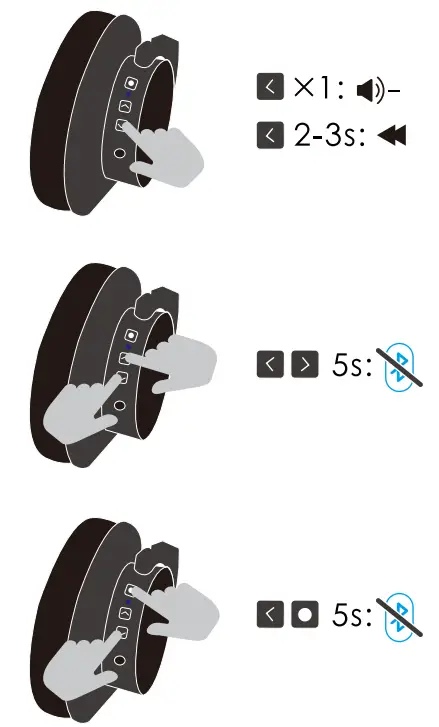
BUTTONS USINGS

Srhythm-NC75-Pro-Noise-Cancelling-Wireless-Headphones-FIG-3

Srhythm-NC75-Pro-Noise-Cancelling-Wireless-Headphones-FIG-4

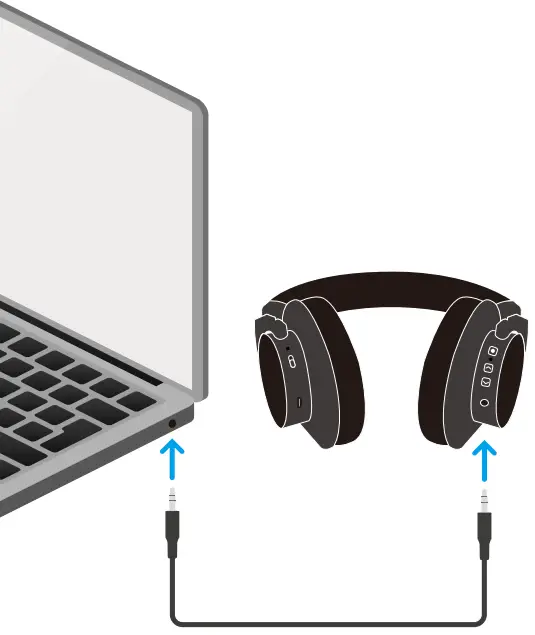
CONNECTIONS

Srhythm-NC75-Pro-Noise-Cancelling-Wireless-Headphones-FIG-5

Srhythm-NC75-Pro-Noise-Cancelling-Wireless-Headphones-FIG-6

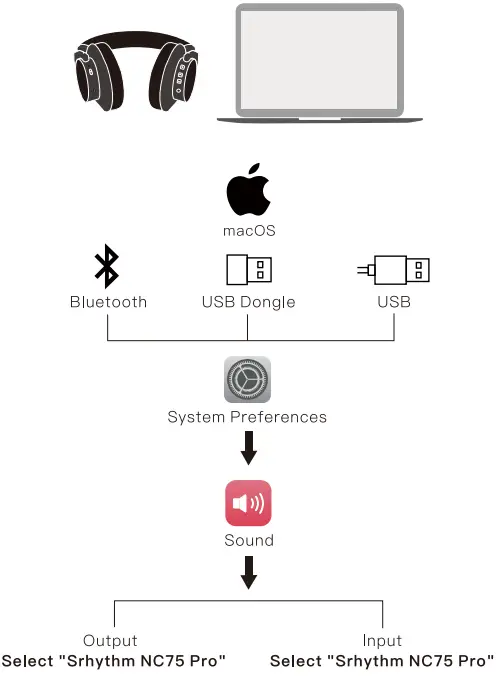
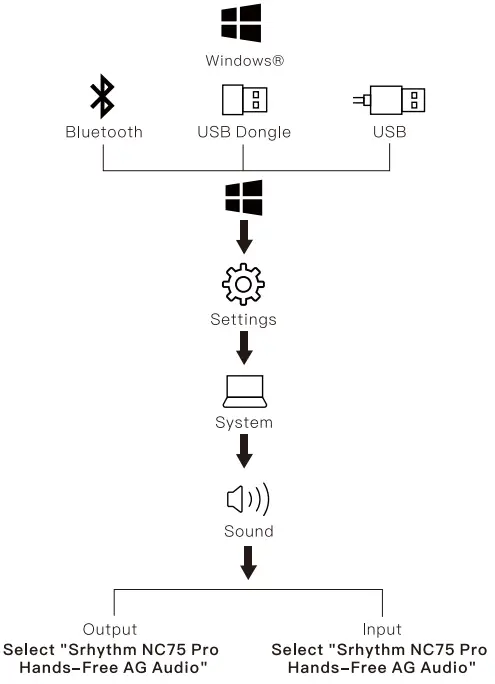
CONNECT WITH YOUR PC

Srhythm-NC75-Pro-Noise-Cancelling-Wireless-Headphones-FIG-8

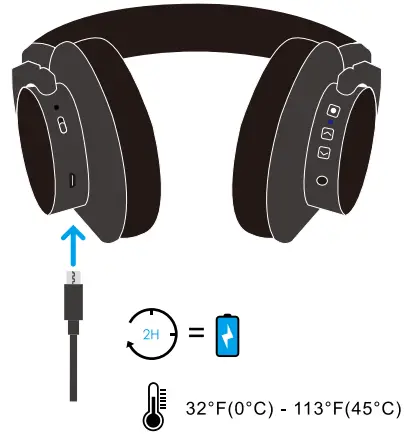
BATTERY

Srhythm-NC75-Pro-Noise-Cancelling-Wireless-Headphones-FIG-7

SCAN

Scan to Download

Srhythm-NC75-Pro-Noise-Cancelling-Wireless-Headphones-FIG-9

WARNING: If any part of your product is damaged, do not use it. Contact your authorized Srhythm dealer or Srhythm customer services.
[email protected]

Documents / Resouces

Download manual
Here you can download full pdf version of manual, it may contain additional safety instructions, warranty information, FCC rules, etc.


Related Manuals