 Dell RCC 4.4 Rugged Control Center
Product Information: Dell Rugged LAT Falcon
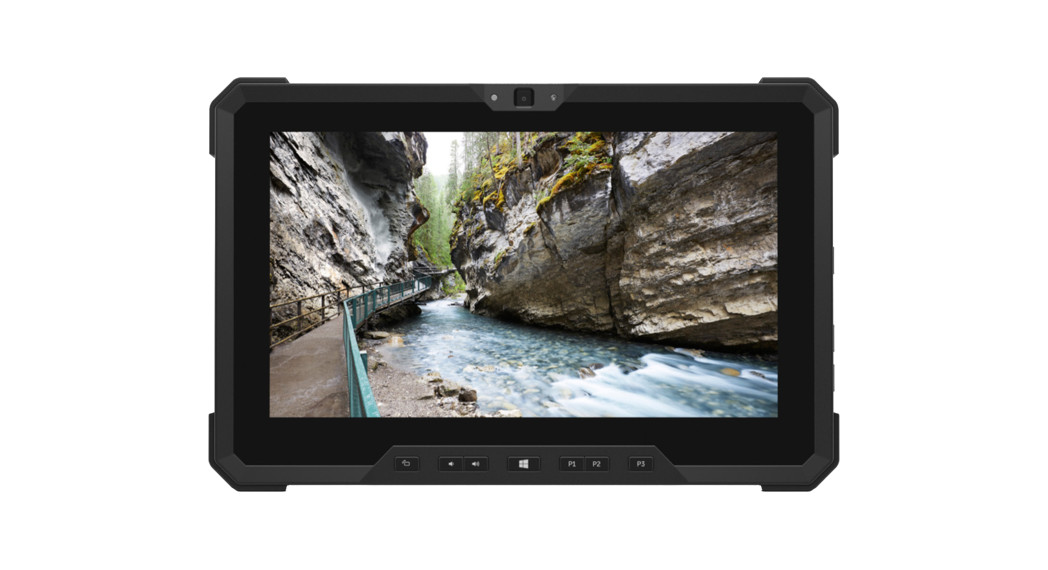
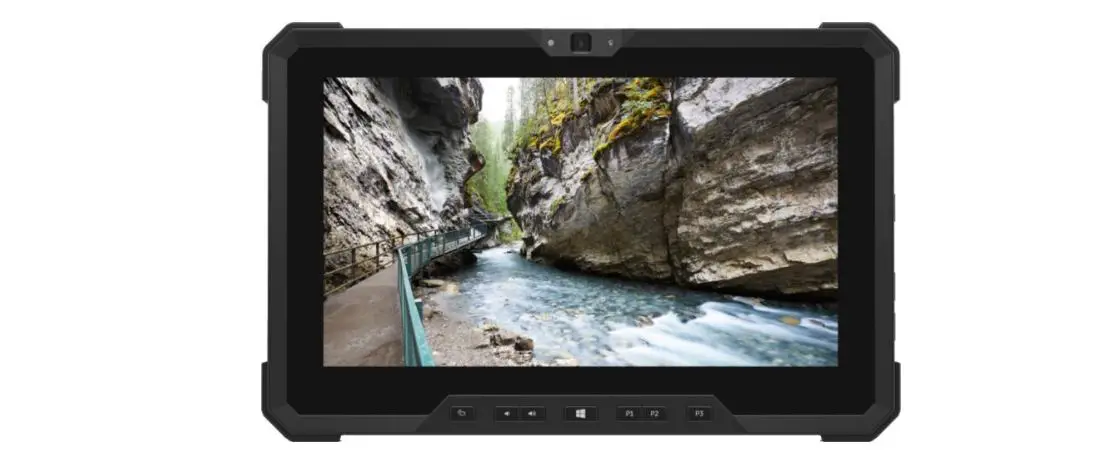
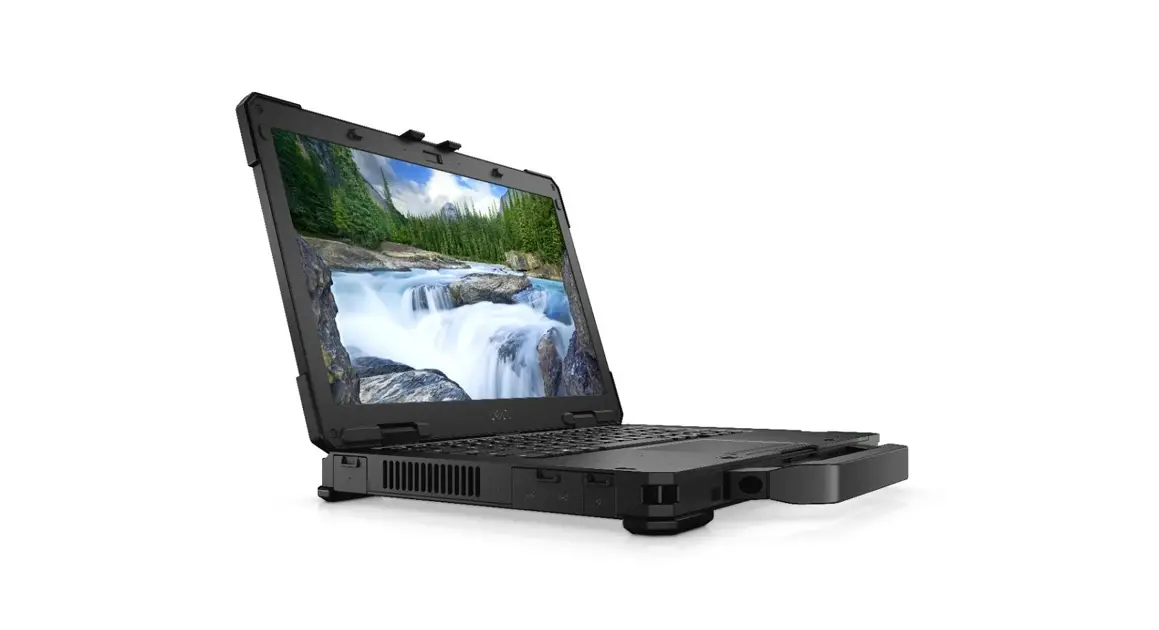
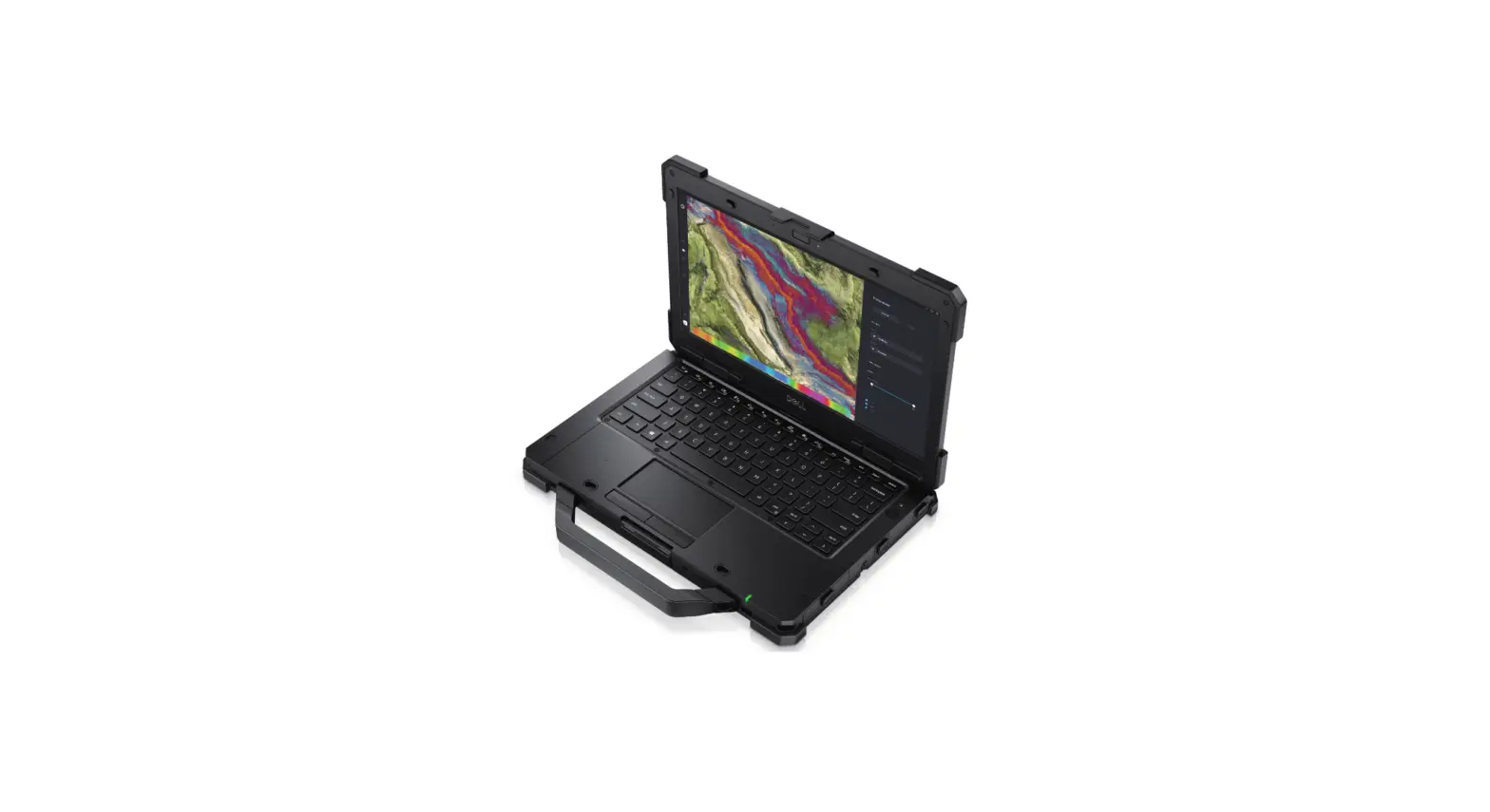
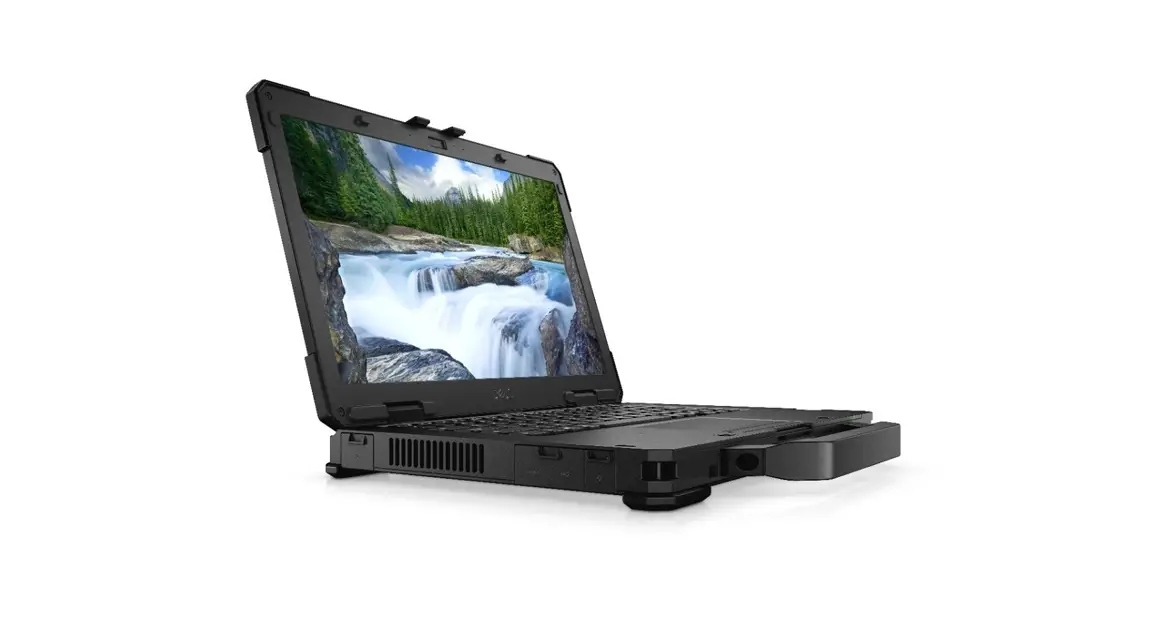
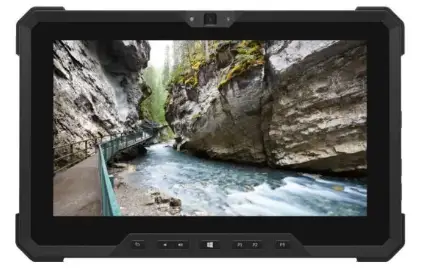
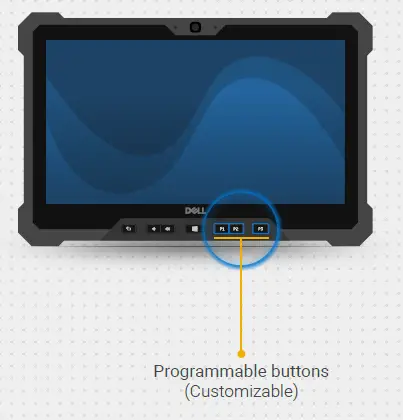
The Dell Rugged LAT Falcon is a durable and customizable control center designed to provide quick access to frequently used tools and features. It features programmable buttons and customizable edge menus that can be easily configured to suit the user’s specific needs. The device is manufactured by Dell Inc. or its subsidiaries and comes with a quick setup guide.
Customizing using RCC
The Dell Rugged LAT Falcon can be customized using the Rugged Control Center (RCC). The following customization options are available :
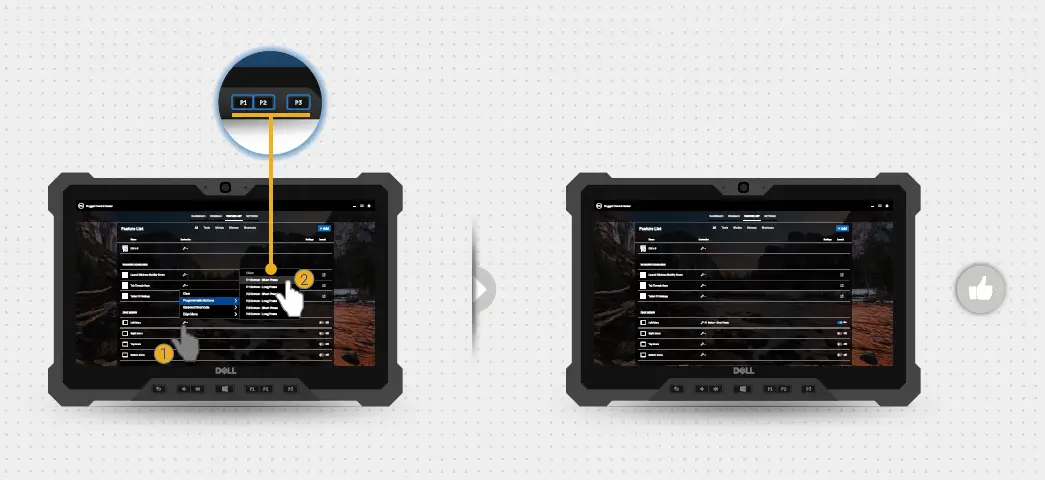
- Programmable buttons (Customizable)
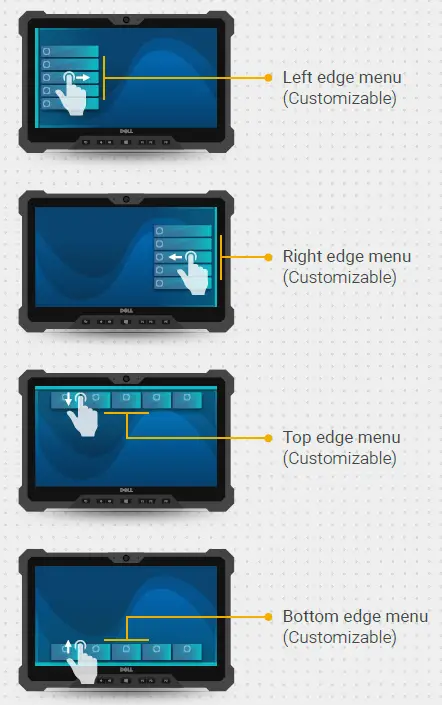
- Left edge menu (Customizable)
- Right edge menu (Customizable)
- Top edge menu (Customizable)
- Bottom edge menu (Customizable)
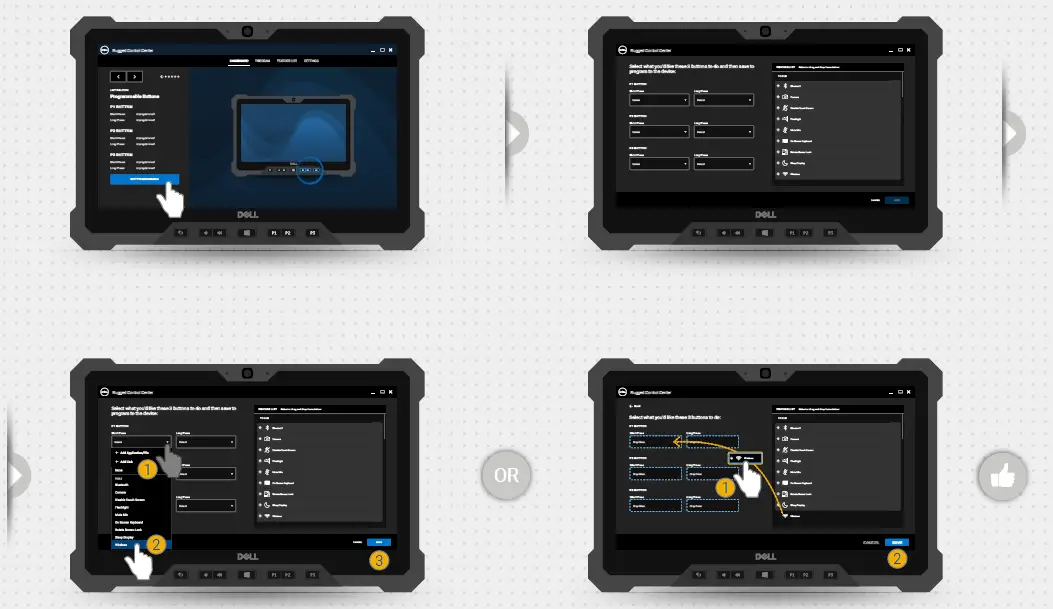
To program a button using the RCC dashboard, follow these steps:
- Select the “EDIT PROGRAMMING” option from the dashboard.
- Select the button you want to program (P1, P2, or P3).
- Select the action you want the button to perform for a short press and a long press.
- Select or drag and drop items from the feature list to customize the button’s functionality.
- Save your changes by selecting the “SAVE” option.
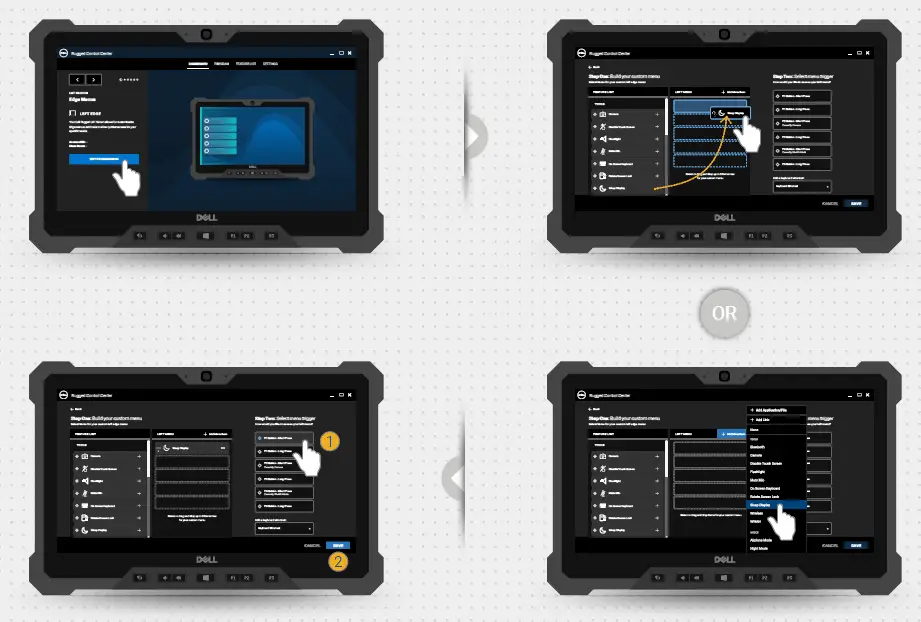
To customize an edge menu, follow these steps:
- Select the “EDIT PROGRAMMING” option from the dashboard.
- Select the edge menu you want to customize (left, right, top, or bottom).
- Select the items you want to add to the menu from the feature list.
- Select the menu trigger for accessing the edge menu.
- Add a keyboard shortcut if desired.
- Save your changes by selecting the “SAVE” option.
Customizing using RCC
Customizing an edge menu
Customizing a keyboard shortcut
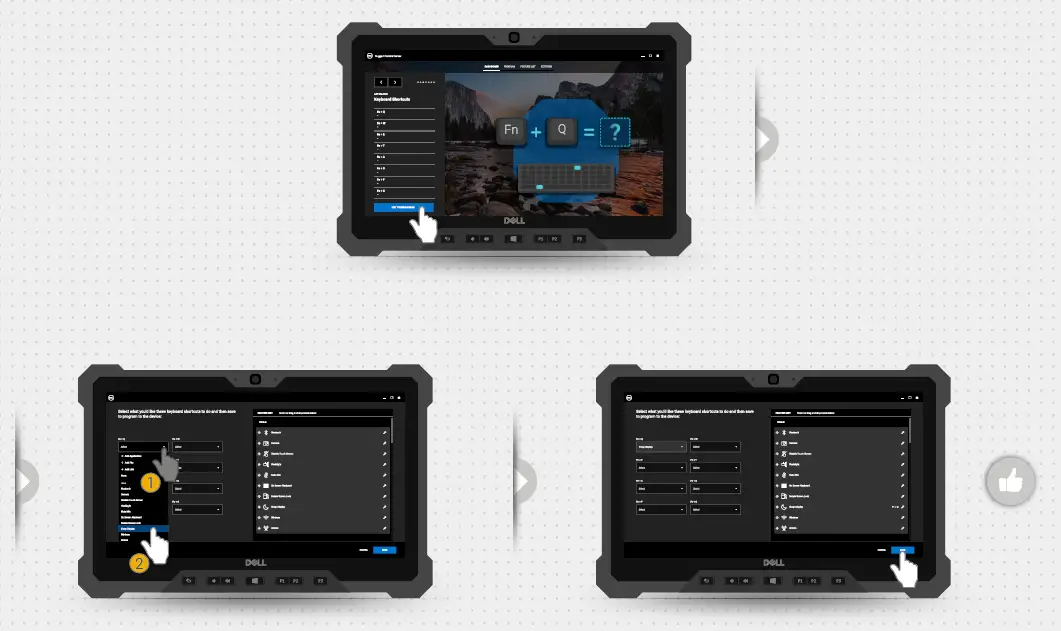
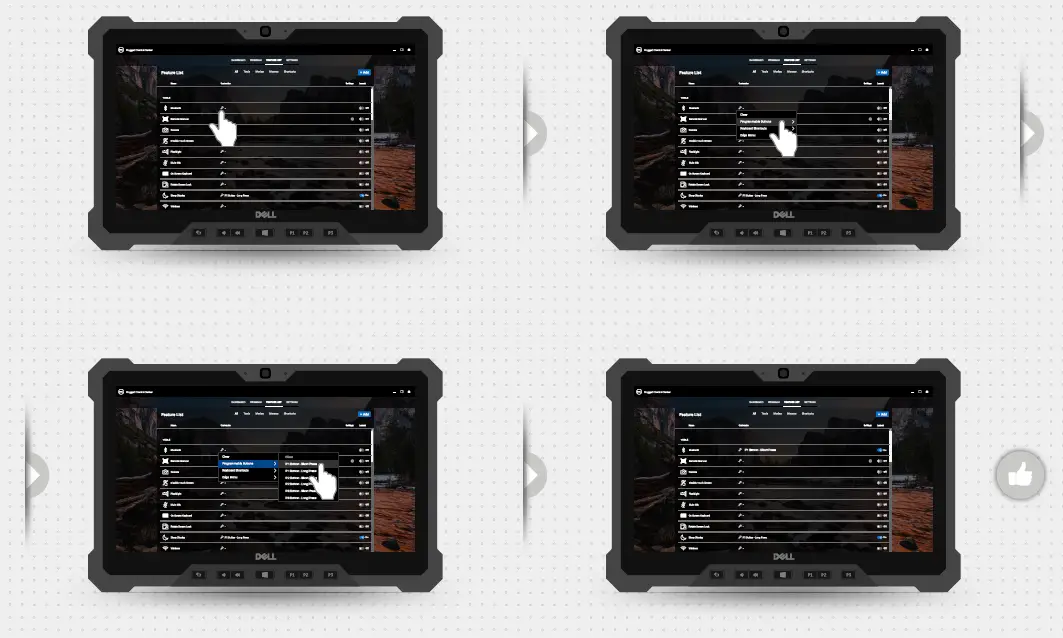
Adding an application from the feature list
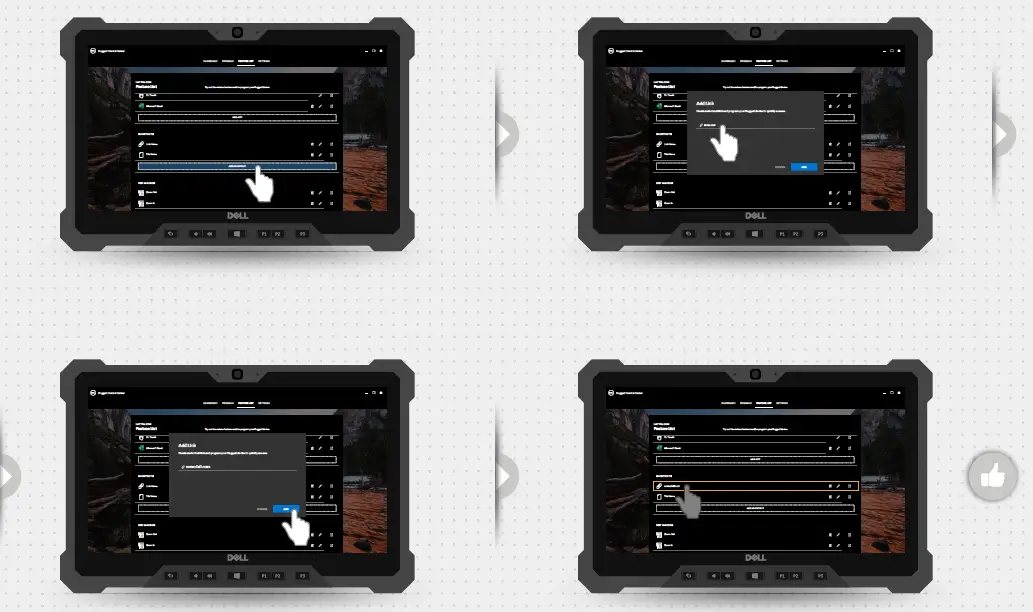
Adding a link from the feature list
Adding keyboard macros from the feature list
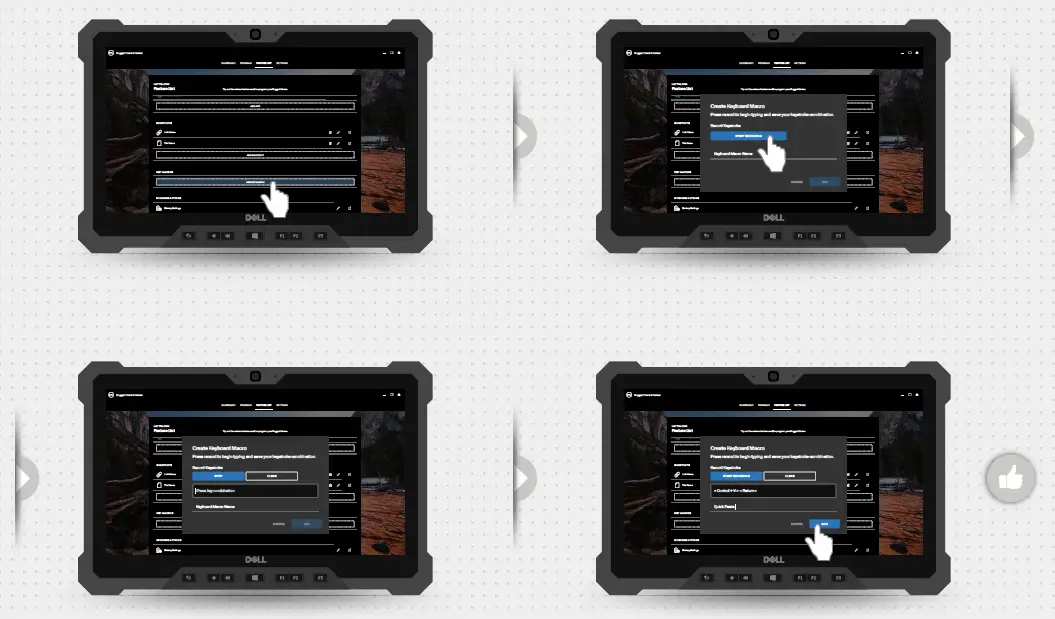
Adding edge menus to programmable buttons
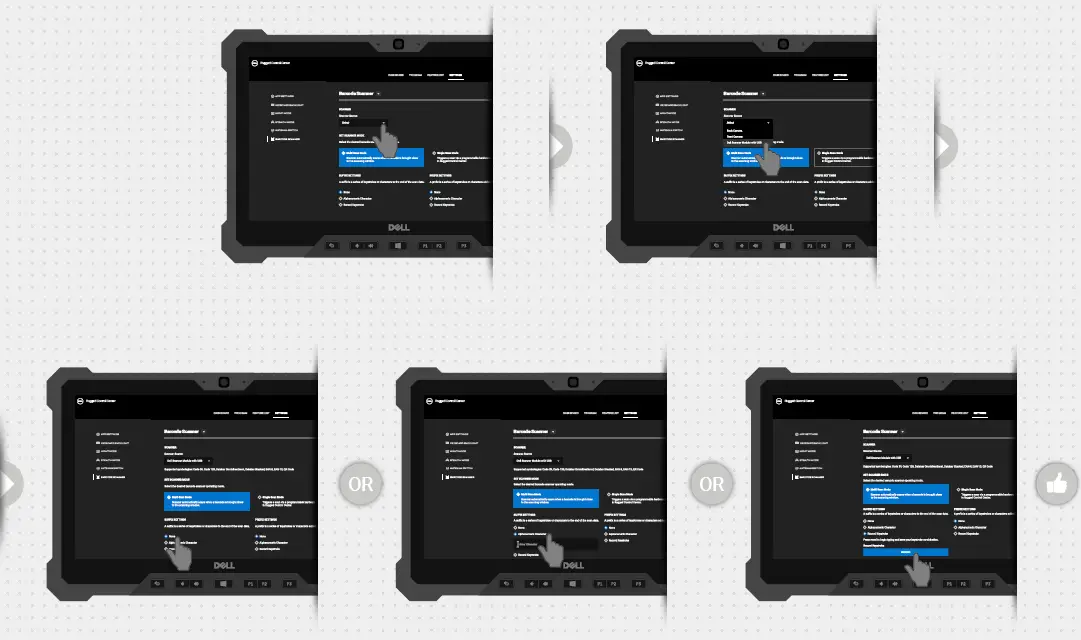
Setting up a barcode scanner
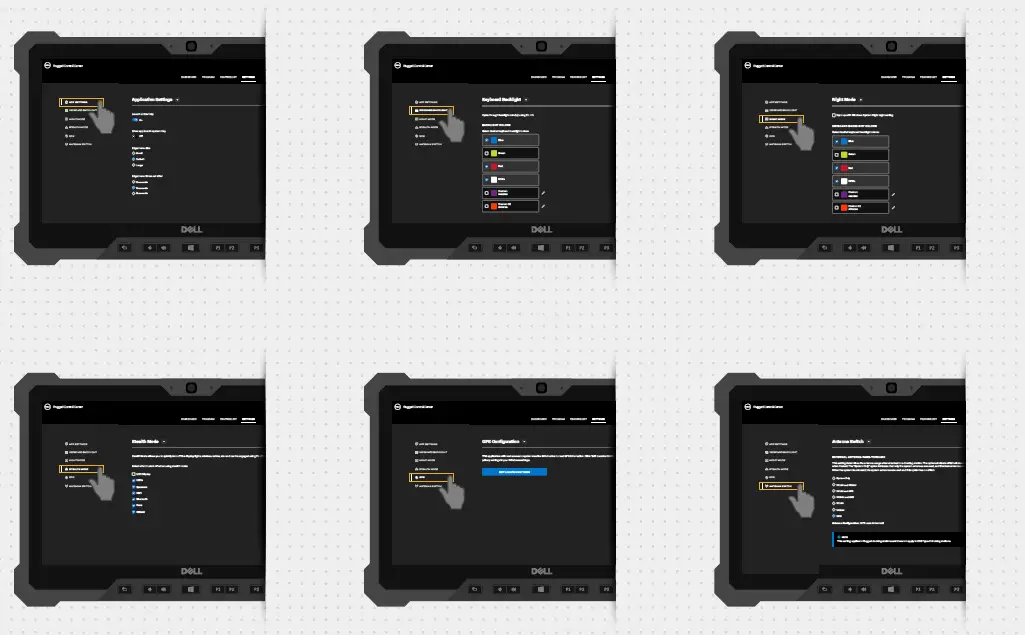
Settings overview
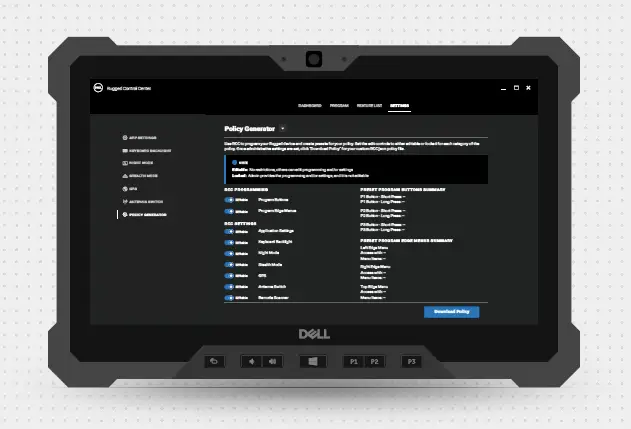
View policy generator
Rugged Control Center 4.4
2021-2022 Dell Inc. or its subsidiaries. All Rights Reserved. For more information on the Rugged Control Center, kindly visit www.dell.com/support
 Support | Dell US