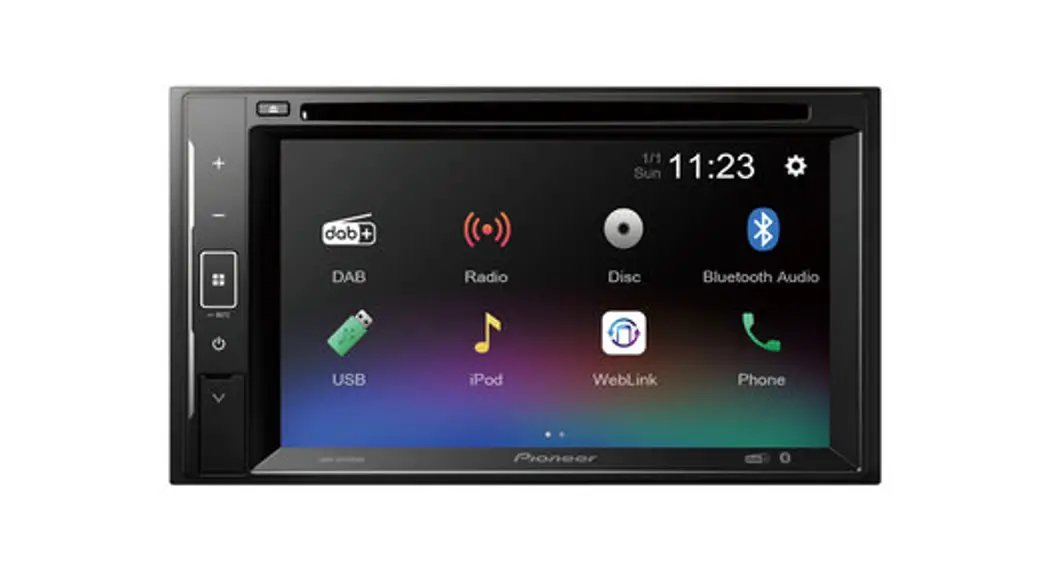
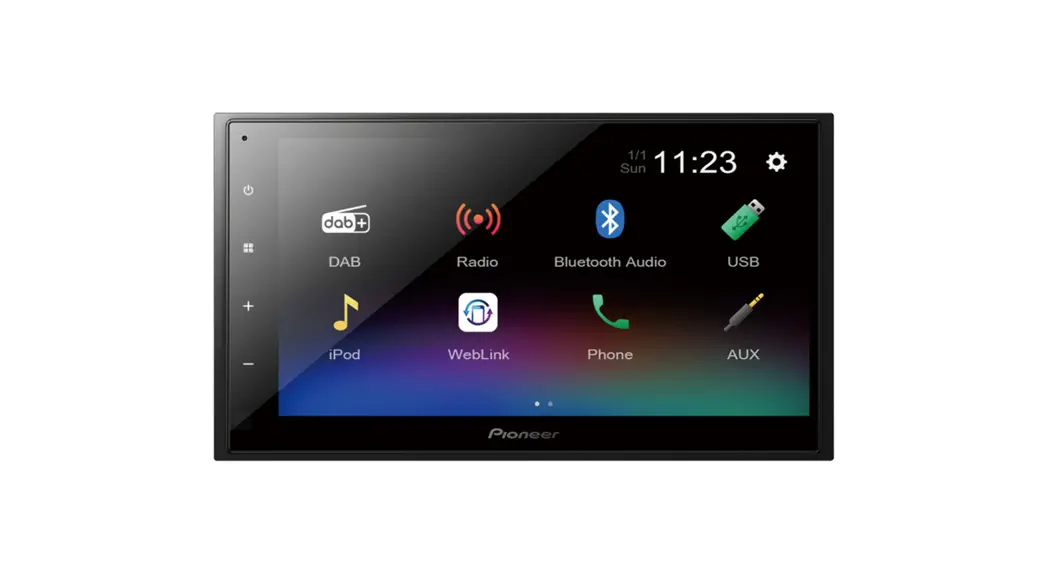
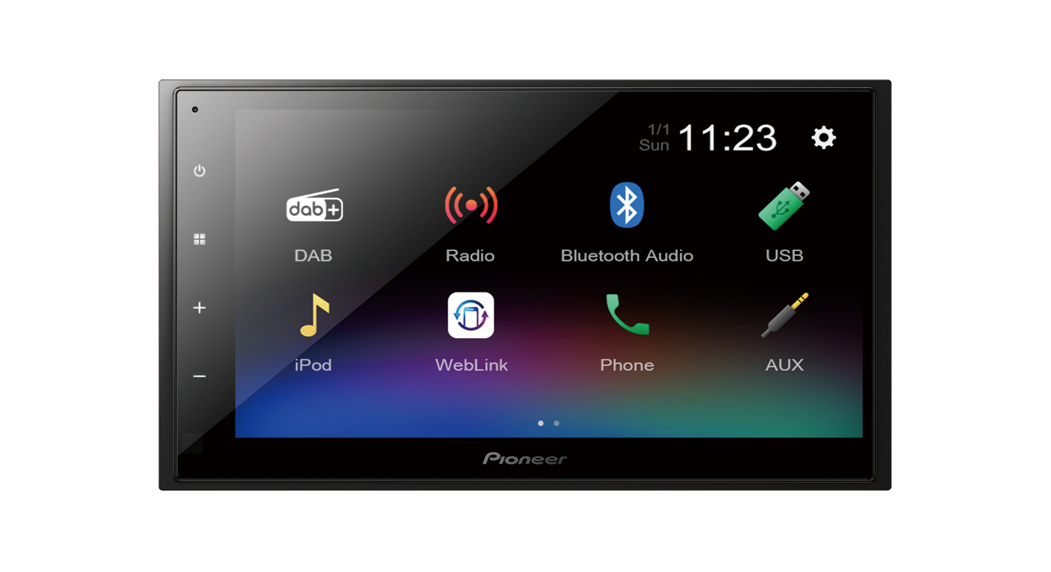
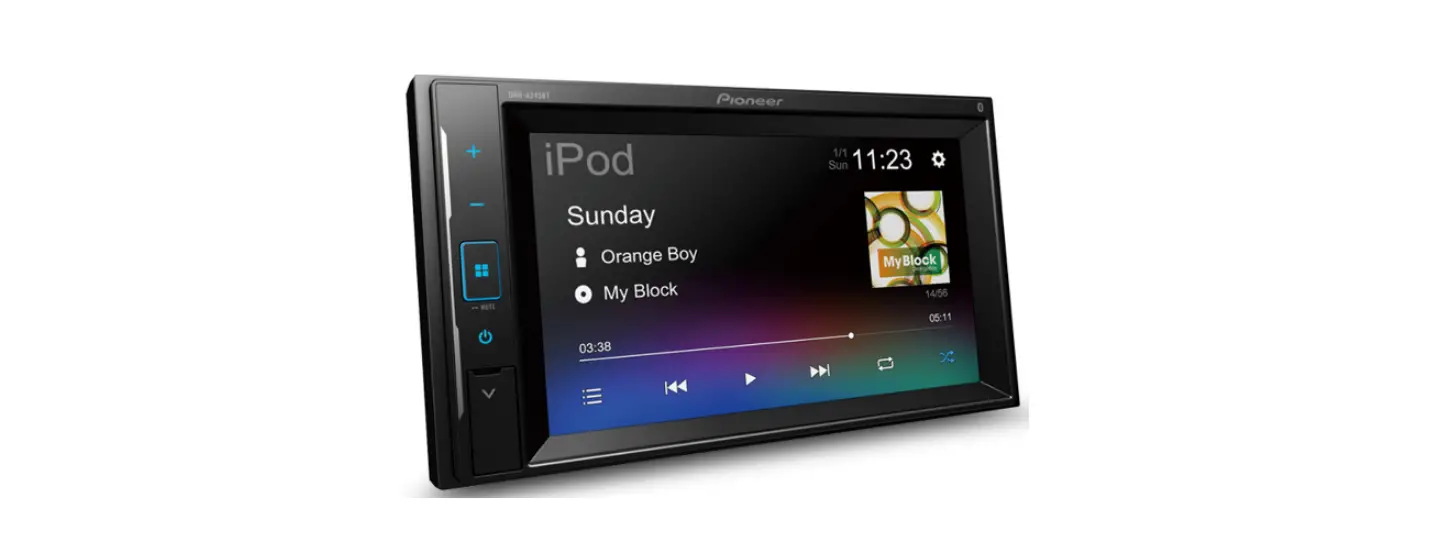
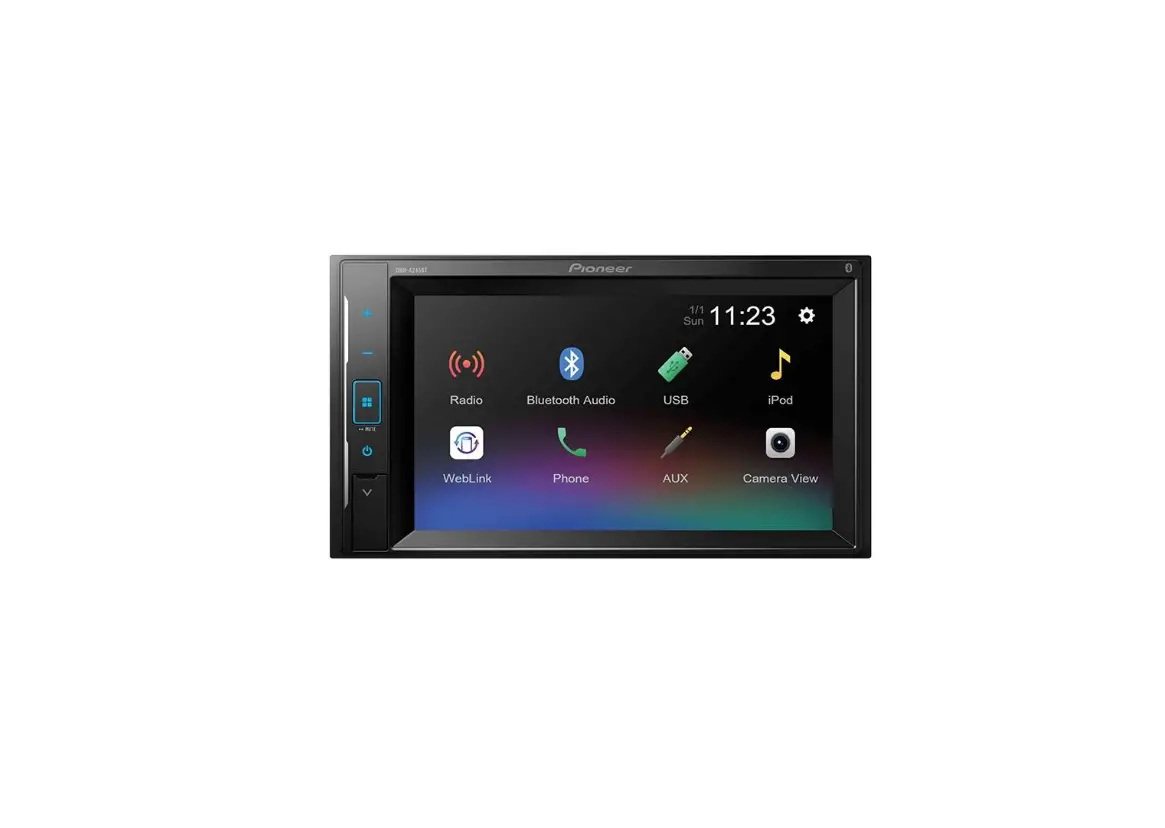
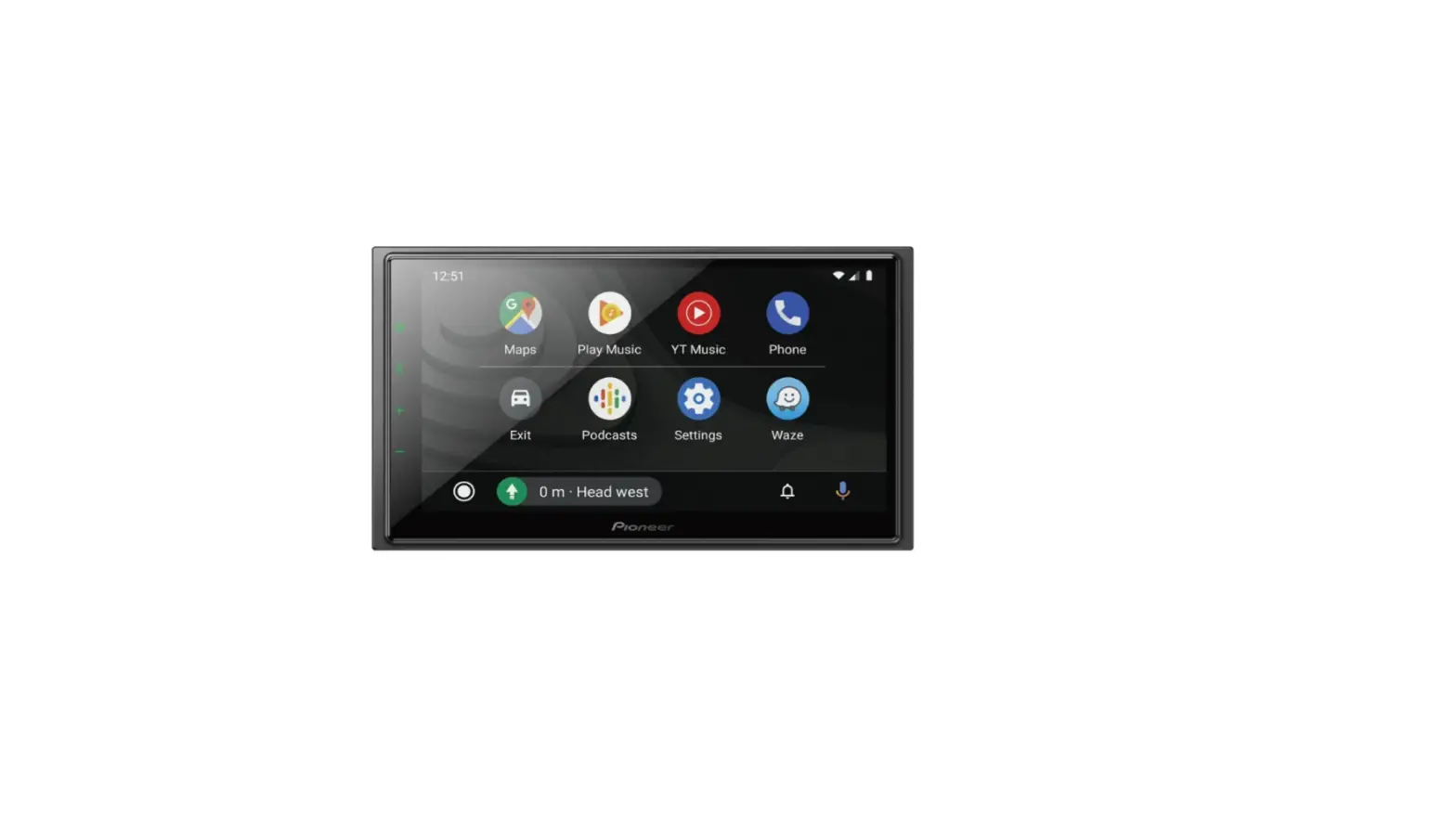
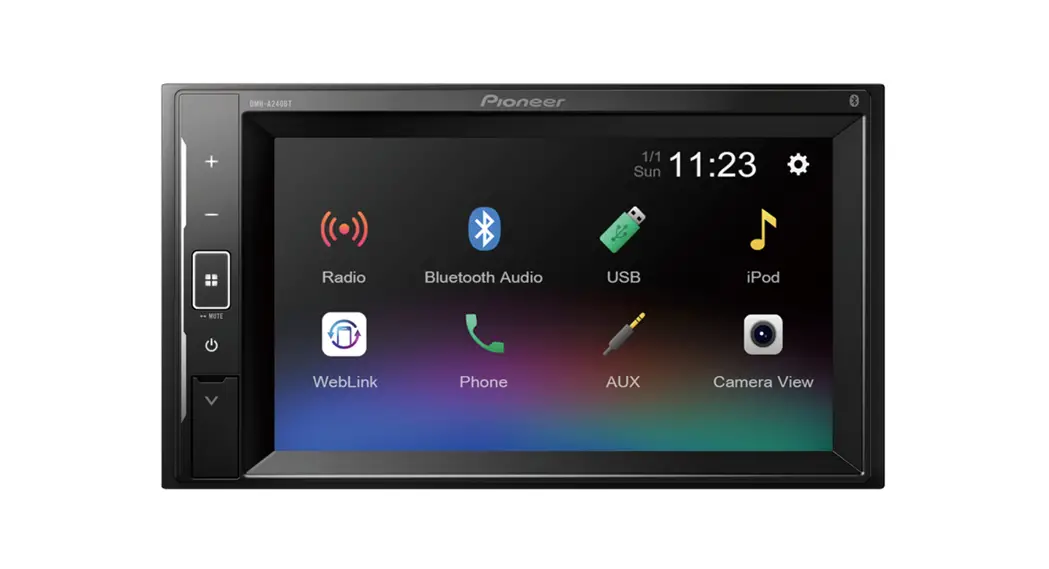
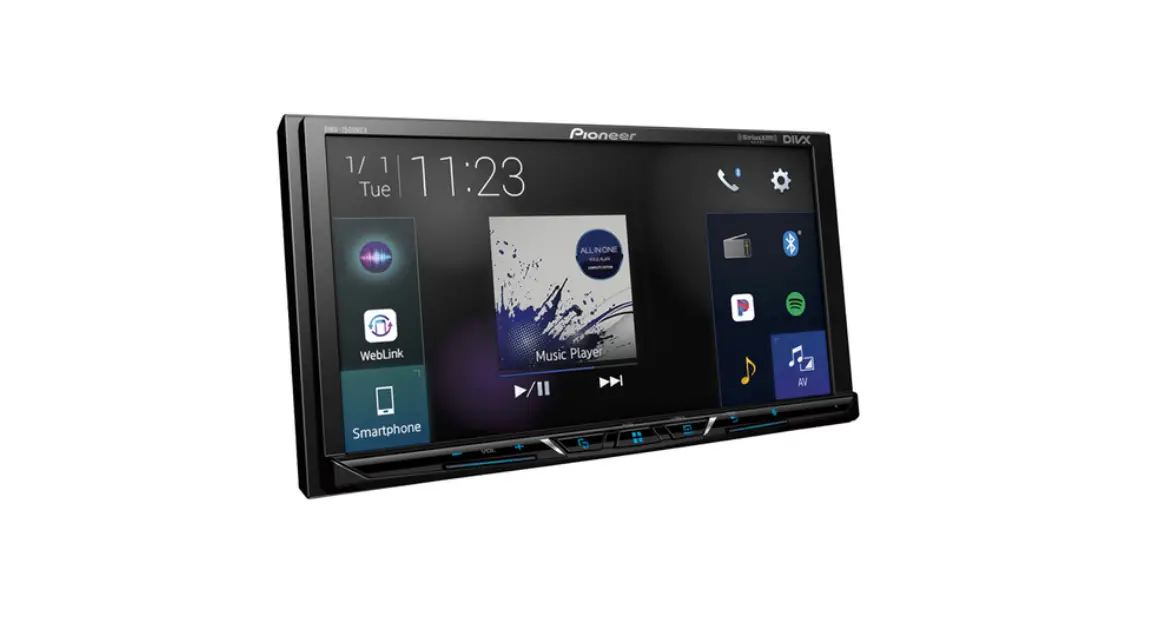
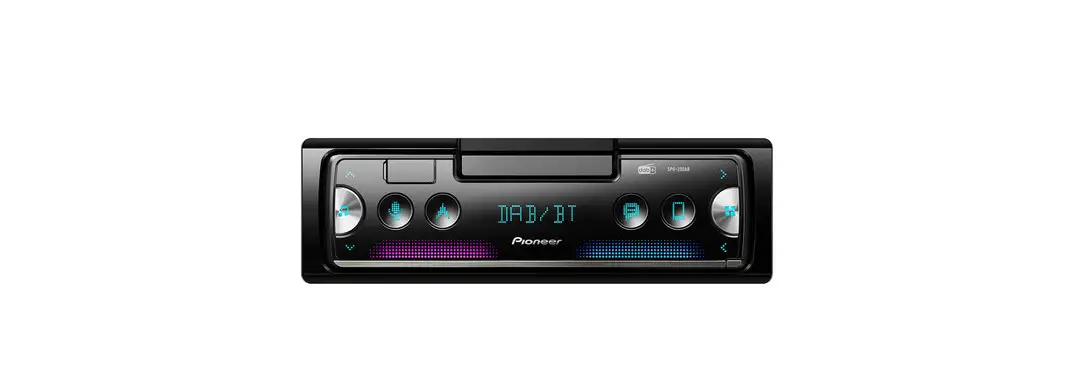
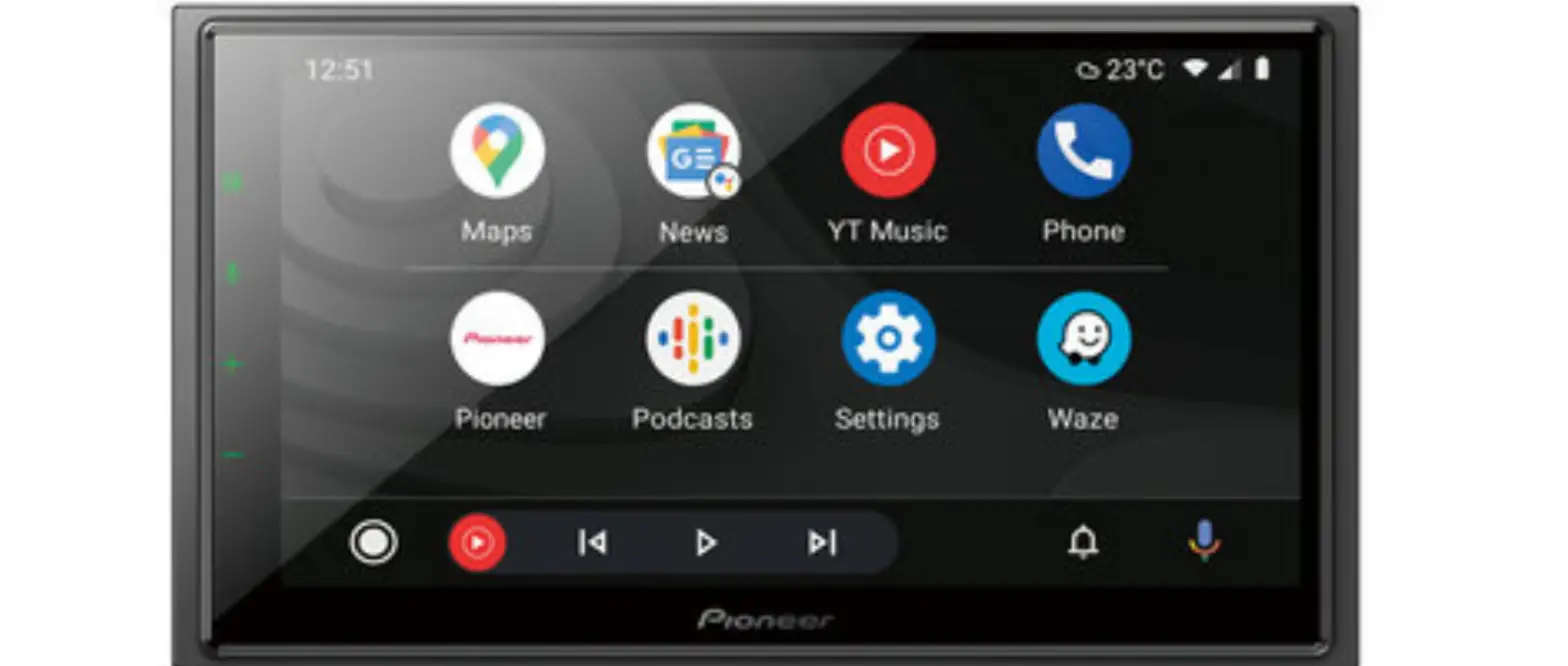
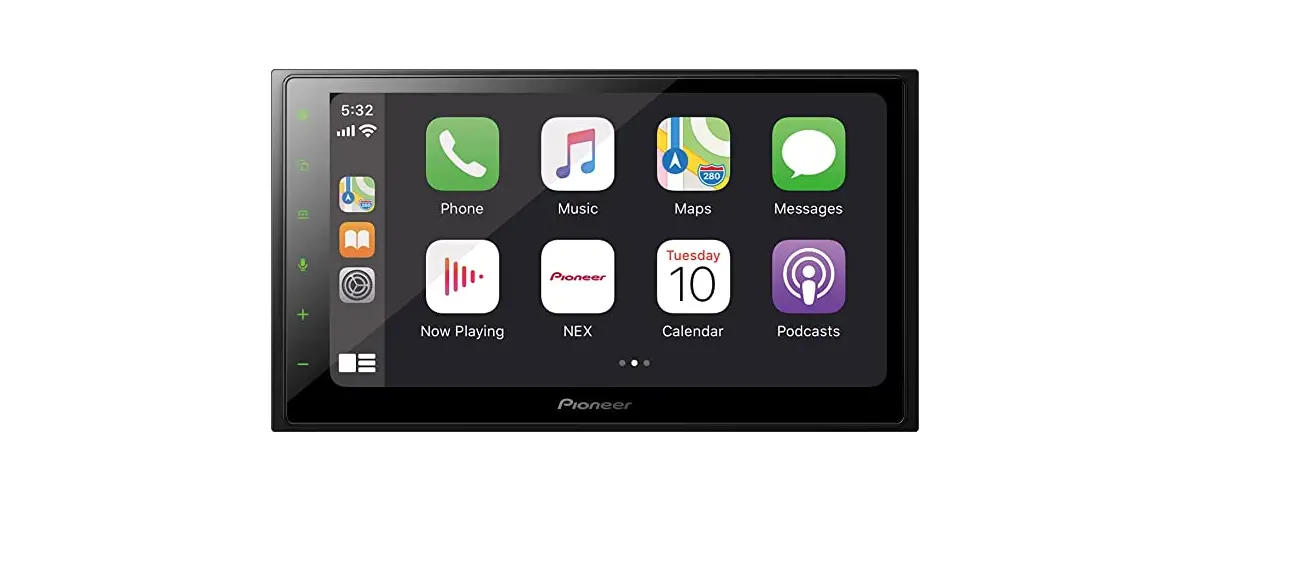
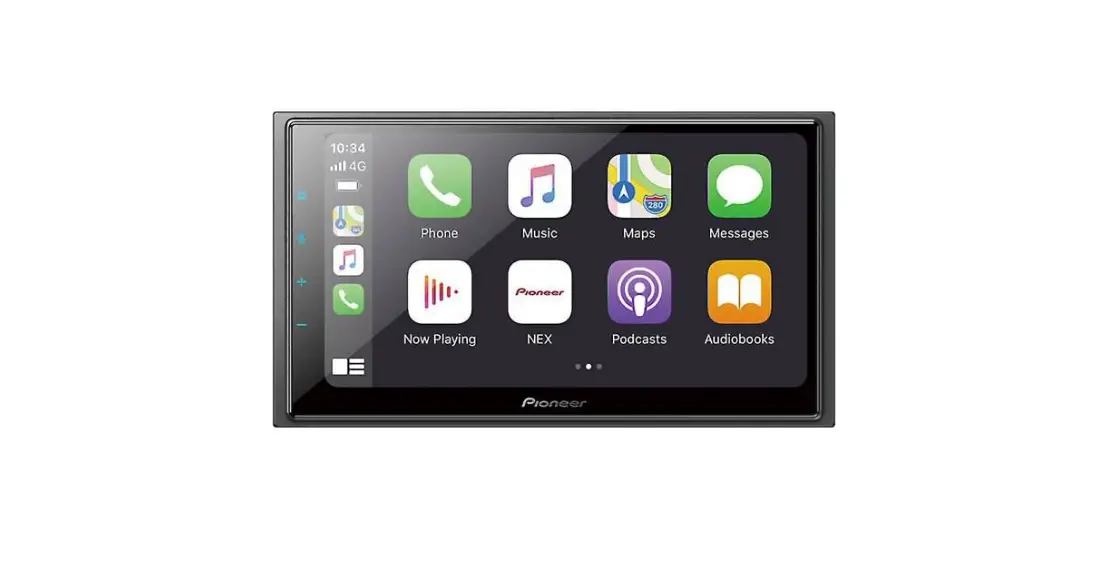
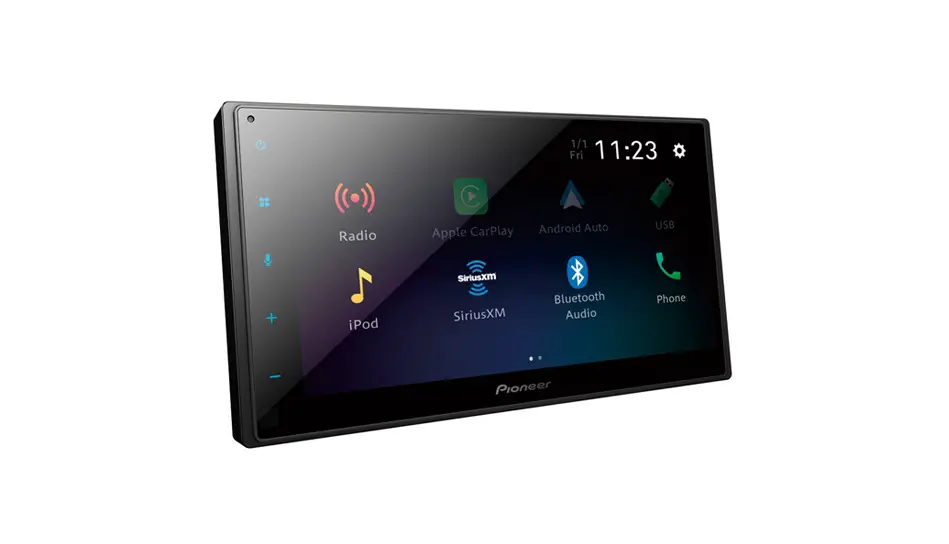
DMH-A240BT Car Multimedia Receivers
Product Information:
The Pioneer AVH and DMH Series are high-quality car audio and
video systems designed to enhance your driving experience. These
systems feature a large touch-screen display, Bluetooth
connectivity, and support for a variety of audio and video
formats.
However, it is important to note that these systems may not be
compatible with certain aftermarket steering wheel control (SWC)
interfaces. If you are experiencing issues with your SWC not
working with your Pioneer AVH or DMH system, please refer to the
troubleshooting section of your user manual or contact Pioneer
customer support for assistance.
Product Usage Instructions:
To use your Pioneer AVH or DMH system, follow these steps:
- Ensure that your vehicle’s ignition is turned on.
- Press the power button on the Pioneer unit to turn it on.
- Use the touch-screen display to select the desired audio or
video source, such as AM/FM radio, CD player, or Bluetooth audio
streaming. - If using Bluetooth, pair your mobile device with the Pioneer
unit by selecting “Bluetooth” from the source menu and following
the on-screen instructions. - Adjust the volume and other settings using the touch-screen
display or physical buttons on the Pioneer unit. - If you experience any issues with the steering wheel control
(SWC) interface, refer to the troubleshooting section of your user
manual or contact Pioneer customer support for assistance.
Pioneer AVH & DMH series not working with SWC
Pioneer AVH and DMH Series
We have found that some stock of the Pioneer AVH and DMH series radios (DMH-A240BT, DMH-A340DAB etc) have been sold with old firmware that does not work with our 29 series steering wheel controls. Very early models of the SPH-DA160 were also affected. To check the firmware version then enter the settings of the radio and go to the System Information screen. The correct firmware is MCU version 1.49. If you have an earlier version then please contact Pioneer Support on 0208 836 3500 (select option 1) for the firmware update as they do not have it available online. Even with the firmware update, on cars with phone buttons the `end call’ button may still not work. There is no current fix for this.
If it is not possible to get the updated firmware then a diode can be added to the patch lead, which will work for most vehicles. On most cars, no phone buttons will work when using this method. Rather than the usual 29-007 Pioneer patch lead or 29-025 universal patch lead, a 29-007D patch lead with a blocking diode built in needs to be used. This is a special-order part from us which we don’t usually keep in stock, so we may have a day or two delay in despatching your order while we manufacture it. If you already have a 29-007 or 29-025 and need to fix the issue immediately then you can fit a diode (tested with IN4002) to the red wire of the 3.5mm jack, with the cathode closest to the steering wheel control box. This should run between pin 3 and the centre of the jack.