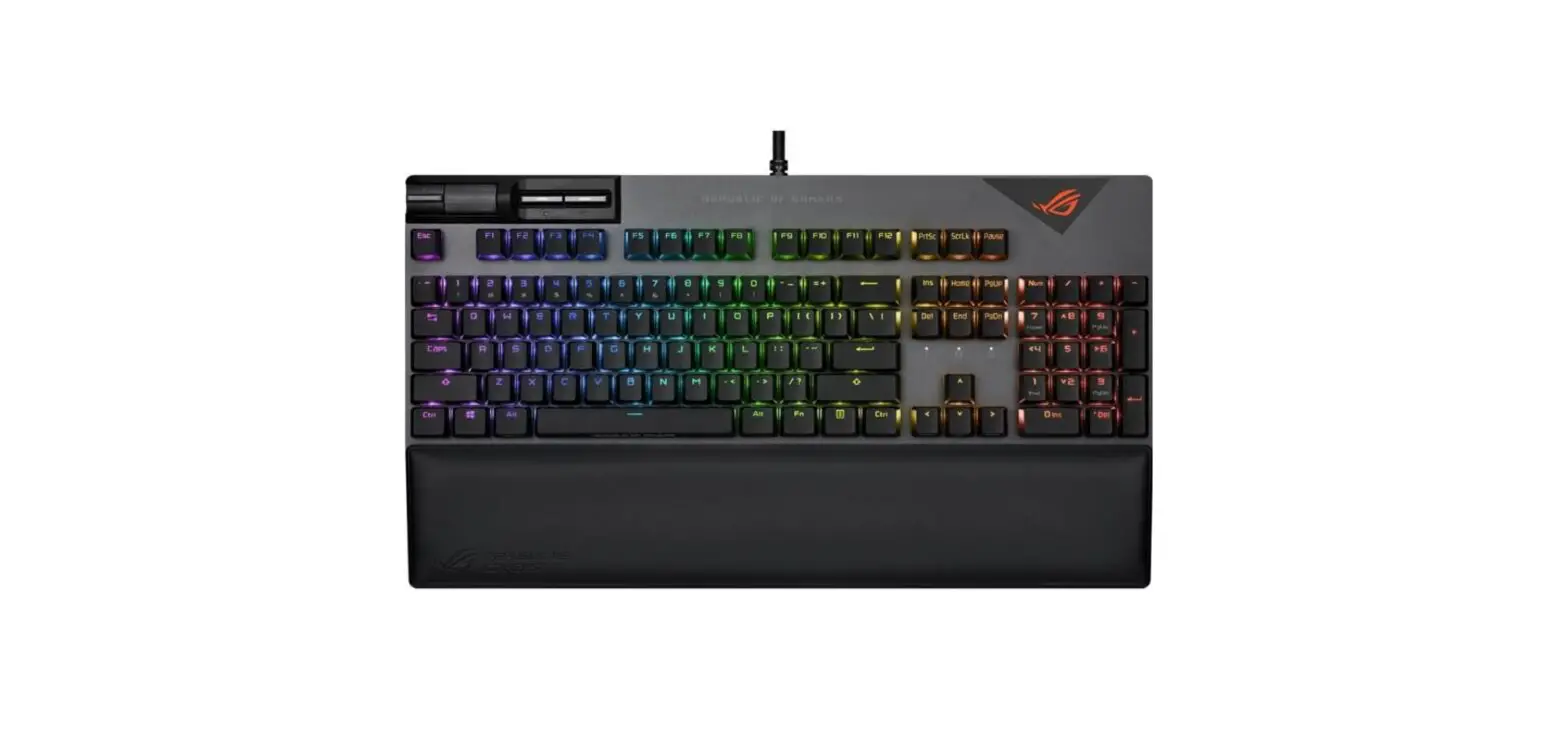
ASUS ROG STRIX FLARE II Gaming Mechanical Keyboard User Guide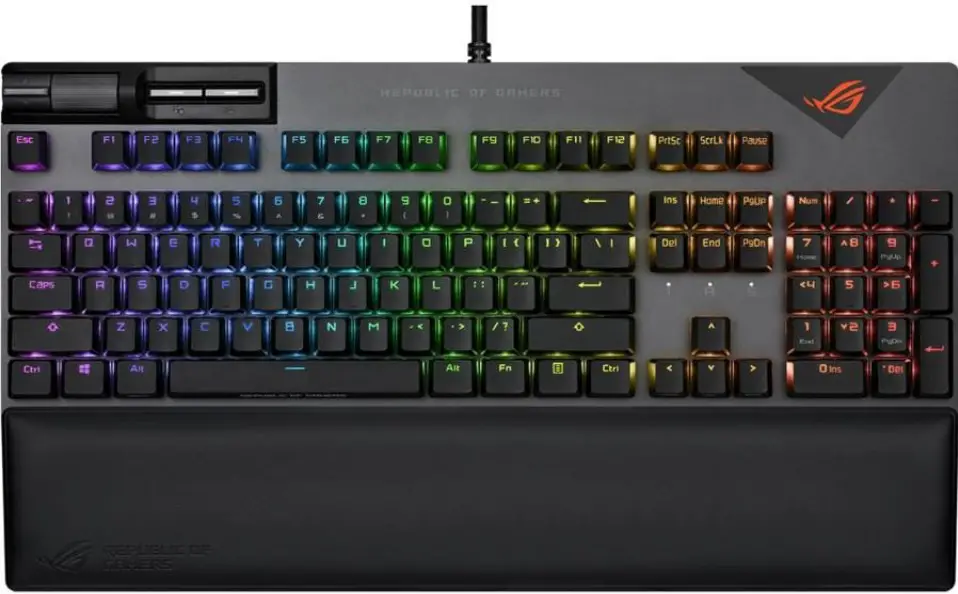
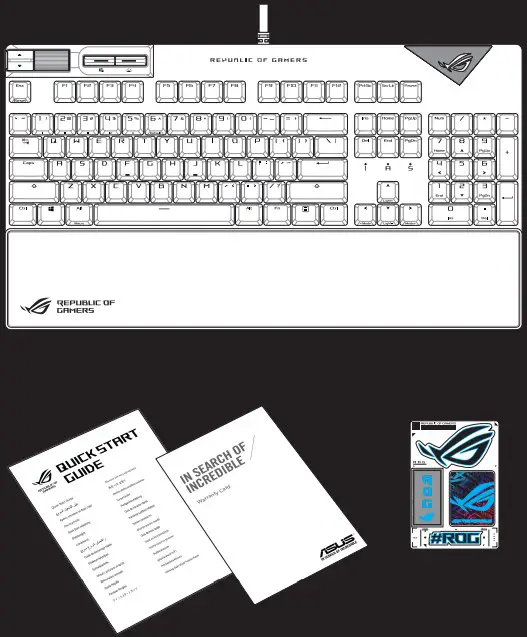
Package Contents
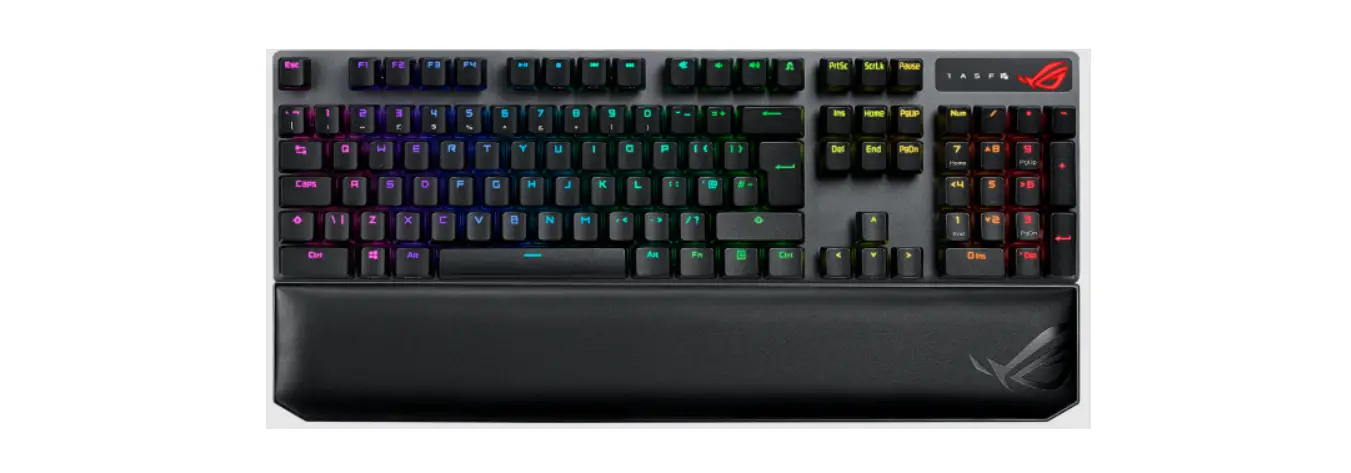
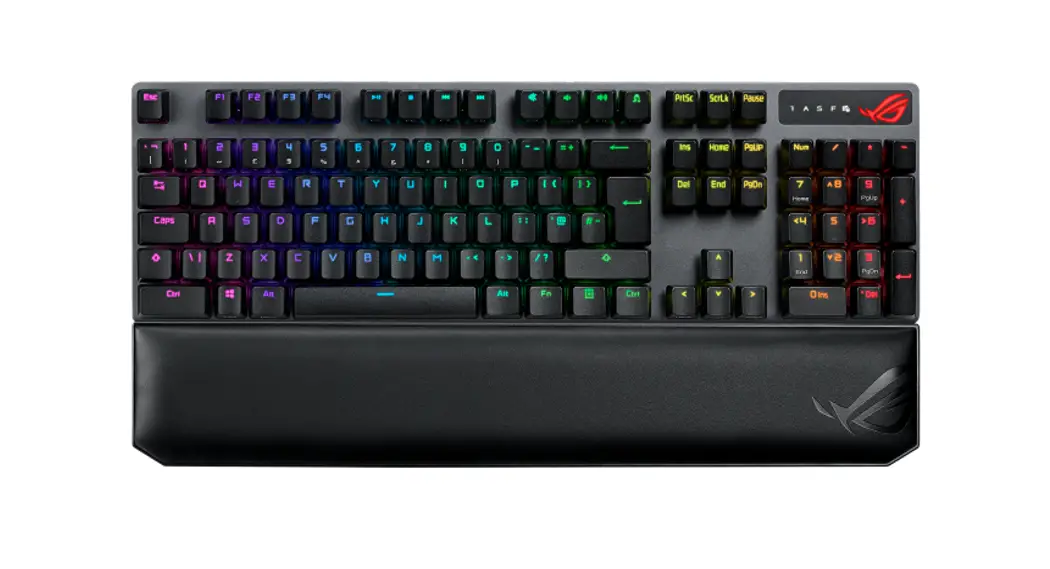
Features
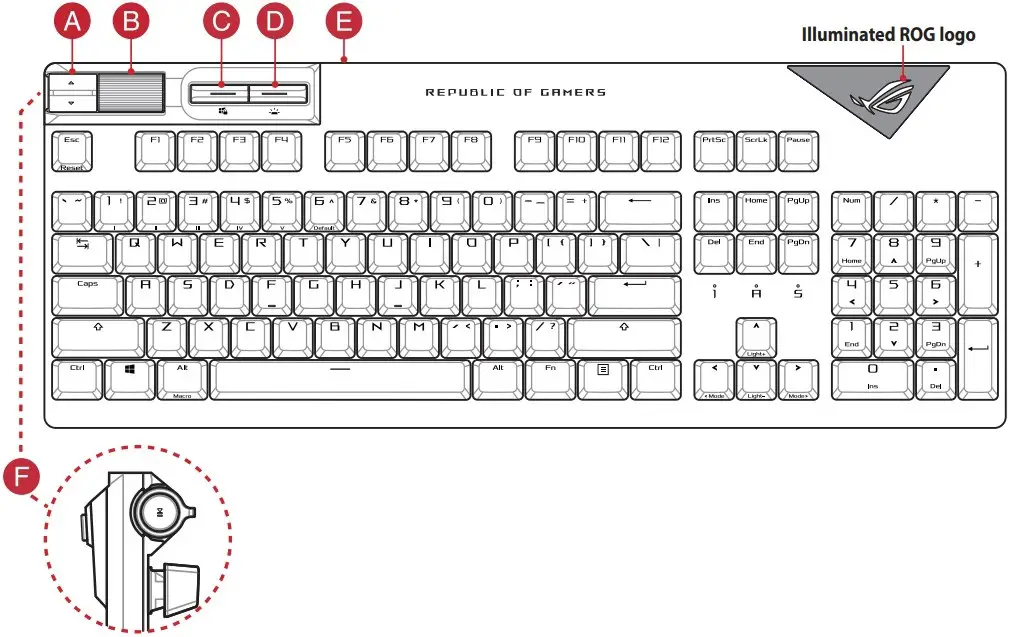
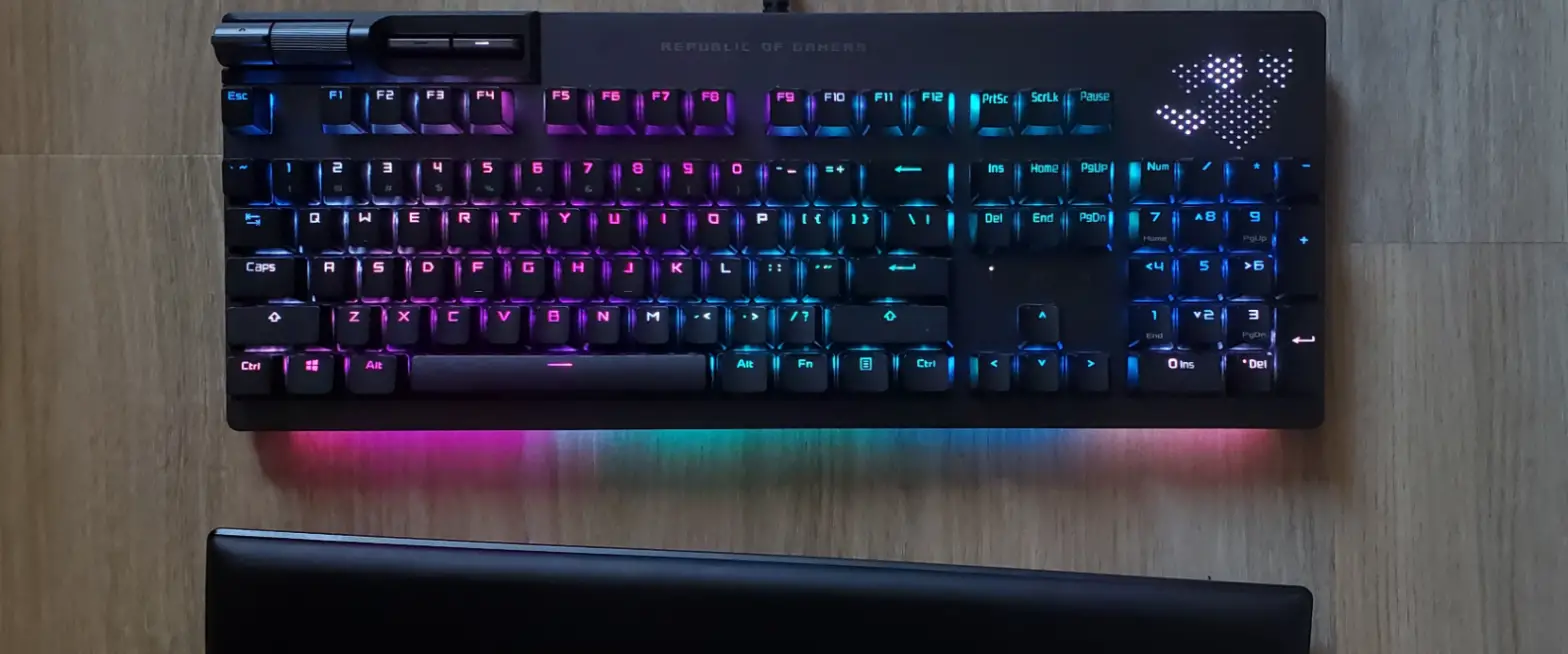
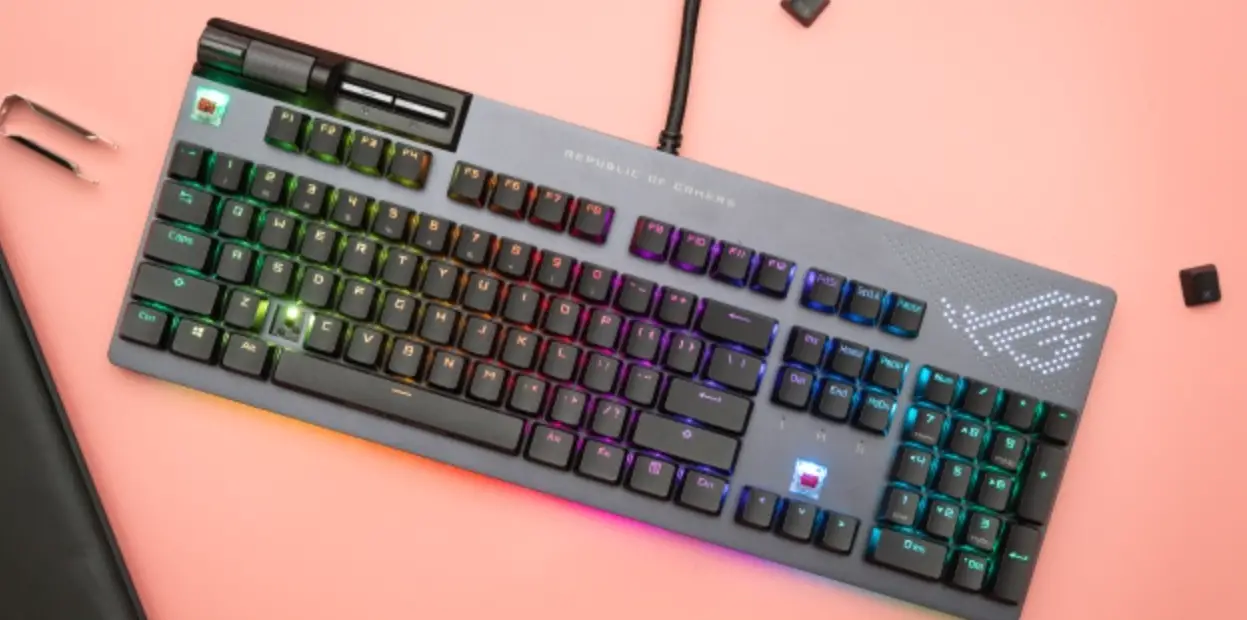
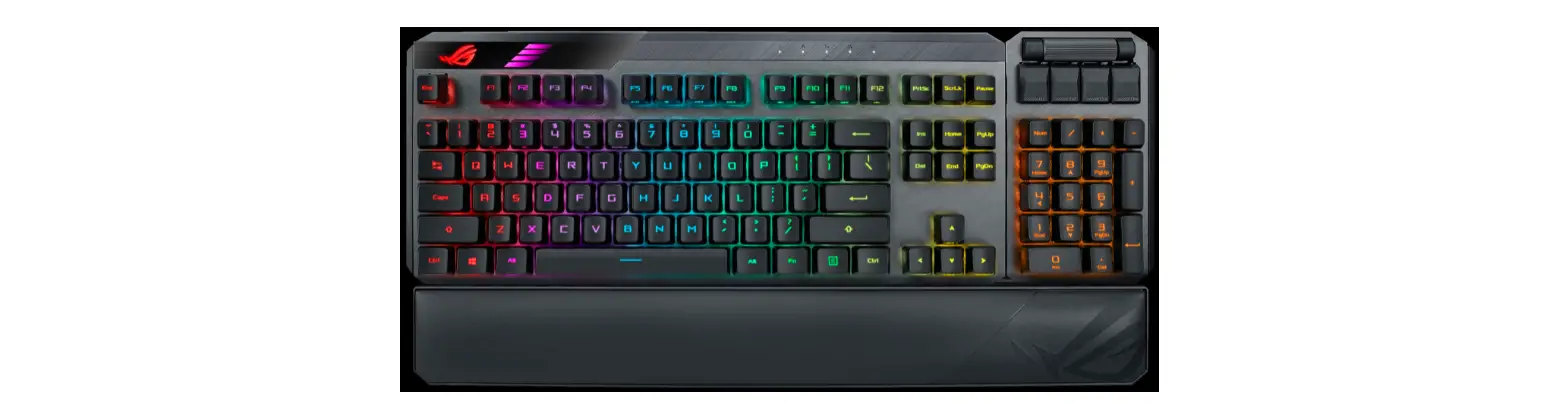
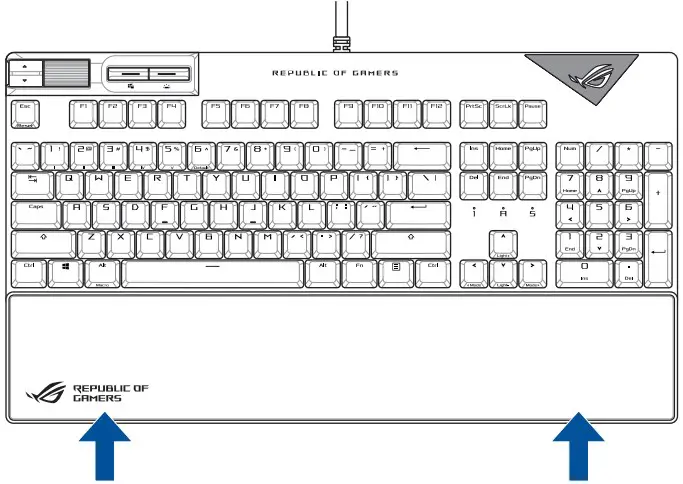
A) Media control:
Next/Previous song
B) Volume control:
- Up/Down to adjust volume
- Press to mute
C) Windows Lock:
Toggle to enable/disable WIN key
D) Keyboard LED brightness:
5 different keyboard LED brightness levels
E) USB Passthrough:
USB 2.0 passthrough for convenient connection to other devices.
F) Play/Pause:
Press to Play/Pause
Attaching the wrist rest
Updating the firmware and customization
- Connect your keyboard to the PC.
- Download and install the Armoury Crate software from https://rog.asus.com
- Follow the software instructions to update your gaming keyboard firmware.
- Customize your gaming keyboard using Armoury Crate.
Key combinations
| On-the-fly Macro Recording | |
| Step 1: | Fn + Left-ALT to start recording |
| Step 2: | Enter the keys to be recorded as a macro |
| Step 2: | Fn + Left-ALT to end recording |
| Step 3: | Assign Macro Key |
| NOTE: Keys without lighting cannot be assigned as Macro Key, keys in red are alreadyassigned. | |
| Profile Switch | |
| Fn + 1 / 2 / 3 / 4 / 5 / 6** 6 is default | |
| Light Effect Switch | |
| Fn + Right or Fn + Left | |
| Brightness Level for keyboard keys | |
| Fn + Up: Brightness up Fn + Down: Brightness down | |
| Factory Default | |
| Fn + Esc: Hold these two buttons until the LEDs blink green. | |
NOTE: When running AURA SYNC, the hot key related with the lighting effect will be disabled, for example: Profile switch, Lighting effects switch, Brightness level.
Profile color and lighting effect mapping list
| Effects and the color | Profile 1 (Red) | Profile 2 (Purple) | Profile 3 (Blue) | Profile 4 (Green) | Profile 5 (Yellow) | Default Profile |
| Static | Red | Purple | Blue | Green | Yellow | White |
| Breathing | Red | Purple | Blue | Green | Yellow | White |
| Color Cycle | Multi-color | Multi-color | Multi-color | Multi-color | Multi-color | Multi-color |
| Rainbow | Multi-color | Multi-color | Multi-color | Multi-color | Multi-color | Multi-color |
| Ripple | Red | Purple | Blue | Green | Yellow | Random color |
| Reactive | Red | Purple | Blue | Green | Yellow | Random color |
| Starry Night | Red | Purple | Blue | Green | Yellow | Random color |
| Quicksand | Red | Purple | Blue | Green | Yellow | Random color |
| Current | Red | Purple | Blue | Green | Yellow | Random color |
| Rain Drop | Red | Purple | Blue | Green | Yellow | Random color |
Safety Guidelines
Keep the device away from liquid, humidity, or moisture. Operate the device only within the specific temperature range of 0°C(32°F) to 40°C(104°F). When the device exceeds the maximum temperature, unplug or switch off the device to let it cool down.
Notices
Federal Communications Commission Statement
This device complies with Part 15 of the FCC Rules. Operation is subject to the following two conditions:
- This device may not cause harmful interference.
- This device must accept any interference received including interference that may cause undesired operation.
This equipment has been tested and found to comply with the limits for a Class B digital device, pursuant to Part 15 of the FCC Rules. These limits are designed to provide reasonable protection against harmful interference in a residential installation.
This equipment generates, uses and can radiate radio frequency energy and, if not installed and used in accordance with manufacturer’s instructions, may cause harmful interference to radio communications. However, there is no guarantee that interference will not occur in a particular installation. If this equipment does cause harmful interference to radio or television reception, which can be determined by turning the equipment off and on, the user is encouraged to try to correct the interference by one or more of the following measures:
- Reorient or relocate the receiving antenna.
- Increase the separation between the equipment and receiver.
- Connect the equipment to an outlet on a circuit different from that to which the receiver is connected.
- Consult the dealer or an experienced radio/TV technician for help.
CAUTION! The use of shielded cables for connection of the monitor to the graphics card is required to assure compliance with FCC regulations. Changes or modifications to this unit not expressly approved by the party responsible for compliance could void the user’s authority to operate this equipment.
VCCI: Japan Compliance Statement
 KC: Korea Warning Statement
Compliance Statement of Innovation, Science and Economic Development Canada (ISED)
This device complies with Innovation, Science, and Economic Development Canada licence exempt RSS standard(s). Operation is subject to the following two conditions: (1) this device may not cause interference, and (2) this device must accept any interference, including interference that may cause undesired operation of the device.
CAN ICES-003(B)/NMB-003(B
REACH
Complying with the REACH (Registration, Evaluation, Authorisation, and Restriction of Chemicals) regulatory framework, we published the chemical substances in our products at ASUS REACH website at http://csr.asus.com/english/REACH.htm.
 DO NOT throw the keyboard in municipal waste. This product has been designed to enable proper reuse of parts and recycling. This symbol of the crossed out wheeled bin indicates that the product (electrical and electronic equipment) should not be placed in municipal waste. Check local regulations for disposal of electronic products.
ASUS Recycling/Takeback Services
ASUS recycling and takeback programs come from our commitment to the highest standards for protecting our environment. We believe in providing solutions for you to be able to responsibly recycle our products, batteries, other components as well as the packaging materials. Please go to http://csr.asus.com/english/Takeback.htm for detailed recycling information in different regions.
 EAC Certification Logo
Simplified UKCA Declaration of Conformity:
ASUSTeK Computer Inc. hereby declares that this device is in compliance with the essential requirements and other relevant provisions of related UKCA Directives. Full text of UKCA declaration of conformity is available at: www.asus.com/support
 CE Mark Warning
ASUSTeK Computer Inc. hereby declares that this device is in compliance with the essential requirements and other relevant provisions of related Directives. Full text of EU declaration of conformity available at: www.asus.com/support
Service and Support
Visit our multi-language website at https://www.asus.com/support/.
| Manufacturer | ASUSTek COMPUTER INC. |
| Address, City | 1F., No. 15, Lide Rd., Beitou Dist., Taipei City 112 |
| Authorized Representative in Europe | ASUS COMPUTER GmbH |
| Address | Harkortstrasse 21-23, 40880 Ratingen |
| Country | Germany |
| Authorized Representative in United Kingdom | ASUSTEK (UK) LIMITED |
| Address | 1st Floor, Sackville House, 143-149 Fenchurch Street, London, EC3M 6BL, England |
| Country | United Kingdom |

References
 Official Support | ASUS Global
-
ASUS ESG website, ASUS ESG goal
-
Global Take Back Service | Resource Regeneration | Circular Economy | ASUS ESG website, ASUS ESG goal
-
ÐžÑ„Ð¸Ñ†Ð¸Ð°Ð»ÑŒÐ½Ð°Ñ Ñлужба поддержки | ASUS РоÑÑии
-
Official Support | ASUS Global
 ASUS в СÐГ
-
Info-tri | Ministères Écologie Énergie Territoires
 ROG - Republic of Gamers|Global | For Those Who Dare
-
ROG - Republic of Gamers|Global | For Those Who Dare
-
Official Support | ASUS Global
 Official Support | ASUS Global
 ASUS ESG website, ASUS ESG goal
 ÐžÑ„Ð¸Ñ†Ð¸Ð°Ð»ÑŒÐ½Ð°Ñ Ñлужба поддержки | ASUS РоÑÑии
 ASUS в СÐГ
 Info-tri | Ministères Écologie Énergie Territoires
 ROG - Republic of Gamers|Global | For Those Who Dare