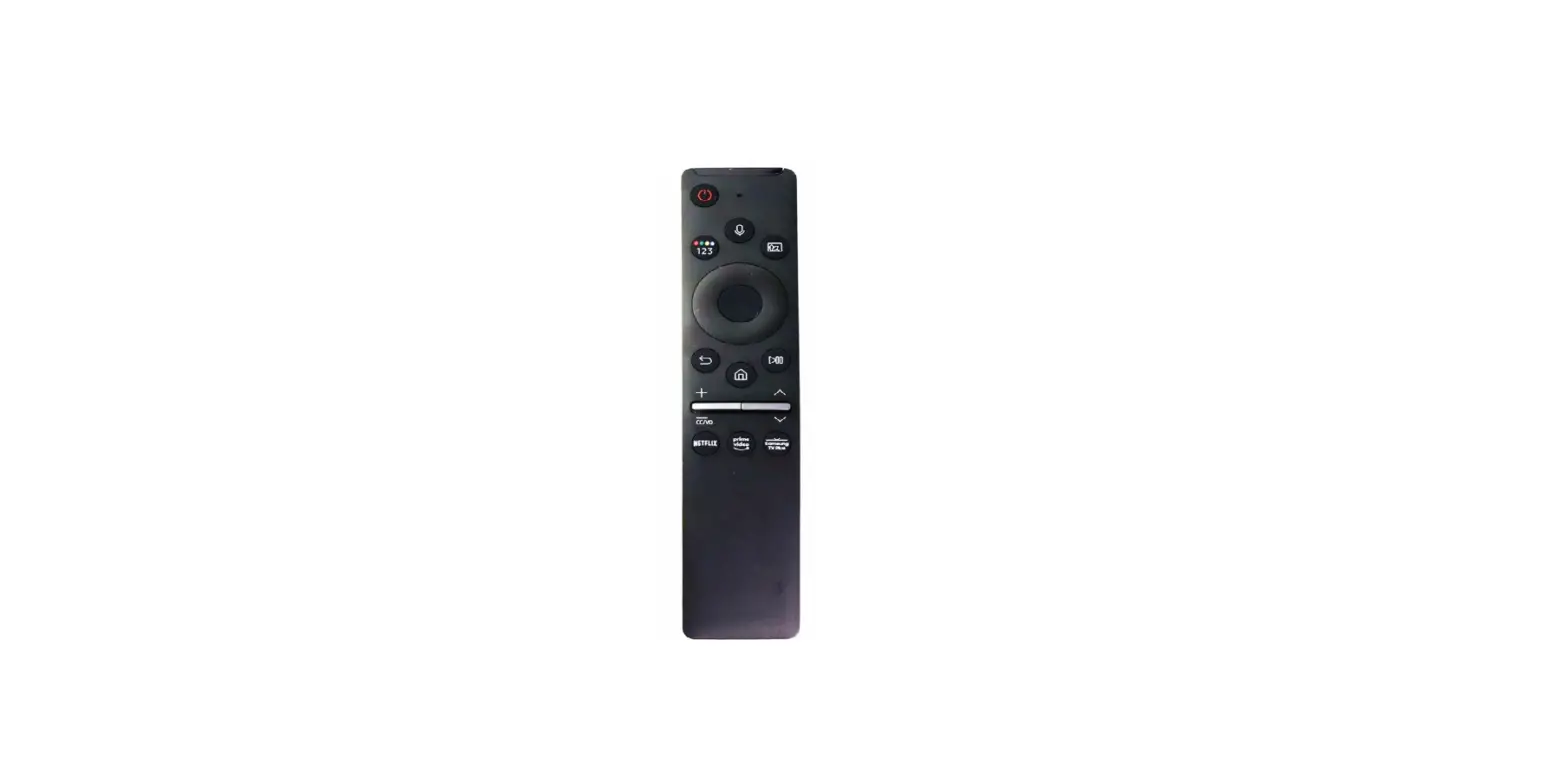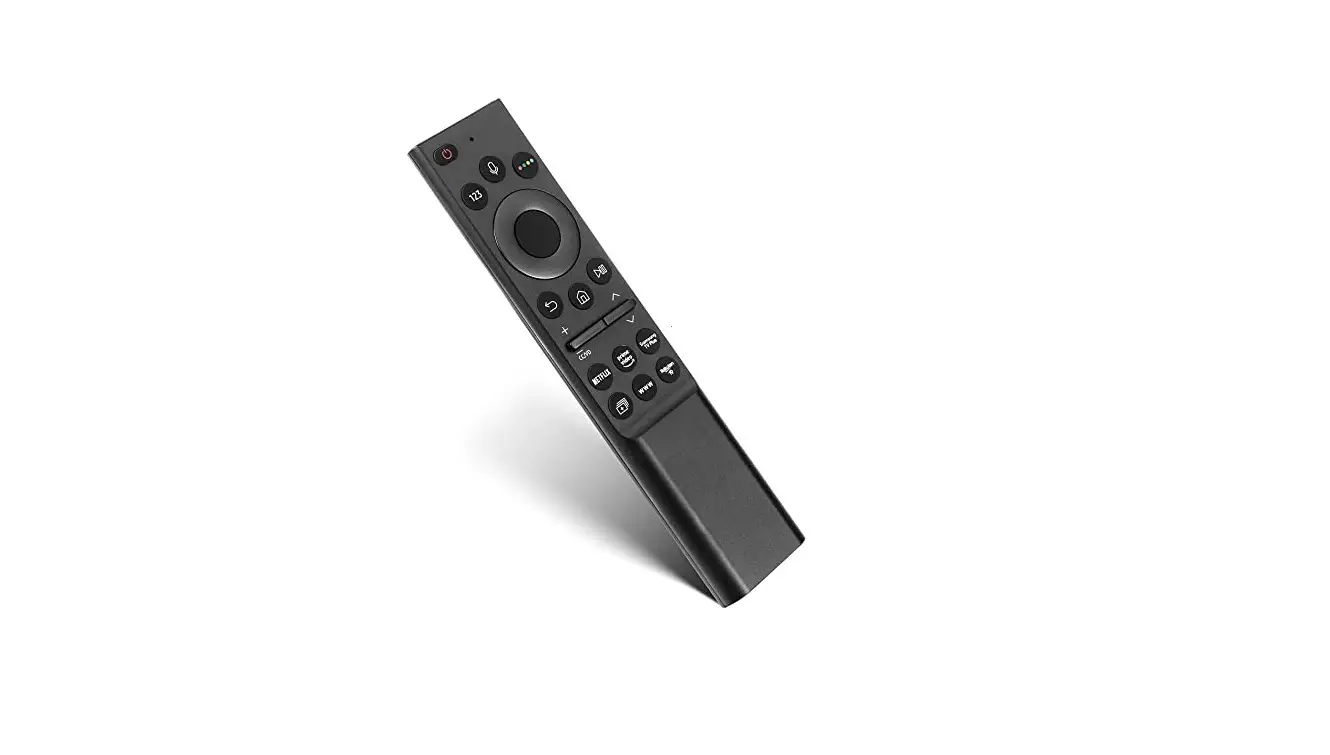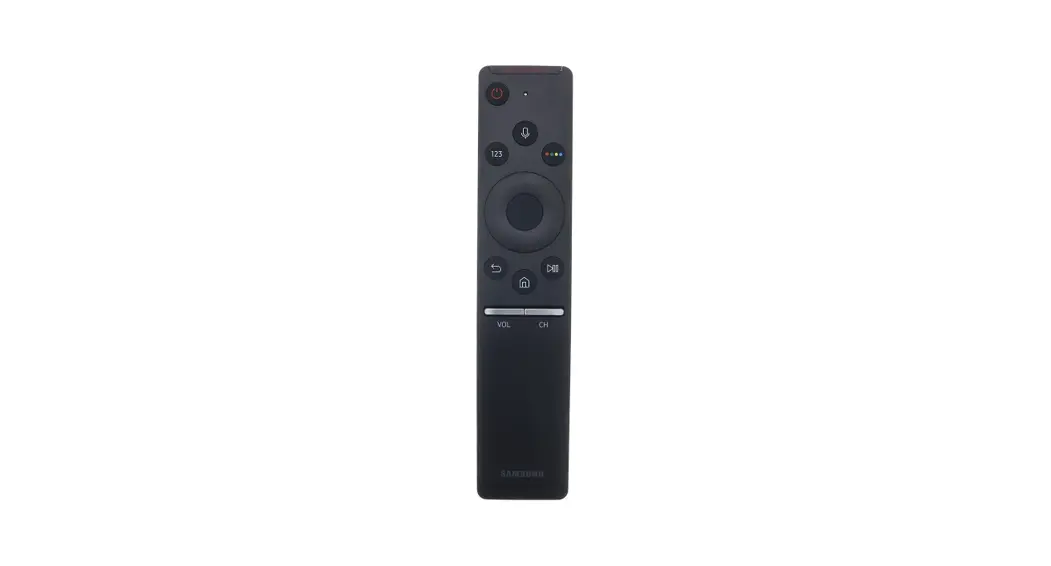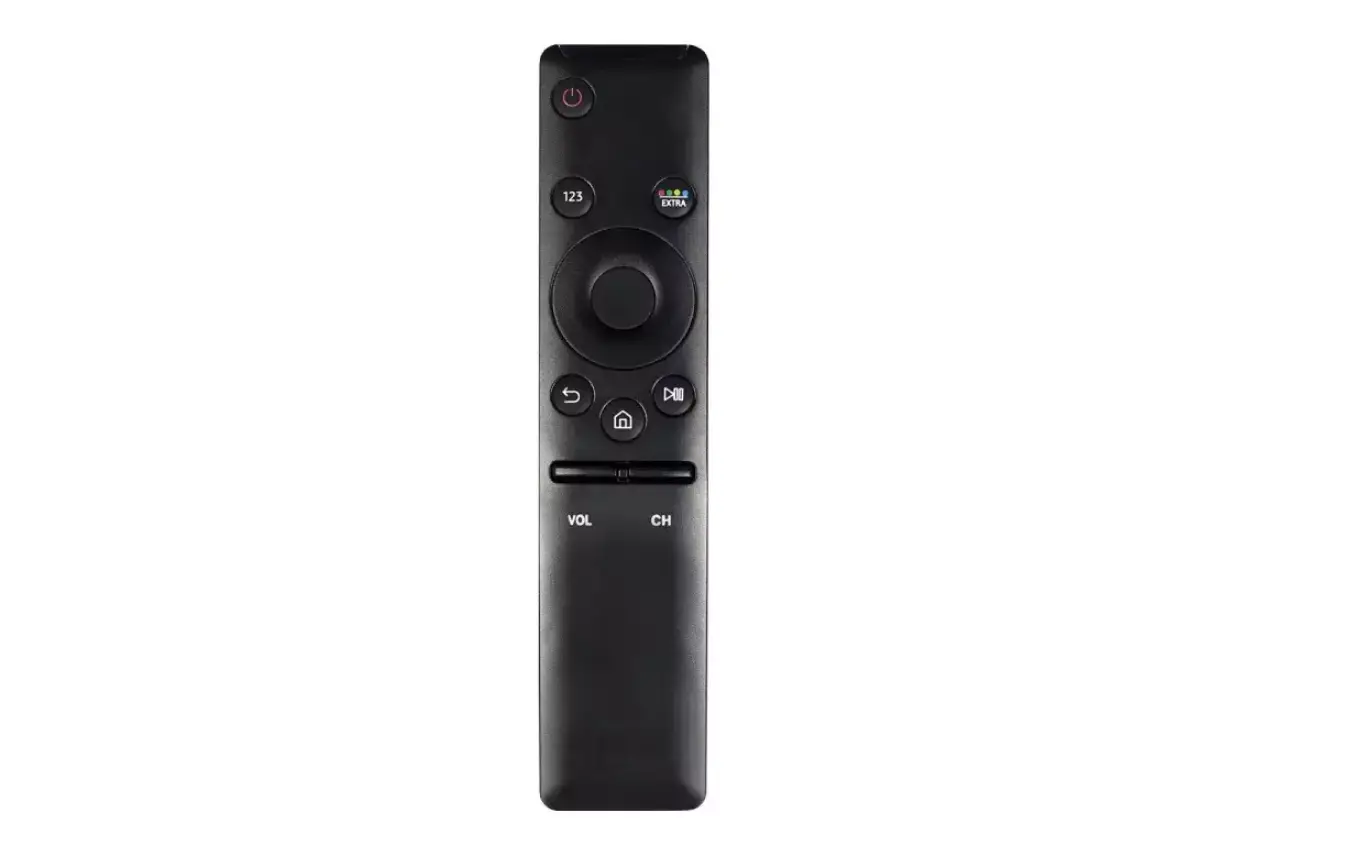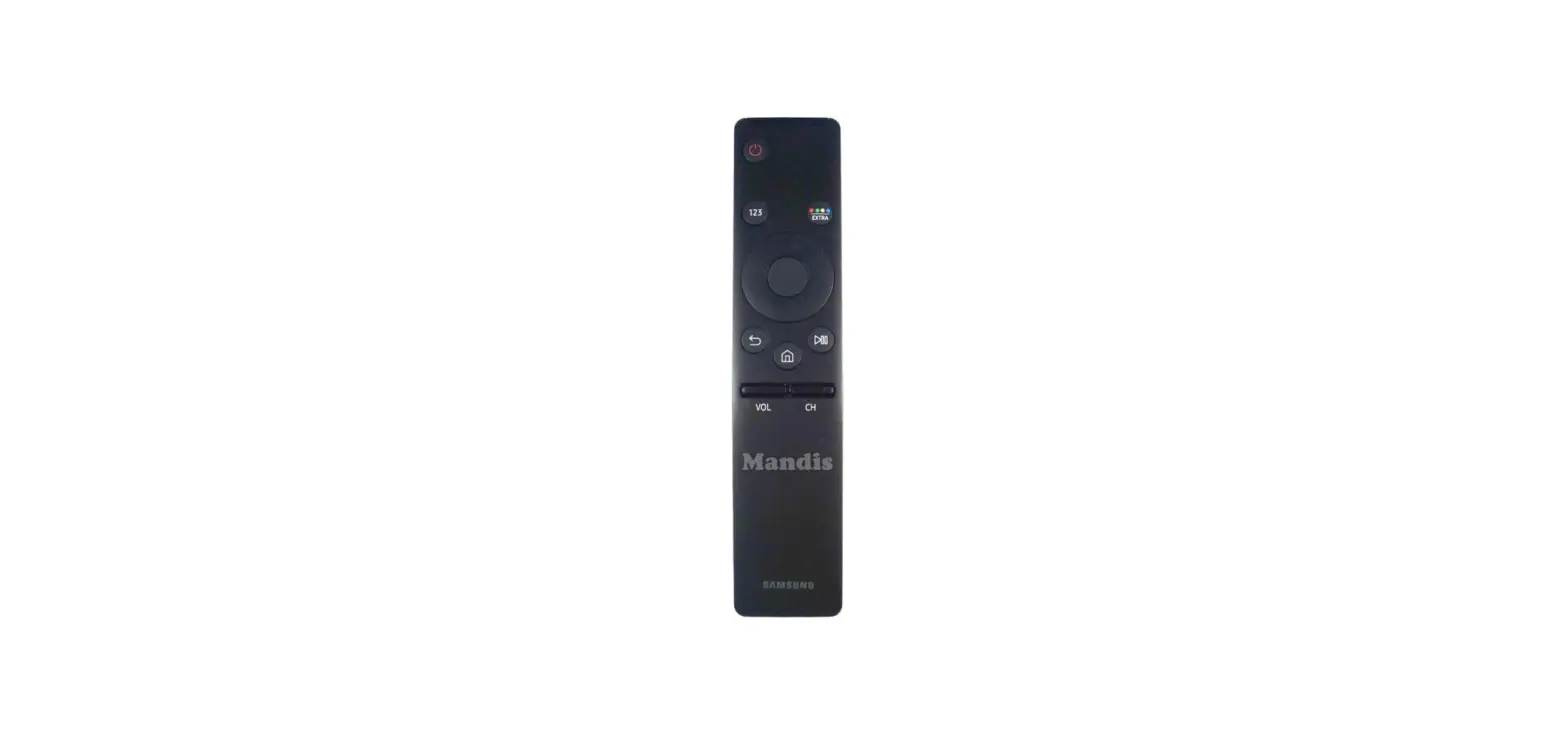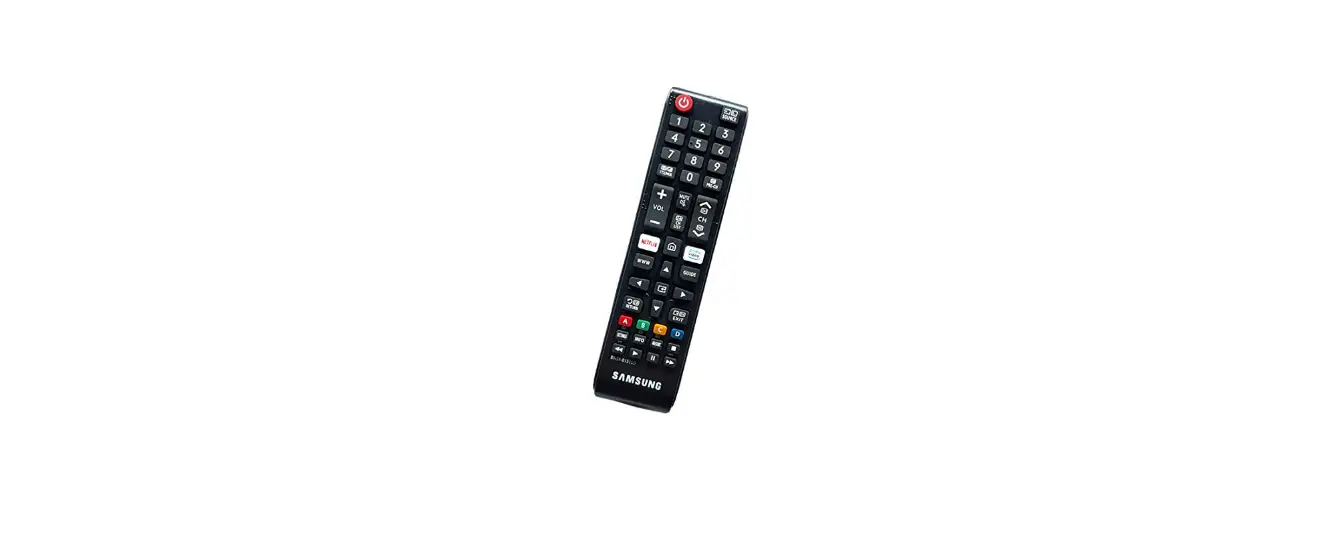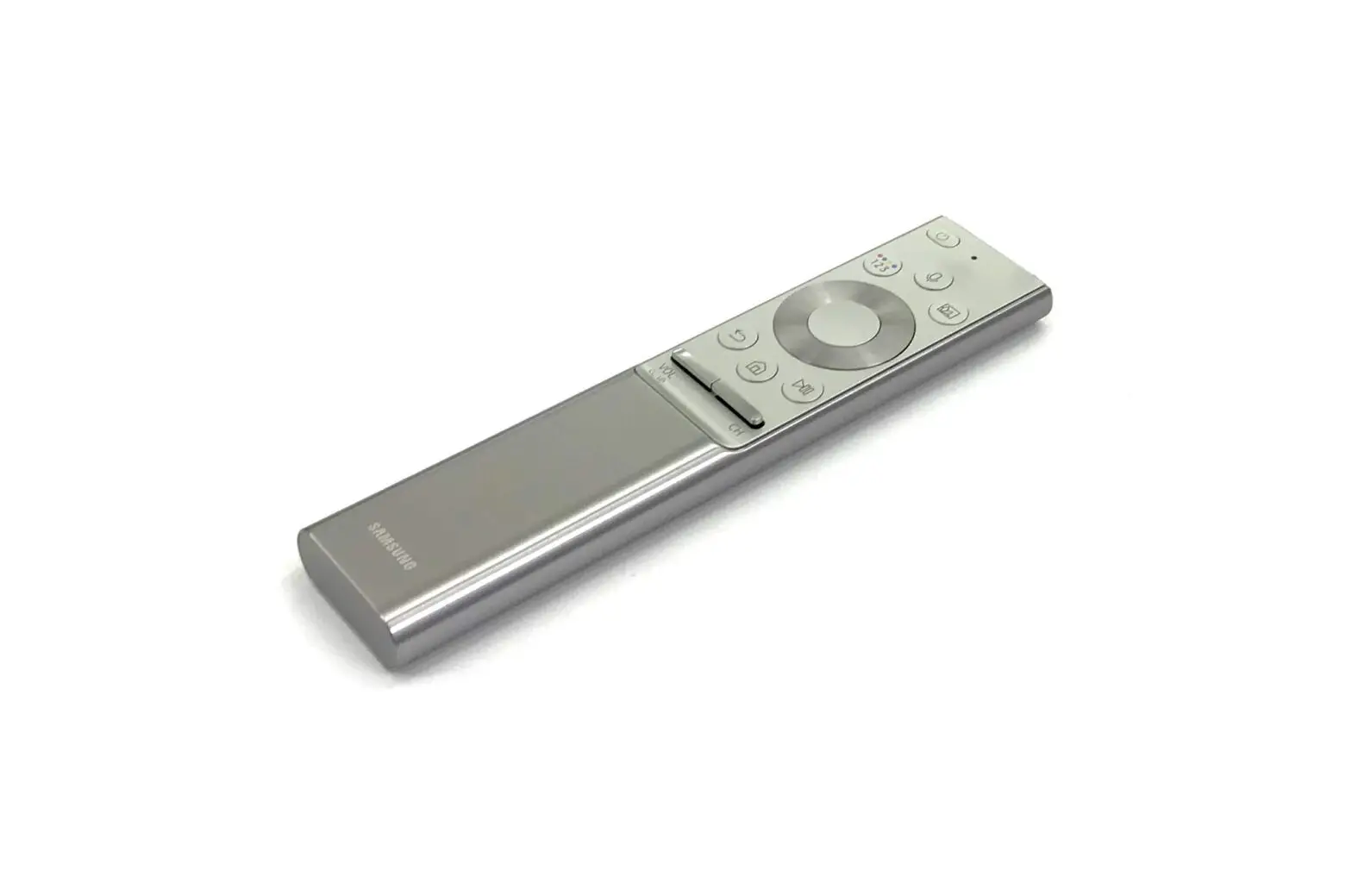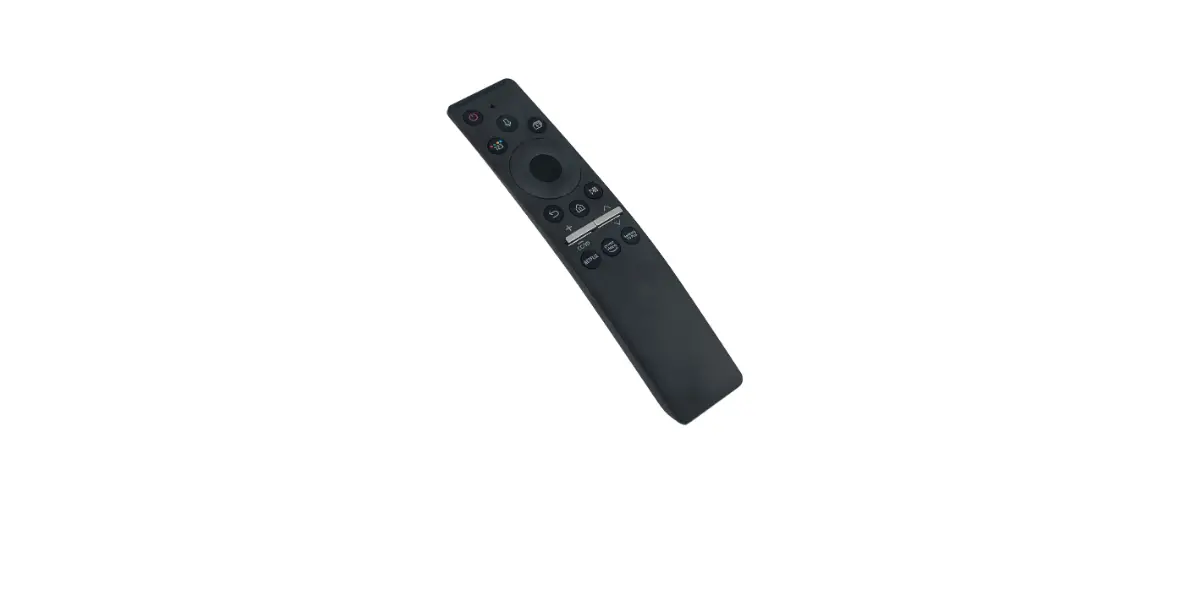
SAMSUNG BN68-11929D-00 Smart Remote Instructions

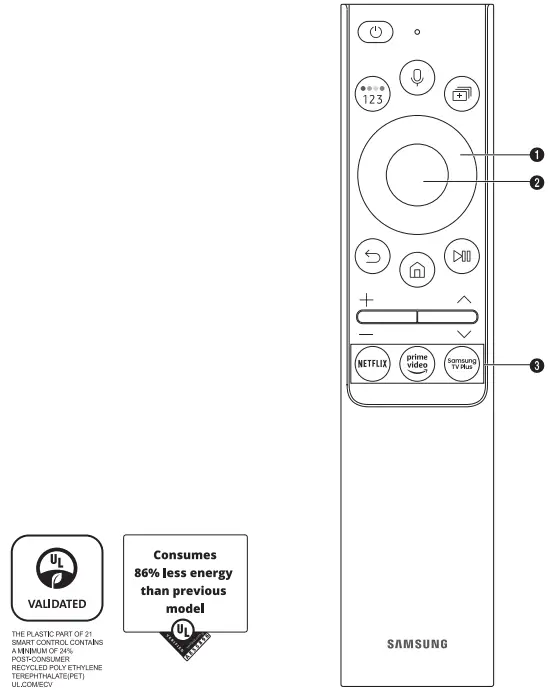
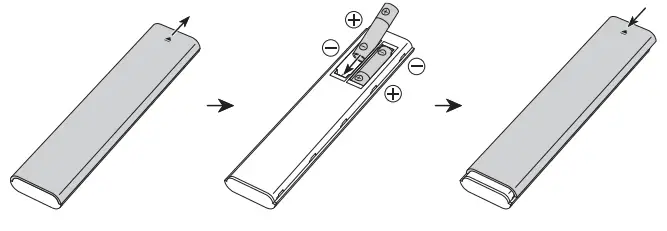
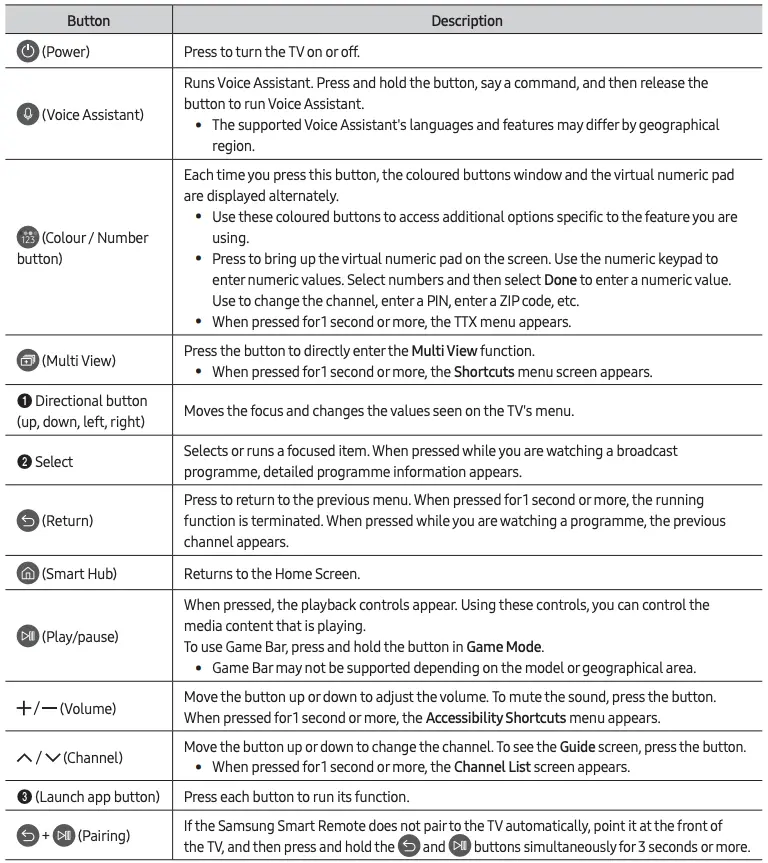
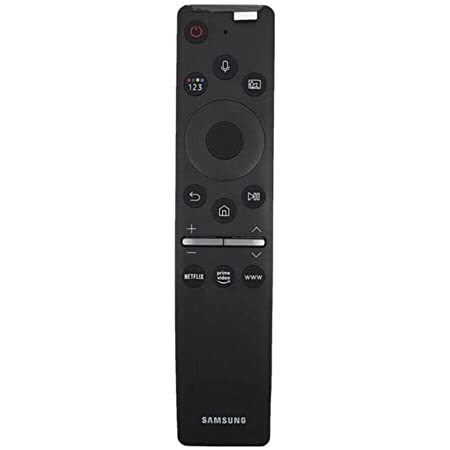
- Use the Samsung Smart Remote less than 6 m from the TV. The usable distance may vary with the wireless environmental conditions.
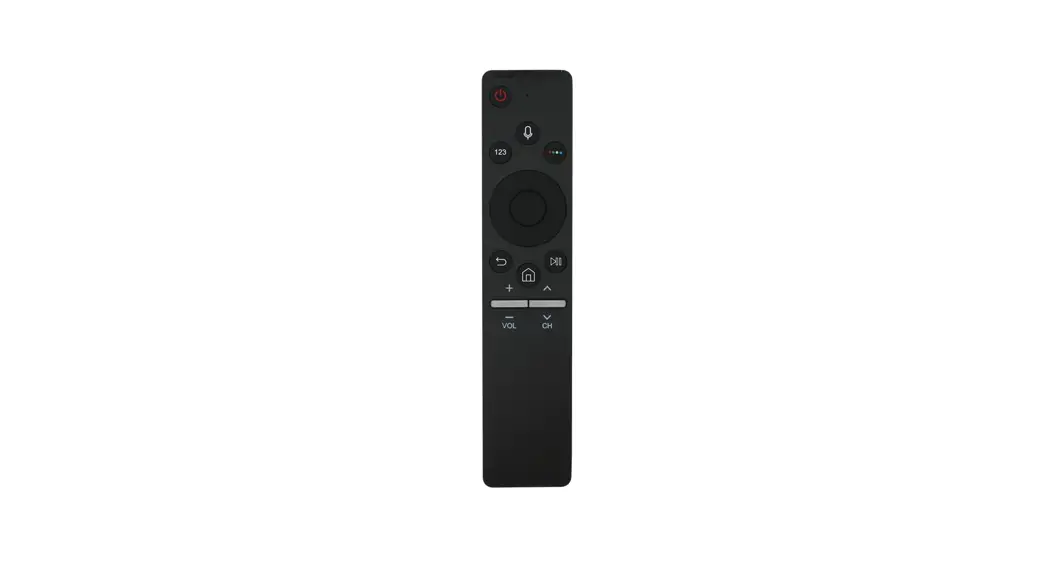
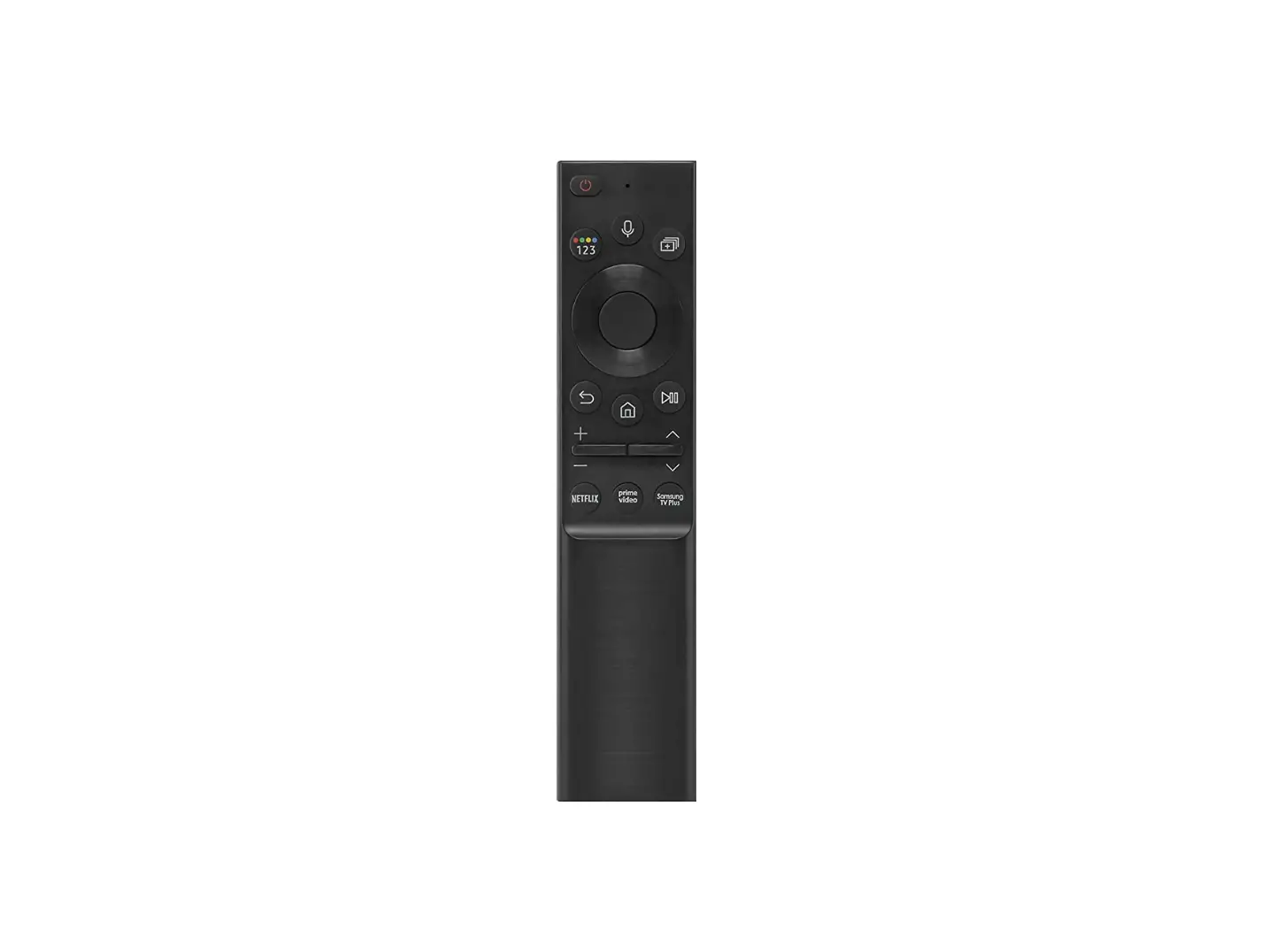
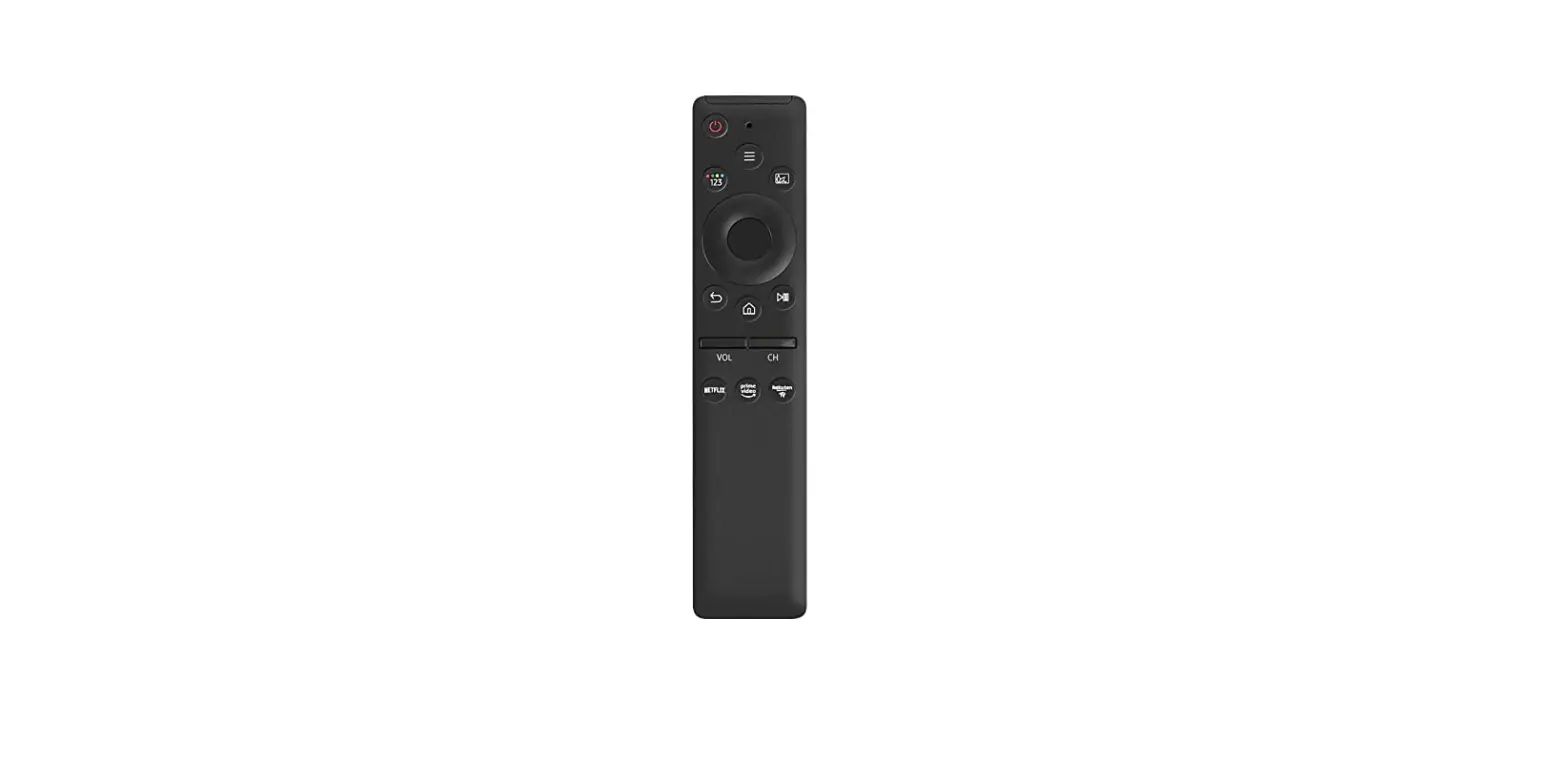
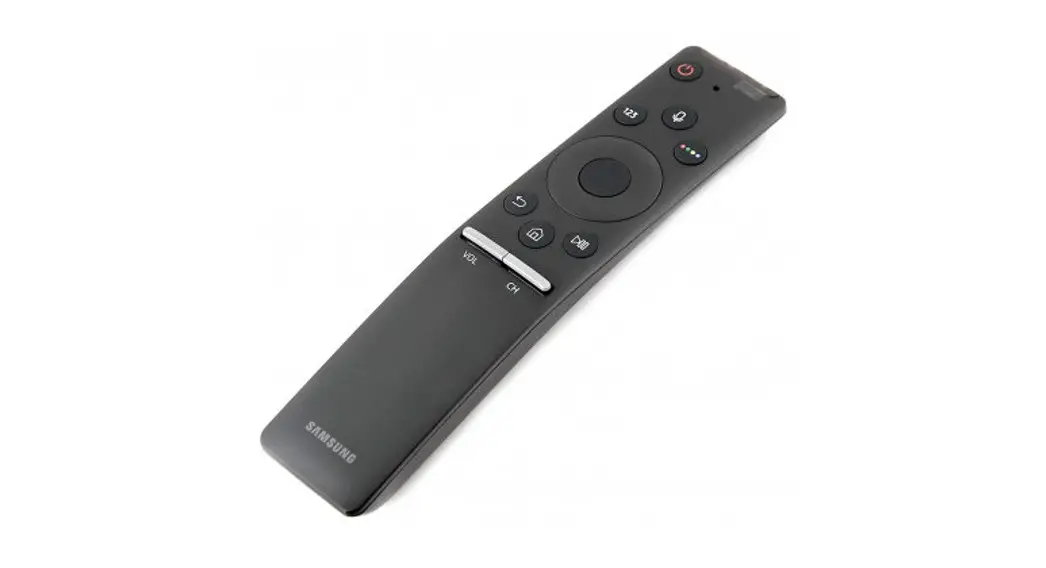
- The images, buttons, and functions of the Samsung Smart Remote may differ with the model or geographical area.
- The Universal Remote function operates normally only when you use the Samsung Smart Remote that comes with the TV.
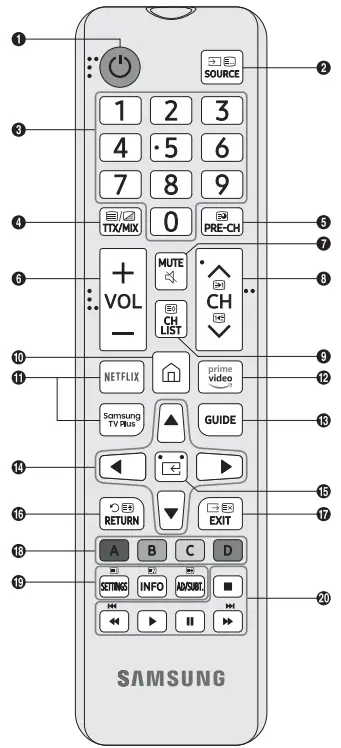
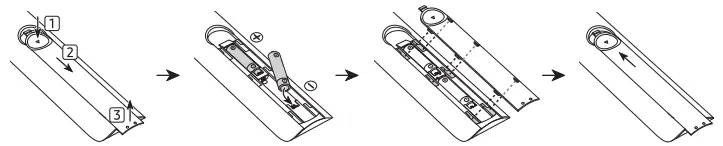
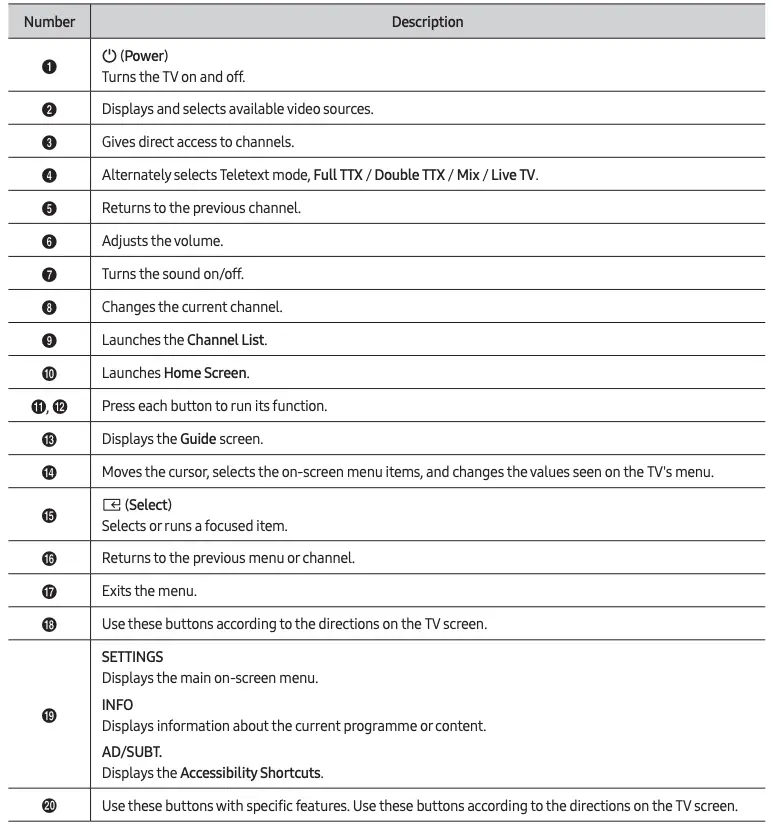
- The images, buttons, and functions of the remote control may differ depending on the model.
- This remote control has Braille points on the Power, Channel, Volume, and Select buttons and can be used by visually impaired persons.
- If you use the remote control that comes with your TV to control another TV, some functions may not operate normally.