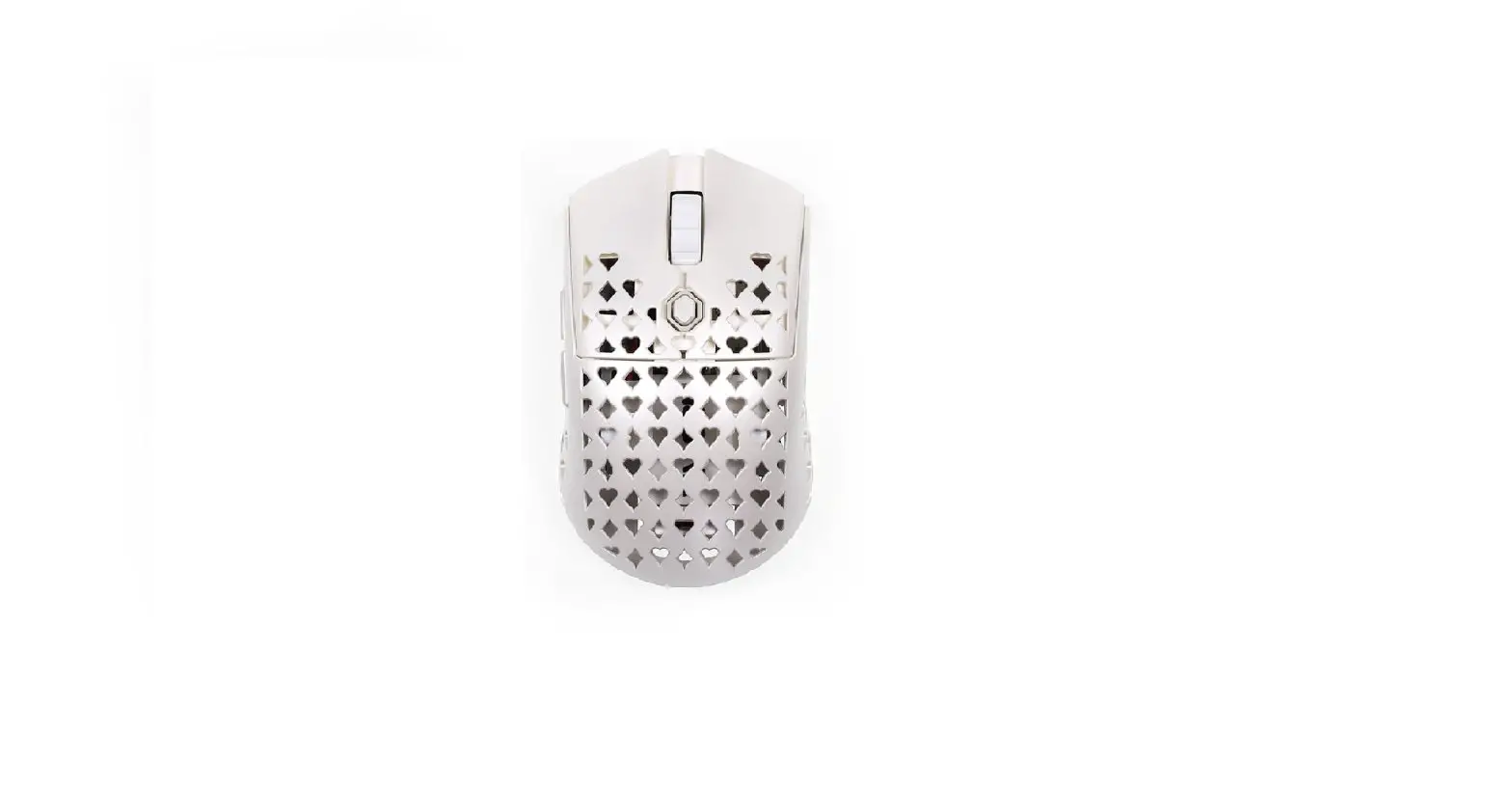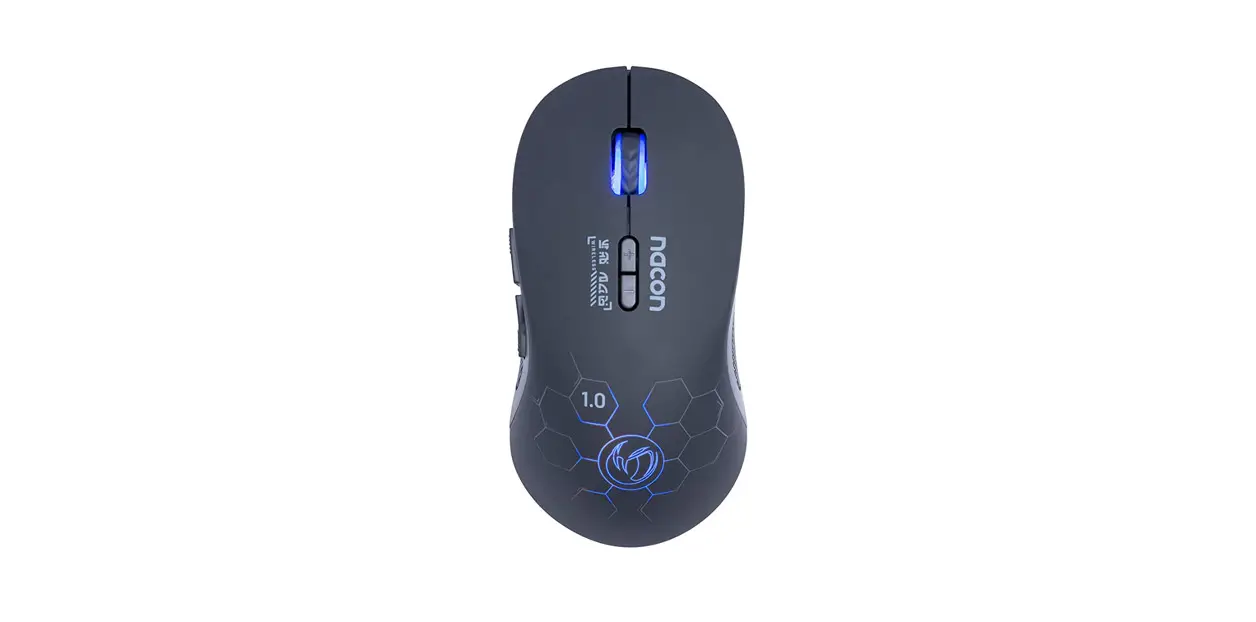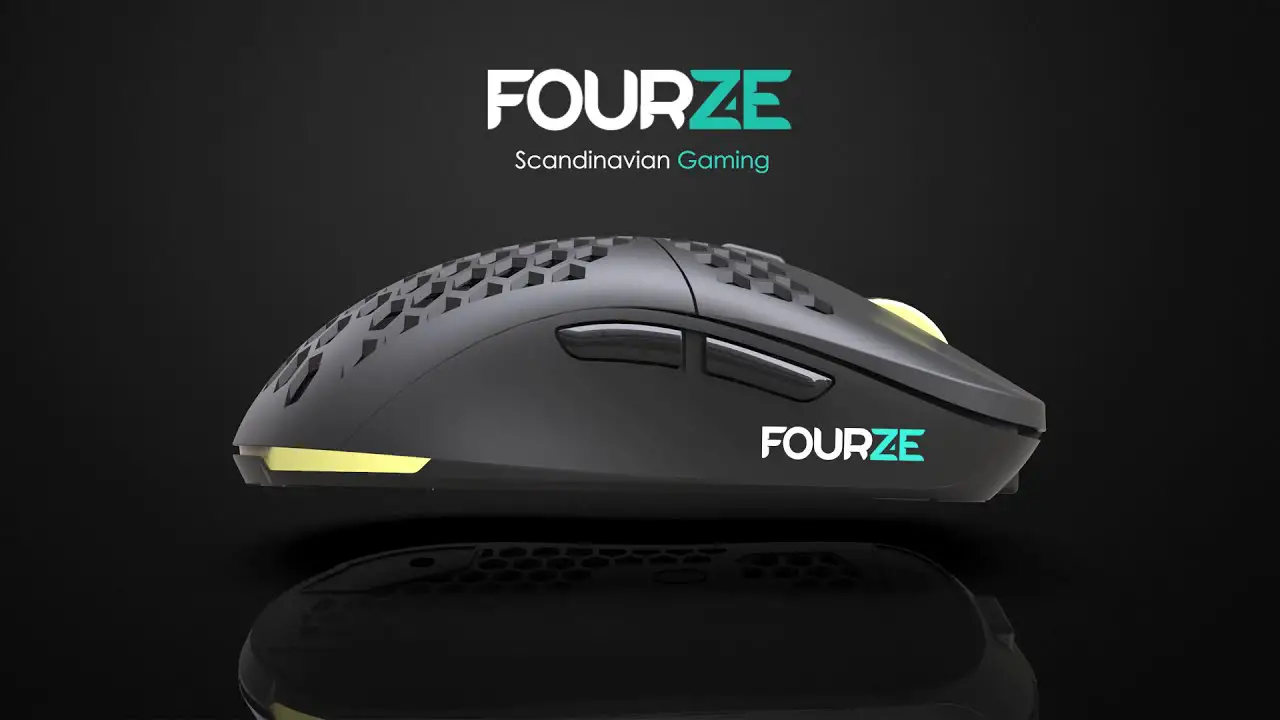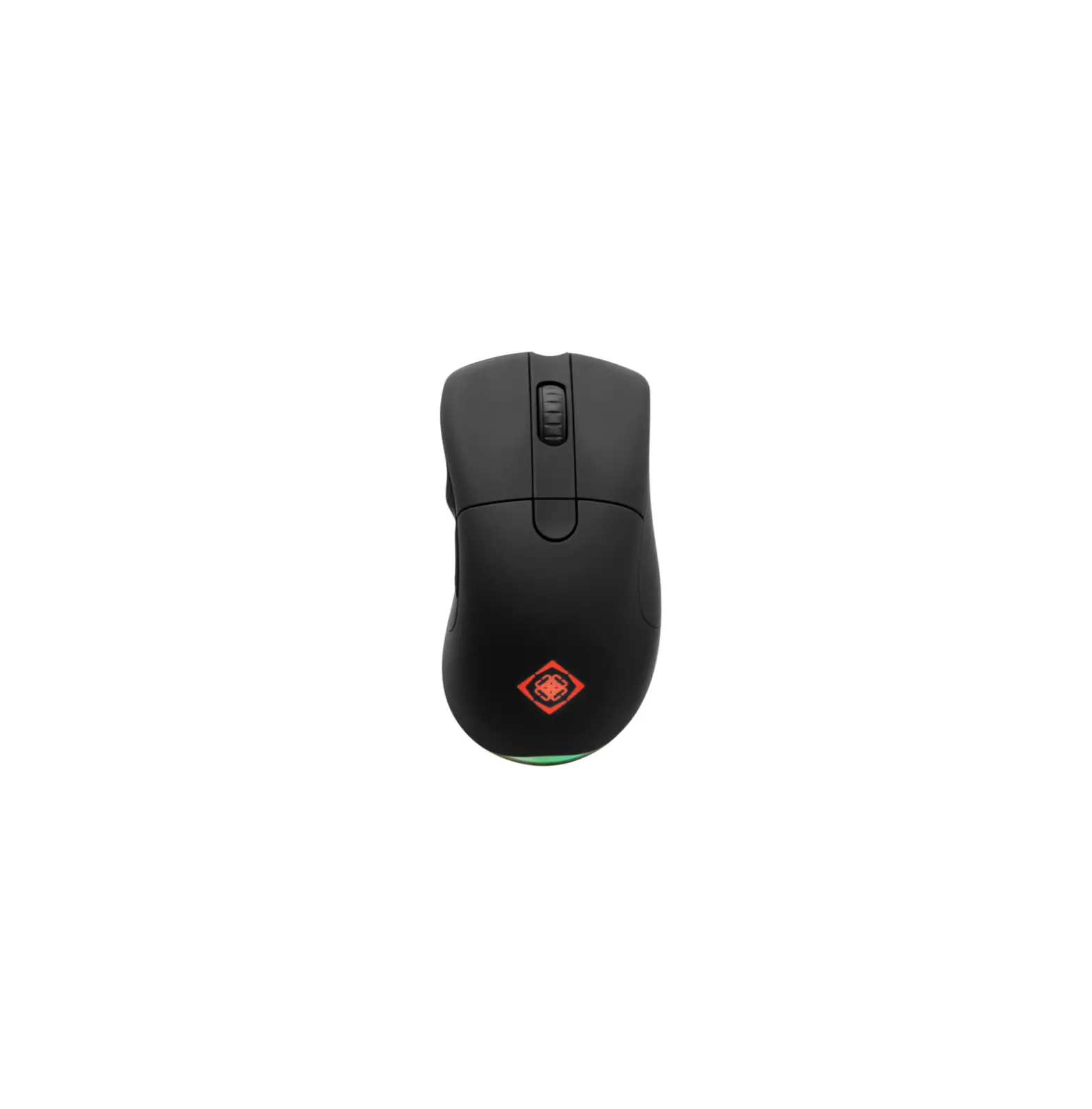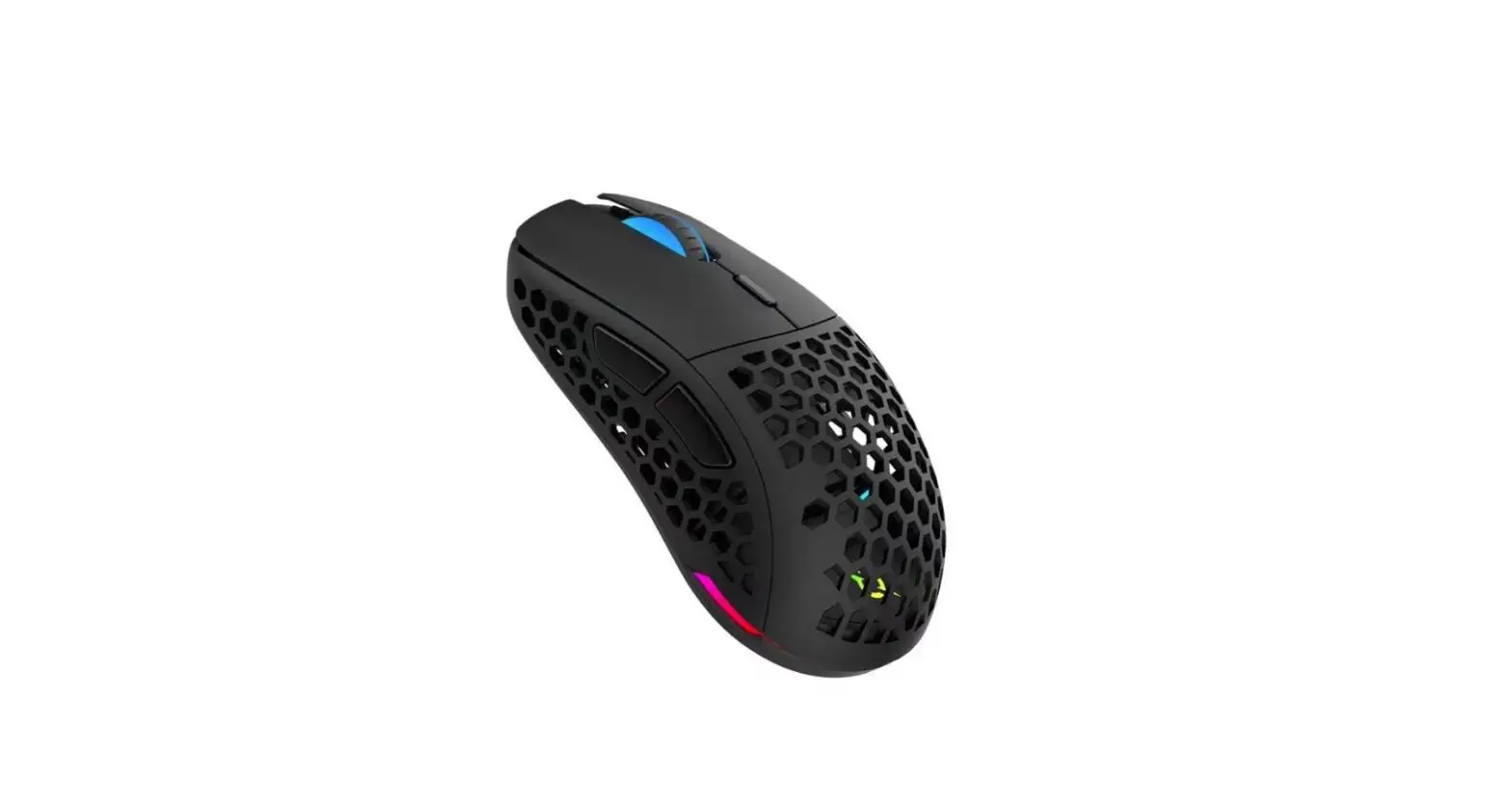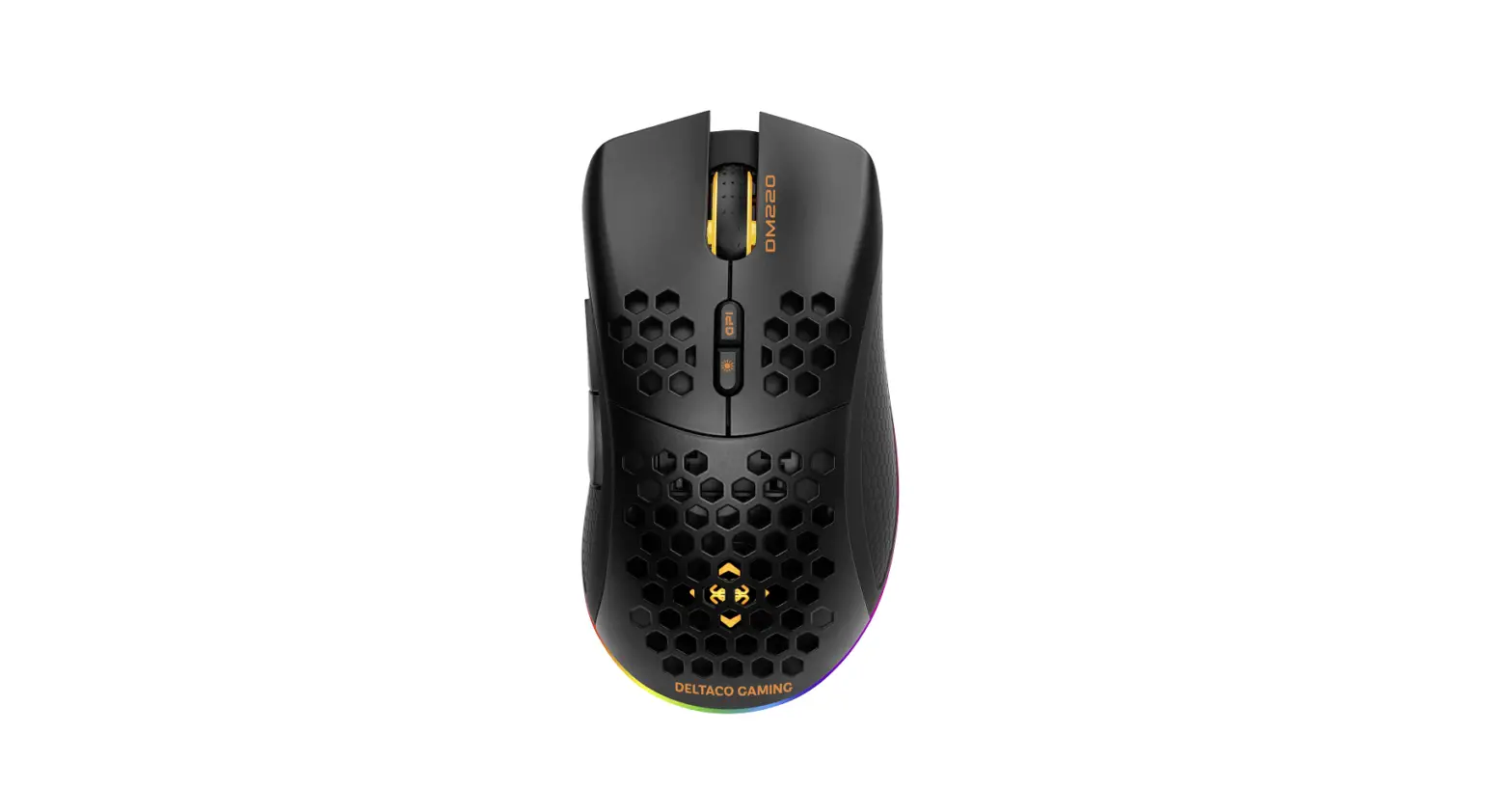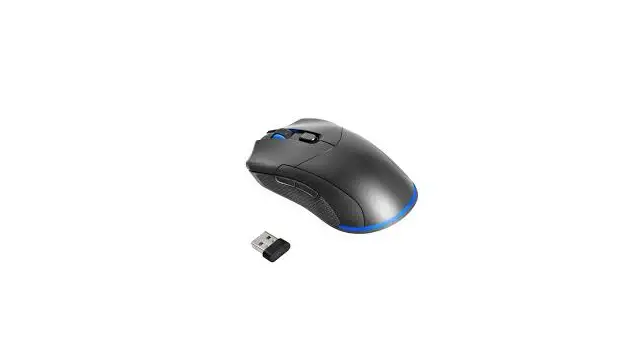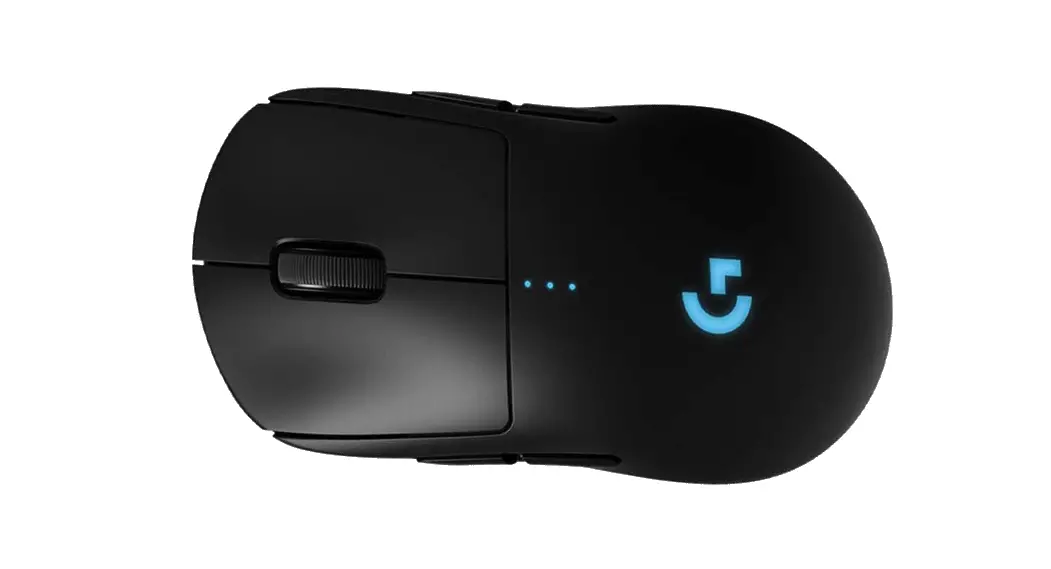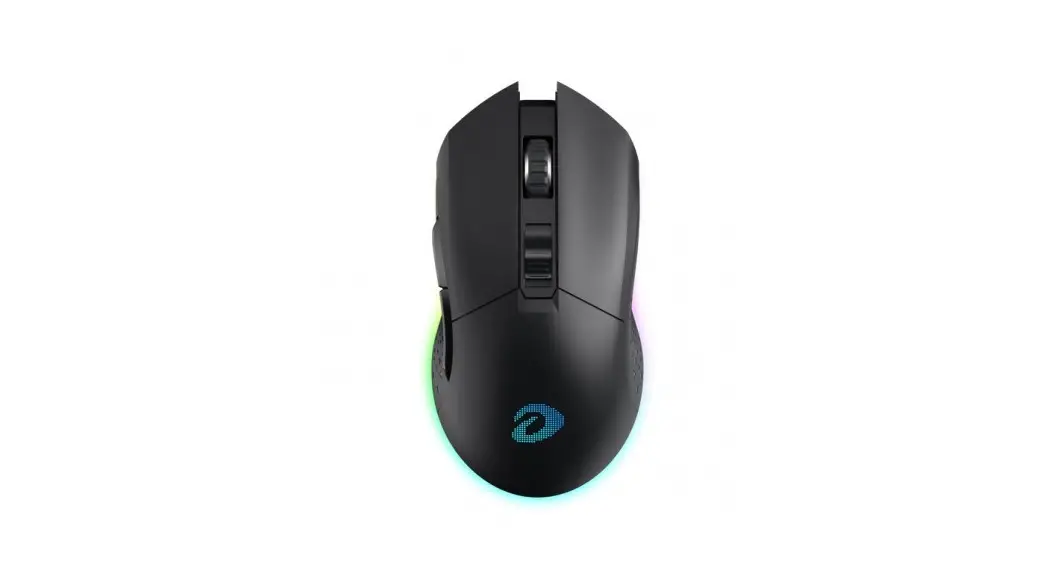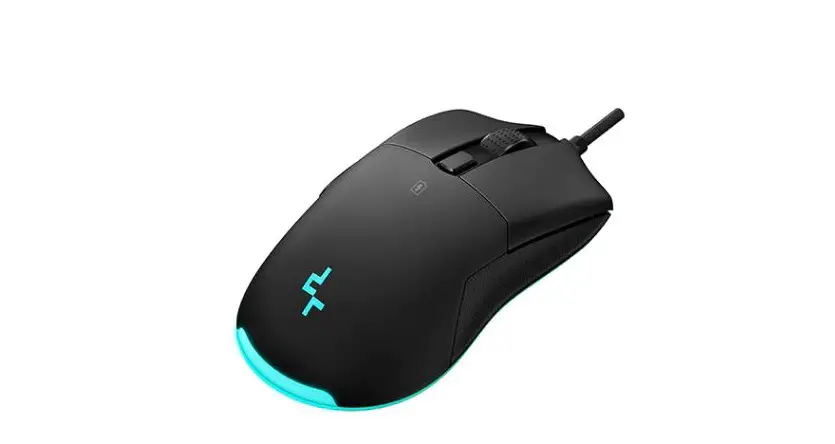

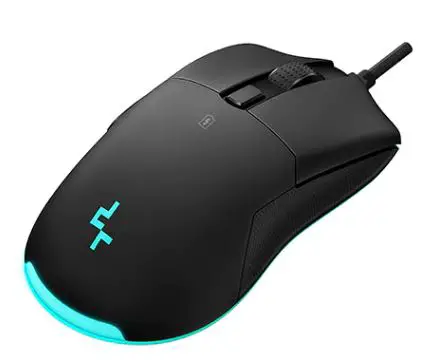
DEEPCOOL MG510 Wireless Gaming Mouse
Parts List
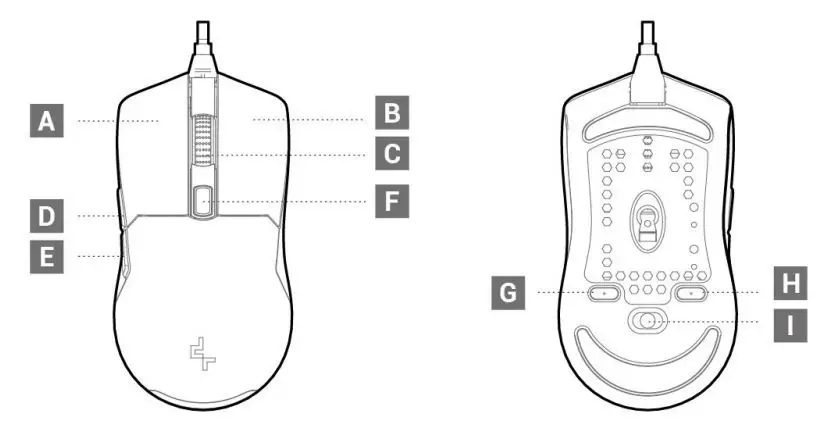
A.Left Click
B.Right Click
C.Wheel Button
D.Forward Button
E.Backward Button
F.Lighting Effect Button
G.DPI Button
H.Report Rate Button
I.Off/On/LED On Switch
QUICK START
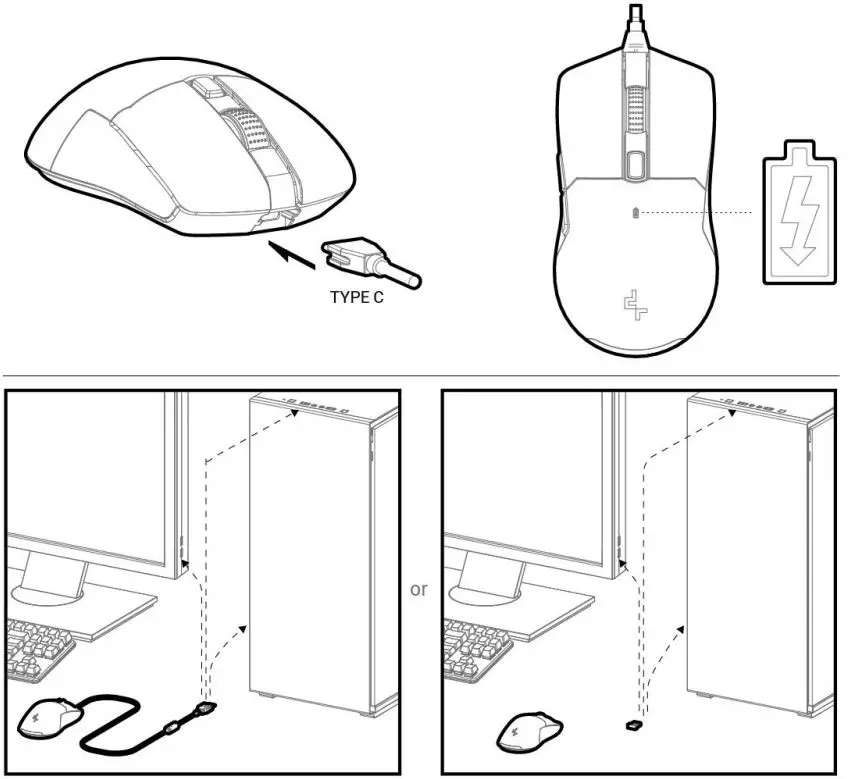
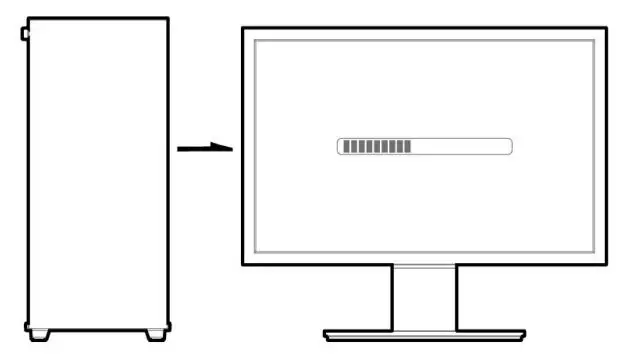
Plug in the computer and download the software from https://www.deepcool.com/download/f1rmware/MG5l0_Setup.rar
Beijing OeepCool Industries Co., Ltd.
Building 10, No. 9 Dijin Road, Haidian District, Beijing 1 00095, China
Copyright© 2021 Beijing OeepCool Industries Co., Ltd. All rights reserved.
Pictures on this package are for reference only, please refer to the actual product.
For more information, please check our website at: www.deepcool.com