Globe Suite Apps User Guide
Welcome!
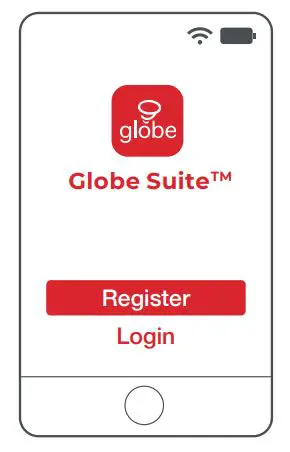
1 Get started
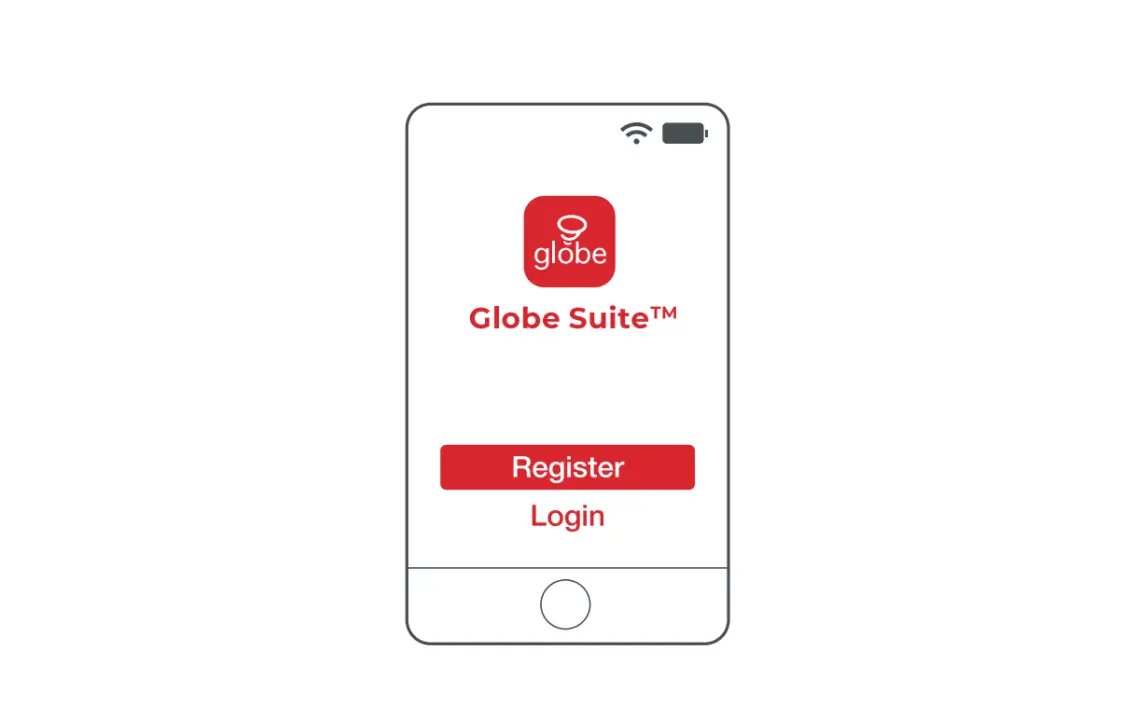
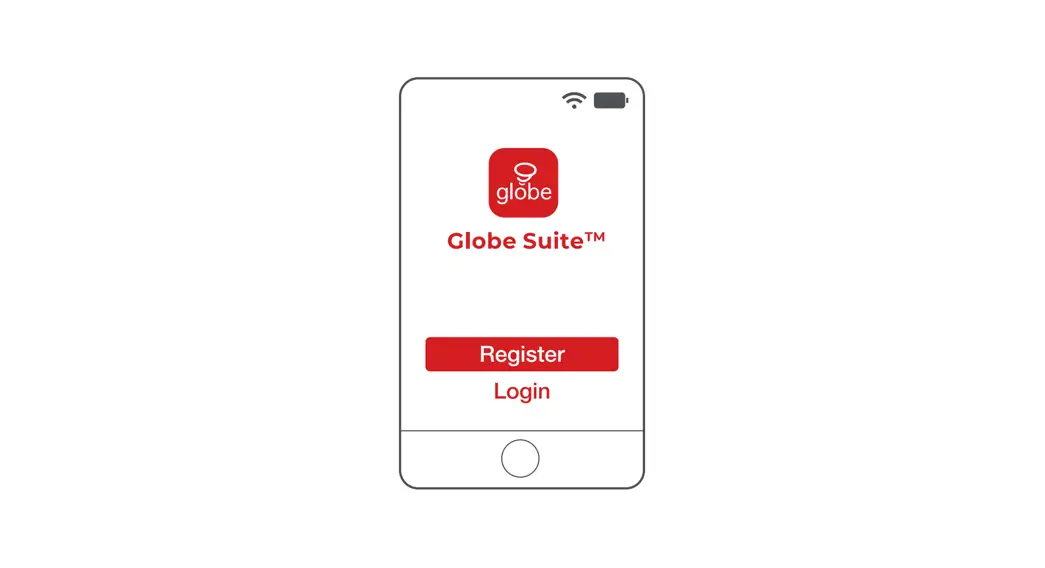
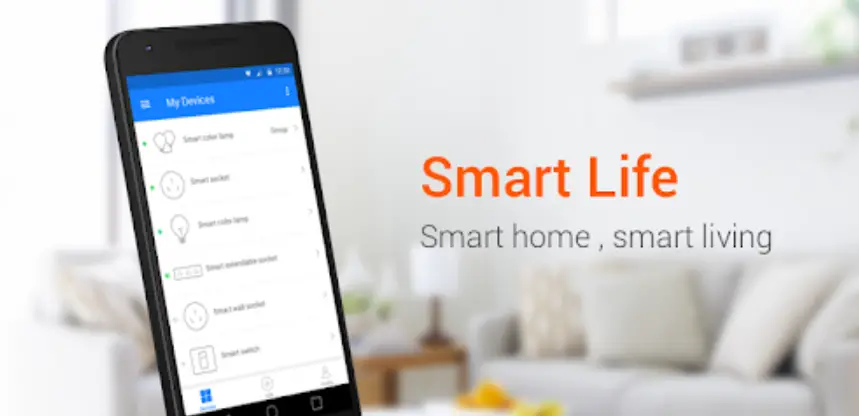
- Download the Globe SuiteTM app from the
- App Store or Google Play to your mobile device
- Launch the Globe SuiteTM app
- To register, enter your email address, create a password, then log in to the app OR
- Log in if you already have an account
2 Verify your network
- Verify your network and ensure your mobile device is connected to a 2.4 GHz Wi-Fi channel
- Consult your router documentation for detailed instructions on how to change wireless settings
- Once your devices have been successfully paired, you can switch back to mixed mode or use a cellular data network to control your smart products
3a Scan mode
- Power on your device
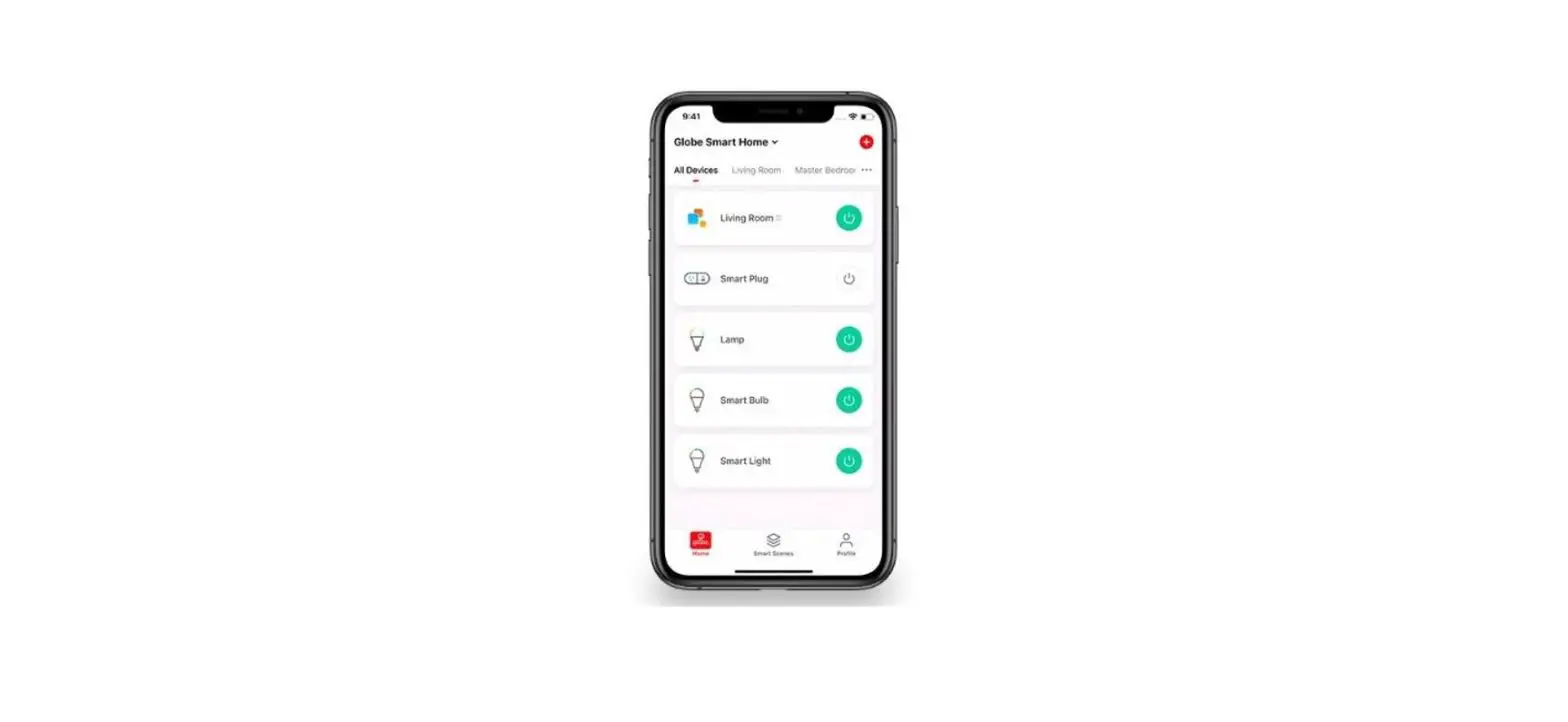
- Select the “+” symbol on the top right-hand corner
- Follow instructions within the app
- If your device is flashing rapidly and fails, try using EZ Mode
3b EZ mode
- Select the “+” symbol on the top right-hand corner
- Select “Manual”
- Select your product type and follow the instructions within the app
- If the connection fails, try using AP mode
3c AP mode
- Select the “+” symbol on the top right-hand corner
- Select “Manual”
- Select your product type
- Open the menu on the top right-hand corner and select “AP mode”
- Follow the instructions within the app
- You’re good to go!

Did you know?
Most modern routers are dual-band, meaning they support both 2.4 GHz and 5 GHz channels.
The most common wireless options are:
- Mixed: The router will broadcast both 2.4 GHz and 5 GHz simultaneously under the same SSID. The device will choose which to connect to based on multiple variables (congestion, distance to router, etc.).
- 2.4 GHz: Broadcast only on this channel
- 5 GHz: Broadcast only on this channel
- Dual 2.4 and 5 GHz using Separate SSIDs: Router will broadcast both channels and the user manually decides which to connect to
Have a question?
We can help!


Check out Smart Support in the app (Profile > Smart Support)

Check us out on YouTube

1-888-543-1388
Scan me
Globe Electric Company 50155*_QSG 09-092-21
 Electric | The Largest Consumer Energy & Renewables Platform
 smart - manualsee.com