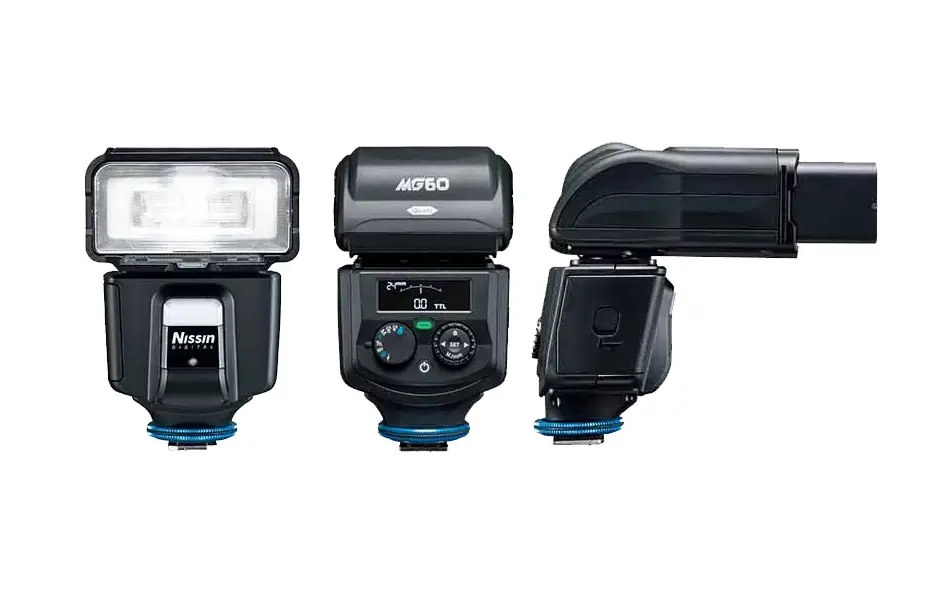
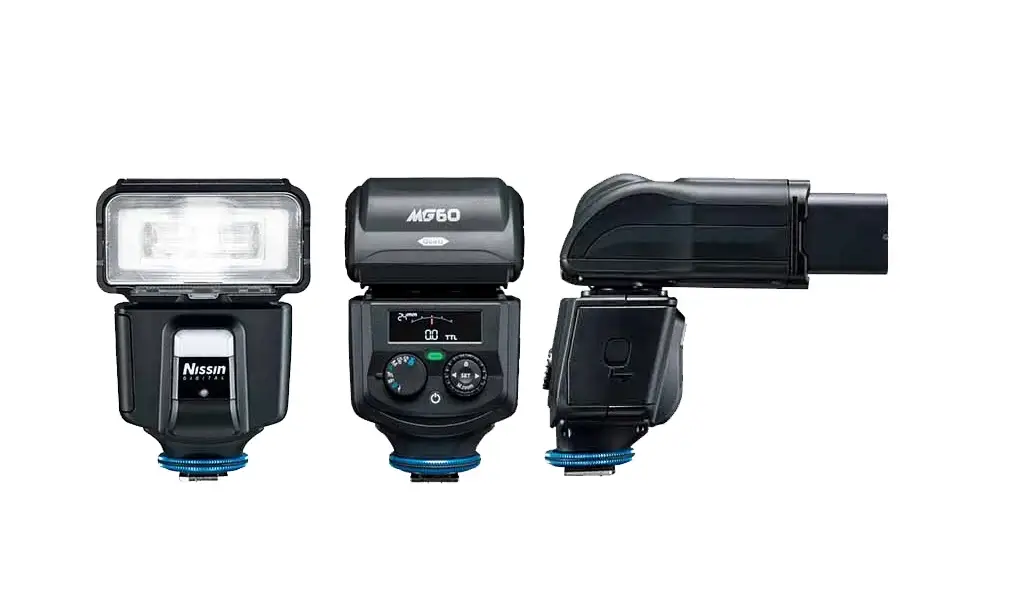
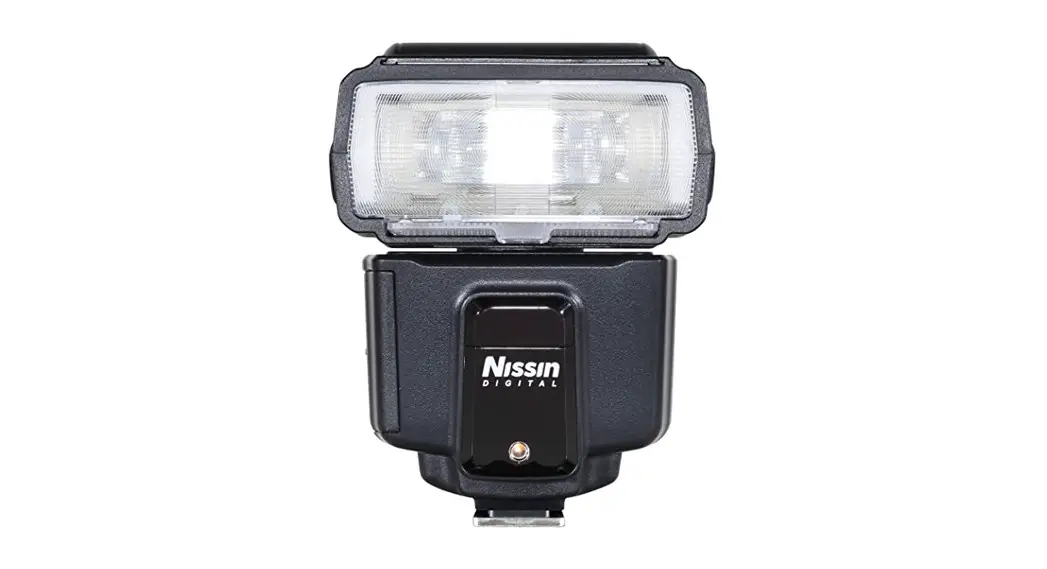
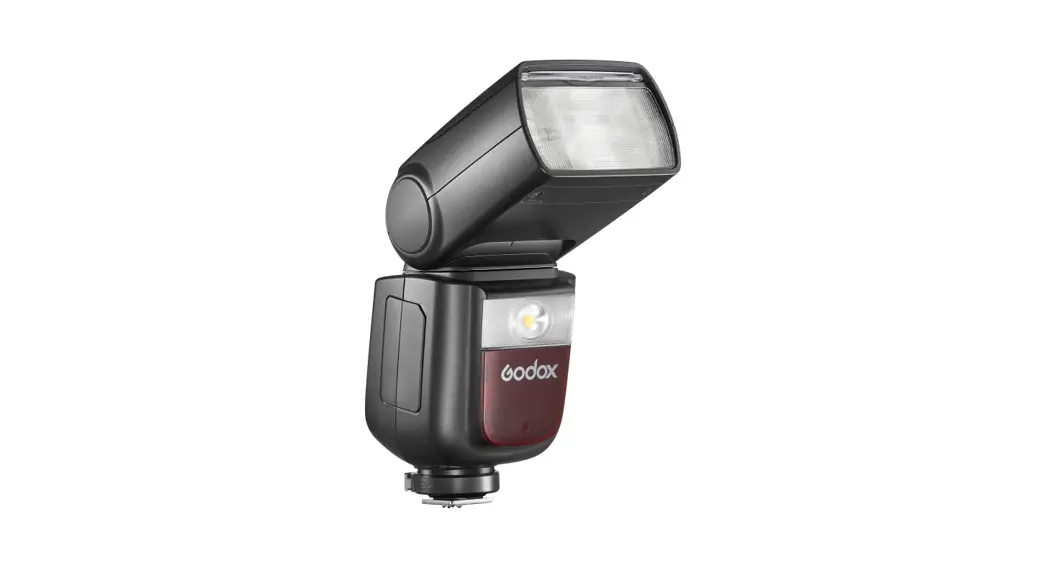
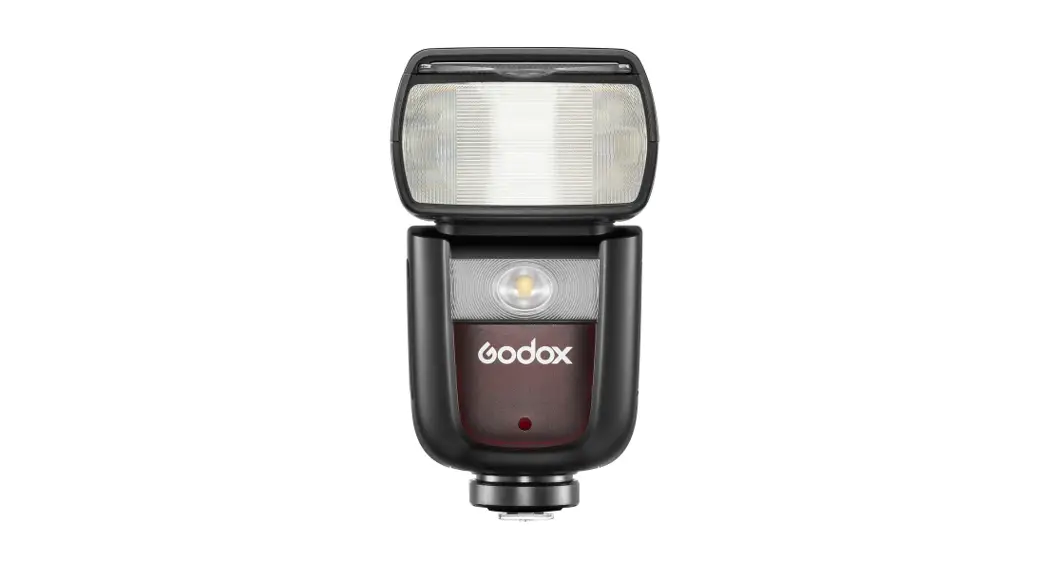
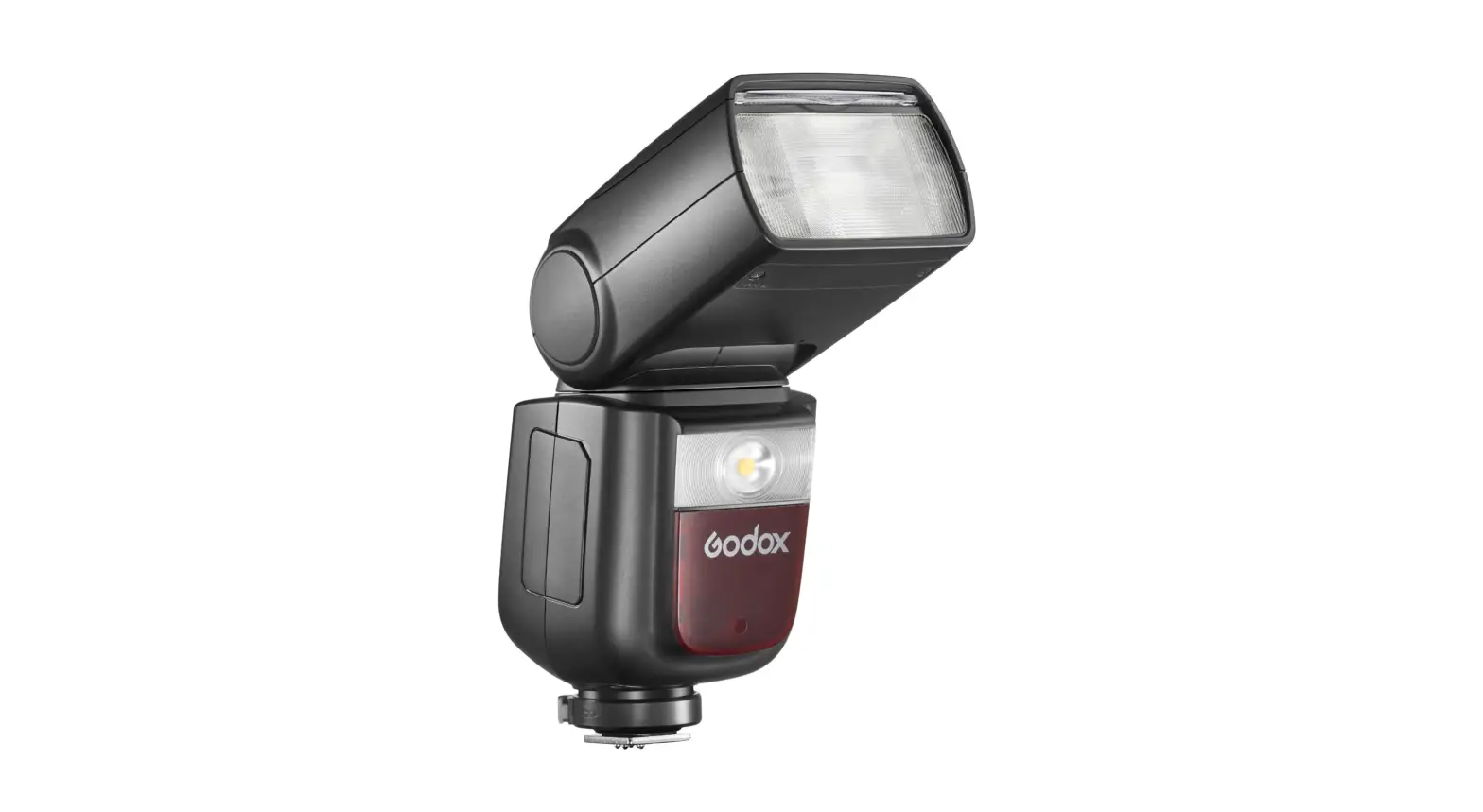
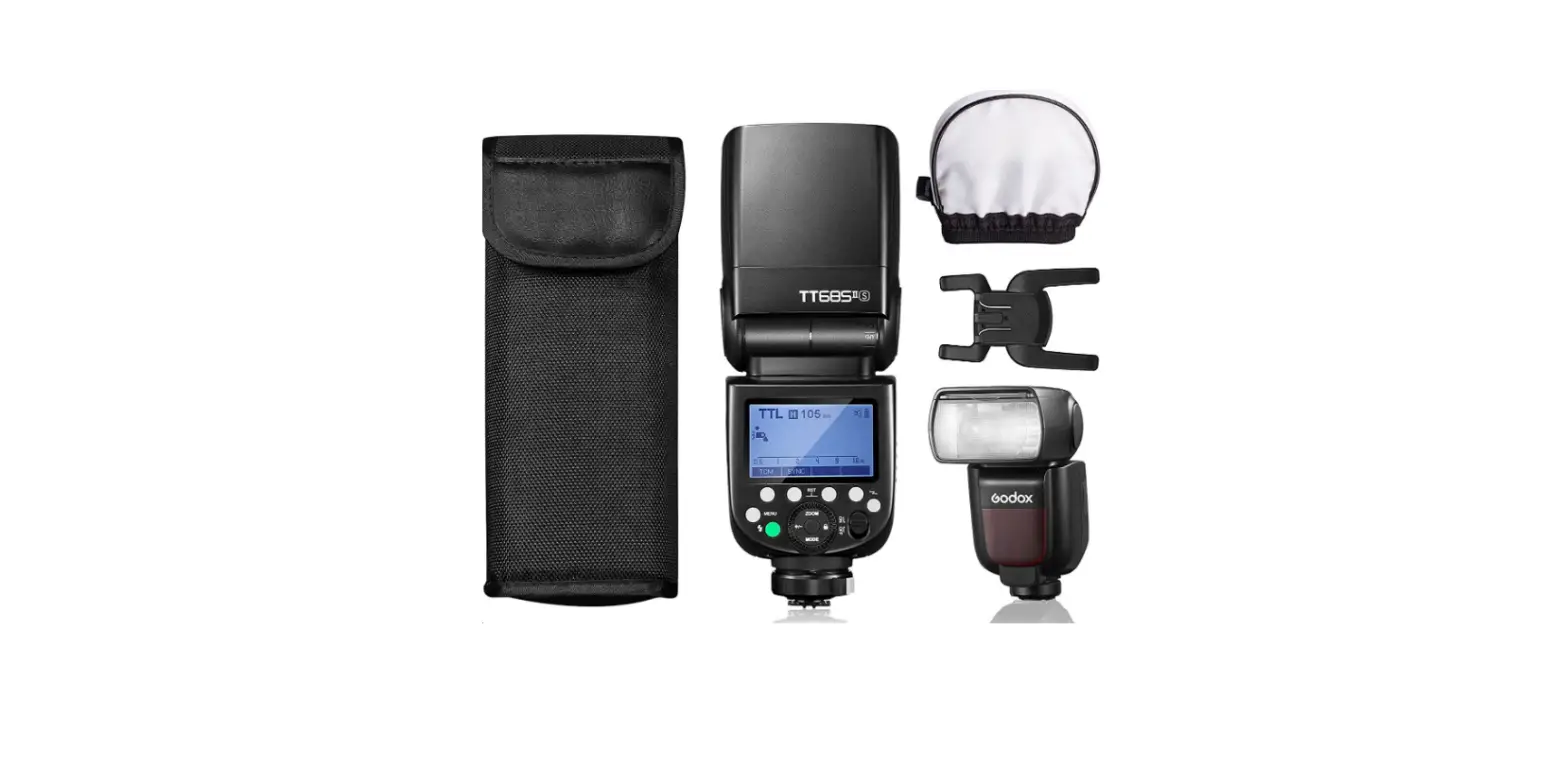
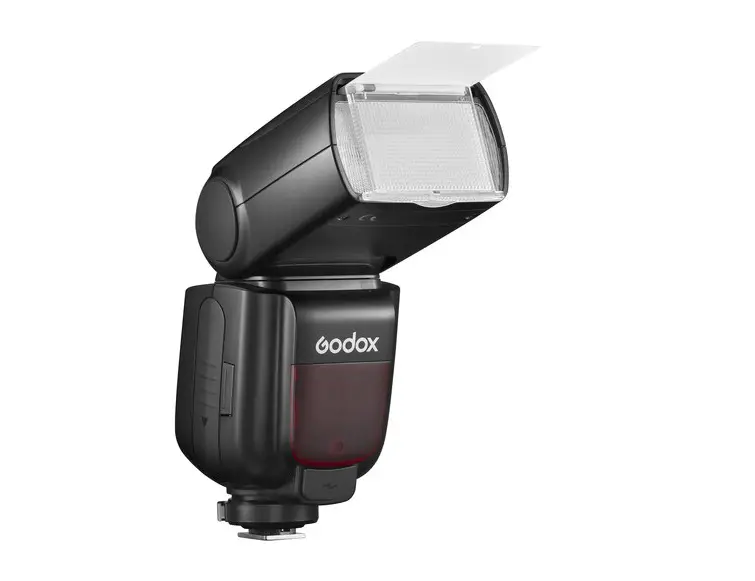
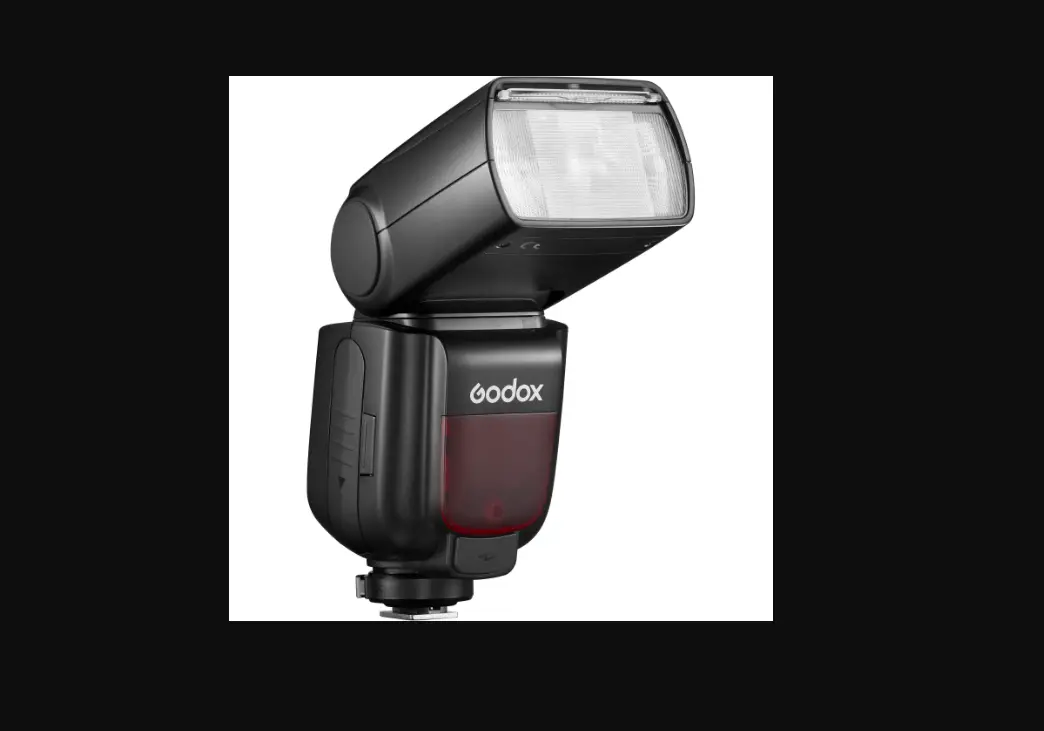
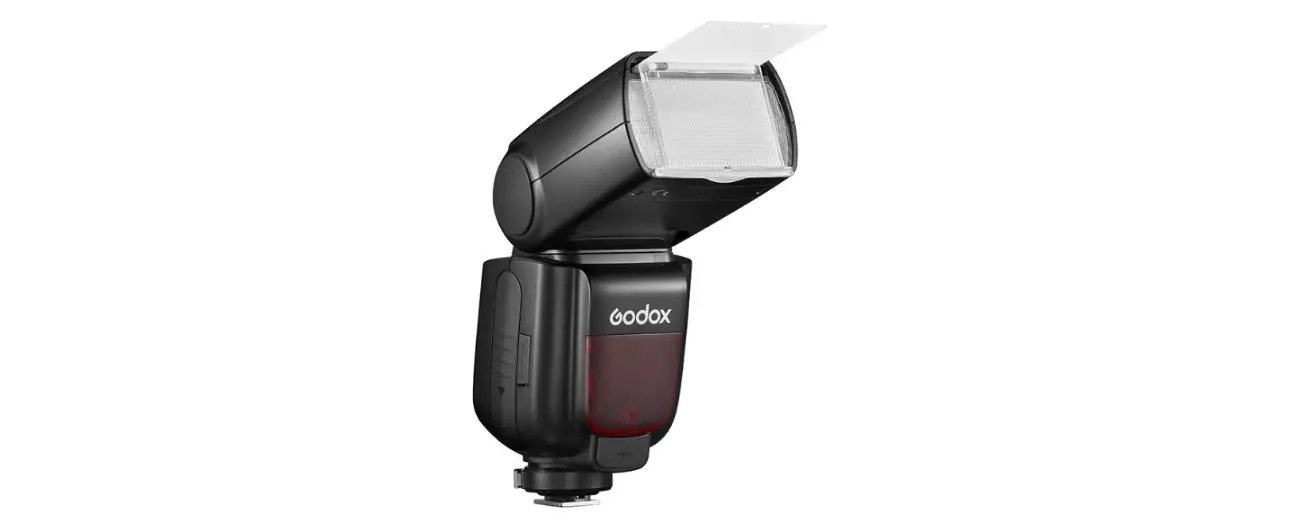
MG60 Professional Compact Flash for Mirrorless Cameras
error
{
“error”: {
“message”: “You exceeded your current quota, please check your plan and billing details.”,
“type”: “insufficient_quota”,
“param”: null,
“code”: null
}
}
the following is the text from the user manual / instructions:
Canon / Nikon / Sony INSTRUCTION MANUAL
Changes or modifications not expressly approved by the party responsible for compliance could void the user’s authority to operate the equipment. This device complies with Part 15 of the FCC Rules. Operation is subject to the following two conditions: (1) this device may not cause harmful interference, and (2) this device must accept any interference received, including interference that may cause undesired operation.
Thank you for purchasing Nissin product
Please read this instruction carefully before using. Get a better understanding of a proper operation to enjoy with it. Nissin MG60 are designed for Canon / Nikon / Sony cameras which built-in NAS system to controlling the flash. Please note that MG60 are not usable with other branded cameras for TTL operation.
Compatible cameras
Please refer to Nissin’s compatibility chart for latest information: http://www.nissin-japan.com or http://www.nissindigital.com
1
SAFETY INSTRUCTIONS
This safety instructions, an important information on how to use Nissin’s products safely and properly. Please read the following lines carefully.
WARNING
CAUTIONS
2
INDEX
3
Components
1
7 2
3
8
9 4
10 5
6
11
12
13
14 15
16
1 Fill-in reflector 2 Light diffusing panel 3 Video light 4 Remote/ Slave sensor 5 AF-assist light 6 Mounting foot and Hotshoe contacts 7 Colour monitor 8 Pilot button (Test flash button) 9 Mode dial
10 Control dial and button 11 Power button 12 Flash head 13 Magnetically contacted zoom head 14 Unlock button 15 Battery compartment door 16 USB service port
(for firmware update)
Accessories:
Pouch
Soft box
Filter holder Colour Gel (CTO) Flash stand
4
Operation
Inserting battery
1. Open the battery compartment door and insert 4
x 14500 Li-ion or size AA rechargeable batteries
1 2
or Alkaline batteries as shown in the picture.
2. Make sure + and – battery contacts are correctly inserted.
3. Close the door and slide it back in place.
Mounting MG60 on the camera
1. Turn off MG60.
2. Rotate lock ring of MG60 to loosen it all the way as shown in the picture.
3. Slide the mounting foot of MG60 into the camera hotshoe.
4. Screw the lock ring to the other side and tighten it.
5
Operation
Turn on the flash unit
Energy saving
8 sec
2 mins
Dim
(Off Camera)
Press any button (or half-press camera shutter button)
Battery status
Sleep
60 mins Turn Off
Press Power button
A battery icon shows: – Wrong insertion (battery type / position) – Low battery
MG60 will turn off after 30 seconds
* It is recommended to use 4 batteries in the same brand and type. Replace them all when they are low battery.
Overheat
A overheat signal is twinkling: – Flash overheating – Battery overheating
It will switch off after cooling down. 6
Mode dial
MG60 flash mode selection
Rotate the dial for selection.
Video light
Built-in video light with 9 steps of output level adjustment.
Slave Film
The flash is triggered by a light from another flash unit and synchronizes to the manual flash.
Slave Digital
The flash is triggered by a light from another flash unit and synchronizes to the TTL flash.
Manual mode
Select the desired manual power on the flash unit.
Canon / Nikon / Sony INSTRUCTION MANUAL
Changes or modifications not expressly approved by the party responsible for compliance could void the user’s authority to operate the equipment. This device complies with Part 15 of the FCC Rules. Operation is subject to the following two conditions: (1) this device may not cause harmful interference, and (2) this device must accept any interference received, including interference that may cause undesired operation.
Thank you for purchasing Nissin product
Please read this instruction carefully before using. Get a better understanding of a proper operation to enjoy with it. Nissin MG60 are designed for Canon / Nikon / Sony cameras which built-in NAS system to controlling the flash. Please note that MG60 are not usable with other branded cameras for TTL operation.
Compatible cameras
Please refer to Nissin’s compatibility chart for latest information: http://www.nissin-japan.com or http://www.nissindigital.com
1
SAFETY INSTRUCTIONS
This safety instructions, an important information on how to use Nissin’s products safely and properly. Please read the following lines carefully.
WARNING
This sign refers to the possibility of personal injury, death or property damage if not followed as described. · The flash unit contains high voltage electric parts. Do not open and repair it by users themselves. Send to specific service center to the purchasing store for further arrangement if repair needed. · Do not touch the broken unit. It may cause an electric shock. · Do not use the flash directly toward eyes at a short distance. It may damage the eyes. · It is recommended to keep the flash unit in at least 1 meter (3.3feet) away from the subject especially toward a baby. Use diffuser or bounce to soften its intensity during photo shooting. · Do not place the flash unit near any flammable gas, chemicals or such liquids. It may cause fire or electric shock. · Do not touch the flash unit with wet hands or use in the water. The flash unit carries high voltage inside and it may cause an electric shock. · Do not shoot the flash unit directly at the driver of automobiles or such vehicles. · Do not place and fire the flash close to the human body, which may get scalded. · Place batteries in a correct position. Placing them in wrong polarity may cause leakage, exothermic heat or explosion.
CAUTIONS
This sign refers to conditions which may cause damage or defect. · Do not leave or store the flash unit in the temperature over 40ºC/ 104ºF, such as in the
automobile. · The flash unit is not water resistance. Keep it away from rain, snow and humidity. · Do not use benzene, thinner or other alcoholic agents to clean the flash unit. · Do not use this flash unit with cameras which are not recommended in the compatibility list at
official website, it may damage the camera’s circuitry. · Remove the batteries when they are not in use for a period of time. · Do not have a heavy impact to the flash unit, nor throw it onto a hard surface floor.
2
INDEX
Components ……………………………………………………………………. 4 Operation ……………………………………………………………………. 5 – 6 Mode dial ………………………………………………………………………… 7 – Video light ……………………………………………………………………… 9 – Shooting MG60 automatically …………………………………… 10 – 11 – TTL …………………………………………………………………………….. 12 – Manual exposure flash …………………………………………………… 13 – Multi-flash ……………………………………………………………… 14 – 15 – Wireless slave SD/SF ……………………………………………………. 16 – Optical wireless ……………………………………………………………. 17 – Radio wireless – NAS ……………………………………………… 18 – 19 Control dial ……………………………………………………………………… 8 – Set button…………………………………………………………………….. 20 – Arrow button …………………………………………………………………. 20 – Manual zoom ……………………………………………………………….. 20 – Buzzer ………………………………………………………………………… 21 Flash head operations ………………………………………………. 22 – 23 AF assist light emitter ……………………………………………………… 24 Firmware update procedure …………………………………………….. 25 Specifications …………………………………………………………………. 26 Guide number table ………………………………………………………… 27 Trouble Shooting …………………………………………………………….. 28 Warranty ……………………………………………………………………….. 29
3
Components
1
7 2
3
8
9 4
10 5
6
11
12
13
14 15
16
1 Fill-in reflector 2 Light diffusing panel 3 Video light 4 Remote/ Slave sensor 5 AF-assist light 6 Mounting foot and Hotshoe contacts 7 Colour monitor 8 Pilot button (Test flash button) 9 Mode dial
10 Control dial and button 11 Power button 12 Flash head 13 Magnetically contacted zoom head 14 Unlock button 15 Battery compartment door 16 USB service port
(for firmware update)
Accessories:
Pouch
Soft box
Filter holder Colour Gel (CTO) Flash stand
4
Operation
Inserting battery
1. Open the battery compartment door and insert 4
x 14500 Li-ion or size AA rechargeable batteries
1 2
or Alkaline batteries as shown in the picture.
2. Make sure + and – battery contacts are correctly inserted.
3. Close the door and slide it back in place.
Mounting MG60 on the camera
1. Turn off MG60.
2. Rotate lock ring of MG60 to loosen it all the way as shown in the picture.
3. Slide the mounting foot of MG60 into the camera hotshoe.
4. Screw the lock ring to the other side and tighten it.
5
Operation
Turn on the flash unit
· Press the On / Off switch. Pilot button shows in red.
· Pilot button changed into green in a few seconds. It is ready to shoot.
· For testing flash, press Pilot button.
· To turn off the flash unit manually, press the On/Off switch once.
Energy saving
8 sec
2 mins
Dim
(Off Camera)
Press any button (or half-press camera shutter button)
Battery status
Sleep
60 mins Turn Off
Press Power button
A battery icon shows: – Wrong insertion (battery type / position) – Low battery
MG60 will turn off after 30 seconds
* It is recommended to use 4 batteries in the same brand and type. Replace them all when they are low battery.
Overheat
A overheat signal is twinkling: – Flash overheating – Battery overheating
It will switch off after cooling down. 6
Mode dial
MG60 flash mode selection
Rotate the dial for selection.
Video light
Built-in video light with 9 steps of output level adjustment.
Slave Film
The flash is triggered by a light from another flash unit and synchronizes to the manual flash.
Slave Digital
The flash is triggered by a light from another flash unit and synchronizes to the TTL flash.
Manual mode
Select the desired manual power on the flash unit.
Full automatic mode
Flash light fully control by the camera (the most proper exposure)
TTL program Mode
Flash light automatically control by the camera but the flash exposure value can be compensated.
Multi-flash mode
Shoot multiple successive movements in a single picture.
NAS mode
Radio wireless slave flashing through NAS commander.
Optical wireless mode
Synchronizes to the optical wireless remote flash system.
7
Control dial
MG60 functions adjustment
Dial
Rotate to adjust power, select groups/ channel or switch on/off advanced setting.
Lock
Hold the button for 1 second to lock or unlock buttons mis-press and whole control setting.
SET
Press to enter the advanced setting page, press again to confirm setting and return back to main page.
Manual zoom
Hold the button for 1 second to change zoom head position.
Arrow button
Press left or right arrow to select the advanced setting: < / / //> Note : For Nikon cameras, Users may activate the HSS(FP) function on the camera side.
8
Mode dial
Video light
· Set MG60 to the camera’s hotshoe and press the power button to turn on.
· Rotate the Function dial to
mode.
· Select power by rotating the Power dial, 9 steps of output level can be adjusted.
NOTE
The lighting time of LED video light can be approx. 3.5 hours lasting in full power batteries.
9
Mode dial
Shooting MG60 in Auto mode
Camera mode
Canon Nikon Sony
Auto
Programmed Auto
Aperture-Priority Auto
Shutter-Priority Auto
Manual
In the camera’s shooting modes listed above, MG60 will fully work in TTL automatic-flash system.
· Set MG60 to the camera’s hotshoe and press the on/ off switch to power on.
· Rotate the Function dial to A mode.
· MG60 is now set for the camera’s automatic flash control system.
· Press the shutter button of your camera halfway to focus the subject.
· Shutter speed, aperture and flash mark ( ) are indicated in camera’s view finder.
· Take the picture. MG60 is fired and the result is immediately shown on the camera’s LCD display.
· When you change the focal length, the power zoom flash head of MG60 immediately sets its position to match the lens focal length you selected.
· The flash illumination coverage of MG60 responds to the lens focal length of 24mm – 200mm.
10
Mode dial
Shooting MG60 automatically
Set the camera’s shooting mode, select focal length and take pictures with MG60 on your camera.
MG60 is a supplement to help you in taking a creative and live picture. Almost all tasks are automatically done by the camera and you just control the camera only.
Mode
Shutter Speed
Aperture Setting
Automatic Automatic
Control on the camera
Automatic
Automatic Automatic
Manual Automatic
Automatic Manual
Manual
Manual
Automatic
Any available shutter speed can be set
Any available f-stop can be set
Any shutter speed / f-stop combination can be set
11
Mode dial
TTL flash power compensation
With the latest TTL flash control system, the flash power level is always automatically controlled by the camera for the most appropriate exposure. If you wish, you can soften or weaken the flash light, or give more light to the subject without changing the environmental or background exposure effect. The MG60 can make it possible to quickly adjust the exposure for each particular flash picture as needed.
· Set MG60 to the camera’s hotshoe and press the on/ off switch to power on.
· Rotate the Function dial to mode.
· To set the Flash power compensation level rotate the Control wheel to the power level you desire.
· TTL flash power compensation is provided in 12 steps by 1/3 Ev increments for -2.0, -1.7, -1.3, -1.0, -0.7, -0.3, 0, +0.3, +0.7, +1.0, +1.3, +1.7 and +2.0 Ev.
· Take a picture and the subject is shown with required lighting effect by keeping the background exposure level as originally expected.
· On some cameras, the TTL flash power compensation setting is provided in its menu mode. When setting the TTL flash power compensation on your camera, any compensation which is also set on the MG60 will be counted in addition to the compensation you selected in the camera’s menu mode. ( i.e. Having a +1 compensation set on the flash and a +1.3 compensation set in the camera would yield a total compensation of +2.3 EV.)
12
Mode dial
Manual Exposure Flash
In some occasions, or for special expression, you may need your own flash exposure instead of the automatic controlled exposure. You can set MG60 for non-automatic flash mode, and select the desired flash power. · Set MG60 to the camera’s hotshoe and press the on/ off switch to
power on. · Rotate the Function dial to M mode. · You can select the power by rotating the Control Wheel :
1/256 1/1 (Full) power. Red color bar represent 1 step, White color bar represent 1/3 step
· Set the camera shooting mode to [ A ] or [ M ] · Select your desired F-stop and / or shutter speed. Point at the subject
and press the shutter.
13
Mode dial
Multi-flash
In Multi-flash mode, MG60 fires repeatedly during a single exposure and creates stroboscopic multiple-exposure effects. The power level, frequency and the number of flashes should be set on the flash unit in advance.
Power, Frequency and Times
· Manual power: MAX 1/8 to 1/256 · Frequency: 1 Hz to 100 Hz · Times: 1 ~ 90 times
Operation
· Press · Press
to enter the advanced setting page to select Frequency / Flash Times
Frequency
Flash Times
· Rotate
to change frequency and times
· Press
to confirm and exit
14
Mode dial
Multi-flash
Calculating the shutter speed
The shutter speed to be set on the camera is calculated in the following Number of flashes ÷ Frequency = Shutter Speed Example : To get 20 flashes at 10Hz 20÷10=2 The shutter speed to be set on the camera is 2 seconds or longer.
Maximum number of continuous flashes
Power
Frequency 1/256 – 1/64
1/64 +1/3EV
1/64 +2/3EV
1/32
1/32 +1/3EV
1/32 +2/3EV
1/16
1/16 +1/3EV
1/16 +2/3EV
1/8
1
90
78
68
60
46
36
30
22
16
14
2
3
90
78
68
60
46
36
30
18
14
12
4
80
64
56
50
30
24
20
14
12
10
5
70
52
44
40
30
24
20
12
10
8
6
56
40
36
32
30
24
20
10
7
6
7
44
36
32
28
26
24
20
10
7
6
8
36
30
26
24
14
12
10
8
6
5
9
32
28
24
22
14
12
10
8
6
5
10
28
26
22
20
10
9
8
6
5
4
20
30
40
50
60
24
18
14
12
10
9
8
6
5
4
70
80
90
100
15
Mode dial
Wireless Slave Flash
MG60 has a wireless remote flash system as a slave unit. You can enjoy creative flash photography with multiple lightings from the various directions. 2 slave modes are provided, Slave Digital (SD) for digital pre-flash system; Slave Film (SF) for analogue flash system.
SD – Slave Digital
In this mode, MG60 synchronizes to the pre-flash system. The master flash is to be set at TTL mode.
· You can select the power by rotating the Control wheel from 1/256 1/1 (Full) power.
· Hold the lock button 1 second to lock this condition on your flash. (Hold it again to release the lock)
SF – Slave Film
In this mode, MG60 synchronizes to the traditional single flash system. The master flash is to be set at manual mode. Studio lighting system synchronizes to this mode. This mode is also available for open flash, and for a standard flash in the market.
· You can select the power by rotating the Control wheel from 1/256 1/1 (Full) power.
· Hold the lock button 1 second to lock this condition on your flash. (Hold it again to release the lock)
16
Mode dial
Optical wireless remote flash
MG60 synchronizes to the wireless remote flash system. You can enjoy creative flash photography with multiple lightings from the various directions.
Optical Wireless Transmission
In this mode, MG60 synchronizes to the wireless remote flash system. To remoting all channels and groups
A=Group A/ B=Group B/ C=Group C
MG60 supports wireless TTL / M / Multi-flash. Set the mode on your master flash/commander, MG60 will follow the setting automatically.
· Rotate the Mode dial to AF-assist light blinking,
mode then light-up
· All power controll by master flash/ commander.
TTL mode
· Press press
to enter the advanced setting, to select /
Manual mode
· Rotate
to change the group / /
· Rotate
to switch on/off
· Press
to confirm the group setting and back to main page.
NOTE
Wireless Multi-flash limited to the supporting flash/commander, please refer to your flash manual.
17
Mode dial
Radio wireless remote flash (NAS)
MG60 is built-in wireless remote flash system as a slave unit. You can enjoy creative photography with multiple flashes of various direction. Using MG60 with NAS makes it easy to connect with multiple flashes wirelessly in the same way as normal TTL autoflash shooting.
Pairing
· Switch off MG60, turn the mode dial to
· Hold
and
the beeping.
button until you hear
· Hold and button on your commander until
twinkling.
· After finishing the pairing, the MG60 and commander will stop beeping and blinking.
· Once MG60 linked to NAS, function are control directly by the NAS commander.
· The NAS connect signal is twinkling which means both MG60 and commander were not connect
Group setting
· Press press
to enter the advanced setting, to select
· Rotate to change the group / / / / / / /
· Press
to confirm setting and back to main page.
18
Mode dial
Radio wireless remote flash (NAS)
Channel setting
· Press press
to enter the advanced setting, to select
· Rotate to change the channel.
· Press to confirm setting and back to main page.
Open mode
Being part of the MG Series, MG60 supports “Open Mode” and it lets different cameras to use the same set of strobe in one place.
· Press press
to enter the advanced setting, to select
· Rotate to switch Twinking: off Light-up: on
on/off.
Open mode off
· Press
to confirm the setting and
back to main page.
Open mode on
19
Control dial
Set button
Press the set button to adjust the advanced settings on the flash such as HSS, buzzer, group, channel, frequency and times.
Arrow button
Press
//
to select the advanced setting:
//
(Note : For Nikon cameras, Users may activate the HSS(FP) function on the camera side.)
Manual zoom
MG60 offers “A” auto zoom mode and manual zoom mode.
· Manual zoom can be set in / / / /
/
· Hold the
button for 1 second to enter zoom setting.
· Turn
to change the zoom head position.
· Press
1 second /
once to confirm and go back.
NOTE
The zoom setting you selected is memorized and remains unchanged until you restart the flash.
20
Control dial
Switch on / off MG60 Buzzer
When we are using MG60 as a remote flash, it sets by default to emit a beep sound when it is changing commander setting and during charging.
· Buzzer can be set on / / /
· Press press
· Rotate
to enter advanced setting, to select to switch on/off buzzer.
Buzzer on
Buzzer off
· Press to confirm setting and back to main page.
Note : When the unit is set to Buzzer OFF, the buzzer will not sound regardless of the Commander setting, but when the unit is set to Buzzer ON, the buzzer will not sound if the Commander is set to Buzzer OFF.
21
Flash head operations
Fill-in reflector
If you use the fill-in reflector at a short distance during bounce shooting, the light will enter the eyes of the subject and the facial expression will become brighter.
· When using the fill-in reflector, bounce upward 90°.
· The fill-in reflector can be used with soft box attached.
· Recommend set the zoom position to 24mm.
Soft box
· Place the Soft box onto the flash head to soften the light output and reduce the shadows.
Light diffusing panel
· By pulling out the light diffusing panel and covering it in front of the flash head as shown in the figure, a shooting angle of view of 16mm can be supported.
· When pull out the light diffusing panel, the zoom setting position of MG60 is automatically set at the position for a 24mm.
22
Flash head operations
Magnetically contacted zoom head
· Pull out the magnetically contacted zoom head for a wide-angle flashing, heat dissipation and purpose Nissin Light Shaping Kit usage.
· Put the colour gel with gel holder together and set on the zoom head as shown in the picture.
Bounce lighting
When lighting a subject in front of the wall, an unnecessary sharp shadow may appear on the wall behind the subject resulting in a disappointing picture. Bounce the light off the ceiling or wall to soften the light on the subject, and the shadow will fade.
· The flash head turns upward to 90°, 180° to the left, and 180° to the right.
· Or mixing it upward/ sideways, you can set it in multiple directions
· When the flash head stays at turning or tilting position, the zoom setting position of MG60 is automatically set at the position for a 50mm focal length lens.
· The wall or ceiling in this case should be a flat surface and white colour is preferable. Colored ceiling or wall may reflect its color on the subject.
· When bouncing, the light is attenuated. If the effect is not sufficiently obtained, adjust the exposure settings such as increasing the ISO sensitivity of the camera.
23
AF assist light emitter
Under a low light condition, or in a dark place, the AF assist light will automatically emit the beam and illuminate the subject, so that the camera can easily focus on the subject in darkness. The beam is however not shown in the picture. (For DSLR only)
DSLR
24
Firmware update procedure
Before update
To start the firmware update procedure, you need to have: · The computer (Windows or Mac) connected to the Internet · USB OTG Type-C flash drive under FAT32 format (recommend 32GB) · 4pcs of full charged Li-ion / re-chargable AA batteries.
Update procedure
1. Download the firmware file. Check the link below to download firmware files: https://www.nissindigital.com/mg60-details
2. Connect USB flash drive to the computer. 3. Format it to FAT32 format (backup before format). 4. Copy firmware file to USB flash drive. 5. Eject it. 6. Insert fully charged batteries into MG60. 7. Insert the USB flash drive into the MG60. 9. Switch on the MG60.
The pilot light of MG60 will blink in yellow 10. The green light will emit when the firmware update procedure
completed. Switch off and remove the USB flash drive. 11. Switch on the MG60.
How to check firmware version of MG60
1. Switch off power. 2. Hold the Pilot and Power button. 3. LCD display will show firmware versions. 4. Release the Pilot and Power button, firmware version page will
disappear and returns to the main page. 25
Specifications
Type Guide no. (at ISO 100)
Zoom coverage
Power source Recycling time
Number of flashes (Approx.)
Color temperature Flash duration (t0.5 / t0.1) Bounce position Operation Mode Flash Tube life Wireless system Channel Flash Groups Other Function Continuous shooting speed Manual zoom EV compensation on flash Synchronization modes
AF-assist beam effective range Display panel High-speed synchronization Accessories Dimensions (D x W x H) Weight
Canon / Nikon / Sony GN60@200mm / GN32@35mm 82.5Ws / Quartz flash tubes Removable zoom head with 24mm~200mm motorize zoom function, 16mm with diffuser 4x 14500 Li-ion Batteries / 4xAA rechargeable Batteries / 4xAA Alkaline Batteries Approx. 1.2sec with 4x Li-ion Batteries Approx. 3sec with 4xAA rechargeable batteries 360 times with 4x Li-ion 1000mAh batteries 250 times with 4x AA 2450mAh rechargeable batteries 5600K, +300K/-200K 1ms / 3.3ms 0 ~ 90 degree Vertical, +/- 180 degree Horizontal TTL, A, M, SD, SF, Video, Multi flash, optical wireless, NAS 100,000 2.4Ghz Nissin NAS system 8 channels A, B, C, D & , , , (total 8 Groups) Open mode for non-blinding operation (new nissin NAS flash only) , Keys lock. 10 shots/sec Manual adjustment24 / 28 / 35 / 50 / 70 / 85 / 105 / 135 / 200 mm [TTL]: -2.0 ~ + 2.0 ,1/3EV step, [manual]: 1 ~ 1/256 (1/3steps) Canon – 1st Curtain synchronization, 2nd Curtain synchronization, High-speed synchronization, FE Lock (set on camera); Nikon – 1st- Curtain synchronization, Rear Curtain synchronization, High-speed synchronization, Red-eye reduction, Slow synchronization, FV Lock (set on camera); Sony – 1st Curtain synchronization, High-speed synchronization, FEL Lock (set on camera) 0.7 ~ 5m LCD color panel with select dial 1/8,000 sec Color filter, filter holder, wide-angle diffuser & Nissin flash stand 116(H) x 73(W) x 98(D)mm/ 4.6(H) x 2.9(W) x 3.6(D) inchs 390g/ 13.76oz without Batteries
26
Guide Number table
Nissin MG60 Guide No. at manual exposure mode (ISO 100 in meters)
Zooming
Flash Power Level (Guide No.)
Position
Full
1/2
1/4
1/8
1/16
1/32
1/64
1/128
1/256
24mm
27
19
13
10
7
5
3
2
2
28mm
29
20
14
10
7
5
4
3
2
35mm
32
23
16
11
8
6
4
3
2
50mm
39
28
20
14
10
7
5
3
2
70mm
42
30
21
15
11
7
5
4
3
85mm
45
32
23
16
11
8
6
4
3
105mm
50
36
25
18
13
9
6
4
3
135mm
54
38
27
19
13
10
8
5
3
200mm
60
42
30
21
15
11
7
5
4
Without zoom head
20
14
10
7
5
3
2
2
1
For the camera system we support, there are 3 main image sensor sizes: 35mm Full Frame format, APS-C format and 1″ sensor format.
27
Trouble Shooting
Please refer to this troubleshooting if there is any abnormal situation Cannot switch on the flash or the flash does not fire. · Make sure the batteries are installed correctly. · Check if batteries are exhausted, please replace it. · If the recycle time is beyond 30 seconds, batteries are exhausted,
please replace it. · Confirm the flash unit is firmly clipped on the camera · Clean the contacts between the flash and the camera. The flash unit is automatically powered off · It will switch off when there is not in use for over 60 minutes,
switch on again. Flash operation/display abnormal · Switch on, hold the Pilot button about 5 seconds to reset.
Please contact Nissin distributor for further assistance if you find the abnormal situation still exist.
28
Warranty
In case of the following reason of the defect, it may void the warranty. 1. The product is not used in accordance with the instruction of the
owner’s manual. 2. The product is repaired or modified by the one who is not an
authorized repair service. 3. When the product is used with the cameras not applicable, lens,
adaptors or such accessories produced by the third party. 4. Fault or defect caused by fire, earthquake, flood, public pollution and
such natural accident. 5. In case that the product is stored in dust, moisture, extremely high
temperature or such poor condition. 6. Scratch, blemish, crush or worn out by a violent use or treatment. 7. Guarantee card without name of place purchased or date of purchase
stamped, or no guarantee card.
Please refer the respective warranty condition for details which depends on the country of purchase and contact our official distributors who distributed this product for the warranty arrangement details.
29
Nissin Japan Ltd., Tokyo
https://www.nissin-japan.com/
Nissin Marketing Ltd., Hong Kong
http://www.nissindigital.com
Design and Specifications are subject to change without prior notice.
MG60.Rev.5.01
 ニッシンデジタル - ストロボ・フラッシュ
 Nissin Digital Flash | Strobe | Camera Flashes