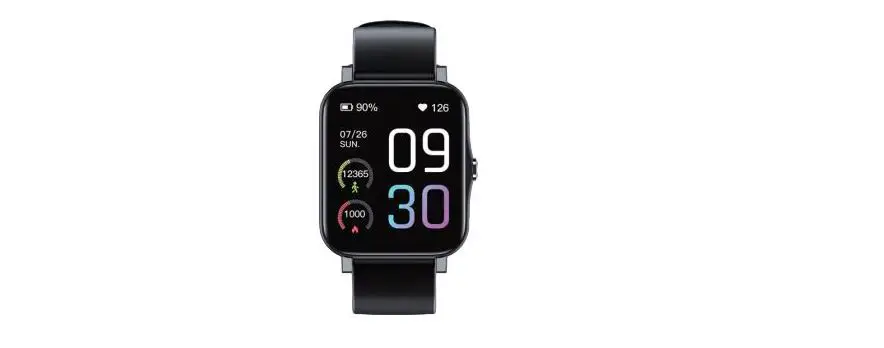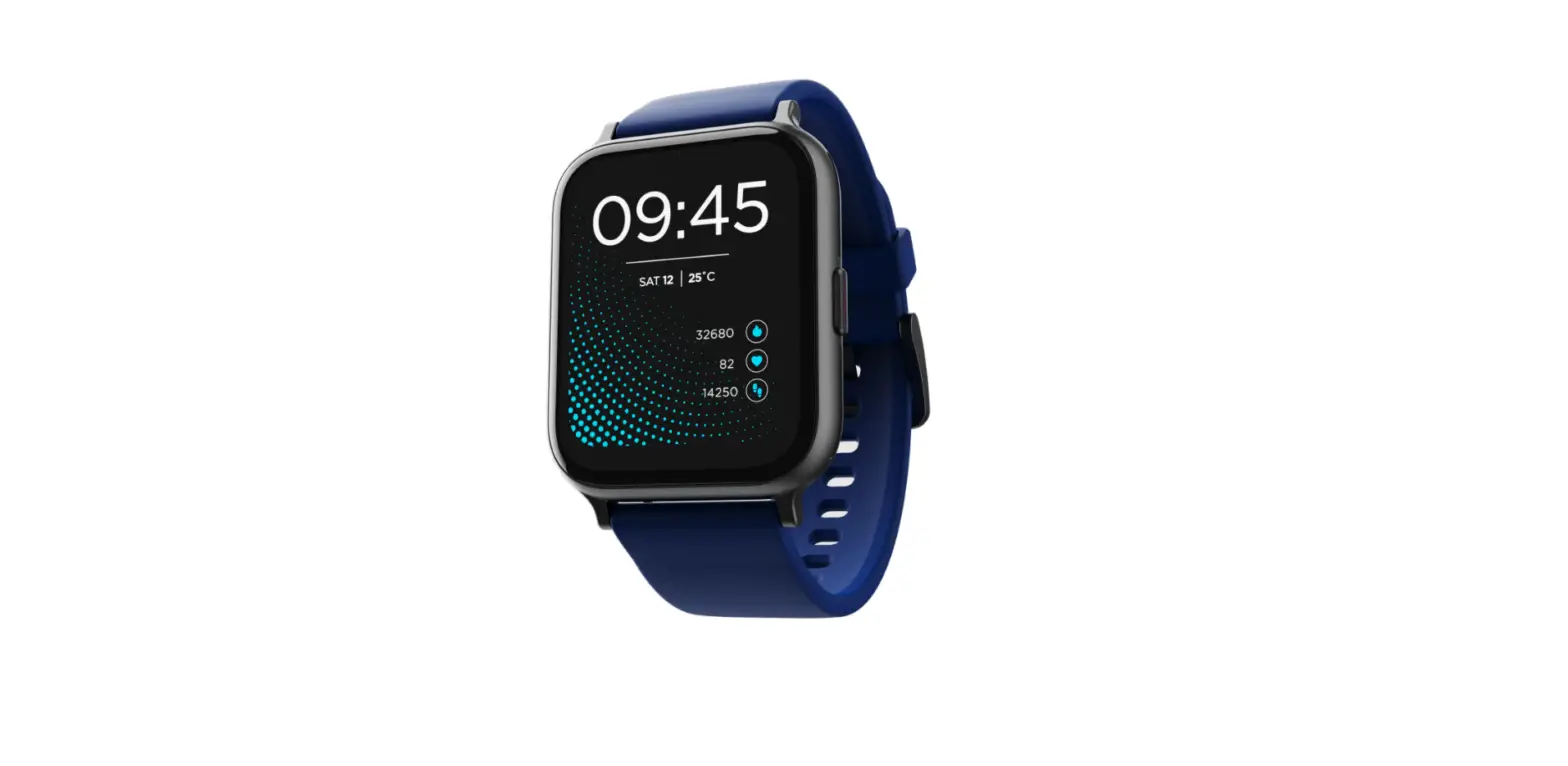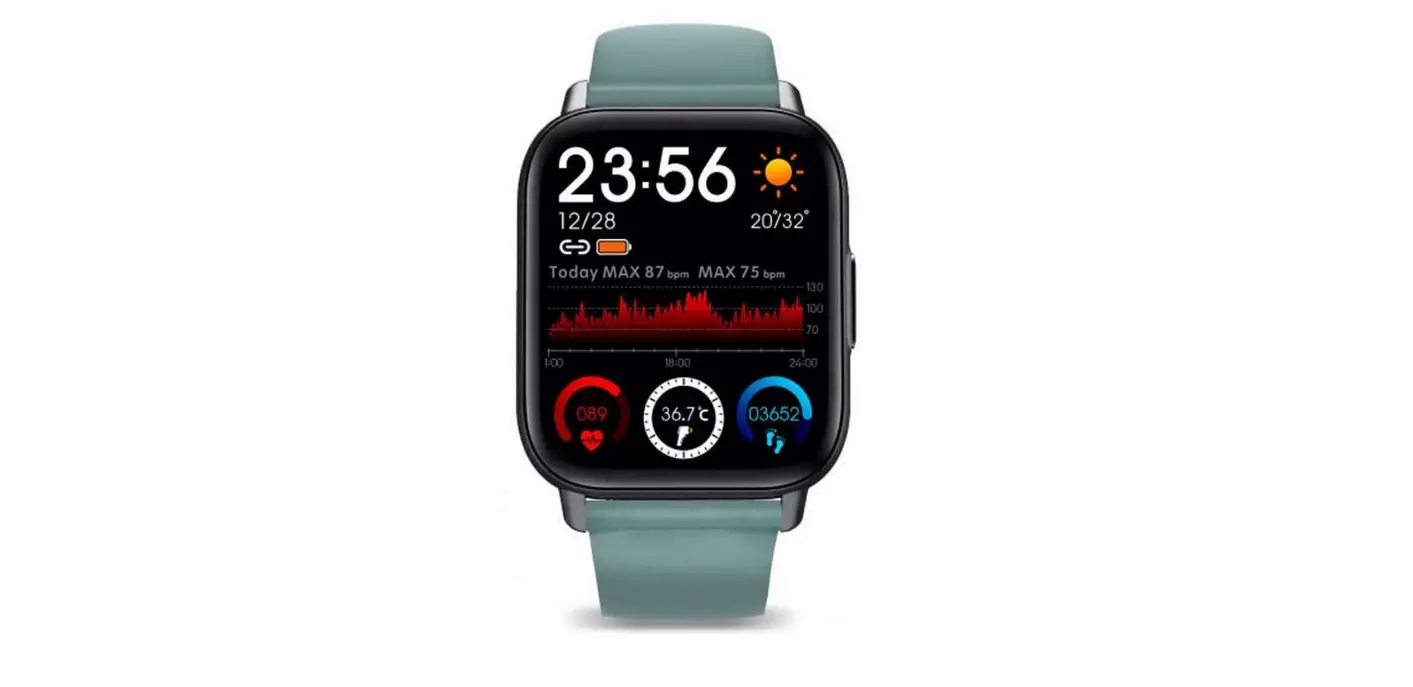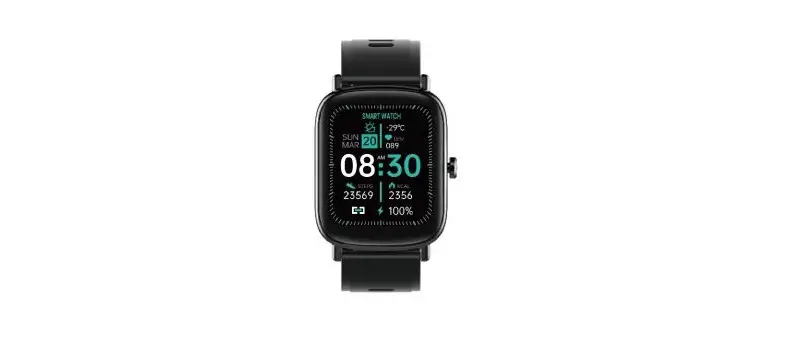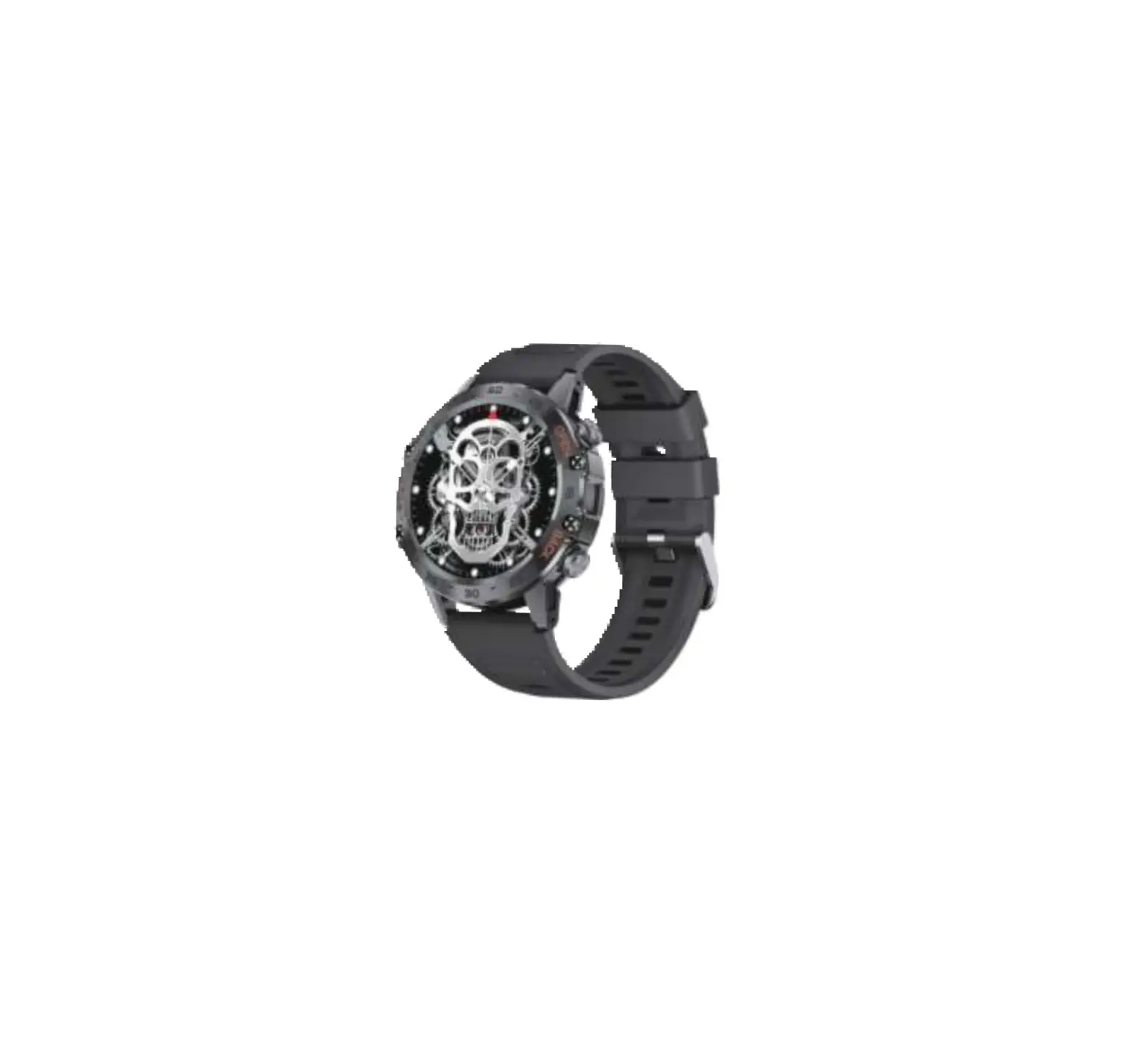
 pebble PFB06 Cosmos Smartwatch
 pebble PFB06 Cosmos Smartwatch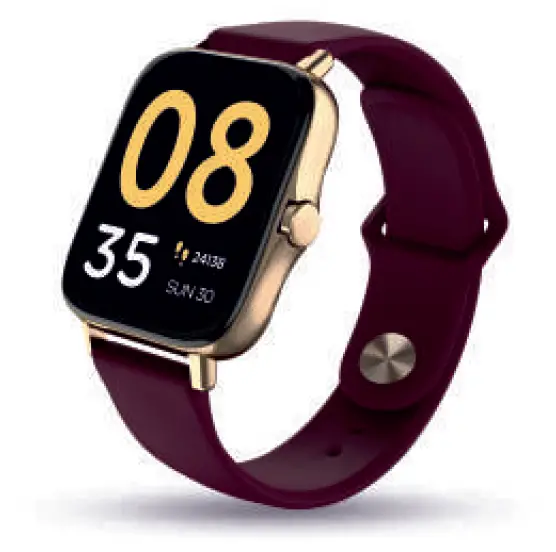
Introduction
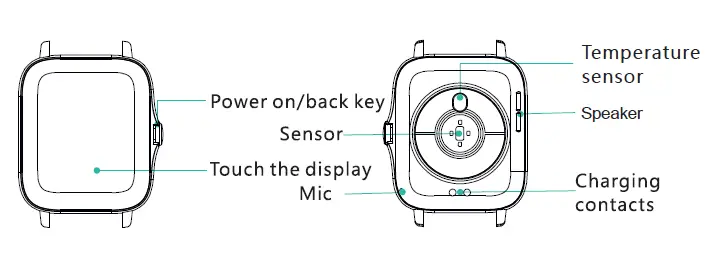
Specifications
- Model No
PFB06 - Standby Time
13 Days & above - App OS
IOS 8 & above/Android 5.0 & above - Bluetooth
5.0 - Strap Material
High-Quality Silicon - Screen Size & Type
1.7” TFT - Net Weight
50g
Un-boxing the device
The Packaging Box Contains
- Smart Watch
- Silicon Wrist Strap
- 2-pin Magnetic Charger
- User Manual
- Note From The Founder
- Collectible Tin Box
When using for the first time
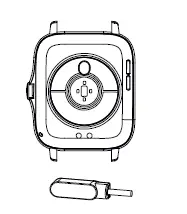
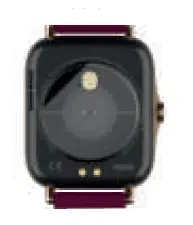
- Please charge your Smart Watch completely before using it for the first time. Attach the magnetic charger to the back of your Smart Watch to start charging

- Peel off the scratch protecting transparent film from the screen and sensors at the back

Installing on your device
Scan the following QR code or enter the application market to download and install “Da t App”
System Requirements: Android 5.0 and above, iOS 8 and above, phone supports for Bluetooth 5.0 and above
Pairing Smartphone with Pebble Cosmos
For the first time, you need to connect to the APP for calibration. After the connection is successful, the SmartWatch will automatically synchronize the time.
For iOS, search ‘Da fit’ in the App store.
For Android, search ‘Da fit’ in the Play store, to download & install the app.
Note: y our mobile phone must support Android 5.1 or IOS 8.0 or above, and Bluetooth 5.0 or above.
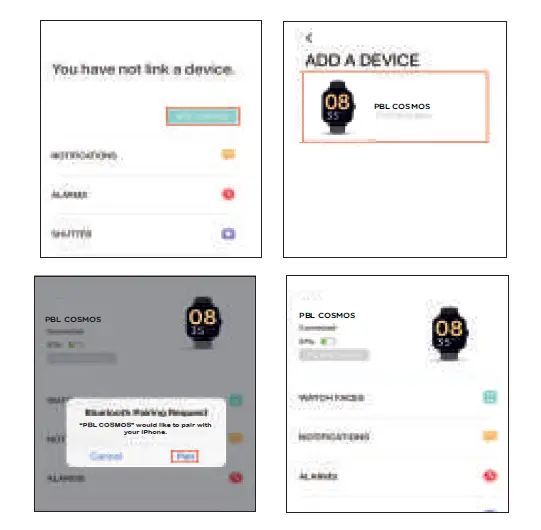
Connect Smart Watch with the App
- Click on “Add Device” to connect the Smart Watch
- Click on your device in the scanned device list.
- The iOS devices will show a Bluetooth pairing request and you can click on Bluetooth pairing to confirm. For android devices connect directly.
- The SmartWatch is now successfully connected to your device..

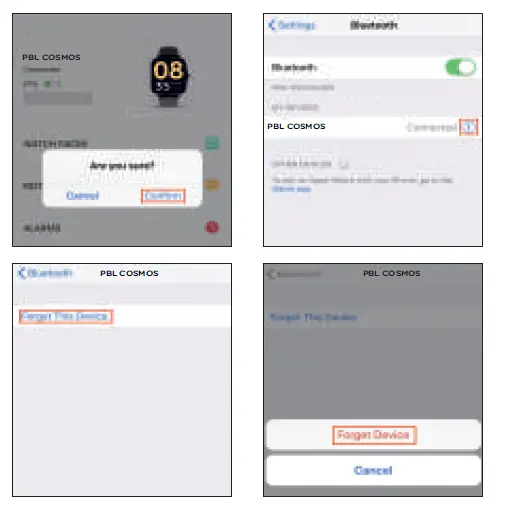
Remove Device
Setting up Call Function
Pebble Cosmos has Bluetooth call feature, hence comes with dual Bluetooth connectivity.
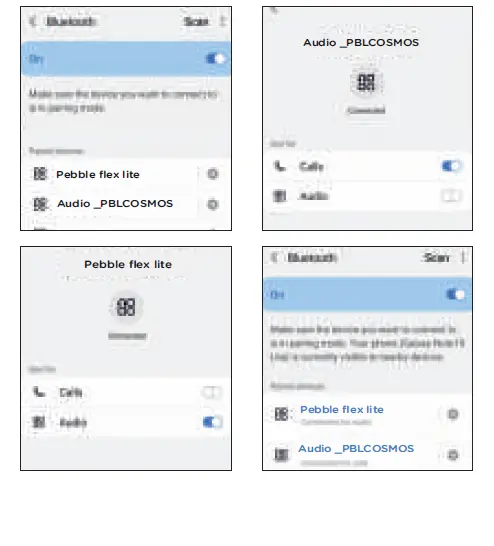
To use the call feature, please pair your smartwatch with your phone first via the “Date app” and then connect the audio again as stated below
How to set up the call feature of your SmartWatch
On standby, swipe down on your SmartWatch and click on the audio/call icon on the control centre (Shown in the image) and turn on the audio status. Then tap the Bluetooth option on your phone to open the device search page and select Audio_PBLCosmos. Once connected, your phone will show connection successful (refer to the image).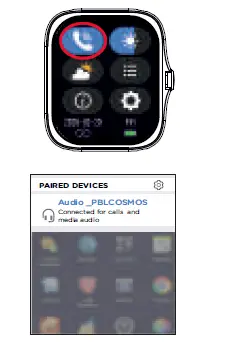
On successful dual pairing, the watch will sync the contact and call data from your phone. Now you will be able to receive and make calls from your SmartWatch.
To make a call from the Pebble Cosmos, swipe left on standby to reach the dialer & call history page (refer to the images).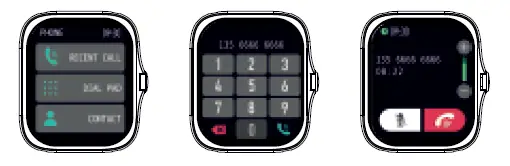
Battery Saving Tips
You can connect the Smartwatch with your phone through the app and disconnect the second Bluetooth connection, used for Bluetooth calling. This will let your Smart Watch track all your health vitals and will run longer.
Some major functions of the Smart Watch
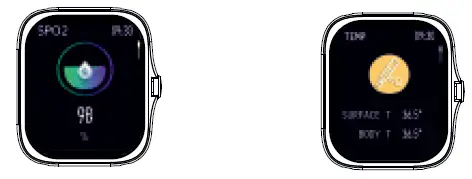
- Blood Oxygen
- Body Temperature

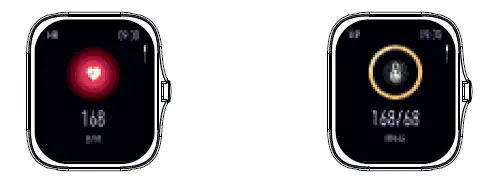
- Heart Rate
- Blood Pressure

- Sleep
- Music Control

- Steps Count
- Sports Modes (8)

- Weather
- Message

- Camera Control
- Other Features

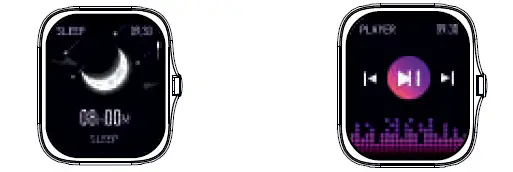
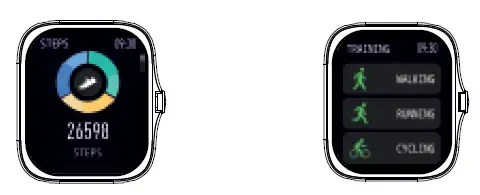
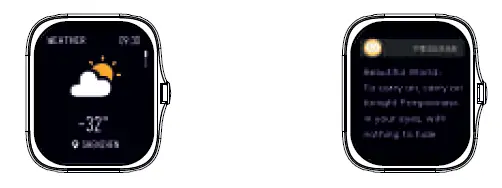
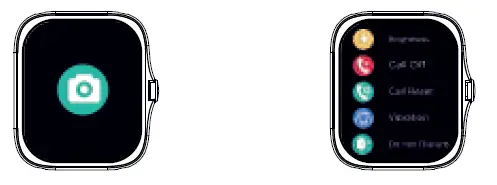
How to connect other audio devices
Battery Indicator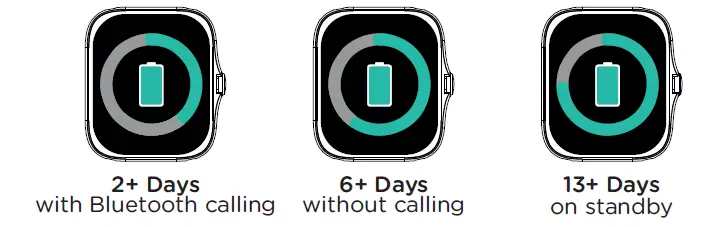
Thank You
Hi There
Thank you for choosing Pebble!
You are now the proud owner of the Pebble Cosmos Smartwatch
You can do a lot more with Pebble Cosmos. You have a Universe on you wrist.
This Pebble Cosmos is a genuine high-quality Pebble product that comes with a 1 Year Replacement Guarantee.
For Availing Guarantee
- Contact your Retail Outlet
- Call on +91 8800271651 or email at [email protected]

Scan & register your product for 1 Year replacement guarantee