Cosmos Smartwatch
Product Information
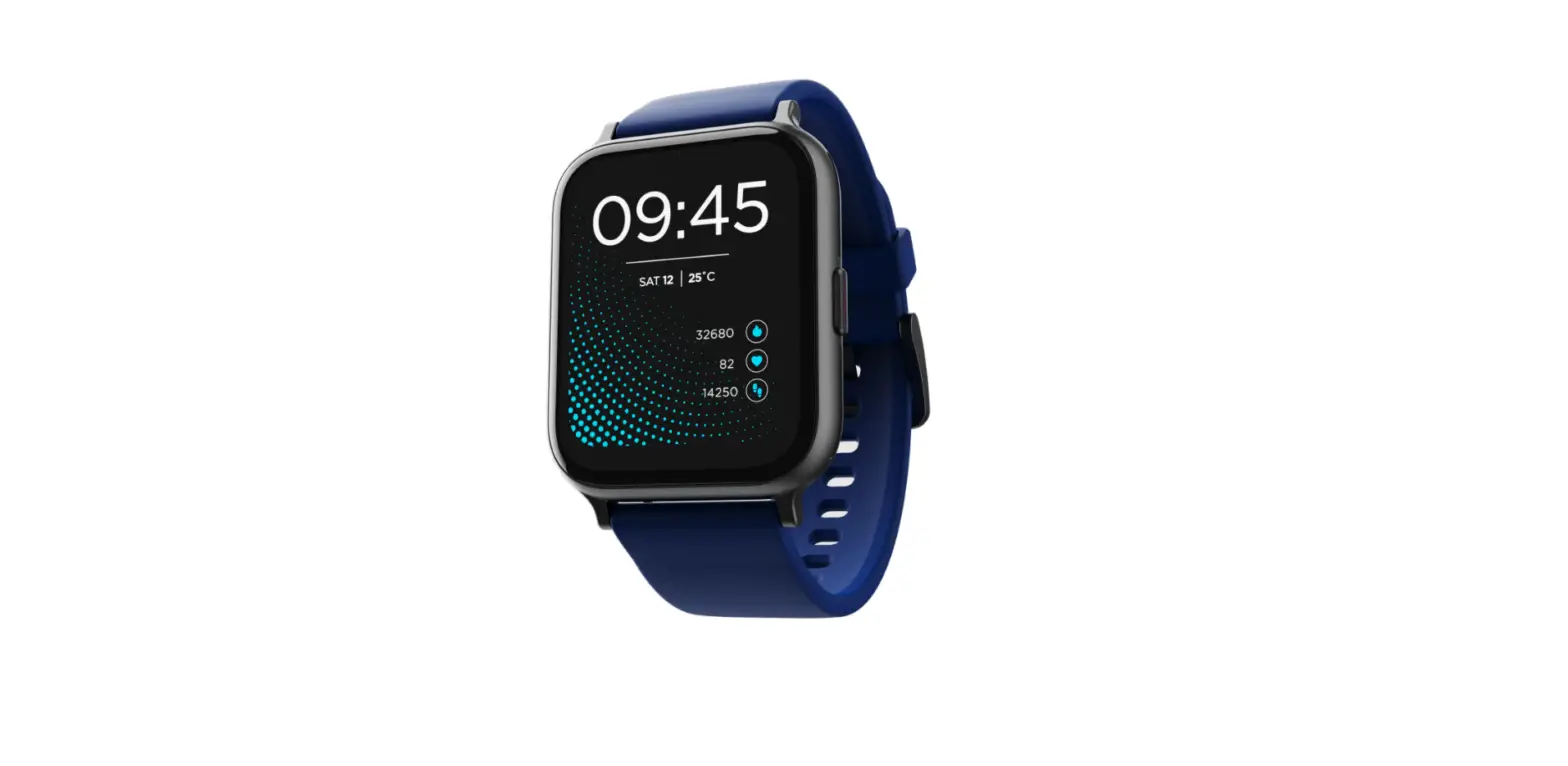
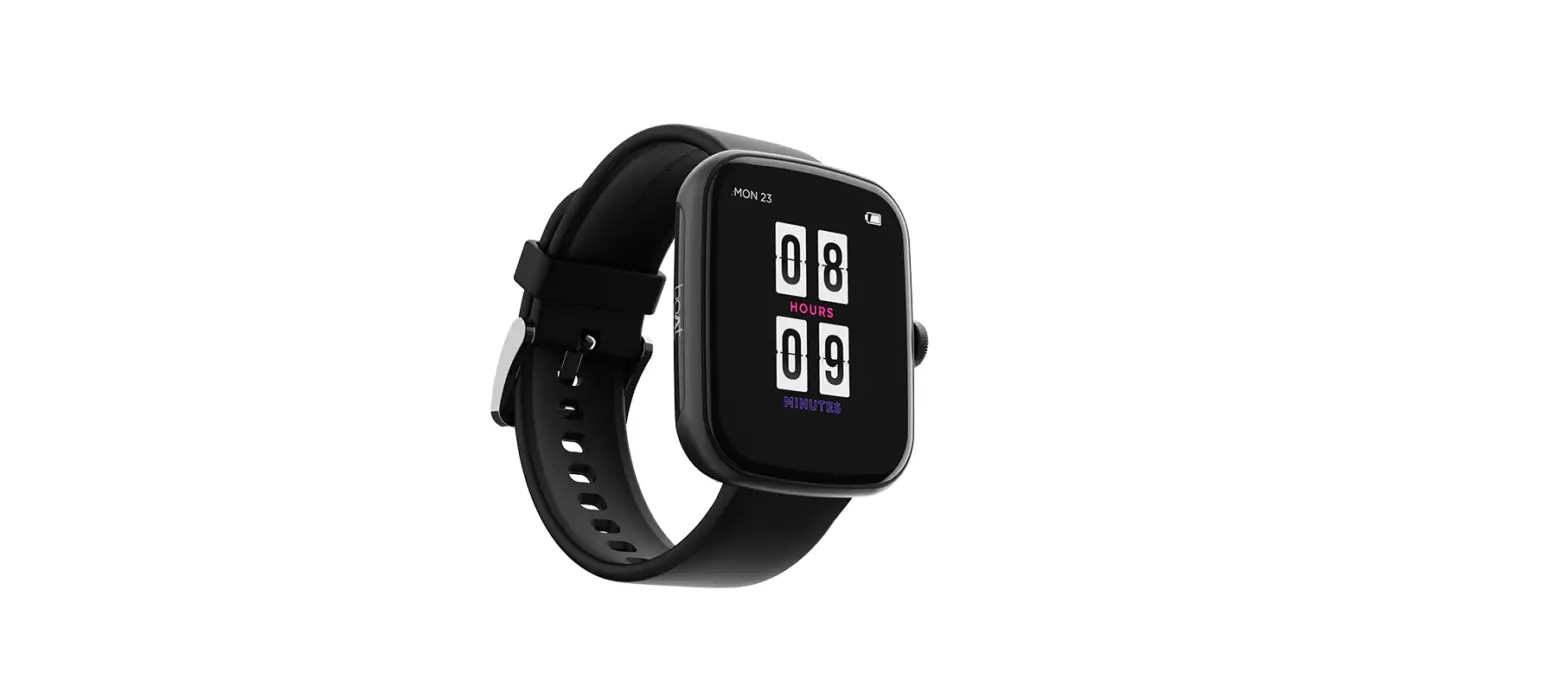
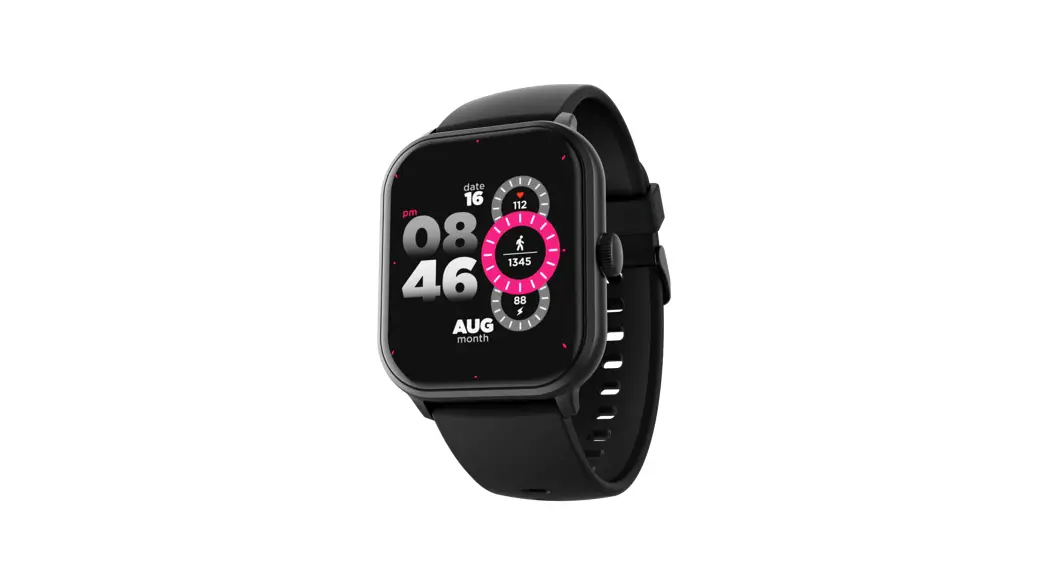
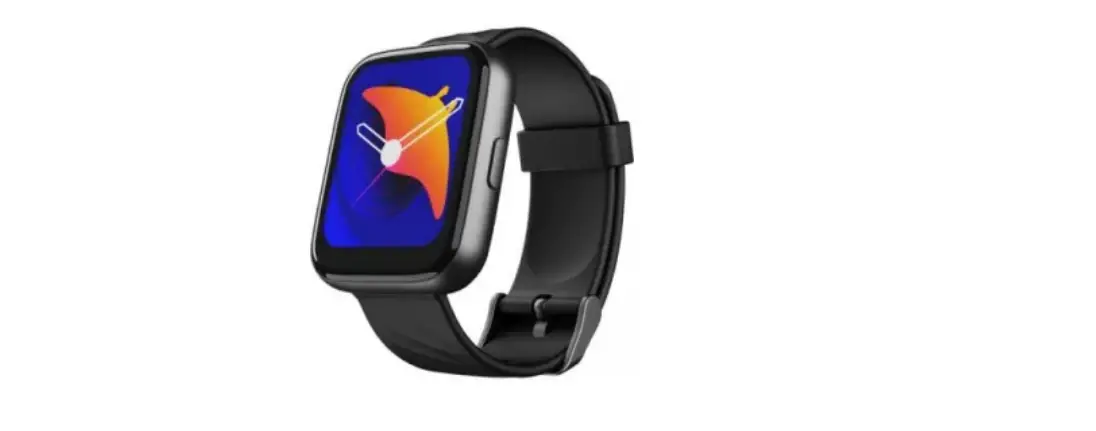
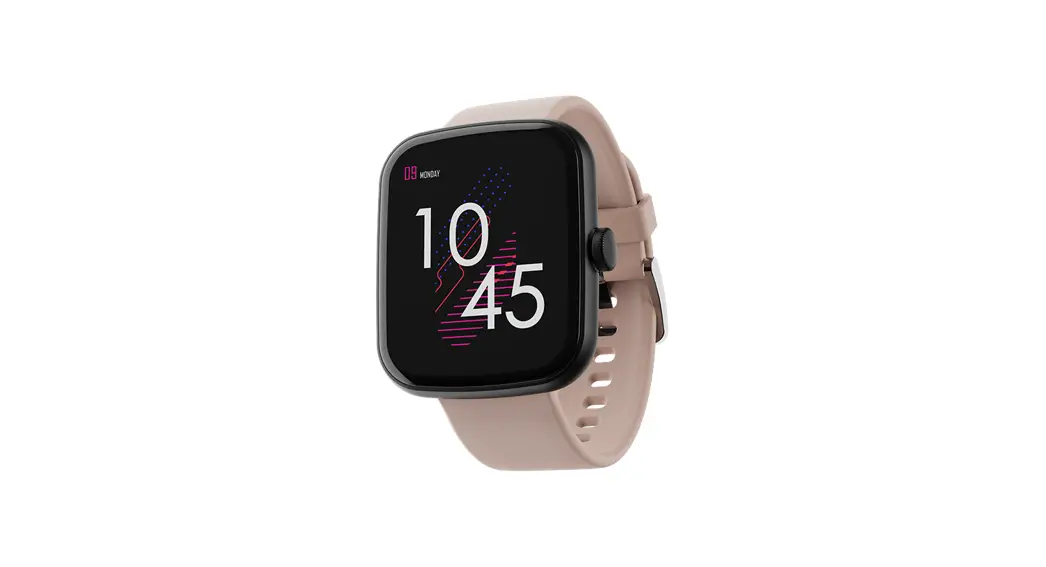
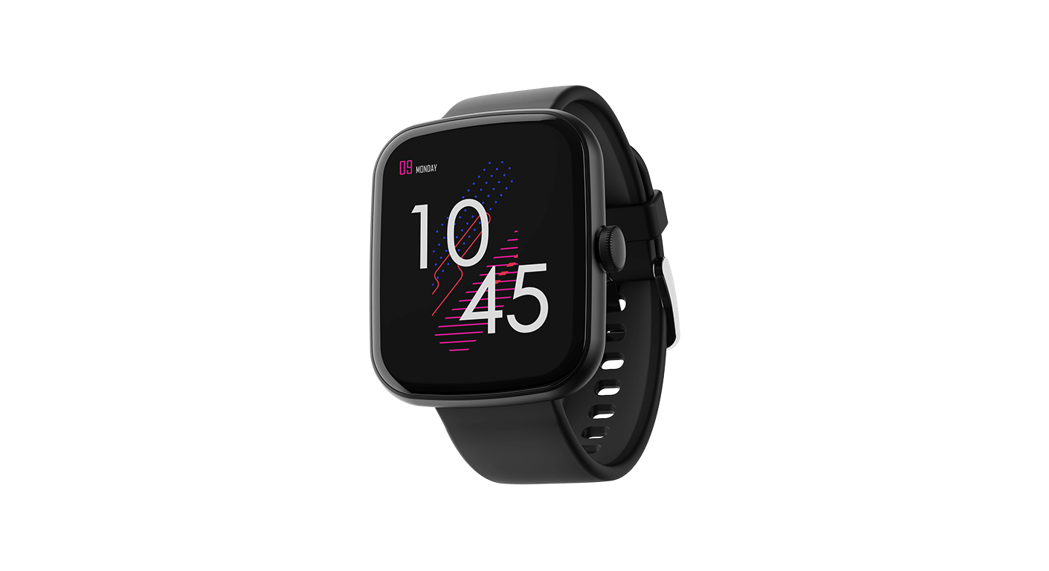
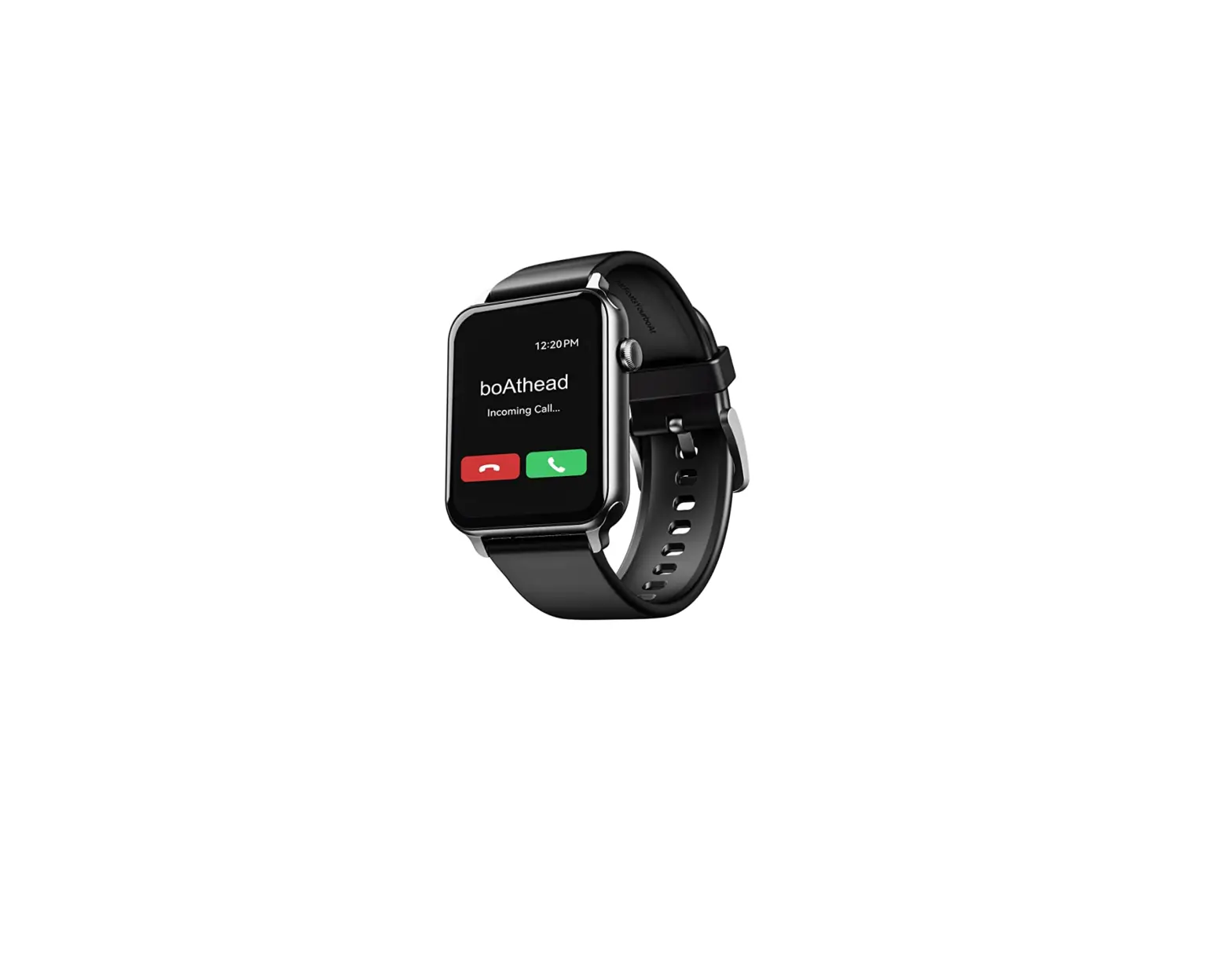
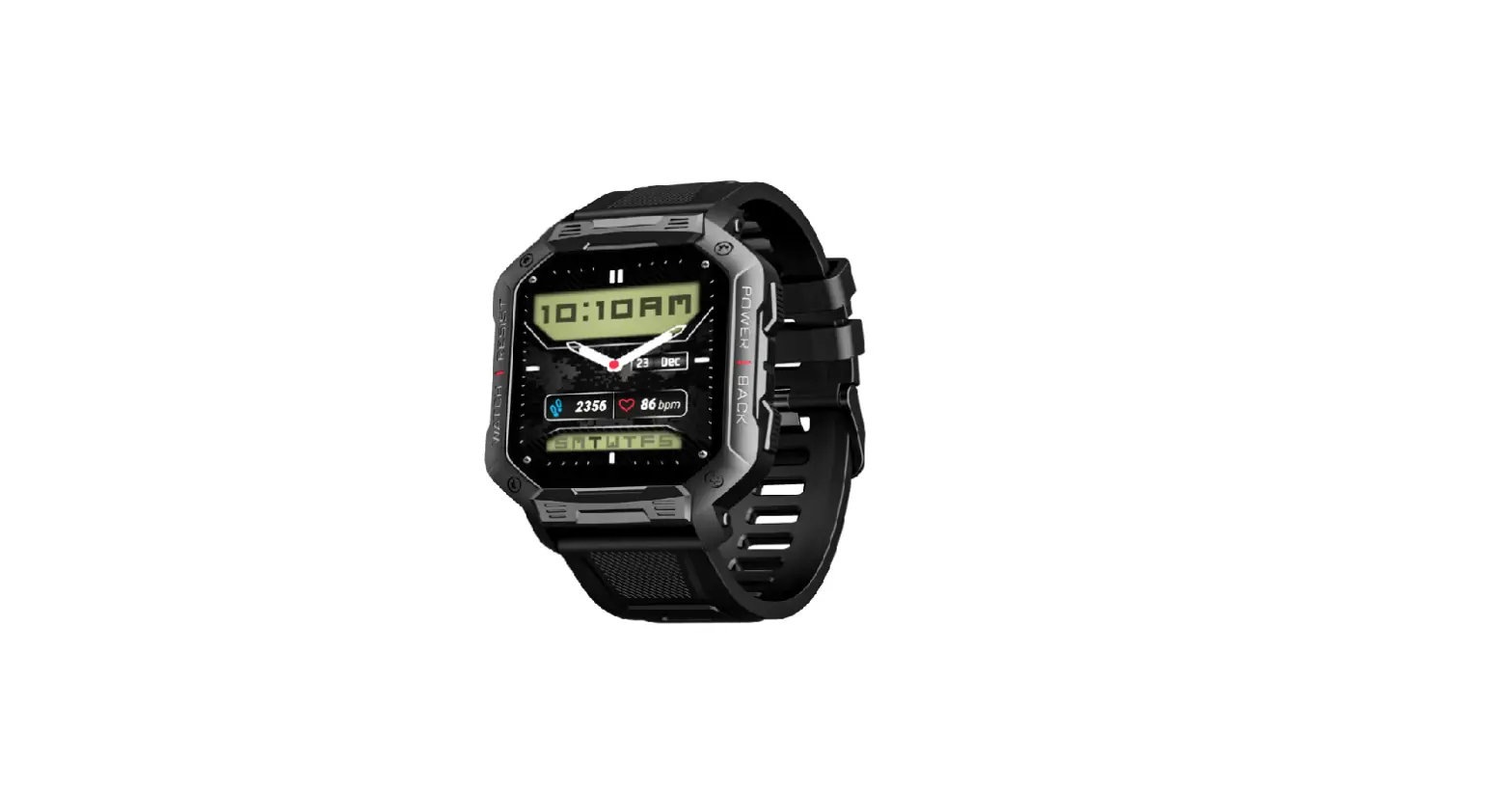
The boAt Cosmos is a smartwatch designed to be your fitness
transformation companion. With its various features and
functionalities, it helps you track your workouts, monitor your
health, and stay connected with notifications.
The package contents include:
- boAt Cosmos x1
- USB magnetic charging cable x1
- User Manual x1
- Warranty Card x1
Charging the Watch
Before initial use, the smartwatch needs to be charged. It takes
up to 30 minutes to be fully charged. Follow these steps to charge
the watch:
- Connect the USB magnetic charging cable to the watch.
- Connect the other end of the cable to a 5V/2A adapter.
- Refer to the image in the manual for proper connection.
Note: When the watch battery is at 10%, it will automatically
switch to power-saving mode, disabling all functions.
Turning the Watch On/Off
To restart or turn the watch on/off, long-press the side button
for 3-5 seconds. The screen can be woken up by lifting your
wrist.
Connecting to the App
- Download the boAt Crest app from either the App Store (iOS 13.0
and above) or Google Play Store (Android 7.0 and above). - Alternatively, scan the QR code available on the watch.
- Ensure that Bluetooth and GPS functionalities are turned on in
your phone’s settings. - Select “Wave Cosmos” on the app’s home screen and click “pair”
to connect. - To enable all Cosmos features, grant access to the system
prompt for connection and access. - Disable battery optimization to ensure continuous connectivity
throughout your journey.
Syncing Your Smartwatch to the App
To synchronize data between your smartwatch and the app:
- Open the boAt Crest app on your phone.
- Make sure your Cosmos is connected to the app.
- Data synchronization will start automatically once you enter
the app interface.
Note: Synchronize data at least once every day to avoid data
loss in the watch.
The boAt Cosmos offers various functions that can be accessed by
swiping up for the main menu. Here are some of the available
functions:
- Activities: Choose from 10 different sports modes and track
your workouts. - Activity Records: Check your daily workout records.
- Breathing Exercises: Regulate your breathing with guided
exercises. - Notifications: View all notifications on your smartwatch.
- Settings: Customize display, vibration levels, do not disturb
mode, and more. - About: Access device details.
Remember to refer to the user manual for more detailed
instructions and information.
User Manual
Thank you for choosing the boAt Cosmos as your fitness transformation companion.
Allow this manual to guide you through the functioning of your smartwatch. Please read it thoroughly before using it for a smooth sail. You may refer to these instructions for later use as well.
Package contents boAt Cosmos x1 USB magnetic charging cable x1 User Manual x1 Warranty Card x1
CHARGING THE WATCH
The smartwatch must be charged before initial use. It takes up to 30 minutes to be fully charged. Connect and charge the watch with the image below as a reference, using a 5V/2A adapter. Note: Once your watch is at 10% battery, it will automatically switch to power-saving mode which will disable all functions.
TURNING THE WATCH ON/OFF
To restart or turn the watch on/off, long-press the side button for 3-5 seconds. You can wake up the screen by lifting your wrist.
CONNECTING TO THE APP
1. Download the boAt Crest app on your phone.
Available on both App Store (iOS 13.0 and above) and Google Play Store (Android 7.0 and above)
OR
Scan [QR CODE] (Also available on the watch) 2. Connect the device with the boAt Crest app; ensure that the phone’s Bluetooth, as well as the GPS functionalities, are turned on
3. Select Wave Cosmos on the app’s home screen and click pair to connect.
4. To use all your Cosmos features seamlessly, tap on `yes’ to the `connection’ and `grant access’ system prompt. 5. Disable battery optimization Note: To ensure connectivity throughout your journey, make sure the app is allowed to always run in the background of your phone. Iphones will not prompt any information unless you complete Bluetooth pairing with Cosmos.
SYNCING YOUR SMARTWATCH TO THE APP Data Synchronization
Open the app on your phone. Make sure your Cosmos is connected to the app. Synchronization will start automatically once you enter the app interface. Note: Synchronize data at least once every day to avoid data loss in the watch.
NAVIGATING THROUGH THE FUNCTIONS Swipe Up for the Main Menu Activities
Choose from 10 different sports modes like walking, treadmill, running, badminton, football, basketball, tennis, yoga, dancing, cycling, indoor cycling, cricket, boxing, karate, Table tennis, Pilates, skipping, hiking, hockey kabaddi, and bowling. You can also add or replace the activities according to your preference.
Press the home button to pause or stop the activity and click finish to end the exercise. If the activity is less than 3 mins, it will not be recorded.
Sync your smartwatch to the app to get the detailed analysis.
Activity Records Check your daily workout records here.
Heart Rate Monitor Wear the watch on your wrist, then click on the icon to start measurements. You can also view the data on the app. Note: Measurements are for reference only and not for medical purposes. SpO2 monitoring Wear the watch on your wrist, then click on the icon to start measurements. You can also view the data on the app. Note: Measurements are for reference only and not for medical purposes. Sleep Monitor Tap on the icon to review the sleep data of the previous night. Once the asleep criteria are met, your smartwatch will start recording from 8 pm at night to 10 am in the morning the next day. Once you lie down and watch detects no movement for 30 minutes, it will start recording, and will stop recording if it detects excessive movement. You can check the data on the app only after the awake criteria is met. You can also track sleep scores on the boAt Wearables app. Note: *For accurate sleep data recording, the sleep criteria have to be met which includes limited movement, wrist positions and angles, and more. *The awake criteria will be met only after it records some noticeable movement
Breathing Exercises Click on the breath exercises icon to regulate your breathing with the instructions to relax. Notifications You can check all the notifications from here.
Stopwatch Click on this to start the stopwatch on your watch. Timer Tap on this to turn on the timer. Alarm Tap on this to set an alarm on your watch. Flashlight Tap on this to turn your dial into a flashlight. Camera Control Mode Tap on the remote camera icon on your smartwatch to click a photo from your phone. *Note: Turn the camera on from your phone to use this feature. Music Control Tap on the remote music control icon on your watch to play music from your phone. *Note: Some apps with different protocols might not work. Weather Connect with the boAt crest app to get daily weather updates on the watch. Find My Phone Tap on this icon to find your phone. Once enabled, your phone will start ringing and vibrating. Tap again to stop it. Note: Your smartwatch should be connected to your phone via Bluetooth and within its range for this feature to work.
Settings Display Watch Faces
Select and change the watch face from here. Screen Sleep Tap on this and adjust the screen sleep time. Vibration
Tap on this to adjust vibration levels from strong, soft and none.
Do Not Disturb Tap on this to disable all notifications except alarm. Restart Tap on this to restart your watch. Power off Tap on this to switch your watch off. Reset Tap on this to reset watch data. *Note: All data will be erased if watch is reset Download App Tap on this and scan the bar code from mobile to connect the smartwatch. About Shows the device details.
Swipe down for the shortcut menu You can access DND, Find my phone, Raise to wake gesture, Alarms, Brightness and Settings. Swipe left or right to access all data. You can access daily activity, sports records, heart rate, SpO2, temperature monitor, sleep, music, weather and notifications. Swipe Up to view live cricket scores You can check the cricket live scores from here. Product Parameters Model: boAt Cosmos Screen type: 1.78″ AMOLED Display Battery capacity: 230mAh
Net weight: 45g Bluetooth version: Bluetooth 5.0 Working temperature: -20°C-60°C Charging time: About 30 minutes
Working time: about 7 days Frequency band: 2402- 2480 Mhz
Maintenance: Regularly clean your wrist and the strap of the smartwatch, especially after sweating during exercise or being exposed to substances such as soap or detergent, which may get stuck on the other end of the product. Do not wash the strap with a household cleanser. Please use soap less detergent, rinse thoroughly and wipe with a piece of soft towel or napkin. For spots or stains that are not easy to remove, scrub the area with rubbing alcohol and then follow the above procedure.
FAQ Search for the app to connect keeps failing. 1. Keep the boAt Crest app updated to the latest version 2. Close all the programs on the watch Stop and restart Bluetooth and GPS Connect again 3. Check and enable the notification functions of your phone and keep the phone and watch in close contact. Note: Make sure your phone system meets Android 7.0 and above and iOS 13.0 and above. My Watch Cosmos is receiving no alerts, texts, or phone calls. Make sure smart reminders on the app are on and synced to Cosmos Also, make sure the notification centre of the phone is displaying messages. Only then will your smartwatch also display those notifications. Make sure app is running in the background and the battery optimization feature on the phone is disabled.
My Bluetooth keeps getting disconnected.
1. Make sure there is not more than 7m distance between Bluetooth on the phone and the watch.
2. There is no obstacle between the watch and the phone. 3. Make sure the app is running in the background.
Which functions of Cosmos need Bluetooth to work?
Call & Text Notifications, Find My Phone, music control, camera control, weather forecast, cloud and custom watch faces and Bluetooth calling need Bluetooth connectivity to work.
Will it be okay to take a bath wearing Cosmos?
The IP68 water resistance will only work under the following conditions:
(1) Maximum depth of water: 1.5m (2) Maximum time for exposure to water: 10 minutes
The watch isn’t suitable for hot baths, hot springs, saunas, snorkelling, diving, water skiing and other wading or deep-water activities with high-speed water flow.
SAFETY & PRODUCT INFORMATION
Battery
Do not disassemble, bore or damage the battery. Do not disassemble the built-in batteries of non-replaceable battery devices. Do not use sharp objects to remove the battery.
Health Warning
If you are wearing a pacemaker or other implanted electronic devices, please consult your doctor before using the heart rate monitor of the watch.
The optical heart rate sensor will glow green. If you suffer from epilepsy or are sensitive to blinking light sources, please consult your physician before wearing this device.
The device tracks your daily activities through sensors. This data is intended to tell you about your daily activities such as steps, sleep, distance, heart rate and calories, but may not be completely accurate.
The device accessories, heart rate sensor, oxygen level monitor, and other relevant data is designed for fitness and not for medical purposes. They are not applicable to the diagnosis, monitoring, treatment or prevention of any diseases or symptoms. The heart rate and blood pressure data are for reference only. We’re not responsible for any deviation in data.
Avoid wearing the watch too tightly. Make sure you keep your skin dry – the area that comes in contact with the watch. If symptoms such as redness or swelling appear on your skin, immediately stop using the watch and consult the doctor.
Things to keep in mind Sync data everyday days to avoid data loss. Water Resistance will not work for seawater, acidic and alkaline solutions, chemical reagents and other corrosive liquid. The damage or defects caused by misuse or improper use are not covered by the warranty. Sports modes support up to 6 hours of exercise at a time. Avoid wearing the watch too tight in daily use. Keep the parts of skin touching the watch dry. Keep your arm still while measuring data for accurate measurement.
Disclaimer: This product is an electronic monitoring product and is not intended as a medical reference. We reserve the right to modify or improve any of the functions described in this manual without any prior notice. At the same time, we hold the right to continuously update the product content.
CAUTION RISK OF EXPLOSION IF BATTERY IS REPLACED BY AN INCORRECT SUBSTITUTE. DISPOSE OF USED BATTERIES ACCORDING TO THE INSTRUCTIONS.
Old electrical appliances must not be disposed of together with the residual waste but have to be disposed of separately. The disposal at the communal collecting point via private persons is for free. The owner of old appliances is responsible to bring the appliances to these collecting points or to similar collection points. With this little personal effort, you contribute to recycling valuable raw materials and treatment of toxic substances.
Charger info Please use common USB Cable or original charger, Otherwise, It may result to danger. When you use a charger for charging, adapter shall be installed near the equipment and shall be easily accessible. Manufacturer of Power Charger: Wise Zone Technology Development Limited. Parameters of charger , input : 5V, 500mA MAX. Output : 5V, 500mA MAX
Declaration Of Conformity Hereby, boAt Declares that this Cosmos is in compliance with the essential requirements and other relevant provisions of directive 1995/5/EC
FCC Caution:
This device complies with part 15 of the FCC Rules. Operation is subject to the following two conditions: (1) This device may not cause harmful interference, and (2) this device must accept any interference received, including interference that may cause undesired operation.
Any changes or modifications not expressly approved by the party responsible for compliance could void the user’s authority to operate the equipment.
NOTE: This equipment has been tested and found to comply with the limits for a Class B digital device, pursuant to Part 15 of the FCC Rules. These limits are designed to provide reasonable protection against harmful interference in a residential installation. This equipment generates, uses and can radiate radio frequency energy and, if not installed and used in accordance with the instructions, may cause harmful interference to radio communications. However, there is no guarantee that interference will not occur in a particular installation.
If this equipment does cause harmful interference to radio or television reception,
which can be determined by turning the equipment off and on, the user is encouraged to try to correct the interference by one or more of the following measures:
— Reorient or relocate the receiving antenna.
— Increase the separation between the equipment and receiver.
— Connect the equipment into an outlet on a circuit different
from that to which the receiver is connected.
— Consult the dealer or an experienced radio/TV technician for help.
The device has been evaluated to meet general RF exposure requirement. The device can be used in portable exposure condition without restriction.