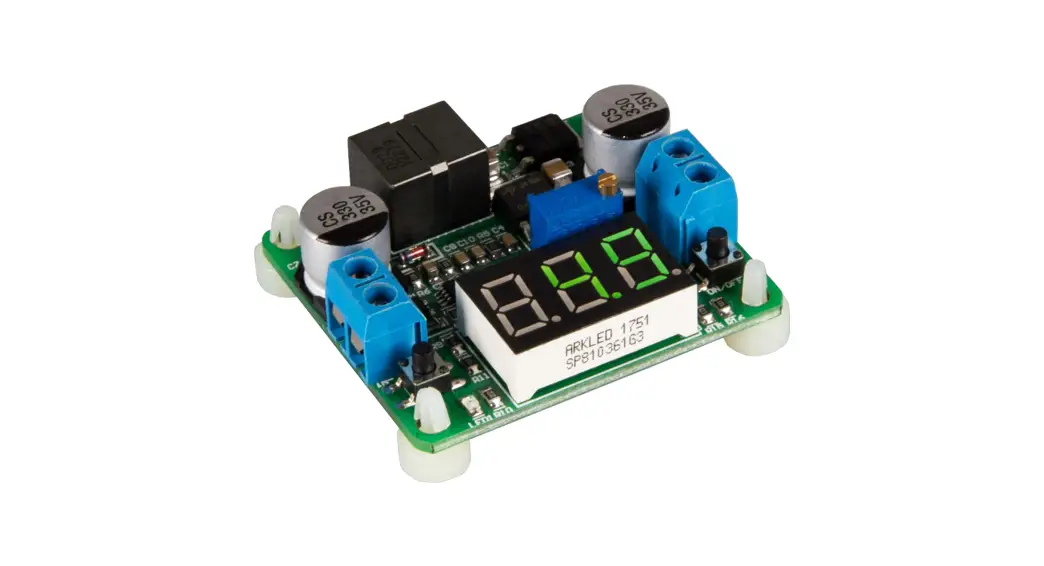

BUCK AND BOOST VOLTAGE TRANSFORMER
SBC-BuckBoost0
GENERAL INFORMATION
Dear customer, thank you very much for choosing our product.
In the following, we will introduce you to what to observe while starting up and using this product.
Should you encounter any unexpected problems during use, please do not hesitate to contact us.
DEVICE OVERVIEW
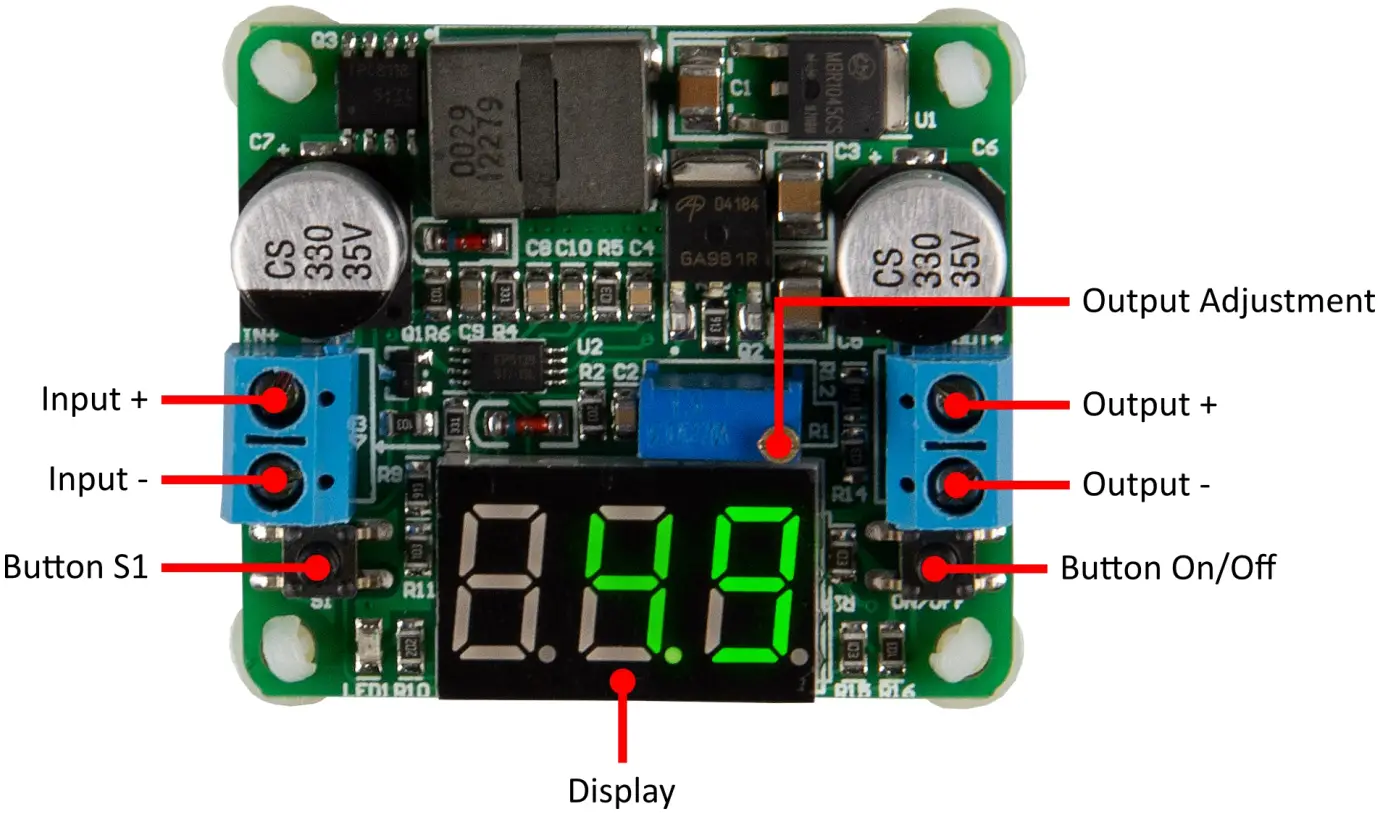
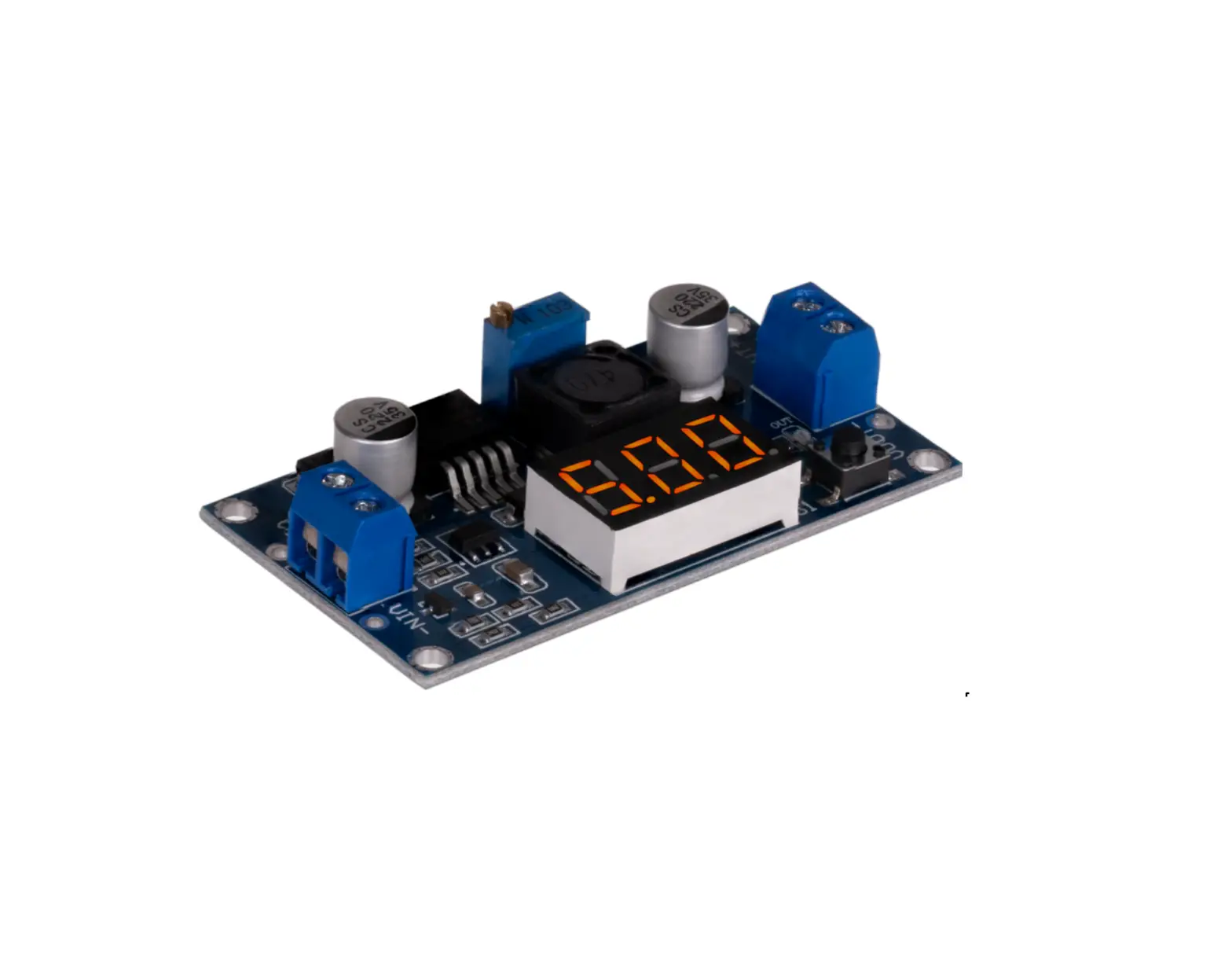
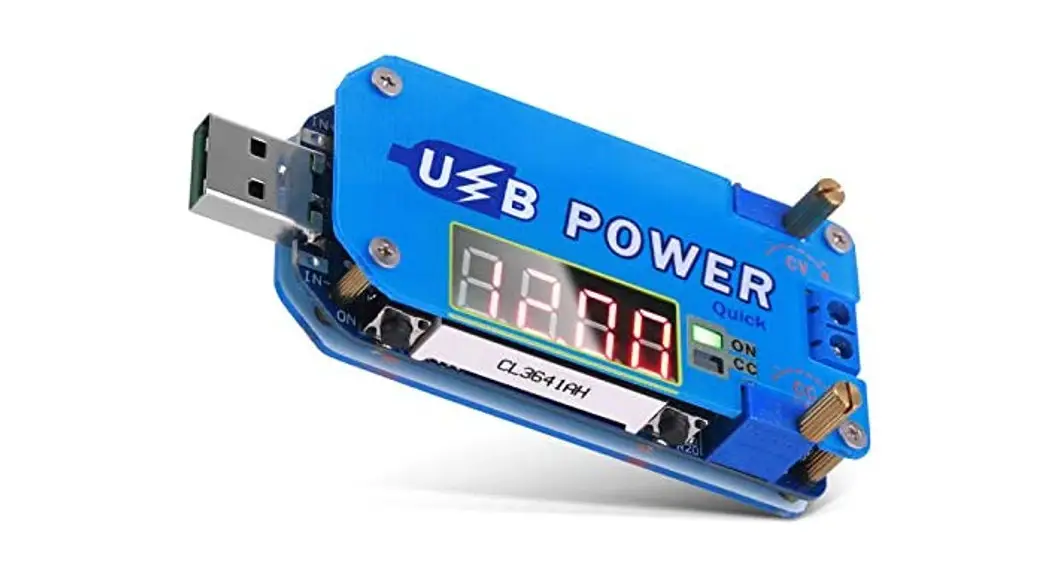
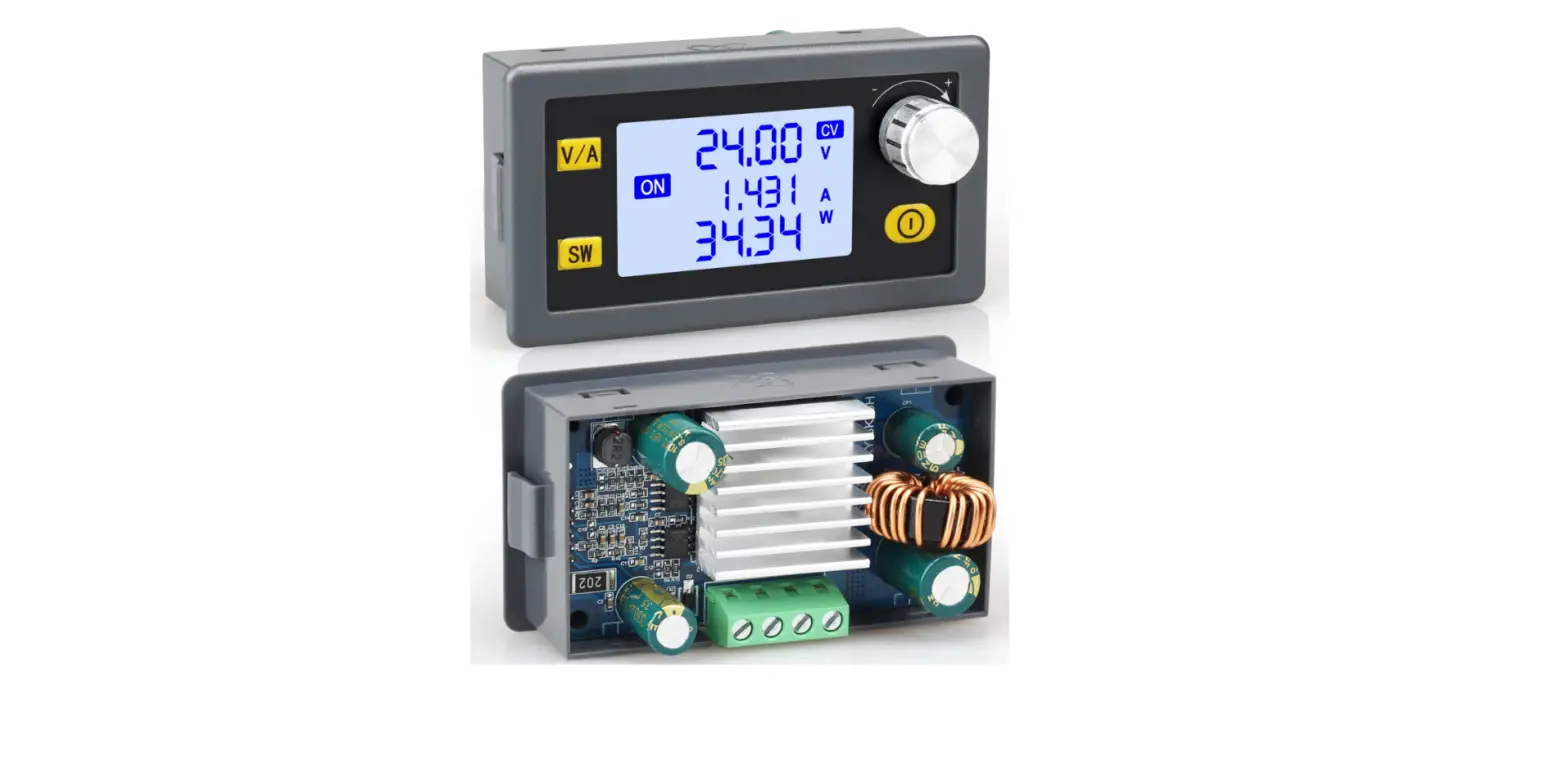
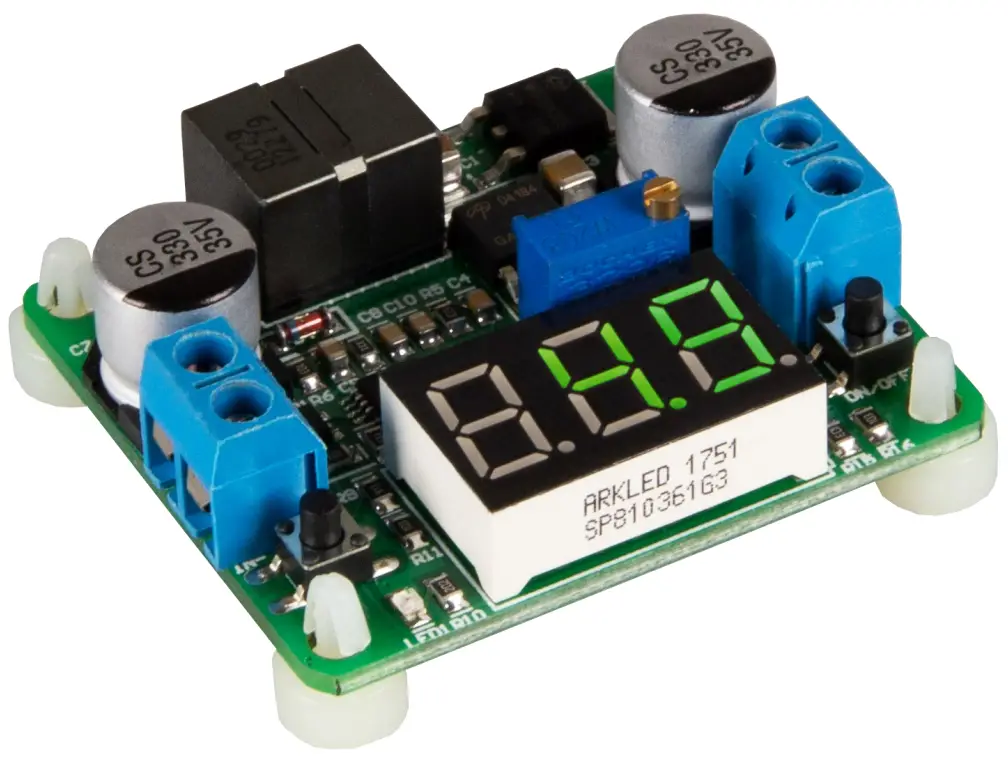
The freely configurable voltage transformer module is equipped with a “Step UP” and a “Step DOWN” function. The voltage can be set individually by means of a trimmer and is shown on the integrated segment display.
| Connections | Value range |
| Input voltage Input + | Input – | 5 – 25V |
| Output voltage Output + | Output – | 0,5 – 25V |
| Maximum current | Input: 2A Output: 2A |
USE AND FUNCTIONS
Connect the cables of your power source to the input (Input + / Input -) of the voltage converter.
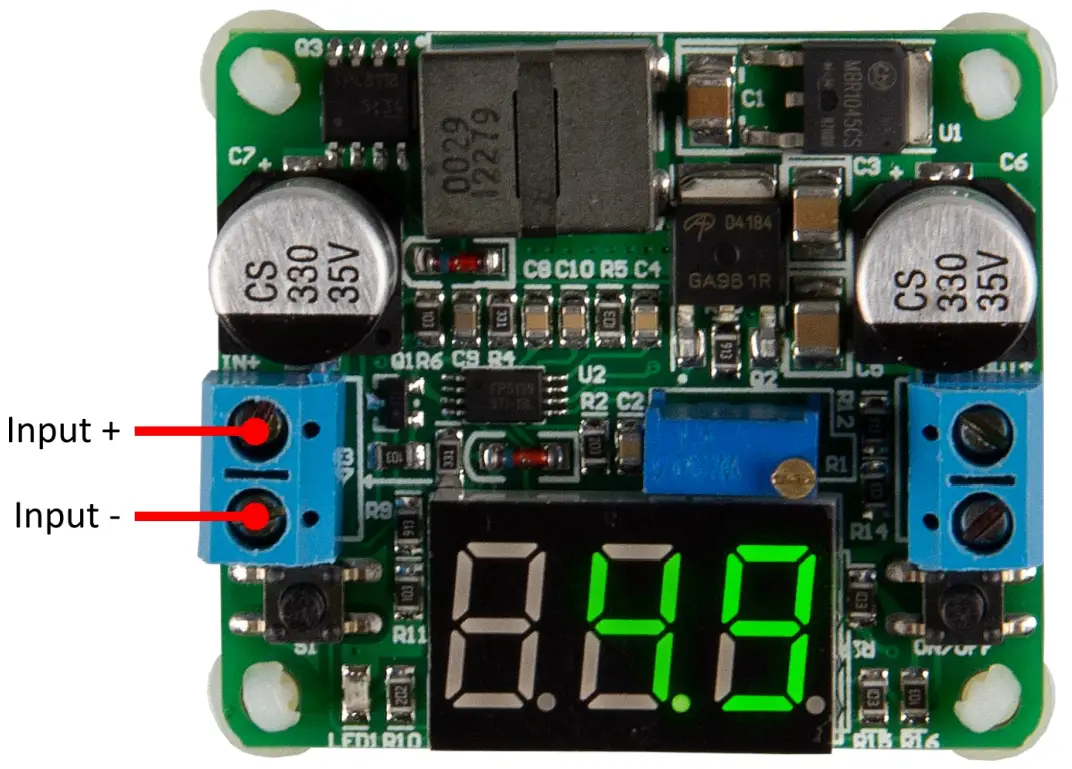
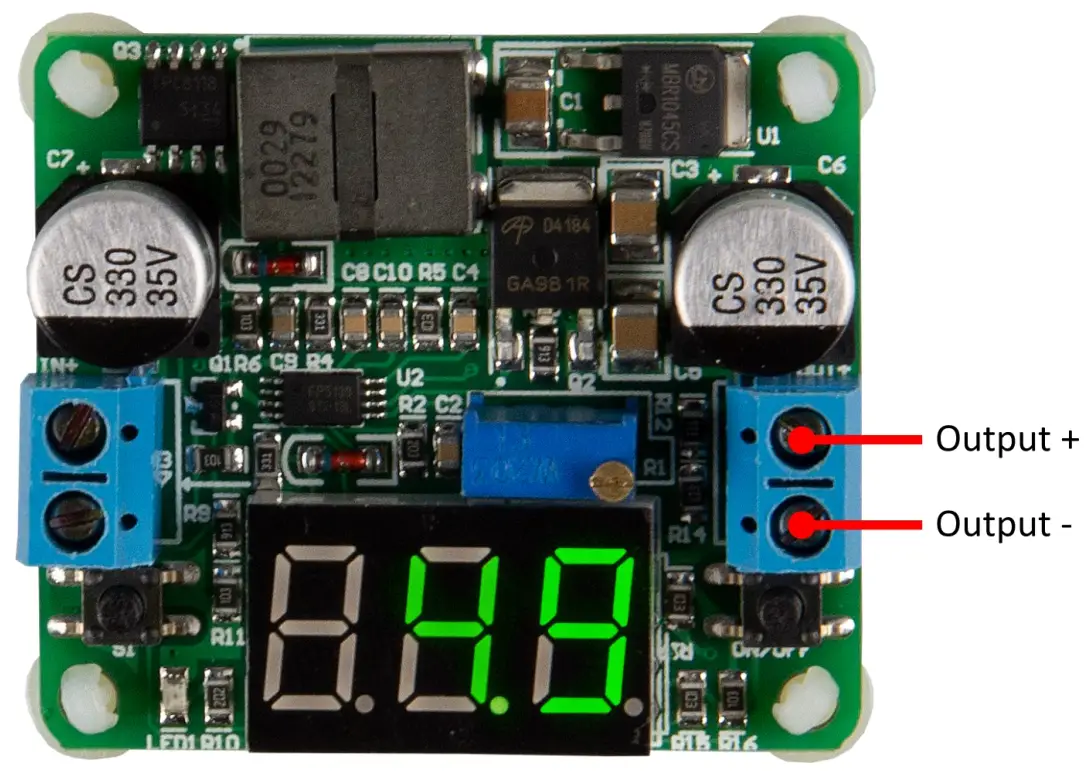
Next, connect the cables of the device to be supplied to the output (Output + / Output -). The voltage converter is now ready for use.
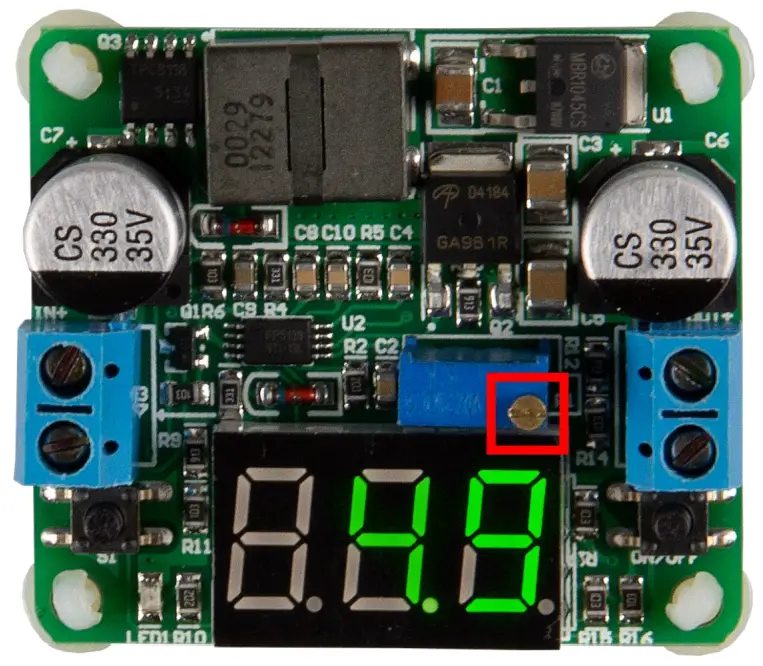
 The desired voltage can be set with the adjustment screw. The display shows the current output voltage.
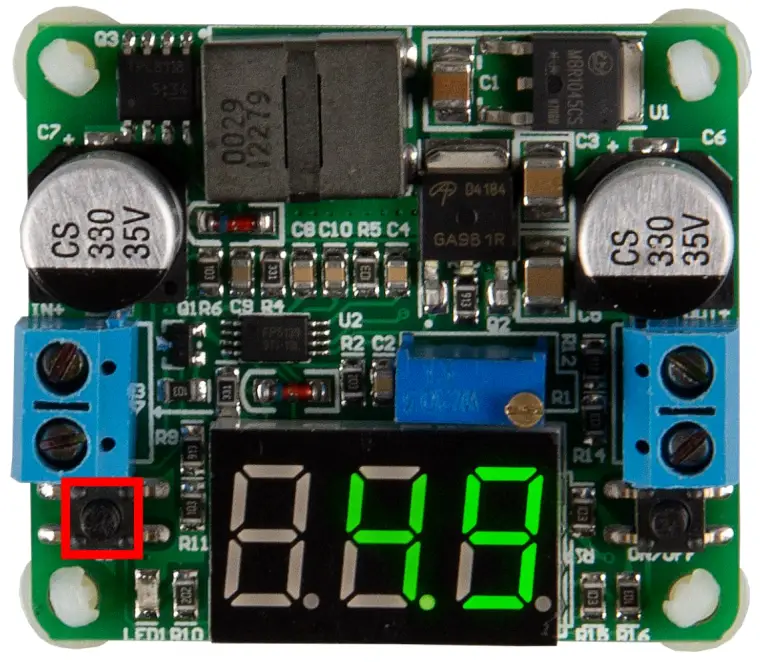
With the S1 button, you can switch through a total of three display modes.
The factory setting automatically shows the input mode after starting the device. Here, the input voltage is shown on the display. The LED, which is located directly below the button, lights up permanently.
By pressing the button, you switch to the output mode. Here, the output voltage is displayed and the LED goes out. Pressing the button again activates the alternative mode. Here, the input and output modes are switched every three seconds.
You can also press and hold the S1 key for three seconds to save the current model. This will then be loaded automatically every time the device is started in the future.
With the ON/OFF key, the voltage output can additionally be switched on or off.
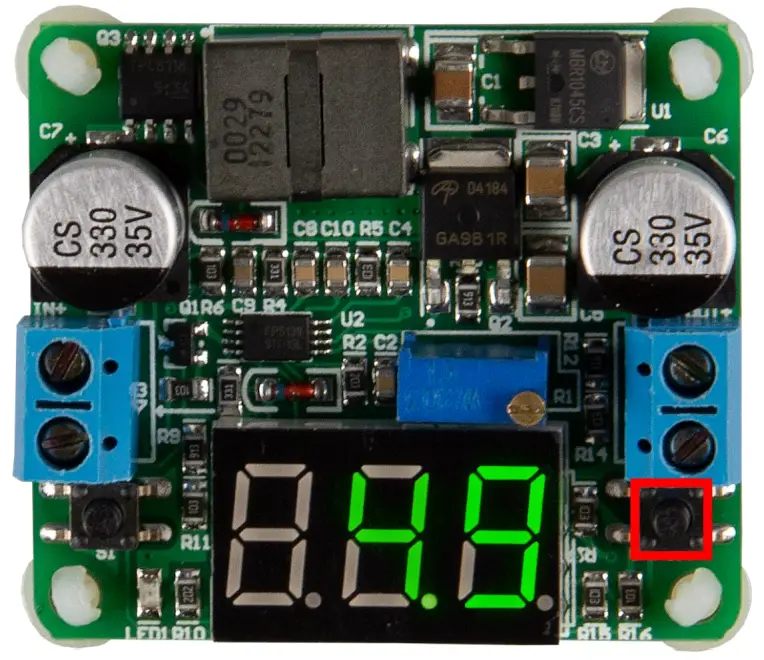 The voltage transformer can also be configured to automatically activate the output as soon as the device is switched on. To activate this setting you must follow the steps below:
- Turn on the device and switch on the output.
- By pressing the button “S1” you switch the device to “-1”.
- Now press and hold the “S1” button for three seconds until “[ 1]” appears.
ADDITIONAL INFORMATION
Our information and take-back obligations according to the Electrical and Electronic Equipment Act (ElektroG)
The symbol on electrical and electronic equipment:
This crossed-out dustbin means that electrical and electronic appliances do not belong in the household waste. You must return the old appliances to a collection point.
Before handing over waste batteries and accumulators that are not enclosed by waste equipment must be separated from it.
Return options:
As an end-user, you can return your old device (which essentially fulfills the same function as the new device purchased from us) free of charge for disposal when you purchase a new device.
Small appliances with no external dimensions greater than 25 cm can be disposed of in normal household quantities independently of the purchase of a new appliance. Possibility of return at our company location during opening hours:
SIMAC Electronics GmbH, Pascalstr. 8, D-47506 Neukirchen-Vluyn, Germany
Possibility of return in your area:
We will send you a parcel stamp with which you can return the device to us free of charge. Please contact us by email at [email protected] or by telephone.
Information on packaging:
If you do not have suitable packaging material or do not wish to use your own, please contact us and we will send you suitable packaging.
SUPPORT
If there are still any issues pending or problems arising after your purchase, we will support you by e-mail, telephone, and with our ticket support system.
Email: [email protected]
Ticket system: http://support.joy-it.net
Telephone: +49 (0)2845 9360-50 (10-17 o‘clock)
For further information please visit our website: www.joy-it.net
Published: 17.03.2022
www.joy-it.net
www.joy-it.net
SIMAC Electronics GmbH
Pascalstr. 8, 47506 Neukirchen-Vluyn
Pascalstr. 8 47506 Neukirchen-Vluyn
 ITnet | Servizi di Colocation e Cloud
 Joy-IT Helpdesk
 For Makers and Professionals | Joy-IT