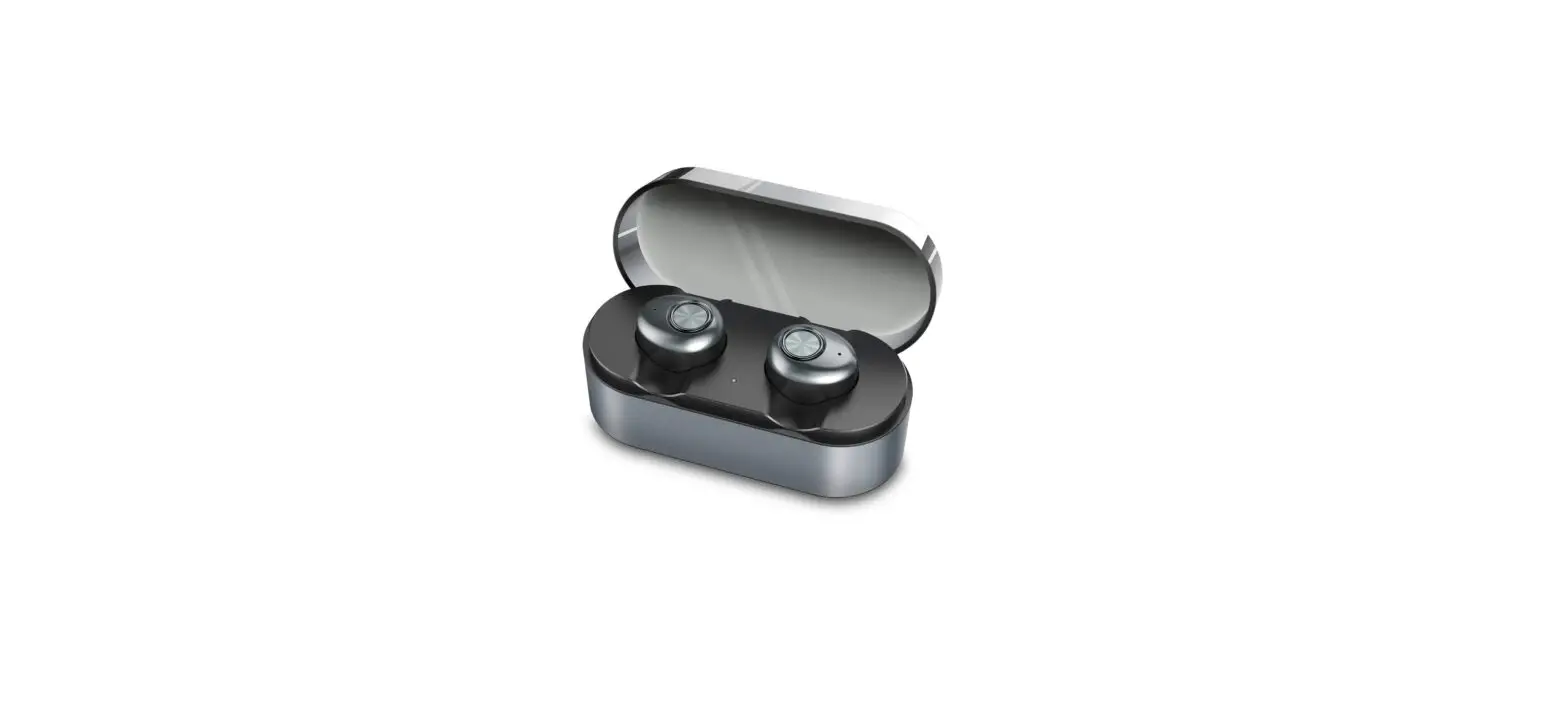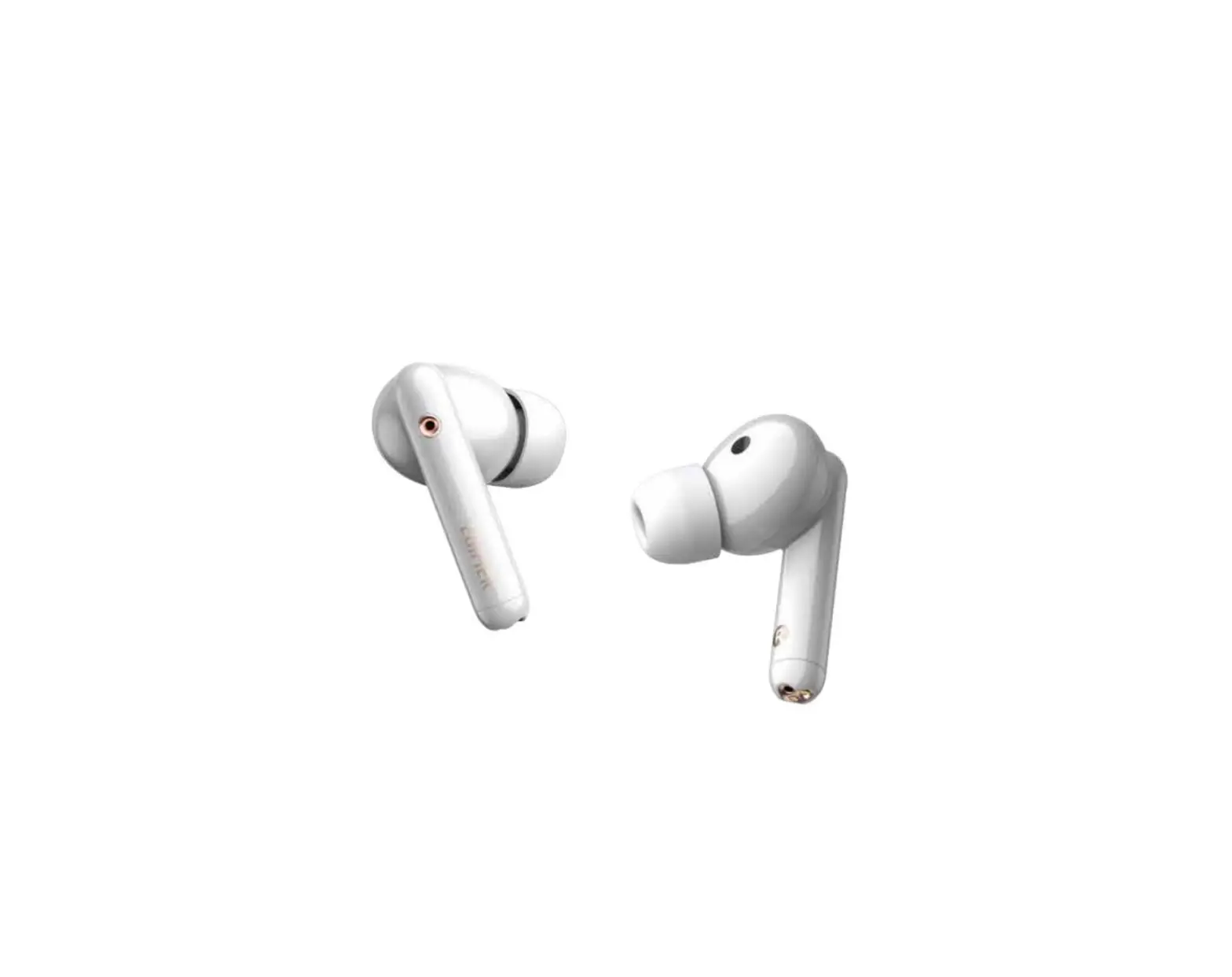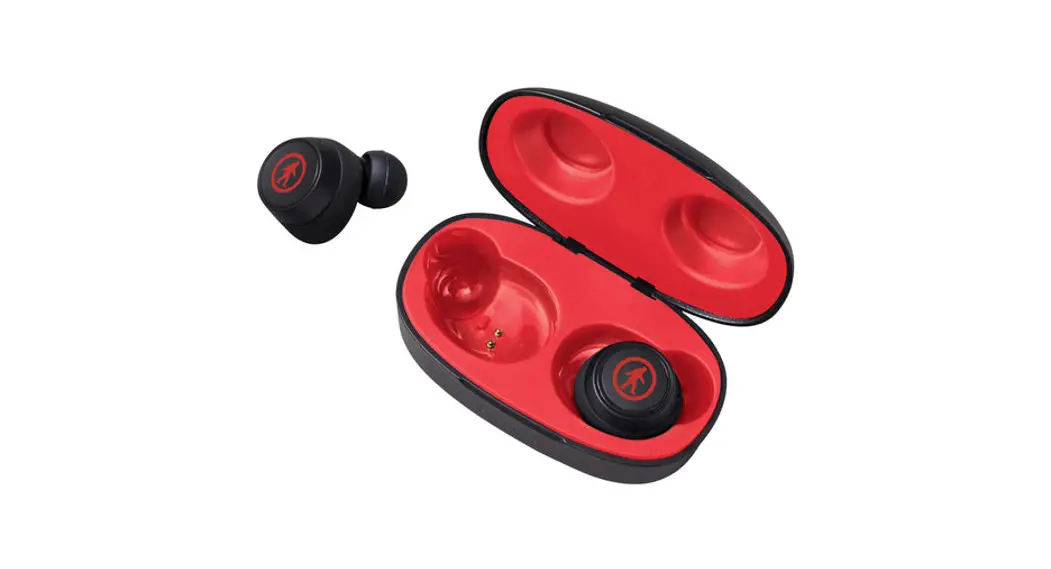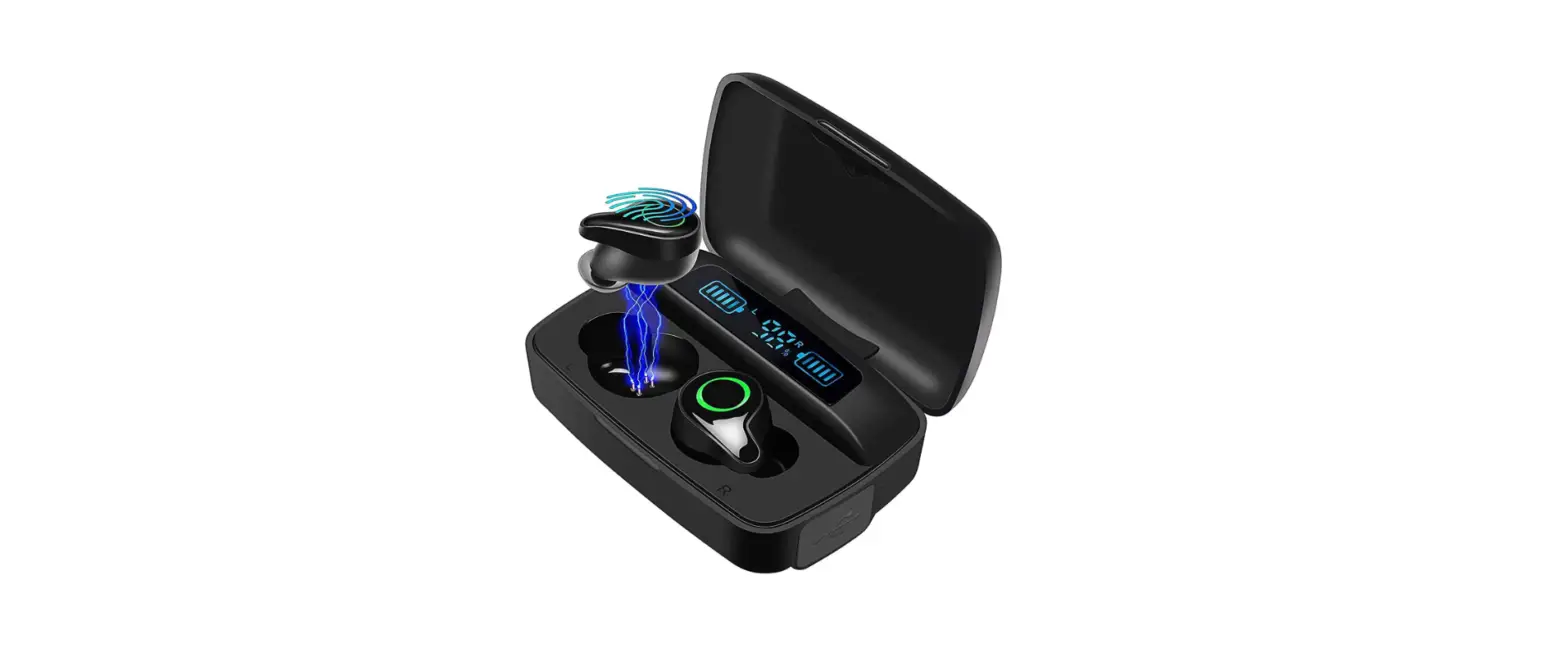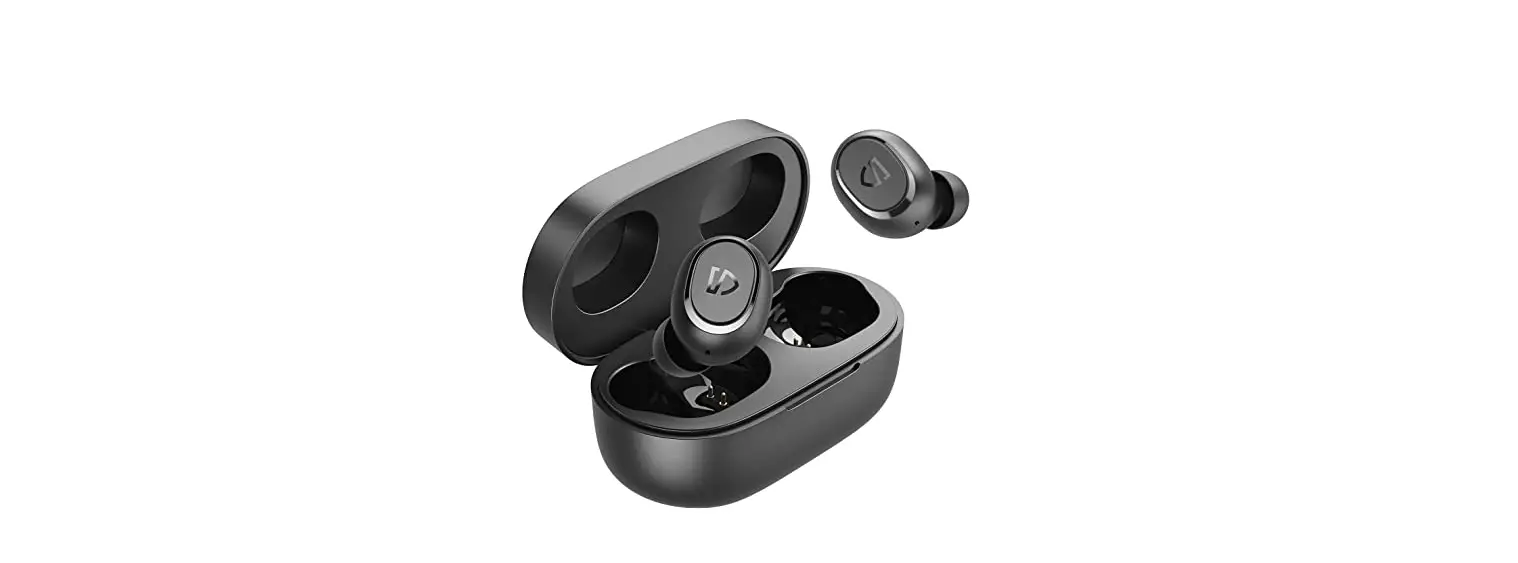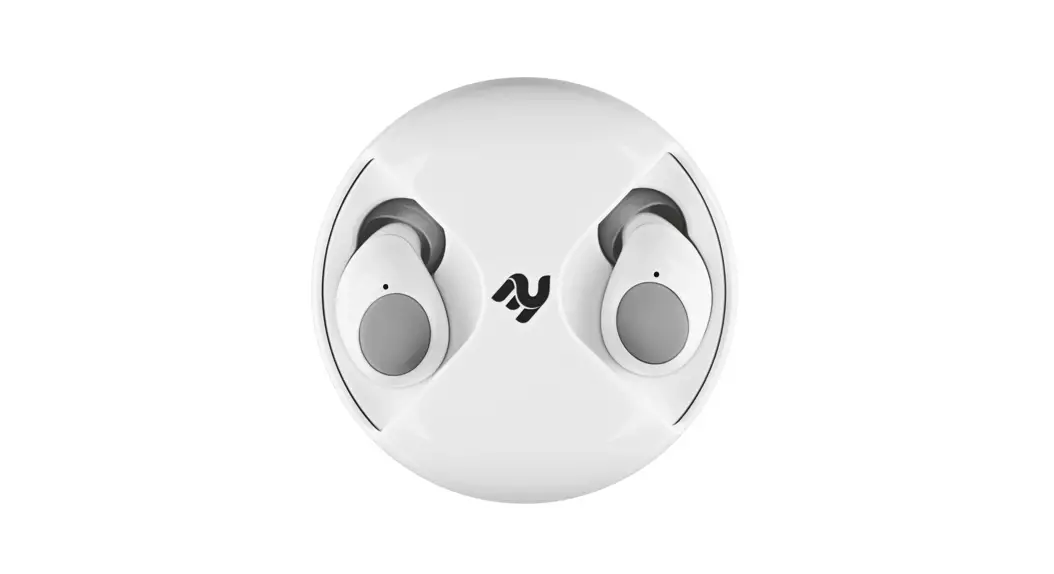

True Wireless Earbuds
2E RainDrops Light
User Manual
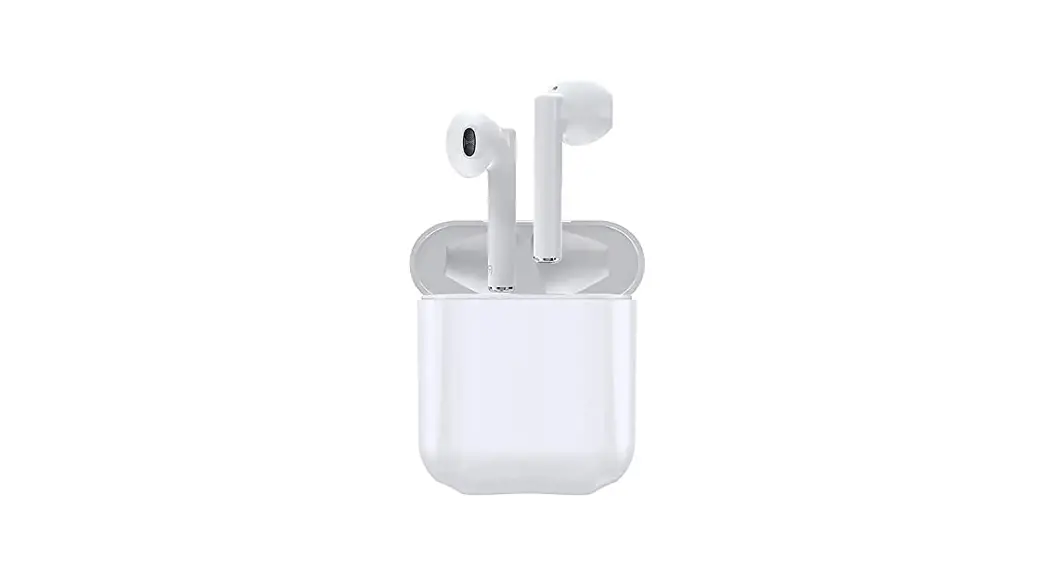
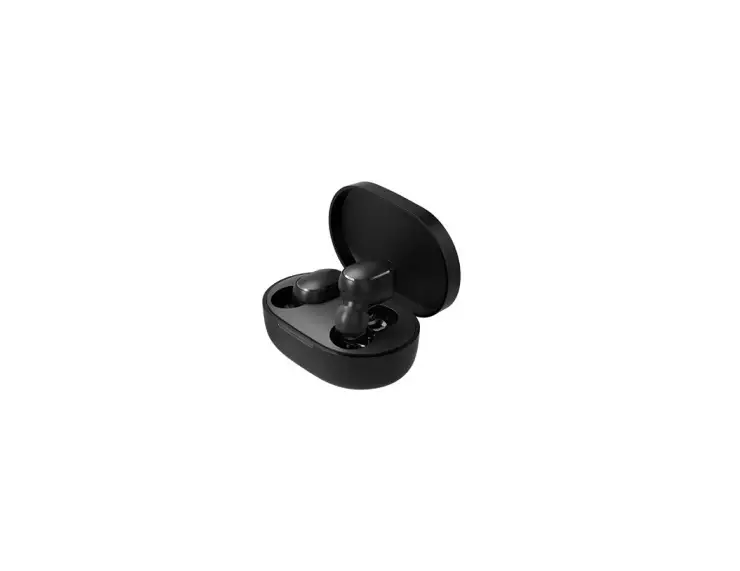
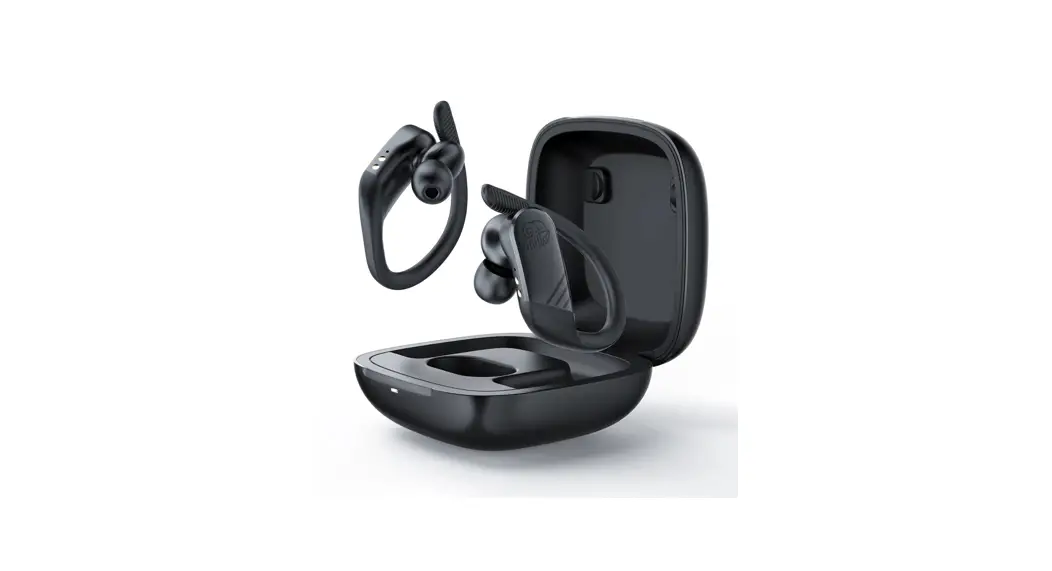
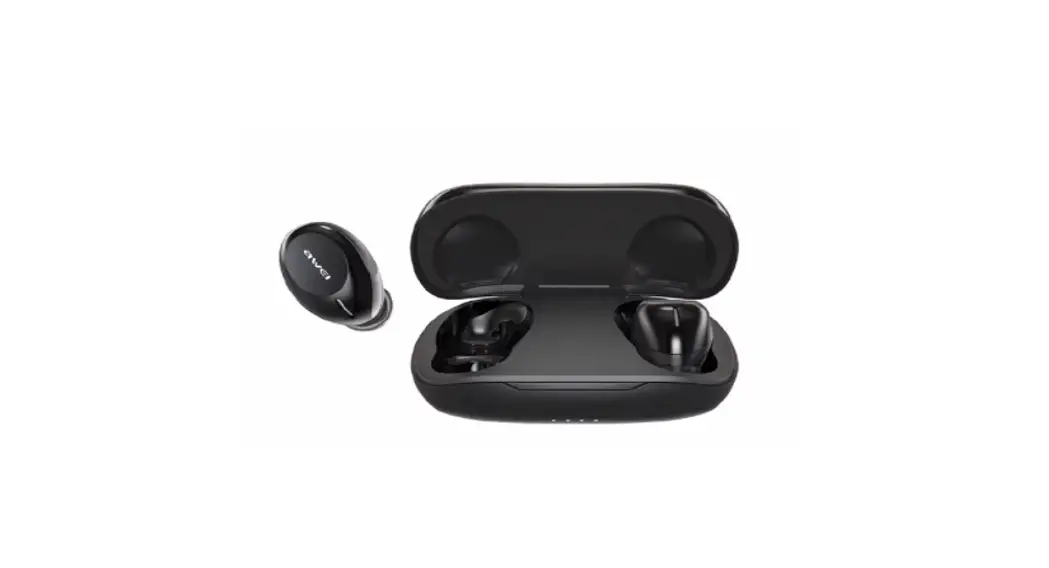
True Wireless Earbuds 2E RainDrops Light
Thank you for choosing our product, hope the fashionable appeand high quality stereo can enrich your life.
Note: Please fully charge it with the charging case before the firwhen you receive the product.
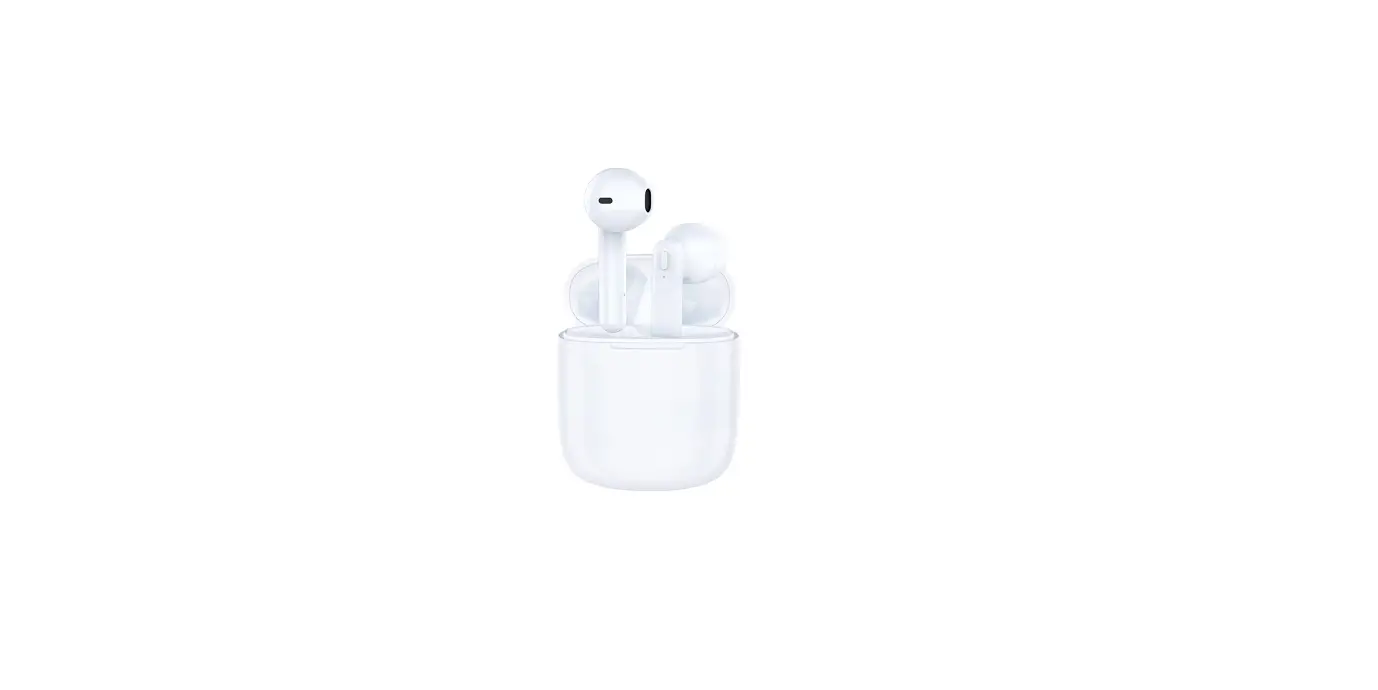
Identifying Key Parts
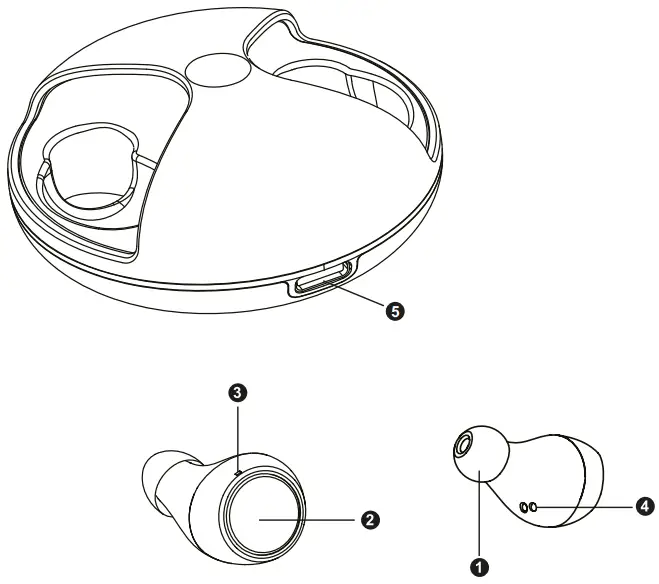
- Ear cap
- Multi-function Button(MFB)
- Microphone
- Charging Pin
- Type-C Charging Port
Charging
When charging, the light on the side of the charging case will flickecircle, and the light will stay on constantly after being fully charged
Getting Starts
- Rotate the charging case and take out both of earbuds or the left one, it/they will turn into pairing mode automatically
(Note: When take out both of earbuds, you will hear of POWER ON, TWS CONNECTED, it means these two earbuds connect to each other and waiting for pairing of smartphone.)
- Active your bluetooth on your smartphone, search for «RAINDROPS LIGHT» and click for pairing.
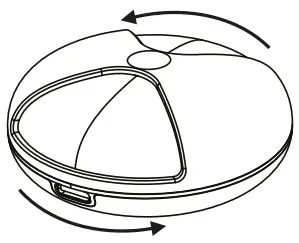
 The earbuds turn off automatically if:
- You put earbuds back to the charging case
- When earbuds leave the charging case, but haven’t connect to any devices within 5 minutes

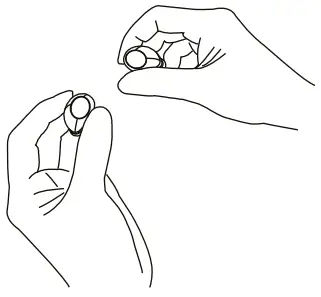
For above situation, please press and hold the MFB for 6 second to Power ON/OFF
Wearing

There are 3 sizes of earbud tips, choose the ideal size fitting for yourself.
M size already installed on earbuds.
Insert the earbuds into the inner canal of your ears, turn and lock to get a comfortable fit
Functions
You can operate MFB to get certain functions as below
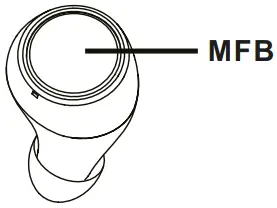
 Play / Pause /Resume
When standby, click MFB(R or L)to get music play, click again to pause, resume it with clickPrevious Track /Next Track
When playing music, press and hold MFB(L) for 3 seconds to next track, press and hold MFB(R) for 3 seconds to previous track.Volume Increase Or Decrease
When playing music, double-click the MFB(R) to increase the volume; double-click the MFB(L) to decrease the volume.Start voice assistant (Siri)
In the bluetooth connection state, quickly three click the MFB(R or L) to activate the voice assistant (Siri).Answer/ End a Call
When there’s an incoming call, click MFB once to answer you can click again to end it.Decline An Incoming Call
When there’s an incoming call press and hold the MFB for 3 seconds to decline
Basic ParametersBluetooth Name RainDrops Light Bluetooth Version V5.0 Frequency Response 2.400GHZ-2.4835GHZ Bluetooth Range <10m/33ft Battery 42mAh for each earbuds Charging Case 400mAh Input DC5V/350ma Play Time 4-5hours(per charge); 20hours(plus charging case power) Charging Time 1hours(earbuds) 1-2hours(charging case) Bluetooth Profile A2DP/AVRCP/HFP/HSP Waterproof IPX5 Weight 3.8g(earbuds)/46g(charging case) Ration radiation power -6-4 dBm
Customer Service 12-Month Limited Warranty
 Lifetime Technical Support
Packing ListCharging case *1 pcs Earbuds *2pcs Earbud tips *2pairs Charging cable *1 pcs User manual *1 pcs
FAQs/Trouble shooting
– A: Please check the power of charging case, if there is no power the earbuds can’t turn on automatically or you can manually turn it on (long touch MFB for 2 seconds).
– A: Please make sure that you have turned up the volume of both devices Smartphone requires you to set up the Bluetooth earbuds as an audio output device before transimition of sound. Please check the instruction of your smartphone for details. If you are using a music player or other Bluetooth devices, please make sure it supports A2DP stereo music profile.
– A: Please make sure there are no obstacles between the earbuds and your Bluetooth device; please make sure there is no radio or WIFI interference nearby.
– A: Please adjust the volume on your phone and earbuds. Make sure there is no source of interference nearby. Stay close to your smartphone check if there’s any improvement.
Hearing Safety
- To avoid hearing damage, do not listen for long time at high volume.
- Do not turn the volume so high that you’re unable to hear your surroundings.
- Do not use earbuds while driving.
- You should use with caution or temporarily discontinue using in potentially hazardous situations.

 Сервіс Центр