SKS500 Sidekick for Shades
Product Information:
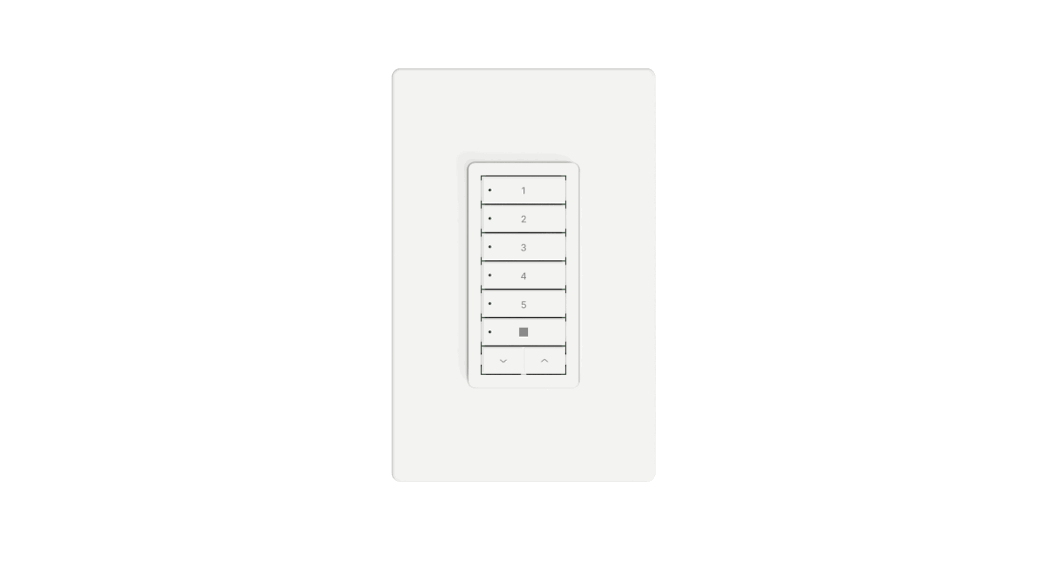
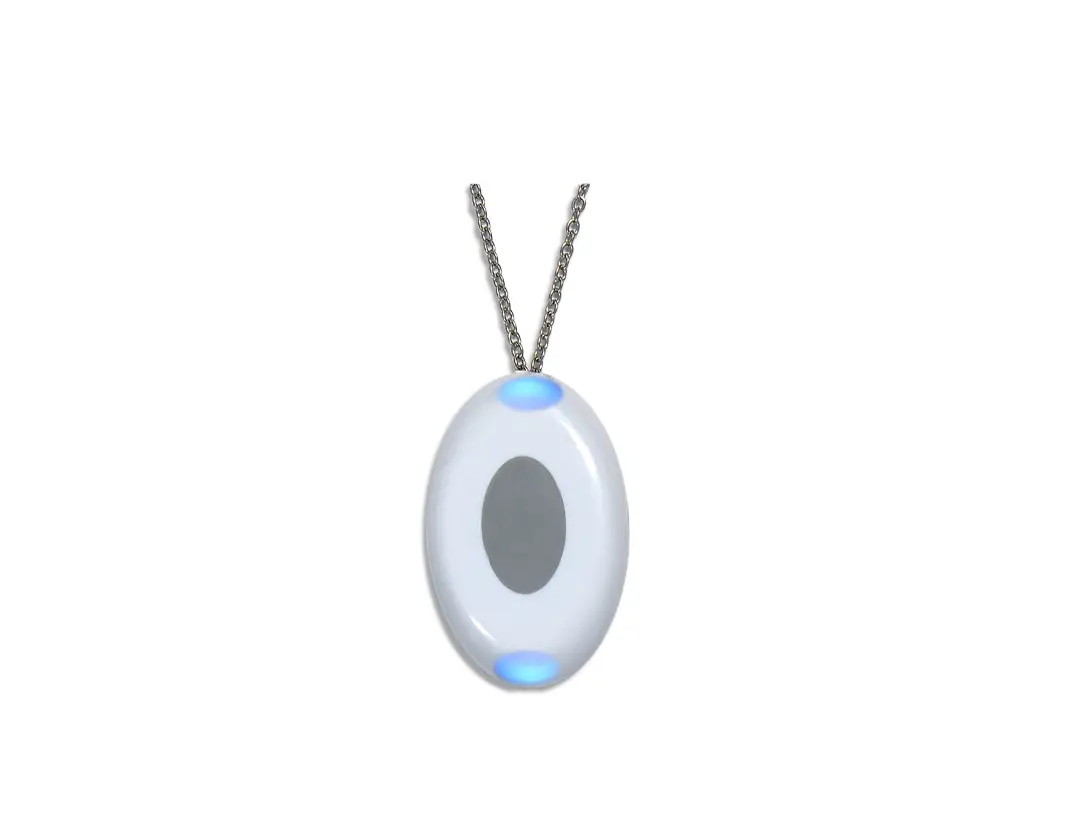
The Sidekick is a keypad device designed to control motorized
window coverings, awnings, and pergolas. It comes with different
channel modes and can be paired with various motor technologies.
The device is equipped with LEDs and buttons for easy operation and
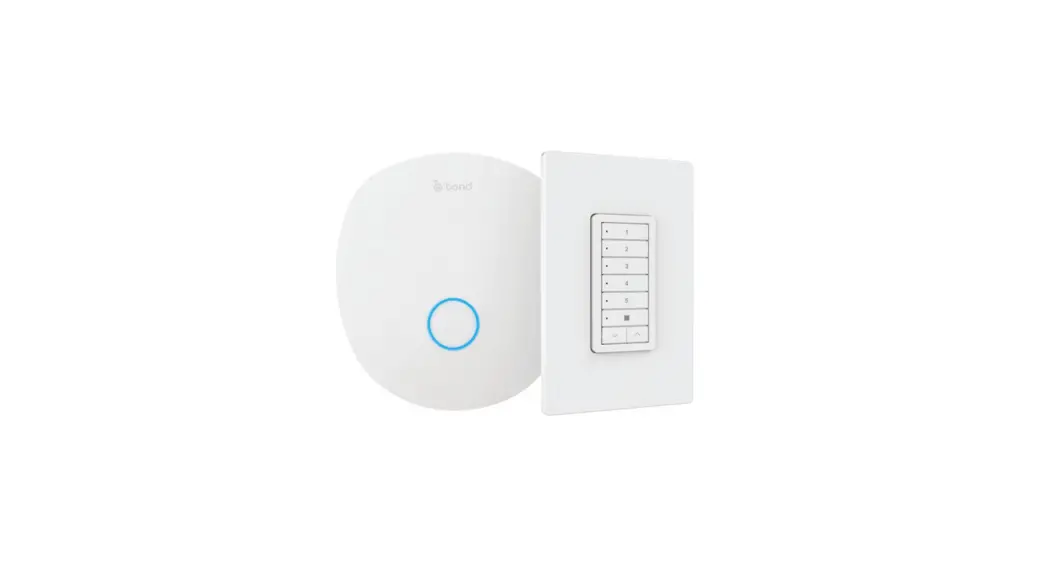
configuration. Additionally, it can be linked with the Bond Bridge
Pro for expanded functionality.
Channels:
The Sidekick has five channels that can be controlled
individually. The channel buttons are labeled 1, 2, 3, 4, and 5.
There is also a Stop button for immediate cessation of
movement.
The Menu button allows access to the device settings and
configuration options.
Pair:
The Pair button is used for pairing the Sidekick with motor
technologies or resetting channel configurations.
Product Usage Instructions:
Setup with Shade:
- Insert the included battery into the Sidekick.
- Choose your shade technology:
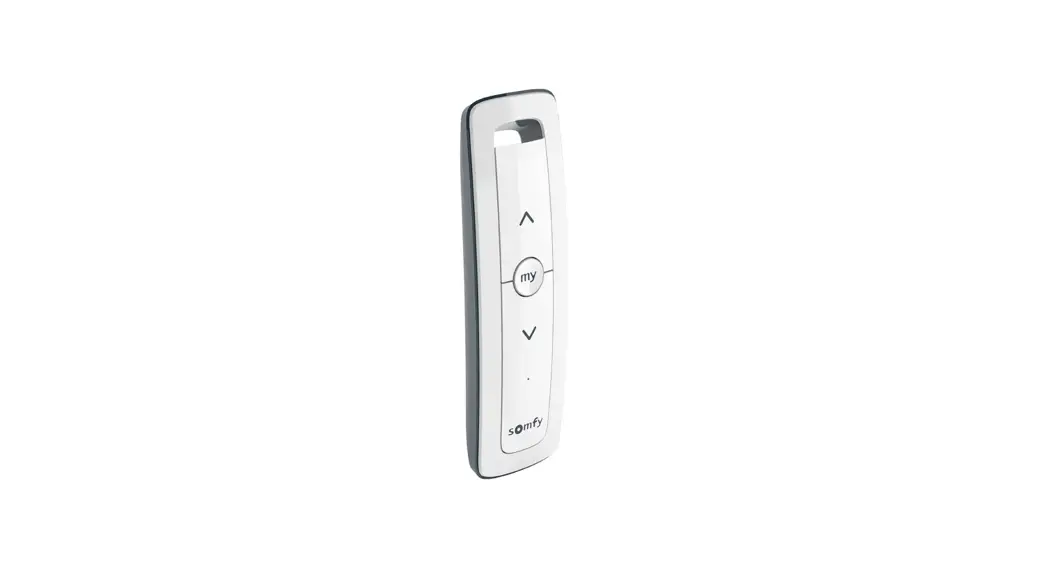
- If using with Somfy RTS motors, Sidekick is already configured
for Somfy RTS out-of-the-box. If you want to reset all channels to
RTS, press the Pair button twice. - If using with Rollease Acmeda ARC motors, press the Pair button
three times.
- If using with Somfy RTS motors, Sidekick is already configured
- All six LEDs on the front will flash to confirm successful
configuration. - Pair and set limits as instructed by the motor manufacturer’s
remote. - Mount the Sidekick to the wall.
- (Optional) Link with Bond Bridge Pro for additional
features.
Scan the QR Code provided to access the full manual for detailed
instructions.
Single Channel Mode:
In Single Channel Mode, you can control a single channel of
shades with larger buttons. Follow these steps:
- Configure your motor technology.
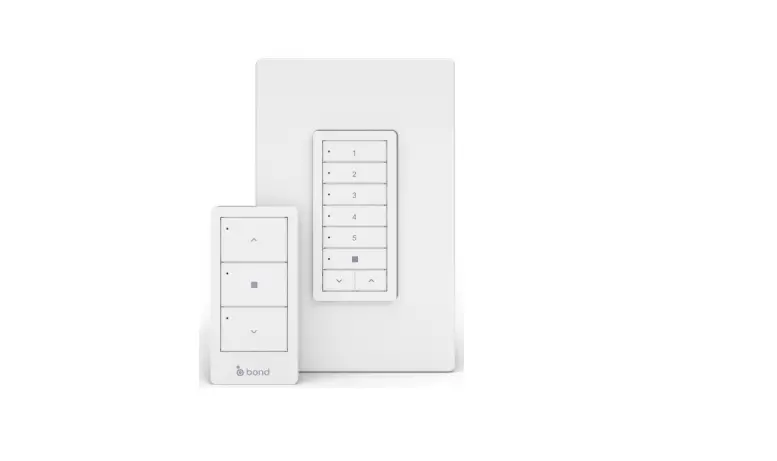
- Enter the code corresponding to your motor technology (1, 3, or
2). - Install the illustrated 3-button button set as shown.
Note: If you wish to change the motor technology while in Single
Channel Mode, prefix the technology code with a 1. Failure to do so
will revert the Sidekick to 5-channel shade mode.
5-Channel Mode:
The Sidekick is already configured in the 5-channel mode by
default. To reset it back to this mode, press the Pair button
followed by the sequence: 5, 1, 2, 1.
Note: Resetting the mode does not change channel
technologies.
Bond Bridge Pro Integration:
With the Bond Bridge Pro, the Sidekick offers enhanced
capabilities:
- Control additional shade technologies.
- Mix different motor technologies on one keypad.
- Receive state feedback in the Bond Home app.
- Relay signals via the Bond Bridge Pro.
To learn more about these features, access the full manual.
Safety:
Prior to using this keypad, please read and adhere to the
following important safety information:
- The keypad contains a coin cell battery that can be harmful if
swallowed. Keep it out of reach of children. - Only operate the keypad if trained in the safe operation of
motorized window coverings, awnings, and pergolas. - Follow local jurisdiction rules for disposal of electronic
waste and lithium batteries.
For additional assistance, visit support.olibra.io or contact
[email protected].
Channels
1 2 3 4 5 Stop
Menu
Menu
Pair
Pair
Down Up
Use the included tool to press the MENU and PAIR buttons
Setup with Shade
1) Insert included battery. 2) Choose your shade technology:
If using with Somfy RTS motors Sidekick is already configured for Somfy RTS out-of-the-box. However, if you want to reset all channels to RTS, please press:
2
If using with Rollease Acmeda ARC motors:
3
All six LEDs on the front will flash to confirm configuration is successful. 3) Pair and set limits just like with the motor manufacturer’s remote. 4) Mount to wall. 5) Optionally link with Bond Bridge Pro.
Scan the QR Code to access full manual
Need extra help? support.olibra.io [email protected]
Single Channel Mode Control just a single channel of shades with larger buttons. Configure your motor technology, enter the code below, and then install the illustrated 3-button button set.
5
1
3
2
NOTE: If you wish to change the motor technology while in Single Channel Mode, please be sure to prefix the technology code with a “1”. Failure to do so will result in the Sidekick reverting to 5-channel shade mode.
5-Channel Mode
1
2
Sidekick is already configured in the 3
5-channel mode out-of-the-box.
4
However, if you want to reset it back
5
to this mode, press:
5
1
2
1
NOTE: does not change channel technologies
SKS_QG_221215
With Bond Bridge Pro, Sidekick is capable of so much more:
1) Control even more shade technologies.
2) Mix motor technologies on one keypad.
3) State feedback in Bond Home app.
4) Relay signals via Bond Bridge Pro. Access the full manual to learn more.
Safety Please read the following important safety information before using this keypad.
This keypad contains a coin cell battery which could be harmful or fatal if swallowed. Keep out of reach of children. This keypad is designed to activate motorized window coverings, awnings, and pergolas which may cause serious injury or death if operated improperly, and must only be operated by persons trained in the safe operation of these shading products. Please follow your local jurisdiction’s rules for disposal of electronic waste and lithium batteries.
Legal This device complies with part 15 of the FCC Rules. Operation is subject to the following two conditions: (1) this device may not cause harmful interference, and (2) this device must accept any interference received, including interference that may cause undesired operation. Changes or modifications not expressly approved by Olibra could void the user’s authority to operate the equipment. For more information on avoiding interference, see the full manual. Hardware and firmware is Copyright © Olibra LLC, 2022. All rights reserved. Firmware includes ChibiOS/HAL Copyright © 2022 Giovanni Di Sirio, used under terms of the Apache License v2.0. Firmware also includes tiny printf library Copyright © 2014–2019, Marco Paland of PALANDesign Hannover, Germany, used unter terms of the MIT License. For the text of the Apache and MIT licenses, see the full manual. Bond, Bond Home, Sidekick, and Sidekick for Shades are trademarks of Olibra, LLC. Somfy, RTS, Rollease, Automate, and ARC are trademarks of their respective owners. Designed by Olibra in New Jersey and Santa Catarina. Made in Vietnam.
Olibra, LLC 45 Legion Dr. Cresskill NJ 07626