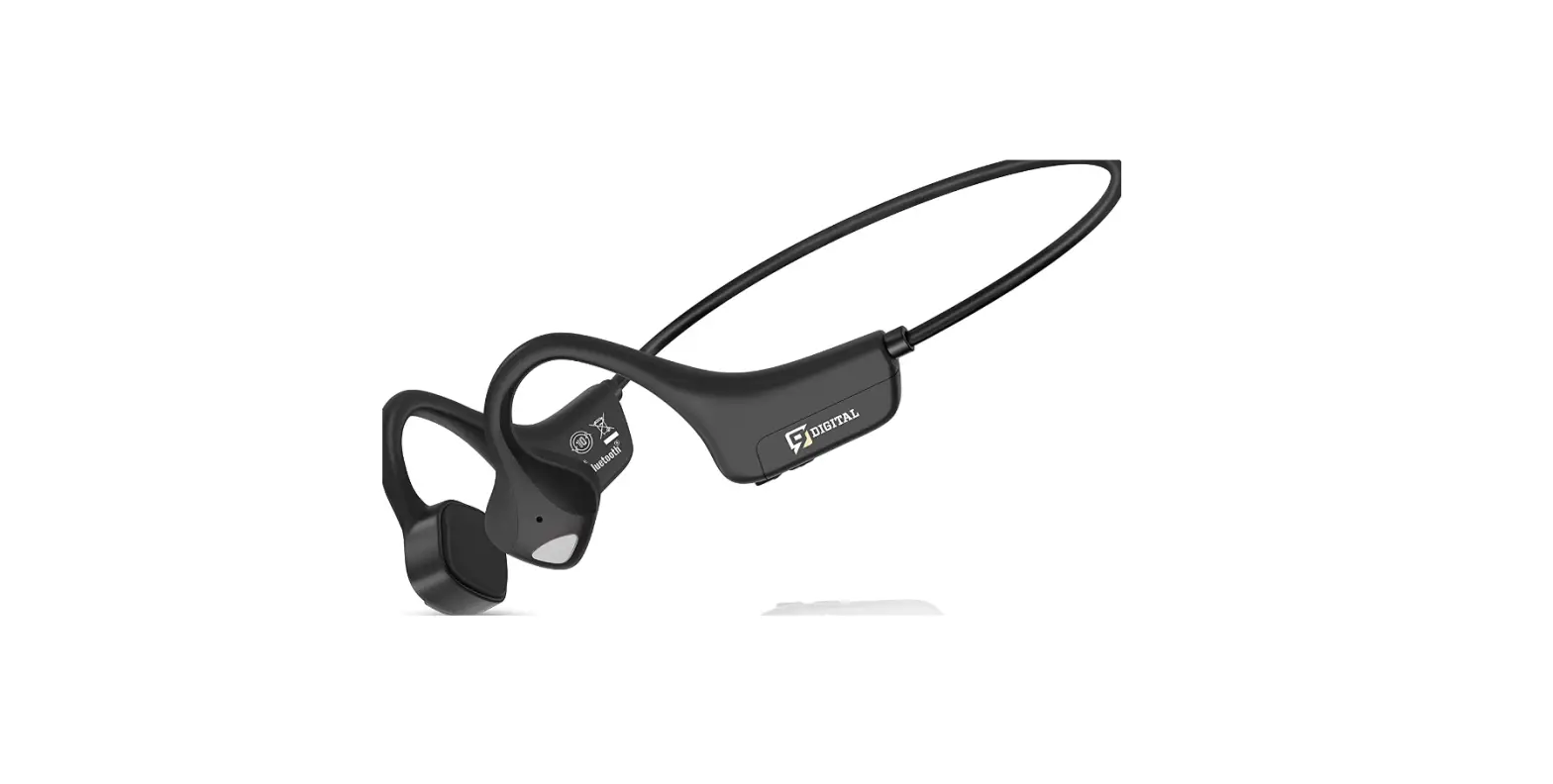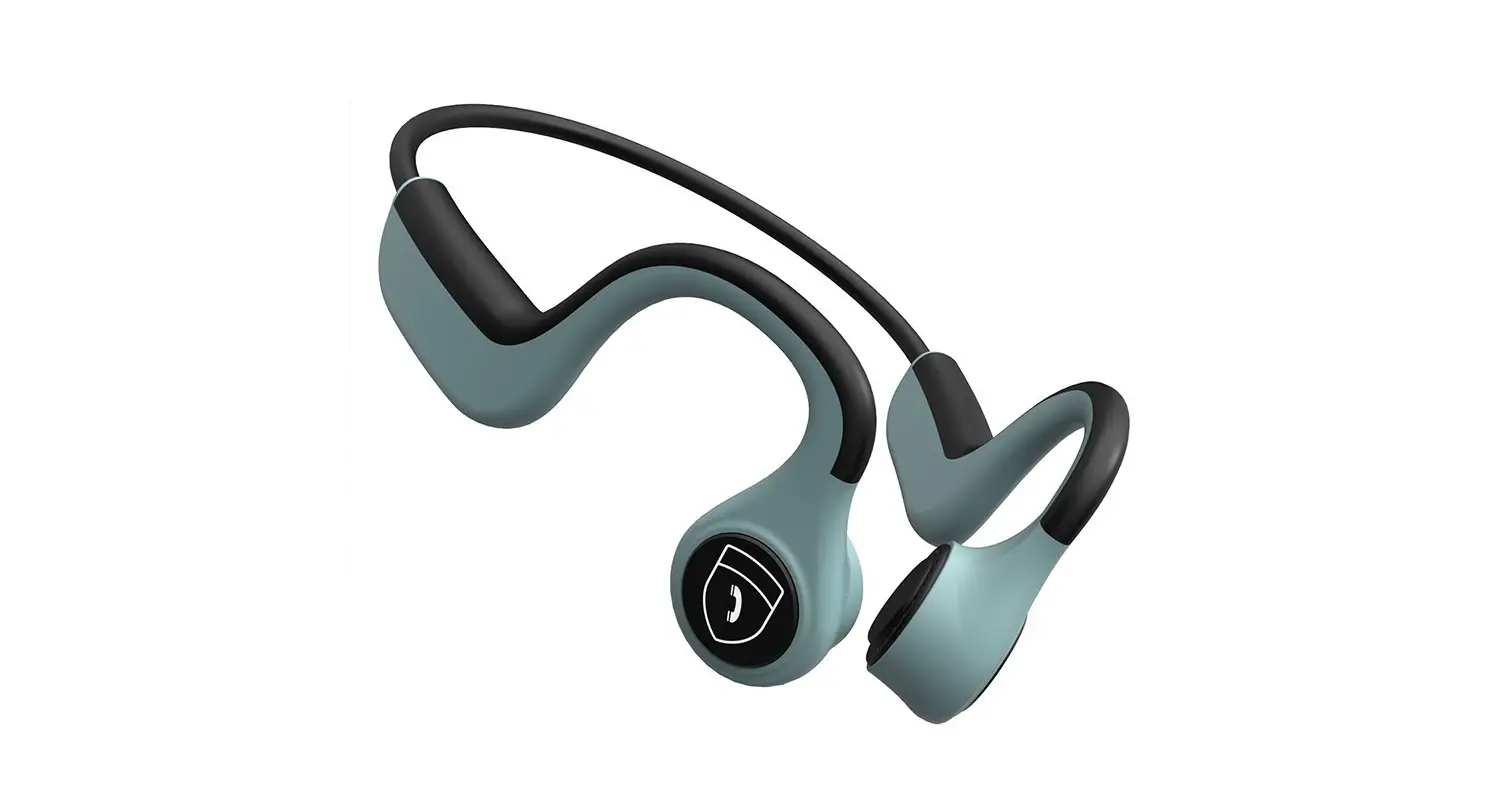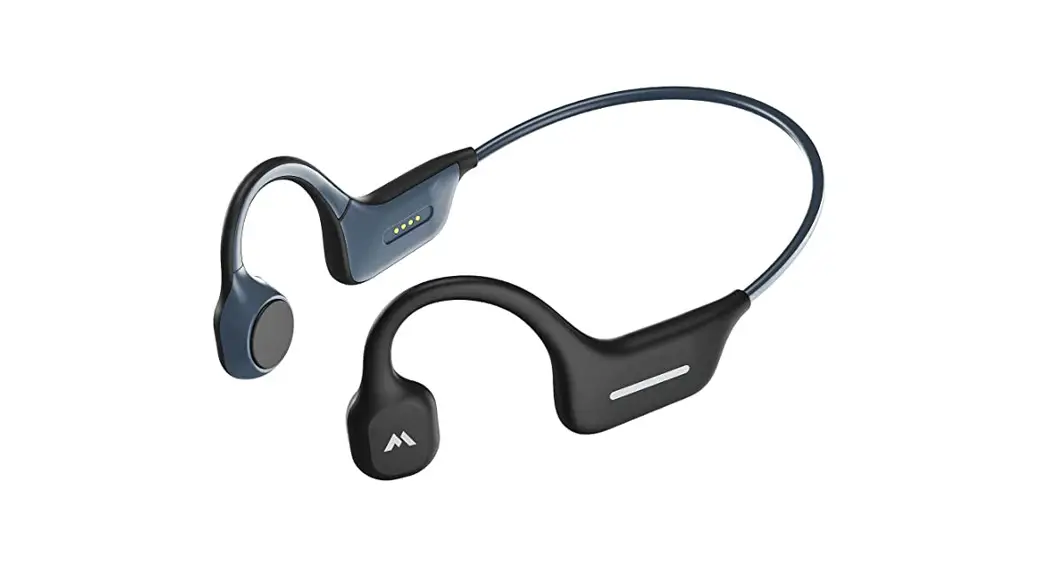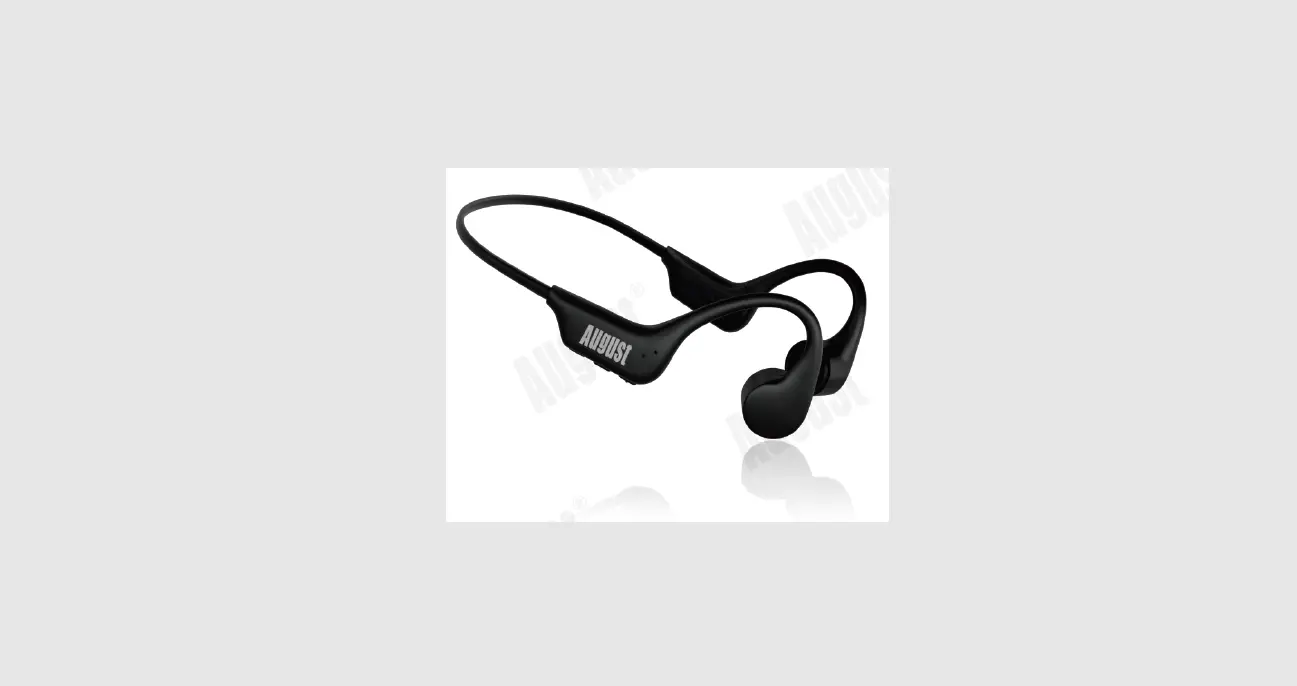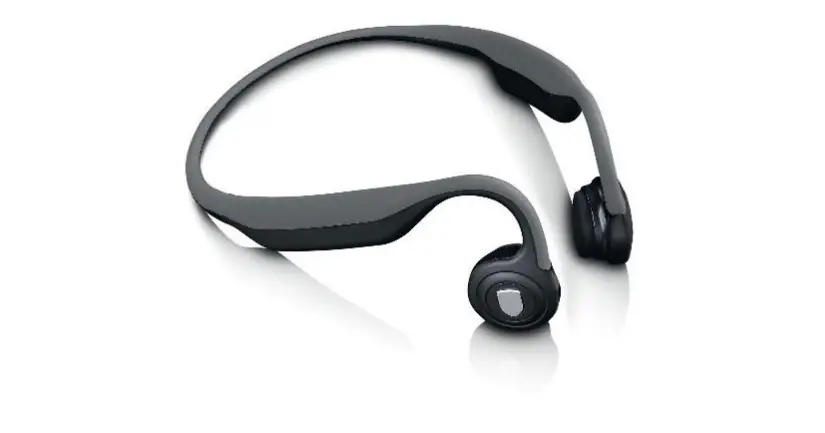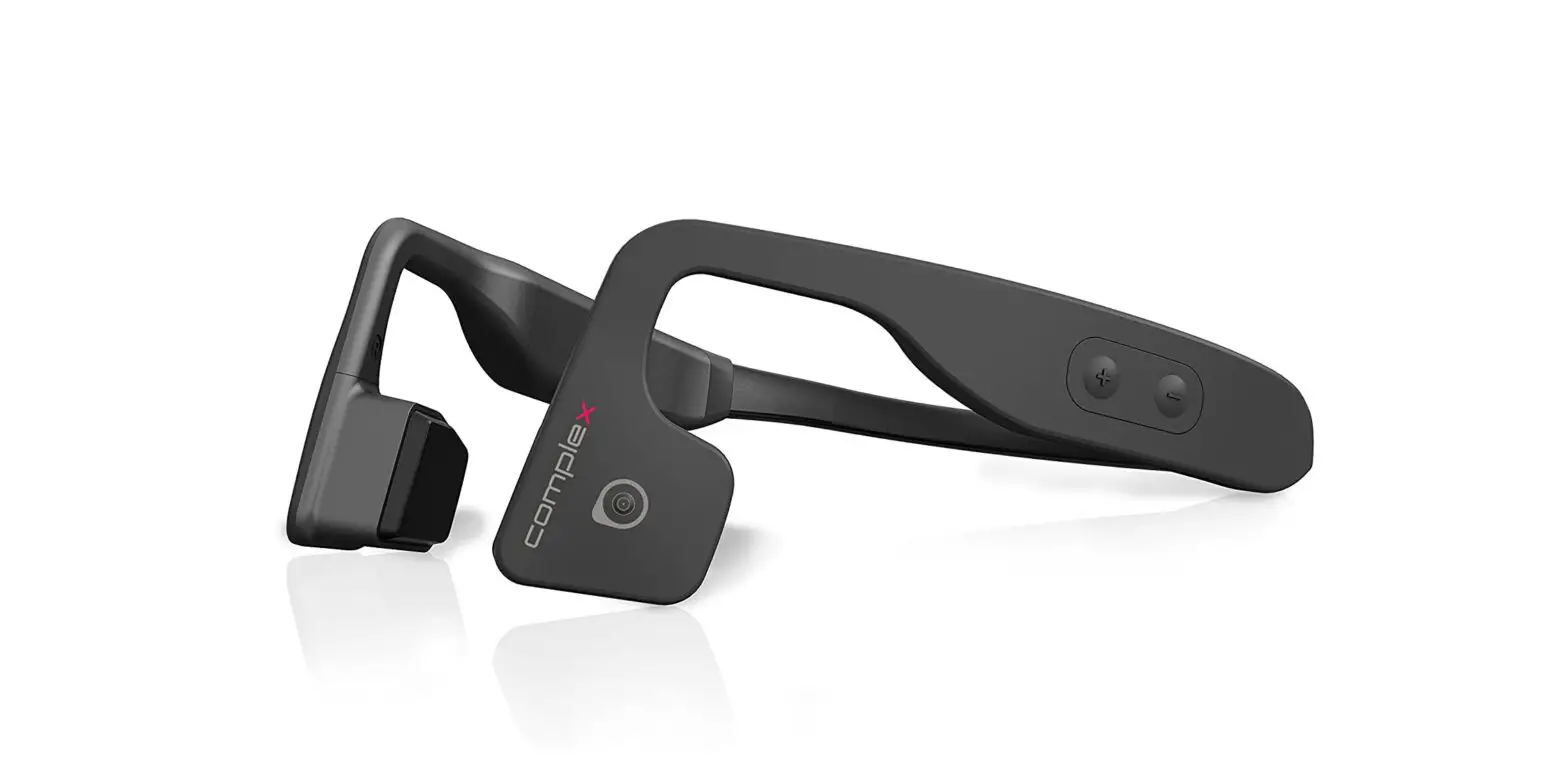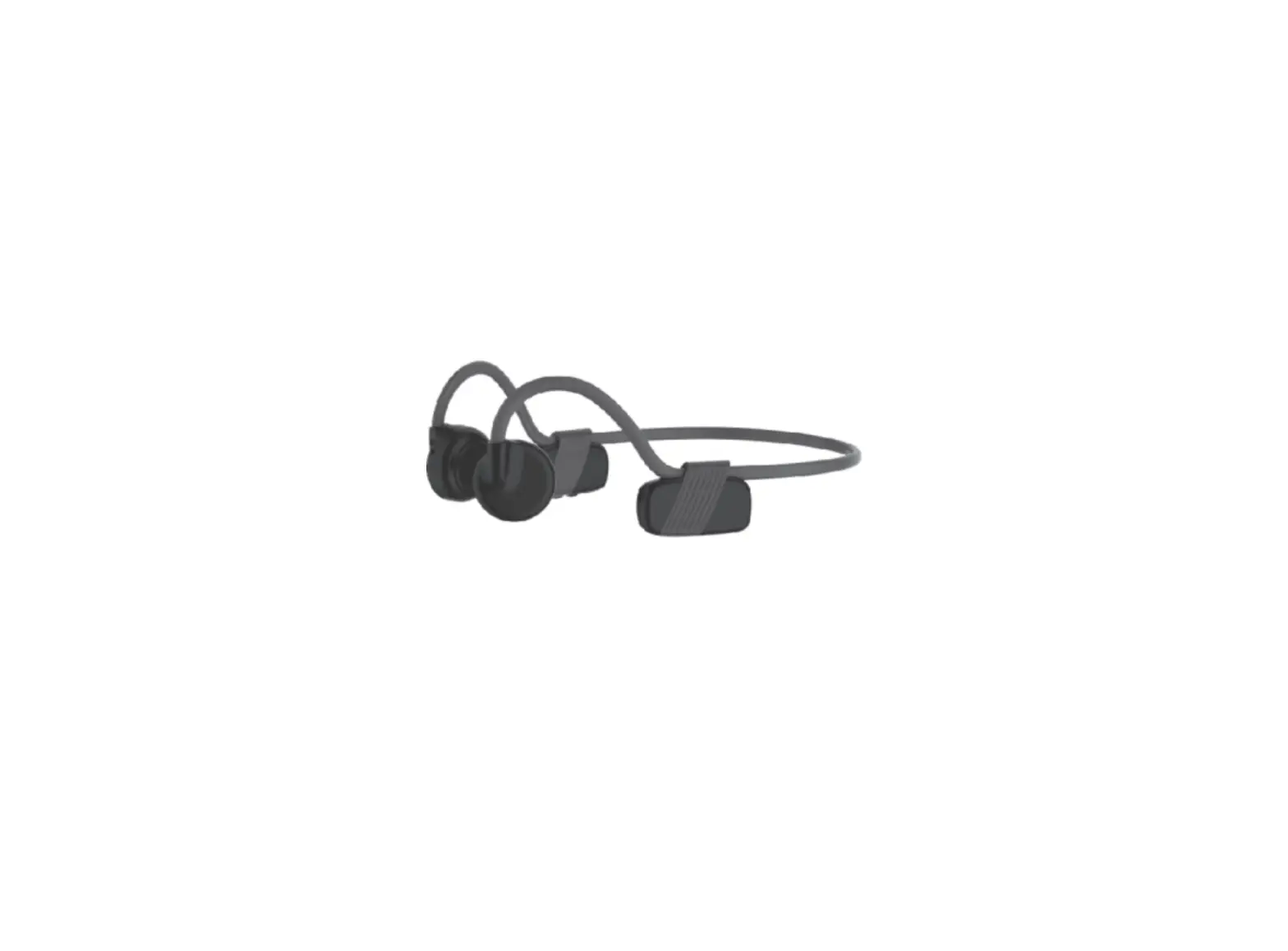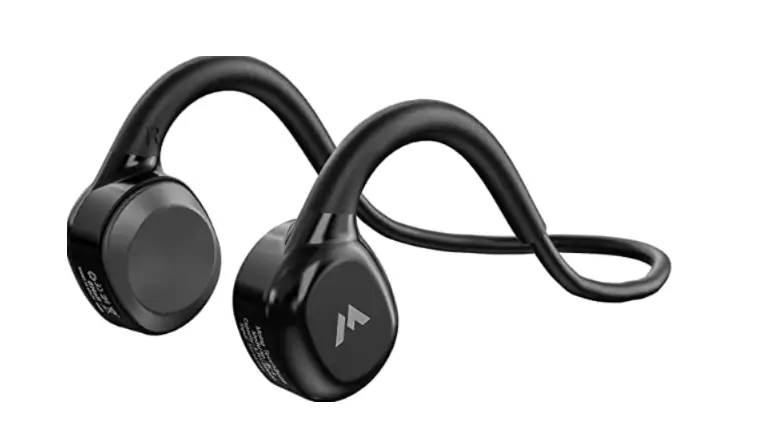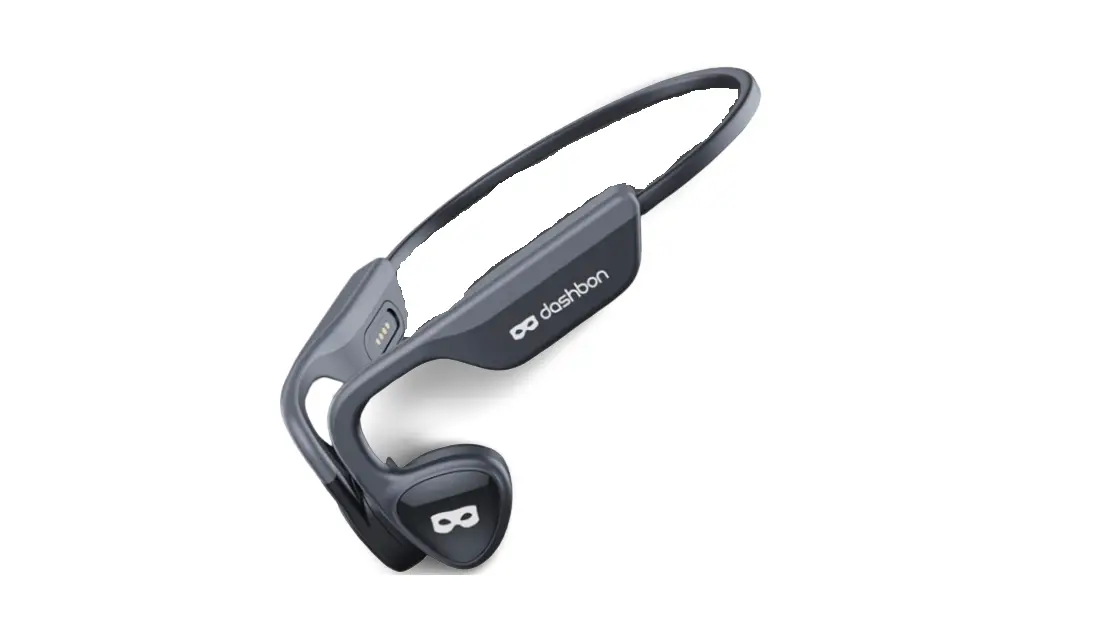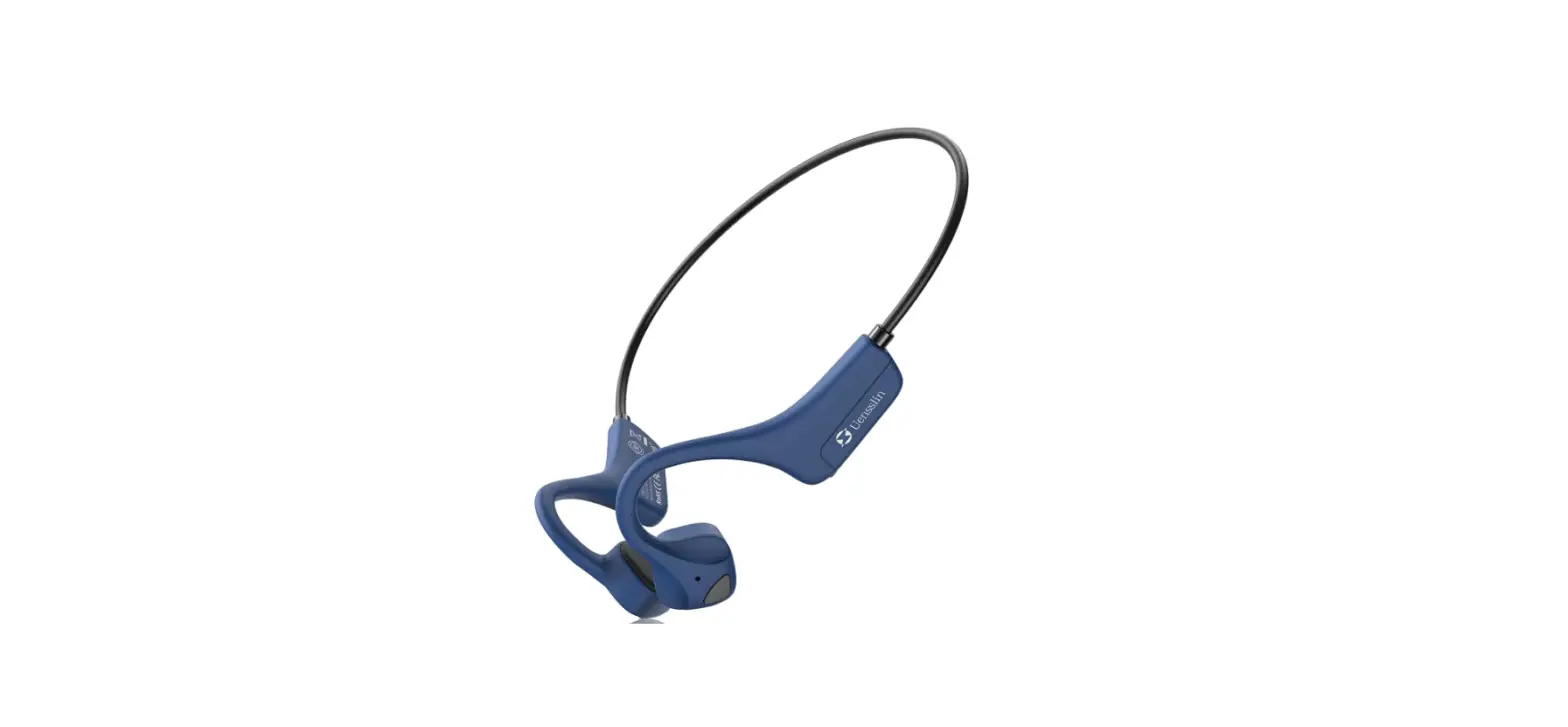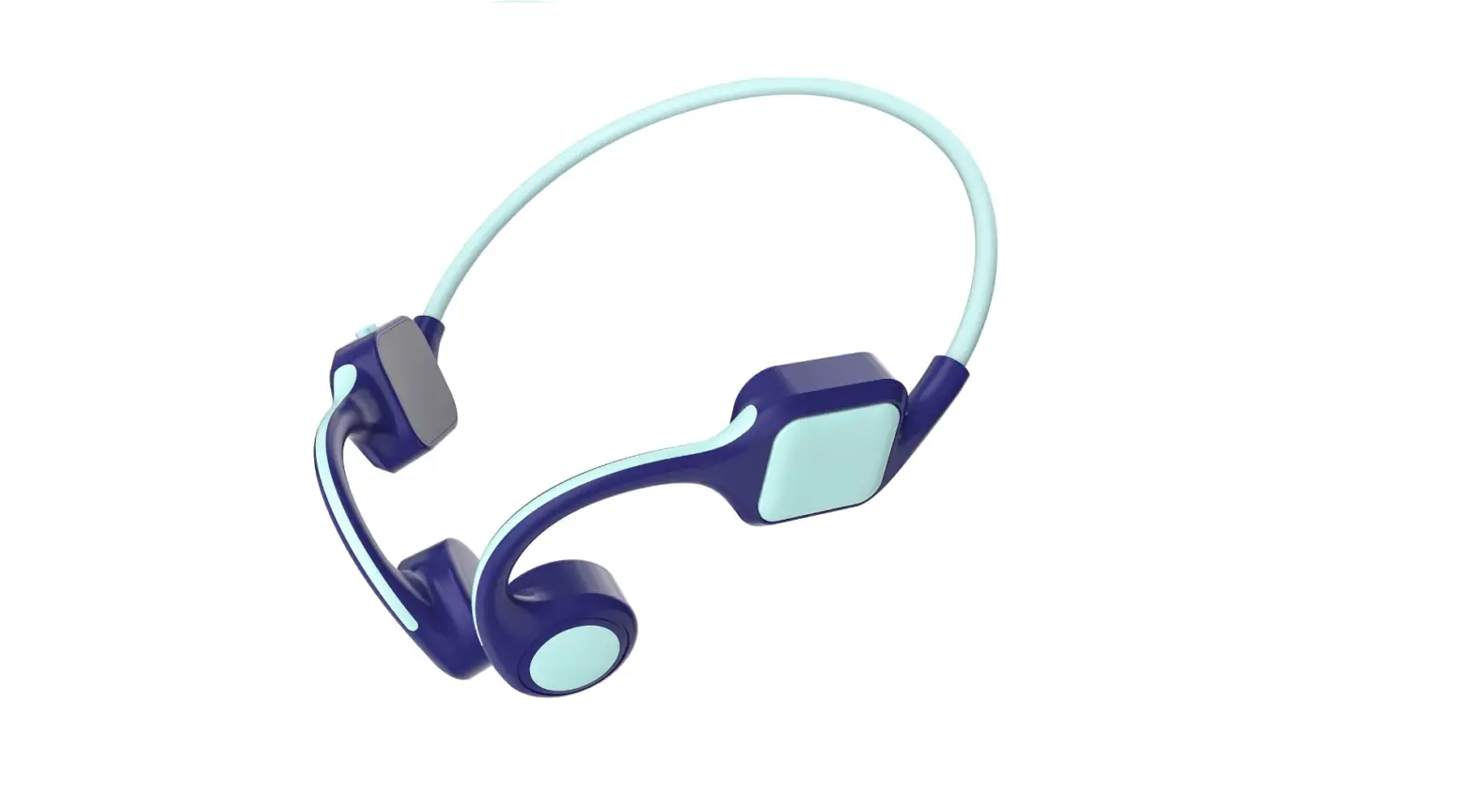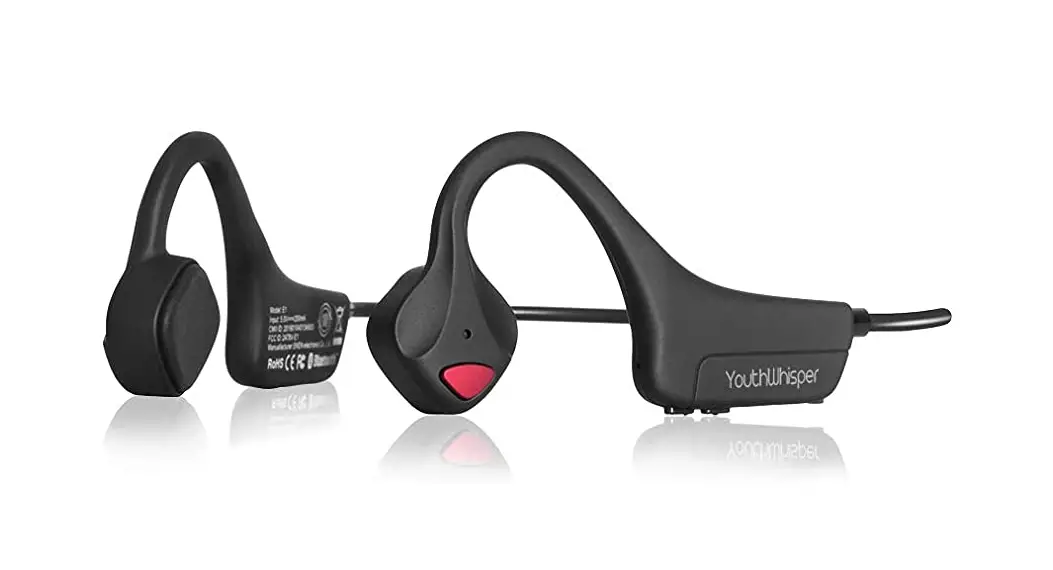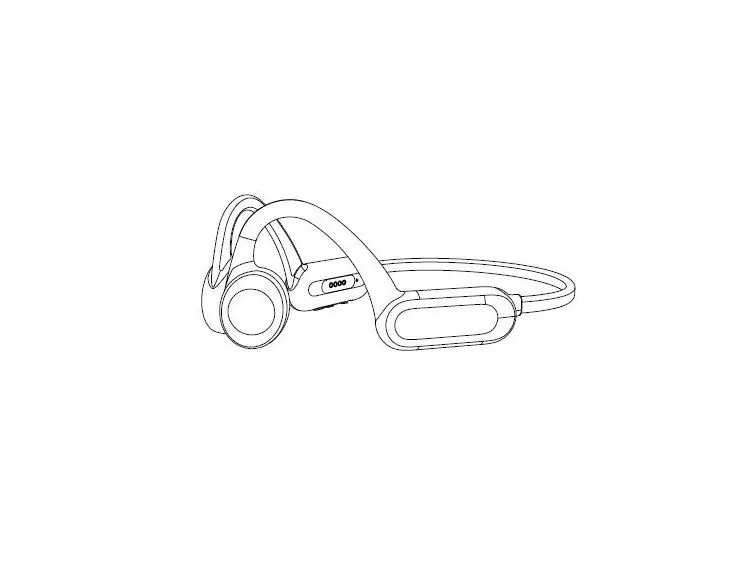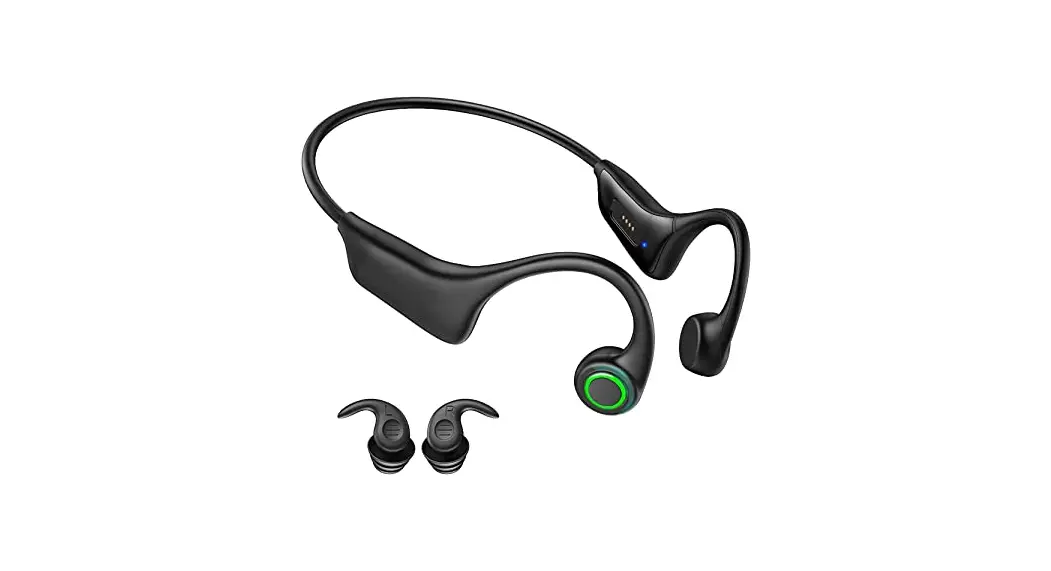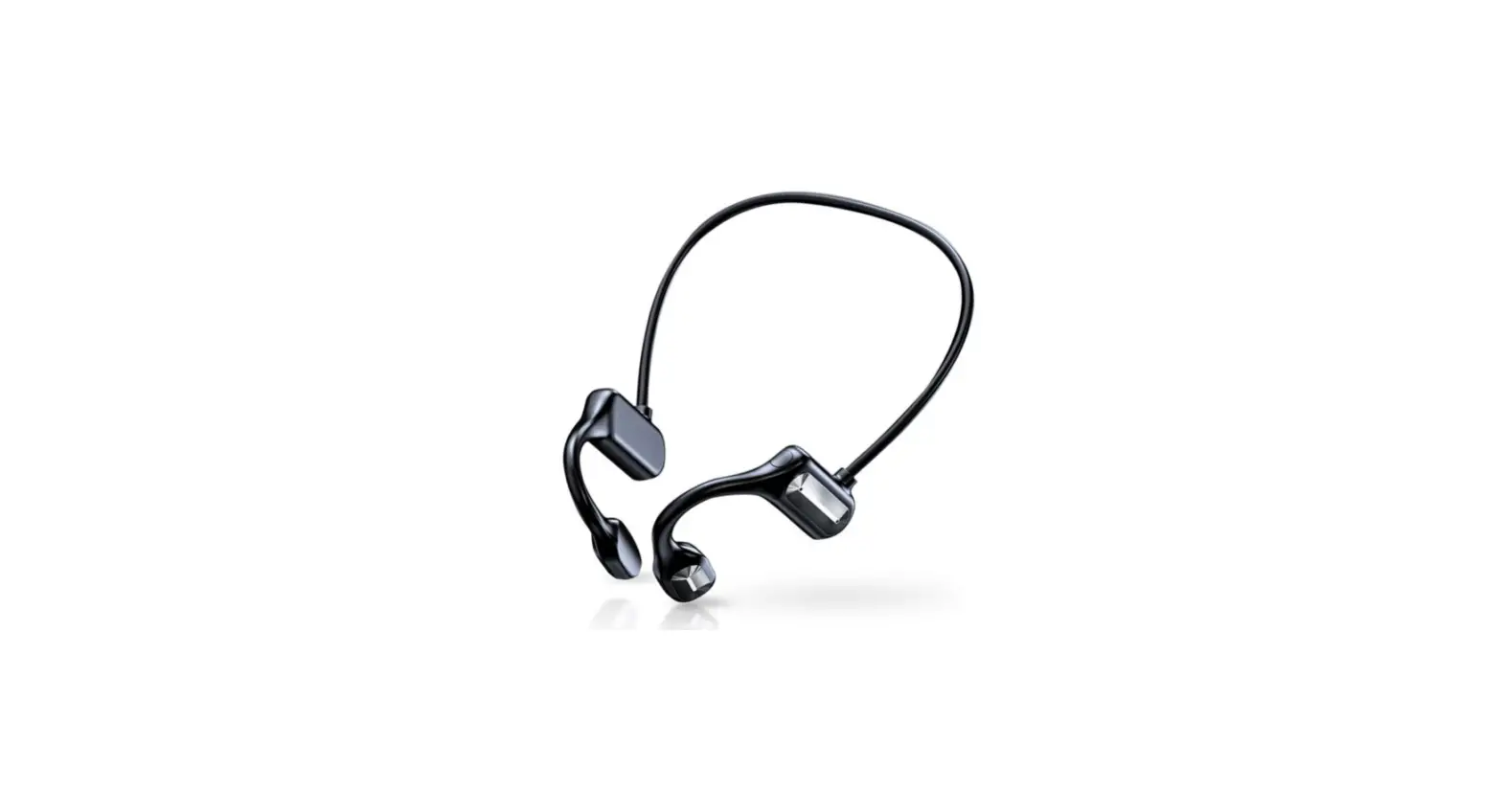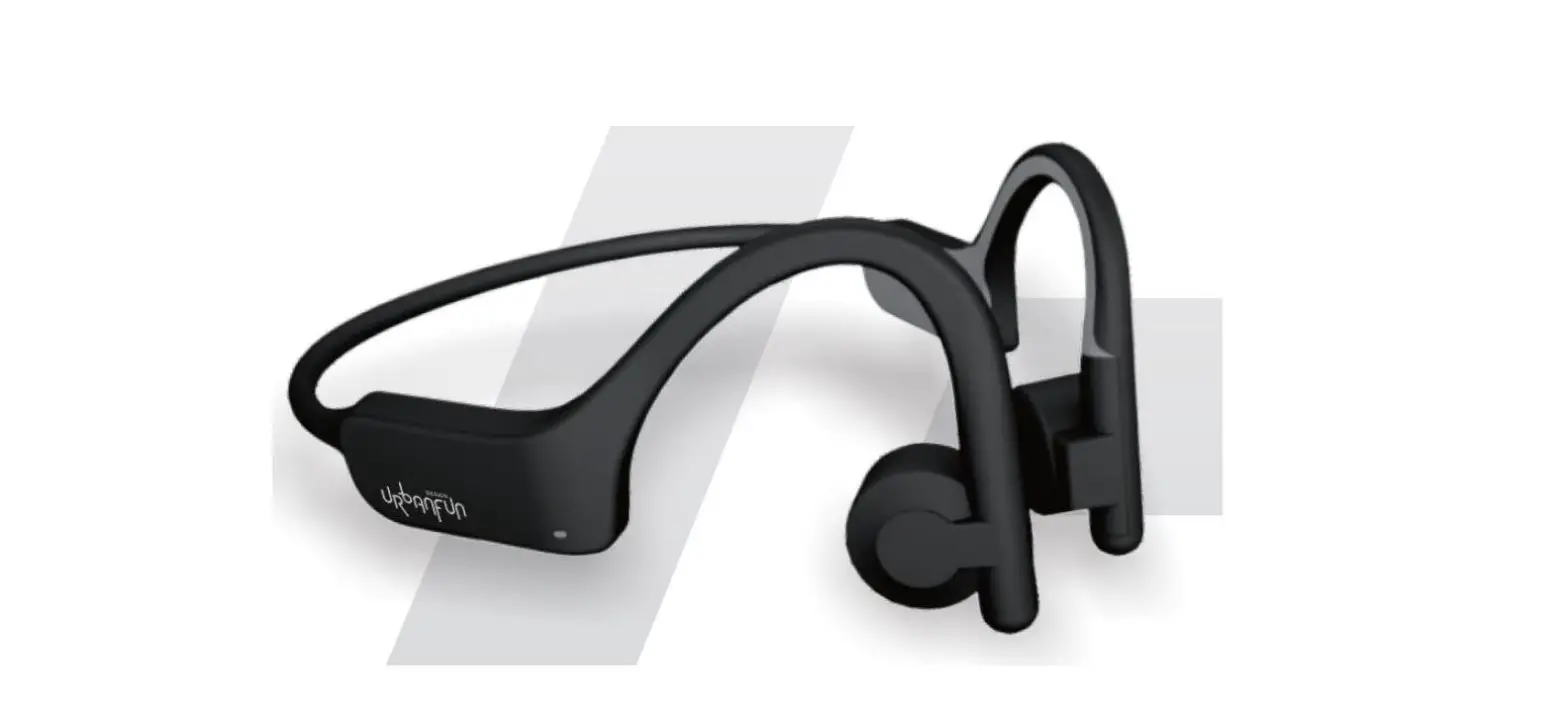

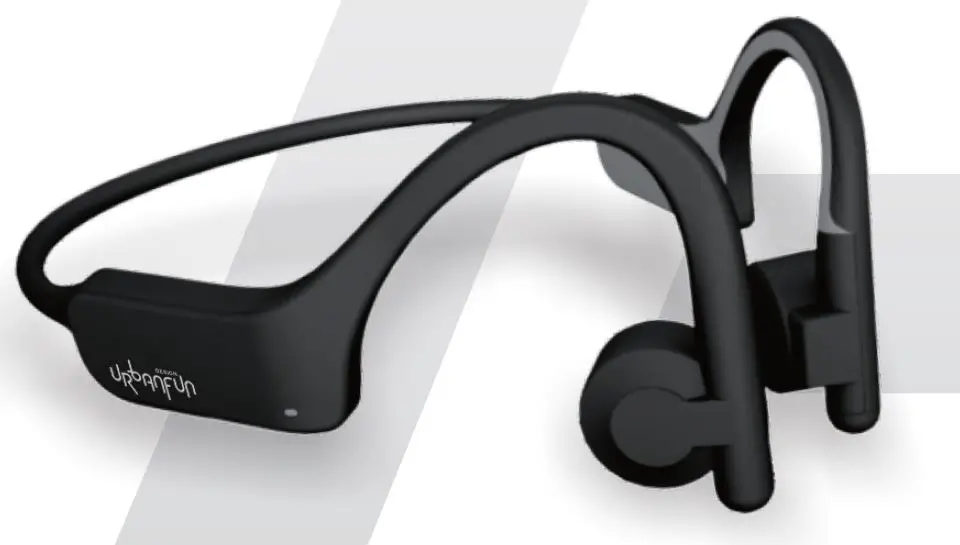
Dongguan Pure Audio Technology 4U Series Bone Conduction Bluetooth Headphones Product Structure
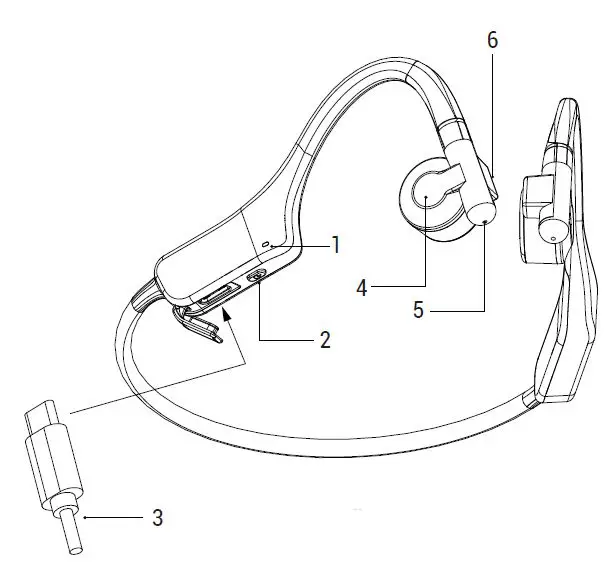
- Status Indicator
- Off Button
- Type-C Charging Port
- Touch Area (right ear)
- MIC Location
- Light Perception (right ear)
Note: All kinds of pictures in this manual are schematic diagrams,which may deviate from the actual objects. Please refer to the actual objects.
Features
| Features | Operate | Light Flashes | Beep | |
| General settings | Turn On | Press & hold 2 sec seconds on Power button | Blinks Green | power on |
| Turn Off | Press & hold 2 sec seconds on Power button | Blinks Red | power off | |
|
Pairing | Waiting for connection | Earbuds will automatically enter Bluetooth Pairing. | Slow flashing red and green lights | pairing |
| Connection Success | Select “UBF 4U” in device settings to connect | Green light flashes once every 3 seconds | connected | |
| Disconnect | Turn off bluetooth from any previously connected device. | Blinks Green | disconnected | |
| Call | Answer/ end call | Single tap on right bud | – | – |
| Refuse call | Press & hold 2 sec seconds on right bud | – | – | |
|
Music | Play | Double tap on right bud | – | du du |
| Pause | Double tap on right bud | – | du du | |
| Play Next | Triple tap on right bud | – | du du du | |
| Volume up/ down way1 or 2 | Press & hold 3 seconds on right bud and say “volume up/volume down”. | – | – | |
| Adjustment by phone | – | – | ||
|
Battery | Low battery | 3.3v low battery prompt, 30 seconds prompt once. | The red light turns on once every 10 seconds | battery low |
| Charging | After plugging in the Type-C charging cable, the headset will shut down. | Solid Red | – | |
| Full charged | – | Solid Green | – | |
| Smart Wear Detection | Auto shutdown if not work for more than 10 minutes | Blinks Red | power off | |
| Restore settings | After turning on the phone, long press and touch for 10 seconds to restore setting (can not be linked to the phone Bluetooth). | – | du du du du | |
| Call Voice Assistant | Press & hold 3 seconds on right bud | – | du du | |
| Headset multipoint connection | This headset supports two devices (devices that have been connected to the headset) and when the device that is playing is paused, it will automatically switch to the other device that is playing. | |||
| Model No : 4U | |
| Bluetooth Version : 5.0 Channel Stereo | Wire Range : 10 Meters / 33 Feet |
| Frequency Response : 100 Hz~20 KHz | Bluetooth Response : 2.402-2.480 GHz |
| Impedance : 8Ω | Speaker Driver : Ø14.0mm BCT |
| Microphone Sensitivity : -40 dB±2 dB | Weight : 28.5g |
| Battery Capacity : 150 mAh | Battery : 2C Fast charge lithium battery |
| Play Time : About 6 Hours | Charging Time : About 1 Hour |
| Button Style : Button+Smart Touch | Wearable Detection : Support |
| Electrical Specifications : 5V / 1A | Waterproof Level : IP55 |
| Compatible Profiles : HFP 1. 7,HSP 1. 2, A2DP 1. 3, AVRCP 1. 6 | |
| CMIIT ID : | |
FCC Warning Statement
Changes or modifications not expressly approved by the party responsible for compliance could void the user’s authority to operate the eguipment. This eguipment has been tested and found to comply with the limits for a Class B digital device, pursuant to Part 15 of the fCC Rules. These limits are designed to provide reasonable protection against harmful interference in a residentia installation. This equlpment generates uses and can radiate radio frequency enengy and, if not installed and used in accordance with the instructions, may cause harmful interference to radio communications. However, there is no guarantee that interference will not occur in a perticular installation. if this equipment does cause harmful interference to radio or television reception which can be determined by turning the equipment off and on, the user is encouraged to try to correct the interference by one or more of the following measures: Reorient or relocate the receiving antenna.
Increase the separation between the eguipment and receiver.
Connect the eauipment into an outlet on a circuit different from that to which the receiver is connected.
Consult the dealer or an experienced radiotv technician for help.
This device complies with part 15 of the FCC Rules. Operation is subject to the following two conditions:
- This device may not cause harmful interference, and
- this device must accept any interference received, including interference that may cause undesired operation.
The device has been evaluated to meet general RF exposure requirement.