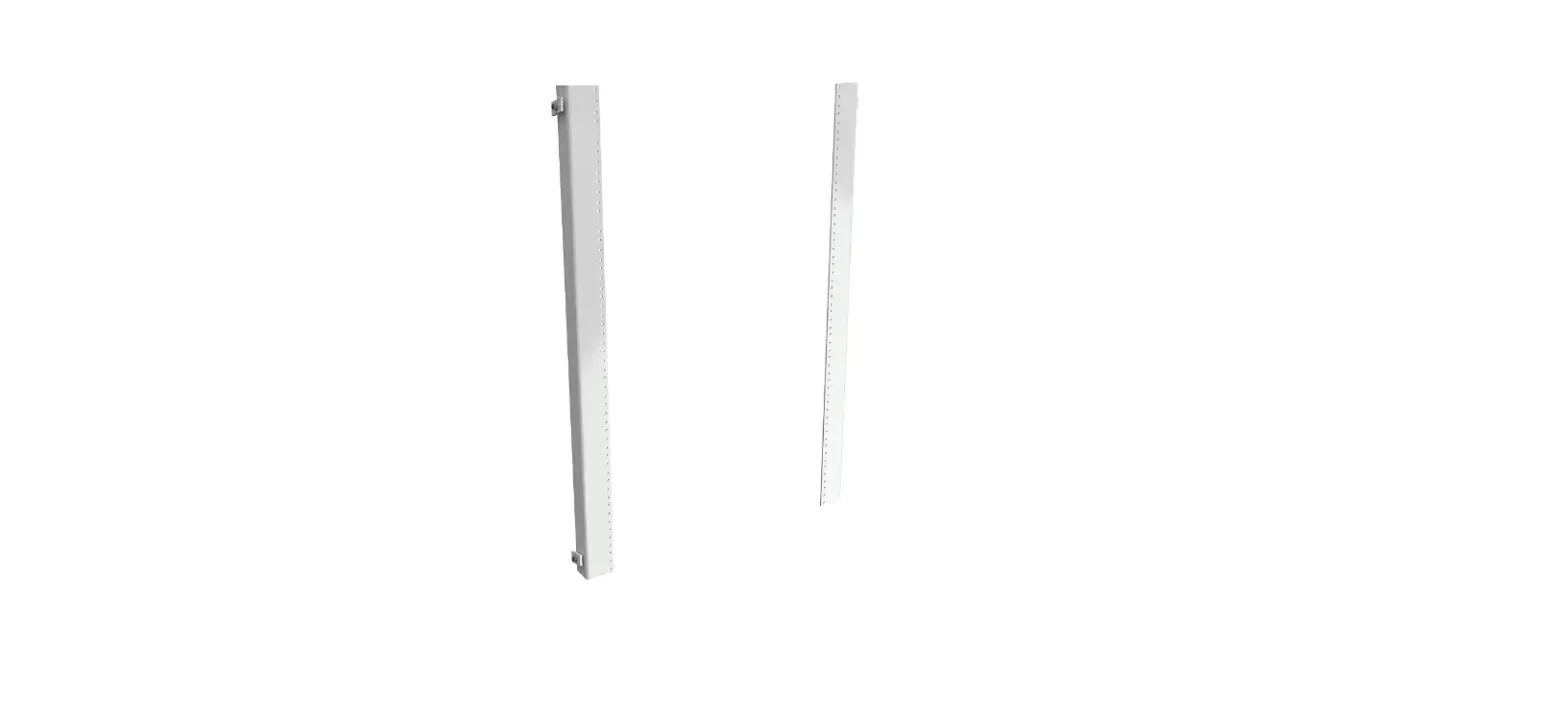

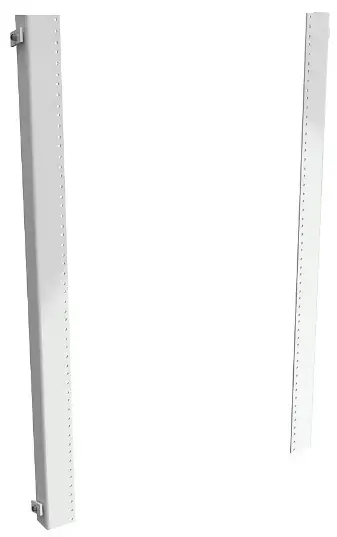
SCE-60FSCPS Center Panel Support
Part Numbers
- SCE-60FSCPS
- SCE-72FSCPS
- SCE-90FSCPS
Installation Instructions
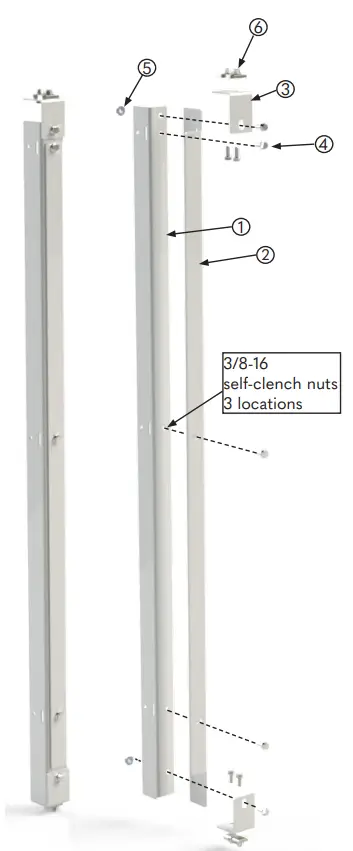
Step 1: Attach right support (Item 2) to left support (Item 1) as shown. Attach three bolts (Item 4) to installed pem nuts.
Step 2: Attach top and bottom support (Item 3) to top of support assembly as shown. Fasten with a bolt (Item 4) and a nut (Item 5).
Step 3: Install 4 channel nuts (Item 6) in the channel provided in the top and bottom of a 2-Door or 2-Door Duel Access Enclosure.
Step 4: Position center panel support assembly between top and bottom mounting channels in the enclosure. Attach center panel support assembly to mounting channels as shown with 4 bolts (Item 4). Loosen bolt (Item 4) to adjust length of center panel support if required.
Step 5: Install full or half panel, swing-out panel, or relay rack angles on the left side of center panel support. Slotted holes are provided in top support
- (Item 3) and bottom of left support
- (Item 1) to provide adjustment if required.
Step 6: Install full or half panel, swing-out panel, or relay rack angles on right side of center panel support. Slotted holes are provided in right support (Item 2) to adjust width of enter panel support if required.
| Item # | Part Name | QTY. |
| 1 | Left Support | 1 |
| 2 | Right Support | 1 |
| 3 | Top/Bottom Angle Support | 1 |
| 102027 | Bolt Pack Contains items 4-6 | 1 |
| 4 | 3/8-16 X 3/4 Serrated Flanged Bolt | 9 |
| 5 | 3/8-16 X 3/4 Serrated Flanged Nut | 5 |
| 6 | 3/8-16 Channel Nut | 4 |