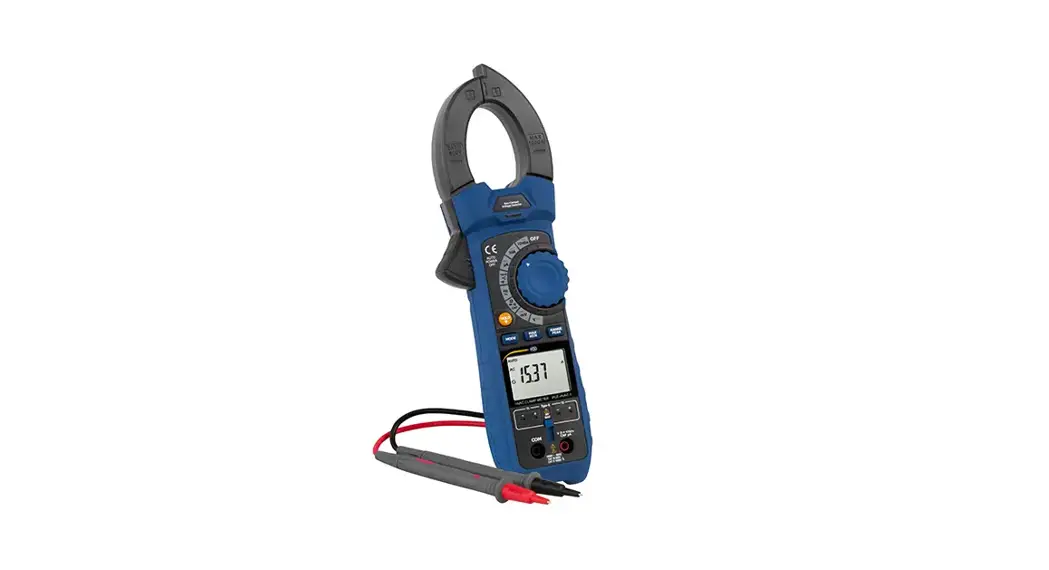
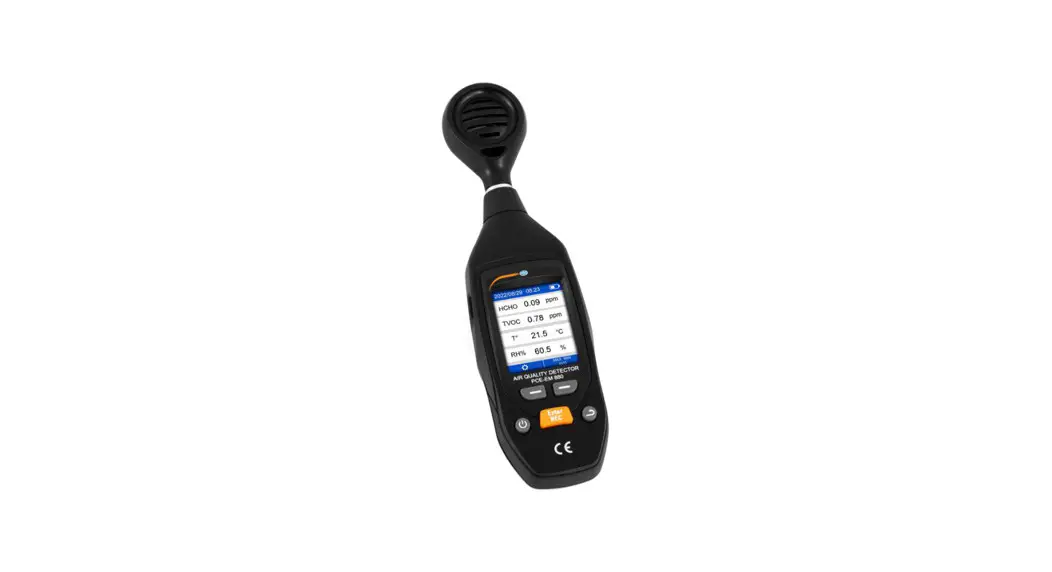
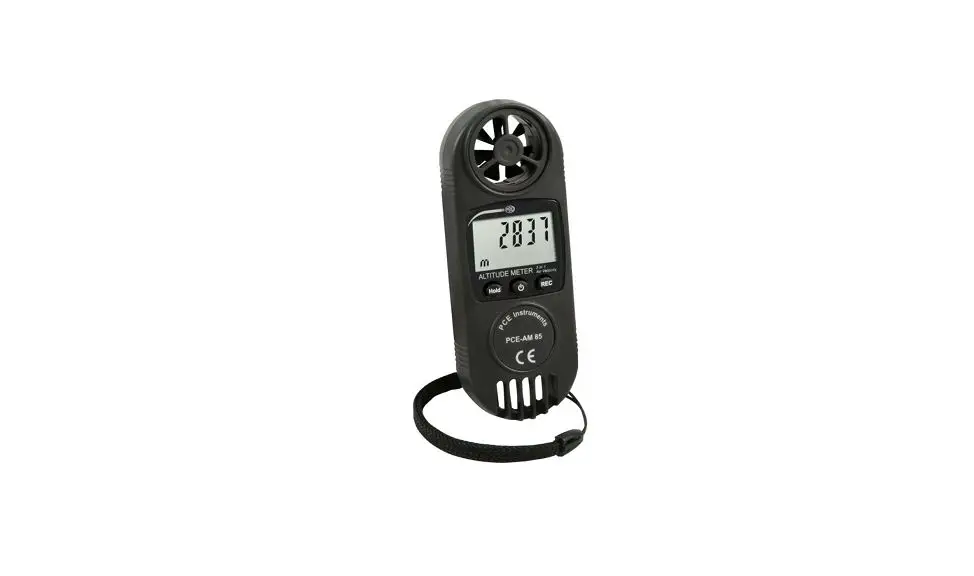
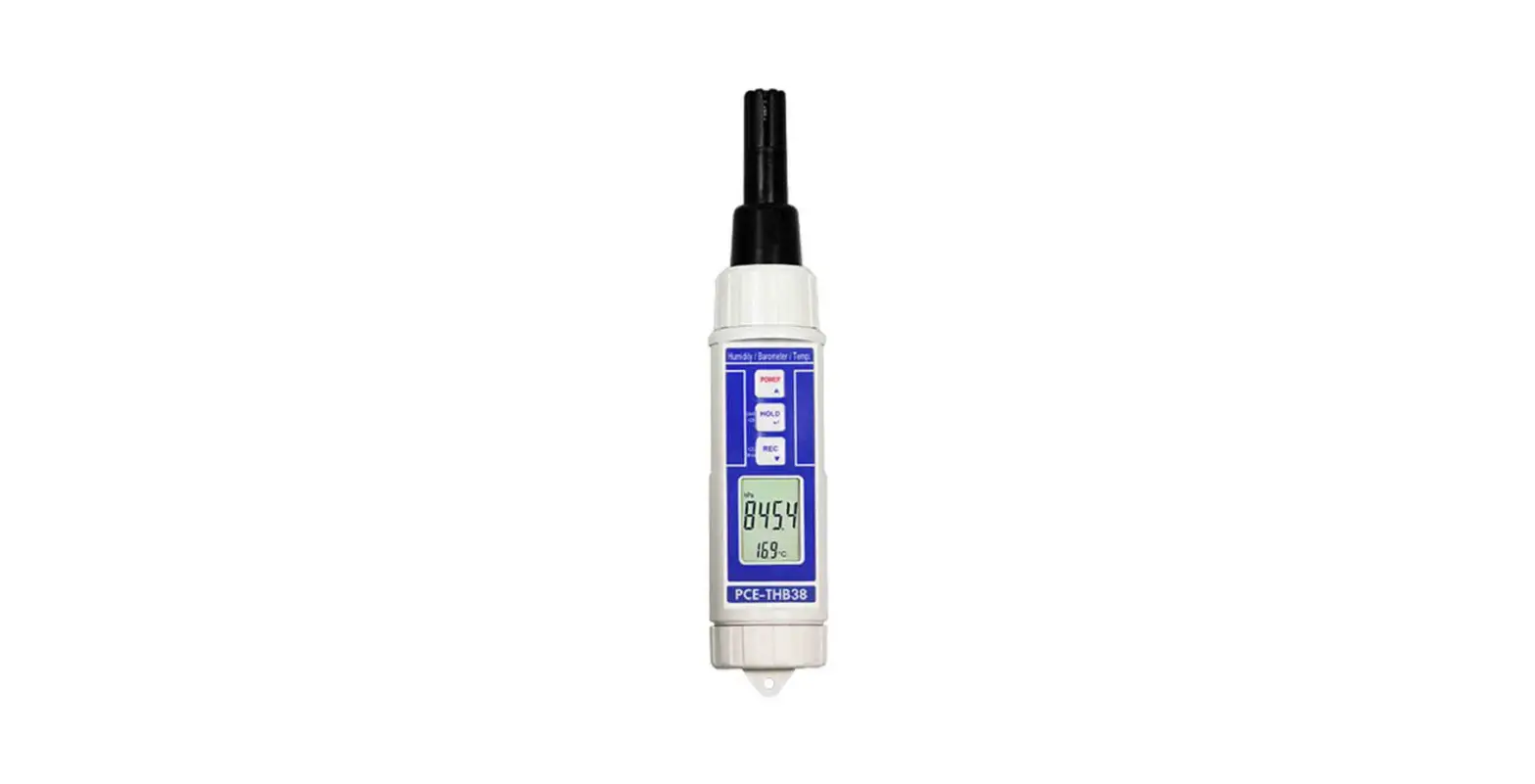
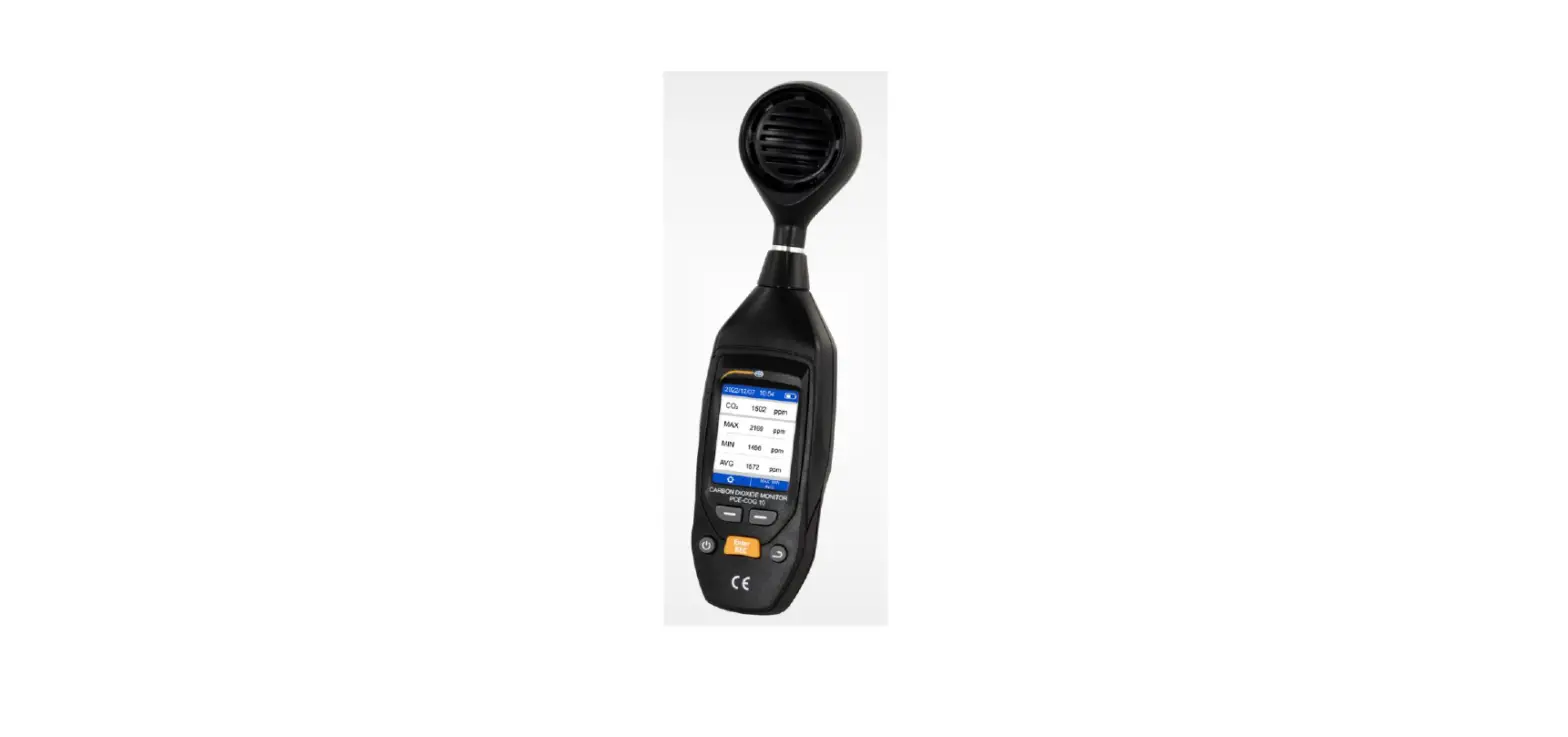
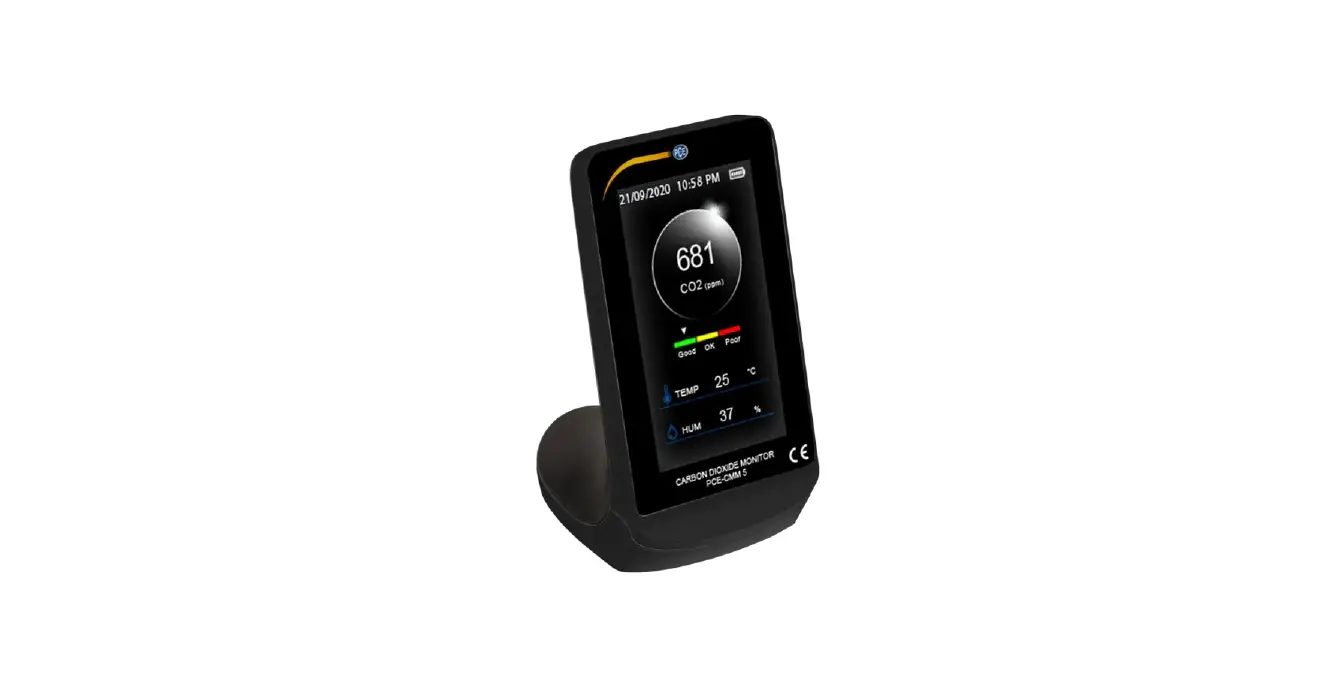
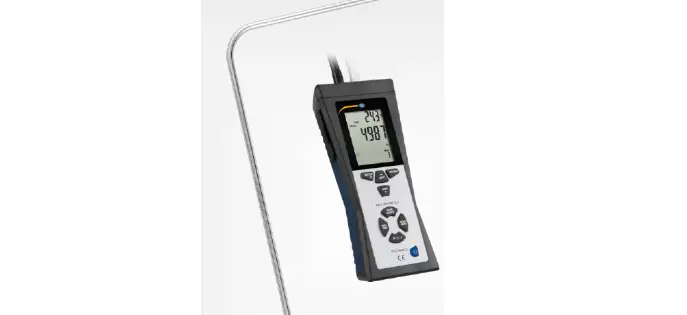
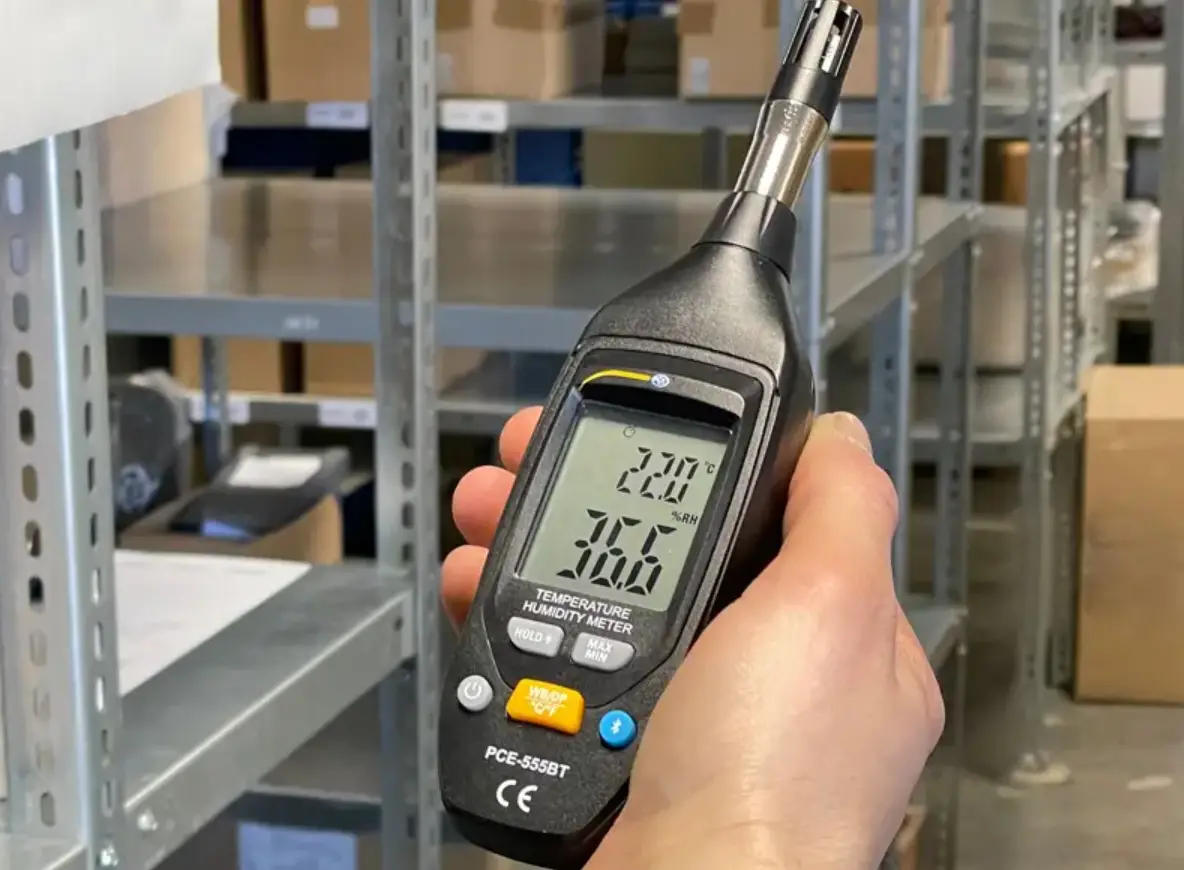
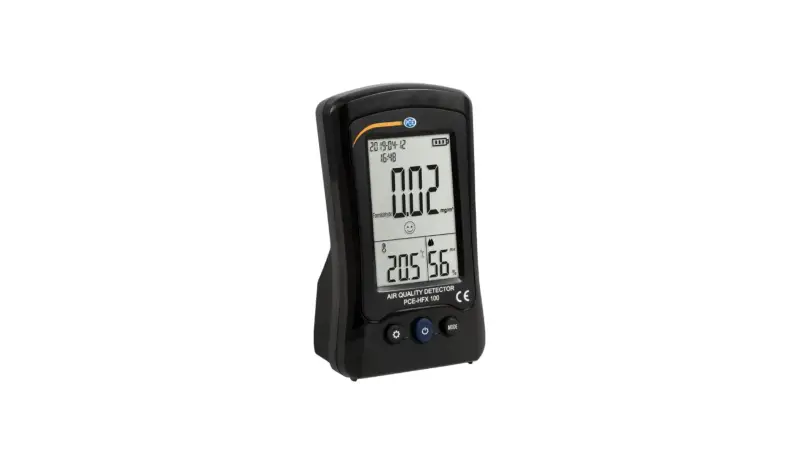
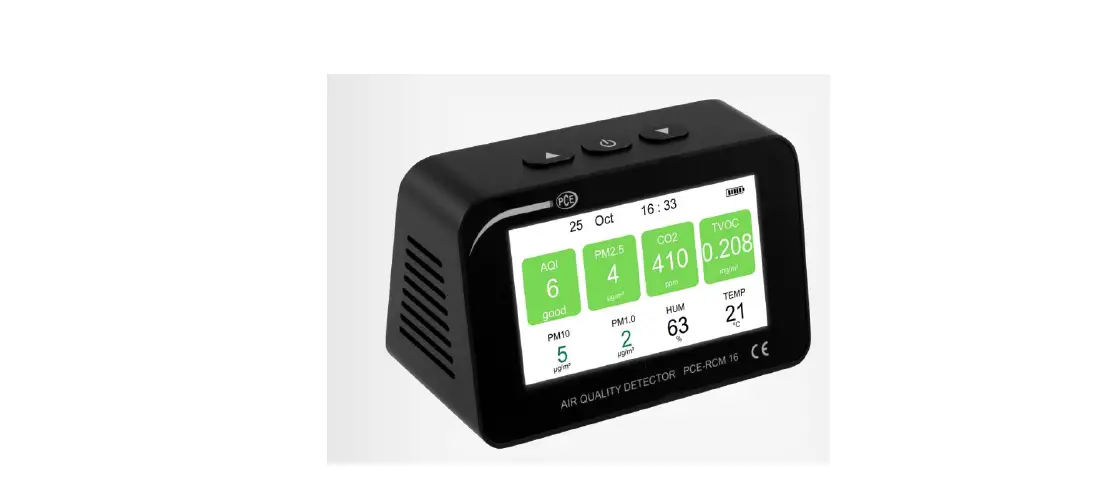
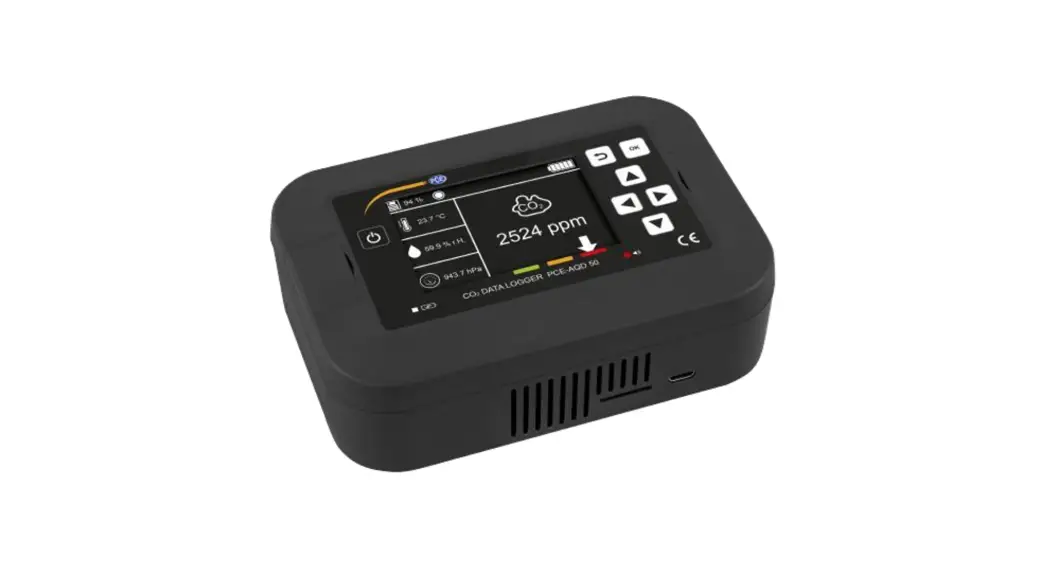
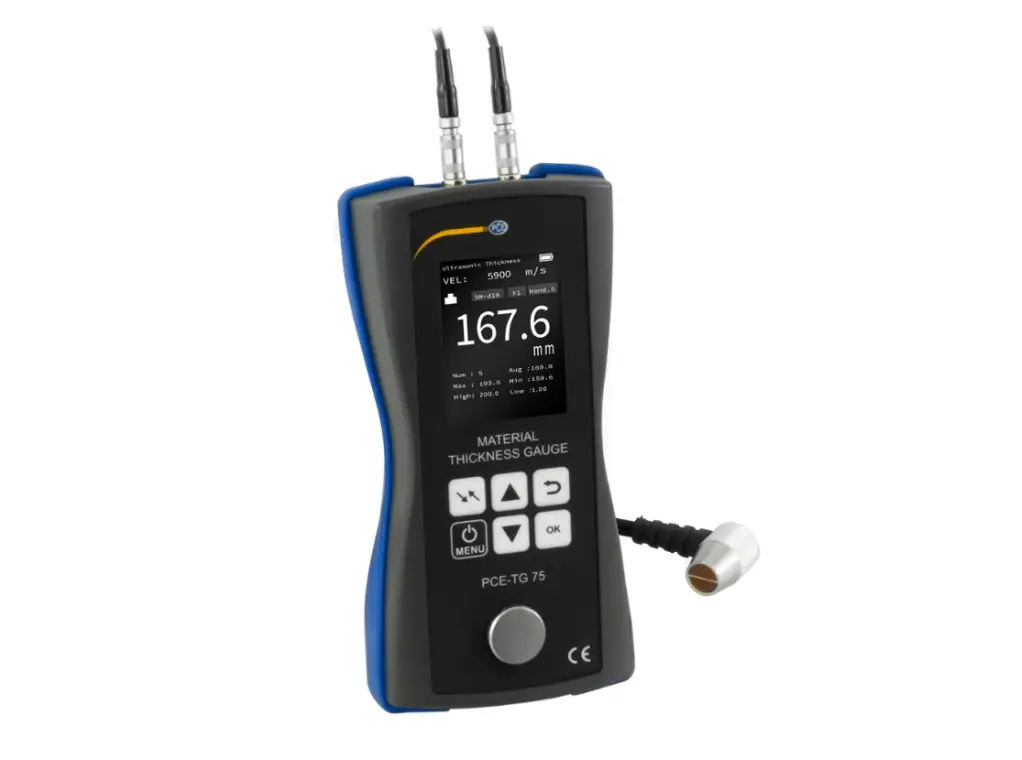
PCE-HVAC 3 Environmental Meter
Product Information
The PCE-HVAC 3 Environmental Meter is a device that measures
various environmental parameters. It is designed to provide
accurate measurements and is equipped with a clear display for easy
reading.
Some key specifications of the PCE-HVAC 3 Environmental Meter
include:
- Technical Specifications:
- Version: DE Version 1.0, EN Version 1.0
- Download Link: www.pce-instruments.com
- Delivery Contents:
- Device
Product Usage Instructions
1. Safety notes
Before using the PCE-HVAC 3 Environmental Meter, please read the
safety information provided in the user manual.
2. Specifications
Refer to the user manual for detailed technical specifications
of the device.
3. System description
The device features a clear display that provides information
about the measured environmental parameters.
4. Getting started
To power the PCE-HVAC 3 Environmental Meter, follow these
steps:
- Ensure the device is connected to a power source.
5. Operation
To operate the PCE-HVAC 3 Environmental Meter, follow these
steps:
- Ensure the device is powered on.
- Refer to the user manual for specific instructions on using the
various features and functions of the device.
6. Maintenance
For information on how to properly store and maintain the
PCE-HVAC 3 Environmental Meter, refer to the user manual.
7. Warranty
Refer to the user manual for details on the warranty provided
for the PCE-HVAC 3 Environmental Meter.
8. Disposal
For information on how to dispose of the PCE-HVAC 3
Environmental Meter, refer to the user manual.
BETRIEBSANLEITUNG
Bedienungsanleitung User Manual
PCE-HVAC 3 Environmental Meter
DE Version 1.0 EN Version 1.0
Letzte Änderung / last change: 30 June 2017 User manuals in various languages
(français, italiano, español, português, nederlands, türk, polski, , )
can be downloaded here: www.pce-instruments.com
© PCE Instruments
BETRIEBSANLEITUNG
Deutsch Inhaltsverzeichnis
1 Sicherheitsinformationen ……………………………………………………………………………4
2 Spezifikationen…………………………………………………………………………………………..5
2.1
Technische Spezifikationen………………………………………………………………………………………….. 5
2.2
Lieferumfang………………………………………………………………………………………………………………. 5
3 Systembeschreibung ………………………………………………………………………………….6
3.1
Gerät…………………………………………………………………………………………………………………………. 6
3.2
Display ………………………………………………………………………………………………………………………. 7
4 Vorbereitung………………………………………………………………………………………………8
4.1
Stromversorgung ………………………………………………………………………………………………………… 8
5 Betrieb……………………………………………………………………………………………………….8
5.1 5.1.1 5.1.2 5.1.3 5.1.4 5.1.5 5.1.6
Messen ……………………………………………………………………………………………………………………… 8 Einschalten……………………………………………………………………………………………………………………. 8 Messungen vornehmen ………………………………………………………………………………………………….. 8 Messung der absoluten Feuchte………………………………………………………………………………………. 8 Messung Taupunkt…………………………………………………………………………………………………………. 8 Messung der Feuchtkugeltemperatur ……………………………………………………………………………….. 8 Temperaturmessung ………………………………………………………………………………………………………. 8
5.2 5.2.1 5.2.2 5.2.3 5.2.4
Weitere Messfunktionen ………………………………………………………………………………………………. 8 Data-HOLD …………………………………………………………………………………………………………………… 8 Extremwertmessung (MIN/MAX) ……………………………………………………………………………………… 9 Hintergrundbeleuchtung………………………………………………………………………………………………….. 9 Automatische Abschaltung ……………………………………………………………………………………………… 9
6 Instandhaltung …………………………………………………………………………………………..9
6.1
Lagerung……………………………………………………………………………………………………………………. 9
7 Garantie……………………………………………………………………………………………………10
8 Entsorgung ………………………………………………………………………………………………10
© PCE Instruments
BETRIEBSANLEITUNG
English Contents
1 Safety notes……………………………………………………………………………………………..11
2 Specifications…………………………………………………………………………………………..11
2.1
Technical specifications……………………………………………………………………………………………… 11
2.2
Delivery contents ………………………………………………………………………………………………………. 12
3 System description …………………………………………………………………………………..12
3.1
Device……………………………………………………………………………………………………………………… 12
3.2
Display …………………………………………………………………………………………………………………….. 13
4 Getting started………………………………………………………………………………………….14
4.1
Power supply ……………………………………………………………………………………………………………. 14
5 Operation …………………………………………………………………………………………………14
5.1 5.1.1 5.1.2 5.1.3 5.1.4 5.1.5 5.1.6
Measurement……………………………………………………………………………………………………………. 14 Switch on the instrument……………………………………………………………………………………………….. 14 Perform measurements ………………………………………………………………………………………………… 14 Measurement of absolute moisture…………………………………………………………………………………. 14 Measurement of the dew point temperature …………………………………………………………………….. 14 Measurement of the wet bulb temperature ………………………………………………………………………. 14 Measurement of the temperature……………………………………………………………………………………. 14
5.2 5.2.1 5.2.2 5.2.3 5.2.4
Further functions……………………………………………………………………………………………………….. 14 Data-HOLD …………………………………………………………………………………………………………………. 14 Measurement of minimum and maximum values ……………………………………………………………… 14 Backlight……………………………………………………………………………………………………………………… 15 Auto Power Off…………………………………………………………………………………………………………….. 15
6 Maintenance …………………………………………………………………………………………….15
6.1
Storage ……………………………………………………………………………………………………………………. 15
7 Contact…………………………………………………………………………………………………..16
8 Disposal …………………………………………………………………………………………………..16
3
BETRIEBSANLEITUNG
Vielen Dank, dass Sie sich für den Kauf eines Thermo-Hygrometers von PCE Instruments entschieden haben.
1 Sicherheitsinformationen
Bitte lesen Sie dieses Benutzer-Handbuch sorgfältig und vollständig, bevor Sie das Gerät zum ersten Mal in Betrieb nehmen. Die Benutzung des Gerätes darf nur durch sorgfältig geschultes Personal erfolgen. Schäden, die durch Nichtbeachtung der Hinweise in der Bedienungsanleitung entstehen, entbehren jeder Haftung.
Dieses Messgerät darf nur in der in dieser Bedienungsanleitung beschriebenen Art und Weise verwendet werden. Wird das Messgerät anderweitig eingesetzt, kann es zu gefährlichen Situationen kommen.
Verwenden Sie das Messgerät nur, wenn die Umgebungsbedingungen (Temperatur, Luftfeuchte, …) innerhalb der in den Spezifikationen angegebenen Grenzwerte liegen. Setzen Sie das Gerät keinen extremen Temperaturen, direkter Sonneneinstrahlung, extremer Luftfeuchtigkeit oder Nässe aus.
Das Öffnen des Gerätegehäuses darf nur von Fachpersonal der PCE Deutschland GmbH vorgenommen werden.
Benutzen Sie das Messgerät nie mit nassen Händen. Es dürfen keine technischen Veränderungen am Gerät vorgenommen werden. Das Gerät sollte nur mit einem Tuch gereinigt werden. Verwenden Sie keine Scheuermittel oder
lösungsmittelhaltige Reinigungsmittel. Das Gerät darf nur mit dem von der PCE Deutschland GmbH angebotenen Zubehör oder
gleichwertigem Ersatz verwendet werden. Überprüfen Sie das Gehäuse des Messgerätes vor jedem Einsatz auf sichtbare Beschädigungen.
Sollte eine sichtbare Beschädigung auftreten, darf das Gerät nicht eingesetzt werden. Das Messgerät darf nicht in einer explosionsfähigen Atmosphäre eingesetzt werden. Der in den Spezifikationen angegebene Messbereich darf unter keinen Umständen überschritten
werden. Wenn die Sicherheitshinweise nicht beachtet werden, kann es zur Beschädigung des Gerätes
und zu Verletzungen des Bedieners kommen. Für Druckfehler und inhaltliche Irrtümer in dieser Anleitung übernehmen wir keine Haftung. Wir weisen ausdrücklich auf unsere allgemeinen Gewährleistungsbedingungen hin, die Sie in unseren Allgemeinen Geschäftsbedingungen finden. Bei Fragen kontaktieren Sie bitte die PCE Deutschland GmbH. Die Kontaktdaten finden Sie am Ende dieser Anleitung.
4
BETRIEBSANLEITUNG
2 Spezifikationen
2.1 Technische Spezifikationen Anzeige Messbereich Feuchte Messbereich Temperatur Auflösung Feuchte
Auflösung Temperatur
Ansprechzeit Sensortyp Luftfeuchte Sensortyp Temperatur Absolute Feuchte Messbereich Feuchtkugeltemperatur Messbereich Taupunkttemperatur Betriebsbedingungen Lagerbedingungen Stromversorgung Lebensdauer Batterie Abmessungen Gewicht
2.2 Lieferumfang 1 x Thermo-Hygrometer PCE-HVAC 3 1 x 9 V Batterie 1 x Transportkoffer 1 x Bedienungsanleitung
LCD 0 … 100 % -30 … +100 °C 0 … 20 %: ±4 % r. F. 20 … 40 %: ±3 % r. F. 40 … 60 %: ±2 % r. F. 60 … 80 %: ±3 % r. F. 80 … 100 %: ±4 % r. F. -30,0 … -19,9 °C: ±1,0 °C -20,0 … +60,0 °C: ±0,5 °C 60,1 … 100,0 °C: ± 1,0 °C <15 Sekunden Präziser Kapazitivsensor Thermistor 0 … +500 g/m³ 0 … +80 °C -30 … +100 °C 0 … +50 °C, <80 % r. F. (nicht kondensierend) -40 … +85 °C, <99 % r. F. (nicht kondensierend) 9 V Batterie Ca. 48 Stunden 300 x 75 x 80 mm 400 g
5
3 Systembeschreibung
3.1 Gerät
BETRIEBSANLEITUNG
1. Sensor 2. LCD 3. Hintergrundbeleuchtung 4. Taste °C / °F / Feuchtkugeltemperatur / Taupunkt 5. Taste MIN / MAX 6. Ein/Aus-Taste 7. MODE-Taste (absolute / relative Feuchte) 8. Taste HOLD Hinweis: Das Batteriefach befindet sich an der Rückseite des Geräts.
6
3.2 Display
BETRIEBSANLEITUNG
1. Relative Feuchte (%) 2. Messung in g/m³ (absolute Feuchte) 3. Messung in g/ft³ (absolute Feuchte) 4. Messwert (relative / absolute) Feuchte 5. Messung in °C 6. Messung in °F 7. Taupunkttemperatur 8. Feuchtkugeltemperatur 9. Hold-Funktion aktiviert 10. Minimum-Funktion aktiviert 11. Maximum-Funktion aktiviert 12. Batteriewarnanzeige 13. Automatische Abschaltung aktiviert 14. Messwert Temperatur / Taupunkt- / Feuchtkugeltemperatur 15. Absolute Feuchte
7
BETRIEBSANLEITUNG
4 Vorbereitung
4.1 Stromversorgung
Das Batteriefach befindet sich an der Rückseite des Messgeräts. Wenn die Batteriespannung zu gering wird, um eine einwandfreie Funktionsweise zu gewährleisten, wird dies durch ein Batteriesymbol im Display angezeigt und die Batterie im Gerät muss ausgetauscht werden. Dafür müssen die Schrauben, die das Batteriefach fest halten, gelockert werden. Daraufhin kann die alte Batterie aus dem Gerät genommen werden und eine neue Batterie eingesetzt werden. Achten Sie dabei auf die korrekte Polung. Nachdem die neue Batterie eingesetzt wurde, muss das Batteriefach wieder aufgesetzt und mit den Schrauben gefestigt werden. Achten Sie darauf, dass die Abdeckung wieder fest auf dem Gerät angeschraubt ist.
5 Betrieb
5.1 Messen
5.1.1 Einschalten Drücken Sie die Ein/Aus-Taste, um das Gerät ein- und auszuschalten.
5.1.2
1. 2. 3. 4.
Messungen vornehmen
Halten Sie die Sensoren in den Bereich, der gemessen werden soll. Warten Sie einige Zeit, bis sich der Messwert stabilisiert hat. Drücken Sie die MODE-Taste mehrfach, um zwischen r. F.%, g/m³ oder gr/ft³ zu wechseln. Die °C / °F Taste schaltet zwischen den beiden Temperatureinheiten hin und her.
5.1.3 1.
2.
Messung der absoluten Feuchte
Wählen Sie mit der MODE-Taste die Funktion zur Messung der absoluten Feuchte (g/m³ oder gr/ft³), wie beschrieben, aus. Daraufhin erscheint links im Display ,,abs”. Der angezeigte Messwert beschreibt die absolute Feuchte.
5.1.4 1.
2.
Messung Taupunkt
Um die Messung der Taupunkttemperatur durchzuführen, muss die °C / °F Taste so lange gedrückt werden, bis ,,DP” unten rechts erscheint. Der angezeigte Messwert beschreibt die Taupunkttemperatur.
5.1.5 1.
2.
Messung der Feuchtkugeltemperatur
Um die Messung der Feuchtkugeltemperatur auszuwählen, drücken Sie die °C / °F Taste, bis ,,WB” unten rechts erscheint. Der angezeigte Messwert beschreibt die Feuchtkugeltemperatur.
5.1.6 1.
2.
Temperaturmessung
Um eine Temperaturmessung durchzuführen, drücken Sie die °C / °F Taste, bis unten rechts °C oder °F erscheint. Der angezeigte Messwert beschreibt die Temperatur, in der ausgewählten Einheit.
5.2 Weitere Messfunktionen
5.2.1 Data-HOLD
Drücken Sie die HOLD-Taste kurz, um den angezeigten Messwert im Display einzufrieren. In der Ecke unten rechts zeigt das Display HOLD an. Um die HOLD-Funktion zu deaktivieren und zur normalen Messung zurückzukehren, muss die HOLD-Taste nochmals kurz gedrückt werden.
8
BETRIEBSANLEITUNG
5.2.2 1.
2. 3. 4.
Extremwertmessung (MIN/MAX)
Der Modus der Extremwertmessung erlaubt Ihnen, nur den jeweils höchsten oder niedrigsten Messwert auf dem Display anzuzeigen. Der dauerhaft angezeigte Messwert im Display wird sich nicht verändern, bis ein höherer oder niedrigerer Messwert im Hintergrund gemessen wird. Wenn die MIN/MAX-Taste einmal gedrückt wird, wird MIN im Display angezeigt und das Messgerät beginnt mit der Minimalwertmessung. Erneutes Drücken der MIN/MAX-Taste aktiviert die Messung des Maximalwerts und das Display zeigt MAX an. Wenn die MIN/MAX-Taste danach nochmals gedrückt wird, wird der Extremwertmodus wieder komplett deaktiviert und MIN oder MAX wird nicht mehr im Display angezeigt.
5.2.3 Hintergrundbeleuchtung
Um die Hintergrundbeleuchtung zu aktivieren oder zu deaktivieren, muss die Taste für die Hintergrundbeleuchtung gedrückt werden.
5.2.4 Automatische Abschaltung
Das Thermo-Hygrometer verfügt über eine automatische Abschaltfunktion. Diese Funktion ist auch standardmäßig voreingestellt und schaltet das Gerät nach einer Inaktivität von 10 Minuten automatisch aus. Angezeigt wird dies durch das entsprechende (oben beschriebene) Symbol auf dem Display. Diese Funktion, die der Schonung der Batterie dient, kann jedoch auch deaktiviert werden. Um dies zu tun, muss beim Einschalten die HOLD-Taste gedrückt werden. Das entsprechende Symbol wird daraufhin nicht mehr im Display angezeigt. Die automatische Abschaltung wird nach einer Abschaltung des Geräts wieder aktiviert.
6 Instandhaltung
6.1 Lagerung
Das Messgerät sollte in einem Bereich mit milden Umgebungsbedingungen gelagert werden. Zu den Umgebungsbedingungen gehören sowohl die Umgebungstemperatur, als auch die Umgebungsfeuchte. Die jeweiligen korrekten Bedingungen können der technischen Spezifikation in dieser Bedienungsanleitung entnommen werden.
9
BETRIEBSANLEITUNG 7 Garantie
Unsere Gewährleistungsbedingungen können Sie in unseren Allgemeinen Geschäftsbedingungen nachlesen, die Sie hier finden: https://www.pce-instruments.com/deutsch/agb.
8 Entsorgung
HINWEIS nach der Batterieverordnung (BattV) Batterien dürfen nicht in den Hausmüll gegeben werden: Der Endverbraucher ist zur Rückgabe gesetzlich verpflichtet. Gebrauchte Batterien können unter anderem bei eingerichteten Rücknahmestellen oder bei der PCE Deutschland GmbH zurückgegeben werden. Annahmestelle nach BattV: PCE Deutschland GmbH Im Langel 4 59872 Meschede Zur Umsetzung der ElektroG (Rücknahme und Entsorgung von Elektro- und Elektronikaltgeräten) nehmen wir unsere Geräte zurück. Sie werden entweder bei uns wiederverwertet oder über ein Recyclingunternehmen nach gesetzlicher Vorgabe entsorgt. Alternativ können Sie Ihre Altgeräte auch an dafür vorgesehenen Sammelstellen abgeben. WEEE-Reg.-Nr.DE69278128
10
BETRIEBSANLEITUNG
Thank you for purchasing a thermo-hygrometer from PCE Instruments.
1 Safety notes
Please read this manual carefully and completely before you use the device for the first time. The device may only be used by qualified personnel and repaired by PCE Instruments personnel. Damage or injuries caused by non-observance of the manual are excluded from our liability and not covered by our warranty.
The device must only be used as described in this instruction manual. If used otherwise, this can cause dangerous situations for the user and damage to the meter.
The instrument may only be used if the environmental conditions (temperature, relative humidity, …) are within the ranges stated in the technical specifications. Do not expose the device to extreme temperatures, direct sunlight, extreme humidity or moisture.
The case should only be opened by qualified PCE Instruments personnel.
Never use the instrument when your hands are wet. You must not make any technical changes to the device.
The appliance should only be cleaned with a damp cloth. Use only pH-neutral cleaner, no abrasives or solvents.
The device must only be used with accessories from PCE Instruments or equivalent. Before each use, inspect the case for visible damage. If any damage is visible, do not use the
device.
Do not use the instrument in explosive atmospheres. The measurement range as stated in the specifications must not be exceeded under any
circumstances. Non-observance of the safety notes can cause damage to the device and injuries to the user.
We do not assume liability for printing errors or any other mistakes in this manual.
We expressly point to our general guarantee terms which can be found in our general terms of business.
If you have any questions please contact PCE Instruments. The contact details can be found at the end of this manual.
2 Specifications
2.1 Technical specifications Display Measurement range humidity Measurement range temperature Resolution humidity
Resolution temperature
Response time Type of sensor (humidity) Type of sensor (temperature) Absolute humidity Measurement range wet bulb temperature Measurement range dew point temperature Operating conditions Storage conditions Power supply Battery life Dimensions Weight
LCD 0 … 100 % -30 … +100 °C 0 … 20 %: ±4 % RH 20 … 40 %: ±3 % RH 40 … 60 %: ±2 % RH 60 … 80 %: ±3 % RH 80 … 100 %: ±4 % RH -30.0 … -19.9 °C: ±1.0 °C -20.0 … +60.0 °C: ±0.5 °C 60.1 … 100.0 °C: ± 1.0 °C <15 seconds Precise capacitive sensor Thermistor sensor 0 … +500 g/m³ 0 … +80 °C -30 … +100 °C 0 … +50 °C, <80 % RH (non-condensing) -40 … +85 °C, <99 % RH (non-condensing) 9 V battery approx. 48 h 300 x 75 x 80 mm 400 g
11
BETRIEBSANLEITUNG
2.2 Delivery contents 1 x PCE-HVAC 3 thermo-hygrometer 1 x 9 V battery 1 x carrying case 1 x user manual
3 System description
3.1 Device
1. Sensor 2. LCD 3. Backlight button 4. Button for °C / °F / wet bulb temperature / dew point temperature 5. MIN / MAX button 6. Power button 7. MODE button (absolute moisture / relative humidity) 8. HOLD button Note: The battery compartment cover is on the back of the device.
12
3.2 Display
BETRIEBSANLEITUNG
1. Relative humidity (%) 2. Measurement in g/m³ (absolute moisture) 3. Measurement in g/f³ (absolute moisture) 4. Humidity / moisture reading 5. Measurement in °C 6. Measurement in °F 7. Dew point temperature 8. Wet bulb temperature 9. Hold function activated 10. Min function activated 11. Max function activated 12. Low battery icon 13. Auto Power Off activated 14. Temperature / dew point temperature / wet bulb temperature reading 15. Absolute moisture
13
BETRIEBSANLEITUNG
4 Getting started
4.1 Power supply
The battery compartment cover is located on the back of the device. If the battery voltage is too low to ensure reliable measurement values, this will be indicated on the display by the low battery icon. The battery then needs to be replaced. To do so, the screw on the battery compartment cover must be loosened. The cover can then be opened and the battery can be replaced. Mind correct polarity when inserting the battery. After replacing battery, re-attach the cover and fasten the screw again.
5 Operation
5.1 Measurement
5.1.1 Switch on the instrument Press the power button to switch on the PCE-HVAC 3.
5.1.2
1. 2. 3. 4.
Perform measurements
Place the thermo-hygrometer’s sensor in the area where the measurements are to be made. Wait until the measurement value has stabilized. Press the MODE button several times to choose between RH%, g/m³ or g/ft³. The function key for °C and °F changes the temperature unit.
5.1.3 1.
2.
Measurement of absolute moisture
Use the MODE key to choose the absolute moisture function (g/m³ or gr/ft³) as described. “abs” will appear on the left side of the display. The displayed measurement value shows the absolute moisture.
5.1.4 1.
2.
Measurement of the dew point temperature
In order to measure the dew point temperature, you must press the °C / °F button until the display indicates “DP” in the bottom right corner. The displayed measurement value shows the dew point temperature.
5.1.5 Measurement of the wet bulb temperature
1. Press the °C / °F button until “WB” is shown in bottom right corner of the display. 2. The displayed measurement value shows the wet bulb temperature.
5.1.6 1.
2.
Measurement of the temperature
If temperature measurements need to be made, you have to press the °C / °F button until °C or °F is displayed in the bottom right corner of the display. The displayed measurement value shows the temperature in the chosen temperature unit.
5.2 Further functions
5.2.1 Data-HOLD
Press and quickly release the HOLD button to freeze the displayed measurement value. In the bottom right corner, “HOLD” will be shown. To deactivate the function and get back to normal measurement mode, you simply need to press the button once again.
5.2.2 1.
2. 3. 4.
Measurement of minimum and maximum values
This mode allows you to only show the highest or lowest value on the display. The measurement value that is permanently shown in the display will not be changed until a lower / higher value is measured in the background. If the MIN / MAX button is pressed once and the display shows “MIN”, the instrument will start the minimum value measurement. By pressing the MIN / MAX button once again, the instrument will only show the highest measurement value and display “MAX”. If you press the MIN / MAX button again, the instrument will return to normal measurement mode. “MIN” or “MAX” is no longer shown in the display.
14
BETRIEBSANLEITUNG
5.2.3 Backlight The instrument has a display which can be backlit. To activate or deactivate this, press the backlight button. 5.2.4 Auto Power Off The thermo-hygrometer has an Auto Power Off function. This function is activated by default and turns the instrument off when it has not been used for 10 minutes. An icon in the display shows that the function is activated. This function helps to save battery power but it can also be deactivated. It can be deactivated by pressing the HOLD button while starting the instrument. When the PCE-HVAC 3 is turned off and on again, the function will automatically be re-activated.
6 Maintenance
6.1 Storage The thermo-hygrometer should be stored in a dry place with mild environmental conditions. The environmental conditions include temperature and humidity. The specific environmental conditions can be found in the technical specification of this manual.
15
BETRIEBSANLEITUNG 7 Contact
If you have any questions, suggestions or technical problems, please do not hesitate to contact us. You will find the relevant contact information at the end of this user manual.
8 Disposal
For the disposal of batteries, the 2006/66/EC directive of the European Parliament applies. Due to the contained pollutants, batteries must not be disposed of as household waste. They must be given to collection points designed for that purpose. In order to comply with the EU directive 2012/19/EU we take our devices back. We either re-use them or give them to a recycling company which disposes of the devices in line with law. If you have any questions, please contact PCE Instruments.
16
BETRIEBSANLEITUNG PCE Instruments contact information
Germany
PCE Deutschland GmbH Im Langel 4 D-59872 Meschede Deutschland Tel.: +49 (0) 2903 976 99 0 Fax: +49 (0) 2903 976 99 29 [email protected] www.pce-instruments.com/deutsch
France
PCE Instruments France EURL 76, Rue de la Plaine des Bouchers 67100 Strasbourg France Téléphone: +33 (0) 972 3537 17 Numéro de fax: +33 (0) 972 3537 18 [email protected] www.pce-instruments.com/french
Turkey
PCE Teknik Cihazlari Ltd.ti. Halkali Merkez Mah Ataman Sok. No.:4/4 Türkiye Tel: +90 (0) 212 471 11 47 Faks: +90 (0) 212 705 53 93 [email protected] www.pce-instruments.com/turkish
United States of America
PCE Americas Inc. 711 Commerce Way suite 8 Jupiter / Palm Beach 33458 FL USA Tel: +1 (561) 320-9162 Fax: +1 (561) 320-9176 [email protected] www.pce-instruments.com/us
United Kingdom
PCE Instruments UK Ltd Units 12/13 Southpoint Business Park Ensign Way, Southampton Hampshire United Kingdom, SO31 4RF Tel: +44 (0) 2380 98703 0 Fax: +44 (0) 2380 98703 9 [email protected] www.pce-instruments.com/english
Italy
PCE Italia s.r.l. Via Pesciatina 878 / B-Interno 6 55010 LOC. GRAGNANO CAPANNORI (LUCCA) Italia Telefono: +39 0583 975 114 Fax: +39 0583 974 824 [email protected] www.pce-instruments.com/italiano
Spain
PCE Ibérica S.L. Calle Mayor, 53 02500 Tobarra (Albacete) España Tel. : +34 967 543 548 Fax: +34 967 543 542 [email protected] www.pce-instruments.com/espanol
Chile
PCE Instruments Chile SPA RUT 76.423.459-6 Badajoz 100 oficina 1010 Las Condes Santiago de Chile / Chile Tel. : +56 2 24053238 Fax: +56 2 2873 3777 [email protected] www.pce-instruments.com/chile
The Netherlands
PCE Brookhuis B.V. Institutenweg 15 7521 PH Enschede Nederland Telefoon: +31 (0) 900 1200 003 Fax: +31 53 430 36 46 [email protected] www.pce-instruments.com/dutch
China
PCE (Beijing) Technology Co.,Ltd 1519 Room, 4 Building Men Tou Gou Xin Cheng Men Tou Gou District 102300 Beijing / China Tel: +86 (10) 8893 9660 [email protected] www.pce-instruments.cn
Hong Kong
PCE Instruments HK Ltd. Unit 1601, 16/F., Malaysia Building 50 Gloucester Road Wanchai Hong Kong Tel: +852-301-84912 [email protected] www.pce-instruments.cn
17
References
 France.fr : Actualités, destinations et infos du tourisme en France
-
iberica.es
 Computer Instruments | Home
 Discover Italy: Official Tourism Website - Italia.it
-
N.E.E.D.S., (Nutritional Ecological Environmental Delivery System) specializes in providing products, information, and education
-
PCE(北京)科技有é™å…¬å¸
-
Industrial Measurement Products and Solutions | PCE Instruments
-
Improtek LTDA Distribuidor oficial de PCE Instruments | PCE Instruments
-
PCE Deutschland GmbH Prüfgeräte vom Hersteller | PCE Instruments
-
PCE Brookhuis B.V. | PCE Instruments
-
PCE Americas Inc. : Test Instruments | PCE Instruments
-
PCE Iberica S.L. Instrumentación | PCE Instruments
-
PCE Instruments France | PCE Instruments
-
PCE Italia s.r.l. / Strumenti di Misura | PCE Instruments
-
PCE Teknik Cihazlar Paz. Tic. Ltd.Şti. | PCE Instruments
-
PCE Americas Inc. : Test Instruments | PCE Instruments
-
PCE Deutschland GmbH Prüfgeräte vom Hersteller | PCE Instruments
-
PCE Americas Inc. : Test Instruments | PCE Instruments
 France.fr : Actualités, destinations et infos du tourisme en France
 iberica.es
 Computer Instruments | Home
 Discover Italy: Official Tourism Website - Italia.it
 N.E.E.D.S., (Nutritional Ecological Environmental Delivery System) specializes in providing products, information, and education
 PCE(北京)科技有é™å…¬å¸
 Industrial Measurement Products and Solutions | PCE Instruments