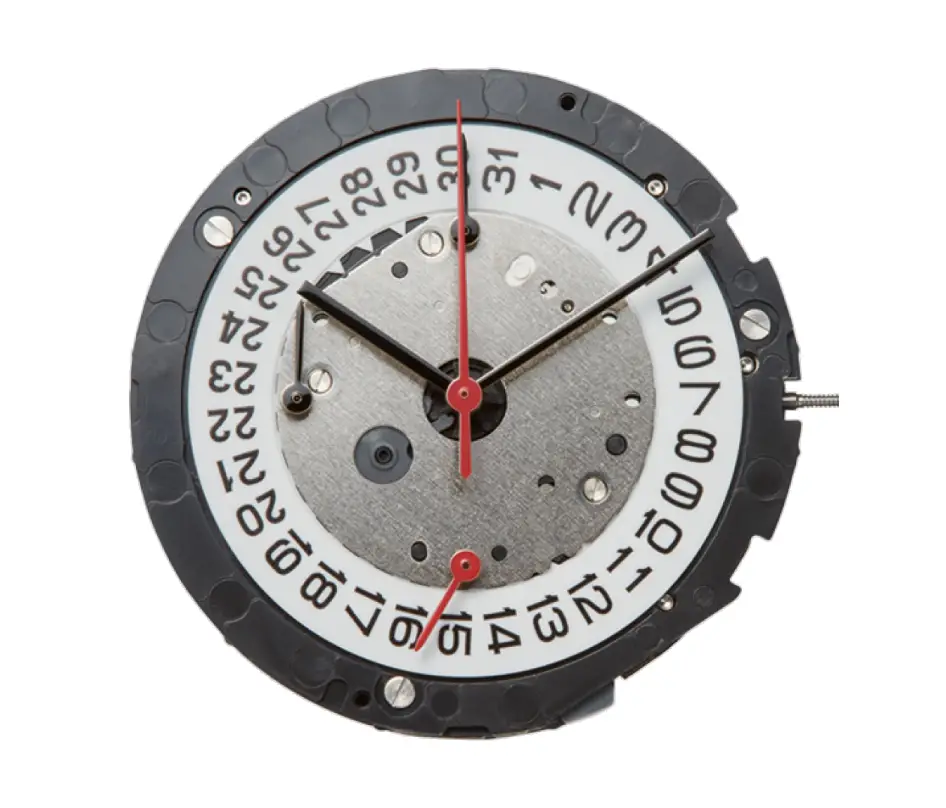
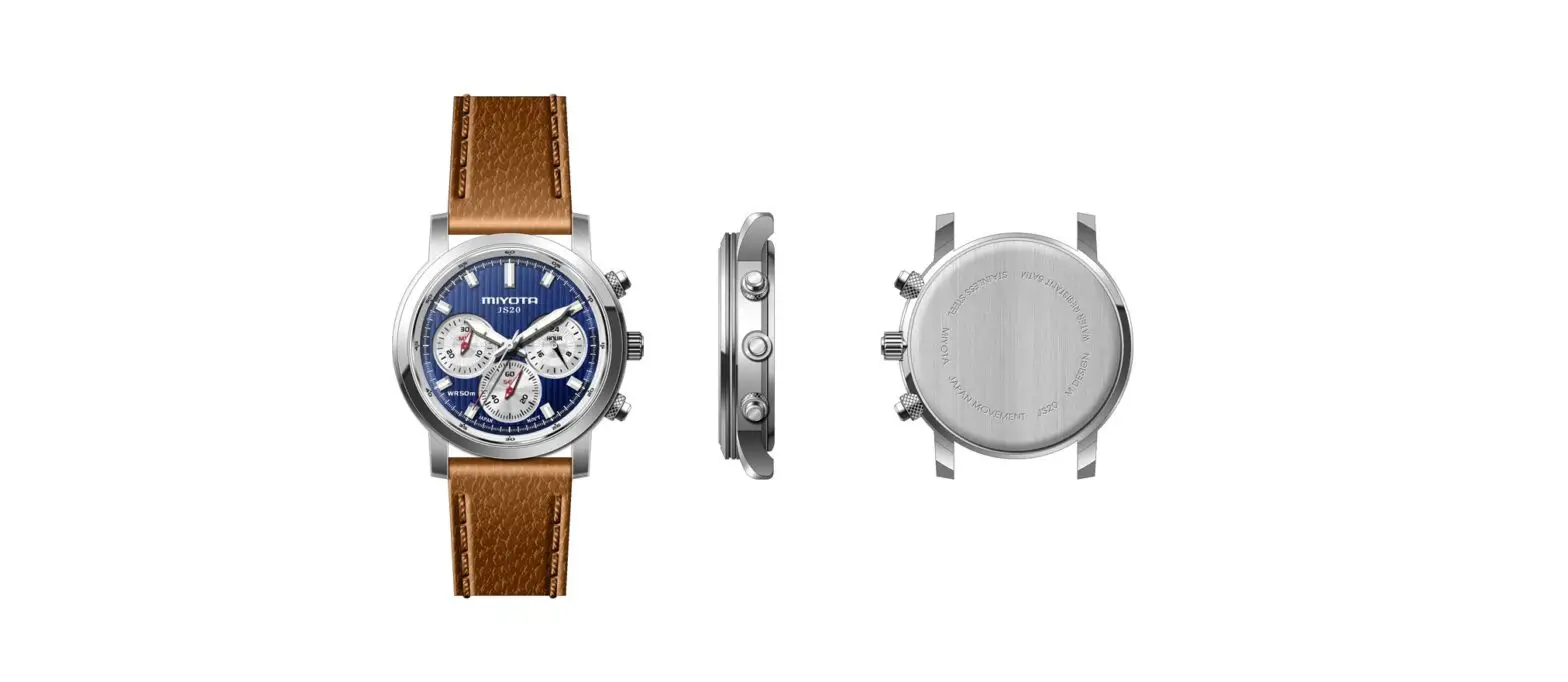
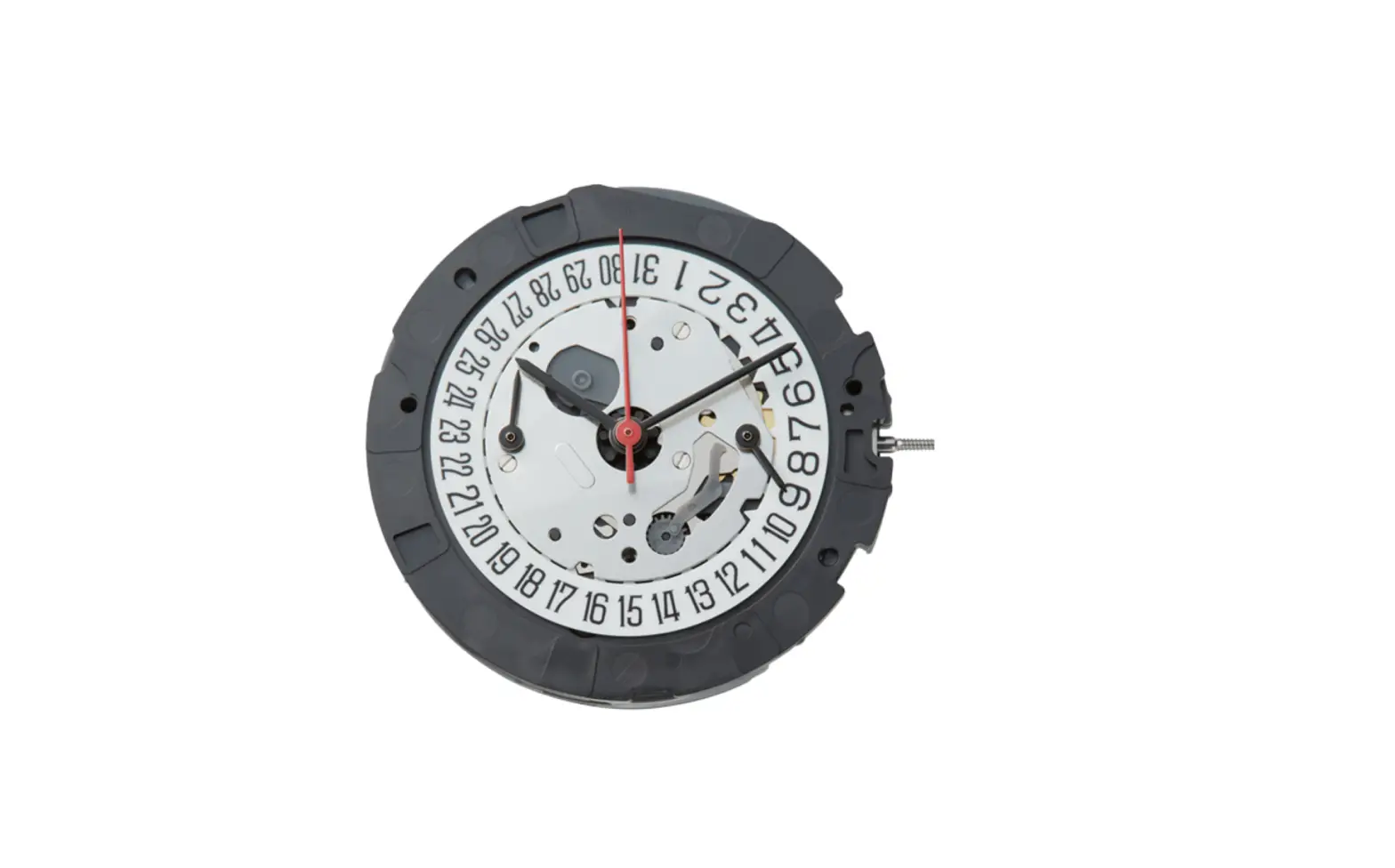
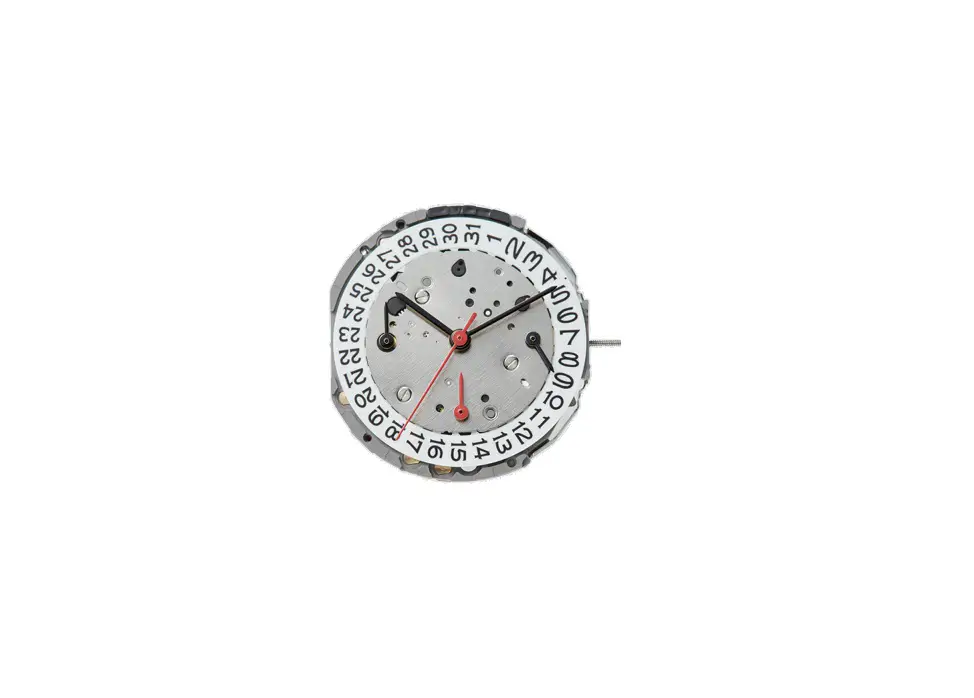
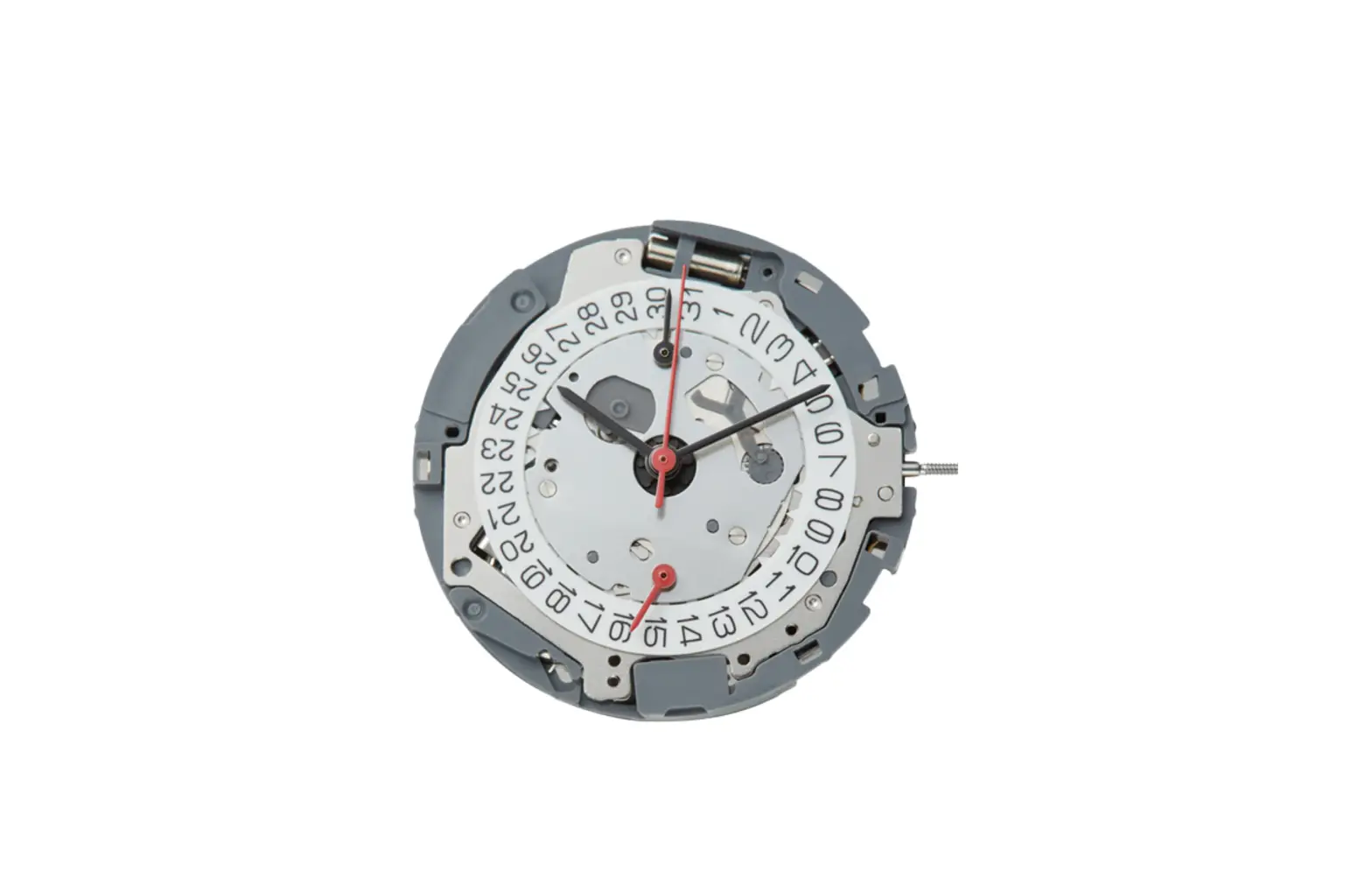
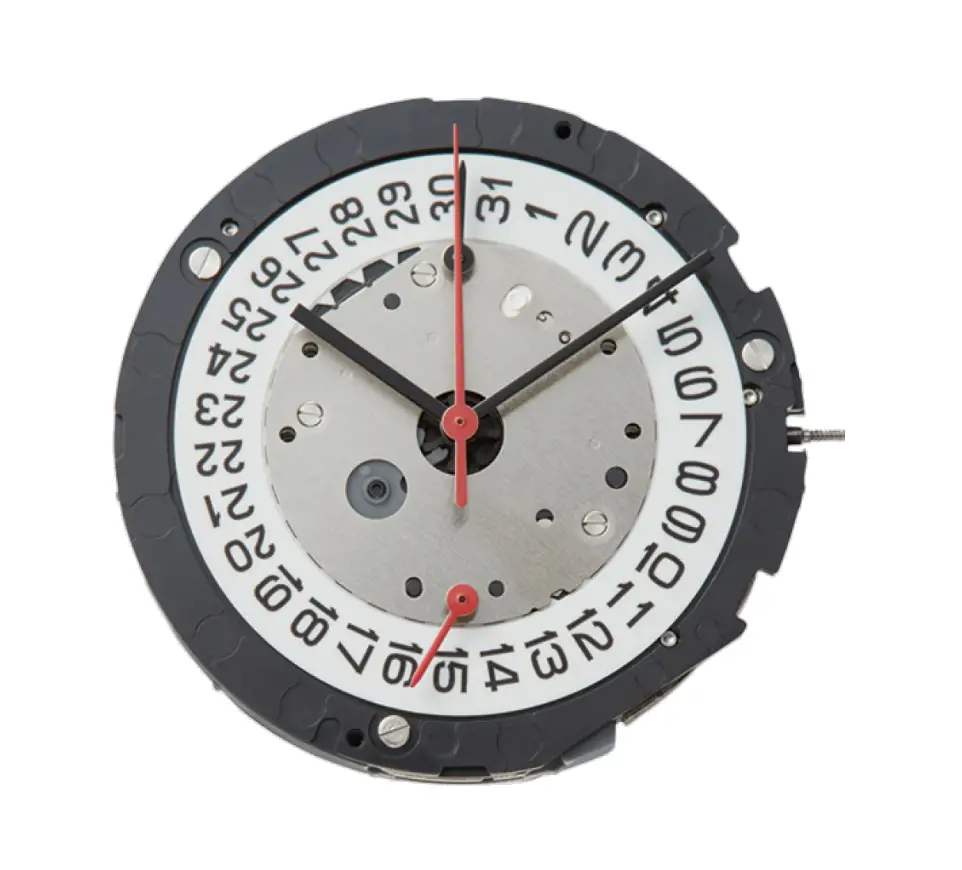
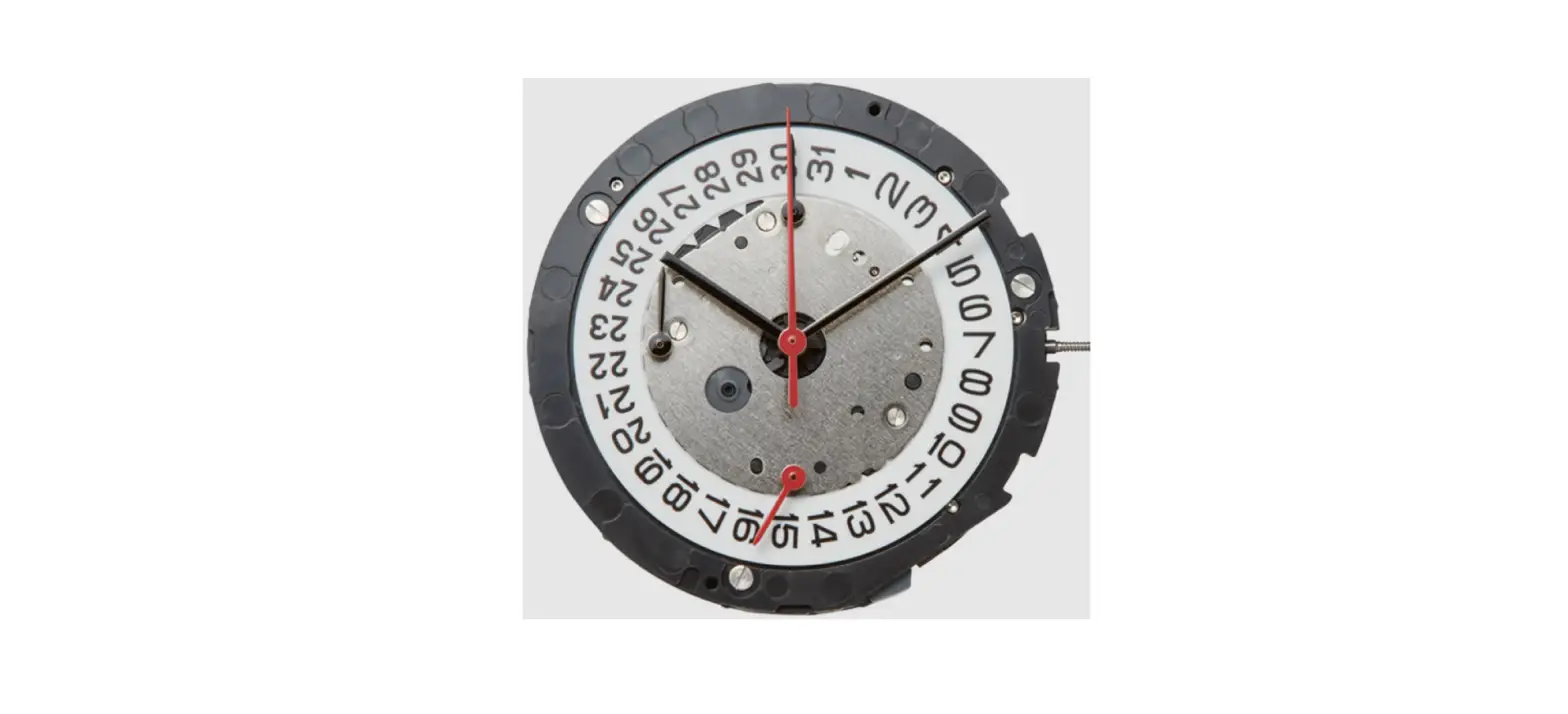
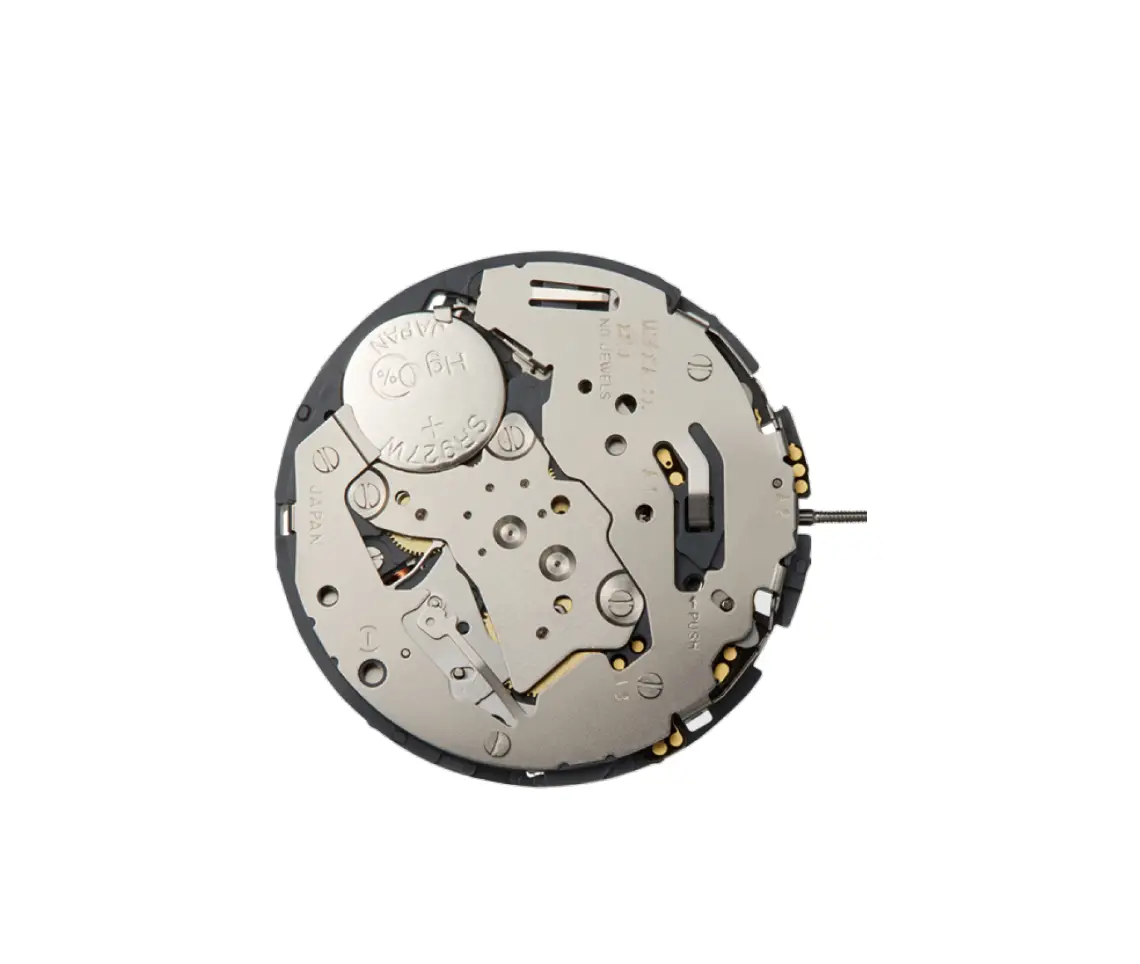
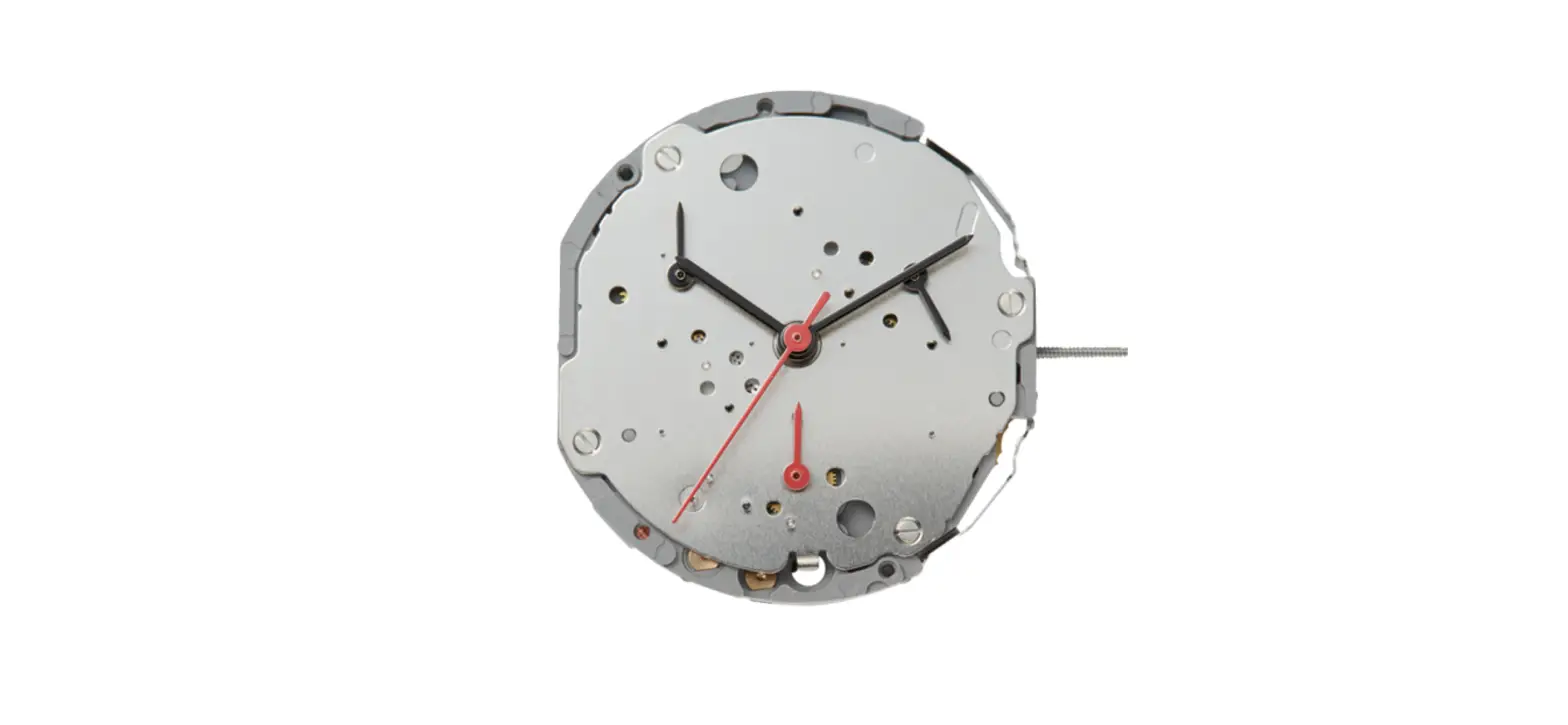
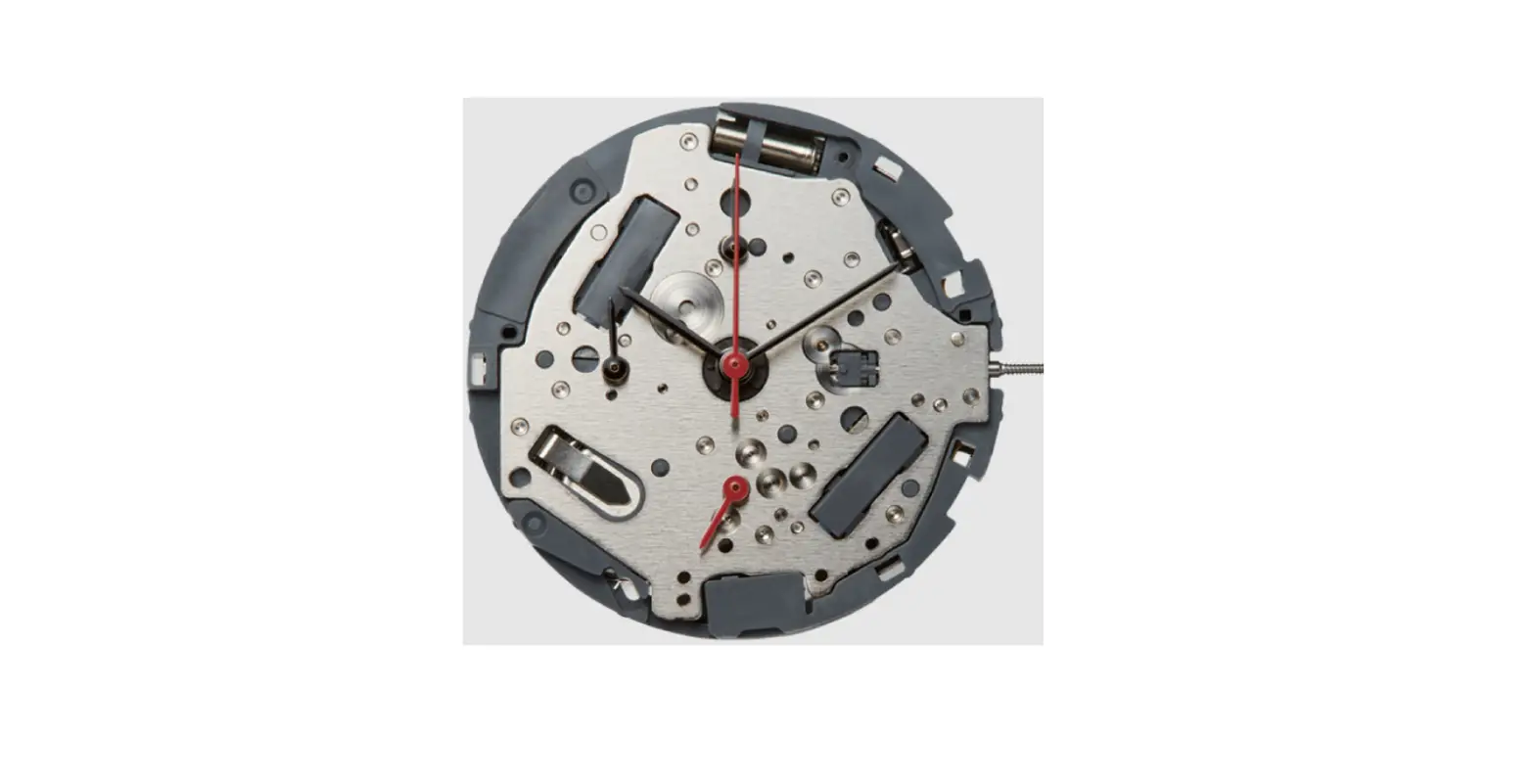
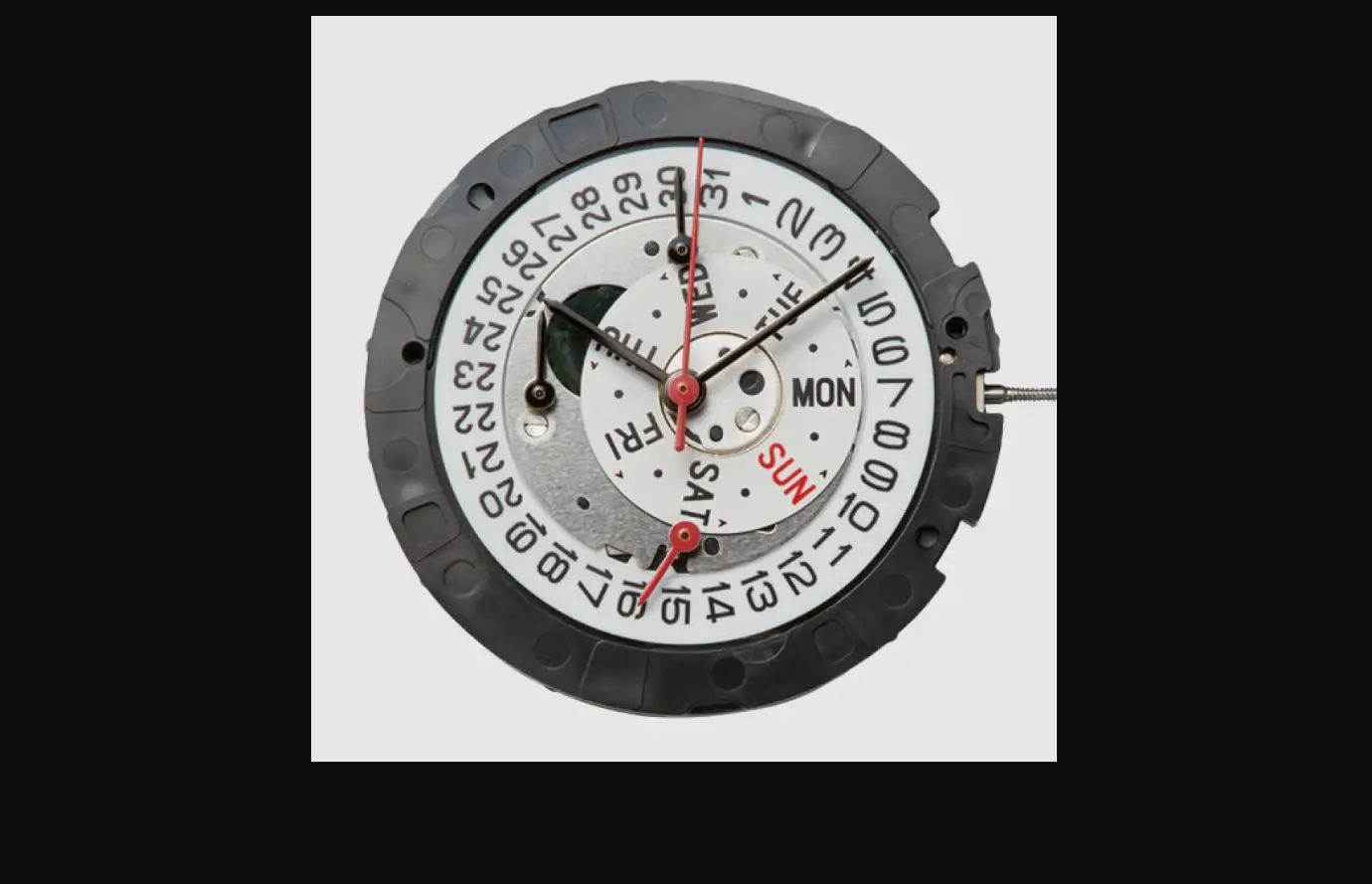
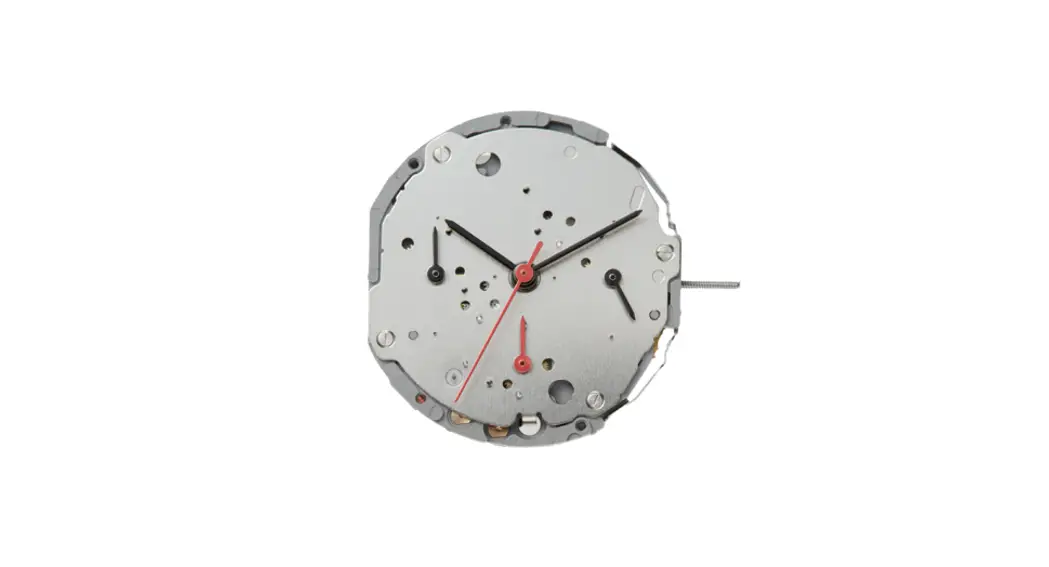
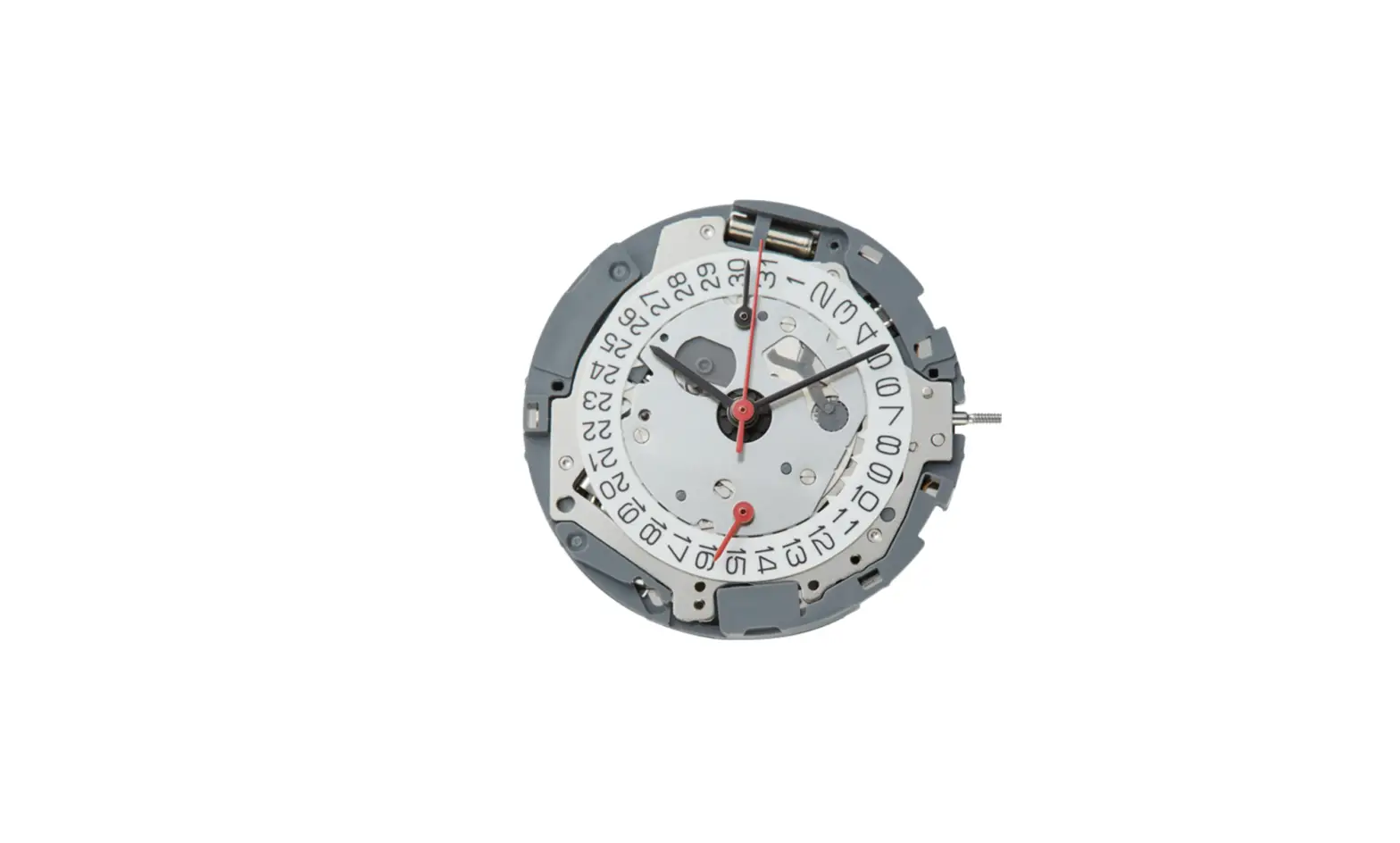
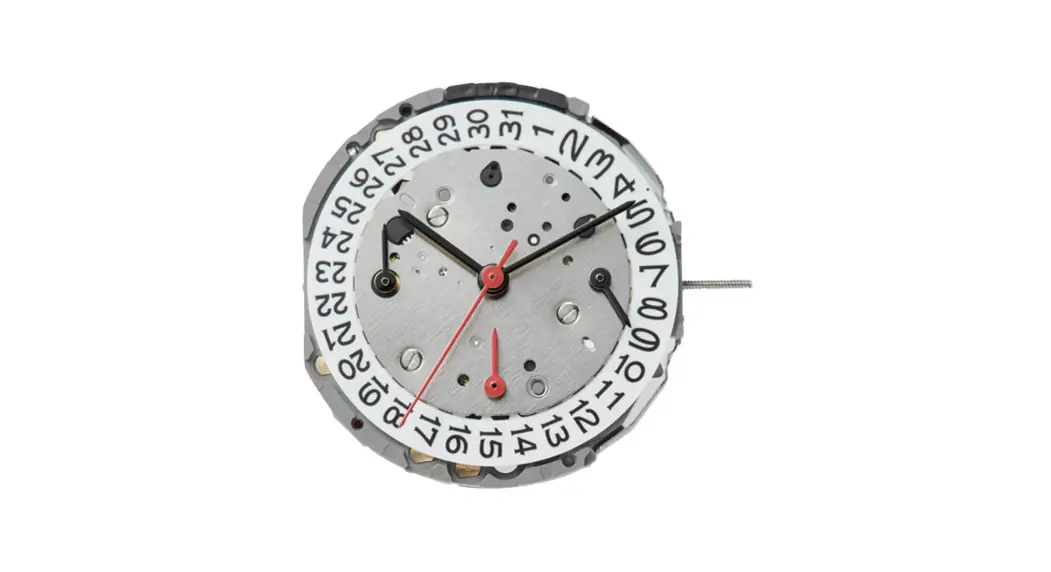
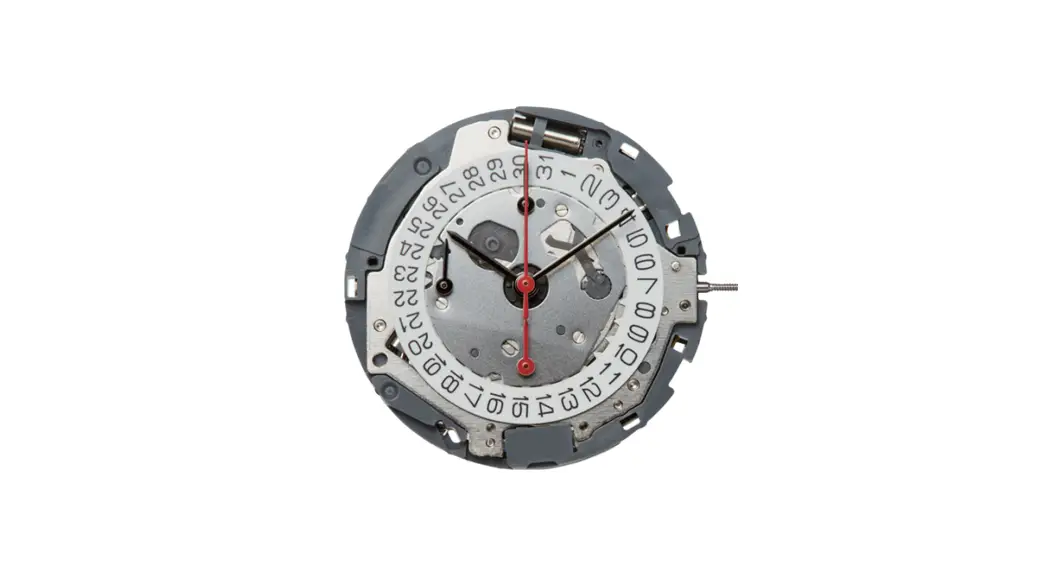
FS20 Center Second Hand Chronograph
Cal. FS20/FS21/FS23 Instruction Manual
Product Information:
The Cal. FS20/FS21/FS23 is a watch with a chronograph function.
The chronograph can measure time up to 59 minutes and 59 seconds in
1/1 second units. The watch displays the time, date, and has a
small second hand and 24-hour hand. The watch has two buttons –
button A and button B, and a crown with three positions – normal
position, 1st position, and 2nd position.
Product Usage Instructions:
Setting the Time:
- Pull the crown out to the 2nd position.
- Turn the crown to set the hour and minute hands.
- Push the crown back to the normal position to start the small
second hand.
Setting the Date:
- Pull the crown out to the 1st position.
- Turn the crown clockwise to set the date.
- After setting the date, push the crown back to the normal
position. - Note: If setting the date between 9:00 PM and 1:00 AM, the date
may not change on the following day.
Using the Chronograph:
- Press button A to start and stop the chronograph.
- Press button B to reset the chronograph to zero.
Chronograph Reset (including after replacing battery):
- Pull the crown out to the 2nd position.
- Press button A to set the chronograph second hand to the zero
position. - Advance the chronograph hand rapidly by continuously pressing
button A. - Once the hand has been zeroed, return the crown to the normal
position. Do not push the crown to normal position while the
chronograph second hand returns to zero position.
Cal. FS20/FS21/FS23 Instruction manual
CHRONOGRAPH FUNCTION: CENTER SECOND HAND CHRONOGRAPH 1/1 sec. Timing up to 59 minutes 59 seconds.
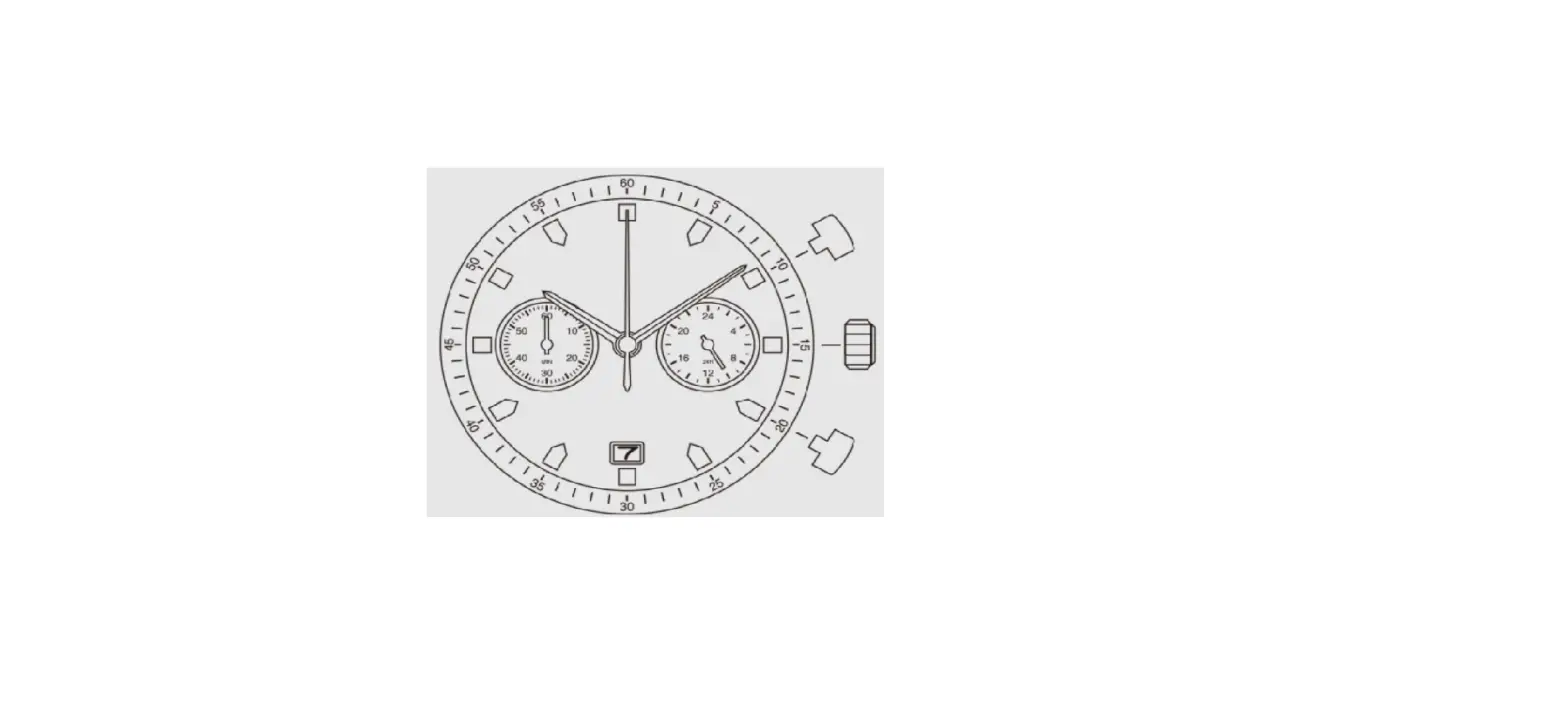
A) DISPLAYS AND BUTTONS B) SETTING THE TIME C) SETTING THE DATE D) USING THE CHRONOGRAPH E) CHRONOGRAPH RESET (INCL. AFTER REPLACING BATTERY)
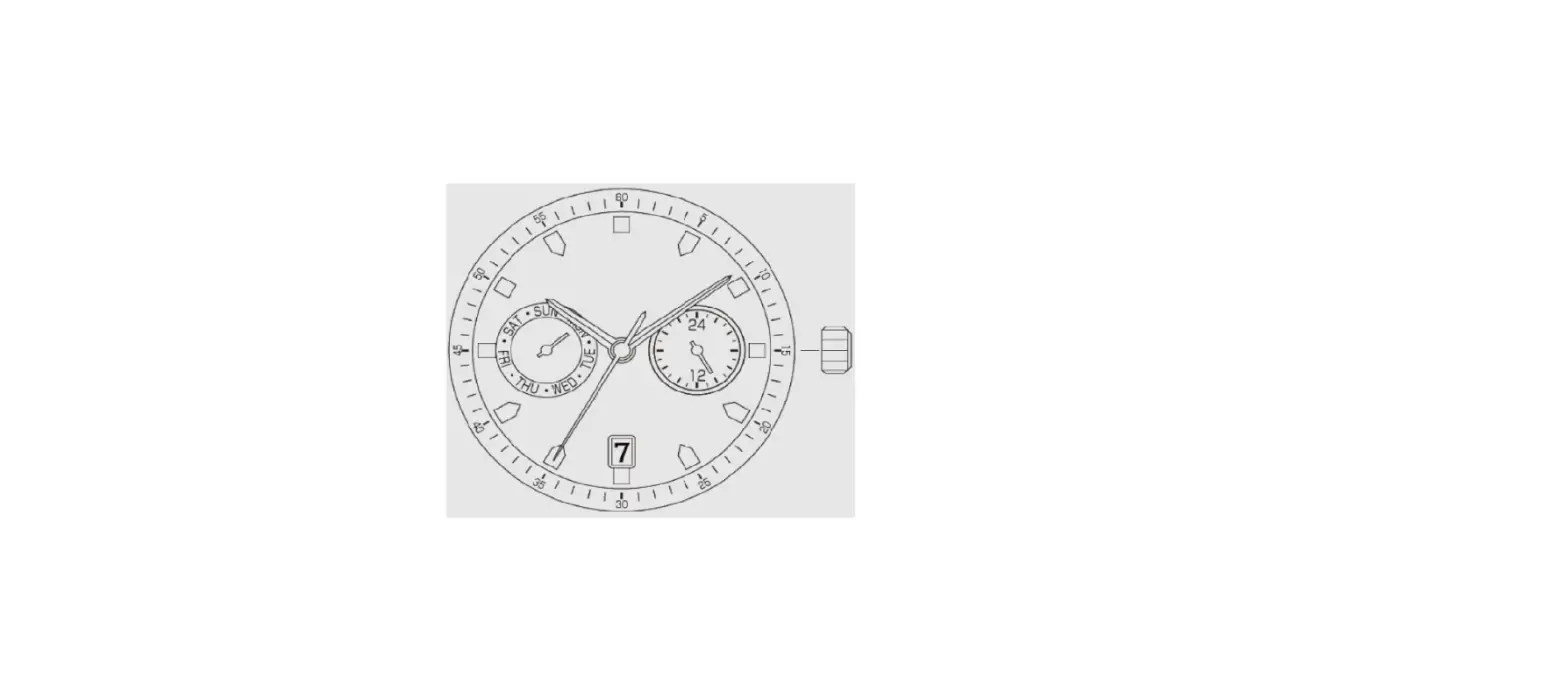
A) DISPLAYS AND BUTTONS Chronograph second hand Chronograph minute Hour hand
Button A
Minute hand
1st position
2nd position Normal crown position
24 hour hand Button B Small Second hand Calendar
B) SETTING THE TIME
1. Pull the crown out to the 2nd position. 2. Turn the crown to set hour and minute hands. 3. When the crown is pushed back to the normal position, small second hand begins to run.
1/3
C) SETTING THE DATE
1. Pull the crown out to the 1st position. 2. Turn the crown clockwise to set the date.
*If the date is set between the hours of around 9:00 PM and 1:00 AM, the date may not change on the following day.
3. After the date has been set, push the crown back to the normal position.
D) USING THE CHRONOGRAPH
This chronograph is able to measure and display time in 1/1 second united up to maxinum of 59 minutes 59 seconds. The chronograph second hand keeps continuously for 59 minutes 59 seconds after starting.
Measuring time with the chronograph 1. The chronograph can be started and stopped each time button “A” is pressed. 2. Pressing button “B” resets the chronograph and the
chronograph second hand and chronograph minute hand return to zero position.
“A”
TIME
RESET
“A”
MEASUREMENT
“A”
“B”
STOP
“B”
2/3
E) CHRONOGRAPH RESET (INCL. AFTER REPLACING BATTERY) This procedure shoud be performed when the chronograph second hand does not return to zero position after the chronograph has been reset, and including after the battery has been replaced. 1. Pull the crown out to the 2nd position. 2. Press button “A” to set the chronograph second hand to the zero position.
The chronograph hand can be advanced rapidly by continuously pressing button “A”. 3. Once the hand have been zeroed, return the crown to the normal position.
* Do not push crown to normal position while the chronograph second hand returns to zero position It stops on the way when crown are returned to normal position and its position is recognized as zero position. These specifications might be changed without prior notice.
3/3