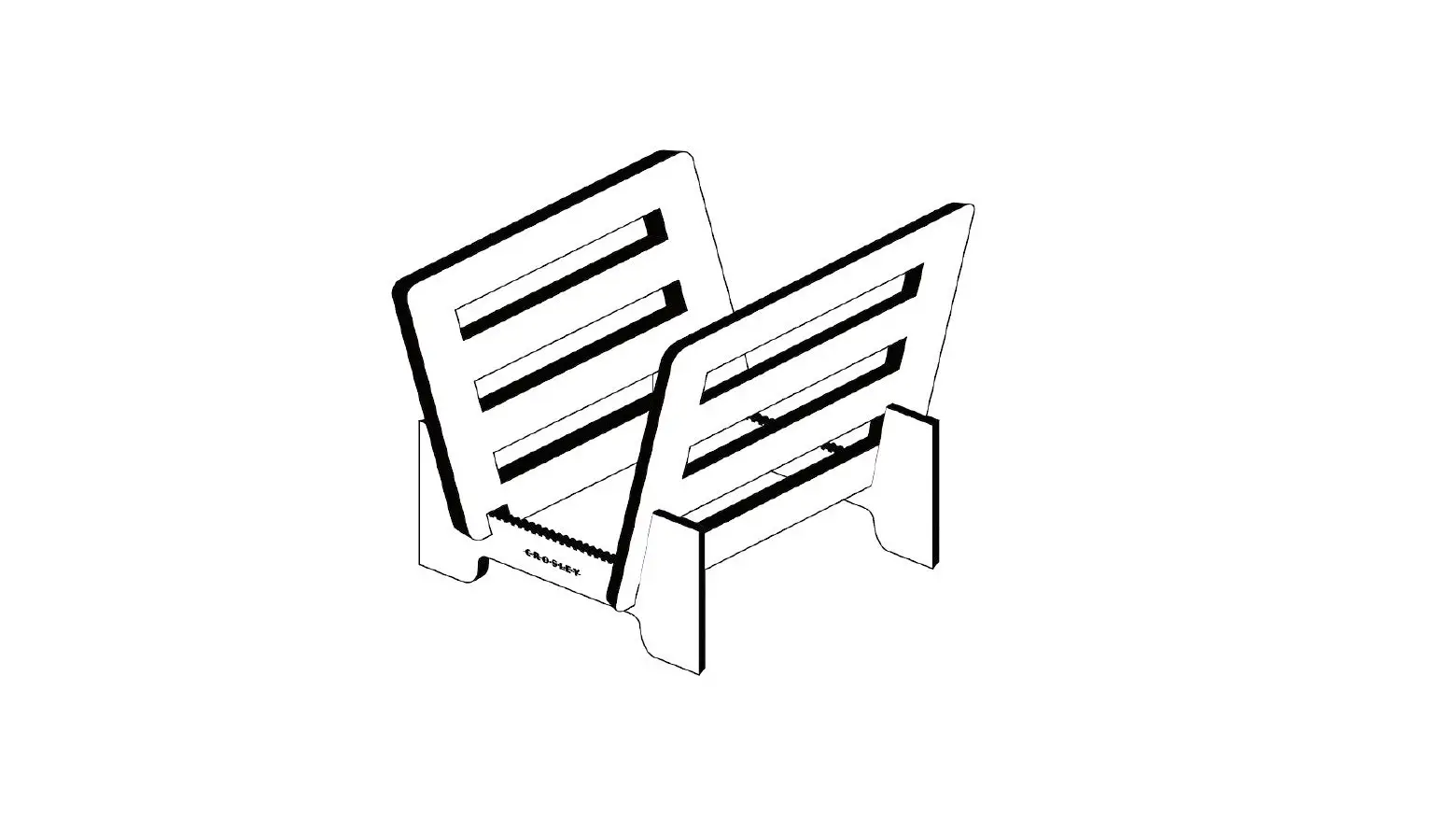

Crosley Ac1052a Record Storage Display Instruction Manual

Crosley Ac1052a Record Storage Display Instruction Manual

crosley logo

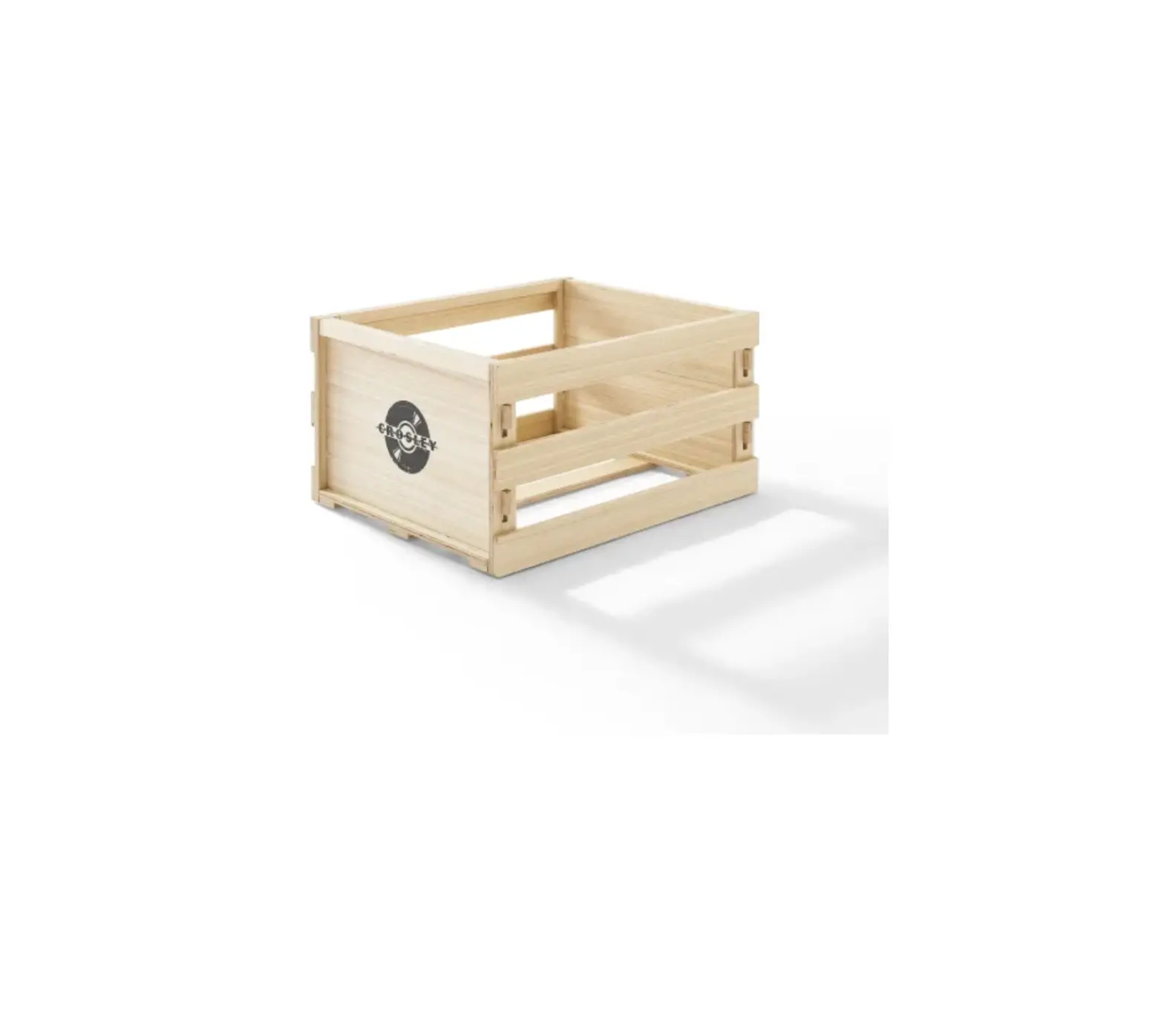
CROSLEY AC1052A Record Storage Display
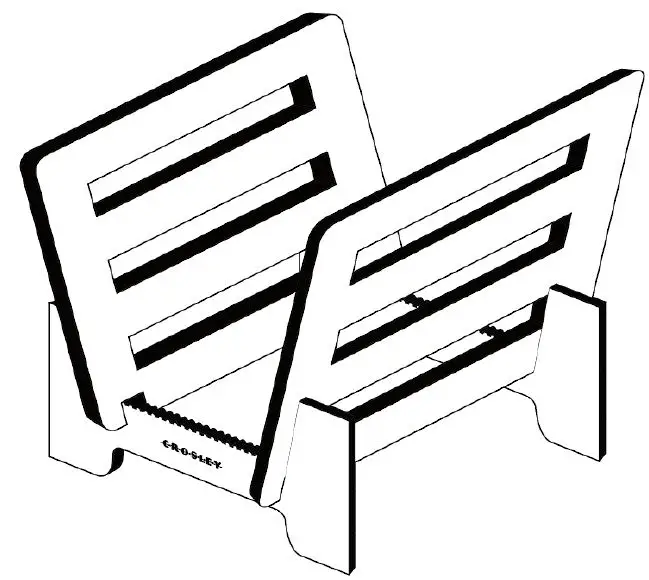
CROSLEY AC1052A Record Storage Display

Questions, problems, missing parts?
Before returning to the store, call Customer Service
8 a.m. – 6 p.m., EST, Monday – Friday
1-888-CROSLEY
www.crosleyradio.com

PARTS LIST
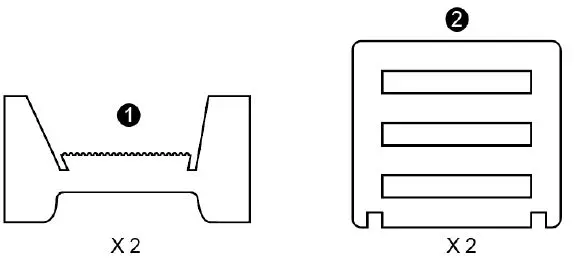
CROSLEY AC1052A Record Storage Display-1

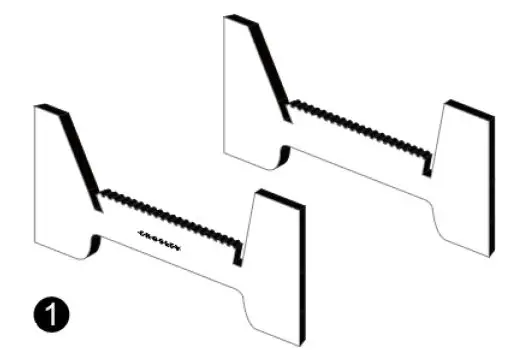
STEP 1. Place the two bases (1) on a flat surface.
Note: Ensure both base pieces are facing the same way.
CROSLEY AC1052A Record Storage Display-2

STEP 2. Slide the panels (2) into place.
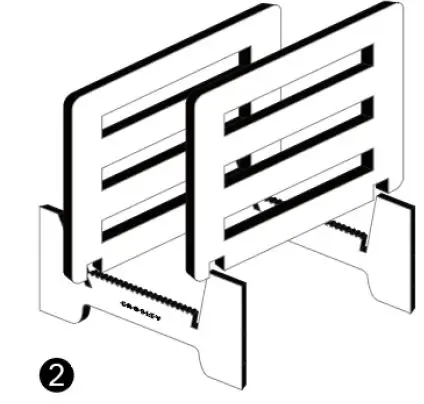
CROSLEY AC1052A Record Storage Display-3

References

Documents / Resouces

Download manual
Here you can download full pdf version of manual, it may contain additional safety instructions, warranty information, FCC rules, etc.


Related Manuals