
USER MANUAL
H3
User Manual
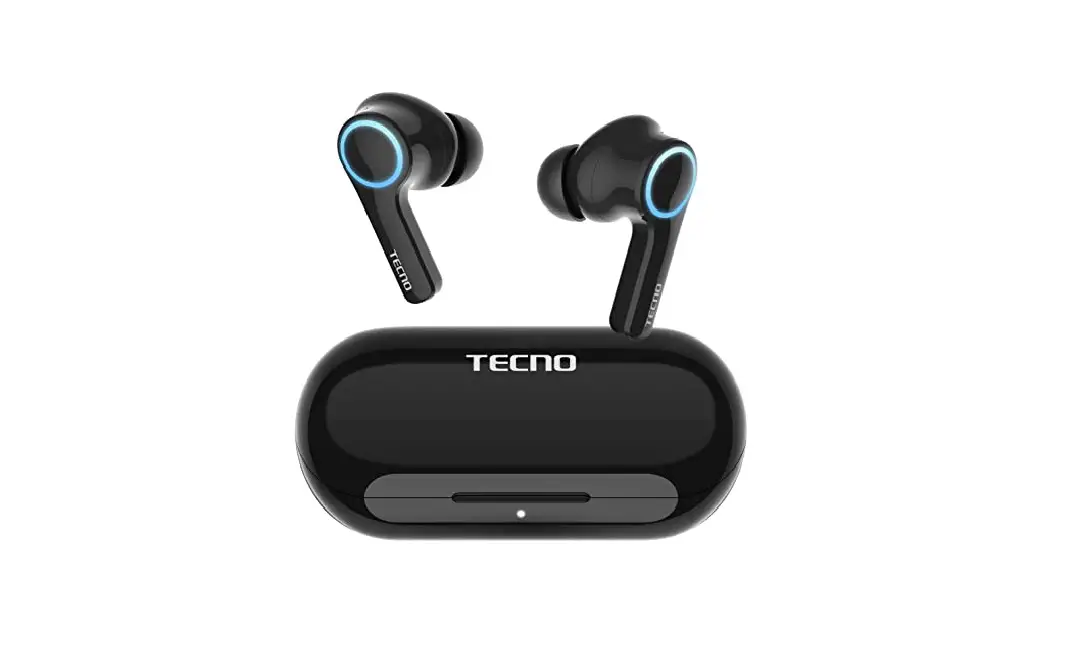
Wireless Earphone
Model: H3
Hereby, TECNO MOBILE LIMITED. declares that this Wireless Earphone is in compliance with the essential requirements and other relevant provisions of Directive 2014/53/EU.
WELCOME
Thank you for choosing our products. The h3 wireless earphone has a fashionable design, powerful functions, and high compatibility, to provide you with hands-free convenience when making calls.
PACKAGE CONTENT
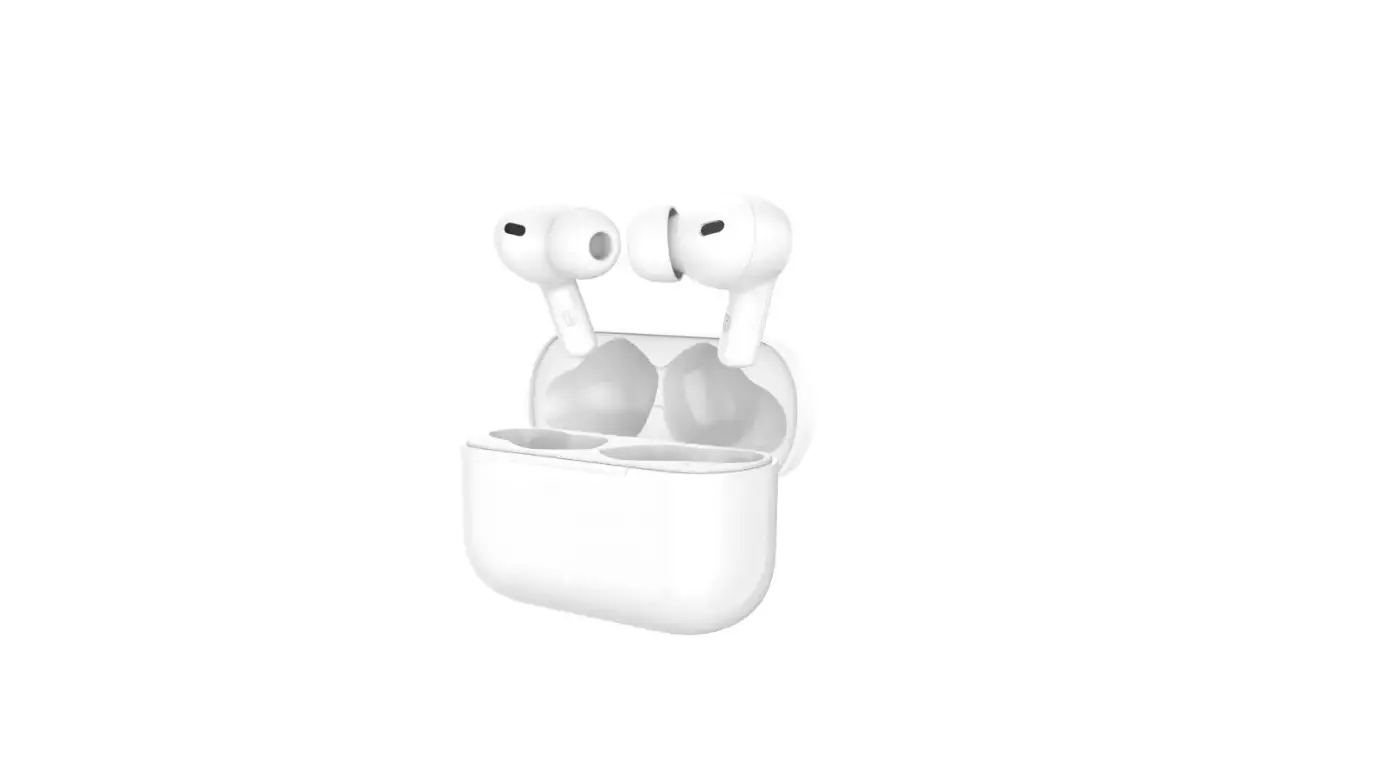
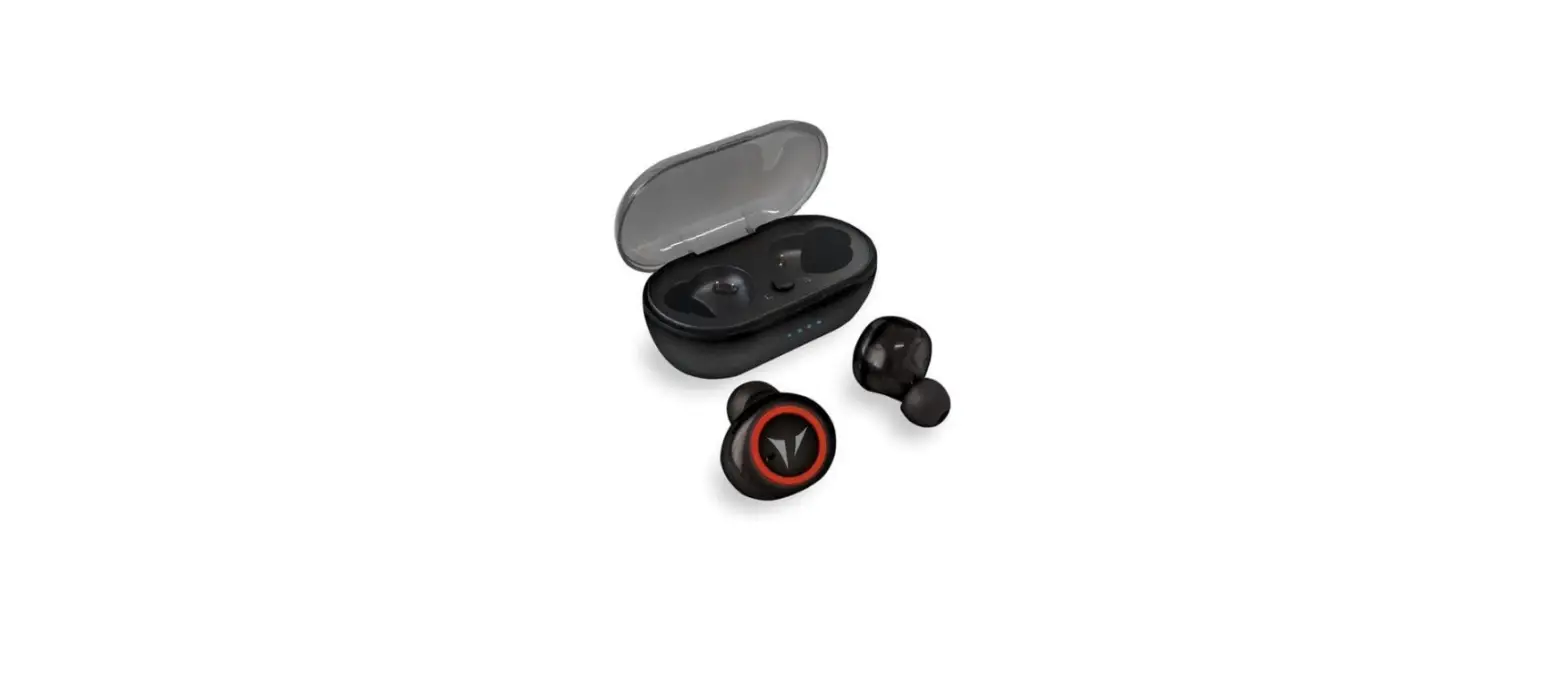
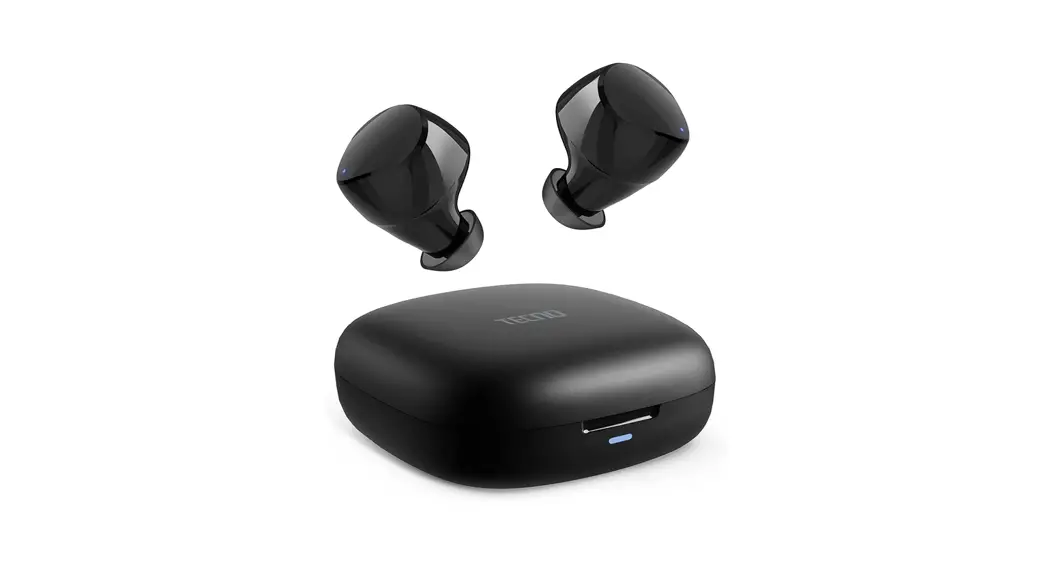
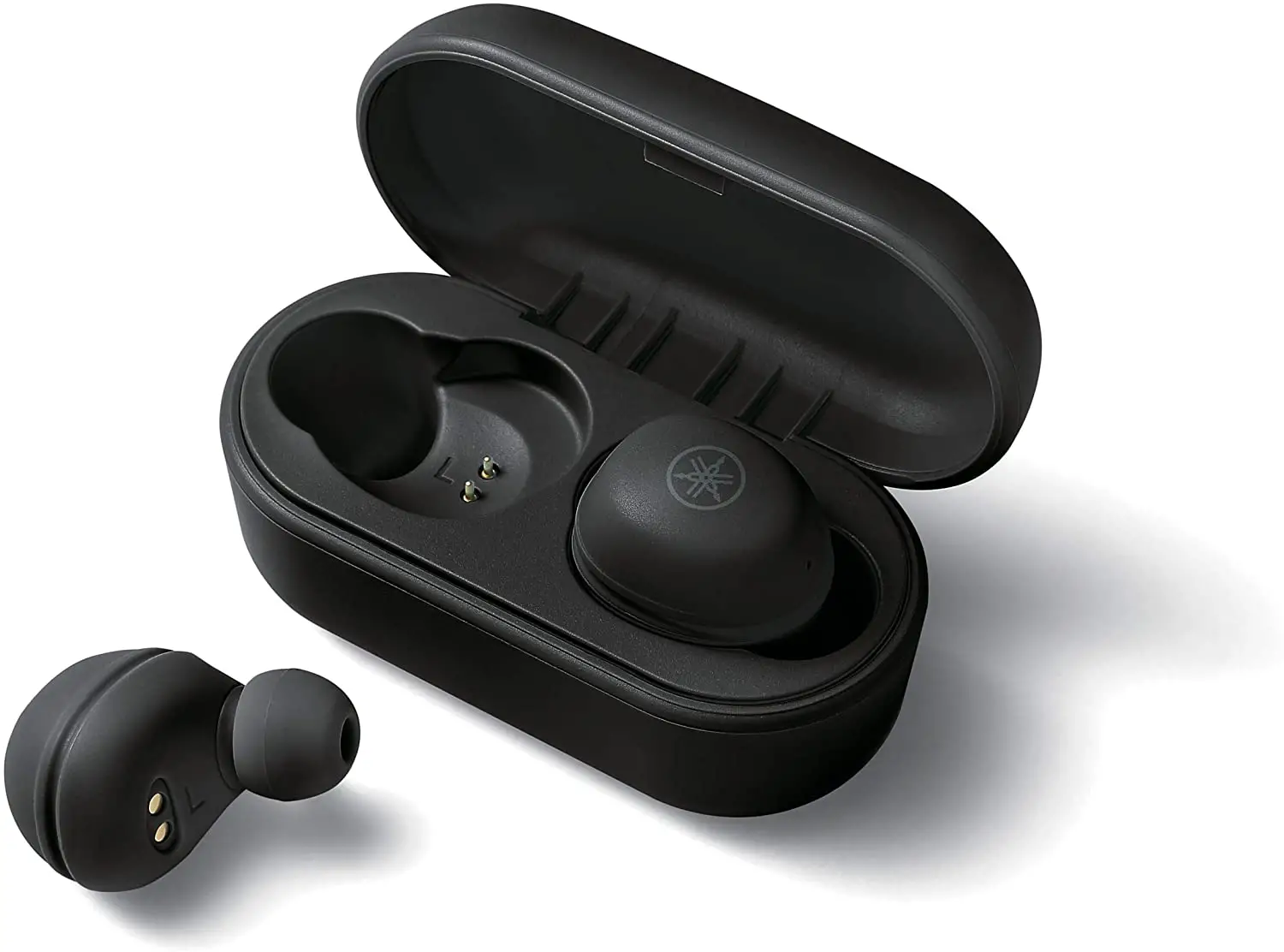
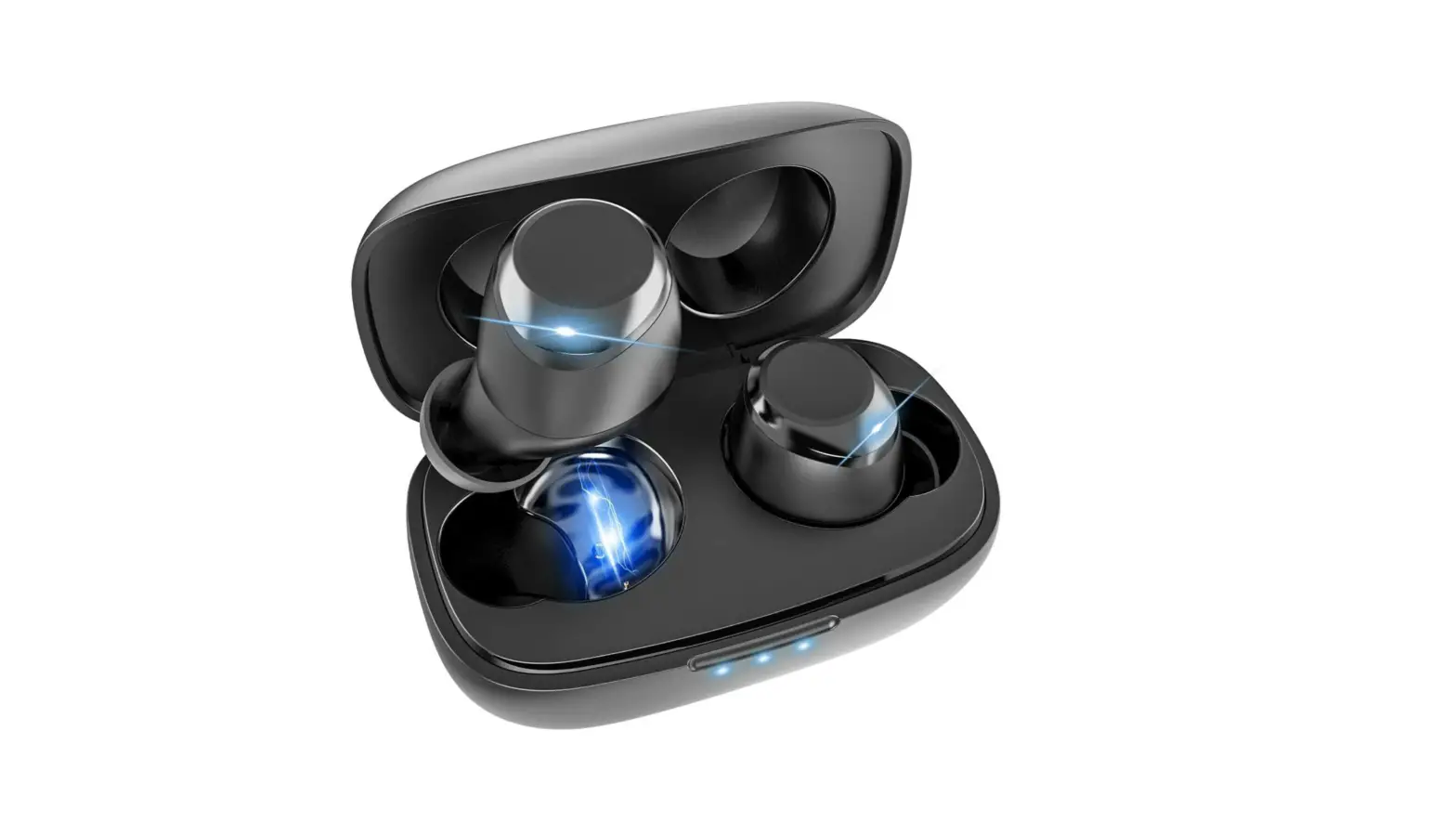
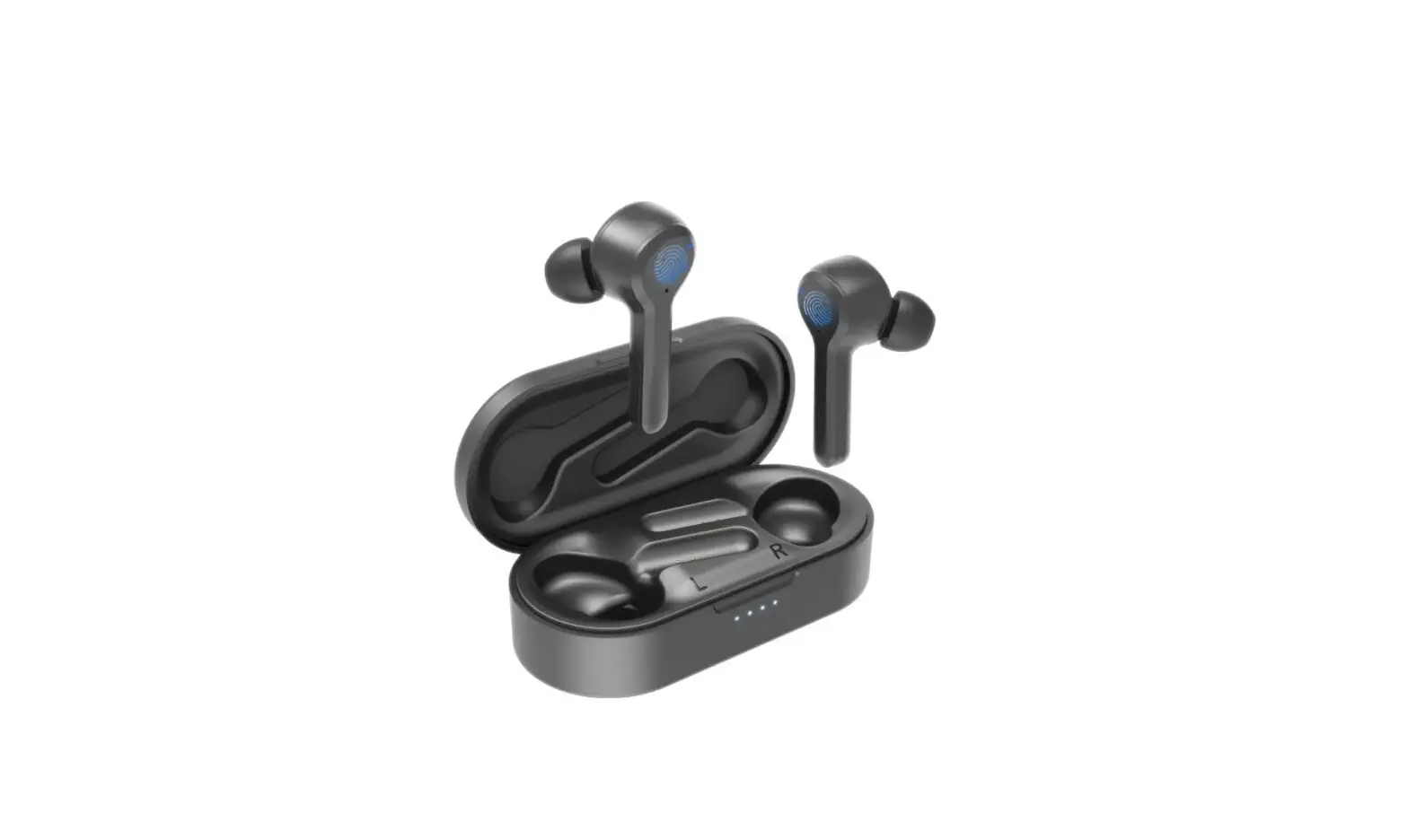
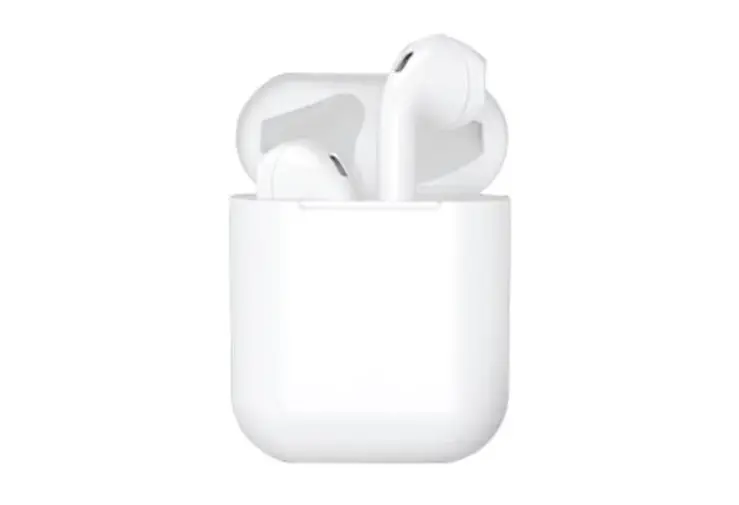
2* H3 Bluetooth earphones
1* H3 charging box
1* Charging cable
1* User Manual
2* Large ear tip
2* Medium ear tip (fitted on the earphones)
2* Small ear tip
PRODUCT OVERVIEW
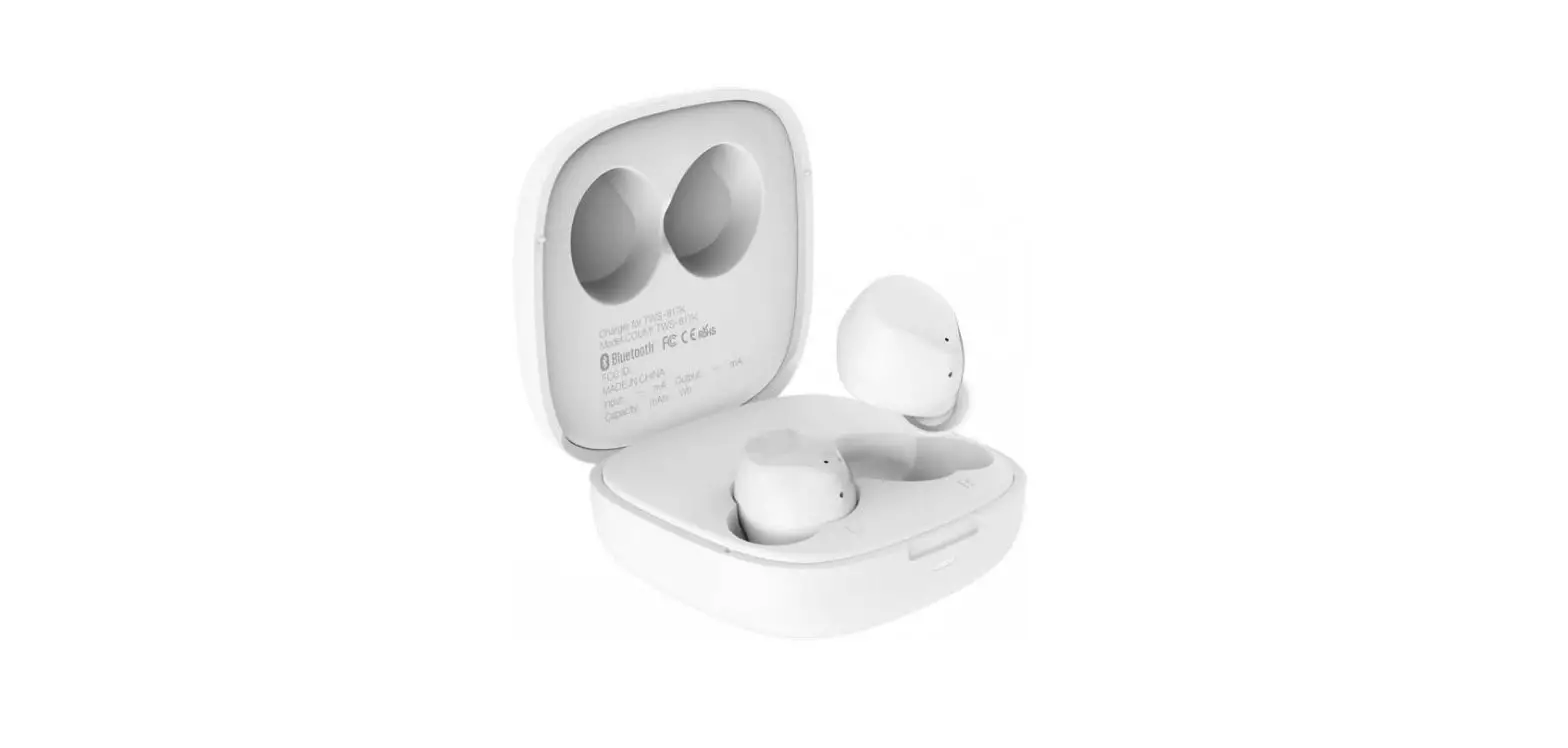
- Charging box
- Earphones
- Charging box indicator light
- Charging port
- Earphone indicator light
- Earphone touch area
- Ear tip
- Earphone charging contacts
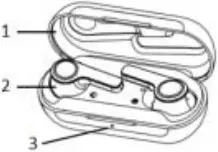
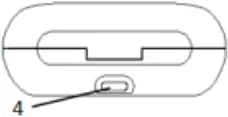
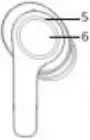
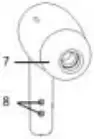
Controls and functions
Power on
1. Open the charging box, and the earphones are automatically turned on.
Power off
1. Put the earphones back into the charging box and close the box, and the earphones are turned off automatically.
Bluetooth pairing (with a mobile phone)
1. In case of pairing for the first time, the left and right earphones will automatically pair with each other after being turned on and enter the waiting-for-pairing status.
2. If the earphones have been paired with a Bluetooth device, the left and right earphones will automatically pair with each other after being turned on and then pair with that device. When there is no pairing activity for about 10 seconds, the earphones will enter the wait-for-pairing status; if not paired in about 5 minutes, the earphones will be turned off automatically.
Noise reduction mode
1. Press and hold the touch area for 2 seconds to enable the transparency mode, and the ice blue and orange breathing LEDs are on.
2. Press and hold the touch area for 2 seconds to enable noise reduction, and the ice blue and orange breathing LEDs are on.
3. Press and hold the touch area for 2 seconds to disable noise reduction.
Pairing with devices
1. After the earphones enter the waiting-for-pairing status, enable Bluetooth on the device and find TECNO-Hipods-H3 on the list of devices available for pairing, and tap to pair.
Pop-ups on mobile phones
1. If the earphones have been paired with a mobile phone, to pair again, open the charging box and a pop-up window will automatically appear on the mobile phone.
Play/pause music
1 When playing music, double tap the touch area to pause, and double tap again to play.
Answer phone calls
1. When there is an incoming call, double tap the touch area to answer the call.
Disconnection with the mobile phone when placed beyond a certain distance
1. When the earphones are placed beyond a certain distance from the mobile phone and thus become disconnected, the earphones will enter the waiting-for-pairing status. If there is no device that pairs with the earphones for 5 minutes, the earphones will be turned off automatically.
Earphones charging
1. Put the earphones in the charging box, close the charging box, and charging starts automatically.
Charging box charging
1. When being charged, the charging box will flash in white. When the charging box is fully charged, the white light will keep on. After the charging cable is unplugged, the white light will go out.
Basic Features of Product
| Product Name | H3 |
| Earphone battery capacity | 40mAh*2 |
| Charging box battery capacity | 350mAh |
| Charging Voltage/Current | 5V/40mA |
| Music Playing Time | Approx 4H |
| Calling Time | Approx 3.5H |
| Standby Time | Approx 90H |
| Transmission range | ≥ 10m |
| Bluetooth | TECNO-Hipods-H3 |
| Operating Temperature | 0°C ~ 45°C |
| Storage Temperature | -20°C ~ 60°C |
Earphone Indicator Light
| Earphone Status | Indicator light status |
| Power On | Ice blue light on for 1 second |
| Power Off | Orange light on for 2 seconds |
| Earphone low battery | The earphones flash in orange once every second and the flashing continues for 5 seconds, with an interval of 10 seconds. The low battery reminder is activated every 3 minutes. |
| Charging box low battery | When the charging box is opened or closed, the charging box flashes quickly in white for 4 seconds. |
CUSTOMER SERVICE

Carlcare provides service
WARRANTY CERTIFICATE
| Name: | |
| Address: | |
| Telephone number: | |
| Date of purchase: | |
| Store name: | |
| S/N: |
TECNO MOBILE LIMITED
TM and ©2019 TECNO Corporation. All rights reserved. Other product and company names mentioned herein may be trade marks or trade names of their respective owners. Specifications are subject to change without notice. Model names and the availability of particular products may vary by region.
Warning
changes or modifications not expressly approved by the party responsible for compliance could void the user’s authority to operate the equipment.
This device complies with Part 15 of the FCC Rules. Operation is subject to the following two conditions: (1) this device may not cause harmful interference, and (2) this device must accept any interference received, including interference that may cause undesired operation.
NOTE: This equipment has been tested and found to comply with the limits for a Class B digital device, pursuant to Part 15 of the FCC Rules. These limits are designed to provide reasonable protection against harmful interference in a residential installation. This equipment generates, uses and can radiate radio frequency energy and, if not installed and used in accordance with the instructions, may cause harmful interference to radio communications. However, there is no guarantee that interference will not occur in a particular installation.
If this equipment does cause harmful interference to radio or television reception, which can be determined by turning the equipment off and on, the user is encouraged to try to correct the interference by one or more of the following measures:
— Reorient or relocate the receiving antenna.
— Increase the separation between the equipment and receiver.
— Connect the equipment into an outlet on a circuit different from that to which the receiver is connected.
— Consult the dealer or an experienced radio/TV technician for help.
RF Exposure Statement
The device has been evaluated to meet general RF exposure requirement. The device can be used in portable exposure condition without restriction.
H3