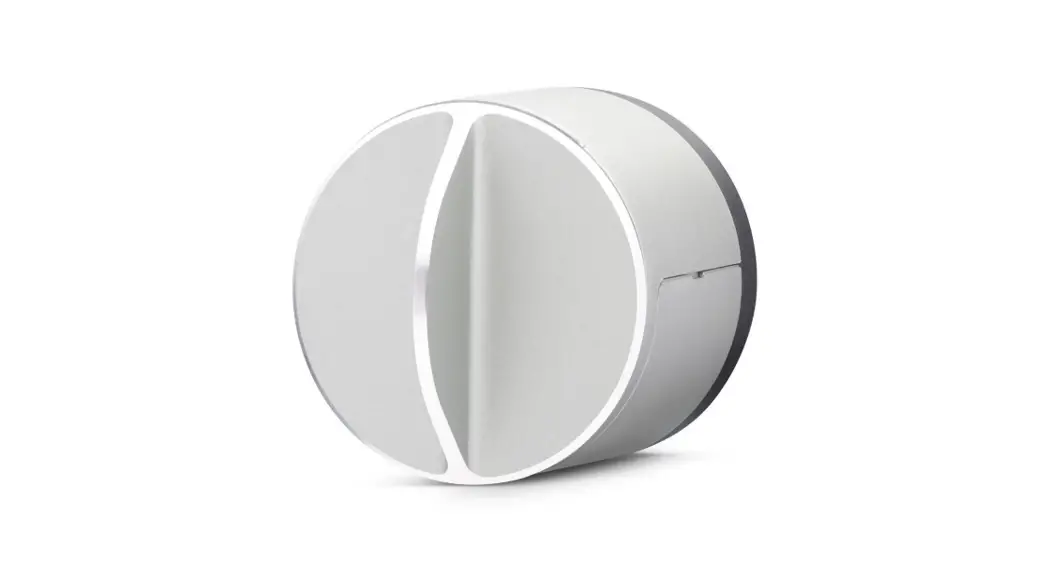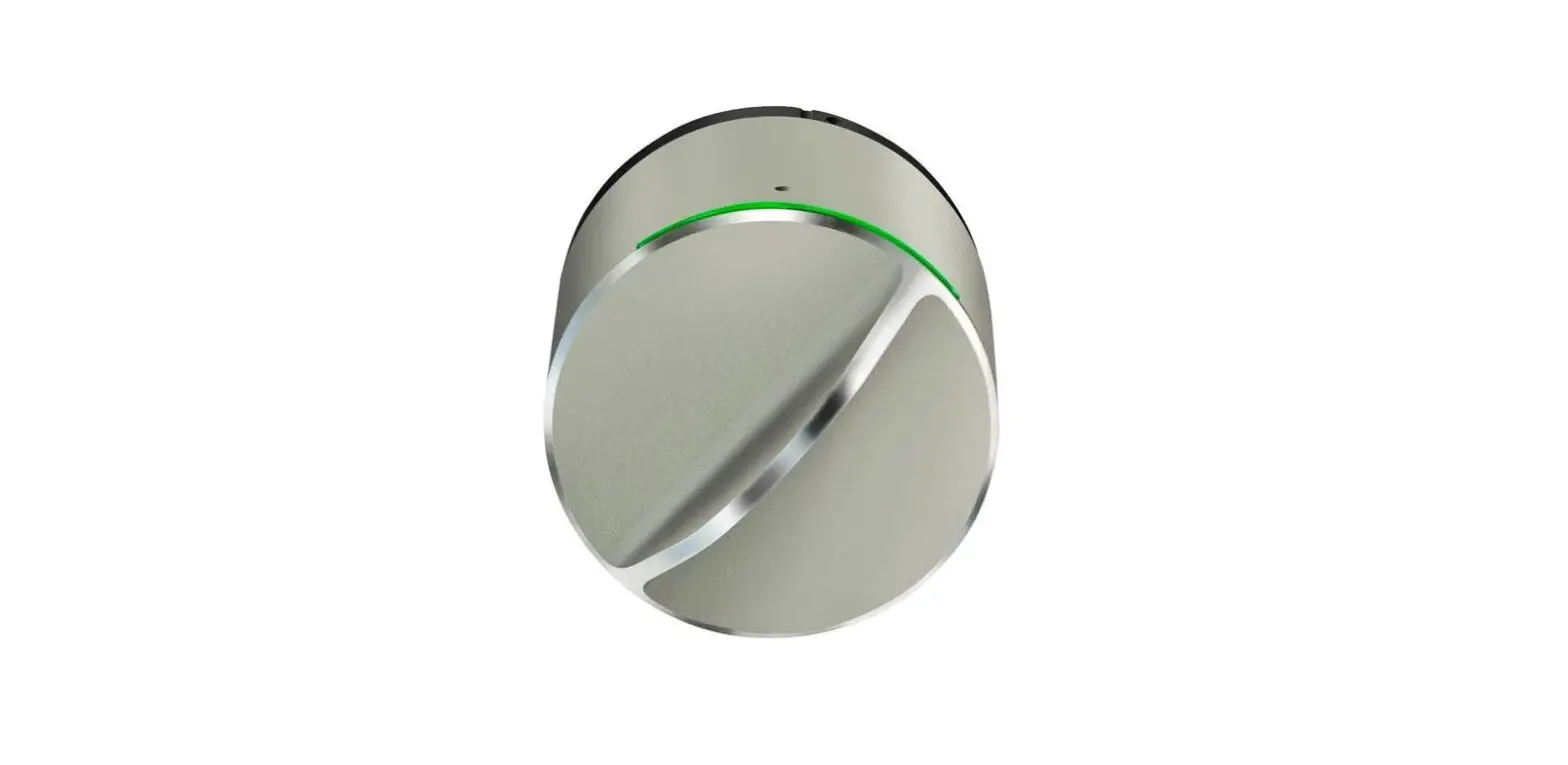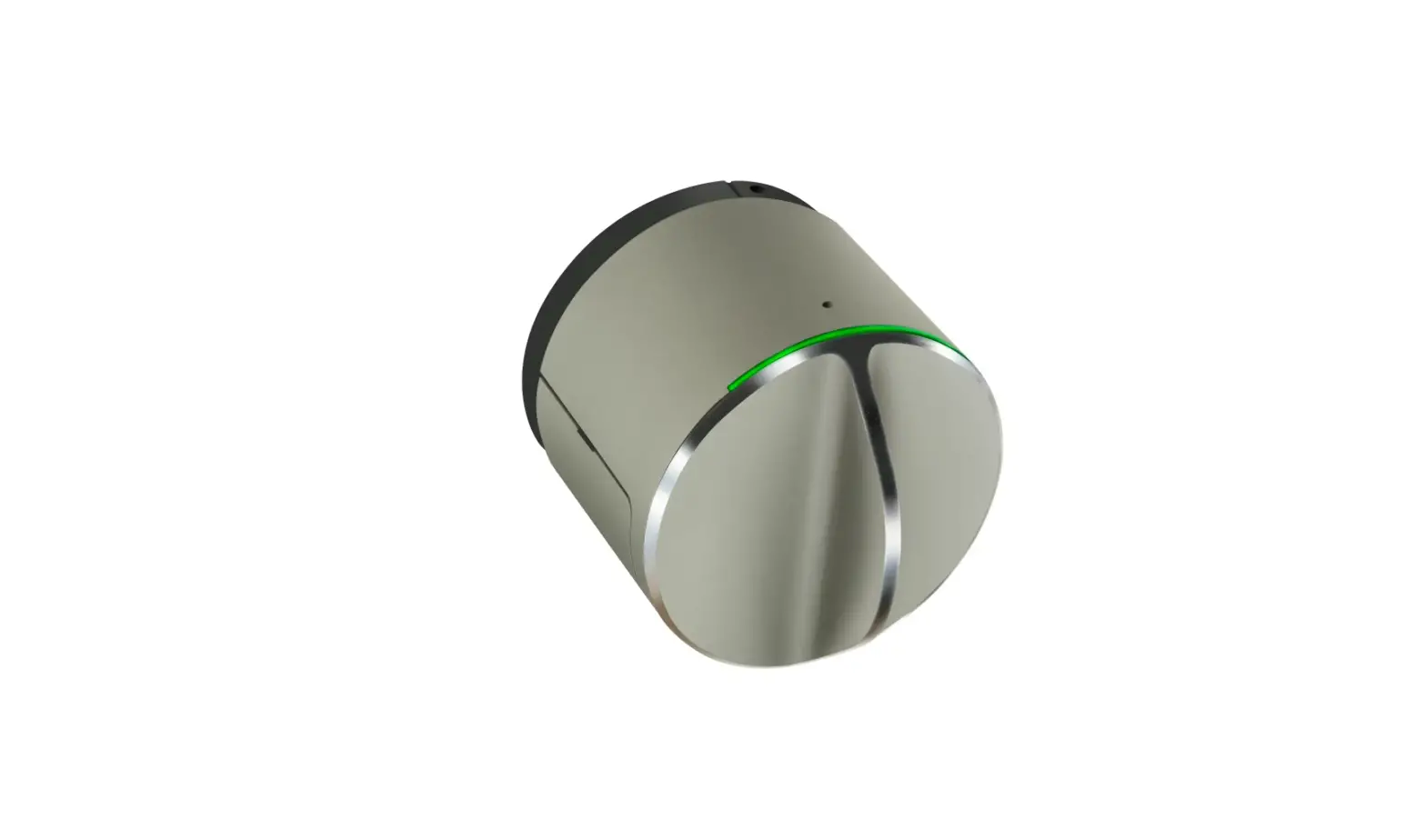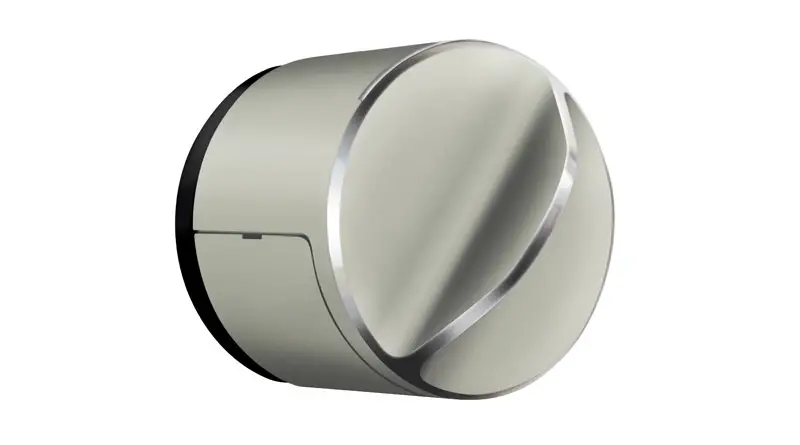

danalock V3 Smart Doorlock
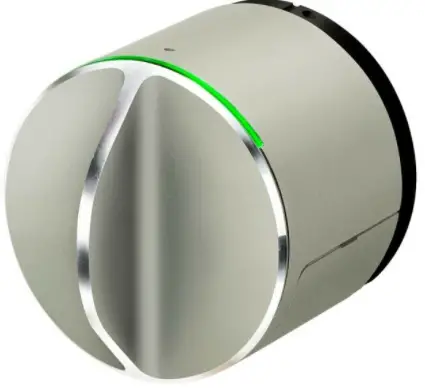
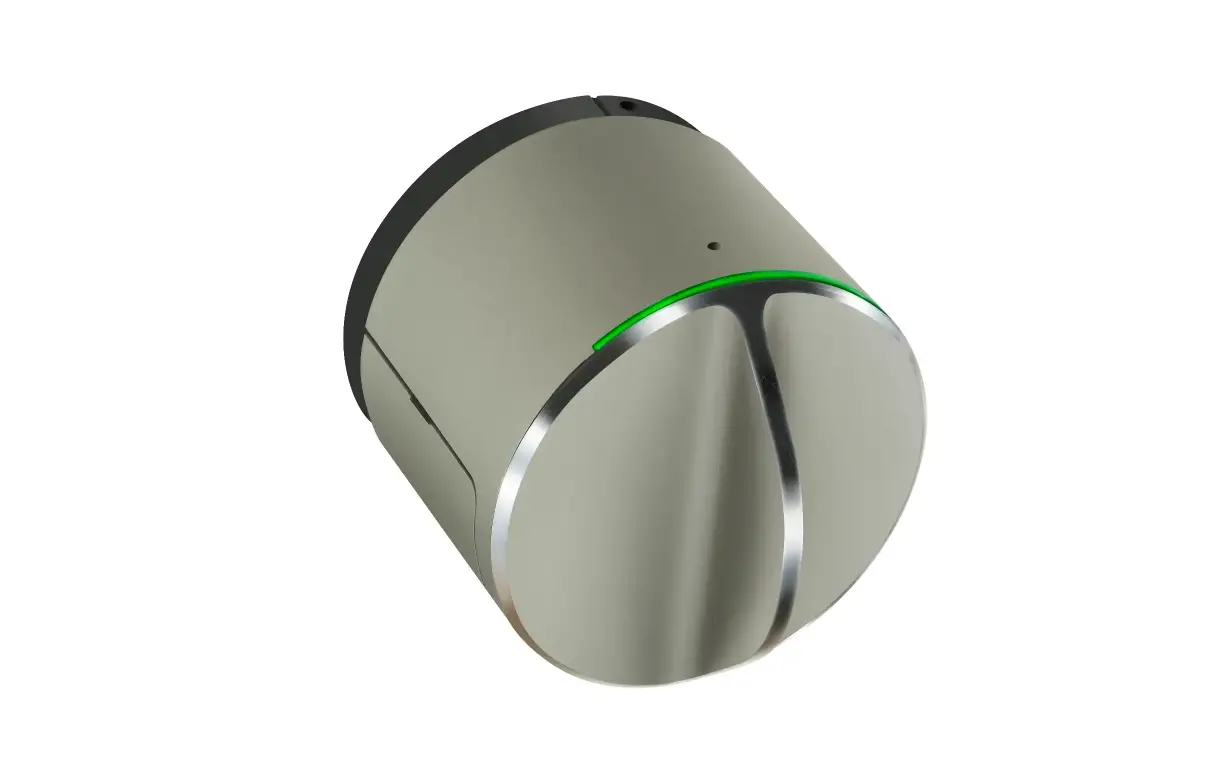
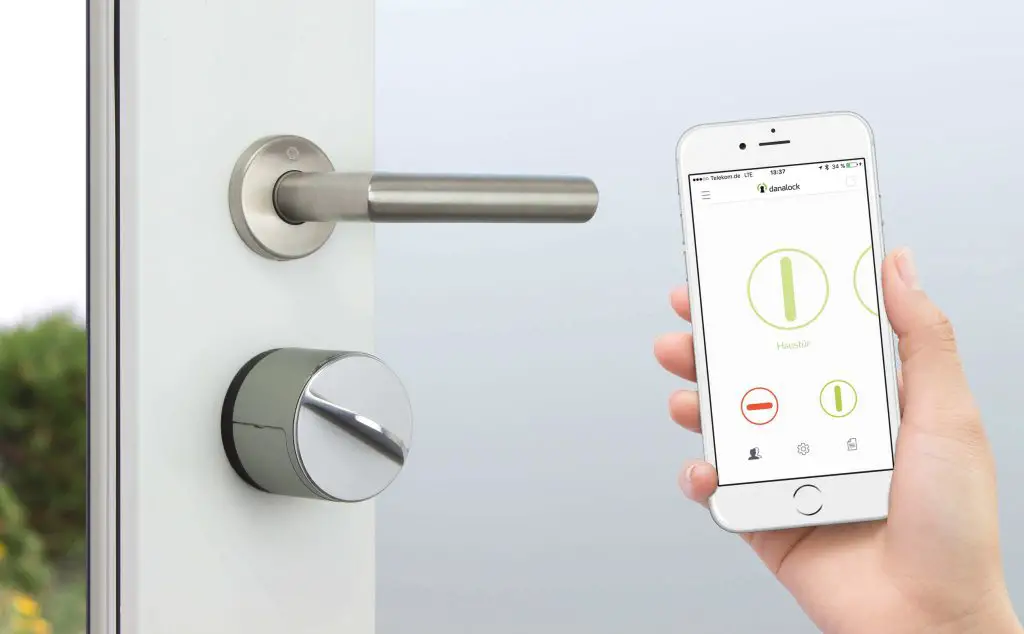
The Danalock V3 Z-Wave™ is a secure electronic door lock that supports the Z-Wave Plus™ standard, which is compatible with earlier versions of Z-Wave. The Danalock is battery supplied and therefore it is a FLIRS Frequently Listening Routing Slave which conserves battery. The Danalock V3 is a security enabled Z-Wave Plus Product. A security enabled Z-Wave controller must be use. The Danalock V3 supports the standard security S0 and the new security standard S2. This manual covers all versions of Danalock V3 Z-Wave. This manual is accompanied by the mounting manually for your specific lock. Z-Wave interoperability The Danalock can be included and operated in any Z-Wave network with other Z-Wave certified devices from other manufacturers and/or other applications. All non-battery operated nodes within the network will act as repeaters regardless of vendor to increase reliability of the network. Location of Security 2 DSK The Security 2 DSK can be found inside the battery lid of the product.
Z-Wave add/inclusion and remove/exclusion
To add or include the Danalock into a Z-Wave network
1. Set the controller in inclusion mode
2. Push the switch once.
3. Wait 5 seconds.
To remove or exclude the Danalock into a Z-Wave network
1. Set the controller in exclusion mode
2. Push the switch once.
3. Wait 5 seconds.
Factory Reset: The Danalock can be set to factory settings by pushing the switch ten times. Please use this procedure only when the primary controller is missing or otherwise inoperable.
Batteries: The Danalock uses 4 CR123A batteries. Only use four new batteries from the same manufacturer. Do not mix new and old batteries.
The Package contains
• Danalock V3
• Batteries (may not be included)
• Manual
• Adapters (may vary from country to country)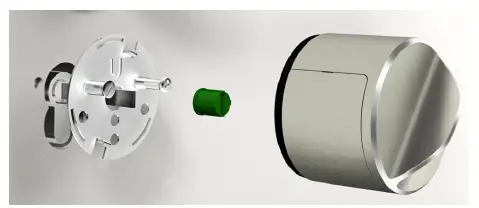
If the Danalock is firstly included on a Z-Wave network, the Bluetooth Smart is disabled because of security and to conserve power. To enable Bluetooth Smart enable Configuration byte no. 5.
Supported Command Classes
| Command Class | Version | Not added | Non-Secure added | Securely added | |
| Non-secure CC | Secure CC | ||||
| Z-Wave Plus Info | 2 | Support | Support | Support | |
| Transport Service | 2 | Support | Support | Support | |
| Security 0 | 1 | Support | Support | Support | |
| Security 2 | 1 | Support | Support | Support | |
| Association | 2 | Support | |||
| Association Grp Info | 1 | Support | |||
| Battery | 1 | Support | |||
| Configuration | 1 | Support | |||
| Device Reset Locally | 1 | Support | |||
| Door lock | 2 | Support | |||
| Firmware update MD | 4 | Support | |||
| Manufacturer Specific | 2 | Support | |||
| Notification | 8 | Support | |||
| Power level | 1 | Support | |||
| Schedule Entry Lock | 3 | Support | |||
| Superversion | 1 | Support | |||
| Time | 1 | Support | |||
| Time Parameters | 1 | Support | |||
| User Code | 1 | Support | |||
| Version | 2 | Support | |||
Node Info
| Generic Device Class | 0x40 GENERIC_TYPE_ENTRY_CONTROL |
| Specific Device Class | 0x03 SPECIFIC_TYPE_SECURE_KEYPAD_DOOR_LOCK |
Association CC V2 (secure)
Associations Groups
Group 1 is Lifeline. All unsolicited reports are sent to the node in Lifeline. The Danalock can send the following commands through Lifeline:
| ID | Name | Node Count | Description |
| 1 | Lifeline | 1 | Supports the following command classes: · Device Reset Locally: triggered upon reset. · Battery/notification: triggered upon low battery. · Door Lock operation report: triggered upon a change in door lock · Notification: triggered upon a change in door lock |
Battery CC V1 (secure & unsecure)
The Battery Get request can be used to get the status of the battery. To get a useful battery level the motor of the lock should be operated at least once for the lock to sample a meaningful battery level. When battery level is low a battery warning is send to the controller.
Configuration CC V1 (secure)
| Z-Wave parameter no. | Parameter Name | Parameter Size | Default value | Description |
| 1 | TWIST_ASSIST | 1 Byte | 0 | 0 = Disabled, 1=Enabled |
| 2 | HOLD_AND_RELEASE (brake and go back) | 4 Bytes | 0 | 0=Disabled, 1-2147483647 (hold seconds) |
| 3 | BLOCKED_2_BLOCKED(async) | 1 Byte | 0 | 0 = Disabled, 1=Enabled |
| 4 | BLE_TEMPORARY_ALLOW_TIMER | 4 bytes | 0 | 0=Disabled, 1-2147483647 (seconds to allow) |
| 5 | BLE_ALWAYS_ALLOWED | 1 byte | 0 | 0 = Disabled, 1=Enabled |
| 6 | Autolock | 4 bytes | 0 | 0 = Disabled, 1-2147483647 seconds of delay before autolock enable. |
Device Reset Locally CC V1 (unsecure)
When the Z-Wave module is reset it sends a report to tell the controller it has been reset. The lock is reset by pushing the switch 10 times. Please use this procedure only when the primary controller is missing or otherwise inoperable
Door Lock CC V2 (secure)
Door Lock Operation is used to lock and unlock the Danalock. See table to see how the Door Lock Mode paramater affects the lock.
Door Lock Operation Paramater
| Secured | Unsecured | |
| Door Lock Mode | 0xFF | 0x00-0xEF |
In a Door Lock Operation Report the Danalock will report:
Door Lock Operation Report
| Value\Door status | Unlocked | Locked |
| Door Lock Mode | 0x00 | 0xFF |
| Handles | 0x11 | 0x11 |
| Door Condition | 0x02 | 0x05 |
| Lock Timeout Minutes | 0xFE | 0xFE |
| Lock Timeout Seconds | 0xFE | 0xFE |
The Danalock does not use the Door Lock Configuration to adjust settings, the Configuration CC is used instead. The Danalock ignores Door Lock Configuration Set frames and response a Door Lock Configuration Get with:
Door Lock Configuration Report
| Parameter | Value |
| Operation Type | Constant operation(0x01) |
| Handles | Handle 1 enabled (0x11) |
| Lock Timeout Minutes | Timeout not supported(0xFE) |
| Lock Timeout Seconds | Timeout not supported(0xFE) |
Schedule Entry Lock V3 (secure)
Number of slots week day: 2
Number of slots year day: 2
Number of slot daily repeating: 2
Firmware Update Meta Data CC V4 (secure)
The Danalock supports firmware update of the Z-Wave module over the air. The firmware upgrade takes ~30 min with S0 and ~20 min with S2. Firmware ID = 0x0A01.
Manufacture Specific CC V2 (secure)
| Value | Comment | |
| Manufacturer ID | 0x010E | Poly-control |
| Product Type ID | 0x0009 | Danalock V3 Series |
| Product ID | 0x0001 | Lock |
The Device specific report returns the 6 byte long DMI serial number of the host.
Notification CC V8 (secure)
The Notification CC is implemented as a push only, which means only pushes notification to the controller. Sequence number is not supported.
| Supported notifications | ||
| Notification Type | Event | Comments |
| Access Control (0x06) | Manual Lock Operation (0x01) | User Touch button used to lock the door. |
| Manual Unlock Operation (0x02) | User Touch button used to unlock the door. | |
| RF Lock Operation (0x03) | Bluetooth or Z-Wave initiated the operation | |
| RF Unlock Operation (0x04) | Bluetooth or Z-Wave initiated the operation | |
| Auto Lock Locked Operation(0x09) | The Auto Latch time has locked the door. Not used. Auto locks sends (0x01) instead. | |
| Lock Jammed (0x0B) | The lock/unlock operation could not be completed. | |
Power Level CC V1 (secure & unsecure)
Can be used under inclusion to test signal strength from the controller and to the device.
Security CC V1 (secure & unsecure)
See Z-Wave documentation.
Security CC V2 (secure & unsecure)
The Danalock support S2_ACCESS security class.
Supervision V1 (secure)
See Z-Wave documentation.
Time V1 (secure)
Used to time limit user code.
Time Parameters V1 (secure)
Used to time limit user code.
Transport Service V2 (secure)
See Z-Wave documentation.
User Code V1 (secure)
Number of supported users: 20
Supported pin code length: 4 – 10 digits
Version CC V2 (secure)
This Command Class is used to get information about which version of the different command classes the Danalock supports and the software version of the Danalock
Firmware 0 version
Version of the firmware on the Z-Wave module
| Version | Subversion | Comments |
| 1 | 2 | First release |
| 1 | 3 | SDK updated to SDK 6.71.03 |
Firmware 1 version
Version of the firmware on the Host.
| Version | Subversion | Comments |
| 0 | 7 | First release |
| 0 | A | User code support added |
Hardware version
0x02 Danalock V3
Z-Wave Plus Info CC V2 (secure & unsecure)
| RoleType | 0x07 ROLE_TYPE_SLAVE_SLEEPING_LISTENING |
| NodeType | 0x00 NODE_TYPE_ZWAVEPLUS_NODE |
| InstallerIconType | 0x03 ICON_TYPE_GENERIC_DOOR_LOCK_KEYPAD |
| UserIconType1 | 0x03 ICON_TYPE_GENERIC_DOOR_LOCK_KEYPAD |
Controller Integration
When the Danalock has been included into the network, the controller should:
• Set the Lifeline. Association group 1
• Enable Notification for Access Control
Test information
Configuration Parameters
When testing config parameter 4. Be aware that this is a count down, so a set and then a get will not return the same value.
Battery Warning
To get the lock to send a battery warning the voltage must be low AND the motor must be operated. The lock only measures the battery voltage under load to get the most precise result. By using a 1 A voltage adjustable transformer with approximately 1 meter of wire the following data has been collected.
| Voltage | Battery report value |
| 12 V | 0x62 (98%) |
| 9V | 0x26 (38%) |
| 7,5V | 0x0B (11%) (Battery warning is send) |
No reports received
If no reports are received from the lock it is most likely because the lock is not calibrated and thereby does not no know when the lock is lock or unlock and therefore it does not send reports to the gateway. There are two ways to calibrate the lock.
- Autocalibration. Turn the Danalock manually until the door is unlocked and leave the door open while calibrating. Lift the handle if needed. Now click 3 times, after 5 seconds the Danalock will calibrate.
- Manual calibration (start by turn to unlock). Turn the Danalock completely into unlock position, then click twice. Wait 5 seconds until it flashes yellow, then turn the Danalock into locked position and click once.
Lock response is slow
The sleep time for Danalock V3 Z-Wave is 1 second. We have tested this successful with the standard Z-Wave development kit. We have experienced that gateways often add a considerable delay themselves. The only way for sure is to have a sniffer from Z-Wave development to identify the delay.
Config parameters elaborated
- Twist assist. If the user starts to rotate the key or thumb turn. The sensor in the lock detects this and start the motor and completes the operation for the user. This is especially a help disabled users. 0 = Disabled, 1=Enabled
- Hold and release. Some locks combine the lock and hatch. This requires the lock to be hold in a hard unlock position so the both the lock and latch are free and the door can be opened. After the door has been opened the lock must be released so the latch is active and holds the door closed. 0=Disabled, 1-2147483647 (hold seconds)
- Block 2 block. The Danalock only have a rotation sensor on one side of the door. Some locks are separated in the middle, so the lock have no way to know if the lock has been operated from the other side. If the user sends a door lock operation set to lock the lock, the lock will operation to it is blocked. 0 = Disabled, 1=Enabled.
- Bluetooth Smart Enable
- The Danalock has Bluetooth Smart enabled a default to make it easy for the user to connected the lock to their smartphone. If the user only uses Z-Wave the Bluetooth Smart will be deactivated when the Danalock is included into a Z-Wave network. This is to save power and for security reasons so no one can connect the lock with a smartphone. If the user wants to use both the Bluetooth Smart and Z-Wave it is recommended that the user starts to connect the lock to a smartphone. If the user starts to include the Danalock into a Z-Wave network the user need to open for the Bluetooth Smart. This is done with config parameter 4+5 where the user can activate Bluetooth Smart permanently or for a specified time.
- Autolock. The lock autolock after a specified time. 0 = Disabled, 1-2147483647 seconds of delay before autolock enable.