 Business
Monitor
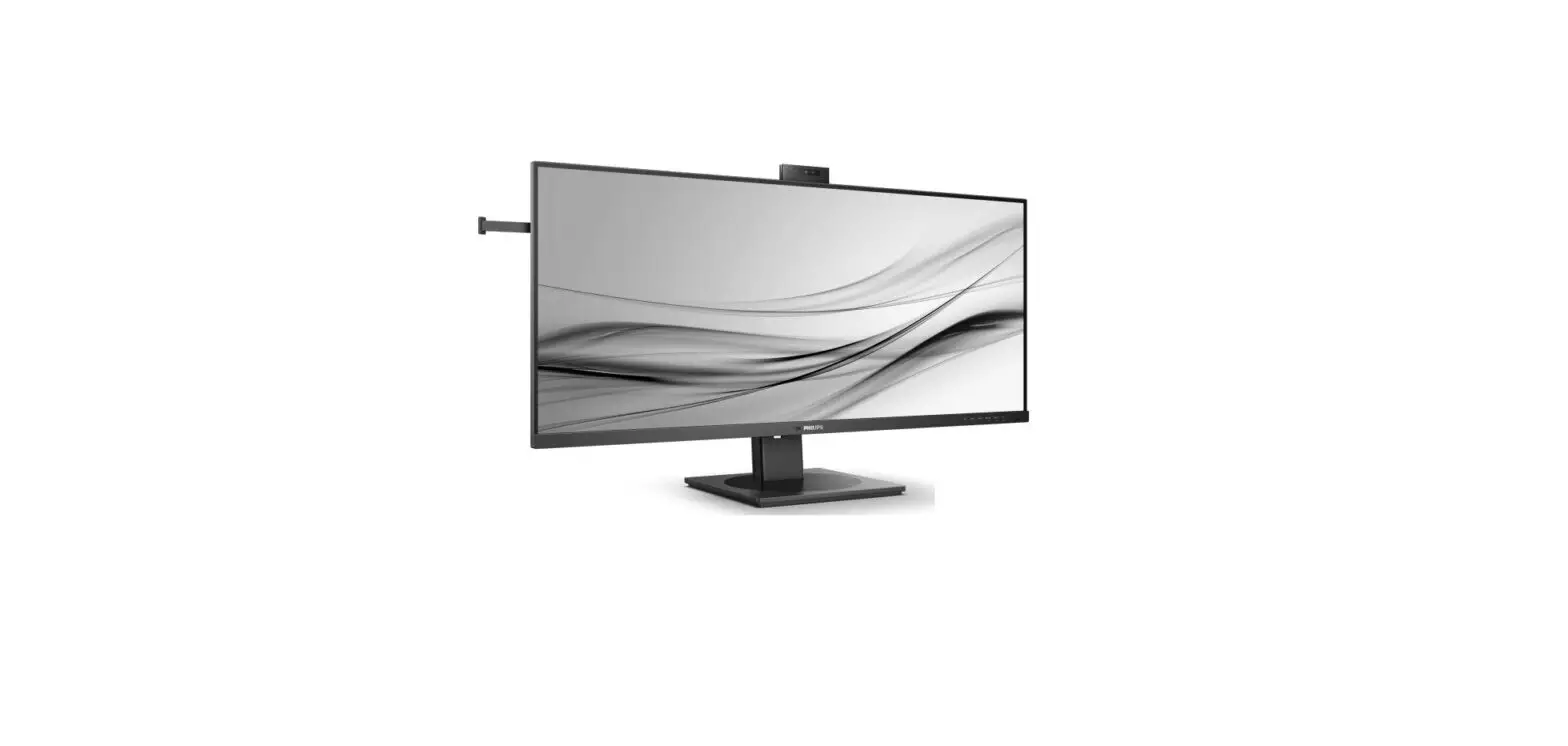
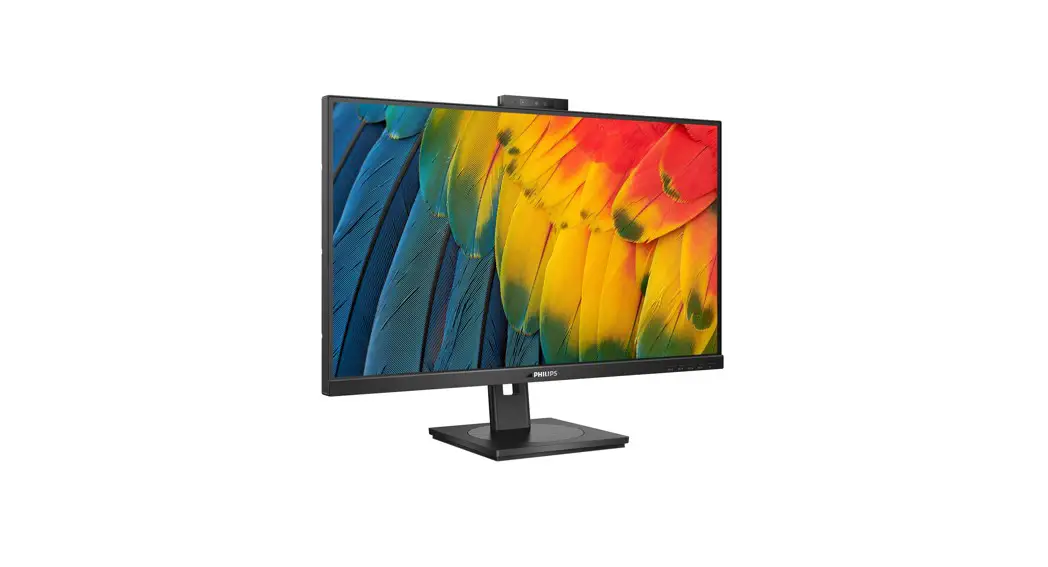
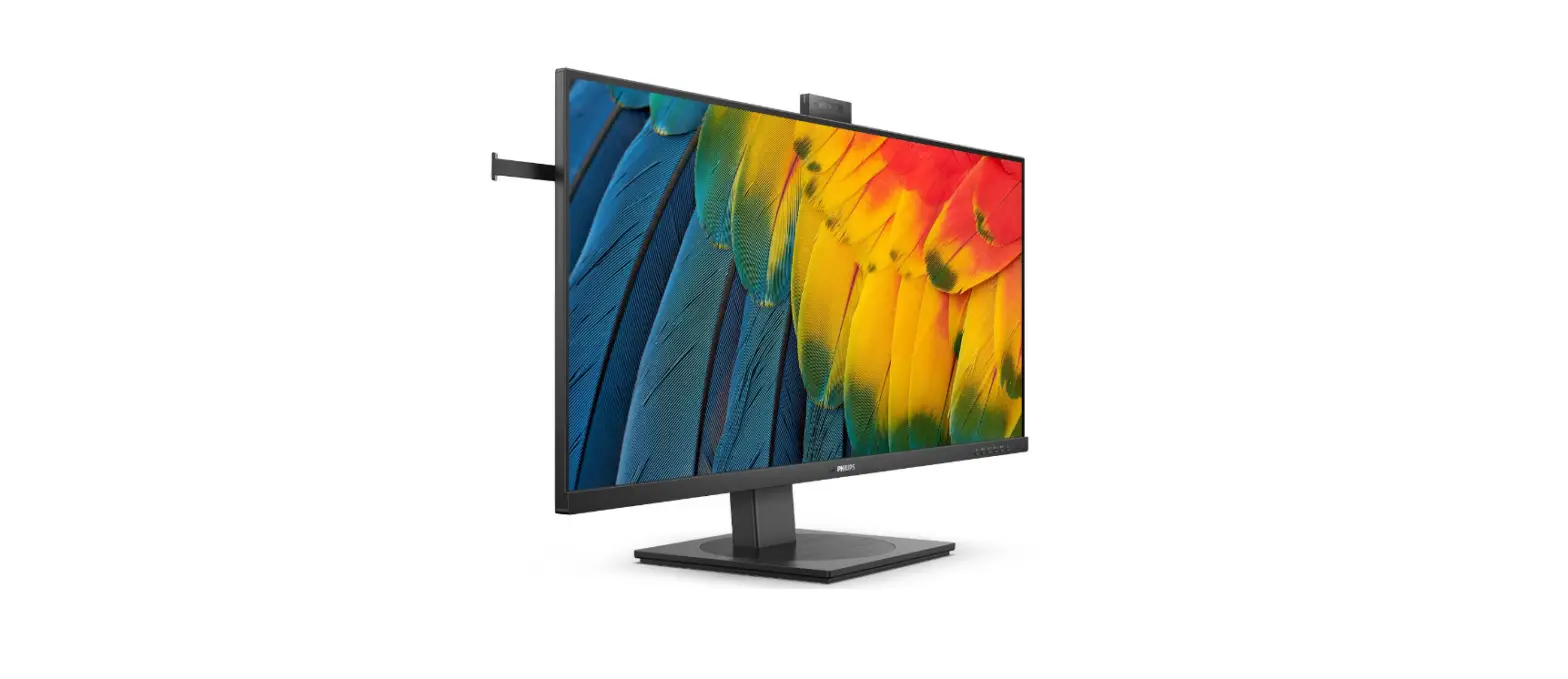
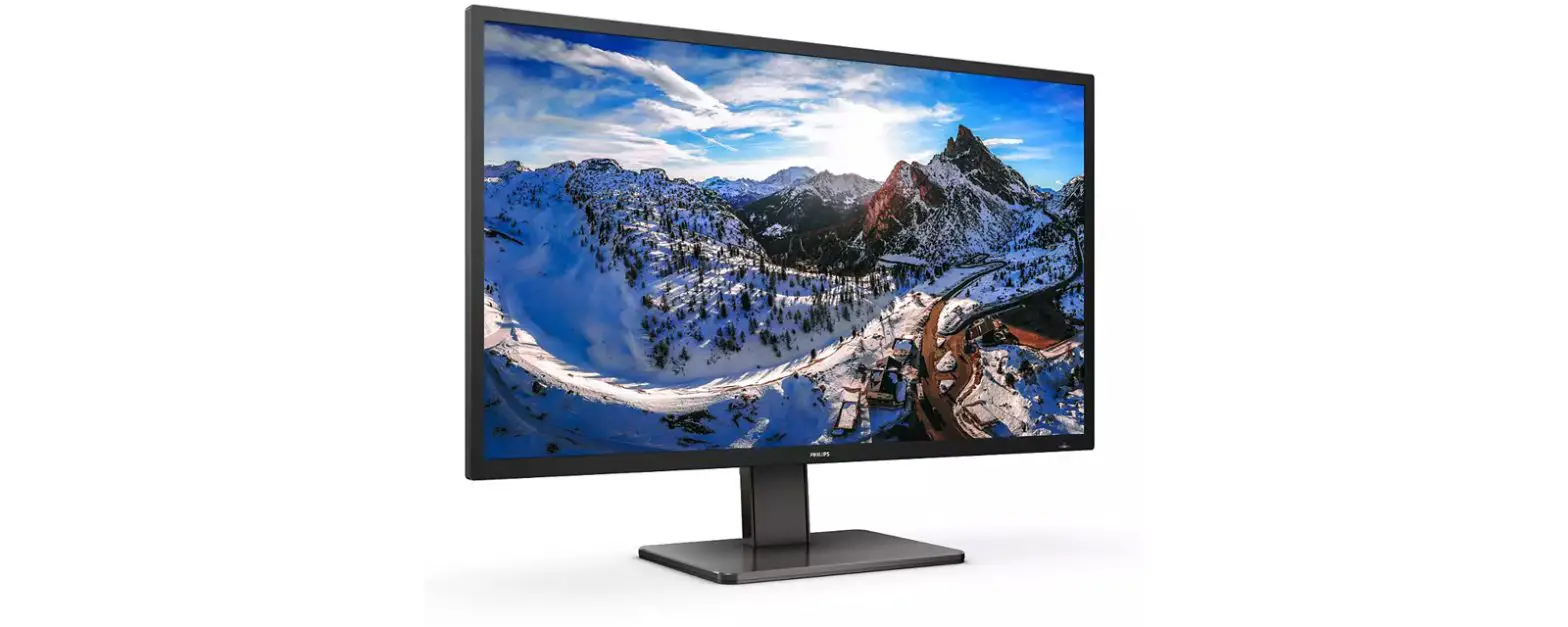
5000 Series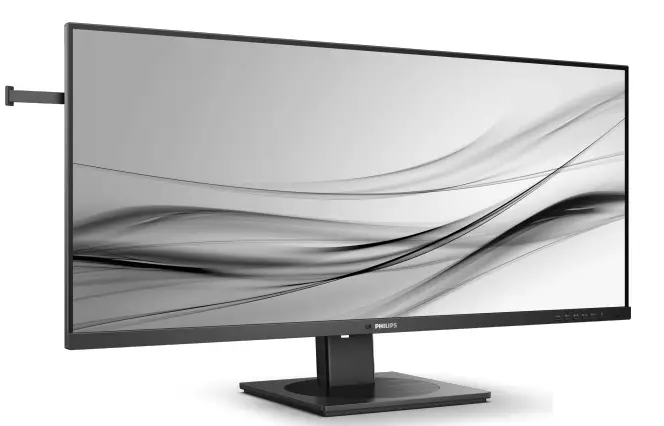 40B1U5600
Quick start
 Contents
 Contents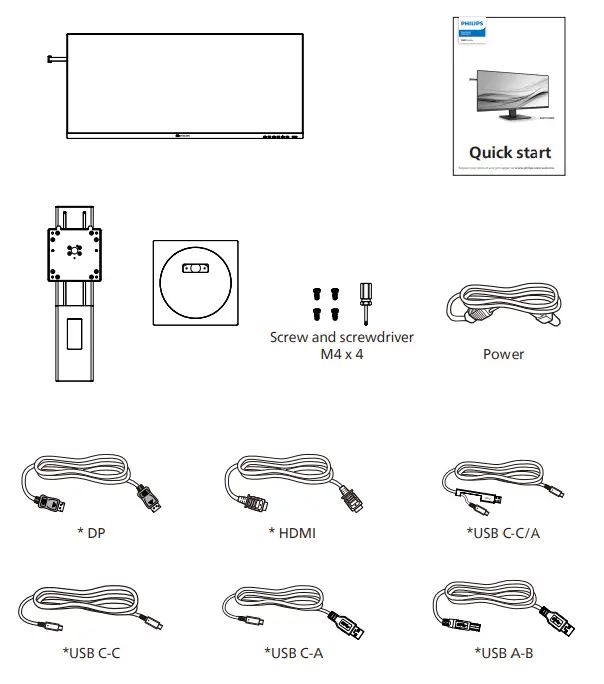
*Different according to region
Display design may differ from that illustrated
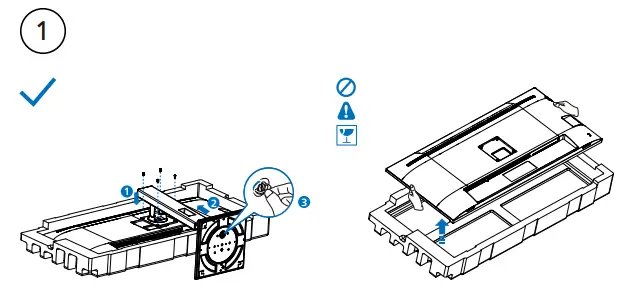
 CAUTION: Place the monitor face down on a smooth surface.
Pay attention not to scratch or damage the screen.
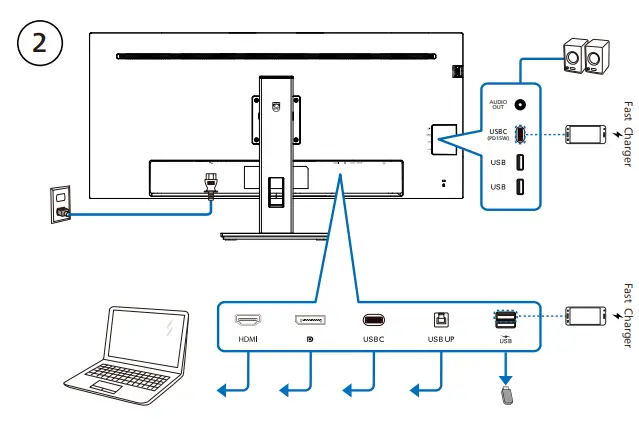
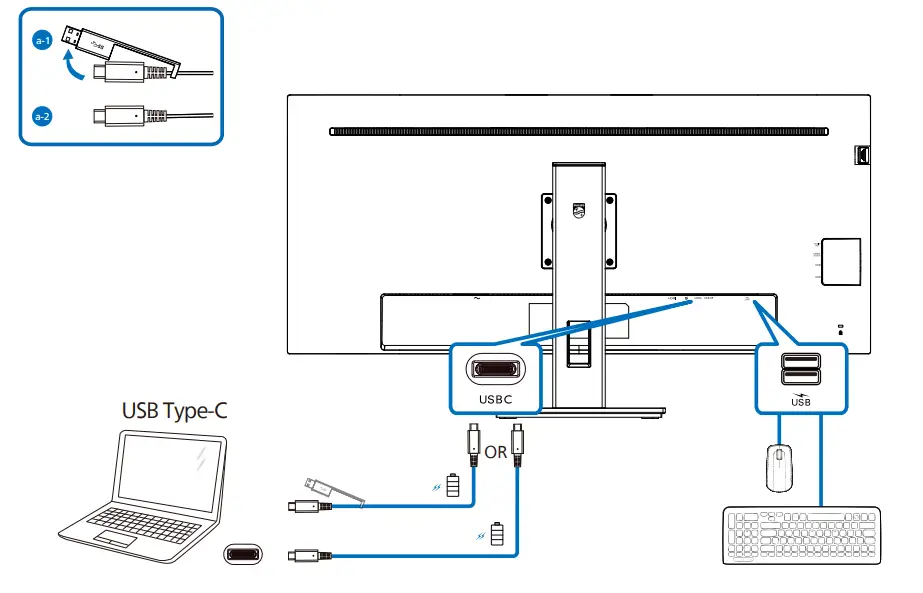
USB C-C
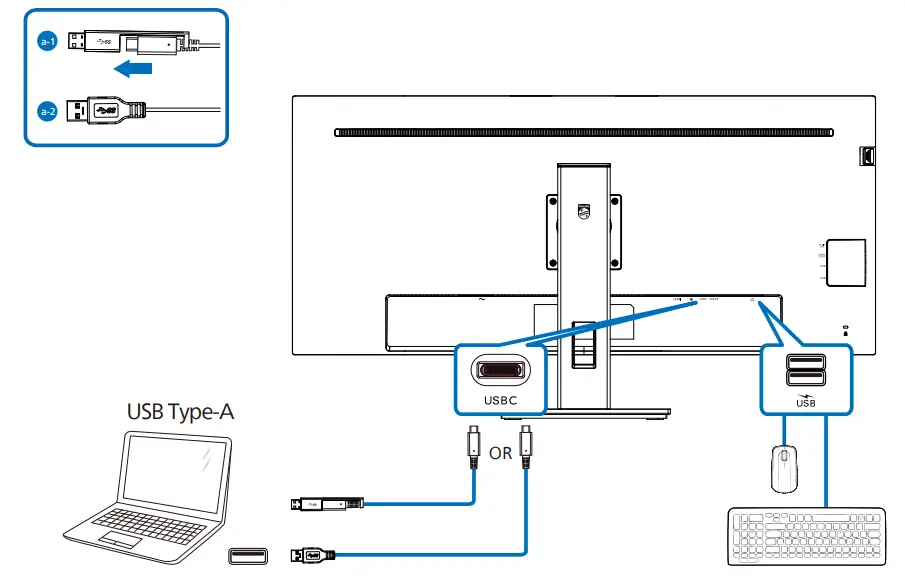
USB A-C
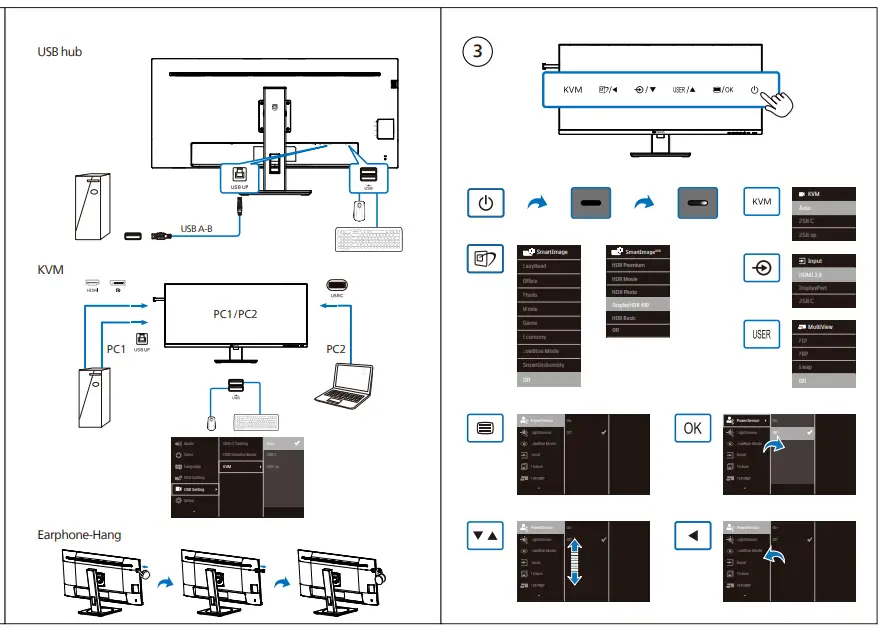
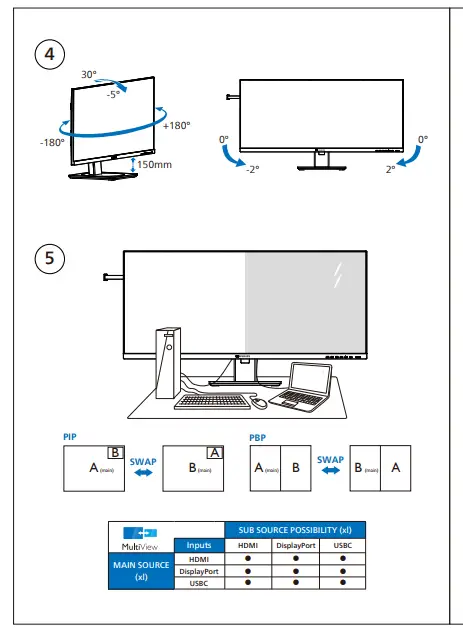
 Register your product and get support at www.philips.com/support
Version: M1140BU5600Q1WWT
2022 © TOP Victory Investments Ltd. All rights reserved.
This product has been manufactured by and is sold under the responsibility of Top Victory Investments Ltd., and Top Victory
Investments Ltd. is the warrantor in relation to this product.
Philips and the Philips Shield Emblem are registered trademarks of Koninklijke Philips N.V. and are used under license. Specifications are subject to change without notice.
Energy Labelling 40B1U5600
 https://eprel.ec.europa.eu/qr/1366224

The terms HDMI, HDMI High-Definition Multimedia Interface, HDMI Trade Dress and the HDMI Logos are trademarks or registered trademarks of HDMI Licensing
Administrator, Inc.www.philips.com
 Printed in China
 Register your product and get support at www.philips.com/welcome
 Philips - United States | Philips