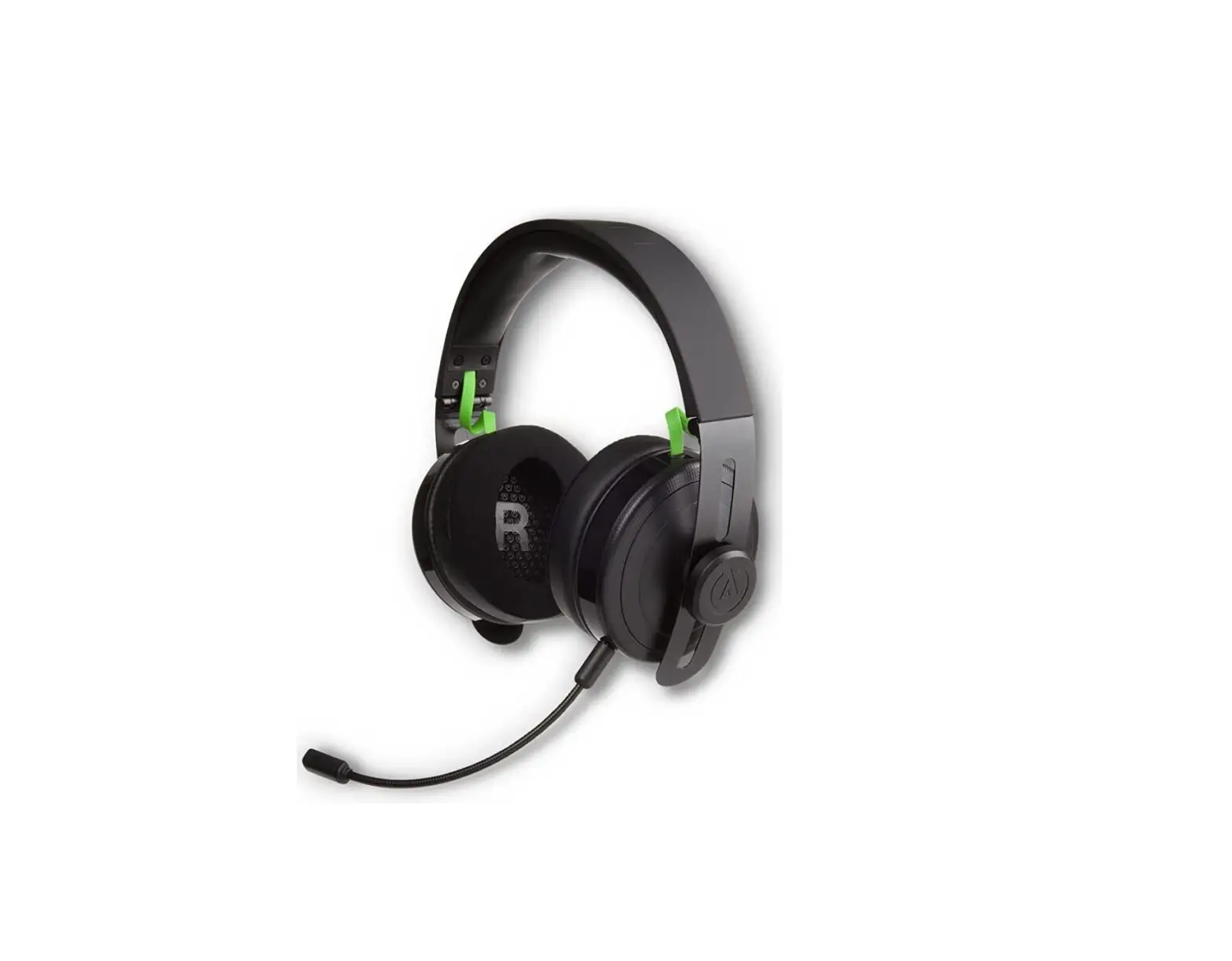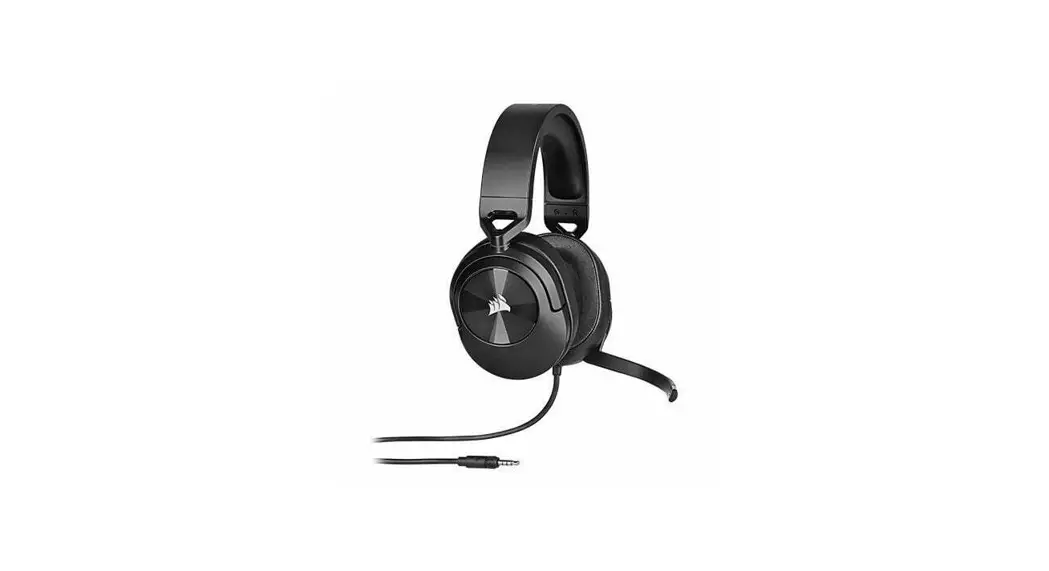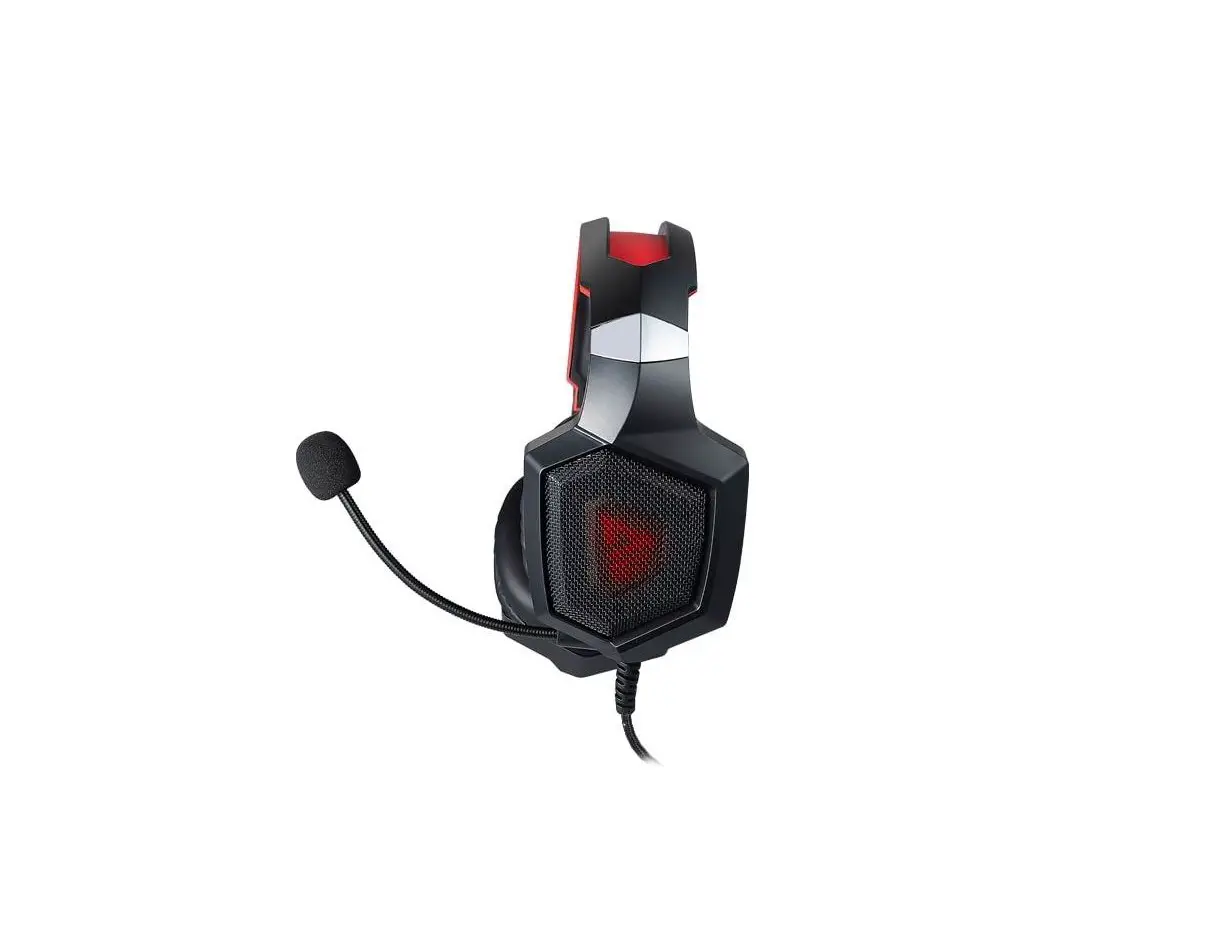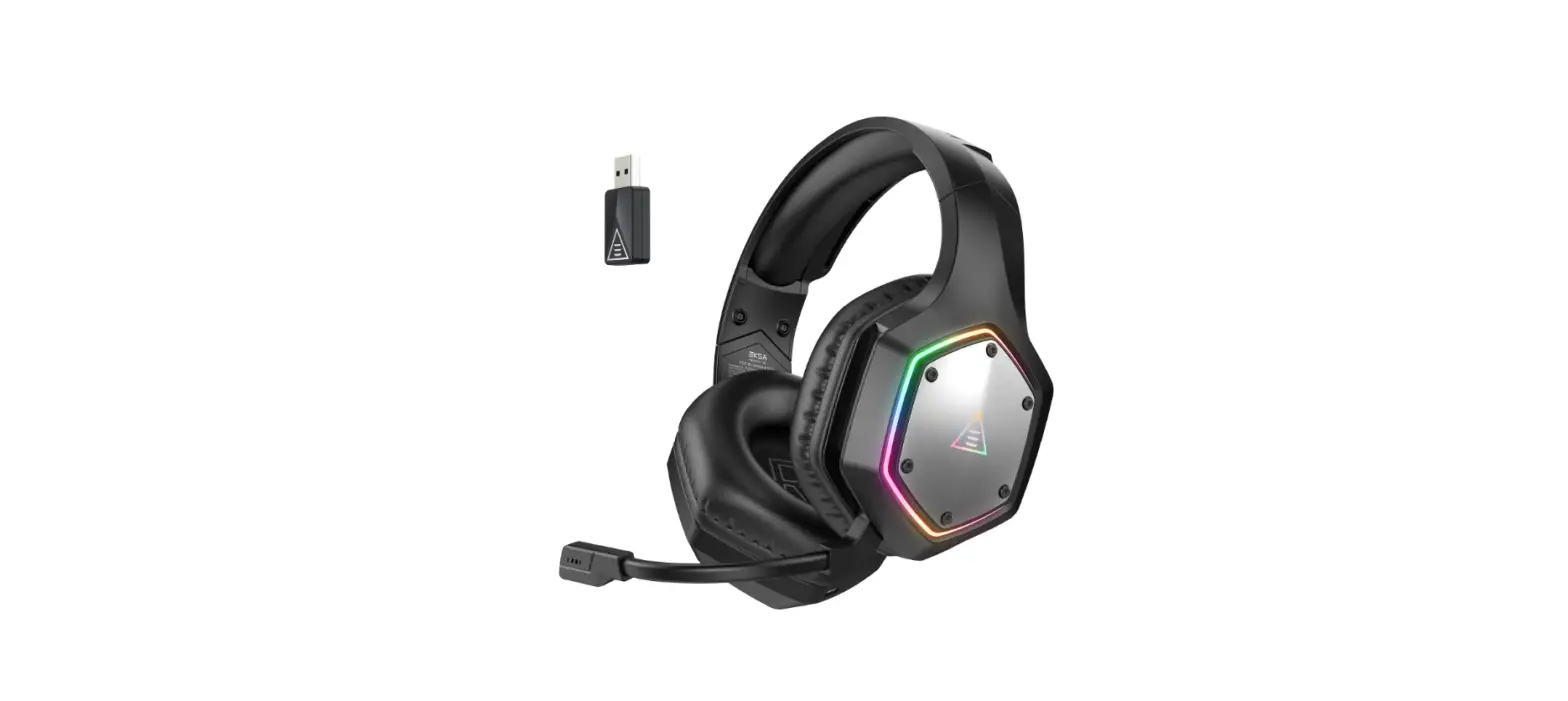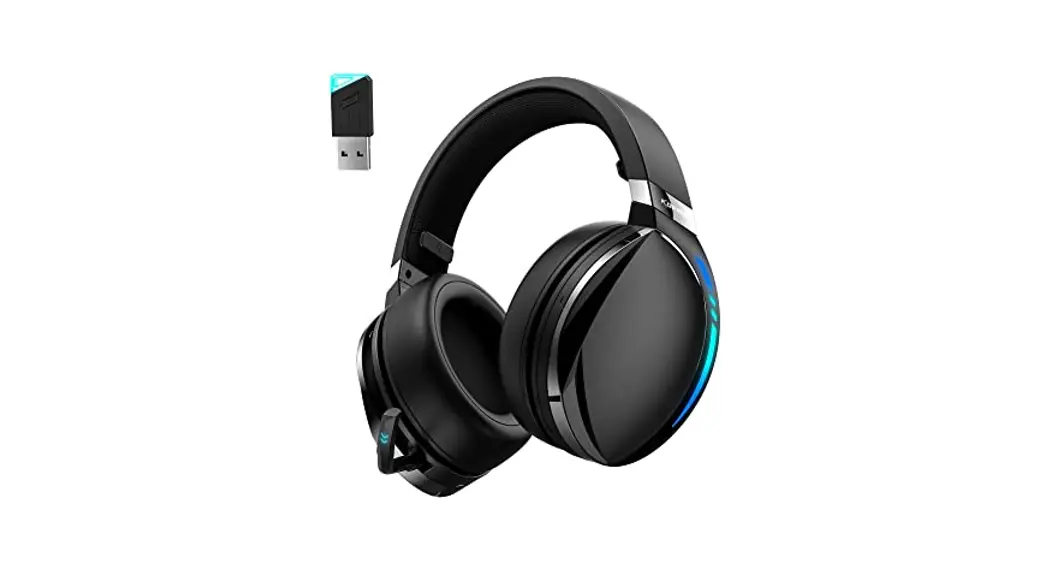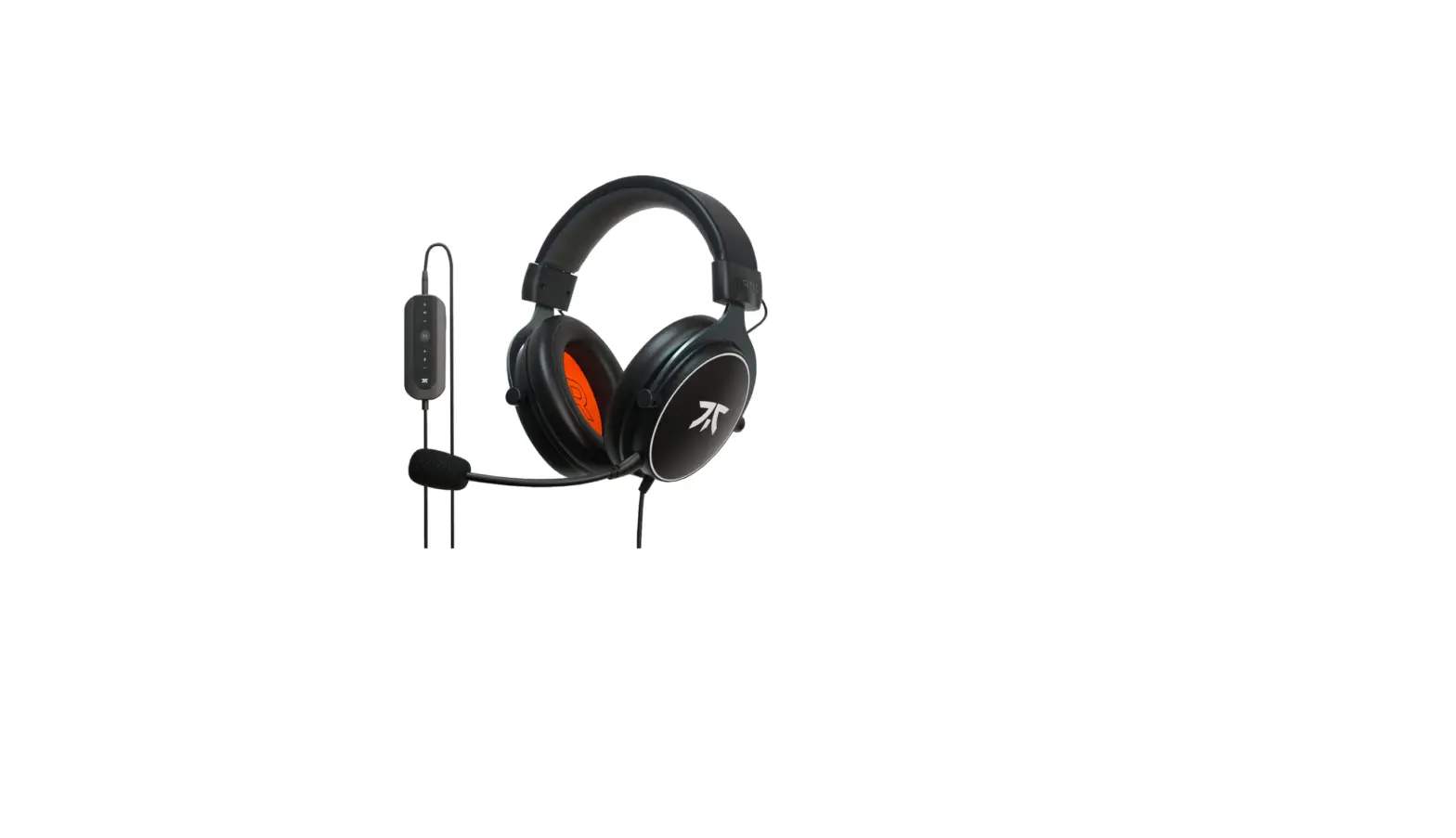

Fnatic HS0004-001 Gaming Headset for Esports
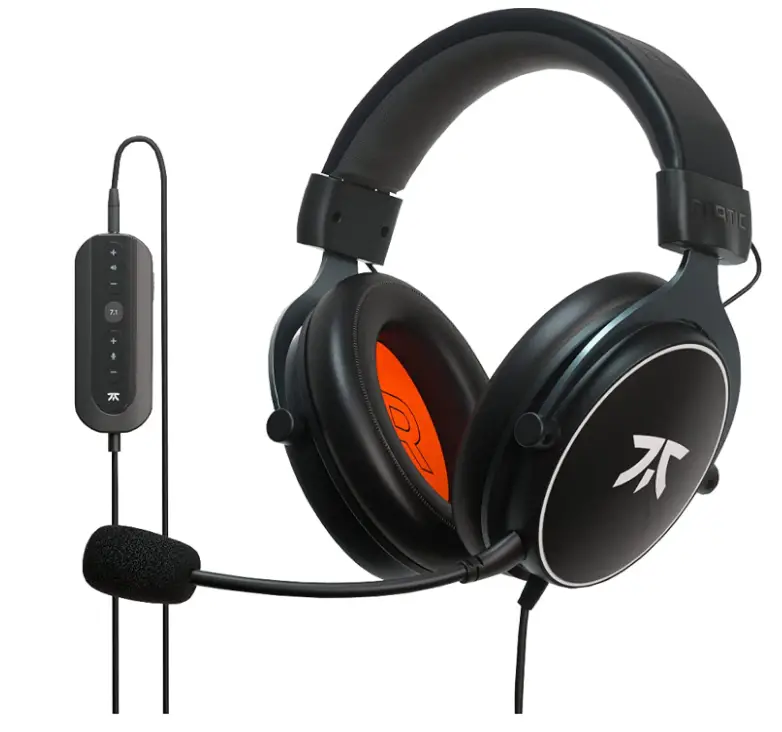
Specifications
- BRAND: Fnatic
- HEADPHONE DRIVER: 53mm (2.09in)
- FIT: Over-ear
- AUDIO: Stereo & USB
- SURROUND SOUND: Virtual 7.1
- FREQUENCY RESPONSE: 20Hz-40kHz
- IMPEDANCE: 23 OHMS
- CABLE LENGTH:94ft + 5.25tf extension (1.2m + 1.6m USB extension)
- PRODUCT DIMENSIONS:93 x 3.78 x 8.07 inches
- ITEM WEIGHT: 15 ounces
- DRIVERS: 53mm
Introduction
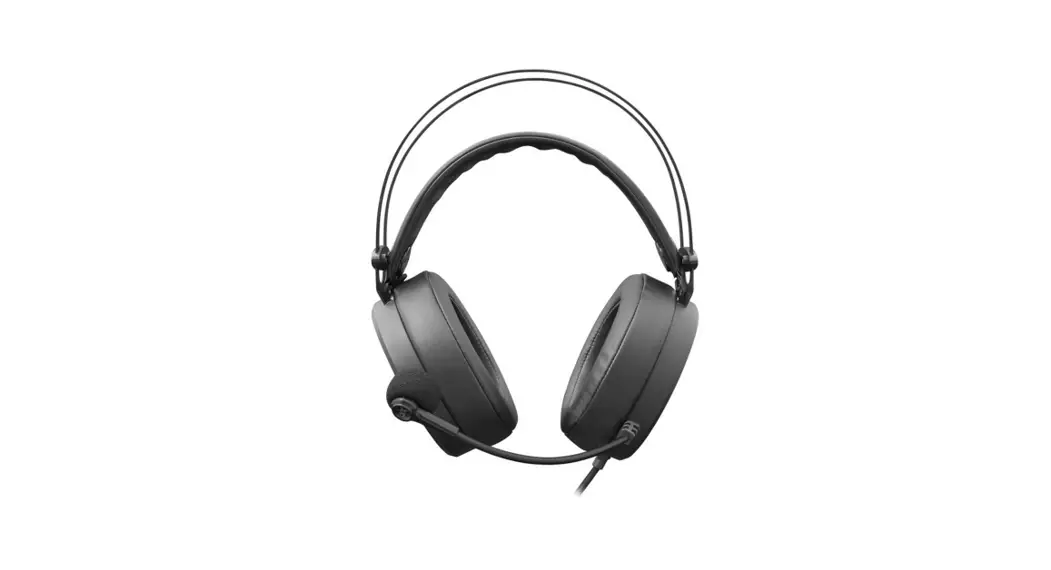
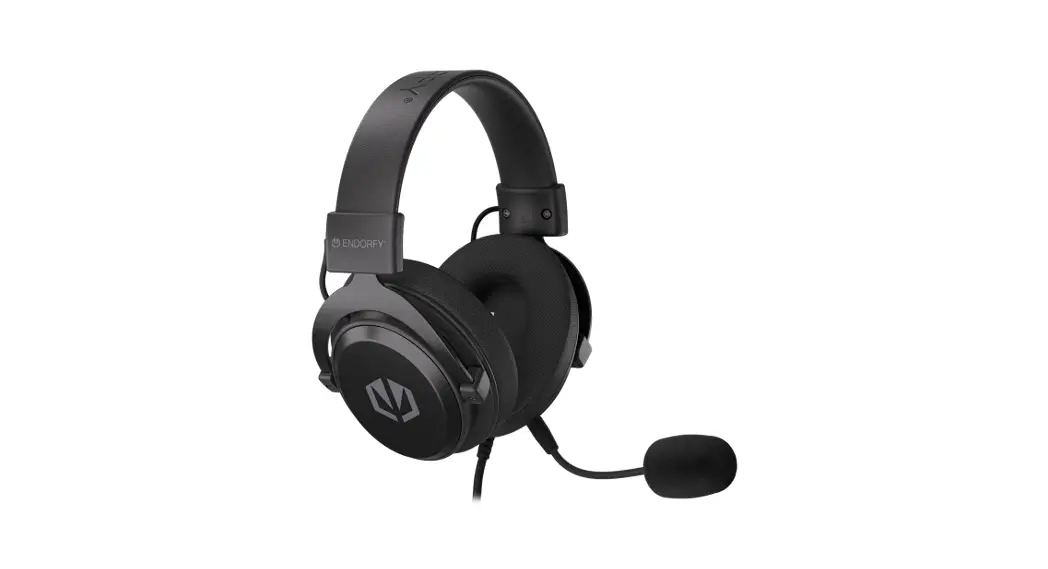
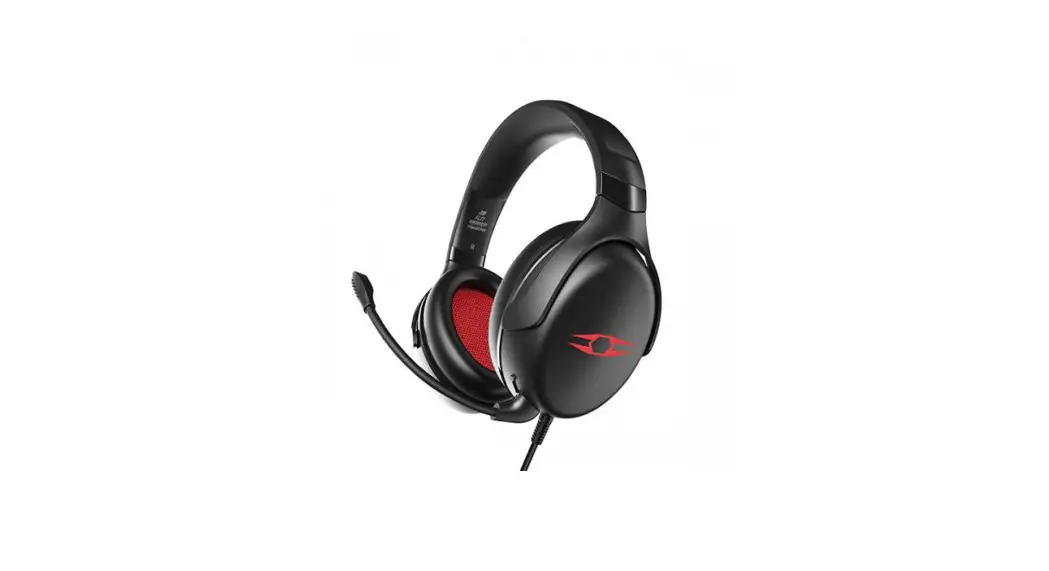
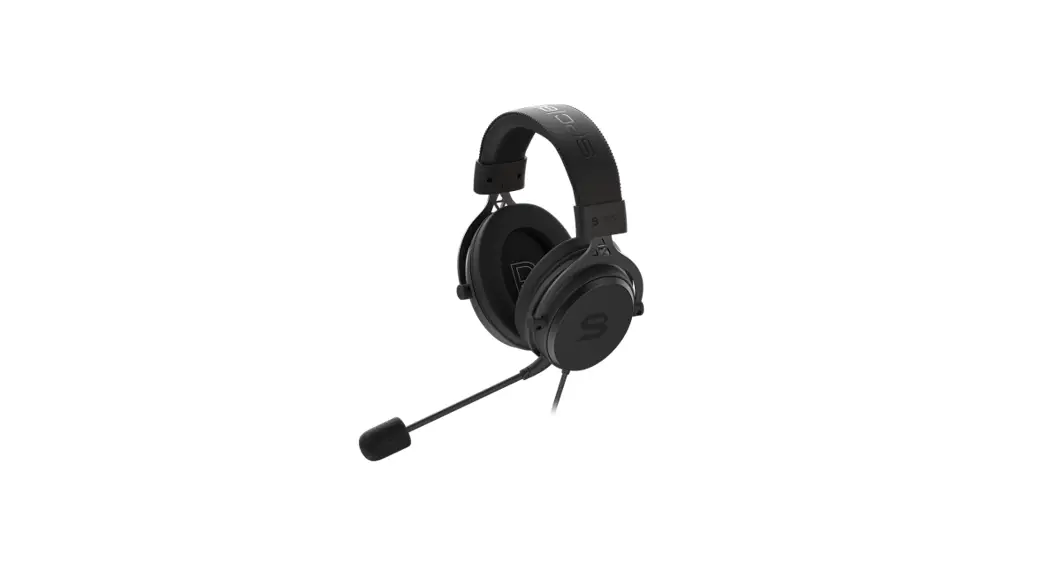
The REACT+ headset has been created to provide gamers the best possible acoustic edge. Clarify the most crucial sounds when communicating with teammates in crystal clear sound. It is a headset made with performance in mind. The REACT+ includes a cutting-edge USB 7.1 sound card with separate controls for the microphone and audio output. Additionally, this model has earpads made of both protein leather and velvet.
WHAT’S IN THE BOX
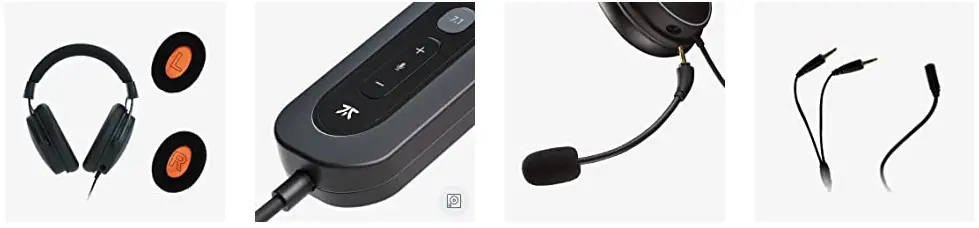
- REACT headset + 1x extra set ear velour pads
- 1 sound card – 3.28ft USB cable
- Detachable broadcaster microphone
- 56ft long splitter cable
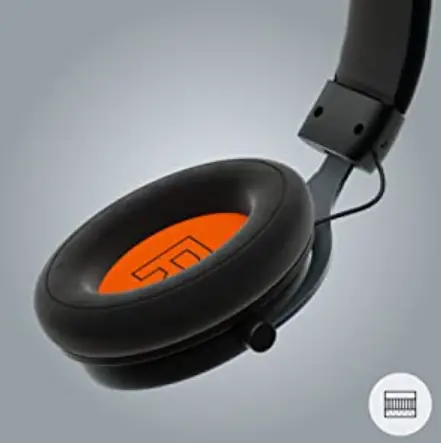
Soft ear pads made of cloth called velour are more breathable, keeping your ears cooler. You can hear more of your surroundings because the sound is more open.
FULL AUDIO CONTROL
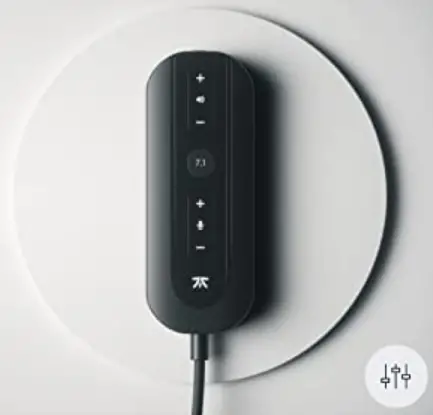
Dedicated buttons for adjusting the sound and microphone volume, as well as a switch to mute the microphone. With the touch of a button, switch between 7.1 experiences.
PLUG AND PLAY
The potent XP USB sound card includes our unique virtual 7.1 and is completely plug and play. No further software will need to be downloaded or installed.
FNATIC’S CUSTOM-TUNED 7.1
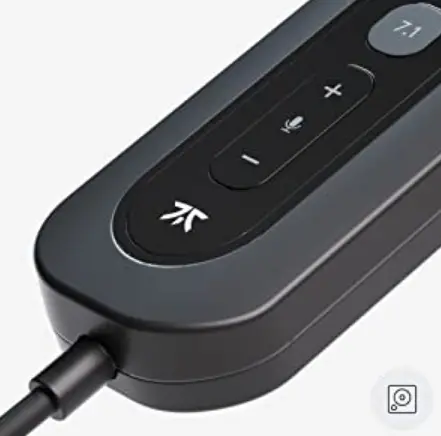
In addition to offering a vast gaming experience, our esports-tuned surround sound is also the most fiercely competitive virtual 7.1 yet. The REACT’s stereo sound characteristic serves as a foundation for the USB virtual 7.1, which seeks to minimize sound distortion.
AMPLIFIED AUDIO
A robust USB sound card has a DAC that amplifies music and volume. The built-in sound system on your motherboard is outclassed by the XP Sound Card.
HOW TO CONNECT TO PC
- Verify the physical audio output of the computer.
- Examine the connectors for your gaming headset.
- Connector into Port: Insert.
- Set up the PC’s sound output.
- Perform a mic check.
FAQs
The REACT+ has a cutting-edge USB 7.1 sound card that works solely with Windows. The key differences between this headset and the normal React headset, which lacks the 7.1 sound card and the Velour Ear pads as an extra set, are that this headset includes both Protein Leather and Velour Ear pads.
On our REACT+ products, we provide a two-year warranty. If you purchased the extended warranty, which is occasionally provided through the Amazon website, you would need to contact Amazon Support to find out how to make a claim.
Please be aware that the soundcard does not support this feature.
Since the Fnatic React is an analogue stereo headset, virtual surround sound is not an option.
Plug-and-play USB headphones, which enable you to conduct calls and have conferences without background noise, are a perfect companion for any stay-at-home professional, according to our research.
In LAN events, professional players occasionally don two headsets to promote a sponsor’s goods and use the outer headphones given by the organizers to block out outside noise.
Any common headset is compatible with Microsoft Teams.
You may speak with your online gaming teammates or friends using the built-in microphone on gaming headsets.
But to address the query, are gaming headsets suitable for music listening? It’s not recommended to use gaming headsets for music listening.
But because there are fewer chances of signal loss or interference, gamers often favor wired headphones.
Pro gamers primarily use headphones and earbuds to enhance team communication. The outer headphones allow you to hear your teammates while isolating any distracting noises.
A gaming headset has a two-year lifespan. Gaming headsets begin to have problems after two years.
Therefore, it makes sense for the microphone to be on the left as well so that the cable won’t have to go all the way to the right side, thereby simplifying the wiring.
Using a collaborative program like Microsoft Teams, Zoom, 88, etc., the same thing applies. There is only one audio source available.
select Settings > Devices from the drop-down menu in Teams, which is located above your profile image. Choose Call a test number under Audio devices.