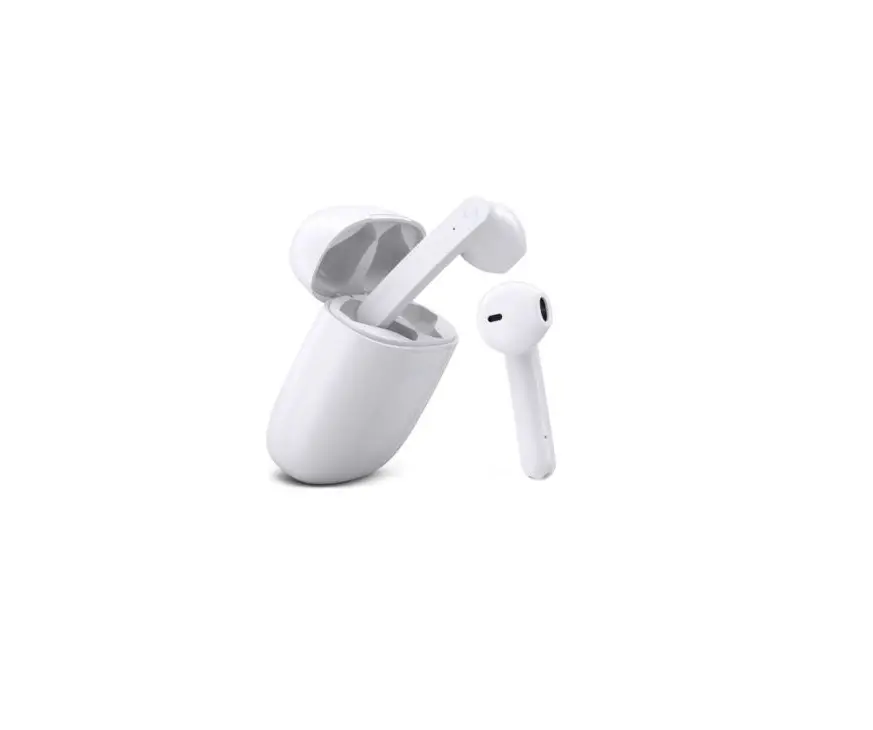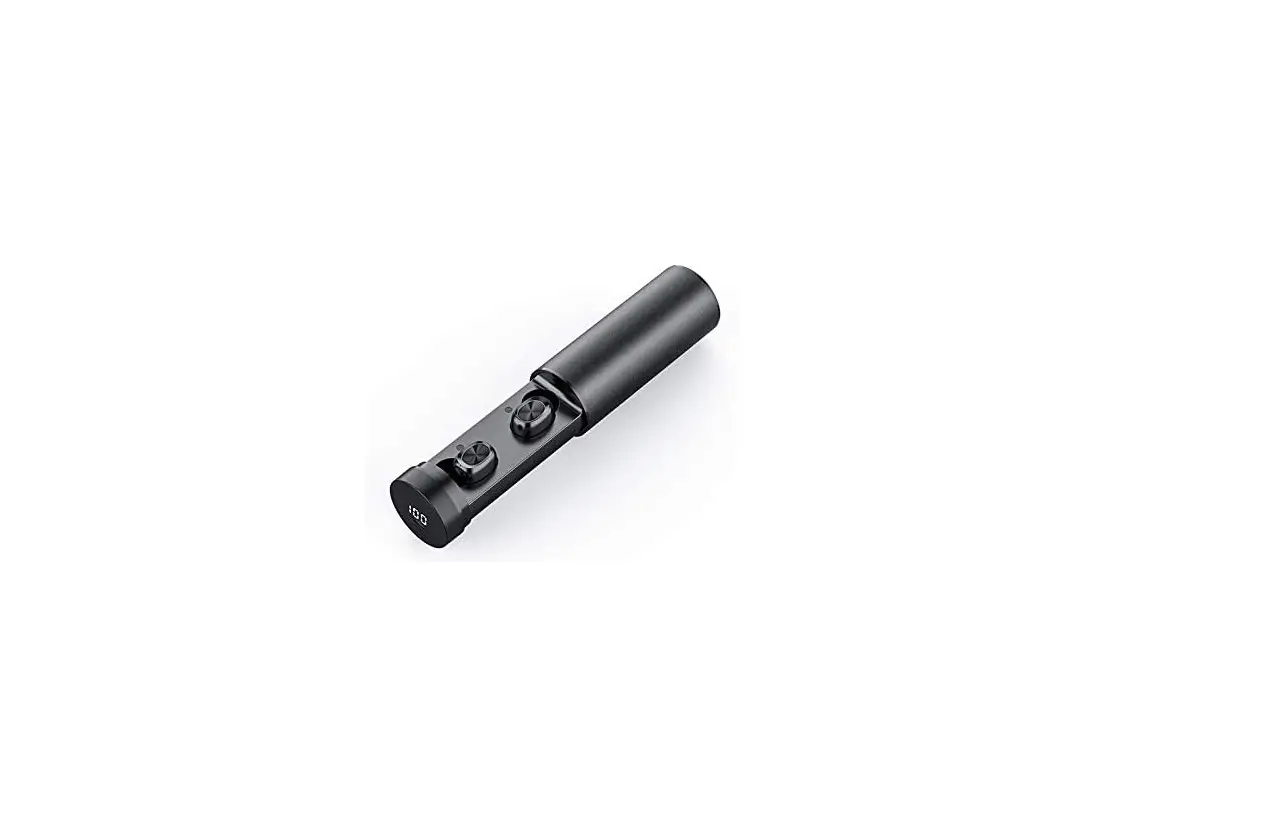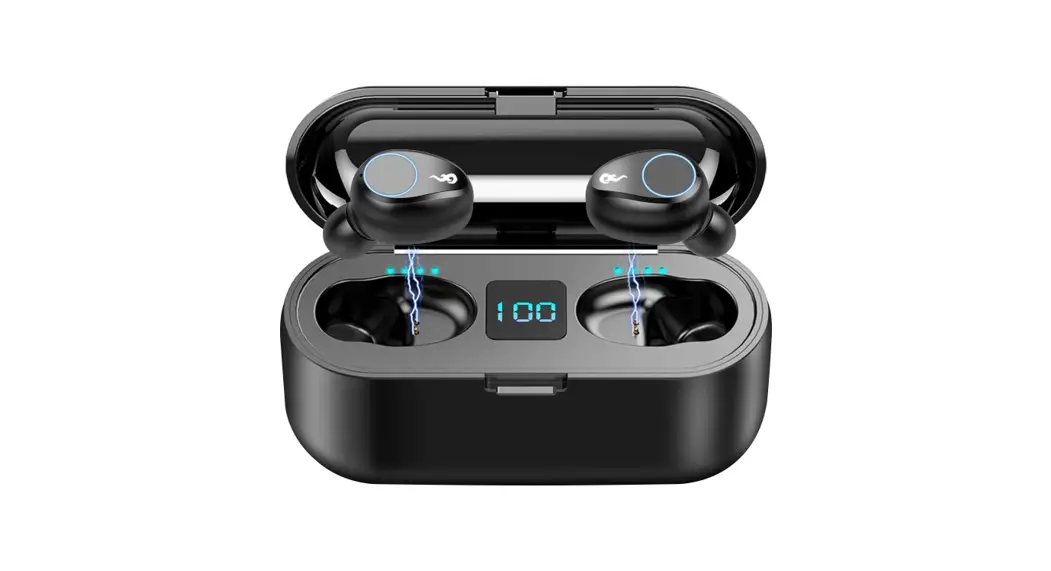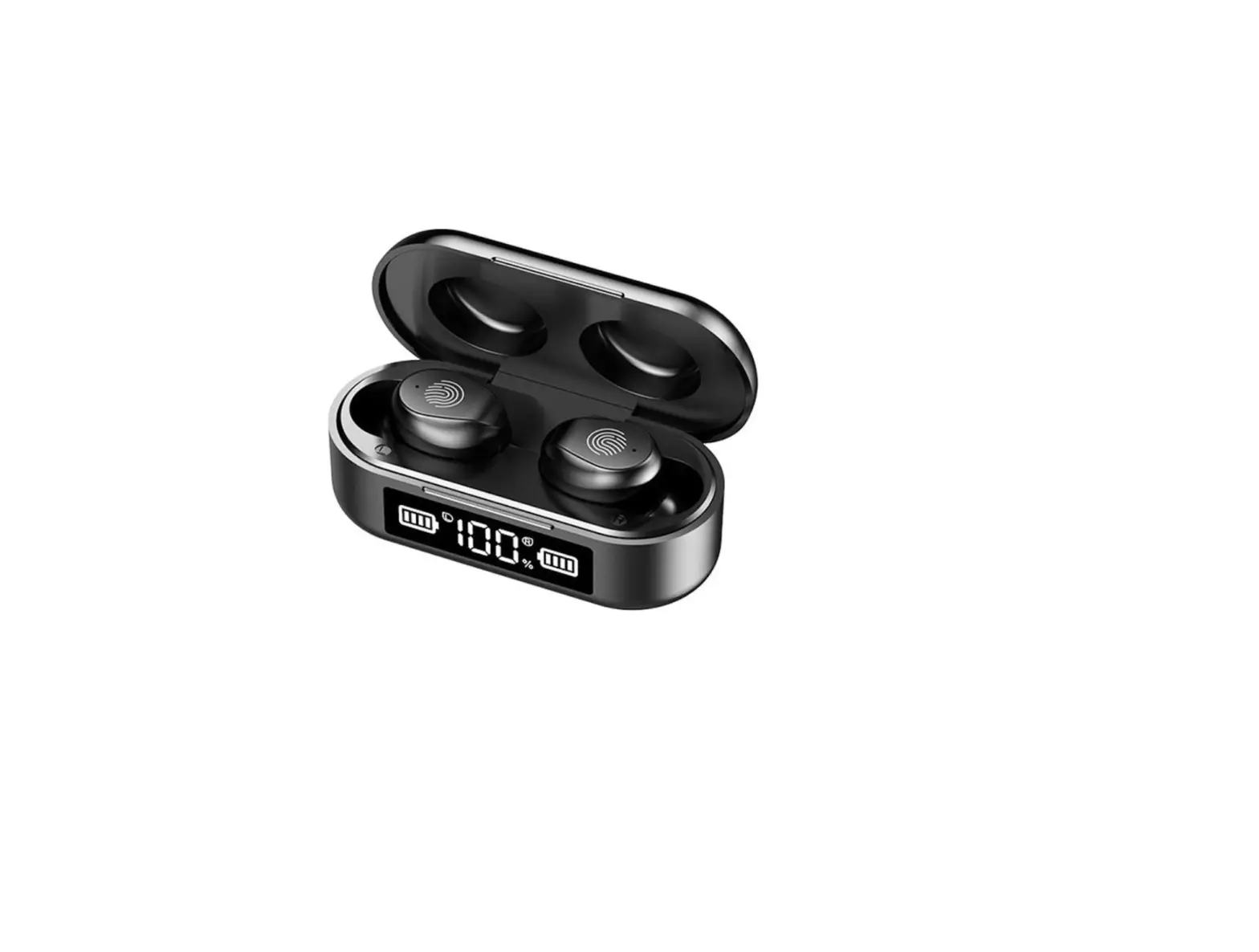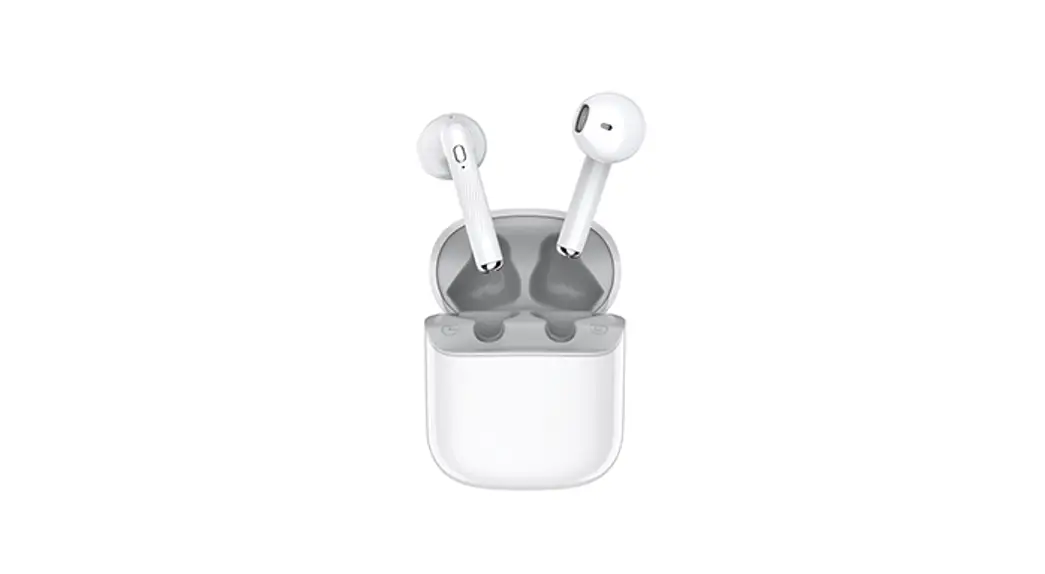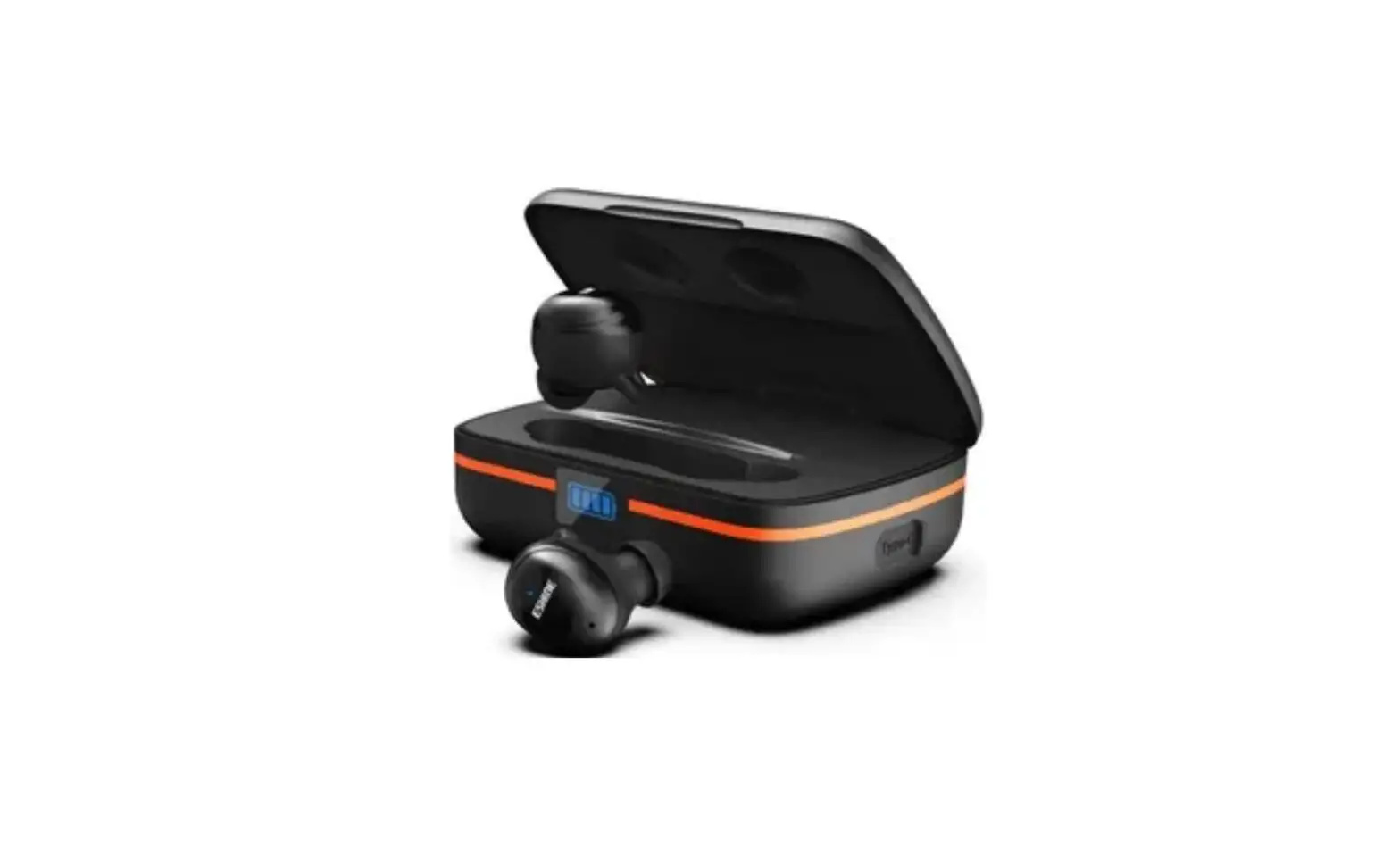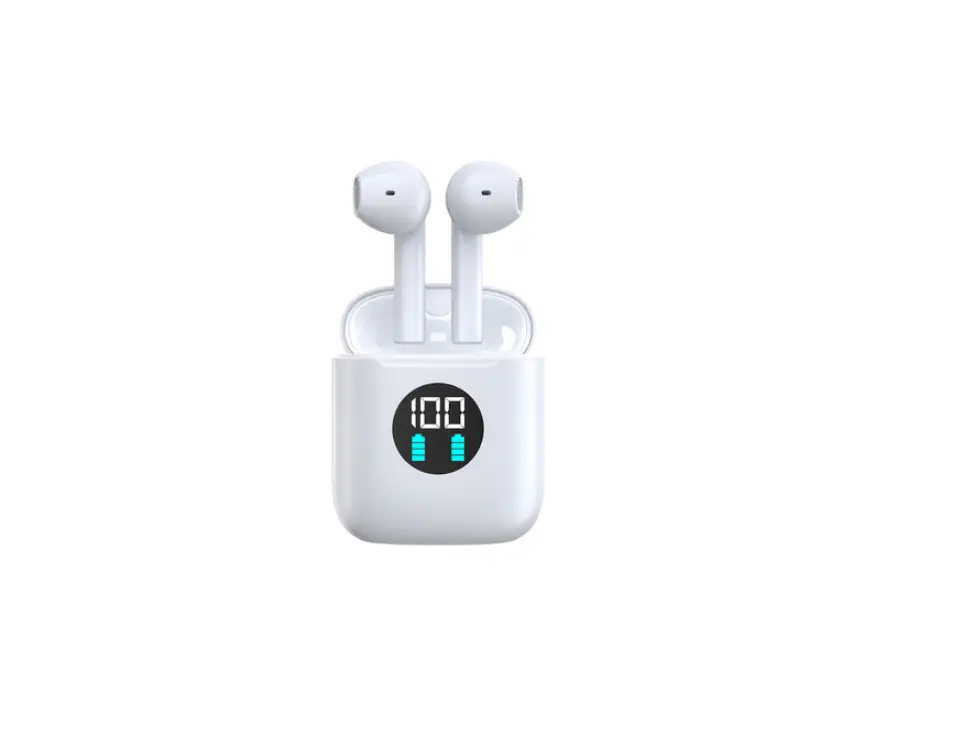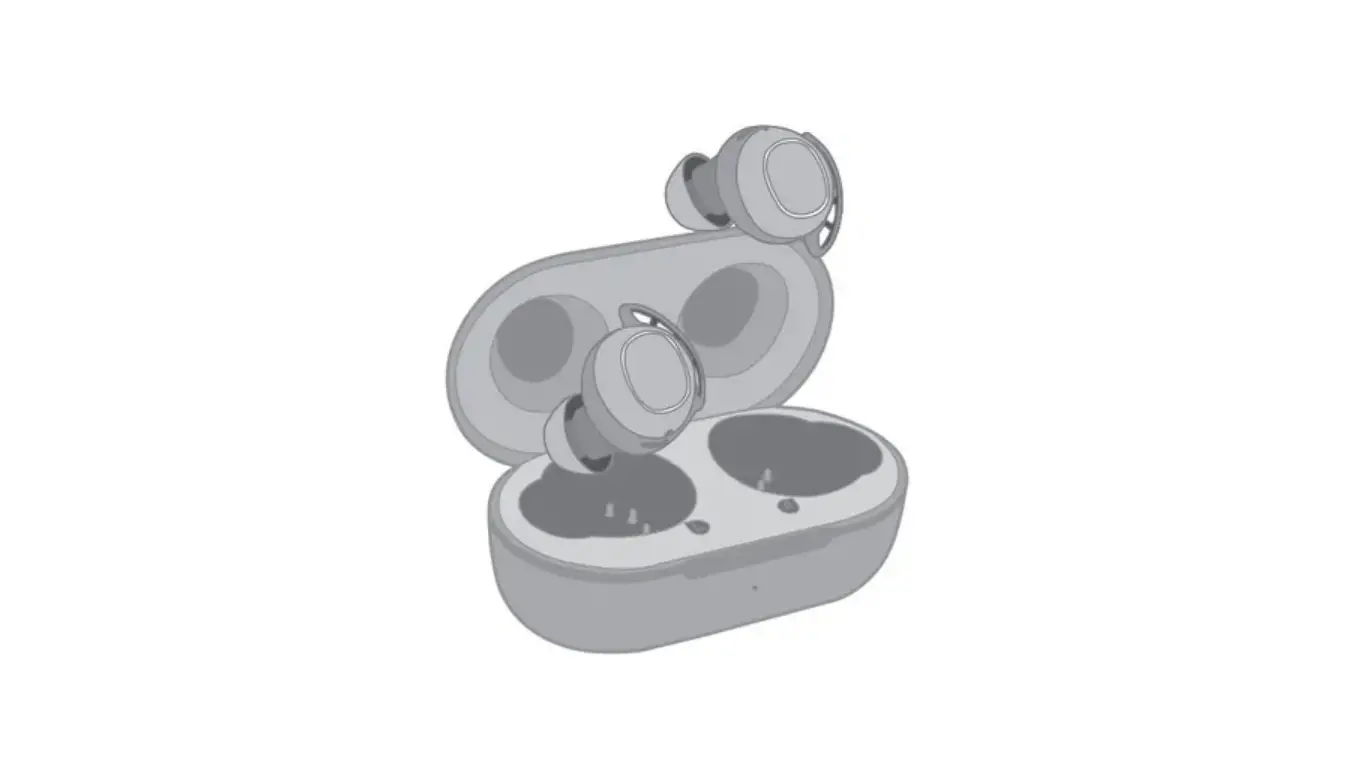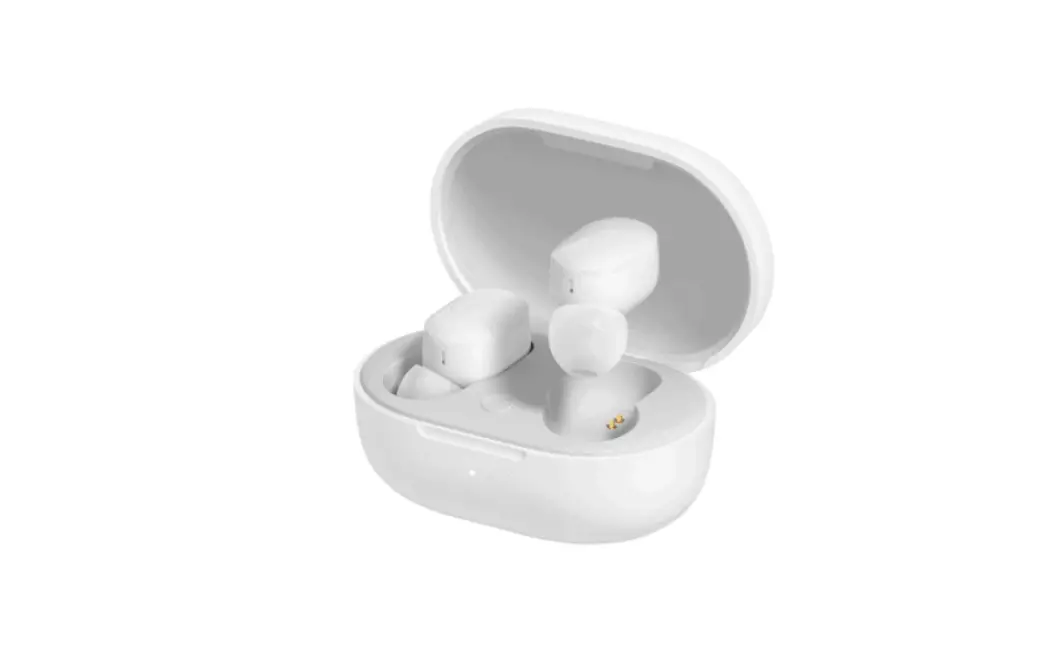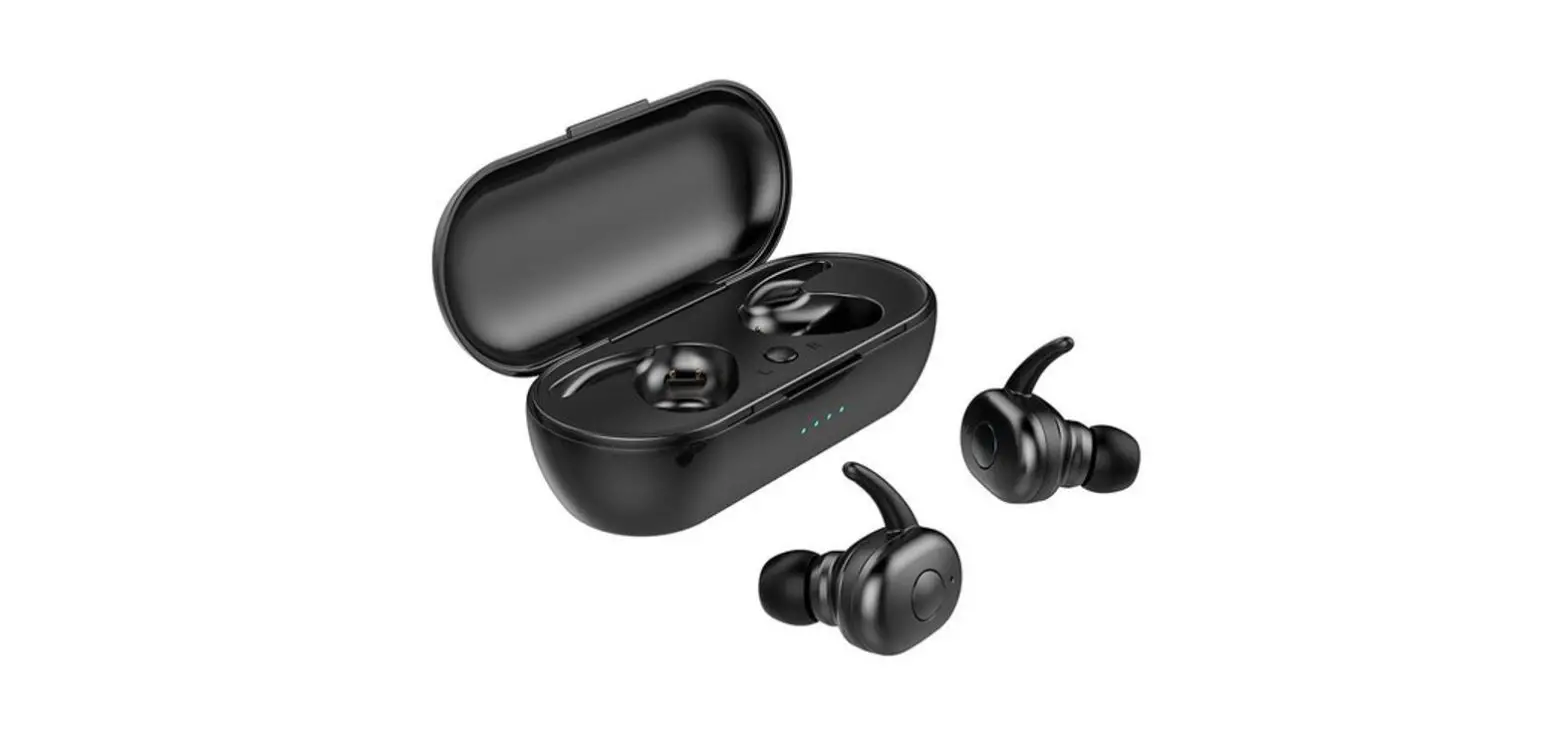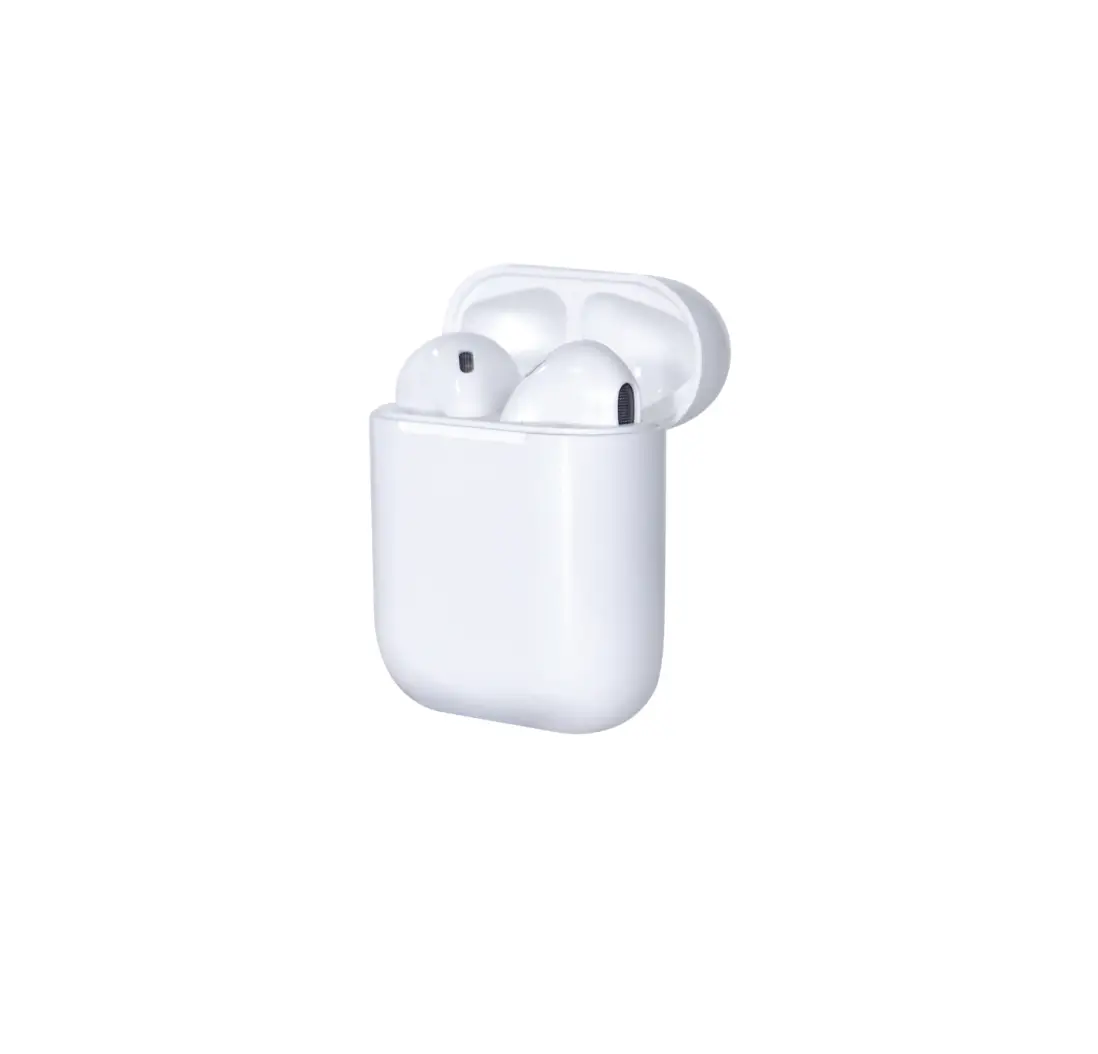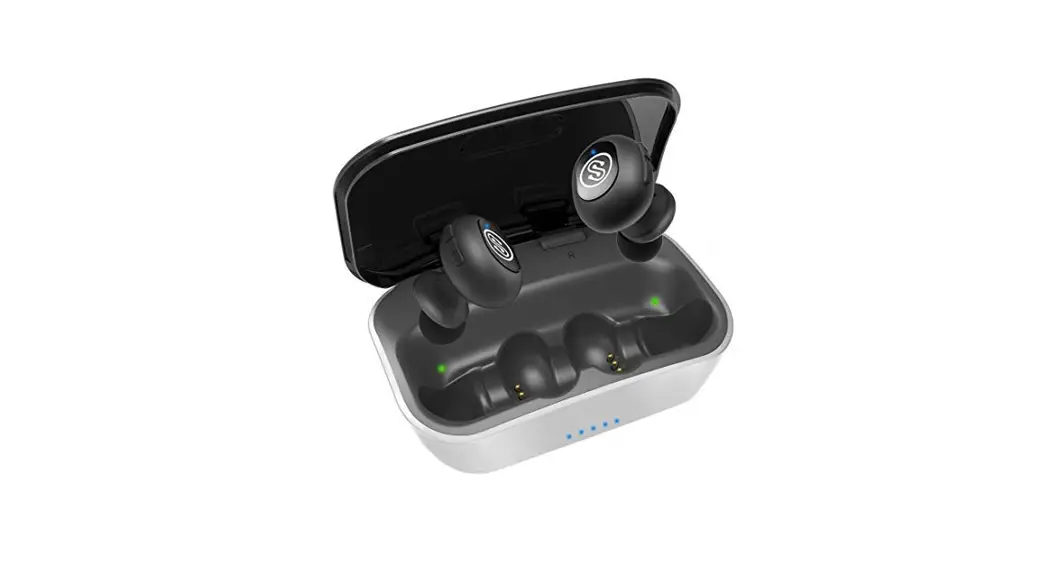

A9 True Wireless Earbuds
User Manual
Overview
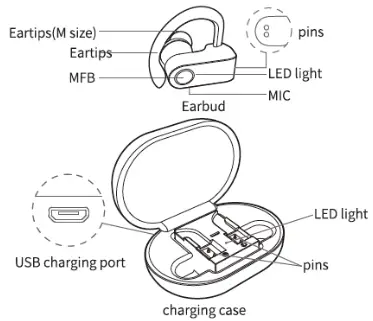
For initial use, make sure the earbuds and case are fully charged.
Charging the Case
Please charge the case via USB cable.
The led light flashes green while charging; The green light keeps constant after a full charge.
Activating Earbuds and Charging Earbuds
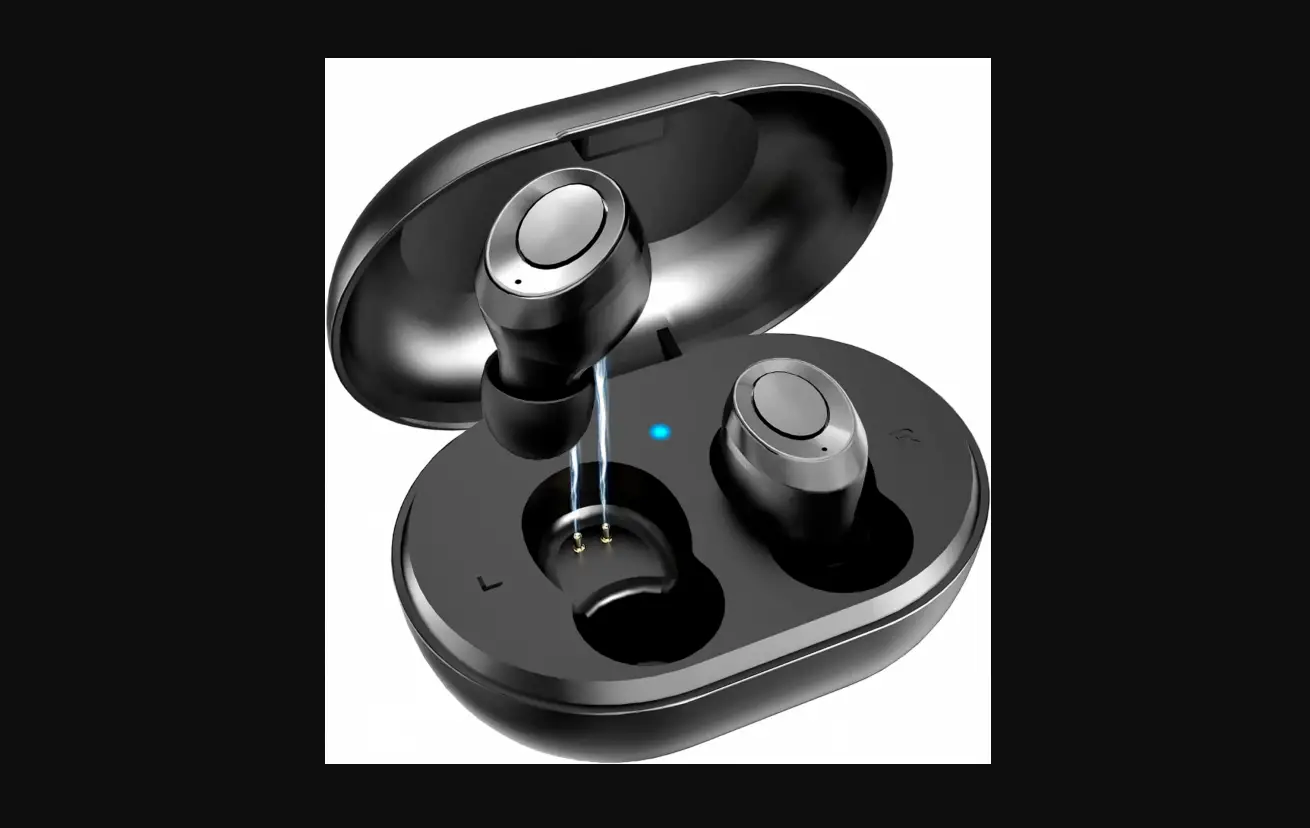
Put both earbuds into the charging case to activate and charge them. ( pins need to be well-contacted).
The LED light will turn on red while charging and it turns off when the earbuds are fully charged.
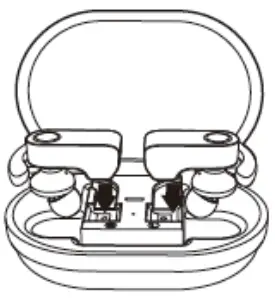 TWS Pairing and Connection with Cell Phone
Take both earbuds out of the case at the same time and they will auto-power on after 2-3 seconds. Both earbuds will auto-pairing, at this moment the light on one earbud flashes green and the light on the other earbud flashes red &green alternately.
Search for”JHO-A9″ in the cellphone and tap to connect both earbuds with a cellphone.
Please insert both earbuds into the charging case and repeat the above steps if the earbuds fail to connect. 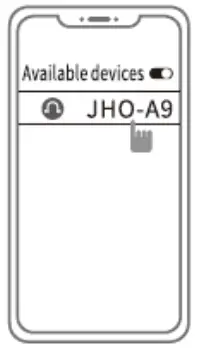
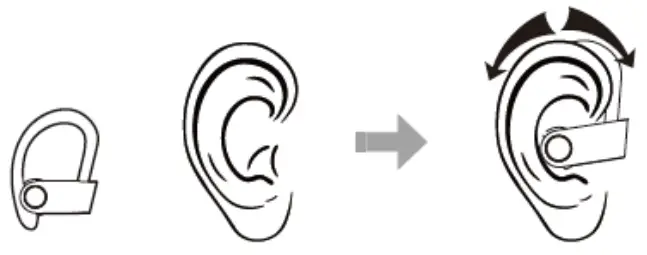
Wearing Earbuds
Functions
Power-on
Method 1: Take out both earbuds and they will auto-power on. ( LED light turn on green)
Method 2: Press MFB for 2s to power on( LED light turn on green)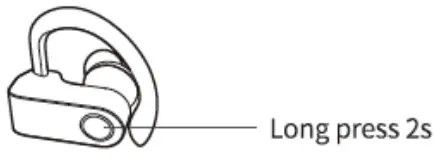 Power-off Press and hold MFB for as to power off(LED turns on red for 2s)
 Reject Call
Press MFB is to reject incoming calls.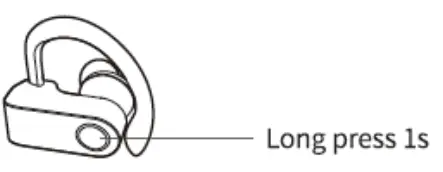 Answer Call/Hang off
Press MFB to answer the incoming call and press again to hang off it.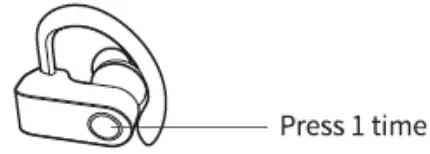 Playback/ Pause
When playing music, press MFB to pause it and press again to play it.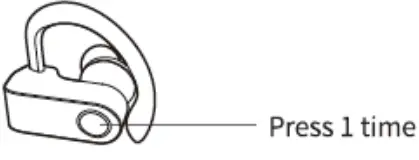 Next Song/Previous Song
When playing music, double press MFB on any earbud to skip tracks backward(previous song), double press MFB on any earbud to skip forward(next song)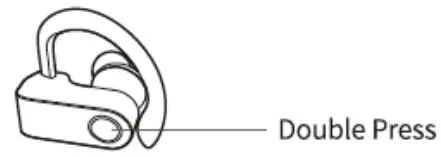
When playing music, press MFB on any earbud 3 times to get the volume down or up.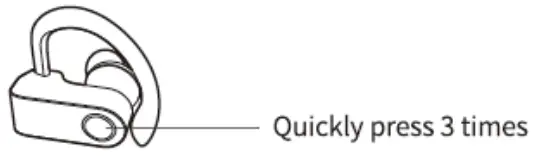 Voice Assistant
When standby, press and hold MFB for is until the “beep” sound happens to activate the voice assistant( Like Siri).
( If Earbuds fail to connect with cellphone, no sound in left earbud or right earbud)
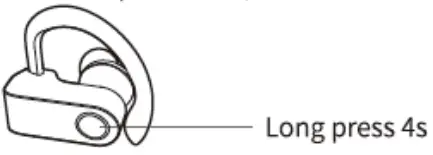
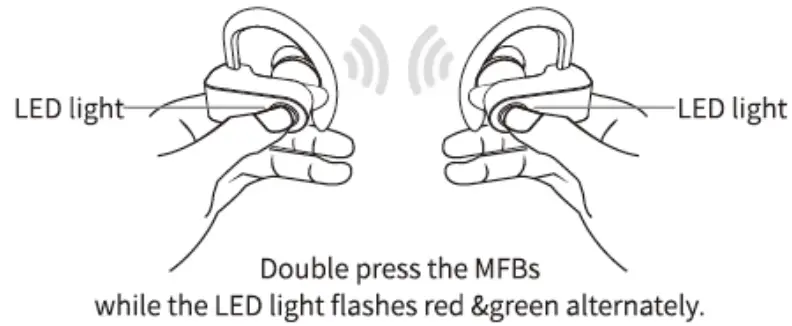
- Take both earbuds out of the case. Press and hold the MFBs for 3 seconds(as the below picture shows) in power-off mode. Don’t release your fingers until! the LED light flashes red & green alternately. Double press the MFB of both earbuds while the LED light flashes red &green alternately, Both earbuds will auto-pairing after 3-5 seconds,at this moment the light on one earbud flashes green and the light on the other earbud flashes red & green alternately.
- Delete the pairing name from the pairing list in the cellphone, search for “JHO-A9” in the cellphone, and tap to connect both earbuds with a cellphone.
- Please put both earbuds into the charging case and repeat the above steps if the earbuds fail to connect.

FCC Information
This equipment complies with FCC RF radiation exposure limits set forth for an uncontrolled environment. This device complies with Part 15 of the FCC Rules, the operation is subject to the following two conditions:
- This device may not cause harmful interference, and
- this device must accept any interference received, including interference that may cause undesired operation.
Warning: Changes or modifications to this unit are not expressly approved by the party responsible for compliance could void the user’s authority to operate the equipment.