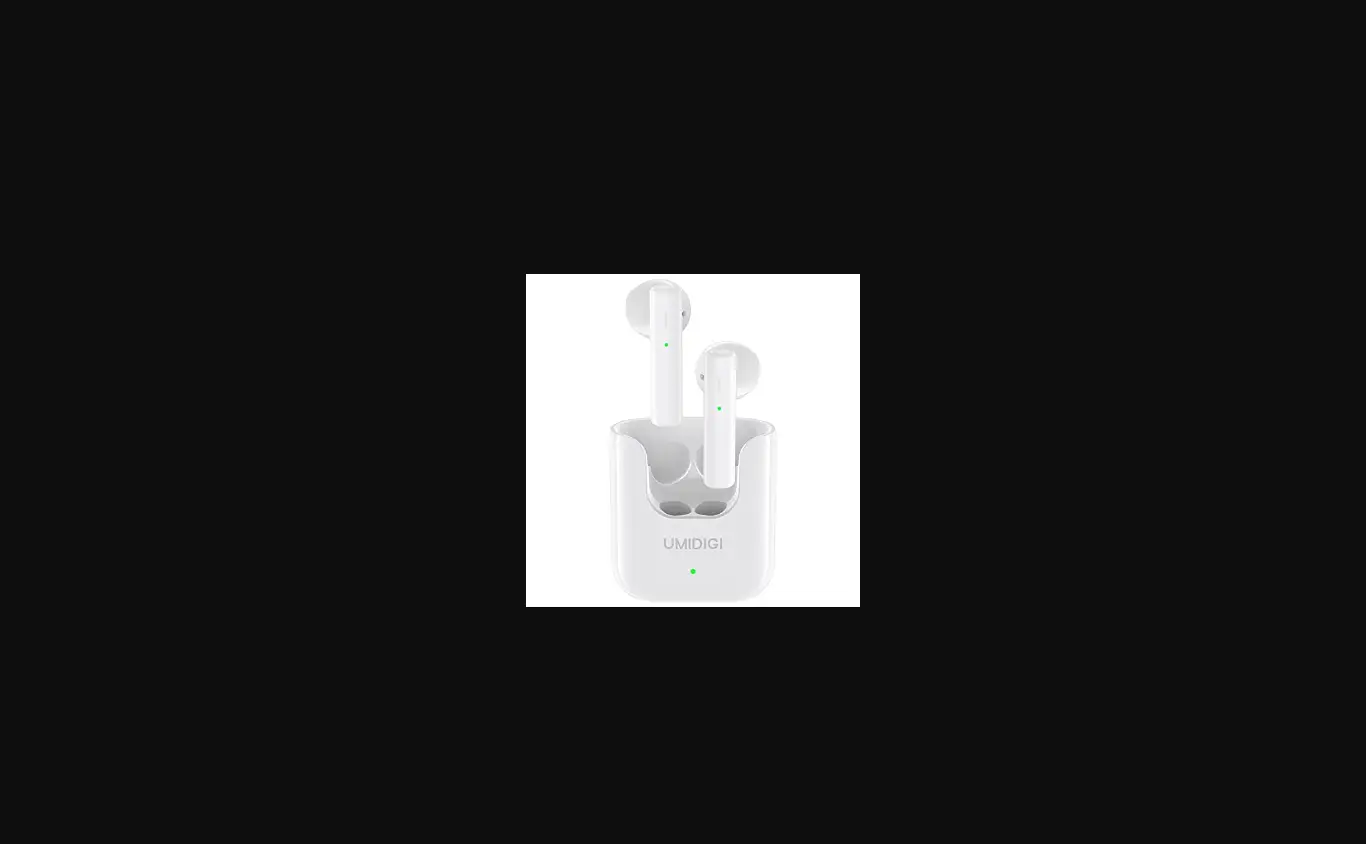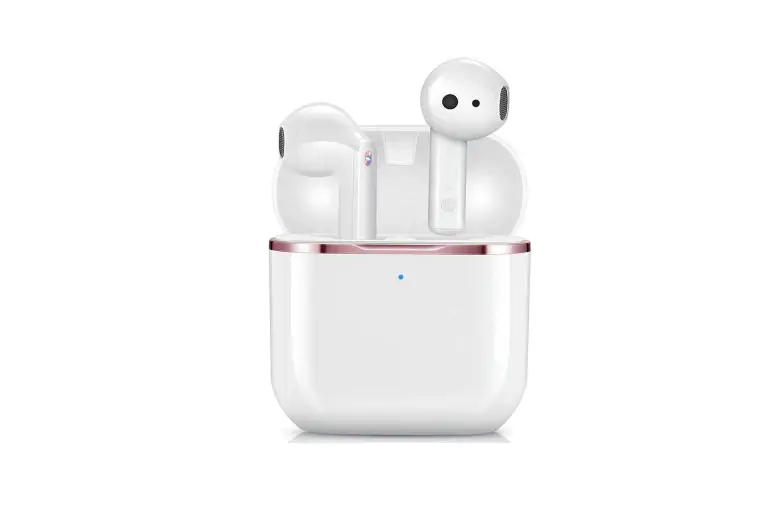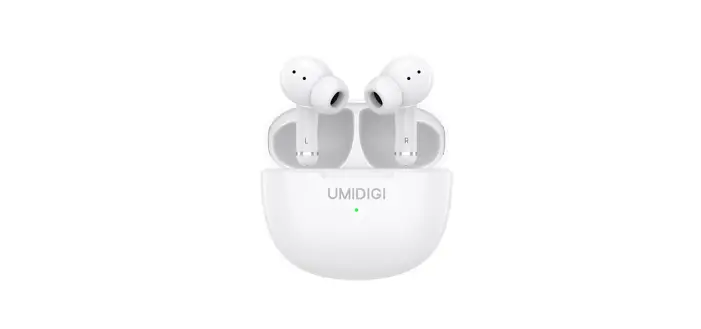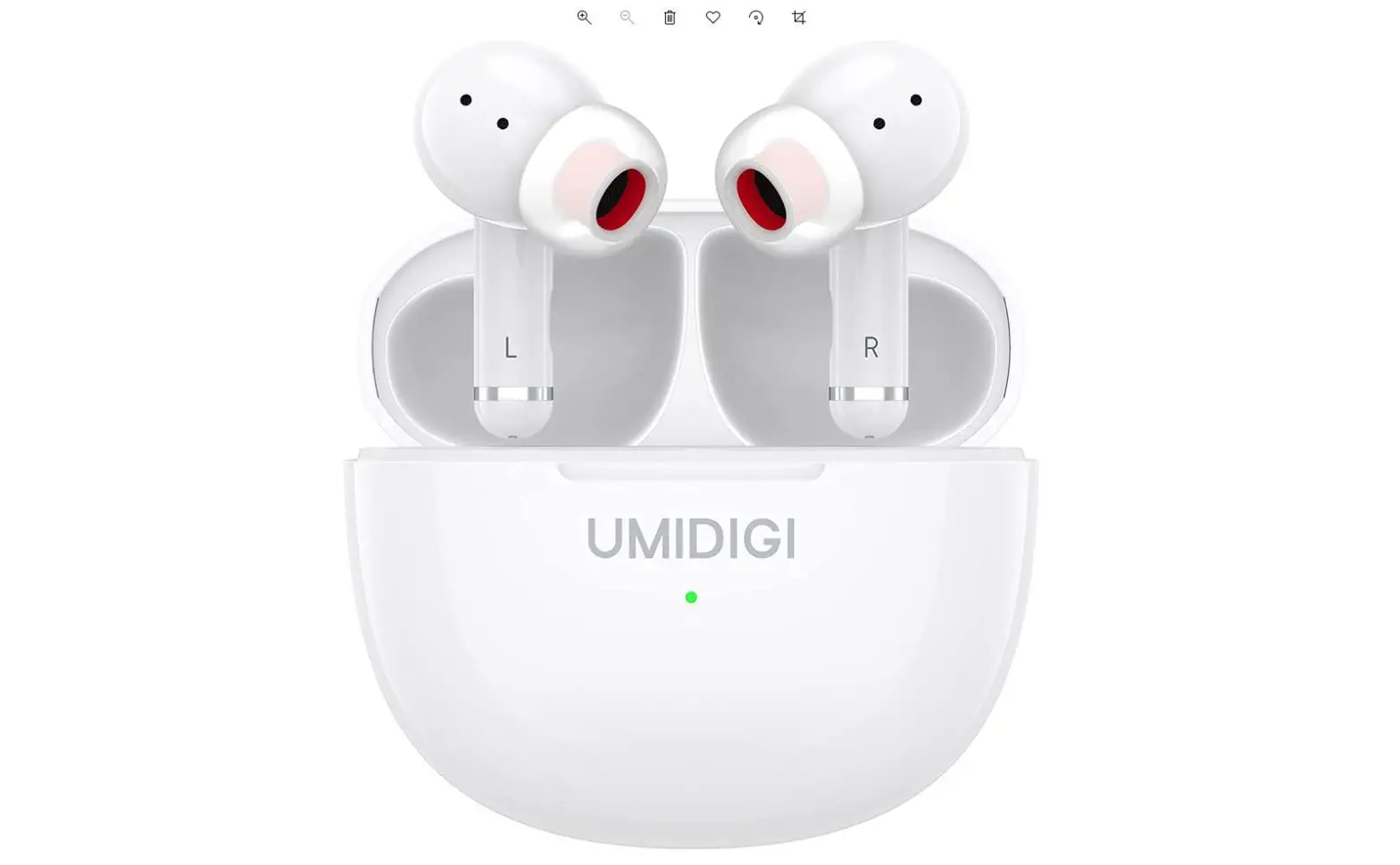

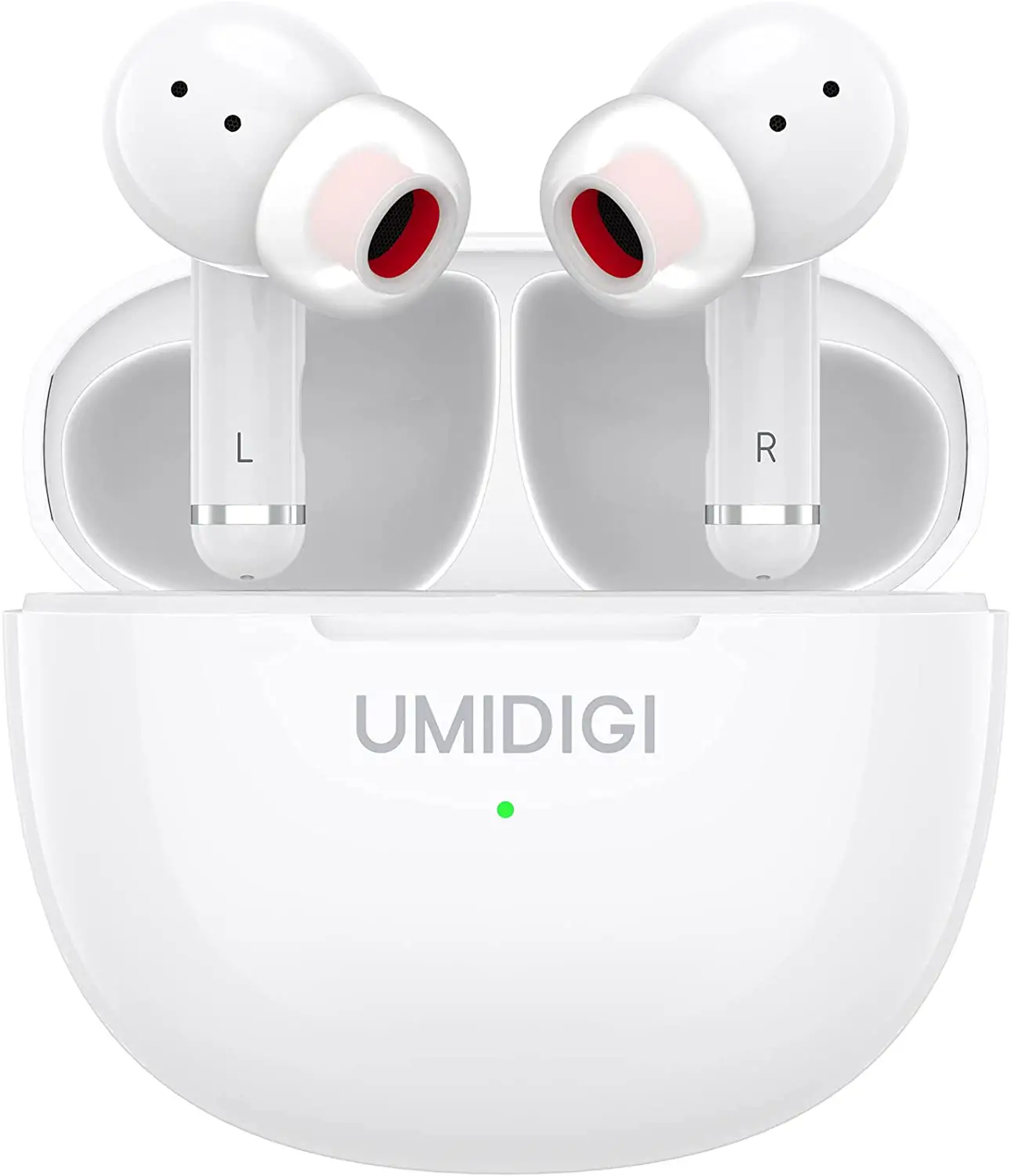
UMIDIGI AIR5X AirBuds Wireless Earbuds
Charging Earbuds
If the battery indicator flashes in red, please charge in time.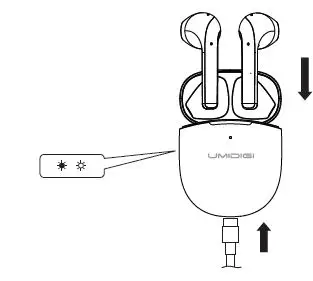
Wearing Notice
Gently insert the earbuds into ears and adjust to an appropriate angle for comfortable fit and better passive noise isolation.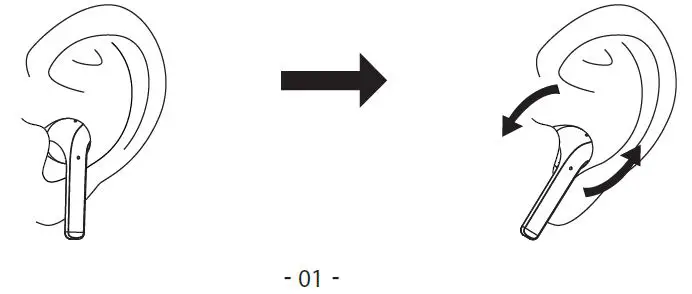
Pairing
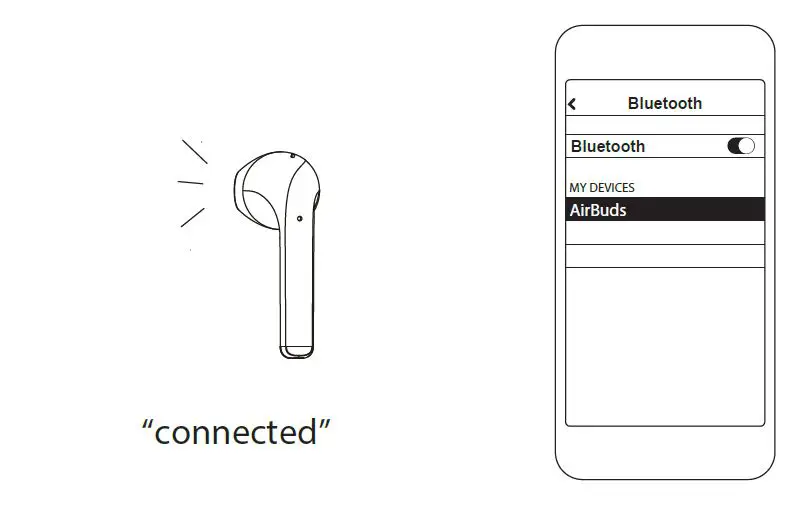
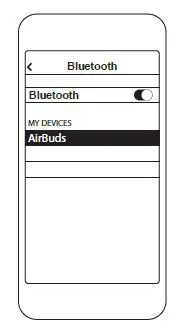
- Turn on Bluetooth on your device
- Select AirBuds

Not pairing with your device?
Try restarting your device, then repeat the pairing process.
Function
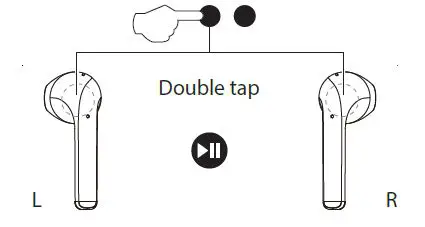
Play/Pause Music
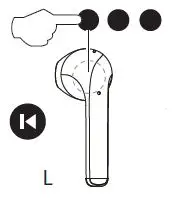
Previous Tracks
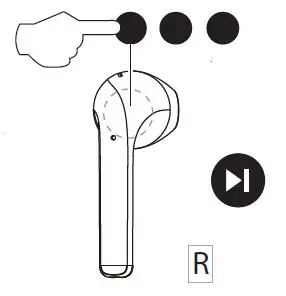
Next Tracks
Answer/Hang Up Calls
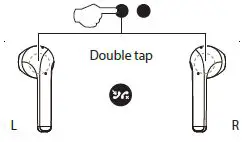
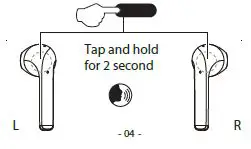
Voice Assistant
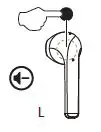
Decrease Volume
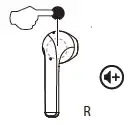
Increase Volume
Pair new devices
Disconnect the Bluetooth connection and repeat the pairing process.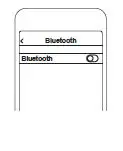
Thank you for purchasing UMIDIGI Air Buds True Wireless Earbuds. Please read this user manual carefully and keep it for future reference.
Package Contents
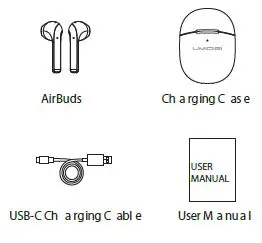
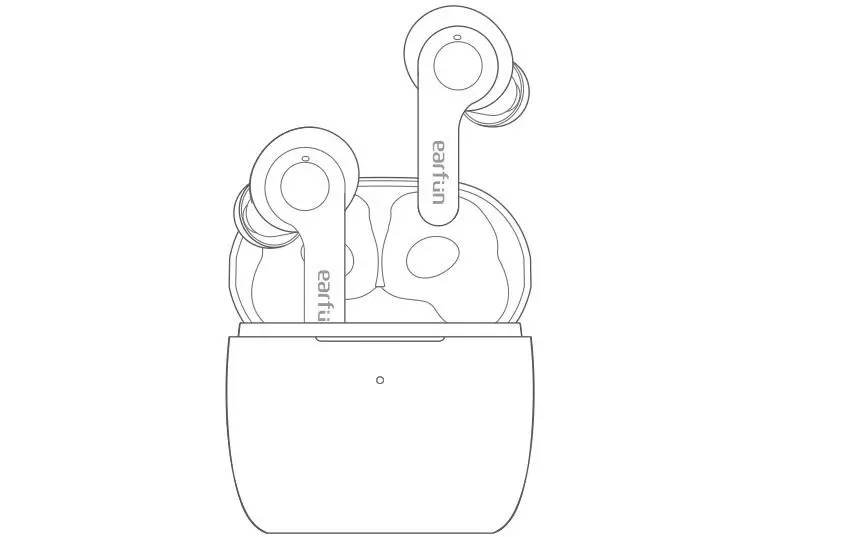
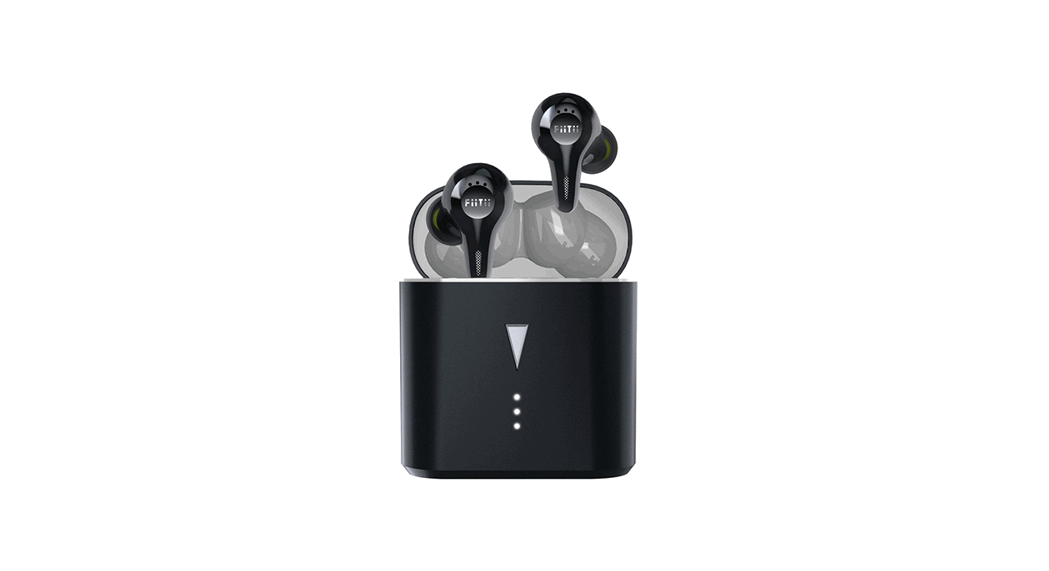
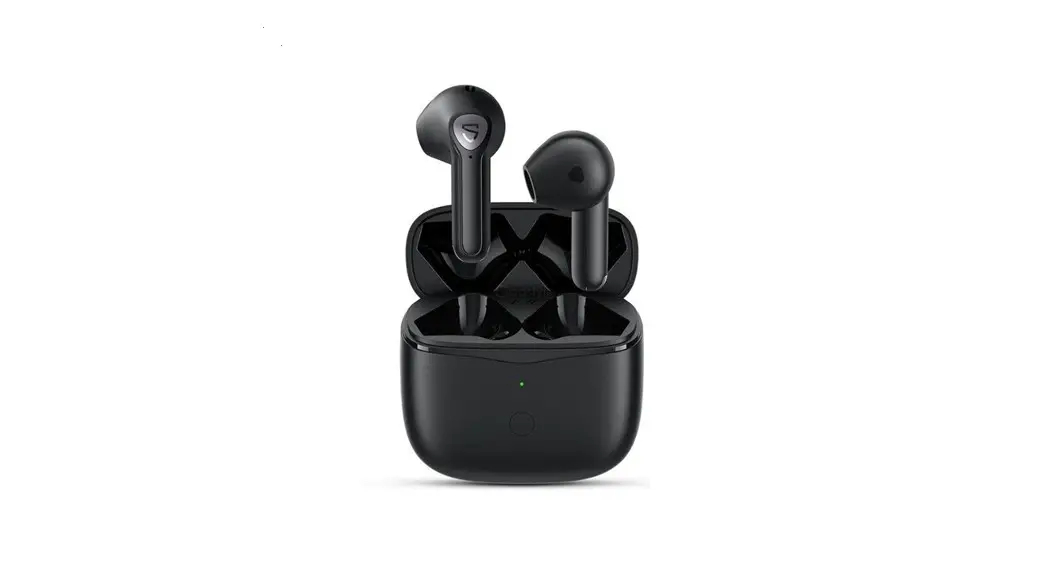
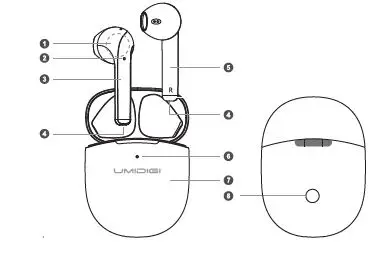
Product Diagram
- Touch area
- Earbud indicator
- Left earbud
- Microphone
- Right earbud
- Battery indicator
- Charging case
- Pairing Button
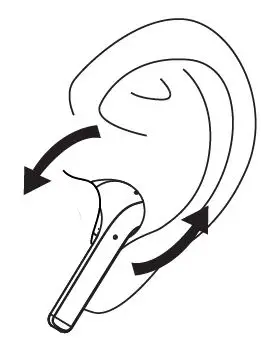
Wearing Notice
Gently insert the earbuds into ears and adjust to an appropriate angle for a comfortable fit.
Get Started: Charging Earbuds and Case
For the first use, please charge the earbuds and charging case before using. Put the earbuds into the charging case, use the USB-C charging cable provided in the package to connect it with a USB port, it takes approx. 1.5 hours to get fully charged.
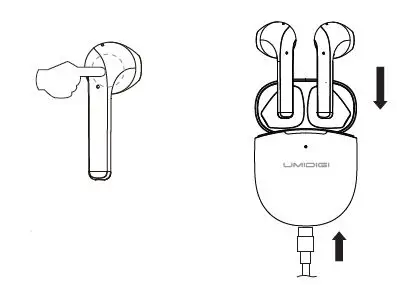
Note: If the battery indicator flashes in red,please charge in time.
Turn On
Open the lid and take the earbuds out of the charging case or press and hold the touch area for 2 seconds in power-off status.
Turn Off
Put the earbuds back into the charging case and close the lid or press and hold the touch area for 5 seconds to turn off.
Pairing with Devices
For the first use, the earbuds will enter pairing mode automatically; turn on Bluetooth on your device and select “AirBuds” in available devices list.
Note:
- The two earbuds will auto-pair to each other when taken out;
- The earbuds will reconnect with the latest the paired device automatically;
- If pairing fails, the earbuds will turn off in 5 minutes;
- If there is no sound output in one earbud, put both earbuds back into the charging case for several seconds and take them out again to retry.
Use the Earbuds
Press the touch button to control the music and calls:
| Functions | Left Earbud | Right Earbud |
| Play/Pause | Double tap | |
| Previous Track | Triple tap | / |
| Next Track | / | Triple tap |
| Volume Up | / | tap |
| Volume Down | tap | / |
| Answer/Hang up | Double tap | |
| Reject a Call | Press and hold for 2 seconds | |
| Voice Assistance | Press and hold for 2 seconds | |
| Turn On | Press and hold for 2 seconds | |
| Turn Off | Press and hold for 5 seconds | |
| Reset Pairing | Disconnect the earbuds and put both earbuds into the charging case with the lid open, press and hold the button for 10 seconds. | |
| Pair new devices | Disconnect the Bluetooth connection and repeat the pairing process. | |
Specification
| Mo del | AirBuds |
| Techno log y | A2DP,AVRCP,HFP,HSP,SBC,AAC |
| Op era tion R a ng e | 10 meter s / 33 fee t |
| Fre q uen cy R a ng e | 20 Hz-20 k Hz |
| Playtime | Up to 5 hours per charge |
| Playtime (with charging case) | 20 hours in total |
| C ha rging T ime | 1.5 hour s |
| Ba tter y Typ e | Li-Polymer (earbuds: 40mAh*2 / charging case :300mAh) |
| C ha rging Input | DC 5V 1A |
| We ight | Earbuds : 4g*2, Case : 32g |
FAQ
Q: The earbuds are on, but not connecting to my device.
A: For the earbuds and your device to establish a connection, you need to put them both in pairing mode. Please follow the instructions in the “Pairing” section of this manual.
Q: I have established a connection with my smartphone but cannot hear any sound.
A: Double-check the volume level on your smartphone and the earbuds. Some smartphones require you to set up the earbuds as an audio output device before the audio can be transmitted. If you’re using a music player or other device, please make sure it supports the A2DP stereo music profile.
Q: The sound is not very clear or the caller cannot hear my voice clearly.
A: Adjust the volume on your smartphone and the earbuds. Try getting closer to your smartphone to rule out the possibility of interference or wireless range-related issues.
Q: What is the wireless range of the earbuds?
A: The maximum range is 33 feet (10 meters). However, the actual range depends on environmental factors. For optimal performance, keep your devices connected with the earbuds within 15 to 25 feet and make sure that there are no major obstacles (e.g. reinforced steel walls) between the earbuds and your device.
Product Care & Use
- Keep away from liquids and extreme heat.
- Do not use the earbuds at high volume for extended periods, as this may cause permanent hearing damage or loss.
Warranty & Customer Support
For questions, support, or warranty claims, contact us at the address below that corresponds with your region. Please include your order information and product model number.
- Shopping from Amazon or the official website, please contact: [email protected]
- Shopping from agents or distribution channels, please contact the direct seller support team.