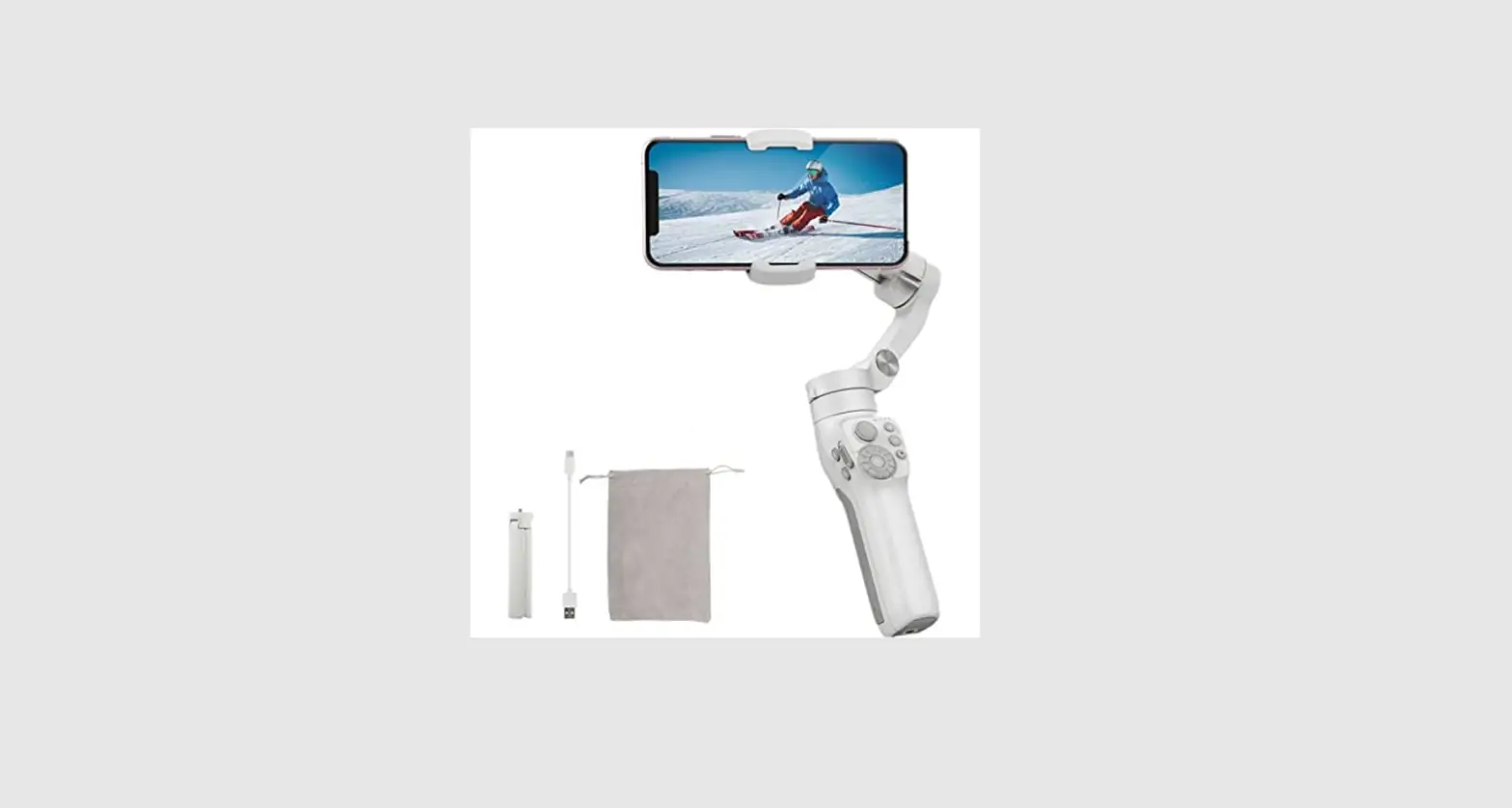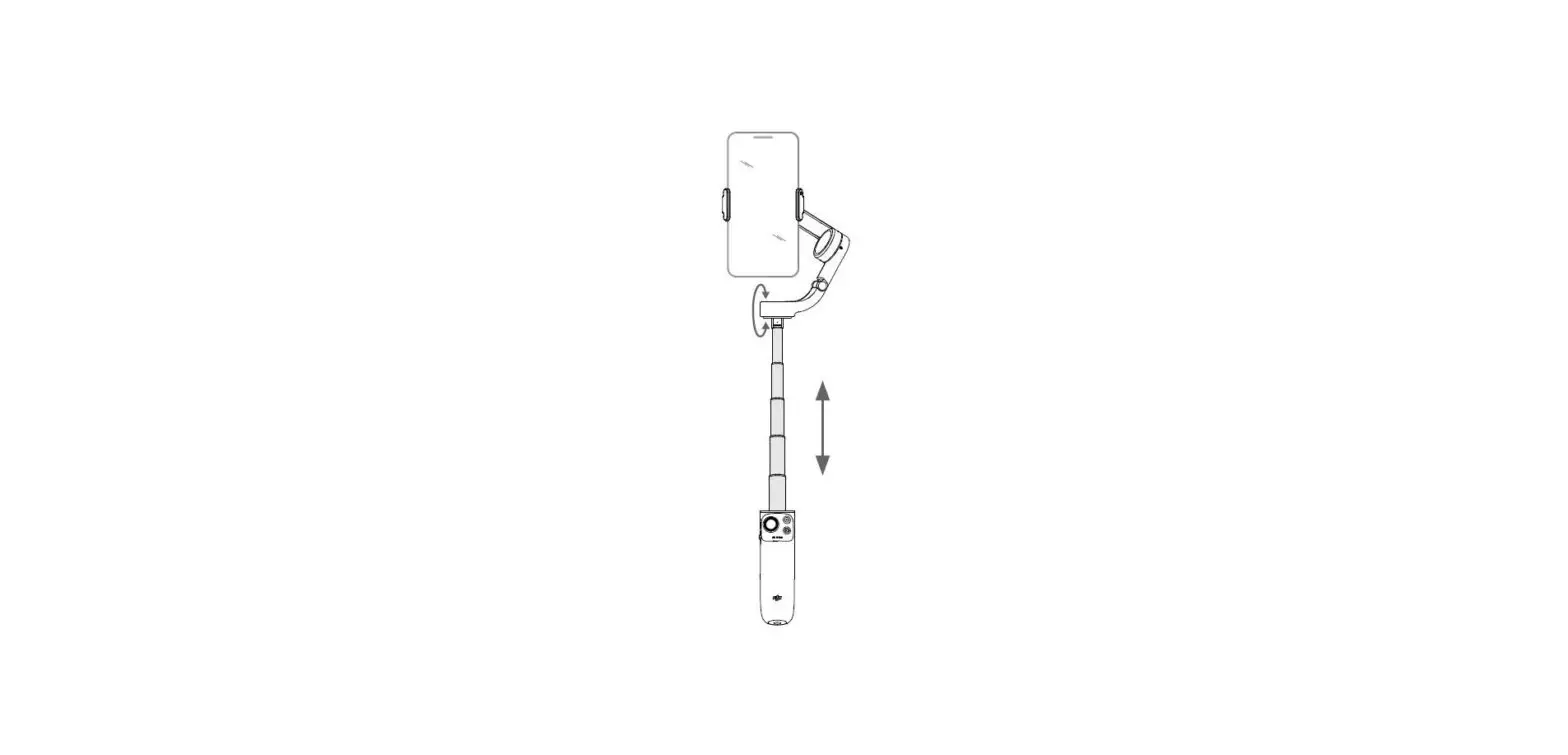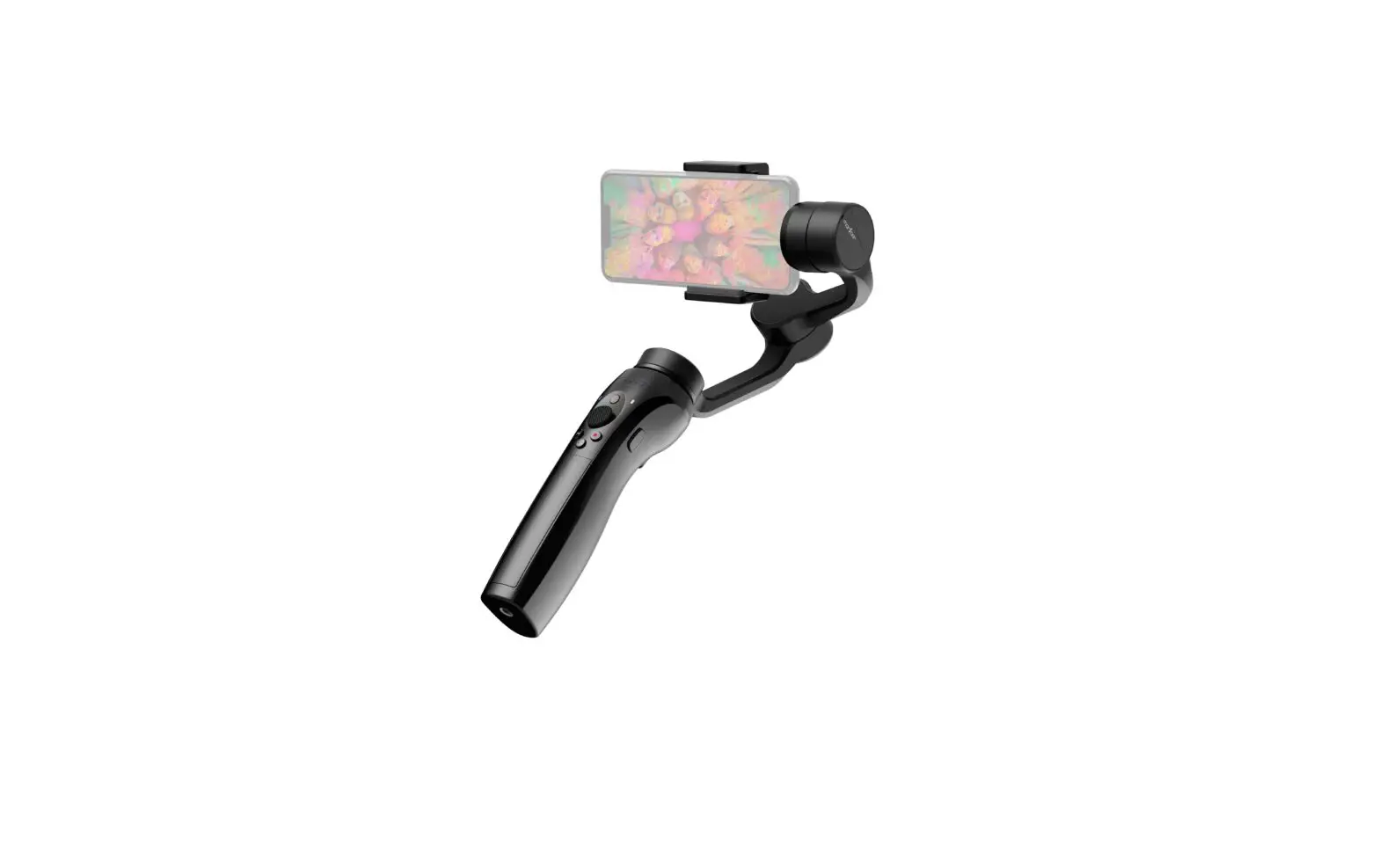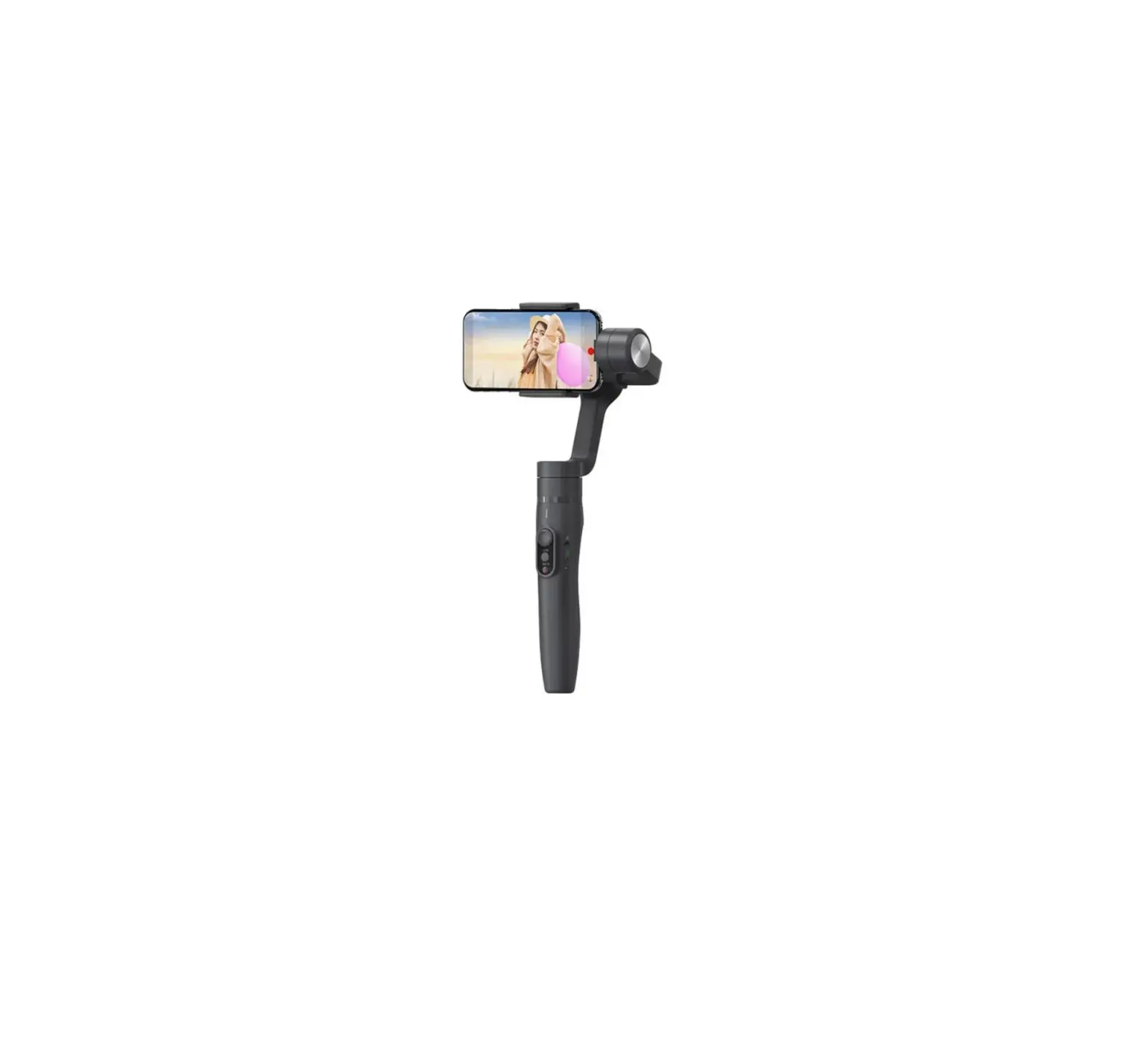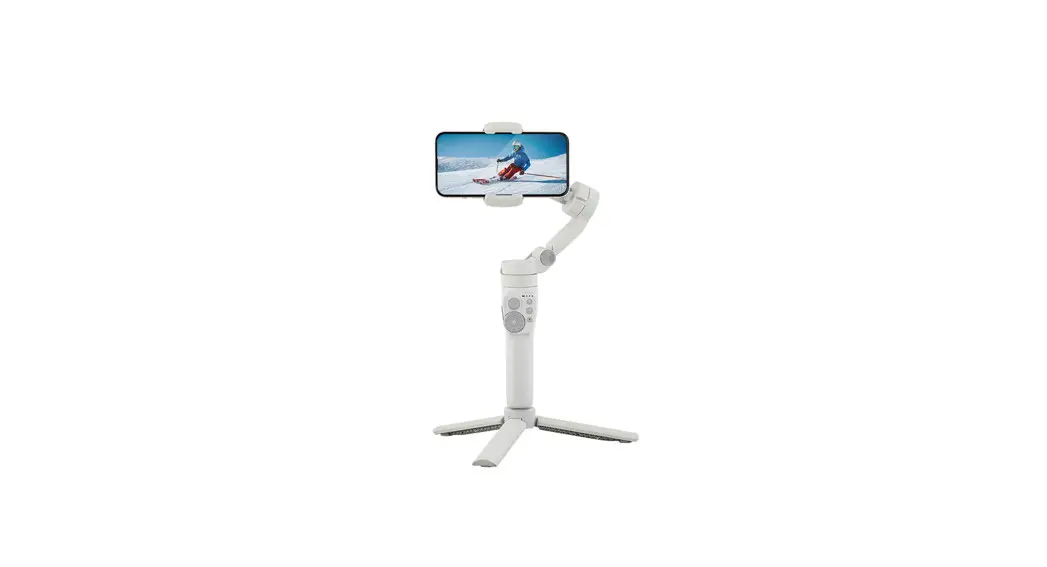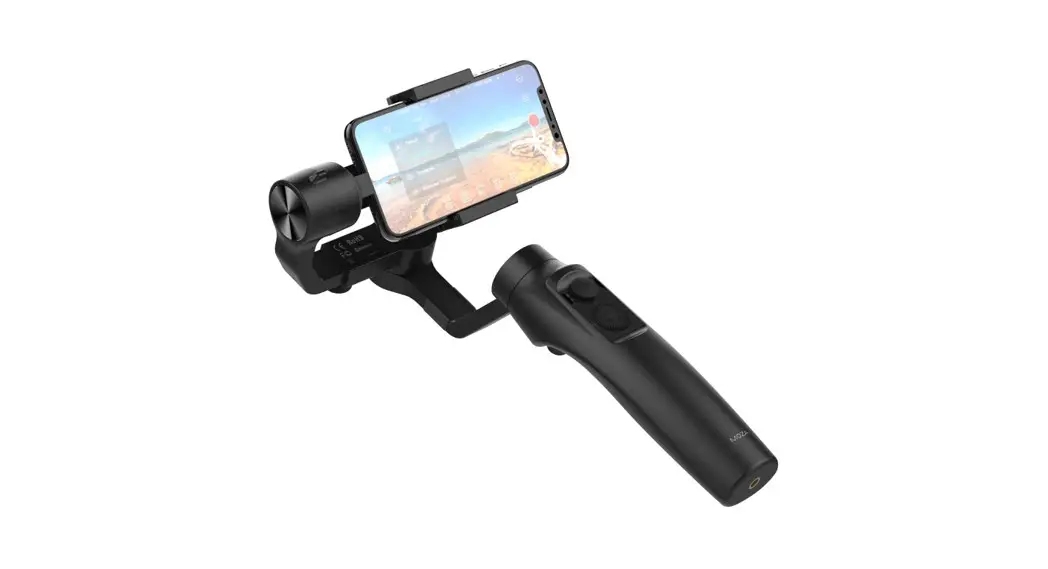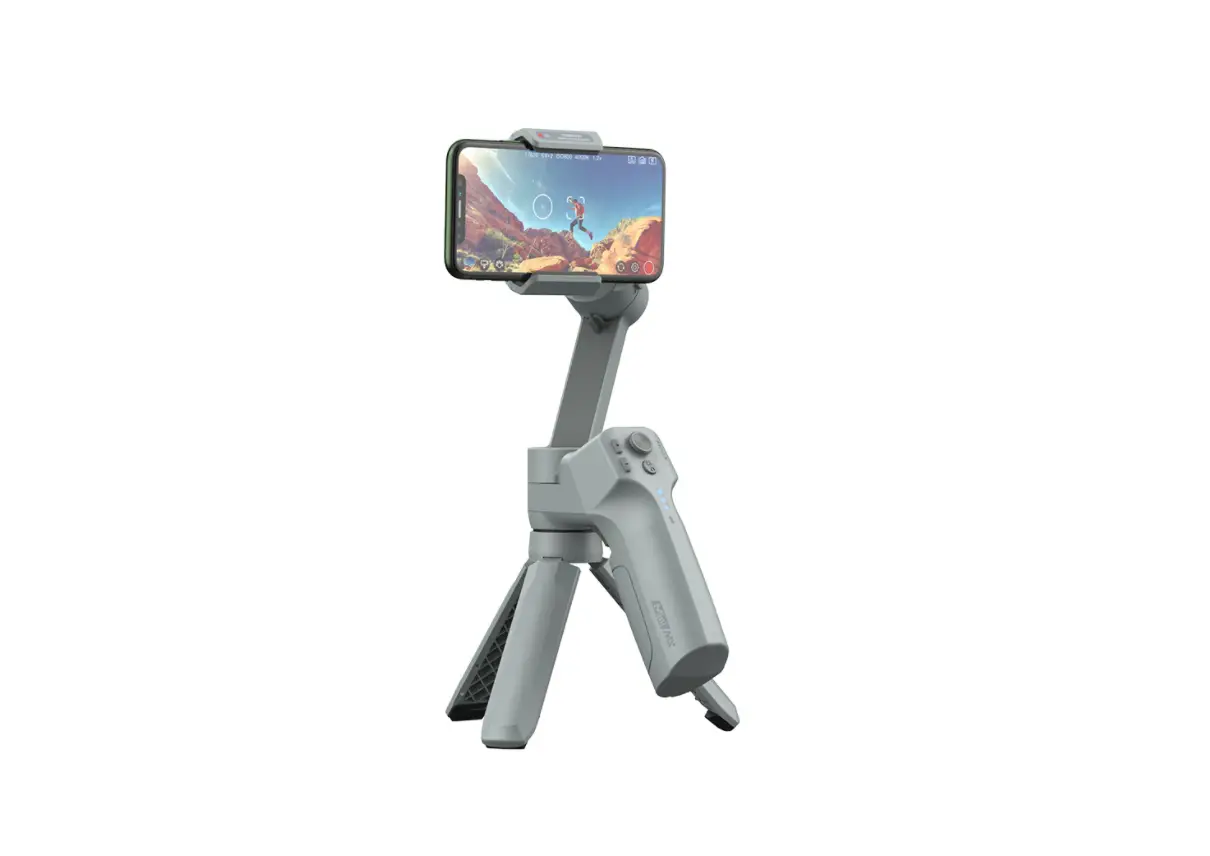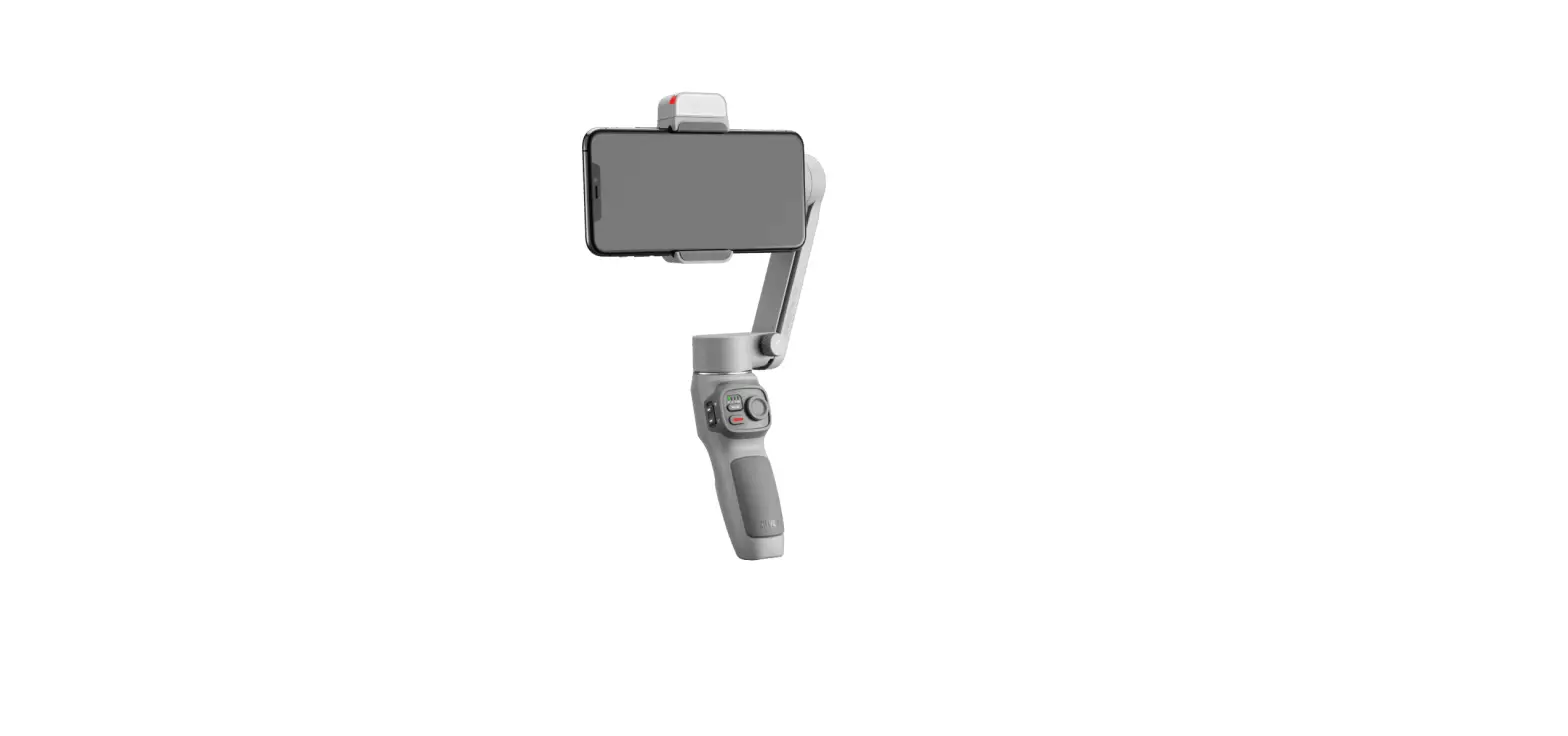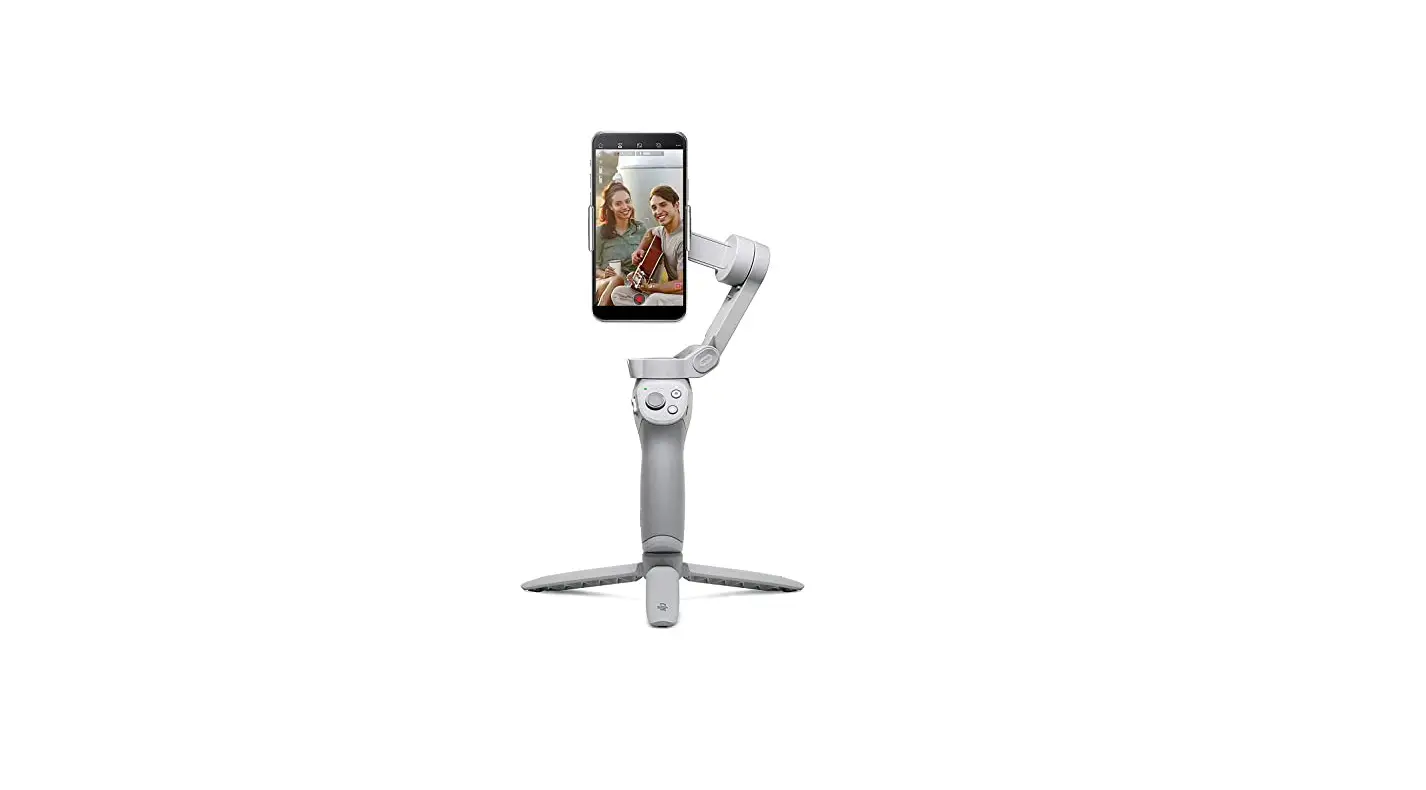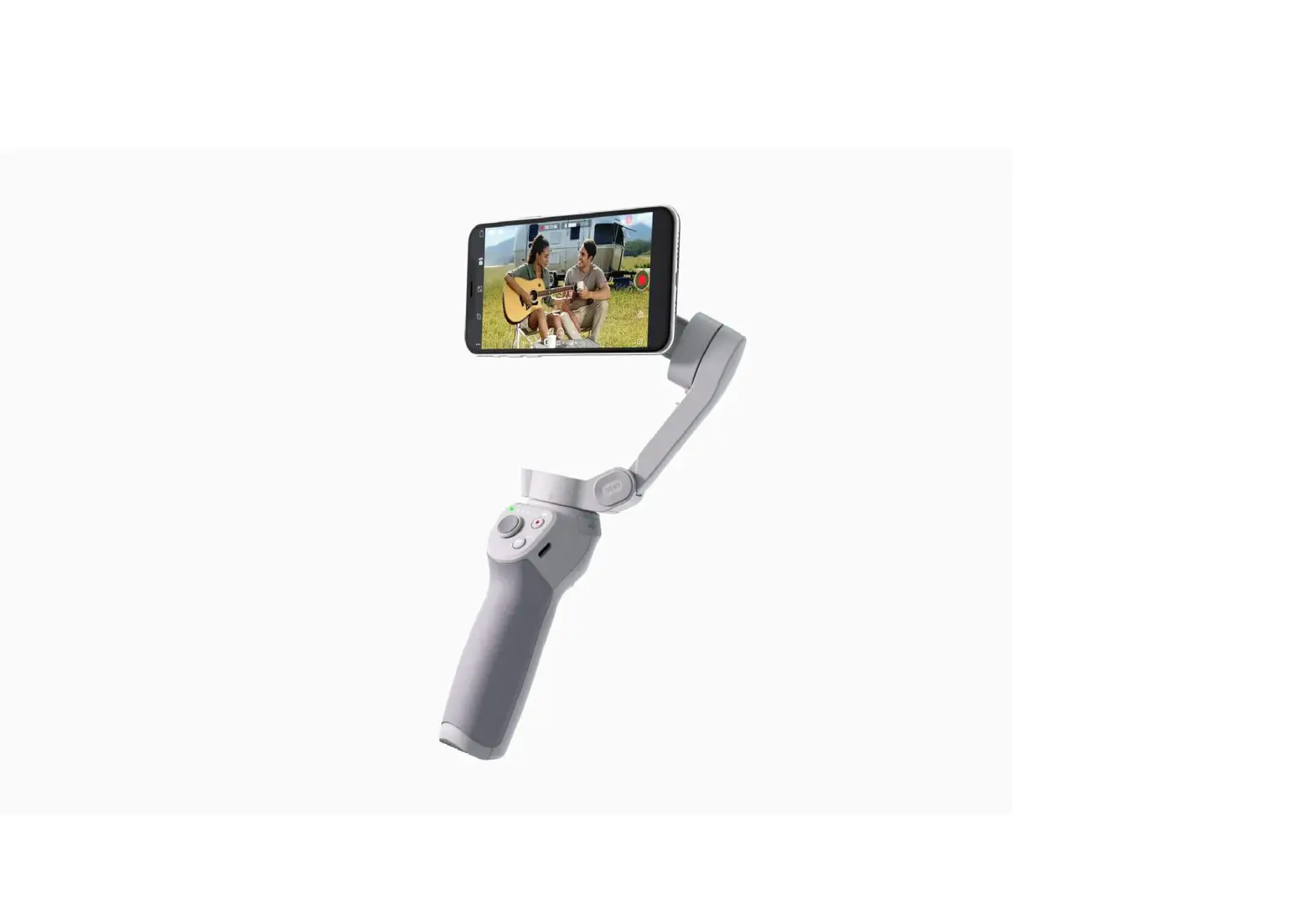

dji OM 4 Handheld 3-Axis Smartphone Gimbal Stabilizer with Grip
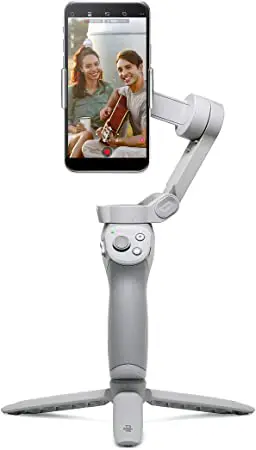
DJI Mimo App
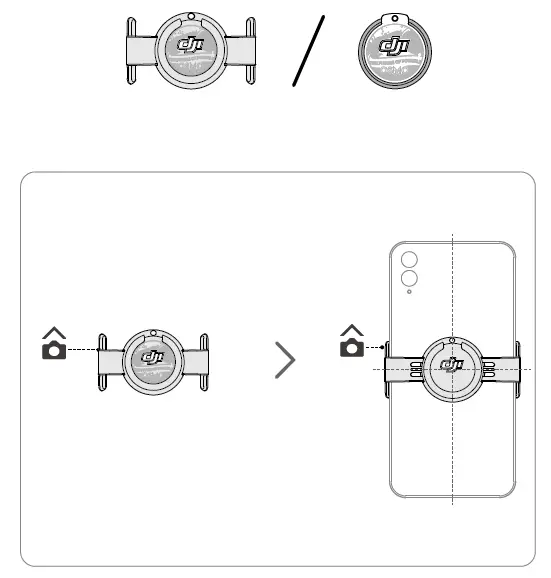
How to set Gimbal
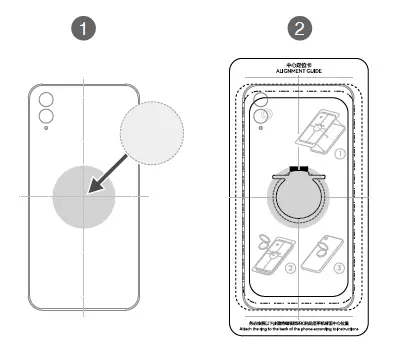
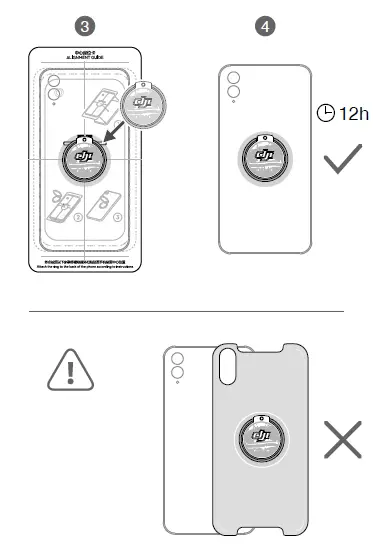
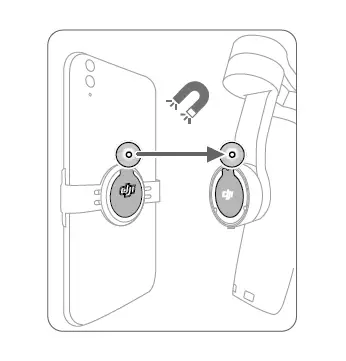
Camera Settings
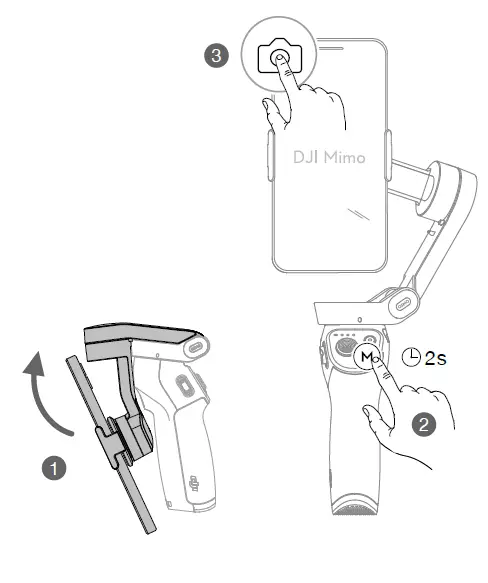
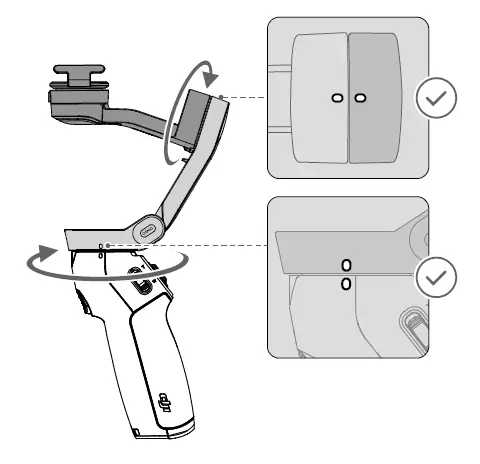
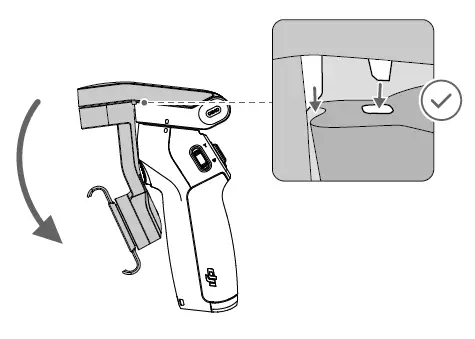
Operation
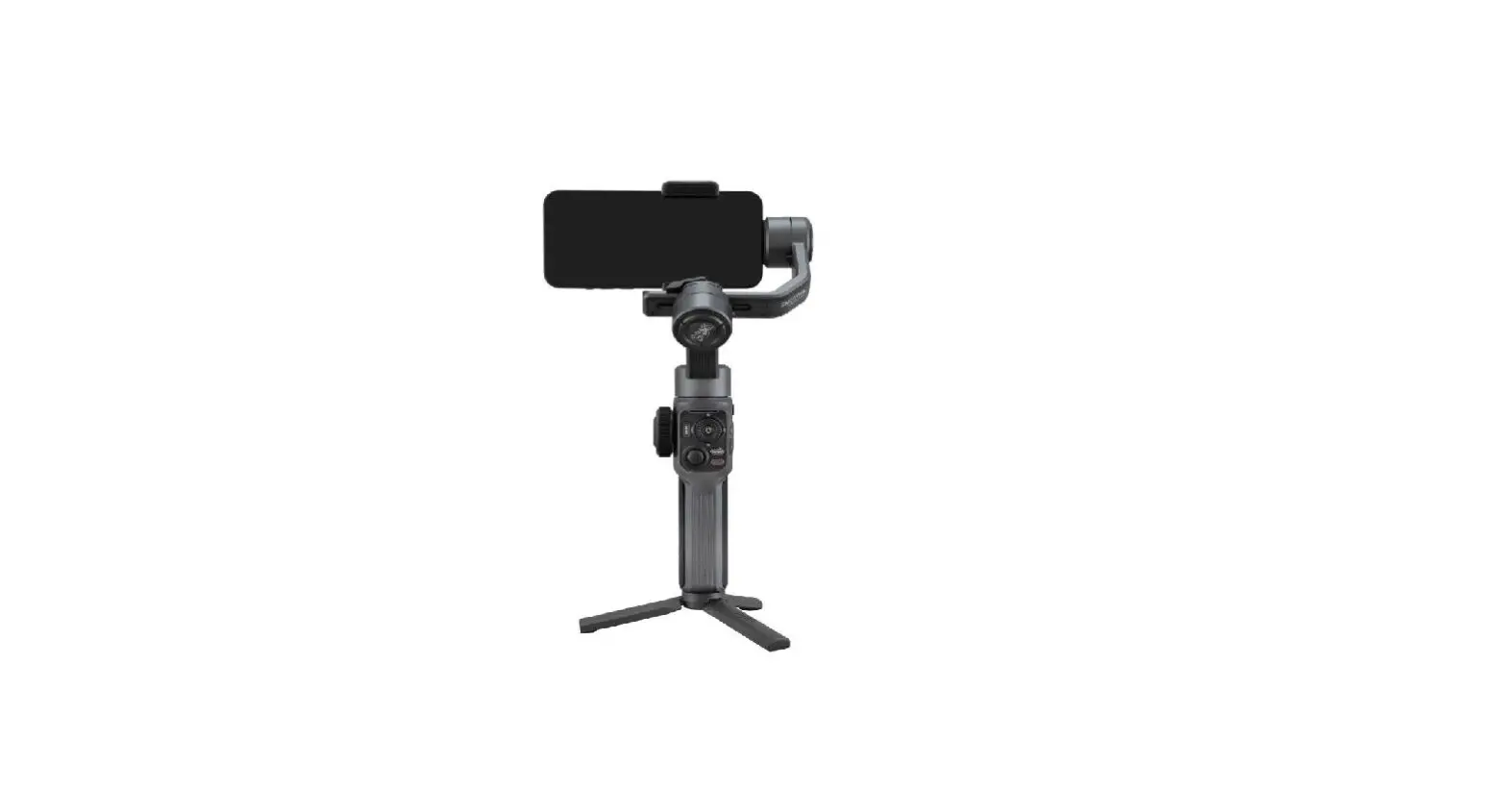
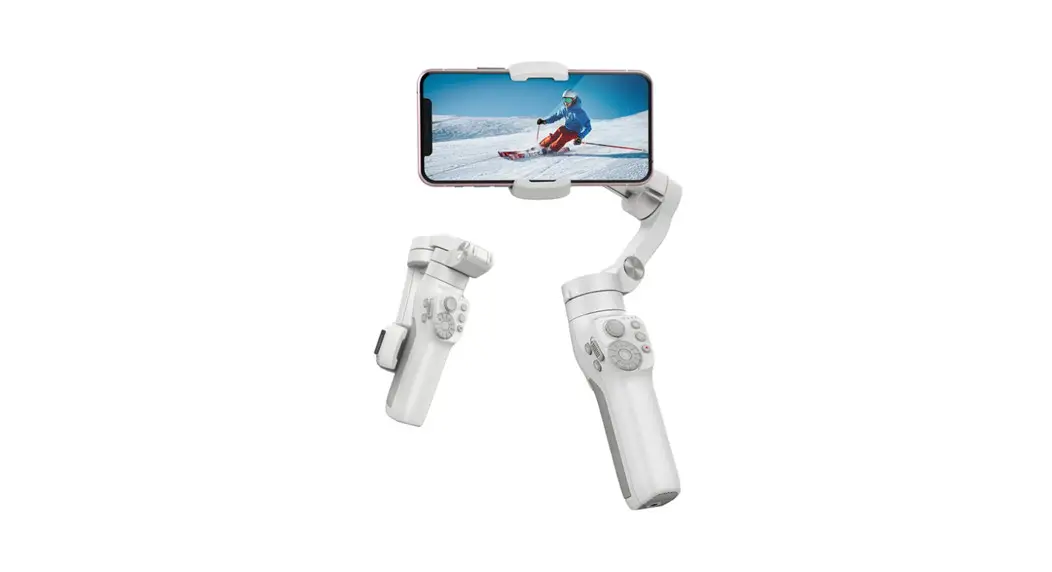
Use the onboard buttons to control DJI OM 4. Note that DJI Mimo is required to control the camera.
 M Button
- When Powered off
Press once: check battery level.
Press and hold: power on. - When Powered on
Press once: switch between photo and video mode.
Press twice: switch between landscape and portrait mode.
Press and hold until it beeps once: enter or exit standby mode.
Press and hold until it beeps twice: power off.
- When Powered off
 M Button
- Joystick
- Move the joystick up and down to control the tilt axis.
- Move the joystick left and right to control the pan axis.
- Shutter Button
- Press once: take a photo or start or stop recording.
- Press and hold: burst shooting (when in photo mode).
- Zoom Slider
- Push up or down to zoom in or out.
- Trigger
- Press and hold: enter lock mode. Release to exit lock mode.
- Press once: start or stop ActiveTrack.
- Press twice: recenter the gimbal.
- Press three times: switch between front and back cameras.
- Press once, and then press and hold: enter Sport mode. Release to exit Sport mode.
 DJI OM 4 - Create Magnetic Moments - DJI