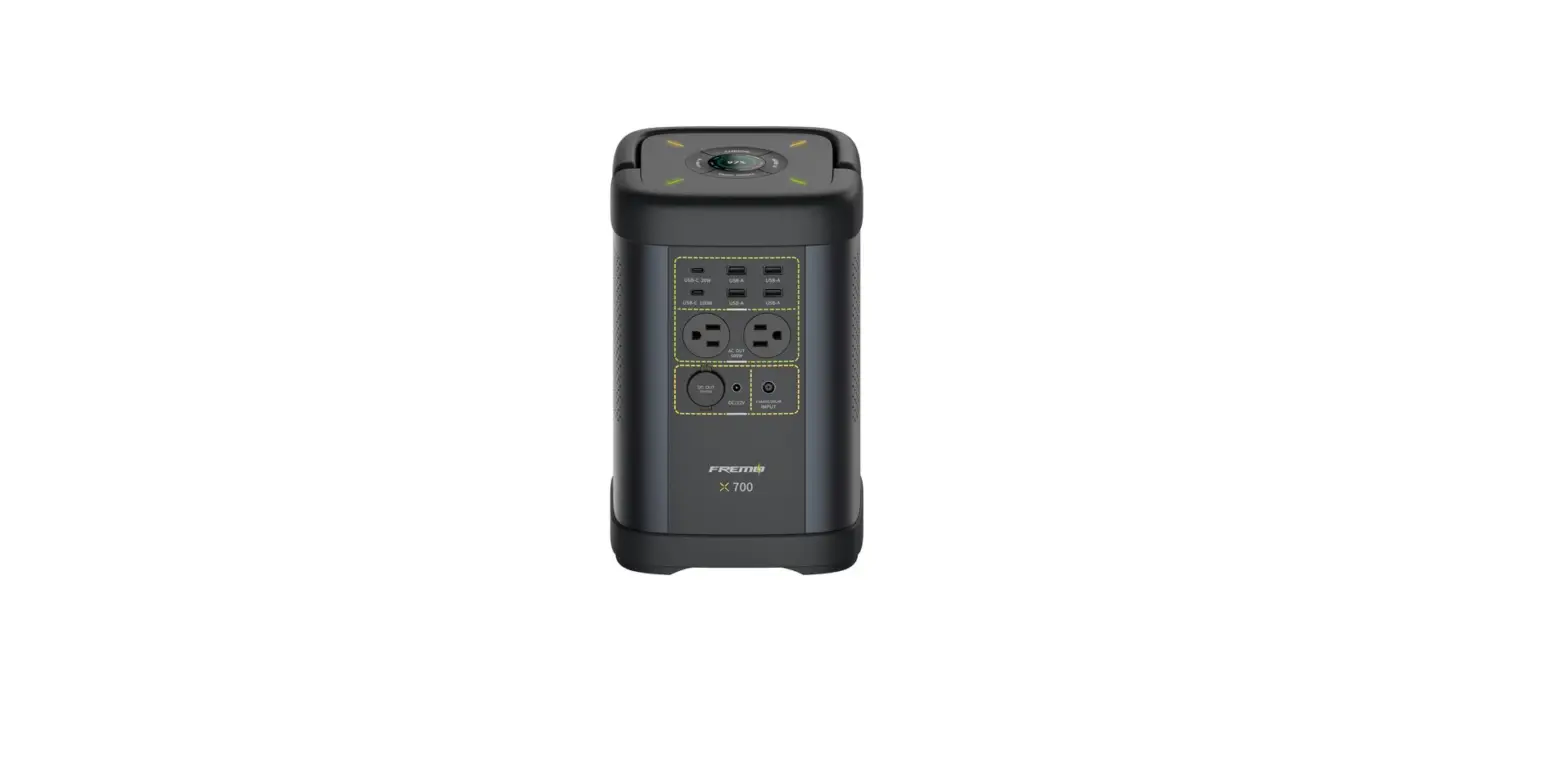
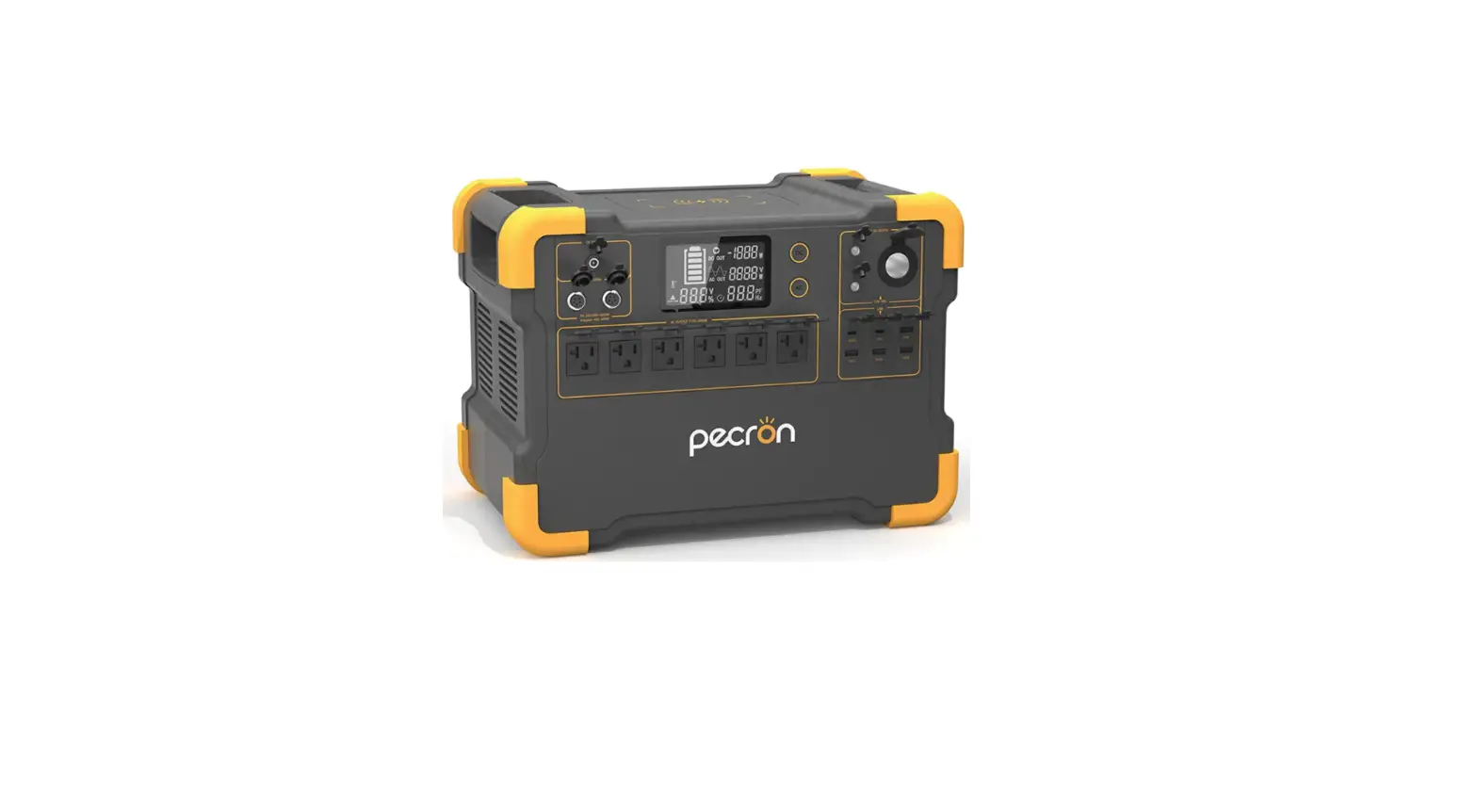
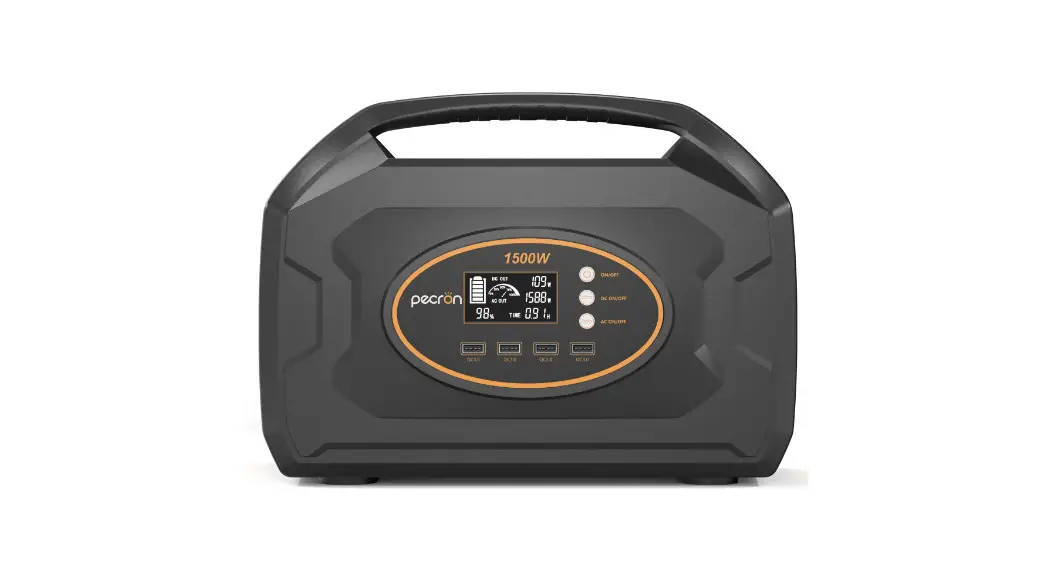
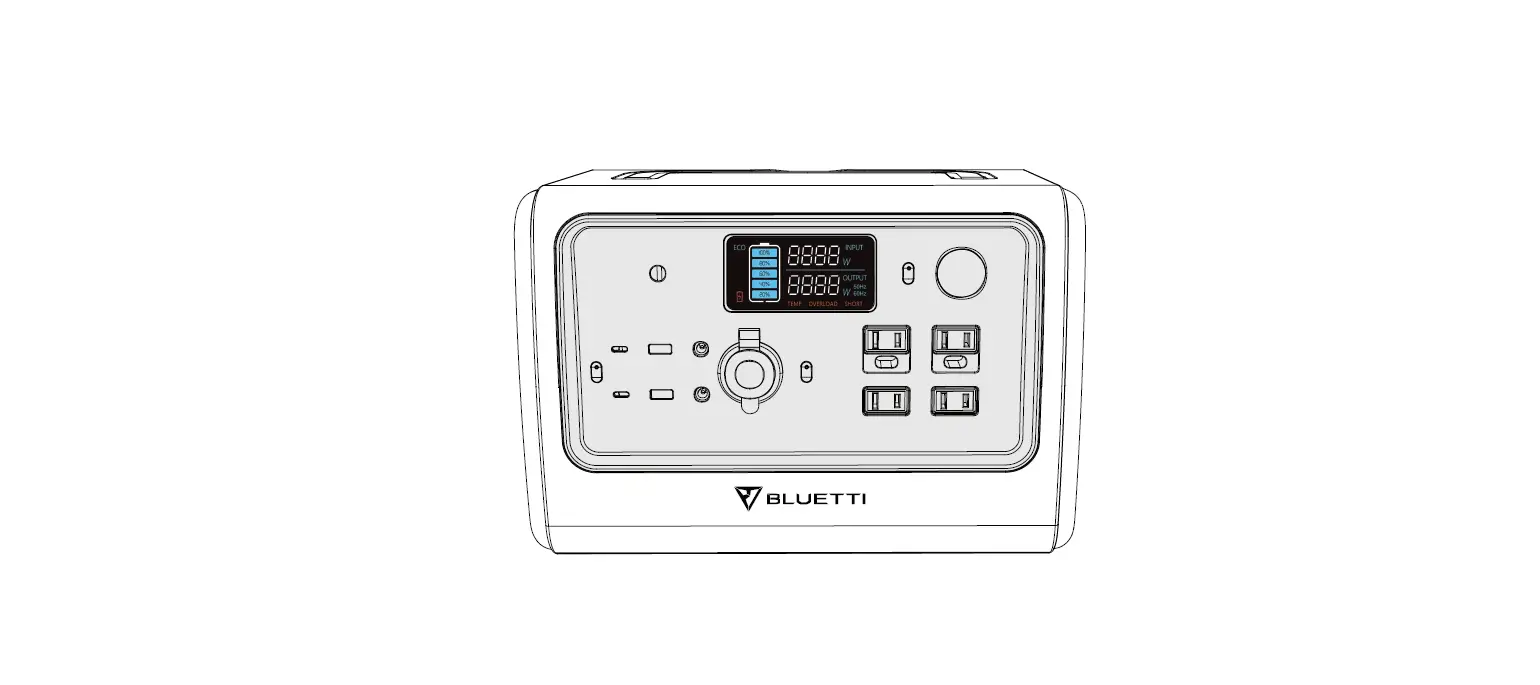
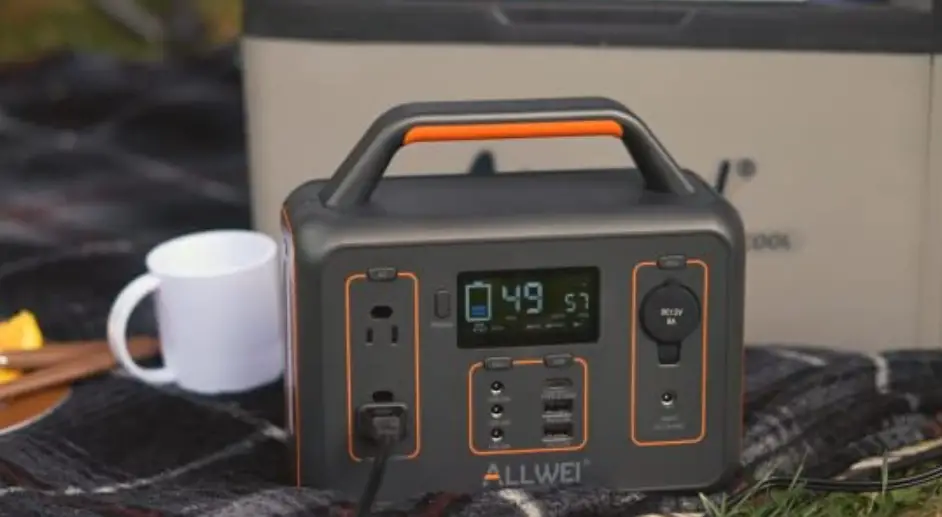
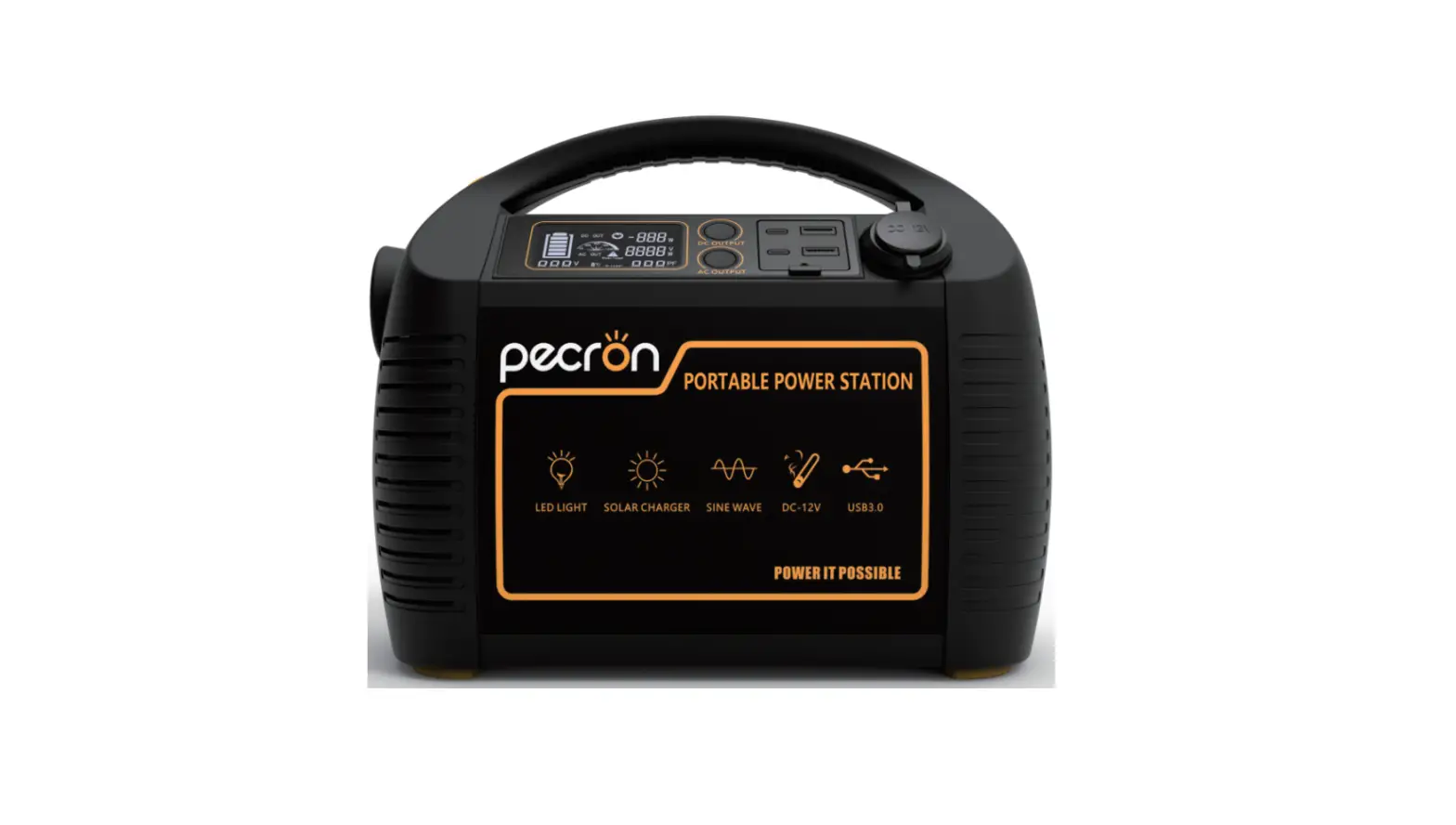
PS700 Portable Power Station
Product Information
GREEN POWER PS700 Portable Power Station
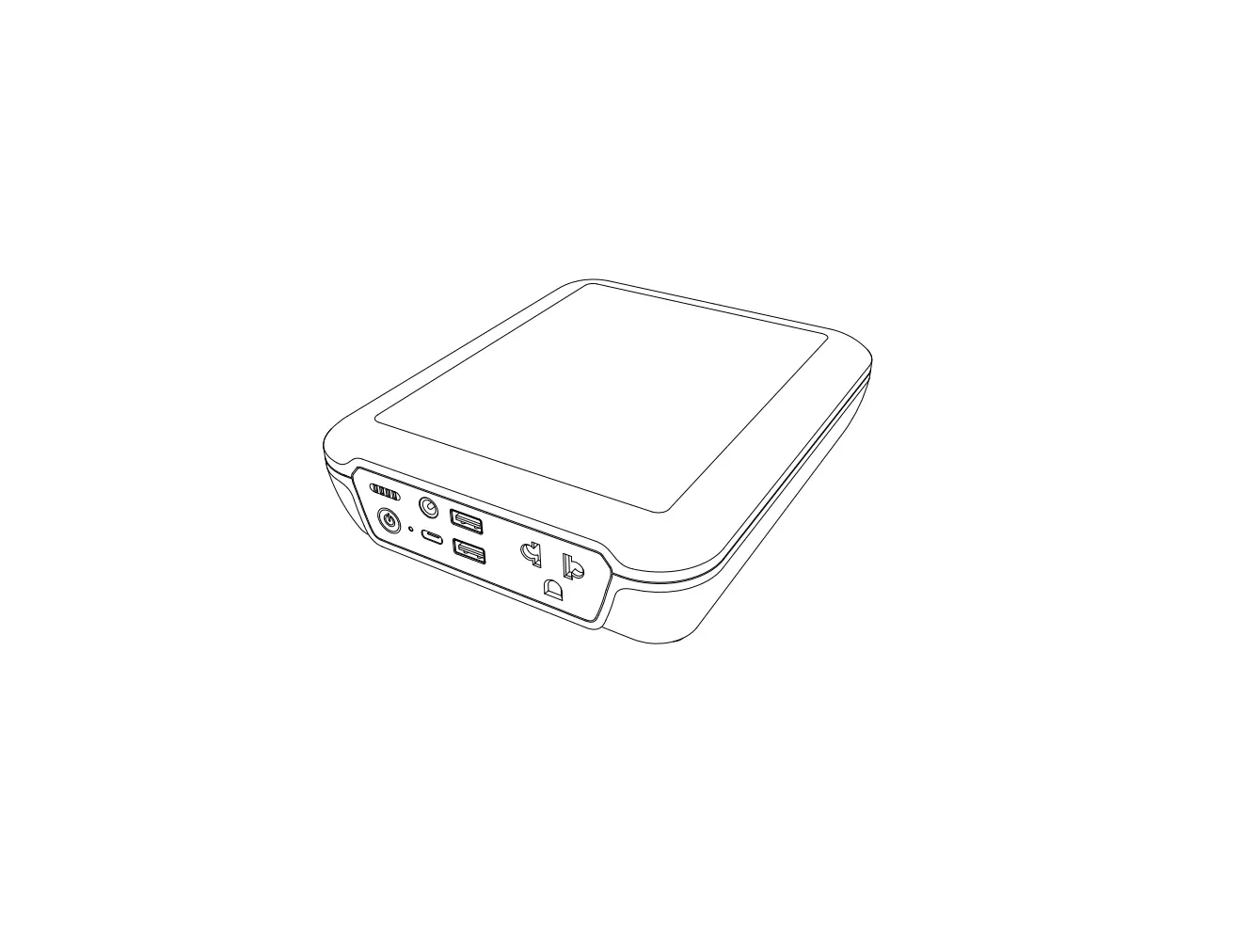
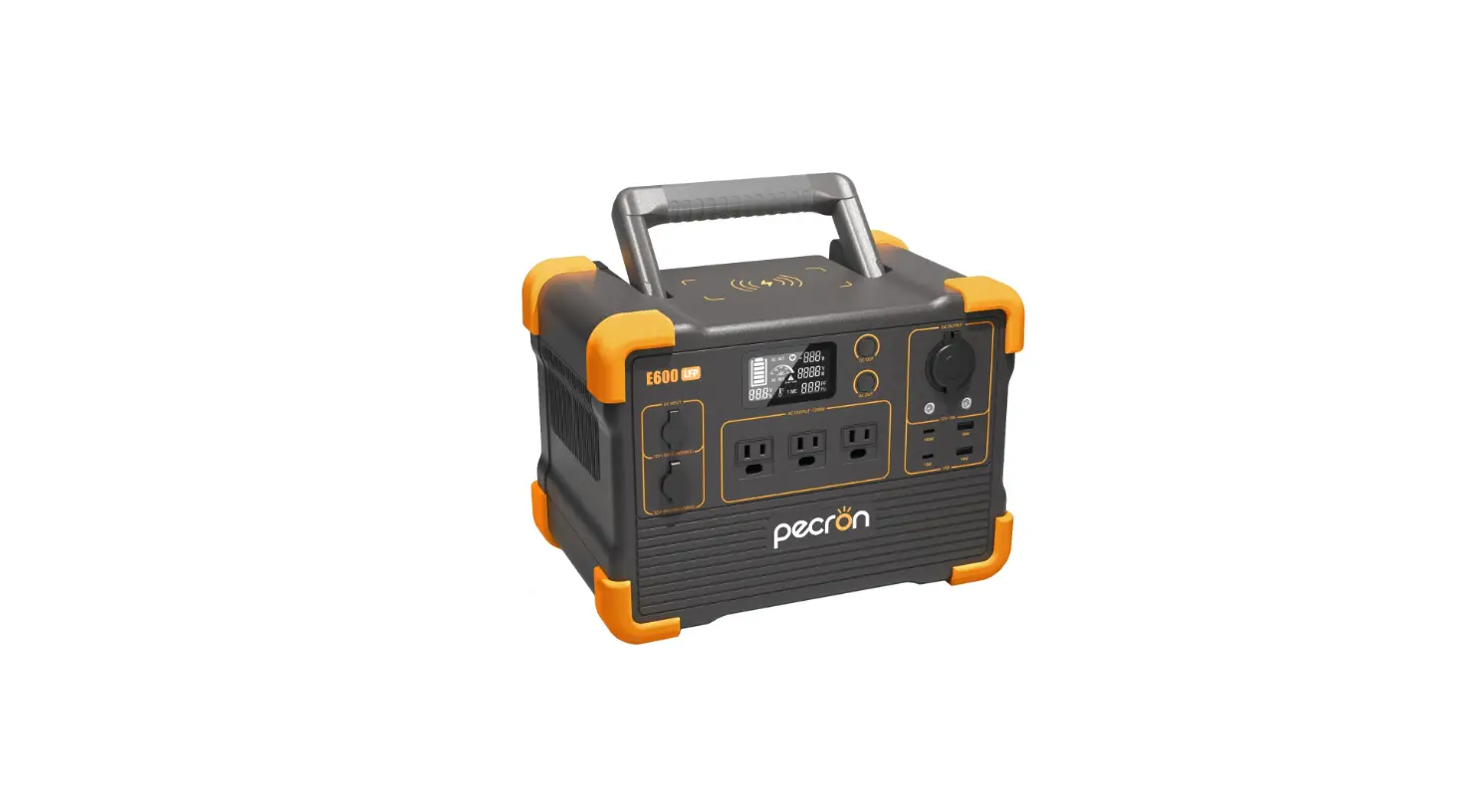
The GREEN POWER PS700 is a portable power station that functions
as an oversized rechargeable battery. It is designed to provide
power for electronic devices when there is no access to traditional
power sources. The power station features multiple input and output
ports, including AC, DC, USB, and wireless charging, allowing for
versatile usage. It is equipped with a high-capacity battery and
advanced technology to ensure reliable and efficient power
supply.
Specifications:
- Net weight: 19.8 lbs (9kg)
- Dimensions: 11*7.9*9in (28*20*23cm)
- Capacity: 716Wh (22.4V, 32Ah)
- Certification: UL Standard, FCC, PSE, CP65, RoHS, MSDS,
UN38.3 - Input ports: Adapter Charger (25V8A), Car Charger (Supports
12V/24V Battery, 6A), Solar Panels (200W MPPT), USB-C PD Input
(5/9/12/15V3A 20V5A) - Output ports: AC Output (Pure Sine Wave, 700W, 110V~(60Hz)),
USB-A (5V3A 9V2A 12V1.5A 18W Max, per port), USB-C (5/9V3A 12V2.5A
15V2A 33W Max), USB-C PD (5/9/12/15V3A 20V5A 100W Max), DC Output
(25W Max 12V10A, 120W Max), LED Lighting (3W, 4Modes: High
Light/Low Light/SOS/Flash)
Product Usage Instructions
4.1 POWER ON/OFF
To power on the GREEN POWER PS700:
- Short press the Main Power Button.
- The LCD Screen will light up, and the Remaining Battery
Percentage icon will display.
To power off the GREEN POWER PS700:
- Press and hold the Main Power Button.
Caution: If the product has no operation for 5
minutes, it will enter sleep mode, and the LCD Screen will
automatically turn off. To turn the LCD Screen on or off, please
short press the Main Power Button.
4.2 AC OUTPUT PORT
To use the AC output port:
- Ensure that the Main Power Button is turned on.
- Short press the AC Power Button.
Note: The AC output provides a pure sine wave with a power capacity
of 700W and an output voltage of 100-120V.
4.3 12V DC OUTPUT PORT
The 12V DC output port can be used to power devices that require
a 12V power supply. Simply connect your device to the DC output
port using a compatible cable.
4.4 USB OUTPUT PORT
The USB output port provides power for devices that can be
charged via USB. Connect your device to the USB output port using a
compatible cable.
4.5 AC CHARGING
To charge the GREEN POWER PS700 using AC power:
- Connect the included adapter charger to the input port labeled
“Adapter Charger”. - Plug the other end of the adapter charger into a standard AC
power outlet. - The LCD Screen will display the charging status.
4.6 SOLAR CHARGING
The GREEN POWER PS700 can be charged using solar panels with a
maximum power of 200W. Connect the solar panels to the input port
labeled “Solar Panels”. The LCD Screen will display the charging
status.
4.7 CAR CHARGING
The GREEN POWER PS700 can be charged using a car charger.
Connect the car charger to the input port labeled “Car Charger”.
Ensure that the car battery is 12V or 24V and has a minimum current
output of 6A. The LCD Screen will display the charging status.
Note: For more information, refer to the user
manual provided with the product.
GREEN POWER PS700 Portable Power Station
USER MANUAL
POWER ON/OFF AC ON/OFF
AC OUTPUT 100-120V
Sine – Wave
DC ON/OFF 12V DC/10A
12-28V DC/8A INPUT/MPPT
USB ON/OFF
PD 100W IN/OUT PD 30W 3.0 12V1.5A 3.0 12V1.5A
AC OUTPUT 100-120V Sine – Wave
CONTENT
1.SAFETY GUIDELINES
1
2.PRODUCT INTRODUCTIONS
2
3.SPECIFICATIONS
4
4.PRODUCT USAGE STATEMENT
5
4.1 POWER ON/OFF
5
4.2 AC OUTPUT PORT
5
4.3 12V DC OUTPUT PORT
6
4.4 USB OUTPUT PORT
6
4.5 AC CHARGING
6
4.6 SOLAR CHARING
7
4.7 CAR CHARGING
7
5.FAQS
8
6.PACKAGE CONTENT
9
7.MAINTENANCE
9
8.RECYCLING
9
9.ERROR CODE
10
1.SAFETY GUIDELINES
Please read these safety guidelines before using your new green power PS700
· Do not immerse the product in water or get it wet. Do not use the product in rain
or damp environments.
· Avoid using or storing the product near any heat source, and strictly follow the
operating environment temperature specified in this user manual.
· Do not pierce the product with sharp objects or strip down the product in any way. · Do not insert fingers or other objects into vents or outlets of the product. · Only use officially recommended components or accessories for charging efficiency
and safety.
· Do not use the product with wires or charger cable that exhibit any damages or cracks. · Do not attempt to modify or alter the wires and accessories of the product. · Do not use the product in flammable liquid, gas, or dust environments. · Do not drop or place any heavy objects on the product. · When using or storing the product, please avoid impact, press, falls, or strenuous
vibrations. If the product is seriously impacted by external force, turn it off immediately and stop using it.
· For better performance, fully charge the product before using it. · Please kindly keep this product out of reach from children and pets.
Caution: Please do not use this product to charge devices that exceed 700W.
01
2.PRODUCT INTRODUCTIONS Input & Output Ports
AC Power Main Power
Button
Button
LCD Screen
Car Port
DC Power Button
DC Output 12v
DC USB-C 100W USB-A USB-C Input In/Out QC 3.0 30W
USB Power Button
110V AC Output
LED Light
LED Light Button
02
Wireless Charging
LCD Screen:
Input Power Output Power Exclamation
Indicator
Indicator Mark Icon
Fault Warning
Battery
USB/PD Ac Frequency
Indicator Fan
INPUT W
OUTPUT W
60HZ
DC Output Indicator
Wireless Charging
Low-temperature Alarm
High-temperature Alarm
%
Battery Percentage
Light
Charging
03
3.SPECIFICATIONS
GENERAL INFO
Net weight
19.8 lbs (9kg)
Dimensions
11*7.9*9in (28*20*23cm)
Capacity
716Wh(22.4V, 32Ah)
Certification
UL Standard, FCC, PSE, CP65, RoHS, MSDS, UN38.3
INPUT PORTS Adapter Charger
25V8A
Car Charger
Supports 12V/24V Battery, 6A
Solar Panels
200W MPPT
USB-C PD Input
5/9/12/15V3A 20V5A
OUTPUT PORTS
AC(×4)
Pure Sine Wave, 700W , 110V~(60Hz)
USB-A Fast Charge(×2)
5V3A 9V2A 12V1.5A 18W Max, per port
USB-C(×2)
5/9V3A 12V2.5A 15V2A 33W Max
5/9/12/15V3A 20V5A 100W Max
Wireless Charge(×2) Car Charge(×1)
25W Max 12V10A, 120W Max
LED Lighting
3W, 4Modes(High Light/Low Light/SOS/Flash)
DC5525 Output(×2)
12V10A, 120W Max, per port
Car charger shares power with the DC5525 output port, offering a maximum output of 120W
BATTERY INFO Cell Chemistry Warranty Cycle Life Protection
LiFePO4 Battery 2 year (after a full charge) Keep 80% capacity after 2000 standard cycles at 25±2 Over Voltage Protection, Overload Protection, Over Temperature Protection, Short Circuit Protection, Over Current Protection, Low Temperature Protection, Low Voltage Protection
ENVIRONMENTAL OPERATING TEMPERATURE
Optimal Operating Temperature
50°F-68°F(10~20)
Discharge Temperature
14°F-104°F(-10~40)
Charge Temperature
41°F-104°F(5~40)
Storage Temperature
-4°F-104°F(-20~40)
04
4.PRODUCT USAGE STATEMENT
GREEN POWER PS700 works like an oversized rechargeable battery. Like any other rechargeable batteries, you must first power the battery before you can use it to charge electronic devices. When your GREEN POWER PS700 has run out of power, it will need to be recharged before you can use it again.
4.1 POWER ON/OFF 1. Short press the Main Power Button to turn on the product; the LCD Screen will
light up and the Remaining Battery Percentage icon will display. 2. To power off the product, press and hold the Main Power Button. Caution: If the product has no operation for 5 minutes, it will enter sleep mode and the LCD Screen will automatically turn off. To turn the LCD Screen on or off, please short press the Main Power Button.
Press to Turn On/Off 4.2 AC OUTPUT PORT 1. With the Main Power Button turned on, short press the AC Power Button to use the
AC Output ports. 2. Insert the power cable of the device into the AC Output ports, and total AC power
output will display on the LCD Screen. 3. Short press the AC Power Button again to turn it off when not in use to save power
consumption. Caution: The maximum AC output power of PS700 is 110V/60Hz 700W. If the power requirement of the device exceeds 700W, please do not connect the device to the product. The default standby time of the AC Output port is 12 hours. Without any load access for 12 hours, the AC Power Button will automatically turn off.
Short Press AC Power Button
05
4.3 12V DC OUTPUT PORT
1. With the Main Power Button turned on, short press the DC Power Button to use the 12V DC Output ports.
2.Insert the power cable of the device into the 12V DC Output ports, and total DC power output will display on the LCD Screen.
3.Short press the DC Power Button again to turn it off.
Caution: With the DC Power Button on, the product will not automatically shut down.
Short Press DC Power Button
Short Press USB Power Button
4.4 USB OUTPUT PORT
1. With the Main Power Button turned on, short press the USB Power Button to use the USB Output ports,and Wireless Charging.
2.Insert the power cable of the device into the USB Output ports and total USB power output will display on the LCD Screen.
3.Short press the USB Power Button again to turn it off when not in use to save power consumption.
Caution: With the USB Power Button on, the product will not automatically shut down.
4.5 AC CHARGING
1. First, connect the supplied AC Adapter to a standard 120V AC socket. 2. Connect the AC Adapter with the DC Input Port on the front of PS700. 3. On the LCD screen, you can see the charging status and current power.
Disconnect the AC adapter until it is fully charged.
Caution: You can speed up rechargeability of the power station through the AC adapator and 100W PD USB-C port simultaneously. It takes only 2 hours to recharge 80% battery of the power station by this way.
AC Charging Cable
06
4.6 SOLAR CHARING 1. First, open the Ample 200 and place it in direct sunlight. 2. Connect the MC4 interface of Ample 200 with the DC InputPort of PS700 through
the Solar Charging Cable as shown in the figure. 3. On the LCD screen, you can see the charging status and current power. You may
need around 6 hours of direct sunlight to fully charge PS700 when using Ample 200 Depending on Weather.
MC4
Solar Charging Cable
4.7 CAR CHARGING 1. First, start the car and connect the supplied Car Charging Cable to the car
charging port. 2. Connect the Car Charging Cable with the DC Input Port on the front of PS700. 3. On the LCD screen, you can see the charging status and current power. It
supports 24V Max car chargers and an 6A Max charging current to quickly meet your electricity needs while on the road. Caution: Please charge using the car charger after you’ve started the car to avoid failure to start due to insufficient car battery.
Car Charging Cable
07
5.FAQS
Q1: What battery does the product use? A: PS700 uses premium LiFePO4 battery, which offers the power station more than 2000 cycles.
Q2: How to know the working times for my device? Why does the duration of some devices deviate from the actual usage data?
A: The actual working time = 716Wh * 0.9 / operating power of your device. The duration of our equipment is based on laboratory data, and the duration of specific equipment usage may vary under different situations.
Q3: Does PS700 include a built-in MPPT controller? A: Yes, PS700 has a built-in MPPT controller.
Q4: To fully recharge the power station, how long does it need? A: There are 4 ways to recharge the power station: about 3 hours by using an AC
wall adapter (include); about 7 hours by using an PD adapter (not include); about 6 hours from Ample 200 (depending on weather, not include); about 5 hours by using the car charger (include). Note: The actual charging time by solar depends on the weather, solar condition, and the angle of the solar panels
Q5: How long can the product charge my devices? A: The charging time is shown on PS700 LCD Screen, which can be used to
estimate the charging time of most appliances with stable power usage.
Q6: What devices can this PS700 support? A: PS700 can support devices that operate at less than total 700W.
Q7: Can I use the power station to run other equipment while it is charging? A: No, it will cut off all output ports automatically to protect the battery while it is
charging.
Q8: How can I know if the product is charging? A: When it’s charging, the remaining battery percentage and the input power will
be shown on the LCD Screen.
08
6.PACKAGE CONTENT
Green Power PS700
AC Charging Cable Cable(1.2m)
Car Charging Cable (1m)
User Manual
Solar Charging Cable (MC4 to DC6530 Input)
USB Type-C Cable (0.8m)
User Manual and Warranty Card
7.MAINTENANCE
1. The power station contains a durable and high quality LiFePO4 battery. It is recommended to use the product in an environment temperature between 50°F to 86°F for optimal charging capacity.
2. The LCD display provides charging status and current power. Please disconnect the AC adapter when the charging is complete to protect the battery.
3. For safety, please do not use or storage the product near water, heat, and other metal objects.
4. Please use a dry cloth to clean off dirt on the product ports. 5. To extend battery life, please charge it at least once every 6 months and then store
in a cool, dry location.
8.RECYCLING
1. The product contains batteries with potentially dangerous chemicals, so it is strictly prohibited to dispose of it in ordinary trash cans directly.
2. Make sure to discharge the battery thoroughly before placing it in a designated battery recycling bin.
3. For more details, please follow the local laws and regulations on battery recycling and disposal.
09
9. ERROR CODE
ERROR CODE
E01 E02 E03 E04 E05 E06 E07 E08 E09 E10 E11 E12 E13 E14 E15 E16 E18
ERROR TYPE
Input overcurrent protection
Input overvoltage protection
Input undervoltage protection
Overall overload protection
Inverter over temperature protection
Inverter over temperature protection
Inverter over temperature protection
Battery charging low temperature protection
Battery charging over temperature protection
Battery discharge low temperature protection
Battery discharge over temperature protection
Battery overvoltage protection
Battery undervoltage protection
Cell overvoltage protection
Cell undervoltage protection
Battery charging overcurrent protection
DC+USB discharge over power protection
ERROR RECOVERY METHOD
Replug the charging device
Choose the right charging device
Choose the right charging device
After removing the abnormal load, press the button to restore the output
After the inverter temperature recovers, turn it on again
After the inverter temperature recovers, turn it on again
After removing the abnormal load, press the button to restore the output
After the battery temperature returns to normal, normal function will restore
After the battery temperature returns to normal, normal function will restore
After the battery temperature returns to normal, normal function will restore
After the battery temperature r eturns to normal, normal function will restore
Remove the charger, the device will return to normal function Prompt warning, automatically shut down after undervoltage, normal function should retore after recharge Remove the charger, the device will return to normal function
After the battery voltage returns to normal,normal function will restore
Replug the charging device
After removing the abnormal load, press the button to restore the output
10
ERROR CODE
E19 E20 E21 E22 E25 E26 E27 E28 E29 E30 E31 E32 E33 E34 E35 E36 E37 E40
ERROR TYPE
MOS over temperature protection
BMS charging over temperature protection
BMS discharge over temperature protection
BMS MOS over temperature protection
BMS cell undervoltage protection
BMS total voltage undervoltage protection
BMS discharge short circuit protection
BMS discharge overcurrent protection
BMS charging overcurrent protection
BMS environmental over temperature protection
BMS environmental low temperature protection
BMS temperature acquisition failure
BMS voltage acquisition failure
BMS discharge
MOS failure
Unbalanced BMS cells
Inverter communication abnormal
BMS communication abnormal
ERROR RECOVERY METHOD
After the temperature of the machine is restored, press the button to restore normal function After the temperature of the machine is restored, press the button to restore normal function After the temperature of the machine is restored, press the button to restore normal function
After the temperature of the machine is restored, press the button to restore normal function Prompt warning, automatically shut down after undervoltage, normal function should retore after recharge Prompt warning, automatically shut down after undervoltage, normal function should retore after recharge
Need to charge to activate, press the button to restore normal function
Need to charge to activate, press the button to restore normal function
Need to charge to activate, press the button to restore normal function
After the BMS temperature returns to normal, normal function will restore
After the BMS temperature returns to normal, normal function will restore
BMS abnormal, please contact customer service
BMS abnormal, please contact customer service
BMS abnormal, please contact customer service
BMS abnormal, please contact customer service
Battery abnormal, please contact customer service
Communication is abnormal, please contact customer service
Communication is abnormal, please contact customer service
11