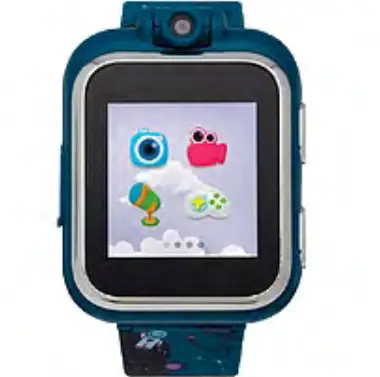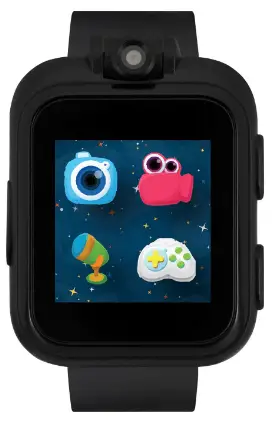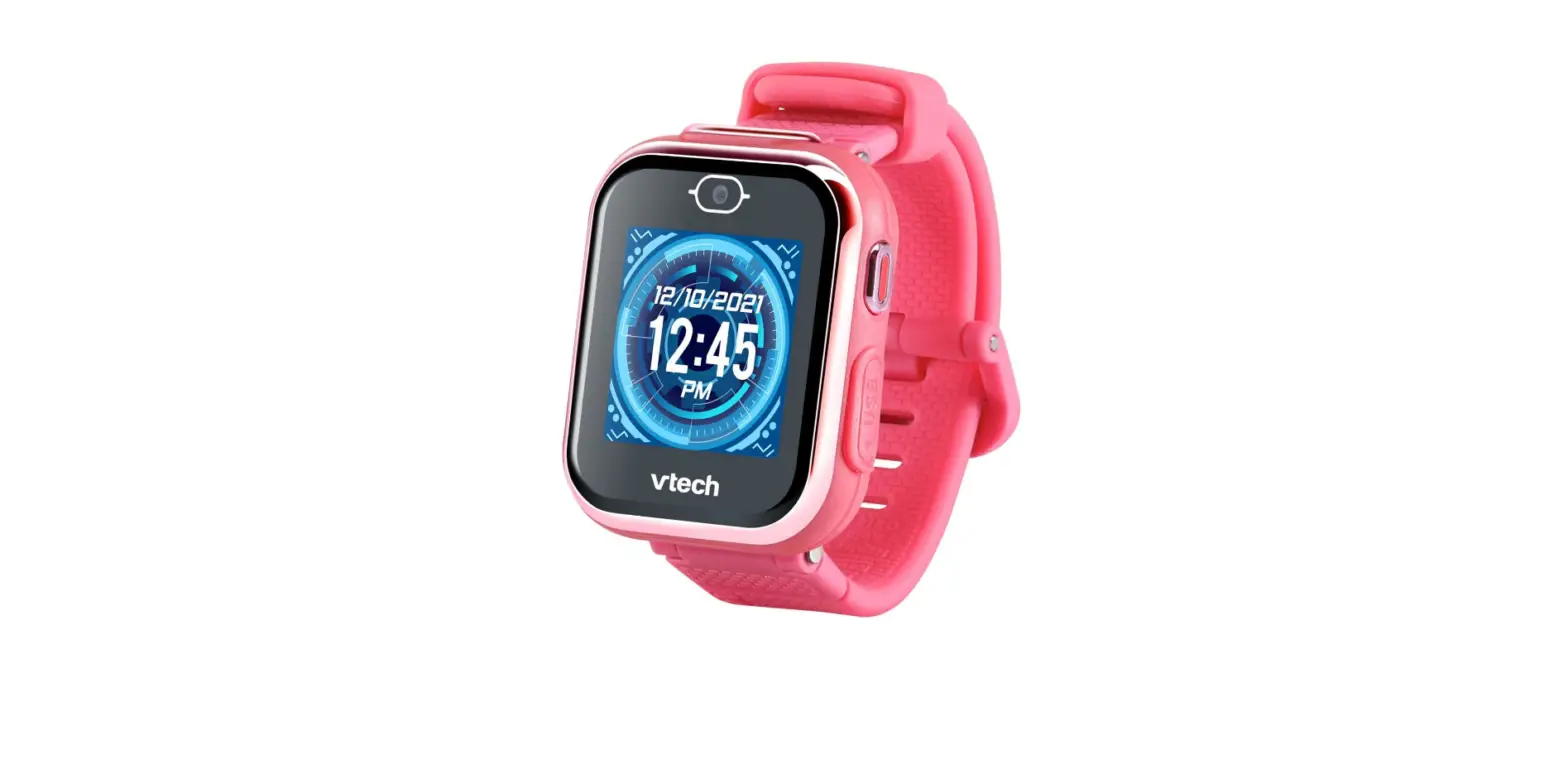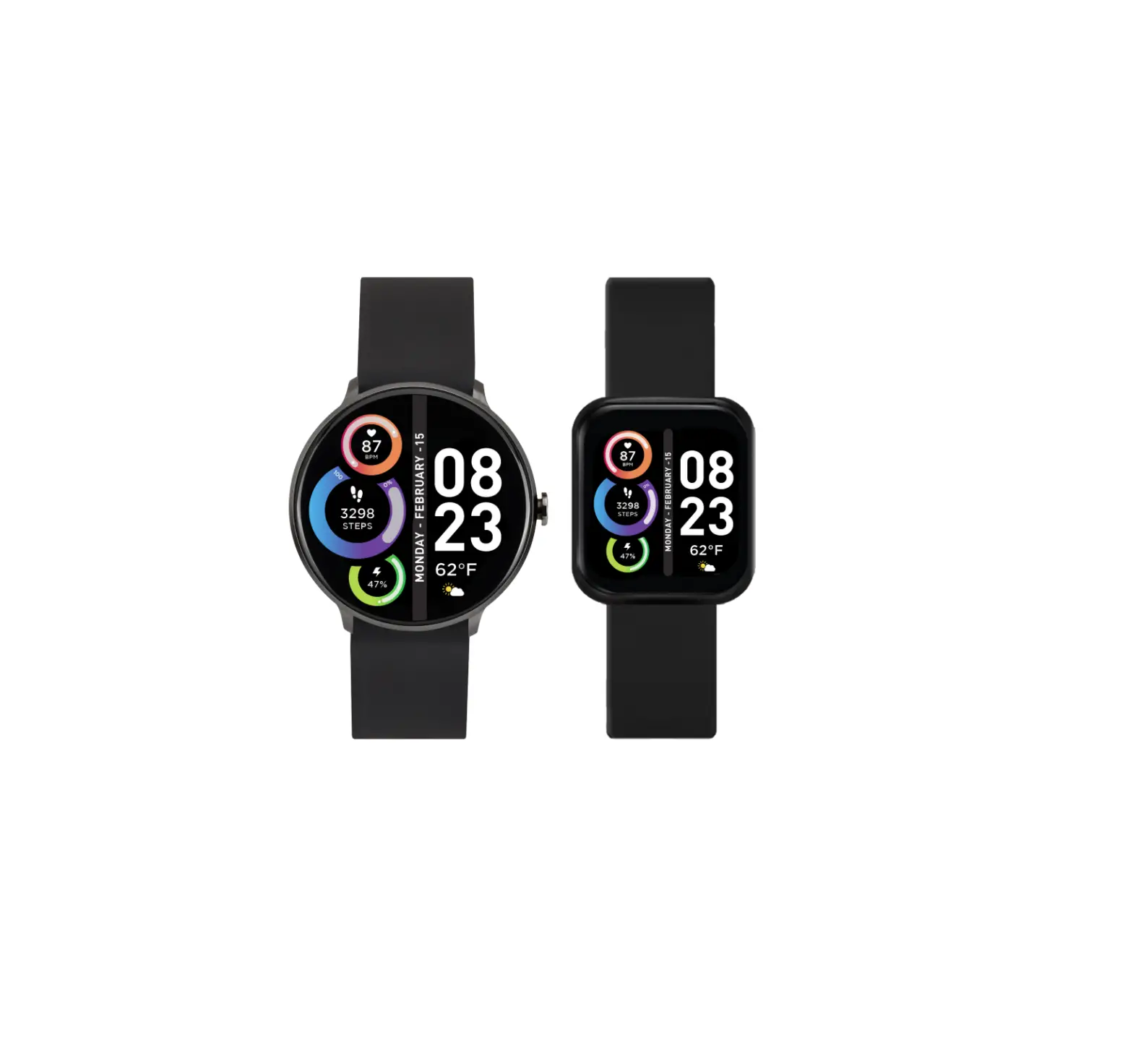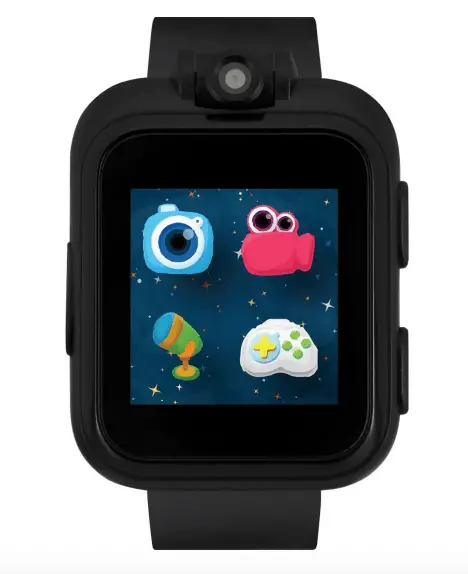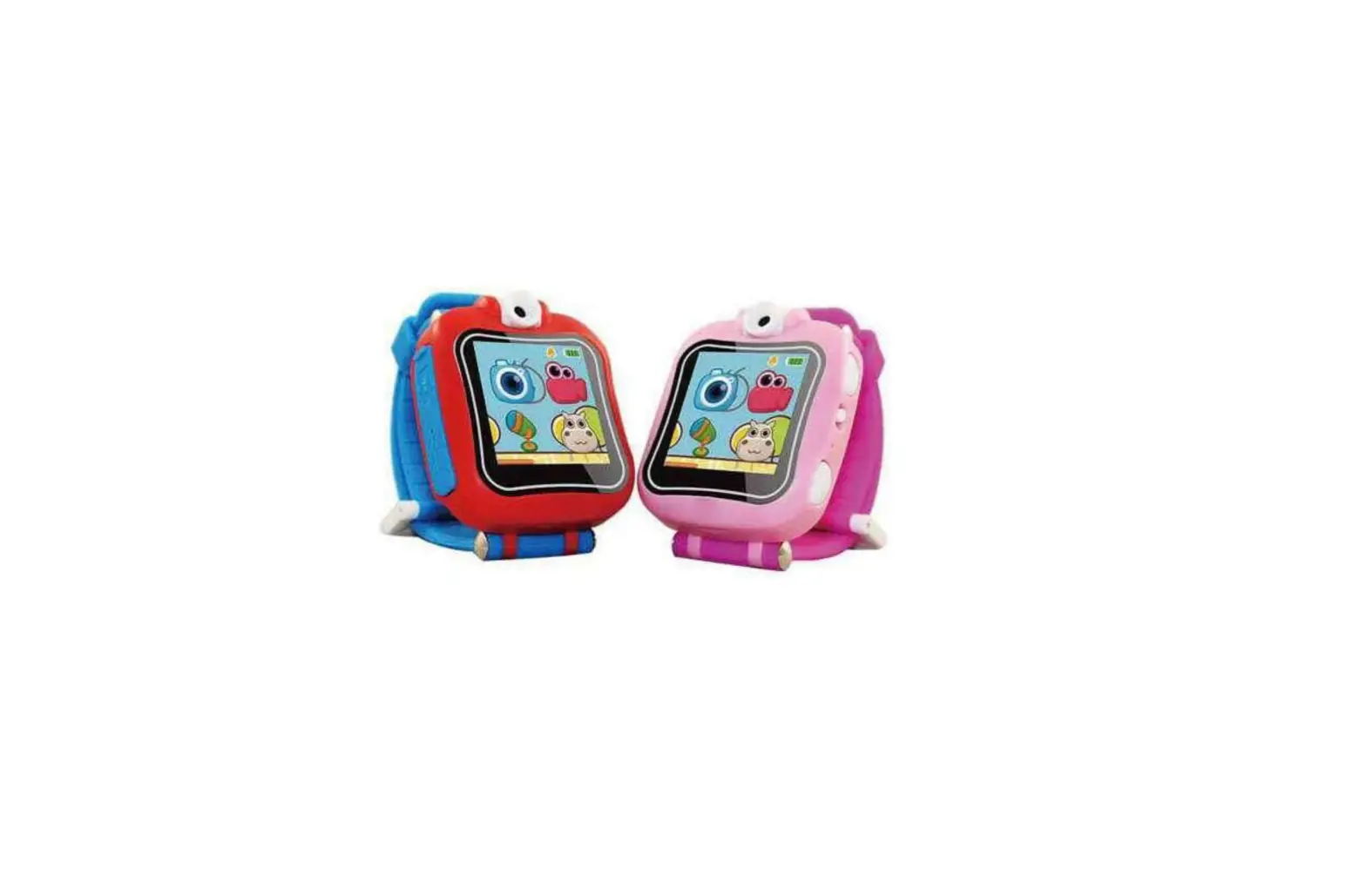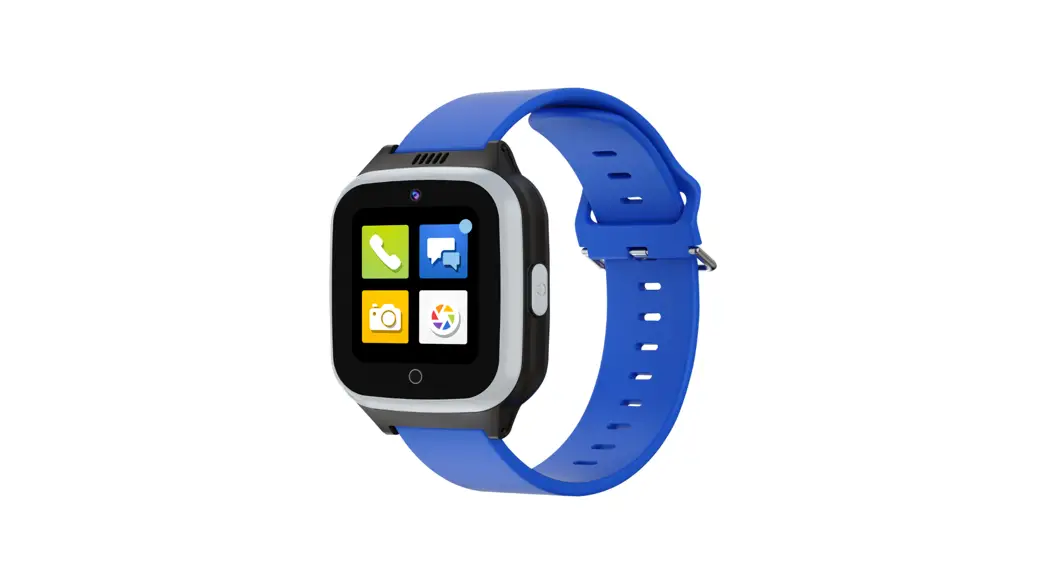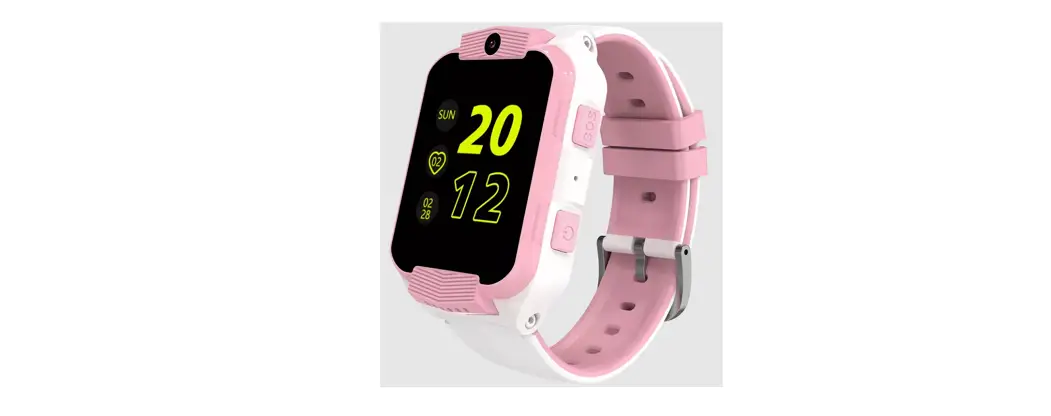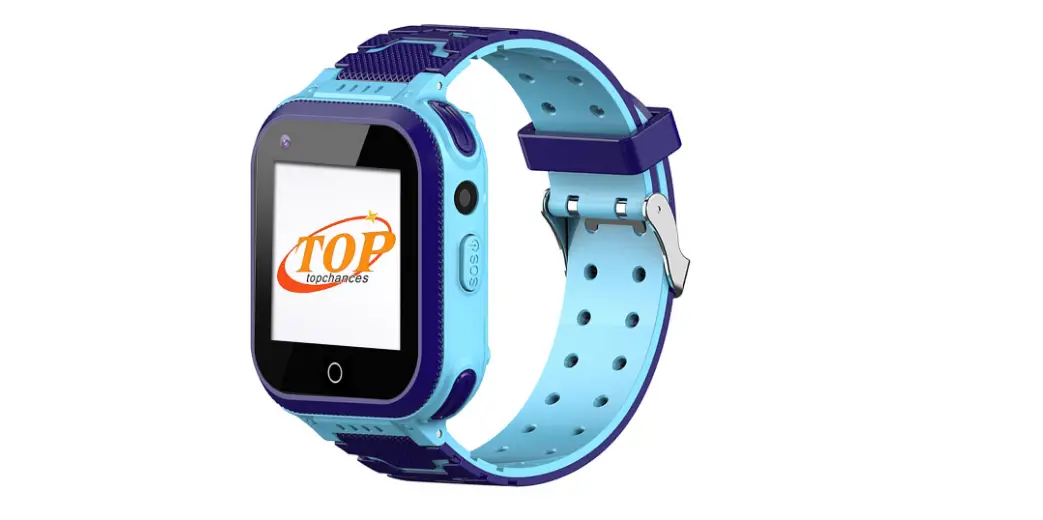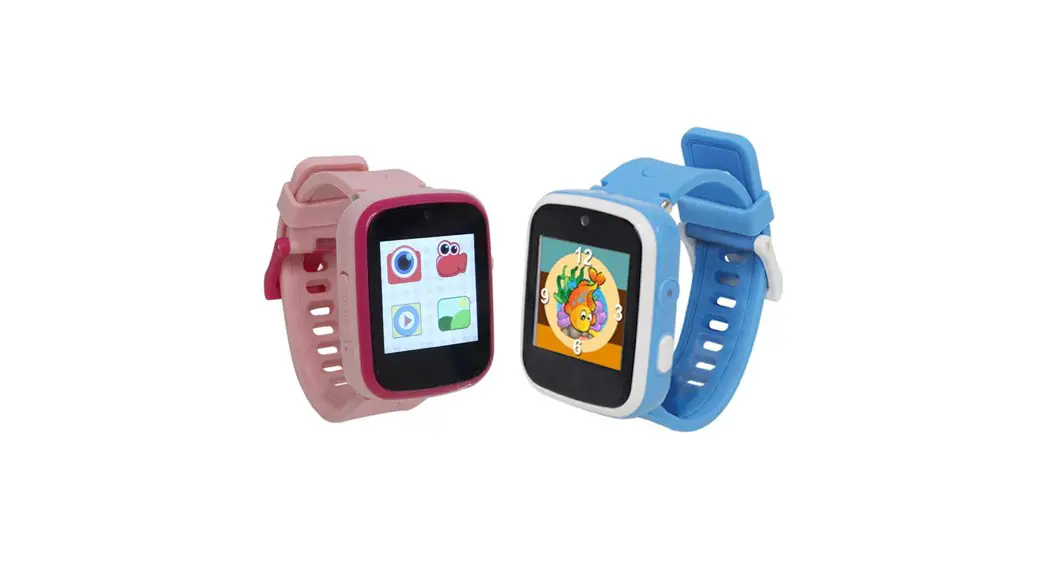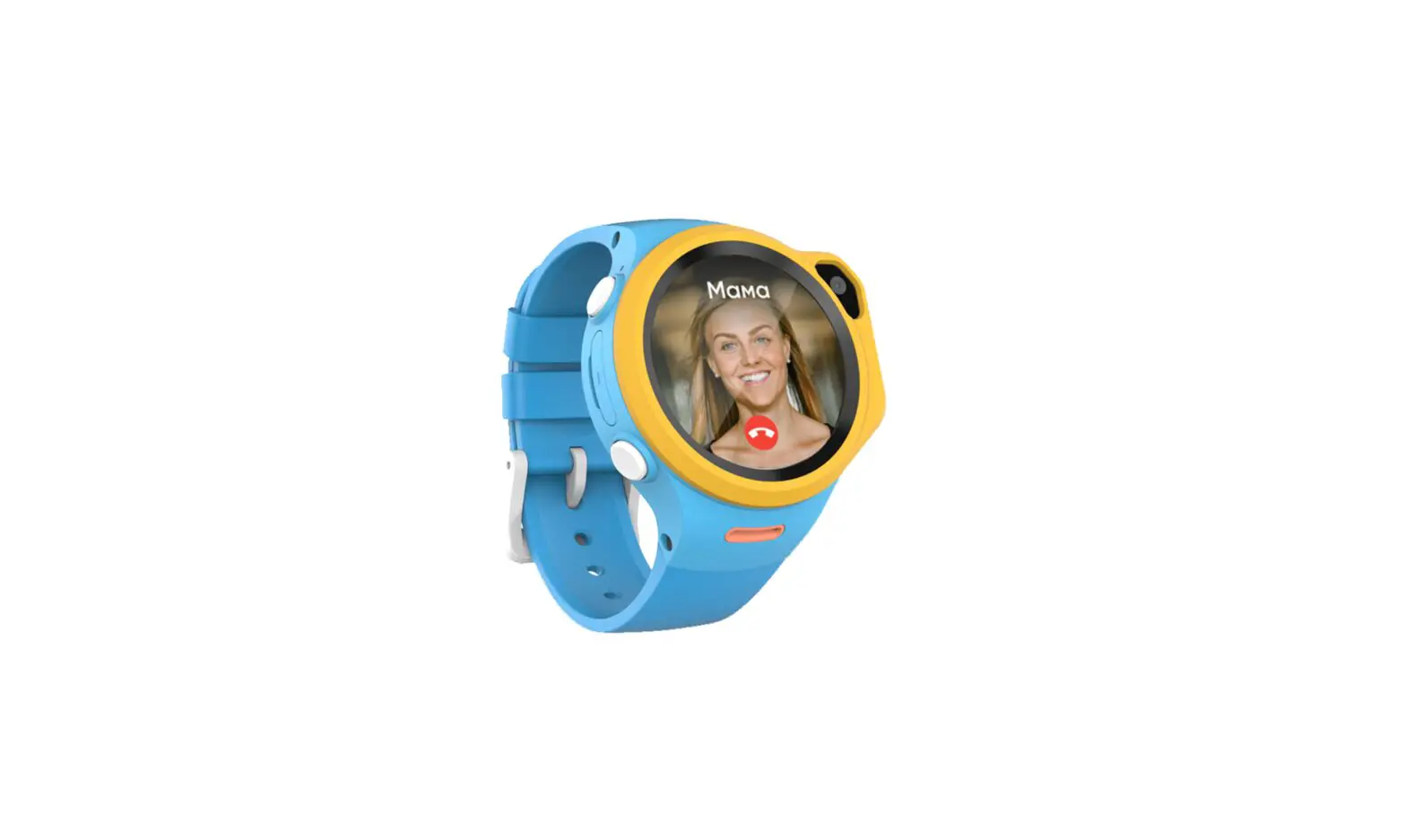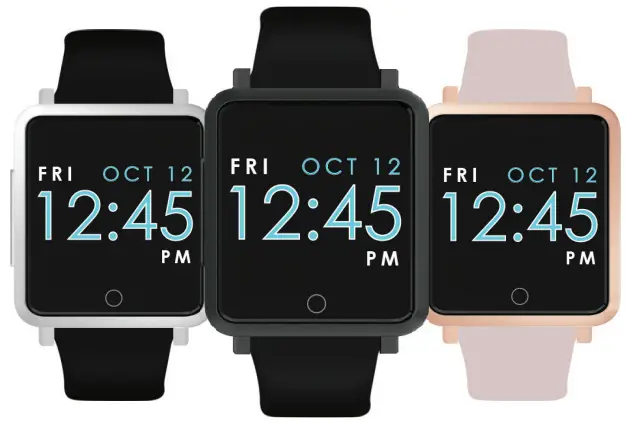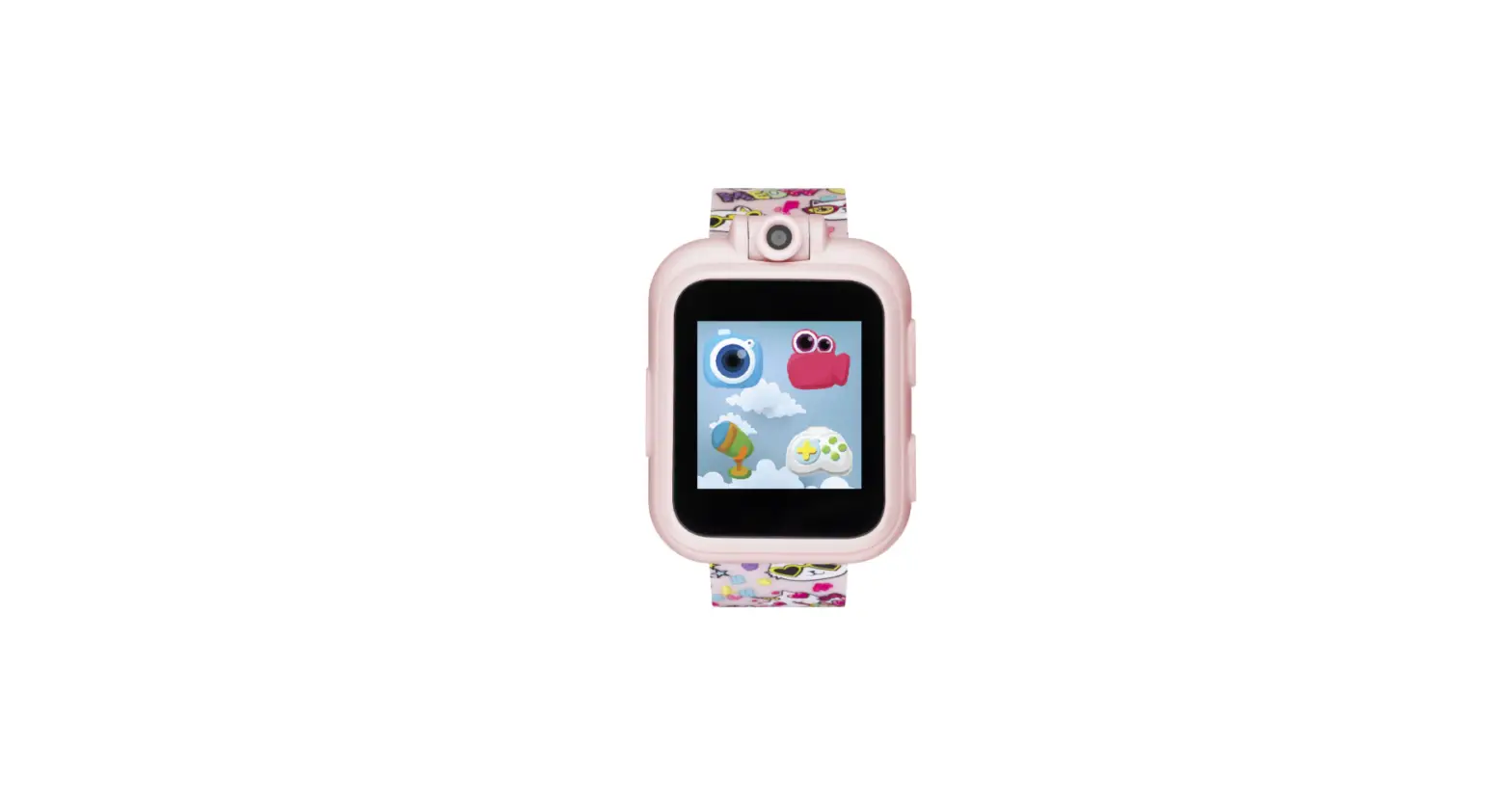

ITECH Jr Kids Smart Watch
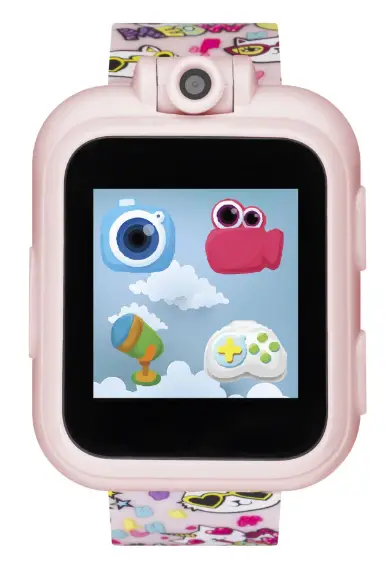
QUICK 4 STEPS
- Fully charge the iTECH Jr Smartwatch before using. A full charge takes 2 hours.
- Visit iTechwearables.com/setup for full user guide on how to use and play instructions.
- Turn your iTECH Jr on to set date and time. Note: You can manually adjust the date and time under settings.
- You are ready to wear the watch and enjoy all the fun activities the iTECH Jr has to offer.
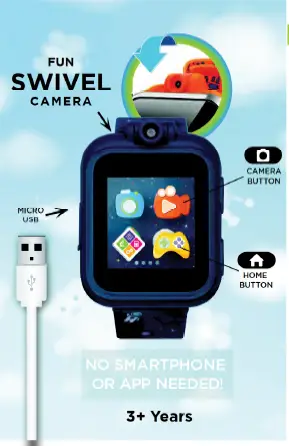
CHARGING
When using your iTech Jr. for the first time, fully charge the watch (2 hours).
Note: Adult supervision/operation required. Connect the watch to a computer or USB charger with the included Micro-USR Cahle
- Pull open the rubber cover of the watch’s Micro-USB Port.
- Insert the small end Micro-USB cable into the watch’s Micro-USB Port.
- Insert the large end of the cable into a powered USB port. A battery charging symbol will appear on the watch screen If the watch is not used for a while, the battery may go into protection mode and the charging symbol may not appear on the screen. Continue charging the watch for at least 30 minutes to activate the battery.
POWER ON/OFF
To power on/off your iTech Jr., press and hold the for a few seconds.
SHUTTER BUTTON
Press the Oto launch the camera and to take pictures.
HOME BUTTON
Clock Mode When the screen is off, press to wake up the watch andd show the time.
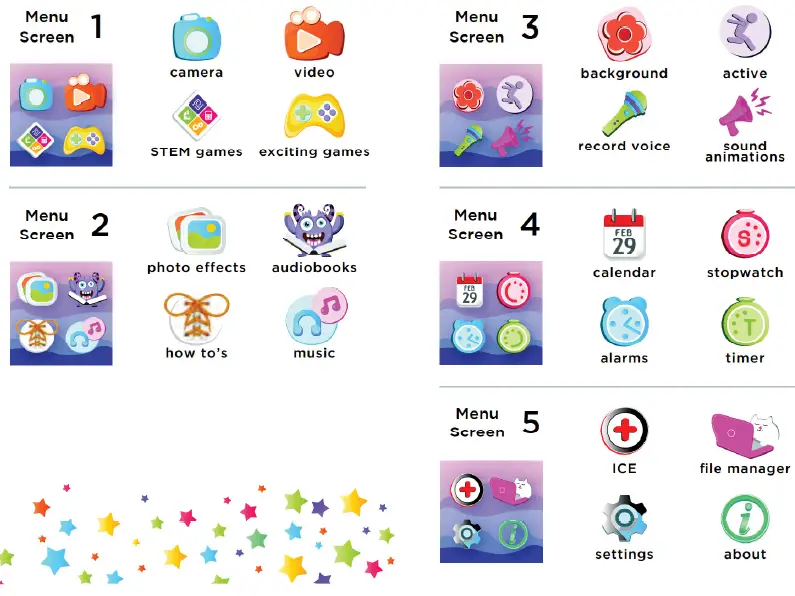
Home Menu Press O while the clock is displayed to enter the main menu. Pressing while in an activity return you to the previous menu.
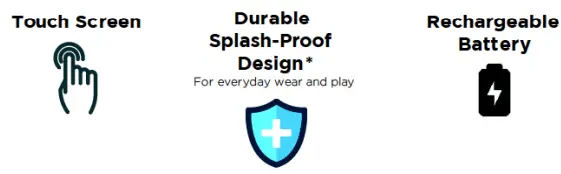
FEATURES

for manual, support and product informalion scan or go lo. support.itechwearables.com
Customer Service Email: [email protected]
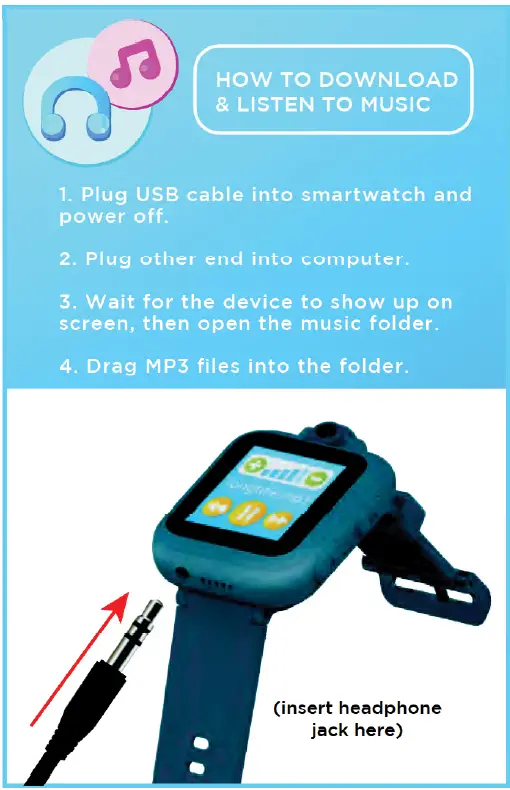
Included Micro USB cable for battery recharging and file transfer Not suitable for showering, bathing, or swimming. Do not submerge. This equipment has been tested and found to comply with the limits for a Class B digital device, pursuant to part 15 of the FCC Rules. These limits are designed to provide reasonable protection against harmful interference in a residential installation. This equipment generates, uses and can radiate radio frequency energy and, if not installed and used in accordance with the instructions, may cause harmful interference to radio communications. However, there is no guarantee that interference will not occur in a particular installation. If this equipment does cause harmful interference to radio or television reception, which can be determined by turning the equipment off and on, the user is encouraged to try to correct the interference by one or more of the following measures:
- Increase the separation between the equipment and receiver
- Connect the equipment into an outlet on a circuit different from that to which the receiver is connected.
- Consult the dealer or an experienced radio/TV technician for help
- Reorient or relocate the receiving antenna.
Caution: Any changes or modifications to this device not explicitly approved by manufacturer could void your authority to operate this equipment. This device complies with part 15 of the FCC Rules. Operation is subject to the following two conditions: (1) This device may not cause harmful interference, and (2) this device must accept any interference received, including interference that may cause undesired operation. This equipment complies with FCC RF radiation exposure limits set forth for an uncontrolled environment. This device and its antenna must not be located or operated in conjunction with any other antenna or transmitter
SAFETY & SKIN CARE
We want to make sure that your child is comfortable in their new iTECH Jr Smartwatch Here are a few tips that should help:
- Regularly clean your smartwatch with a moist paper towel (please pat dry your watch once complete)
- Keep your child’s wrist free of any dirt and oils
- Keep your child’s watch loose enough so that three of your fingers can fit underneath your watch while it’s being worn (wearing a watch too tight can cause skin irritation due to sweat or other types of moisture)
- After playing and sweating, iť’s advised to remove your child’s watch to allow his/her wrist to take a breather
- Kids with eczema or a skin condition should consult a physician before wearing the watch
Please wear with care!
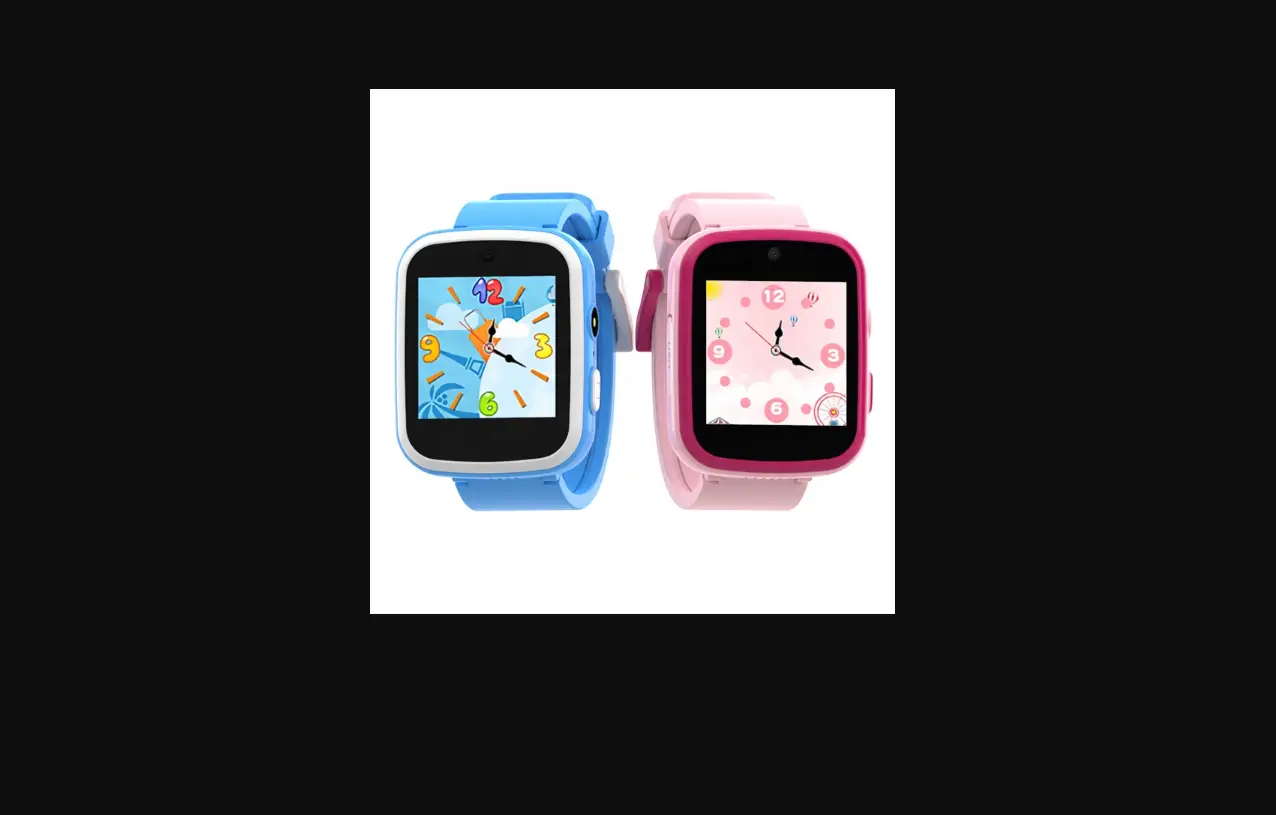
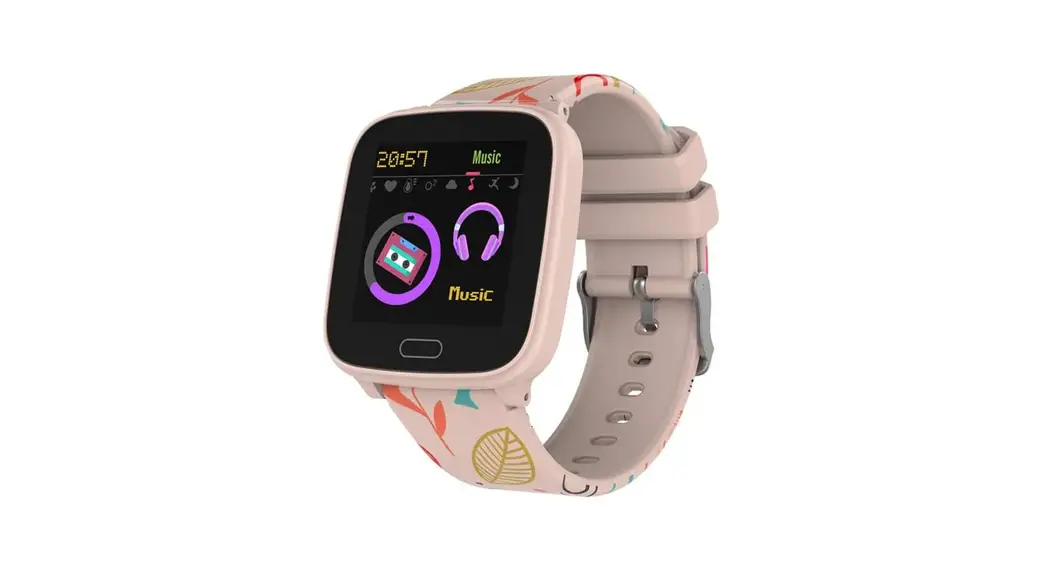
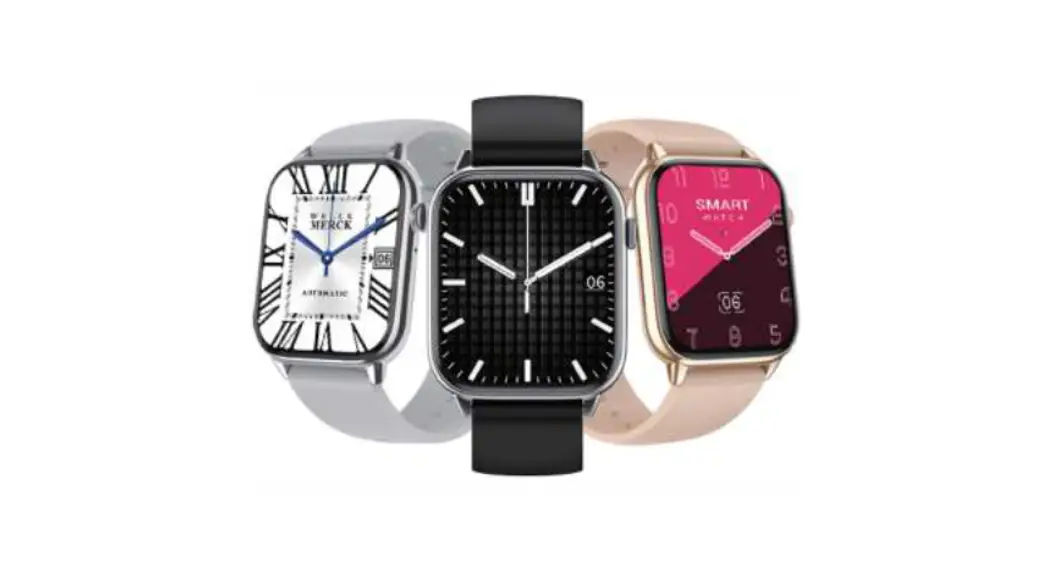
The iTech Wearables Family
ITECH WATCH CARE
- Clean your band regularly, especially after strenuous exercise. It is recommended to rinse your band with water or wipe it with an alcohol wipe. Do NOT use any kind of soap, hand sanitizers, or household cleaners, which could get trapped beneath the band and irritate your skin.
- It is a good idea to set your watch aside for 10-15 minutes after cleaning to ensure that the device is fully free of any potential irritants and completely dry. For stains or buildup on your band, watch screen or casing, wipe the affected area with an alcohol wipe. Be sure to wipe gently. If affected area is on the band, you can use warm water and a soft bristle brush to remove the dirt, stain or build up.
- To keep your device looking new, it is recommended to use a microfiber cloth to wipe off any smudges or finger prints from the casing, screen and band.
- Your watch should always help you feel great but if you experience any irritation or skin abrasion, please remove the watch and consult a doctor.
WATCH INSTRUCTIONS
ADJUSTING WATCH BANDS FOR LEATHER, SILICONE &PLASTIC BANDS
Use the prong and notch system to move the prong up or down a notch to tighten or loosen and adjust to the appropriate fit for your wrist.
FOR LEATHER, SIMULATED LEATHER, PLASTIC & SILICONE BANDS
CHANGING / REPLACINGI ADDING/ REMOVING THE BAND FROM YOUR WATCH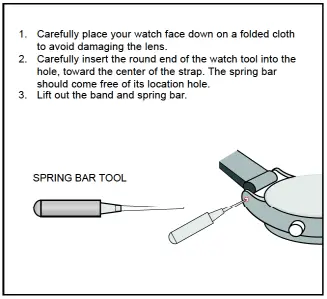
Limited Warranty on iTech
This limited warranty gives you, the consumer, specific legal rights. You may also be entitled to certain rights, which vary from state to state. The limited warranty can also be found online at itechwearables.com/warranty or in the documentation provided with the product. We warrant that during the warranty period, this product will be free from defects in materials and workmanship. We limit the duration and remedies of all implied warranties including, without limitation, the warranties of merchantability and fitness for a particular purpose for the duration of this express limited warranty. Some states do not allow limitations on how long an implied warranty lasts, so the above limitation may not apply to you. Our responsibility for defective goods is limited to repair, replacement, or refund as described below in this warranty statement
What is the period of coverage?
This limited warranty starts on the date of your purchase and lasts for one year (the “warranty period”). The warranty period is not extended if we repair or replace the product. We may change the availability of this limited warranty at our discretion, but any changes will not be retroactive.
Who may use this warranty?
iTech (“we”) extend this limited warranty only to the consumer who originally purchased the product (“you”). It does not extend to any subsequent owner or other transferee of the product.
What does this warranty cover?
This limited warranty covers defects in materials and workmanship of all iTech products (the “product”) for the warranty period as defined below.
What does this warranty not cover?
This limited warranty does not cover any damage due to: (a) transportation; (b) storage; (c) improper use; (d) failure to follow the product instructions or to perform any preventive maintenance; (e) IiodilicaliOIs; () undulhorized epait; (8) normal wear and lear, or (h) external causes such as accidents, abuse, water damage or other actions or events beyond our reasonable control. Devices that are not IP68 should not be submerged or used in water under any circumstances as this could lead to irreparable damage.
What are your remedies under this warranty?
With respect to any defective product during the warranty period, we will, in our sole discretion, either: (a) repair or replace such product (or the defective part) free of charge or (b) replace the product with same or similar product or (c) refund the purchase price of such product. There may be a fee associated with the warranty return in order to shipP back the device to you.
How do you obtain warranty service?
To obtain warranty service, you must submit your claim through our warranty portal (itechwearables.com/warranty-claim) during the warranty period. We may charge you a fee for shipping and handling to return the repaired or replacement product to you. Shortly after submitting a claim, you will receive a warranty confirmation email, which you will need to include with your return package product when returning it to us. No warranty service will be provided without the confirmation email included in the package.
Limitation of Liability
The remedies described above are your sole and exclusive remedies and our entire liability for any breach of this limited warranty. Our liability shall under no circumstances exceed the actual amount paid by you for the defective product, nor shall we under any circumstances be liable for any consequential, incidental, special or punitive damages or losses, whether direct or indirect. Some states do not allow the exclusion or limitation of incidental or consequential damages, so the above limitation or exclusion may not apply to you.
What can you do in case of a dispute?
The following informal dispute resolution procedure is available to you if you believe that we have not performed our obligations under this limited warranty: you can email us at [email protected]. From there our customer service agents can assist with any warranty issues.
US Warranty Only
iTech only offers warranty services within the domestic U.S.
The battery for your device cannot be replaced under any circumstances. If you experience any issues with your watch, please contact our customer service center.