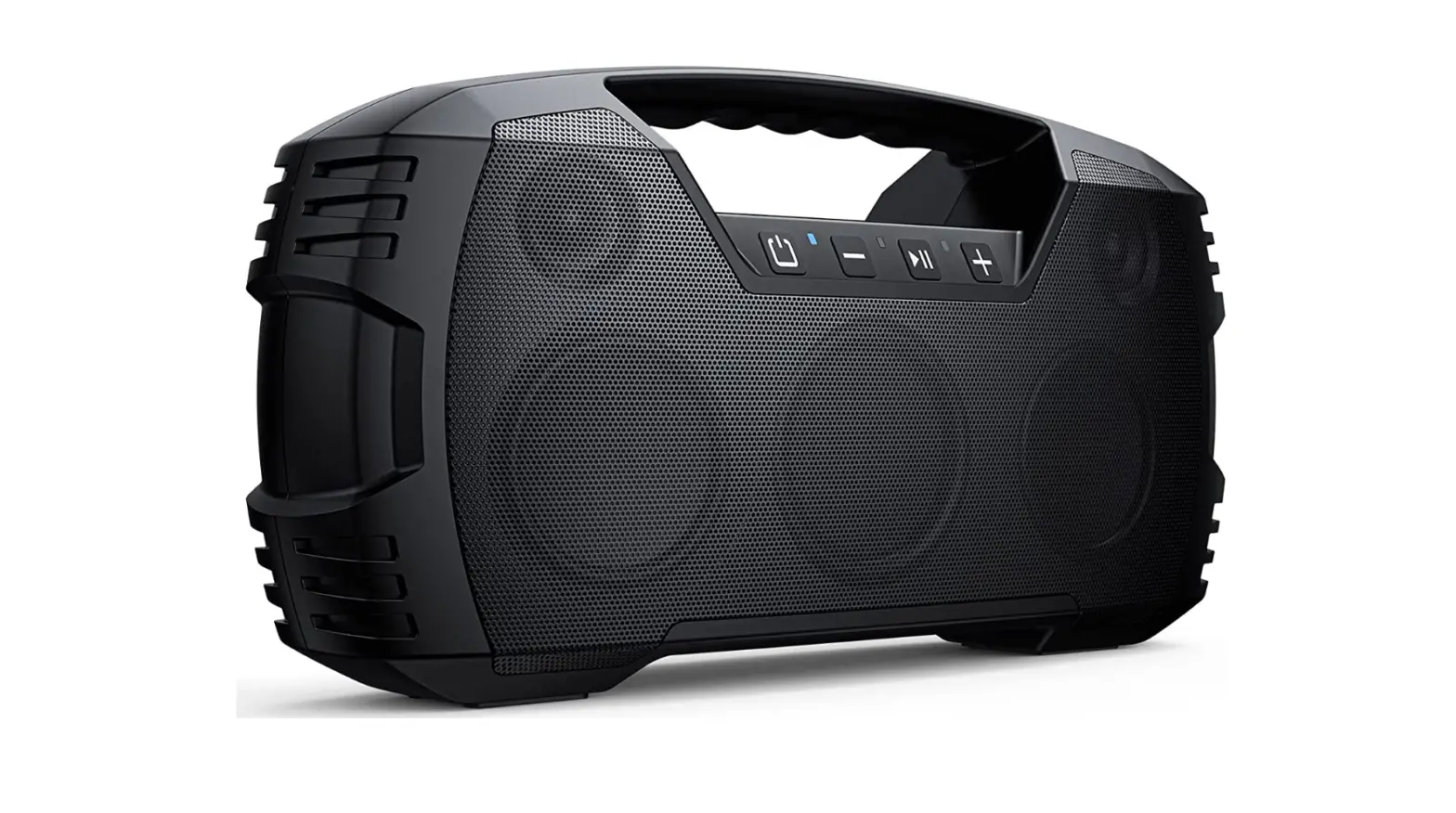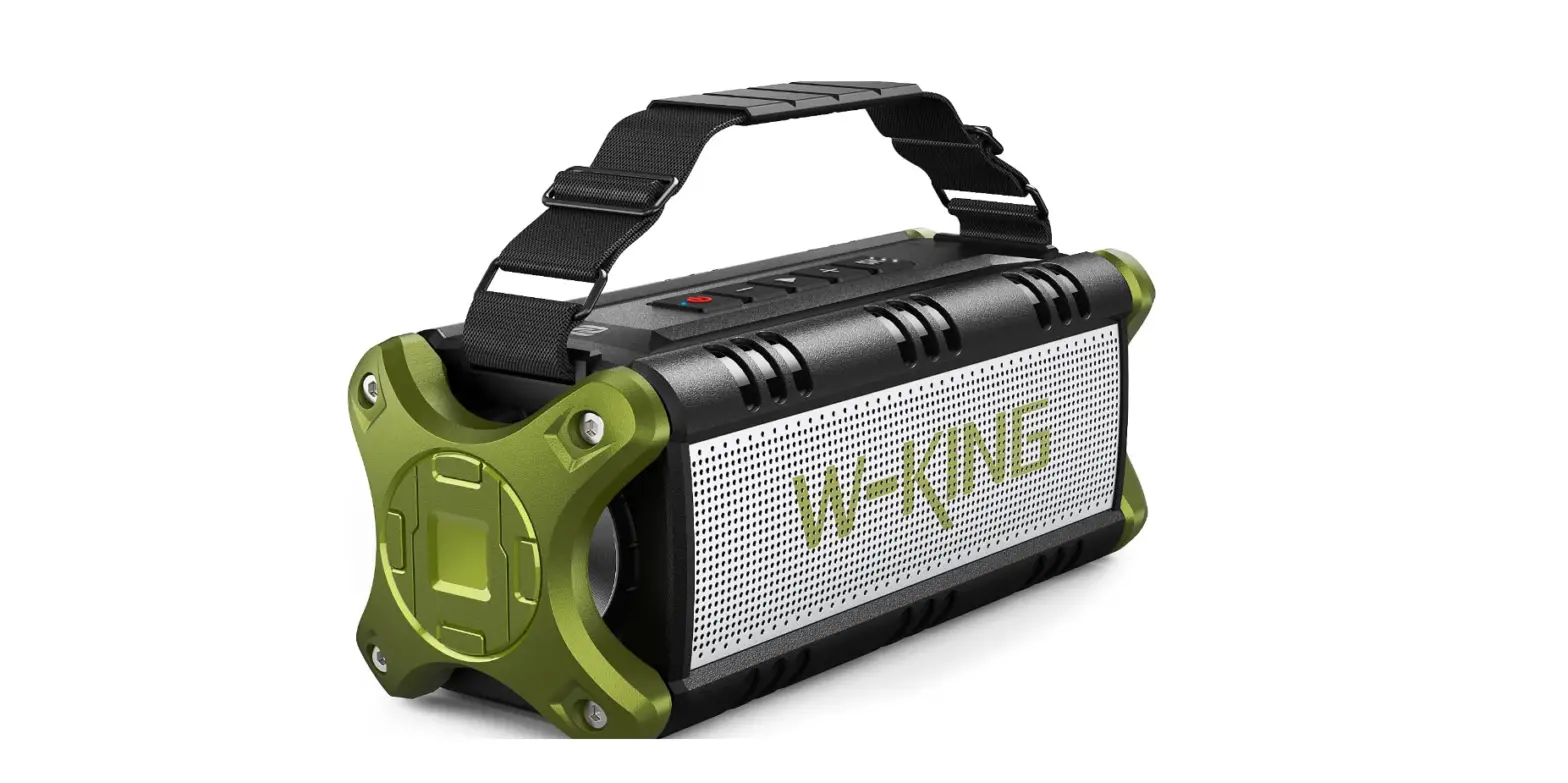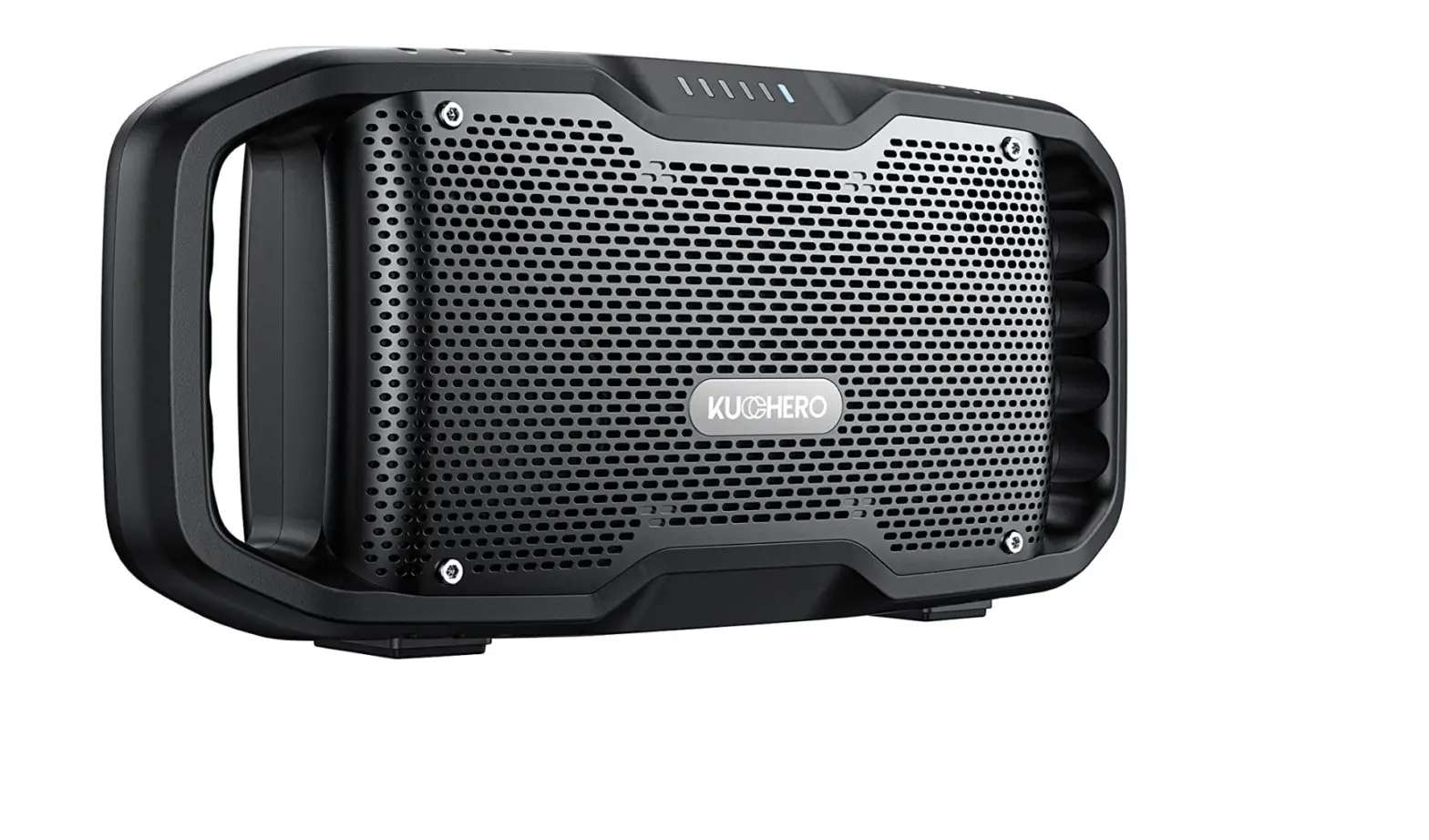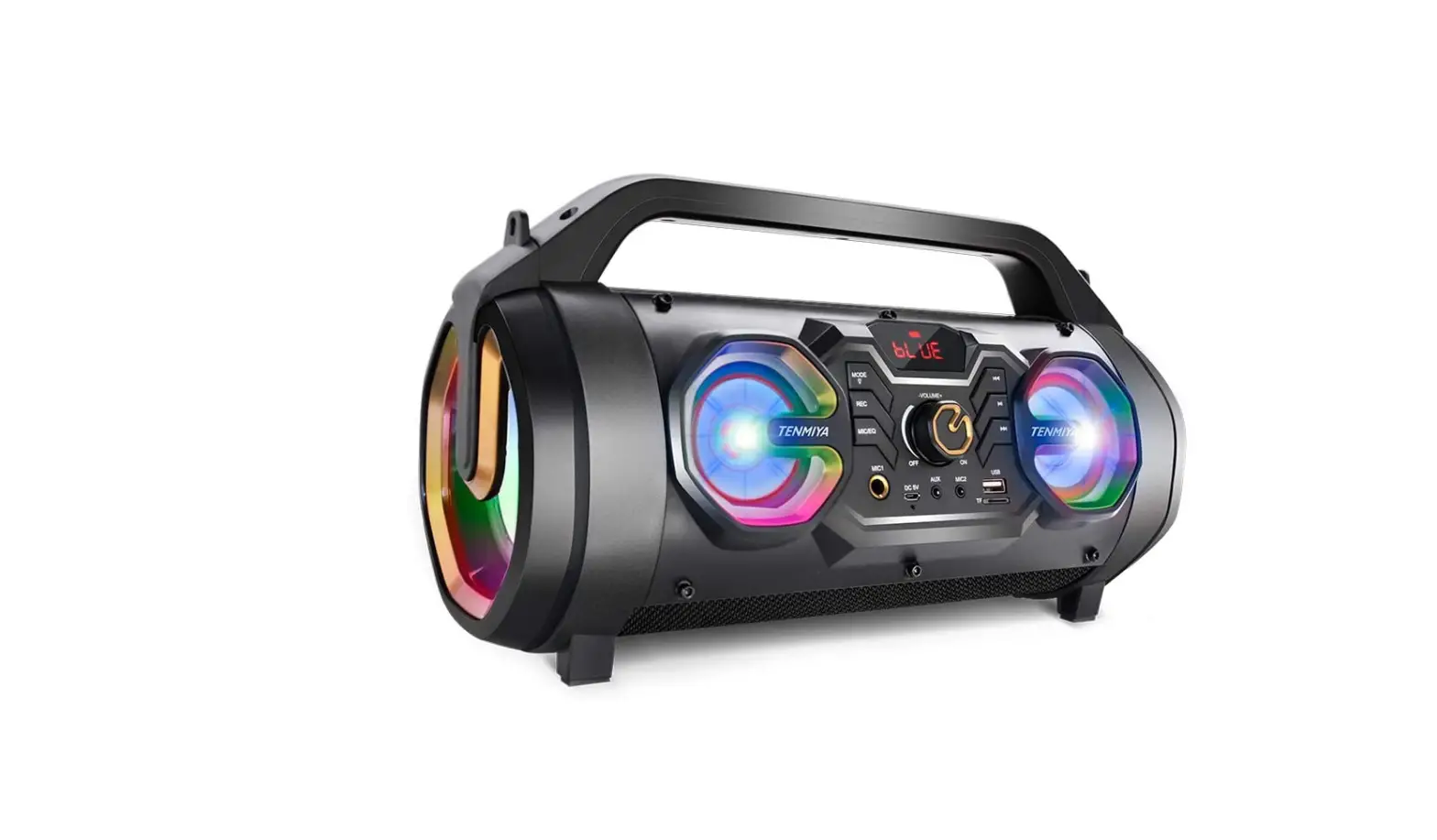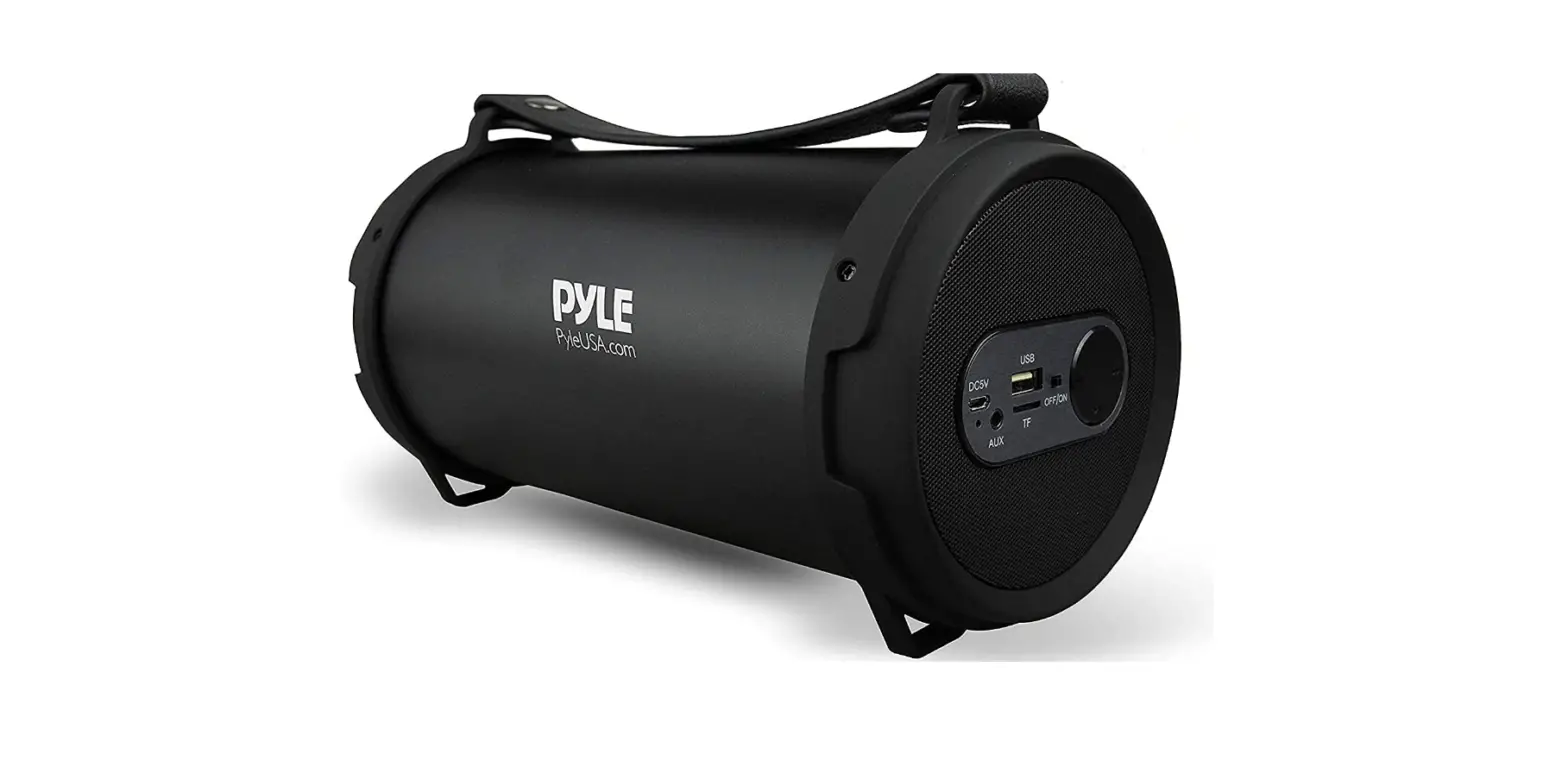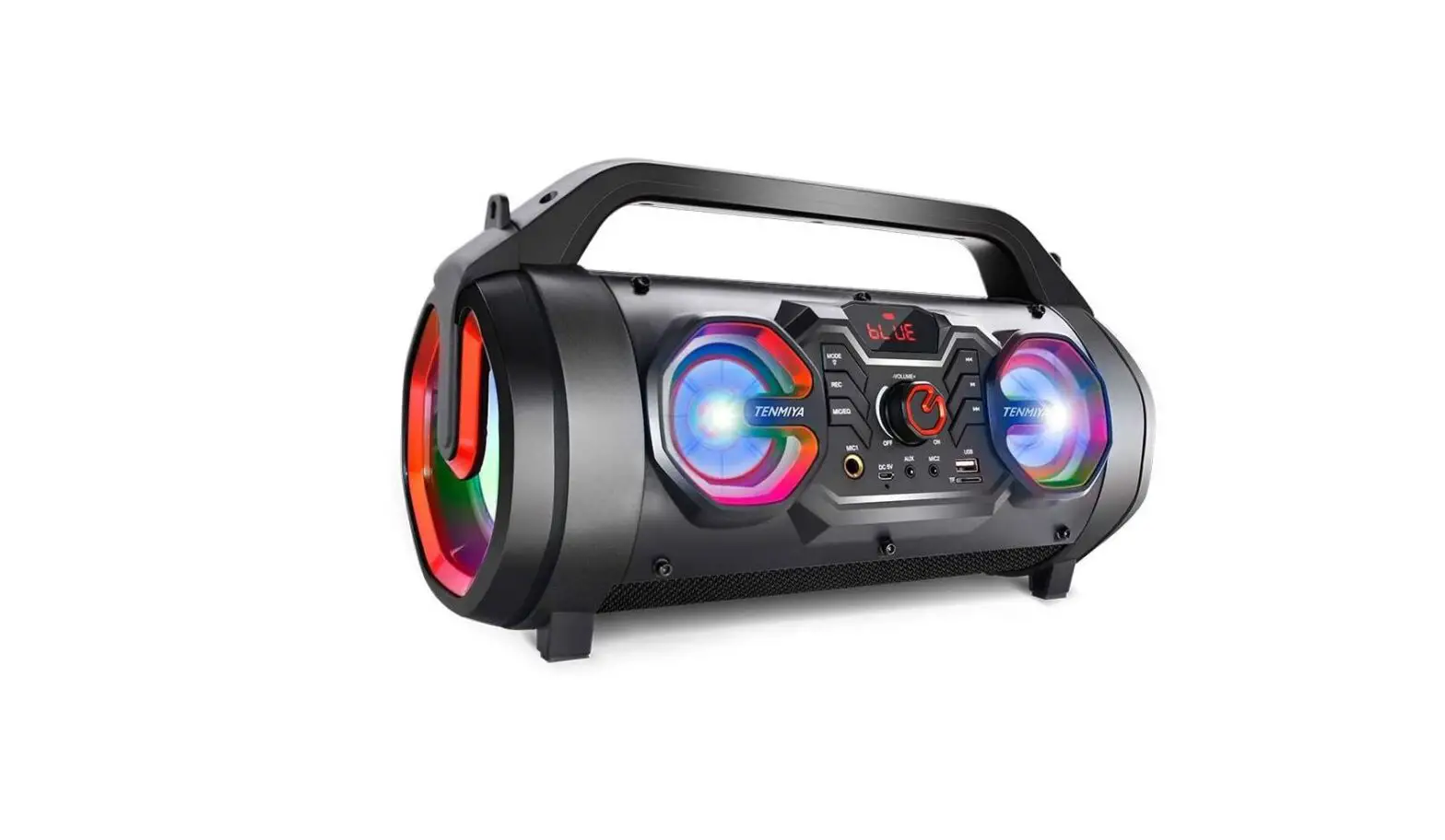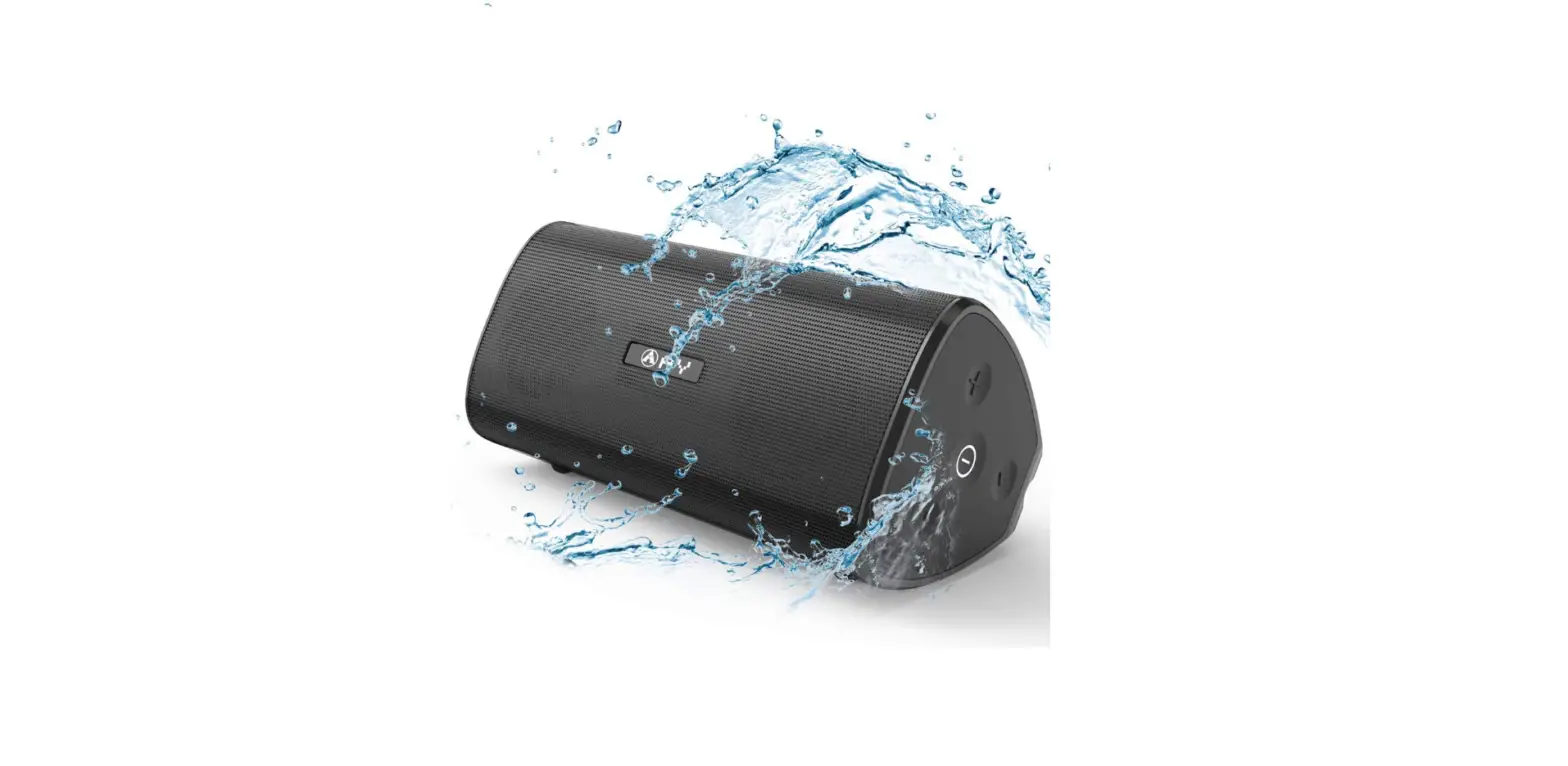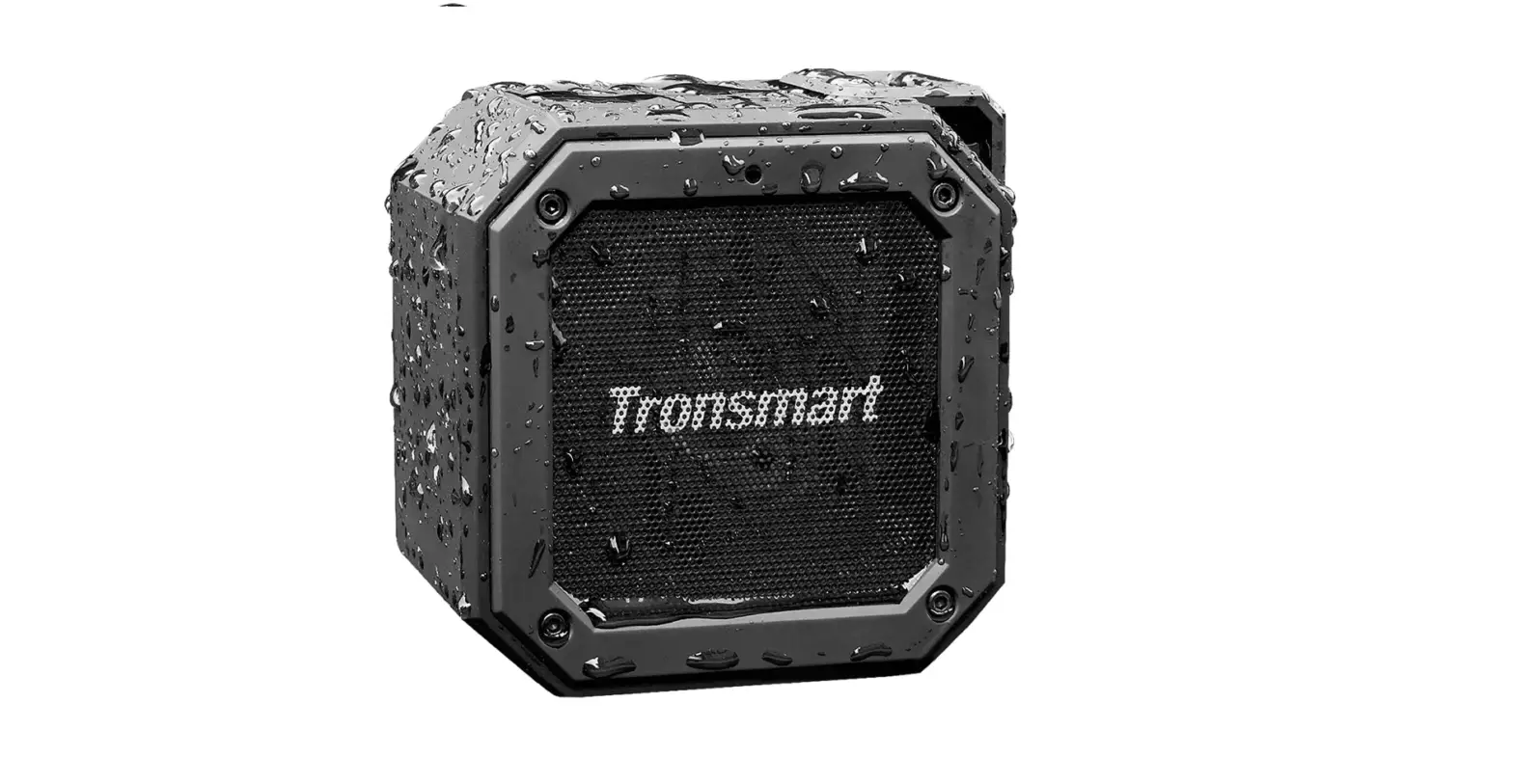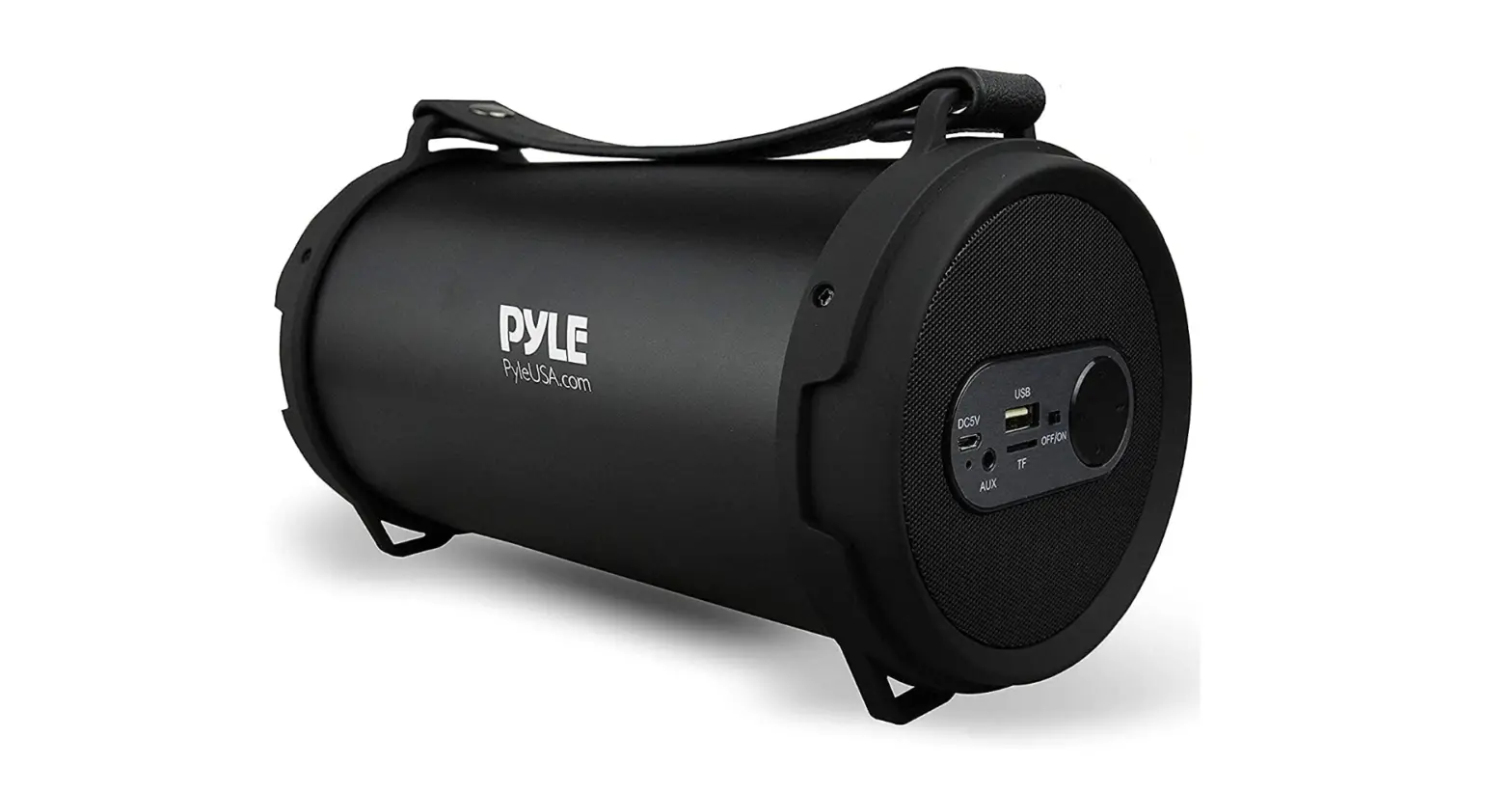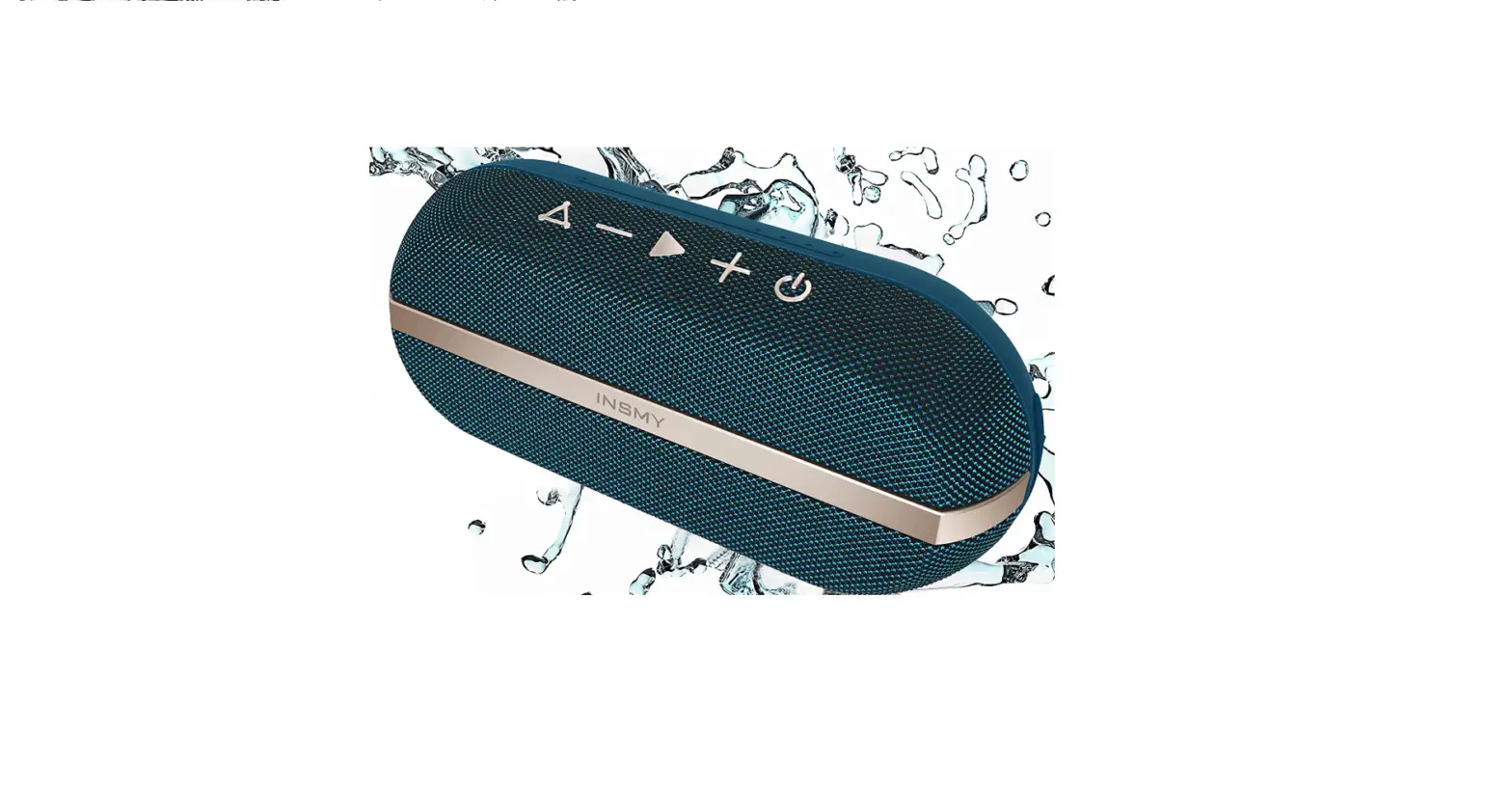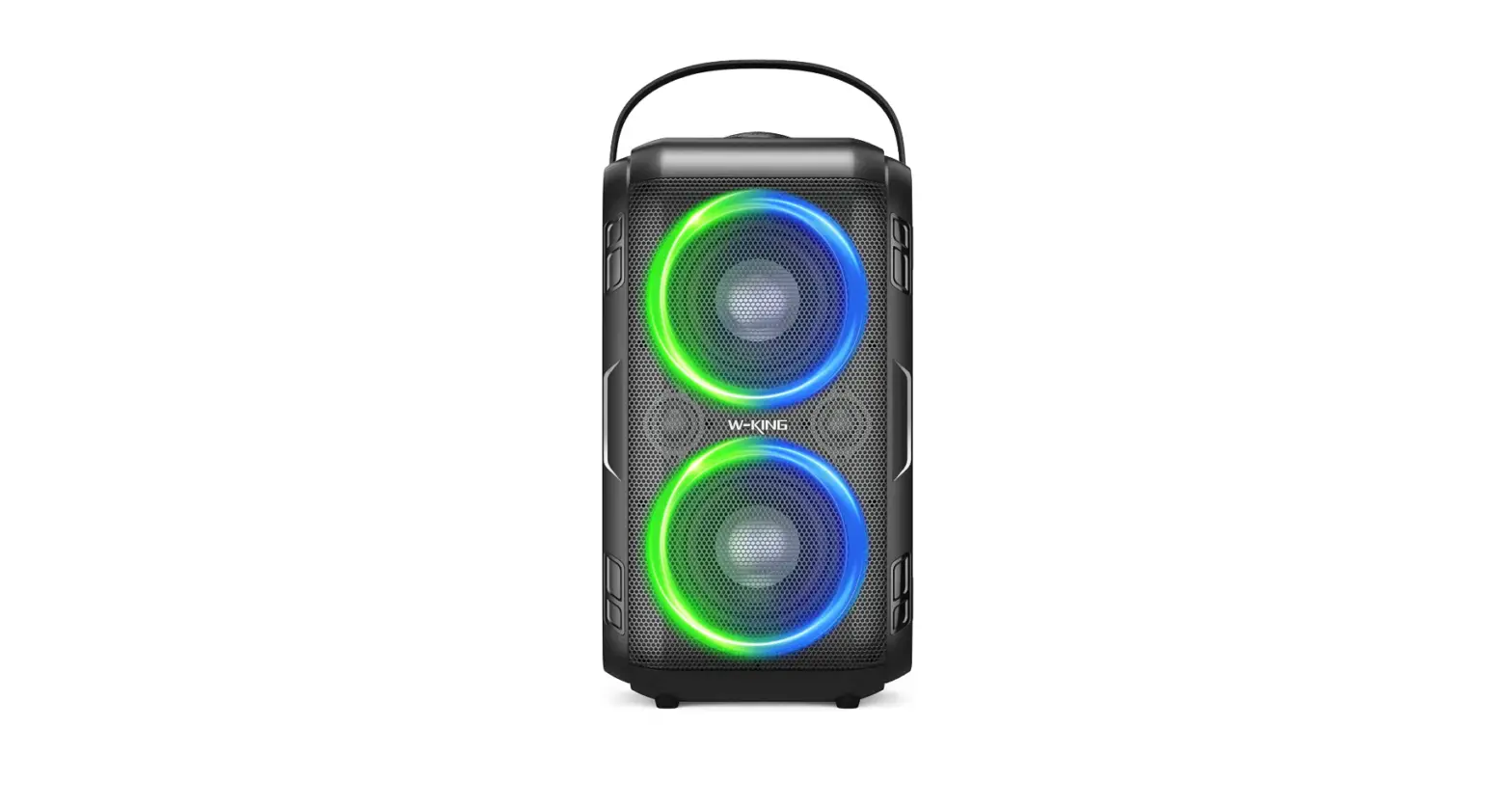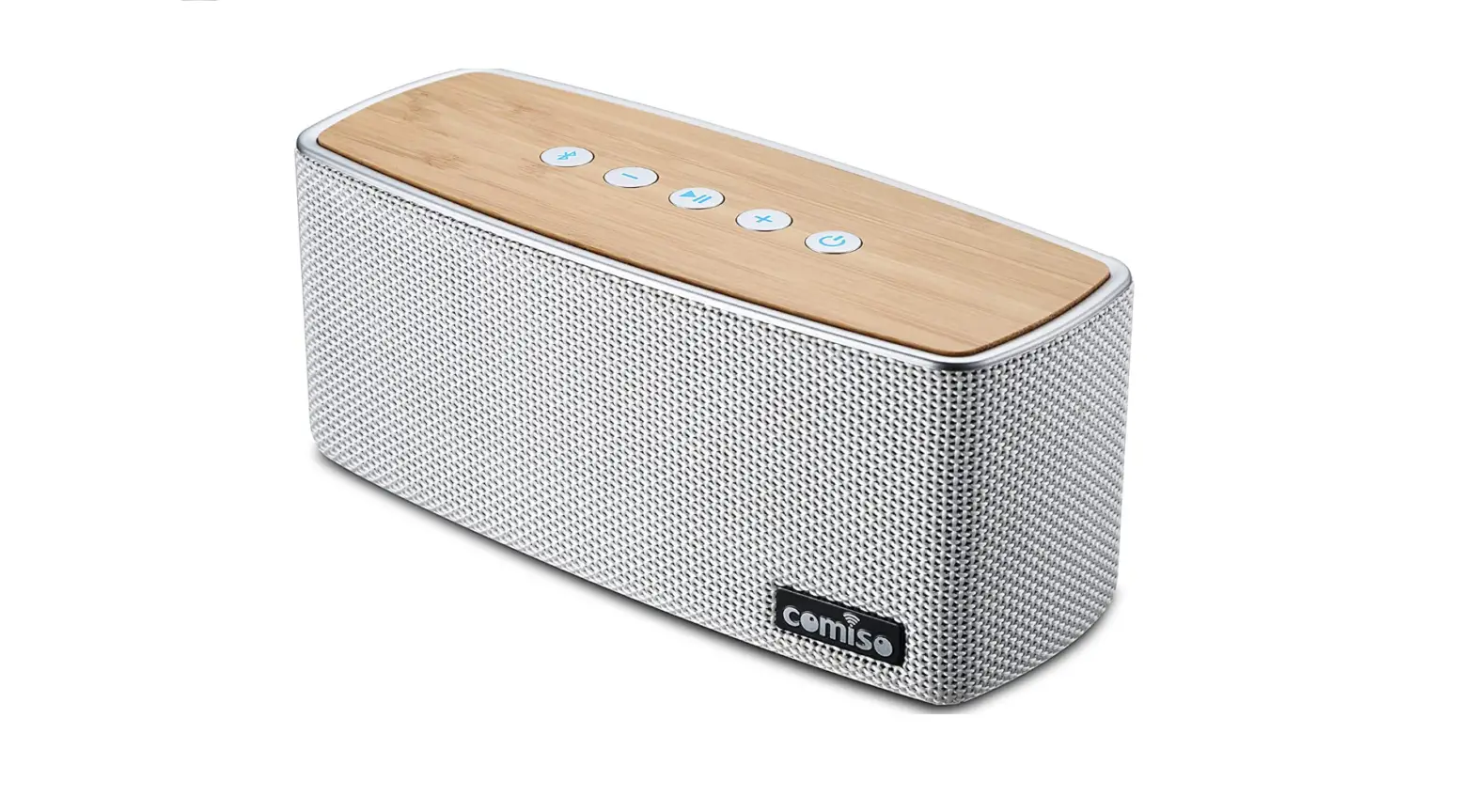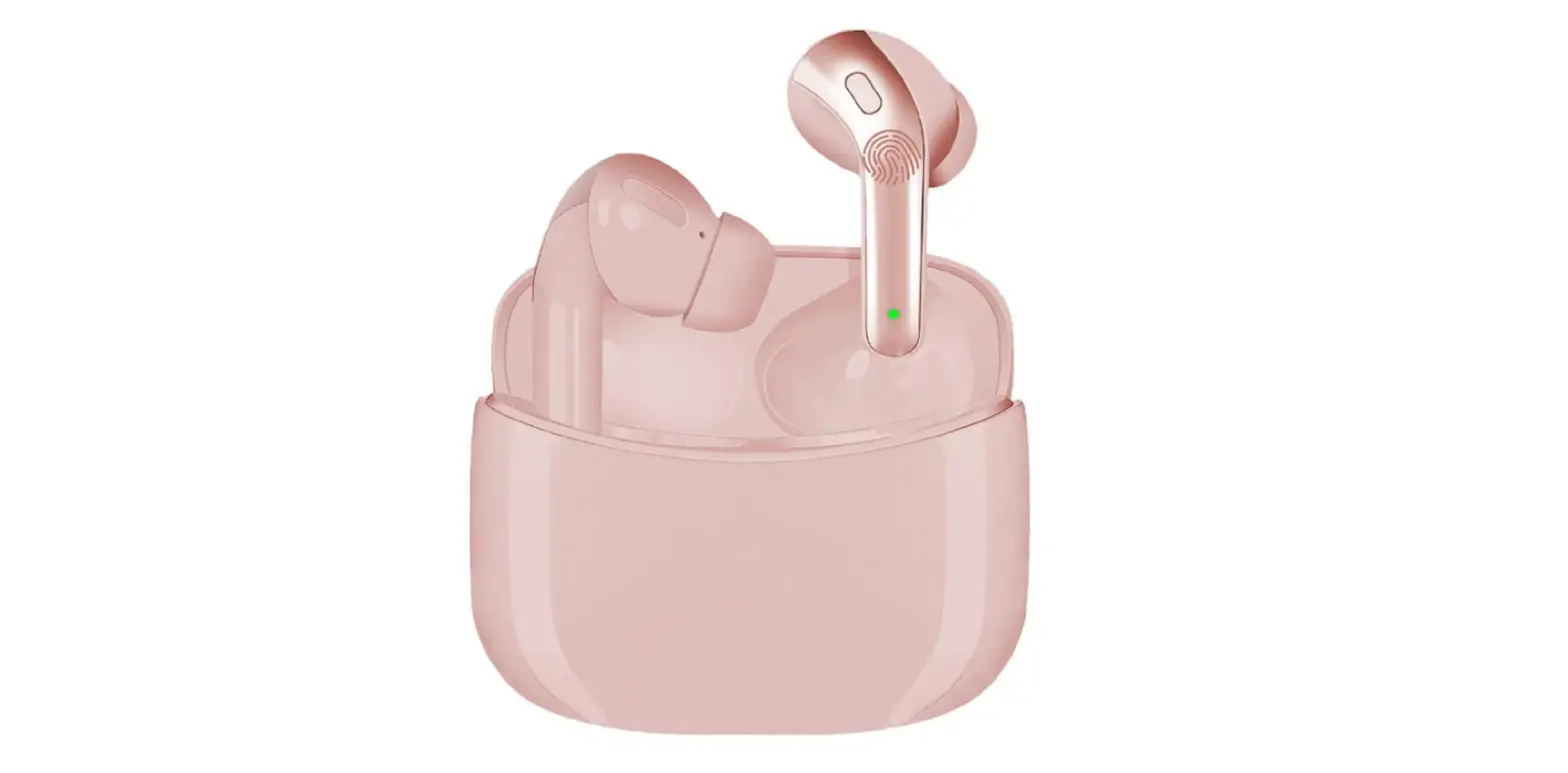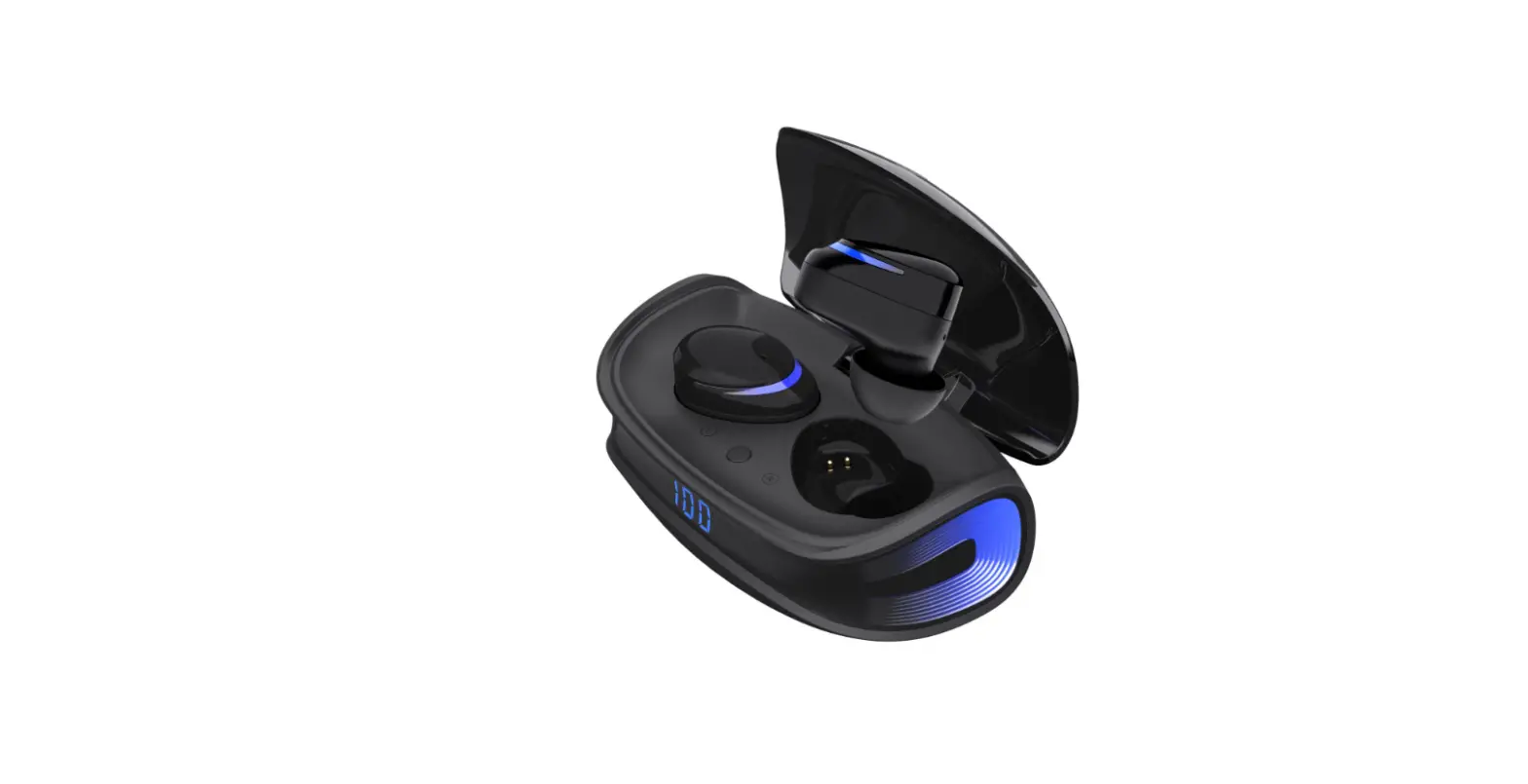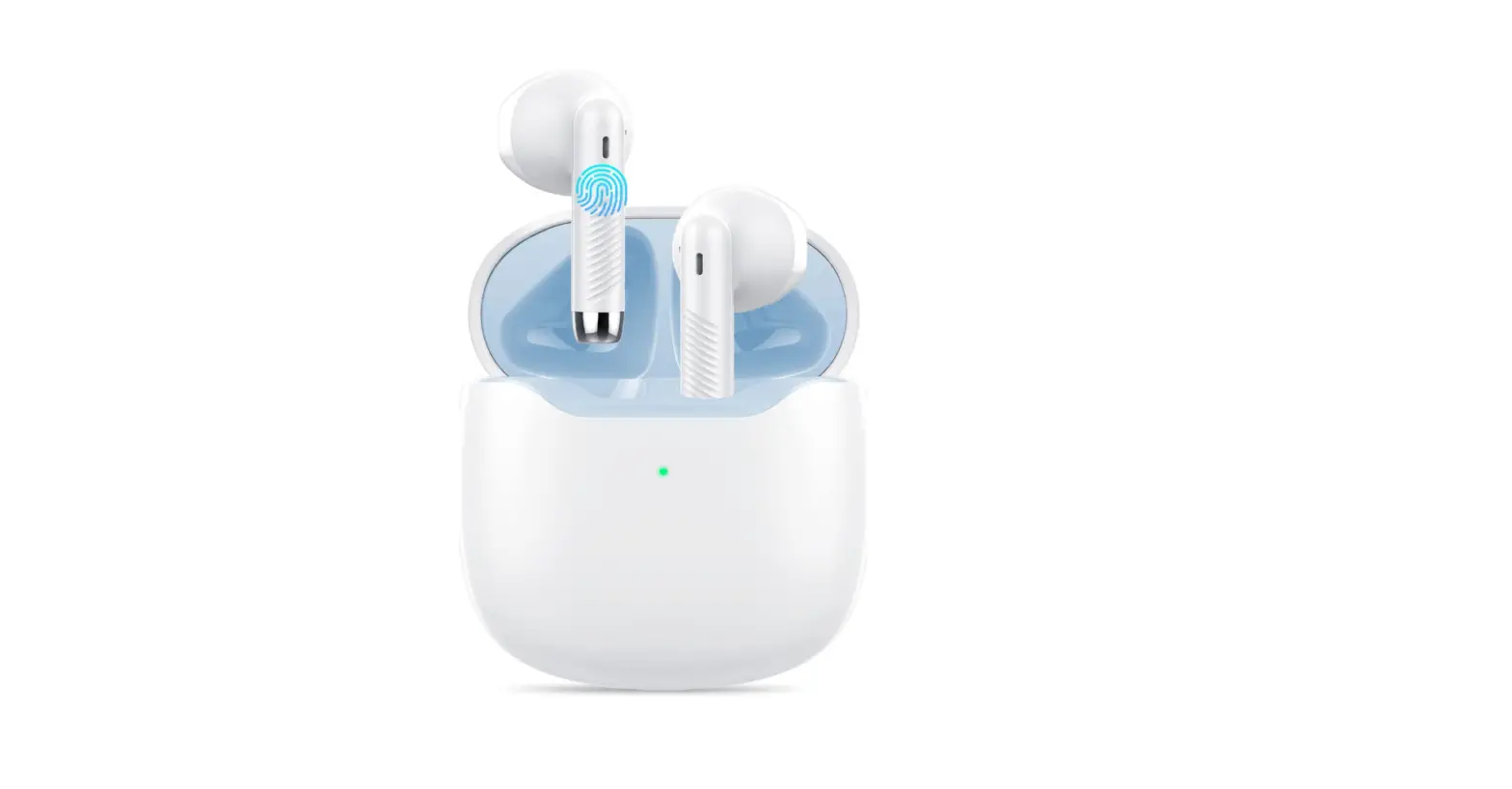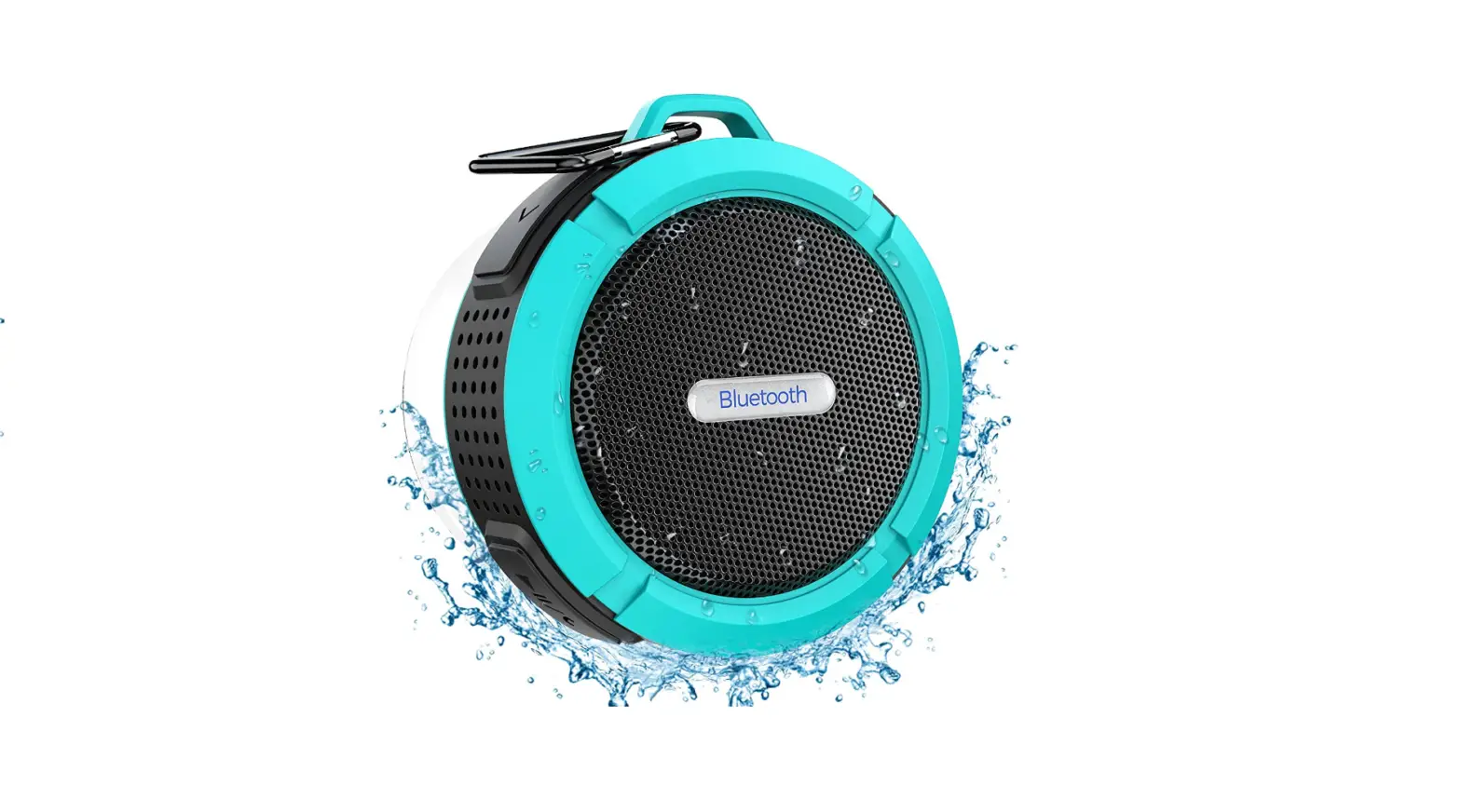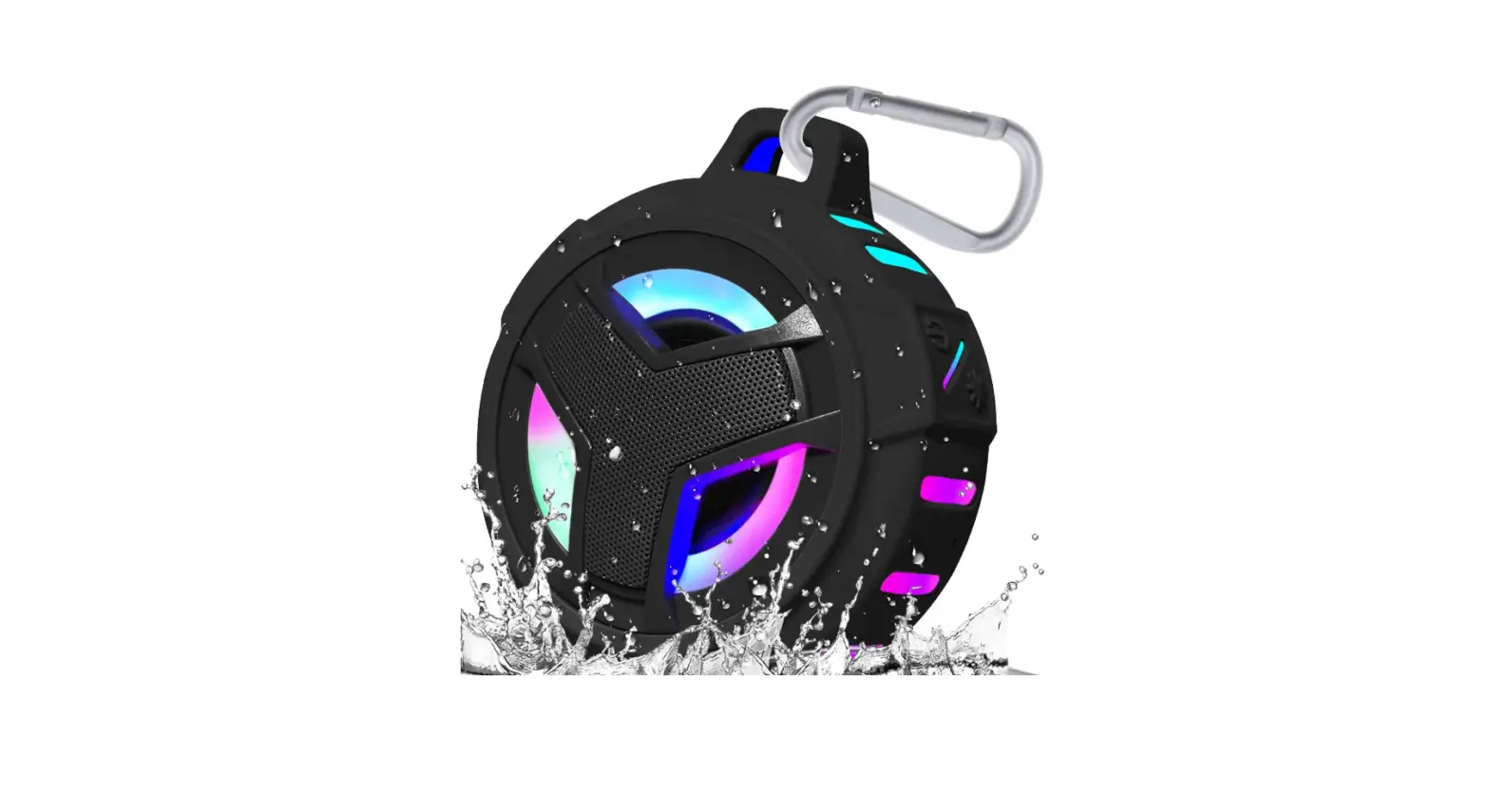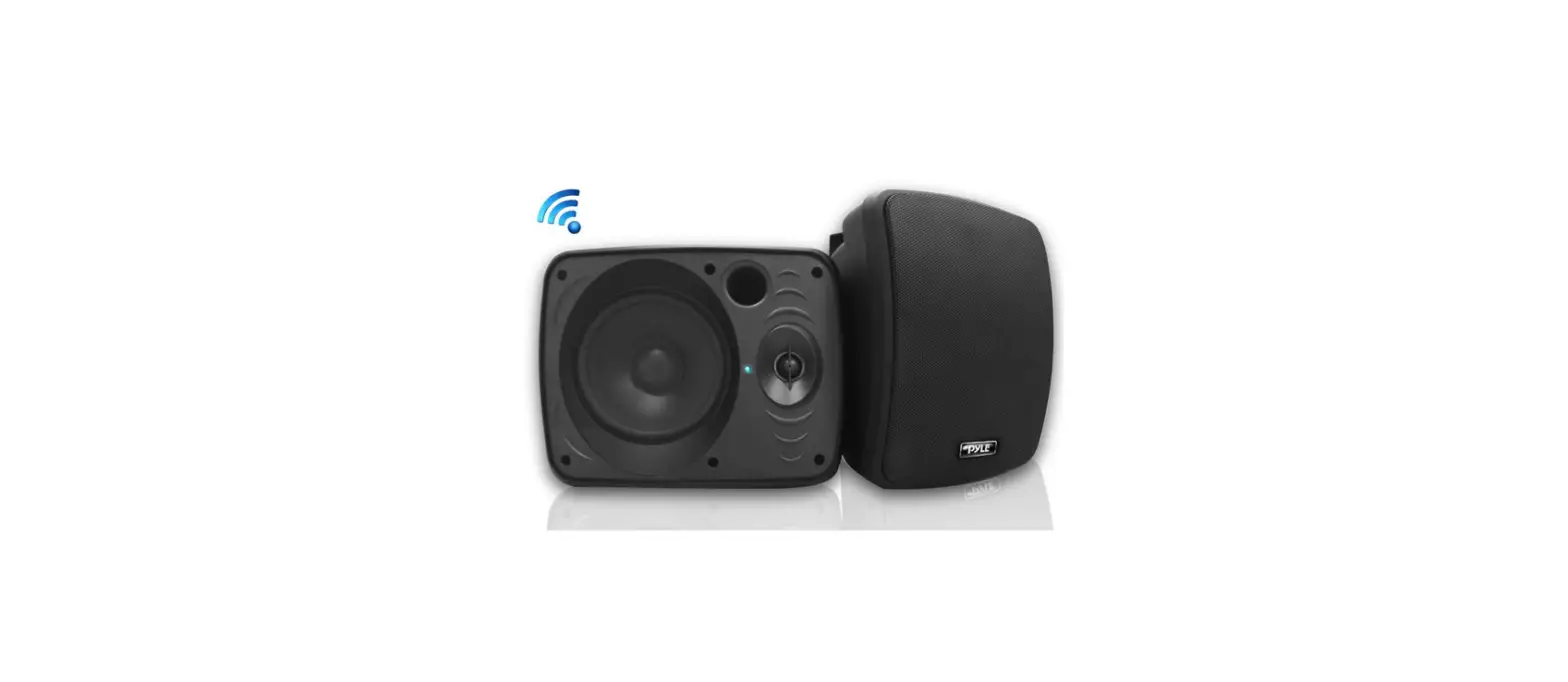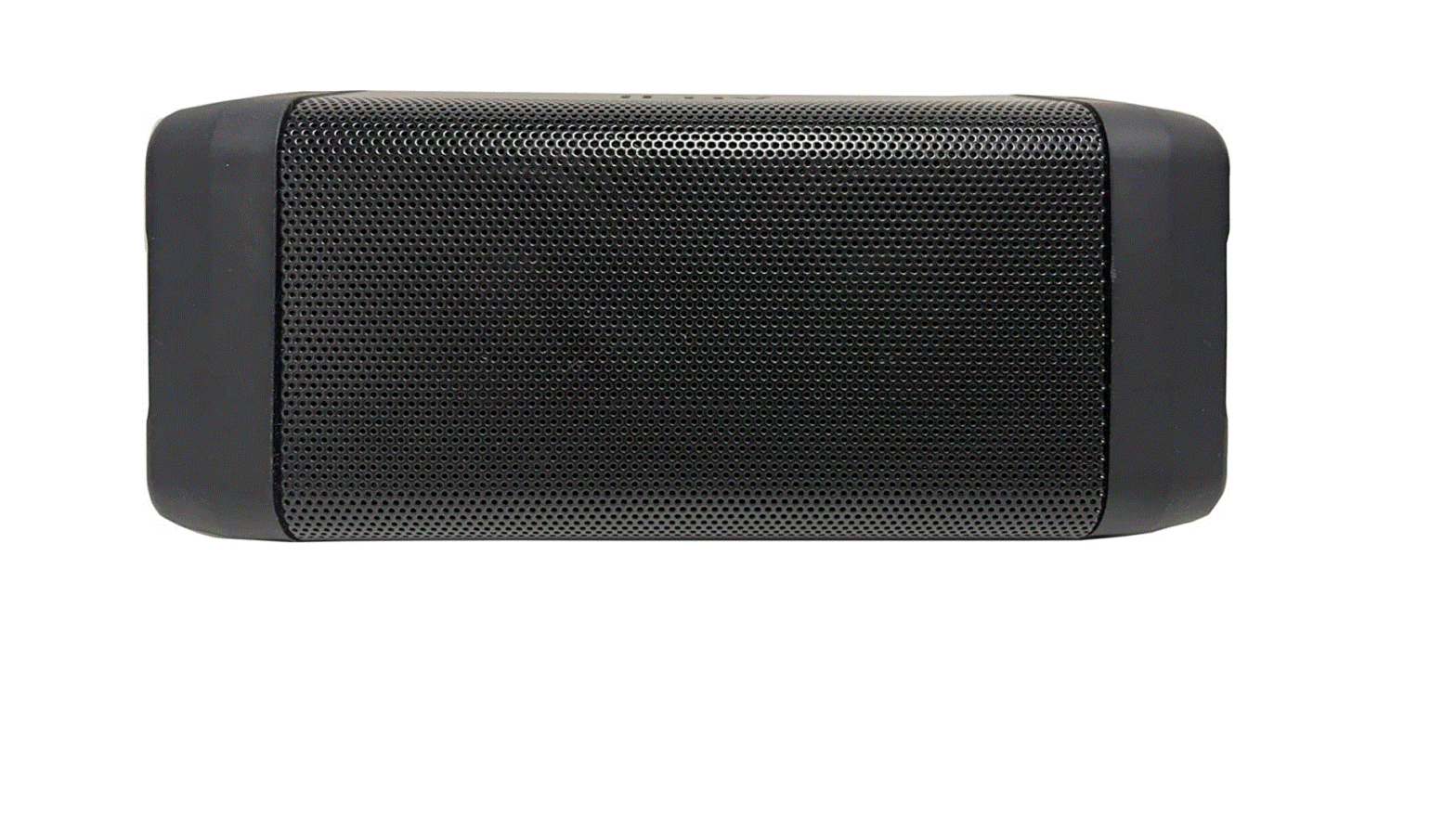

DBSOARS Bluetooth Speaker, 40W (60W Peak), Punchy Bass, 40H Playtime, IPX7, Waterproof Outdoor Wireless Portable Speaker
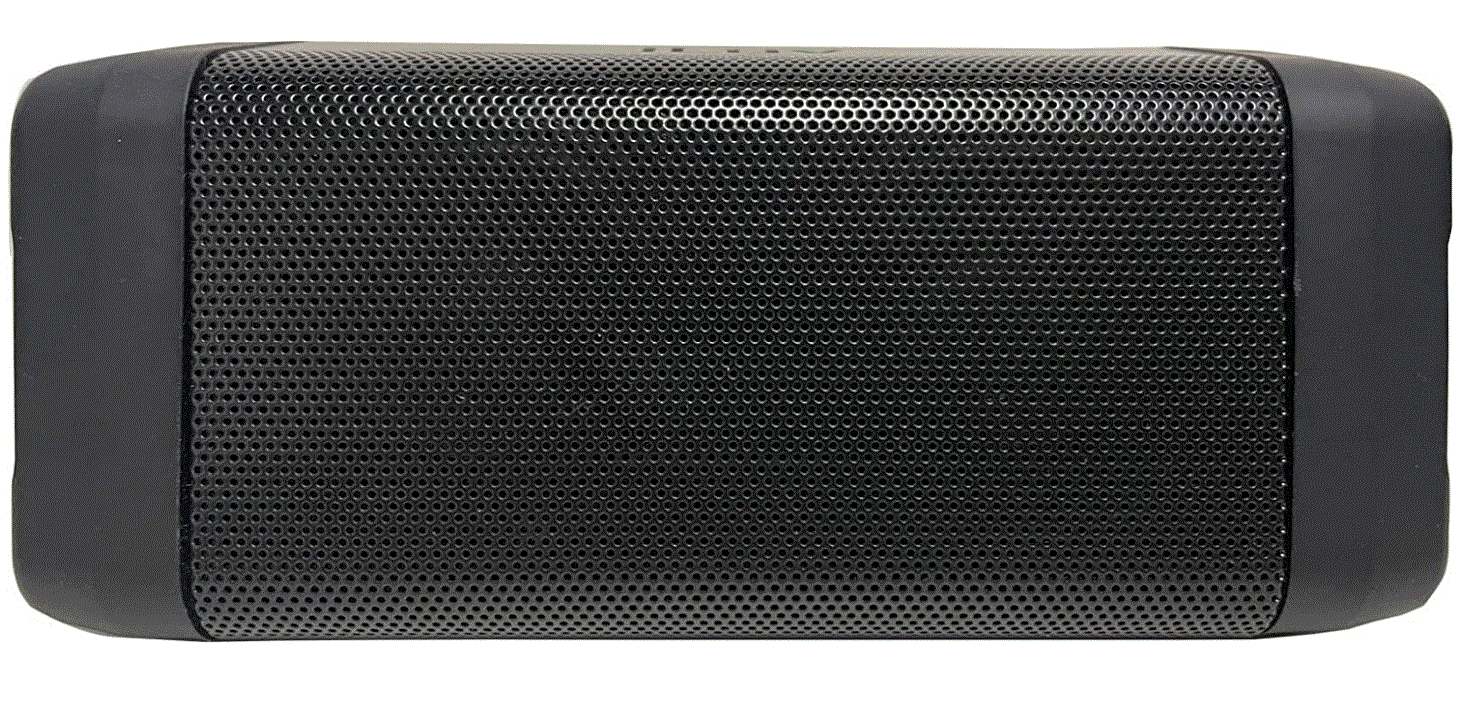
Specifications
- Product Dimensions
13.78 x 7.5 x 3.7 inches - Item Weight
4.73 pounds - Connectivity Technology
Bluetooth - Recommended Uses For Product
Pool Party, Outdoor,Beach - Mounting Type
Freestanding - THD
1% - Range
100 ft - Audio Output
40W - Charging Time
4 hours - Waterproof Rating
IPX7 - Play Time
40 hours (50% volume) - Input
5V/2A - Brand
DBSOARS
Introduction
We established DBSOARS with the intention of assisting young, inspired, and motivated individuals in discovering the motivation they require to realize their personal aspirations. A good soundtrack has the ability to inspire, focus, and transport the mind. We will create high-caliber audio devices that can inspire you in both your personal and professional endeavors and bring the great sounds of the world to your ears.
Reset Your Speaker
IMPORTANT
A factory reset deletes all speaker settings, including all pairing information. If your speaker is stuck, press and hold the button for 8 seconds to reset the speaker to its factory settings.
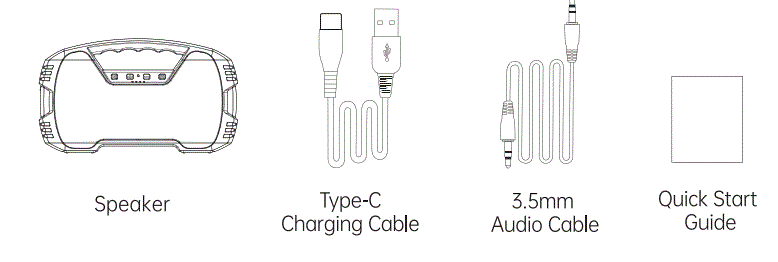
IN THE PACKAGE
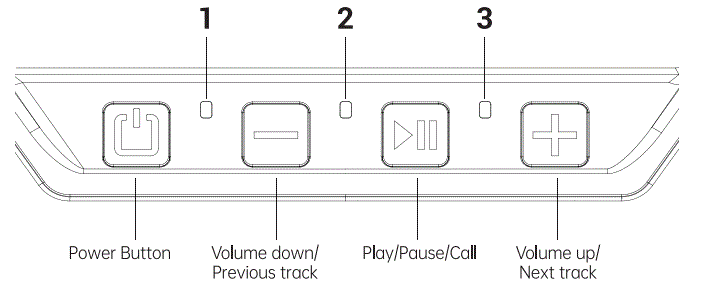
- Increase the volume: Short press the [±] button
- Decrease the volume: Short press the O button
- Next track: Long press the GEJ button
- Previous track: Long press the EJ button
- Bluetooth Indicator. The Bluetooth indicator will illuminate blue when the speaker is on.
Blue light flashing quickly: Speaker is in pairing mode.
Blue light flashing slowly: Speaker is connected. - Charging indicator. The charging indicators will illuminate white when charging. The red light turns off when fully charge.
- 3.5mm line-in indicator. When the 3.5mm audio cable is plugged in, the red light is on.
Turn On the Power & Turn Off the Power
- Turn On the Power: Press and hold the button for 2 seconds
- Turn Off the Power: Press and hold the button for 2 seconds.
Note
If your device is not playing music nor is connected, the speaker will not be turned off. Close the waterproof rubber cover before you put the speaker into the water to improve its waterproof function.
Connect a Non-Bluetooth Audio Device with the 3 5mm Audio Cable
WIRELESS DUAL STEREO PAIR
- Make sure your speaker has sufficient power. Turn on the Bluetooth speaker.
- To achieve the best result, place the speaker on an open floor to reduce the middle barrier.
- Turn on both speakers, when the blue light starts to flash, the speakers are ready to pair.
- Press and hold the volume( [±] & E]) button of one of the speakers until you hear a beep, then you will hear the sound of “Ding Ding Ding”. Then the two speakers are paired successfully.
- Open your device and search for”AOMAIS GO”, it will automatically connect one of the speakers. When the pairing is completed, only one speaker can control the volume, then you can start playing music. (That speaker is called “Play Control Speaker”)
Note
- To pair two speakers, please make sure that the two speakers are not connected to other devices via Bluetooth. If one of them is connected to another Bluetooth device, they will not be able to pair with each other.
- Make sure that your mobile phone’s Bluetooth is disabled before the two speakers are paired with each other.
Tip
For a better listening experience, please make sure the speakers are no more than 33 feet from each other.
HANDS-FREE CALLING FUNCTION
Hands-free functions are only available for Bluetooth-enabled smartphones.
Answer/End/Reject
- Short press the H button to answer an incoming call.
- Press again and the call.
- Long press the Gil button to reject a call.
- When the two FS”Go are successfully paired, the answer is only transmitted to the main speaker.
PAIRING & CONNECTIONS
Please make sure your speaker has sufficient power and it cannot be connected when the battery is too low.
- Long press the button to turn your speaker on. The Bluetooth indicator flashes blue quickly, indicating it is preparing for pairing.
- On your iPhone, iPad, iPod, or other smartphones, go to Setting Bluetooth, turn on Bluetooth, search and select “AOMAIS GO”.
- Then the speaker will be connected within a few seconds and the blue light will flash slowly. You can now play your favorite music.
Reconnection
The next time you turn on the speaker, it will automatically try to connect the last connected mobile device.
Disconnect a Device
Long press the button to disconnect a connected device.
FOR YOUR AMAZON ECHO DOT
- When you connect to Echo Dot/Echo for the first time, please open the Alexa opp on your device and use it to pair and connect.
- Select Home in the upper left corner of the interface, then click “setting”.
- Select your Echo Dot/Echo in the device list. Click “Bluetooth”.
- When”AOMAIS GO” appears in your device options, Alexa will prompt “Connect to AOMAIS GO”.
- The next time you connect, just say “Alexa, Connect my speaker” or “Alexa, Pair” and the speaker will be connected automatically.
- When you want to disconnect the speaker, say “Alexa, Disconnect my speaker”.
- When you want to reconnect the speaker and play it again, you need to say “Alexa, connect my speaker” or “Alexa, Pair”. If you want to turn off the speaker, press and hold the power button for 2 seconds.
- If you would like to get help about the Alexa opp, please contact Amazon’s Customer Service, or open the Alexa opp and select help&feedback > Email Customer Service.
Important
When the F5 GO is connected to Echo Dot/Echo for playback, the speaker will remain on and will not automatically turn off.
SAFETY PRECAUTIONS
- Do not charge near the water source or in the rain to prevent electric shock.
- Please follow the instructions for all operations and use.
- Do not damage the cable, especially the connector.
- Unplug the USB charging cable when it is not in use or during a thunderstorm.
- Please keep the speaker away from the heat sources(including all equipment that generates heat), such as stoves.
- When the speaker is damaged, please contact the Customer Service Team.
- Do not disassemble the speaker.
- Do not expose the speaker to extreme temperatures for a long time. Excessive heat or extreme cold temperatures may damage the battery.
If battery leakage occurs, avoid direct contact with skin and eyes. If leaked liquid comes in direct contact with eyes or skin, please consult your doctor.
This equipment has been approved by FCC, CE, and RoHS. These restrictionsore are designed to prevent harmful interference when the equipment is installed in a residential place. F5 GO is committed to providing services of the highest quality to our customers.
Frequently Asked Questions
The Bluetooth speaker’s battery life varies based on the model and the company who made it. A speaker should typically operate for ten to twenty hours after a full charge. This is what? A full charge may only be good for a few hours of use on smaller Bluetooth speakers.
A row of LED lights on the front of your speaker will turn on once it is plugged in and remain on until charging is finished.
There are two potential causes for your Bluetooth speaker to stop charging: software or hardware problems. While hardware problems include a defective micro USB cable, an undervolted lithium-ion battery, and a broken solder joint on the USB charging socket, software problems are caused by faults in software.
Yes. When your Bluetooth speaker is charging, everything is good, and using it won’t harm the battery. After its initial charge, the speaker need to function flawlessly whilst charging.
A portable speaker’s battery life typically lasts between 6 and 12 hours, while some can go up to 24 hours.
Simply use your smartphone to charge the wireless speaker. All you have to do is attach your smartphone to it using the USB cord. You won’t need to worry about using a charger if you do it this way. You don’t need to buy anything more because you already carry a phone with you everywhere.
Yes, the majority of wireless speakers plug into standard power outlets or power strips using AC adaptors. To become “truly wireless,” some systems employ rechargeable batteries, although this feature necessitates repositioning and charging as routine tasks in order to use this type of surround sound system.
You should only need to do this briefly with most Bluetooth speakers. The power and Bluetooth buttons must be pressed and held simultaneously in order for almost every Bluetooth speaker to be reset.
Yes, you may continue to stream music as the device charges. The volume is somewhat muted but remains extremely loud. A battery light on it lets you know when it’s charged.
It contains a Bluetooth radio, which while not in use uses 3–4mA of electricity.