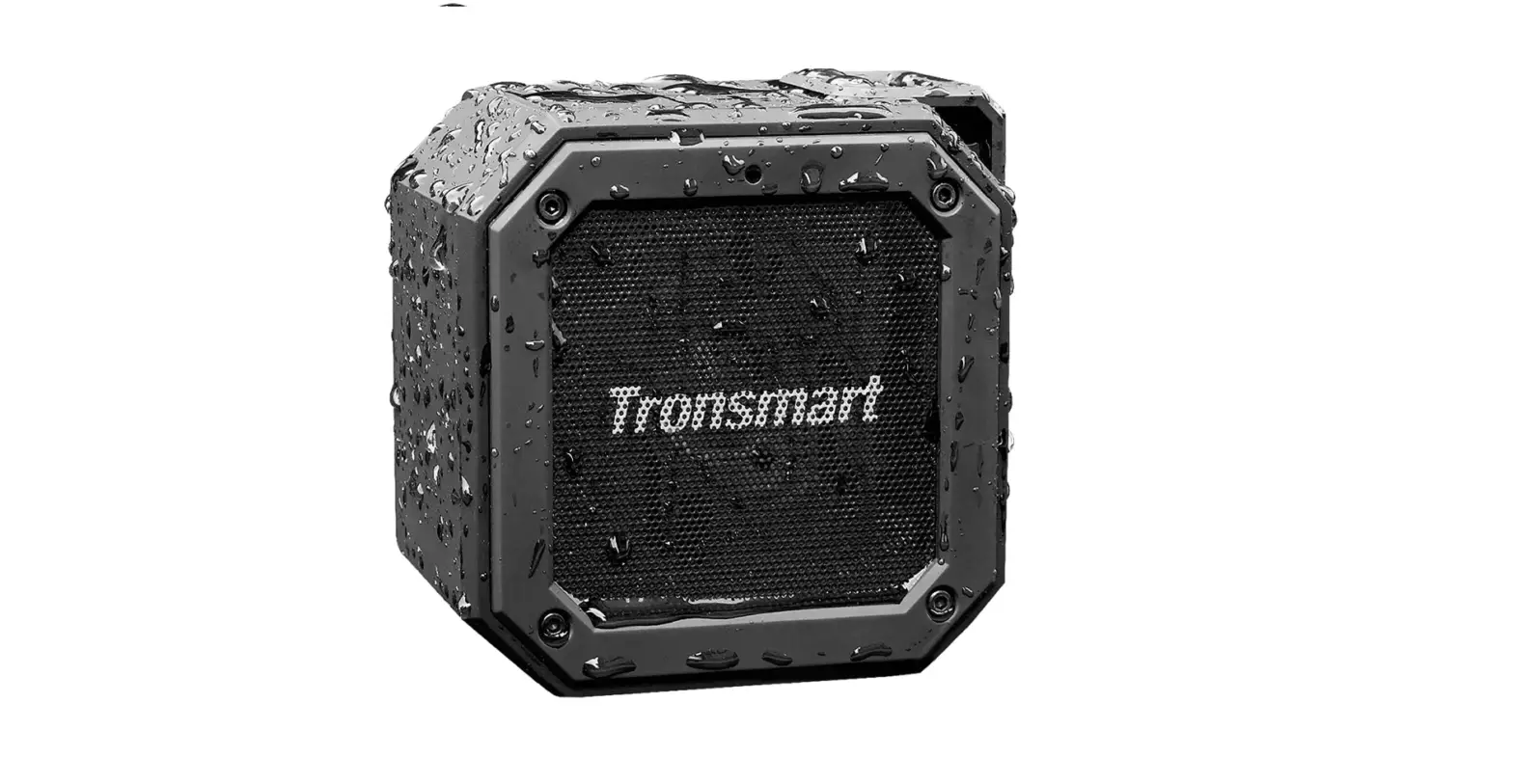

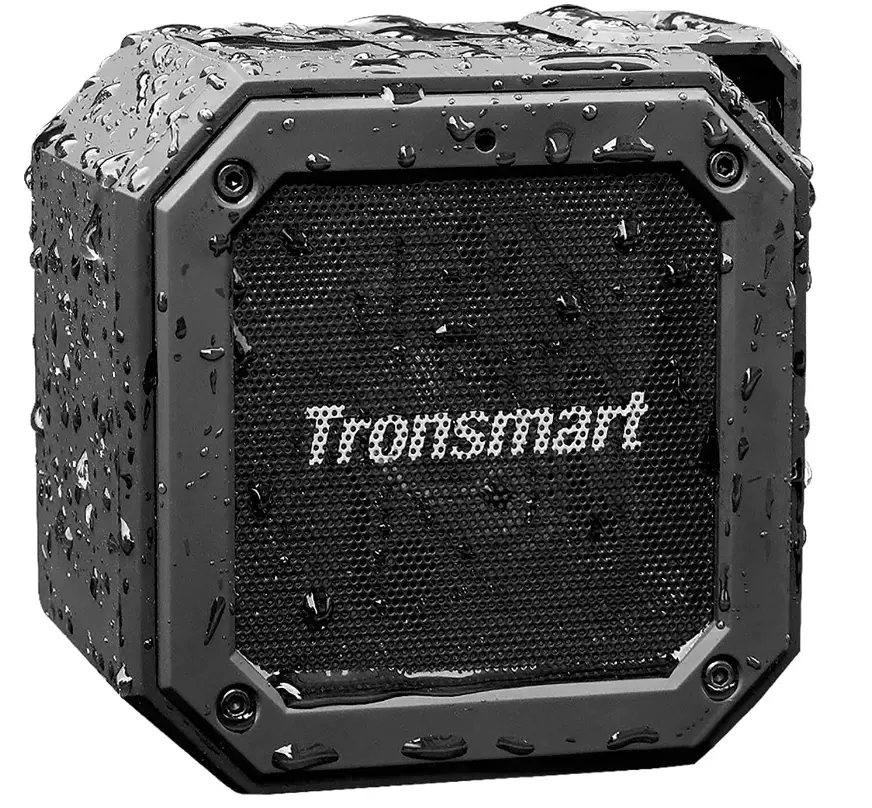
Waterproof Bluetooth Speaker, Tronsmart Groove(Force Mini) Wireless Outdoor Mini 10W Portable Bluetooth Speakers
Specifications
- CONNECTIVITY TECHNOLOGY: Bluetooth
- SPEAKER TYPE: Outdoor
- BRAND: Tronsmart
- MODEL NAME: Tronsmart Groove
- RECOMMENDED USES FOR PRODUCT: Pool, Outdoor, Beach
- BLUETOOTH: 5.0
- CHIP: ATS2835
- BLUETOOTH COMPATIBILITY: A2DP V1.3, AVRCP V1.4, HFP V1.6
- TRANSMISSION DISTANCE: 30m/100ft (Open Area)
- BATTERY CAPABILITY: 3.7V/2500mAh
- OUTPUT: 10W
- WATERPROOF: IPX7
- INPUT: DC 5V/1A
- FREQUENCY RANGE: 115Hz-15KHz
- PLAYTIME: Up to 24 Hours (Medium Volume)
- CHARGING TIME: 2.5 Hours
- DIMENSION: 4.05 x 2.24 x 4.05in / 103 x 57 x 103mm
- NET WEIGHT: 463±5g / 13.33±0.2 oz
Introduction
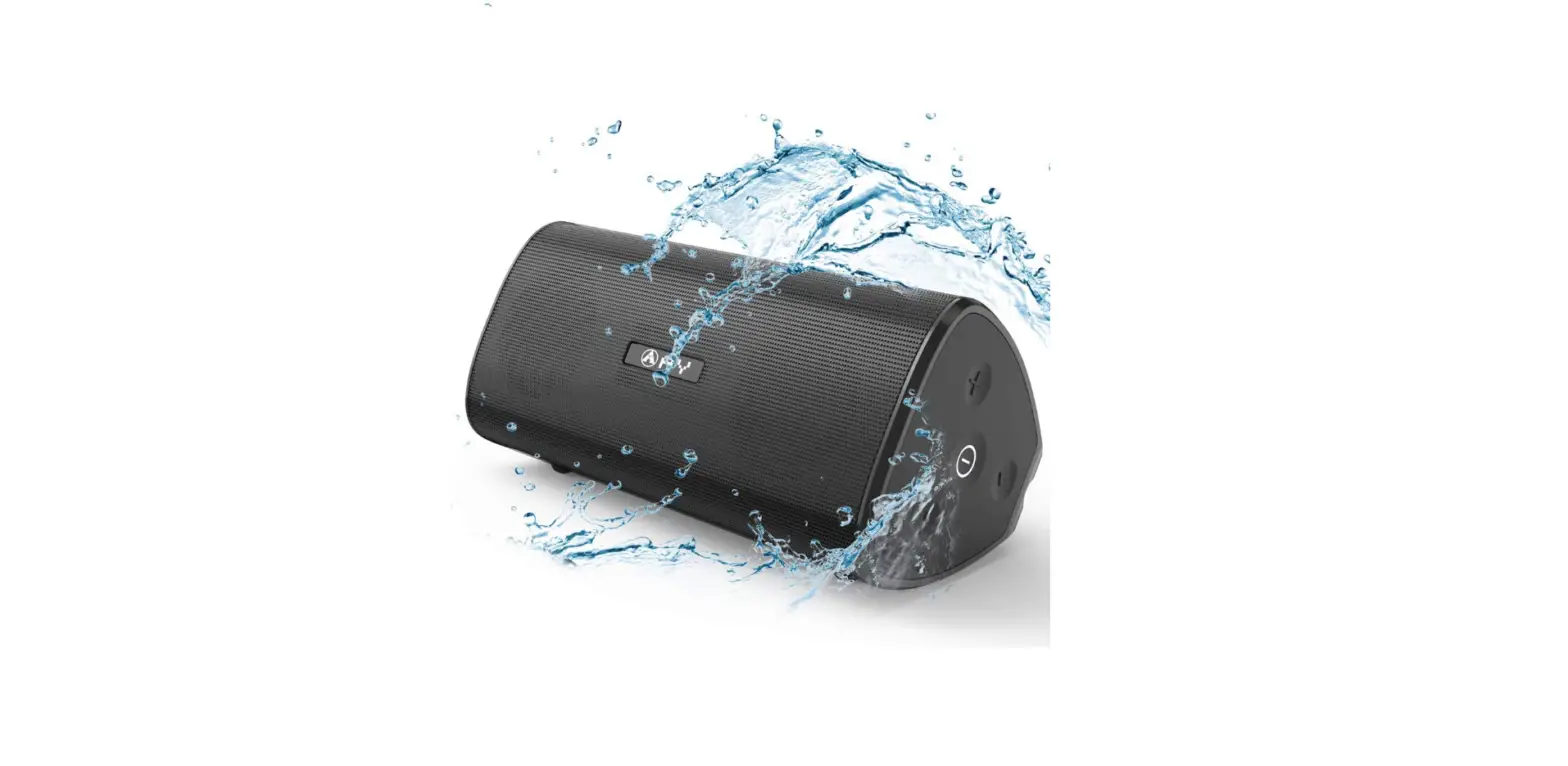
Tronsmart Groove wireless bluetooth speakers have an IPX7 waterproof rating and can be submerged for up to 30 minutes. It is guaranteed to keep dry in the rain, on the beach, beside the pool, or on a boat! Kayaking, showering, swimming, and diving are all possibilities. There’s no need to be concerned about the weather, the environment, or a spilled drink. Our bluetooth speakers are built extremely durable to ensure that they may be transported safely anywhere you desire. With less than 1% distortion, this portable bluetooth speaker passive radiator offers incredible bass. Allow your ears to partake in the ultimate auditory experience. True wireless stereo technology allows two speakers to play music in sync over Bluetooth, forming a wireless left and right channel system that delivers true stereo sound. Tronsmart Groove wireless speaker provides an incredible 24 hours of continuous music playtime or make calls time thanks to the top-of-the-line rechargeable li-ion battery (built in Microphone). Never stop listening to music from morning to night.
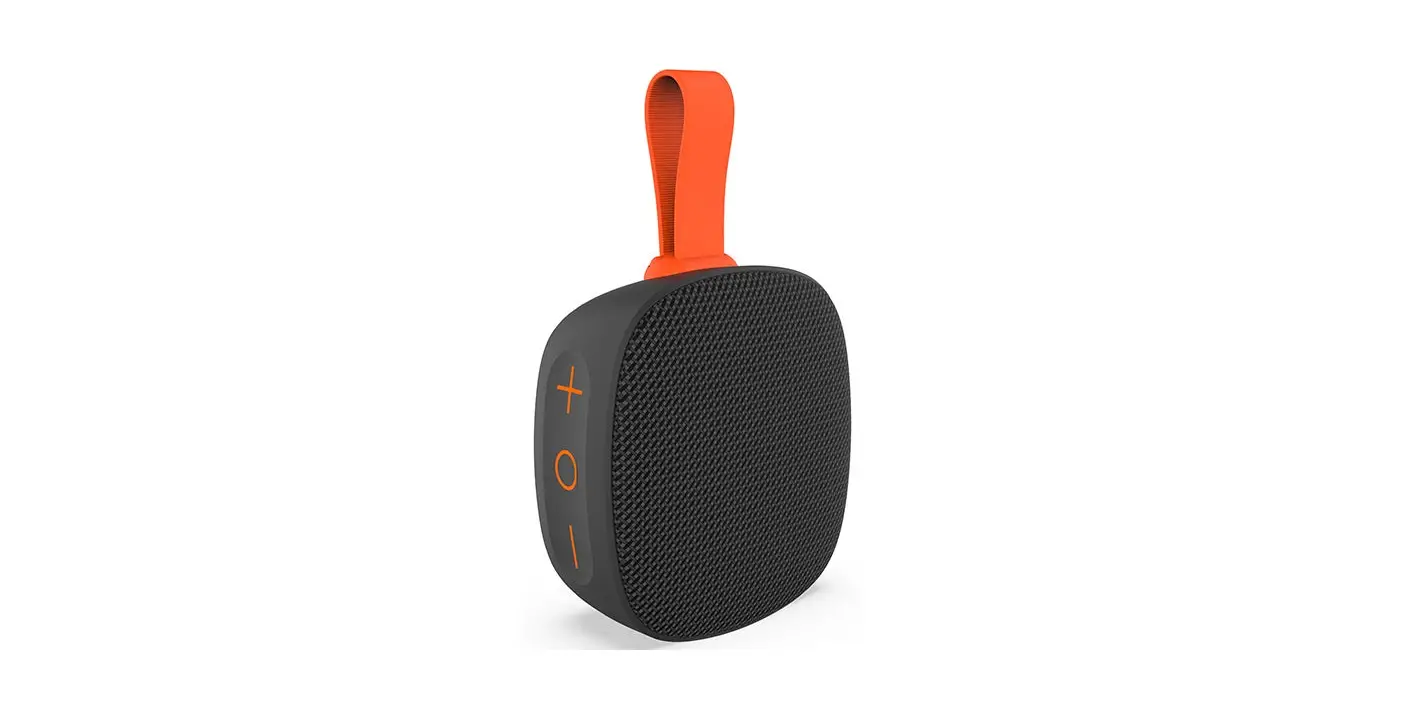
Tronsmart Groove portable micro speakers include a robust shell and lanyard design that allows you to hang the Groove on your backpack, bicycles, carts, or anywhere else you like, making it ideal for travel, biking, hiking, camping, and other outdoor/indoor activities. This outdoor bluetooth speaker features improved 5.0 technology and a reliable signal, as well as a high transmission rate that ensures reliability. Tronsmart Groove wireless speakers are compatible with all iOS and Android smartphones, as well as phones, and have a connection range of up to 100 feet.
FEATURES
- Silicon covered exterior with IPX7 water-resistance rating.
- Passive radiator for deep bass.
- True Wireless Stereo for stereo surround sound.
- Output up to 10W.
- Up to 24 hours of playtime. Bluetooth 5.0.
- Equipped with USB Type-C port supporting DC 5V/1A input charging.
- Supports voice assistant for music streaming, phone calls, weather inquiries and much more.
NOTE
Voice Assistant is supported by Siri, Google and other local Android voice assistants that run on Samsung, Huawei, Xiaomi and more devices.
PACKAGE CONTENTS
- 1 x Element Groove wireless speaker
- 1 x Charging cable
- 1 x 3.5mm AUX cable
- 1 x 60cm lanyard
- 1 x Warranty card
- Power ON/OFF; True Wireless Stereo
- Play/Pause/Hands-free /Bluetooth disconnects /Voice assistant
- Volume-/Previous track
- Volume+/Next track
- Charging port
- Micro SD/TF card slot
- AUX-in
- True Wireless Stereo indicator
- Bluetooth indicator
FUNCTIONS
BLUETOOTH PAIRING
Turn ON the speaker, the blue LED light flashes, and then activate the Bluetooth in your device. Go to device’s Bluetooth settings, scan for new Bluetooth devices and upon discovering the device ‘Tronsmart Element Groove’, click to pair with it. Hold Play/Pause button for 8 seconds to disconnect the Bluetooth.
TRUE WIRELESS STEREO MODE
WHAT IS TRUE WIRELESS STEREO?
True wireless stereo, which means two Groove Bluetooth speakers are able to be paired and then play music synchronously, providing stereo surround sound.
HOW TO PAIR TWO GROOVE SPEAKERS?
- Turn ON two speakers and confirm they are disconnected to any Bluetooth device.
- Double press the Power ON/OFF button quickly on one speaker, then you will hear a voice prompt and the True Wireless Stereo indicator light flashes yellow, which means it enters True Wireless Stereo pairing mode and will pair with each other automatically. After connecting successfully, you will hear a sound prompt from two speakers and the True Wireless Stereo indicators of both are kept ON yellow while the Bluetooth indicator of the main speaker flashes blue quickly.
- Go to device’s Bluetooth settings, scan for ‘Tronsmart Element Groove’, click to pair with it. The Bluetooth indicator of main speaker being steady ON blue means the connection to Bluetooth device is successful. And when start to play music, this blue indicator will flash slowly.
HOW TO DISCONNECT TRUE WIRELESS STEREO?
During True Wireless Stereo mode, double press the Power ON/OFF button of one speaker, then the True Wireless Stereo will be disconnected.
NOTE
Once two speakers are well paired for the first time, they will be automatically paired next time without the above pairing operations as long as they are ON.
HOW TO CONNECT THE SPEAKER TO AMAZON ECHO/ECHO DOT?
- Login the Alexa App, and finish the setting of the Echo/Echo Dot (if you haven’t set it up).
- Connect the Echo/Echo Dot to Wi-Fi successfully.
- Then tap “Home / Settings / Your Echo’s (Echo Dot’s) Name / Bluetooth / Pair A New Device”. You will get to the interface “Bluetooth Setup”, and see the reminder “Please make sure your device is in pairing mode”. Find and tap “Tronsmart Element Groove” from the list and wait for the pairing process complete. After completed, you can command your speaker via Alexa.
NOTE
Confirm you have turned on the speaker and it is under Bluetooth searching and pairing mode, or you cannot find the device on the Bluetooth list.
AUX-IN MODE
The speaker also features one AUX audio in port. Simply connect the speaker with your mobile phone/MP3 player/PC/laptop with the 3.5mm audio jack cable. Once the blue light flashes slowly, then you can play music via the wired connection.
MICRO SD/TF CARD MODE
Press the Power ON/OFF button to switch Bluetooth Mode to Micro SD/TF card Mode. The memory capacity of Micro SD/TF card should be no more than 64GB.
LED
BLUETOOTH
Blue light flashes slowly for waiting for pairing mode. Blue light kept ON for connected successfully.
MICRO SD/TF & AUX-IN
Blue light flashes slowly.
TRUE WIRELESS STEREO
The True Wireless Stereo indicator flashes yellow slowly for pairing. Yellow light kept ON for paired successfully. Light goes off for canceling the pair.
CHARGING
Red light ON for charging. Red light goes OFF for charging completion.
SLEEP MODE
The Groove speaker will go into Sleep Mode if it does not pair with any device through Bluetooth, which helps to save battery. When you need to use it, press the Power ON/OFF button to turn it on.
NOTE
You can hold the Power ON/OFF button for 5-8 seconds to turn off the speaker forcedly when it is malfunctions.
TIPS
Because of the powerful output of this speaker, please do not be too close to the speaker and keep an appropriate distance away to listen to the music. To avoid any discomfort caused by excessive sound, it is recommended to listen to music at a suitable volume.
CAUTION
RISK OF EXPLOSION IF BATTERY IS REPLACED BY AN INCORRECT TYPE. DISPOSE OF USED BATTERIES ACCORDING TO INSTRUCTIONS.
To prevent possible hearing damage, do not listen at high volume levels for long periods.
CARE & MAINTENANCE
Please keep this manual handy for future reference. To clean the Tronsmart Element Groove Bluetooth Speaker use a lightly dampened cloth in water to clean the exterior in-case it gets dirty. Do not use any form of detergents or cleaning material to clean the product, any type of chemical may make this device unusable. Do not disassemble this product. It contains no user serviceable parts. Do not drop or jump on it, treat it with care for the best performance. Keep the product in a dry location.
Dust, dirt & moisture from humidity can accumulate on the body of the product if kept at an unfriendly place. Do not dispose this product in fire, batteries may explode or leak.
Frequently Asked Questions
- How can I pair my Tronsmart Bluetooth speaker with my phone?
To turn the speaker on and off, press and hold the power button for 2 seconds. To enter pairing mode, press and hold the Bluetooth button once. Then, turn on Bluetooth on your device, search for “Tronsmart Element T6 Max,” and press to connect. To disconnect from the Bluetooth connection mode, tap the button one more. - What is the best way to see if my Tronsmart speaker is charging?
A little LED on the back turned red while charging and turned off after fully charged. Tronsmart claims that charging takes 3 to 5 hours, but it took me less than 4 hours to charge mine. - What is the procedure for turning on my Tronsmart T6 plus?
If the Element T6 Plus speaker does not pair with any device through Bluetooth or does not play any sound after starting on, it will turn off automatically after 1 hour to save battery. Turn it on by pressing the Power ON/OFF button when you need it. - What is the procedure for resetting a Tronsmart speaker?
To perform a factory reset, press and hold the play/pause button for 5-8 seconds. This will aid in the clearing of any paring records on the speaker’s end. You must reconnect it to your Bluetooth device manually after a factory reset, just as you did the first time. - What is the best way to use a Tronsmart speaker?
Turn on the speaker and wait for the blue LED light to flash before turning on your device’s Bluetooth. Go to your device’s Bluetooth settings, scan for new Bluetooth devices, and then click to link with the device ‘Tronsmart Element Force.’ - What is the best way to charge my T6 Tronsmart?
The USB-C input connector can be used to recharge the speaker if necessary. You can utilize the USB-A output port to charge your gadgets, such as your smartphone. The T6 Plus has a USB charging port. - What is the procedure for resetting my Tronsmart T6 plus upgraded?
For more than 5 seconds, press and hold the Play Pause Key. Release the Play Pause Button when you hear a short beep sound and the TRONSMART Element T6 Plus light starts blinking in a blue color. Awesome! You can re-pair your TRONSMART speaker with your smartphone through Bluetooth after resetting the speaker settings. - What do you think of Tronsmart Speakers?
This unexpectedly loud and sonorous desktop Bluetooth speaker is well-made, compact, and equipped with all of the essential capabilities. There’s even an SD card slot for direct playback, as well as an app with a variety of EQ presets, including a stunningly effective 3D option. - Is the Tronsmart T6 water resistant?
The charging time is between 3 and 4 hours. The T6 is not waterproof, unlike other portable speakers. - What is the procedure for pairing my Tronsmart T6 Mini?
Turn on the speaker, then open the Bluetooth settings on your device, search for ‘Tronsmart Element T6 Mini,’ and press to connect.