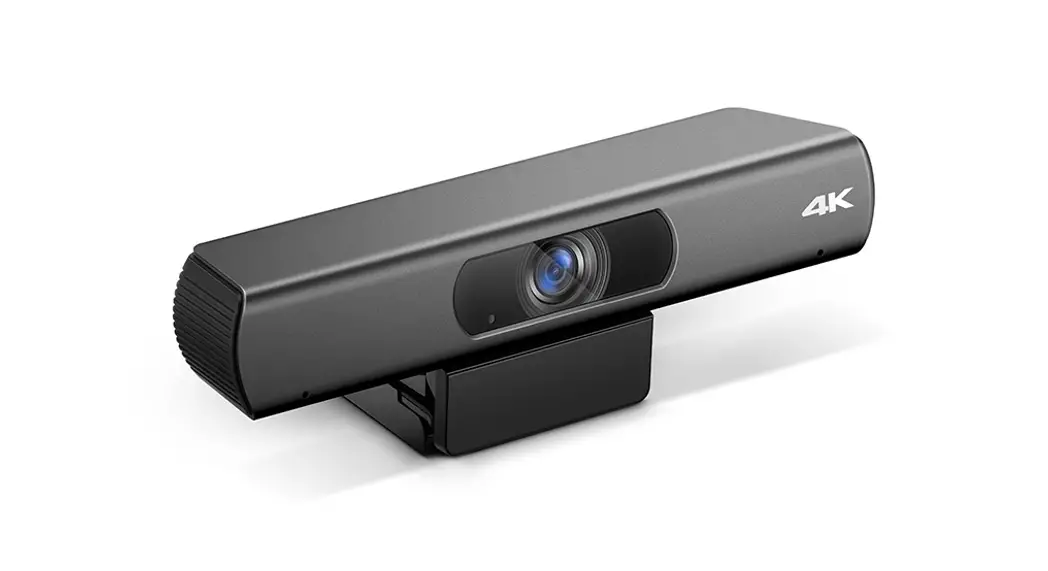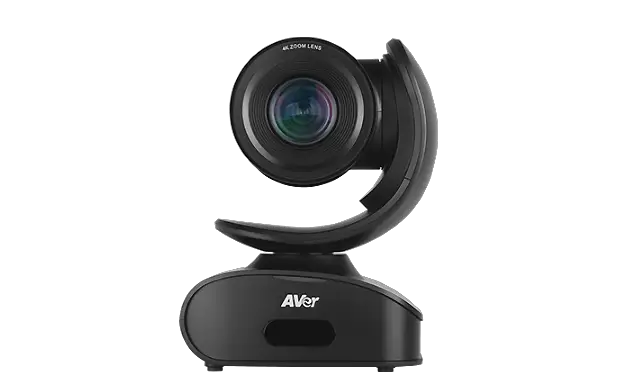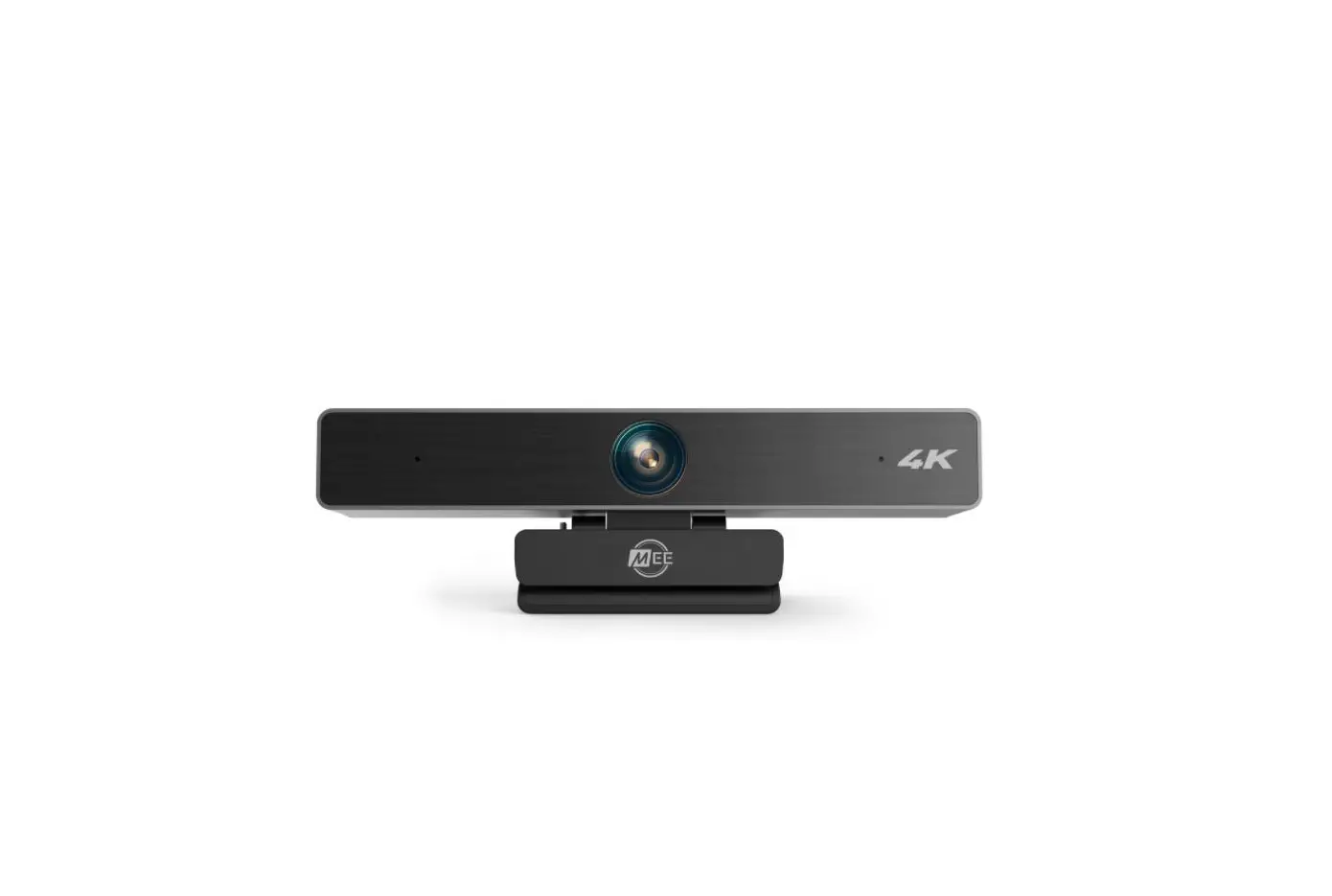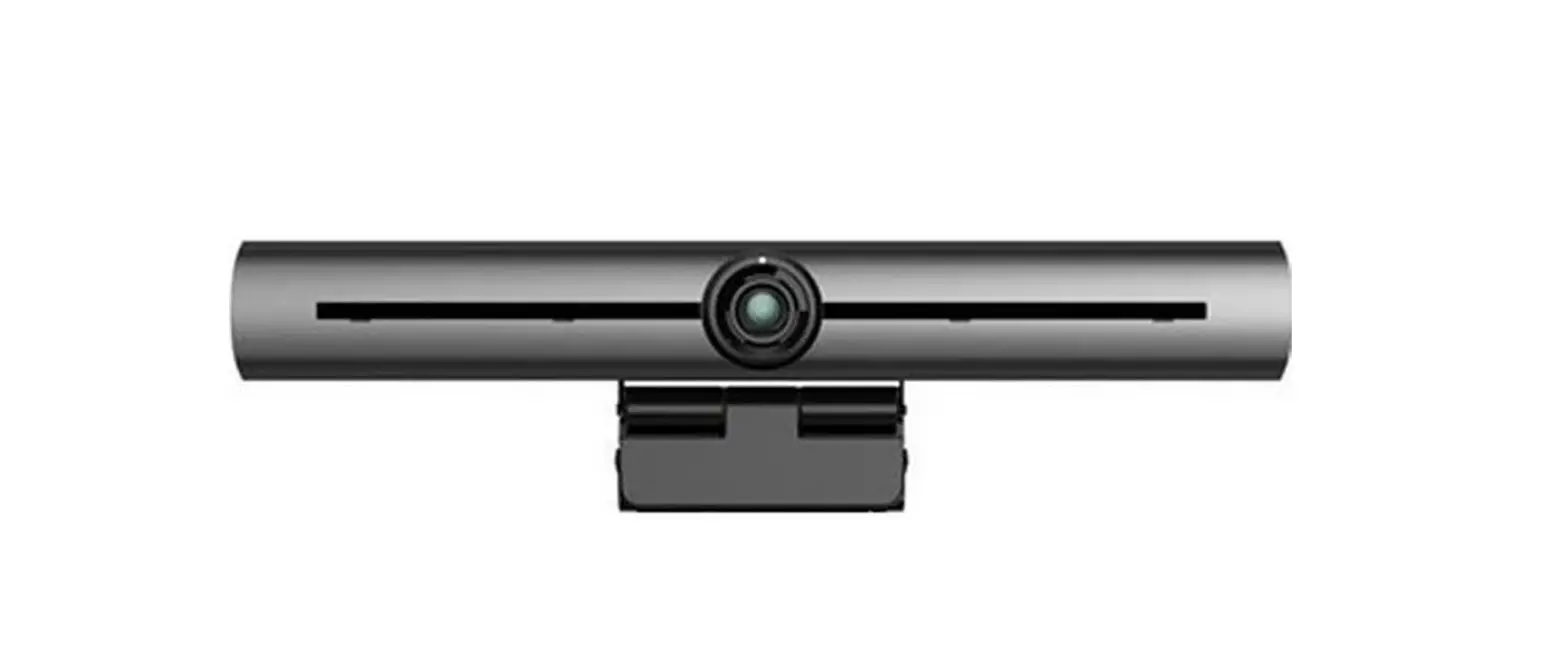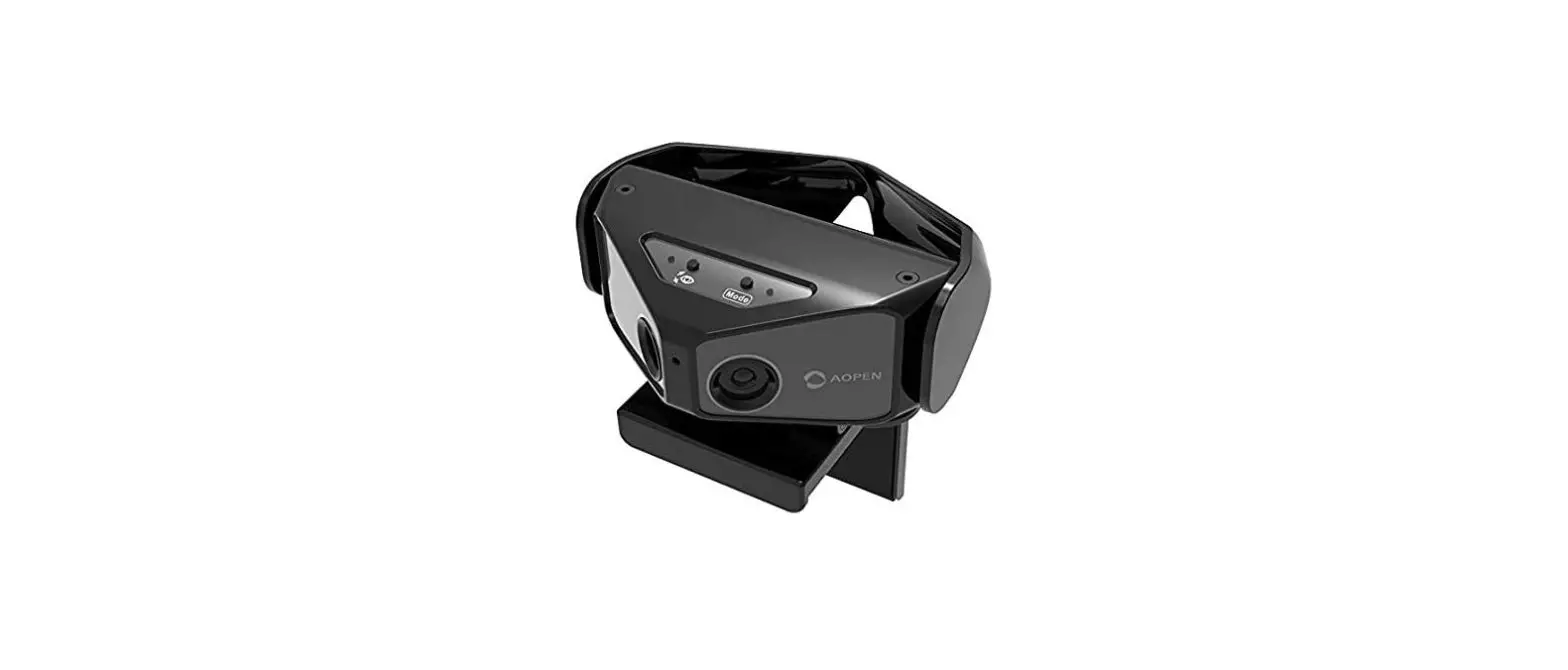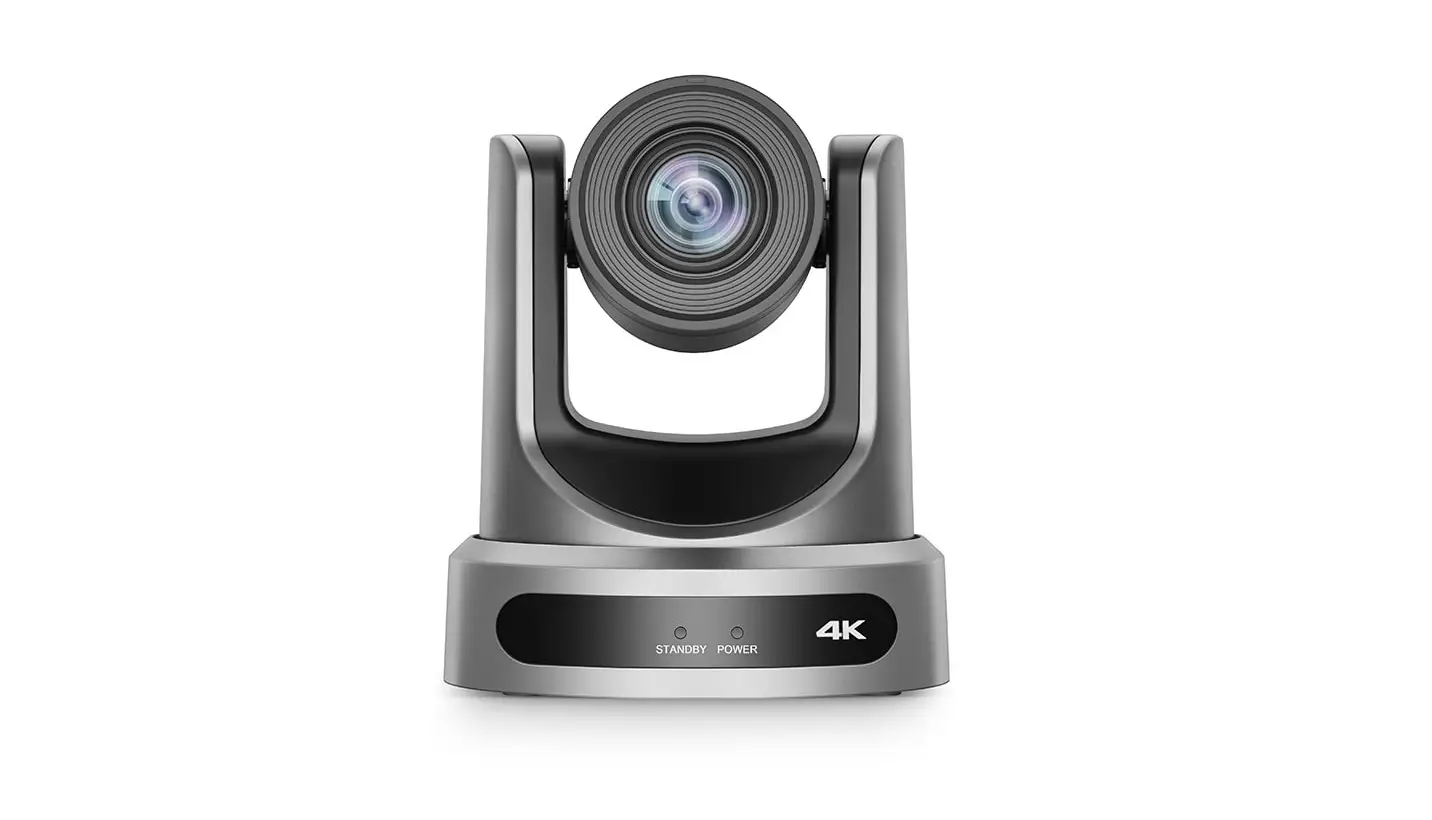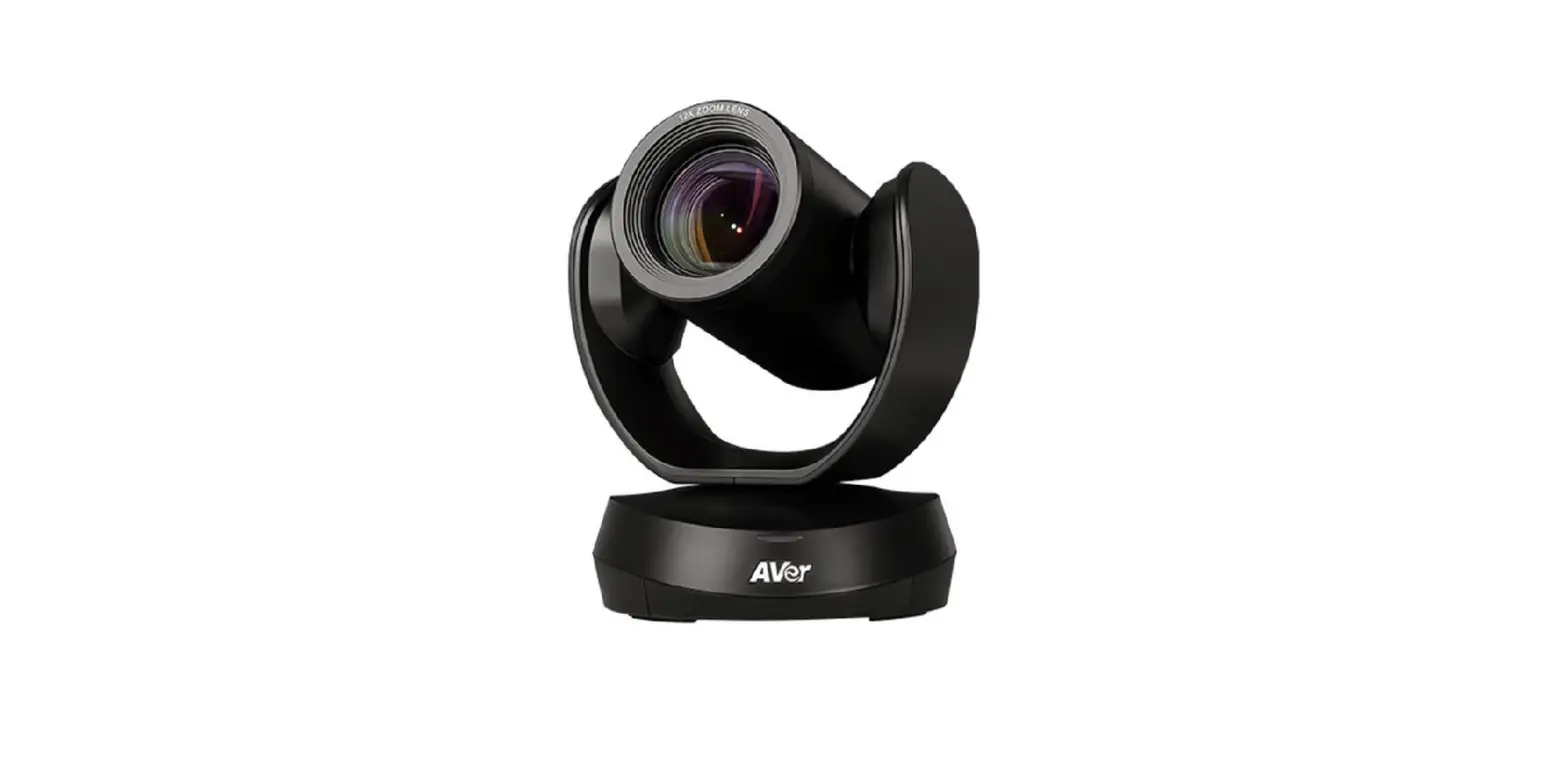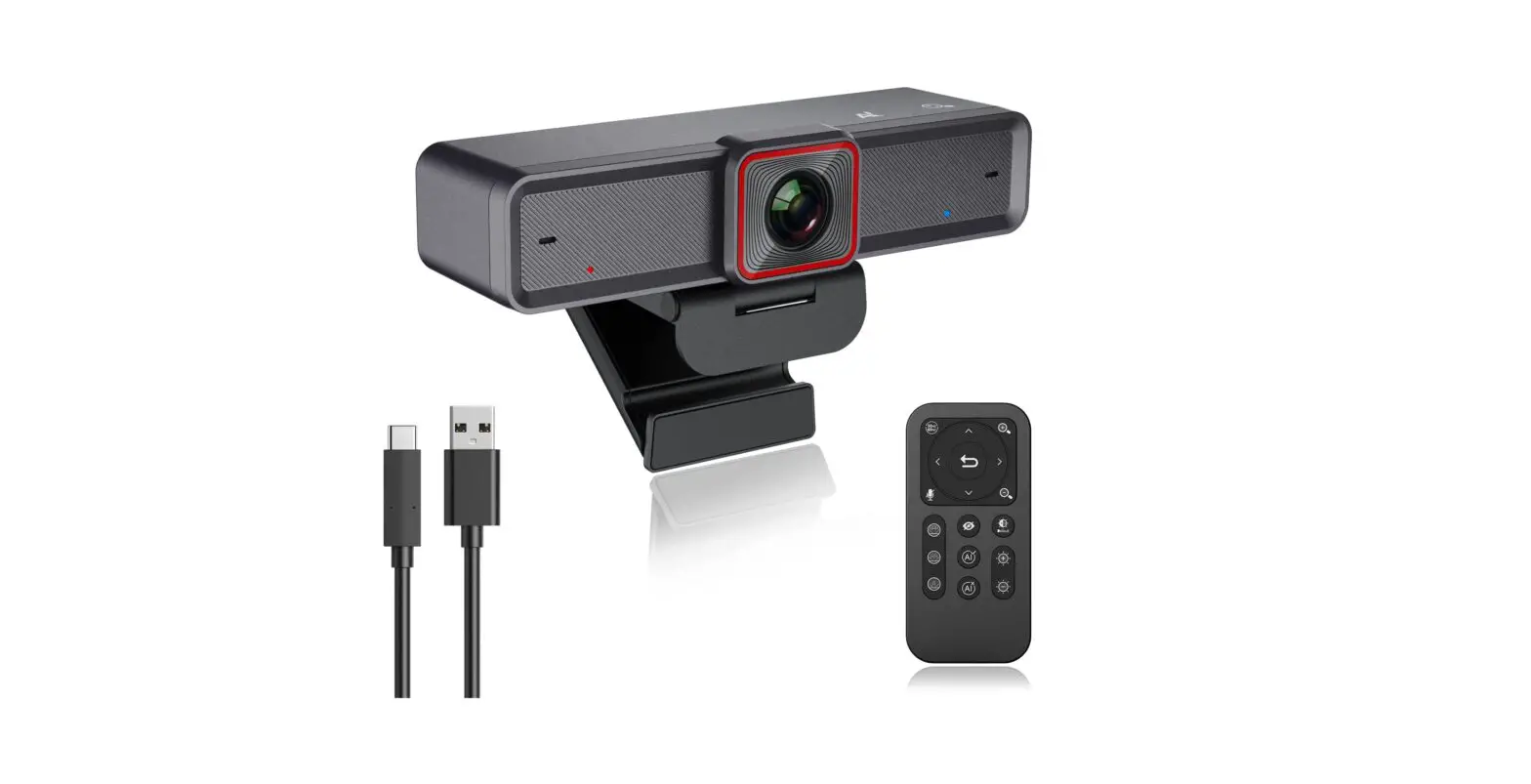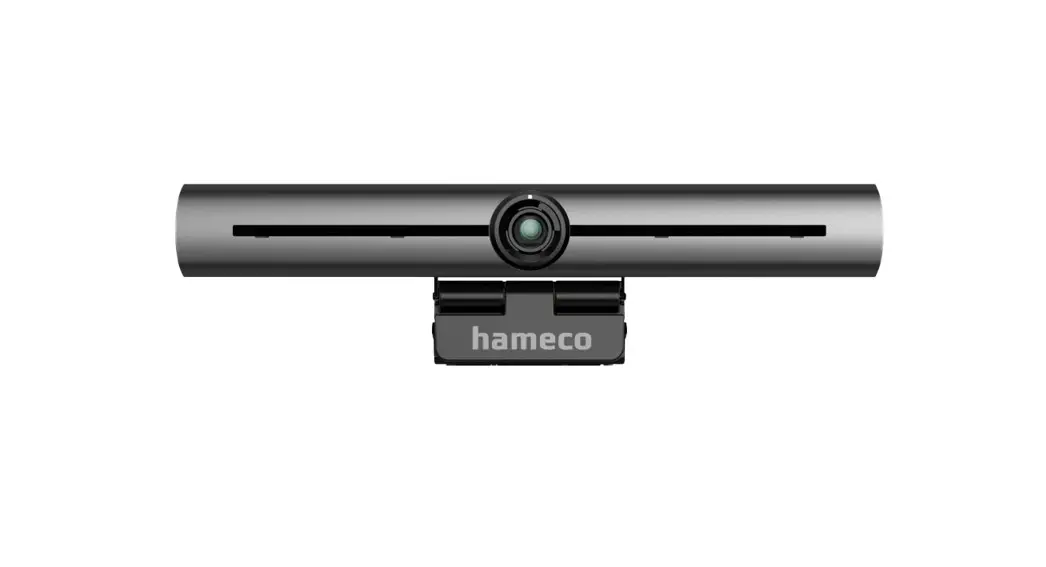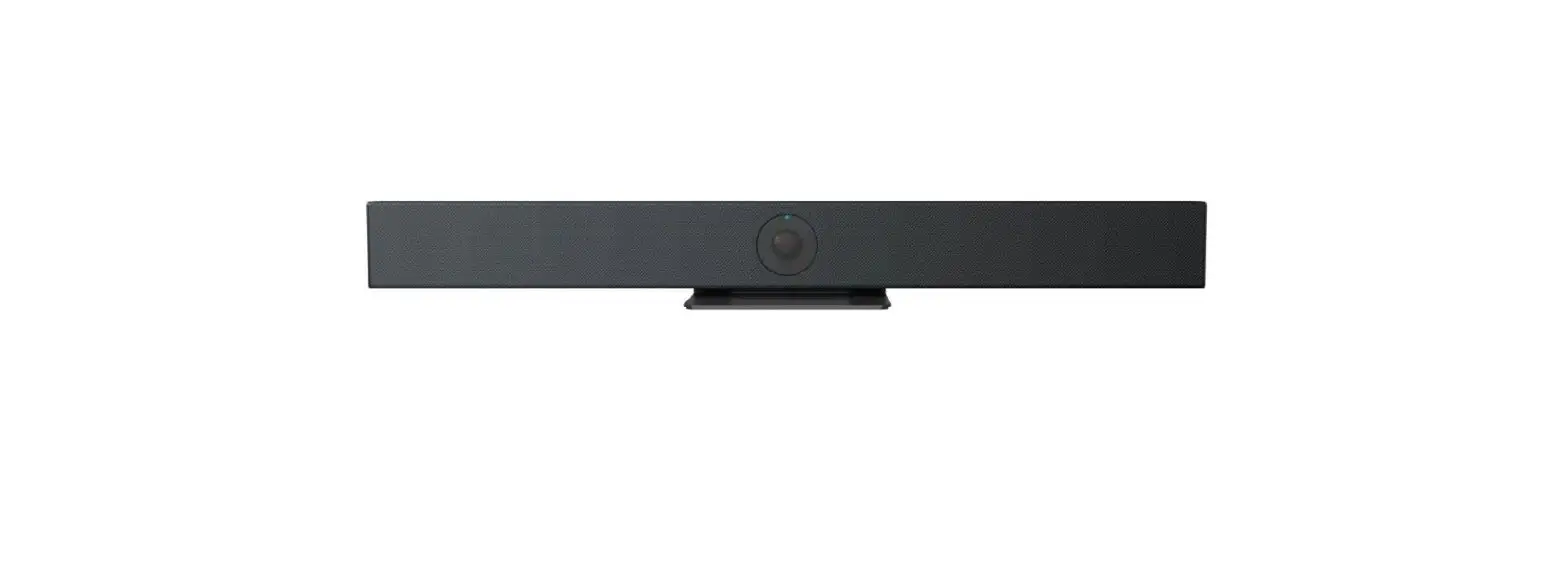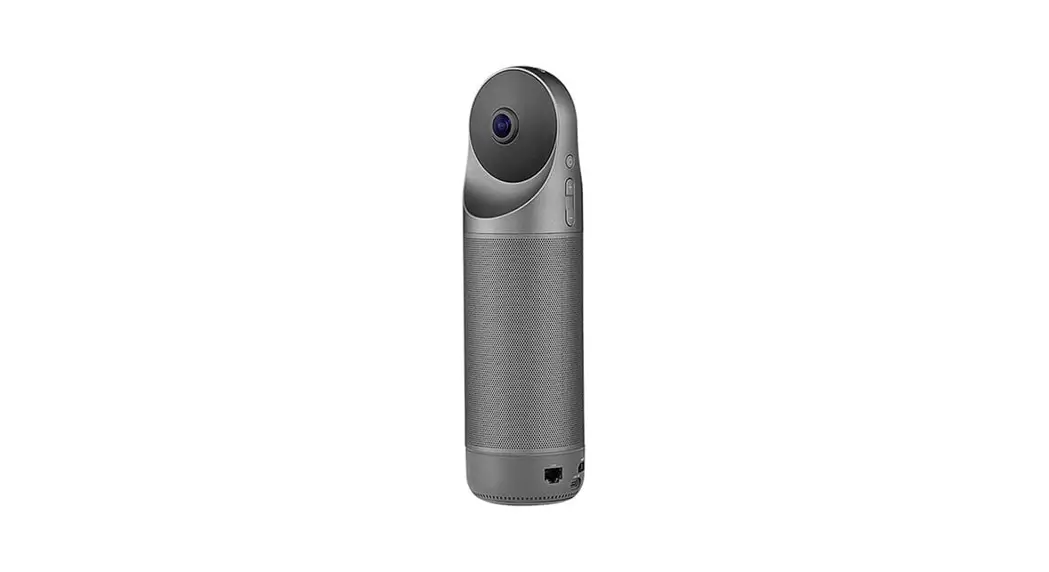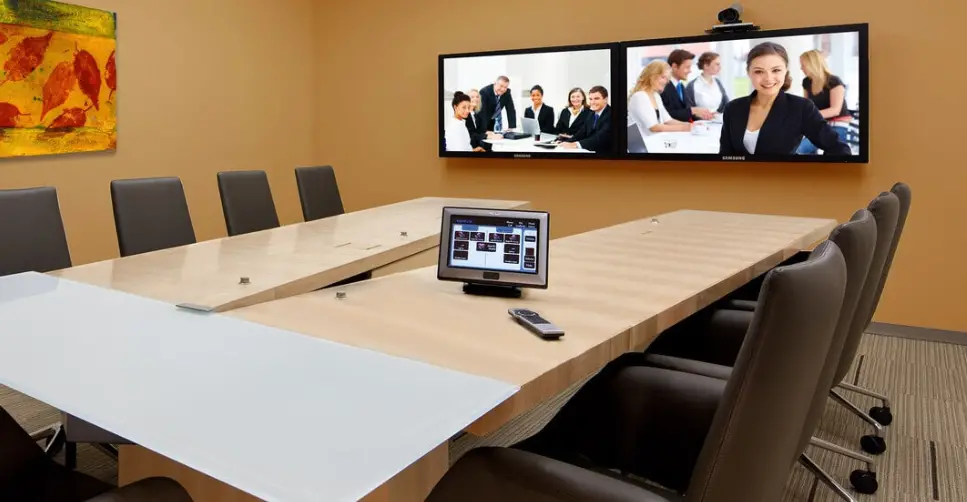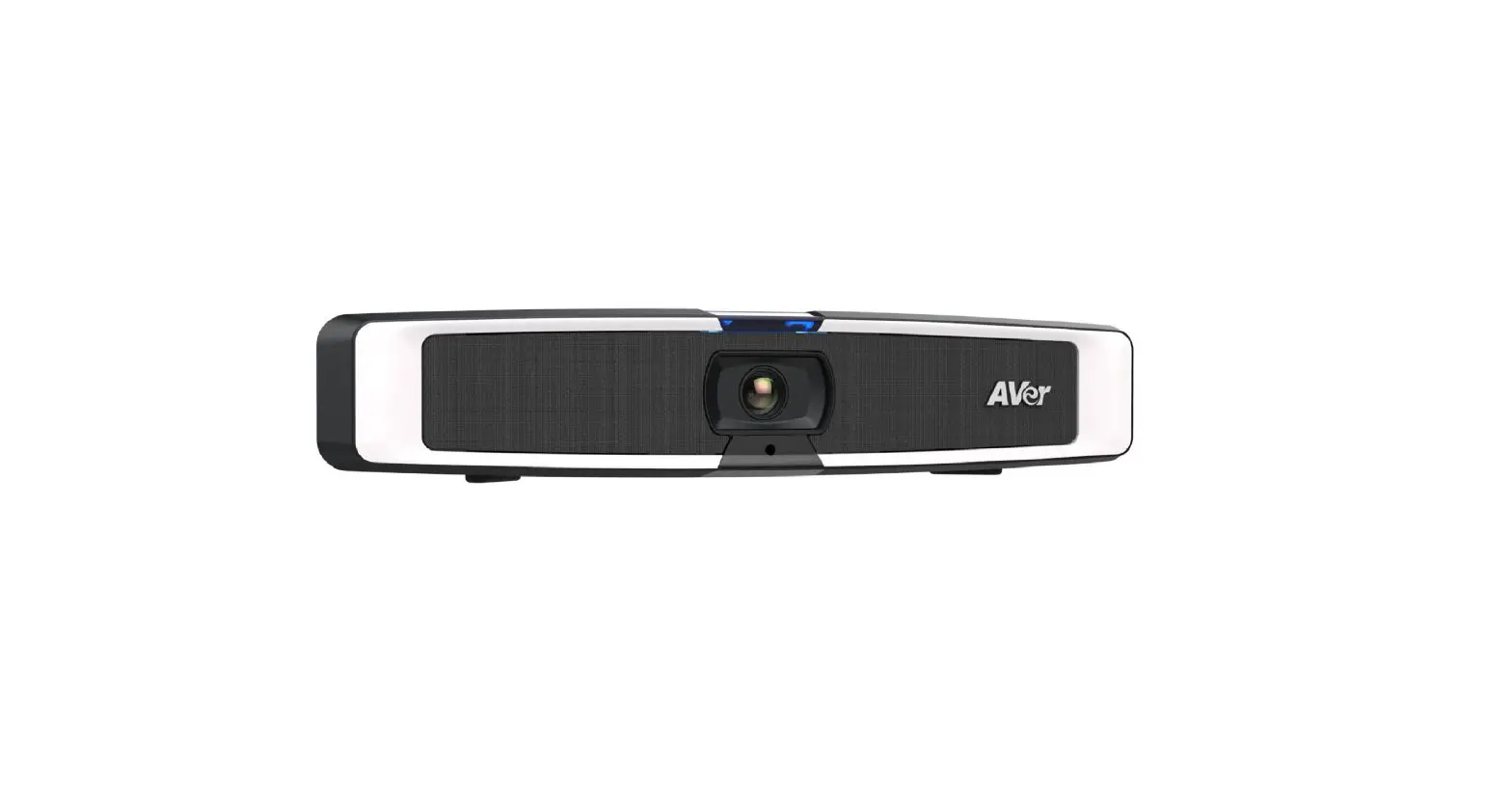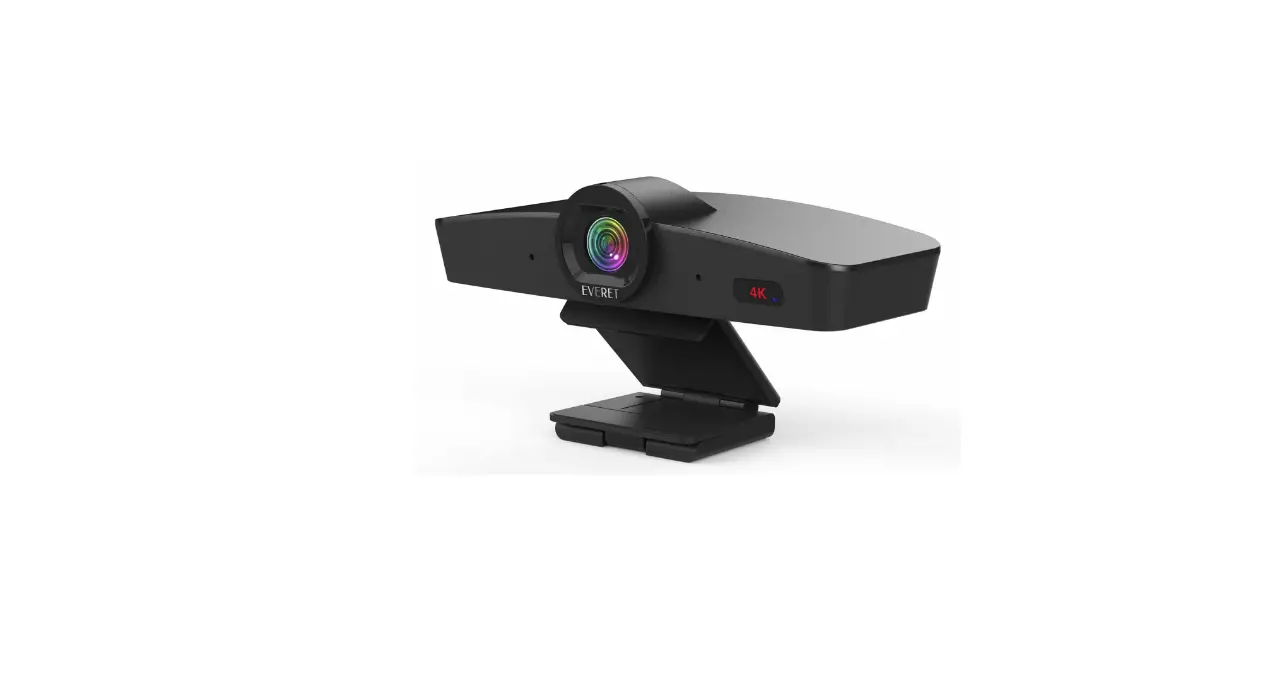

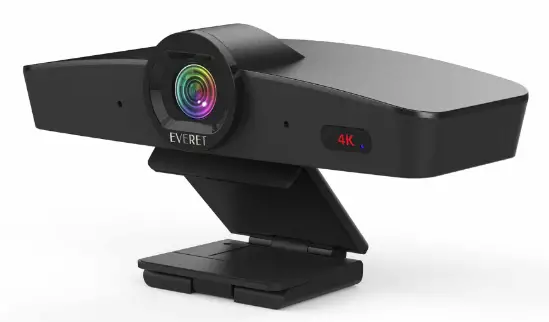
EVERET EVC400 4K Smart Video Conference Camera
PACKING LIST
Check all bellow items when open the package:
- Camera
- USB 2.0 Cable
- Mounting screw
- Remote Controller
Product highlights
- Advanced DSP, 1/2.8 inch 8.42-megapixel SONY sensor and high-quality 12-megapixel lens.
- Auto Framing
- All video, control, and power over the single USB cable.
- Plug & play
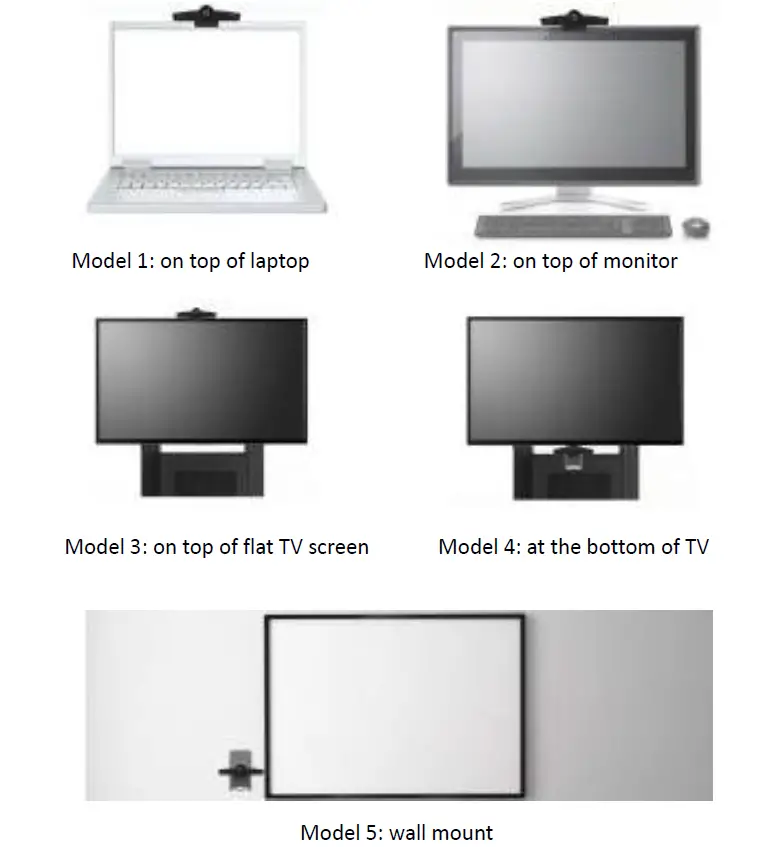
- Flexible design: fit for monitor, PC, tripod, wall mount and on desk mounting.
- USB2.0 YUY2/MJPG/H.264 video format, works with Windows, MAC OS, Android, Linux.
- Standard UVC 1.1 protocol, compatible with most VC applications.
- Built-in dual microphone, pick-up distance reach 5m.
- USB2.0 output.
- 12-megapixel fixed lens, 4x digital zoom.
- 120 degree field of viewing.
- Lens distortion rate less than 4% (120°FOV).
- 3840*2160p30 ultra high resolution.
- Mirror, Flip, Anti-flicker feature.
- UVC control (via USB port).
- Audio communication protocol: UAC1.0.
- Audio encoding format: PMC.
Technical Specifications
| Sensor | 1/2.8 inch high quality, 8.42 megapixel SONY CMOS sensor |
| Video Format | YUY2/NV12: |
| 1280*720@15; | |
| 1024*576@20; | |
| 640*480@30 | |
| MJPG: | |
| 3840*2160@30; | |
| 2560*1440@30; | |
| 1920*1080@30; | |
| 1280*720@30; | |
| 1024*576@30; | |
| 640*480@30 | |
| H.264/H.265: | |
| 3840*2160@30; | |
| 2560*1440@30; | |
| 1920*1080@30; | |
| 1280*720@30; | |
| 1024*576@30; | |
| 640*480@30 | |
| Optical Zoom | 12 megapixel fixed lens |
| Digital Zoom | 4X |
| Field of Viewing | 120° |
| Sensor Resolution | 8.42 megapixel |
| Control Port | USB2.0 (UVC/UAC) |
| Video Port | USB2.0 |
| S/N Ratio | >50dB |
| Focal Length | f=2.20mm |
| Minimum Lux. | 0.1 lux |
| White Balance | Auto/Manual |
| Iris | F 2.2 |
| Electronic Shutter | Auto |
| Autoframing | Supported (up to 1080P30) |
| Electronic Pan/Tilt/Zoom | Supported (up to 1080P30) |
| Anti-Flicker | 50HZ/60HZ/OFF |
| WDR | Supported |
| Polar distance | 3~5 meters |
| Sensitivity | -26±2dB RL=2.2KΩ Vs=2.0V |
| Input Voltage | 4.4~5.25V@500mA (USB port) |
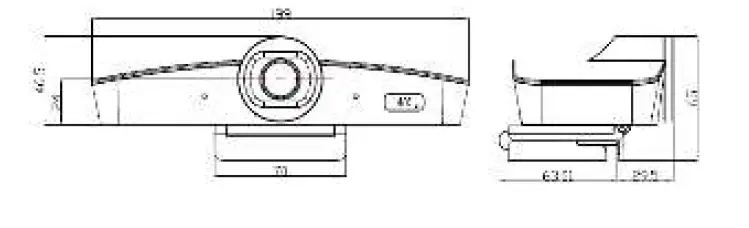
| Dimension(L x W x H) | 199mm×92.5mm×65mm |
| Net Weight | 0.32KG |
Camera interface 
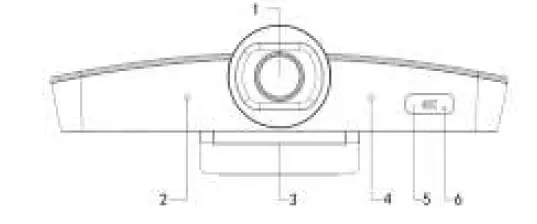
- Lens
- Microphone 1
- Base bracket
- Microphone 2
- Remote receiver
- Indicator light
Dimensions (MM) 
IR REMOTE CONTROLLER
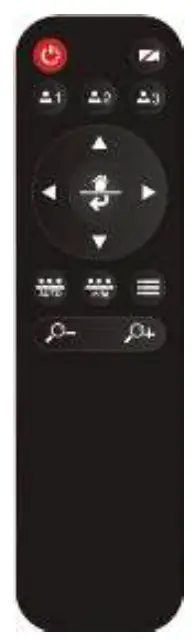
Power: Standby/Start camera. (This button is temporarily disabled.)
Image: on/off.
Preset: long press for 3 seconds to save the current position to the corresponding preset, short press to run the preset, only available in manual mode.
Navigation keys: up and down, left and right
In manual working mode, these keys are used to adjust the position of the electric pan/tilt/zoom and to select menu items after entering the menu.
Home/Confirm key:
In manual working mode, a short press returns the electric pan/tilt/zoom to the home wide angle position.
Auto: Turn on Auto Framing.
(Push/Manual):, Switch the manual mode or press for One push Auto frame when already in manual mode.
Menu: Press to open OSD menu
Zoom keys: +/- 
Adjust the magnification of the electronic zoom, only available when Auto Framing is closed.
- In normal working mode, press the menu button on the IR remote, to enter the OSD menu; press the menu button again to exit and save modified parameters.
- Use the navigation button to select the main menu. The main menu will change to blue color background, and the right side will show all parameters under this sub menu.
- When entering into the main OSD menu, press the up/down navigation button to select the sub menu, use left/right navigation button to set the parameter.
- If you need to return back the last level menu, navigate to the “return” label and press the left key to get back to the previous menu. It’s also possible to press the menu button.
- Press the OSD button again to exit the menu.
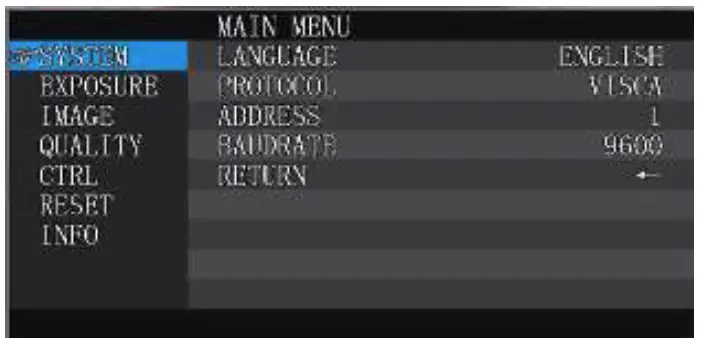
System 
|
SYSTEM | LANGUAGE | ENGLISH | |
| PROTOCOL | VISCA | Default: VISCA | |
| ADDRESS | VISCA:1~7 | Default: 1 | |
| BAUDRATE | 2400,4800,9600,115200 optional | Default: 9600 | |
| RETURN | Back to the main menu |
Exposure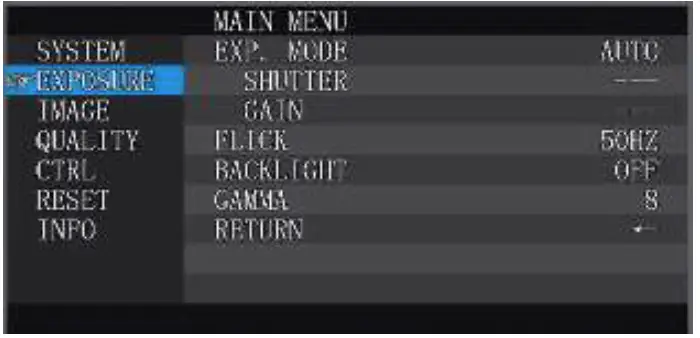
|
EXPOSURE | EXP.MODE | AUTO/MANU | Default: AUTO |
| SHUTTER | Shutter speed:1/30~1/10000, only valid under MANU mode | Default: 1/100 | |
| GAIN | Gain setting:0~15, only valid under MANU mode | Default: 0 | |
| FLICK | OFF/50HZ/60HZ | Default: 50HZ | |
| BACKLIGHT | ON/OFF | Default: OFF | |
| GAMMA | 0~15 | Default: 8 | |
| RETURN | Back to the main menu |
Image 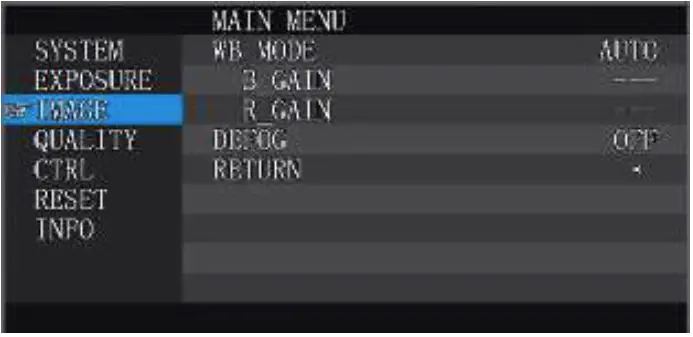
|
IMAGE | WB MODE | AUTO/MANU | Default: AUTO |
| B_GAIN | Blue gain level:0~256, only valid under manual | Default: 100 | |
| R_GAIN | Red gain level:0~256, only valid under manual | Default: 100 | |
| DEFOG | Set the image permeability:OFF/1~15 | Default: OFF | |
| RETURN | Back to the main menu |
Quality 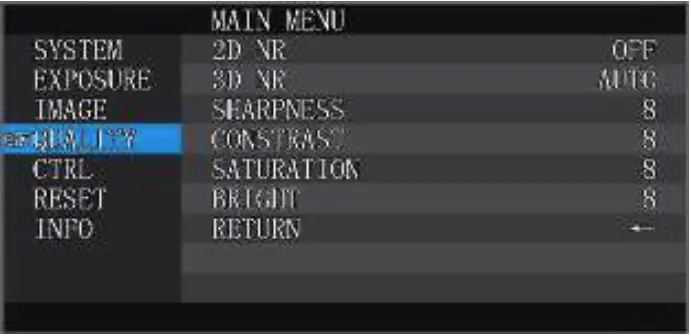
|
QUALITY | 2D NR | Set 2D noise reduction level:ON/OFF | Default: OFF |
| 3D NR | Set 3D noise reduction level:OFF/AUTO/1~4 | Default: AUTO | |
| SHARPNESS | Sharpness setting:0~15 | Default: 8 | |
| CONTRAST | Contrast setting:0~15 | Default: 8 | |
| SATURATION | Saturation setting:0~15 | Default: 8 | |
| BRIGHT | Bright setting:0~15 | Default: 8 | |
| RETURN | Back to the main menu |
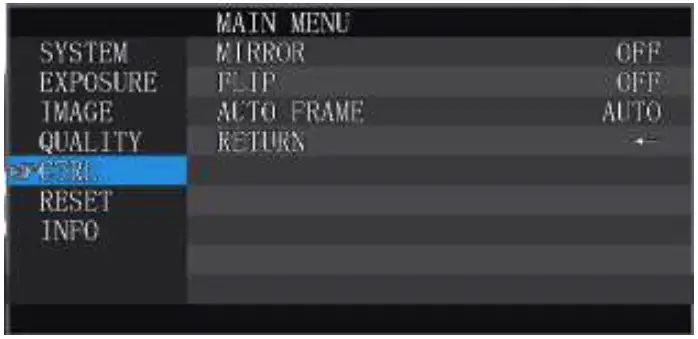
| CTRL | MIRROR | Turn the screen left and right ON/OFF | Default: OFF |
| FLIP | Picture up and down (hoisting mode) | Default: OFF | |
| AUTO FRAME | AUTO/MANU | Default: AUTO | |
| RETURN | Back to the main menu |
Reset 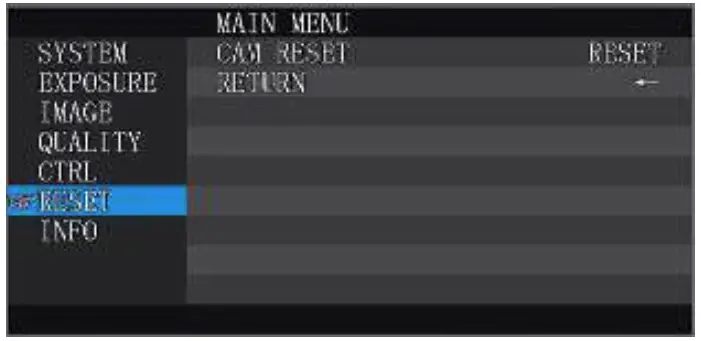
| RESET | CAM RESET | Reset camera parameter to default |
| RETURN | Back to the main menu |
Info 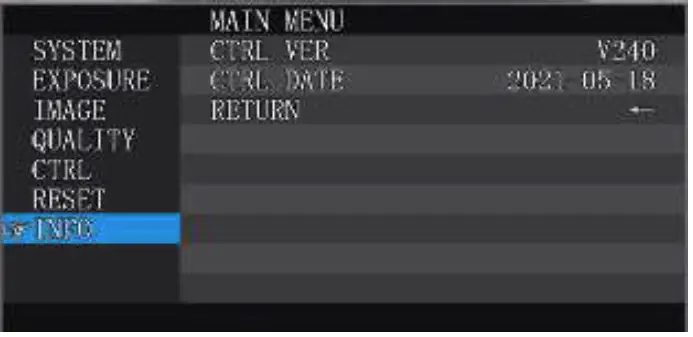
| INFO | CTRL VER | Camera movement control program version |
| CTRL DATE | Release date of camera movement control program | |
| RETURN | Back to the main menu |