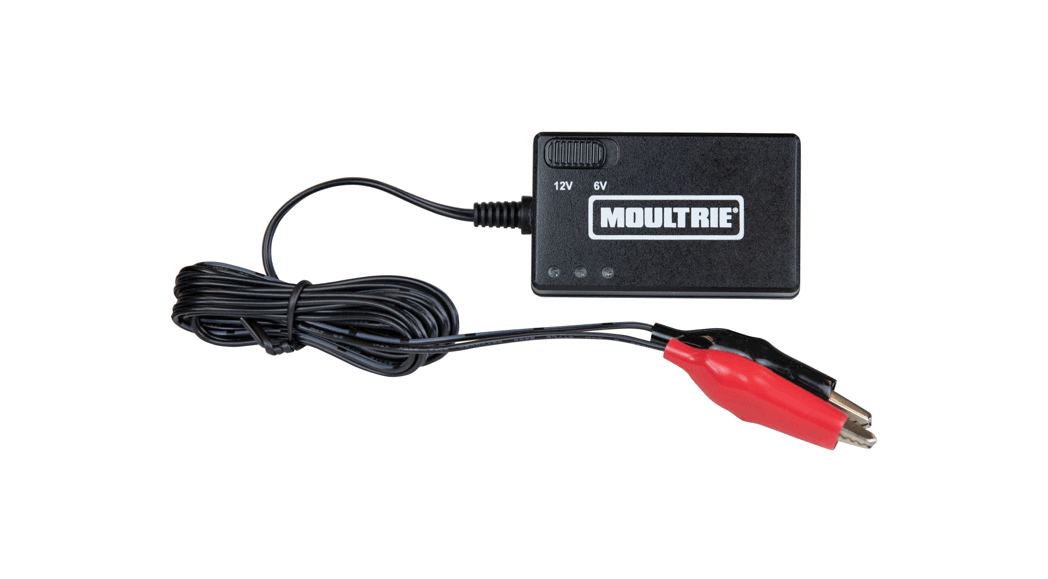
IS6V2 Battery Charger
Product Information
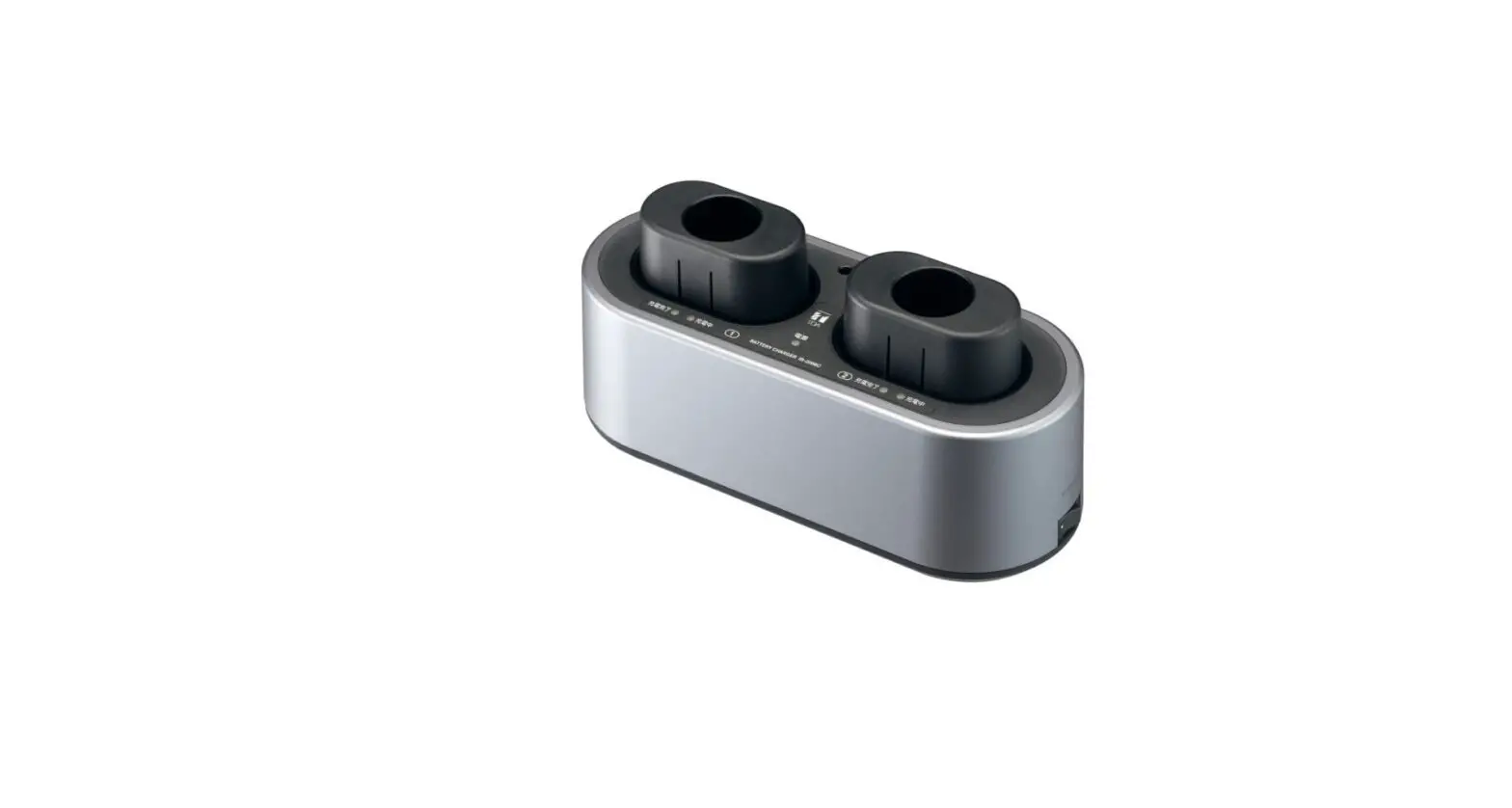
The IS6V2 battery charger is an encased power adapter that
provides charging power at 7.35 V and 2 amps while charging and 7.0
V once the battery is fully charged. It features two LEDs that
indicate AC power status and charge trip point. The charger has a
dual mode (charge/float) to provide rapid battery charging while
preventing overcharging. It is also designed to optimize battery
life by maintaining the float voltage of 7.0 V to prevent battery
discharge during normal AC operation.
LED Descriptions
| LED | LED Color | Description |
|---|---|---|
| Power LED | Green | States the charger has power from an AC source and is continually on |
| Charger LED (Multi-State LED) | Green | Charging status: Charging |
| Green (Flashing) | Charging status: Float Charging | |
| Charging status: Full Charge |
Specifications
| Power | |
|---|---|
| Input Voltage Range | 100 – 250 VAC, 50/60 Hz, 75 VA |
| Voltage Output | 7.35 VDC Charge, 7.0 VDC Float |
| Maximum Output Current | 2.0 A |
| Compliance | |
| August 10, 2022 | www.ricelake.com |
| PN | 195930 Rev E |
Product Usage Instructions
- Disconnect the 882IS battery pack cable from the 882IS
indicator. - Remove the battery pack from the indicator tilt stand and take
it to a non-hazardous area. - Remove the lockout device and battery cable from the
battery. - Plug the connector from the battery charger into the connector
on the battery pack. - Connect the charger power cord to a properly grounded outlet
supplying the correct input voltage. - Charge the battery. Note that it will take a minimum of 12
hours to charge a dead battery. - The charger LED switches from a blue color to a green color
when the unit reaches approximately 70% charged. At that time, the
charger switches over to a float charge mode. - The battery is considered fully charged when the charger LED is
flashing green. - To keep the battery at full capacity, it is recommended to
leave the battery connected to the charger in float charge mode
until ready to use. The battery can remain on the charger in float
charge mode indefinitely without damaging it.
882IS Intrinsically Safe Indicator
IS6V2 Battery Charger Instructions
The IS6V2 battery charger instruction sheet contains important safety and operating instructions. Before using the battery charger, please read all instructions and cautionary information on the battery charger and the product using the battery.
Manuals and additional resources are available from the Rice Lake Weighing Systems website at www.ricelake.com Warranty information can be found on the website at www.ricelake.com/warranties
CAUTION: Do not expose the charger to rain or moisture. CAUTION: Do not remove the cover. CAUTION: Disconnect the charger from AC power before maintenance or cleaning. WARNING: Only use Rice Lake Weighing Systems approved charger for Intrinsically Safe indicator batteries. WARNING: Because hydrogen gas may be present, disconnect unit from AC power before connecting or disconnecting output connectors. IMPORTANT: Connections to the battery pack must be made in the non-hazardous area before connecting the cable to the 882IS indicator.
Charger LED
Power LED
Figure 1. IS6V2 Battery Charger
Introduction
The IS6V2 battery charger is an encased power adapter that provides charging power at 7.35 V and 2 amps while charging and 7.0 V once the battery is fully charged. Two LEDs indicate AC power status and charge trip point.
LED
LED Color
Power LED Green
Blue
Charger LED (Multi-State LED)
Green
Green (Flashing)
LED Description
States the charger has power from an AC source and is continually on Charging status: Charging Charging Status: Float Charging Charging Status: Full Charge
Table 1. LED Descriptions
The dual mode (charge/float) provides rapid battery charging while preventing hazardous overcharging. In addition, the charger is ideal for optimizing battery life as it will maintain the float voltage of 7.0 V to prevent battery discharge during normal AC operation.
August 10, 2022
PN 195930 Rev E
Battery Charging and Operation
CAUTION: Re-charge batteries in a non-hazardous location.
1. Disconnect the 882IS battery pack cable from the 882IS indicator. 2. Remove the battery pack from the indicator tilt stand and take to a non-hazardous area. 3. Remove the lockout device and battery cable from the battery.
Figure 2. Remove Lockout Device
4. Plug the connector from the battery charger into the connector on the battery pack. 5. Connect the charger power cord to a properly grounded outlet supplying the correct input voltage. 6. Charge the battery.
NOTE: It will take a minimum of 12 hours to charge a dead battery.
The charger LED switches from a blue color to a green color when the unit reaches approximately 70% charged. At that time, the charger switches over to a float charge mode. The battery is considered fully charged when the charger LED is flashing green.
NOTE: To keep the battery at full capacity, it is recommended to leave the battery connected to the charger, in float charge mode, until ready to use. The battery can remain on the charger in float charge mode indefinitely without damaging the battery. For more information on the IS6V2 Battery, see PN 194893.
Specifications
Power
Input Voltage Range: 100 – 250 VAC, 50/60 Hz, 75 VA
Voltage Output:
7.35 VDC Charge, 7.0 VDC Float
Maximum Output Current: 2.0 A
Environmental Operating Temperature: 14°F to 104°F (-10°C to 40°C)
Compliance
© Rice Lake Weighing Systems Specifications subject to change without notice.
230 W. Coleman St. · Rice Lake, WI 54868 · USA U.S. 800-472-6703 · Canada/Mexico 800-321-6703 · International 715-234-9171 · Europe +31 (0)26 472 1319
August 10, 2022
www.ricelake.com
PN 195930 Rev E
 Rice Lake Weighing Systems