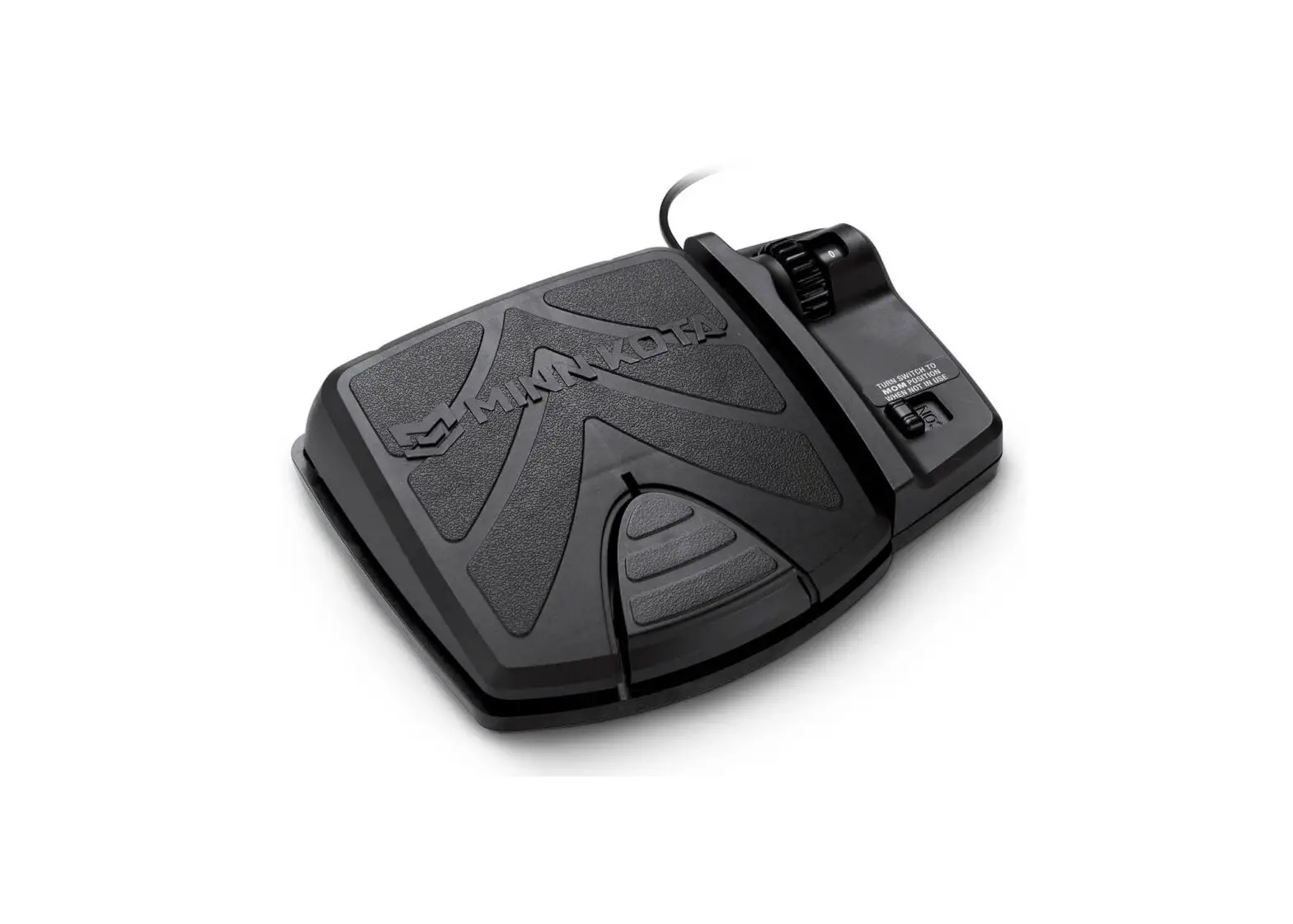
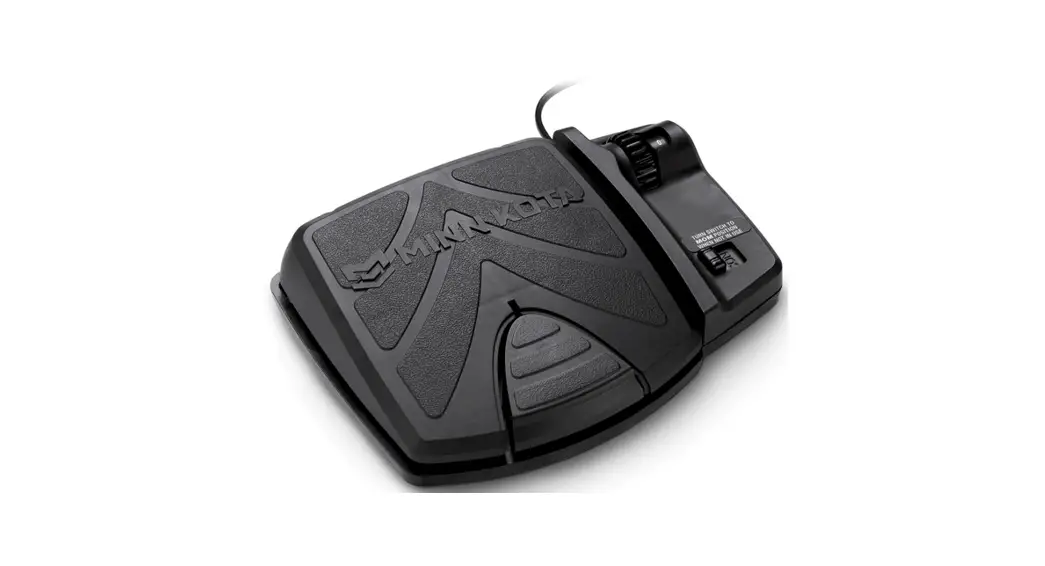
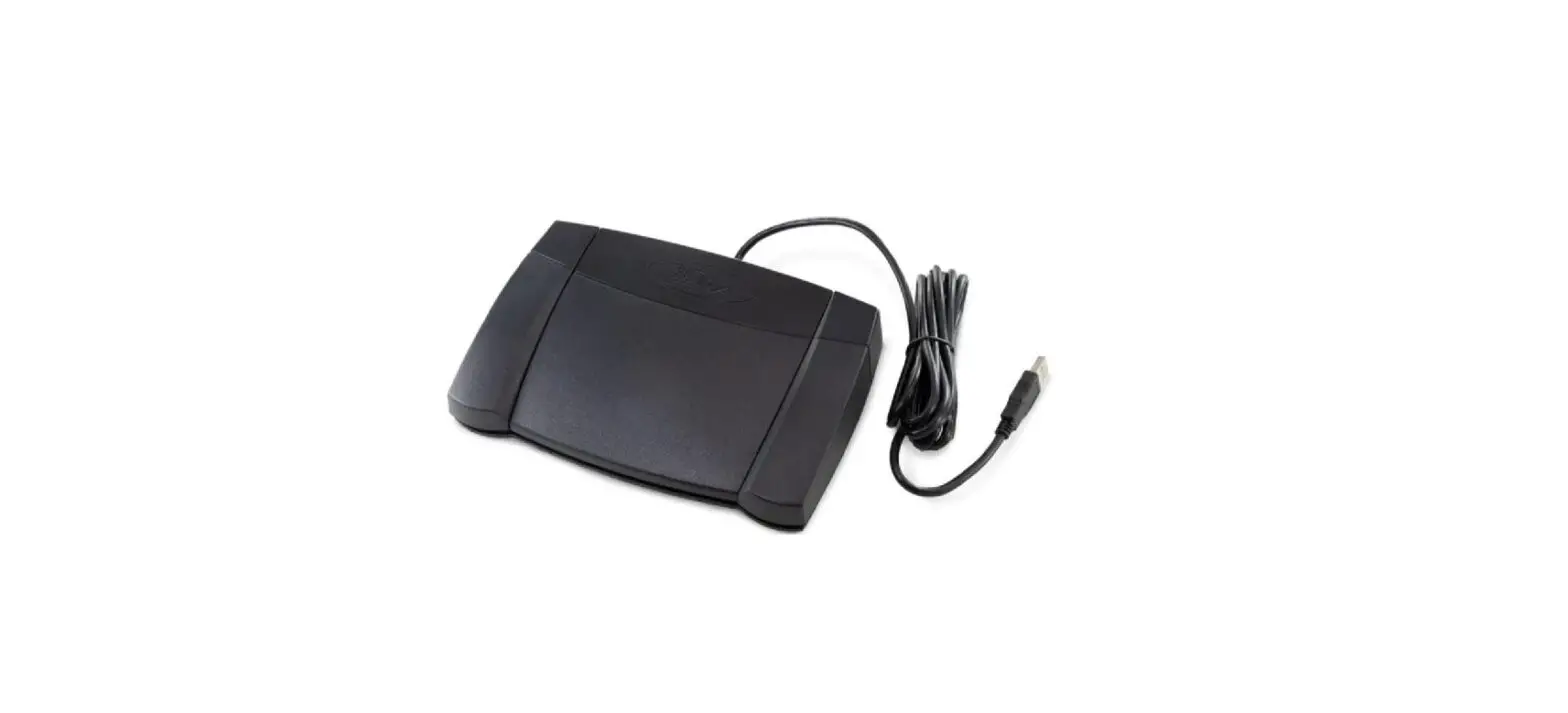
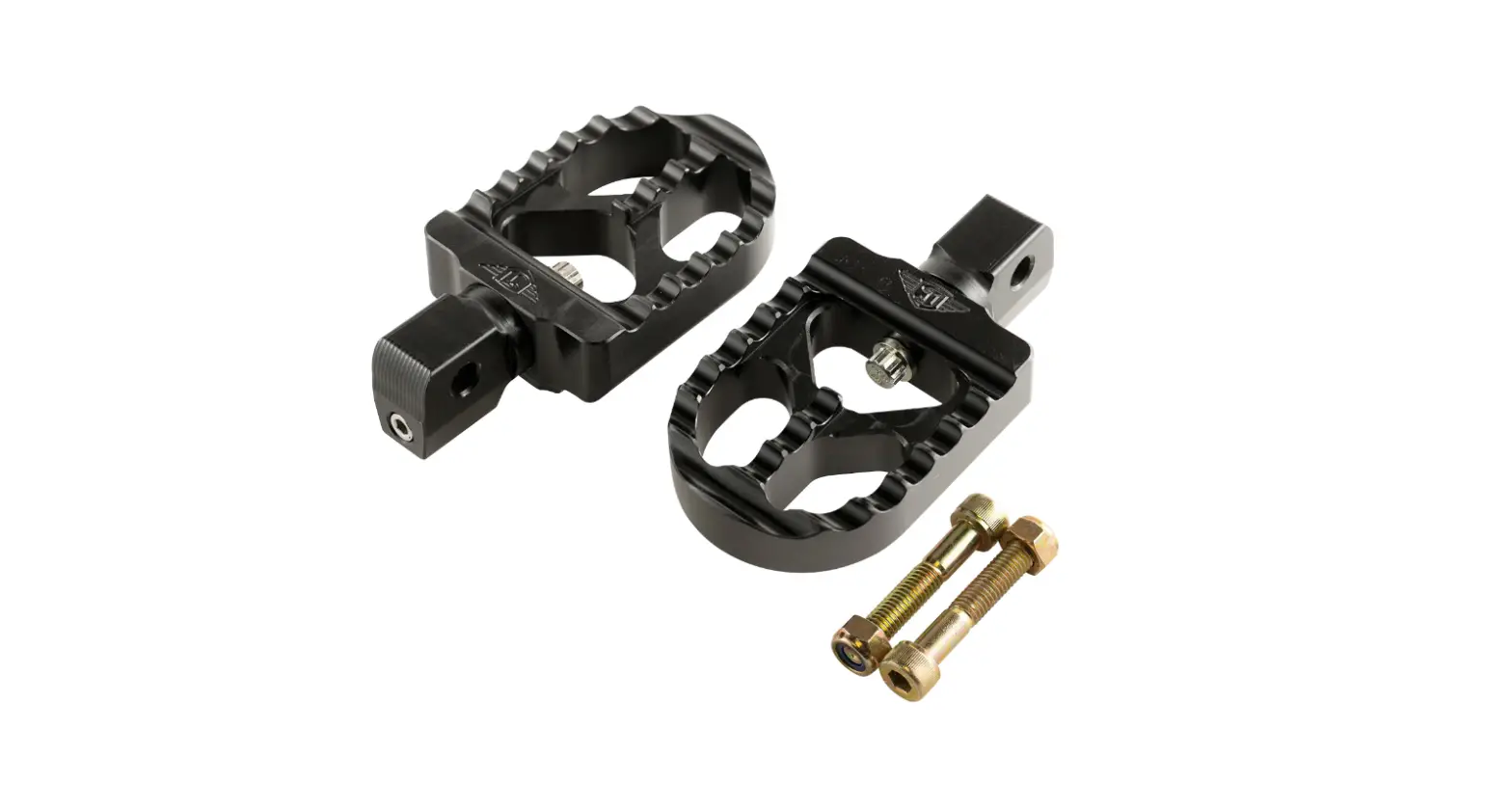
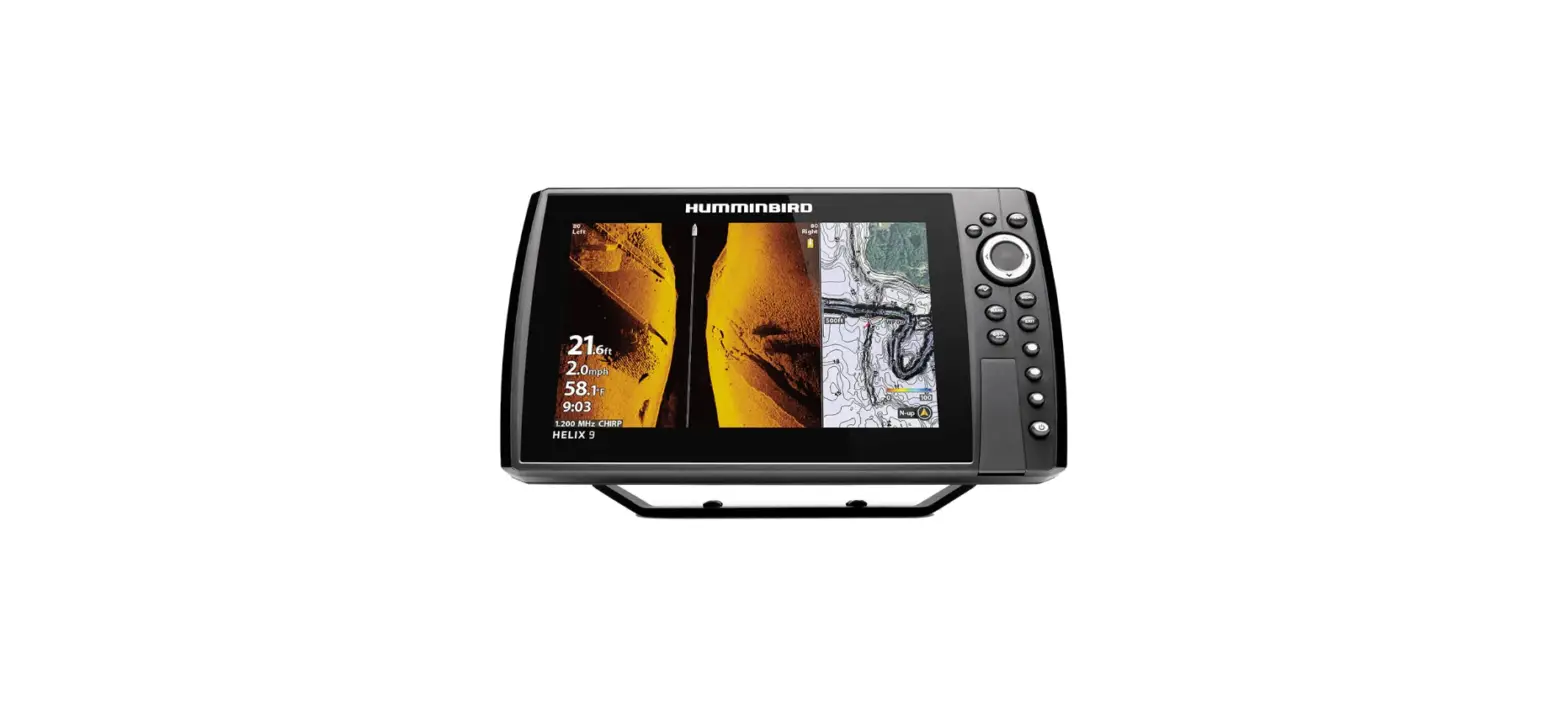
532966-1 MEGA Live Targetlock Foot Pedal
Product Information: MEGA LIVE TARGETLOCK FOOT PEDAL
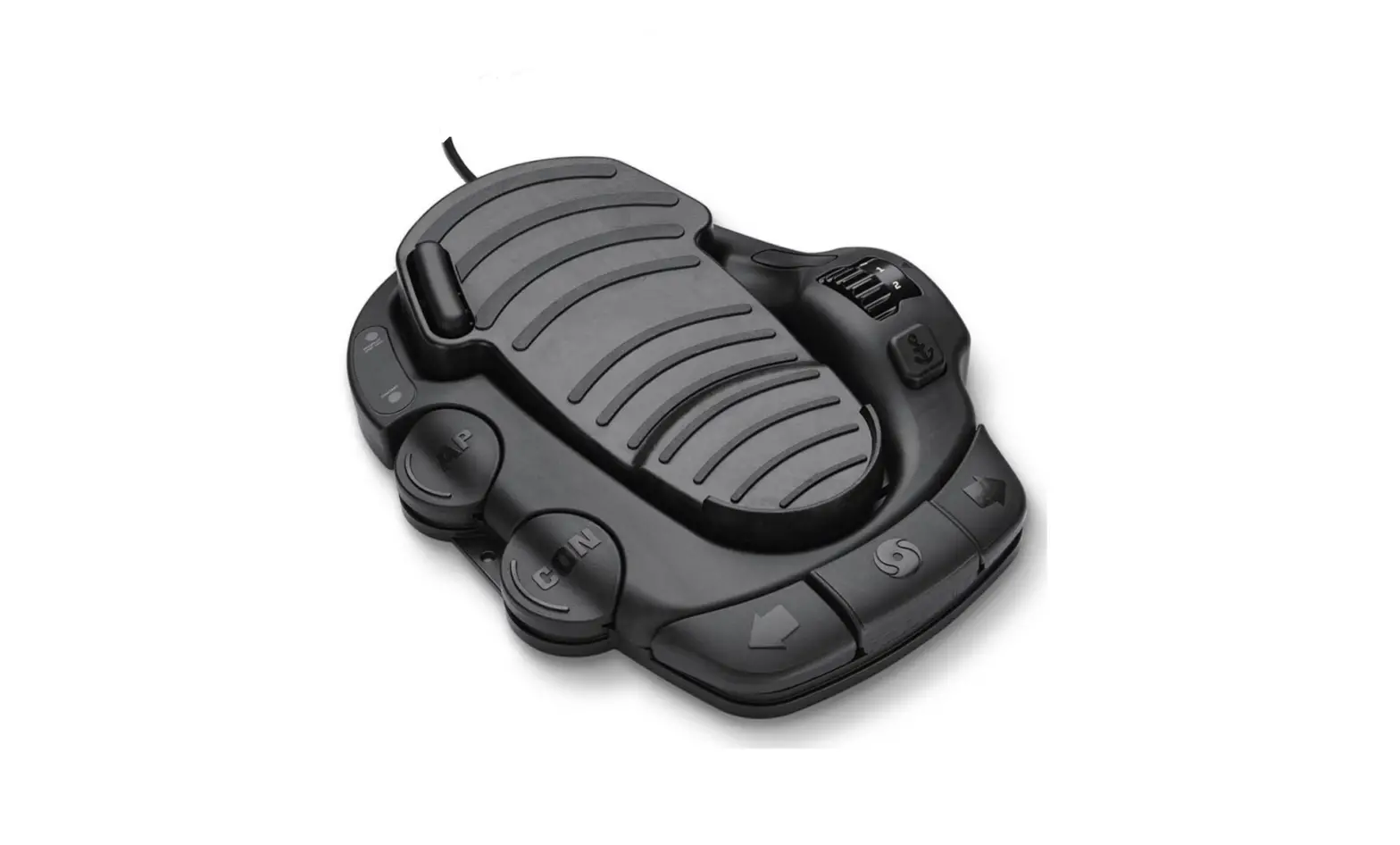
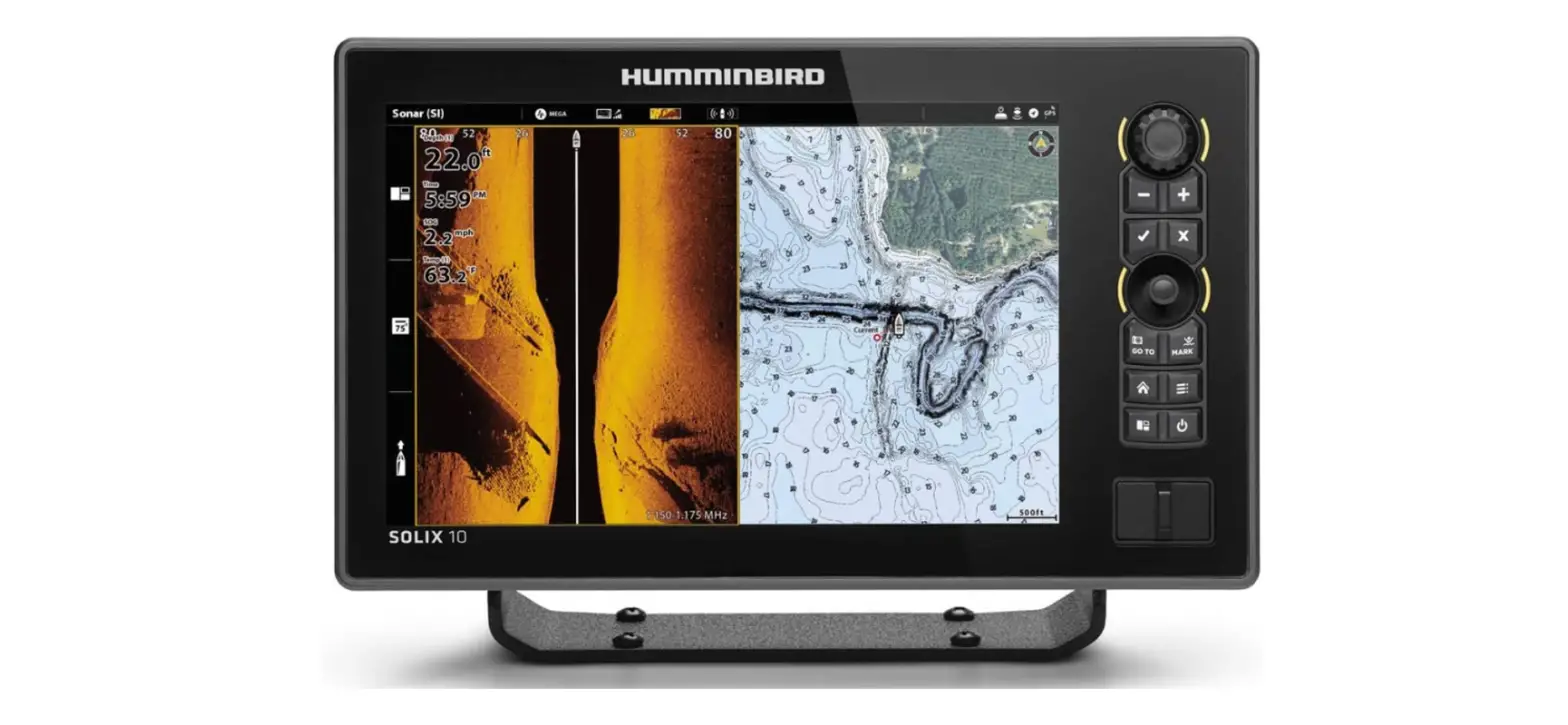
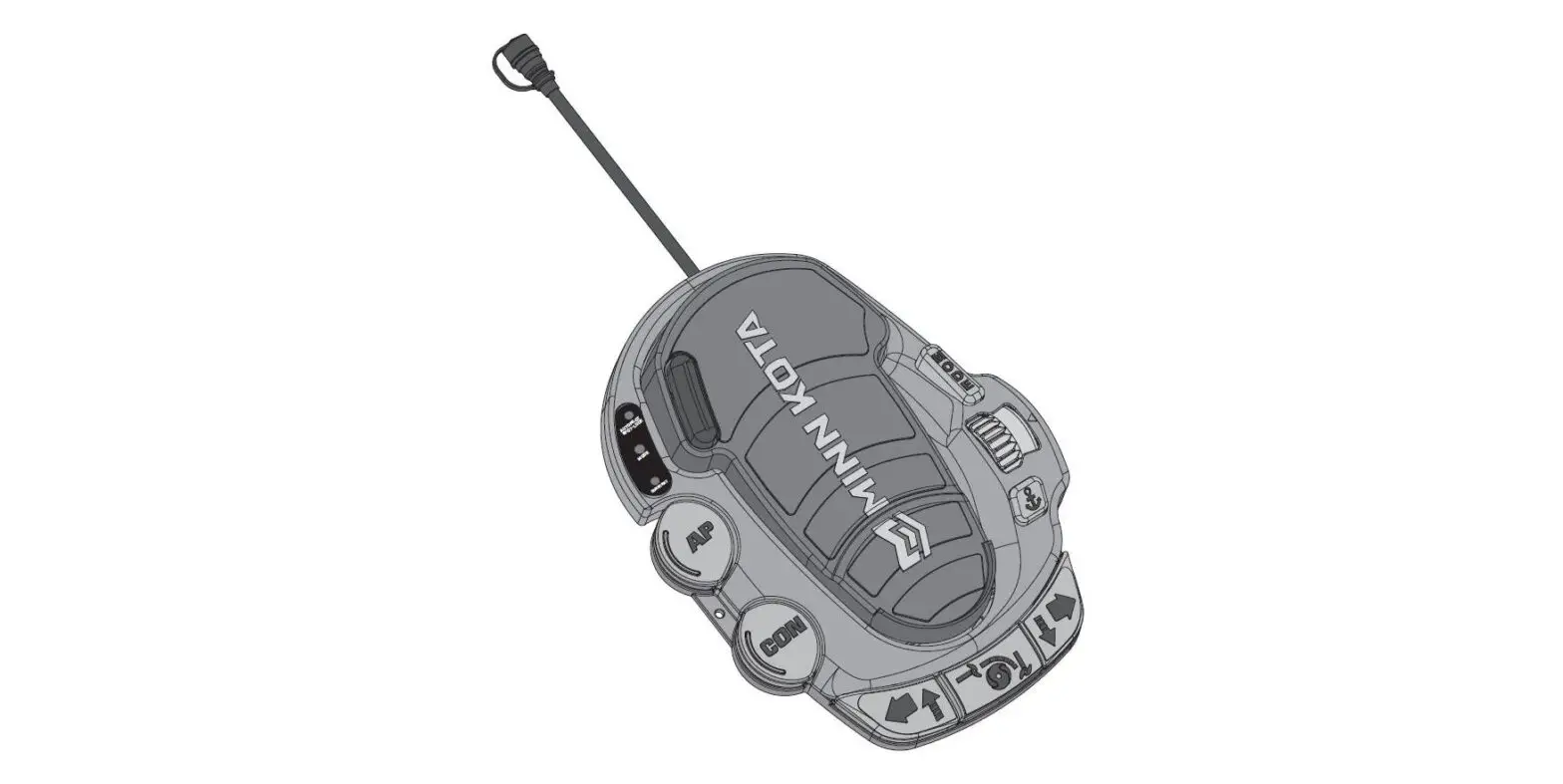
The MEGA LIVE TARGETLOCK FOOT PEDAL is a wireless foot pedal
accessory designed for use with Humminbird control heads. It allows
for easy control and communication with your Humminbird device,
providing a clear line of communication and enhancing your fishing
experience.
Supplies required for installation include a pencil or similar
marking tool, a drill with a #2 Phillips driving bit, and the
hardware included with the foot pedal.
For technical support or further assistance, you can contact
Humminbird Technical Support through their Help Center at https://humminbird-help.johnsonoutdoors.com/hc/en-us.
Product Usage Instructions: Installation
- Before mounting the MEGA LIVE TARGETLOCK FOOT PEDAL, ensure
that your boat does not have any obstructions where you plan to
drill and that the hardware will be accessible for assembly. - Make sure the area under the mounting location is flat and
clear to drill holes. Ensure that the installation hardware will
not damage existing components below the mounting surface. If
needed, modify the mounting surface to create a flat area for the
foot pedal. - Choose a mounting location that has a clear line of
communication with your Humminbird control head and where the foot
pedal will not become a tripping hazard. - To install the foot pedal:
- Squeeze the tabs on both sides of the foot pedal to separate it
from the base. - Position the base at the selected location and mark the
mounting holes using a pencil or similar marking tool. - Place one of the provided #8 screws in each of the mounting
holes on the base. Align the holes with the marked locations and
use a drill with a #2 Phillips driving bit to secure the base to
the deck of the boat. Avoid overtightening. - Reattach the foot pedal to the base, ensuring that the tabs on
the pedal click into place and that the pedal is fully seated on
the deck of the boat.
- Squeeze the tabs on both sides of the foot pedal to separate it
Product Usage Instructions: Pairing the Foot Pedal to the
Control Head
Follow these instructions to pair the wireless foot pedal to
your Humminbird control head:
For APEX/SOLIX Series:
- Press the HOME key on your control head.
- Select Settings > CHIRP Sonar > MEGA Live > Pair
TargetLock Foot Pedal. - On the foot pedal, press and hold both the Left button and
Right button simultaneously until the LEDs at the top of the pedal
start scrolling. Then release the buttons. - The control head and foot pedal will enter Pairing Mode.
If pairing does not succeed within 30 seconds, an error message
will be displayed indicating that the pairing has timed out. In
such cases, repeat the pairing procedure.
Note: After successful pairing, if the lights on the
foot pedal blink in a scrolling pattern, it indicates that the
control head is updating the foot pedal’s software. Once the
software update is complete, the pairing process will need to be
repeated.
1
MEGA LIVE TARGETLOCK FOOT PEDAL Installation Guide
532966-1_A
Overview
Following are instructions for the installation of this accessory. Before you start installation, we encourage you to read these instructions carefully in order to get the full benefit from your Humminbird® accessory.
Supplies: In addition to the hardware included with your accessory, you will need the following supplies: a pencil or similar marking tool and a drill with a #2 Phillips driving bit.
Technical Support: Contact Humminbird Technical Support through our Help Center at https:// humminbird-help.johnsonoutdoors.com/hc/en-us.
1 | Installation Preparation
Before mounting your MEGA Live Imaging TargetLock foot pedal, please give consideration to the following:
Examine your boat to ensure that you will not drill into any obstructions and that the hardware will be accessible for assembly. Make sure the area under the mounting location is flat, clear to drill holes and that the installation hardware will not damage existing
components below the mounting surface. It may be necessary to shim or modify the mounting surface under the mounting location to create a flat area for the foot pedal to be mounted. Mount the foot pedal in an area that has a clear line of communication with your Humminbird control head. Mount the foot pedal in an area where it will not become a tripping hazard.
2 | Install the Foot Pedal
1. Once you have selected a mounting location for your foot pedal, remove the foot pedal from the base by squeezing the tabs on both sides of the foot pedal and pulling the pedal and base apart.
2. Position the base at the selected location and mark the mounting holes with a pencil or similar marking tool.
Separating the Foot Pedal and Base
NOTE: The base has three mounting holes that are used to secure it to the boat. The bottom side of the base has three pads around the mounting holes. These pads should be placed facing down when the base is installed.
3. Place one of the three (3) provided #8 screws in each of the mounting holes of the base. Make sure the mounting holes still line up with the marked locations and then use a drill with a #2 Phillips driving bit to secure the base to the deck of the boat. Do not overtighten.
Securing the Base to the Deck
4. Once the base is installed, reattach the foot pedal to the base. Make sure the tabs on the pedal click into place and that the pedal is fully seated on the deck of the boat.
2
MEGA LIVE TARGETLOCK FOOT PEDAL Installation Guide
532966-1_A
3 | Pair the Foot Pedal to the Control Head
Use the following instructions to pair the wireless foot pedal to the Humminbird control head. For more information about setting up your
foot pedal or your MEGA Live TargetLock, see the MEGA Live Imaging Operations Guide.
APEX/SOLIX Series
Foot Pedal
1. Press the HOME key.
2. Select Settings > CHIRP Sonar > MEGA Live > Pair TargetLock Foot Pedal.
3. On your foot pedal, press and hold the Left button and the Right button at the same time until the LEDs at the top of the pedal begin to scroll. Then release the buttons.
LED lights TargetLock
4. The control head and the foot pedal will go into Pairing Mode.
If 30 seconds pass while in Pairing Mode and they do not successfully pair, an error message will display signaling that the pairing has timed out. Repeat the procedure.
NOTE: After pairing completes, if the lights on the foot pedal blink in a scrolling pattern, this indicates that the control head is updating the foot pedal. When the software update is complete, the pairing process will need to be repeated.
NOTE: You can check the MEGA Live Device List to confirm that the foot pedal is paired. Select Home > Settings > CHIRP Sonar > Device List.
left/pairing
One-Boat Network
right/pairing
HELIX Series 1. Main Menu: On your control head, press the MENU key twice. 2. Select the Accessories tab > MEGA Live > MEGA Live Installation. 3. Select Pair TL Foot Pedal, and press the RIGHT Cursor key. 4. On your foot pedal, press and hold the Left button and the Right button at the same time until the LEDs at the top of the pedal begin to scroll. Then release the buttons. 5. The control head and the foot pedal will go into Pairing Mode. If 30 seconds pass while in Pairing Mode and they do not successfully pair, an error message will display signaling that the pairing has timed out. Repeat the procedure.
NOTE: After pairing completes, if the lights on the foot pedal blink in a scrolling pattern, this indicates that the control head is updating the foot pedal. When the software update is complete, the pairing process will need to be repeated.
NOTE: You can check the MEGA Live Device List to confirm that the foot pedal is paired. Press the MENU key twice to open the Main Menu. Select the Accessories tab > MEGA Live > Device List.
WARNING
THIS PRODUCT CONTAINS A BUTTON BATTERY. If swallowed, a lithium button battery can cause severe or fatal injuries within 2 hours. Keep batteries out of reach of children. If you think batteries may have been swallowed or placed inside any part of the body, seek immediate medical attention.
NOTE: Download Humminbird installation guides and operations manuals from our Web site at humminbird.com.
NOTE: Product specifications and features are subject to change without notice.
Contact Humminbird
Contact Humminbird Technical Support through our Help Center at https://humminbird-help.johnsonoutdoors.com/hc/en-us or in writing to the address below:
Humminbird Service Department 678 Humminbird Lane Eufaula, AL 36027 USA
© 2023 Johnson Outdoors Marine Electronics, Inc. All rights reserved.
3
Guide d’installation de la PÉDALE MEGA LIVE TARGETLOCK
532966-1_A
Survol
Voici les instructions pour l’installation de cet accessoire. Avant de commencer l’installation, nous vous encourageons à lire attentivement ces instructions afin de tirer pleinement parti de votre accessoire Humminbird.
Matériel : En plus du matériel inclus avec votre accessoire, vous aurez besoin des provisions suivants: un crayon ou un outil de marquage similaire et une perceuse avec un foret cruciforme no 2.
Support technique : Contactez le support technique Humminbird via notre centre d’aide à l’adresse https:// humminbird-help. johnsonoutdoors.com/hc/en-us.
1 | Préparation de l’Installation
Avant de monter votre pédale MEGA Live Imaging TargetLock, veuillez tenir compte de ce qui suit :
Examinez votre bateau pour vous assurer de ne pas percer dans les obstructions et que la quincaillerie sera accessible pour l’assemblage.
Assurez-vous que la zone sous l’emplacement de montage est plate, qu’elle est dégagée pour percer des trous et que le matériel d’installation n’endommagera pas les composants existants sous la surface de montage. Il peut être nécessaire de caler ou de modifier la surface de montage sous l’emplacement de montage pour créer une zone plane pour le montage de la pédale.
Montez la pédale dans une zone qui a une ligne de communication claire avec votre Humminbird. Montez la pédale dans un endroit où elle ne risque pas de faire trébucher.
2 | Installation de la pédale
1. Une fois que vous avez sélectionné un emplacement de montage pour votre pédale, retirez la pédale de la base en pressant les languettes des deux côtés de la pédale et en séparant la pédale et la base.
2. Placez la base à l’endroit sélectionné et marquez les trous de montage avec un crayon ou un outil de marquage similaire.
REMARQUE : La base comporte trois trous de montage qui sont utilisés pour la fixer au bateau. Le côté inférieur de la base comporte trois coussinets autour des trous de montage. Ces tampons doivent être placés face vers le bas lorsque la base est installée.
3. Placez l’une des trois (3) vis no 8 fournies dans chacun des trous de montage de la base. Assurezvous que les trous de montage sont toujours alignés avec les emplacements marqués, puis utilisez une perceuse avec un foret cruciforme no 2 pour fixer la base au pont du bateau. Ne pas trop serrer.
Fixation de la base au pont
Séparer la pédale et la base
4. Une fois la base installée, rattachez la pédale à la base. Assurez-vous que les languettes de la pédale s’enclenchent et que la pédale est bien en place sur le pont du bateau.
4
Guide d’installation de la PÉDALE MEGA LIVE TARGETLOCK
532966-1_A
3 | Jumelez la pédale à boîte de commande Humminbird
Suivez les instructions ci-dessous pour jumeler la pédale sans fil à la boîte de commande Humminbird. Pour plus d’informations sur la configuration de votre pédale ou de votre MEGA Live TargetLock, consultez du Guide d’utilisation MEGA Live Imaging.
Série APEX/SOLIX
1. Appuyez sur la touche ACCUEIL.
2. Sélectionnez les Réglages > Sonar CHIRP > MEGA Live > Jumelez la pédale.
3. Sur votre pédale, appuyez simultanément sur le bouton gauche et le bouton droit et maintenez-les enfoncés jusqu’à ce que les DEL en haut de la pédale commencent à défiler. Relâchez ensuite les boutons.
4. La tête de commande et la pédale passeront en mode jumelage.
Si 30 secondes s’écoulent en mode jumelage sans réussite, une tonalité d’erreur est émise pour signaler la temporisation du jumelage. Répétez la procédure.
Pédale à boîte
Lumières LED verrouillage de la cible
REMARQUE : Une fois le jumelage terminé, si les voyants de la pédale clignotent selon un motif de défilement, cela indique que la boîte de commande met à jour la pédale. Une fois la mise à jour du logiciel terminée, le processus de jumelage devra être répété.
REMARQUE : Vous pouvez consulter la liste des appareils MEGA Live pour confirmer que la pédale est couplée. Sélectionnez Accueil > Réglages > Sonar CHIRP > Liste des appareils.
à gauche/ jumelage
Un réseau de bateaux
à droite/ jumelage
Série HELIX
1. Menu principal : Appuyez deux fois sur la touche MENU. 2. Cliquez sur l’onglet Accessoires > MEGA Live > MEGA Live Installation. 3. Sélectionnez Jumeler la pédale (Pair Foot Pedal), puis appuyez sur la touche curseur de droite. 4. Sur votre pédale, appuyez simultanément sur le bouton gauche et le bouton droit et maintenez-les enfoncés jusqu’à ce que les DEL
en haut de la pédale commencent à défiler. Relâchez ensuite les boutons. 5. La tête de commande et la pédale passeront en mode jumelage.
Si 30 secondes s’écoulent en mode jumelage sans réussite, une tonalité d’erreur est émise pour signaler la temporisation du jumelage. Répétez la procédure.
REMARQUE : Une fois le jumelage terminé, si les voyants de la pédale clignotent selon un motif de défilement, cela indique que la boîte de commande met à jour la pédale. Une fois la mise à jour du logiciel terminée, le processus de jumelage devra être répété.
REMARQUE : Vous pouvez consulter la liste des appareils MEGA Live pour confirmer que la pédale est couplée. Appuyez deux fois sur la touche MENU. Cliquez sur l’onglet Accessoires > MEGA Live > Liste des appareils.
AVERTISSEMENT
CE PRODUIT CONTIENT UNE PILE BOUTON. Si elle est avalée, une pile bouton au lithium peut causer des blessures graves ou mortelles dans les 2 heures qui suivent. Gardez les piles hors de la portée des enfants. Si vous pensez que des piles ont été avalées ou placées à l’intérieur de n’importe quelle partie du corps, consultez immédiatement un médecin.
REMARQUE : Les guides d’utilisation et d’installation sont téléchargeables sur notre site Web à l’adresse humminbird.com.
REMARQUE : Les caractéristiques et spécifications de ce produit peuvent être modifiées sans préavis.
Pour communiquer avec Humminbird
Contactez le support technique Humminbird via notre centre d’aide à l’adresse https://humminbird-help.johnsonoutdoors.com/ hc/en-us ou par écrit à l’adresse ci-dessous:
Humminbird Service Department 678 Humminbird Lane Eufaula, AL 36027 USA
© 2023 Johnson Outdoors Marine Electronics, Inc. Tous droits réservés.
 humminbird.com
 johnsonoutdoors.com/hc/en-us