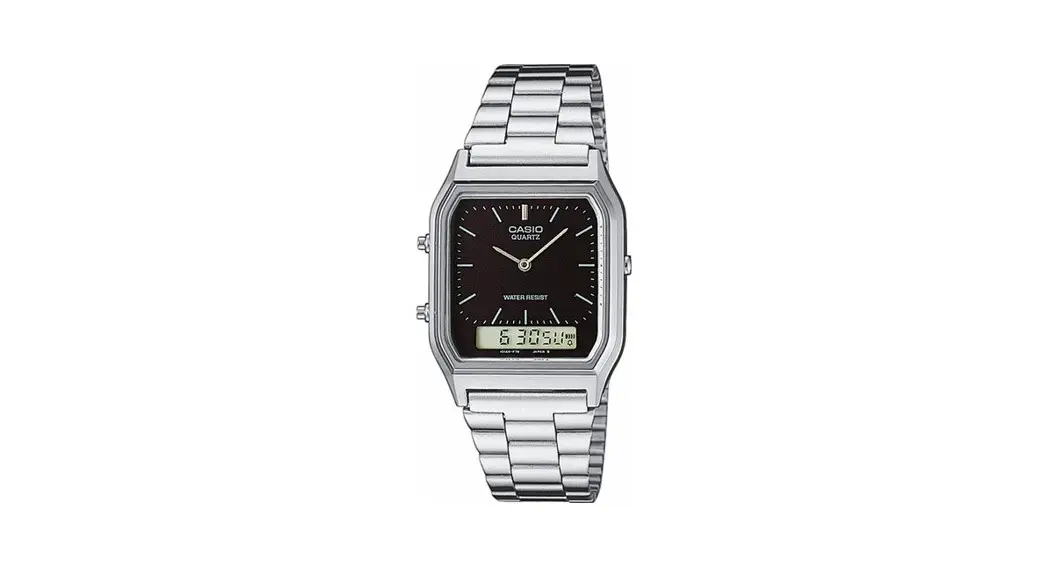
 3416 DST Setting-Module
Instructions
3416 DST Setting-Module
DST Setting / Module : 3416
Firstly, make sure it is in the Timekeeping Mode.
<Timekeeping Mode Screen>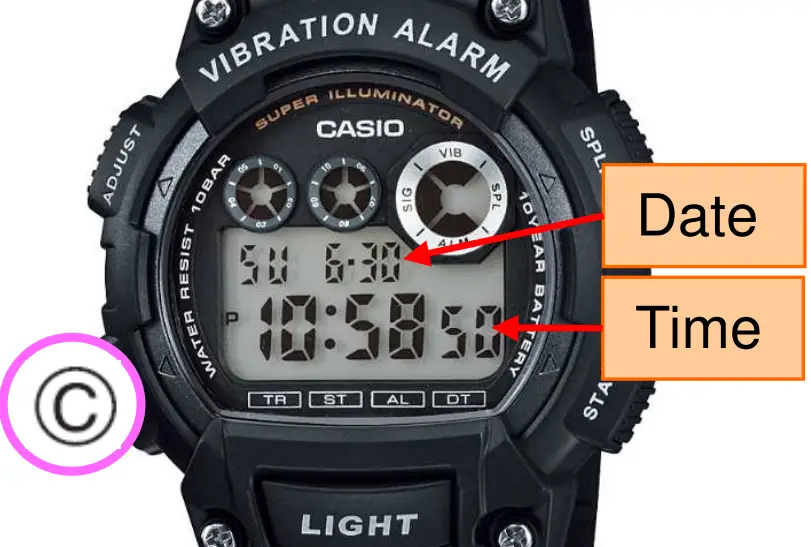 To return to the Timekeeping Mode, hold down Ⓒ for two seconds
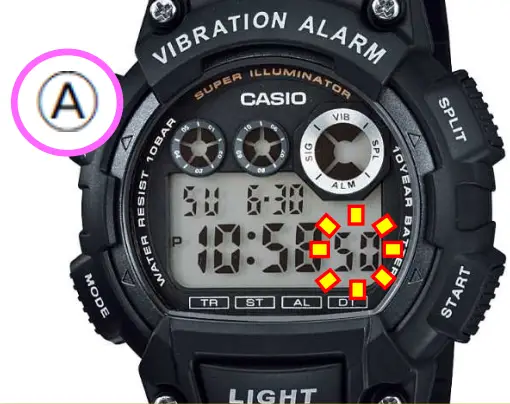 In the Timekeeping Mode, hold down Ⓐ until the seconds start to flash.
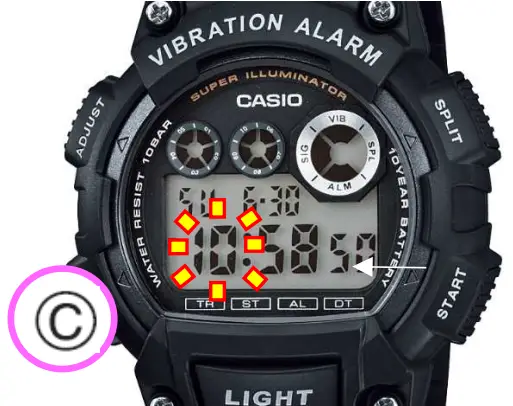 Press Ⓒ once. “Hours” will flash.
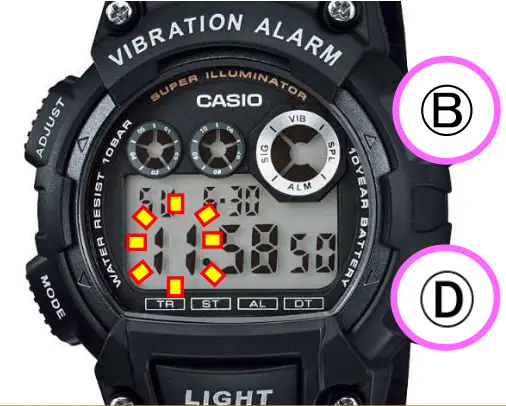 Press Ⓑ or Ⓓ to change the hour.
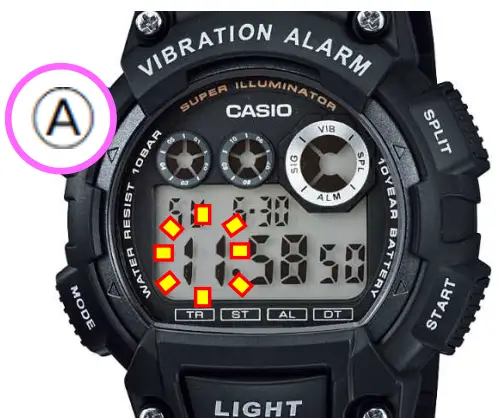 Press Ⓐ to return to the Timekeeping Mode.
<Timekeeping Mode Screen>