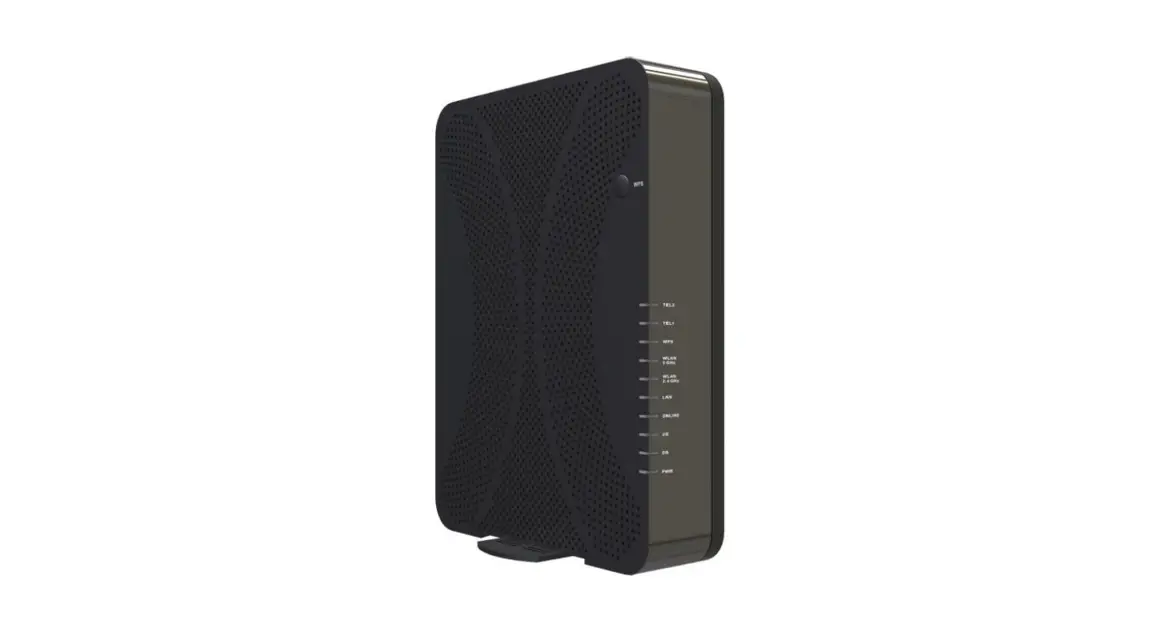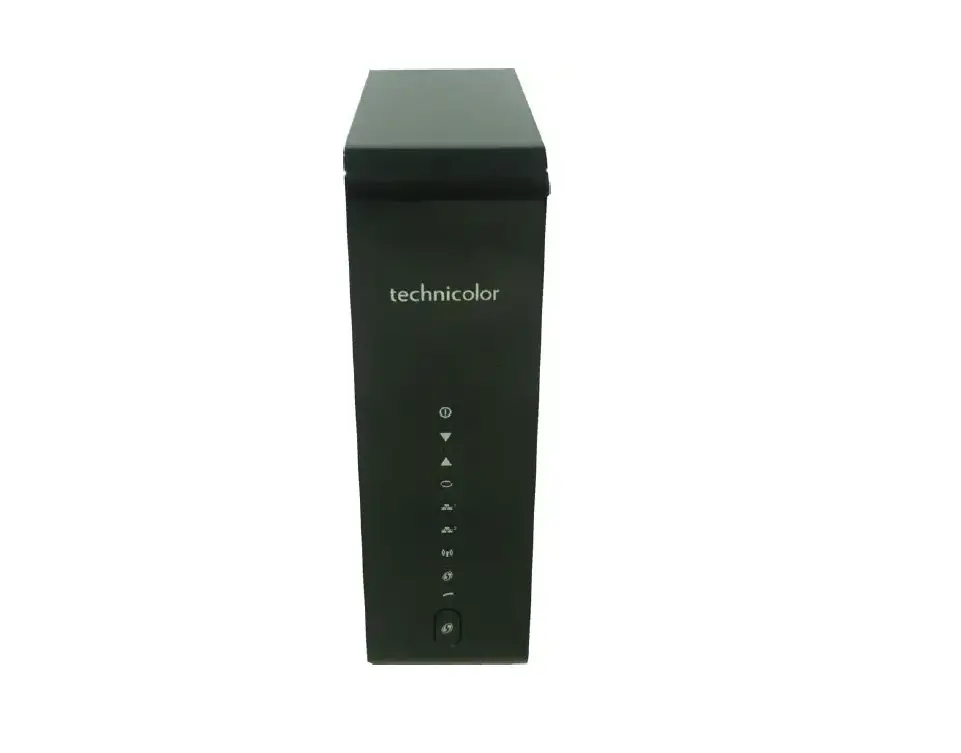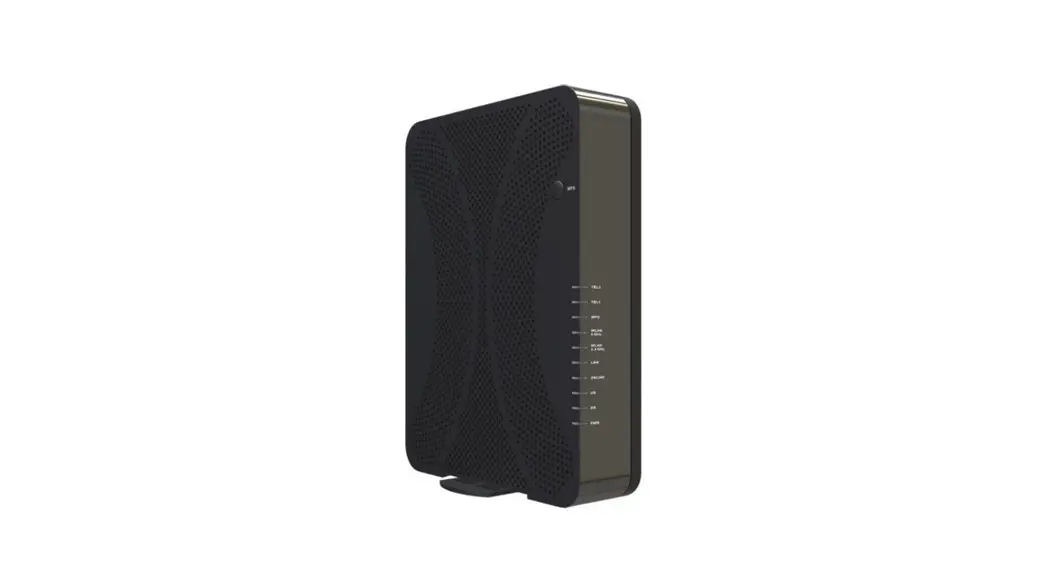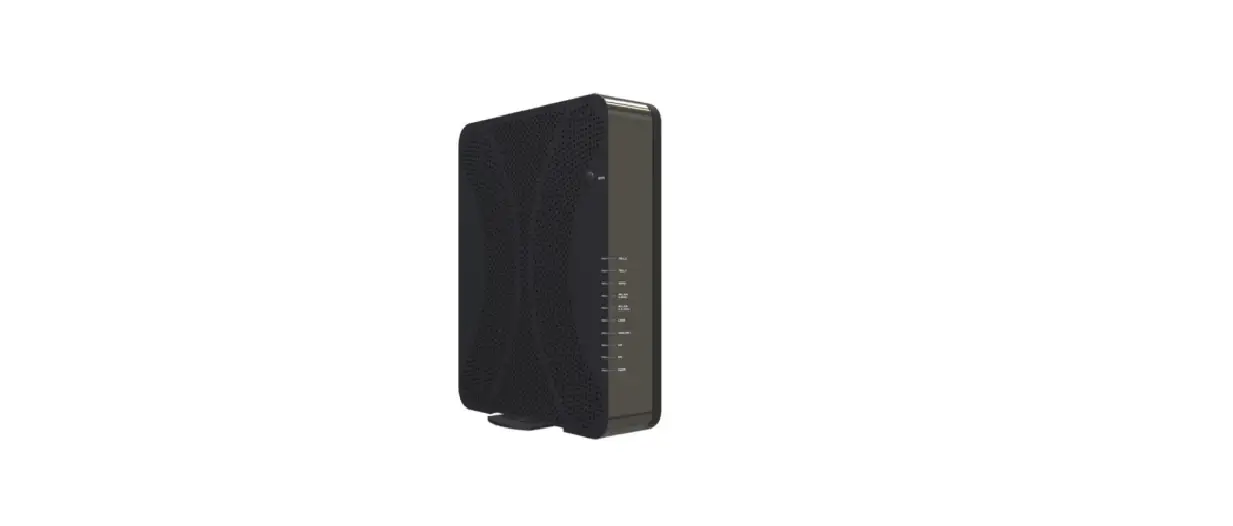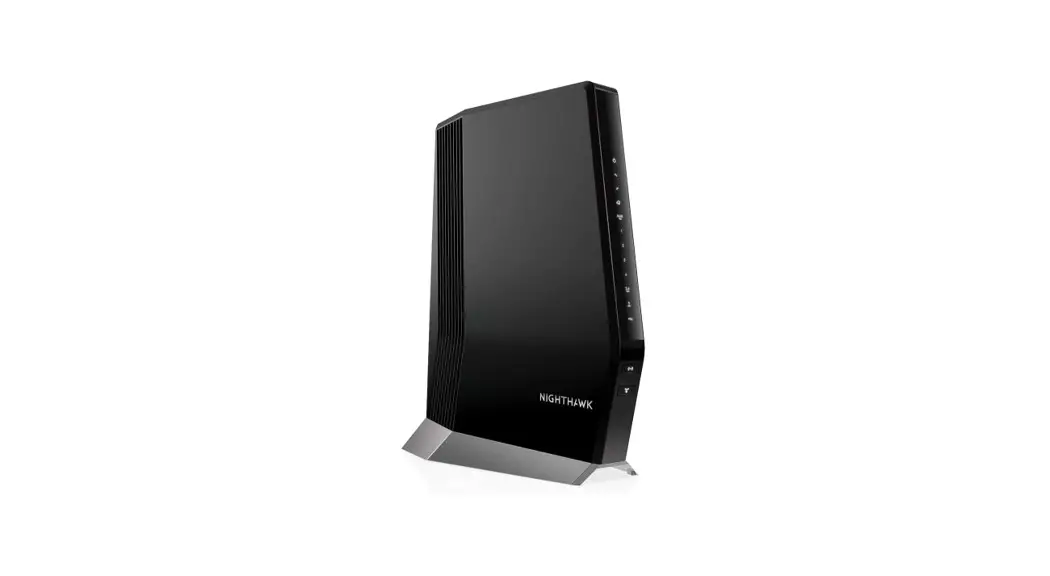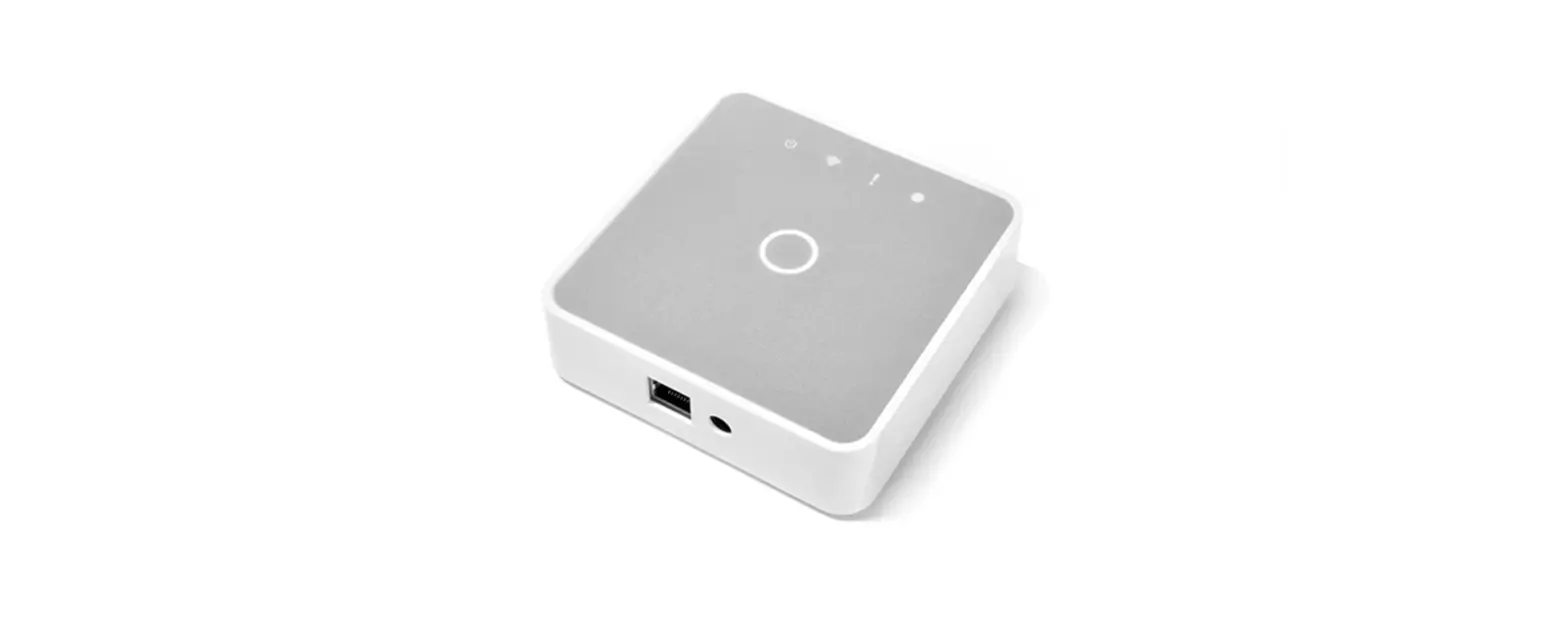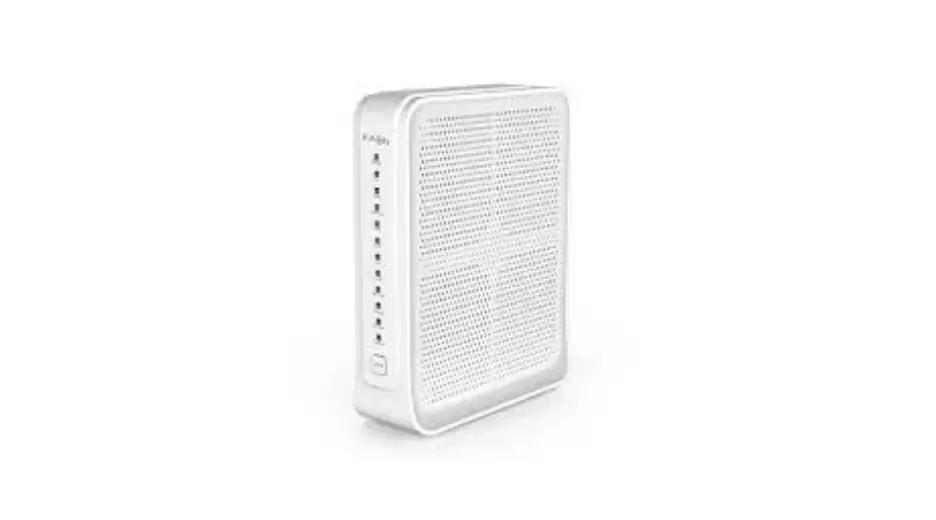

CASTLENET CBV390S5 Wireless Cable Gateway
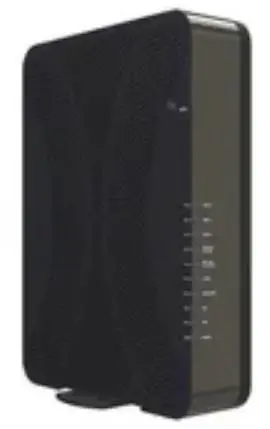
Package Contents
- Cable Modem
- AC Power Adapter (3.5A)
- Quick Installation Guide
- Ethernet (RJ-45) cable
Rear Panel and Hardware Connection
The following describes the proper steps for connecting your cable modem. Please be sure to follow the steps in the sequence outlined below. Failure to do so could result in improper operation or failure of your cable modem. 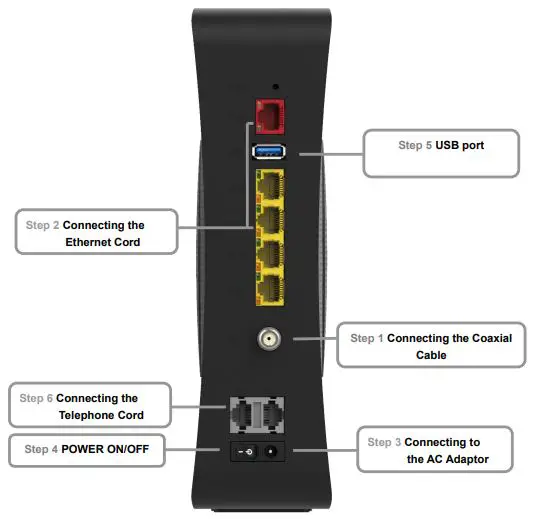
Step 1: Connect a cable by feeding the F-connector on the back of the cable modem. Ensure the center conductor of the 75 ohm coaxial cable is inserted directly into the center of the F-connector. Secure the coaxial cable by carefully threading the outer shell of the coaxial cable connector onto the F-connector in a clockwise direction until tight. Be careful not to over-tighten the connector or you may damage either the connector or the cable modem.
Step 2: Connect the cable modem to a GbE Ethernet 10/100/1000/2500 Mbps Network using a RJ-45 male-terminated Ethernet cable. This cable modem equips with four Ethernet ports, you can connect four PCs to the cable modem at the same time if necessary.
Step 3: Connect the AC Adapter to the cable modem by inserting the barrel- shaped connector into the mating power connector on the back of the cable modem. Exercise carefully to ensure the connectors are properly aligned prior to insertion and ensure the two connectors engage completely. The cable modem is shipped with an AC adapter. Remember to use only power adapter that came with the cable modem. Other power adapters might have voltages that are not correct for your particular cable modem. Using a power adapter with the wrong voltage can damage the cable modem.
Step 4: Connect the telephone sets to TEL1 and TEL2. Use RJ-11 telephone line to connect TEL1/TEL2 port on the cable modem and telephone socket on telephone.
Front Panel & LEDs
There are 10 Light-Emitting-Diodes (LEDs) located on the front panel to indicate the status information of cable modem. 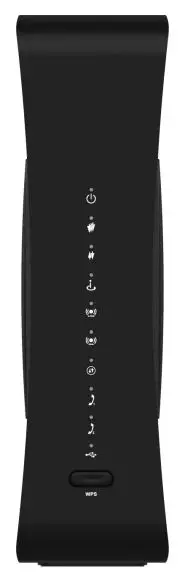
| LED | NAME | COLOR | MODE | STATUS |
 | POWER | Green | On | Power Connected |
| Off | Power Failure or Disconnect | |||

| DS | Green | Blinking | Downstream Scanning |
| On | Downstream Locked or W/DS Bonding | |||
| Off | Cable Interface Idle | |||
|
| US | Green | Blinking | Upstream Scanning |
| On | Upstream Locked or W/US Bonding | |||
| Off | Cable Interface Idle | |||
|
| ONLINE | Green | Blinking | Registering |
| On | Registering Finished | |||
| Off | Cable Interface Idle | |||
|
| WLAN 2.4GHz | Green | On | Wireless Enable |
| Blinking | Data Traffic Processing | |||
| Off | Wireless Disable | |||

| WLAN 5GHz | Green | On | Wireless Enable |
| Blinking | Data Traffic Processing | |||
| Off | Wireless Disable | |||
|
| WPS | Green | Blinking | WPS Paring |
| On | WPS Enabled | |||
| Off | WPS Disabled | |||
|
| TEL1 | Green | Blinking | TEL1 provisioning of off-hook |
| On | TEL1 on-hook | |||
| Off | TEL1 disabled | |||
|
| TEL2 | Green | Blinking | TEL2 provisioning of off-hook |
| On | TEL2 on-hook | |||
| Off | TEL2 disabled | |||
|
| USB | Green | Blinking | USB Provisioning of Off-hook |
| On | USB On-hook | |||
| Off | USB Disabled |


Cable Modem Key Features
- DOCSIS 3.1 Compliant
- DOCSIS/EuroDOCSIS 3.0 Backwards Compatible
- PacketCable 2.0 and EuroPacketCable 1.5 Compliant
- DOCSIS 3.1 2×2 OFDM(A) Channels
- DOCSIS 3.0 32×8 Channel Bonding
- Switchable Diplexer
- Wi-Fi 6 4×4 for 2.4GHz and 5GHz
- 1-port 2.5Gb Ethernet
- 4-Port Gigabit Ethernet
- 2-Port FXS
- 1-Port USB 3.0
Cable Modem Specification
Table 1. RF Downstream Specification
| Parameter | Value |
| Frequency range | 108-1002 / 258-1218 MHz switchable |
|
Bonded Channels | DOCSIS 3.1: 2 (OFDM) |
| DOSCIS 3.0: up to 32 | |
| Capture Bandwidth | 1.2 GHz |
|
Carrier Bandwidth | DOCSIS 3.1 : 192 MHz |
| DOCSIS 3.0 : 6 MHz | |
| EuroDOCSIS 3.0 : 8 MHz | |
|
Modulation | DOCSIS 3.1 : 4096 QAM |
| DOCSIS 3.0 : 1024 QAM | |
|
Data Rate | DOCSIS 3.1 : up to 5 Gbps |
| DOCSIS 3.0 : up to 1.2 Gbps | |
| EuroDOCSIS 3.0 : 1.6 Gbps |
Table 2. RF Upstream Specification (DOCSIS)
| Parameter | Value |
| Frequency Range | 5-85 / 5-204 MHz switchable |
| Bonded Channels | DOCSIS 3.1: 2 (OFDM) DOSCIS 3.0: up to 8 |
| Modulation | 4096 QAM (DOCSIS 3.1), 256 QAM, QPSK |
| Data Rate | DOCSIS 3.1 : up to 2 Gbps DOCSIS 3.0 : up to 200 Mbps |
Table 3. Electrical Specification
| Parameter | Measured Value | Notes |
| Input Voltage | 12VDC/3.5A | |
| Power consumption | TBD | With AC adaptor |
Table 4. Physical Specification
| Parameter | Value |
| Size | 205 mm (W) x 230mm(L) x 68 mm (H) |
| Weight | 640 +/- 10g (device only) |
Table 5. Environmental Specification
| Parameter | Value |
| Operating Temperature | 0 °C ~ +40 °C |
| Operating Relative Humidity | 5% ~ 95% (Non-condensing) |
| Storage Temperature | -10 °C ~ +60 °C |
Note to CATV System Installer
“The EUT must be bonding the screen of the coaxial cable to the earth at the building entrance per ANSI/NFPA 70, the National Electrical Code (NEC), in particular Section 820.93, Grounding of Outer Conductive Shield of a Coaxial Cable.”
Federal Communication Commission Interference Statement :
This equipment has been tested and found to comply with the limits for a Class B digital device, pursuant to Part 15 of the FCC Rules. These limits are designed to provide reasonable protection against harmful interference in a residential installation. This equipment generates uses and can radiate radio frequency energy and, if not installed and used in accordance with the instructions, may cause harmful interference to radio communications. However, there is no guarantee that interference will not occur in a particular installation. If this equipment does cause harmful interference to radio or television reception, which can be determined by turning the equipment off and on, the user is encouraged to try to correct the interference by one of the following measures:
- Reorient or relocate the receiving antenna.
- Increase the separation between the equipment and receiver.
- Connect the equipment into an outlet on a circuit different from that to which the receiver isconnected.
- Consult the dealer or an experienced radio/TV technician for help.
This device complies with Part 15 of the FCC Rules. Operation is subject to the following two conditions: (1) This device may not cause harmful interference, and (2) this device must accept any interference received, including interference that may cause undesired operation.
FCC Caution: Any changes or modifications not expressly approved by the party responsible for compliance could void the user’s authority to operate this equipment.
IMPORTANT NOTE
Radiation Exposure Statement: This equipment complies with FCC radiation exposure limits set forth for an uncontrolled environment. This equipment should be installed and operated with minimum distance 30cm between the radiator & your body .
FCC RF Radiation Exposure Statement: This Transmitter must not be co-located or operating in conjunction with any other antenna or transmitter.
FCC Statement: This device complies with Class B Part 15 of the FCC Rules. The device generates, uses and can radiate radio frequency energy and, if not installed and used as instructed, may cause harmful interference to radio communication. Only Coaxial cables are to be used with this device in order to ensure compliance with FCC emissions limits. Accessories connected to this device by the user must comply with FCC Class B limits. The manufacturer is not responsible for any interference which results from use of improper cables, or which results from unauthorized changes or modifications to the device.
CAUTION:
“A Minimum 26 AWG Line Core should be used for connection to the cable modem” this device may not cause interference and this device must accept any interference, including interference that may cause undesired operation of the device.
IMPORTANT NOTE: IC Radiation Exposure Statement: This equipment with IC radiation exposure limits set forth for an uncontrolled environment. To maintain compliance with IC RF exposure compliance requirements, please follow operation instruction as documented in this manual.
Warranty
Items sold by manufacturer/distributor/agent, hereinafter called “Seller”, are warranted only as follows: Except as noted below Seller will correct, either by repair or replacement at its option, any defect of material or workmanship which develops within one year after delivery of the item to the original Buyer provided that evaluation and inspection by Seller discloses that such defect developed under normal and proper use. Repaired or replaced items will be further warranted for the unexpired term of their original warranty. All items claimed defective must be returned to Seller, transportation charges prepaid, and will be returned to the Buyer with transportation charges collect unless evaluation proves the item to be defective and that the Seller is responsible for the defect. In that case, Seller will return to Buyer with transportation charge prepaid. Seller may elect to evaluate and repair defective items at the Buyer’s site. Seller may charge Buyer a fee (including travel expenses, if needed) to cover the cost of evaluation if the evaluation shows that the items are not defective or that they are defective for reasons beyond the scope of this warranty. The Seller makes no warranty concerning components or accessories not manufactured by it. However, in the event of failure of such a part, Seller will give reasonable assistance to Buyer in obtaining from the manufacturer whatever adjustment is reasonable in light of the manufacturer’s own warranty. Seller will not assume expense or liability for repairs made outside the factory by other than Seller’s employees without Seller’s written consent. SELLER IS NOT RESPONSIBLE FOR DAMAGE TO ANY ASSOCIATED EQUIPMENT, NOR WILL SELLER BE HELD LIABLE FOR INCIDENTAL, CONSEQUENTIAL, OR OTHER DAMAGES. THIS WARRANTY IS IN LIEU OF ALL OTHER WARRANTIES EXPRESSED OR IMPLIED INCLUDING THE IMPLIED WARRANTY OF “MERCHANTABILITY” AND “FITNESS FOR PARTICULAR PURPOSE.”
Trademarks: All trademarks are the property of their respective owners.