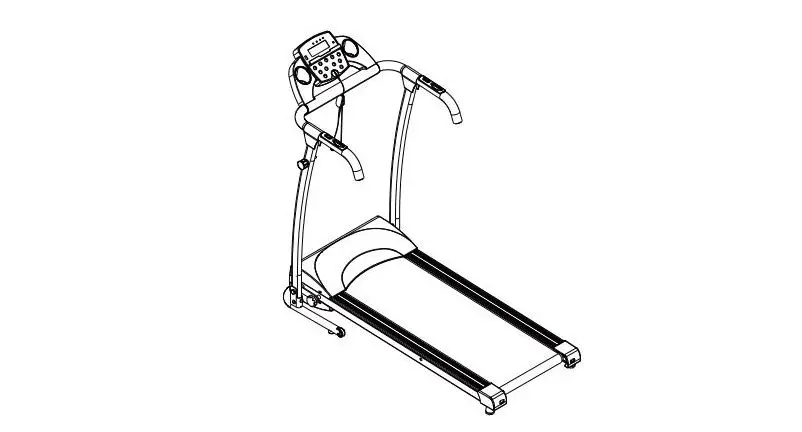
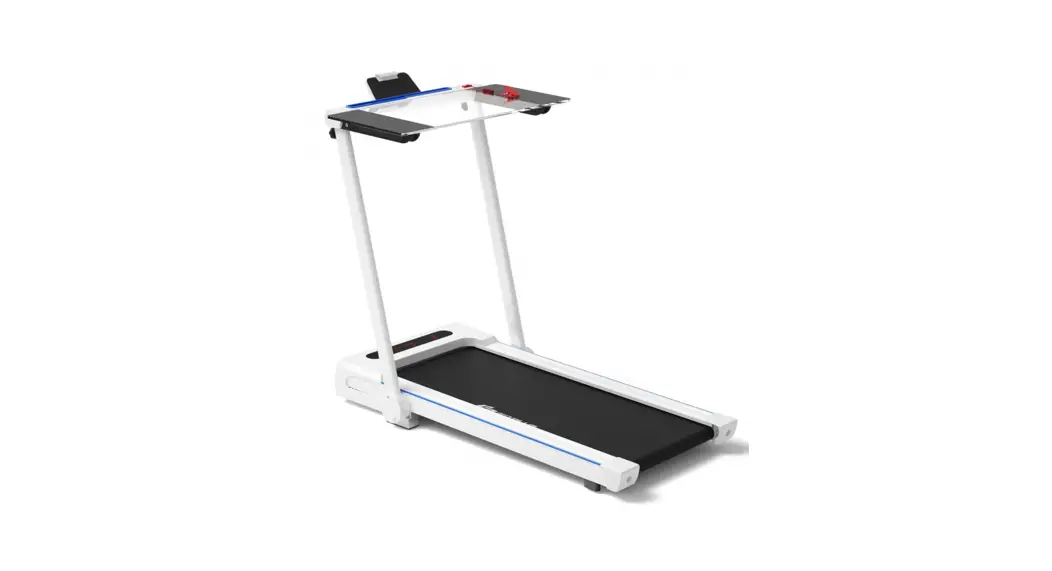
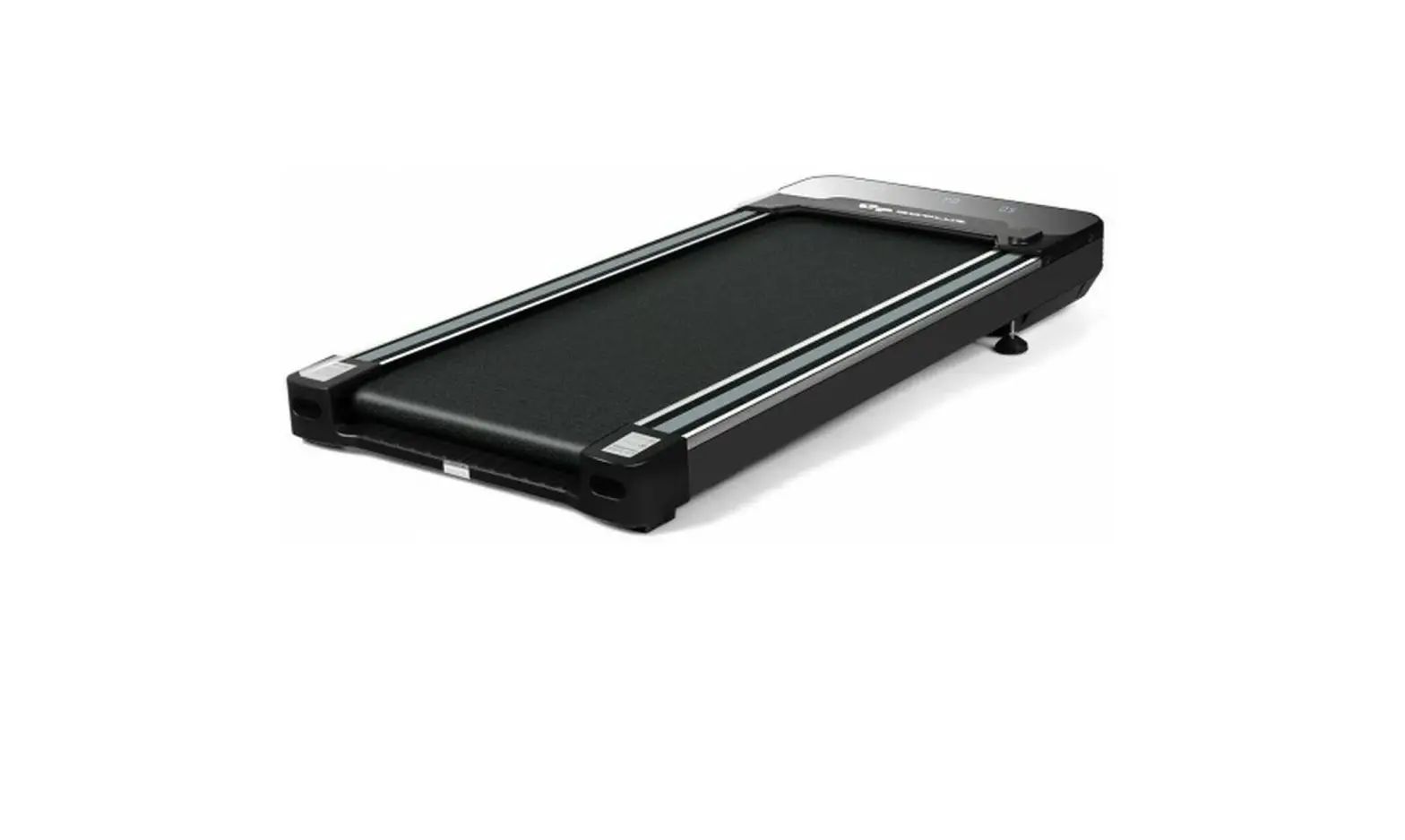
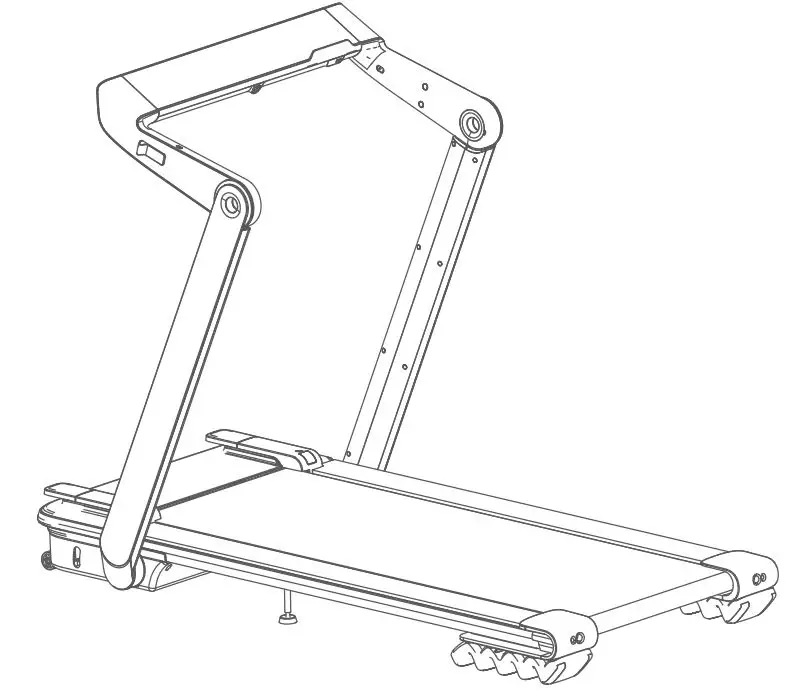
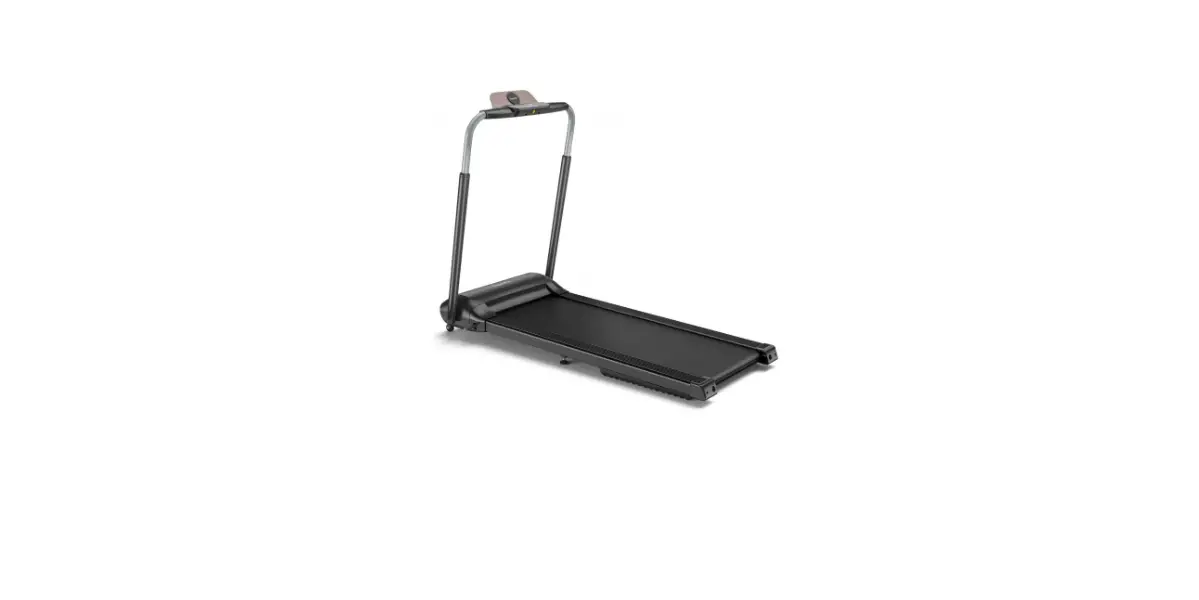
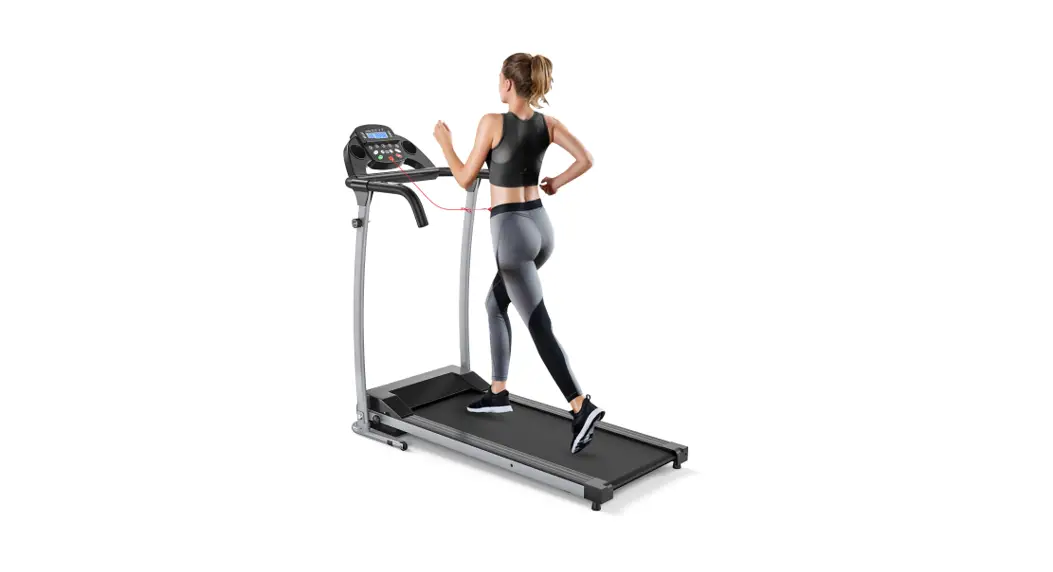
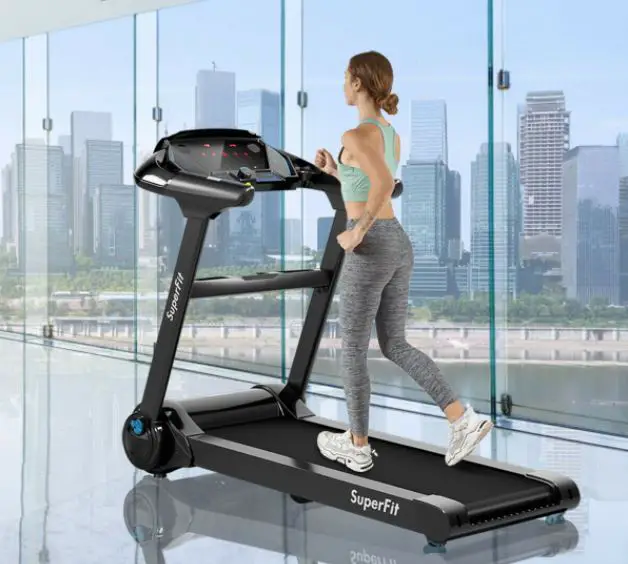
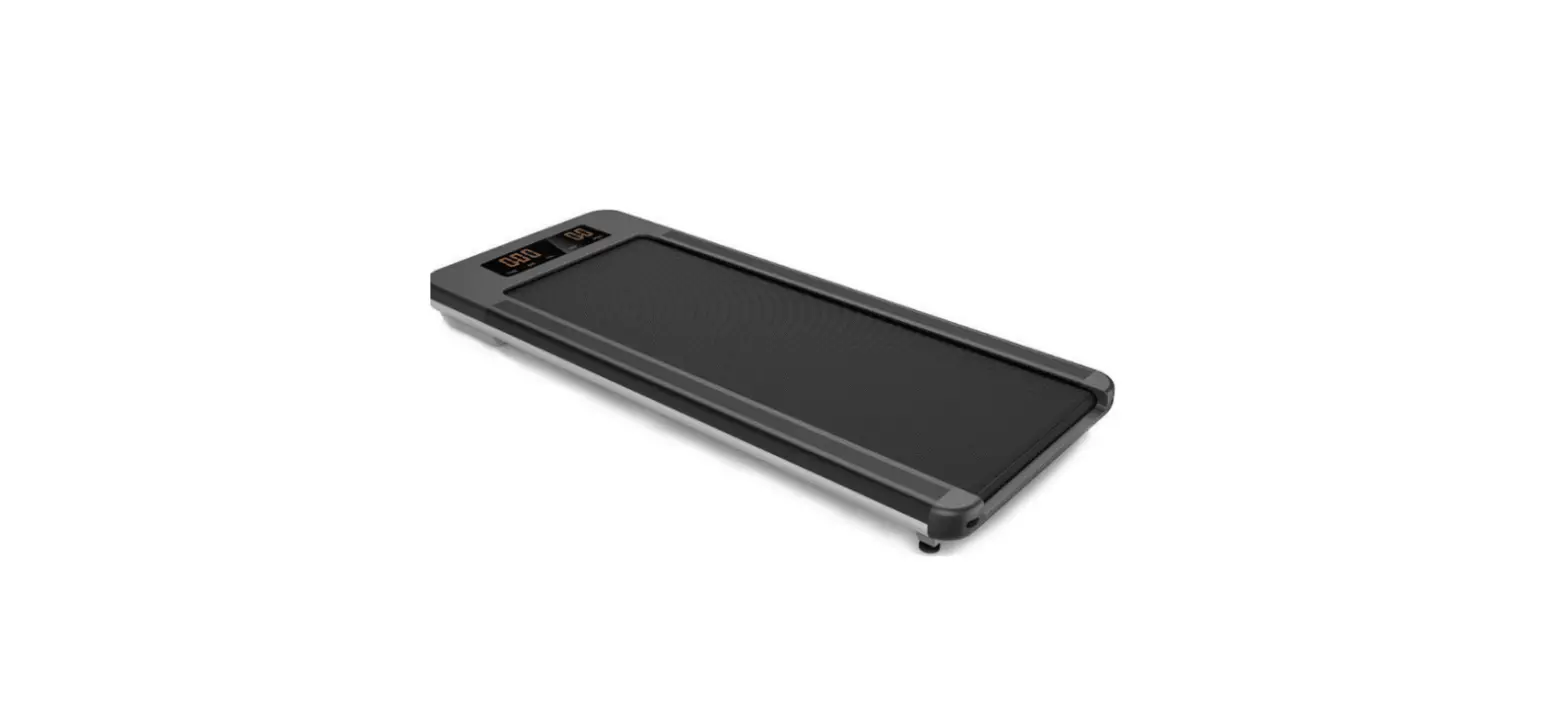
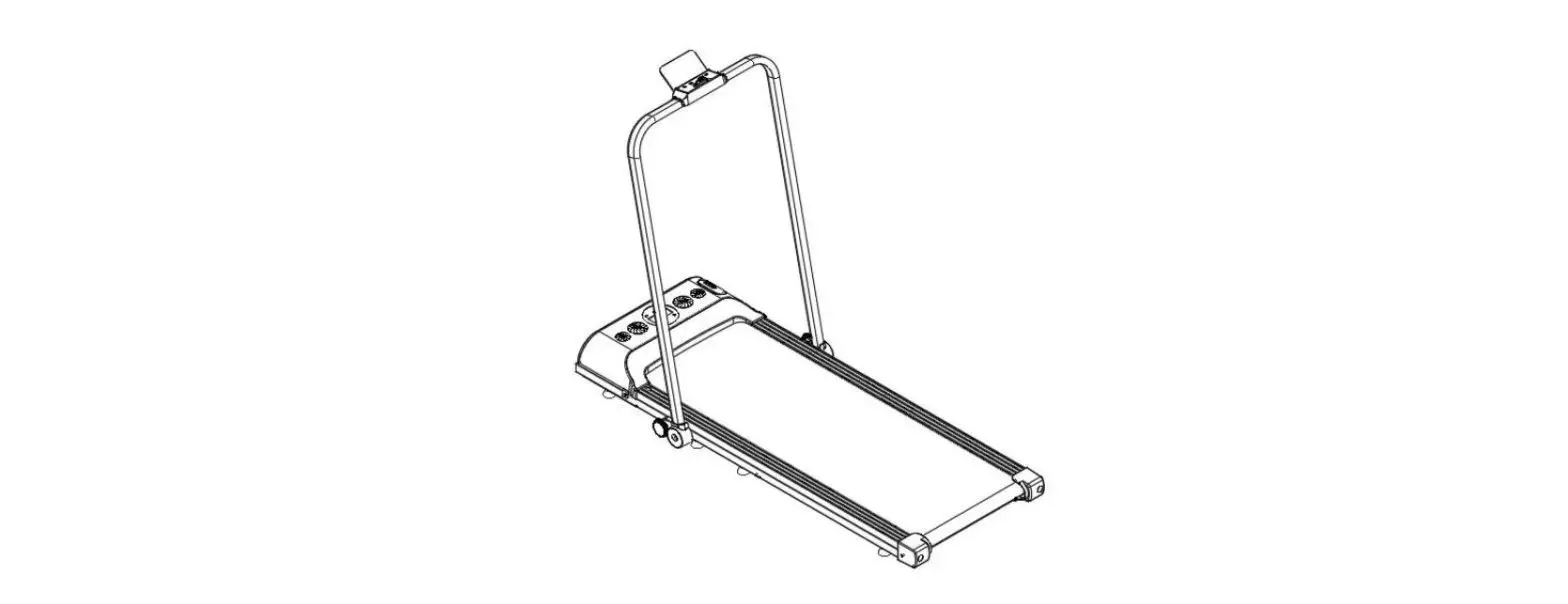
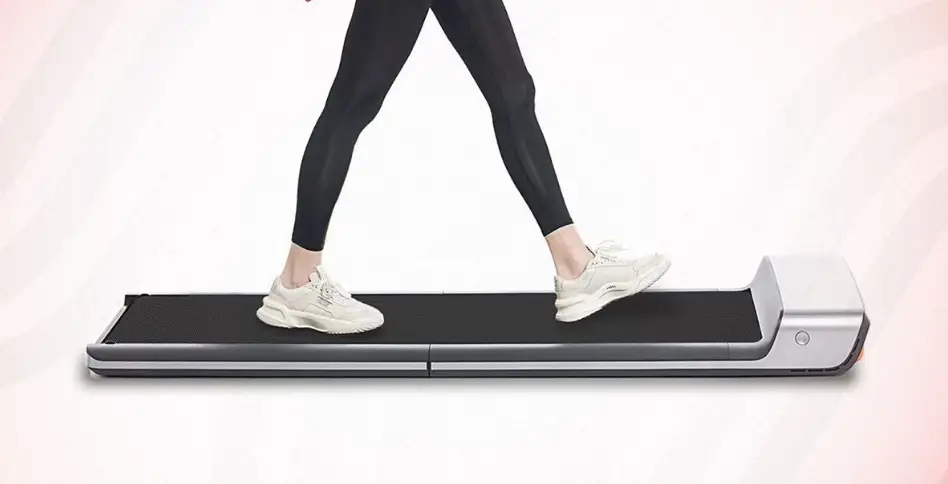
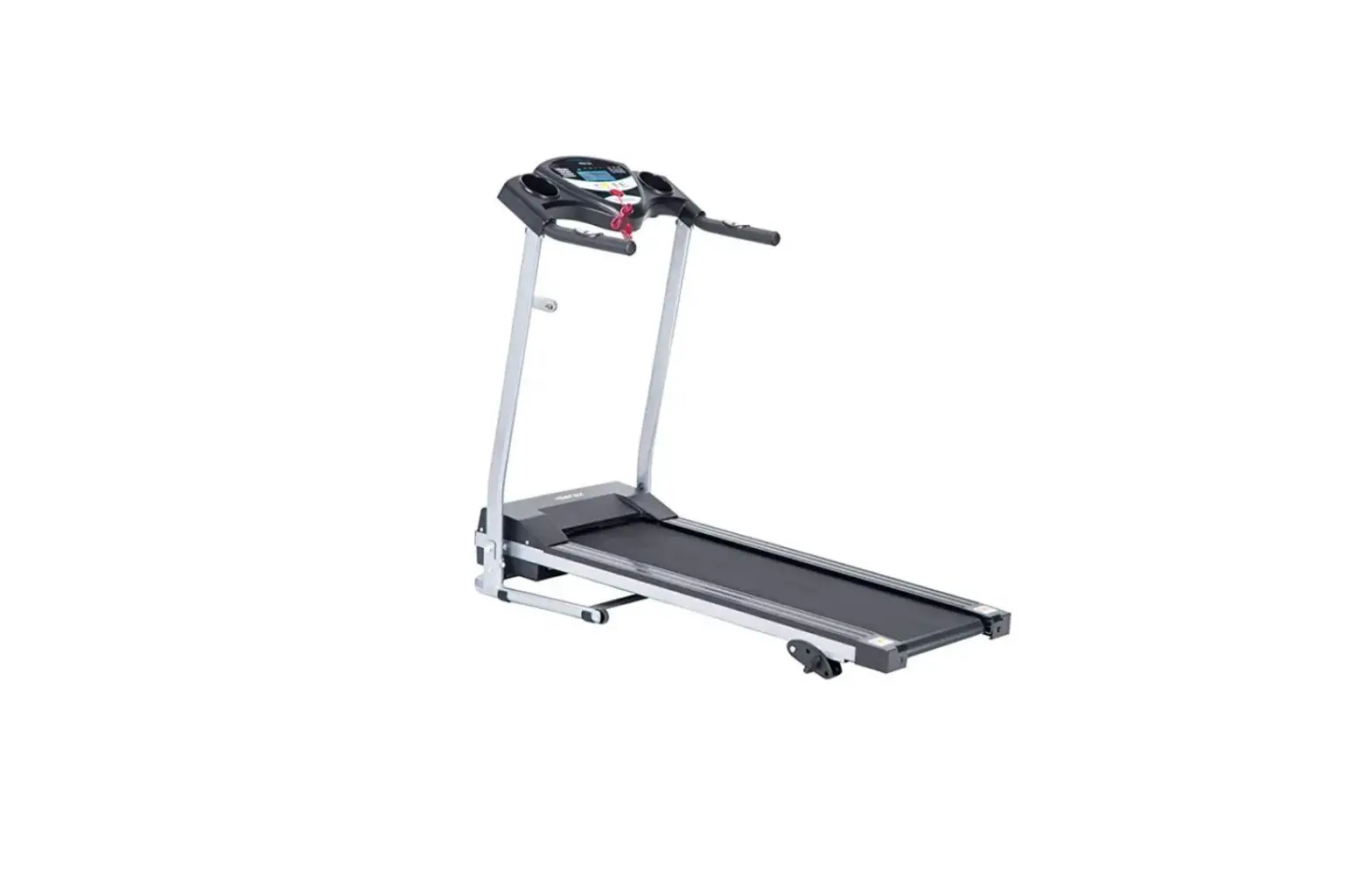
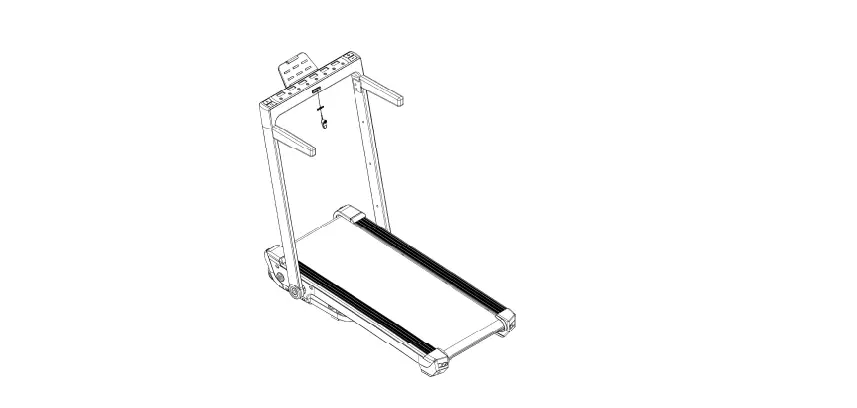
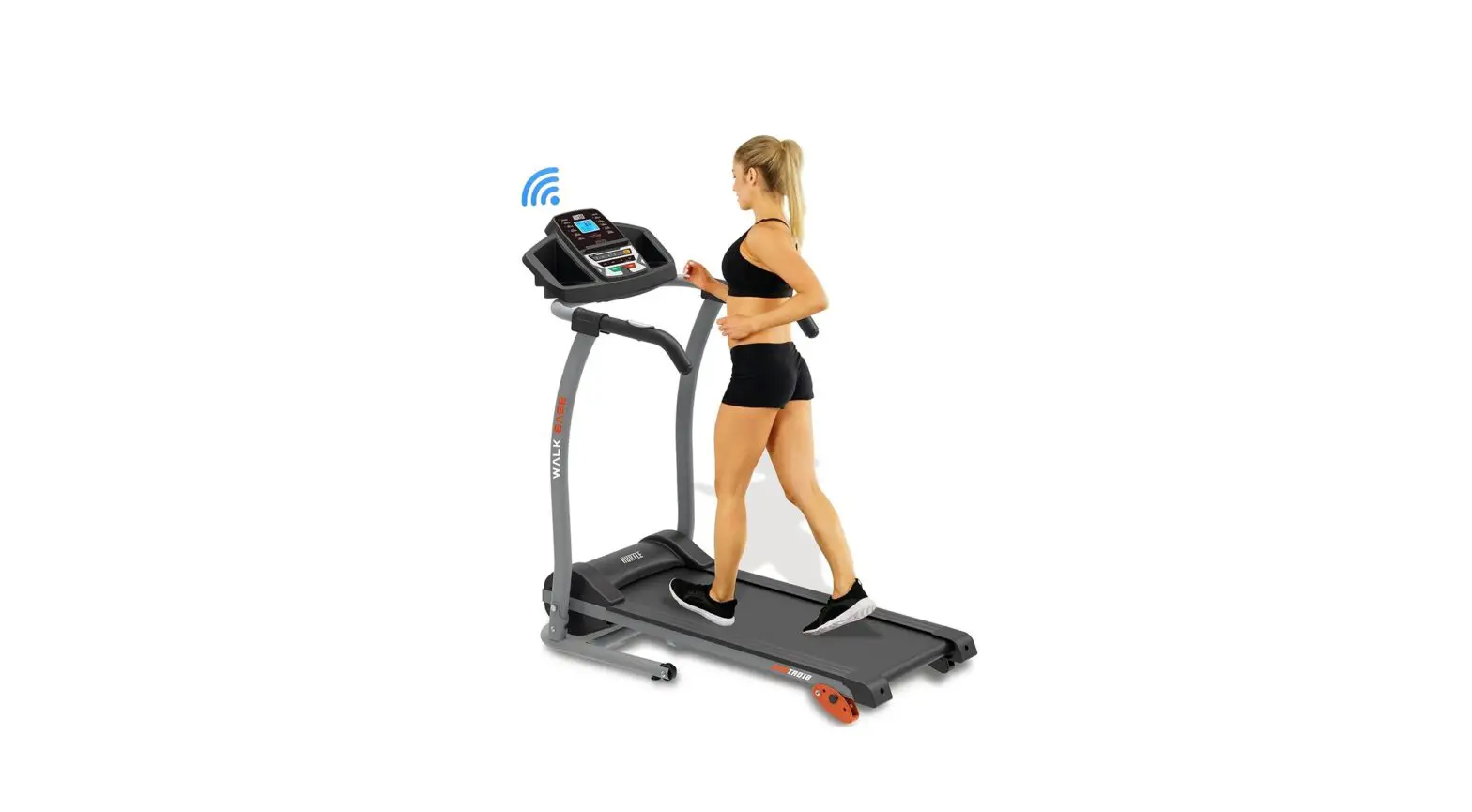
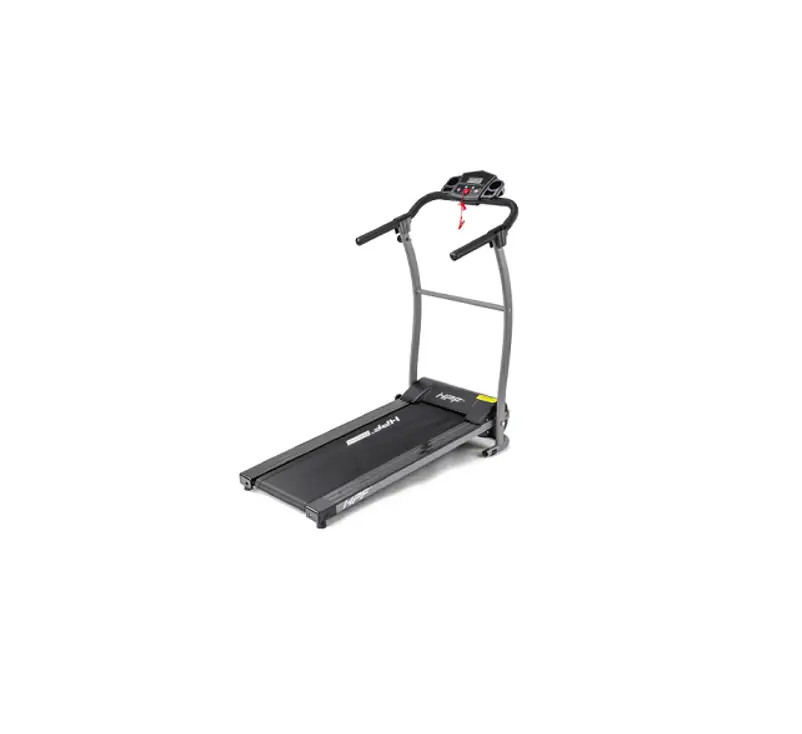
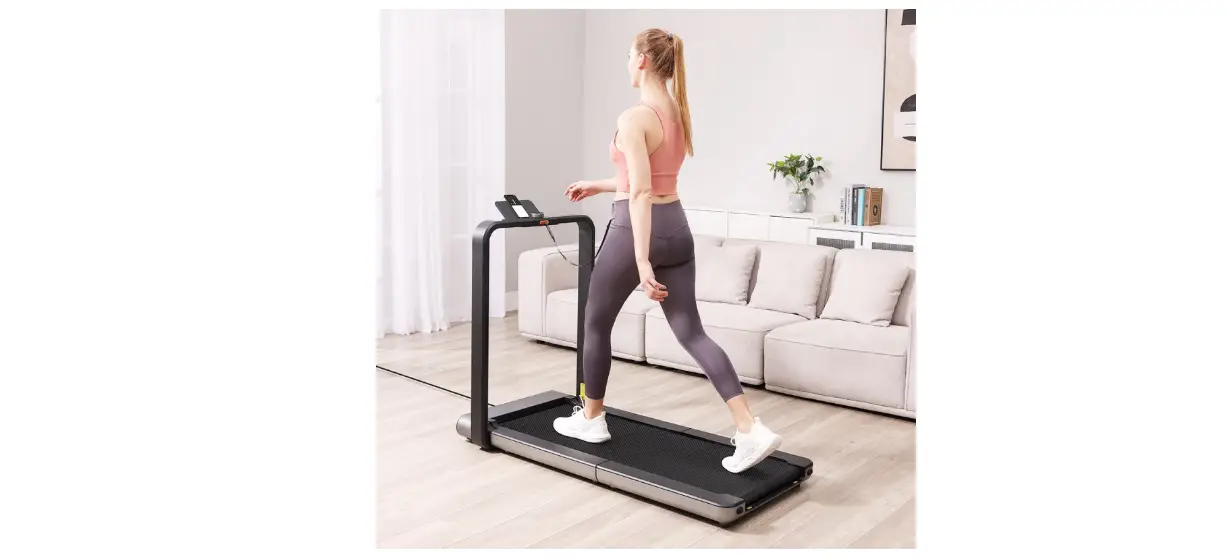
ZX1 Treadmill
Product Information
Model: ZX1
Version: EN V1.2.1
Catalog:
- I. Safety Precautions and Warning Instructions
- II. Warm-up Exercise
- III. Product Introduction
- IV. Using Introduction
- V. Error Codes and Solution
- VI. Maintenance
I. Safety Precautions
In order to ensure your safety and avoid accidents, please read
the instructions carefully before use. This product is only for
indoor use, please do not use it outdoors.
The treadmill should be placed in a flat and clean position, not
on a thick carpet or near water, and there should be a 1*2m
barrier-free safe area behind the treadmill.
This product is for adults, minors need adult care. Persons who
are unwell, mentally handicapped or lack common sense are not
allowed to use this product unless they are under the supervision
or guidance of another person.
If the power cord is damaged, in order to avoid danger, it must
be replaced by the manufacturer or professional maintenance
personnel.
This product is only used for 100V-120V AC voltage. Please use
the power socket with safe ground line. The installation and
grounding of the grounding plug must be consistent with the
parameters of the user’s area. If the plug and socket are
incompatible, please arrange qualified electricians or after-sales
personnel to handle it.
When using it, please wear comfortable and tight clothes to
avoid the clothes being hung by the machine. Don’t let children or
pets come near to avoid accidents.
Avoid all moving parts with both hands. Do not put hands and
feet in the space under the running belt.
This product is suitable for home use, not suitable for
professional training and testing, and can not be used for medical
purposes.
This product is only for one person on the running belt.
Before cleaning and maintenance, please shut down and unplug the
power plug.
Turn off the machine and unplug the power plug when you
leave.
Please use the spare parts provided by the original factory. It
is strictly forbidden to replace them privately.
This product is of HC grade, and maximum person weight is 265
LBS.
II. Warm-up Exercise
Before exercising, it’s better to do stretching exercises first.
A successful exercise plan must include warm-up, aerobic, and
relaxation exercises. The number of exercises should be at least
two or three times a week. You can take a day off for exercise.
After a few months, you can increase the number of exercises to
four to five days a week.
Warm-up is an important part of your fitness exercise. Warm-up
before every exercise. Moderate warming-up can prepare your body
for the next more intense exercise because warming-up can help
muscle warm up and stretch, improve blood circulation and pulse,
and send more oxygen into muscle. Repeated warm-up exercise can
also reduce muscle soreness after aerobic exercise. We recommend
the following warm-up and relaxation exercises.
Warm-up Exercises
- Head rotation
- Shoulder rotation
- Waist rotation
- Hip rotation
- Knee rotation
- Ankle rotation
Relaxation Exercises
- Neck stretch
- Shoulder stretch
- Waist stretch
- Hamstring stretch
- Calf stretch
III. Product Introduction
[Product introduction details will be provided in the usermanual]
IV. Using Introduction
[Product usage instructions will be provided in the usermanual]
V. Error Codes and Solution
[Error codes and their solutions will be provided in the usermanual]
VI. Maintenance
[Maintenance instructions will be provided in the usermanual]
Note:
Please follow all safety precautions and instructions carefully
to avoid accidents or damage to the product.
User Manual
Model: ZX1
Before using this product, please read the product manual carefully.
EN V1.2.1
CATALOG
I. Safety Precauons and Warning Instrucons……………01 II. Warm-up Exercise………………………………………………..03 III. Product Introducon…………………………………………….05 IV. Using Introducon………………………………………………..07 V. Error Codes and Soluon………………………………………..09 VI. Maintenance………………………………………………………..10
I. Safety precauons
In order to ensure your safety and avoid accidents, please read the instrucons carefully before use. This product is only for indoor use, please do not use it outdoors. The treadmill should be placed in a fiat and clean posion, not on a thick carpet or near water, and there should be a 1*2m barrier-free safe area behind the treadmill.
This product is for adults, minors need adult care. Persons who are unwell, mentally handicapped or lack common sense are not allowed to use this product unless they are under the supervision or guidance of another person.
If the power cord is damaged, in order to avoid danger, it must be replaced by the manufacturer or professional maintenance personnel.
This product is only used for 100V-120V AC voltage. Please use the power socket with safe ground line. The installaon and grounding of the grounding plug must be consistent with the parameters of the user’s area. If the plug and socket are incompable, please arrange qualified electricians or aer-sales personnel to handle it.
When using it, please wear comfortable and ght clothes to avoid the clothes being hung by the machine. Don’t let children or pets come near to avoid accidents.
Avoid all moving parts with both hands. Do not put hands and feet in the space under the running belt.
This product is suitable for home use, not suitable for professional training and t esng, and can not be used for medical purposes.
This product is only for one person on the running belt.
Before dleaning and maintenance, please shut down and unplug the power plug.
Turn off the machine and unplug the power plug when you leave.
Please use the spare parts provided by the original factory. It is strictly forbidden to replace them privately.
This product is of HC grade, and maximum person weight is 265 LBS.
– EN-1 –
2. Quality Assurance Commitment
We ensure that the product is made of high quality materials. We will be responsible for the warranty if there are problems with the product during normal use. The warranty period is one year (from the date of purchase). If you buy the product with quality problems, please contact our customer service within 12 months. Please do not deal with them without permission. The followings are not covered by the warranty: Damage caused by external factors. Use non-original accessories. Priately handled incorrertly. Not follow the instrucons. This product is only for private use at home, not for professional training such as gyms. If you need to buy non-warranty accessories, please contact customer service. Please provide the following informaon when ordering: Instrucons. Product model. Fings serial number. Cerficate of purchase date. Before the confirmaon of our customer service, please do not send the product to our company,and send them back without permission. Our company does not bear any cost.
– EN-2 –
II. Warm-up Exercise
Before exercising, it’s beer to do stretching exercises first. A successful exercise plan must include warm-up, aerobic and relaxaon exercises. The number of exercises should be at least two or three mes a week. You can take a day off for exercise. Aer a few months, you can increase the number of exercises to four to five days a week.
Warm-up is an important part of your fitness exercise. Warm-up before every exercise. Moderate warming-up can prepare your body for the next more intense exercise, because warming-up can help muscle warm up and stretch, improve blood circulaon and pulse, and send more oxygen into muscle. Repeated warm-up exercise can also reduce muscle soreness aer aerobic exercise. We recommend the following warm-up and relaxaon exercises.
1.Stretch downward: Bend your knees slightly and bend your body forward slowly. Relax your back and shoulders and touch your toes with both hands. Hold for 10 to 15 seconds, then relax. Repeat three times. Figure 1
Figure 1
2.Stretch your ankles: Sit on a clean cushion and straighten one leg. Put the other leg inward so that it is close to the straight leg. Try to touch your toes with your hands.Keep it for 10 to 15 seconds. Then relax.Repeat each leg three timesFigure 2
Figure 2
– EN-3 –
3.Extension of the calf and foot tendons: body forward hands against the wall the left leg arches forward, the right leg is straight, the left leg is on the ground, then bend your left leg and hold it for 10 to 15 seconds, then relax, repeat each leg three times. Figure 3
Figure 3
4.Head movement: 1-tilt your head to the right and feel the left neck muscle stretch; 2-turn head to the back; 3-turn head to the left; 4-turn your head to front of the chest. then relax and do it three times. Figure 4
Figure 4
5.Waist movement: stretch your arms to the left and right, then slowly lift it up, over your head. Put your right arm as far as possible to the ceiling.Straighten, hold for 1 second, and feel the stretch of your right muscle. Repeat the same action on the left arm. Figure 5
Figure 5
– EN-4 –
III.Product Introducon
Technical Parameter:
Voltage Max Loaded Product Size Package Size
Power Speed Console Net weight Gross weight
AC 120V 60Hz 265LBS
1183*490*113mm 1270*580*135mm
550W 0.6-3.8MPH Remote Controller 18KG(39.7LBS) 21KG(46.3LBS)
Aached(Lists):
No.
Name
5mm Inner
1
hexagon spanner
6mm Inner
2
hexagon spanner
3
Wrench
4
Remote Controller
5
Silicone Oil
Quanty
Remarks
1
Other
Adjust the
1
running belt
1
1 1
6
Instrucons, Qualificaon
1
– EN-5 –
LCD Screen Motor Cover
Belt
Sidebar
Power Plug
Right Rear Tailstock
Assembly instructions
Assembly steps
Le Rear Tailstock
Take out the accessories and the machine from the box, and put the machine on a flat ground, then connect it to the power and use it.
– EN-6 –
IV.Using Introducon
Treadmill User Manual 1. Connect the power supply to check if the machine is working properly. 2. Before exercising, check the stability and funcon of the walking machine. It is strictly prohibited to start the walking machine while standing on the running belt. Before running, stand on the edge, hold the remote control in hand, and wait unl it starts normally before starng the machine for exercise. When turning on the machine, press the ” ” buon on the remote control with one hand, and the walking machine will start with a delay of 3 seconds, running at a speed of 0.6MPH. Press “+” to increase the motor speed to reach a speed of 2.5-3.5MPH (which is the most comfortable speed for learning to run). Step onto the running belt with both feet one aer another, and you will soon be able to keep up with the speed of the running belt. 3.Aer a few minutes, you can increase your running speed by pressing the’+’key on your spreadsheet. You can also press the’-‘key to slow it down. 4.You can press the ” ” key on the remoter controller at any me during the operaon to stop the motor.
Reminder: This remote control does not need to be paired, just turn on the walking machine and remove the paper inserted on the remote control baery.
Start/Stop Speed+ Speed-
Remote Control Buon Descripon
– EN-7 –
LCD display
Time Speed Distance Calorie LCD display Introducon 1.The LCD window displays the following funcons: Three windows display me, speed, distance, and calorie data, with me and speed switching display, Time display range0:00-99:59 Speed display range0.6-3.8 Distance display range0.00-99.99 Calorie display range0.00-999
Startup Instrucons
1. Turn on the power switch and the system enters standby mode. 2. The window displays a 3-second countdown, and the buzzer beeps once for each decrease before starng the motor. 3.The starng speed is 0.6 mph. At this me, you can press the speed+and keys on the remote control to adjust the speed.
– EN-8 –
V.Error Codes and Soluon
If you have any other quesons, please call your dealers or our company’s aer-sales service.
Error
Reason
Soluon
Treadmill does not work
Disconnect the power Fail to turn on Safety lock sucon Circuit Signal System Break
Running with transport do not smooth
Fuse Burn Not enough lubricaon Running Belt Too Tight
Plug socket
Place the power switch in ON posion
Suck the safety lock into the lock posion
Check controller terminals and signal lines
Replace fuse
Add methyl silicone oil lubricant
Adjusng belt tension
Slipping of running belt
Loose running band Sliver with loose band
Adjusng belt tension Adjust slack belt
Displaying Error Informaon and Eliminang Method of Electricity
Error
E01
E02 E05 E06 Significant abnormality
Reason
Communicaon issues with upper and lower controls
Whether the motor wire is loose or falling off and the carbon brush is worn out
Overcurrent protecon Overload protecon External disturbance
– EN-9 –
Soluon
1.Check if the upper and lower air connecon wires are not in good contact. If they are not in good contact, please plug the wires into the buckle to eliminate the problem. 2. Check the appearance of the wires for any twisng or skin damage. If this phenomenon occurs, replace the connecng wires.
Please check if the motor wires are in good contact. If the contact is good, please check if the motor has any odor or burning smell. If there is any problem, the motor needs to be replaced. Please turn off the power and plug it in again Replace the fuse of the controller
Turn off the power switch and electrify aer 1 minute.
VI.Maintenance
1.Adjusting the Running Belt 1.After lubricating the running belt for a period of time, it must be lubricated with a specially configured monthly silicone oil. Suggest: Use time less than 3 hours per week; lubricate once every 5 months Use 4~7 hours per week; lubricate once every 2 months Weekly use time is more than 7 hours; 1 month lubrication 1 time Do not over lubricate, the more lubricant is not the better. Set the machine to 1 MPH speed, and extrude the appropriate amount of oil at the orifice of the oil bottle, about 5 ml each time. Note: Reasonable lubrication is an important factor to improve the service life of the treadmill.
2.Add Lubricating Oil To The Walking Machine The refueling position is on the lower surface in the middle of the running belt. (As shown below) Cut the mouth of the oil bottle into a small mouth, not too large, and able to inject. Raise the running belt so that the oil bottle is extended to the bottom of the running belt and the oil is injected into the middle of the running board. Put down the running belt, press the oil injection part with your hand, and rotate the running belt to spread the oil evenly on the running board. After turning on the machine, wait one minute for the oil to be applied evenly, and then use the treadmill.
Note: Please turn off the power of the machine before refueling the running belt.
– EN-10 –
3. Maintenance Guides
Warning: Be sure to unplug the power plug of the machine before maintaining the product. Use cloth to clean product surface. Full cleaning will prolong the service life of the machine. Clean the dust regularly to keep the parts clean. Clean the exposed parts on both sides of the running belt. This will reduce the accumulation of impurities in the running belt. Keep your sneakers clean. Avoid bringing foreign bodies under your running belt and wearing your running board and belt. The surface of the running belt should be scrubbed with a soapy wet cloth. Please be careful not to splash water on the electrical components and under the running belt. Check and lock all parts of the treadmill regularly, replace defective parts and/or leave the equipment idle for repair. Adjusting the Running Belt If you are using a walking machine, you can adjust the belt tightness to improve the slippage or non-fluidity of the running belt. Adjusting running has two functions: tightening adjustment and belt center position adjustment. Running belt has been adjusted when it is out of the factory, but after use, the running belt will be stretched, which will deviate from the center position and cause the running belt to rub the foot sidebars and rear cover damage. It is normal for the running belt to be stretched during use. When the product is running under no load, it is normal for the running belt to have a side deviation of no more than 5mm.
– EN-11 –
Adjusting Running Belt Method The running belt shifts to the left
LOOSE
TIGHT
LOOSE TIGHT
Adjustment method: With the power turned off, take a 5mm hexagon wrench and turn the left rear roller bolt 1/4 turn to the right to tighten the running belt. Then the machine is powered on and the test running belt is centered. Follow this method until the running belt is centered.
The running belt shifts to the right
LOOSE
TIGHT
LOOSE
TIGHT
Adjustment method: With the power turned off, take a 5mm hexagon wrench and turn the right rear roller bolt 1/4 turn to the right to tighten the running belt. Then the machine is powered on and the test running belt is centered. Follow this method until the running belt is centered.
Adjustment method: With the power turned off, take a 5mm hexagonal wrench and turn the left and right bolts of the rear drum 1/4 turn to the right at the same time to tighten the running belt. Then the machine is powered on to test the tightness of the running belt. Follow this method until the tightness of the running belt is moderate.
Note: When you use a walking machine, the pressure on the running belt is not balanced due to the difference in the force used by the two feet when running, causing the running belt to deviate from the center. This kind of deviation is normal. When no one is running on the running belt, it will return to the center.
The running belt cannot be adjusted too tight. This will damage the running belt, increase the pressure on the front/rear rollers, cause damage to the roller bearings, etc., cause abnormal noise or other problems.
– EN-12 –
FCC Warning Statement
Changes or modificaons not expressly approved by the party responsible for compliance could void the user’s authority to operate the equipment. This equipment has been tested and found to comply with the limits for a Class B digital device, pursuant to Part 15 of the FCC Rules. These limits are designed to provide reasonable protecon against harmful interference in a residenal installaon. This equipment generates uses and can radiate radio frequency energy and, if not installed and used in accordance with the instrucons, may cause harmful interference to radio communicaons. However, there is no guarantee that interference will not occur in a parcular installaon. If this equipment does cause harmful interference to radio or television recepon, which can be determined by turning the equipment off and on, the user is encouraged to try to correct the interference by one or more of the following measures: — Reorient or relocate the receiving antenna. — Increase the separaon between the equipment and receiver. — Connect the equipment into an outlet on a circuit different from that to which the receiver is connected. — Consult the dealer or an experienced radio/TV technician for help.
This device complies with part 15 of the FCC Rules. Operaon is subject to the following two condions: (1) This device may not cause harmful interference. (2) this device must accept any interference received, including interference that may cause undesired operaon.
The device has been evaluated to meet general RF exposure requirement.
For Canada, please refer to IC-ID (ISED) related regulaons.