
TW20 S200 Move Audio TCL
What’s in the box
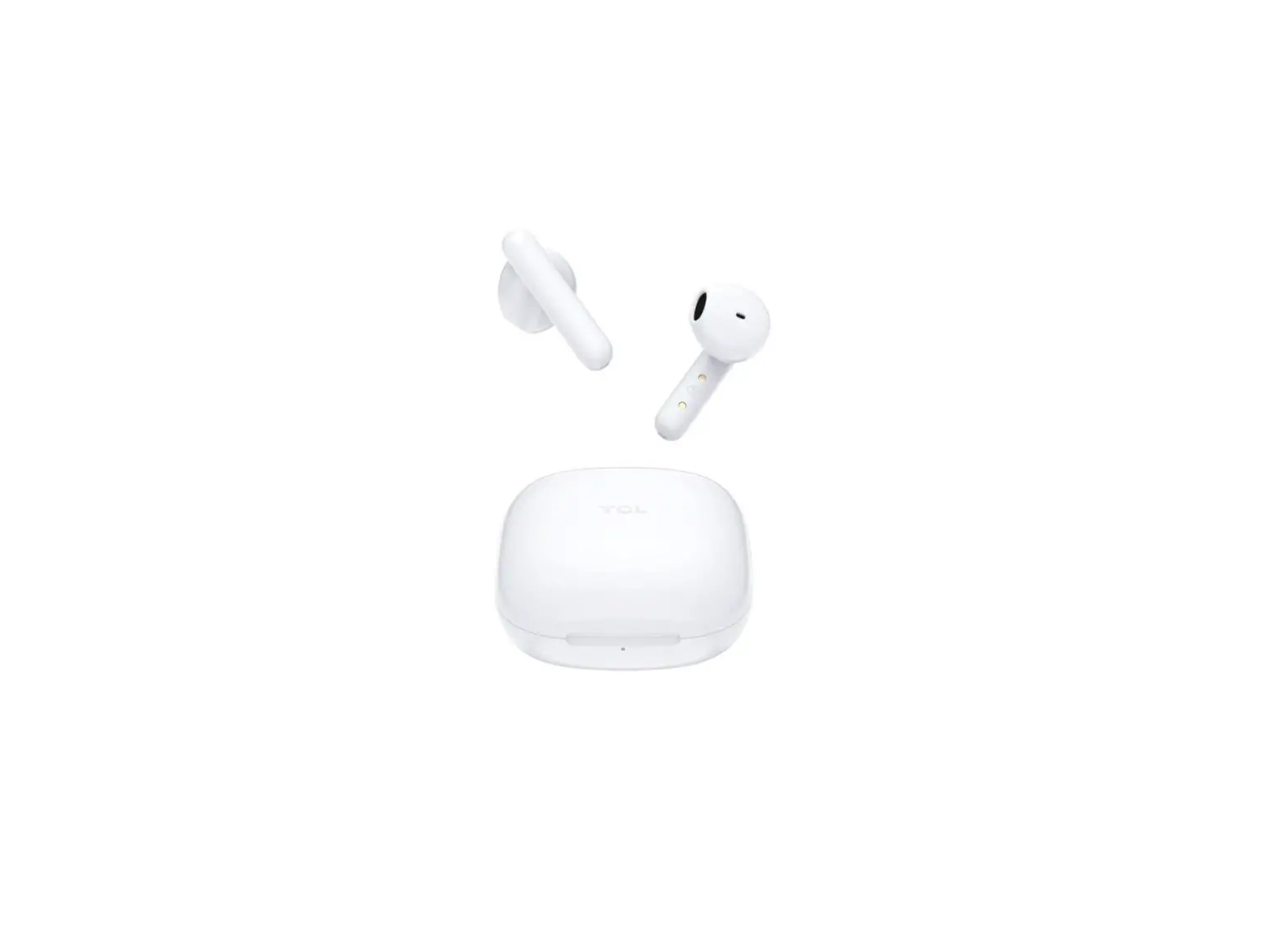
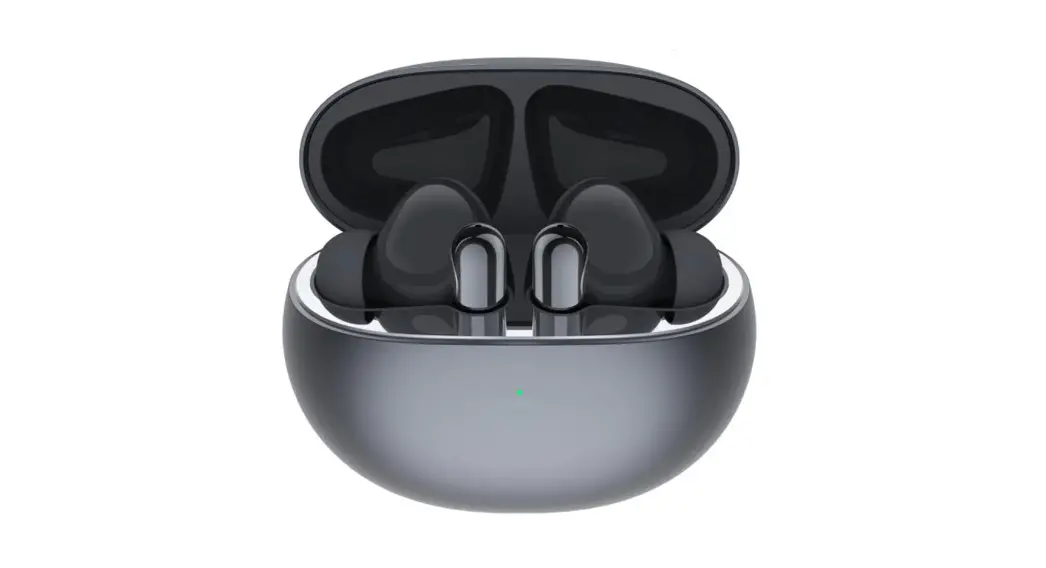
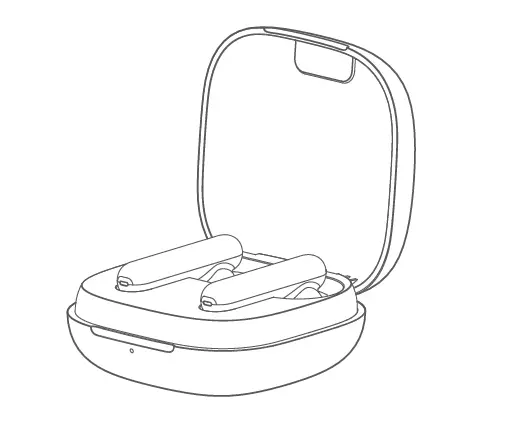
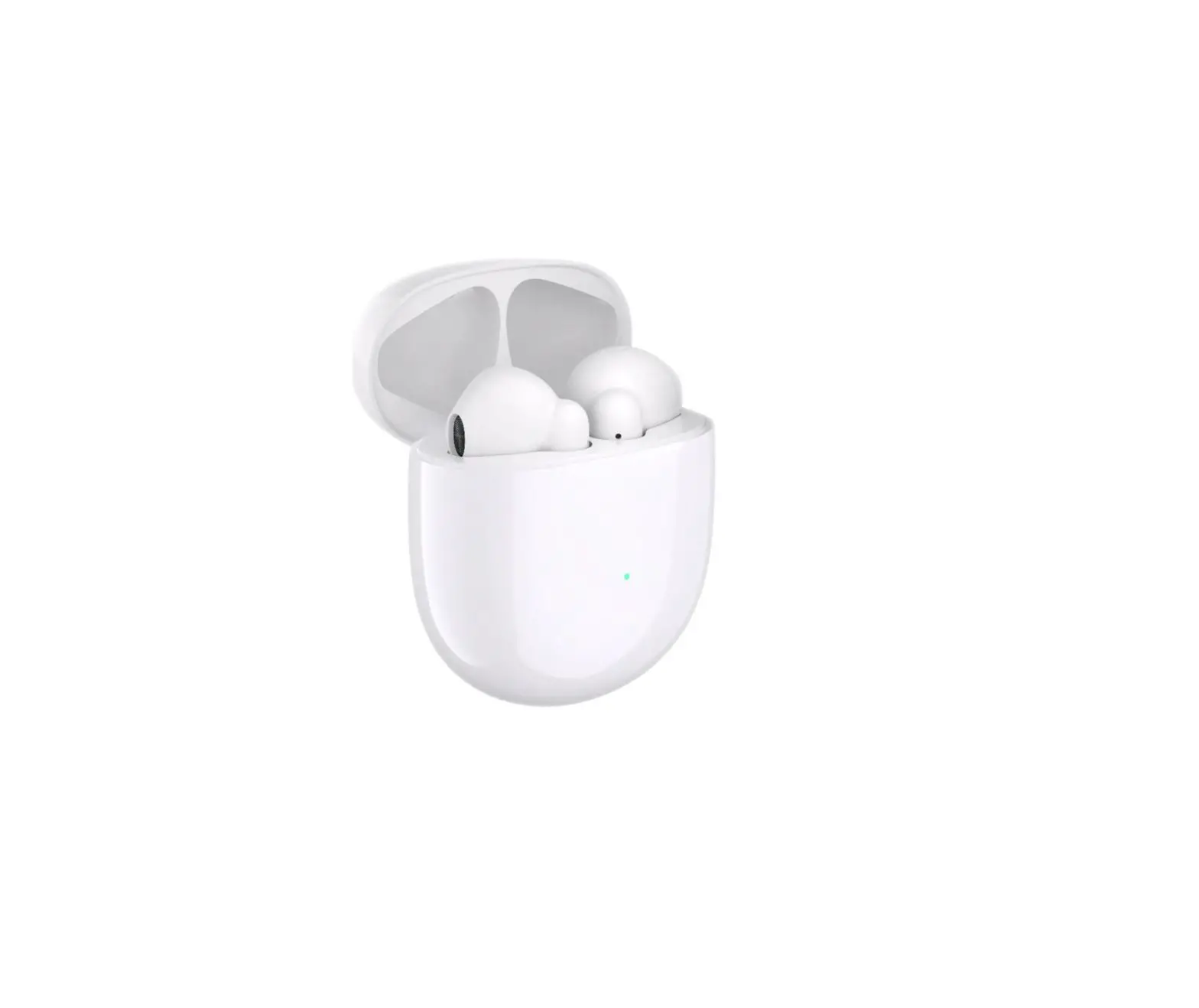
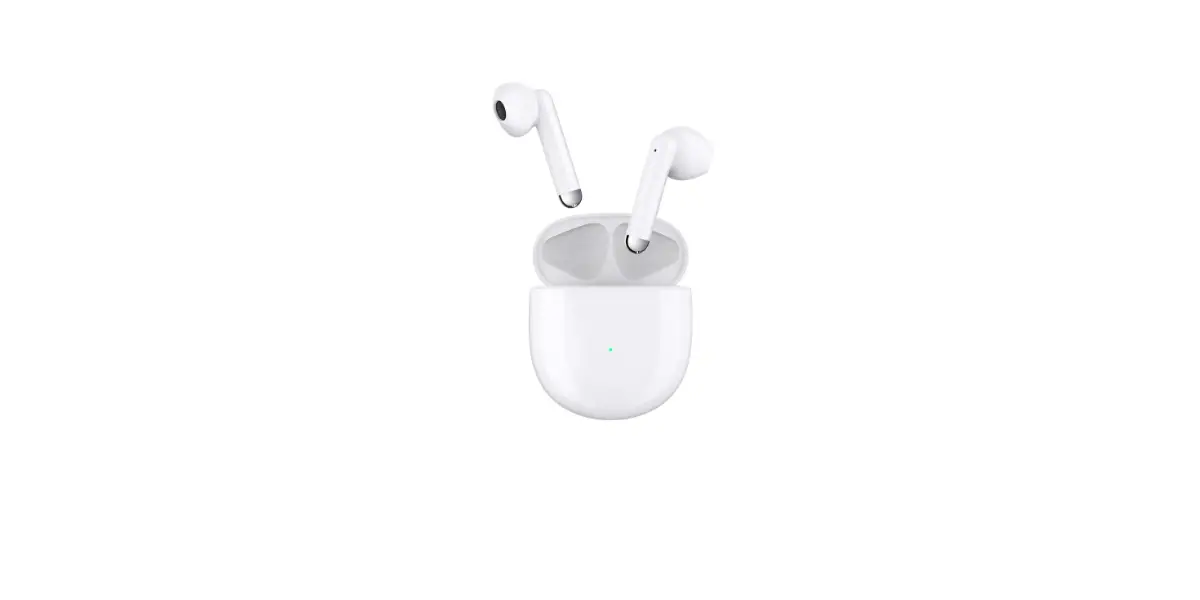
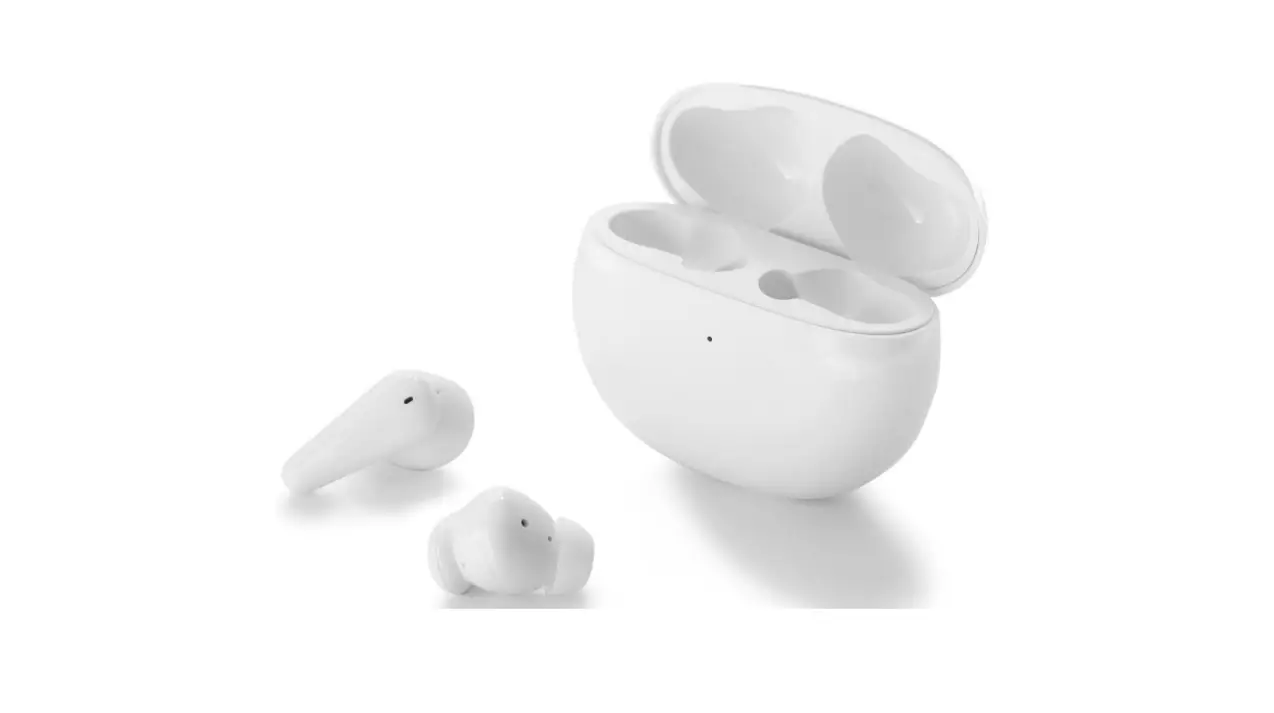
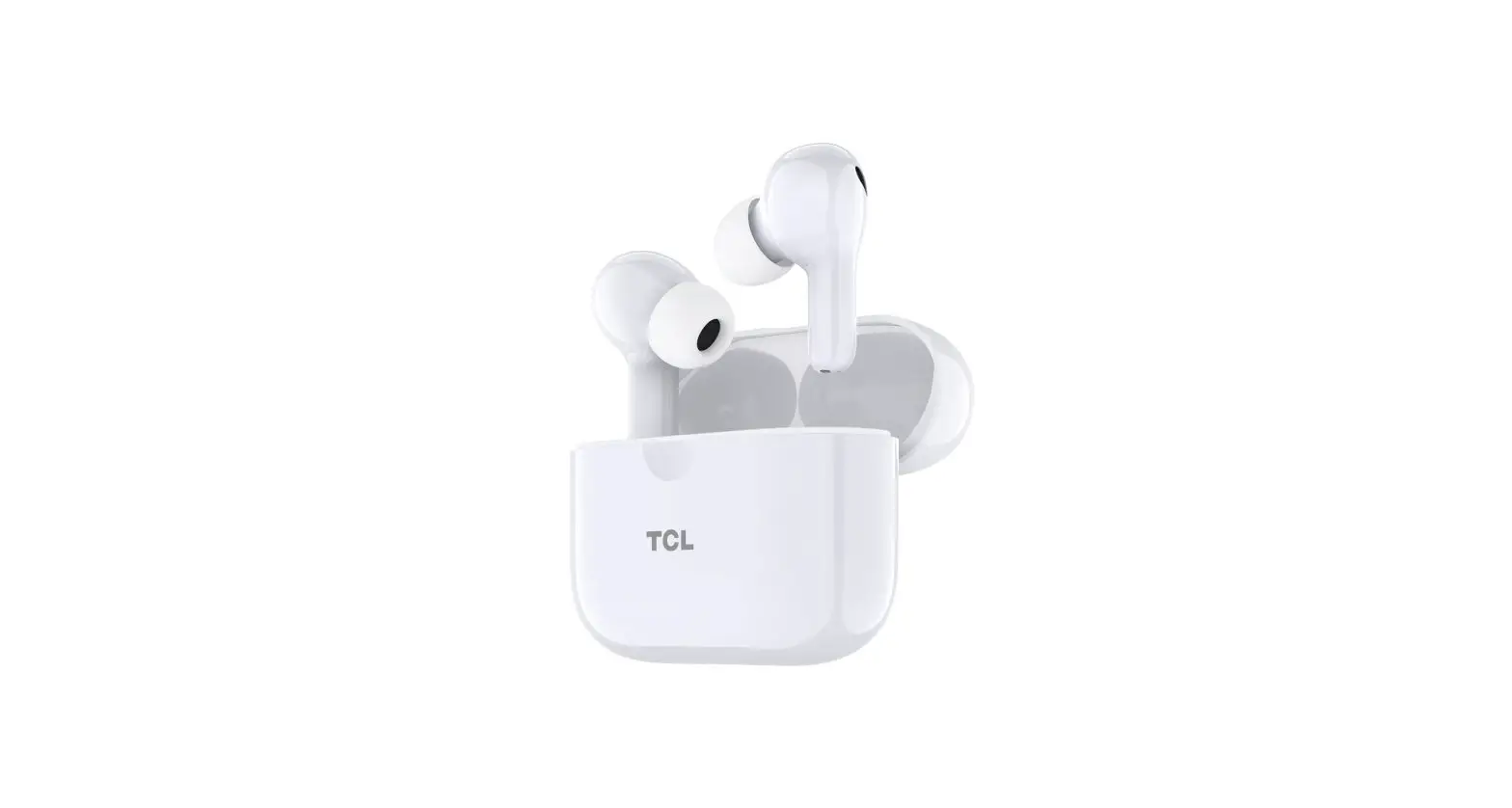
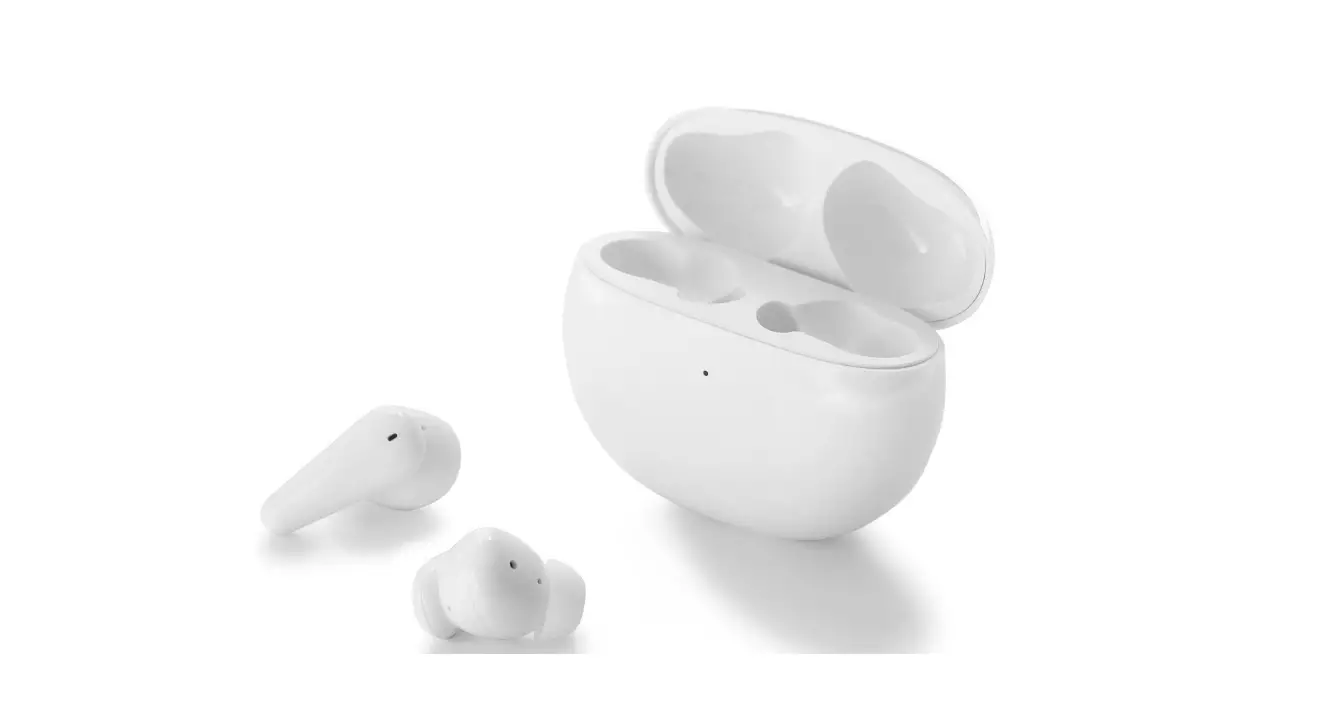
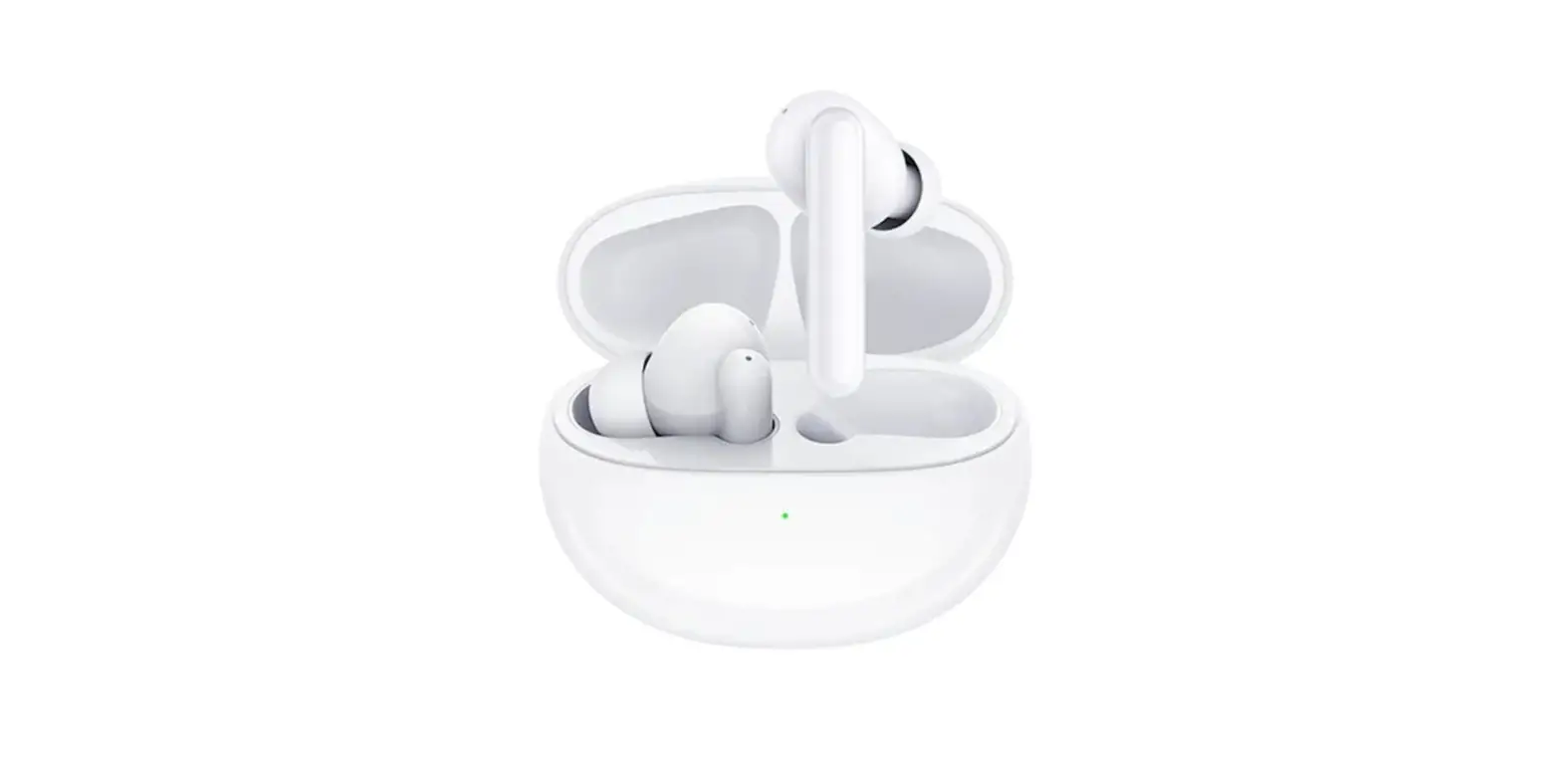
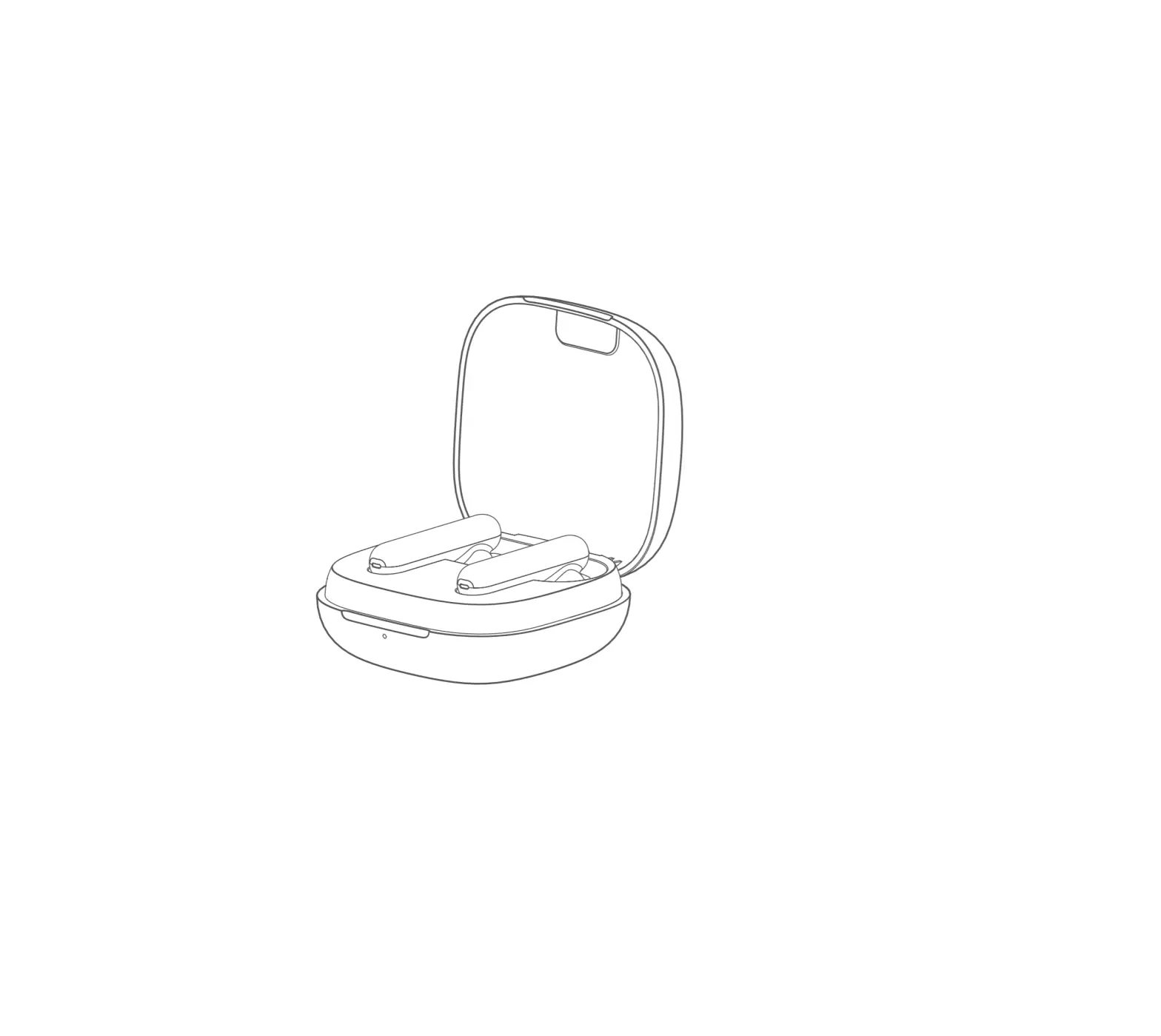
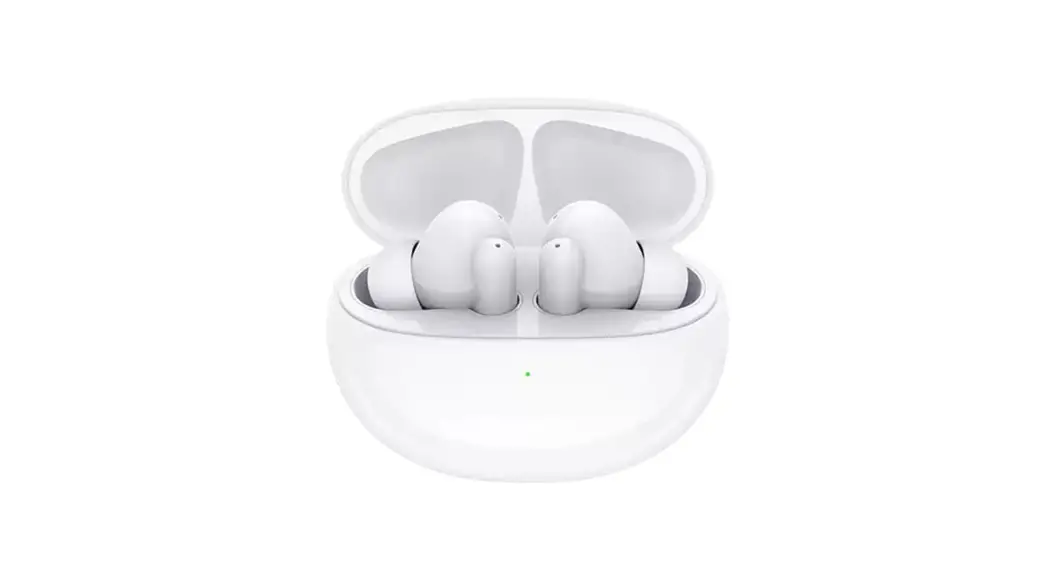
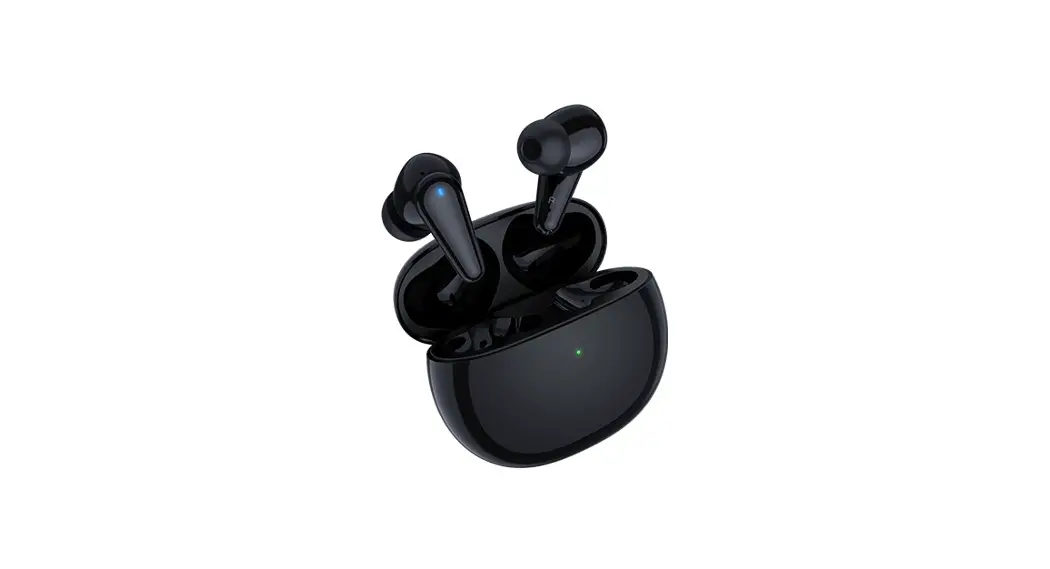
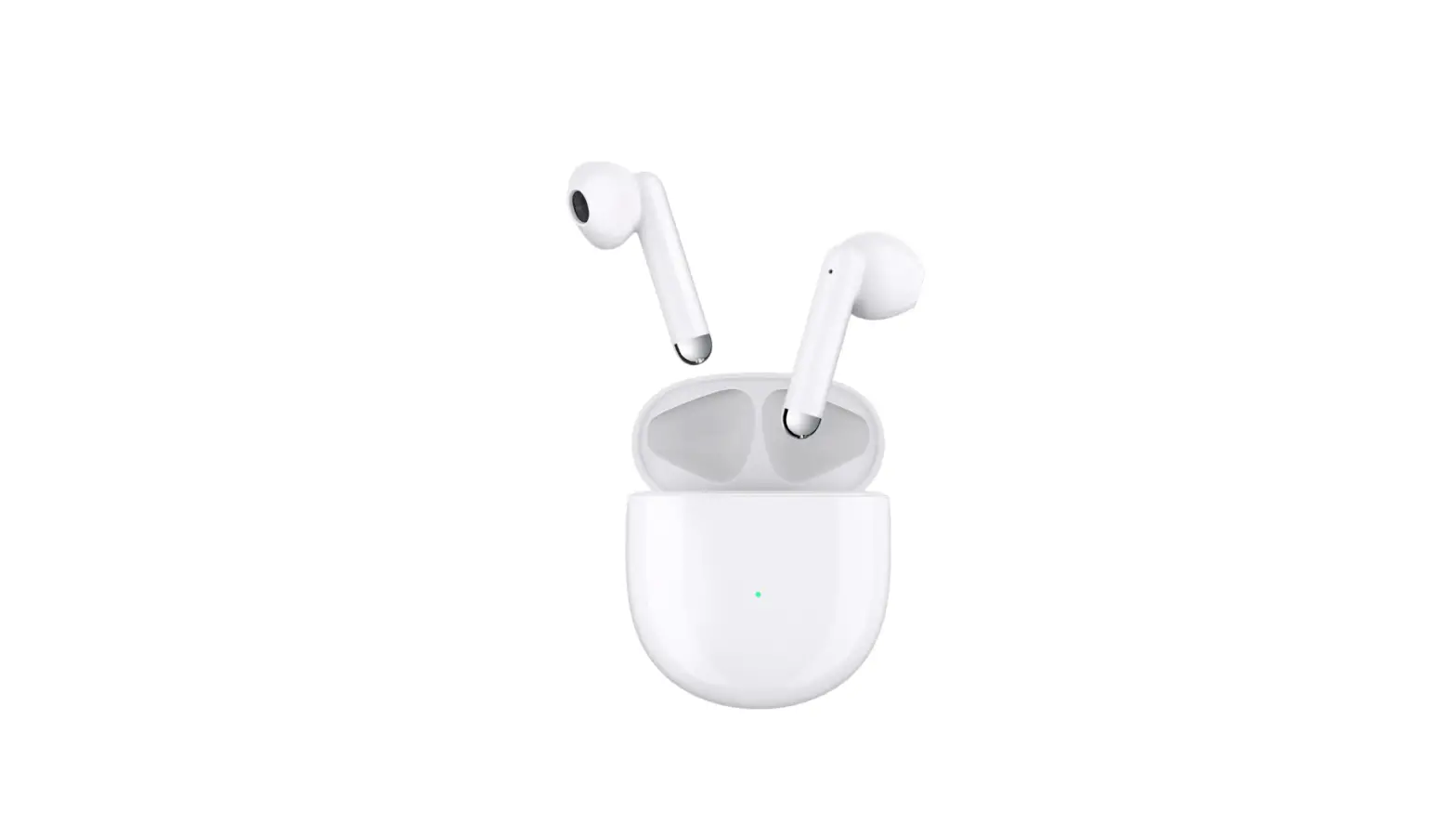
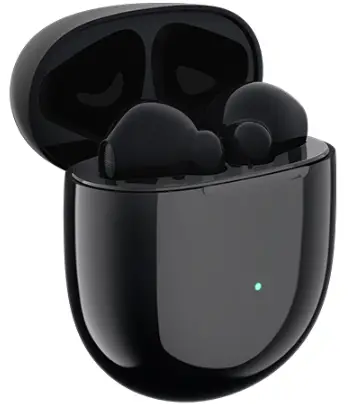
Charging Case & Earbud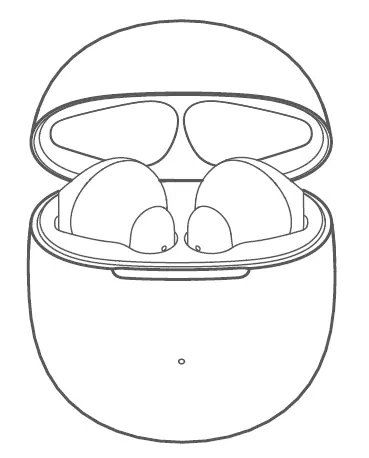 Quick start guide
USB cable
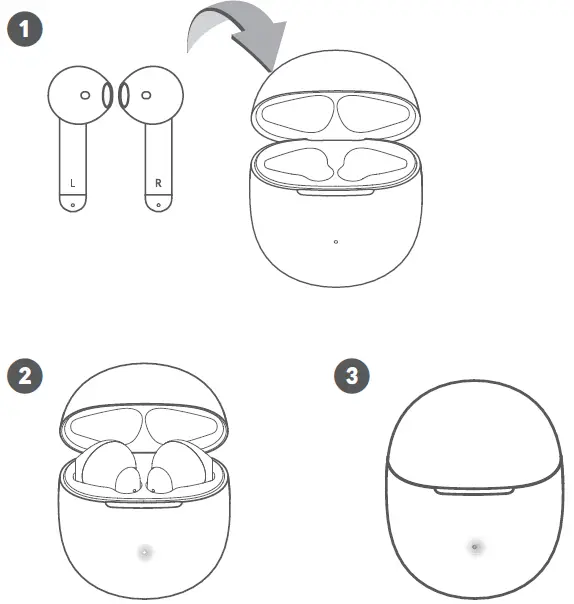
Activation
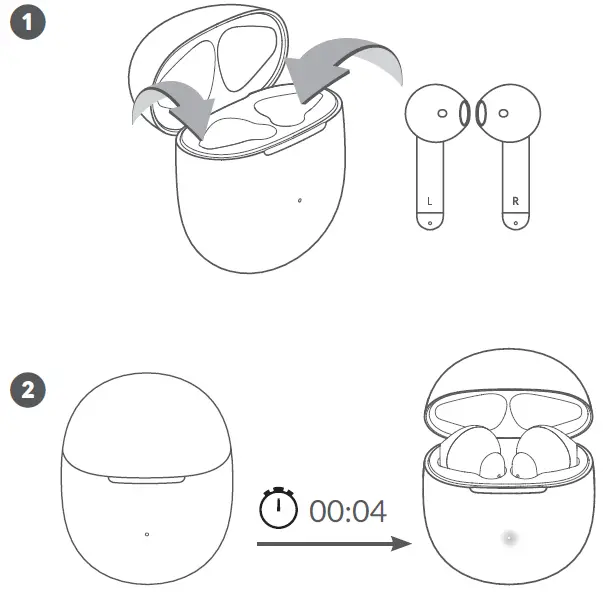
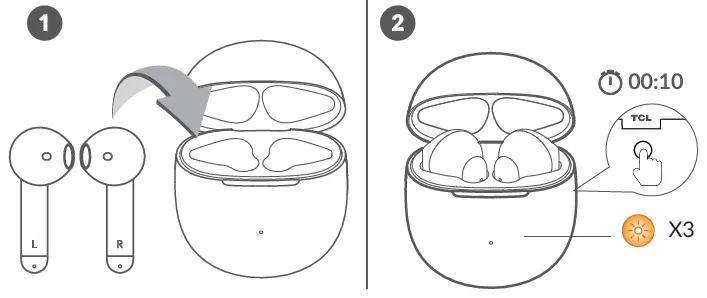
If earbuds cannot be activated successfully. Please charge it for a while and then repeat the activation process again.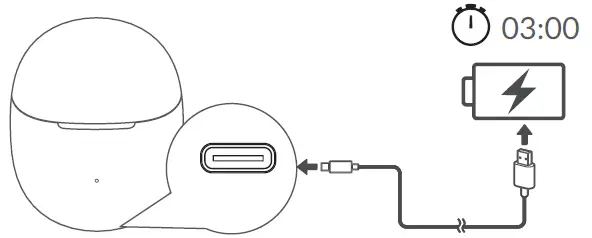
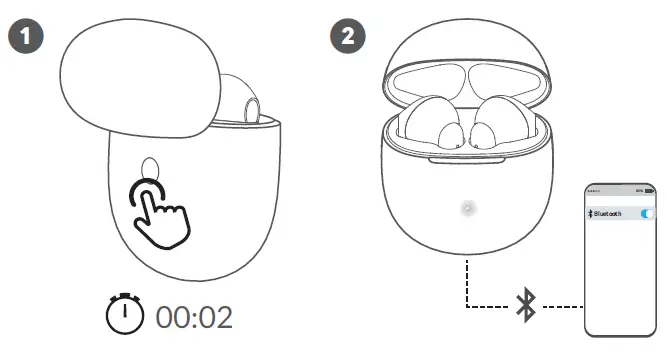
Pairing
Google Fast Pair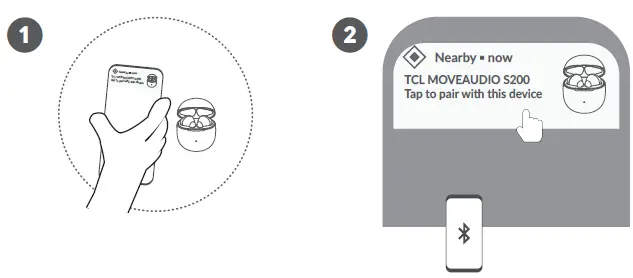 Manual Pairing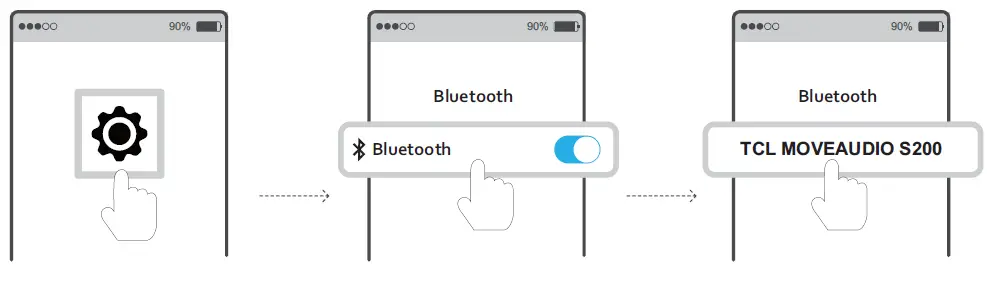
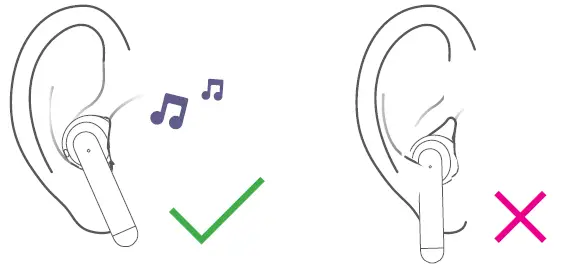
Wearing Instruction
Connect to other devices
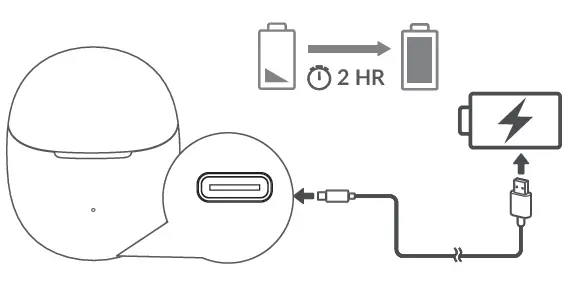
Charging
Charge Earbuds Charge Charging Case
 Touch Control
 Charge Charging Case
 Touch Control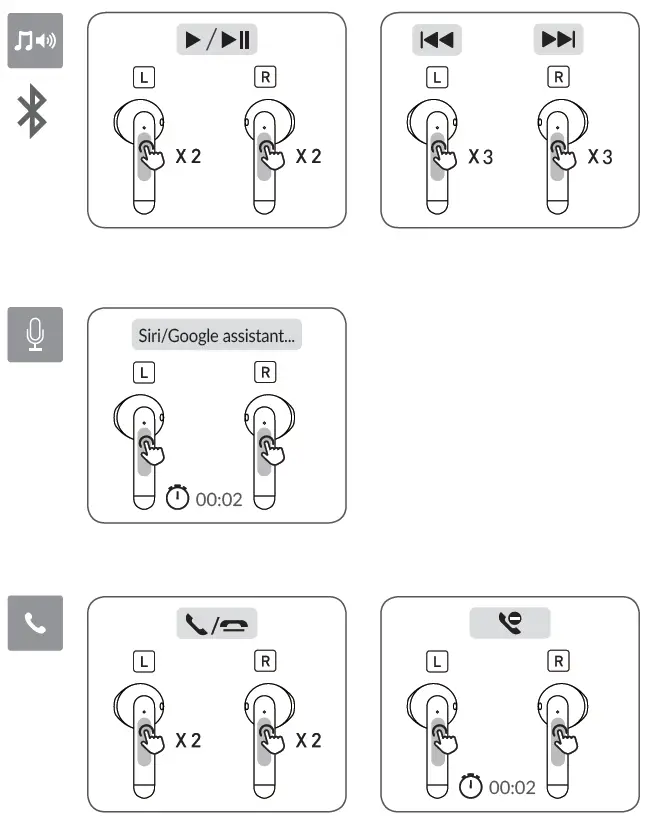
LED Lights Indications
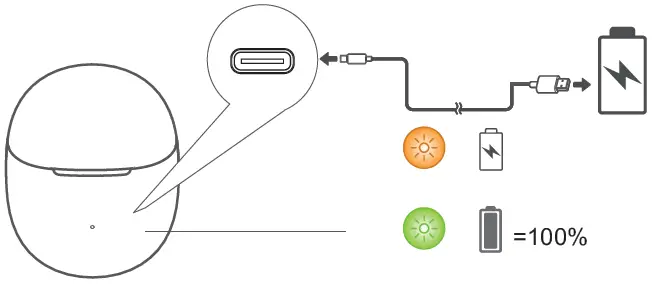 The LED light indicates the charge of the earbuds when you put in or take out the buds. When pressing the button or opening/closing the lid will indicate charge remaining in the case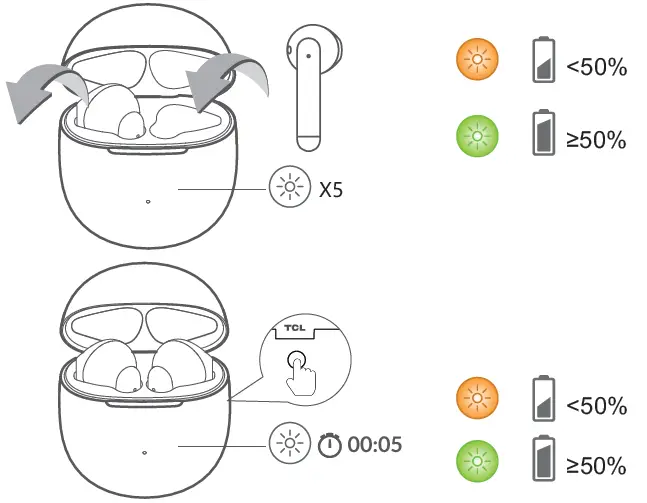
Reset