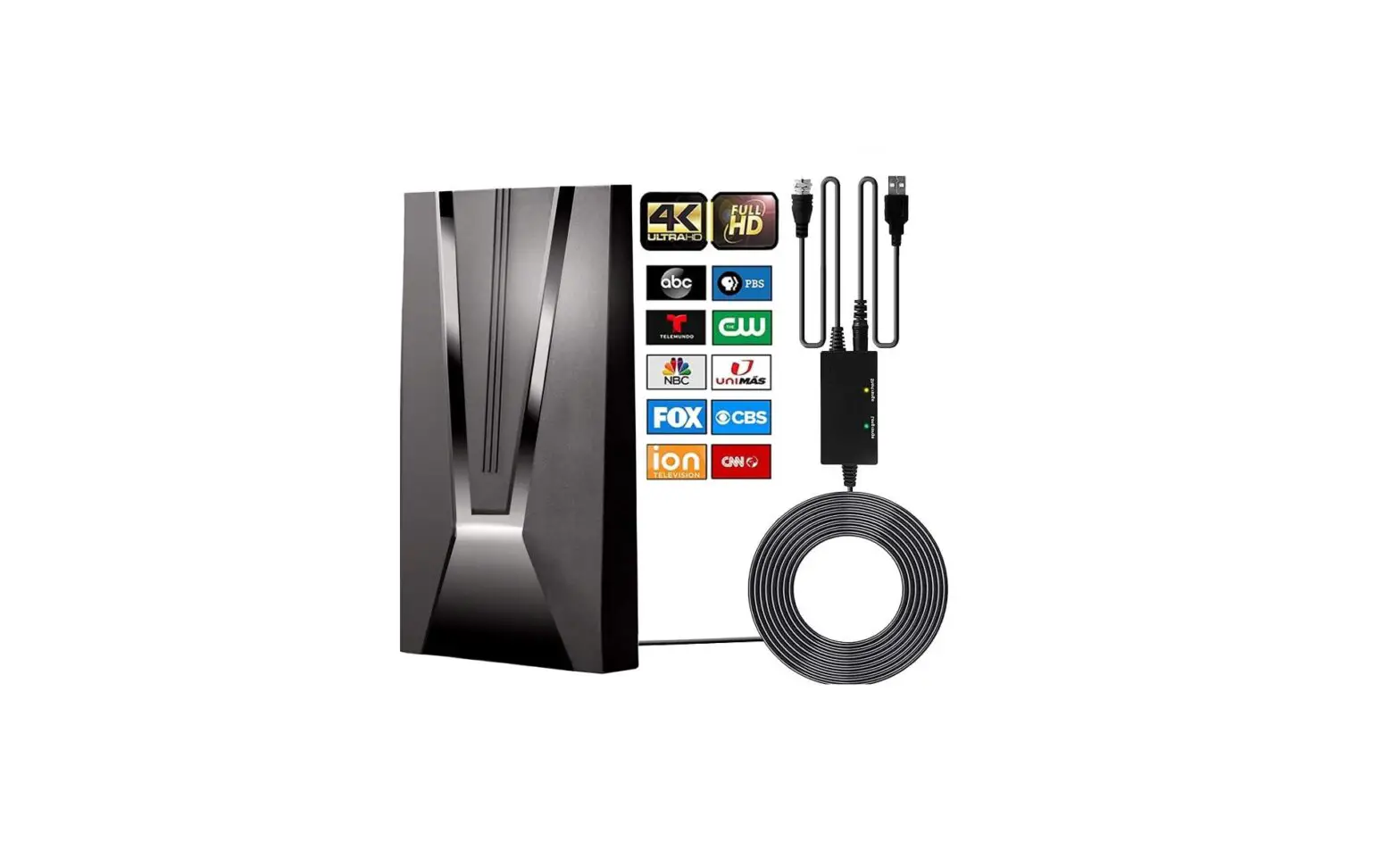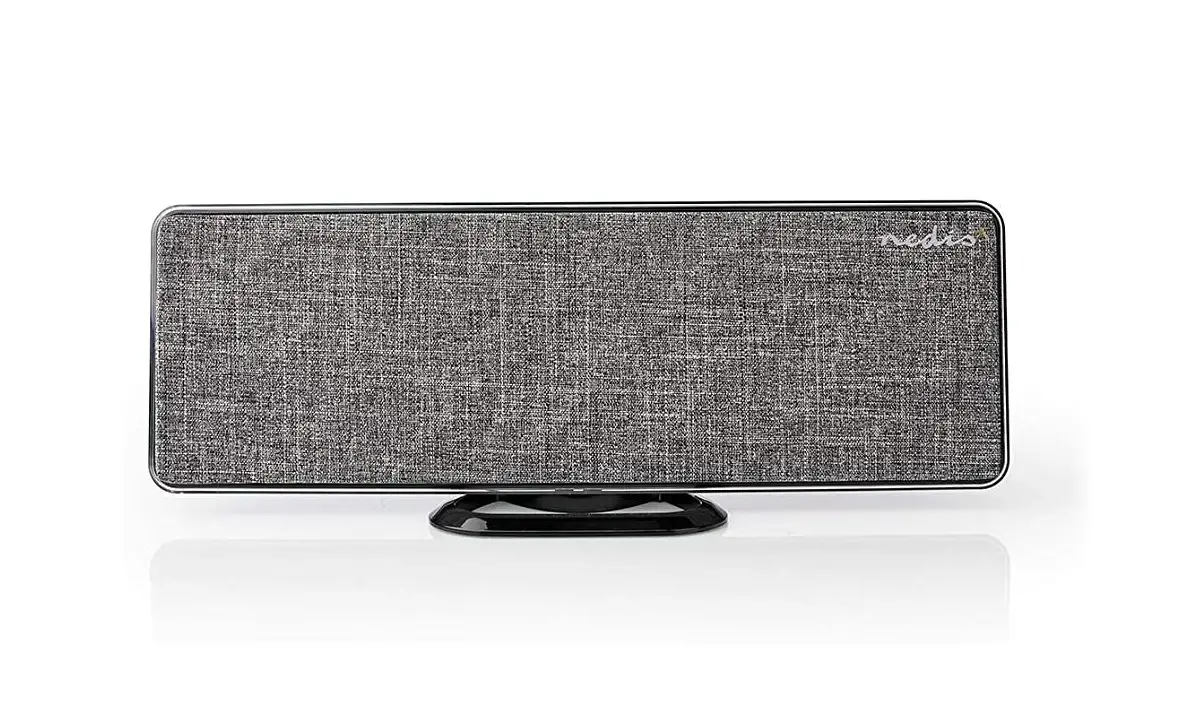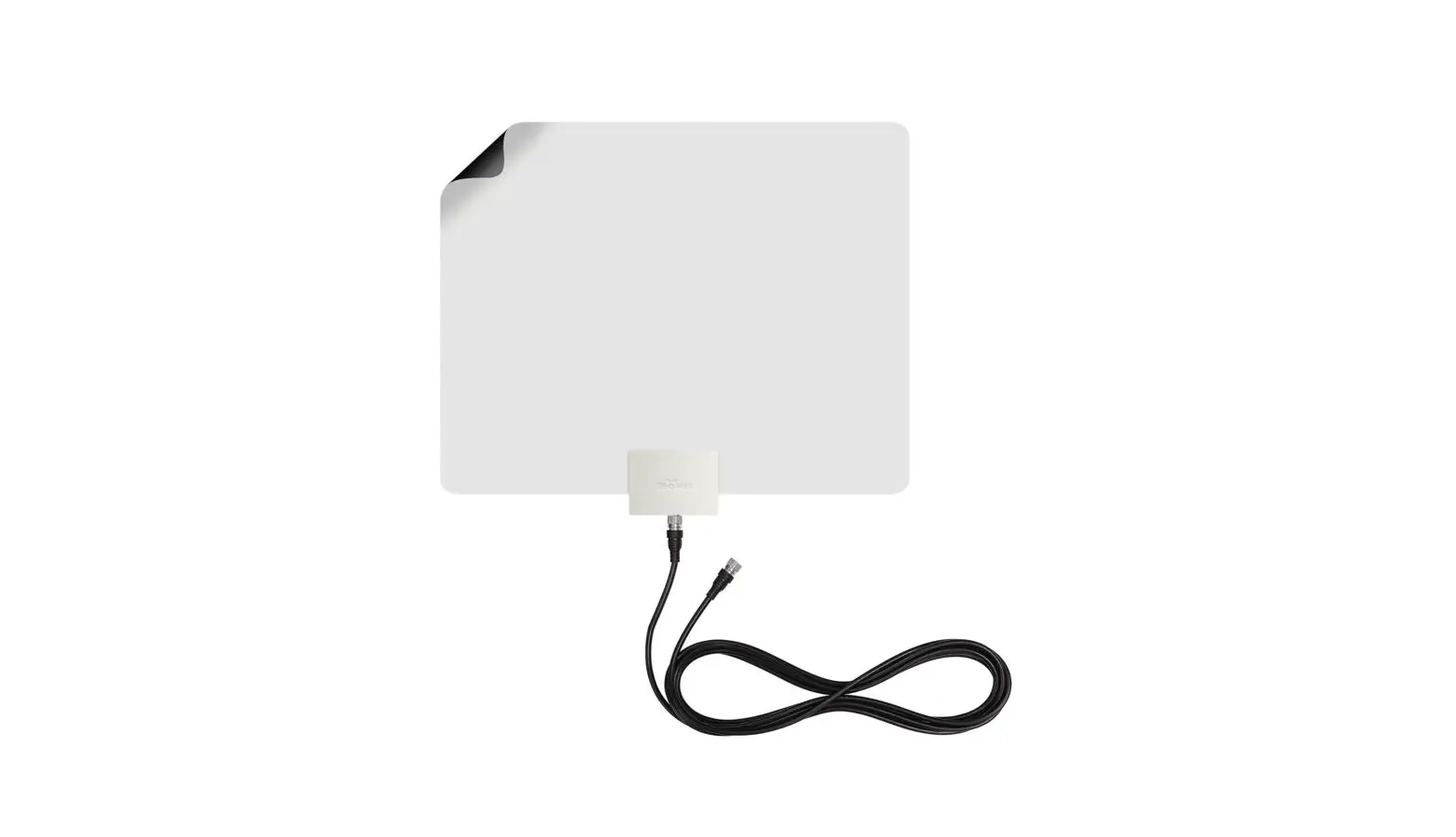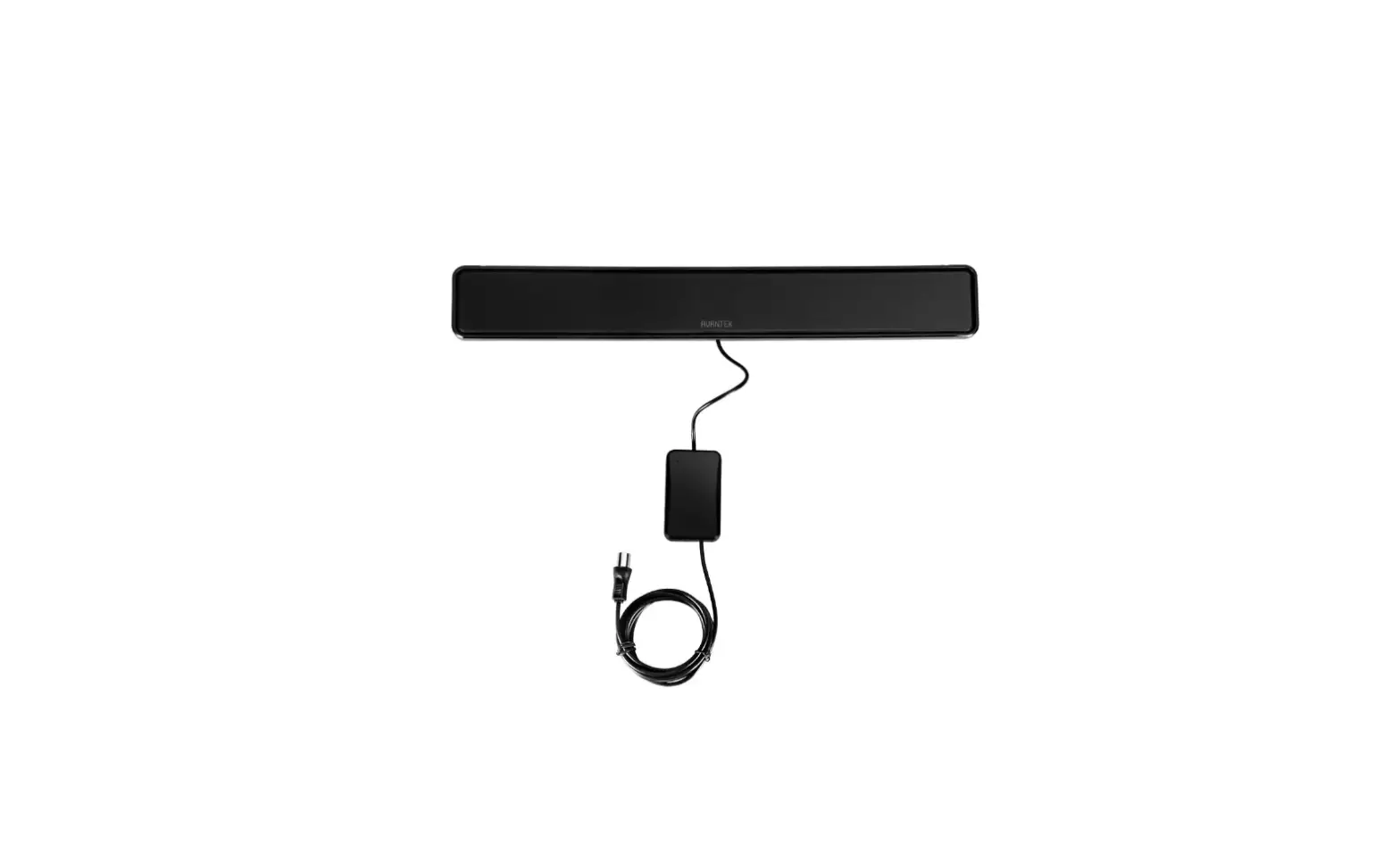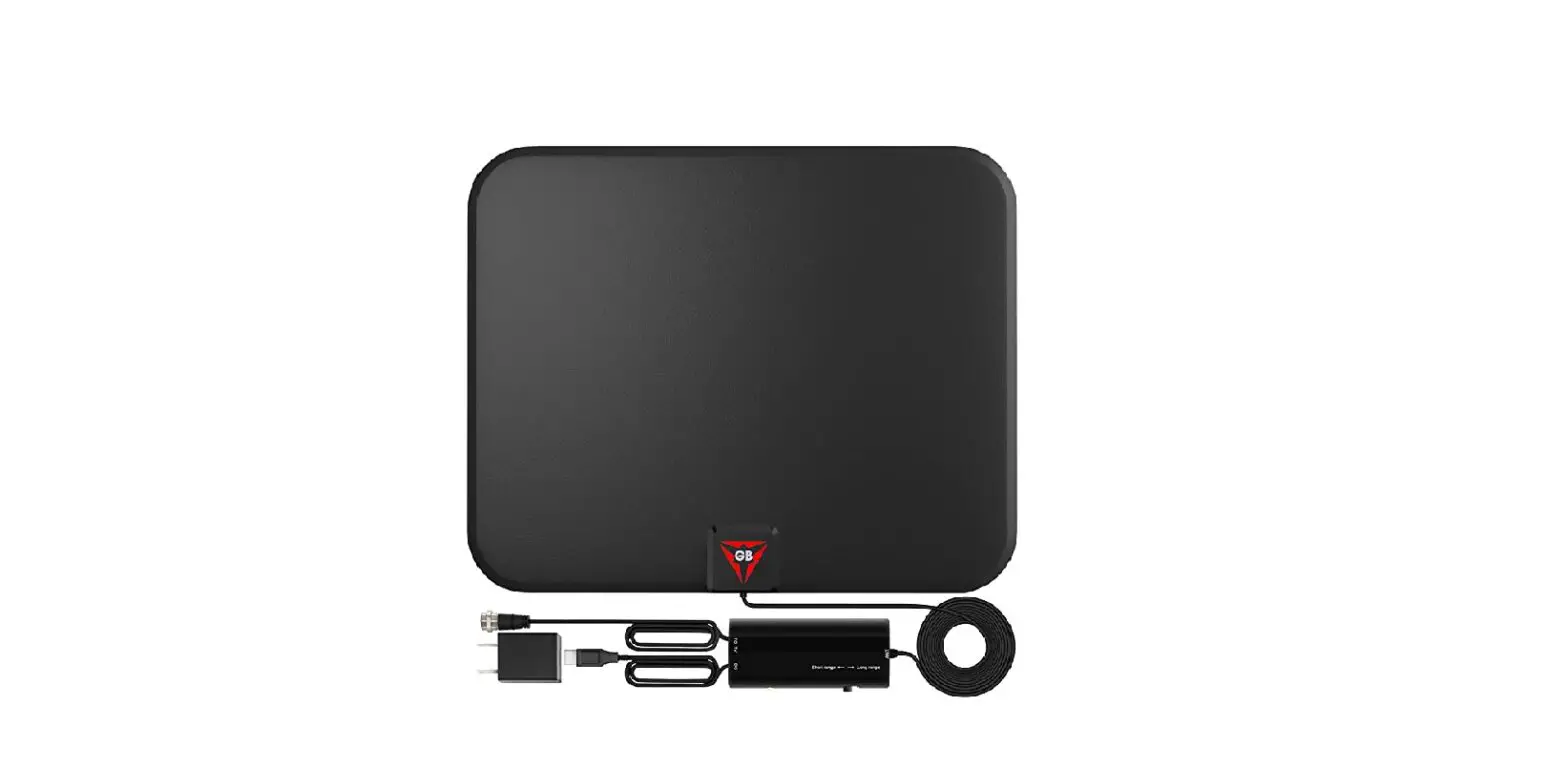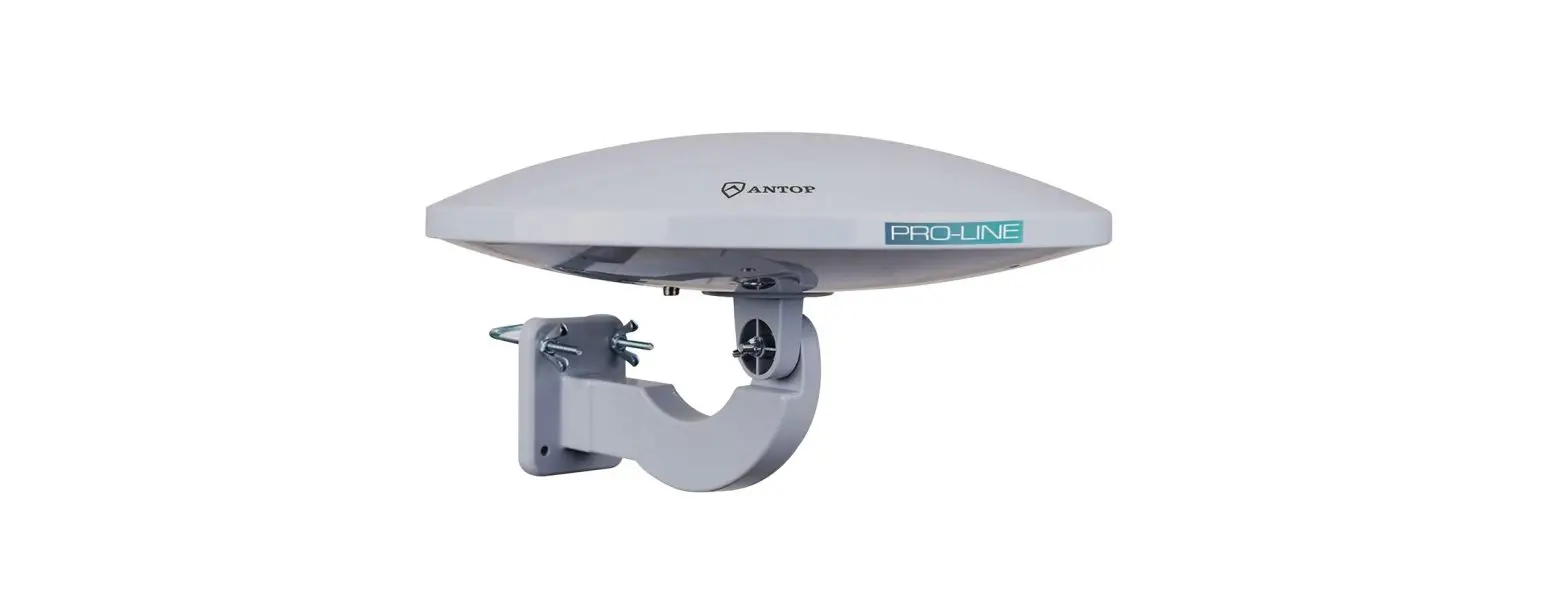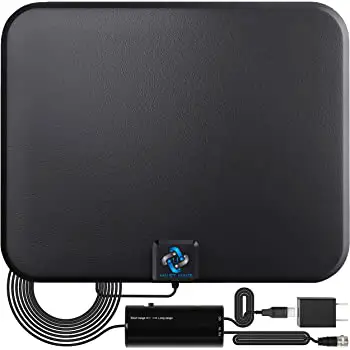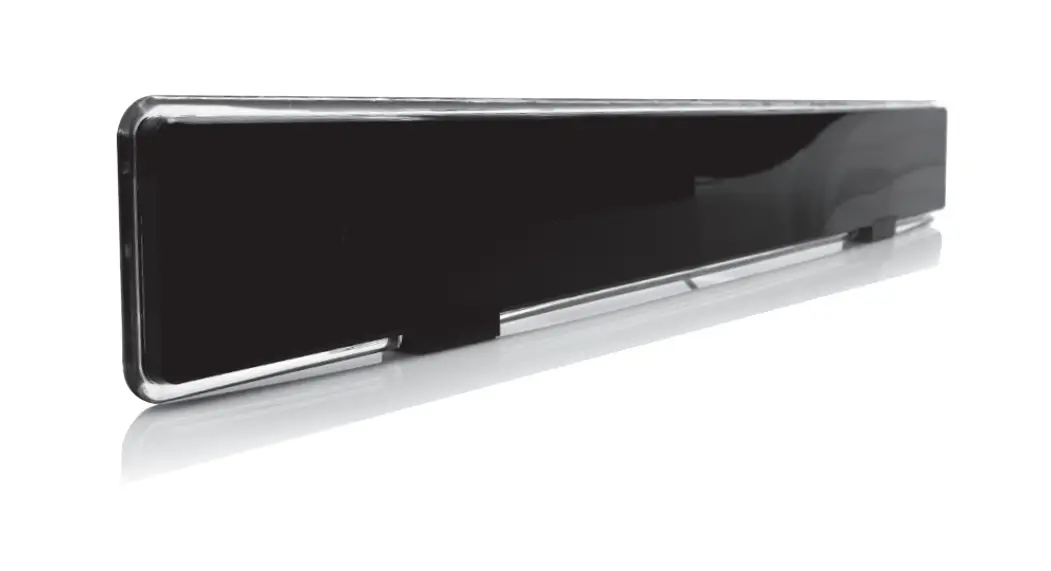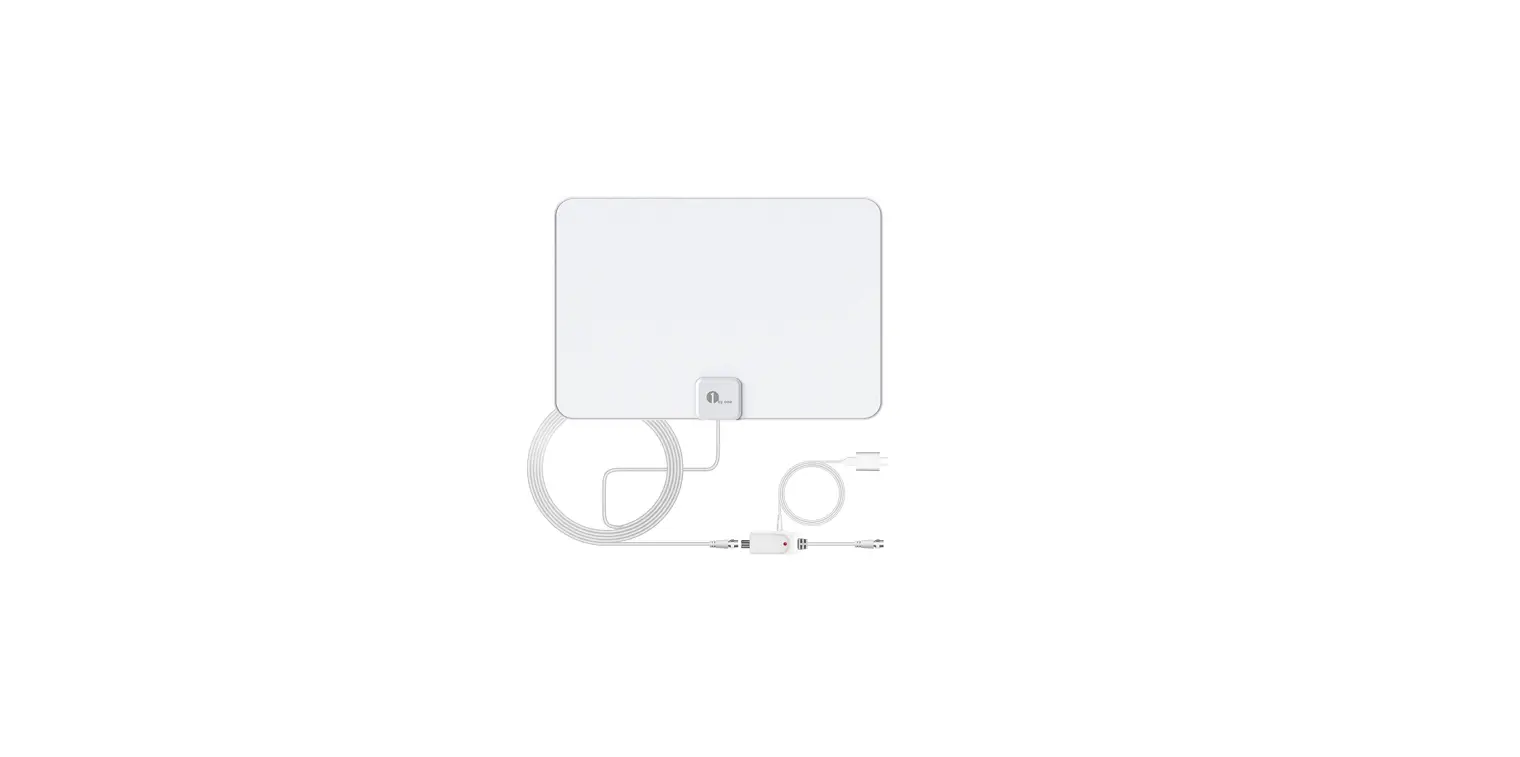

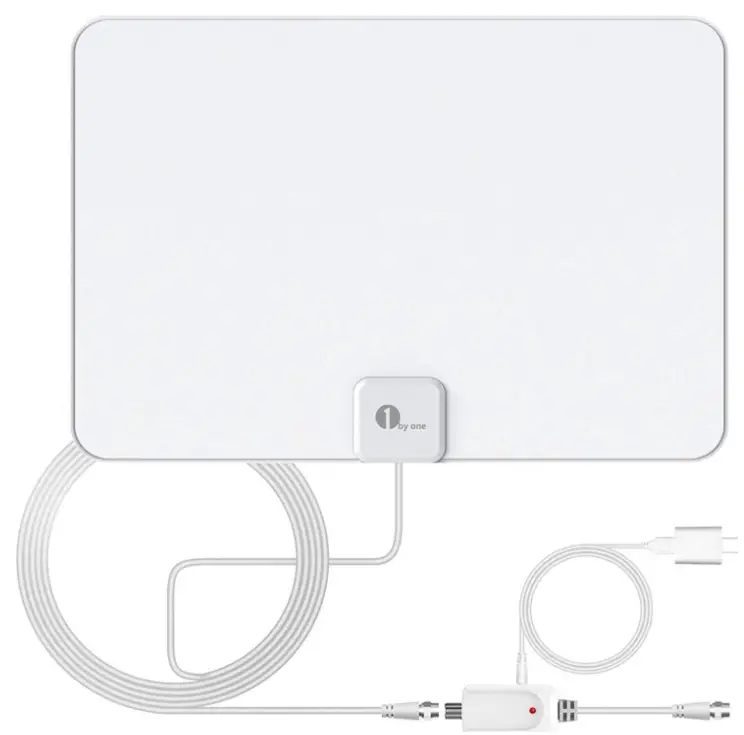
1byone OUS00-0566 Amplified HD Digital TV Antenna
Preparing to Connect
- Check your TV’s type.
Smart TVs and HDTVs can connect to the antenna directly.
A digital converter box may be needed for TVs made prior to 2009. Please provide your own box if needed. - Find the location of your local broadcast towers to find the best mounting position for your antenna.
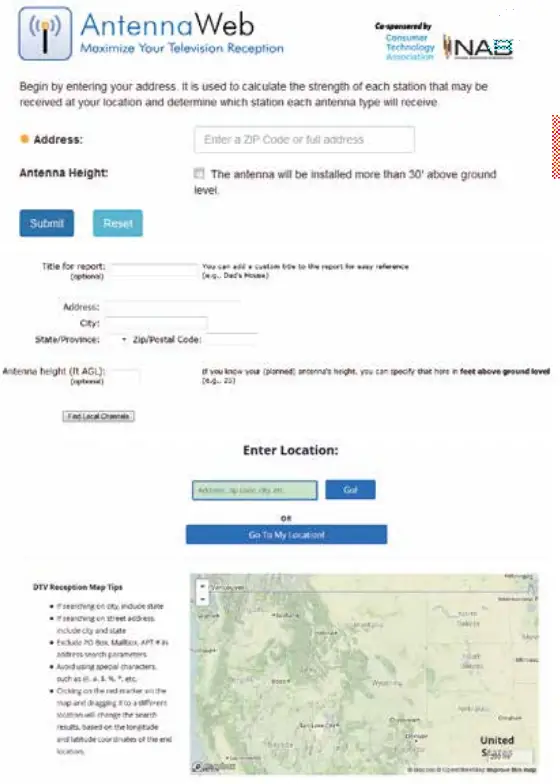
Check your house’s reception using the following websites: FCC: www.fcc.gov/media/engineering/dtvmaps
TV Fool: www.tvfool.com/
Antenna Web: antennaweb.org/Address
Connecting the Antenna
Place the antenna in a window facing the direction of the TV broadcast tower. The height and direction of the antenna can affect reception strength.
Note: Buy a longer coaxial cable if your TV doesn’t have enough space for an antenna behind it.
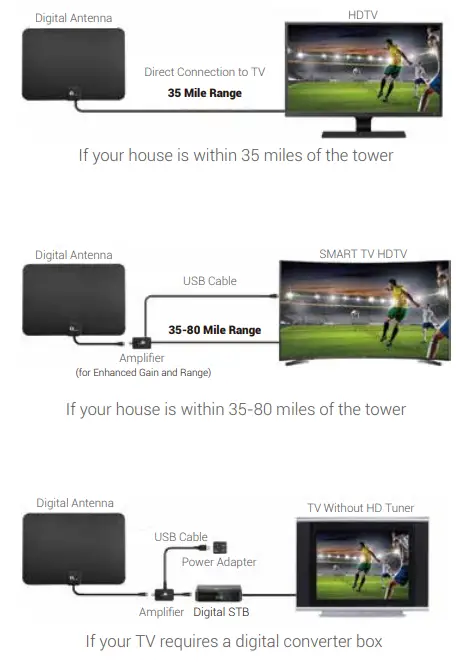
Note: If you have an amplified antenna, first use with the amplifier turned off. If reception is not good, turn on the amplifier to improve reception and rescan for channels.
Scanning for Channels
After connecting the antenna to the TV, use the TV remote control to scan for channels.
Here are generic steps to run a channel scan:
- Run the “Scan” function on your TV by pressing the Menu button on the remote control and find “Scan” or “Setup.”
• Make sure the TV is set to “Air” or “Antenna” instead of “Cable.” - Below is a basic channel scan menu for your reference. Please remember that different televisions have different setup processes.
- You will receive digital signals through the antenna once the scan is complete.
• Consult your TV’s manual or ask the manufacturer if you do not know how to access the channel scan function.
Note: Rescan for channels periodically, especially if you performed the initial scan on a cloudy day or during inclement weather as you might get some new stations you couldn’t pick up during bad weather.
More Tips for Better TV Reception and More Channels
- Rescan for channels regularly (highly recommended).
- Experiment with different antenna locations in your house.
- Face the antenna towards the TV broadcast towers.
- Use a longer coaxial cable to reach the window facing the broadcast tower if needed.
- When living near mountains, tall trees, or tall buildings, lay the antenna flat on a table or other surface.
- Place the antenna as high as possible.
- Use the amplifier when needed to boost reception.
- Eliminate Interference from electronics and electric equipment.
Tweaking the Antenna Position
Anything standing between the indoor antenna and the broadcast towers can degrade reception. Try placing the antenna in or near a window facing the broadcast tower.
For big houses, avoid mounting locations that might be obscured by large trees, a shed or garage or other large obstructions. Try a few different windows and walls to find the best location.
Note: ALWAYS rescan channels after EVERY move of the antenna, no matter how small.
Factors that May Impact Reception
- Too long of a coaxial cable
- Metal near or around windows
- Low E-glass windows
- Electronics and electric equipment near the antenna
- High wind
- LED lights
- Proximity to major freeways
- Proximity to airports
- Terrain obstructions such as hills, mountains, trees, buildings, etc.
Still Nothing?
If you have followed all instructions in this guide but still do not receive signal, please contact us through Amazon at
https://www.amazon.com/ss/help/contact/?sellerID=A26IM-HULYH7PHY or email us at [email protected]. We offer 90-days return and 24-months warranty. Our experts can perform signal research to determine which 1byone antenna will work best for your location and either exchange or replace it with more powerful antenna at no cost or process a full refund for you.
OUR PROMISE
- 90-DAY Refund Guarantee
- 24-MONTH Full Warranty
- 24-HOUR Customer Service
UNITED STATES
Tel: +1 909-391-3888 (Mon-Fri 9:00am – 6:00pm PST)
Email: [email protected]
UNITED KINGDOM
Tel: +44 158 241 2681 (Mon-Fri 9:00am – 6:00pm UTC)
Email: [email protected]
GERMANY/FRANCE/ITALY/SPAIN Email: [email protected]
JAPAN Email: [email protected] 1byone Products Inc. 1230 E Belmont Street, Ontario, CA, USA 91761 Customer Service: +1 909-391-3888 www.1byone.com
FAQs
If you have moved the antenna or changed its direction, you need to rescan for channels. If you have added a new TV, you need to rescan for channels. If you have added an amplifier, you need to rescan for channels. If you have added a new channel, you need to rescan for channels.
Check that the antenna is connected correctly and in the right direction. A “No Signal” message indicates that there is no signal from the TV broadcast tower in your area. You may need to reposition your antenna or adjust its direction.
Check that the antenna is connected correctly and in the right direction. A “Weak Signal” message indicates that there is a weak signal from the TV broadcast tower in your area. You may need to reposition your antenna or adjust its direction.
A channel not found message means that there is no channel broadcasting on that frequency in your area. Try another channel or check Antenna Web (antennaweb.org/Address) to find out what stations are available in your area.
If you want to divide the signal from one antenna to provide two TVs, an amplifier can also be useful. Our experiments, however, revealed that amplified antennas weren’t necessarily superior to nonamplified ones in terms of performance; they can also magnify noise and distortion and overpower reception from nearby stations.
In order to limit the risk of obstructions between your antenna and the broadcast towers it is receiving signals from, we normally recommend positioning your TV antenna at the highest point and with a clear line of sight to the broadcast towers for the greatest performance.
As long as it’s free from outside barriers, positioning your antenna high in a window is best because structures like floors, cabinets, and walls might affect transmission (trees, buildings, billboards, etc.).
No. Your digital antenna installation doesn’t come with an amplifier by default for a good reason. If you don’t need them or if you don’t use them appropriately, amplifiers can be problematic.
Antennas for over-the-air television work best when they are pointed in the direction of the broadcast towers in your area. Select an unobstructed window or outdoor space with a view of the buildings.
However, the antenna requires (DC) electricity to function correctly. The wall-wart and the power-injector module are plugged into a standard household power outlet to supply this power. The power injector transmits (DC) power to the antenna over the same cable that the antenna feeds the enhanced TV signal toward the TV.
Signal strength is boosted through amplified antennas. It is more difficult to receive a broadcast signal the further away you are from a TV station. If you are in a rural or suburban region, you might require an amplified antenna. Additionally, amplifiers can make up for weather-related signal interference.
An amplifier shouldn’t be required with a 20 foot coaxial line. However, signal loss caused by splitters and junctions can occasionally be overcome by the use of an amplifier. If you don’t require one, I wouldn’t advise adding one. An amplifier may enhance noise but does not produce a signal.